Cracking a skill-specific interview, like one for Computer Literacy (e.g., spreadsheets, databases), requires understanding the nuances of the role. In this blog, we present the questions you’re most likely to encounter, along with insights into how to answer them effectively. Let’s ensure you’re ready to make a strong impression.
Questions Asked in Computer Literacy (e.g., spreadsheets, databases) Interview
Q 1. Explain the difference between a relational and non-relational database.
Relational databases (RDBMS) and non-relational databases (NoSQL) differ fundamentally in how they organize and access data. Think of it like this: a relational database is like a meticulously organized library with books (data) categorized by author, genre, and publication date (relationships), allowing for easy retrieval using specific keywords. A non-relational database is more like a vast digital archive with various data formats – some books, some articles, some images – all stored together. Accessing specific information might require knowing the file name or location rather than searching by metadata.
Relational Databases (RDBMS): These databases use a structured query language (SQL) to manage data stored in tables with defined relationships between them. Data integrity is maintained through constraints like primary and foreign keys. Examples include MySQL, PostgreSQL, and Oracle. They are excellent for structured data where relationships are important, like customer databases or inventory management systems.
Non-Relational Databases (NoSQL): These databases are designed for flexibility and scalability, handling large volumes of unstructured or semi-structured data. They don’t rely on fixed schemas or relationships between tables. Examples include MongoDB, Cassandra, and Redis. They are well-suited for big data applications, real-time analytics, and applications with rapidly changing data structures, such as social media platforms or content management systems.
- Key Difference: RDBMS emphasizes data integrity and relationships through predefined schemas, while NoSQL prioritizes scalability and flexibility to handle diverse data types.
Q 2. Describe your experience with SQL. Give examples of queries you’ve written.
I have extensive experience with SQL, using it daily for data manipulation and analysis. I’m proficient in writing queries for various tasks, from simple data retrieval to complex joins and aggregations. For instance, I often work with large datasets, and my SQL skills are crucial for efficient data extraction and transformation.
Example 1: Retrieving customer information
SELECT customer_id, first_name, last_name, email FROM customers WHERE country = 'USA';This query selects specific customer information (ID, name, email) from the ‘customers’ table, filtering results to show only US customers.
Example 2: Joining tables to get order details
SELECT o.order_id, c.first_name, c.last_name, oi.product_name, oi.quantity FROM orders o JOIN customers c ON o.customer_id = c.customer_id JOIN order_items oi ON o.order_id = oi.order_id WHERE o.order_date BETWEEN '2023-01-01' AND '2023-12-31';This more complex query joins three tables (‘orders’, ‘customers’, ‘order_items’) to retrieve order details including customer names and product information for a specific year. This showcases my ability to work with multiple tables and apply filters.
Example 3: Aggregate function for sales analysis
SELECT SUM(quantity * price) AS total_revenue FROM order_items;This query uses the SUM() aggregate function to calculate the total revenue from all order items.
Q 3. How do you handle large datasets in spreadsheets?
Handling large datasets in spreadsheets requires strategic approaches to avoid performance issues and maintain data integrity. Here’s how I tackle it:
- Data Filtering and Subsetting: Instead of working with the entire dataset, I filter or subset the data to include only relevant information. This dramatically improves performance.
- Data Aggregation: I use functions like SUMIF, COUNTIF, and AVERAGEIF to summarize data and reduce the number of rows, making the spreadsheet more manageable.
- Pivot Tables: Pivot tables are powerful tools for summarizing and analyzing large datasets, allowing for easy aggregation and data visualization.
- External Data Sources: For extremely large datasets, it’s often more efficient to connect the spreadsheet to an external database (like a relational database) and query the data directly using SQL. This keeps the spreadsheet lightweight and allows for powerful data manipulation in the database.
- Data Cleaning & Validation Before Import: Cleaning and validating the data before loading it into the spreadsheet can significantly reduce errors and improve processing speed.
For example, if I’m analyzing sales data for a large company, instead of loading millions of rows into a single spreadsheet, I might first aggregate data by month or product category in the database and then import only the summarized data into the spreadsheet for analysis and reporting.
Q 4. What are some common spreadsheet functions you use regularly? Provide examples.
My daily work involves numerous spreadsheet functions. Here are some I frequently use:
SUM(): Adds a range of numbers. Example:=SUM(A1:A10)AVERAGE(): Calculates the average of a range of numbers. Example:=AVERAGE(B1:B10)COUNT(): Counts the number of cells in a range. Example:=COUNT(C1:C10)IF(): Performs a logical test and returns one value if the test is true and another if it’s false. Example:=IF(A1>10, "High", "Low")VLOOKUP(): Searches for a value in the first column of a range and returns a value in the same row from a specified column. Example:=VLOOKUP(A1,D1:E10,2,FALSE)(Searches for A1 in column D and returns the corresponding value from column E)CONCATENATE()or&operator: Joins text strings together. Example:=CONCATENATE("Hello", " ", "World!")or="Hello" & " " & "World!"COUNTIF(): Counts cells that meet a specific criterion. Example:=COUNTIF(A1:A10,">10")
These functions are fundamental for data analysis, calculations, and reporting. I often combine these functions to create more complex formulas for efficient data processing.
Q 5. Explain data normalization and its importance.
Data normalization is the process of organizing data to reduce redundancy and improve data integrity. Think of it like tidying up your closet – you group similar items together (e.g., shirts, pants, shoes), eliminating duplicates and making it easier to find what you need. In databases, it involves splitting databases into two or more tables and defining relationships between the tables.
Importance:
- Reduces Data Redundancy: By organizing data efficiently, it avoids storing the same information multiple times, saving storage space and improving data consistency.
- Enhances Data Integrity: Normalization helps maintain data accuracy and consistency by ensuring that data is stored only once and updated in a controlled manner.
- Improves Data Management: Simplifies data modification and retrieval. Changes to data only need to be made in one place, reducing the risk of inconsistencies.
- Enhances Database Performance: Less redundant data means faster query execution and improved overall database performance.
Example: Consider a database with a table storing customer information and their orders. A non-normalized table might have multiple columns for different order details, resulting in data redundancy. A normalized database would separate this into two tables: ‘customers’ (with customer ID, name, address) and ‘orders’ (with order ID, customer ID, order date, product details). The ‘customer ID’ would be the foreign key linking the two tables, maintaining the relationship between customers and their orders.
Q 6. What are your preferred methods for data cleaning and validation?
Data cleaning and validation are crucial for ensuring data quality. My preferred methods include:
- Identifying and Handling Missing Values: I assess whether missing values represent true absences or errors. I might replace them with appropriate values (e.g., 0, the mean, or median) or remove rows/columns with excessive missing data. The choice depends on the context and data characteristics.
- Outlier Detection and Treatment: I use statistical methods (box plots, Z-scores) to identify outliers and assess whether they are genuine values or errors. Outliers might be corrected, removed, or transformed using techniques like winsorizing or trimming.
- Data Transformation: I often transform data to a suitable format (e.g., standardizing units, converting data types). For example, I might convert text dates to a standardized date format.
- Consistency Checks: I ensure data consistency across different fields and tables. This involves checking for spelling errors, inconsistencies in data formats (e.g., date formats), and discrepancies between related data points.
- Data Validation Rules: I utilize data validation rules in spreadsheets and database constraints to prevent the entry of invalid data. For instance, I can enforce data type validation (e.g., ensuring a field accepts only numbers), range validation (e.g., ensuring a value falls within a specified range), or uniqueness constraints (e.g., ensuring each customer has a unique ID).
Tools like spreadsheet software, SQL, and programming languages (like Python with Pandas) are frequently employed for these tasks. The choice of tools depends on the dataset’s size and complexity.
Q 7. How do you ensure data integrity in spreadsheets and databases?
Maintaining data integrity is paramount. In spreadsheets and databases, I ensure this through various strategies:
- Data Validation: Implementing data validation rules in spreadsheets (e.g., restricting data types, enforcing ranges) and database constraints (e.g., primary keys, foreign keys, check constraints) prevents invalid data from entering the system.
- Regular Data Auditing: Periodically reviewing the data for inconsistencies, errors, and anomalies. This might involve comparing data against known reliable sources or running consistency checks.
- Version Control: Using version control systems for spreadsheets and databases allows for tracking changes and reverting to previous versions if errors occur.
- Access Control: Implementing appropriate access control mechanisms (e.g., user roles and permissions) restricts data modification to authorized personnel, reducing the risk of accidental or malicious data corruption.
- Data Backup and Recovery: Regularly backing up data ensures that data can be restored in case of system failures or data loss. This is crucial for minimizing the impact of errors or disasters.
- Data Reconciliation: Comparing data from different sources to identify discrepancies and resolve inconsistencies. This step is vital when data is imported from various external systems.
By combining these strategies, I significantly enhance the reliability and accuracy of the data, ensuring its integrity throughout its lifecycle.
Q 8. Describe your experience with data visualization tools.
Data visualization is the process of transforming complex data into easily understandable visual formats like charts, graphs, and maps. My experience spans several tools, including Tableau, Power BI, and even the built-in charting capabilities of Excel and Google Sheets. I’ve used Tableau to create interactive dashboards for sales performance analysis, visualizing trends over time and identifying top-performing products. With Power BI, I built reports connecting disparate data sources to provide a holistic view of customer behavior. In both cases, I focused on selecting the most appropriate chart type to accurately represent the data and ensure clarity for the intended audience. For instance, a line chart is perfect for showing trends over time, while a bar chart is better for comparing different categories. I also prioritize clean aesthetics and intuitive interactions, making the visualizations accessible and insightful for non-technical users.
Q 9. How do you identify and address errors in data?
Identifying and addressing data errors is crucial for accurate analysis. My approach is multifaceted. First, I perform data validation checks, verifying data types, ranges, and consistency. This often involves using spreadsheet functions like SUMIF or COUNTIF to identify outliers or inconsistencies. For larger datasets, I leverage SQL queries to perform data checks and identify anomalies. Secondly, I investigate the source of the error. This might involve examining data entry processes, checking for corrupted files, or verifying data integration procedures. Finally, I correct errors, which can involve manual correction, data cleansing using scripting languages like Python (with libraries like Pandas), or database updates. For instance, if I found inconsistencies in dates, I might use a Python script to standardize the date format. The key is to document the error, the correction, and the steps taken to prevent future occurrences, ensuring data quality and integrity.
Q 10. What is the difference between VLOOKUP and INDEX/MATCH in spreadsheets?
Both VLOOKUP and INDEX/MATCH are used to retrieve data from a table based on a specific criterion, but INDEX/MATCH offers significantly more flexibility and power. VLOOKUP searches for a value in the first column of a table and returns a value in the same row from a specified column. Its limitation is that it only searches in the first column. =VLOOKUP(lookup_value, table_array, col_index_num, [range_lookup])
INDEX/MATCH, on the other hand, allows you to search in any column and returns a value based on a match found in a specified column. =INDEX(array, MATCH(lookup_value, lookup_array, [match_type])). This provides greater flexibility, especially when dealing with multiple criteria or when the lookup value isn’t in the first column. For example, if you need to find a customer’s address based on their ID number (which might be in a different column than the address), INDEX/MATCH is the superior choice because VLOOKUP wouldn’t be able to find the information correctly. Furthermore, INDEX/MATCH is more efficient and robust when dealing with large datasets.
Q 11. Explain the concept of primary and foreign keys in a relational database.
In a relational database, primary and foreign keys are fundamental concepts that ensure data integrity and relationships between tables. A primary key uniquely identifies each record in a table. Think of it as a unique ID number for each row. It must contain unique values and cannot be NULL. For example, in a ‘Customers’ table, the ‘CustomerID’ column might be the primary key.
A foreign key is a column in one table that refers to the primary key of another table. It establishes a link or relationship between the two tables. For example, in an ‘Orders’ table, the ‘CustomerID’ column would be a foreign key referencing the ‘CustomerID’ primary key in the ‘Customers’ table. This allows you to easily retrieve all orders associated with a particular customer.
The relationship created by primary and foreign keys enforces referential integrity, ensuring that the data in related tables is consistent and accurate. Without these constraints, you could have orphaned records (records in one table referencing non-existent records in another table), leading to data inconsistencies and errors.
Q 12. How familiar are you with data warehousing and ETL processes?
Data warehousing involves the process of collecting and storing data from multiple sources into a centralized repository for analysis and reporting. ETL (Extract, Transform, Load) processes are crucial for creating and maintaining data warehouses. I’m familiar with various ETL tools and techniques. The ‘Extract’ phase involves pulling data from various sources, such as databases, flat files, or APIs. ‘Transform’ involves cleaning, transforming, and converting data into a consistent format suitable for the data warehouse. This often involves handling missing values, standardizing data formats, and aggregating data. The ‘Load’ phase involves loading the transformed data into the data warehouse.
My experience includes working with cloud-based ETL services like Azure Data Factory and AWS Glue. I’ve used these services to build ETL pipelines that extract data from multiple operational databases, transform the data to meet the requirements of the data warehouse, and load the data into a cloud-based data warehouse like Snowflake or Amazon Redshift. This allows for efficient and scalable data warehousing and business intelligence solutions.
Q 13. What are your experiences with different database management systems (DBMS)?
My experience with DBMS encompasses several systems, including relational databases like MySQL, PostgreSQL, and SQL Server, and NoSQL databases like MongoDB. With relational databases, I’m proficient in writing SQL queries for data manipulation, retrieval, and management. I’ve designed and implemented database schemas, optimizing them for performance and scalability. For instance, I’ve used SQL Server for large-scale enterprise applications, leveraging its features for managing transactions and ensuring data integrity. With NoSQL databases like MongoDB, I’ve worked on projects requiring flexible schema and high scalability, handling large volumes of unstructured or semi-structured data, like log files or social media data. I understand the strengths and weaknesses of each type of database and can select the most appropriate system for a given project.
Q 14. Describe a time you had to troubleshoot a database issue.
In a previous role, we encountered a performance bottleneck in our production database, a large SQL Server instance. Queries were running incredibly slowly, impacting the user experience. My troubleshooting process began with analyzing the database performance metrics, examining slow query logs and execution plans. We identified a poorly written query involving a join on a very large table without appropriate indexing. The solution was two-pronged: First, I optimized the SQL query, adding indexes to the relevant columns to significantly improve the join operation. Second, we worked with the development team to review their query writing practices, emphasizing the importance of database optimization and indexing strategies. This systematic approach, combining technical expertise and collaboration, resolved the performance issue and prevented similar problems in the future. Regular performance monitoring and proactive optimization are crucial for database health.
Q 15. How do you handle conflicting data in a spreadsheet?
Conflicting data in spreadsheets is a common problem, often arising from data entry errors, merging datasets, or inconsistencies in data sources. Handling it effectively requires a systematic approach. I typically begin by identifying the conflict – this might involve comparing values in different columns, looking for duplicates with mismatched information, or noticing illogical entries. Once identified, I use a combination of techniques to resolve them.
Data Validation: Before conflicts even arise, implementing data validation rules (e.g., ensuring a date column only accepts valid dates, or a number column only accepts positive values) prevents many issues. This is like setting up guardrails before driving.
Conditional Formatting: Highlighting cells containing potential conflicts using conditional formatting (e.g., highlighting cells with values that differ significantly from the average or other cells in the same row) helps visualize discrepancies. Think of this as using a highlighter to spot errors quickly.
Data Cleaning: Using functions like
VLOOKUPorINDEX/MATCHto compare data across different sheets or sources helps locate inconsistencies. Removing duplicates using spreadsheet functions is another crucial step. This is like thoroughly cleaning a messy dataset.Manual Review and Correction: For complex or nuanced conflicts, manual review is often necessary. Understanding the context behind the data is crucial for making accurate decisions. It might involve investigating the source of the data or consulting with stakeholders.
Flag and Investigate: Rather than attempting immediate resolution, sometimes it’s wiser to flag the conflicts for further investigation. Add a column that indicates where there are discrepancies and tackle them later when more information is available.
For example, if I find conflicting customer addresses, I’d investigate the source of each entry (e.g., different forms, updated records) to determine the most accurate version before modifying the spreadsheet. The goal is always to maintain data integrity and accuracy.
Career Expert Tips:
- Ace those interviews! Prepare effectively by reviewing the Top 50 Most Common Interview Questions on ResumeGemini.
- Navigate your job search with confidence! Explore a wide range of Career Tips on ResumeGemini. Learn about common challenges and recommendations to overcome them.
- Craft the perfect resume! Master the Art of Resume Writing with ResumeGemini’s guide. Showcase your unique qualifications and achievements effectively.
- Don’t miss out on holiday savings! Build your dream resume with ResumeGemini’s ATS optimized templates.
Q 16. Explain the concept of pivot tables and their uses.
Pivot tables are powerful tools within spreadsheet software that allow you to summarize, analyze, explore, and present your data. Think of them as dynamic, interactive summaries that allow you to easily change how your data is viewed and grouped. They’re particularly helpful for large datasets where you want to see trends and patterns quickly.
A pivot table takes your raw data and lets you reorganize it based on different criteria, creating summaries that help reveal meaningful insights. You can use it to:
Summarize data by category: Calculate totals, averages, counts, or other summary statistics for different groups within your data. For example, if you have sales data, you could easily see total sales per region, product category, or salesperson.
Analyze trends and patterns: Identify trends and patterns over time or across different categories. You could examine sales performance over several months or years, or compare the performance of different products.
Filter data: Focus on specific segments of your data by filtering based on criteria such as date ranges, product categories, or geographic locations. This lets you zoom in on specific parts of your data.
Create charts and graphs: Pivot tables often integrate with charting tools, letting you quickly visualize your summarized data.
For example, imagine you have a large dataset of customer orders. Using a pivot table, you can easily summarize the total order value per customer, the average order value per month, the number of orders per product category, and much more, all with just a few clicks and drags.
Q 17. What are some best practices for creating effective spreadsheets?
Creating effective spreadsheets requires a focus on clarity, consistency, and maintainability. Here are some key best practices:
Clear and Concise Naming: Use descriptive names for worksheets and data columns (e.g., ‘2023 Sales Data’ instead of ‘Sheet1’). This avoids ambiguity and improves understanding.
Consistent Formatting: Apply consistent formatting (fonts, alignment, number formats) throughout the spreadsheet to enhance readability. Think of it as visual organization; a well-formatted spreadsheet is easier to digest.
Data Validation: Utilize data validation to restrict data entry to acceptable values and data types. This prevents errors and ensures data integrity. For example, you could set up a drop-down list for selecting states or countries.
Clear and Concise Formulas: Use named ranges and well-documented formulas to improve readability and maintainability. Comments within your formulas can also greatly help in clarifying their function.
Data Separation: Keep your raw data separate from your analysis and calculations. This ensures that your raw data remains unchanged and that calculations can be updated without risking data loss.
Version Control: Regularly save different versions of your spreadsheet (e.g., using sequential naming like ‘Report_v1.xlsx’, ‘Report_v2.xlsx’) to track changes and allow easy rollback if necessary.
Use of Charts and Graphs: Visualizations enhance understanding and can aid in identifying trends and patterns quickly.
By following these practices, you create spreadsheets that are not only functional but also easy to understand, update, and maintain over time.
Q 18. How do you ensure the security of sensitive data in your work?
Data security is paramount, especially when dealing with sensitive information. My approach is multi-layered:
Access Control: Restricting access to spreadsheets based on the ‘need-to-know’ principle is crucial. Use password protection and appropriate permission settings to ensure only authorized personnel can view or modify the data.
Encryption: Employing encryption (both at rest and in transit) safeguards data against unauthorized access, even if a breach occurs. This involves encrypting files and using secure methods for transferring files.
Regular Backups: Regular backups, stored securely (offsite if possible), provide a safety net in case of data loss due to hardware failure, accidental deletion, or malicious attacks.
Data Minimization: Only collect and store the minimum necessary data. This reduces the risk associated with a potential data breach. The less data you have, the less you have to protect.
Regular Security Audits: Conduct regular audits to assess the effectiveness of security measures and to identify potential vulnerabilities. Think of this as a regular health check for your data.
Compliance with Regulations: Ensure that data handling practices adhere to relevant regulations and compliance standards (e.g., GDPR, HIPAA, etc.).
In a practical scenario, I might use cloud-based storage with strong encryption, implement multi-factor authentication, and follow company policies on data security to manage sensitive data. Prioritizing security is not just a technical exercise but a crucial aspect of responsible data handling.
Q 19. What is your experience with data mining techniques?
My experience with data mining techniques includes utilizing various methods to extract meaningful patterns and insights from large datasets. I’m proficient in using techniques such as:
Association Rule Mining (Apriori algorithm): Discovering relationships between items in transactional data (e.g., which products are frequently bought together). This helps in market basket analysis and targeted recommendations.
Classification (Decision Trees, Naïve Bayes, Support Vector Machines): Building predictive models to categorize data into predefined classes. For instance, classifying customers as high or low-value based on their purchase history.
Clustering (K-means, hierarchical clustering): Grouping similar data points together to identify underlying patterns. This can help in customer segmentation and market research.
Regression Analysis: Modeling the relationship between a dependent variable and one or more independent variables. For example, predicting sales based on advertising expenditure.
I have used these techniques in various contexts, including customer segmentation, fraud detection, and predictive maintenance. My approach involves understanding the business problem, selecting appropriate techniques, and then interpreting the results to deliver actionable insights. I’m also familiar with using tools like R and Python for data mining tasks.
Q 20. Describe your process for creating reports and presentations from data.
My process for creating reports and presentations involves several key steps:
Data Cleaning and Preparation: The first step is to clean and prepare the data, ensuring its accuracy and consistency. This may involve handling missing values, dealing with outliers, and transforming variables as needed.
Data Analysis: Next, I analyze the data using appropriate techniques, such as descriptive statistics, regression analysis, or other methods, to identify trends and patterns. This helps to formulate key messages.
Report/Presentation Design: Based on the analysis, I design the report or presentation. I prioritize clarity and conciseness, using visuals (charts, graphs) effectively to communicate key findings. Storytelling is a crucial element here – I aim to present data in a compelling narrative.
Visualization Selection: Choosing the right type of chart or graph is essential for effective communication. I carefully consider the type of data and the message I want to convey when selecting visualizations.
Review and Iteration: Before finalizing the report or presentation, I review it thoroughly and make revisions as necessary. Seeking feedback from others is also a helpful step.
For example, if I am creating a sales report, I would start by cleaning and organizing the sales data, then conduct an analysis to identify trends in sales performance. Finally, I would create a visually appealing presentation with charts and graphs to communicate these findings effectively to the audience.
Q 21. How familiar are you with data modeling?
Data modeling is the process of creating a visual representation of data structures and their relationships. My familiarity extends to both conceptual and logical data modeling. I understand the importance of creating effective models that accurately reflect the real-world entities and their attributes.
I’m comfortable using different diagramming techniques, such as Entity-Relationship Diagrams (ERDs), to illustrate the relationships between entities (e.g., customers, products, orders) and their attributes (e.g., customer name, product price, order date). I understand different database models, such as relational (SQL) and NoSQL databases, and how to design data models that are suitable for these different types of databases.
In practice, I use data modeling to design efficient and scalable databases, ensure data integrity, and improve the overall understanding of data structures. This is crucial when working with large and complex datasets to ensure efficient data storage, retrieval, and management.
Q 22. What is your experience with NoSQL databases?
My experience with NoSQL databases spans several years and various projects. NoSQL databases, unlike traditional relational databases (SQL), are non-relational and handle data differently, often excelling with large volumes of unstructured or semi-structured data. I’ve worked extensively with MongoDB, a popular document-oriented NoSQL database, using it for projects involving large-scale data ingestion and analysis. For example, I used MongoDB to manage user data and preferences for a large e-commerce platform, leveraging its scalability and flexibility to handle fluctuating traffic and data growth efficiently. I’m also familiar with other NoSQL types such as key-value stores (like Redis) and graph databases (like Neo4j), choosing the right database type always depends on the specific needs of the project.
In another project, I utilized Cassandra, a wide-column store, for handling time-series data from IoT devices. Its ability to handle massive datasets with high availability was crucial for real-time monitoring and analysis. My experience encompasses not only data modeling and schema design within these databases, but also optimizing queries and ensuring data integrity. I understand the trade-offs involved in choosing a NoSQL solution over a relational one and always strive for the best fit for each application.
Q 23. How do you handle missing data in a dataset?
Handling missing data is a critical aspect of data analysis and requires a careful approach. Ignoring missing data can lead to biased results, so I employ several strategies depending on the context. First, I try to understand *why* the data is missing – is it missing completely at random (MCAR), missing at random (MAR), or missing not at random (MNAR)? This understanding informs my choice of imputation method. For MCAR data, simple imputation techniques like mean/median/mode imputation might suffice. However, for MAR or MNAR, more sophisticated methods are necessary to avoid introducing bias.
For instance, if dealing with age and income data where older individuals are less likely to report income, a simple mean imputation would underestimate the average income for older people. In such cases, I might use multiple imputation techniques to generate multiple plausible datasets, each with different imputed values. Alternatively, I might employ more advanced methods like k-nearest neighbors imputation or predictive modeling to estimate missing values based on observed patterns in the data. Finally, I always document my choices and justify them to ensure transparency and reproducibility.
Q 24. Explain your understanding of different data types.
Understanding data types is fundamental to effective data management. Data types determine how data is stored, interpreted, and processed. They range from simple types like integers (int), floating-point numbers (float), and strings (str) to more complex types. I’m well-versed in these basic data types and proficient in handling them within various contexts. For instance, in a spreadsheet, I understand the difference between formatting a cell as text versus a number, impacting calculations and analysis.
Beyond these basic types, I’m familiar with date and time types (datetime), boolean values (bool), and categorical data. Understanding categorical data, whether nominal (e.g., colors) or ordinal (e.g., education levels), is essential for proper analysis. I also have experience working with more complex data structures such as arrays, lists, dictionaries, and JSON objects, which are crucial when dealing with structured and semi-structured data in databases or programming languages like Python.
For example, in a database context, correctly defining data types prevents data inconsistencies and ensures query optimization. If a field representing age is incorrectly defined as text instead of an integer, it could lead to errors in numerical analysis or sorting.
Q 25. How do you manage multiple spreadsheets or databases simultaneously?
Managing multiple spreadsheets or databases simultaneously requires organization and efficient tools. I often use a combination of techniques depending on the project’s scale and complexity. For smaller projects, I might rely on tabbed interfaces within spreadsheet software or database management tools, switching between different files as needed. For larger projects, I often leverage scripting languages like Python to automate tasks, consolidate data from different sources, and streamline workflow.
For instance, I might use Python with libraries like pandas and SQLAlchemy to read data from multiple CSV files, perform cleaning and transformation, then load the consolidated data into a single database. This approach not only enhances efficiency but also reduces the risk of errors associated with manual data manipulation. I also utilize version control (like Git) to track changes made across different files, facilitating collaboration and ensuring data integrity.
Q 26. Describe your experience with macros or scripting in spreadsheets.
My experience with macros and scripting in spreadsheets is extensive. I’ve used VBA (Visual Basic for Applications) extensively in Microsoft Excel to automate repetitive tasks like data cleaning, formatting, and report generation. For example, I developed a macro to automate the monthly reconciliation of financial data, significantly reducing the time required for this process. This macro extracted data from multiple sheets, performed calculations, flagged discrepancies, and generated a summary report automatically. This saved hours of manual work each month and reduced human error.
Beyond VBA, I’m also proficient in using scripting languages like Python with libraries like openpyxl or xlsxwriter to interact with spreadsheets programmatically. This approach is especially useful for tasks requiring more complex logic or integration with external data sources. I prefer scripting over macros whenever possible because of the improved readability, maintainability, and broader applicability of scripting languages.
Q 27. How do you stay updated on the latest advancements in data management?
Staying updated on the latest advancements in data management is crucial in this rapidly evolving field. I actively follow several strategies to keep my skills sharp. I regularly read industry publications such as journals and online articles from sites focused on data science and technology. I also actively participate in online communities, forums, and attend webinars or conferences to learn from peers and experts. This allows me to stay abreast of new techniques, tools, and best practices.
Furthermore, I dedicate time to experimenting with new technologies and tools. This hands-on approach allows me to solidify my understanding and explore their practical applications. For example, recently I’ve been exploring the capabilities of cloud-based data warehousing solutions like Snowflake and Google BigQuery, as well as advancements in machine learning techniques for data analysis. Continuous learning is a key element of my professional development.
Q 28. What are your strengths and weaknesses when working with data?
One of my greatest strengths is my analytical ability and attention to detail. I’m meticulous in my data cleaning and validation process and can quickly identify inconsistencies and errors. I’m also adept at translating complex business requirements into effective data solutions. For example, in a previous project, I successfully designed and implemented a data warehouse that significantly improved the company’s reporting capabilities and decision-making process.
A weakness I’m actively working on is keeping up with the sheer volume of new tools and technologies. The field is constantly evolving, and while I make a concerted effort to stay updated, the sheer number of options can be overwhelming at times. I compensate for this by focusing my learning on tools and techniques most relevant to my current and anticipated future projects. I also actively seek mentorship to navigate this landscape efficiently.
Key Topics to Learn for Computer Literacy (e.g., spreadsheets, databases) Interview
- Spreadsheet Software Proficiency (e.g., Excel, Google Sheets): Mastering data entry, formula creation (including VLOOKUP, SUMIF, AVERAGE), data manipulation, pivot tables, charting, and data visualization techniques.
- Database Fundamentals (e.g., SQL, Relational Databases): Understanding database structures (tables, relationships), querying data using SQL (SELECT, INSERT, UPDATE, DELETE), data integrity, normalization, and basic database design principles.
- Data Analysis & Interpretation: Practicing extracting meaningful insights from data, identifying trends, and presenting findings clearly and concisely using both spreadsheets and databases. Develop your ability to explain your analytical process.
- Data Cleaning and Preparation: Learn techniques for handling missing data, identifying and correcting errors, and transforming data into a usable format for analysis. This is a crucial skill for real-world applications.
- Practical Application: Prepare examples from your past experiences (personal projects, coursework, volunteer work) demonstrating your proficiency in using spreadsheets and databases to solve problems or improve efficiency. Quantify your accomplishments whenever possible.
- Problem-solving & Troubleshooting: Practice identifying and resolving common issues encountered while working with spreadsheets and databases, such as formula errors, data inconsistencies, and database query failures.
Next Steps
In today’s data-driven world, strong computer literacy, particularly in spreadsheets and databases, is paramount for career advancement. Proficiency in these areas demonstrates valuable analytical and problem-solving skills highly sought after by employers. To maximize your job prospects, invest time in crafting an ATS-friendly resume that effectively showcases your skills and accomplishments. ResumeGemini is a trusted resource to help you build a professional and impactful resume that highlights your expertise in computer literacy. Examples of resumes tailored to showcasing Computer Literacy skills (e.g., spreadsheets and databases) are available to help guide you.
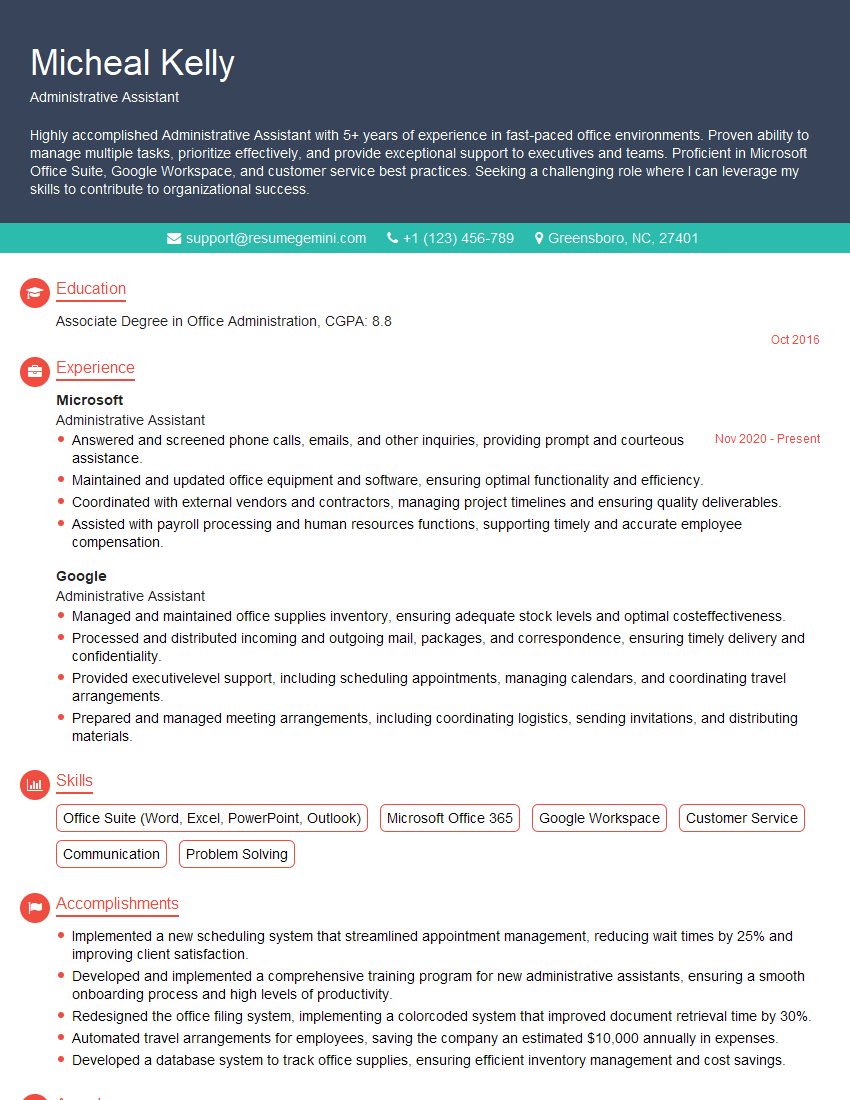
Administrative Assistant Resume Sample

Business Analyst Resume Sample
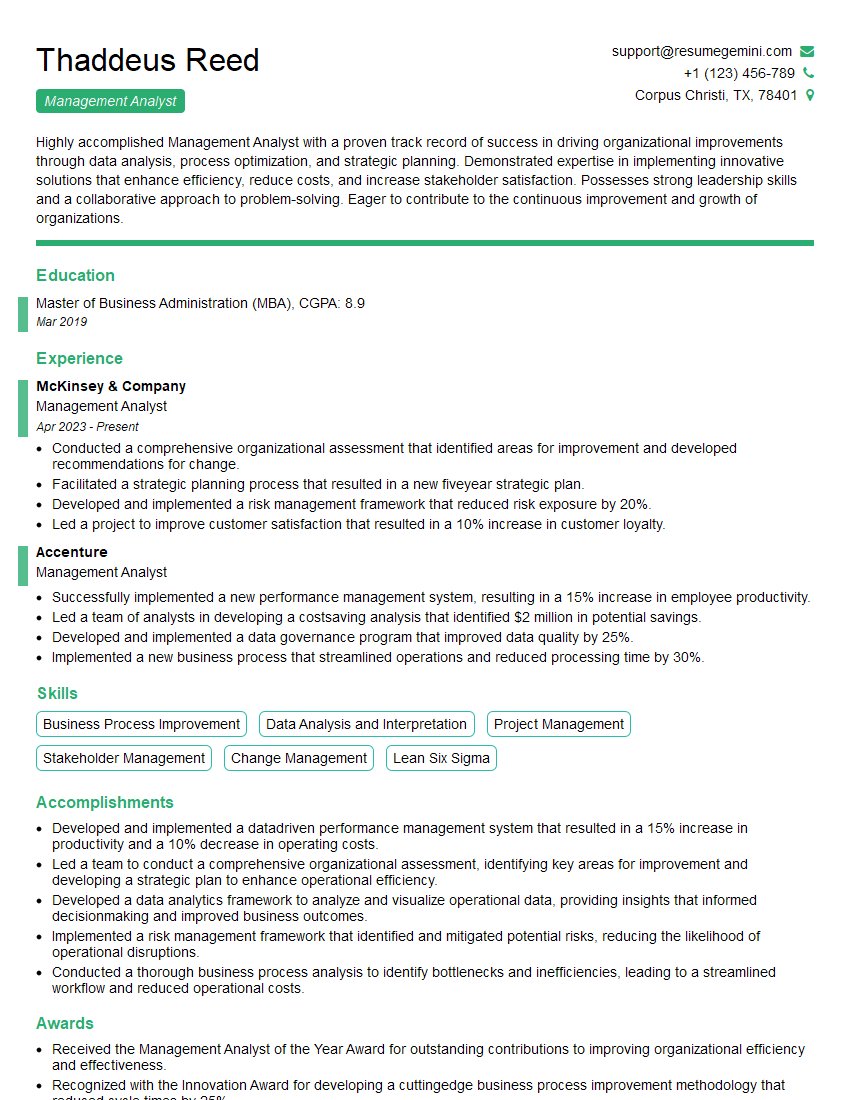
Management Analyst Resume Sample
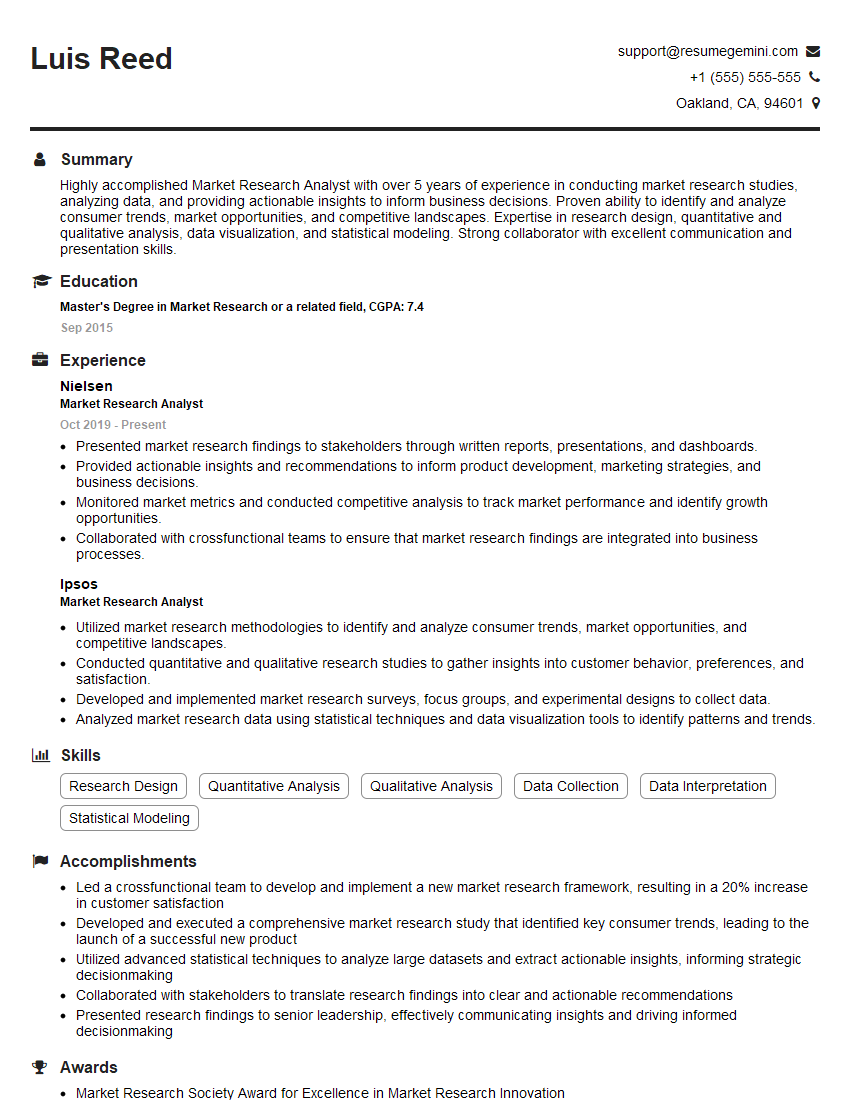
Market Research Analyst Resume Sample
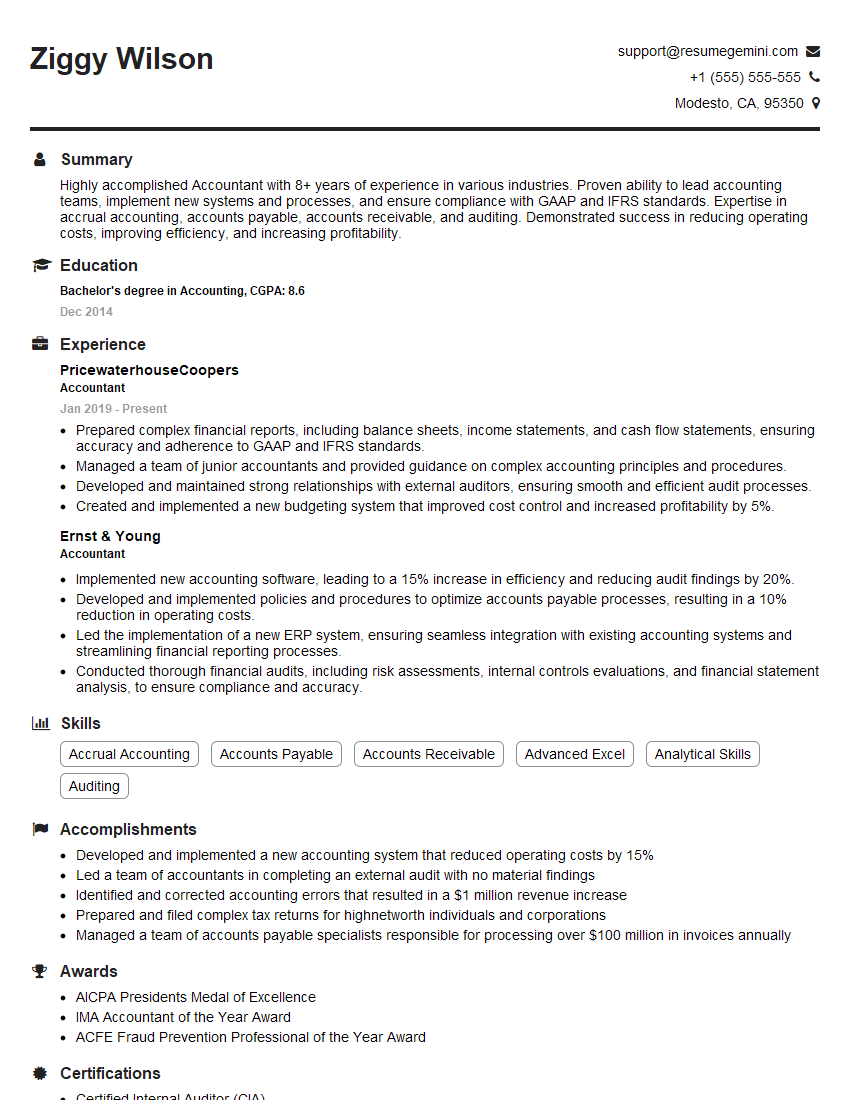
Accountant Resume Sample
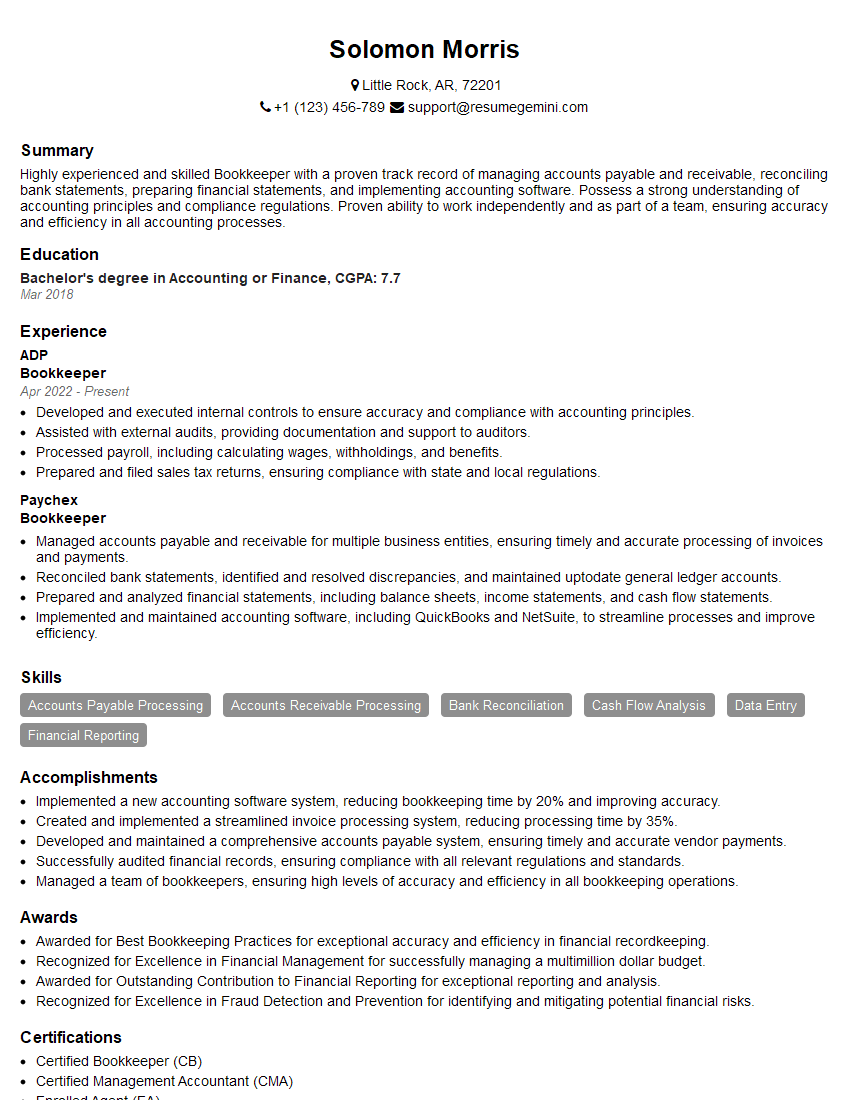
Bookkeeper Resume Sample
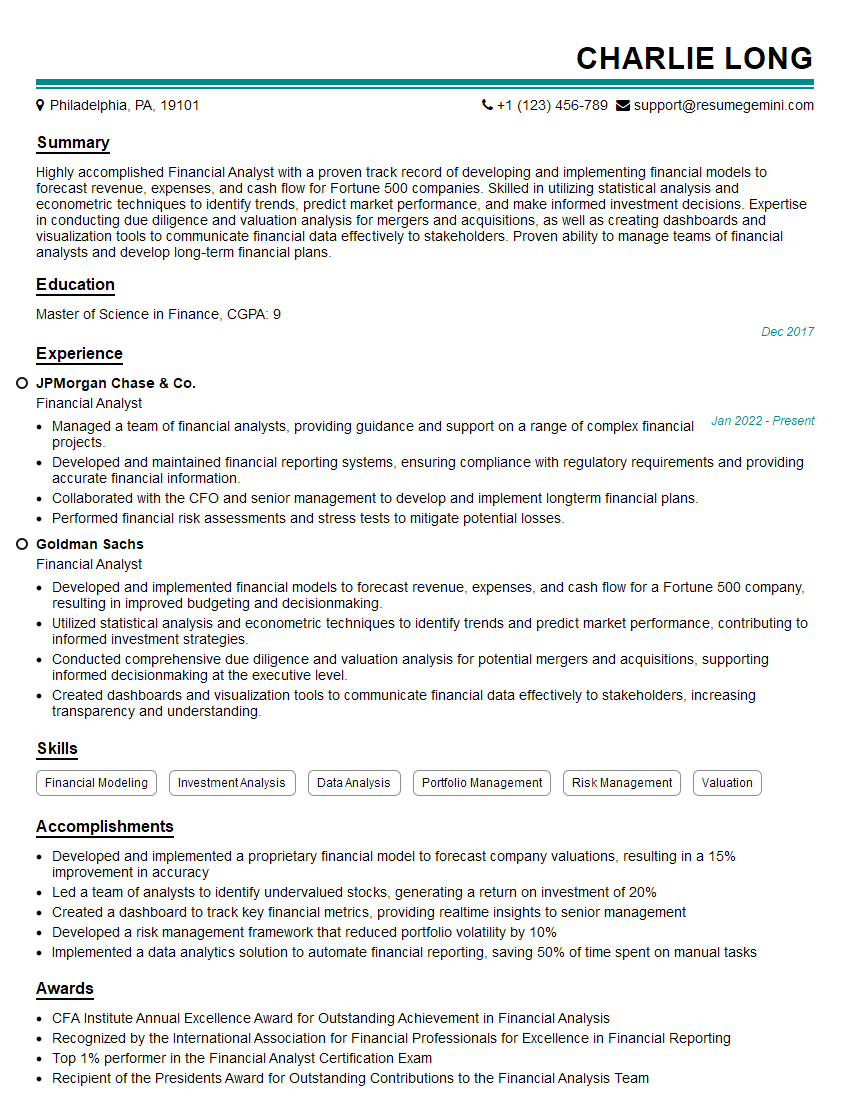
Financial Analyst Resume Sample

Data Analyst Resume Sample

Data Scientist Resume Sample

Research Scientist Resume Sample

Systems Analyst Resume Sample
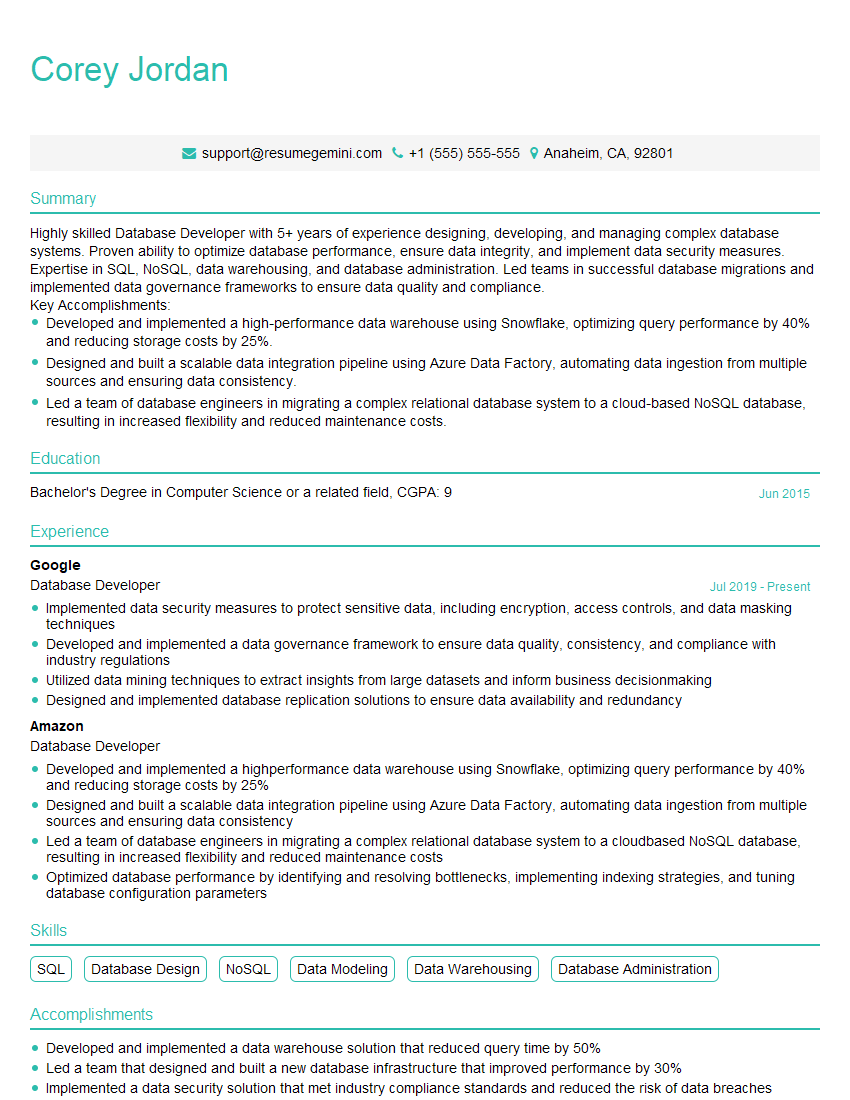
Database Developer Resume Sample
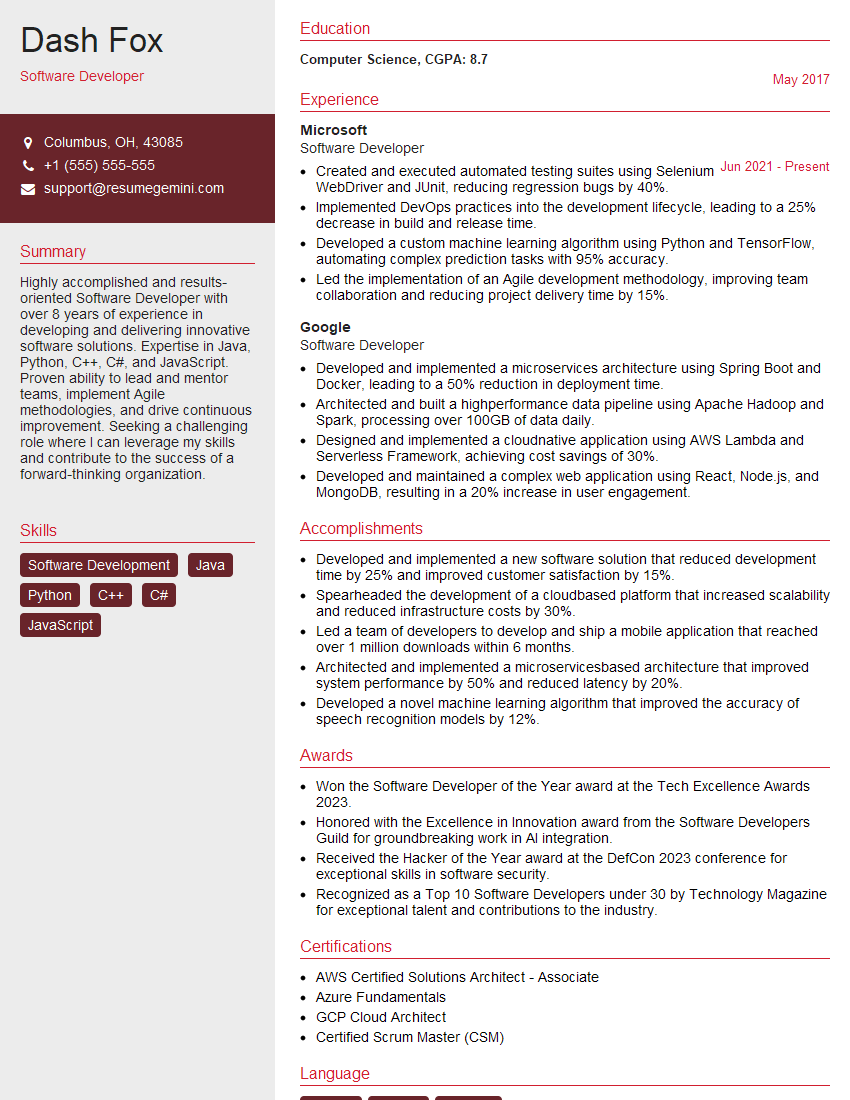
Software Developer Resume Sample

Web Developer Resume Sample
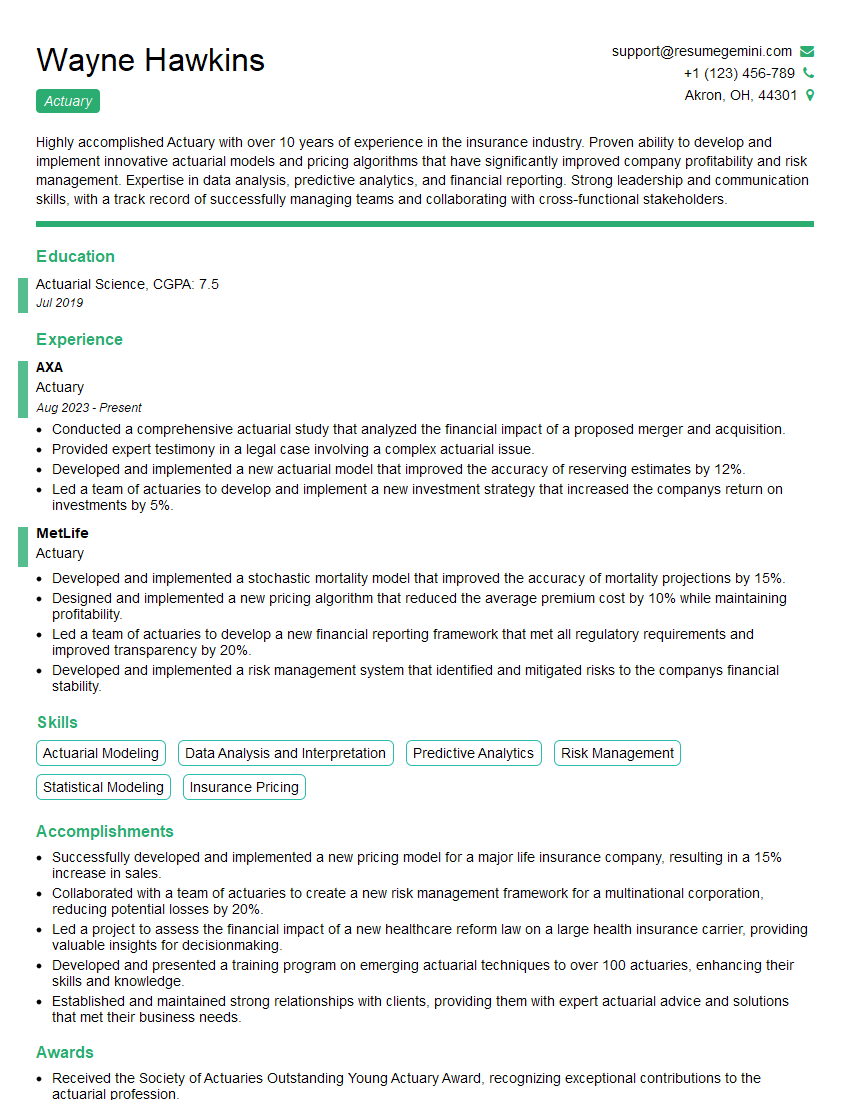
Actuary Resume Sample
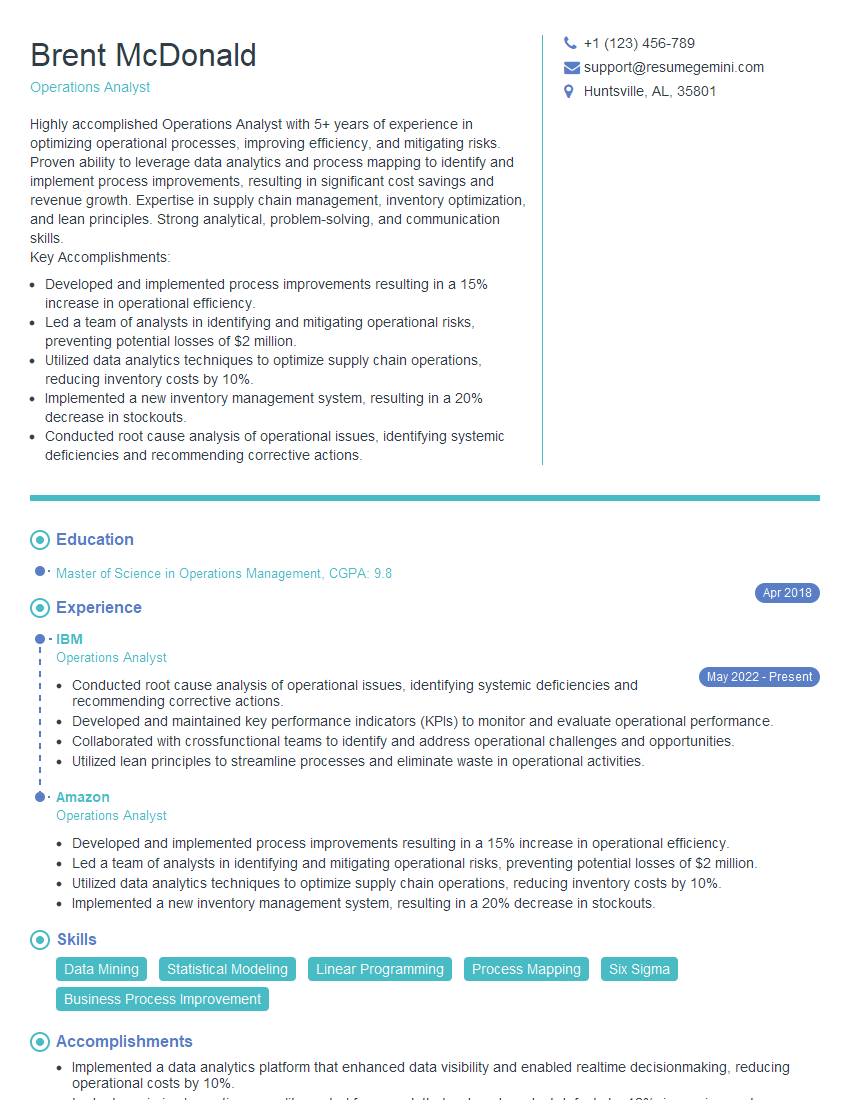
Operations Analyst Resume Sample
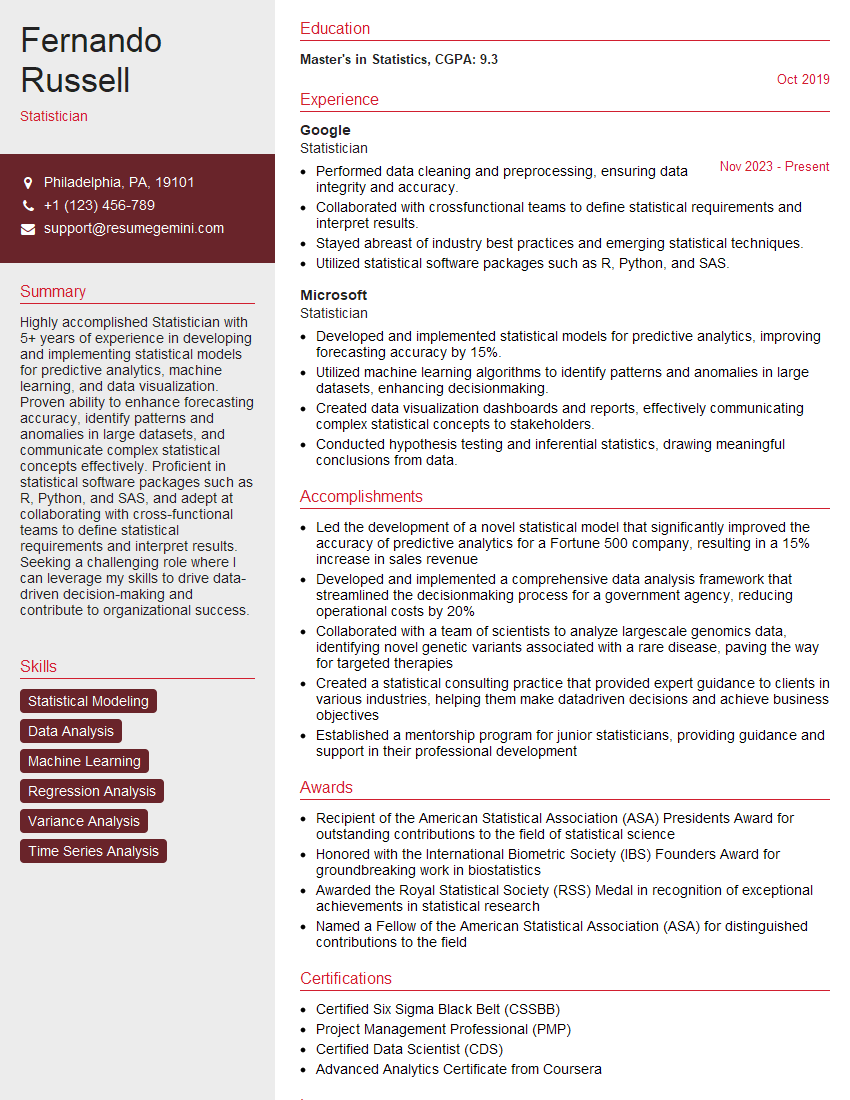
Statistician Resume Sample
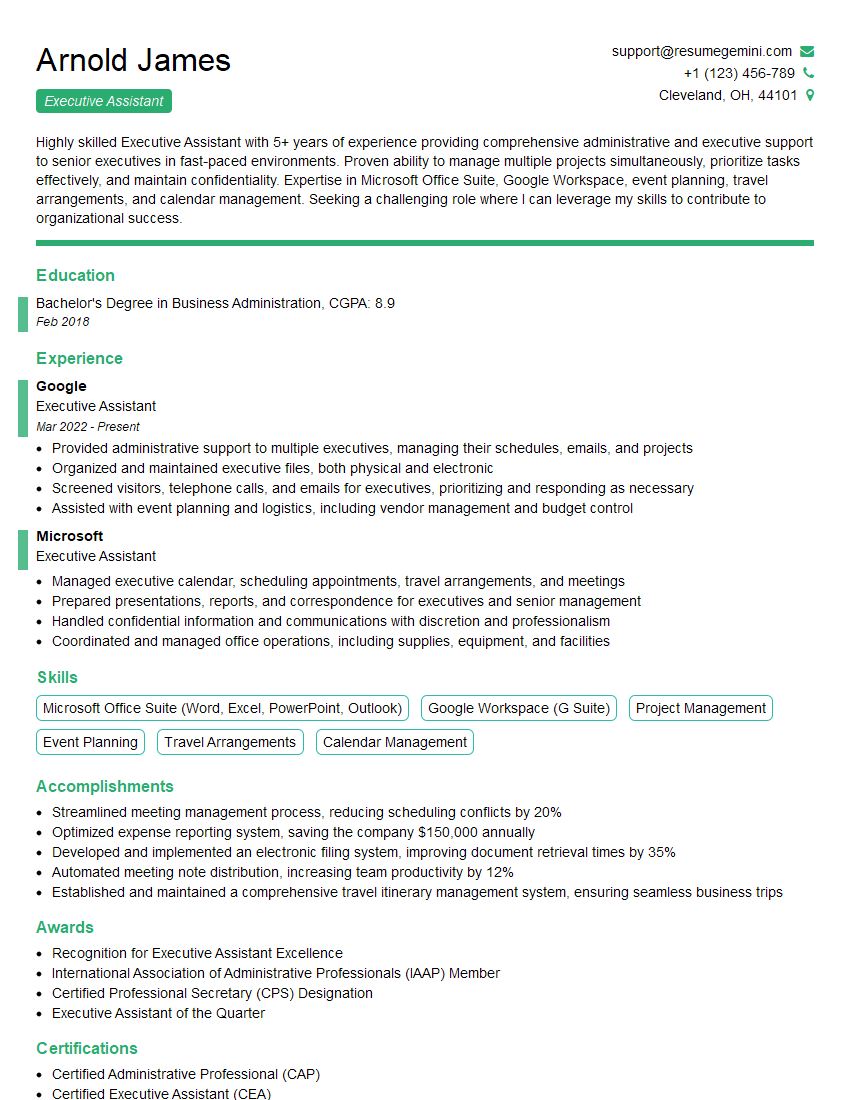
Executive Assistant Resume Sample

Data Entry Clerk Resume Sample

IT Support Specialist Resume Sample

Database Administrator Resume Sample
- Administrative Assistant
- Business Analyst
- Management Analyst
- Market Research Analyst
- Accountant
- Bookkeeper
- Financial Analyst
- Data Analyst
- Data Scientist
- Research Scientist
- Systems Analyst
- Database Developer
- Software Developer
- Web Developer
- Actuary
- Operations Analyst
- Statistician
- Executive Assistant
- Data Entry Clerk
- IT Support Specialist
- Database Administrator
Explore more articles
Users Rating of Our Blogs
Share Your Experience
We value your feedback! Please rate our content and share your thoughts (optional).
What Readers Say About Our Blog
Very informative content, great job.
good