Cracking a skill-specific interview, like one for Layouting, requires understanding the nuances of the role. In this blog, we present the questions you’re most likely to encounter, along with insights into how to answer them effectively. Let’s ensure you’re ready to make a strong impression.
Questions Asked in Layouting Interview
Q 1. Explain your understanding of different layout principles (e.g., proximity, alignment, contrast).
Layout principles are the fundamental rules that guide the arrangement of elements on a page or screen to create a visually appealing and functional design. They ensure clarity, readability, and a positive user experience. Three key principles are:
- Proximity: Grouping related items close together visually communicates their connection. Think of a restaurant menu – appetizers are grouped together, entrees are grouped, etc. This avoids visual clutter and makes information easier to scan.
- Alignment: Aligning elements (text, images, buttons) along a common edge (left, right, center, or justified) creates visual order and stability. Imagine a website with text blocks all over the place – it would be chaotic! Alignment provides a sense of calm and professionalism.
- Contrast: Using differences in size, color, shape, or weight to draw attention to important elements. A bold headline stands out against a lighter body text because of the contrast in weight, improving readability. This principle helps guide the user’s eye and emphasizes key information.
These principles, when applied effectively, lead to layouts that are both aesthetically pleasing and easy to navigate.
Q 2. Describe your experience with various layout software (e.g., Adobe InDesign, QuarkXPress, Figma).
My experience spans several industry-leading layout software applications. I’m highly proficient in Adobe InDesign, a powerhouse for print and digital publishing, adept at managing complex layouts, master pages, and advanced typography features. I’ve used it extensively for brochures, magazines, and even ebooks. I’m also comfortable with QuarkXPress, though InDesign is my preferred choice due to its more robust features and wider industry adoption. For digital projects and rapid prototyping, I frequently use Figma, leveraging its collaborative features and seamless design-to-development workflow. Figma’s ability to create responsive layouts is invaluable for projects targeting multiple devices.
In each application, I’m comfortable using advanced features such as creating and managing styles, working with grids, and ensuring cross-platform compatibility. My choice of software depends entirely on the project’s requirements and the need for collaboration.
Q 3. How do you handle conflicting design requests from clients or stakeholders?
Handling conflicting design requests requires a balanced approach. I begin by actively listening to each stakeholder, understanding their motivations and the reasoning behind their requests. I then aim to find common ground, often by presenting design options that address multiple needs. This could involve A/B testing concepts or creating variations that explore different solutions.
When compromises are necessary, I explain the design rationale and the implications of each decision, emphasizing user experience and overall design coherence. If a client insists on a particular element that clashes with the design principles, I offer alternative solutions or propose a phased approach – implementing their requests in a less disruptive manner. Ultimately, transparency, collaboration, and a focus on achieving the best possible user experience are paramount.
Q 4. Explain your process for creating a visually appealing and user-friendly layout.
My process for creating a visually appealing and user-friendly layout is iterative and data-driven where possible. It involves these key steps:
- Understanding the Goals: Defining the project’s objectives, target audience, and key messages is the first step. What do we want the user to do or feel after interacting with the design?
- Content Organization: Structuring the content logically using principles like proximity and hierarchy. This often involves creating wireframes or low-fidelity mockups.
- Visual Design: Selecting a color palette, typography, and imagery that aligns with the brand and target audience. This is where the layout principles come into play.
- Prototyping and Testing: Creating interactive prototypes to test the layout’s usability and gather feedback. User testing provides invaluable insights.
- Refinement and Iteration: Based on the feedback, refining the layout to optimize user experience and visual appeal. This is a continuous cycle.
This process ensures that the final layout is not only visually attractive but also effective in achieving its intended purpose.
Q 5. Describe your experience with typography and how you select appropriate fonts for different projects.
Typography is crucial in establishing a design’s tone and readability. My experience with typography extends beyond merely selecting fonts; it involves understanding the nuances of font families, weights, styles, and their impact on the overall design. For instance, a serif font might suit a formal document, while a sans-serif font might be more appropriate for a modern website.
When selecting fonts, I consider factors such as:
- Readability: Choosing fonts that are easy to read at different sizes.
- Brand Consistency: Using fonts that align with the brand’s identity and messaging.
- Visual Hierarchy: Using different font weights and sizes to create visual emphasis and guide the user’s eye.
- Accessibility: Ensuring fonts are legible and accessible to users with visual impairments.
I often work with a limited palette of fonts to maintain visual consistency across a project. For instance, I might use one primary font for headings and a secondary font for body text. This creates a balanced and professional design.
Q 6. How do you ensure consistency in layout design across multiple pages or screens?
Consistency across multiple pages or screens is maintained through the use of:
- Style Guides: These document all design elements – fonts, colors, spacing, and grid systems – to ensure uniformity throughout the project.
- Master Pages (InDesign, QuarkXPress): These templates define the basic structure and layout elements that are repeated across multiple pages, saving time and ensuring consistency.
- Component Libraries (Figma): Reusable design components (buttons, icons, etc.) maintain consistency and simplify design updates.
- Grid Systems: A consistent underlying structure guides the placement of elements, ensuring visual harmony and balance across pages.
By adhering to these guidelines and using tools that support consistency, I ensure that the design feels cohesive and professional, regardless of the number of pages or screens.
Q 7. How do you optimize layouts for different screen sizes and devices (responsive design)?
Optimizing layouts for different screen sizes and devices requires a responsive design approach. This involves creating layouts that adapt seamlessly to various screen resolutions and orientations. Key techniques include:
- Fluid Grids: Using percentage-based widths and flexible layouts that adjust to different screen sizes.
- Flexible Images: Images that scale proportionally without distorting, maintaining visual quality.
- Media Queries (CSS): These allow the application of different styles depending on the device’s screen size and characteristics.
- Mobile-First Design: Designing for smaller screens first and then scaling up to larger screens. This ensures that the core content and functionality are optimized for mobile users.
- Testing on Multiple Devices: Thoroughly testing the layout on various devices and browsers to identify and fix any responsiveness issues.
By employing these techniques, I can create layouts that provide a consistent and optimal user experience across all devices, making it accessible and enjoyable for everyone.
Q 8. Explain your workflow for managing images and graphics in a layout.
My workflow for managing images and graphics begins with organization. I always create a dedicated folder structure for each project, separating images into subfolders based on type (e.g., logos, product shots, illustrations). This prevents chaos and ensures quick access during the design process. I use a non-destructive editing workflow, meaning I rarely save over original files. Instead, I work with copies and maintain version control. For example, I might name files as ‘hero-image-v1.jpg’, ‘hero-image-v2.jpg’, etc., keeping track of iterations.
Before incorporating images into the layout, I optimize them for web or print, depending on the final destination. This includes resizing, compressing, and converting to appropriate formats (e.g., JPEG for photographs, PNG for graphics with transparency, SVG for scalable vectors). I always pay close attention to resolution and file size to ensure optimal performance and visual quality without unnecessary bloat. Finally, I meticulously manage image credits and licenses to avoid copyright issues. For very large projects, I might employ a digital asset management (DAM) system to maintain even greater control and collaboration.
Q 9. How do you use color theory to create effective and visually appealing layouts?
Color theory is fundamental to creating effective layouts. I use it to evoke specific emotions, guide the viewer’s eye, and establish brand identity. For example, warm colors like reds and oranges convey energy and excitement, while cool colors like blues and greens project calmness and tranquility. I carefully consider the color wheel – understanding complementary, analogous, and triadic color harmonies.
I often start with a color palette – a selection of harmonious colors – derived from brand guidelines or mood boards. I then strategically apply these colors to different elements of the layout, using dominant, secondary, and accent colors to create visual hierarchy and emphasis. For instance, a dominant color might be used for the background, a secondary color for headings, and accent colors for calls to action or important details. Tools like Adobe Color or Coolors help me explore and refine color palettes, ensuring accessibility through sufficient contrast.
Q 10. Describe your experience with creating print-ready files.
Creating print-ready files requires meticulous attention to detail. My experience encompasses all aspects, from understanding print specifications (bleed, margins, resolution) to choosing appropriate color profiles (CMYK for print, RGB for screen). I ensure all images are high-resolution (at least 300 DPI for most print projects) to prevent pixelation. I meticulously check for any potential issues like incorrect color modes, missing fonts, or low-resolution images before sending the files to the printer.
I commonly work with PDF/X-1a standard for print production, as it ensures compatibility across different print platforms. I also always provide printers with comprehensive instructions and specifications, such as trim size, bleed areas, and finishing requirements (e.g., folding, binding). I’ve worked with a variety of print houses and understand their individual requirements, adapting my workflow as necessary to ensure smooth and successful print jobs.
Q 11. How do you handle revisions and feedback on your layout designs?
Handling revisions and feedback is a collaborative process. I use version control software (e.g., Git, if applicable for collaborative projects) to track changes and allow for easy rollback. For client feedback, I prefer a clear, structured approach. I typically use annotation tools within design software to directly address feedback on the layout.
I find that clear communication is key. I make sure to confirm my understanding of the revisions before implementing them. If I have any questions or concerns, I proactively reach out to the client for clarification. Documenting all changes and their rationale is vital for future reference and maintaining transparency.
Q 12. Describe your experience working with content management systems (CMS) in relation to layout.
My experience with CMSs (like WordPress, Drupal, or Squarespace) involves integrating layouts into pre-existing templates or creating custom themes. This often includes working with HTML, CSS, and sometimes JavaScript to ensure the layout is responsive and adapts seamlessly to different screen sizes. Understanding the CMS’s content management structure is crucial, as it dictates how content is displayed.
For instance, I’ve worked on projects where I needed to design custom page templates within WordPress, ensuring that the layout seamlessly integrates with the theme’s existing structure and functionality. This includes incorporating custom widgets, managing stylesheets, and making sure the layout complies with the CMS’s coding standards for maintainability and compatibility. I understand the importance of creating user-friendly interfaces within the CMS for content editors who may not have design backgrounds.
Q 13. How familiar are you with accessibility guidelines in layout design?
I’m very familiar with accessibility guidelines, specifically WCAG (Web Content Accessibility Guidelines). These guidelines ensure that layouts are usable by people with disabilities, including those with visual, auditory, motor, or cognitive impairments. My practice incorporates several key principles, such as providing alternative text for images (alt text), ensuring sufficient color contrast between text and background, using clear and consistent headings, and building keyboard-navigable layouts.
I use tools and techniques to test the accessibility of my designs, regularly checking contrast ratios, screen reader compatibility, and keyboard navigation. Designing for accessibility isn’t just about compliance; it’s about creating inclusive designs that are usable by everyone.
Q 14. How do you ensure the readability and legibility of text in your layouts?
Readability and legibility are paramount. I achieve this through a careful selection of typefaces, considering factors like font size, line height, letter spacing (tracking), and word spacing (kerning). Serif fonts are generally preferred for body text due to their improved readability, while sans-serif fonts are often more suitable for headings.
I also pay close attention to line length, avoiding overly long or short lines. Adequate spacing between paragraphs and sections improves readability. Sufficient contrast between text and background is crucial for legibility, particularly for users with visual impairments. I use tools to measure and ensure that the contrast ratios meet WCAG guidelines. Finally, I always consider the overall context and target audience to tailor the typography for optimal readability.
Q 15. What are your preferred methods for creating mockups and prototypes?
My preferred methods for creating mockups and prototypes involve a blend of low-fidelity and high-fidelity tools, depending on the project phase and client needs. For initial brainstorming and quick iterations, I often use pen and paper sketching to quickly explore layout ideas. This allows for rapid prototyping and easy modification without getting bogged down in digital details. Then, I transition to digital tools. For low-fidelity prototypes, I use tools like Figma or Adobe XD to create wireframes, focusing on the information architecture and overall structure. These tools are excellent for testing user flows and gathering early feedback. For high-fidelity mockups, I leverage the same tools, adding visual elements, typography, and imagery to create a realistic representation of the final product. I might also use tools like Principle for adding basic animations to show interactive elements.
For example, recently, I worked on a website redesign. I began by sketching different layouts on paper, then moved to Figma to create interactive wireframes to test user navigation. Only after receiving client feedback did I proceed to high-fidelity mockups in Figma, adding detailed styling and imagery to refine the design.
Career Expert Tips:
- Ace those interviews! Prepare effectively by reviewing the Top 50 Most Common Interview Questions on ResumeGemini.
- Navigate your job search with confidence! Explore a wide range of Career Tips on ResumeGemini. Learn about common challenges and recommendations to overcome them.
- Craft the perfect resume! Master the Art of Resume Writing with ResumeGemini’s guide. Showcase your unique qualifications and achievements effectively.
- Don’t miss out on holiday savings! Build your dream resume with ResumeGemini’s ATS optimized templates.
Q 16. Explain your understanding of white space and its importance in layout design.
White space, also known as negative space, is the area around and between design elements. It’s not just empty space; it’s a crucial element that significantly impacts readability, visual hierarchy, and overall aesthetic appeal. Think of it as the ‘breathing room’ in a layout. Too little white space makes a design feel cluttered and overwhelming, while too much can make it feel sparse and lifeless.
The importance of white space lies in its ability to improve visual clarity and focus. By strategically placing white space, I can guide the user’s eye to important elements, create visual separation between sections, and improve the overall readability of text and other content. It can also enhance the perceived quality and professionalism of a design. A well-used white space creates a sense of balance, sophistication, and modern appeal.
For instance, consider a website with dense text blocks and numerous images. The layout would appear chaotic. However, by introducing ample white space around the text blocks, between images, and in margins, the design becomes instantly more readable and less visually taxing.
Q 17. How do you use grids and columns to create structured and organized layouts?
Grids and columns are foundational elements of structured layout design. They provide a framework for organizing content consistently and predictably, ensuring visual harmony and user-friendliness. I typically use a grid system—either a pre-defined system or a custom one—as a base for my layouts. This system divides the page into rows and columns, creating a set of defined spaces for various elements.
Using columns helps me control the horizontal flow of content, ensuring consistent spacing and alignment. For example, a typical website might use a 12-column grid, allowing for flexible arrangements of content blocks. I might place a main content area spanning 8 columns, and a sidebar in the remaining 4 columns. This approach guarantees consistency and predictability across various screen sizes.
I often use tools like Figma’s built-in grid systems or create custom grids using CSS Grid or Flexbox, depending on project requirements and development choices. <div class="container"> <div class="column"> Content 1 </div> <div class="column"> Content 2 </div> </div> This example shows a simple two-column layout using div elements. The specific CSS classes would define the column widths and spacing.
Q 18. Describe your experience with different layout styles (e.g., minimalist, modern, traditional).
My experience encompasses various layout styles, each with its unique characteristics and applications. Minimalist layouts prioritize simplicity and functionality, using a limited color palette, clean typography, and ample white space. They work best for content-focused designs where readability and clarity are paramount. I’ve designed several minimalist landing pages and corporate websites, successfully communicating key messages without visual clutter.
Modern layouts often incorporate bold typography, geometric shapes, and a focus on contemporary visual trends. These layouts can be quite versatile, working well for both corporate and creative applications. I’ve used this style for websites showcasing innovative products and services, capitalizing on a visually appealing and forward-looking aesthetic.
Traditional layouts, on the other hand, might employ classic design elements like serif fonts, ornate details, and a more formal color palette. These are suitable for projects where a sense of heritage or timeless elegance is desired. For example, I’ve worked on redesigning a historical society’s website, employing a traditional layout to reflect the organization’s legacy.
Q 19. How do you balance aesthetics and functionality in your layout designs?
Balancing aesthetics and functionality is a core principle of my design philosophy. A beautiful design is useless if it doesn’t serve its purpose effectively. I approach this balance iteratively. I start by understanding the functionality required—what actions should the user be able to take, and what information needs to be conveyed? Then, I explore different aesthetic approaches that support those functional needs. For instance, I might choose a minimalist design if the primary goal is to improve readability and highlight key calls to action.
I use user testing and feedback to continuously refine the balance. A design might look stunning, but if users struggle to navigate or find information, it’s ultimately a failure. Therefore, usability testing throughout the design process is crucial to ensure that the aesthetic choices enhance, rather than hinder, functionality.
For example, I once redesigned a e-commerce website. The initial design was visually appealing, but user testing revealed difficulties in finding products. By adjusting the layout, improving navigation, and refining the visual hierarchy, I was able to create a design that was both aesthetically pleasing and highly functional, resulting in increased sales conversion rates.
Q 20. Explain your experience with creating interactive layouts (e.g., animations, micro-interactions).
I have considerable experience creating interactive layouts using various techniques. Animations can enhance user experience by providing visual feedback, guiding users through processes, and adding personality to a design. Micro-interactions—small, subtle animations triggered by user actions—can create a more engaging and satisfying experience. For instance, a button might subtly change color or size when hovered over, providing immediate visual feedback to the user.
I utilize tools like Adobe After Effects or Lottie for complex animations and Figma or Principle for simpler micro-interactions. When using animations, I prioritize subtlety and purpose. Overly flashy or distracting animations can negatively impact usability. My goal is to employ animations strategically to improve the user interface, not overwhelm it.
For example, on a recent project involving a mobile app, I incorporated subtle animations to indicate loading progress and provide feedback on user actions such as button clicks. These micro-interactions significantly improved user satisfaction and perceived responsiveness.
Q 21. Describe your approach to solving layout problems involving complex information.
My approach to solving layout problems involving complex information centers around information architecture and visual hierarchy. First, I meticulously organize the information, creating a clear structure that reflects the relationships between different data points. This might involve creating sitemaps, wireframes, and content inventories. Then, I utilize visual hierarchy to guide the user’s eye to the most important information first. This involves careful consideration of typography, color, size, and spacing.
I might use techniques like grouping related information together, using headings and subheadings to create a clear structure, and employing visual cues like color-coding or icons to enhance understanding. Data visualization techniques can also be incorporated to represent complex information in an easily digestible format. Charts, graphs, and infographics can be highly effective in conveying complex data in a visually appealing and accessible manner.
For example, I once worked on a website for a research institution. The site needed to present a large amount of complex data related to scientific research. By strategically using information architecture, visual hierarchy, and data visualization techniques, I created a website that was both visually appealing and informative. Users could easily navigate the site and access the information they needed.
Q 22. How do you manage your time effectively when working on multiple layout projects simultaneously?
Managing multiple layout projects effectively requires a structured approach. Think of it like conducting an orchestra – each project is a section, and you’re the conductor ensuring harmony and timely completion. My strategy hinges on several key elements:
- Prioritization: I use a project management system (like Trello or Asana) to list tasks by urgency and importance. This allows me to focus on the most critical aspects of each project first.
- Time Blocking: I dedicate specific blocks of time to each project, preventing context switching and maintaining focus. For example, I might dedicate mornings to one project and afternoons to another.
- Realistic Scheduling: I avoid overcommitting. I carefully estimate the time needed for each task, building in buffer time for unexpected delays. This prevents burnout and ensures quality.
- Clear Communication: Maintaining open communication with clients and team members is crucial. Regular updates prevent misunderstandings and ensure everyone is on the same page. This also allows for adjustments to schedules as needed.
- Regular Reviews: I schedule short review sessions to assess progress against deadlines and adjust my strategy if required. This helps me stay proactive and identify potential bottlenecks early on.
For instance, if I’m working on a website redesign and a brochure simultaneously, I might dedicate the morning to the website’s high-priority elements (like the homepage layout), and the afternoon to the brochure’s content organization and initial mockups. This focused approach maximizes productivity and ensures timely delivery for all projects.
Q 23. What are some common layout design mistakes to avoid?
Many layout design mistakes stem from overlooking fundamental design principles. Here are some common ones to avoid:
- Poor Hierarchy: Not establishing a clear visual hierarchy makes it difficult for the viewer to understand the information’s importance. This is like a poorly organized library – finding what you need is a struggle. Use size, color, and contrast to guide the viewer’s eye.
- Inconsistent Branding: Using inconsistent fonts, colors, and styles creates a disjointed and unprofessional look. Think of it like a house with mismatched paint and furniture – it lacks coherence. Maintain a consistent style guide throughout the layout.
- Neglecting White Space (Negative Space): Cramming too much content onto a page makes it overwhelming and difficult to read. White space allows the elements to breathe and enhances readability. It’s like arranging furniture in a room – you need space to move around comfortably.
- Poor Image Selection/Resolution: Using low-resolution or irrelevant images detracts from the overall design quality. Images are vital elements; select high-quality, relevant visuals that enhance the message.
- Ignoring Accessibility: Not considering users with disabilities (e.g., color blindness, low vision) can exclude a significant portion of your audience. Follow accessibility guidelines to ensure inclusivity.
Q 24. Explain your process for gathering and analyzing design briefs.
Gathering and analyzing design briefs is the cornerstone of a successful layout project. My process is methodical and ensures I fully understand the client’s needs and objectives:
- Initial Consultation: I begin with a detailed discussion with the client to understand their goals, target audience, and brand identity. This includes clarifying the project’s scope, timelines, and budget.
- Document Review: I meticulously review the provided written brief, paying attention to key details like tone, messaging, and specific requirements. I clarify any ambiguities by asking targeted questions.
- Competitive Analysis (if applicable): I analyze competitor websites or designs to understand existing market trends and identify potential areas for differentiation.
- Content Review: I carefully review the content to be included, ensuring it aligns with the overall design goals and is optimized for readability.
- Mood Board Creation: To visually summarize the client’s vision and project goals, I often create a mood board using colors, images, and typography examples.
- Confirmation and Scope Finalization: Before starting the design process, I present a summarized document that confirms my understanding of the client’s requirements. This acts as a contract to ensure we’re both on the same page.
For instance, if a client wants a brochure for a new product, I’ll delve into the product’s features, target audience demographics, and the desired brand image (modern, rustic, etc.) to inform the visual style and layout.
Q 25. How do you stay up-to-date with the latest trends and technologies in layout design?
Staying current in layout design is crucial in this rapidly evolving field. I employ a multi-pronged approach:
- Industry Publications: I regularly read publications like AIGA Eye on Design, and other design magazines to learn about trends and best practices.
- Online Communities: I actively participate in online design communities (like Dribbble or Behance) to discover new designs, technologies, and learn from other designers’ experiences.
- Webinars and Conferences: I attend relevant webinars and conferences to stay updated with industry news and learn from experts.
- Experimentation: I dedicate time to experimenting with new design tools and technologies. This hands-on approach allows me to fully grasp their capabilities and limitations.
- Following Key Influencers: I actively follow influential designers and design studios on social media platforms to observe their work and learn from their innovative approaches.
This ongoing learning keeps my skills sharp and allows me to integrate the latest trends and technologies into my designs seamlessly.
Q 26. Describe a challenging layout design project and how you overcame the obstacles.
One challenging project involved designing a website for a non-profit organization with limited resources. They had a lot of important information but lacked professional photography and a consistent brand style.
The obstacle was creating a visually appealing and user-friendly website without a large budget. To overcome this, I used:
- Free/Affordable Stock Photos: I sourced high-quality, relevant images from free stock photo websites, carefully selecting those that aligned with the organization’s mission and visual style.
- Creative Layout Solutions: I used creative layout techniques to emphasize the organization’s message and highlight key information effectively, minimizing the need for extensive photography.
- Pro-Bono Collaboration: I collaborated with a volunteer graphic designer to refine the logo and create a cohesive brand style guide.
- User-Testing: I conducted user testing to ensure the website was intuitive and accessible to the target audience.
The result was a well-designed, accessible website that effectively communicated the organization’s message and helped them achieve their fundraising goals despite the budgetary limitations. This project showcased my resourcefulness and ability to deliver exceptional results even under constraints.
Q 27. What are your strengths and weaknesses as a layout designer?
My strengths lie in my ability to translate complex information into clear, visually appealing layouts. I’m detail-oriented, highly organized, and adept at managing multiple projects concurrently. I also possess excellent communication skills, allowing me to collaborate effectively with clients and team members.
One area I’m continuously working on is refining my proficiency with advanced animation techniques in web design. While I have a foundational understanding, I aim to deepen my expertise to create more dynamic and engaging user experiences.
Q 28. What are your salary expectations?
My salary expectations are commensurate with my experience and skills, and align with the industry standards for senior layout designers with my background. I’m open to discussing a competitive compensation package that reflects the value I bring to the organization.
Key Topics to Learn for Layouting Interview
- Responsive Design Principles: Understanding fluid grids, media queries, and flexible layouts to ensure your designs adapt seamlessly across various devices (desktops, tablets, mobile).
- Grid Systems and Frameworks: Practical application of CSS Grid and Flexbox for creating complex and efficient layouts. Demonstrate proficiency in using popular frameworks like Bootstrap or Tailwind CSS.
- Typography and Visual Hierarchy: Mastering the art of selecting appropriate fonts, sizes, and styles to create clear visual hierarchies and enhance readability. Showcase your understanding of font pairing and accessibility considerations.
- Layout Techniques: Discuss different layout techniques like floating elements, positioning (absolute, relative, fixed), and how to manage layout complexities effectively.
- Cross-browser Compatibility: Understanding how to ensure consistent rendering across different browsers and devices. Discuss troubleshooting techniques and best practices for cross-browser compatibility.
- Accessibility and WCAG Compliance: Demonstrate knowledge of creating accessible layouts that adhere to WCAG guidelines, focusing on semantic HTML, keyboard navigation, and screen reader compatibility.
- Performance Optimization: Techniques for optimizing layout performance, including image optimization, efficient CSS usage, and minimizing HTTP requests.
- Version Control (e.g., Git): Understanding the basics of version control and how it applies to collaborative layout projects.
- Problem-Solving and Debugging: Showcase your ability to diagnose and resolve layout issues efficiently. Discuss your preferred debugging methods and strategies.
Next Steps
Mastering Layouting is crucial for career advancement in web development and design. A strong understanding of layout principles directly translates to creating user-friendly, visually appealing, and performant websites. To maximize your job prospects, creating an ATS-friendly resume is essential. This ensures your qualifications are effectively highlighted to recruiters and hiring managers. We strongly recommend using ResumeGemini to build a professional and impactful resume. ResumeGemini provides a streamlined process and offers examples of resumes tailored to Layouting positions, helping you present your skills and experience in the best possible light.

Web Designer Resume Sample

Technical Illustrator Resume Sample
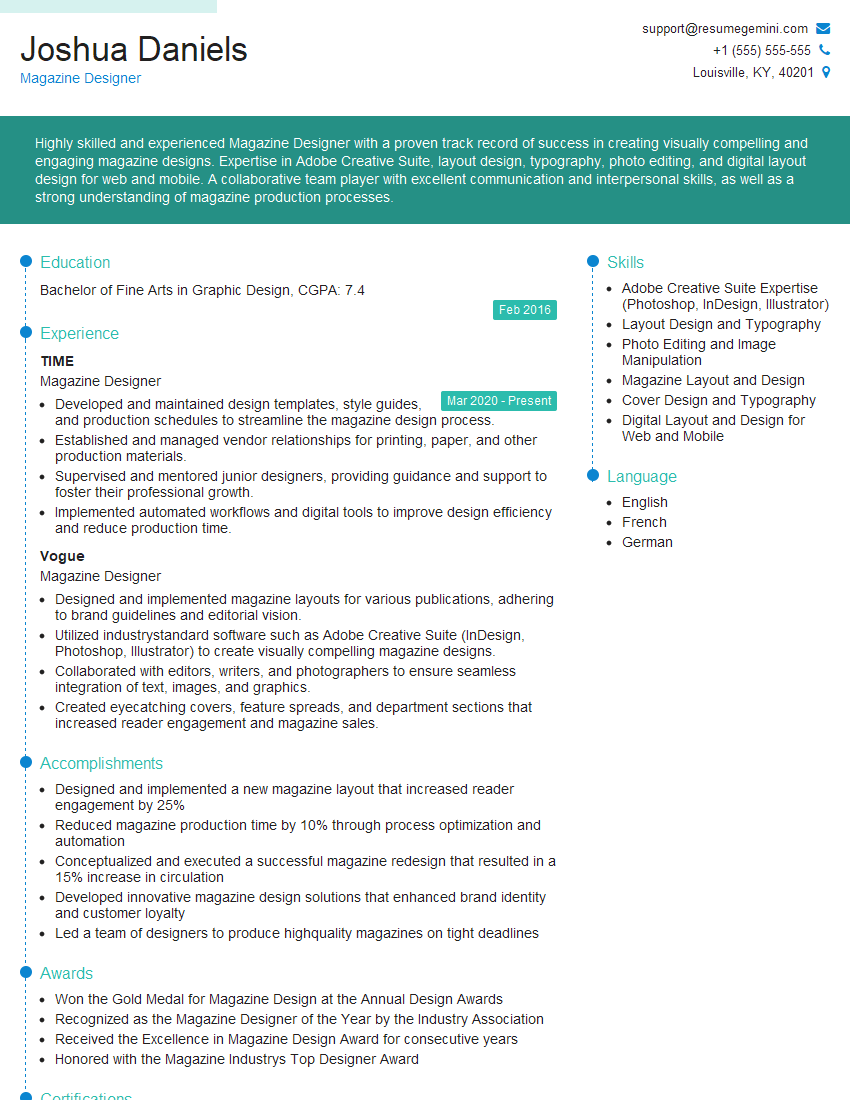
Magazine Designer Resume Sample

Graphic Designer Resume Sample
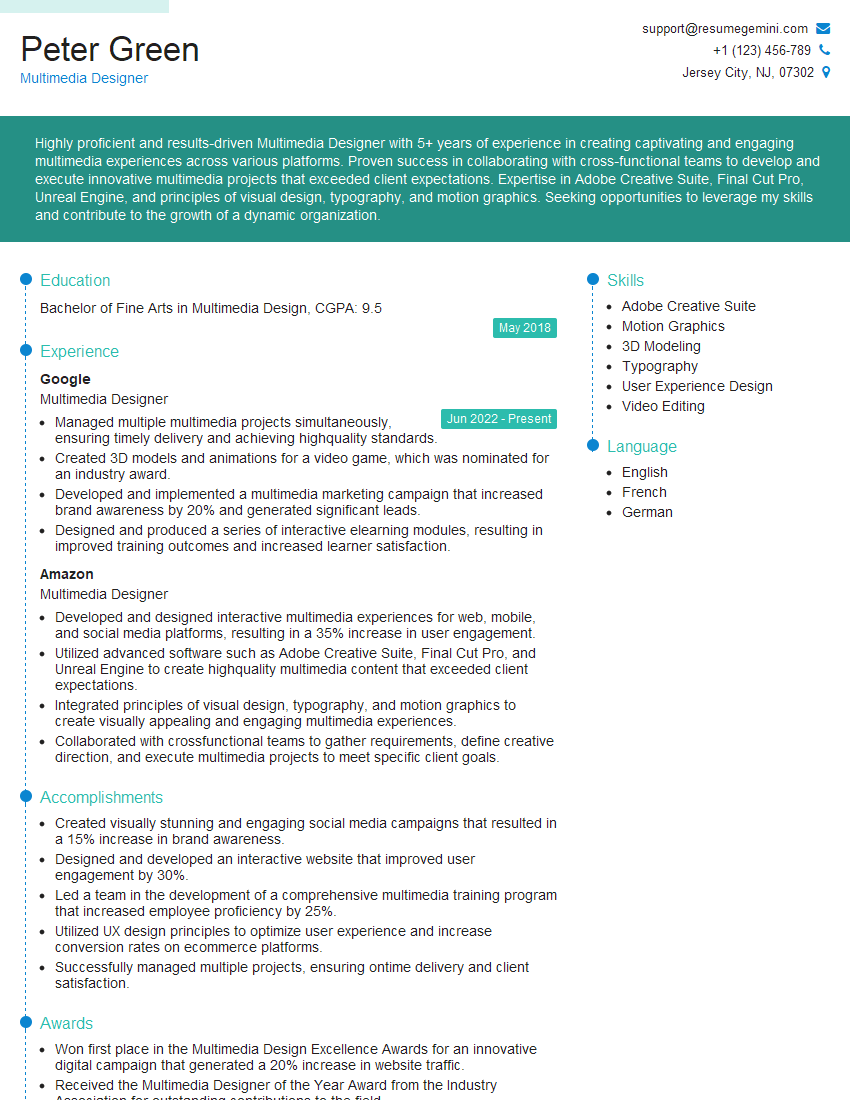
Multimedia Designer Resume Sample

Packaging Designer Resume Sample
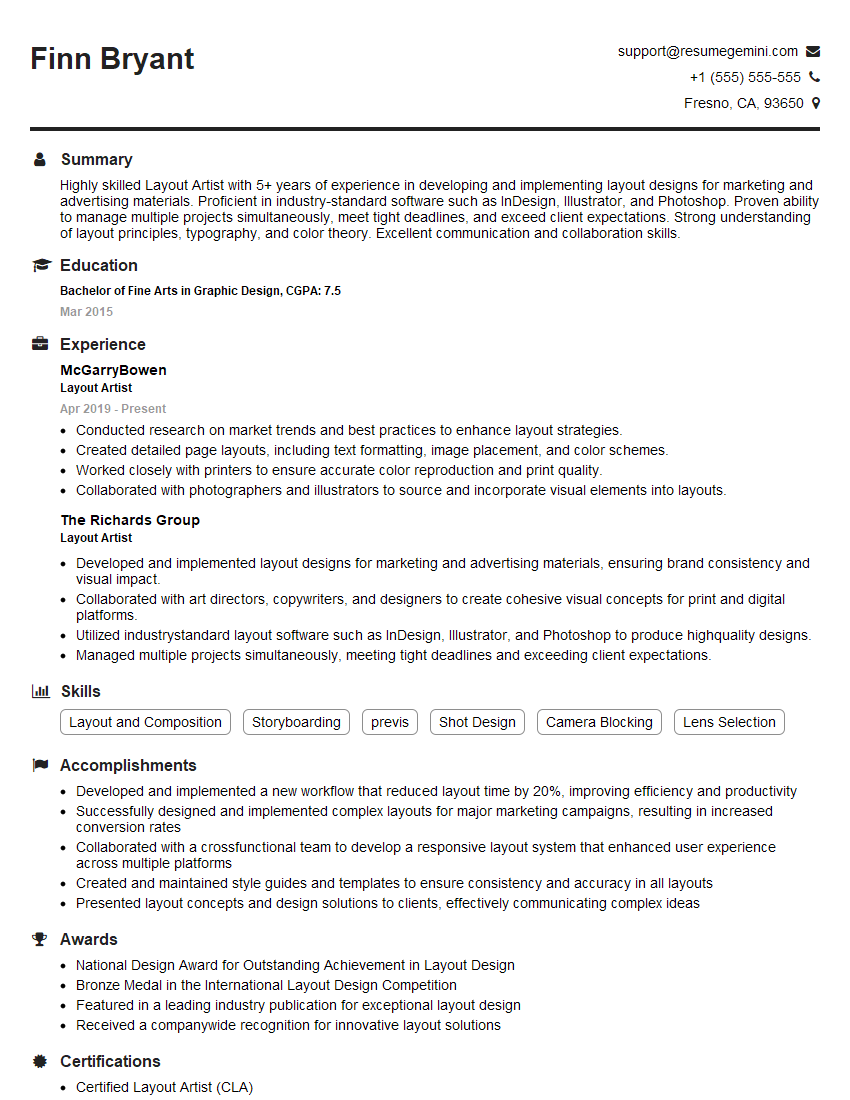
Layout Artist Resume Sample

Prepress Technician Resume Sample

Front-End Developer Resume Sample

UX Designer Resume Sample
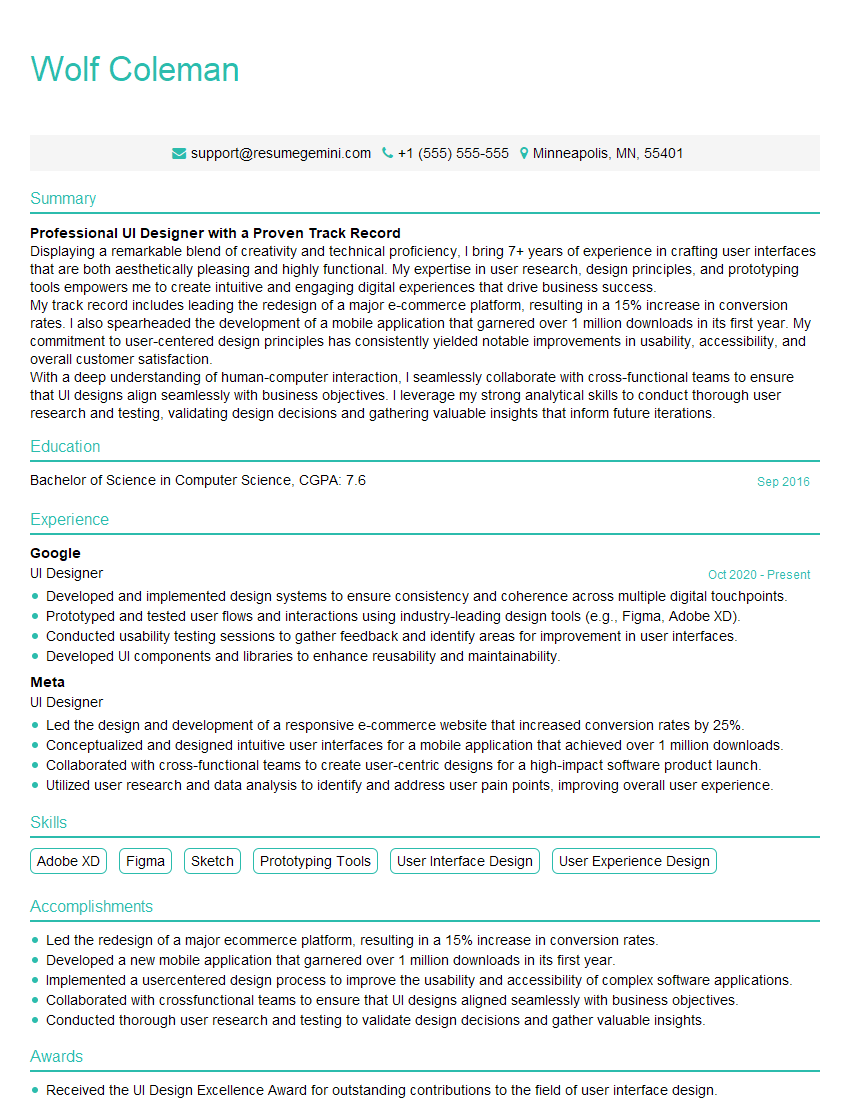
UI Designer Resume Sample
Explore more articles
Users Rating of Our Blogs
Share Your Experience
We value your feedback! Please rate our content and share your thoughts (optional).
What Readers Say About Our Blog
Very informative content, great job.
good