Every successful interview starts with knowing what to expect. In this blog, we’ll take you through the top Section and Elevation Drawing interview questions, breaking them down with expert tips to help you deliver impactful answers. Step into your next interview fully prepared and ready to succeed.
Questions Asked in Section and Elevation Drawing Interview
Q 1. Explain the difference between a section drawing and an elevation drawing.
Section and elevation drawings are both essential in architectural and engineering design, but they serve different purposes. Think of a building: an elevation drawing shows the exterior view of a building – like a photograph from the front, side, or back. It’s a 2D representation showing the building’s height, width, and exterior features like windows, doors, and roofing. An elevation simply shows what the building looks like from a particular viewpoint.
A section drawing, on the other hand, is like slicing through the building with a virtual knife. It reveals the internal structure and the relationship between different components, showing what’s inside the walls and floors. It shows the building’s thickness and the construction layers, revealing things not visible from the exterior. A section cut is taken along a specific plane, illustrating the building’s structure at that particular slice. Imagine cutting a cake – you see the layers and fillings; that’s analogous to a section drawing revealing the internal composition of a building. You’d use elevations to see the facade and sections to understand the construction details and internal spaces.
Q 2. What are the standard conventions for creating section drawings?
Standard conventions for creating section drawings ensure clarity and consistency across projects. Key conventions include:
- Cutting Plane Line: A thick, usually dashed line indicating the location of the imaginary cut through the building. It’s labelled with a section identifier (e.g., Section A-A).
- Section Lines: Hatching or cross-hatching patterns are used to differentiate different materials (concrete, wood, etc.). The density and angle of the hatching often follow conventions laid out by standards such as ISO or other relevant local guidelines.
- Symbols and Legends: Standardized symbols are used to represent various construction elements (doors, windows, fixtures, etc.). A legend explaining these symbols is usually included in the drawing.
- Scale and Dimensions: Drawings are created to a specific scale (e.g., 1:50, 1:100), and accurate dimensions are labeled for critical elements.
- Section Views: Multiple section views might be shown to capture important aspects from different angles. For complex buildings, a series of sections may be necessary to show all critical details.
- Leader Lines and Callouts: Lines are used to direct the reader to specific features or areas of the drawing.
Adherence to these conventions is crucial for clear communication and avoiding misinterpretations.
Q 3. How do you indicate materials and finishes on section and elevation drawings?
Materials and finishes are indicated on section and elevation drawings using a combination of techniques:
- Hatching Patterns: Different hatching patterns represent different materials (e.g., brick, concrete, wood). This is standard practice and uses pre-defined patterns within CAD software.
- Material Legends: A legend is included that shows the hatching patterns and their corresponding materials.
- Text Labels: The material name can also be added directly to the section view, along with surface treatments (e.g., painted wood, polished concrete).
- Color Coding (Sometimes): While not always used for the sake of reproducibility (particularly in printing), color can sometimes be used to differentiate materials when appropriate.
- Fill Patterns (In CAD): Modern CAD software allows for more sophisticated fill patterns that replicate the appearance of materials more closely.
For example, a section through a wall might show brickwork using a specific brick pattern, followed by insulation indicated by a different pattern and then drywall (using another unique hatch).
Q 4. Describe your experience using CAD software for section and elevation drawings.
I have extensive experience using AutoCAD and Revit for creating section and elevation drawings. My proficiency includes creating accurate geometric models, applying appropriate layer management, using styles and templates for consistency, generating schedules, and coordinating with other disciplines (structural, MEP). In Revit, specifically, I’m adept at using families to create reusable components and leveraging the software’s ability to generate sections and elevations automatically from the 3D model. I am very comfortable working with large datasets and navigating complex model geometries. On numerous projects, I’ve utilized these tools to create high-quality drawings that clearly communicate design intent.
For instance, on a recent high-rise project, I used Revit to model the entire building and then automatically generate sections and elevations. This ensured consistency and accuracy across all drawings, saving significant time and reducing the risk of errors compared to manual drafting.
Q 5. How do you handle changes and revisions in section and elevation drawings?
Handling changes and revisions efficiently is crucial. My approach involves:
- Version Control: Using a version control system (like cloud storage with version history) or a dedicated CAD software’s revision history to track changes made to the drawings. This ensures that older versions are always readily available.
- Revision Clouds: Using revision clouds in the drawings to highlight areas that have been modified, indicating the date of the change.
- Revision Marks: A revision table or log documenting all changes, including date, description, and who made the change.
- Centralized Data: Working from a centralized model (in Revit, for example) where all team members can collaborate and the changes are recorded centrally, significantly reduces conflicts.
- Clear Communication: Open communication with the team to discuss and approve any changes before implementation to avoid inconsistencies.
This structured approach ensures that the drawings remain accurate, auditable, and reflect the latest design iterations.
Q 6. Explain your process for creating detailed section drawings.
Creating detailed section drawings involves a methodical process:
- Understanding the Design: Thoroughly review the design documents, including architectural plans, structural drawings, and specifications, to understand the construction details.
- Selecting Section Planes: Strategically choose the locations of section cuts to effectively display important design elements. This often requires careful consideration of what structural or spatial aspects need to be illuminated.
- Creating the Section View: Use CAD software to create the section view, accurately representing the building’s elements along the chosen cutting plane.
- Adding Details: Include all necessary details, such as dimensions, material indications (hatch patterns, legends), and symbols.
- Review and Revision: Review the drawing for accuracy and completeness. Ensure the section view is clear, unambiguous, and easy to understand.
- Finalization: After review and approval, produce the final drawing for dissemination to relevant stakeholders.
For example, when creating a section through a complex wall assembly, I would meticulously show each layer of material – brick, insulation, sheathing, and interior finish – to clearly illustrate the construction details for contractors.
Q 7. How do you ensure accuracy and precision in your drawings?
Accuracy and precision are paramount. My methods include:
- Precise Modeling: Using accurate dimensions and model geometry within the CAD software to build the 3D model. The sections and elevations are then derived from this 3D model which ensures consistency and accuracy.
- Dimensioning and Checking: Thoroughly dimensioning all critical elements and cross-checking the dimensions using mathematical calculations to confirm their correctness.
- Using Templates and Standards: Employing standard drawing templates and following established drafting conventions to maintain consistency and minimize errors.
- Peer Review: Having colleagues review the drawings to detect potential errors or omissions.
- Software Tools: Leveraging the CAD software’s built-in capabilities for dimensioning, annotation, and error detection.
For example, before finalizing a section drawing, I’d double-check all dimensions, ensuring they match the design specifications. I use the CAD software to cross-reference measurements for accuracy and consistency. Continuous attention to detail at every stage of the process is essential in producing accurate, professional drawings.
Q 8. Describe your experience working with BIM software for section and elevation drawings.
My experience with BIM software for section and elevation drawings is extensive. I’m proficient in several platforms, including Revit, ArchiCAD, and SketchUp. I leverage these tools to not only generate accurate drawings but also to manage complex building information. For example, in a recent project involving a multi-story residential building, I used Revit to create detailed sections showing structural elements, MEP systems, and finishes. The ability to link these sections directly to the 3D model ensured that any modifications in the 3D model automatically updated the corresponding sections and elevations, saving significant time and minimizing errors. I’m particularly adept at using the tools to create dynamic schedules and reports, extracting data directly from the BIM model, which aids in quantity take-offs and coordination with other disciplines.
Beyond basic drawing creation, I use BIM software to perform clash detection analysis between different building systems. This proactive approach ensures that architectural, structural, and MEP components don’t conflict. For instance, in one project, BIM clash detection highlighted a potential conflict between ductwork and a structural beam, allowing for early design adjustments to avoid costly rework during construction. I also utilize the tools for visual communication, creating high-quality renderings directly from the model to facilitate better client understanding and approvals.
Q 9. How do you coordinate section and elevation drawings with other disciplines?
Coordinating section and elevation drawings with other disciplines is crucial for successful project delivery. I employ a collaborative approach, using BIM software’s collaborative features and regular coordination meetings to ensure consistent information across disciplines. For instance, I’ll share my section and elevation drawings with structural engineers to ensure that my architectural designs align with their structural requirements. Similarly, I’ll coordinate with MEP engineers to ensure that the placement of plumbing, electrical, and HVAC systems is accurately reflected in my drawings. We frequently use model-based coordination, where we can visually identify and resolve conflicts using the 3D model.
Common methods I use for coordination include: regular design review meetings where we discuss conflicts and potential issues, using a common model viewing software, and employing a centralized data management system. This system guarantees that everyone is working off the most current version of the drawings, preventing conflicts and reducing errors. I also prepare detailed coordination drawings, specifically highlighting areas of interaction between disciplines, to reduce ambiguity and misunderstandings. Clear communication and a proactive approach to conflict resolution are vital to effective coordination.
Q 10. Explain the importance of clear and concise annotation on section drawings.
Clear and concise annotation on section drawings is paramount for their usability and accuracy. Annotations provide essential information for builders, contractors, and other stakeholders. Think of annotations as a visual and textual ‘instruction manual’ integrated into the drawing. Vague or missing information can lead to costly mistakes and delays on-site.
I ensure annotations are legible, unambiguous, and follow a consistent style. This includes using standard abbreviations, specifying dimensions and materials precisely, and employing clear callouts to identify specific components. For example, instead of a general note like ‘Steel Beam,’ I’d annotate with ‘W12x26 Steel Beam,’ providing the specific beam size for accurate ordering and installation. I consistently use leader lines to connect annotations to their corresponding elements, avoiding ambiguity. I also include a comprehensive legend and key to clarify the symbols and abbreviations used. This attention to detail ensures the drawing is an efficient and effective communication tool, reducing the risk of construction errors.
Q 11. How do you handle complex geometries in section and elevation drawings?
Handling complex geometries requires a strategic approach and skillful use of BIM software. For example, when dealing with curved walls or sloped roofs, I utilize the software’s parametric modeling capabilities to create accurate representations. Instead of approximating complex shapes, I use the tools to define them precisely. This accuracy extends to generating sections and elevations that faithfully represent the three-dimensional form.
I often employ section cuts that follow the complexity of the geometry to best illustrate details. For instance, if dealing with a curved wall, I may use a series of sections to illustrate the changing dimensions and the relationship between different components. When creating elevation drawings for complex facades, I use the software’s ability to unfold curved surfaces to display them in a 2D format without losing information. Furthermore, I ensure that annotations and dimensions are carefully placed to avoid clutter and maintain clarity even in complex areas. Employing multiple views and detailed close-up sections can also be used to effectively communicate complex geometries.
Q 12. What are common challenges in creating accurate section drawings, and how do you address them?
Creating accurate section drawings presents several challenges. One common issue is maintaining consistency between the 3D model and the 2D drawings. Discrepancies can arise due to errors in modeling or during the sectioning process. To address this, I rigorously check the section view against the 3D model at several points during the creation process. Another challenge lies in accurately representing complex details within a limited space. I utilize techniques such as detailed close-up sections and blow-ups to effectively portray these details while maintaining overall drawing clarity.
Scale inconsistencies can also be a problem. I ensure all elements are drawn to the correct scale and that dimensions are accurately represented. Inconsistent annotation styles can also lead to confusion, and therefore, I maintain consistent conventions throughout the project. Finally, resolving conflicts between different disciplines can cause issues. To avoid this, I proactively engage in frequent coordination meetings and use BIM software’s clash detection features to identify and address inconsistencies early in the design process. Through proactive problem-solving and a meticulous workflow, these challenges can be effectively addressed.
Q 13. Describe your experience with different projection methods used in section drawings.
My experience encompasses various projection methods in section drawings, primarily orthographic projection. Orthographic projection is essential because it accurately represents the true dimensions and shapes of elements without distortion. I frequently utilize parallel projection where parallel lines in three-dimensional space remain parallel on the two-dimensional drawing. This approach aligns with the principles of standard architectural drafting. Understanding the principles of projection is critical for accurately interpreting and creating section drawings.
While less common in architectural section drawings, I also have experience using axonometric projections for visual clarity. Axonometric projections show the object from a slightly angled perspective, providing a more three-dimensional visualization. This is useful for presenting complex geometries that might be harder to understand in a purely orthographic representation. My understanding of different projection methods allows me to select the most appropriate method based on the specific project requirements and the complexity of the design.
Q 14. Explain how you would create a section drawing from a 3D model.
Creating a section drawing from a 3D model is a straightforward process with BIM software. The process typically begins by selecting the desired section plane within the 3D model. The software allows users to precisely define this plane using various tools such as defining two points, a line, or a curve. Once the plane is defined, the software automatically generates the section drawing, showing the intersection of the plane with the 3D model’s geometry. This is often as simple as a single button press within the software.
After the initial generation, I often refine the section drawing. This might include adding annotations, dimensions, callouts, and other details to improve clarity and comprehension. I use the software’s tools to adjust the view, add hatching for different materials, and create a clean and easily readable format. The software also allows for creating multiple sections from different planes within the same 3D model, providing a comprehensive understanding of the building’s structure. This method is far more efficient and accurate than creating sections manually from 2D plans. The integration between the 3D model and the section drawing ensures that any change in the 3D model automatically updates the corresponding section, maintaining consistency and reducing potential errors.
Q 15. How do you ensure that your section and elevation drawings comply with building codes?
Ensuring compliance with building codes in section and elevation drawings is paramount. It’s not just about following the letter of the law; it’s about creating safe and functional structures. My approach involves a multi-step process:
- Thorough Code Review: Before I even begin drawing, I meticulously review the relevant building codes for the project’s location. This includes local ordinances, national standards (like IBC in the US), and any specific requirements outlined by the client or architect.
- Dimensional Accuracy: Every dimension, from wall thickness to window placement, is checked and double-checked against the code’s requirements for minimum clearances, fire safety, accessibility (ADA compliance), and structural integrity. For instance, ensuring stair dimensions meet the required rise and run ratios is crucial for safety.
- Material Specifications: The drawings clearly specify materials used, ensuring they meet the fire ratings, load-bearing capacities, and other stipulations outlined in the code. This includes details on insulation, fire-resistant materials, and structural elements.
- Regular Checklists and Templates: I employ checklists specific to each code section, ensuring all necessary elements are addressed and documented. I often use standardized templates with placeholders for key code-relevant information to ensure consistency.
- Peer Review and Consultation: I always encourage a peer review process to catch any missed code compliance issues. If complex or ambiguous issues arise, I consult with structural engineers or other relevant experts to guarantee adherence to building codes.
By integrating code compliance throughout the entire design process, not just as a final check, I ensure the drawings meet all applicable regulations and contribute to a safe and compliant building.
Career Expert Tips:
- Ace those interviews! Prepare effectively by reviewing the Top 50 Most Common Interview Questions on ResumeGemini.
- Navigate your job search with confidence! Explore a wide range of Career Tips on ResumeGemini. Learn about common challenges and recommendations to overcome them.
- Craft the perfect resume! Master the Art of Resume Writing with ResumeGemini’s guide. Showcase your unique qualifications and achievements effectively.
- Don’t miss out on holiday savings! Build your dream resume with ResumeGemini’s ATS optimized templates.
Q 16. Describe your process for checking the accuracy of your section drawings.
Accuracy is non-negotiable in section and elevation drawings. My process for checking accuracy is rigorous and multifaceted:
- Dimensional Verification: I meticulously check all dimensions against the architectural plans and structural calculations. This involves using automated checks within the software and manual cross-referencing to identify discrepancies.
- Scale Consistency: I ensure consistency in scale throughout the drawing set. Inconsistent scales are a major source of error and lead to misinterpretations on the construction site. This includes checking both the model and the printed output.
- Section-Elevation Correlation: I always verify that sections accurately reflect the corresponding elevations and vice versa. Inconsistencies here can have serious consequences during construction.
- Software Checks: I utilize the built-in verification tools within my CAD software to detect inconsistencies in geometry, dimensions, and layering. This often highlights issues I might overlook during manual checks.
- Visual Inspection: Beyond numerical checks, I visually inspect the drawings for clarity, logical flow, and the presence of any unusual or potentially problematic details. This helps identify aesthetic or spatial issues that might not be caught by automated checks.
- Third-Party Review: Before finalizing the drawings, I often involve another set of eyes – a colleague or even a contractor – to review for potential errors or ambiguities that I might have missed.
This layered approach ensures accuracy, minimizes errors, and prevents costly rework during construction. Think of it like assembling a complex puzzle: every piece must fit precisely.
Q 17. What software are you proficient in for creating section and elevation drawings?
I am proficient in several software applications for creating section and elevation drawings. My expertise spans both 2D and 3D modeling software, enabling me to adapt to diverse project needs.
- AutoCAD: This is my primary tool for 2D drafting, offering precision and control over every line and dimension. Its industry-standard compatibility makes it essential for seamless collaboration.
- Revit: For larger, more complex projects, Revit’s Building Information Modeling (BIM) capabilities are invaluable. Its ability to link sections and elevations to the 3D model ensures consistency and accuracy across all aspects of the design. Changes in one view automatically update in others, minimizing errors.
- SketchUp: This software is incredibly useful for quick visualization and conceptual design. While not always used for final construction drawings, it’s useful for exploring design options and creating clear, easily-understood visuals for communication.
My proficiency extends beyond the software itself; I’m adept at using the tools to efficiently produce clear, unambiguous, and highly informative drawings. I leverage software tools to improve accuracy and optimize my workflow for efficient project delivery.
Q 18. Explain how you use section and elevation drawings in construction documentation.
Section and elevation drawings are indispensable in construction documentation. They serve as the blueprint for building the project, providing crucial information for contractors and builders:
- Defining Building Envelope: Elevations clearly define the exterior facade of a building, outlining the dimensions, window and door placements, rooflines, and other external features.
- Illustrating Interior Spaces: Sections cut through the building, revealing the internal layout of walls, floors, ceilings, and other construction elements. This is vital for understanding spatial relationships and construction sequences.
- Detailing Construction Methods: Sections can highlight specific construction techniques, such as the methods of framing, foundation design, or the installation of MEP (Mechanical, Electrical, and Plumbing) systems.
- Specifying Material Use: Drawings clearly show material specifications, including wall types, floor finishes, and roofing materials, guiding accurate material procurement and installation.
- Ensuring Compliance: Sections and elevations are crucial for demonstrating compliance with building codes and regulations, ensuring the building meets required safety and structural standards.
Essentially, these drawings provide the precise instructions necessary to build the project accurately and efficiently. They act as the bridge between the architect’s vision and the contractor’s execution.
Q 19. How do you communicate effectively using section and elevation drawings with architects, engineers, and contractors?
Effective communication is crucial when using section and elevation drawings. My approach focuses on clarity, precision, and proactive engagement:
- Clear and Concise Labeling: I use a consistent and easily understandable labeling system, including dimensions, material notations, and reference keys. This avoids ambiguity and ensures everyone is on the same page.
- Detailed Legends and Notes: Comprehensive legends and detailed notes clarify symbols, abbreviations, and any specific instructions. This provides additional context and prevents misinterpretations.
- Regular Coordination Meetings: I actively participate in meetings with architects, engineers, and contractors to discuss the drawings and address any questions or concerns. This ensures everyone understands the design intent and identifies potential issues early.
- Interactive 3D Models: When appropriate, I leverage 3D models to facilitate communication. This provides a more intuitive way to understand the building’s design and its various aspects.
- Revision Control: I maintain detailed revision history and logs to track changes and ensure everyone is working with the latest version of the drawings. This prevents confusion and maintains transparency.
- Constructive Feedback: I always encourage open communication and feedback, actively soliciting input and addressing concerns promptly. This collaborative approach ensures that the drawings meet everyone’s needs.
Effective communication is not simply about producing good drawings; it’s about fostering collaboration and transparency throughout the entire design and construction process.
Q 20. Describe a situation where you had to troubleshoot issues with section and elevation drawings.
During a recent project, we encountered an issue where the initial section drawings didn’t accurately reflect the structural engineer’s calculations for a complex load-bearing wall. This resulted in a discrepancy between the intended design and the structural requirements.
Troubleshooting Steps:
- Review of Calculations: We first revisited the structural engineer’s calculations to verify the accuracy of the load requirements.
- Cross-Referencing Drawings: We carefully compared the section drawings with other related drawings (architectural plans, foundation plans) to identify any discrepancies or inconsistencies.
- Collaboration with Engineer: We held a meeting with the structural engineer to discuss the discrepancies and reach a consensus on the correct dimensions and details of the load-bearing wall.
- Revisions and Updates: Based on the reviewed calculations and discussions, the section drawings were revised to reflect the correct dimensions and details, ensuring structural integrity.
- Communication with Contractors: All contractors involved were informed of the changes, and updated drawings were circulated to ensure the construction process remained on track.
This experience highlighted the importance of thorough cross-checking and clear communication among all stakeholders. The timely resolution prevented significant delays and potential structural problems.
Q 21. How do you manage large and complex drawing sets involving sections and elevations?
Managing large and complex drawing sets requires a systematic and organized approach. My strategy combines technological tools with robust organizational techniques:
- BIM Software: For large projects, I heavily utilize BIM software like Revit. Its ability to manage large datasets, link different disciplines (architectural, structural, MEP), and track revisions is crucial.
- Layered Drawings: I use a layered drawing system within my CAD software, separating different aspects of the design (e.g., structural elements, MEP systems, architectural finishes). This improves organization and allows for easy modification and referencing.
- Sheet Organization: I follow a consistent sheet numbering and naming convention, ensuring easy navigation and retrieval of specific drawings. This often uses a project-specific numbering system.
- Cloud-Based Collaboration: I leverage cloud-based platforms to facilitate collaboration and access control. This enables easy sharing and version control, especially in projects with multiple stakeholders working remotely.
- Drawing Management Software: I sometimes use dedicated drawing management software to centralize all drawings, organize them into folders and subfolders, and track revisions and approvals.
- Regular Backups: Frequent backups are critical to protect against data loss. This includes both local and cloud backups for redundancy.
Managing large drawing sets is about more than just organizing files; it’s about maintaining data integrity, facilitating collaboration, and ensuring the efficient flow of information throughout the project lifecycle. The goal is to ensure everyone has access to the right information at the right time.
Q 22. Explain your understanding of scaling and dimensioning in section and elevation drawings.
Scaling and dimensioning are fundamental to creating accurate and understandable section and elevation drawings. Scaling refers to the ratio between the drawing’s dimensions and the actual dimensions of the building. For instance, a 1:100 scale means 1 unit on the drawing represents 100 units in reality. Dimensioning involves adding numerical values to the drawing to precisely indicate distances between points, sizes of elements, and overall building dimensions. This ensures everyone—architects, engineers, contractors—interprets the drawing consistently.
In practice, I always begin by selecting an appropriate scale based on the project’s complexity and size. For large projects, smaller scales like 1:200 or 1:500 might be used, while detailed components might require larger scales like 1:50 or 1:20. Dimensioning follows established conventions, with dimensions clearly labeled and aligned to avoid clutter. I always use appropriate units (metric or imperial) and maintain consistent dimension styles throughout the drawing. Dimensioning is not just about numbers; clear annotation is crucial, specifying what each dimension represents.
For example, a dimension might read “Wall thickness = 200mm” rather than just “200mm.” I also employ leader lines to connect dimensions to their corresponding elements and avoid ambiguities.
Q 23. How do you incorporate details and annotations in your section drawings to clarify design intent?
Incorporating details and annotations is key to conveying the design intent clearly in section drawings. These details often go beyond simply showing the spatial arrangement; they explain material choices, construction techniques, and unique features. I use a variety of techniques to achieve this.
- Detailed Sections: For complex junctions or assemblies, I’ll create detailed sections showing precisely how components interrelate. For example, I might have a detailed section of a window assembly showing its framing, insulation, and glazing details.
- Material Callouts: I use symbols or abbreviations alongside notes to specify materials. For example, “CMU” for concrete masonry unit, “GL” for glass, or a specific type of wood.
- Notes and Labels: Clear, concise notes provide critical information—finishes, thicknesses, heights, special instructions—anything that isn’t self-evident from the drawing itself.
- Reference Marks and Schedules: For recurring elements like doors or windows, I create schedules linking them to reference marks in the section drawing for quick identification and consistency.
Think of it like a recipe; the section drawing is the overall structure, while the annotations are the detailed instructions on how to build each component. This level of detail minimizes misunderstandings during the construction phase.
Q 24. Explain your familiarity with various drawing standards (e.g., AIA, ISO).
I’m proficient in several drawing standards, including AIA (American Institute of Architects) and ISO (International Organization for Standardization). Understanding these standards is crucial for consistent and universally understood drawings. AIA standards are prevalent in North America, while ISO standards are internationally recognized. They cover aspects such as sheet sizing, line weights, lettering styles, and annotation conventions. While the specific standards might differ, the core principles—clarity, accuracy, and consistency—remain consistent.
My experience includes working with both AIA and ISO standards. I’m familiar with the nuances of each—for example, differences in preferred line weights, annotation styles, and the use of specific symbols. Adapting my approach based on the chosen standard is crucial to ensuring drawings meet the required specifications and are easily understood by the relevant audience. I maintain a library of templates that adhere to specific standards for efficiency and consistency.
Q 25. How do you ensure consistency in your section and elevation drawing styles across projects?
Consistency in drawing styles across projects is paramount for efficiency and clarity. I achieve this through the use of standardized templates, style guides, and layer management in CAD software.
- Templates: I create project-specific templates incorporating pre-defined sheet sizes, title blocks, line weights, text styles, and annotation conventions, aligning with the chosen standard (AIA, ISO, etc.).
- Style Guides: I maintain a detailed style guide which standardizes symbols, abbreviations, and annotation practices. This ensures uniformity across all drawings, regardless of who is working on a particular aspect of the project.
- Layer Management: Organizing drawings by layers (e.g., walls, doors, windows, annotations) aids in managing complexity. Each layer has a specific purpose and follows a consistent naming convention for better organization and efficient collaboration.
This systematic approach minimizes errors, improves readability, and makes it significantly easier to collaborate with other professionals involved in the project. It’s like having a well-organized toolbox—all the right tools in the right place, ready to use.
Q 26. Describe your experience using different drawing types (e.g., full section, half section, detail section).
My experience encompasses various section drawing types. Each type serves a specific purpose in representing building elements and design intent.
- Full Section: Shows a complete cut through the building along a specified plane. It’s useful for displaying the overall relationship between various elements. Imagine slicing through a cake—you see all the layers.
- Half Section: A common type used for symmetrical buildings. Only half of the building is sectioned, with the other half shown in elevation. This avoids redundancy and clutter when the building is symmetrical.
- Detail Section: Focuses on specific areas requiring detailed representation. It is used to magnify smaller parts, showing intricate construction details. These are like zoomed-in views, highlighting critical junctions or assembly methods.
The choice of section type depends on the information that needs to be communicated. A full section might be needed for large structures, while detailed sections are necessary for conveying information about specific junctions or construction methods. Using the appropriate section type is crucial for communicating information clearly and efficiently.
Q 27. Explain your approach to creating detailed elevations with accurate representation of building features.
Creating detailed and accurate building elevations involves careful consideration of various factors. It’s more than just a pretty picture; it’s a precise representation of the building’s exterior. I begin by accurately representing the building’s footprint and dimensions. I then add external features including:
- Walls: I accurately represent wall heights, thicknesses, and materials. I’ll use appropriate symbols or annotations to indicate different finishes (e.g., brick, stucco, siding).
- Openings: Doors, windows, and other openings are precisely located and detailed. I specify sizes and types, including relevant construction details.
- Rooflines: I accurately depict the roof’s shape, pitch, and materials. I include details like overhangs, dormers, and other architectural features.
- Appurtenances: I add architectural elements such as balconies, railings, stairs, and other external features. I ensure the detailing is consistent with the building’s overall style and accuracy.
- Grading and Landscaping: Depending on the scope, elevations might include basic grading and landscaping information to show the building’s context.
Accurate elevations provide a clear understanding of the building’s appearance, crucial for both aesthetic approval and construction documentation. I use orthographic projections to ensure accuracy, using references from architectural plans and other project documentation.
Q 28. How do you handle conflicting information between architectural plans and site surveys when creating section drawings?
Conflicting information between architectural plans and site surveys is a common challenge. Addressing these inconsistencies is critical to producing accurate section drawings. My approach involves the following steps:
- Identify the Discrepancies: Carefully compare the architectural plans and the site survey to pinpoint the areas where information conflicts. This might involve differences in dimensions, building placement, or existing site conditions.
- Verify the Information: Investigate the source of the conflict. This may involve contacting surveyors, checking existing records, and conducting site visits to verify field measurements.
- Prioritize Reliable Data: Typically, site surveys are the most reliable source for existing site conditions. If discrepancies occur, prioritize the survey data to reflect the actual site. However, it’s crucial to thoroughly investigate the cause of the conflict, potentially requiring revisions to the architectural plans if necessary.
- Document the Discrepancies: Record all discovered discrepancies and the actions taken to resolve them. Document the final decision and provide clear justifications.
- Reflect the Resolved Data: Incorporate the accurate and verified data into the section drawings and update other related drawings accordingly.
Open communication with the architectural team and surveyors is crucial throughout this process to arrive at a unified and accurate representation of the project.
Key Topics to Learn for Section and Elevation Drawing Interview
- Understanding Orthographic Projection: Mastering the principles behind creating accurate 2D representations from 3D objects. This forms the foundation of both section and elevation drawings.
- Creating Accurate Section Drawings: Learn how to effectively represent internal structures and details through various sectioning techniques (e.g., full sections, half sections, detail sections). Practice identifying appropriate section planes and clearly communicating information.
- Developing Clear Elevation Drawings: Focus on accurately depicting the exterior features of a building or object from different viewpoints. Understand the importance of scale, annotation, and consistent representation.
- Interpreting Existing Drawings: Develop your skills in reading and interpreting existing section and elevation drawings. Practice identifying key features, dimensions, and details.
- Applying Standard Conventions and Symbols: Familiarize yourself with industry standards and symbols used in architectural and engineering drawings. Consistent use is crucial for clear communication.
- Practical Application in Design: Understand how section and elevation drawings are used in the design process, from initial concept sketches to construction documentation. Consider various project types (residential, commercial, etc.).
- Problem-Solving with Drawings: Practice identifying and resolving inconsistencies or ambiguities in drawings. This demonstrates a strong understanding of the principles involved and attention to detail.
- Software Proficiency (if applicable): Highlight your skills in relevant CAD software (AutoCAD, Revit, etc.) used to create and manage section and elevation drawings. Be prepared to discuss your experience.
Next Steps
Mastering section and elevation drawing is crucial for career advancement in architecture, engineering, and construction. A strong understanding of these skills demonstrates your technical capabilities and attention to detail, opening doors to more challenging and rewarding roles. To maximize your job prospects, create a compelling and ATS-friendly resume that showcases your expertise effectively. ResumeGemini is a valuable resource to help you build a professional and impactful resume. Examples of resumes tailored to Section and Elevation Drawing professionals are available to help you create a strong application.
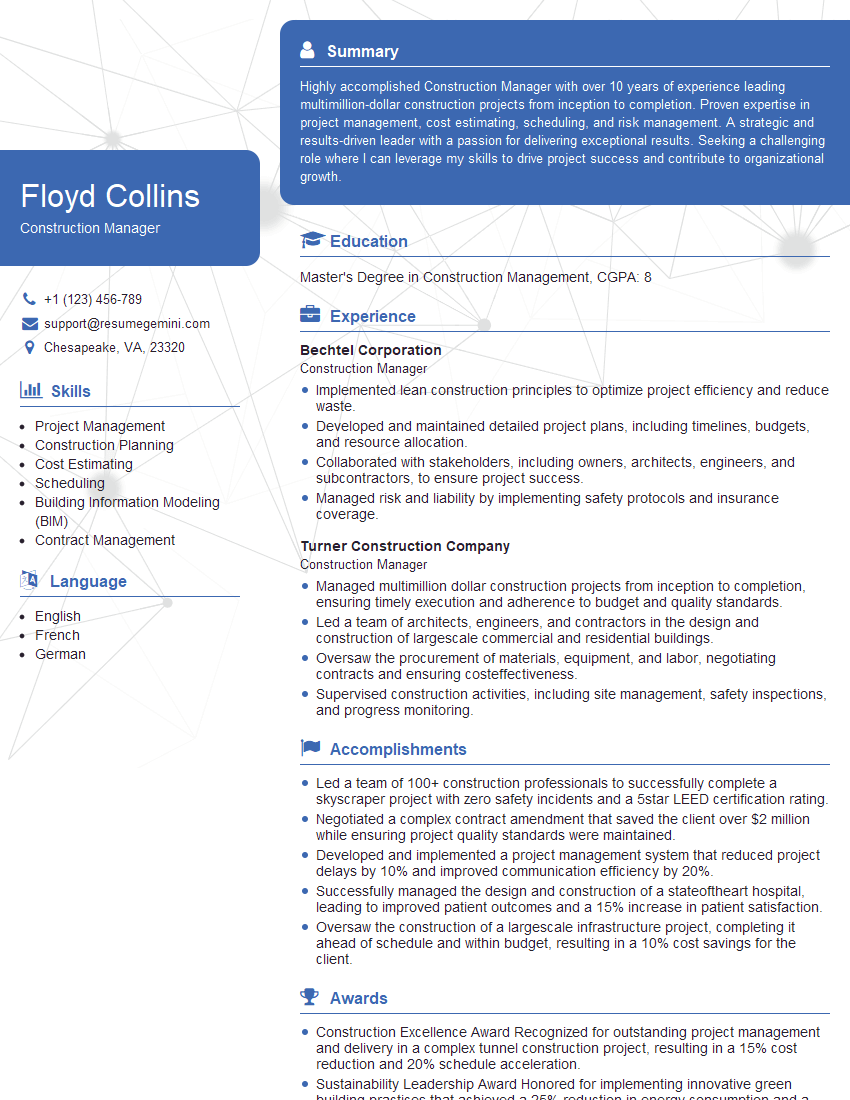
Construction Manager Resume Sample

Project Engineer Resume Sample
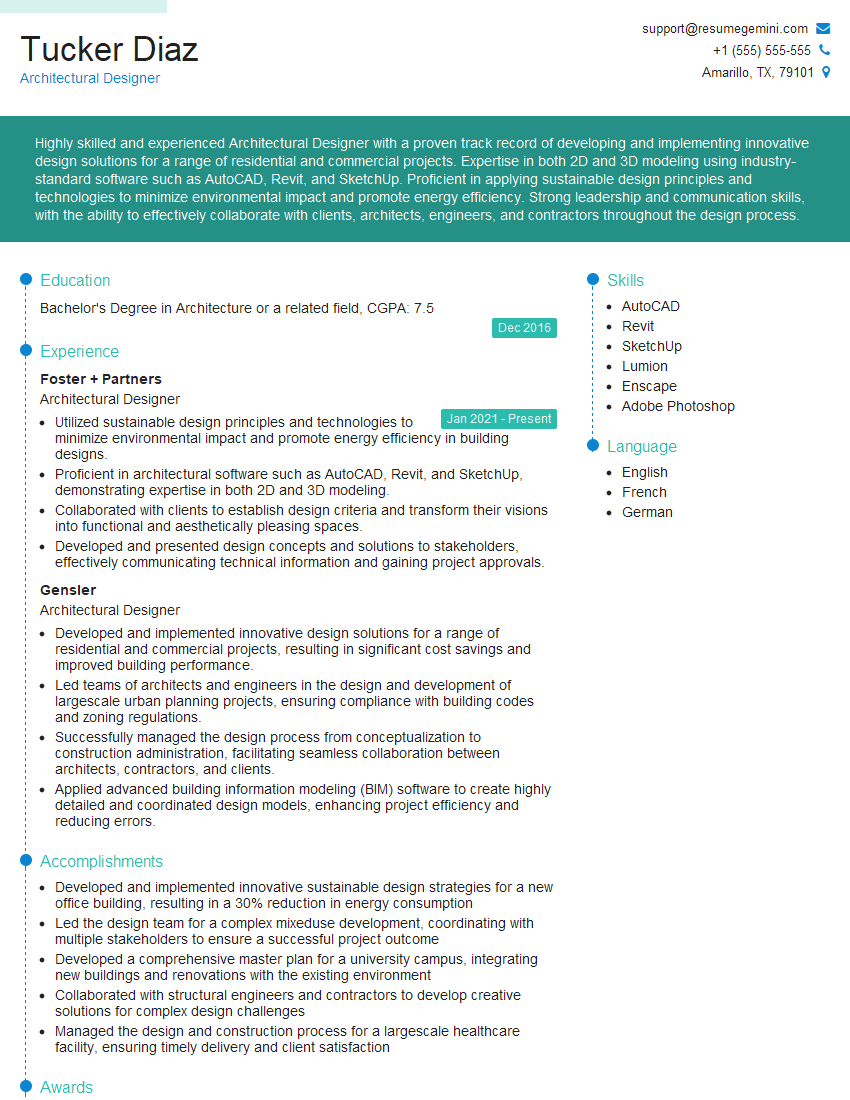
Architectural Designer Resume Sample
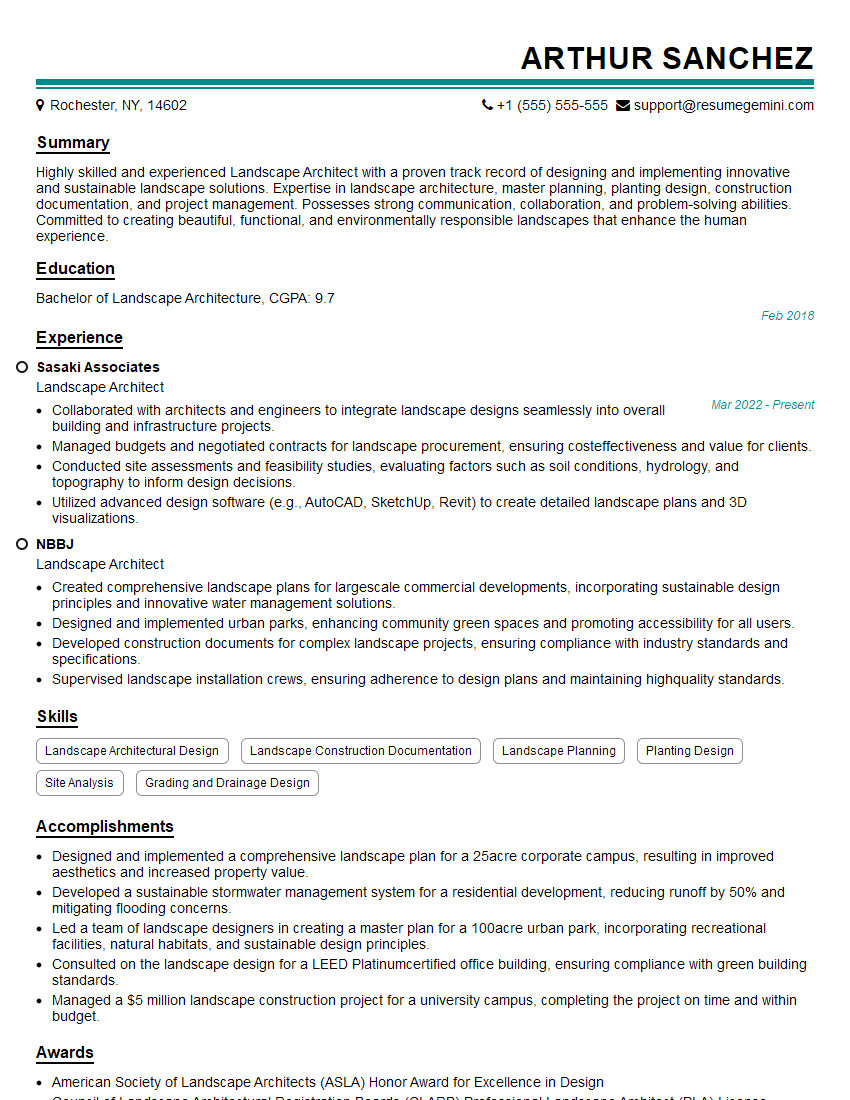
Landscape Architect Resume Sample
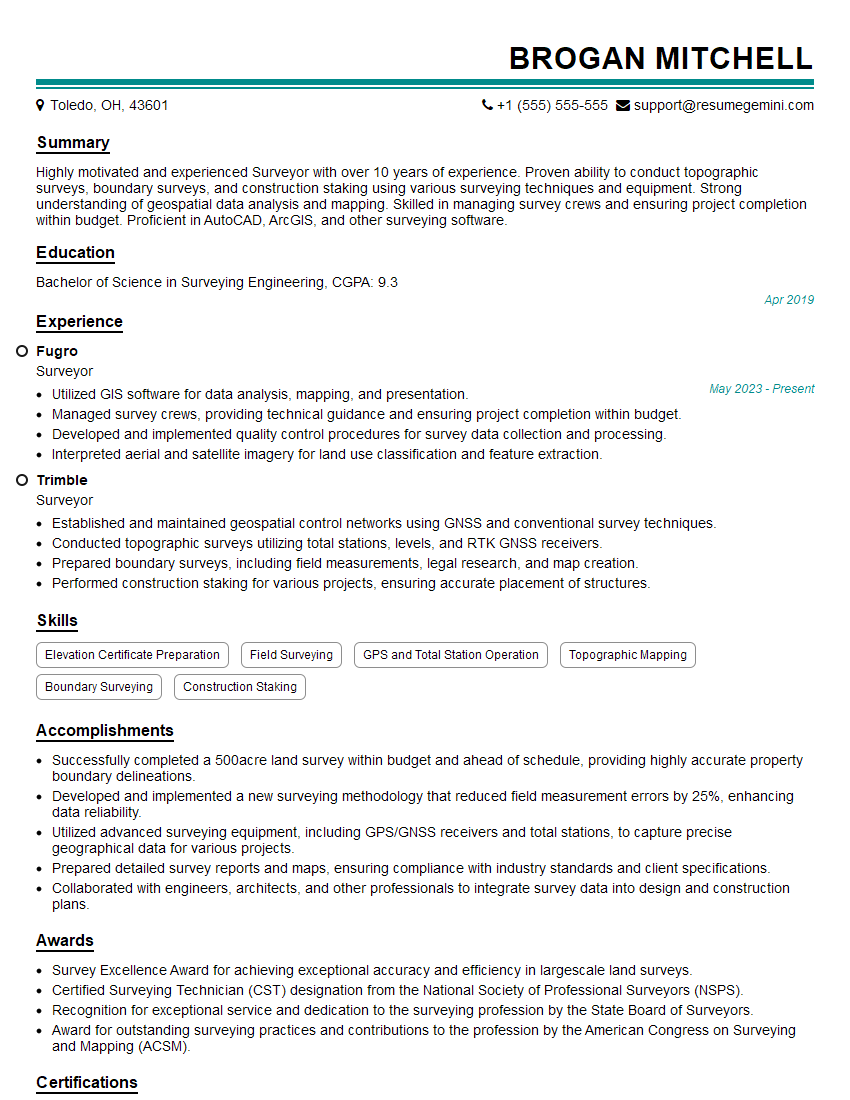
Surveyor Resume Sample
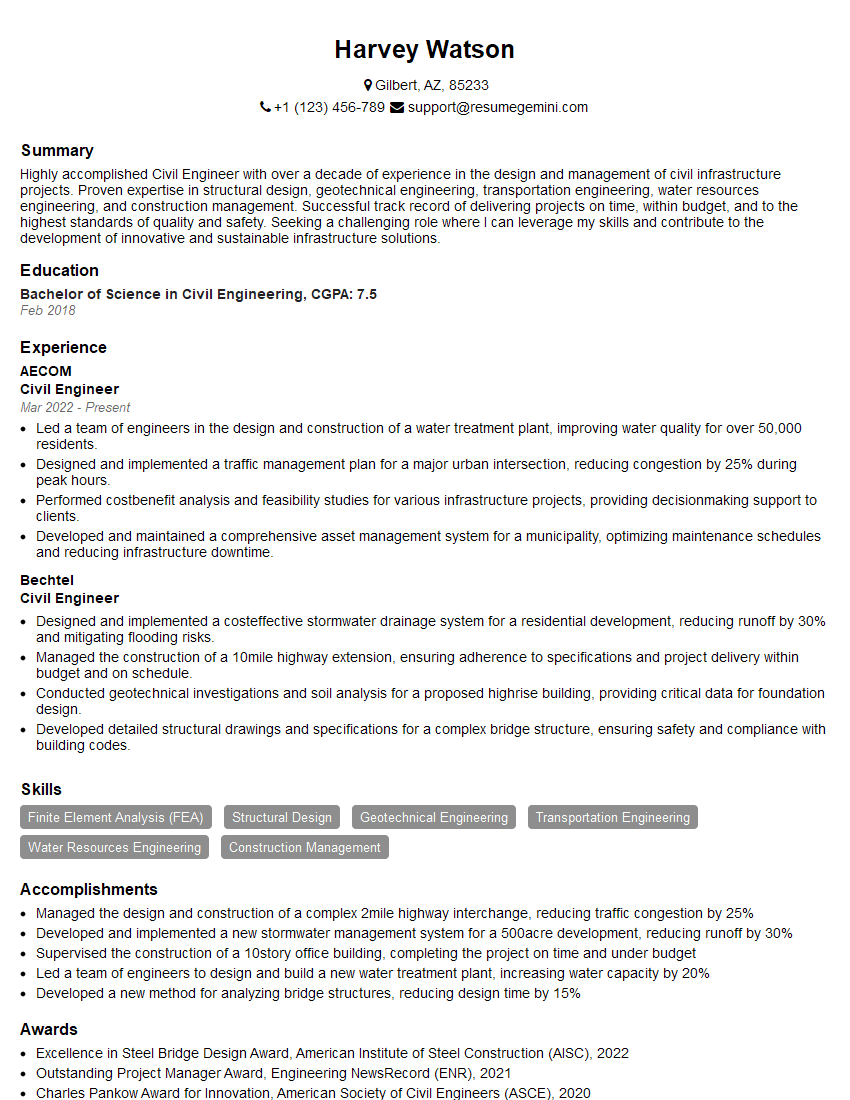
Civil Engineer Resume Sample
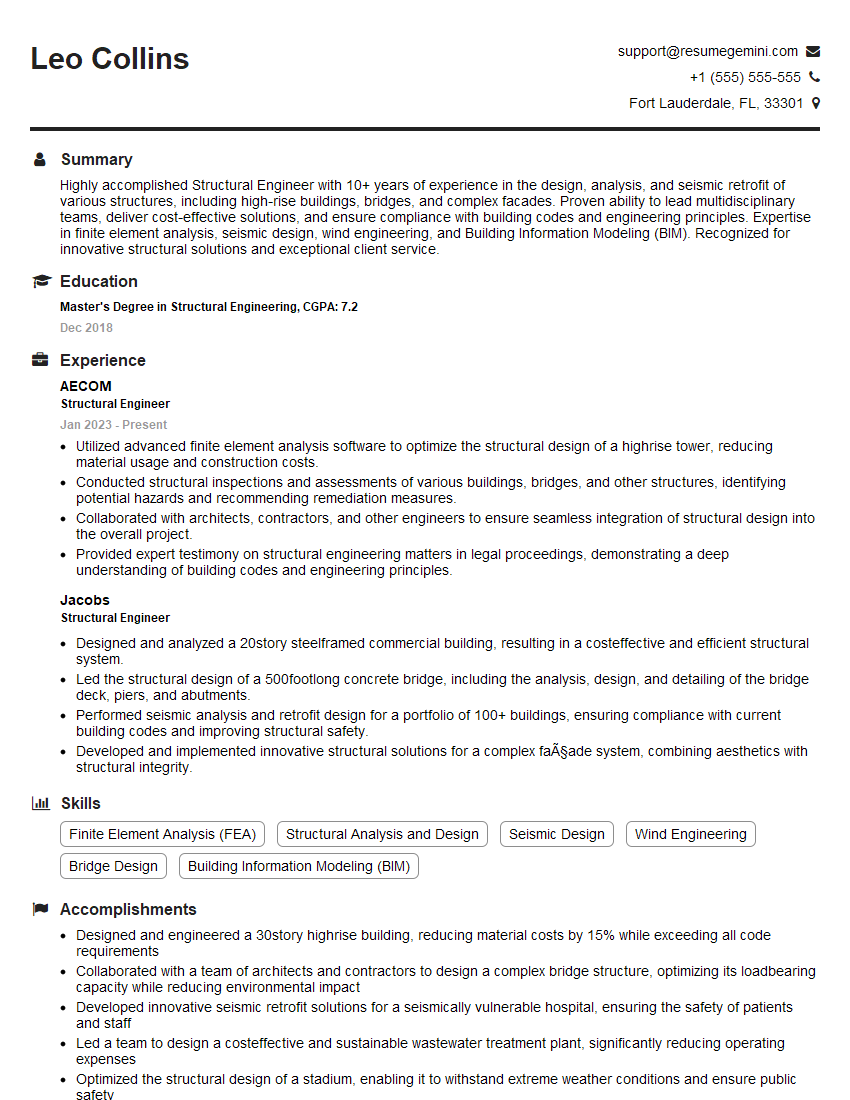
Structural Engineer Resume Sample
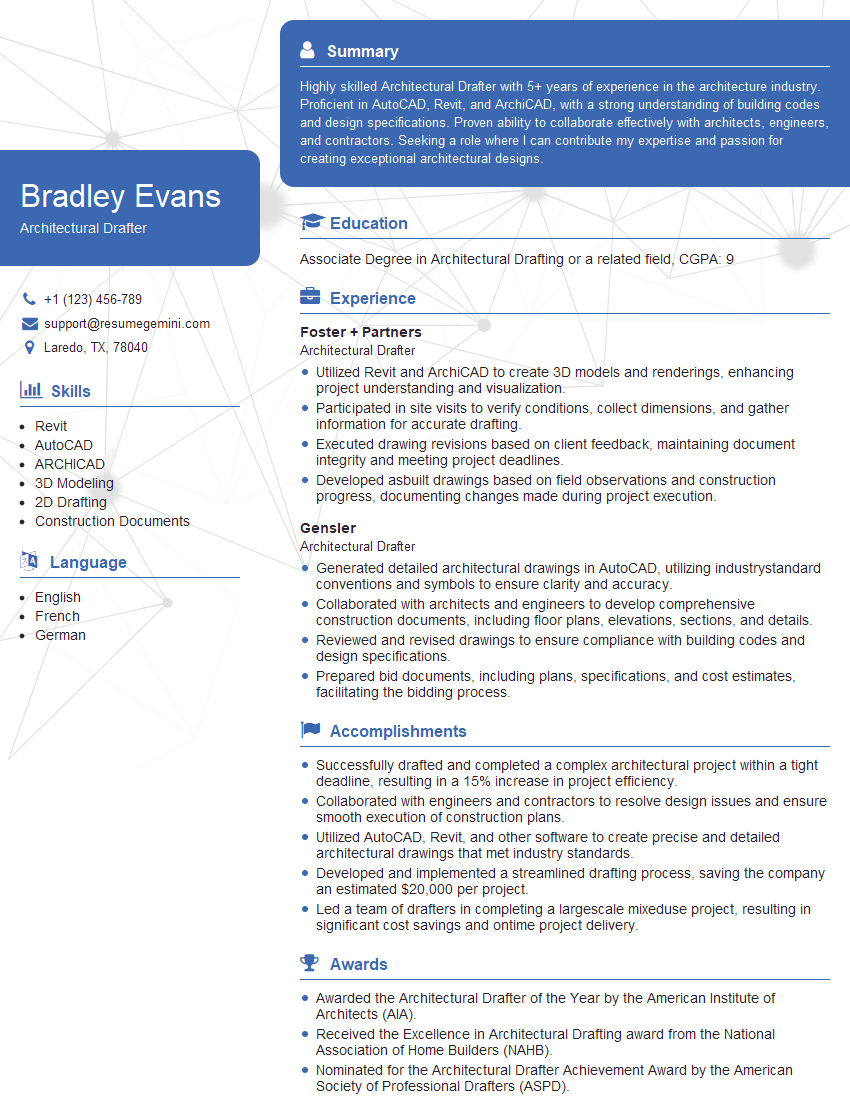
Architectural Drafter Resume Sample

Technical Illustrator Resume Sample

3D Modeler Resume Sample
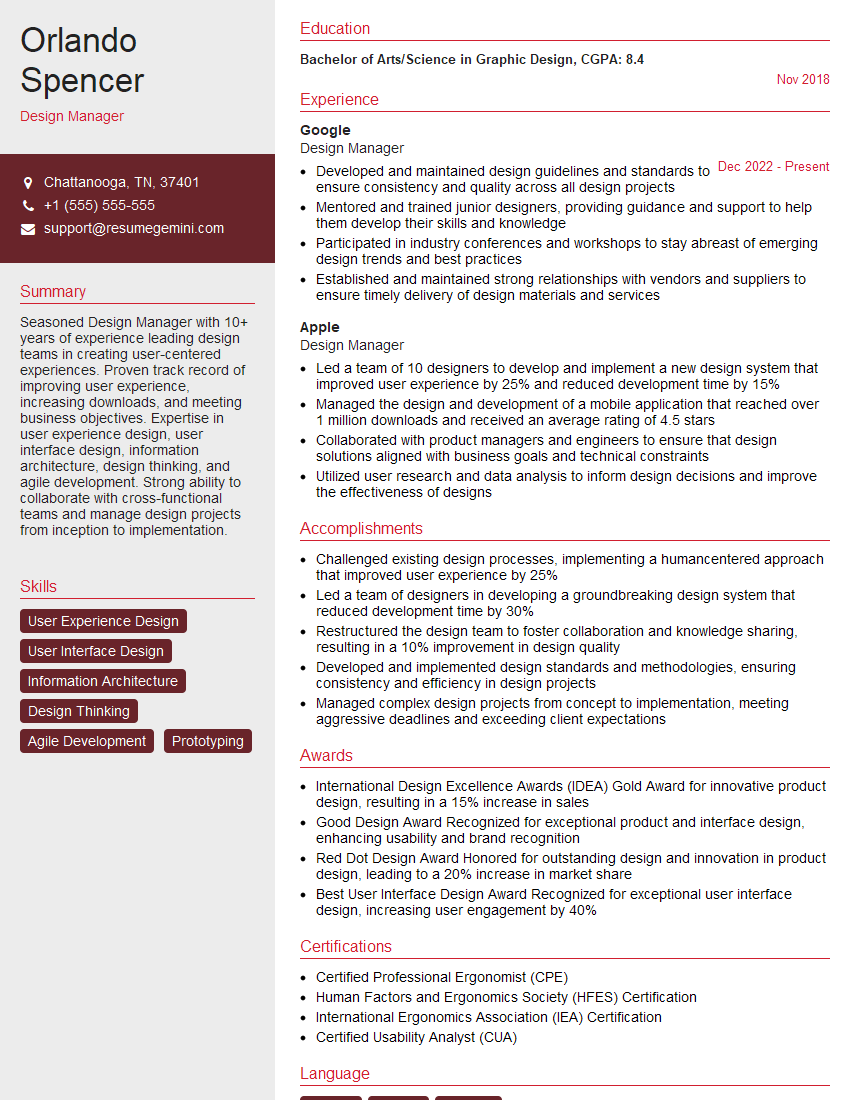
Design Manager Resume Sample
Interior Designer Resume Sample
Explore more articles
Users Rating of Our Blogs
Share Your Experience
We value your feedback! Please rate our content and share your thoughts (optional).
What Readers Say About Our Blog
Very informative content, great job.
good