Are you ready to stand out in your next interview? Understanding and preparing for Efficient Workflow interview questions is a game-changer. In this blog, we’ve compiled key questions and expert advice to help you showcase your skills with confidence and precision. Let’s get started on your journey to acing the interview.
Questions Asked in Efficient Workflow Interview
Q 1. Describe your experience optimizing a workflow process.
Optimizing a workflow involves analyzing the current process, identifying inefficiencies, and implementing improvements to increase speed, reduce errors, and enhance overall effectiveness. In one project, I was tasked with streamlining the order fulfillment process for an e-commerce company. The existing system involved multiple manual steps, leading to significant delays and errors. My approach involved mapping the entire process, from order placement to delivery, using a flowchart. This visual representation helped pinpoint bottlenecks, such as slow order processing and inefficient inventory management.
To address these issues, we implemented an automated order processing system, integrated the inventory management system with the order processing system, and optimized the warehouse layout for faster picking and packing. The result was a 40% reduction in order fulfillment time and a 25% decrease in order errors. We also integrated real-time tracking into the system, improving customer satisfaction.
Q 2. What metrics do you use to measure workflow efficiency?
Measuring workflow efficiency requires a multifaceted approach using various key performance indicators (KPIs). Some crucial metrics include:
- Cycle Time: The total time it takes to complete a task or process from start to finish. A shorter cycle time indicates higher efficiency.
- Throughput: The number of tasks or units completed within a given time frame. Increased throughput reflects improved efficiency.
- Error Rate: The percentage of tasks or processes completed with errors. Lower error rates demonstrate higher quality and efficiency.
- Cost per Unit: The cost associated with completing each task or unit of work. Lower cost per unit indicates greater efficiency.
- Lead Time: The time it takes from the initiation of a request to its completion. Reduction in lead time is a crucial indicator of improved workflow efficiency.
These metrics, when tracked and analyzed over time, provide a clear picture of the workflow’s performance and highlight areas for improvement.
Q 3. Explain your approach to identifying workflow bottlenecks.
Identifying workflow bottlenecks requires a systematic approach combining data analysis with observational techniques. My strategy typically involves:
- Process Mapping: Creating a visual representation of the workflow using flowcharts or swim lane diagrams. This reveals steps, dependencies, and potential bottlenecks.
- Data Analysis: Examining key metrics like cycle time and error rates for each step in the process. This highlights areas with significant delays or high error frequencies, indicating bottlenecks.
- Observation and Interviews: Directly observing the workflow in action and conducting interviews with team members involved. This uncovers hidden issues or inefficiencies not apparent in data alone.
- Root Cause Analysis: Once a bottleneck is identified, conducting a root cause analysis (e.g., using the 5 Whys technique) to pinpoint the underlying reasons for the delay or error.
For example, in a software development process, a bottleneck might be caused by a slow code review process. By analyzing the time taken for code reviews, interviewing developers and reviewers, and understanding the tools and processes used, we can determine the root cause (e.g., lack of clear guidelines, inadequate tools, or insufficient reviewer availability) and implement solutions.
Q 4. How do you prioritize tasks within a complex workflow?
Prioritizing tasks in a complex workflow requires a structured approach that considers urgency, importance, and dependencies. I often use a combination of methods:
- Eisenhower Matrix (Urgent/Important): Categorizes tasks based on their urgency and importance, enabling prioritization based on four quadrants: Do, Decide, Delegate, and Delete.
- MoSCoW Method: Classifies requirements as Must have, Should have, Could have, and Won’t have, providing a clear hierarchy for prioritization.
- Dependency Mapping: Identifying tasks that depend on others and sequencing them accordingly to avoid delays.
- Value Stream Mapping: Visualizes the entire workflow to understand which tasks add the most value and prioritize those.
The best approach depends on the context. For example, in a crisis situation, tasks are prioritized based on urgency. In a project with clear deadlines, prioritizing based on dependencies and critical path analysis is crucial.
Q 5. What tools or technologies have you used to improve workflow efficiency?
To improve workflow efficiency, I’ve utilized a variety of tools and technologies, including:
- Project Management Software (Asana, Trello, Jira): For task management, collaboration, and progress tracking.
- Business Process Management (BPM) Suites: For modeling, automating, and optimizing complex workflows.
- Workflow Automation Tools (Zapier, IFTTT): For automating repetitive tasks and integrating different applications.
- Data Analytics Platforms (Tableau, Power BI): For analyzing workflow data and identifying areas for improvement.
- Collaboration Tools (Slack, Microsoft Teams): For facilitating communication and coordination within teams.
The choice of tools depends on the specific workflow and the organization’s needs. For example, a simple workflow might only require a project management tool, while a complex workflow might require a BPM suite integrated with other applications.
Q 6. Describe a time you improved a team’s workflow.
In a previous role, I significantly improved a marketing team’s workflow by implementing a centralized content calendar. The team was previously using various spreadsheets and email chains to manage content creation and scheduling, leading to confusion, missed deadlines, and duplicated efforts.
By introducing a shared, centralized content calendar using a project management tool, we streamlined content planning, ensured better collaboration, and drastically reduced errors. This resulted in a 30% increase in content output and improved overall consistency in brand messaging. The tool also facilitated better tracking of performance metrics, which helped the team optimize their content strategy based on data.
Q 7. How do you handle unexpected disruptions to a workflow?
Handling unexpected disruptions requires a proactive and flexible approach. My strategy generally involves:
- Contingency Planning: Developing plans for potential disruptions, including identifying backup resources and alternative solutions.
- Communication: Quickly communicating the disruption to all stakeholders, keeping everyone informed and coordinated.
- Problem-Solving: Identifying the root cause of the disruption and working to resolve it as quickly as possible.
- Prioritization: Re-prioritizing tasks based on the impact of the disruption, focusing on critical activities.
- Post-Incident Review: Conducting a thorough review of the disruption to identify areas for improvement and prevent future occurrences.
For example, if a critical system fails, we would activate the backup system, notify affected parties, troubleshoot the primary system, and re-prioritize tasks to minimize impact. Post-incident review would help us understand the cause of the failure and prevent similar issues in the future.
Q 8. What is your experience with Lean methodologies (e.g., Kaizen, 5S)?
Lean methodologies, such as Kaizen and 5S, are crucial for optimizing workflows and eliminating waste. Kaizen, meaning “continuous improvement,” focuses on incremental changes to processes, identifying and eliminating inefficiencies. 5S (Sort, Set in Order, Shine, Standardize, Sustain) provides a structured approach to workplace organization, leading to a more efficient and safer work environment.
In my previous role at a manufacturing company, we implemented Kaizen events to address bottlenecks in the assembly line. By involving the assembly line workers directly, we identified a minor adjustment to the workstation layout that reduced production time by 15%. This demonstrates the power of empowering the workforce in identifying areas for improvement.
Similarly, implementing 5S significantly improved our inventory management. Sorting through unnecessary tools and materials, organizing the workspace, and establishing standardized cleaning schedules reduced search times and improved overall workplace safety. We saw a direct correlation between the implementation of 5S and a reduction in workplace accidents.
Q 9. How do you ensure consistent workflow execution across teams?
Ensuring consistent workflow execution across teams requires a multifaceted approach. It starts with clear, documented processes. This includes detailed Standard Operating Procedures (SOPs) that leave no room for ambiguity. These SOPs should be accessible to all team members and regularly reviewed and updated.
Secondly, robust training and onboarding are essential. New team members should receive thorough training on the SOPs and workflow processes, preferably through a combination of classroom training and hands-on experience. Regular refresher training keeps everyone updated on changes and best practices.
Finally, consistent monitoring and feedback are vital. Using project management tools and regular team meetings, progress is tracked, challenges are identified, and necessary adjustments are made promptly. Open communication channels also ensure quick resolution to any workflow disruptions.
For example, at my previous company, we utilized a project management software that tracked task assignments, deadlines, and progress, enabling us to monitor workflow execution across multiple teams effectively. Weekly team meetings allowed us to address challenges and improve collaboration.
Q 10. Explain your understanding of Six Sigma principles.
Six Sigma is a data-driven methodology aimed at minimizing defects and variations in processes. It follows a structured DMAIC (Define, Measure, Analyze, Improve, Control) process. The goal is to achieve a level of quality where defects are reduced to just 3.4 per million opportunities.
Define: Clearly define the problem and project goals.
Measure: Collect data to understand the current process and identify key metrics.
Analyze: Analyze the collected data to identify root causes of defects.
Improve: Develop and implement solutions to address the root causes.
Control: Establish monitoring systems to ensure that improvements are sustained.
In a previous project involving customer service call handling, we used Six Sigma to reduce customer wait times. We first defined the target wait time, then measured the current average wait time and identified peak periods. Analyzing call logs revealed bottlenecks in the system. We improved the system by adding extra staff during peak hours and streamlining the call routing process. Finally, we established a monitoring system to track wait times and ensure improvements were sustained.
Q 11. How do you communicate workflow changes to stakeholders?
Communicating workflow changes effectively to stakeholders requires a tailored approach. It begins with clearly articulating the “why” behind the change—what problem it solves and how it benefits the organization and individual stakeholders. Transparency is key.
Next, the “what”—the specifics of the changes—should be communicated clearly and concisely, preferably using various communication channels to reach everyone. This may include emails, presentations, training sessions, or even informal team meetings, depending on the audience and complexity of the change.
Finally, the “how”—the implementation plan and timeline—should be explained thoroughly, including training and support for affected parties. Feedback mechanisms should be established to address any concerns and allow stakeholders to adapt to the changes effectively. For instance, a change management plan with clear timelines and responsibilities is crucial.
I often find that combining a formal communication (like an email outlining the changes) with an informal Q&A session allows for open discussion and addresses concerns promptly. This ensures that everyone understands and accepts the changes.
Q 12. What is your approach to documenting workflow processes?
Documenting workflow processes is critical for consistency and efficiency. My preferred approach involves using a combination of visual and textual documentation. Visual tools, such as flowcharts, swim lane diagrams, and process maps, provide a clear overview of the entire process, making it easy to understand.
Textual documentation, such as Standard Operating Procedures (SOPs), provides detailed instructions for each step within the process. These SOPs should be written in plain language, easy to understand by all team members. They must also be regularly updated to reflect changes in the process.
Ideally, documentation should be stored in a central repository, easily accessible to all relevant personnel. Version control is important to track updates and revisions. For example, I’ve used tools like Confluence or SharePoint to manage process documentation, ensuring consistency and accessibility across teams.
Q 13. Describe your experience with workflow automation tools.
I have extensive experience with various workflow automation tools, including Robotic Process Automation (RPA) software, Business Process Management (BPM) suites, and other automation platforms. RPA tools are excellent for automating repetitive, rule-based tasks, freeing up human resources for higher-value work. BPM suites offer broader capabilities, enabling the modeling, execution, and monitoring of complex business processes.
For instance, in a previous role, we used an RPA tool to automate the data entry process from invoices into our accounting system. This reduced manual data entry time by 75% and improved data accuracy significantly. In another project, we used a BPM suite to model and automate a complex customer onboarding process, reducing processing time and improving customer satisfaction.
The choice of tool depends on the complexity of the process and the specific automation needs. Factors to consider include scalability, integration with existing systems, and ease of use for the end-users.
Q 14. How do you identify and resolve conflicts in a workflow?
Resolving workflow conflicts requires a structured approach that prioritizes understanding the root cause of the conflict and finding a solution that satisfies all parties involved. The first step is to clearly identify the conflict—who is involved, what is the disagreement about, and what are the potential impacts?
Next, facilitate open communication and collaboration between the involved parties. This might involve mediating discussions, clarifying misunderstandings, and ensuring that everyone feels heard and understood. Often, a simple clarification of roles and responsibilities resolves the issue.
If a simple discussion doesn’t resolve the conflict, a more formal process may be necessary, such as escalation to a higher level of management. A clear escalation path should be defined upfront and outlined in the workflow documentation. Ultimately, the solution should be documented and implemented to prevent similar conflicts in the future.
For example, in a previous project, a conflict arose between two teams regarding the allocation of resources. By facilitating a meeting and helping the teams understand each other’s priorities and constraints, we found a compromise that satisfied both sides and maintained the overall workflow.
Q 15. What is your experience with Agile project management methodologies?
My experience with Agile methodologies is extensive. I’ve successfully implemented Scrum and Kanban frameworks in diverse projects, from software development to marketing campaigns. I understand the core principles of Agile – iterative development, collaboration, and responding to change – and I’m adept at tailoring these methodologies to specific project needs. For instance, in a recent software development project, we used Scrum’s sprints and daily stand-ups to foster transparency and facilitate quick adaptation to evolving user requirements. This allowed us to deliver a high-quality product within the stipulated timeframe, even with mid-project changes. I’m also proficient in using Agile project management tools like Jira and Asana to track progress, manage tasks, and facilitate communication within the team.
Career Expert Tips:
- Ace those interviews! Prepare effectively by reviewing the Top 50 Most Common Interview Questions on ResumeGemini.
- Navigate your job search with confidence! Explore a wide range of Career Tips on ResumeGemini. Learn about common challenges and recommendations to overcome them.
- Craft the perfect resume! Master the Art of Resume Writing with ResumeGemini’s guide. Showcase your unique qualifications and achievements effectively.
- Don’t miss out on holiday savings! Build your dream resume with ResumeGemini’s ATS optimized templates.
Q 16. How do you balance efficiency with quality in a workflow?
Balancing efficiency and quality is crucial for any workflow. It’s not a trade-off; rather, it’s about finding synergy. Think of it like baking a cake: efficiency is about baking it quickly, while quality is about ensuring it tastes delicious. We achieve this balance by implementing quality control measures *throughout* the workflow, not just at the end. This involves proactive steps such as:
- Clear Requirements and Specifications: Beginning with a precise understanding of the goals minimizes rework and ensures the final product meets expectations.
- Automated Testing and Checks: Implementing automated tests catches errors early, preventing them from propagating through the workflow and saving time in the long run.
- Regular Reviews and Feedback Loops: Frequent reviews and incorporating feedback at each stage ensures continuous improvement and early detection of potential quality issues.
- Process Optimization: Identifying and eliminating bottlenecks in the workflow enhances efficiency without compromising quality. For example, streamlining approval processes or automating repetitive tasks.
By integrating these practices, we achieve a workflow that is both productive and produces high-quality outcomes.
Q 17. How do you measure the ROI of workflow improvements?
Measuring the ROI of workflow improvements requires a multi-faceted approach. We cannot simply rely on anecdotal evidence; we need quantifiable data. I typically focus on these key metrics:
- Reduced Cycle Time: How much faster does the workflow process now take to complete tasks?
- Increased Throughput: How many more tasks or units of work are processed per unit of time?
- Cost Savings: Have we reduced labor costs, material costs, or other expenses? For example, automating a previously manual task can dramatically reduce labor costs.
- Improved Quality: Have we seen a reduction in errors, defects, or rework, leading to savings from reduced waste?
- Enhanced Customer Satisfaction: Have improvements led to faster delivery times or a better product, resulting in improved customer satisfaction?
By tracking these metrics before and after workflow improvements and comparing them, we can accurately assess the financial return on investment. For example, if we reduce cycle time by 20% and increase throughput by 15%, we can translate those improvements into a concrete financial gain based on the cost of labor and the value of the increased output.
Q 18. Describe a time you had to adapt a workflow to changing requirements.
In a recent project involving the development of a mobile application, we initially designed the workflow around a waterfall methodology. However, halfway through the project, the client significantly altered their requirements, requesting new features and a change in the overall design. To adapt, we immediately transitioned to an Agile approach. We broke down the remaining tasks into smaller, more manageable sprints, incorporating the new requirements into the iteration plan. Regular communication with the client, daily stand-ups, and sprint reviews allowed us to flexibly accommodate changes, mitigating delays and maintaining a high level of client satisfaction. This rapid adaptation demonstrated the importance of flexibility and the power of Agile in handling unforeseen circumstances.
Q 19. How do you handle resistance to change within a workflow process?
Resistance to change is a common challenge in workflow improvements. My approach focuses on understanding the root cause of the resistance and addressing it proactively. This involves:
- Open Communication and Transparency: Clearly explaining the reasons for the changes, the anticipated benefits, and the process of implementation helps alleviate concerns.
- Involving Stakeholders: Engaging team members in the design and implementation phases ensures their voices are heard and buy-in is secured.
- Training and Support: Providing adequate training and ongoing support helps overcome any technical or skill-related barriers.
- Addressing Concerns: Actively listening to and addressing any concerns or fears that team members may have helps build trust and confidence in the changes.
- Phased Implementation: Implementing the changes in phases, starting with a pilot program, minimizes disruption and allows for adjustments based on feedback.
By taking a collaborative and empathetic approach, you can build a positive environment where change is viewed as an opportunity for growth and improvement, rather than a threat.
Q 20. What is your experience with data analysis to inform workflow improvements?
Data analysis is crucial for informed workflow improvements. I utilize data analytics tools and techniques to identify bottlenecks, inefficiencies, and areas for optimization. For example, by analyzing task completion times, error rates, and resource allocation, I can pinpoint specific stages of the workflow that require improvement. In a recent project, data analysis revealed that a significant portion of time was spent waiting for approvals. By automating part of the approval process, we reduced wait times and significantly improved the overall efficiency of the workflow. Furthermore, I use data visualization techniques such as charts and dashboards to communicate insights and findings to stakeholders, facilitating data-driven decision making.
Q 21. How do you ensure compliance within a workflow?
Ensuring compliance within a workflow requires a proactive approach. This includes:
- Identifying Relevant Regulations and Standards: Determining which regulations and industry standards are applicable to the workflow.
- Building Compliance into the Workflow Design: Designing the workflow to incorporate compliance checks and controls at each stage.
- Implementing Monitoring and Auditing Mechanisms: Establishing mechanisms to monitor compliance and conduct regular audits to ensure ongoing adherence to regulations.
- Training and Education: Providing training to employees on relevant compliance requirements and procedures.
- Documentation and Record Keeping: Maintaining accurate records of all activities and compliance measures taken.
By implementing these measures, we can ensure that the workflow not only operates efficiently but also meets all relevant compliance requirements. Failure to do so can lead to significant penalties and reputational damage.
Q 22. What is your experience with different workflow diagramming techniques?
Workflow diagramming is crucial for visualizing and optimizing processes. I’m proficient in several techniques, each with its strengths:
- Flowcharts: These use standard symbols to represent processes, decisions, and data flow. They’re excellent for high-level overviews and are easily understood by a wide audience. For example, a simple flowchart might depict the steps in processing a customer order: receive order, verify payment, pick items, ship order, etc.
- Swimlane Diagrams: These show the flow of activities across different departments or individuals. This helps identify bottlenecks and areas of collaboration. Think of a customer support ticket – a swimlane diagram would show how it moves between the customer service rep, technical support, and billing departments.
- BPMN (Business Process Model and Notation): This is a more formal and standardized notation, widely used for complex business processes. It includes elements like gateways for conditional branching and events for exceptional situations. It’s useful for detailed process modeling and analysis needed for robust business process management systems.
- UML Activity Diagrams: Similar to flowcharts but more detailed, allowing for modeling complex interactions and concurrent activities. These are ideal when you need to model interactions between multiple systems or workflows.
My choice of technique depends on the complexity of the workflow, the audience, and the desired level of detail. I often use a combination of techniques for a comprehensive analysis.
Q 23. Describe your experience with process mapping software.
I have extensive experience with several process mapping software solutions, including Lucidchart, draw.io, and Microsoft Visio. My selection is guided by project needs and budget. Lucidchart, for instance, is excellent for collaborative work and its user-friendly interface, making it suitable for less technical users. Visio, while powerful, might be overkill for smaller projects and requires a higher level of technical expertise. I am also familiar with specialized BPM software such as Bizagi or Camunda, particularly useful for automating and integrating workflows with existing systems.
Beyond the software itself, I’m adept at leveraging their features to create clear, concise, and comprehensive process maps. This includes using layers, templates, and collaboration features to improve the efficiency of the mapping process and its overall impact on the final workflow design.
Q 24. How do you delegate tasks effectively within a workflow?
Effective task delegation is crucial for workflow optimization. My approach involves several key steps:
- Clear Definition: Each task must be clearly defined with specific objectives, deliverables, and deadlines.
- Skill Matching: I assess team members’ skills and experience to assign tasks to the most qualified individuals.
- Authority and Accountability: I clearly define the authority and responsibility associated with each task. This minimizes ambiguity and ensures accountability.
- Communication & Support: I provide ongoing communication and support to ensure team members have the resources they need to complete their tasks successfully. Regular check-ins help identify and address challenges early on.
- Monitoring & Feedback: I regularly monitor progress and provide constructive feedback. This enables adjustments to the workflow as needed.
For example, during a project launch, I might delegate design tasks to the design team, coding tasks to developers, and testing to the QA team, ensuring each team has clear goals and communication channels. Regular stand-up meetings help track progress and handle roadblocks.
Q 25. How do you use technology to enhance communication in a workflow?
Technology plays a vital role in enhancing workflow communication. I utilize various tools to improve transparency and collaboration:
- Project Management Software (Asana, Trello, Jira): These platforms allow for central task management, progress tracking, and real-time communication.
- Instant Messaging (Slack, Microsoft Teams): These facilitate quick communication for urgent updates and collaborative problem-solving.
- Video Conferencing (Zoom, Google Meet): These are invaluable for quick meetings, brainstorming sessions, and team check-ins.
- Document Sharing Platforms (Google Drive, SharePoint): These enable seamless document collaboration and version control.
For instance, using Slack for quick queries and Asana for task management, along with regular Zoom calls for team discussions, significantly improved communication and coordination during a recent project, leading to a faster turnaround time and higher team morale.
Q 26. Explain your understanding of Business Process Re-engineering (BPR).
Business Process Re-engineering (BPR) is a radical redesign of business processes to achieve significant improvements in performance, efficiency, and customer satisfaction. It’s not about incremental changes, but rather a fundamental rethinking of how work gets done. It involves analyzing existing processes, identifying inefficiencies, and creating entirely new, optimized processes.
The core principles of BPR often involve:
- Focus on Customer Value: Processes are designed around delivering maximum value to the customer.
- Process Simplification: Eliminating unnecessary steps and streamlining processes to reduce complexity.
- Technology Integration: Leveraging technology to automate tasks and improve efficiency.
- Empowerment and Collaboration: Giving employees more autonomy and fostering collaboration across departments.
A successful BPR initiative typically involves analyzing the ‘as-is’ process, designing the ‘to-be’ process, implementing the changes, and monitoring its effectiveness. This often requires a cross-functional team to ensure buy-in and effective implementation.
Q 27. How do you train employees on new or improved workflow processes?
Training is critical for successful workflow implementation. My approach involves:
- Needs Assessment: Identifying the specific training needs of employees based on the new workflow.
- Modular Training: Breaking down training into smaller, manageable modules to enhance learning.
- Variety of Methods: Using a combination of methods such as presentations, hands-on exercises, and online tutorials.
- Mentorship and Support: Providing ongoing mentorship and support to employees after training.
- Feedback Mechanisms: Incorporating feedback mechanisms to continuously improve training materials and methods.
For example, when introducing a new CRM system, we might start with introductory presentations covering basic functionalities, followed by hands-on sessions where employees could perform tasks using sample data, with trainers offering assistance. We also ensure ongoing support via FAQs, email, and quick-response team support.
Q 28. Describe a time you successfully implemented a new workflow.
In a previous role, we were struggling with a slow and inefficient invoice processing system. It involved manual data entry, multiple departments, and significant delays. I led the implementation of a new workflow using a combination of automated data entry, workflow management software, and improved communication protocols. The new workflow integrated several systems, automating data transfer and reducing manual input dramatically. We also clearly defined roles and responsibilities, improving collaboration between finance and purchasing departments.
The result was a significant reduction in processing time (from an average of 5 days to under 24 hours), fewer errors, and higher employee satisfaction due to reduced workload and improved clarity. This successful implementation involved thorough needs assessment, clear communication, and ongoing monitoring, reinforcing the importance of a holistic approach to process improvement.
Key Topics to Learn for Efficient Workflow Interview
- Process Optimization: Understanding Lean principles, Six Sigma methodologies, and other process improvement frameworks. Consider how to identify bottlenecks and inefficiencies in workflows.
- Automation & Technology: Explore the role of software and tools in streamlining workflows. Discuss your experience with automation platforms or project management software (mention specific ones if you have experience, but avoid naming specific software if not applicable).
- Team Collaboration & Communication: Highlight your skills in effective teamwork, communication strategies for efficient project execution, and conflict resolution within a team environment. Consider examples of successful collaborations.
- Data Analysis & Measurement: Discuss how you would track key performance indicators (KPIs) related to workflow efficiency. Explain your experience in using data to identify areas for improvement and measure the impact of changes.
- Change Management: Understanding how to implement new workflows effectively, addressing resistance to change, and ensuring smooth transitions. Consider examples from previous roles.
- Problem-solving & Critical Thinking: Demonstrate your ability to analyze complex workflow issues, identify root causes, and develop practical solutions. Prepare examples of situations where you improved a workflow significantly.
Next Steps
Mastering efficient workflow methodologies is crucial for career advancement in today’s dynamic work environment. Employers highly value candidates who can streamline processes, improve productivity, and drive positive results. To significantly boost your job prospects, create an ATS-friendly resume that showcases your relevant skills and experience effectively. We highly recommend using ResumeGemini, a trusted resource, to craft a professional and impactful resume. Examples of resumes tailored to highlight Efficient Workflow expertise are available below to help guide you.
Program Manager Resume Sample

Operations Manager Resume Sample
Production Manager Resume Sample
Operations Coordinator Resume Sample
Quality Control Manager Resume Sample
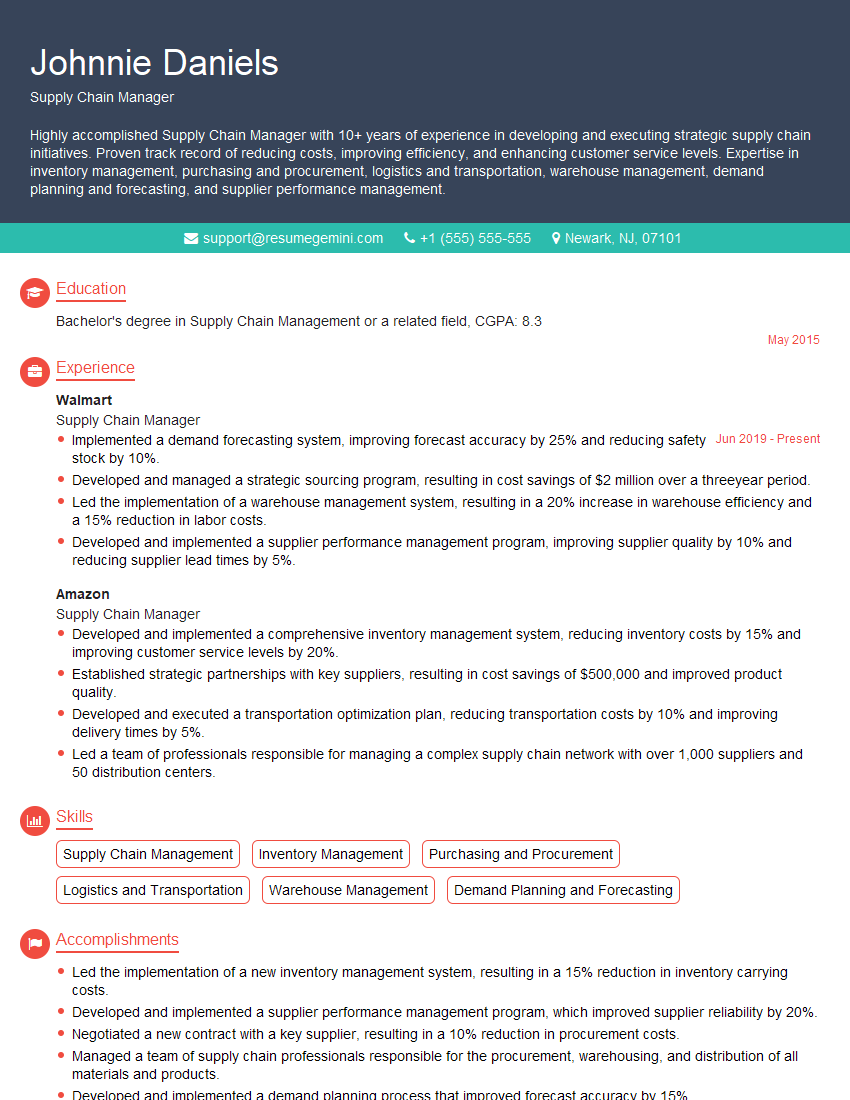
Supply Chain Manager Resume Sample
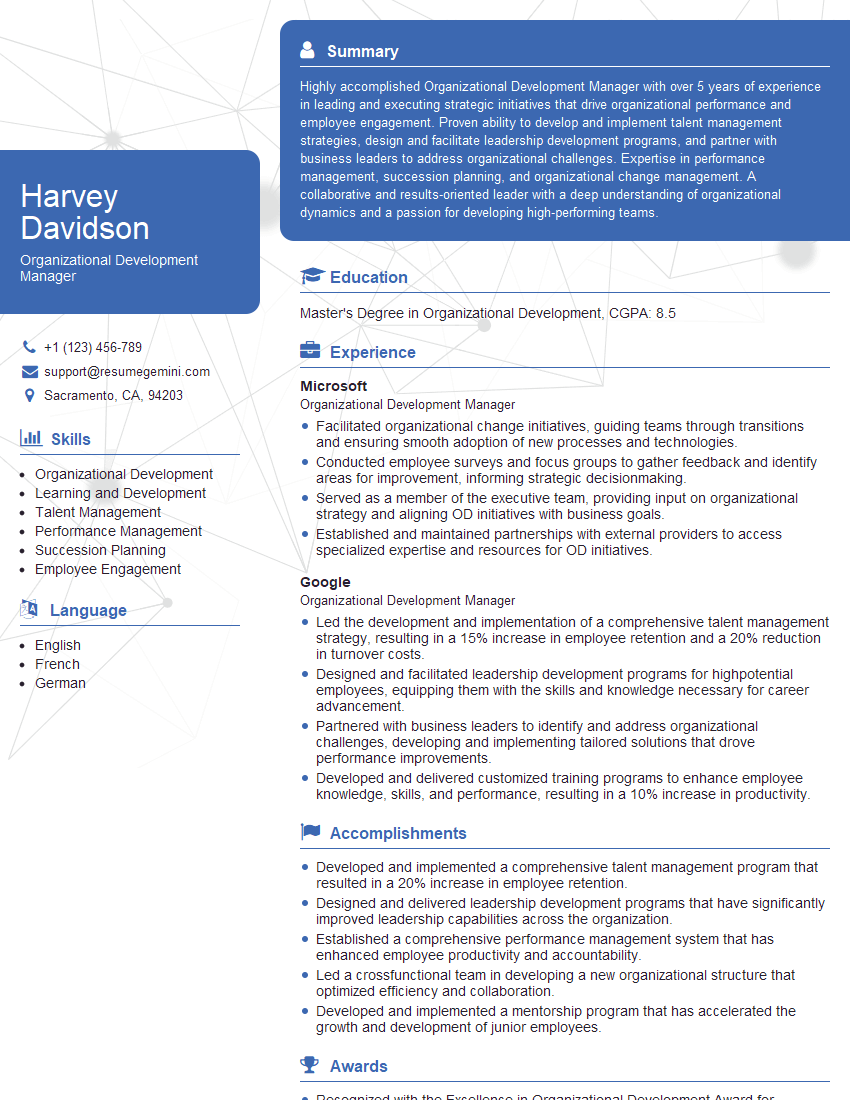
Organizational Development Manager Resume Sample

Project Manager Resume Sample
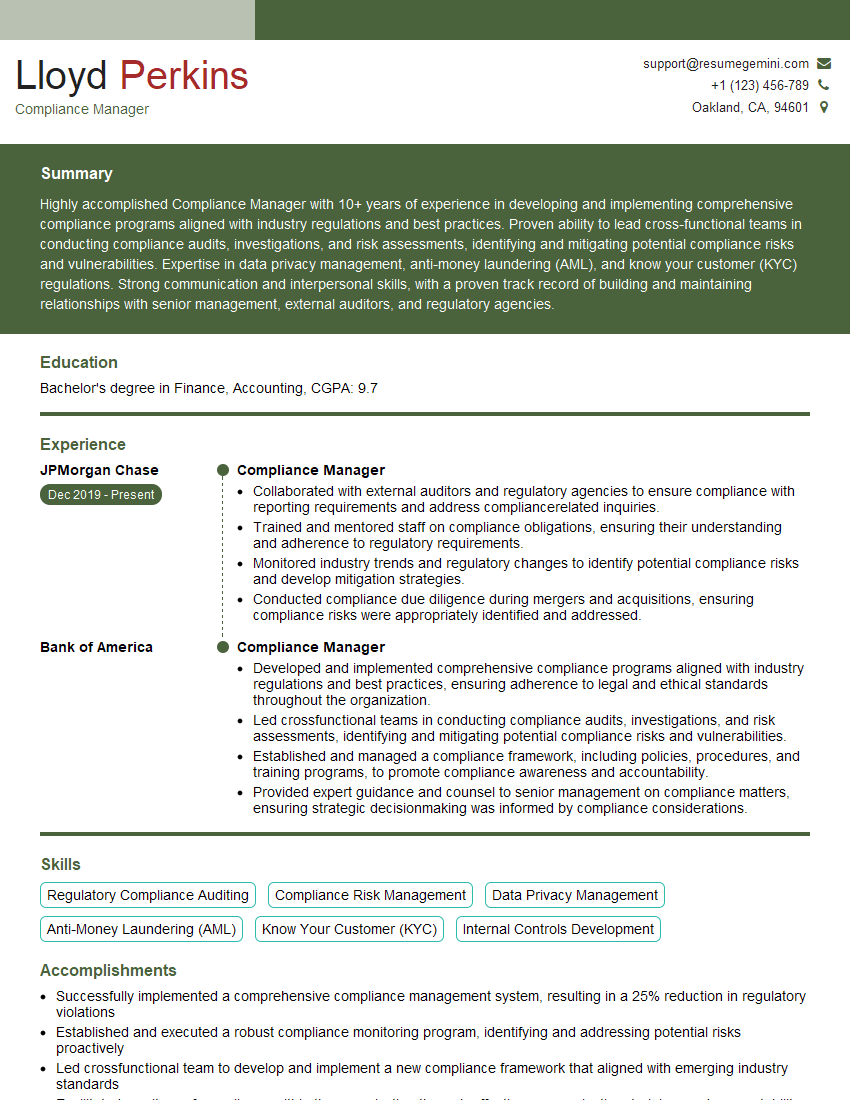
Compliance Manager Resume Sample
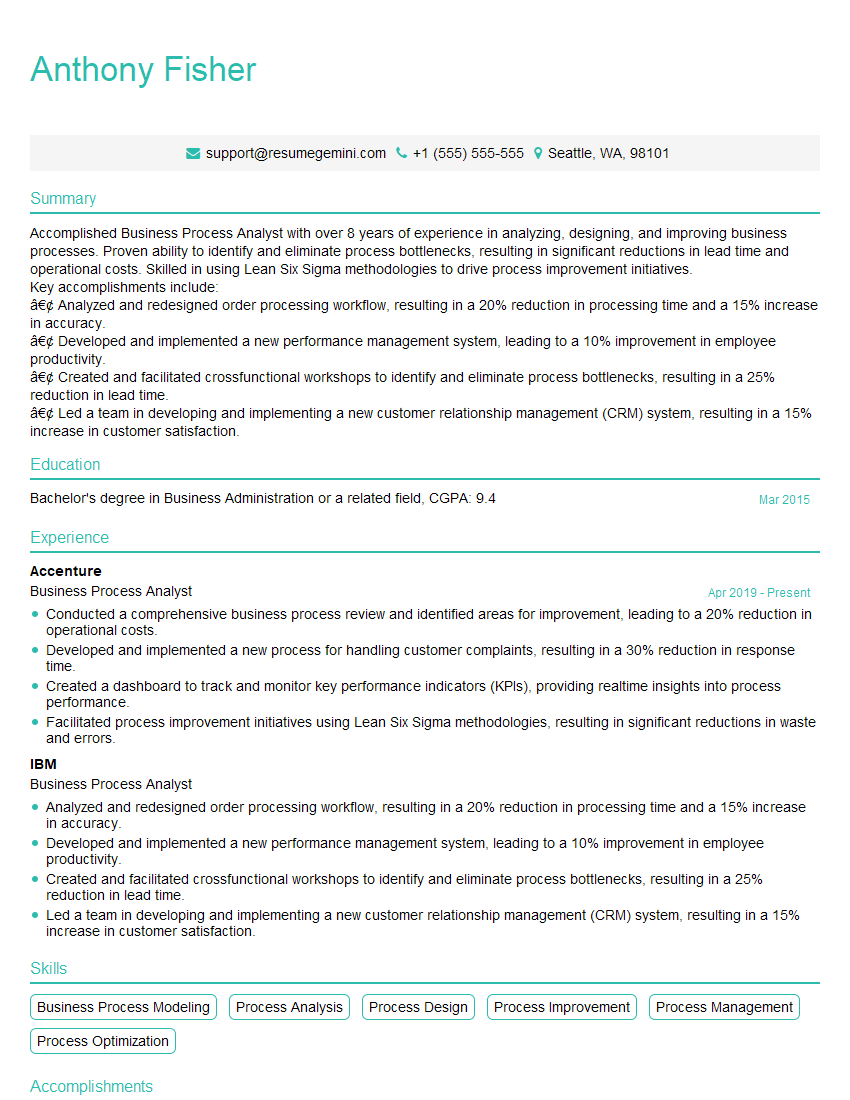
Business Process Analyst Resume Sample
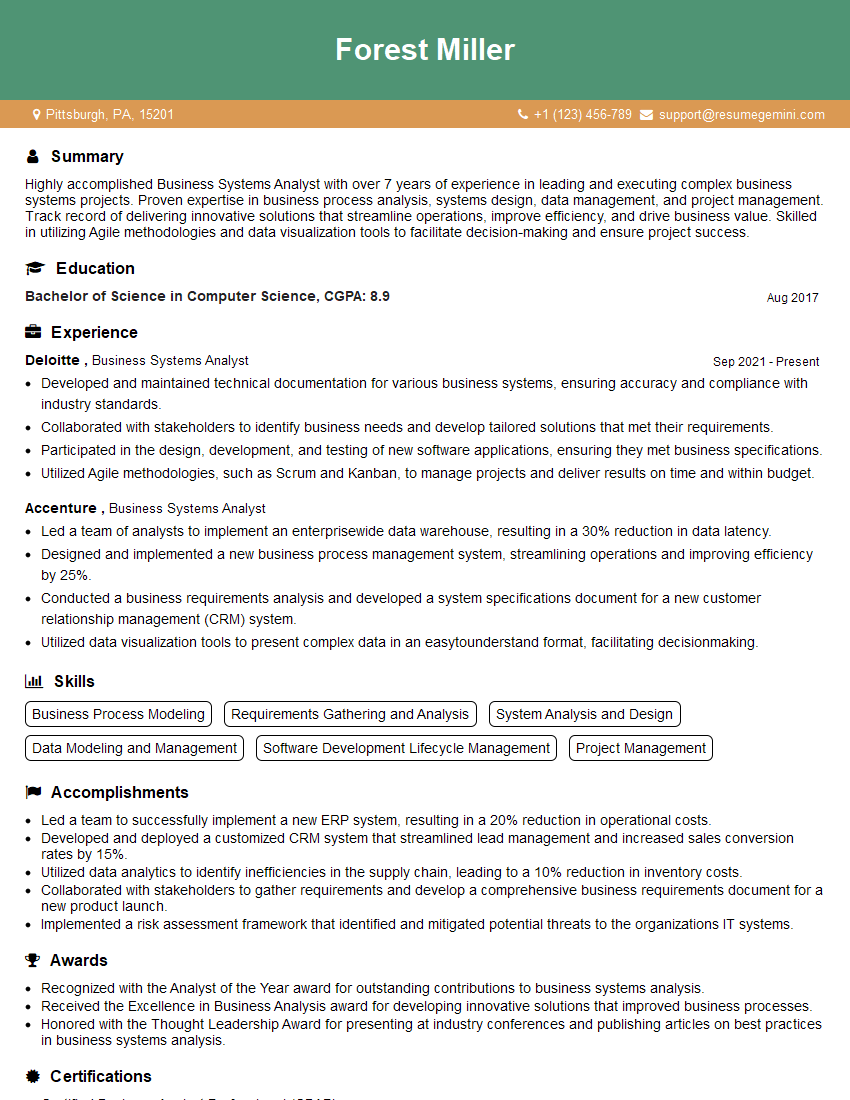
Business Systems Analyst Resume Sample

IT Project Manager Resume Sample
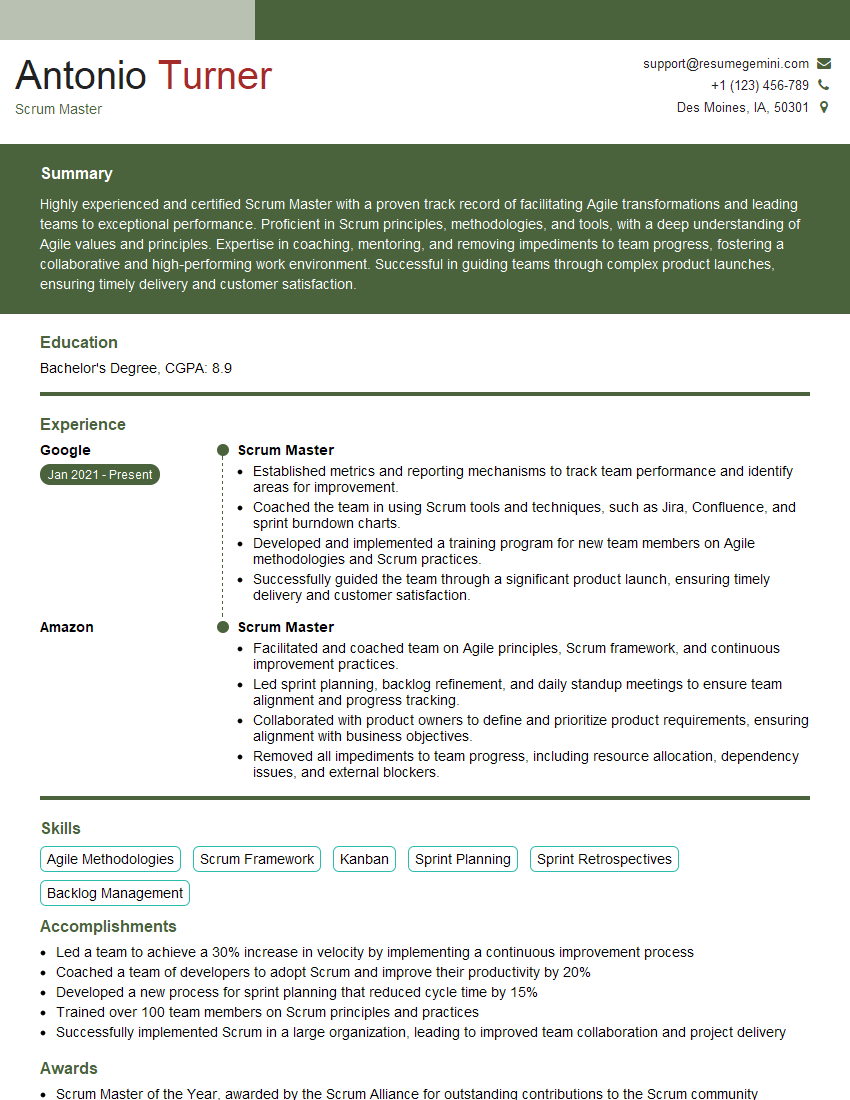
Scrum Master Resume Sample
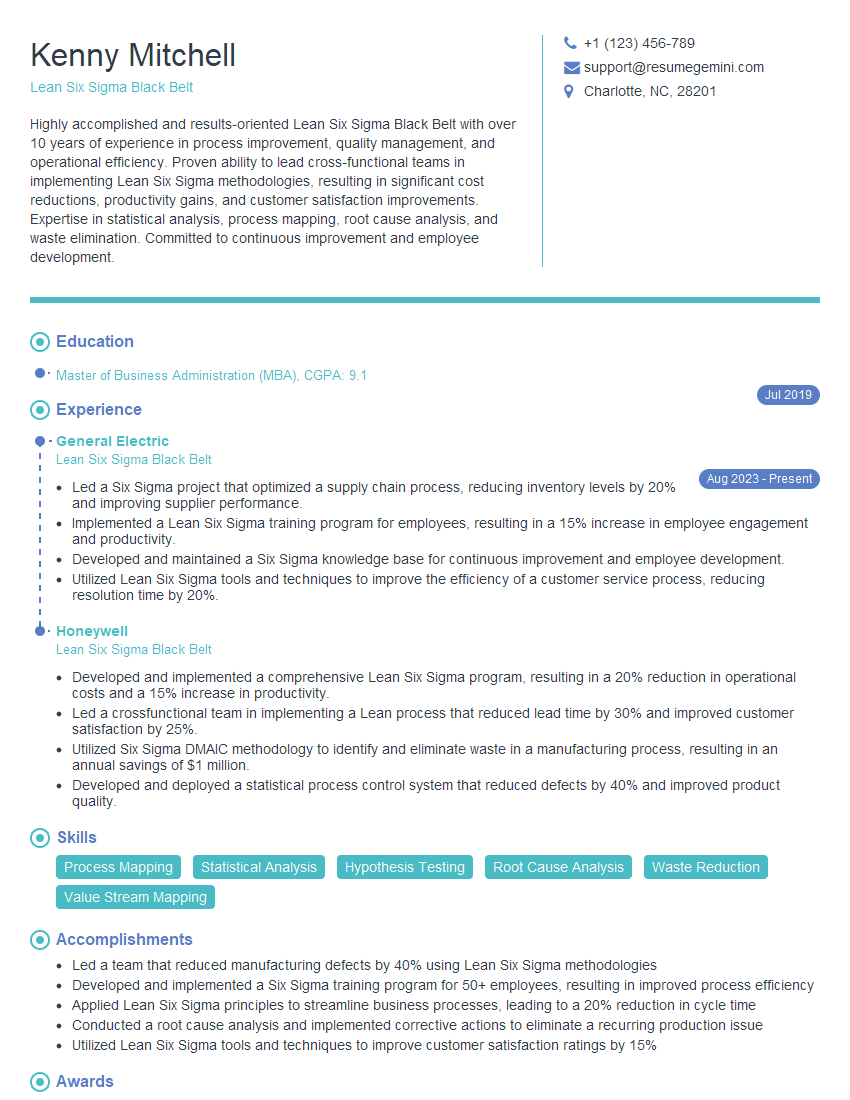
Lean Six Sigma Black Belt Resume Sample
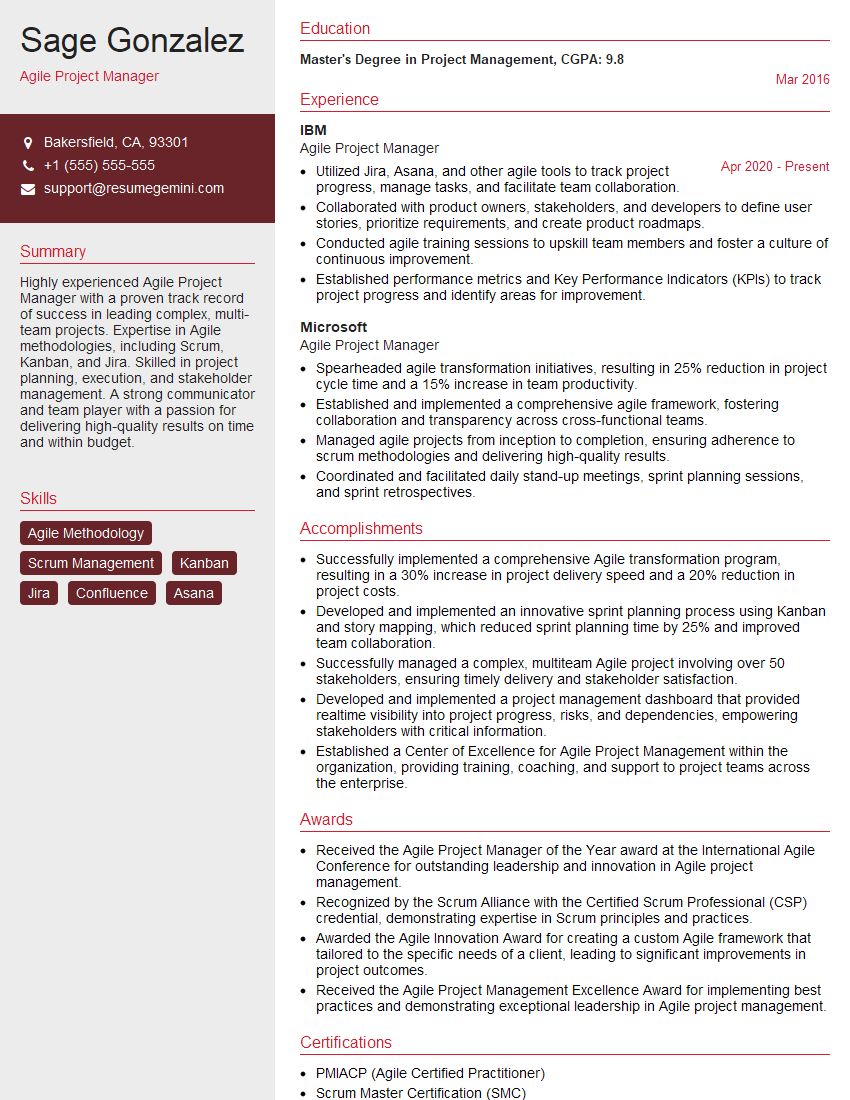
Agile Project Manager Resume Sample
- Program Manager
- Operations Manager
- Production Manager
- Operations Coordinator
- Quality Control Manager
- Supply Chain Manager
- Organizational Development Manager
- Project Manager
- Compliance Manager
- Business Process Analyst
- Business Systems Analyst
- IT Project Manager
- Scrum Master
- Lean Six Sigma Black Belt
- Agile Project Manager
Explore more articles
Users Rating of Our Blogs
Share Your Experience
We value your feedback! Please rate our content and share your thoughts (optional).
What Readers Say About Our Blog
Hello,
we currently offer a complimentary backlink and URL indexing test for search engine optimization professionals.
You can get complimentary indexing credits to test how link discovery works in practice.
No credit card is required and there is no recurring fee.
You can find details here:
https://wikipedia-backlinks.com/indexing/
Regards
NICE RESPONSE TO Q & A
hi
The aim of this message is regarding an unclaimed deposit of a deceased nationale that bears the same name as you. You are not relate to him as there are millions of people answering the names across around the world. But i will use my position to influence the release of the deposit to you for our mutual benefit.
Respond for full details and how to claim the deposit. This is 100% risk free. Send hello to my email id: [email protected]
Luka Chachibaialuka
Hey interviewgemini.com, just wanted to follow up on my last email.
We just launched Call the Monster, an parenting app that lets you summon friendly ‘monsters’ kids actually listen to.
We’re also running a giveaway for everyone who downloads the app. Since it’s brand new, there aren’t many users yet, which means you’ve got a much better chance of winning some great prizes.
You can check it out here: https://bit.ly/callamonsterapp
Or follow us on Instagram: https://www.instagram.com/callamonsterapp
Thanks,
Ryan
CEO – Call the Monster App
Hey interviewgemini.com, I saw your website and love your approach.
I just want this to look like spam email, but want to share something important to you. We just launched Call the Monster, a parenting app that lets you summon friendly ‘monsters’ kids actually listen to.
Parents are loving it for calming chaos before bedtime. Thought you might want to try it: https://bit.ly/callamonsterapp or just follow our fun monster lore on Instagram: https://www.instagram.com/callamonsterapp
Thanks,
Ryan
CEO – Call A Monster APP
To the interviewgemini.com Owner.
Dear interviewgemini.com Webmaster!
Hi interviewgemini.com Webmaster!
Dear interviewgemini.com Webmaster!
excellent
Hello,
We found issues with your domain’s email setup that may be sending your messages to spam or blocking them completely. InboxShield Mini shows you how to fix it in minutes — no tech skills required.
Scan your domain now for details: https://inboxshield-mini.com/
— Adam @ InboxShield Mini
Reply STOP to unsubscribe
Hi, are you owner of interviewgemini.com? What if I told you I could help you find extra time in your schedule, reconnect with leads you didn’t even realize you missed, and bring in more “I want to work with you” conversations, without increasing your ad spend or hiring a full-time employee?
All with a flexible, budget-friendly service that could easily pay for itself. Sounds good?
Would it be nice to jump on a quick 10-minute call so I can show you exactly how we make this work?
Best,
Hapei
Marketing Director
Hey, I know you’re the owner of interviewgemini.com. I’ll be quick.
Fundraising for your business is tough and time-consuming. We make it easier by guaranteeing two private investor meetings each month, for six months. No demos, no pitch events – just direct introductions to active investors matched to your startup.
If youR17;re raising, this could help you build real momentum. Want me to send more info?
Hi, I represent an SEO company that specialises in getting you AI citations and higher rankings on Google. I’d like to offer you a 100% free SEO audit for your website. Would you be interested?
Hi, I represent an SEO company that specialises in getting you AI citations and higher rankings on Google. I’d like to offer you a 100% free SEO audit for your website. Would you be interested?
good