Cracking a skill-specific interview, like one for Data Querying, requires understanding the nuances of the role. In this blog, we present the questions you’re most likely to encounter, along with insights into how to answer them effectively. Let’s ensure you’re ready to make a strong impression.
Questions Asked in Data Querying Interview
Q 1. Explain the difference between INNER JOIN and LEFT JOIN.
Both INNER JOIN and LEFT JOIN are used to combine rows from two or more tables based on a related column between them. The key difference lies in which rows are included in the result set.
An INNER JOIN returns only the rows where the join condition is met in both tables. Think of it like finding the intersection of two sets. If a row in one table doesn’t have a matching row in the other based on the join condition, it’s excluded from the result.
A LEFT JOIN (also known as a LEFT OUTER JOIN) returns all rows from the left table (the one specified before LEFT JOIN), even if there’s no match in the right table. For rows in the left table that do have a match in the right table, the corresponding columns from the right table are included. If there’s no match, the columns from the right table will show as NULL.
Example: Let’s say we have two tables: Customers (CustomerID, Name) and Orders (OrderID, CustomerID, OrderDate).
INNER JOIN: Would only show customers who have placed orders.LEFT JOIN: Would show all customers. Customers with orders would have their order details; customers without orders would haveNULLvalues for OrderID and OrderDate.
INNER JOIN is useful when you only need data where there’s a relationship in both tables. LEFT JOIN is better when you need all data from one table and want to see if there’s corresponding data in another, handling the absence of matches gracefully.
Q 2. What is a subquery? Give an example.
A subquery, also known as a nested query, is a query embedded inside another SQL query. It’s like having a smaller query working within a larger one to perform a specific task and provide the results to the main query.
Subqueries can be used in various clauses, such as the SELECT, FROM, WHERE, and HAVING clauses. They are particularly useful for filtering data based on complex conditions or retrieving data from multiple tables indirectly.
Example: Let’s say we want to find all customers who placed an order after a specific date (e.g., ‘2024-01-01’). We can use a subquery to find the maximum order date and then use that in our main query:
SELECT CustomerID, Name FROM Customers WHERE CustomerID IN (SELECT CustomerID FROM Orders WHERE OrderDate > (SELECT MAX(OrderDate) FROM Orders WHERE OrderDate < '2024-01-01'));This example shows a subquery within a subquery to find the most recent order date before a specific date and uses it as a filter for the main query selecting customer data. This avoids using multiple JOINs and makes the logic clearer.
Q 3. How do you optimize a slow-running SQL query?
Optimizing a slow-running SQL query involves a systematic approach. Here's a breakdown of strategies:
- Analyze the query execution plan: Most database systems provide tools to visualize how the query is executed. This plan reveals bottlenecks like table scans instead of index seeks, inefficient joins, or missing indexes.
- Add or optimize indexes: Indexes are crucial for fast data retrieval. Identify columns frequently used in
WHEREclauses or joins and create indexes on them. Ensure indexes are properly designed (e.g., avoid overly broad indexes). - Rewrite the query: Sometimes, the query itself can be inefficient. Look for opportunities to rewrite it using more efficient joins (e.g., using
INNER JOINoverEXISTSwhere appropriate), avoiding unnecessary subqueries, and optimizing the filtering conditions (e.g., usingBETWEENinstead of multiple comparisons). - Check for data type mismatches: If comparing data of different types (e.g., comparing string to integer), the database might have to perform implicit type conversions, slowing down the query.
- Use appropriate data types: Choosing the right data types saves storage and improves query performance. Avoid using unnecessarily large data types.
- Partition large tables: For extremely large tables, partitioning the data into smaller, more manageable chunks can significantly speed up queries.
- Update statistics: Ensure that database statistics are up-to-date. Outdated statistics can lead to poor query optimization.
- Caching and memory optimization: Optimize database server configuration, including memory allocation and caching strategies.
- Profiling and Monitoring: Use database monitoring tools to identify the most resource-intensive queries and fine-tune accordingly.
The process often involves iterative improvements. Analyze, optimize, test, and repeat until satisfactory performance is achieved.
Q 4. Describe different types of database indexes and their benefits.
Database indexes are special lookup tables that the database search engine can use to speed up data retrieval. Simply put, they're like an index in the back of a book – they allow you to quickly find specific information without reading the entire book.
Different types of indexes cater to various needs:
- B-tree indexes: The most common type, suitable for both equality and range searches (e.g.,
WHERE age = 30orWHERE age BETWEEN 25 AND 35). They are efficient for ordered data. - Hash indexes: Optimized for equality searches (e.g.,
WHERE id = 123). They are very fast but don't support range queries. - Full-text indexes: Used for searching within text data, allowing for efficient searches based on keywords or phrases.
- Spatial indexes: Used for indexing spatial data (e.g., geographical locations). They allow for efficient searches based on proximity or location.
- Composite indexes: Indexes that cover multiple columns. The order of columns in a composite index matters significantly for performance.
Benefits:
- Faster data retrieval: Indexes drastically reduce the time required to locate specific data, significantly speeding up queries.
- Improved query performance: By avoiding full table scans, indexes dramatically enhance overall database performance.
- Enhanced scalability: They help databases handle larger datasets more efficiently.
However, indexes also come with some overhead: they consume disk space and can slow down data modification operations (inserts, updates, deletes).
Q 5. Explain the concept of normalization in databases.
Database normalization is a process used to organize data to reduce redundancy and improve data integrity. It involves dividing larger tables into smaller ones and defining relationships between them. Think of it as decluttering your data to make it more efficient and reliable.
The process is typically done in stages (normal forms), each stage addressing specific types of redundancy:
- First Normal Form (1NF): Eliminate repeating groups of data within a table. Each column should contain atomic values (single values).
- Second Normal Form (2NF): Be in 1NF and eliminate redundant data that depends on only part of the primary key (for tables with composite keys).
- Third Normal Form (3NF): Be in 2NF and eliminate data that is not dependent on the primary key (transitive dependency).
Example: Imagine a table with customer information and orders. A non-normalized table might have multiple order details within a single row. Normalization would create separate tables for customers and orders, linking them through a customer ID. This prevents redundant data and allows for easier management.
Benefits:
- Reduced data redundancy: Eliminates duplicate data, saving storage space and ensuring data consistency.
- Improved data integrity: Prevents anomalies (e.g., update, insertion, deletion anomalies) that can occur when data is redundant.
- Easier data modification: Changes to data only need to be made in one place.
- Better query performance: Smaller, well-organized tables often result in faster queries.
Q 6. What is ACID properties in a database transaction?
ACID properties are a set of criteria that guarantee reliable database transactions. They ensure that data remains consistent even in case of errors or failures. These properties are:
- Atomicity: A transaction is treated as a single unit of work. Either all changes within the transaction are applied successfully, or none are. Think of it as an 'all or nothing' principle.
- Consistency: A transaction maintains the integrity constraints of the database. The database starts in a valid state, and the transaction brings it to another valid state.
- Isolation: Concurrent transactions are isolated from each other. One transaction's operations cannot interfere with another's, even if they run simultaneously. This prevents data corruption due to race conditions.
- Durability: Once a transaction is committed (completed successfully), the changes are permanently stored and survive even system failures (e.g., power outages or crashes).
These properties are crucial for maintaining data reliability in database systems, particularly in applications requiring high levels of data consistency, such as financial transactions or online shopping.
Q 7. How do you handle NULL values in SQL queries?
NULL values in SQL represent the absence of a value. They are not the same as zero or an empty string; they signify that the value is unknown or inapplicable.
Several ways exist to handle NULL values:
IS NULLandIS NOT NULL: Use these operators in theWHEREclause to filter rows based on whether a column isNULLor notNULL. For example:SELECT * FROM Customers WHERE City IS NULL;COALESCEorIFNULL: These functions return a specified value if the input isNULL; otherwise, they return the input value. This is useful for replacingNULLs with meaningful substitutes (e.g., 0 or an empty string). Example:SELECT COALESCE(City, 'Unknown') AS City FROM Customers;CASEstatements: UseCASEstatements to handleNULLvalues conditionally, providing different results based on whether the value isNULLor not.NULL-safe operators: Operators such as<=>(NULL-safe equality comparison) can be used to compare values considering the possibility ofNULLs.- Outer joins: As mentioned earlier, outer joins handle
NULLvalues gracefully when joining tables.
The best approach for handling NULL values depends on the specific context and the desired outcome. Carefully consider the implications of each method before applying it.
Q 8. What are common SQL functions for data aggregation?
SQL offers a powerful suite of aggregate functions to summarize data. These functions operate on sets of rows and return a single value. Imagine you have a table of sales transactions; these functions help you understand overall sales trends without examining each individual transaction.
COUNT(*): Counts the number of rows in a group. For example,SELECT COUNT(*) FROM sales;counts all sales records.SUM(column_name): Calculates the sum of values in a specified column. Example:SELECT SUM(sale_amount) FROM sales;finds the total revenue.AVG(column_name): Computes the average of values in a column. Example:SELECT AVG(sale_amount) FROM sales;finds the average sale amount.MIN(column_name): Returns the minimum value in a column. Example:SELECT MIN(sale_amount) FROM sales;finds the smallest sale amount.MAX(column_name): Returns the maximum value in a column. Example:SELECT MAX(sale_amount) FROM sales;finds the largest sale amount.
These functions are often used with the GROUP BY clause to aggregate data based on specific criteria. For example, SELECT SUM(sale_amount), product_category FROM sales GROUP BY product_category; calculates total sales for each product category.
Q 9. Explain the difference between clustered and non-clustered indexes.
Clustered and non-clustered indexes are crucial for database performance. Think of them as different ways of organizing a library. A clustered index dictates the physical order of data rows on disk, like arranging books alphabetically by title. A non-clustered index only provides a lookup table, similar to a library catalog that points to the location of books.
- Clustered Index: A table can only have one clustered index. The data rows are physically stored in the order specified by the index's key. This improves retrieval speed for queries involving the indexed columns. Think of it as the fastest way to find a specific book when the library is organized by title.
- Non-Clustered Index: A table can have multiple non-clustered indexes. These indexes don't change the physical order of data; instead, they create a separate structure pointing to the rows matching the index key. This is helpful for frequently queried columns that aren't the primary key, similar to using the library catalog to locate books based on author or subject.
Choosing between them depends on the query patterns. If you frequently query based on a specific column, a clustered index on that column can be very beneficial. Non-clustered indexes are helpful for speeding up lookups on multiple columns.
Q 10. How do you write a query to find the nth highest salary?
Finding the nth highest salary requires a clever approach using ranking functions. Let's assume we have a table named 'employees' with a 'salary' column.
Here's a common solution using the ROW_NUMBER() window function:
SELECT salary FROM (SELECT salary, ROW_NUMBER() OVER (ORDER BY salary DESC) as rn FROM employees) ranked_salaries WHERE rn = n;Replace 'n' with the desired rank (e.g., 3 for the third highest salary). The inner query assigns a unique rank to each salary in descending order. The outer query then filters for the row with the specified rank.
Another approach using DENSE_RANK() avoids gaps in ranking if there are duplicate salaries. For instance, if two employees share the highest salary, DENSE_RANK() would give both rank 1 while ROW_NUMBER() would give them ranks 1 and 2.
Q 11. Write a query to find duplicate records in a table.
Identifying duplicate records involves grouping rows and checking for groups with more than one row. Let's say we have a 'customers' table with columns 'name' and 'email'.
Here's a query to find duplicate email addresses:
SELECT email, COUNT(*) FROM customers GROUP BY email HAVING COUNT(*) > 1;This query groups rows by the 'email' column, counts the occurrences of each email, and then filters to only show emails that appear more than once.
To get the actual duplicate rows, a slightly more complex query might be needed, often involving joins on the grouped results.
Q 12. How do you handle large datasets when querying?
Querying large datasets efficiently is a critical skill. Simply running a standard query might take an unacceptable amount of time. Several strategies are crucial:
- Indexing: Properly chosen indexes are essential. Indexes speed up data retrieval by providing a shortcut to locate specific rows.
- Filtering: Reduce the data volume early in the query using
WHEREclauses. This limits the amount of data processed. - Partitioning: Divide the table into smaller, manageable partitions based on criteria. This allows queries to focus on relevant partitions.
- Data Sampling: For exploratory analysis, sample a representative subset of the data to perform faster queries.
- Query Optimization: Use database tools to analyze query execution plans and identify bottlenecks. Tools like Explain Plan in most SQL databases are invaluable here.
- Database Tuning: Optimize the database server's configuration, including memory and disk I/O, to improve performance.
Choosing the right strategy depends on the specific dataset, query requirements, and available resources. Often a combination of techniques will be needed for optimal performance.
Q 13. Explain the concept of database transactions and concurrency.
Database transactions and concurrency are fundamental concepts ensuring data integrity and reliability, especially in multi-user environments. Imagine a bank where multiple users access accounts concurrently. Transactions guarantee consistency, preventing conflicts and data corruption.
- Transaction: A sequence of database operations treated as a single unit of work. It follows the ACID properties: Atomicity (all operations succeed or none do), Consistency (data remains valid after the transaction), Isolation (concurrent transactions appear to run independently), and Durability (changes survive system failures).
- Concurrency: Multiple users or processes accessing and modifying the database simultaneously. Concurrency control mechanisms, like locking (exclusive or shared), ensure that transactions don't interfere with each other, preventing data inconsistency. For instance, a shared lock allows multiple readers but blocks writers, while an exclusive lock prevents all other accesses.
Understanding transactions and concurrency is essential to design reliable and robust database applications.
Q 14. What are stored procedures? What are their advantages?
Stored procedures are pre-compiled SQL code blocks stored in the database. They encapsulate a series of SQL statements, improving code reusability and database performance. Think of them as reusable functions in programming languages.
- Advantages:
- Improved Performance: Pre-compilation reduces execution time compared to repeatedly parsing and compiling individual SQL statements.
- Enhanced Security: Stored procedures can restrict access to underlying database tables, enhancing data security by hiding complex logic.
- Reduced Network Traffic: A single call to a stored procedure replaces multiple round trips between the application and the database.
- Code Reusability: Stored procedures promote modular design, allowing code to be reused across multiple applications.
- Easier Maintenance: Changes to the database logic only need to be made in one location (the stored procedure), simplifying maintenance.
Stored procedures are particularly useful for frequently executed queries or complex business logic. They contribute significantly to database efficiency and maintainability.
Q 15. How do you perform data validation in your queries?
Data validation in queries ensures the accuracy and reliability of your results. It's like double-checking your ingredients before baking a cake – you wouldn't want to use spoiled milk! We use various techniques to validate data:
- Constraints: Database constraints (e.g.,
NOT NULL,UNIQUE,CHECK) enforce rules directly within the database schema. This prevents invalid data from entering in the first place. For example, aCHECKconstraint can ensure that an age column only contains positive numbers. - Data Type Validation: Using appropriate data types (e.g.,
INTfor integers,VARCHARfor strings) ensures that only valid data is stored. Trying to insert text into a numerical field will result in an error. - Input Validation: Before data even reaches the database, validate it at the application level. This involves checks like format validation (e.g., email addresses), range checks, and length restrictions.
- Query-Level Checks: Within your SQL queries, use
WHEREclauses to filter out invalid data. For instance, you could filter out negative values from a quantity field:WHERE quantity > 0 - Assertions: In some database systems, you can use assertions to define rules that must be true for all rows in a table. If a row violates the assertion, the database will reject it.
By combining these methods, you create a robust validation system that minimizes errors and enhances data integrity.
Career Expert Tips:
- Ace those interviews! Prepare effectively by reviewing the Top 50 Most Common Interview Questions on ResumeGemini.
- Navigate your job search with confidence! Explore a wide range of Career Tips on ResumeGemini. Learn about common challenges and recommendations to overcome them.
- Craft the perfect resume! Master the Art of Resume Writing with ResumeGemini's guide. Showcase your unique qualifications and achievements effectively.
- Don't miss out on holiday savings! Build your dream resume with ResumeGemini's ATS optimized templates.
Q 16. How do you troubleshoot a database query error?
Troubleshooting database query errors is like detective work. You need to systematically investigate the clues to find the culprit. Here's a step-by-step approach:
- Read the Error Message Carefully: The error message often provides the most important clue. Pay close attention to the error code and description. It might pinpoint the table, column, or syntax issue.
- Check Syntax: Simple typos or grammatical errors in your SQL can cause problems. Double-check for correct keywords, punctuation, and capitalization.
- Examine Table Structure: Verify that the table names and column names in your query match the actual database schema. Make sure you have the necessary permissions to access the tables.
- Test Components Individually: Break down your complex query into smaller, simpler queries. Test each component separately to isolate the source of the problem. This helps you pinpoint whether the issue lies in the
SELECT,FROM,WHERE, orJOINclauses. - Check Data Integrity: Ensure your data is valid. Look for null values, inconsistencies, or data type mismatches that could be causing problems.
- Use Debugging Tools: Most database management systems (DBMS) offer debugging tools that allow you to step through your query and examine intermediate results.
- Consult Documentation: Refer to the documentation for your specific DBMS for detailed information on error codes and troubleshooting strategies.
Remember, patience and a methodical approach are key to effective troubleshooting.
Q 17. What are common data types in SQL?
SQL offers a variety of data types to accommodate different kinds of data. Think of it as having the right tools for different jobs in your toolbox. Here are some common ones:
INT(Integer): Stores whole numbers (e.g., 10, -5, 0).FLOAT/DOUBLE(Floating-point): Stores numbers with decimal points (e.g., 3.14, -2.5).VARCHAR(Variable-length string): Stores text of varying lengths. Useful for names, addresses, descriptions etc.CHAR(Fixed-length string): Stores text of a fixed length. If the text is shorter, it's padded with spaces.DATE: Stores dates (e.g., '2024-03-08').TIME: Stores times (e.g., '14:30:00').DATETIME: Stores both date and time information.BOOLEAN/BIT: Stores true/false values (1/0).
Choosing the right data type is crucial for efficient database design and query performance. Using the wrong data type can lead to data corruption or inefficient storage.
Q 18. Explain the concept of views in a database.
A view in a database is like a saved search or a virtual table. It doesn't store data itself; instead, it provides a customized perspective or subset of data from one or more underlying tables. Think of it like a window displaying a specific part of a larger landscape.
Benefits of using Views:
- Simplified Queries: Views can simplify complex queries by abstracting away the underlying table structure and logic. This makes it easier to query data, especially for less technical users.
- Data Security: Views can be used to restrict access to sensitive data. You can create a view that only shows specific columns or rows, preventing users from seeing information they shouldn't access.
- Data Consistency: Views can enforce data consistency by presenting a consistent view of data, even if the underlying tables are modified.
- Maintainability: If the underlying table structure changes, you don't need to change all queries that use that table; you only have to update the view definition.
Example: Suppose you have a table of customers and orders. You can create a view that only shows customer names and their total order amounts, simplifying the query for a sales report.
Q 19. What is a common table expression (CTE)?
A Common Table Expression (CTE) is a temporary, named result set that exists only within the execution scope of a single SQL statement. It's like a scratchpad you use to organize your calculations before presenting the final result. CTEs improve readability and make complex queries easier to understand and maintain.
Benefits of using CTEs:
- Readability: CTEs break down complex queries into smaller, more manageable parts.
- Reusability: A CTE can be referenced multiple times within the same query, avoiding redundant code.
- Maintainability: Changes to the CTE only need to be made in one place, simplifying maintenance.
Example:
WITH CustomerTotalOrders AS ( SELECT customerID, COUNT(*) AS totalOrders FROM Orders GROUP BY customerID ) SELECT c.customerName, cto.totalOrders FROM Customers c JOIN CustomerTotalOrders cto ON c.customerID = cto.customerID;In this example, CustomerTotalOrders is a CTE that calculates the total number of orders for each customer. This CTE is then used in the main query to join with the Customers table.
Q 20. How do you write a query to perform a self-join?
A self-join is a type of join where a table joins to itself. It's like looking in a mirror – you're joining data within the same table based on a relationship between its columns. This is commonly used when you need to compare rows within the same table.
Example: Imagine an employees table where each employee might have a manager (also an employee). To find each employee's manager's name, you'd use a self-join:
SELECT e.employeeName, m.employeeName AS managerName FROM Employees e JOIN Employees m ON e.managerID = m.employeeID;In this query, the Employees table is aliased as both e (for employees) and m (for managers). The join condition e.managerID = m.employeeID links each employee to their manager based on the managerID which refers to the employeeID of their manager.
Q 21. Explain the difference between DELETE and TRUNCATE commands.
Both DELETE and TRUNCATE commands remove data from a table, but they have key differences:
DELETE: Removes rows based on a specified condition (WHEREclause). It's like selectively removing items from a shopping cart. It logs the changes in the transaction log (important for rollback/recovery), and can be slower.TRUNCATE: Removes all rows from a table without logging the individual row deletions. It's like emptying the entire shopping cart at once. It's generally faster thanDELETEbecause it doesn't log each individual deletion, but it cannot be rolled back.
Example:
DELETE FROM Orders WHERE orderDate < '2023-01-01'; -- Deletes only orders before 2023
TRUNCATE TABLE Orders; -- Deletes all orders
Choose DELETE when you need to remove specific rows and maintain a transaction log. Choose TRUNCATE when you need to quickly remove all rows and don't need the detailed transaction log. Be cautious with TRUNCATE as it's a powerful command and cannot be undone easily.
Q 22. How do you perform data transformation using SQL?
Data transformation in SQL involves modifying the structure and content of data to meet specific analytical needs. We use various SQL commands to achieve this. Think of it like sculpting a raw block of clay – you're shaping it into something more useful.
SELECTwith calculations: Creating new columns based on existing ones. For example, calculating the total price from quantity and unit price:SELECT quantity * unit_price AS total_price FROM products;- String functions: Manipulating text data.
UPPER(),LOWER(),SUBSTR(), andREPLACE()are commonly used for tasks like standardizing capitalization or extracting parts of strings. For example, extracting the first name from a full name:SELECT SUBSTR(full_name, 1, INSTR(full_name, ' ') -1) AS first_name FROM customers; - Date and time functions: Extracting components from dates (year, month, day), calculating differences between dates, or formatting dates according to a specific style.
DATE_FORMAT(),YEAR(),MONTH(),DAY()are frequently used. For example, getting the year of a purchase date:SELECT YEAR(purchase_date) AS purchase_year FROM orders; CASEstatements: Creating conditional logic to categorize or transform data based on specified criteria. For instance, assigning customer segments based on purchase history:SELECT *, CASE WHEN total_purchase > 1000 THEN 'High-Value' ELSE 'Regular' END AS customer_segment FROM customers;- Aggregate functions with
GROUP BY: Transforming data by summarizing or grouping it. For example, finding the average order value per customer:SELECT customer_id, AVG(order_total) AS avg_order_value FROM orders GROUP BY customer_id;
These transformations are crucial for cleaning, preparing, and analyzing data effectively, ultimately leading to more insightful results.
Q 23. Describe your experience with different database systems (e.g., MySQL, PostgreSQL, Oracle).
My experience spans several relational database systems, each with its own strengths and weaknesses. I've worked extensively with MySQL, PostgreSQL, and Oracle, handling projects ranging from small-scale applications to large-scale enterprise data warehouses.
- MySQL: I've used MySQL extensively for web applications and smaller projects due to its ease of use, open-source nature, and good performance for smaller datasets. I'm proficient in its query language and administration tasks.
- PostgreSQL: PostgreSQL is my preferred choice for projects requiring advanced features like robust data types, extensions, and excellent support for spatial data. Its strong adherence to SQL standards and advanced features makes it ideal for complex projects.
- Oracle: I've worked with Oracle in enterprise environments managing large datasets and complex data models. I'm familiar with its performance tuning capabilities and security features, which are crucial for large-scale deployments. I appreciate its scalability and reliability.
My experience working with these different systems has allowed me to adapt quickly to new database environments and leverage the best features of each for specific projects.
Q 24. What is data integrity and how do you ensure it?
Data integrity refers to the accuracy, consistency, and reliability of data. Ensuring data integrity is paramount for making informed decisions and avoiding errors. It's like making sure the foundation of your house is strong and stable – if it's not, the whole structure is at risk.
- Constraints: Using database constraints like
NOT NULL,UNIQUE,PRIMARY KEY,FOREIGN KEY, andCHECKconstraints to enforce rules and prevent invalid data from entering the database. For example, aNOT NULLconstraint ensures a column always has a value, preventing missing data. - Data validation: Implementing input validation at the application level to ensure data meets specific criteria before it's stored in the database. This could involve checks on data types, formats, and ranges.
- Data cleansing: Regularly cleaning and correcting inconsistencies, errors, and duplicates in the data. This might involve scripting or using ETL (Extract, Transform, Load) processes.
- Regular backups and recovery mechanisms: Protecting the data against loss or corruption through regular backups and having a robust recovery plan in place.
- Access control: Limiting access to data based on user roles and permissions to prevent unauthorized modifications or deletions. This protects the integrity of the data from malicious actors or accidental changes.
By employing these techniques, we ensure the data's accuracy, consistency, and reliability, preventing costly errors and enabling trust in our analyses.
Q 25. Explain your understanding of relational database management systems (RDBMS).
A Relational Database Management System (RDBMS) is a software system designed to store and manage data organized in tables with rows and columns. It's based on the relational model, which uses relationships between tables to connect and organize data. Think of it as a highly organized filing cabinet, where each drawer (table) contains specific information, and links between drawers help retrieve related information efficiently.
- Tables: Data is stored in tables, each having a unique name and columns defining the attributes (data fields).
- Rows: Each row in a table represents a record or instance of the entity represented by the table.
- Columns: Columns define the attributes of the entity; each column has a specific data type.
- Relationships: Tables are linked using relationships (one-to-one, one-to-many, many-to-many) to represent connections between entities. This allows for efficient retrieval of related information.
- SQL: RDBMSs use Structured Query Language (SQL) to interact with the data – to query, insert, update, and delete information.
- ACID properties: RDBMS usually guarantee ACID properties (Atomicity, Consistency, Isolation, Durability), ensuring data transactions are reliable and consistent.
RDBMS are fundamental to modern data management, providing a structured and efficient way to store, manage, and retrieve information in many applications.
Q 26. How do you handle missing data in your analysis?
Missing data is a common challenge in data analysis. How we handle it depends on the nature of the data, the amount of missing data, and the analysis goals. Ignoring it isn't an option; it can severely bias results.
- Deletion: If the amount of missing data is small and randomly distributed, we can consider deleting the rows or columns with missing values. However, this might lead to information loss if the missing data is not random.
- Imputation: Replacing missing values with estimated values. Common methods include:
- Mean/Median/Mode imputation: Replacing missing values with the mean, median, or mode of the respective column. Simple but can distort the distribution.
- Regression imputation: Predicting missing values using a regression model based on other variables. More sophisticated but requires careful consideration of model assumptions.
- K-Nearest Neighbors imputation: Replacing missing values with values from similar data points.
- Indicator Variable: Creating a new variable to indicate the presence or absence of missing data. This allows us to account for the missing data in the analysis.
- Multiple Imputation: Creating multiple plausible imputed datasets and combining the results to get more robust estimates. A sophisticated approach that handles uncertainty around the imputed values.
The best approach is usually determined on a case-by-case basis. We must always document the method used and consider the potential impact on the results.
Q 27. What are your preferred methods for testing the accuracy of your queries?
Testing query accuracy is crucial for ensuring reliable data analysis. My preferred methods combine automated checks with manual verification.
- Data validation checks: Verifying that the results meet expectations based on the data's characteristics and business logic. For example, checking if the sum of a column matches a known total.
- Comparison with expected results: Comparing the query results against known correct results, perhaps from a smaller sample manually processed. This might involve cross-checking with other systems or reports.
- Visual inspection: Using visualization tools to examine the results and identify any anomalies or inconsistencies. Charts and graphs help quickly detect patterns and outliers that could indicate errors.
- Unit tests: Writing automated tests that run specific queries with known inputs and compare the output against expected results. This can be integrated into a CI/CD pipeline.
- Data profiling: Analyzing the data's characteristics (e.g., distributions, data types, missing values) to identify potential errors or inconsistencies before even running the query.
A multi-faceted approach combining these strategies ensures the accuracy and reliability of our data queries.
Q 28. Describe a time you had to optimize a complex query to improve performance.
I once worked on a project involving a complex query joining multiple large tables, resulting in extremely slow query execution times. The original query used multiple nested JOIN clauses without appropriate indexing, causing performance bottlenecks.
My optimization strategy involved the following steps:
- Profiling the query: I used database profiling tools to identify the bottlenecks in the query. This revealed that certain joins were particularly slow due to the lack of indexes.
- Adding indexes: I added appropriate indexes to the relevant columns involved in the joins. This dramatically reduced the time it took to locate and join matching records.
- Rewriting the query: I rewrote the query using more efficient join techniques. Instead of multiple nested joins, I used a series of smaller joins, combining the results incrementally. This reduced the overall complexity and improved performance.
- Using subqueries strategically: In some cases, using subqueries to pre-filter data before joins improved performance by reducing the amount of data processed during the joins.
- Optimizing table structures: By carefully analyzing the table structure and identifying unnecessary columns, I reduced the data size, further enhancing performance.
After these optimizations, the query execution time improved drastically – from several minutes to a few seconds. This illustrates the importance of understanding query optimization techniques and the value of using profiling tools to pinpoint performance bottlenecks.
Key Topics to Learn for Data Querying Interview
- Relational Database Fundamentals: Understanding database structures (tables, columns, keys), relationships (one-to-one, one-to-many, many-to-many), and normalization principles is crucial. Practical application includes designing efficient database schemas and optimizing query performance.
- SQL Proficiency: Mastering SQL commands like SELECT, FROM, WHERE, JOIN, GROUP BY, HAVING, ORDER BY, and aggregate functions is essential. Practical application includes retrieving, filtering, aggregating, and sorting data from relational databases to answer specific business questions.
- Data Manipulation and Aggregation: Learn how to effectively manipulate and aggregate data using SQL. This includes understanding subqueries, window functions, and common table expressions (CTEs) for complex data analysis. Practical application includes calculating metrics, identifying trends, and creating insightful reports.
- Data Cleaning and Transformation: Prepare yourself to discuss techniques for handling missing values, outliers, and inconsistent data. Practical application includes using SQL to clean and transform raw data into a usable format for analysis and reporting.
- Database Optimization: Understanding query optimization strategies, including indexing, query planning, and execution, is critical for efficient data retrieval. Practical application involves writing efficient queries that minimize resource consumption and improve performance.
- NoSQL Databases (Optional): Depending on the role, familiarity with NoSQL databases (e.g., MongoDB, Cassandra) and their query languages could be advantageous. Practical application includes understanding the strengths and weaknesses of NoSQL databases compared to relational databases and selecting the appropriate database for a given task.
Next Steps
Mastering data querying is paramount for success in today's data-driven world. Strong querying skills open doors to exciting career opportunities and allow you to contribute meaningfully to data-informed decision-making. To significantly boost your job prospects, create a compelling, ATS-friendly resume that highlights your abilities. We highly recommend using ResumeGemini to build a professional and effective resume. ResumeGemini provides examples of resumes tailored to Data Querying roles, helping you showcase your skills and experience in the best possible light.
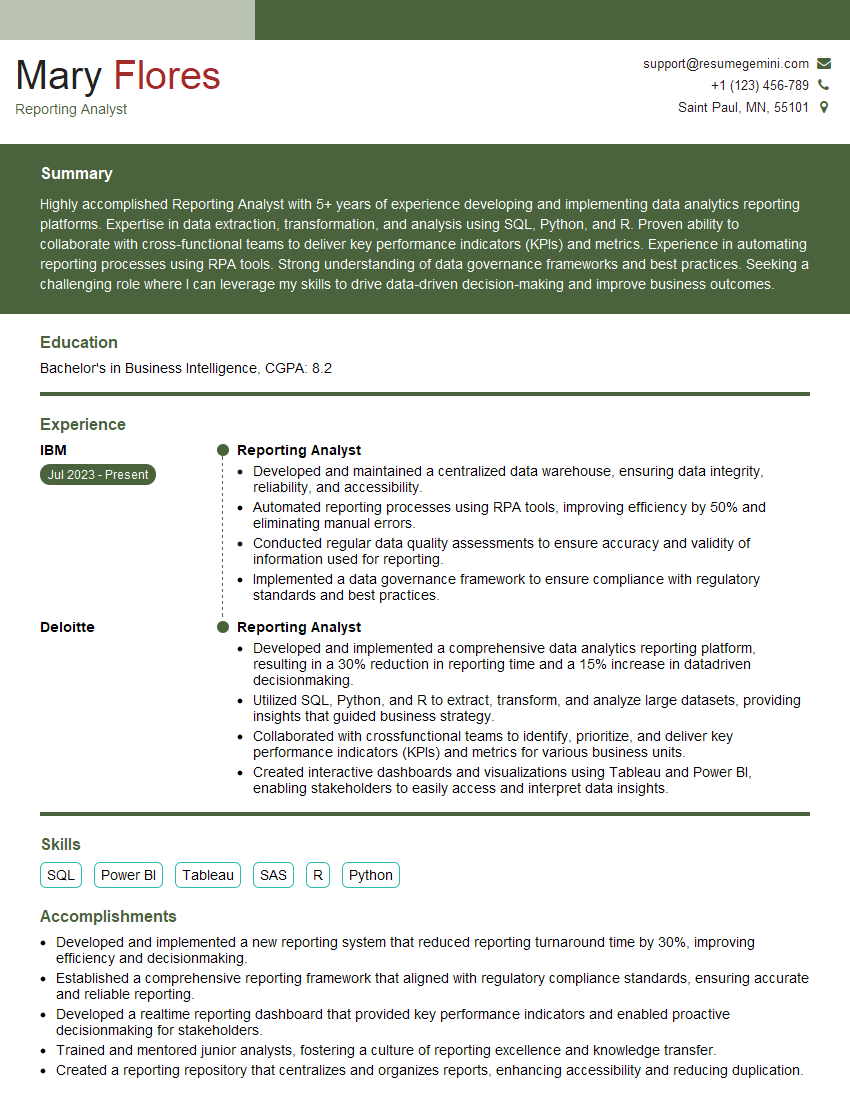
Reporting Analyst Resume Sample

Data Analyst Resume Sample

Data Scientist Resume Sample
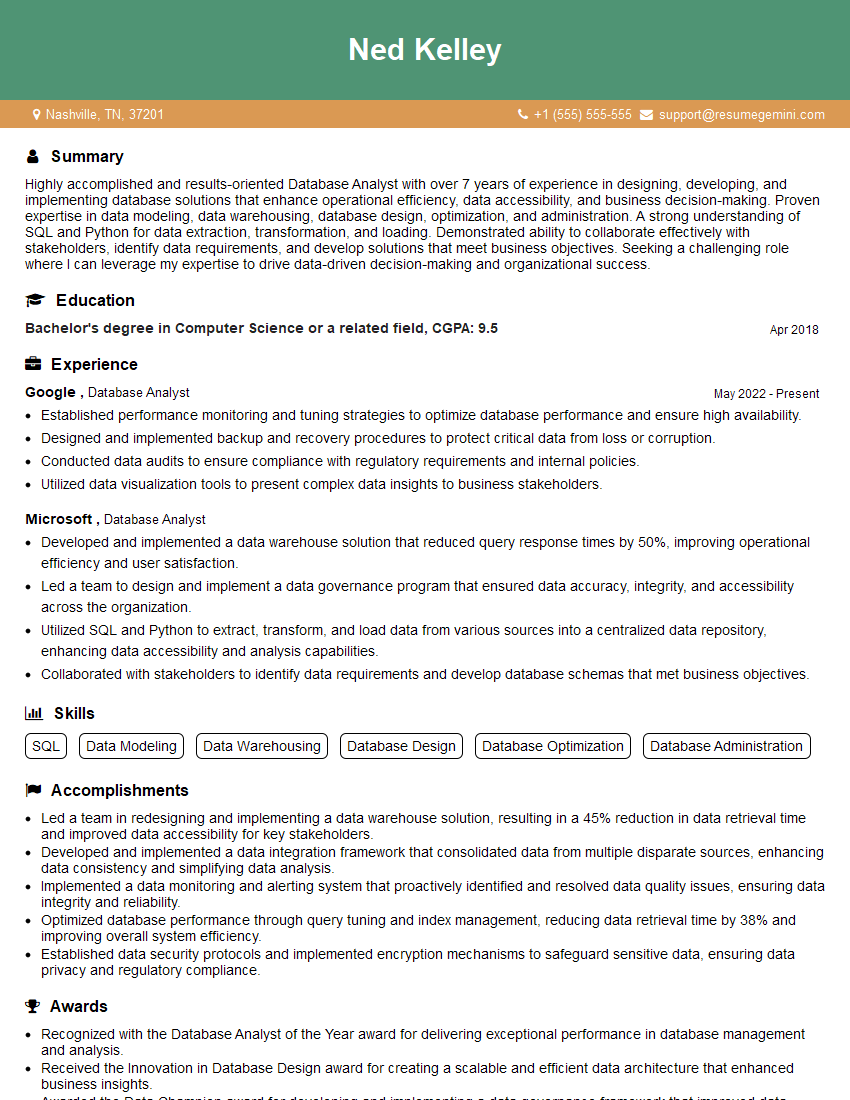
Database Analyst Resume Sample
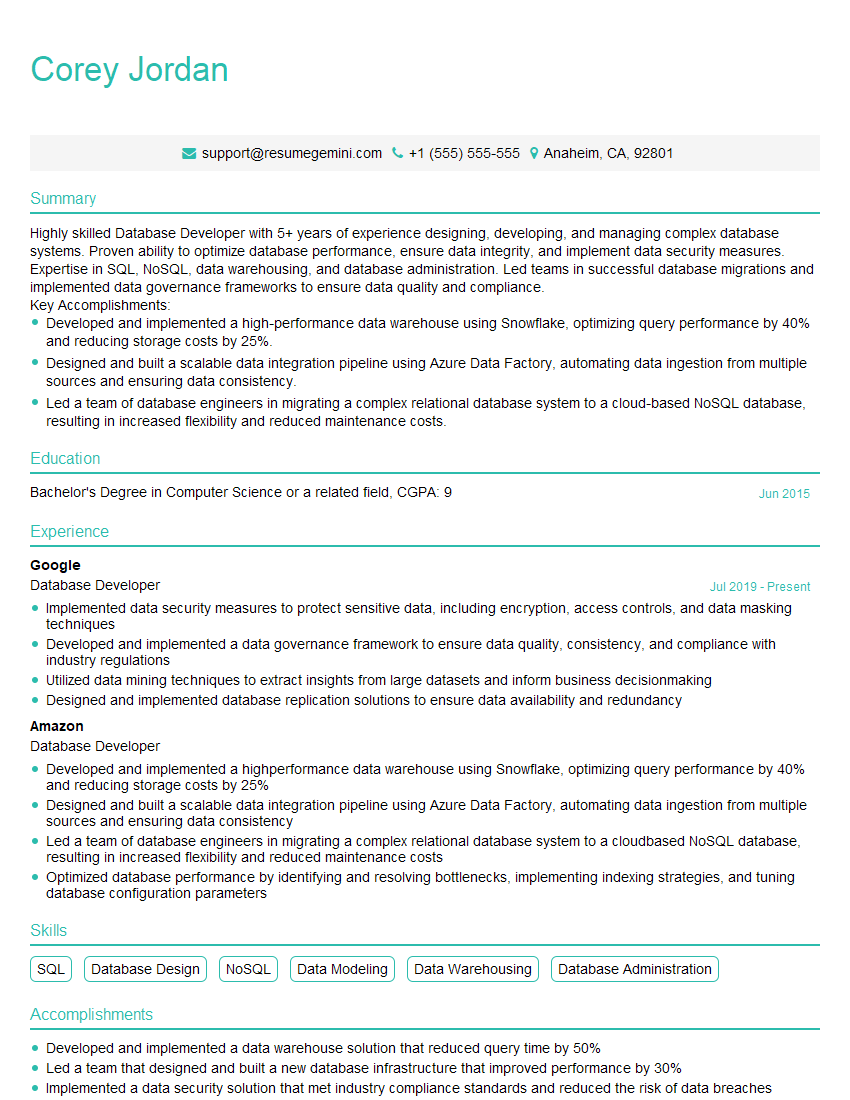
Database Developer Resume Sample
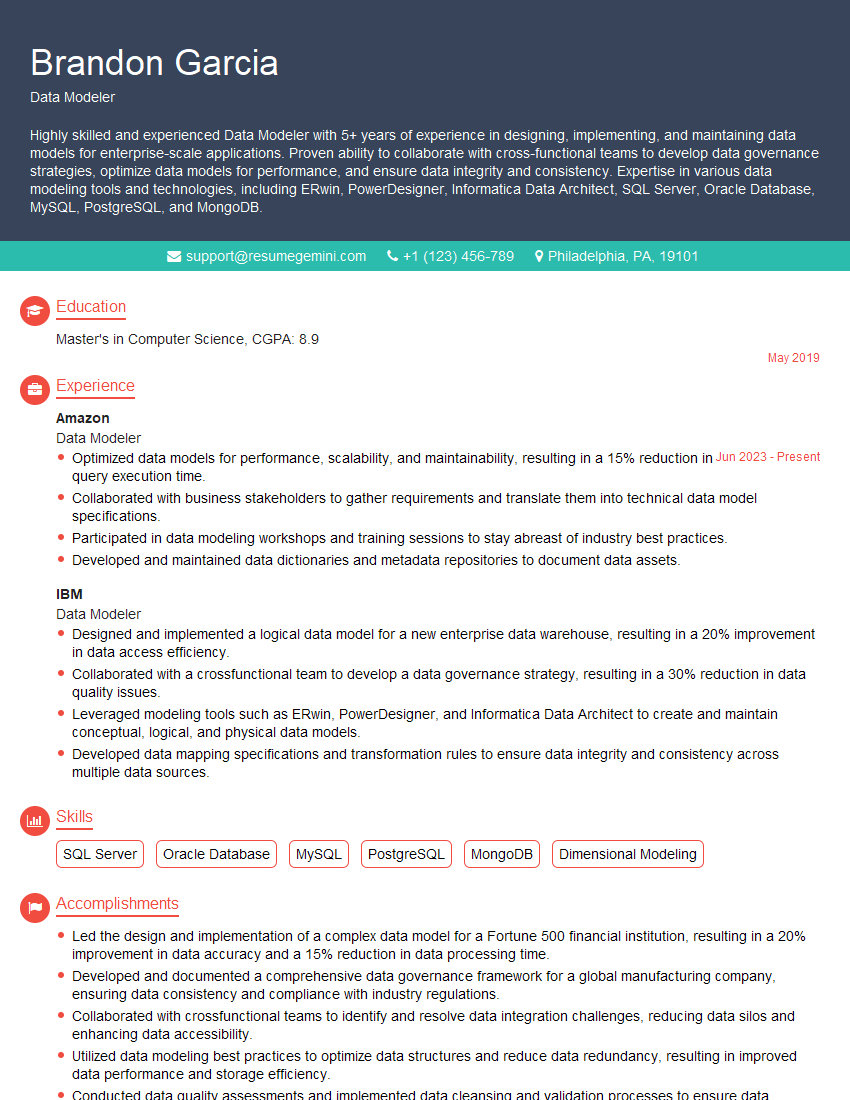
Data Modeler Resume Sample

Data Architect Resume Sample

ETL Developer Resume Sample
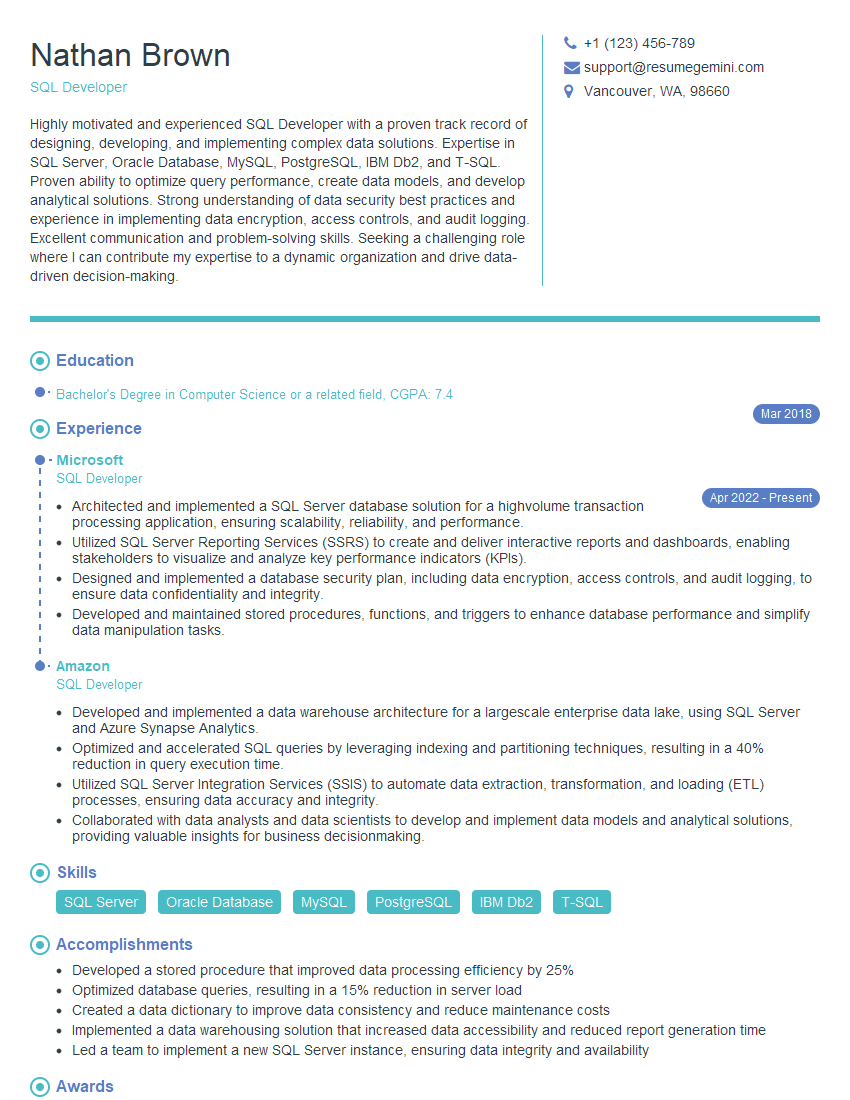
SQL Developer Resume Sample
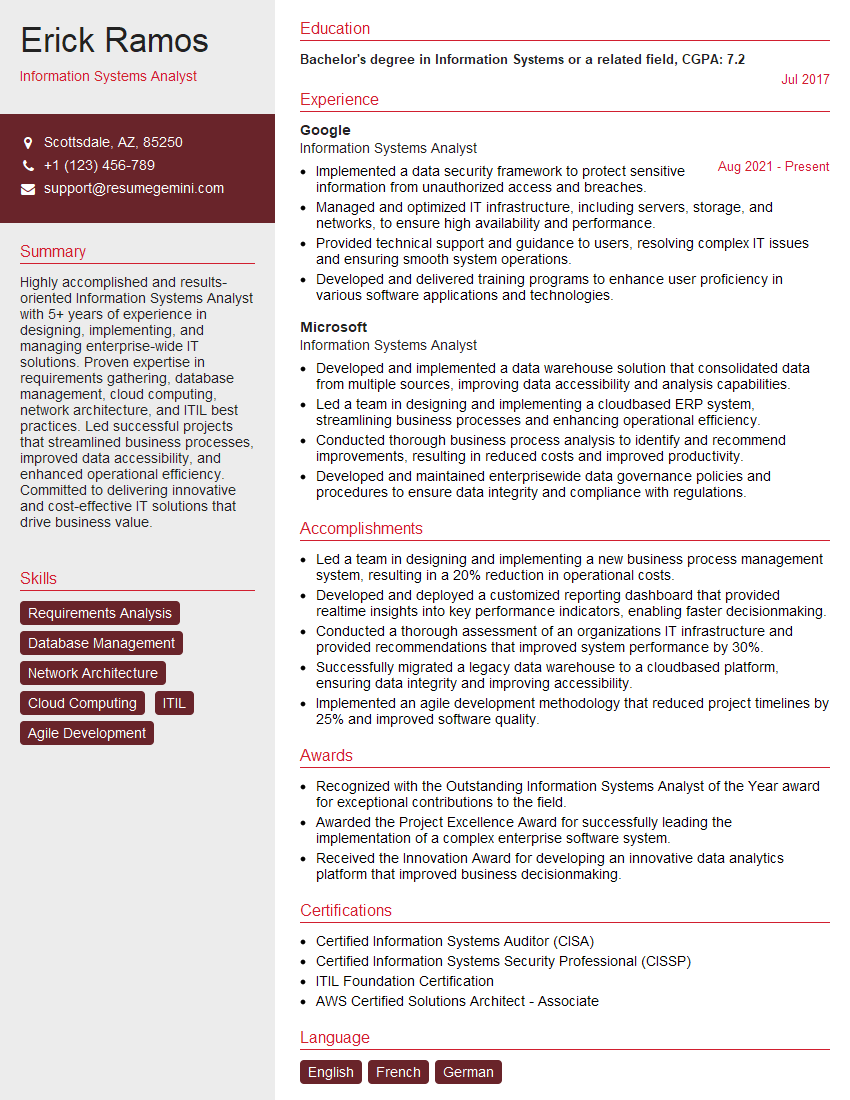
Information Systems Analyst Resume Sample
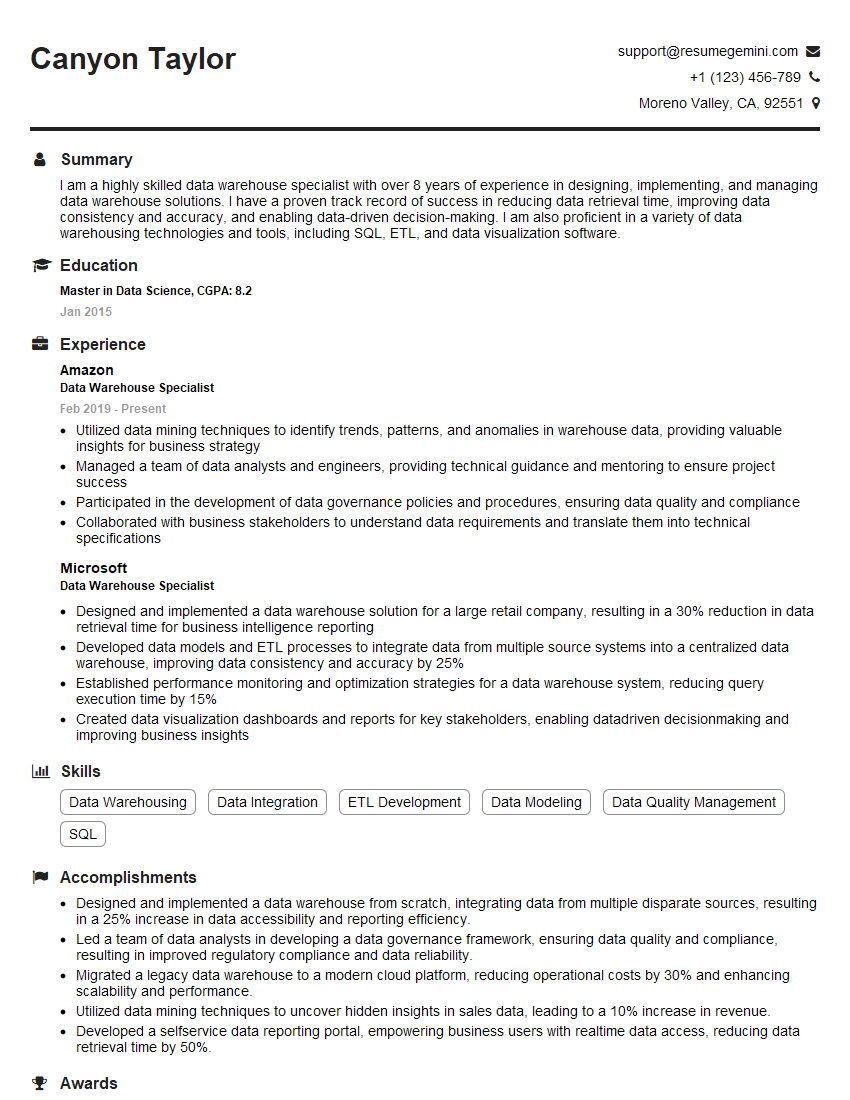
Data Warehouse Specialist Resume Sample

Business Intelligence Analyst Resume Sample

Database Administrator Resume Sample

Machine Learning Engineer Resume Sample
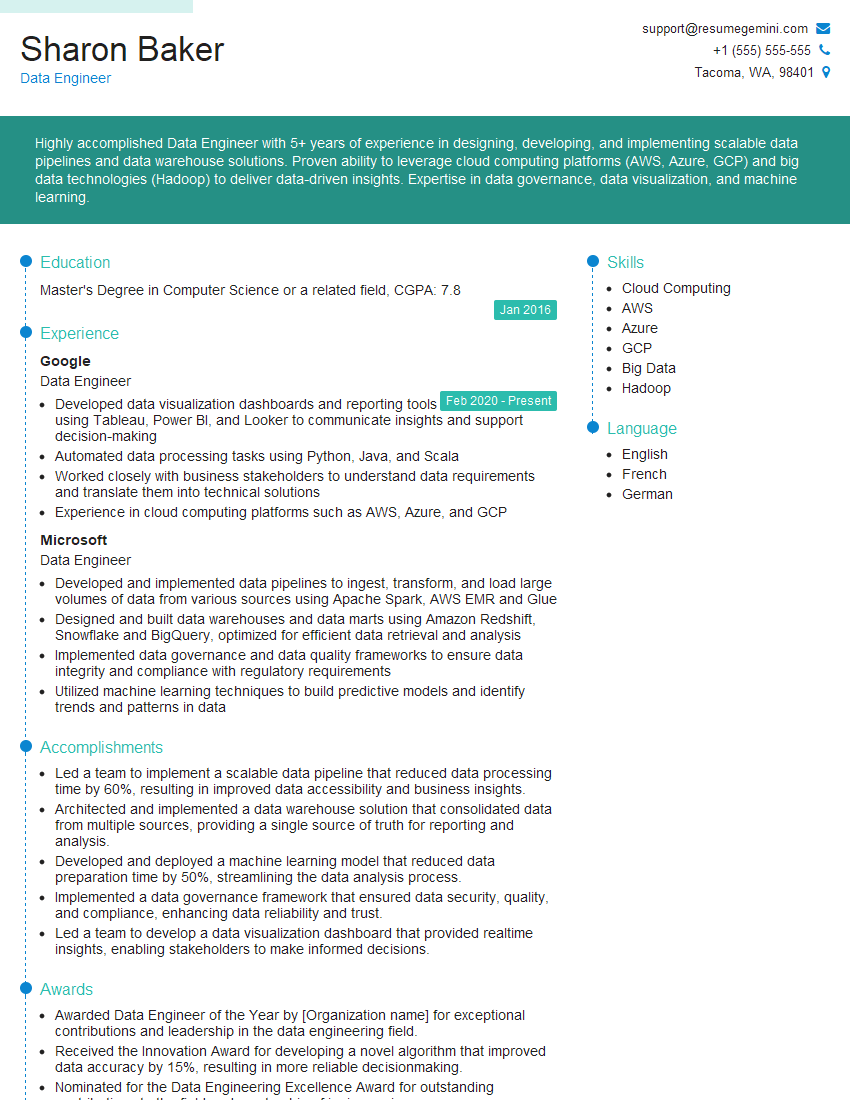
Data Engineer Resume Sample
Explore more articles
Users Rating of Our Blogs
Share Your Experience
We value your feedback! Please rate our content and share your thoughts (optional).
What Readers Say About Our Blog
Very informative content, great job.
good