Preparation is the key to success in any interview. In this post, we’ll explore crucial Presentation and Briefing Skills interview questions and equip you with strategies to craft impactful answers. Whether you’re a beginner or a pro, these tips will elevate your preparation.
Questions Asked in Presentation and Briefing Skills Interview
Q 1. Describe your approach to structuring a compelling presentation.
Structuring a compelling presentation is akin to building a narrative. It needs a clear beginning, a logical middle, and a satisfying conclusion. My approach follows a structured framework:
- Introduction (The Hook): Start with a captivating opening – a compelling statistic, a thought-provoking question, or a relevant anecdote – to grab the audience’s attention and establish the presentation’s purpose. This sets the stage and creates anticipation.
- Body (The Argument): This section presents the main points, supporting them with evidence, data, and examples. I organize this using a logical structure – chronological, problem-solution, comparative, etc. – whichever best suits the content. Each point should be clearly stated and developed individually before moving to the next.
- Conclusion (The Call to Action): Summarize key takeaways, reiterate the main message, and conclude with a clear call to action. This could be a suggested next step, a question for discussion, or a summary of the benefits highlighted.
For example, in a presentation on improving team efficiency, the introduction could be a statistic about lost productivity. The body would delve into specific strategies, with data supporting their effectiveness. The conclusion would summarize the potential benefits of implementing those strategies and encourage immediate action.
Q 2. How do you tailor a presentation to different audiences?
Tailoring a presentation hinges on understanding the audience. Before crafting the content, I consider:
- Their Background Knowledge: What is their existing understanding of the topic? Adjust the level of detail accordingly. Avoid jargon unless it’s absolutely necessary and clearly defined.
- Their Interests and Needs: What are their key concerns, and how does the presentation address them? Focus on the benefits relevant to them.
- Their Level of Engagement: Are they expecting a highly technical presentation, or something more general? Adjust the tone and style accordingly.
- Their Preferences: Consider preferred communication styles, whether visual, auditory, or kinesthetic learners dominate.
For instance, a presentation on a new software program for technical professionals would require more in-depth technical details than a presentation to senior management focused on the business benefits. In the latter case, I’d focus on ROI and strategic alignment, rather than technical specifications.
Q 3. What strategies do you use to engage your audience during a presentation?
Audience engagement is crucial. I utilize several strategies to maintain audience interest:
- Interactive Elements: Incorporate polls, quizzes, or Q&A sessions to actively involve the audience.
- Visual Aids: Use high-quality images, videos, and infographics to enhance understanding and maintain visual interest. Avoid overwhelming slides with too much text.
- Storytelling: Use anecdotes, case studies, and real-world examples to make the information relatable and memorable.
- Varying Delivery: Change your tone, pace, and body language to keep the presentation dynamic. Move around the stage (if applicable) to maintain visual engagement.
- Humor (when appropriate): A well-placed joke or humorous anecdote can break the ice and create a more relaxed atmosphere.
For example, I might use a short video showcasing a successful implementation of the strategy I’m presenting, followed by a quick poll asking the audience about their current experiences. The goal is to create a two-way conversation, not just a lecture.
Q 4. How do you handle unexpected questions during a briefing?
Handling unexpected questions requires preparedness and composure. My approach:
- Listen attentively: Make sure you understand the question fully before attempting to answer.
- Acknowledge the question: Reiterate the question to ensure everyone heard it and to buy yourself a few seconds to formulate your response.
- Answer honestly: If you don’t know the answer, admit it. Offer to find out and get back to the questioner later.
- Keep it concise: Avoid rambling or going off-topic.
- Manage difficult questions diplomatically: If a question is hostile or irrelevant, politely redirect the conversation back to the presentation’s main points.
In one instance, during a briefing on a new marketing campaign, I was asked about a competitor’s strategy, a topic I hadn’t prepared for. I acknowledged the question, briefly stated that it was outside the scope of the current presentation, but offered to discuss it offline afterward. This prevented a derailment and showed respect for the questioner’s curiosity.
Q 5. Explain your process for creating visually appealing presentation slides.
Visually appealing slides are essential for impactful presentations. My process:
- Less is More: Use clear and concise language. Avoid cluttering slides with too much text. Aim for one key idea per slide.
- Visual Hierarchy: Use headings, subheadings, bullet points, and whitespace to create a clear visual hierarchy and guide the audience’s eye.
- High-Quality Images and Graphics: Use professional-looking visuals that are relevant to the content and enhance understanding. Avoid low-resolution or blurry images.
- Consistent Branding: Maintain consistency in fonts, colors, and logos to create a cohesive and professional look.
- Data Visualization: Use charts and graphs to present data effectively, making complex information easily digestible.
I typically use tools like PowerPoint or Google Slides, paying close attention to the color palettes, font choices, and overall visual flow. I always preview my presentation on a projector to ensure readability and visual appeal.
Q 6. How do you ensure your presentations are clear, concise, and impactful?
Clarity, conciseness, and impact are paramount. I achieve this by:
- Planning and Outlining: Thoroughly planning and outlining the presentation before creating the slides ensures a logical flow and prevents unnecessary information.
- Storyboarding: Sketching out the presentation’s flow before creating the actual slides helps refine the narrative and visual elements.
- Concise Wording: Using precise and concise language ensures every word adds value and avoids ambiguity.
- Strong Visuals: Supporting the narrative with relevant visuals enhances understanding and memorability.
- Rehearsal and Feedback: Rehearsing the presentation multiple times and seeking feedback allows for refinement and improvement.
By focusing on a strong narrative structure, avoiding jargon, using visuals effectively, and practicing the delivery, I aim for maximum impact and clarity.
Q 7. Describe a time you had to deliver a complex message in a simple way.
During a project review with senior management, I needed to explain a complex technical issue involving a software glitch that caused significant data loss. The problem involved intricate database interactions and error codes that would be incomprehensible to a non-technical audience.
Instead of dwelling on the technical details, I used a simple analogy: Imagine a library with disorganized shelves. The software glitch was like a librarian misplacing books, making them impossible to find. This helped illustrate the core problem without getting bogged down in complex technicalities.
Then, I outlined the solution in three simple steps: ‘We’re reorganizing the shelves (fixing the code), we’re making a new catalog (implementing better error handling), and we’re double-checking the shelves daily (implementing preventative measures).’ This breakdown, coupled with visuals like a diagram of the simplified library system, allowed even non-technical executives to grasp the situation and the corrective actions taken. The clarity of the communication helped expedite the decision-making process and averted further complications.
Q 8. How do you incorporate data and visuals effectively in your presentations?
Effective data visualization is crucial for impactful presentations. It’s not just about showing numbers; it’s about telling a story with data. I start by identifying the key message I want to convey and then select the most appropriate chart or graph to illustrate that message. For example, if I’m showing trends over time, a line chart is ideal. If I’m comparing different categories, a bar chart is better. I avoid overwhelming the audience with too much data; instead, I focus on highlighting the most important insights. I also pay close attention to visual design – clear labels, consistent formatting, and a visually appealing color palette are essential. For instance, if presenting sales figures, I might use a geographic map to visualize sales performance across different regions, allowing the audience to quickly grasp regional variations. This approach ensures the data is not just presented but understood and remembered.
Furthermore, I utilize interactive elements whenever possible. Interactive charts allow the audience to explore the data at their own pace, engaging them more deeply. I use tools that allow for data annotation, calling out specific data points that support my key arguments. Finally, I always test my visuals on different devices to ensure they are crisp and legible across all platforms.
Q 9. How do you manage your time effectively during a presentation?
Time management is paramount in presentations. I begin by creating a detailed outline, assigning a specific time allocation to each section. This ensures a balanced presentation and prevents any one section from dominating the time. I rehearse the presentation multiple times, timing myself to identify areas where I need to adjust the pace or condense information. Using visual aids helps me stay on track – slides act as visual cues, guiding me through the presentation. I also anticipate potential questions and prepare concise answers to manage Q&A time effectively. For example, if presenting a complex project, I would allocate more time to the technical details while keeping the summary concise. Building in buffer time for unexpected delays is essential. Flexibility is crucial; I am prepared to adapt my timing based on audience engagement. If a point is generating significant interest, I might spend a little more time on it, and if a section is less relevant, I can move through it more quickly.
Q 10. What techniques do you use to overcome nervousness before a presentation?
Nervousness before presentations is common, but manageable. I employ several strategies to mitigate it. Preparation is key – the more I know my material, the more confident I feel. I practice the presentation multiple times, both in front of a mirror and in front of a small, trusted audience to receive constructive feedback. Deep breathing exercises help calm my nerves before I begin. Visualizing a successful presentation, focusing on the positive aspects of sharing my knowledge and helping my audience understand the topic, helps me shift my mindset. Positive self-talk also plays a significant role; I replace negative thoughts with affirmations, reminding myself of my capabilities and past successes. Engaging in physical activity before a presentation can be incredibly helpful in releasing tension.
Q 11. How do you handle challenging questions or pushback from the audience?
Handling challenging questions or pushback requires tact and preparation. I start by actively listening to the question or comment, making sure I fully understand the point being raised. I respond calmly and respectfully, acknowledging the validity of the concern if appropriate. If I don’t know the answer, I admit it honestly rather than trying to bluff my way through it. I might say something like, “That’s an excellent question, and I don’t have the complete answer at my fingertips, but I will be happy to follow up on that and get back to you.” If the pushback is based on a misconception, I clarify the information factually and politely. I aim to engage the audience in a dialogue, rather than a confrontation. For example, if challenged on a specific data point, I would directly address the concern by presenting the supporting data or methodology used. Turning challenging questions into opportunities to further explain the topic can enhance audience engagement.
Q 12. Describe your experience with different presentation technologies (e.g., PowerPoint, Keynote).
I’m proficient in various presentation technologies, including PowerPoint, Keynote, and Google Slides. PowerPoint is a widely used tool, and I leverage its features like animations, transitions, and multimedia integration effectively. Keynote offers a more visually-focused approach with its intuitive interface and beautiful templates. Google Slides’ collaborative features are incredibly useful for team-based presentations. My choice of software depends on the context of the presentation – the audience, the content, and the collaborative needs. My expertise extends beyond just the basic features of these programs; I’m comfortable creating custom animations, embedding interactive content, and ensuring visual consistency across my presentations. I understand how to optimize slides for different display sizes and environments. I regularly explore new features and updates to stay current with the best practices in these software applications.
Q 13. How do you ensure your presentations align with the overall objectives?
Aligning presentations with objectives is fundamental. Before creating a presentation, I clearly define the goals. What do I want the audience to know, understand, or do after the presentation? This clarity guides the entire process – from content selection and structuring to the choice of visuals and call to action. I often use a framework like SMART goals (Specific, Measurable, Achievable, Relevant, Time-bound) to ensure the objectives are well-defined and measurable. Each slide contributes to achieving these objectives. For example, if the objective is to secure funding for a project, the presentation will focus on highlighting the project’s potential ROI, market analysis, and the team’s expertise. By consistently referencing the objectives throughout the creation process, I ensure that the presentation is focused and effective in achieving its intended purpose. Post-presentation, I evaluate the results against the defined objectives to learn and improve future presentations.
Q 14. How do you gather and organize information for a briefing?
Gathering and organizing information for a briefing is a systematic process. I start by identifying the key information needed based on the briefing’s objective. This may involve reviewing existing documents, conducting research, or interviewing relevant stakeholders. I utilize a variety of research methods like reviewing internal documents, conducting external research, utilizing credible databases, and engaging in interviews for comprehensive insights. Then, I organize the information logically, using a structured outline or mind map. This ensures a clear flow of information, making it easy for the audience to follow. I prioritize information based on importance and relevance to the overall message. I also ensure that the information is accurate and up-to-date, citing sources where appropriate. Summarizing key findings and data into concise bullet points allows efficient communication of the most pertinent details. This organized approach ensures the briefing is clear, concise, and effectively communicates the required information within the allotted timeframe.
Q 15. Describe your process for rehearsing and practicing a presentation.
My rehearsal process is iterative and focuses on both content mastery and delivery refinement. It’s not just about memorizing words; it’s about internalizing the message.
- Content Review: I begin by thoroughly reviewing the presentation’s content, ensuring accuracy and logical flow. I often use mind maps or outlines to visualize the key arguments and their interconnections.
- First Run-Through: I then do a complete run-through, focusing solely on the content. This allows me to identify any gaps in logic, inconsistencies, or areas needing further development. I record this run-through to identify areas for improvement.
- Delivery Refinement: Subsequent rehearsals focus on delivery. I pay close attention to pacing, tone, body language, and visual aids. I practice transitioning smoothly between slides and incorporating engaging storytelling techniques. I use a mirror or record myself to observe my nonverbal cues.
- Feedback Incorporation: I actively seek feedback from trusted colleagues or mentors during these rehearsals, incorporating their suggestions to refine my delivery and address potential weaknesses.
- Mock Presentation: Before the actual presentation, I conduct a mock presentation with a test audience. This helps me gauge the audience’s reaction and adapt the presentation accordingly.
For example, when preparing a presentation on a complex financial model, I’d initially ensure I fully understood the model’s intricacies. Then, I’d focus on explaining it in a clear and concise way, using analogies and real-world examples to make it relatable to a non-specialist audience. The final rehearsals would involve focusing on the pacing and clarity of the explanations and the effectiveness of the visuals.
Career Expert Tips:
- Ace those interviews! Prepare effectively by reviewing the Top 50 Most Common Interview Questions on ResumeGemini.
- Navigate your job search with confidence! Explore a wide range of Career Tips on ResumeGemini. Learn about common challenges and recommendations to overcome them.
- Craft the perfect resume! Master the Art of Resume Writing with ResumeGemini’s guide. Showcase your unique qualifications and achievements effectively.
- Don’t miss out on holiday savings! Build your dream resume with ResumeGemini’s ATS optimized templates.
Q 16. How do you adapt your presentation style to different communication channels?
Adapting presentation style across different communication channels requires understanding the unique characteristics of each medium. The key is to maintain clarity and engagement regardless of the platform.
- In-Person Presentations: These allow for direct audience interaction and feedback. I use more engaging nonverbal communication like eye contact, gestures, and varied tone of voice. I can adapt my content based on immediate audience reactions.
- Webinars/Virtual Presentations: I keep slides concise and visually engaging to compensate for the lack of direct physical presence. I use clear audio and visuals, ensuring good lighting and minimizing distracting background noise. I encourage active participation using polls, Q&A sessions, and interactive elements.
- Pre-recorded Videos: Here, I prioritize clear audio and video quality, professional editing, and a strong narrative structure. I would create shorter segments to maintain viewer engagement, and incorporate elements like animation to enhance the message.
- Email/Written Presentations: For email or written presentations, conciseness and clarity are paramount. I use bullet points, headings, and visual aids to make information digestible. I avoid long paragraphs and focus on delivering key information effectively.
For instance, a presentation on new product features would be very different across channels. In-person, I might use a product demo and allow for audience questions. In a webinar, I’d incorporate a live Q&A session and interactive polls. In a pre-recorded video, I’d demonstrate the features clearly and concisely, possibly with screen recordings.
Q 17. How do you measure the effectiveness of your presentations?
Measuring presentation effectiveness involves both quantitative and qualitative assessments.
- Quantitative Metrics: These involve measurable data. For example: audience attendance, post-presentation surveys with rating scales (e.g., Likert scale), quiz scores to assess knowledge retention, website traffic driven by the presentation, sales generated from the presentation.
- Qualitative Metrics: These focus on subjective feedback. This could involve informal feedback gathered via conversations, post-presentation surveys with open-ended questions, observation of audience engagement during the presentation (e.g., attentiveness, participation in Q&A), and monitoring social media mentions of the presentation.
For example, after a sales presentation, I might analyze sales leads generated, assess participant feedback on surveys, and review the quality of questions asked during the Q&A session. A combination of these methods provides a more comprehensive picture of the presentation’s impact.
Q 18. What are your preferred methods for receiving and incorporating audience feedback?
My preferred methods for gathering and integrating audience feedback are multifaceted and aim for both immediacy and long-term insights.
- Post-Presentation Surveys: I use both quantitative (rating scales) and qualitative (open-ended questions) questions to gather diverse feedback. I ensure questions are concise and relevant.
- Informal Feedback Sessions: Following presentations, I make myself available for informal conversations with attendees, allowing them to share their thoughts in a less formal setting.
- Online Feedback Forms: For larger audiences or virtual events, I provide online feedback forms for convenient responses. These allow for anonymous feedback, encouraging honest opinions.
- Social Media Monitoring: For public presentations, I track social media mentions, comments, and shares to gather feedback from a wider audience.
I actively incorporate this feedback by analyzing trends in comments, identifying areas of confusion or strong agreement, and iteratively refining my presentations based on consistent feedback. For example, if several people mention a specific slide was unclear, I’d revise it to improve comprehension.
Q 19. How do you handle technical difficulties during a presentation?
Handling technical difficulties requires preparedness, quick thinking, and a calm demeanor. My approach is threefold.
- Proactive Measures: Before the presentation, I always test all technology (microphone, projector, internet connection, slides, etc.). I have backup plans in place, such as printed handouts or alternative presentation methods. I also familiarize myself with the venue’s technical support.
- Reactive Strategies: If a problem arises during the presentation, I address it calmly and professionally, reassuring the audience. For minor issues (e.g., a minor glitch in a slide), I simply move on. For major issues (e.g., complete system failure), I utilize my backup plan (handouts or alternative method).
- Audience Engagement: I engage the audience during the technical difficulties to maintain their attention and manage their expectations. I might use this as an opportunity for a brief, informal Q&A session related to the presentation’s topic.
For instance, if the projector fails, I’d immediately switch to my prepared handouts and continue the presentation. I’d apologize for the technical issue, but emphasize that we’ll still cover the key topics.
Q 20. Describe a time you had to create a presentation under tight deadlines.
I once had to create a 30-minute presentation on a new company strategy for a major investor meeting within 24 hours. The initial brief was vague, and I had to gather information from multiple sources simultaneously.
- Prioritization: I immediately prioritized the most crucial information: the core strategy, its key objectives, and the projected ROI. Less critical details were omitted to fit the timeframe.
- Efficient Information Gathering: I used a combination of direct communication with stakeholders, reviewing relevant documents, and compiling existing data points to quickly gather the necessary information.
- Template and Structure: I used a pre-existing presentation template to save time on design. The structure followed a clear narrative – problem, solution, benefits.
- Quick Revisions: I presented a draft to a key stakeholder for rapid feedback, incorporating their suggestions before the final version.
While it was stressful, the streamlined process and clear focus on essential information resulted in a successful presentation that met the investor’s needs and secured funding.
Q 21. How do you prioritize information when preparing a briefing for a time-constrained audience?
Prioritizing information for a time-constrained audience requires a sharp focus on relevance and impact. My approach involves a structured process.
- Define Objectives: I clearly define the key objectives of the briefing and the desired outcome. What needs the audience to know or do?
- Audience Analysis: I consider the audience’s existing knowledge and their needs. What is already known, and what is most critical for them to learn?
- Information Hierarchy: I structure the information using a hierarchical approach: starting with the most crucial information, then moving to supporting details. I often employ the “pyramid principle” – starting with the main conclusion, then supporting it with evidence.
- Visual Aids: I use clear and concise visuals (charts, graphs, bullet points) to efficiently convey information. I avoid lengthy text blocks.
- Practice and Rehearsal: I carefully rehearse the briefing within the time constraint to ensure a smooth and effective delivery. Any unnecessary information is cut to meet the time limit.
For example, if briefing executives on quarterly performance, I’d prioritize key metrics (revenue, profit), highlighting major achievements and challenges, rather than including granular details that can be shared separately. The main message would be the bottom line, with supporting evidence clearly presented.
Q 22. Explain your understanding of different presentation styles (e.g., informative, persuasive).
Presentation styles vary greatly depending on the objective. An informative presentation aims to educate the audience, conveying facts, data, and concepts clearly and concisely. Think of a scientist explaining research findings – the focus is on accuracy and understanding. A persuasive presentation, on the other hand, seeks to influence the audience’s beliefs, attitudes, or actions. A sales pitch is a prime example; it leverages emotional appeals and strong arguments to convince the audience to buy a product or service. Other styles include demonstrative presentations (showing how something works), entertaining presentations (focused on engagement and enjoyment), and inspirational presentations (motivating the audience to take action). The key is to tailor the style to your specific goal and audience.
- Informative Example: A lecture on the history of the Roman Empire, prioritizing chronological accuracy and supporting evidence.
- Persuasive Example: A proposal for a new marketing strategy, highlighting projected ROI and benefits to stakeholders.
Q 23. How do you incorporate storytelling into your presentations?
Storytelling is a powerful tool for making presentations memorable and engaging. Instead of simply presenting data points, I weave a narrative around the information, creating a relatable and emotionally resonant experience for the audience. This involves identifying the core message, crafting a compelling narrative arc (beginning, rising action, climax, falling action, resolution), and using vivid language and imagery to bring the story to life. For instance, I might use anecdotes, case studies, or personal experiences to illustrate key points. The goal is to connect with the audience on a human level, making the information more accessible and impactful. A well-crafted story helps the audience remember and understand the key takeaways far better than a list of bullet points.
For example, instead of stating ‘Our new software improved efficiency by 20%’, I might tell the story of a client who used the software and saw their team’s productivity dramatically increase, showcasing the tangible benefits through a real-world example.
Q 24. What are some common pitfalls to avoid when giving a presentation?
Many pitfalls can derail a presentation. One major issue is poor audience engagement – reading directly from slides, using excessive jargon, or failing to make eye contact. Another common mistake is poor time management; running over the allotted time shows disrespect for the audience and can lead to decreased attentiveness. Lack of visual appeal – cluttered slides, illegible fonts, or inappropriate imagery – detracts from the message. Furthermore, poor organization, with a rambling or unclear structure, makes it difficult for the audience to follow. Finally, failing to anticipate and address potential audience questions or objections can leave the audience feeling unsatisfied.
- Solution: Practice beforehand, use visuals effectively, and engage the audience through interactive elements like questions and polls.
- Solution: Create a clear structure with a strong introduction, compelling body, and concise conclusion.
- Solution: Anticipate potential questions and address them proactively, or prepare thoughtful answers.
Q 25. How familiar are you with different presentation software and tools?
I’m proficient in a range of presentation software and tools, including Microsoft PowerPoint, Google Slides, Apple Keynote, and Prezi. I understand the strengths and weaknesses of each platform and choose the most suitable one based on the project’s specific needs and the audience’s preferences. Beyond basic slide creation, I’m comfortable using these tools to incorporate multimedia elements like videos, animations, and interactive elements to enhance engagement. I also have experience with visual design tools like Canva to create visually appealing graphics and infographics.
My familiarity extends to screen recording software for creating video presentations and online collaboration tools like Zoom or Google Meet for virtual presentations. This broad skillset allows me to adapt to diverse presentation scenarios and consistently deliver high-quality results.
Q 26. How do you build credibility and rapport with your audience?
Building credibility and rapport begins even before the presentation itself. Thorough research and preparation demonstrate professionalism. During the presentation, I establish credibility by clearly articulating my expertise, citing relevant sources, and presenting data objectively. I build rapport through engaging storytelling, making eye contact with the audience, and using inclusive language. I also actively listen to audience questions and respond thoughtfully, showing respect for their perspectives. Active listening and responding to audience concerns demonstrates genuine interest and builds trust, strengthening the connection between the presenter and the audience.
For example, if a question reveals a misconception, I address it respectfully and clearly, acknowledging the validity of their concern before explaining the factual information.
Q 27. Describe a time you had to modify your presentation based on audience reaction.
During a presentation on a new project management software, I noticed audience members looking confused during a section explaining a complex feature. Their body language – furrowed brows and puzzled expressions – signaled a need for adjustment. I immediately paused, acknowledged the apparent confusion, and simplified the explanation using a more relatable analogy. I also slowed down my speech and used more visual aids to demonstrate the feature’s functionality. I then opened the floor for questions to ensure everyone grasped the concept. This real-time adaptation ensured the audience remained engaged and understood the core message. The positive feedback I received afterward confirmed the effectiveness of this on-the-fly modification.
Key Topics to Learn for Presentation and Briefing Skills Interview
- Structuring a Compelling Narrative: Learn to craft a clear, concise, and engaging story arc for your presentations and briefings. This includes defining a clear objective, identifying your key message, and building a logical flow of information.
- Visual Communication & Aids: Master the art of using visuals effectively – slides, charts, graphs – to enhance understanding and engagement. Practice choosing appropriate visuals and minimizing text overload.
- Audience Analysis & Adaptation: Understand how to tailor your presentation style and content to different audiences. Consider their prior knowledge, interests, and expectations.
- Nonverbal Communication: Practice effective body language, eye contact, and vocal delivery to enhance your message and build rapport with your audience.
- Handling Questions & Feedback: Develop strategies for confidently and professionally answering questions and addressing constructive criticism. Practice anticipating potential questions and formulating thoughtful responses.
- Technology & Tools: Familiarize yourself with presentation software (PowerPoint, Google Slides, etc.) and be prepared to discuss your proficiency in using them effectively.
- Practice & Refinement: Recognize the importance of rehearsing your presentations and briefings to refine your delivery and identify areas for improvement. Seek feedback from trusted sources.
Next Steps
Mastering presentation and briefing skills is crucial for career advancement. The ability to communicate effectively and persuasively is highly valued across all industries. To maximize your job prospects, focus on building an ATS-friendly resume that highlights your relevant skills and experience. ResumeGemini is a trusted resource that can help you create a professional and impactful resume, ensuring your application stands out. We provide examples of resumes tailored to Presentation and Briefing Skills to help you get started.
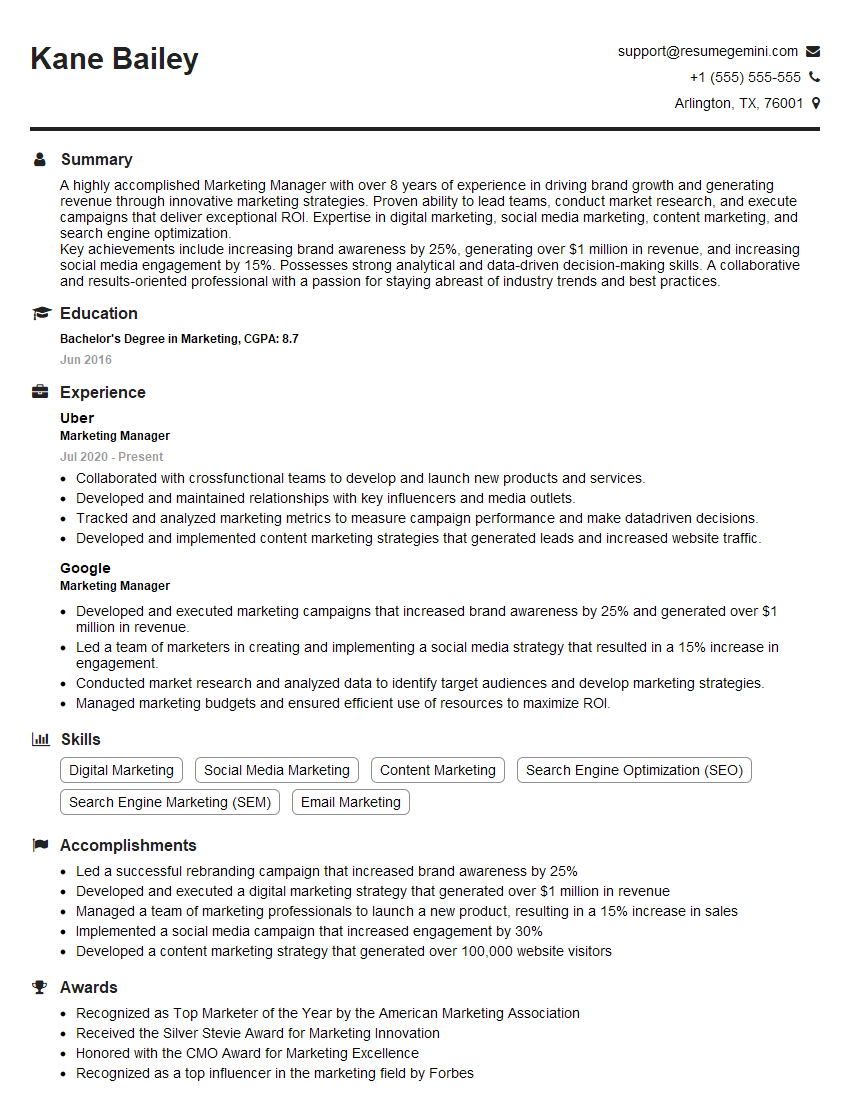
Marketing Manager Resume Sample
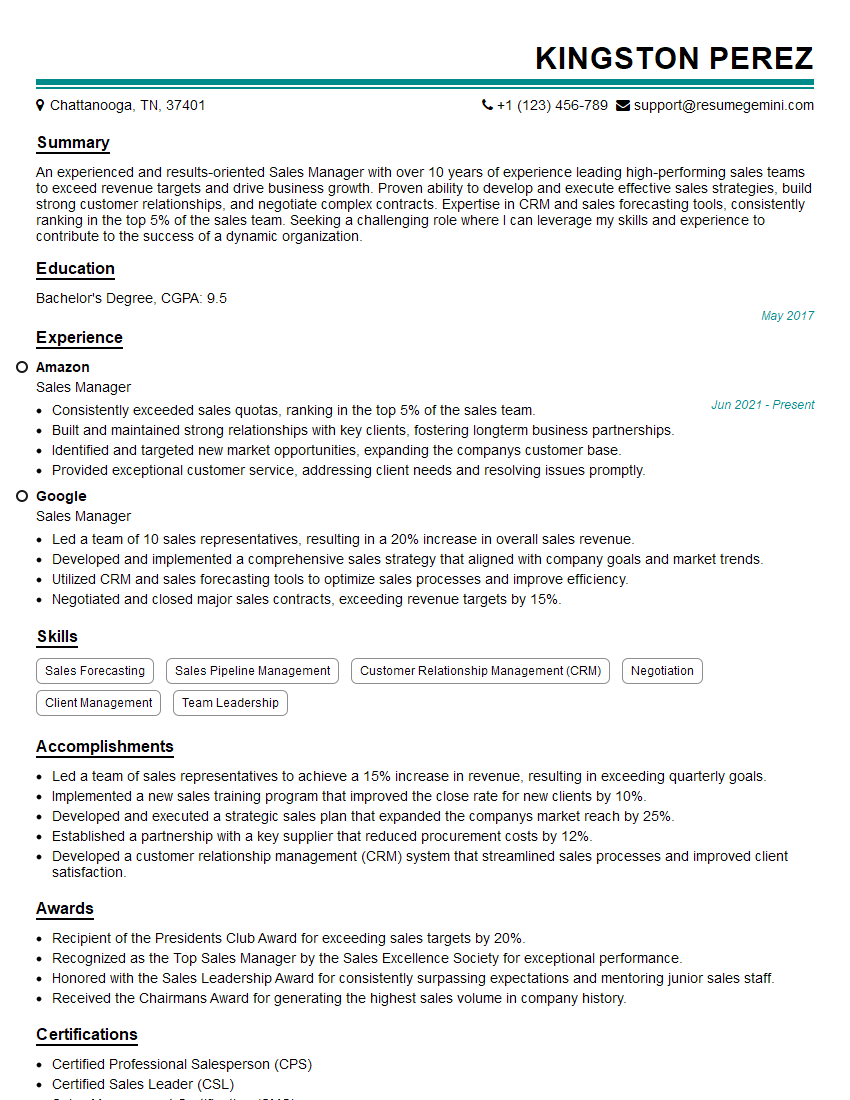
Sales Manager Resume Sample

Communications Director Resume Sample

Communications Manager Resume Sample
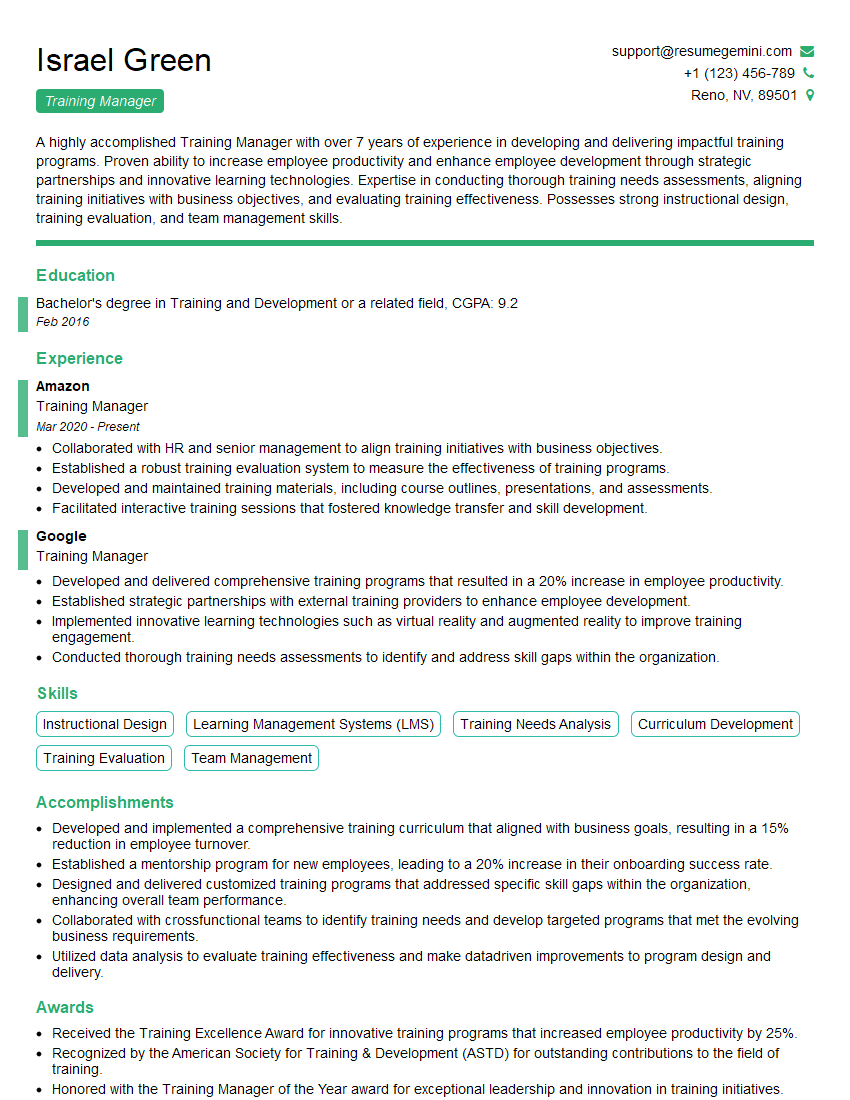
Training Manager Resume Sample

Project Manager Resume Sample

Business Analyst Resume Sample
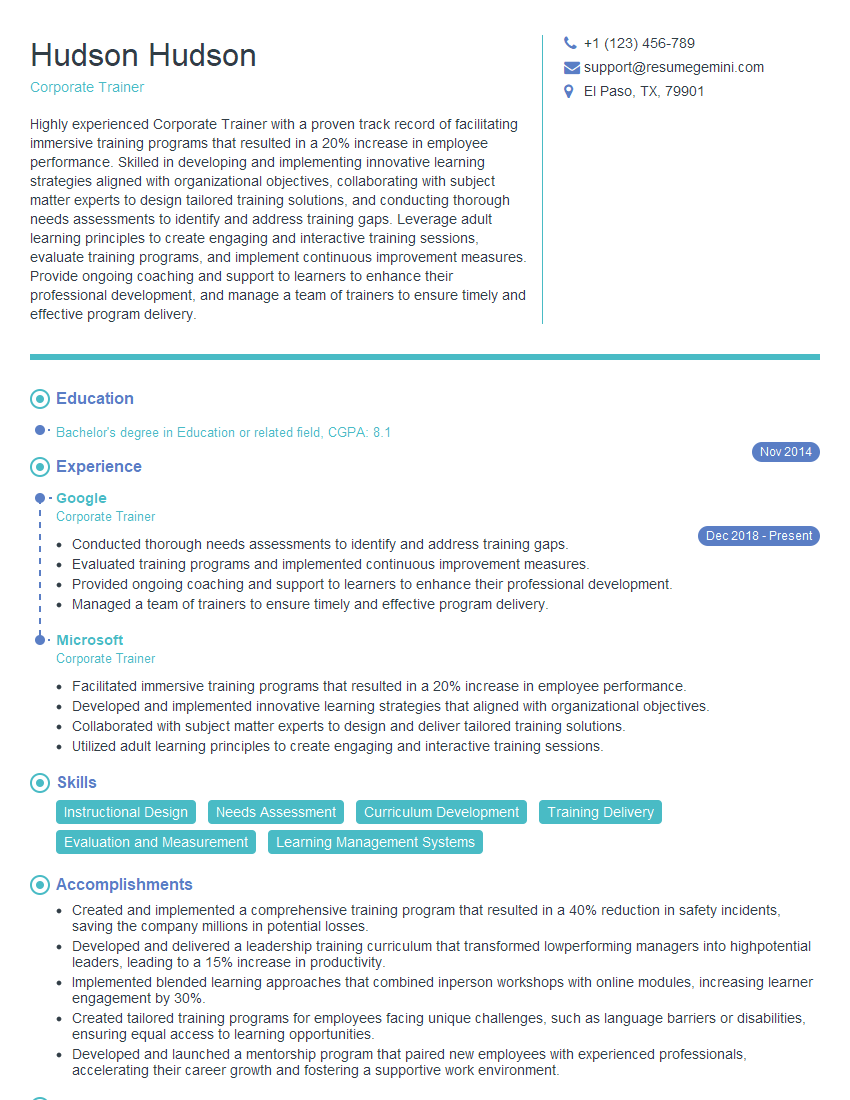
Corporate Trainer Resume Sample

Curriculum Developer Resume Sample

Instructional Designer Resume Sample
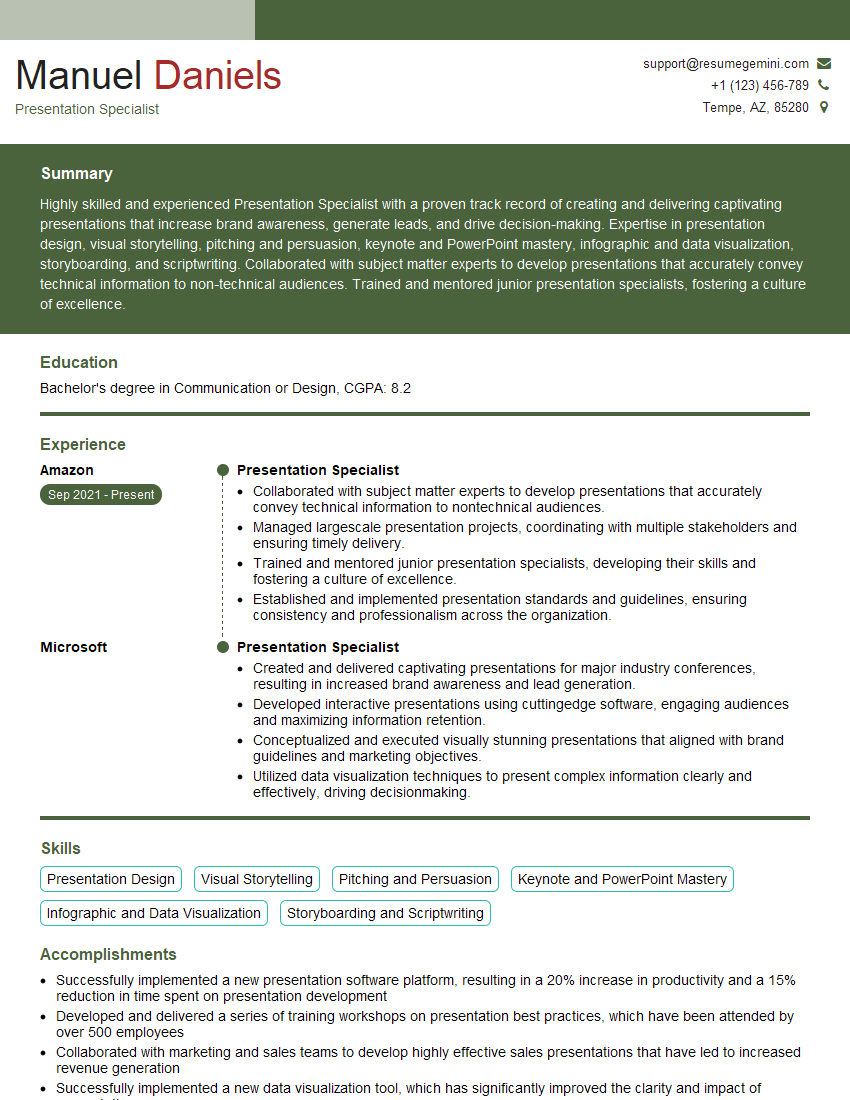
Presentation Specialist Resume Sample
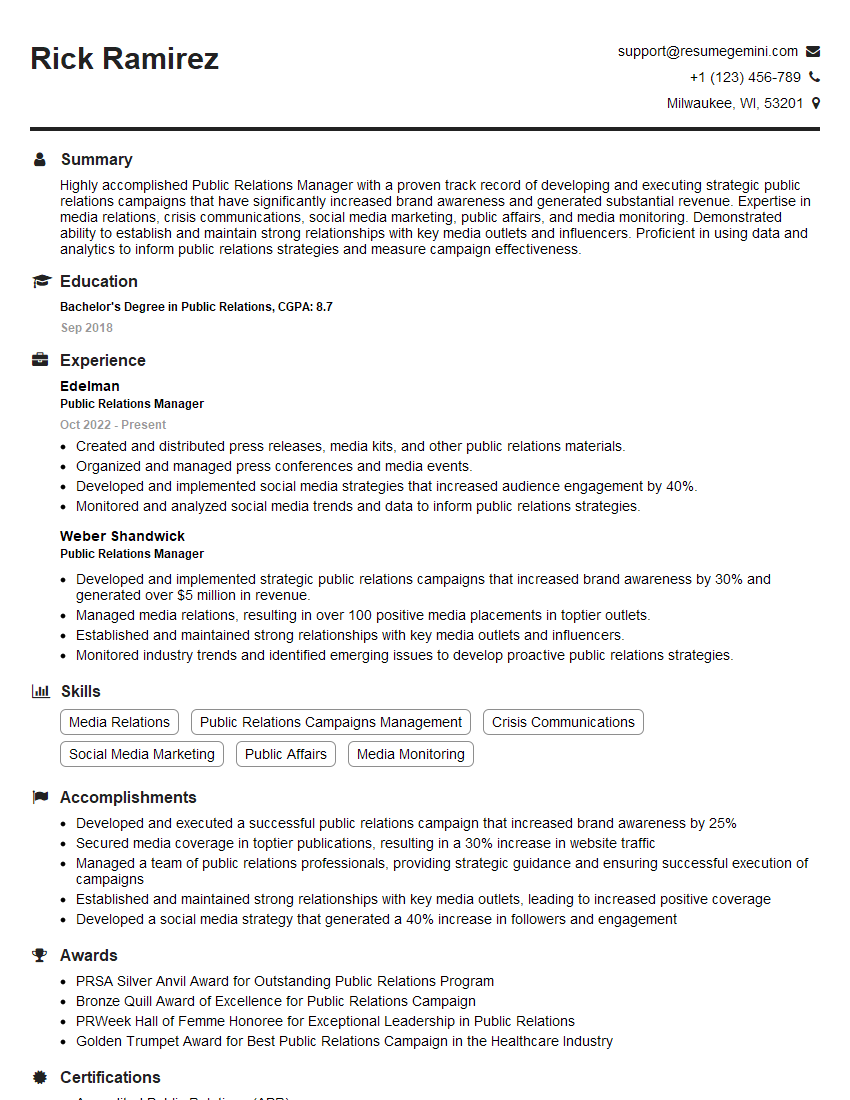
Public Relations Manager Resume Sample

Technical Writer Resume Sample
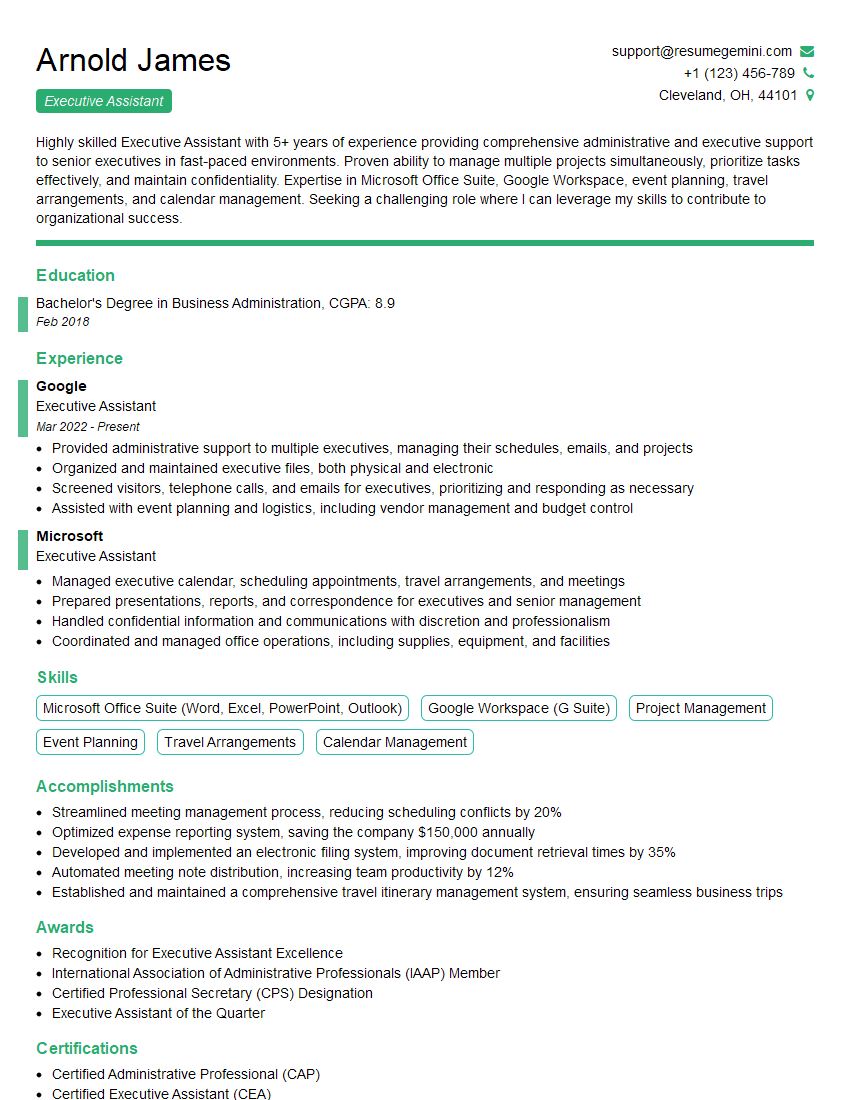
Executive Assistant Resume Sample

Content Creator Resume Sample
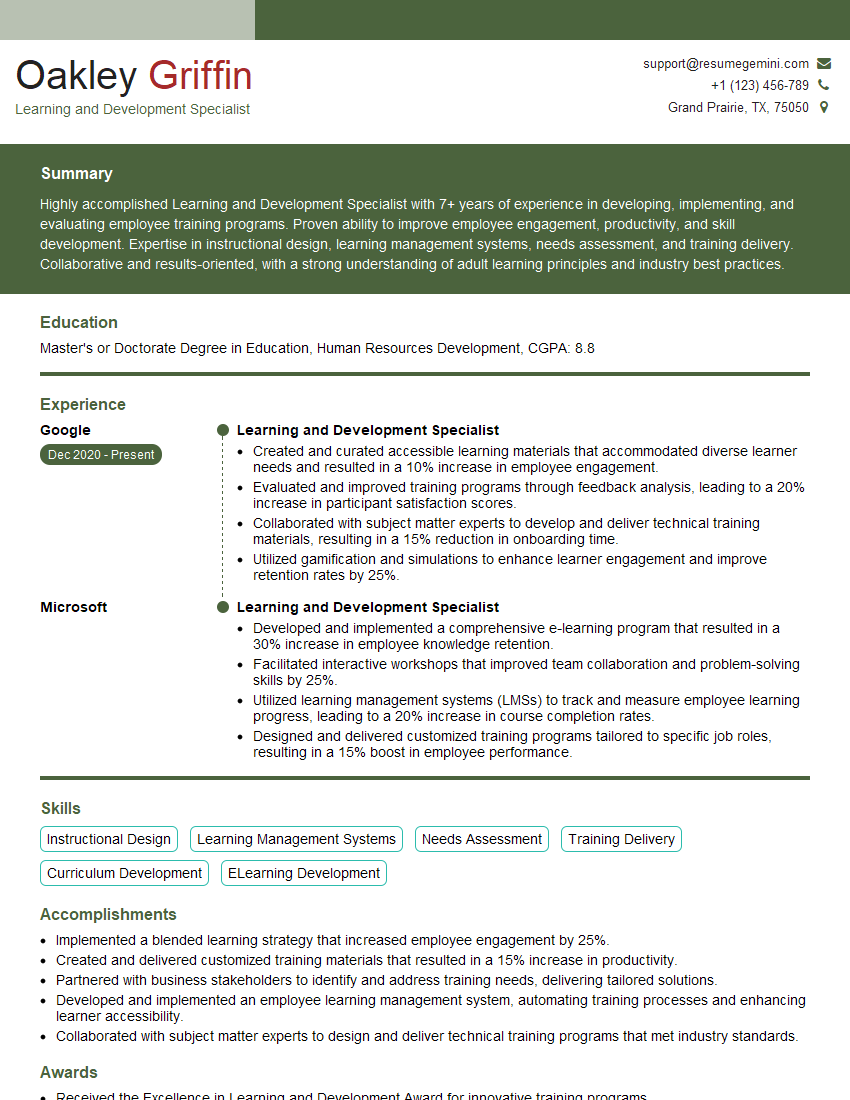
Learning and Development Specialist Resume Sample
- Marketing Manager
- Sales Manager
- Communications Director
- Communications Manager
- Training Manager
- Project Manager
- Business Analyst
- Corporate Trainer
- Curriculum Developer
- Instructional Designer
- Presentation Specialist
- Public Relations Manager
- Technical Writer
- Executive Assistant
- Content Creator
- Learning and Development Specialist
Explore more articles
Users Rating of Our Blogs
Share Your Experience
We value your feedback! Please rate our content and share your thoughts (optional).
What Readers Say About Our Blog
Very informative content, great job.
good