Interviews are opportunities to demonstrate your expertise, and this guide is here to help you shine. Explore the essential System Modeling (PVsyst, SAM, HelioScope) interview questions that employers frequently ask, paired with strategies for crafting responses that set you apart from the competition.
Questions Asked in System Modeling (PVsyst, SAM, HelioScope) Interview
Q 1. Explain the difference between PVsyst, SAM, and HelioScope.
PVsyst, SAM (System Advisor Model), and HelioScope are all leading software packages for photovoltaic (PV) system design and performance simulation, but they cater to different needs and offer distinct strengths. Think of them as specialized tools in a toolbox.
- PVsyst: This software is known for its detailed and sophisticated modeling capabilities, especially concerning the electrical and thermal behavior of PV modules and systems. It excels in advanced analyses like partial shading effects and advanced temperature modeling. It’s often preferred by engineers and researchers requiring high accuracy and granular control.
- SAM: SAM, developed by the National Renewable Energy Laboratory (NREL), is a more comprehensive and versatile platform. It covers a broader range of renewable energy technologies beyond just PV, including wind and thermal systems. Its strength lies in its system optimization features, financial analysis tools, and integration with other NREL resources. It’s a great choice for large-scale projects and financial modeling.
- HelioScope: HelioScope focuses on ease of use and rapid design for residential and small commercial PV systems. It provides a user-friendly interface with quick design and simulation capabilities. Its strengths lie in its intuitive design process and visualization tools. It’s a favorite among installers and smaller design firms.
In short, PVsyst prioritizes accuracy and detail, SAM emphasizes comprehensive system analysis and financial modeling, and HelioScope prioritizes speed and ease of use for smaller projects.
Q 2. Describe your experience using PVsyst’s shading analysis tools.
PVsyst’s shading analysis is a powerful feature I’ve extensively used. It goes beyond simple shading factors; it considers the complex interactions of light and shadows on individual cells within a module. I’ve successfully used it to model various shading scenarios, including:
- Fixed shading: This involves modeling the impact of permanent obstructions like trees or buildings.
- Moving shading: Here, the software simulates the dynamic changes in shading patterns throughout the day and year due to the sun’s movement and the presence of moving objects.
The software allows for detailed input of shading geometries, and the output provides precise information on power losses caused by shading. I find the visualization tools particularly helpful in identifying problematic areas in the array design. For instance, I once used PVsyst to optimize the layout of a large rooftop system, significantly reducing shading losses by strategically placing modules to minimize the impact of a nearby chimney. This resulted in a substantial increase in the system’s annual energy production.
Q 3. How do you handle complex array layouts in SAM?
SAM handles complex array layouts using its flexible design tools. You can define multiple sub-arrays, each with unique characteristics like orientation, tilt angle, and module type. This is crucial for accurately simulating large or irregularly shaped systems.
For example, a project might involve multiple roof sections with different orientations or shading profiles. In SAM, I’d define each section as a separate sub-array, specifying its unique parameters. SAM then automatically calculates the combined performance of these sub-arrays, providing a comprehensive overview of the overall system performance. This is particularly useful for projects with complex geometry where a simplified single-array model would be insufficient.
Furthermore, SAM allows for the import of CAD files or the use of its built-in tools to create custom layouts. This makes it possible to model highly irregular shapes and configurations with great precision. This detail is critical for accurate performance estimations in real-world installations.
Q 4. What are the key parameters you consider when modeling a PV system in HelioScope?
When modeling a PV system in HelioScope, accurate parameter input is key. The key parameters I focus on are:
- Location and Weather Data: Accurate geographic coordinates are essential for precise solar irradiance calculations. I always use high-quality weather data, ideally from a nearby weather station.
- Array Layout and Orientation: The precise dimensions and orientation of the array (azimuth and tilt angle) directly impact energy production. HelioScope’s user-friendly interface makes this input intuitive.
- Module Specifications: I meticulously input the specifications of the chosen PV modules, including their power rating, voltage characteristics, and temperature coefficients.
- Inverter Specifications: The inverter’s performance characteristics, including its maximum power point tracking (MPPT) behavior, significantly impact the overall system efficiency.
- Shading Analysis: I utilize HelioScope’s built-in shading analysis tools to evaluate the impact of any potential obstructions on energy production. The interactive 3D model helps identify and mitigate shading issues early in the design process.
By carefully selecting and inputting these parameters, I ensure that my HelioScope model accurately reflects the real-world performance of the proposed PV system.
Q 5. Explain the importance of accurate weather data in PV system modeling.
Accurate weather data is absolutely crucial for reliable PV system modeling. The solar resource, specifically the amount of solar irradiance (global horizontal irradiance and direct normal irradiance), and ambient temperature directly influence the energy production of a PV system. Inaccurate weather data can lead to significant errors in performance predictions, potentially leading to over- or underestimation of energy production.
For example, if you use weather data with consistently underestimated irradiance levels, the model might predict significantly lower energy output than the system will actually produce in reality. This could lead to an undersized system that fails to meet energy demands or incorrect sizing of the energy storage components. Conversely, overestimated irradiance can lead to oversizing and unnecessary cost.
Therefore, I always prioritize obtaining high-quality weather data from reliable sources such as the National Renewable Energy Laboratory (NREL) or meteorological agencies. The spatial resolution and temporal resolution (hourly or even sub-hourly data) of this data is a crucial consideration, and in some cases, using advanced measurement tools like pyranometers and weather stations close to the proposed installation site might be needed for increased accuracy.
Q 6. How do you validate the results of your PV system models?
Validating the results of PV system models is a critical step to ensure accuracy and reliability. My validation process typically involves several steps:
- Comparing against Measured Data: For existing systems, I compare the model’s predictions against actual measured data from the system’s performance monitoring system. This helps identify any discrepancies and refine the model.
- Sensitivity Analysis: I perform a sensitivity analysis to evaluate how changes in key input parameters affect the model’s output. This helps identify the most critical parameters and assess the uncertainty associated with the model’s predictions.
- Peer Review: I often seek feedback from other engineers or experts to review my models and identify potential errors or areas for improvement. A fresh perspective can often uncover overlooked issues.
- Using Multiple Software Packages: Comparing results from different software packages (e.g., running the same project in both PVsyst and SAM) helps assess the consistency of the results and identify potential errors.
By using a combination of these techniques, I build confidence in the accuracy and reliability of my PV system models and provide my clients with dependable predictions.
Q 7. What are some common errors to avoid when using PVsyst?
Several common errors can be avoided when using PVsyst:
- Incorrect Weather Data: Using inappropriate or low-quality weather data leads to inaccurate results. Always use reliable, high-resolution data specific to the project location.
- Oversimplifying Shading: PVsyst has advanced shading capabilities. Don’t underestimate the impact of complex shading patterns. Use its powerful tools to accurately model these.
- Ignoring Temperature Effects: Temperature significantly impacts PV module performance. Ensure accurate temperature coefficients are used and that the model accounts for thermal losses.
- Inaccurate Module Parameters: Use the precise manufacturer’s specifications for PV modules, including I-V curves if available. Incorrect parameters propagate errors through the model.
- Not Checking for Convergence: Ensure the simulation converges correctly. If not, check input parameters and model settings. This usually occurs due to unrealistic input data.
By avoiding these pitfalls and performing regular checks, you can ensure your PVsyst simulations produce accurate and reliable results for your PV system designs. Remember that careful attention to detail is essential for obtaining meaningful outputs from this powerful tool.
Q 8. Describe your experience with SAM’s financial modeling features.
SAM’s financial modeling capabilities are incredibly robust, allowing for detailed analysis of a PV system’s economic viability. I’ve extensively used its features to create comprehensive financial models, considering various factors that impact project returns.
For instance, I frequently utilize SAM’s ability to model different financing options, like loans with varying interest rates and repayment schedules, and to incorporate tax incentives and depreciation methods specific to the region. This helps determine the levelized cost of energy (LCOE), net present value (NPV), and internal rate of return (IRR), crucial metrics for investment decisions.
A recent project involved comparing the financial performance of a ground-mount system versus a rooftop system in the same geographic location. By inputting the different capital costs, operating expenses, and energy production estimates into SAM, I was able to clearly demonstrate the superior financial return of the ground-mount system due to higher energy production and lower installation costs. The detailed reports generated by SAM were instrumental in securing funding for the project.
Q 9. How do you interpret the results generated by HelioScope?
HelioScope provides a wealth of information regarding system performance and design. Interpreting its results requires a systematic approach. I typically start by reviewing the energy production estimates, paying close attention to the monthly and annual energy yields. This gives me a clear picture of the system’s overall performance throughout the year.
Next, I thoroughly examine the performance summary, which includes key metrics like the performance ratio (PR), capacity factor, and system losses. This helps identify areas for potential optimization. For example, a low PR might point to shading issues or suboptimal inverter sizing, which can be further investigated using HelioScope’s detailed shading analysis tools.
Finally, I analyze the financial outputs, which are especially crucial for project feasibility studies. HelioScope can provide estimates for the system’s cost and profitability, supporting informed decision-making. I always compare these figures against independent cost estimations and market data for validation.
Q 10. Compare and contrast the strengths and weaknesses of PVsyst, SAM, and HelioScope.
PVsyst, SAM, and HelioScope are all powerful PV system design and simulation tools, but they have distinct strengths and weaknesses.
- PVsyst: Known for its detailed modeling of PV array behavior, including advanced options for shading, soiling, and temperature effects. It’s excellent for precise energy yield calculations but can be steeper learning curve and less intuitive for financial modeling.
- SAM: Offers comprehensive financial modeling capabilities coupled with robust energy production simulations. It’s user-friendly and excels at detailed financial analysis but might lack the depth of PVsyst in terms of sophisticated array modeling.
- HelioScope: Strong in visual design and rapid prototyping, particularly for roof-mounted systems. Its intuitive interface makes it easy to use for initial design and performance estimations. However, it may lack the granularity of PVsyst or SAM for highly complex system designs or detailed financial analyses.
Choosing the right tool depends on the project’s specific needs. For projects where accurate array performance is paramount, PVsyst is a good choice. For those focusing on financial analysis, SAM is preferred. And for quick system design and visualization, HelioScope is often the best option. Often, I’ll use a combination of these tools to leverage their individual strengths.
Q 11. How do you model different inverter technologies in your simulations?
Modeling inverter technologies accurately is vital for simulating system performance. Each software package handles this differently, but the key is to accurately reflect the inverter’s characteristics, including its maximum power point tracking (MPPT) capabilities, efficiency curves, and operating limits.
In PVsyst, I often use detailed efficiency curves provided by the manufacturer, inputting data points that reflect the inverter’s efficiency at varying power outputs. Similarly in SAM, I select the appropriate inverter model from their database or enter custom curves if needed. HelioScope provides a library of common inverters, simplifying the process; however, for specialized inverters, manual input of characteristic curves may be required.
I always ensure that the chosen inverter model accurately represents the actual inverter to be used in the project, accounting for factors like MPPT algorithms and potential derating based on environmental conditions.
Q 12. Explain your process for creating a detailed bill of materials (BOM) for a PV system.
Creating a detailed BOM is a crucial step in PV system design. My process typically begins with the system design output from simulation software. I then use this information to create a spreadsheet-based BOM, meticulously detailing each component.
The BOM includes:
- PV Modules: Manufacturer, model, quantity, wattage, and dimensions.
- Inverters: Manufacturer, model, quantity, power rating, and MPPT trackers.
- Mounting Structure: Type, quantity, material, and any special considerations.
- Wiring and Cabling: Gauge, length, and type.
- Connectors and Disconnects: Type and quantity.
- Protection Devices: Fuses, surge protectors, and disconnect switches.
- Labor Costs: Estimated labor hours for each installation phase.
Once the initial BOM is complete, I conduct a thorough review, accounting for potential adjustments based on site-specific conditions and supplier availability. This iterative approach ensures the BOM remains accurate and up-to-date throughout the project lifecycle.
Q 13. How do you account for system losses in your PV system models?
System losses significantly impact the actual energy production of a PV system. I account for these losses using a combination of methods in the simulation software and through manual adjustments based on real-world experience.
Common losses and how I account for them:
- Soiling Losses: In PVsyst and SAM, I incorporate soiling loss factors based on climate data and historical records for the location. These factors adjust the energy production downwards.
- Shading Losses: I use the shading analysis tools in HelioScope and PVsyst to precisely determine the impact of shading on energy production. This often involves detailed 3D modeling of the site.
- Mismatch Losses: These are inherently modeled in the simulation softwares based on the string configuration and module tolerances.
- Wiring Losses: These are typically accounted for within the software’s internal calculations, but I may adjust factors based on wire length and gauge.
- Temperature Losses: The software automatically considers temperature effects on module performance.
- Inverter Losses: Inherent in the inverter models used in the simulations.
By meticulously addressing these losses, I can create a more realistic and accurate model of the PV system’s energy production, avoiding overestimation and ensuring that project expectations are grounded in reality.
Q 14. Explain your experience with performance ratio calculations.
The performance ratio (PR) is a key indicator of a PV system’s efficiency. It’s calculated as the ratio of actual energy produced to the system’s maximum possible energy production under ideal conditions. A higher PR indicates better system performance.
PR = (Actual Energy Yield) / (Rated Power * Peak Sunshine Hours)
My experience with PR calculations involves using it both for system optimization and for post-installation analysis. During the design phase, I use PR as a benchmark to compare different system configurations and make design choices that improve efficiency. I’ll aim for a target PR based on the system’s location and design (e.g. ground mount vs rooftop) using industry standards as a reference. Post-installation, I compare the actual measured PR against the simulated PR to identify any discrepancies and pinpoint areas for improvement or corrective actions. For example, a lower-than-expected PR might suggest higher-than-anticipated soiling losses or shading issues requiring remediation.
Q 15. How do you use PV system modeling software to assess the impact of different panel orientations?
PV system modeling software allows us to simulate the performance of a solar array under various conditions. To assess the impact of different panel orientations, we input the desired azimuth (direction the panel faces) and tilt angle (angle from horizontal) into the software. The software then uses this information, along with location-specific solar irradiance data, to calculate the energy yield. For instance, in PVsyst, you define this within the ‘Array’ parameters. A south-facing array (in the Northern Hemisphere) with a tilt angle matching the latitude typically maximizes annual energy production, but this can change depending on shading and local climate. We can compare the simulated energy output for different orientations (e.g., east-west, fixed tilt vs. tracking) to determine the optimal configuration for a specific site. This comparative analysis guides the design process towards maximizing energy yield and return on investment.
Example: Let’s say we are designing a system in Denver, Colorado. We could compare a south-facing array at a 30-degree tilt angle to an array facing 15 degrees east of south at the same tilt. The software will model the hourly energy production for each, revealing the slight energy gain or loss associated with the different orientations. We might find the optimal orientation is slightly off-south to better capture early morning or late afternoon sun, minimizing shading effects from nearby buildings.
Career Expert Tips:
- Ace those interviews! Prepare effectively by reviewing the Top 50 Most Common Interview Questions on ResumeGemini.
- Navigate your job search with confidence! Explore a wide range of Career Tips on ResumeGemini. Learn about common challenges and recommendations to overcome them.
- Craft the perfect resume! Master the Art of Resume Writing with ResumeGemini’s guide. Showcase your unique qualifications and achievements effectively.
- Don’t miss out on holiday savings! Build your dream resume with ResumeGemini’s ATS optimized templates.
Q 16. Describe your experience with using advanced features within PVsyst (e.g., advanced shading algorithms).
PVsyst offers powerful advanced shading algorithms that go beyond simple shadow calculations. Instead of merely using a binary ‘shadowed/not shadowed’ approach, these algorithms model the partial shading effects accurately. This is particularly crucial in complex environments with multiple shading objects (trees, buildings). I’ve extensively used the ‘Advanced Shading Algorithm’ which accounts for the diffuse component of solar radiation and how it interacts with shaded parts of a panel. This is implemented by using the detailed shading calculation which utilizes more information about the geometry of the shading objects and the resulting partial shading. This leads to more accurate predictions of energy production, especially when dealing with irregular shading patterns throughout the day.
Practical Example: In a project near a heavily wooded area, a simplified model might significantly underestimate energy losses. The advanced shading algorithm in PVsyst, however, will account for the partial shading of the panels by the trees throughout the day, leading to a much more realistic and useful simulation of energy production for financial planning and system sizing.
Q 17. What are the limitations of using simplified models in PV system design?
Simplified models, while faster and easier to use, often compromise accuracy by neglecting critical factors that impact the real-world performance of a PV system. These limitations can lead to significant discrepancies between projected and actual system performance. For example, a simplified model may not account for:
- Detailed shading effects: As discussed earlier, simple models often lack the precision to handle complex partial shading.
- Module-level mismatch losses: Variations in individual module performance due to manufacturing tolerances or shading are often ignored in simplified models, resulting in an overestimation of overall system output.
- Temperature dependencies: The power output of PV modules is temperature-dependent. Simplified models might use average temperature values, missing variations that impact overall yield.
- Soiling losses: Dust, dirt, snow, and other soiling reduce the efficiency of solar panels. Simplified models may not include factors of cleaning and soiling losses.
- Aging effects: PV modules degrade over time, and simplified models often do not account for this long-term performance degradation.
These limitations can lead to inaccurate estimations of energy production, which is critical for system design, sizing, and financial analysis. The consequences can include undersized systems, overestimated returns, and ultimately, project failure.
Q 18. How do you handle uncertainty in input parameters when modeling PV systems?
Uncertainty in input parameters (e.g., solar irradiance, module efficiency, degradation rates) is inherent in PV system modeling. To address this, I employ several techniques:
- Probabilistic modeling: Instead of using single-point estimates for parameters, I use probability distributions (e.g., normal, triangular) to represent the uncertainty. The software then performs Monte Carlo simulations, running numerous iterations with randomly sampled parameter values from these distributions. This provides a range of possible outcomes, allowing for a more robust assessment of risk.
- Sensitivity analysis: Identifying the parameters that have the largest impact on the simulation results allows us to focus on reducing uncertainties in these key areas. For example, the uncertainties in solar irradiance are usually high, and we should prioritize collecting high-quality solar radiation data for the site.
- Using historical data: Instead of relying on estimations or typical values, using historical weather and irradiance data (e.g., from NSRDB) for the specific location provides a more realistic basis for the model.
By combining these techniques, we obtain a clearer understanding of the risks and uncertainties associated with a PV project, enabling more informed decision-making.
Q 19. How do you utilize SAM to evaluate the financial viability of a PV project?
SAM (System Advisor Model) excels in evaluating the financial viability of PV projects. It integrates detailed financial models with performance simulations. I use SAM to estimate:
- Levelized Cost of Energy (LCOE): This metric represents the average cost of electricity over the project’s lifetime, considering all capital, operating, and financing costs. A lower LCOE indicates better financial performance.
- Net Present Value (NPV): SAM calculates the NPV, which discounts future cash flows to their present-day value, considering the time value of money and the project’s lifespan. A positive NPV signals profitability.
- Internal Rate of Return (IRR): The IRR represents the discount rate that makes the NPV of the project equal to zero. A higher IRR indicates a more attractive investment.
- Simple payback period: This indicates how long it takes for the project to recoup its initial investment.
I input project-specific details into SAM, including system size, costs, financing terms, electricity rates, and tax incentives. The software then generates financial reports and sensitivity analyses, enabling comparative assessment of various scenarios (different system sizes, financing options, etc.). This empowers decision-makers to choose the most financially sound options. For example, the sensitivity analysis allows us to determine which parameters have the biggest effect on the profitability, such as electricity price or tax incentives.
Q 20. Describe your experience with HelioScope’s 3D modeling capabilities.
HelioScope’s 3D modeling capabilities are invaluable for accurately modeling complex sites with significant shading. Unlike other software that primarily uses 2D representations, HelioScope allows us to import high-resolution satellite imagery and create a realistic 3D model of the site, including buildings, trees, and terrain. This enables accurate shading analysis, particularly crucial in urban environments or sites with irregular terrain. The 3D model also allows for visualization of the array’s placement and potential shading conflicts, assisting in optimal array design. I often use this feature to identify and mitigate shading from nearby structures or vegetation, optimizing the system’s energy production.
Example: In a project near a densely packed urban area, a 2D model might overestimate energy yield because it doesn’t accurately account for the complex interplay of shadows from adjacent buildings. HelioScope’s 3D modeling lets us precisely visualize and quantify these shading losses, leading to a more realistic projection of performance and ensuring the system is correctly sized.
Q 21. Explain your understanding of different PV array configurations and their impact on performance.
PV array configurations significantly impact system performance. Key configurations include:
- String configurations: This relates to how PV modules are wired together in series to form strings. Series wiring increases voltage, while parallel wiring increases current. Optimizing string configuration is crucial for maximizing power output and minimizing losses. Mismatched strings, for example, lead to considerable power loss.
- Array layouts: This refers to the physical arrangement of strings in the array (e.g., portrait, landscape, or more complex layouts). Optimizing array layout is essential for reducing shading, optimizing space utilization, and ease of installation and maintenance. Shading will affect the whole string and can lead to considerable power loss if not dealt with properly.
- Tracking systems: Single-axis or dual-axis trackers follow the sun’s movement, increasing the overall energy yield compared to fixed-tilt systems. The choice between fixed tilt and tracking depends on factors such as site-specific climate, cost, and land availability.
Each configuration has trade-offs regarding cost, efficiency, and complexity. Selecting the optimal configuration involves considering the specific site conditions, the type of modules used, and the overall system design goals to maximize performance and minimize costs. For example, the choice of the configuration depends on if we are using microinverters or string inverters.
Q 22. How do you model the impact of soiling on PV system performance?
Soiling, the accumulation of dirt, dust, and other debris on PV module surfaces, significantly reduces energy output. Modeling its impact requires considering several factors. In PVsyst, SAM, and HelioScope, this is typically achieved by using a soiling loss factor, often expressed as a percentage of daily energy loss. This factor is applied as a multiplicative reduction to the predicted daily energy generation.
The soiling loss factor isn’t constant; it varies depending on environmental conditions (e.g., rainfall, wind speed, proximity to dust sources). Sophisticated models may incorporate weather data and even location-specific soiling rates, derived from empirical measurements or studies. For instance, a desert location might have a significantly higher soiling rate than a coastal region. In SAM, you might input a daily soiling loss directly, whereas PVsyst might allow defining a more complex soiling model, potentially accounting for seasonal variations.
To illustrate, let’s say a model predicts 10 kWh of daily energy generation without soiling. If a 5% soiling loss is applied, the adjusted prediction becomes 9.5 kWh (10 kWh * (1 – 0.05)). Accurate soiling loss estimation is crucial for realistic performance predictions and financial analysis of PV systems.
Q 23. Describe your experience calibrating PV system models using measured data.
Calibrating PV system models with measured data is essential to improve their accuracy. This typically involves comparing model predictions against real-world performance data obtained from monitoring systems. The process often iteratively refines model parameters until a satisfactory agreement is achieved between the predicted and measured performance metrics, such as daily energy yield or power output.
My experience includes working with various datasets, including those from high-frequency data loggers (providing data at 1-minute intervals or less) and daily energy meter readings. I’ve used statistical methods like least-squares regression to optimize model parameters (e.g., adjusting module parameters or performance ratios) to minimize the discrepancy between predicted and measured performance. This might involve using specialized software within PVsyst or SAM to conduct the calibration, or implementing custom scripts to automate the process.
For example, I once worked on a project where the initial model significantly overestimated performance. Through calibration, using actual irradiance data and inverter performance curves measured on site, I identified that the module’s performance ratio was underestimated in the initial model. Adjusting this parameter brought the model predictions much closer to the actual measured data.
Q 24. What are some best practices for creating efficient and accurate PV system models?
Creating efficient and accurate PV system models involves meticulous attention to detail and leveraging the strengths of the chosen software. Here are some key best practices:
- Accurate Input Data: Use high-quality data for geographical location, module specifications, inverter characteristics, and shading conditions. Inaccurate input inevitably leads to inaccurate results.
- Detailed Shading Analysis: Accurately model shading effects using tools within the software, such as PVsyst’s detailed shading algorithm or SAM’s advanced shading options. Slight variations in shading can have a significant impact.
- Appropriate Inverter Modeling: Select the correct inverter model from the library, or use custom curves if necessary. Consider the inverter’s efficiency curves, maximum power point tracking (MPPT) characteristics, and temperature dependencies.
- Thorough Validation: Compare model outputs to measured data wherever possible. Calibration and sensitivity analysis help to identify and address uncertainties.
- Software Expertise: Leverage the specific features and capabilities of each software (PVsyst, SAM, HelioScope) to optimize model complexity and accuracy. Each tool offers unique functionalities.
- Documentation: Maintain clear and comprehensive documentation of all assumptions, inputs, and results to ensure model transparency and reproducibility.
By diligently following these practices, we can ensure that the models we create accurately represent the PV system’s behavior and provide reliable performance predictions.
Q 25. Explain your familiarity with different inverter connection schemes and how you model them.
Inverter connection schemes significantly influence PV system performance and require careful modeling. Common schemes include single-phase, three-phase, and those with multiple inverters connected in parallel or series. These schemes impact energy yield, voltage regulation, and overall system efficiency.
In PVsyst, SAM, and HelioScope, you specify the inverter connection type and the number of inverters, and the software automatically takes into account the implications for system performance. For instance, choosing a three-phase system allows for higher power output compared to a single-phase system with the same inverter capacity. The software incorporates the losses associated with each connection scheme, such as cable losses and mismatch losses between strings and inverters.
For more complex configurations, such as those involving multiple inverters or a combination of string sizes, it’s crucial to precisely model each inverter’s characteristics (maximum power point tracking, efficiency curves, etc.) to obtain accurate simulation results. This is particularly important when dealing with partial shading or mismatch issues, as different inverters might have varied responses to these conditions. Using detailed electrical diagrams and precise inverter specifications is essential for accurate representation in these models.
Q 26. How do you assess the impact of thermal effects on PV system performance?
Thermal effects are critical to PV system performance. Higher temperatures reduce the efficiency of PV modules, resulting in lower power output. Modeling these effects typically involves considering the ambient temperature, solar irradiance, and wind speed. The software packages usually include built-in models that calculate module temperature based on these factors and apply the temperature coefficient to the power-temperature characteristic of the PV module.
In PVsyst, for example, you can specify the module’s temperature coefficient to model how its output varies with temperature changes. SAM offers similar functionalities, and often employs more complex models incorporating the thermal capacitance of the modules and the surrounding environment. The calculated module temperature is then used to adjust the predicted power output according to the module’s temperature-power characteristics.
Ignoring thermal effects can lead to significant overestimation of PV system performance, especially in hotter climates. Therefore, accurate thermal modeling is essential for realistic performance assessments and to ensure that the designs account for potential temperature-related losses.
Q 27. How do you integrate PV system models into larger energy system simulations?
Integrating PV system models into larger energy system simulations, such as those involving microgrids or utility-scale grids, is often done using data exchange formats or specialized software interfaces. The PV system model outputs (e.g., hourly or daily power generation profiles) are used as inputs to the larger system simulation.
Several methods exist: One common approach uses the results from PVsyst, SAM, or HelioScope to create a simplified model, often represented by a power-time profile, for integration into HOMER, EnergyPlus, or other system simulation software. More sophisticated approaches involve direct coupling, wherein the PV system model is executed within the larger energy system simulation, allowing for real-time interaction between the PV system and other components.
For example, in a microgrid simulation, the PV system model provides the power generation forecast to the microgrid controller, which then optimizes the operation of other components (batteries, generators) based on the available renewable energy. This dynamic interaction requires a more integrated modeling approach, which can be achieved through dedicated APIs or co-simulation tools.
Q 28. Describe your experience in troubleshooting and resolving errors in PV system models.
Troubleshooting errors in PV system models often involves a systematic approach. I typically start by examining the input data for inconsistencies or errors. This includes checking geographical coordinates, module specifications, inverter characteristics, and shading data. Errors in these inputs can lead to significant inaccuracies in the simulation results.
Next, I review the model’s assumptions and settings to ensure they are appropriate for the specific PV system being modeled. Incorrect shading settings, for instance, can drastically impact the predicted performance. If the issue persists, I compare the model predictions to measured data, if available, to identify discrepancies. This often reveals areas where the model needs to be refined or calibrated.
For example, I once encountered a situation where a model consistently underestimated the energy output of a system. After thorough review, I discovered an error in the input data: the installed module tilt angle was incorrectly entered. Correcting this single input parameter significantly improved the model’s accuracy. Systematic debugging, data validation, and comparison with real-world measurements are essential in resolving model errors.
Key Topics to Learn for System Modeling (PVsyst, SAM, HelioScope) Interview
- PVsyst, SAM, and HelioScope Comparisons: Understand the strengths and weaknesses of each software, and when to apply each based on project needs and data availability.
- Solar Resource Assessment: Mastering the input and interpretation of irradiance data, including understanding different models (e.g., hourly, monthly, annual), and the impact of shading and albedo.
- System Design & Optimization: Explore array design considerations (string sizing, array layout, tilt and azimuth angles), inverter selection, and the impact on system performance and cost.
- Performance Modeling & Simulation: Gain proficiency in simulating system performance under various conditions, including different weather patterns and component degradation.
- Loss Analysis & Mitigation: Identify key system losses (e.g., shading, soiling, mismatch) and develop strategies for their mitigation using the software.
- Financial Modeling & Cost Estimation: Learn how to use these tools for financial analysis, including Levelized Cost of Energy (LCOE) calculations and sensitivity analysis to key parameters.
- Data Interpretation & Reporting: Develop strong skills in extracting meaningful insights from simulation results and presenting them clearly in reports.
- Advanced Techniques: Explore advanced features such as microinverter modeling, bifacial module simulation, and energy storage integration within each software.
- Software Specific Features: Familiarize yourself with the unique features and functionalities of each platform (PVsyst, SAM, HelioScope) and best practices for efficient use.
- Troubleshooting & Error Handling: Develop the ability to identify and solve common errors encountered during modeling and simulation.
Next Steps
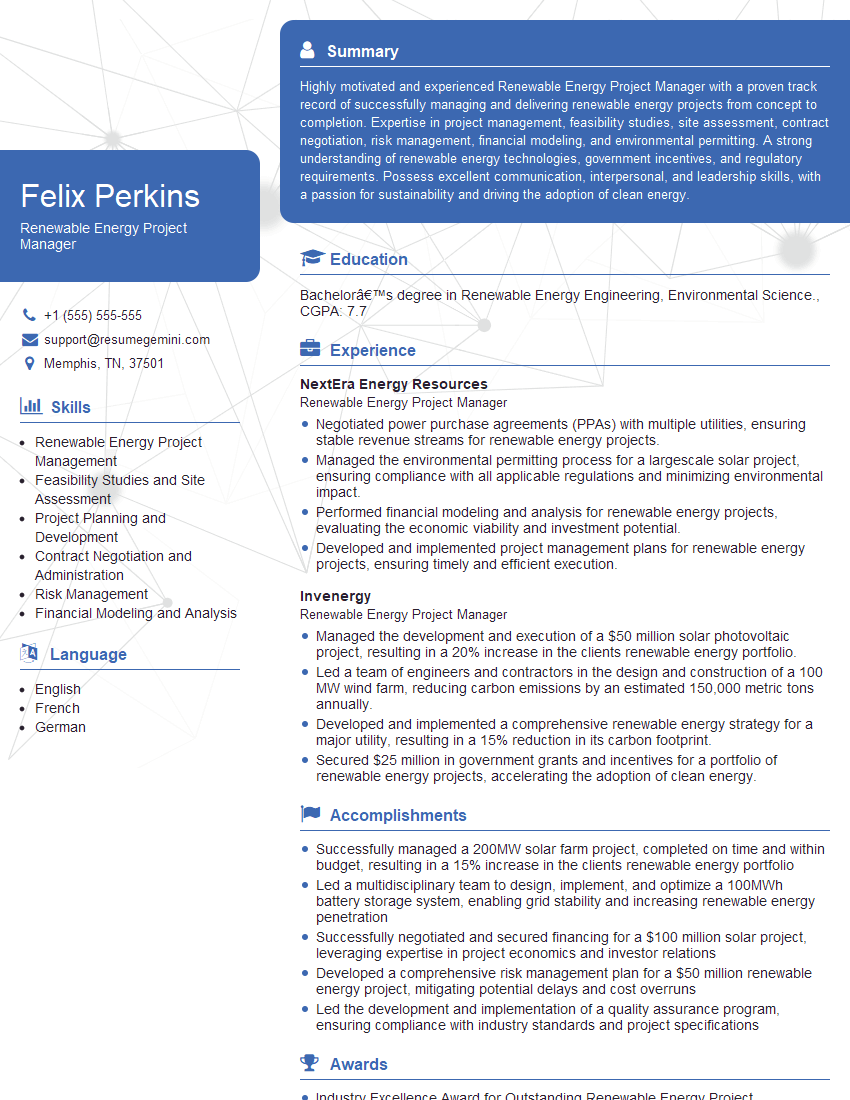
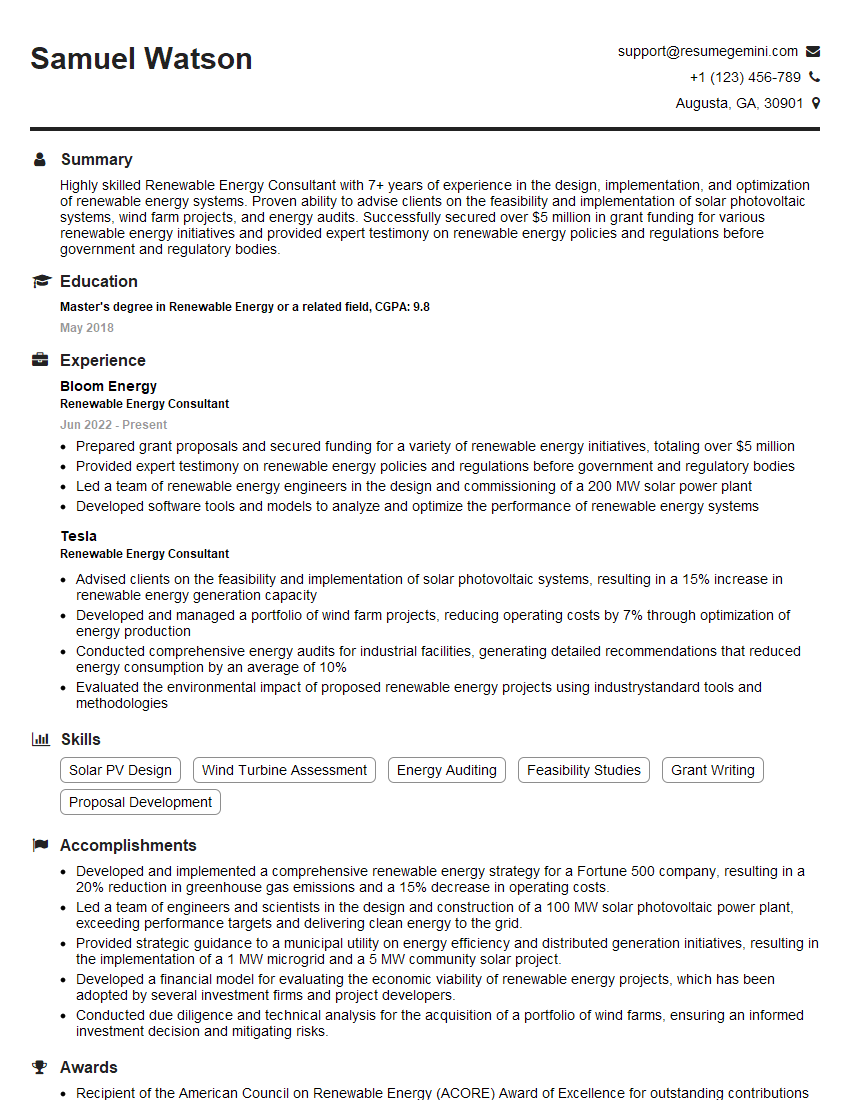
Mastering PVsyst, SAM, and HelioScope is crucial for advancing your career in solar energy. These tools are essential for designing, optimizing, and analyzing solar PV systems, making you a highly valuable asset to any team. To maximize your job prospects, create an ATS-friendly resume that highlights your skills and experience effectively. ResumeGemini is a trusted resource that can help you build a professional and impactful resume. Examples of resumes tailored to showcasing System Modeling expertise (PVsyst, SAM, HelioScope) are available to help guide you.


Explore more articles
Users Rating of Our Blogs
Share Your Experience
We value your feedback! Please rate our content and share your thoughts (optional).
What Readers Say About Our Blog
Very informative content, great job.
good