Every successful interview starts with knowing what to expect. In this blog, we’ll take you through the top Test Reporting and Analytics interview questions, breaking them down with expert tips to help you deliver impactful answers. Step into your next interview fully prepared and ready to succeed.
Questions Asked in Test Reporting and Analytics Interview
Q 1. Explain the importance of test reporting in the software development lifecycle.
Test reporting is the backbone of effective software development. It’s not just about documenting what tests were run; it’s about providing crucial insights into the software’s quality and readiness for release. Think of it as a comprehensive health check for your application. Without thorough reporting, identifying and resolving defects becomes a guessing game, leading to delayed releases, frustrated stakeholders, and ultimately, a less-than-optimal product.
Effective reporting enables stakeholders – developers, testers, project managers, clients – to understand the current state of the software, make informed decisions, and track progress. It helps pinpoint areas needing attention, assess risk, and justify resource allocation. For example, a well-structured report highlighting a high concentration of critical bugs in a specific module would immediately signal the need for focused testing and development efforts in that area.
Q 2. Describe different types of test reports and their purposes.
Test reports come in various flavors, each serving a unique purpose. Here are some key types:
- Summary Report: A high-level overview of the testing process, including overall pass/fail rates, key metrics, and major findings. Think of this as the executive summary of your testing efforts.
- Detailed Test Report: A comprehensive report detailing every test case executed, its outcome (pass/fail), the steps involved, and any associated defects. This report is ideal for in-depth analysis and debugging.
- Defect Report: Focused on reported defects, including their severity, priority, status (e.g., open, in progress, resolved), and steps to reproduce. This is crucial for tracking bug fixes and prioritizing development efforts.
- Test Case Execution Report: This report documents the execution of individual test cases and their results. It is detailed and often used by QA engineers to track testing progress.
- Test Summary Report: A concise overview that provides high-level insights to stakeholders who might not require in-depth technical details. It summarizes crucial findings and recommendations.
The choice of report type depends on the audience and the specific information needed. A client might only need a summary report, while developers would benefit from more granular details provided in a detailed test report or defect report.
Q 3. How do you ensure test reports are accurate and reliable?
Accuracy and reliability are paramount in test reporting. To ensure these, I employ a multi-pronged approach:
- Automated Testing: Leveraging automation minimizes human error and increases consistency in test execution and results recording.
- Version Control: Managing test cases and reports using a version control system (e.g., Git) allows for traceability and easier identification of discrepancies.
- Test Data Management: Using well-defined and managed test data prevents inconsistencies caused by inaccurate or incomplete data.
- Independent Verification: Having another tester review reports before finalization catches potential mistakes or biases.
- Clear Test Case Design: Well-defined and unambiguous test cases minimize interpretation errors and ensure consistent test execution.
- Regular Calibration: Periodically reviewing and updating the reporting process itself ensures accuracy and reflects changes in the testing environment or methodology.
For instance, if a discrepancy is found between the automated test results and manual test results, a thorough investigation is conducted to identify and rectify the root cause.
Q 4. What metrics do you typically include in a test report?
The metrics included in a test report depend on the project and its goals, but some common metrics include:
- Number of Test Cases Executed: Total number of test cases run during the testing phase.
- Number of Test Cases Passed/Failed: The number of test cases that passed and failed, often expressed as a percentage.
- Defect Density: Number of defects found per lines of code or per module – a crucial indicator of software quality.
- Severity and Priority of Defects: Categorization of defects based on their impact on the system and urgency of resolution.
- Test Coverage: Percentage of code or requirements covered by tests.
- Test Execution Time: Time taken to execute the entire test suite.
- Defect Resolution Rate: Percentage of defects resolved within a given timeframe.
These metrics, presented clearly through charts and graphs, provide a concise summary of the testing process and its effectiveness, allowing stakeholders to quickly grasp the overall health of the software.
Q 5. How do you prioritize defects based on test results?
Defect prioritization is a critical aspect of efficient bug fixing. I typically use a combination of factors to prioritize defects:
- Severity: How impactful is the defect on the system’s functionality? A critical defect that crashes the application takes precedence over a minor cosmetic issue.
- Priority: How urgently does the defect need to be fixed? A high-priority defect might be blocking other testing or critical features, necessitating immediate action.
- Frequency: How often does the defect occur? A frequently occurring defect, even if of low severity, can severely impact user experience and needs attention.
- Risk: What is the potential risk of leaving the defect unfixed? This involves considering security vulnerabilities or regulatory compliance issues.
- Business Impact: What is the impact of the defect on the business goals and objectives?
I often use a matrix or scoring system combining these factors to objectively rank defects. For example, a critical defect affecting a core business function would have the highest priority, while a minor cosmetic issue on a rarely used feature would have the lowest.
Q 6. Explain your experience with test management tools (e.g., Jira, TestRail).
I have extensive experience using Jira and TestRail for test management. Jira, with its flexibility and customizability, is invaluable for managing the entire software development lifecycle, including bug tracking and reporting. I’ve used it to create custom workflows for defect tracking, integrating it with development tools for seamless collaboration.
TestRail, on the other hand, is a dedicated test management tool, providing excellent features for test case management, test execution tracking, and reporting. I’ve utilized TestRail to organize test suites, assign tests to testers, and generate comprehensive reports, including customizable dashboards for monitoring testing progress. I find the integration of TestRail with other tools, like Jira, greatly enhances workflow efficiency.
In both tools, I’ve mastered the creation of custom fields and reports to ensure the information is tailored to the specific needs of each project. I am comfortable with various reporting formats like email notifications, CSV exports, and integrated dashboards for easy visualization and analysis of data.
Q 7. How do you handle conflicting priorities when creating test reports?
Conflicting priorities are common in fast-paced software development. When faced with such situations, I employ a structured approach:
- Prioritization Meeting: Convene a meeting with stakeholders – developers, testers, product managers, and clients – to discuss competing priorities and their impact on project goals.
- Risk Assessment: Evaluate the risk associated with each task or report type, focusing on potential consequences of delays or incomplete information.
- Negotiation and Compromise: Work collaboratively with stakeholders to find a balance that addresses the most critical needs. This might involve adjusting report scope, prioritization of content, or delivery timelines.
- Communication: Maintain clear communication with all stakeholders about the agreed-upon priorities and any changes made. Transparency is key to prevent misunderstandings and maintain trust.
- Documentation: Clearly document the decisions made, the rationale behind them, and any potential trade-offs to ensure accountability and transparency.
For example, if I am asked to deliver a detailed report and a summary report under a tight deadline, I might prioritize the summary report for immediate stakeholder needs while committing to delivering the detailed report shortly after.
Q 8. Describe your experience with different reporting formats (e.g., dashboards, spreadsheets).
Throughout my career, I’ve extensively utilized various reporting formats to communicate test results effectively. Spreadsheets, like Excel, are valuable for detailed, granular data, particularly when tracking individual test cases, their execution status, and defects. They excel at presenting raw data but can become cumbersome for summarizing large datasets or identifying trends. Dashboards, on the other hand, are powerful tools for visualizing key performance indicators (KPIs) at a glance. I’ve used tools like Tableau and Power BI to create interactive dashboards that display metrics such as pass/fail rates, defect density, test coverage, and execution time. These dashboards are incredibly effective for quickly assessing the overall health of a testing cycle and identifying areas needing attention. Furthermore, I have experience generating custom reports using scripting languages like Python, allowing for flexible and automated report generation tailored to specific project needs.
For instance, in a recent project, a spreadsheet meticulously tracked individual test cases and their defects, allowing for in-depth analysis of specific failures. Simultaneously, a Tableau dashboard provided a high-level overview of the overall testing progress, presenting key metrics to stakeholders who didn’t need to delve into the granular data.
Q 9. How do you present complex test data in a clear and concise manner?
Presenting complex test data clearly and concisely involves a multi-faceted approach focusing on visualization and strategic summarization. I start by identifying the key insights I want to communicate. Then, I choose the most appropriate visualization technique. For instance, charts (bar charts, pie charts, line graphs) are excellent for showing trends and comparisons. Heatmaps are useful for visualizing the density of defects across different modules or functionalities. Tables are effective for showing detailed numerical data, but should be used sparingly to avoid overwhelming the reader. I also leverage data aggregation and summarization techniques to highlight key findings. Instead of presenting hundreds of individual test cases, I focus on aggregate metrics like the overall pass rate, the number of critical defects, and the average execution time. I also use storytelling techniques, weaving a narrative around the data to help stakeholders understand its significance.
For example, instead of simply presenting a table of thousands of test cases, I would create a chart showing the trend of defect density over time. This immediately reveals whether the number of defects is increasing or decreasing, providing critical information to the project team. I also supplement this visual with a concise summary highlighting key findings, such as ‘Defect density decreased by 15% in the last sprint due to improved code quality and enhanced testing strategies.’
Q 10. How do you track and analyze test execution progress?
Tracking and analyzing test execution progress requires a combination of tools and techniques. I typically use test management tools like Jira or TestRail to track individual test cases, their status (e.g., planned, in progress, passed, failed), and associated defects. These tools provide built-in reporting features for monitoring progress against timelines and planned coverage. I also incorporate metrics like daily test execution summaries and burn-down charts to visualize the remaining testing effort. Automated test execution tools further enhance this process by providing real-time feedback on test progress and identifying any bottlenecks. Regular status meetings and progress reports are critical for keeping stakeholders informed and addressing any roadblocks promptly.
For instance, in a recent Agile project, we used Jira’s sprint tracking capabilities to monitor test execution progress daily. We also visualized this progress using burn-down charts that helped us understand whether we were on track to meet our sprint goals. Automated Selenium tests provided near real-time feedback on the status of regression tests, giving us immediate insights into the impact of any code changes.
Q 11. What are some common challenges in test reporting, and how do you overcome them?
Common challenges in test reporting include incomplete or inaccurate data, inconsistent reporting formats, difficulties in communicating complex technical issues to non-technical stakeholders, and delays in report generation. I overcome these challenges by implementing a structured and disciplined approach. Data accuracy is ensured through rigorous quality control measures and proper use of test management tools. Consistent reporting is maintained by using templates and standardized reporting formats. Clear communication is achieved through a combination of visual aids, simplified language, and focused summaries. Delays are avoided through automation and careful planning of reporting tasks.
For example, to address the issue of incomplete data, we implemented a mandatory checklist for test case closure before the report generation, ensuring that all test cases were either passed, failed, or blocked with clear reasons. To overcome the challenge of communicating complex technical issues, I have created simplified reports for non-technical stakeholders, focusing on high-level metrics and visualizations, while maintaining more detailed reports for technical audiences.
Q 12. How do you ensure test reports are easily understandable by both technical and non-technical stakeholders?
Ensuring test reports are understandable by both technical and non-technical stakeholders requires tailoring the communication style and content to the audience. For technical stakeholders, detailed reports with granular data, technical logs, and debugging information are necessary. For non-technical stakeholders, I use high-level summaries, visualizations, and plain language, focusing on key findings and implications. I avoid using technical jargon whenever possible, and when it’s unavoidable, I provide clear definitions. I often use storytelling techniques to contextualize the data and help stakeholders understand its significance. The use of visual aids like charts and dashboards also significantly improves comprehension for all audiences.
For instance, in a report for senior management, I focused on overall pass/fail rates, the number of critical defects found, and the potential impact on the project timeline. For the development team, the report included detailed information on the specific test cases that failed, including stack traces and screenshots to aid in debugging.
Q 13. Explain your experience with data analysis techniques used in test reporting.
My experience with data analysis techniques in test reporting includes using descriptive statistics (mean, median, mode, standard deviation) to summarize key metrics, regression analysis to identify correlations between variables (e.g., code complexity and defect density), and trend analysis to identify patterns in defect occurrences over time. I also leverage data mining techniques to uncover hidden patterns and anomalies within the test data. Furthermore, I’m proficient in using statistical software packages like R or Python libraries like Pandas and Scikit-learn to perform these analyses. These techniques help identify areas for improvement in the testing process, such as focusing on specific modules with higher defect rates or optimizing the testing strategy to reduce execution time.
For example, using regression analysis, I identified a strong correlation between the number of lines of code in a specific module and the number of defects found. This insight led to the implementation of more rigorous code reviews and unit testing for that particular module, ultimately leading to a reduction in defects.
Q 14. How do you identify trends and patterns in test results?
Identifying trends and patterns in test results often involves visualizing the data using various charts and graphs, as well as applying statistical techniques. For instance, line charts can effectively show trends in defect density over time, revealing whether the number of defects is increasing, decreasing, or remaining stable. Scatter plots can highlight correlations between variables like code complexity and defect density. By analyzing these visualizations and applying statistical methods, such as regression analysis, I can identify significant trends and patterns. I also pay attention to outliers – individual data points that deviate significantly from the overall trend – as they can indicate potential problems or areas requiring further investigation.
For example, in a recent project, a line chart revealed a spike in the number of defects after a particular code release. This prompted a thorough investigation which revealed a previously undetected bug introduced in that release. This allowed for timely fixing of that bug, preventing further downstream issues.
Q 15. How do you use test data analysis to improve software quality?
Test data analysis is crucial for improving software quality. It’s not just about finding bugs; it’s about understanding why they exist and preventing future occurrences. We analyze test data to identify patterns, trends, and areas needing improvement in the software or testing process itself.
For example, if our test data reveals a high failure rate related to a specific module, it suggests a need for more thorough testing of that module, potentially indicating design flaws or insufficient unit testing. We might delve deeper, analyzing the types of failures (e.g., memory leaks, null pointer exceptions) to pinpoint the root cause. This could lead to changes in the coding practices, more rigorous code reviews, or adjustments to the testing strategy itself.
Another application is in performance testing. By analyzing response times and resource utilization data, we can identify performance bottlenecks and optimize the application for speed and efficiency. We might discover that database queries are slow, requiring database optimization, or that certain functionalities are resource-intensive, prompting code refactoring.
Career Expert Tips:
- Ace those interviews! Prepare effectively by reviewing the Top 50 Most Common Interview Questions on ResumeGemini.
- Navigate your job search with confidence! Explore a wide range of Career Tips on ResumeGemini. Learn about common challenges and recommendations to overcome them.
- Craft the perfect resume! Master the Art of Resume Writing with ResumeGemini’s guide. Showcase your unique qualifications and achievements effectively.
- Don’t miss out on holiday savings! Build your dream resume with ResumeGemini’s ATS optimized templates.
Q 16. Describe your experience with automating test reporting.
I have extensive experience automating test reporting using various tools and technologies. My experience includes leveraging frameworks like TestNG (with reporters like ExtentReports or Allure) for Java-based projects and pytest (with plugins like pytest-html) for Python projects. Automation eliminates manual report generation, significantly reducing time and increasing consistency.
For instance, in a recent project, we automated the generation of reports that included detailed test results, screenshots of failures, execution logs, and performance metrics. This automated system greatly improved our team’s efficiency by freeing up time that was previously spent on manual report creation, enabling us to focus on more valuable tasks like defect analysis and testing strategy improvement. We integrated these reports with our project management and defect tracking systems (like Jira or Azure DevOps), allowing stakeholders to monitor progress and track defects in real-time.
Example (pytest with pytest-html):
pytest --html=report.html
Q 17. How do you integrate test results with other data sources for comprehensive analysis?
Integrating test results with other data sources is vital for a holistic view of software quality. This involves connecting test data with data from sources like requirements management tools, defect tracking systems, and even customer feedback platforms. This integrated view gives us a much clearer picture of how the software performs in the real world and how effectively testing is addressing potential issues.
For example, by linking test results to requirements, we can trace test coverage back to specific requirements, ensuring that all requirements are adequately tested. Linking to defect tracking systems allows us to automatically create or update defect reports when tests fail. Integrating with customer feedback systems can help us prioritize defects based on their impact on actual users. This process often involves using APIs or data extraction techniques to connect different systems and perform data transformations. Tools like Tableau or Power BI can help visualize the integrated data, facilitating better decision-making.
Q 18. How do you measure the effectiveness of your test reporting processes?
Measuring the effectiveness of test reporting processes requires a multifaceted approach. We primarily focus on evaluating timeliness, accuracy, completeness, and usability.
Timeliness: Are reports generated promptly after test execution? We track the time lag between test completion and report delivery. Accuracy: Do the reports accurately reflect the test results? We check for inconsistencies between reported results and actual test outcomes. Completeness: Do the reports contain all the necessary information, including test cases executed, results, logs, and metrics? We use checklists to ensure all required information is included. Usability: Are the reports easy to understand and use by stakeholders? We gather feedback from stakeholders on report clarity, presentation, and usefulness.
Regular review meetings and stakeholder feedback are crucial for continuous improvement.
Q 19. What are some key performance indicators (KPIs) used in test reporting?
Key Performance Indicators (KPIs) in test reporting are crucial for monitoring the testing process and overall software quality. Some common KPIs include:
- Pass/Fail Ratio: The percentage of test cases that passed versus failed.
- Defect Density: The number of defects found per lines of code or function points.
- Test Coverage: The percentage of requirements or code covered by tests.
- Test Execution Time: The time taken to complete the test suite.
- Defect Leakage: The number of defects found in production after release.
- Time to Resolution: The time taken to fix a defect.
The specific KPIs used will vary depending on the project’s context and goals. For instance, a project with a focus on performance might track response times and resource utilization as KPIs.
Q 20. How do you handle situations where test results are inconclusive?
Inconclusive test results often indicate issues with the test environment, test data, or the test case itself. Handling these situations requires a systematic approach:
- Reproduce the issue: Attempt to reproduce the inconclusive result multiple times.
- Analyze test logs and environment: Scrutinize logs for errors or unusual behavior in the test environment. Check for inconsistencies in test data.
- Review test case design: Ensure the test case is well-defined, unambiguous, and addresses the intended functionality.
- Investigate potential causes: Investigate external factors like network issues or database problems that might have influenced the result.
- Consult with developers or other team members: Seek expert input on the possible causes of inconclusive results.
- Document findings: Clearly document the issue, the steps taken to investigate, and the conclusion. Flagging these as inconclusive allows for later re-investigation if additional information becomes available.
Treating inconclusive results as potential defects ensures nothing is overlooked.
Q 21. How do you communicate test results to different stakeholders?
Communicating test results effectively to various stakeholders requires tailoring the message and format to their needs and technical expertise.
For technical stakeholders (developers, testers), detailed reports with logs, error messages, and technical analyses are appropriate. For management, a high-level summary focusing on key metrics (pass/fail rates, defect density, test coverage) is often sufficient. Business stakeholders might need an even simpler overview highlighting the overall quality and risks associated with the software. Visualizations like charts and dashboards are effective communication tools for all stakeholders.
In addition to reports, regular meetings and presentations provide opportunities for interactive discussions and clarifications.
Q 22. Describe your experience with different testing methodologies (e.g., Agile, Waterfall).
My experience spans both Agile and Waterfall methodologies, and understanding their impact on test reporting is crucial. In Waterfall, reporting is often more formal and document-heavy, with a focus on comprehensive final reports at the end of each phase. This necessitates meticulous planning upfront to define the reporting structure and metrics. I’ve worked on projects where detailed test plans specified exactly what would be reported, when, and in what format (e.g., weekly status reports, a formal test summary report at the end of system testing).
Agile, conversely, emphasizes iterative development and frequent feedback. Reporting here is more dynamic and adaptive. I’ve utilized Agile methodologies where daily stand-ups included brief test progress updates, sprint reviews incorporated demonstration of test coverage and results, and burndown charts tracked test case execution against the sprint timeline. Tools like Jira and TestRail were instrumental in facilitating this real-time reporting and collaboration. The key difference is the frequency and level of detail; Agile demands quicker, more frequent updates, while Waterfall allows for more in-depth analysis at designated points.
In both methodologies, understanding the audience for the reports is paramount. A technical audience requires detailed bug reports, while management may prefer high-level summaries focusing on key risks and overall progress.
Q 23. How do you ensure test reports are consistent and aligned with project requirements?
Consistency and alignment in test reports are achieved through a structured approach. First, I ensure a clear definition of the reporting requirements is established at the beginning of the project, specifying the required metrics (e.g., pass/fail rates, defect density, test coverage), reporting frequency, and the preferred format (e.g., tables, charts, dashboards). This often involves collaboration with stakeholders to understand their information needs and ensure the reports provide the right data in a user-friendly way.
Secondly, I utilize standardized templates and reporting tools. Using templates ensures consistency across all reports, while tools like TestRail or Jira offer built-in reporting features and allow for customization to meet specific project needs. This minimizes manual effort and reduces errors, resulting in accurate and comparable data across different test cycles or projects.
Finally, regular reviews and feedback loops are critical. I regularly review generated reports to identify any inconsistencies or areas for improvement and solicit feedback from stakeholders to fine-tune the reports based on their requirements. This iterative process ensures that the reports remain relevant, consistent, and effectively communicate the project status and test results.
Q 24. Explain your experience with using SQL or other database technologies for data analysis in testing.
My experience with SQL and database technologies is extensive, particularly in analyzing test data. I’ve used SQL to query databases containing test results, defect tracking information, and other relevant data points to generate insightful reports and identify trends. For example, I’ve used SQL to:
- Calculate pass/fail rates for different test suites.
- Identify the most frequently occurring defects and their root causes.
- Analyze test execution times and identify bottlenecks.
- Track test coverage across different modules or functionalities.
SELECT COUNT(*) AS TotalTests, SUM(CASE WHEN Status = 'Passed' THEN 1 ELSE 0 END) AS PassedTests FROM TestResults; This simple query provides the total number of tests executed and the number of passed tests, allowing for easy calculation of pass/fail rates. More complex queries can be used to analyze test data in much greater detail, providing valuable insights for improving the testing process and software quality.
Beyond SQL, I’m also proficient with other database technologies and data analysis tools, including tools designed specifically for test management and data visualization to help create comprehensive and meaningful reports.
Q 25. Describe a time you had to troubleshoot a complex issue in test reporting.
In one project, our automated test reporting system suddenly stopped generating reports, leaving us with no visibility into the test execution results. Initial troubleshooting pointed towards a database connectivity issue. However, after checking network connectivity and database credentials, the problem persisted. We then systematically investigated the issue by:
- Reviewing logs: Examining the application and database logs revealed an error related to a specific stored procedure used for data retrieval.
- Testing the stored procedure: We isolated the stored procedure and tested it independently. This confirmed that the procedure was failing due to a data type mismatch between the input parameter and the database column.
- Resolving the data type mismatch: After identifying the root cause, we adjusted the data type in the stored procedure to match the database column, ensuring data compatibility.
- Retesting and verification: Once the change was deployed, we retested the automated reporting system, confirming that the reports were successfully generated again. This thorough approach ensured a prompt resolution and prevented further disruption to the testing process.
This experience highlighted the importance of systematic troubleshooting, careful log analysis, and having a deep understanding of both the reporting system and the underlying database infrastructure.
Q 26. How do you stay current with the latest trends and technologies in test reporting and analytics?
Staying current in the dynamic field of test reporting and analytics is crucial. I actively engage in several strategies:
- Following industry blogs and publications: I regularly read publications like Software Testing Magazine and follow influential bloggers and industry experts to stay informed about new trends and technologies.
- Attending conferences and workshops: Conferences provide opportunities to network with peers and learn about the latest advancements in test automation, reporting tools, and data analytics techniques.
- Participating in online communities and forums: Engaging in online communities allows me to connect with other professionals, share insights, and learn from their experiences.
- Experimenting with new tools and technologies: I actively explore and experiment with new test management tools, reporting platforms, and data visualization tools to expand my skillset and stay ahead of the curve.
Continuous learning ensures I can effectively leverage the latest advancements in test reporting and analytics to enhance the quality and efficiency of my work.
Q 27. How do you contribute to continuous improvement of test reporting processes?
Continuous improvement of test reporting processes is an ongoing commitment. My contributions include:
- Regular process reviews: I participate in regular reviews of our testing and reporting processes to identify areas for improvement. This often involves analyzing data from previous test cycles, identifying bottlenecks, and evaluating the effectiveness of current practices.
- Automation of reporting tasks: Wherever feasible, I automate repetitive reporting tasks to reduce manual effort and improve efficiency. This may involve scripting or using specialized reporting tools to automate data extraction, analysis, and report generation.
- Implementation of new tools and technologies: I identify and implement new tools and technologies that can improve the quality, accuracy, and efficiency of our test reporting. This often involves evaluating and selecting suitable tools based on specific project needs and requirements.
- Sharing best practices and knowledge: I share best practices and lessons learned with team members to foster continuous improvement within the team. This includes creating documentation, conducting training sessions, and participating in knowledge-sharing initiatives.
By actively pursuing improvements, we can consistently refine our processes to ensure our test reports are accurate, insightful, and support data-driven decision-making.
Key Topics to Learn for Test Reporting and Analytics Interview
- Test Case Design & Execution Strategies: Understand various test case design techniques (e.g., equivalence partitioning, boundary value analysis) and how they influence reporting and analysis. Consider the practical application of these techniques in different testing methodologies (e.g., Agile, Waterfall).
- Defect Tracking & Management: Master the lifecycle of a defect, from identification to resolution. Learn how to effectively use defect tracking tools and analyze defect trends to improve the testing process. Explore different reporting metrics related to defect density, severity, and resolution time.
- Metrics & KPIs: Understand key performance indicators (KPIs) relevant to software testing, such as defect detection rate, test coverage, and test execution efficiency. Learn how to interpret these metrics and use them to make data-driven decisions about testing strategies.
- Reporting & Visualization: Develop skills in creating clear, concise, and visually appealing reports using various tools (e.g., spreadsheets, dashboards). Practice presenting your findings effectively to both technical and non-technical audiences.
- Data Analysis & Interpretation: Learn to analyze test data to identify patterns, trends, and anomalies. Practice using statistical methods to support your conclusions and recommendations. This includes understanding different types of charts and graphs and their appropriate application.
- Test Automation & Reporting: Understand how test automation tools integrate with reporting mechanisms. Explore how automated test results contribute to overall analytics and insights. Consider the challenges and best practices of automated test reporting.
- Test Environment Management & its impact on Reporting: Understand how the test environment affects data reliability and reporting accuracy. Be prepared to discuss the importance of consistent and controlled environments.
Next Steps
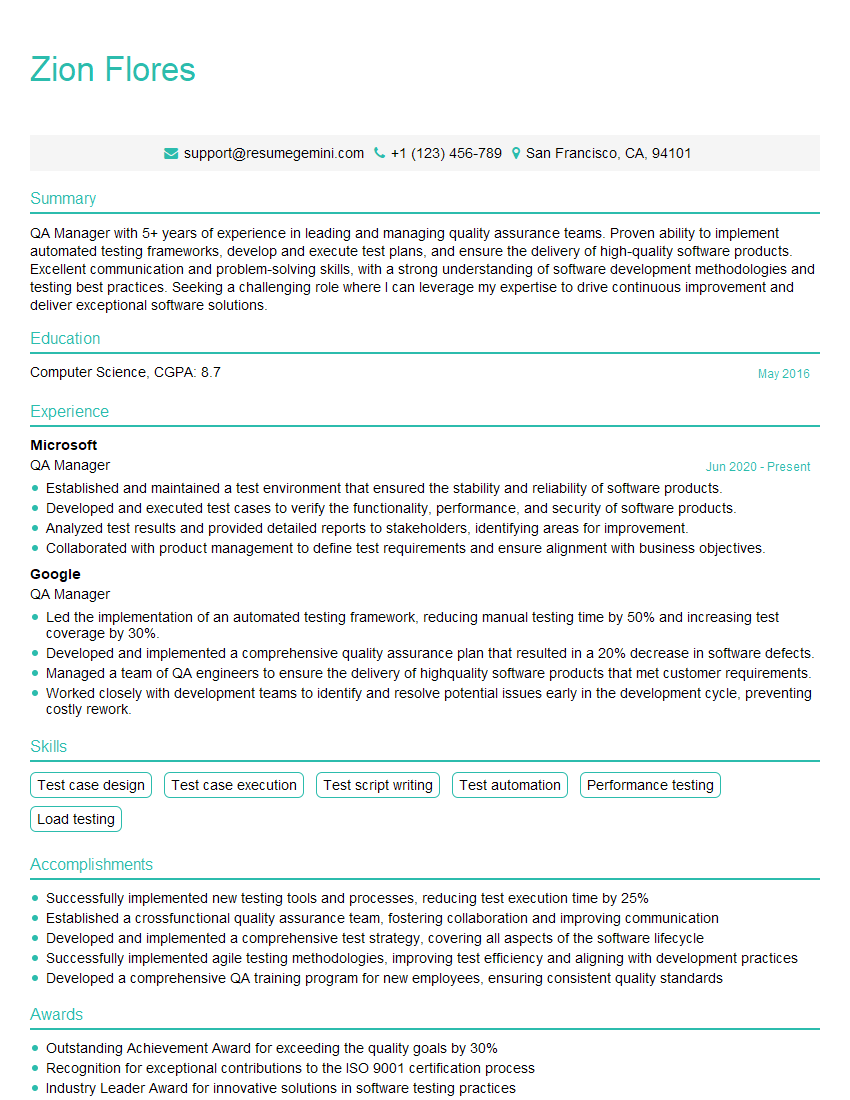
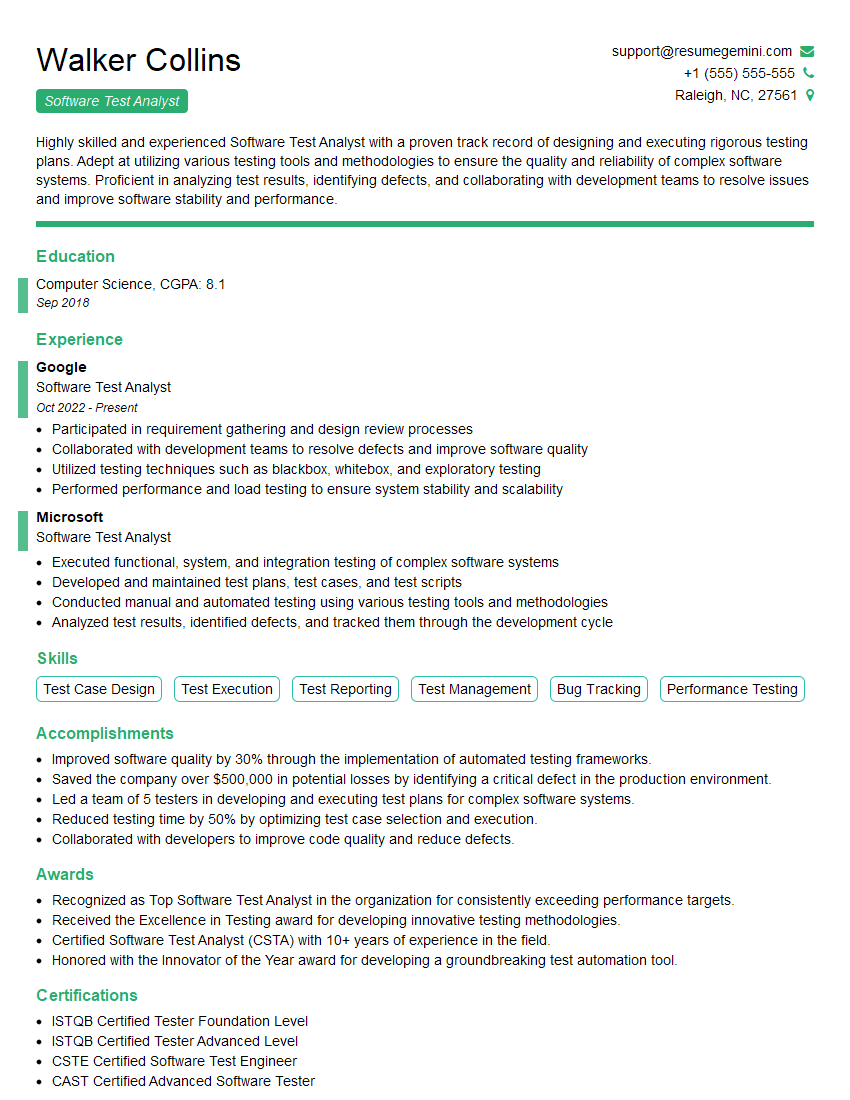
Mastering Test Reporting and Analytics is crucial for career advancement in the software testing field. It allows you to demonstrate a deeper understanding of the testing process, your ability to contribute meaningfully to the improvement of software quality, and your capacity to communicate your findings effectively. Building a strong, ATS-friendly resume is paramount in showcasing these skills to potential employers. ResumeGemini is a trusted resource for crafting professional resumes tailored to your skills and experience. We provide examples of resumes specifically designed for Test Reporting and Analytics professionals to help you present yourself effectively.

Explore more articles
Users Rating of Our Blogs
Share Your Experience
We value your feedback! Please rate our content and share your thoughts (optional).
What Readers Say About Our Blog
Very informative content, great job.
good