Feeling uncertain about what to expect in your upcoming interview? We’ve got you covered! This blog highlights the most important Ability to read and understand technical manuals and instructions interview questions and provides actionable advice to help you stand out as the ideal candidate. Let’s pave the way for your success.
Questions Asked in Ability to read and understand technical manuals and instructions Interview
Q 1. Describe your process for understanding complex technical diagrams.
Understanding complex technical diagrams involves a systematic approach. I begin by getting a holistic view – scanning the entire diagram to identify its purpose and the main components. Then, I break it down into smaller, manageable parts. Think of it like assembling a puzzle: you start by identifying the edges and major sections before focusing on the smaller details.
- Identify symbols and notations: I meticulously examine the legend or key to understand each symbol’s meaning. This might include things like different line types representing different signal flows or specific shapes representing components.
- Follow the flow: Many diagrams, like flowcharts or circuit diagrams, show a sequence of events or data flow. I trace the path carefully, noting the interactions between different components. For example, in a network diagram, I’d follow the data path from the server to the client, noting any routers or switches involved.
- Cross-reference with text: Technical diagrams rarely stand alone. I always cross-reference the diagram with the accompanying text for further explanation and context. This helps me clarify ambiguities or fill in any gaps in my understanding.
- Utilize annotations: To aid comprehension, I frequently annotate the diagram itself. I might label parts, highlight key pathways, or add notes explaining complex interactions. This personal annotation greatly aids in retention and future reference.
For instance, when deciphering a wiring diagram for a complex piece of machinery, I’d start by identifying the power source, then trace the pathways to each component, verifying the color codes and connections against the provided legend.
Q 2. How do you identify key information in a technical manual?
Identifying key information in a technical manual requires a strategic approach. I look for specific cues to pinpoint the most crucial data:
- Headings and Subheadings: These provide a clear structure and highlight major topics and sub-topics.
- Bold Text, Italics, and Underlining: These formatting elements generally emphasize important terms, warnings, or safety precautions.
- Tables and Lists: These formats present information concisely and often summarize key parameters or procedures.
- Figures and Illustrations: Diagrams, charts, and photos are valuable aids to understanding complex concepts. I carefully study these visual aids to complement the textual information.
- Index and Table of Contents: These are invaluable tools for quickly locating specific information within a lengthy manual.
- Warnings and Cautions: These sections demand immediate attention as they highlight potential hazards or critical steps. I always pay close attention to safety instructions.
For example, in a software installation manual, I’d focus on system requirements, installation steps, and troubleshooting sections, paying particular attention to any warnings related to compatibility or potential data loss.
Q 3. How do you handle conflicting information in different sections of a manual?
Conflicting information in a technical manual is a serious concern. My approach is systematic and prioritizes accuracy and safety:
- Identify the source: First, I pinpoint the exact locations of the conflicting statements. This involves noting page numbers, section titles, and the nature of the conflicting information.
- Assess the credibility: I evaluate the source of each piece of information. Is it a primary source (e.g., the manufacturer’s statement)? Or is it secondary (e.g., a user forum)? Generally, primary sources hold more weight.
- Seek clarification: If the conflict remains unresolved, I attempt to find additional supporting documents or contact the manufacturer or support team to clarify the discrepancy. For example, I may look for errata sheets, updated versions of the manual, or search for related information on the manufacturer’s website.
- Document the conflict: Regardless of the outcome, I record the conflict and the resolution (or the lack thereof) for future reference.
- Prioritize safety: If the conflict relates to safety procedures, I always err on the side of caution, choosing the more conservative approach until clarification is obtained.
For instance, if one section recommends a specific voltage for a component while another section suggests a different value, I would contact the manufacturer for clarification before proceeding, prioritizing safety to prevent potential equipment damage or harm.
Q 4. Explain your approach to troubleshooting using a technical manual.
Troubleshooting using a technical manual is a methodical process. I approach it like a detective investigating a crime scene:
- Define the problem: First, I clearly define the problem. What exactly is malfunctioning? What are the symptoms? The more specific I am, the easier it is to find the solution.
- Consult the troubleshooting section: Most manuals have dedicated troubleshooting sections, often with flowcharts or decision trees. I follow these guides carefully, systematically checking each step.
- Check error codes and messages: If the device provides error codes or messages, I consult the manual’s error code appendix to understand their meaning and potential causes.
- Use diagnostic tools: Some troubleshooting might involve using specialized diagnostic tools. I would consult the manual for instructions on using these tools appropriately.
- Verify connections and settings: Many issues are caused by simple errors like loose connections or incorrect settings. I carefully verify all connections and settings.
- Test each step: After each step in the troubleshooting process, I thoroughly test to ensure the problem is resolved. This iterative approach helps to pinpoint the cause quickly.
For example, when troubleshooting a network connection problem, I’d first check the cables and network settings according to the manual, then move on to verifying IP addresses and DNS settings, eventually escalating to advanced network diagnostic tools if necessary.
Q 5. How do you verify the accuracy of information in a technical manual?
Verifying the accuracy of information in a technical manual requires a critical and multi-faceted approach:
- Cross-referencing: I compare information from multiple sources, such as the manufacturer’s website, online forums, or other reputable publications. Discrepancies need further investigation.
- Practical testing: Whenever feasible, I test the information practically. For instance, if a manual describes a specific procedure, I carefully follow the steps and observe the results. Do the results match the manual’s predictions?
- Checking for updates: I look for updated versions of the manual or errata sheets that might correct errors or address inconsistencies.
- Reviewing author credentials: Whenever possible, I assess the author’s credentials and the reputation of the publishing source. A manual from a respected manufacturer or technical organization is generally more reliable.
- Consulting experts: For complex topics or critical systems, I might consult with experienced engineers or technicians to validate the information.
For example, when dealing with a complex electrical schematic, I might check against datasheets for individual components to verify the component values and specifications match what’s shown in the diagram.
Q 6. Have you ever had to adapt instructions from a technical manual to a specific situation? Describe the process.
Adapting instructions from a technical manual to a specific situation is a common occurrence. This involves a blend of understanding, critical thinking, and careful execution.
In one instance, I was tasked with installing a piece of software on a system with unusual hardware configurations not explicitly mentioned in the manual. My approach was as follows:
- Identify the differences: I carefully identified the key differences between my system and the configurations outlined in the manual.
- Consult related documentation: I searched for supplementary documents, like hardware specifications and compatibility lists, to understand how the unique elements of my system might affect the installation process.
- Apply analogous solutions: Where the manual lacked direct guidance, I used my knowledge of related systems and software to find analogous solutions. For instance, if the manual outlined a procedure for a different, but similar, hardware configuration, I adapted that procedure to suit my needs.
- Proceed incrementally: I took an incremental approach, testing each step carefully to avoid potential errors or conflicts. I documented each step along the way.
- Seek expert assistance: If I encountered insurmountable challenges, I sought help from colleagues or online communities, making sure to detail my specific situation and the steps I’d already taken.
Ultimately, I successfully installed the software by carefully adapting the general instructions to accommodate the specific circumstances, demonstrating flexibility and problem-solving skills.
Q 7. How do you manage large volumes of technical documentation?
Managing large volumes of technical documentation efficiently requires organization and a strategic approach.
- Digital Organization: I utilize a robust file management system, categorizing documents by project, topic, and version. Cloud-based storage with version control is essential for easy access and collaboration.
- Keyword tagging and metadata: I tag documents with relevant keywords and utilize metadata to facilitate quick searches. This allows for rapid retrieval of specific information, even within large document repositories.
- Search functionality: I utilize the search functionality within my file management system and any accompanying software to quickly find specific information.
- Summary creation: For extensive documents, I create concise summaries highlighting key points to save time and streamline my review process.
- Regular clean-up: I periodically clean up outdated documents or redundant versions, ensuring my system remains organized and efficient. Archiving less frequently used documents is also helpful.
- Document management software: Specialized document management software can provide advanced features like version control, collaborative editing, and access control, aiding in efficient document handling.
In practice, this means organizing my digital library of manuals using a hierarchical system, using clear naming conventions, and regularly reviewing the content to ensure I’m only working with the latest versions. This ensures efficient access and minimizes time wasted searching for information.
Q 8. How do you prioritize information in a technical manual when facing time constraints?
Prioritizing information in a technical manual under time constraints requires a strategic approach. I begin by identifying my immediate objective. What specific task or problem am I trying to solve? Once I know this, I can focus on the relevant sections. I use the manual’s table of contents, index, and any search functionality to quickly locate the needed information. For example, if I’m troubleshooting a network connectivity issue, I’d prioritize the troubleshooting chapter, focusing on sections related to network settings and diagnostics. I might even skim relevant sections for key terms like error codes or specific procedures, rather than reading everything word-for-word. I also look for diagrams or flowcharts that visually summarize complex information quickly.
If the manual is extensive, creating a checklist of the key steps or information I need to gather helps me stay focused. This prevents getting bogged down in irrelevant details. Once I have a solution, I may return to read related sections more thoroughly to better understand the underlying principles, but immediate needs always take priority.
Q 9. Describe a time you struggled to understand a technical manual. How did you overcome the challenge?
I once encountered a technical manual for a specialized piece of scientific equipment that employed heavily technical jargon and lacked clear visual aids. The manual assumed a level of prior knowledge that I didn’t possess. My initial attempts to understand the calibration procedure were frustrating. To overcome this, I employed a multi-pronged approach. First, I researched the unfamiliar terminology online using technical dictionaries and online resources. Second, I broke down the complex procedure into smaller, more manageable steps. Third, I created my own annotated version of the manual, highlighting key sections, adding notes, and sketching diagrams based on my interpretation of the instructions. Finally, I reached out to colleagues experienced with this equipment for clarification on ambiguous sections. This combination of self-study, simplification, and collaboration allowed me to successfully understand and execute the calibration procedure.
Q 10. What strategies do you employ to retain information from technical manuals?
Effective retention of information from technical manuals relies on active learning techniques. I avoid passive reading; instead, I actively engage with the material. This involves summarizing key concepts in my own words, creating mind maps or flowcharts to visualize relationships between different components or procedures, and testing my understanding by attempting to explain the concepts to someone else (even if it’s just talking to myself!). I often use spaced repetition: reviewing the material at increasing intervals to reinforce long-term memory. I find that creating practical examples or applying the knowledge immediately strengthens my understanding. For instance, if the manual describes a specific software function, I immediately practice using that function. Practical application makes the information more memorable and useful.
Q 11. How do you determine if a technical manual is up-to-date and accurate?
Verifying the accuracy and currency of a technical manual is crucial. I first look for a version number or revision date prominently displayed. This provides a clear indication of when the document was last updated. I then check the manual’s introduction or preface for statements regarding its scope and intended audience, making sure it aligns with my needs. I cross-reference information with other reputable sources, such as the manufacturer’s website, official online documentation, or reputable forums. Inconsistencies or missing information might suggest inaccuracies or outdated content. I also look for any disclaimers or notes mentioning known issues or limitations of the described system or procedure. Lastly, paying attention to the quality of writing, formatting, and the presence of updated safety warnings can help determine the document’s overall reliability.
Q 12. How do you use cross-referencing techniques within technical manuals?
Cross-referencing is a vital skill when working with technical manuals. Most manuals incorporate features that aid in this process – indices, tables of contents, and internal links or hyperlinks (in online versions). When I encounter a term or concept that requires more detail, I refer to the index or table of contents to locate a more thorough explanation. For instance, if a troubleshooting guide mentions a specific error code, I will use the index to find the full description of that code and its solutions. Similarly, I use the cross-references within the document itself, following internal links or looking for page numbers pointing to related sections or illustrations. This allows for a more comprehensive understanding by connecting disparate pieces of information and providing context for complex procedures.
Q 13. How familiar are you with different types of technical documentation (e.g., user manuals, troubleshooting guides, schematics)?
My experience encompasses a broad range of technical documentation. I am familiar with user manuals, which provide step-by-step instructions for operating equipment or software. I have worked extensively with troubleshooting guides, which offer solutions to common problems, usually with a diagnostic approach. I’m also adept at interpreting schematics, which are diagrams representing the physical or logical arrangement of components in a system. Other types I’ve encountered include installation guides, maintenance manuals, and safety data sheets. My ability to interpret and utilize these diverse types of documents is a critical asset for effectively understanding and interacting with complex systems.
Q 14. Describe your experience with different formats of technical documentation (e.g., PDF, online help, video tutorials).
I’m proficient in navigating and extracting information from various formats of technical documentation. PDFs remain a common format, and I’m adept at using PDF readers’ features like search, bookmarks, and annotations to efficiently access and organize information. Online help systems, often integrated into software applications, are another frequently used format. I’m comfortable utilizing their search and navigation features to find specific answers. Video tutorials provide a very different learning experience, allowing me to visually follow a process or procedure. While I find them beneficial for complex tasks, I still prefer written manuals for detailed reference and thorough understanding. My experience across these formats enables me to select the best resource based on the specific task and my learning style.
Q 15. How do you approach learning a new piece of technology using its technical manual?
My approach to learning new technology from its manual is systematic and multi-stage. First, I skim the entire manual, focusing on the table of contents, index, and any introductory sections to get an overall understanding of the technology’s scope and features. This gives me a ‘bird’s eye view’ before diving into the details. Then, I carefully read sections relevant to my immediate needs, paying close attention to diagrams, illustrations, and step-by-step instructions. I often work through examples provided in the manual, reinforcing my understanding through practical application. Finally, I revisit key sections and make notes, summarizing crucial information for future reference. This ensures I not only understand the functionality but also retain the knowledge effectively.
Career Expert Tips:
- Ace those interviews! Prepare effectively by reviewing the Top 50 Most Common Interview Questions on ResumeGemini.
- Navigate your job search with confidence! Explore a wide range of Career Tips on ResumeGemini. Learn about common challenges and recommendations to overcome them.
- Craft the perfect resume! Master the Art of Resume Writing with ResumeGemini’s guide. Showcase your unique qualifications and achievements effectively.
- Don’t miss out on holiday savings! Build your dream resume with ResumeGemini’s ATS optimized templates.
Q 16. How do you deal with unclear or ambiguous instructions in a technical manual?
When encountering unclear or ambiguous instructions, I employ a multi-pronged strategy. Firstly, I reread the section multiple times, looking for contextual clues or any overlooked details. Secondly, I consult the glossary and index for definitions of unfamiliar terms or references to related sections that might clarify the ambiguity. If the issue persists, I utilize online resources, searching for community forums, troubleshooting guides, or videos related to the specific technology. If this still doesn’t resolve the issue, I might contact the manufacturer’s technical support for direct assistance. It’s crucial to document the ambiguity and the steps taken to resolve it for future reference.
Q 17. How do you ensure you understand safety precautions outlined in a technical manual?
Safety precautions are paramount. I treat them as critical instructions and don’t just skim over them. I look for sections specifically dedicated to safety, usually highlighted with warning symbols or bold text. I pay particular attention to warnings about electrical hazards, potential injuries from moving parts, or any necessary personal protective equipment (PPE). I make sure to understand the implications of each precaution and how to implement them correctly before proceeding with any operation. I often create a checklist of safety measures to ensure I follow them consistently, especially when working with potentially hazardous equipment.
Q 18. Explain your experience with using glossaries, indexes, and tables of contents in technical manuals.
Glossaries, indexes, and tables of contents are invaluable tools. I use the table of contents for initial navigation, getting a high-level view of the manual’s structure and locating relevant chapters. The index is crucial for quickly finding specific information, such as the location of a particular command or troubleshooting step. The glossary is essential for understanding specialized terminology and jargon. For example, when working with a complex networking device, the glossary helped me understand acronyms like ‘VLAN’ and ‘QoS’ before tackling more involved configurations. Efficient use of these tools dramatically speeds up comprehension and reduces time spent searching for information.
Q 19. How do you identify the target audience of a particular technical manual?
Identifying the target audience involves carefully examining several aspects of the manual. The writing style (technical vs. layman’s terms), the level of detail provided, the assumed prior knowledge of the reader, and the presence of introductory or supplementary materials all offer clues. For instance, a manual with highly technical jargon and detailed schematics is likely targeted at experienced engineers, while a manual with simplified language and illustrative guides is aimed at novice users. Analyzing these factors allows for accurate assessment of the intended audience, which, in turn, informs how I approach learning from the manual.
Q 20. Describe a situation where you used a technical manual to solve a problem. What was the outcome?
I recently used a technical manual to troubleshoot a malfunctioning server. The server was experiencing intermittent network connectivity issues. The server’s manual provided detailed troubleshooting steps including checking cable connections, verifying network configuration settings, and running diagnostic tools. I systematically followed these steps, carefully noting each action and its outcome. I discovered a misconfigured IP address, which was easily corrected using the instructions in the manual. The outcome was a fully restored server, operating without interruption. This experience highlighted the importance of following a systematic approach and carefully studying the manual to avoid unnecessary downtime and potential data loss.
Q 21. How do you differentiate between essential and non-essential information in a technical manual?
Differentiating between essential and non-essential information requires critical thinking and understanding of the context. Essential information directly affects the functionality, safety, or performance of the technology. This includes setup instructions, safety warnings, troubleshooting steps, critical parameters and configurations, and operational procedures. Non-essential information might include background information, theoretical explanations, or advanced features that are not relevant to the immediate task. For example, while understanding the underlying networking protocols might be helpful, it is not essential for simply connecting a device to a network. Focusing on essential information ensures efficiency and avoids getting bogged down in unnecessary details.
Q 22. What tools or software do you use to assist in reading and understanding technical manuals?
My approach to reading technical manuals involves leveraging several tools and software to maximize comprehension and efficiency. This often includes:
- PDF readers with annotation capabilities: Tools like Adobe Acrobat Pro allow me to highlight key passages, add notes, and create bookmarks for easy navigation. This is especially helpful for referencing specific sections later. For example, I might highlight safety precautions in a bright color for immediate identification.
- Mind mapping software: Programs like XMind or FreeMind help me visually organize complex information from multiple manuals, creating a hierarchical structure that reveals connections and dependencies between concepts. This is particularly useful when dealing with interconnected systems.
- Technical dictionaries and online resources: I regularly use online dictionaries and glossaries specialized in the relevant field (e.g., electronics, mechanics) to quickly understand unfamiliar terms. This ensures that my understanding isn’t hindered by jargon.
- Search functionalities within the manuals themselves: Many modern manuals have robust search capabilities. Knowing how to effectively use these features, employing keywords and Boolean operators, greatly accelerates the process of finding the specific information I need.
By combining these tools, I create a structured and interactive learning experience, significantly improving my understanding and retention of the information presented in the manuals.
Q 23. How do you handle updates or revisions to a technical manual?
Handling updates and revisions to technical manuals requires a methodical approach to ensure I’m always working with the latest and most accurate information. My process typically involves:
- Version control: I meticulously track the version number of each manual I’m using. This allows me to easily identify newer versions and understand if the information I’m currently using is outdated.
- Change logs and release notes: I carefully review the change logs or release notes accompanying any updates. This highlights the specific modifications made, indicating whether they impact my understanding or require immediate action.
- Regular checks for updates: Depending on the criticality of the information, I establish a regular schedule to check for updated versions of the manuals. This might involve subscribing to newsletters, visiting manufacturer websites, or using version control systems.
- Documenting changes: I meticulously document the changes made to ensure that my understanding of the system remains aligned with the updated manual.
For example, if a crucial safety procedure is modified, I will annotate both the old and new versions to ensure that I remain aware of the changes and can safely and effectively operate the equipment.
Q 24. How do you ensure you understand all the terminology and jargon in a technical manual?
Understanding technical terminology and jargon is crucial for effective manual comprehension. My strategy relies on a combination of proactive and reactive techniques:
- Contextual understanding: I first attempt to decipher unfamiliar terms based on their context within the manual. Often, the surrounding text provides clues to the meaning.
- Glossary and index utilization: Most technical manuals include glossaries or indexes that define key terms. I diligently consult these resources to clarify any uncertainties.
- Online resources and specialized dictionaries: When the manual’s glossary is insufficient, I leverage online technical dictionaries and encyclopedias relevant to the field. For example, if I’m working with an electronics manual, I might utilize a specialized electronics dictionary.
- Seeking clarification: When all else fails, I don’t hesitate to seek clarification from subject matter experts or colleagues. This ensures that my understanding is accurate and prevents potential misunderstandings.
This multi-faceted approach allows me to build a comprehensive vocabulary in a given technical domain. This is critical because a misunderstanding of a single term could lead to incorrect implementation or even safety hazards.
Q 25. Can you explain the difference between a user manual and a service manual?
User manuals and service manuals serve distinct purposes and cater to different audiences:
- User manuals guide end-users on how to operate and use a product or system. They focus on functionalities, basic troubleshooting, and safe operation. They often use simple language and avoid technical jargon. Think of the instructions that come with your new smartphone – that’s a user manual.
- Service manuals are intended for technicians and maintenance personnel. They provide detailed information on the internal workings of a device, including schematics, wiring diagrams, troubleshooting procedures, and repair instructions. Service manuals delve deep into technical details, often using complex terminology and diagrams.
The key difference lies in the level of technical detail and the intended audience. A user manual aims for simplicity and ease of understanding, while a service manual provides comprehensive technical information necessary for maintenance and repair.
Q 26. How would you explain complex technical information to someone with limited technical knowledge?
Explaining complex technical information to someone with limited technical knowledge requires a shift in communication style. My approach involves:
- Using analogies and metaphors: I relate technical concepts to everyday experiences. For example, explaining electricity flow using the analogy of water flowing through pipes can be far more accessible than discussing voltage and current directly.
- Simplifying language: I avoid technical jargon and use plain, easy-to-understand language. I ensure that all terms are defined in simple terms.
- Visual aids: Diagrams, charts, and illustrations greatly enhance understanding. A picture often speaks a thousand words, making complex processes easier to grasp.
- Breaking down complex topics into smaller, digestible chunks: Instead of overwhelming the listener with a large amount of information at once, I present the information in stages, allowing for questions and clarification at each step.
- Interactive engagement: I encourage questions and actively solicit feedback to ensure the listener understands the concepts being discussed.
By adapting my communication style and utilizing appropriate visual aids, I effectively bridge the gap between technical complexity and lay understanding.
Q 27. How familiar are you with industry-standard notations and symbols used in technical manuals?
I am very familiar with industry-standard notations and symbols used in technical manuals. My experience encompasses a wide range of notations, including:
- Electrical schematics: I can readily interpret symbols representing resistors, capacitors, transistors, integrated circuits, and other electrical components.
- Mechanical drawings: I understand various notations used in mechanical drawings, including dimensioning, tolerances, material specifications, and surface finishes.
- Fluid power schematics: I’m proficient in interpreting symbols used in hydraulic and pneumatic systems, understanding the representation of valves, pumps, actuators, and other components.
- Logic diagrams: I understand Boolean logic and can interpret various logic gates and symbols used in representing control systems.
This familiarity with industry standards allows me to quickly and accurately interpret technical diagrams and schematics, significantly accelerating my understanding of the underlying system.
For example, seeing a specific resistor symbol on a schematic instantly tells me its function and value, rather than having to refer to a legend each time.
Q 28. How do you manage your time effectively when working with multiple technical manuals simultaneously?
Managing time effectively when working with multiple technical manuals simultaneously requires a structured approach:
- Prioritization: I prioritize manuals based on urgency and importance. I identify critical tasks and allocate sufficient time to complete them effectively. A simple task-management system can be really useful here.
- Time blocking: I allocate specific time blocks to work on each manual. This prevents multitasking and helps to maintain focus.
- Note-taking and organization: I maintain detailed notes for each manual, recording key findings and insights. This helps to avoid rereading entire sections and optimizes my time.
- Regular breaks: Regular breaks are essential to prevent burnout and maintain focus. Short, frequent breaks are more effective than one long break.
- Utilizing technology: Using software tools that enable quick searching, annotation, and organization greatly improves efficiency.
By employing these strategies, I maintain a high level of productivity even when working with numerous complex technical manuals concurrently.
Key Topics to Learn for Ability to read and understand technical manuals and instructions Interview
- Identifying Key Information: Learn to quickly scan and locate critical information within complex technical documents, focusing on key terms, diagrams, and procedural steps.
- Understanding Technical Jargon: Develop your vocabulary related to the specific field. Practice deciphering acronyms, specialized terminology, and technical notations.
- Following Step-by-Step Instructions: Master the ability to follow multi-step processes accurately and methodically, paying close attention to sequence and detail. Practice with sample manuals and instructions.
- Interpreting Diagrams and Schematics: Develop proficiency in reading and understanding various types of diagrams, including flowcharts, wiring diagrams, and technical drawings. Practice interpreting visual representations of complex systems.
- Troubleshooting Based on Manuals: Practice using technical manuals to diagnose and solve problems. Learn to identify error messages and use the manual to find solutions.
- Effective Note-Taking and Summarization: Develop strategies for efficiently taking notes while reading technical manuals, and summarizing key information for later reference.
- Asking Clarifying Questions: Understand how to formulate effective questions to clarify ambiguous instructions or information gaps within technical documents.
Next Steps
Mastering the ability to read and understand technical manuals and instructions is crucial for success in many technical roles. It demonstrates attention to detail, problem-solving skills, and the ability to learn independently – all highly valued attributes. To maximize your job prospects, invest time in creating an ATS-friendly resume that highlights these skills. ResumeGemini can be a valuable resource in building a professional and impactful resume that showcases your abilities effectively. We provide examples of resumes tailored to highlight proficiency in reading and understanding technical manuals and instructions to help you get started.

Compliance Officer Resume Sample
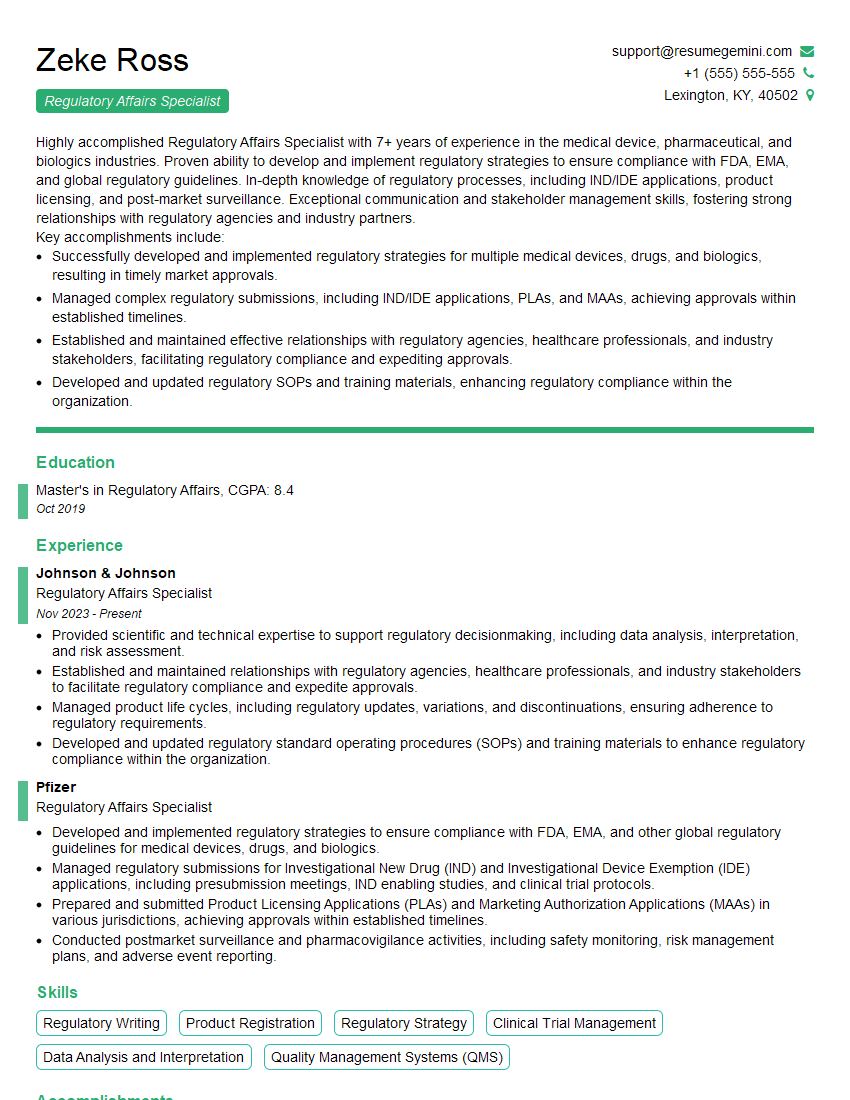
Regulatory Affairs Specialist Resume Sample
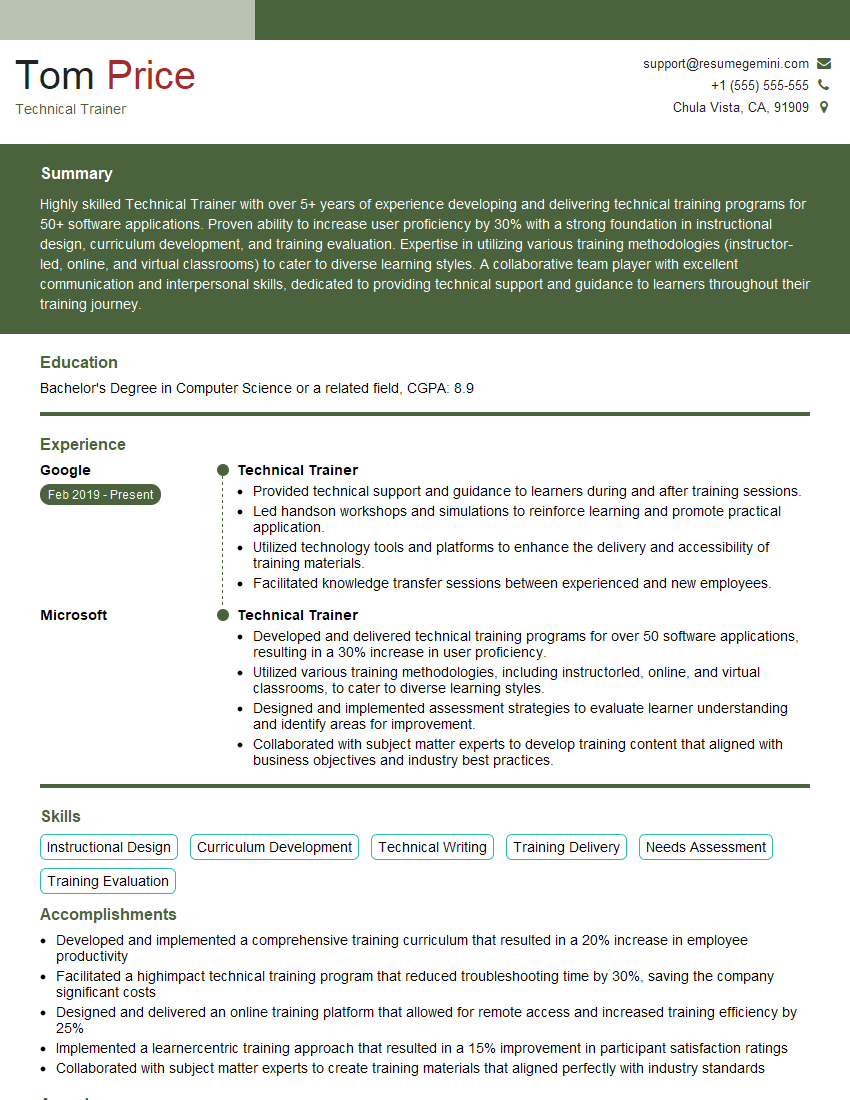
Technical Trainer Resume Sample

Software Engineer Resume Sample

Network Engineer Resume Sample

Systems Administrator Resume Sample

Help Desk Analyst Resume Sample

Maintenance Technician Resume Sample

Documentation Specialist Resume Sample
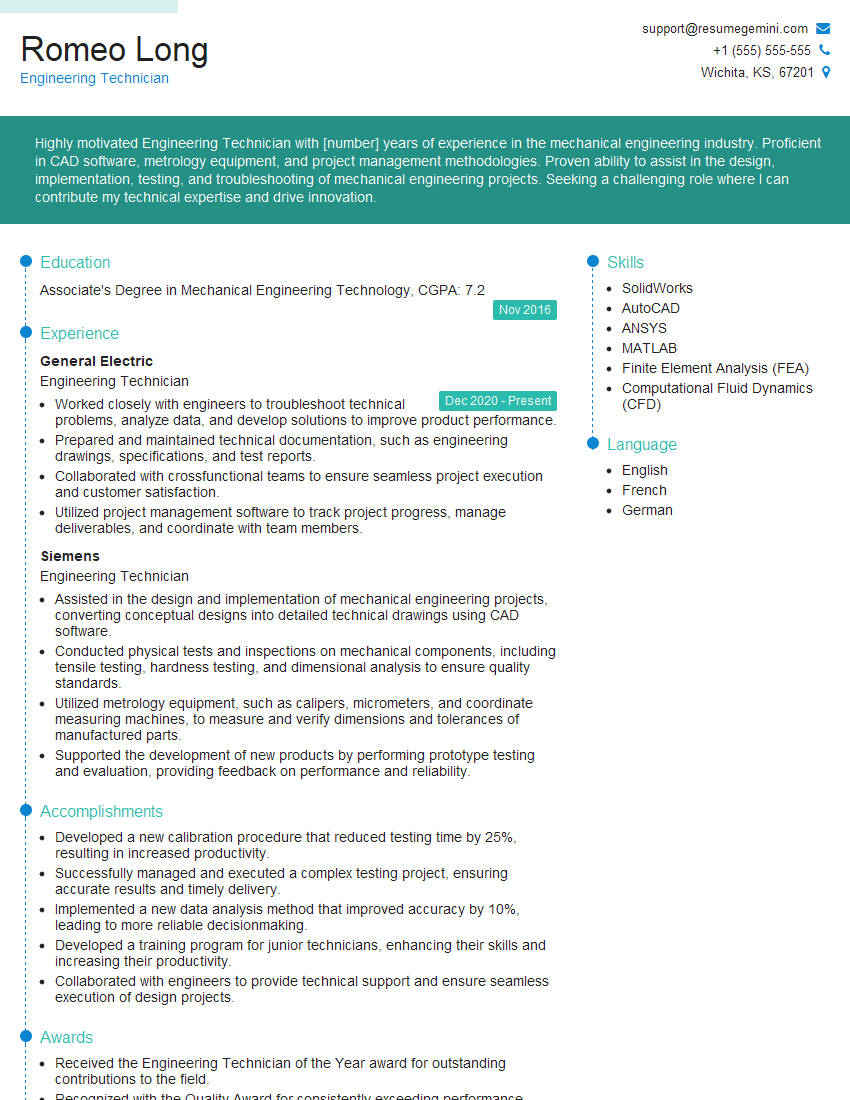
Engineering Technician Resume Sample

Field Service Engineer Resume Sample

Hardware Engineer Resume Sample

Manufacturing Engineer Resume Sample

Technical Illustrator Resume Sample

Robotics Technician Resume Sample

Instructional Designer Resume Sample

Technical Editor Resume Sample

Technical Writer Resume Sample
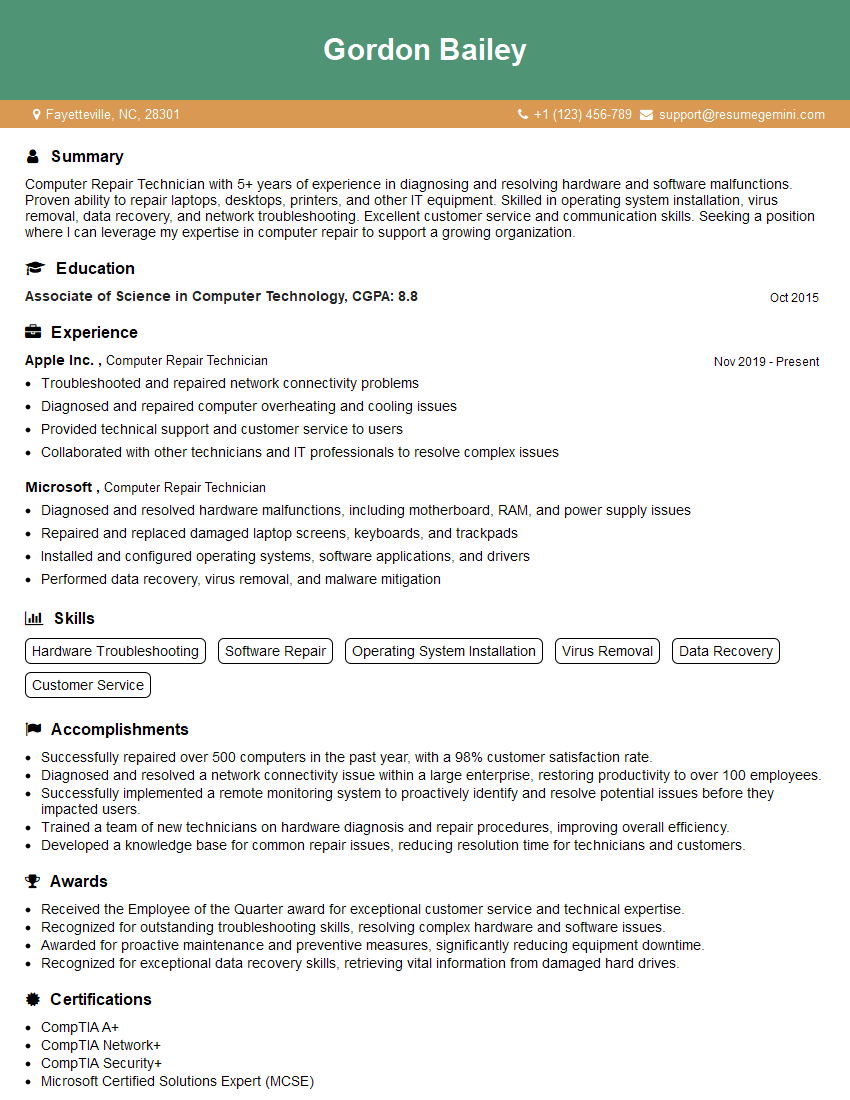
Computer Repair Technician Resume Sample
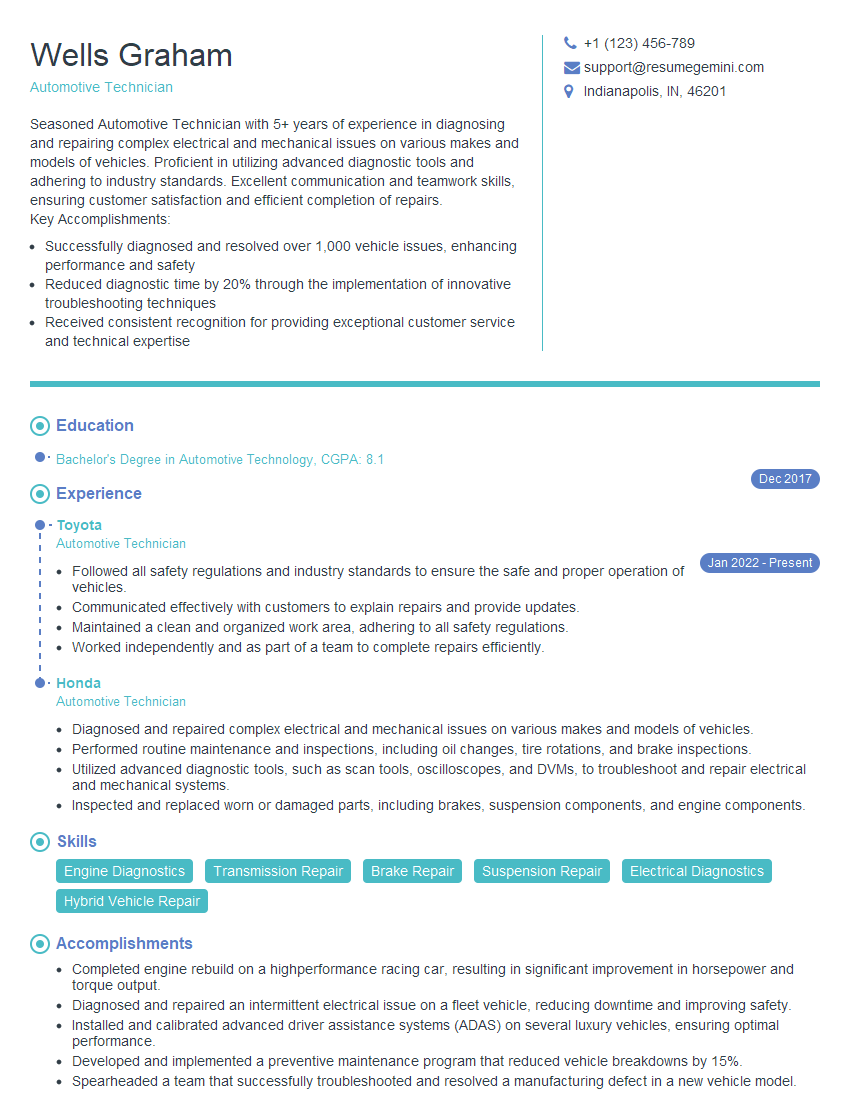
Automotive Technician Resume Sample

Quality Control Inspector Resume Sample
- Compliance Officer
- Regulatory Affairs Specialist
- Technical Trainer
- Software Engineer
- Network Engineer
- Systems Administrator
- Help Desk Analyst
- Maintenance Technician
- Documentation Specialist
- Engineering Technician
- Field Service Engineer
- Hardware Engineer
- Manufacturing Engineer
- Technical Illustrator
- Robotics Technician
- Instructional Designer
- Technical Editor
- Technical Writer
- Computer Repair Technician
- Automotive Technician
- Quality Control Inspector
Explore more articles
Users Rating of Our Blogs
Share Your Experience
We value your feedback! Please rate our content and share your thoughts (optional).
What Readers Say About Our Blog
Very informative content, great job.
good