Cracking a skill-specific interview, like one for Advanced Ticket Management Systems, requires understanding the nuances of the role. In this blog, we present the questions you’re most likely to encounter, along with insights into how to answer them effectively. Let’s ensure you’re ready to make a strong impression.
Questions Asked in Advanced Ticket Management Systems Interview
Q 1. Explain your experience with different ticket management systems (e.g., Jira, Zendesk, ServiceNow).
My experience spans several prominent ticket management systems, each with its strengths and weaknesses. I’ve extensively used Jira for agile software development projects, leveraging its Kanban boards and workflow customization for tracking bugs and feature requests. Zendesk has been instrumental in managing customer support tickets, appreciating its robust reporting features and multi-channel integration. Finally, I’ve worked with ServiceNow for IT service management, particularly its ability to handle complex incidents and integrate with other enterprise systems. In Jira, for example, I’ve implemented custom workflows to ensure tickets followed specific approval processes before being marked as resolved. With Zendesk, I’ve configured automated email responses and triggers to streamline customer interactions and improve response times. ServiceNow’s strength lies in its ability to track the entire lifecycle of an incident, from initial reporting to resolution and post-incident review, which I found invaluable in ensuring comprehensive incident management.
Q 2. Describe your process for prioritizing tickets in a high-volume environment.
Prioritizing tickets in high-volume environments requires a systematic approach. I typically employ a multi-faceted strategy combining urgency and impact. This means using a prioritization matrix that considers factors like: Severity (critical, major, minor), Urgency (immediate, high, normal, low), and Business Impact (high, medium, low). For example, a critical system outage (high severity, immediate urgency, high business impact) would take precedence over a minor feature request (low severity, normal urgency, low business impact). I use a combination of pre-defined rules (e.g., all critical tickets are top priority) and real-time judgment based on ongoing system health and business needs. Tools like Jira and ServiceNow allow for the customization of workflows and escalation paths based on these prioritization criteria.
Q 3. How do you handle escalated tickets or critical incidents?
Escalated tickets and critical incidents demand immediate attention and a structured approach. My process involves: 1. Acknowledgement: Immediately acknowledging the issue to the reporter, assuring them it’s being addressed. 2. Assessment: Thoroughly understanding the issue’s scope and impact. 3. Communication: Keeping stakeholders informed about progress and any anticipated delays. 4. Mitigation: Implementing immediate steps to reduce the impact while working towards a resolution. 5. Resolution: Identifying and implementing a permanent fix. 6. Post-Incident Review: Conducting a thorough review to identify root causes and implement preventative measures. For example, in a critical server outage, I would first ensure the primary service was restored, then communicate the status to leadership and affected users. Following resolution, a post-incident review would involve examining logs, interviewing staff, and updating monitoring systems to prevent future incidents.
Q 4. What metrics do you use to measure the effectiveness of a ticket management system?
Measuring the effectiveness of a ticket management system relies on key performance indicators (KPIs). These include: 1. Resolution Time: The average time taken to resolve tickets. 2. First Contact Resolution (FCR): The percentage of tickets resolved on the first contact. 3. Customer Satisfaction (CSAT): Measured through surveys to gauge customer happiness. 4. Ticket Volume: The number of tickets created over a given period. 5. Backlog: The number of unresolved tickets. 6. Mean Time To Resolution (MTTR): The average time it takes to resolve an incident. Analyzing these metrics reveals areas for improvement, such as process bottlenecks or skill gaps. For example, a high average resolution time might indicate a need for additional training or automation.
Q 5. Explain your understanding of SLAs (Service Level Agreements) in ticket management.
Service Level Agreements (SLAs) are formal contracts defining the expected performance of IT services. In ticket management, SLAs specify targets for resolution times, response times, and other metrics. For example, an SLA might stipulate a response time of 1 hour for high-priority tickets and a resolution time of 4 hours. These targets are crucial for setting expectations with users and ensuring accountability. Failure to meet SLAs can have contractual consequences, so it’s critical to regularly monitor performance against these agreements and identify any areas where improvements are needed. Regular reporting on SLA adherence is crucial for continuous improvement.
Q 6. How do you ensure accurate and complete ticket documentation?
Ensuring accurate and complete ticket documentation is essential for efficient problem-solving and accountability. This involves: 1. Detailed Descriptions: Providing clear and concise descriptions of the issue, including steps to reproduce. 2. Relevant Attachments: Including screenshots, error logs, and other relevant files. 3. Status Updates: Regularly updating the ticket with progress and any changes in status. 4. Resolution Notes: Clearly documenting the steps taken to resolve the issue and the root cause. 5. Using Templates: Employing standardized templates to ensure consistency and completeness. Using a consistent format and terminology enhances team collaboration and ensures seamless information sharing. This comprehensive documentation improves knowledge sharing, enhances debugging, and avoids repeated issues.
Q 7. Describe your experience with different ticket routing and assignment methods.
Ticket routing and assignment methods vary depending on the system and the organization’s needs. I have experience with various methods, including: 1. Round Robin: Distributing tickets evenly among agents. 2. Skill-Based Routing: Assigning tickets to agents with the appropriate expertise. 3. Priority-Based Routing: Giving priority to critical tickets. 4. Group Assignment: Assigning tickets to specific teams. 5. Automated Routing: Using rules to automatically assign tickets based on keywords or other criteria. In a previous role, we used a combination of skill-based routing and priority-based routing in Jira to ensure that tickets were assigned to the most appropriate agent quickly. In cases where specialized skills were needed, we leveraged group assignments.
Q 8. How do you identify and resolve recurring tickets or patterns?
Identifying and resolving recurring tickets involves a multi-pronged approach focusing on pattern recognition, root cause analysis, and proactive solutions. Think of it like a detective investigating a series of similar crimes – you need to find the common thread.
Firstly, I leverage the ticket management system’s reporting and analytics features to identify tickets with similar subject lines, descriptions, or assigned categories. This often reveals recurring issues. For instance, a spike in tickets reporting slow network speeds during peak hours points to a potential bandwidth limitation.
- Data Analysis: I use the system’s built-in reporting tools to generate reports on ticket volume, resolution time, and common error messages. This data helps visualize trends and pinpoint recurring problems.
- Root Cause Analysis: Once a pattern is identified, I conduct a thorough root cause analysis. This might involve investigating server logs, interviewing users, or performing network diagnostics. For example, if many users report issues logging into a specific application, the root cause might be a misconfiguration in the application’s authentication settings.
- Proactive Solutions: The final step is implementing proactive solutions to prevent future occurrences. This might involve updating software, improving documentation, or providing user training. In the network speed example, we might upgrade bandwidth or optimize network infrastructure.
By combining data analysis with problem-solving techniques, we drastically reduce the number of repeated tickets and improve overall system efficiency.
Q 9. Explain your experience with integrating ticket management systems with other IT tools.
Integrating ticket management systems with other IT tools is crucial for streamlining workflows and improving efficiency. It’s like connecting different parts of a well-oiled machine, allowing information to flow seamlessly. My experience includes integrations with various tools, such as:
- Monitoring Systems: Integrating with monitoring tools like Nagios or Zabbix allows automatic ticket creation based on system alerts. For example, a server outage automatically generates a ticket assigned to the server administrator.
- IT Asset Management (ITAM) Systems: Linking the ticket system with ITAM tools (like ServiceNow or SolarWinds) provides immediate access to relevant hardware and software information when troubleshooting. If a ticket concerns a specific laptop, the technician can instantly view its specifications and warranty status.
- Help Desk Portals: Integrating with self-service help desk portals empowers users to resolve issues independently through a knowledge base or FAQ section, reducing the number of tickets needing direct support.
- CRM Systems: For organizations with customer-facing IT support, integrating the ticketing system with a CRM (like Salesforce or HubSpot) allows for a unified view of customer interactions and support history, improving customer service quality.
These integrations improve collaboration, reduce manual data entry, and enhance the overall efficiency of the IT support process.
Q 10. How do you use reporting and analytics to improve ticket management processes?
Reporting and analytics are indispensable for optimizing ticket management processes. They provide valuable insights into performance, allowing for data-driven decisions rather than relying on gut feelings.
I regularly use reporting features to track key metrics like:
- Average Resolution Time (ART): This metric helps identify bottlenecks in the workflow and areas for improvement.
- First Contact Resolution (FCR): A high FCR rate indicates effective problem-solving and comprehensive knowledge base. Low FCR necessitates improved training or knowledge base enhancements.
- Ticket Volume per Category: This analysis reveals areas requiring more attention or potential improvements to prevent future issues.
- Agent Performance: Tracking metrics like tickets resolved per agent or average handling time helps assess individual performance and identify areas for training or support.
By analyzing these reports, I can identify trends, pinpoint inefficiencies, and implement changes to improve processes. For example, a consistently high ART for a specific ticket category might indicate a need for additional training for agents handling those tickets, or perhaps an update to the knowledge base to better address this type of issue. Data-driven decision-making is key to continuous improvement.
Q 11. Describe your experience with knowledge base management and its impact on ticket resolution.
Effective knowledge base management is paramount for minimizing ticket volume and improving resolution times. It’s like having a comprehensive instruction manual readily available to both users and support staff. My experience includes creating, maintaining, and updating knowledge bases using various platforms.
I focus on creating articles that are:
- Concise and Easy to Understand: Using clear language and avoiding jargon ensures users can easily find solutions.
- Comprehensive and Accurate: Articles must provide step-by-step instructions or troubleshooting steps, covering various scenarios.
- Searchable and Well-Organized: Proper categorization and tagging make articles easy to find. I often utilize keywords and metadata to improve search results.
- Regularly Updated: The knowledge base should be regularly reviewed and updated to reflect changes in systems or processes.
The impact on ticket resolution is significant. A well-maintained knowledge base empowers users to solve problems independently, reducing the number of support requests. For support staff, it provides quick access to troubleshooting guides and best practices, speeding up resolution times and improving efficiency. It’s a win-win for everyone involved.
Q 12. How do you handle tickets involving multiple teams or departments?
Handling tickets involving multiple teams or departments requires a structured approach to ensure efficient collaboration and timely resolution. Think of it as orchestrating a symphony – each section needs to play its part harmoniously.
My strategy involves:
- Clear Communication Channels: Establishing clear communication channels (e.g., shared inboxes, collaboration tools) ensures seamless information flow between teams.
- Centralized Ticket Management: Using a system that allows for easy assignment and tracking of tickets across different departments is essential. This ensures everyone is on the same page and aware of the ticket’s status.
- Defined Roles and Responsibilities: Each team’s role and responsibilities must be clearly defined to avoid confusion and delays. For example, one team might be responsible for initial diagnosis, while another handles the actual repair or fix.
- Regular Status Updates: Regular updates keep all involved parties informed about the ticket’s progress and any roadblocks.
- Escalation Procedures: Clear escalation procedures should be in place to address roadblocks or issues that require higher-level intervention.
By establishing clear processes and leveraging collaboration tools, we ensure efficient resolution of complex tickets, avoiding delays and frustration.
Q 13. What are some best practices for managing ticket queues and workflows?
Managing ticket queues and workflows effectively is crucial for maintaining efficiency and ensuring timely resolution. This involves using the right tools and implementing best practices.
My approach to managing ticket queues includes:
- Prioritization: Implementing a clear prioritization system (e.g., severity levels, urgency) ensures critical tickets receive immediate attention.
- Routing and Assignment: Automating ticket routing based on criteria like category or keywords ensures tickets are assigned to the appropriate team or individual.
- Service Level Agreements (SLAs): Defining SLAs for different ticket types sets clear expectations for resolution times and helps maintain accountability.
- Workflow Automation: Automating tasks like ticket creation, assignment, and notifications reduces manual work and improves efficiency.
- Regular Monitoring and Optimization: Continuously monitoring queue lengths and resolution times identifies areas for improvement in the workflow.
By implementing these best practices, we ensure tickets are handled promptly and efficiently, leading to improved customer satisfaction and reduced support costs.
Q 14. Describe your experience with automating ticket management processes.
Automating ticket management processes significantly boosts efficiency and reduces manual effort. It’s like having a tireless assistant handling repetitive tasks. My experience includes automating various aspects of ticket management, such as:
- Automated Ticket Creation: Integrating with monitoring systems to automatically create tickets when system errors or alerts occur.
- Automated Routing and Assignment: Automatically assigning tickets based on predefined rules (e.g., category, keyword) to the appropriate team or individual.
- Automated Notifications: Automatically sending notifications to users and support staff about ticket updates or changes in status.
- Automated Responses: Using auto-responders to acknowledge ticket receipt and provide initial guidance.
- Automated Reporting: Generating regular reports on key metrics to track performance and identify areas for improvement.
For example, using a scripting language like Python, I have created scripts to automate ticket categorization based on email subject lines or keywords. This saves time and ensures consistent assignment of tickets. Automation allows support teams to focus on complex issues that require human intervention, improving overall productivity and efficiency.
Q 15. Explain your understanding of different ticket statuses and their implications.
Ticket statuses are crucial for tracking the lifecycle of an issue within a ticket management system. They provide transparency and help manage workload. Common statuses include:
- New/Open: The ticket has been submitted but not yet assigned or worked on.
- Assigned: A technician has been assigned responsibility for resolving the ticket.
- In Progress: The technician is actively working on the resolution.
- Pending: The ticket requires information or action from the requester or another team before proceeding.
- Resolved: The issue has been fixed, and the solution has been implemented.
- Closed: The ticket is considered completely resolved, and no further action is needed. The requester has usually confirmed satisfaction.
- Reopened: A previously closed ticket has been reopened because the issue persists or a new related problem has emerged.
The implications of each status are significant for workflow, reporting, and service level agreements (SLAs). For example, a high number of tickets in ‘Pending’ status might indicate a bottleneck requiring process improvement or better communication. Monitoring these statuses allows for proactive management and performance analysis.
Career Expert Tips:
- Ace those interviews! Prepare effectively by reviewing the Top 50 Most Common Interview Questions on ResumeGemini.
- Navigate your job search with confidence! Explore a wide range of Career Tips on ResumeGemini. Learn about common challenges and recommendations to overcome them.
- Craft the perfect resume! Master the Art of Resume Writing with ResumeGemini’s guide. Showcase your unique qualifications and achievements effectively.
- Don’t miss out on holiday savings! Build your dream resume with ResumeGemini’s ATS optimized templates.
Q 16. How do you ensure data security and privacy within a ticket management system?
Data security and privacy are paramount in a ticket management system. We employ a multi-layered approach:
- Access Control: Role-Based Access Control (RBAC) ensures only authorized personnel can access specific data. For example, only managers can see all tickets, while technicians only see tickets assigned to them.
- Encryption: Data both in transit (using HTTPS) and at rest (using database encryption) is protected from unauthorized access. This prevents sensitive customer information from being exposed even if the system is compromised.
- Regular Security Audits: We conduct regular security assessments and penetration testing to identify and address vulnerabilities proactively.
- Data Loss Prevention (DLP): Mechanisms are in place to prevent sensitive data from leaving the system without authorization. This includes monitoring for attempts to download or export sensitive information.
- Compliance: We adhere to relevant data privacy regulations, such as GDPR or CCPA, ensuring compliance with legal requirements.
- Strong Passwords and Multi-Factor Authentication (MFA): We enforce strong password policies and require MFA for all users, significantly reducing the risk of unauthorized access.
Regular employee training on security best practices is also crucial for maintaining a secure environment. We emphasize the importance of data protection and the consequences of security breaches.
Q 17. What experience do you have with troubleshooting and resolving technical issues related to ticket management systems?
My experience in troubleshooting ticket management systems covers a wide range of issues. This includes:
- Performance Issues: Diagnosing and resolving slow response times or system crashes, often involving database optimization, server upgrades, or code review.
- Integration Problems: Troubleshooting connectivity issues between the ticket management system and other integrated platforms (e.g., CRM, monitoring tools), often requiring API expertise and understanding of data formats.
- User Interface (UI) Glitches: Identifying and fixing UI bugs, often working with developers to implement fixes and improve user experience.
- Data Corruption: Recovering from data loss or corruption through database backups and recovery procedures.
- Security Vulnerabilities: Identifying and patching security flaws to protect sensitive data.
My approach involves a systematic process: gather information, reproduce the issue, analyze logs, test potential solutions, and finally, document the resolution to prevent recurrence.
Q 18. Describe a time you had to deal with a particularly challenging ticket. How did you approach it?
One challenging ticket involved a critical system failure impacting a large number of users. The initial reports were vague and inconsistent. My approach was:
- Gather Information: I systematically collected information from various sources – user reports, system logs, and monitoring tools – to get a clear picture of the problem’s scope and impact.
- Isolate the Problem: By analyzing the logs and user reports, I identified the specific component causing the failure, which turned out to be a poorly configured database connection.
- Develop and Test Solutions: I developed a potential fix, tested it rigorously in a staging environment to ensure it wouldn’t introduce new issues, and prepared a rollback plan in case the fix failed.
- Implement and Monitor: I implemented the fix in the production environment during off-peak hours to minimize disruption. I closely monitored the system after the fix to ensure its stability and effectiveness.
- Communicate Updates: Throughout the process, I kept all stakeholders informed of the situation and progress, providing regular updates on my findings and actions.
This case highlighted the importance of a methodical approach, effective communication, and a thorough understanding of the system architecture.
Q 19. What is your experience with different authentication and authorization methods in ticket management systems?
I have extensive experience with various authentication and authorization methods in ticket management systems:
- Username/Password: A basic but essential method, often enhanced with password complexity rules and password expiration policies.
- Multi-Factor Authentication (MFA): Using methods like one-time passwords (OTPs), security tokens, or biometric authentication to add an extra layer of security.
- Single Sign-On (SSO): Integrating the ticket management system with other corporate systems, allowing users to access multiple applications using a single set of credentials.
- OAuth 2.0: A widely used authorization framework allowing third-party applications to access resources on behalf of a user without sharing their credentials.
- SAML (Security Assertion Markup Language): A standard for exchanging authentication and authorization data between systems, enabling secure access across different organizations.
The choice of method depends on the security requirements, level of integration with other systems, and user experience considerations. For example, MFA is crucial for sensitive systems, while SSO simplifies access for users across multiple platforms.
Q 20. Explain your understanding of ITIL best practices in relation to ticket management.
ITIL (Information Technology Infrastructure Library) best practices are fundamental to effective ticket management. My understanding encompasses:
- Incident Management: Following established procedures for logging, categorizing, prioritizing, and resolving incidents (tickets) promptly. This includes using SLAs to define expected resolution times.
- Problem Management: Identifying and resolving underlying causes of recurring incidents to prevent future problems. This involves analyzing trends and implementing preventative measures.
- Change Management: Managing changes to the system in a controlled manner to minimize disruption and risk. This includes proper approvals and testing before deploying changes.
- Service Level Management: Defining and monitoring service levels agreed upon with users, ensuring the ticket management system meets expectations.
- Knowledge Management: Building a knowledge base of solutions to common problems, reducing resolution times and improving efficiency.
Adhering to ITIL best practices ensures a structured, efficient, and reliable ticket management process that contributes to improved service delivery and user satisfaction.
Q 21. How familiar are you with using APIs to integrate ticket management systems with other platforms?
I am very familiar with using APIs to integrate ticket management systems with other platforms. This involves understanding RESTful APIs, working with JSON or XML data formats, and using API documentation to make calls to external services. For example, I have experience integrating a ticket management system with:
- CRM systems: Linking tickets to customer accounts for a complete view of customer interactions.
- Monitoring tools: Automatically creating tickets when system alerts are triggered.
- Automation tools: Automating tasks such as ticket assignment, escalation, or notification.
- Reporting and analytics platforms: Exporting ticket data for analysis and reporting.
My experience includes designing and implementing API integrations, handling authentication and authorization using various methods (OAuth, API keys), and managing data transformations between different systems. I can also troubleshoot API integration problems and adapt to changing API specifications.
For instance, a recent project involved integrating our ticket management system with a third-party monitoring tool using their REST API. This automated the creation of tickets whenever a critical system error was detected, significantly reducing response times and enhancing operational efficiency. I used Python with the requests library to handle API calls. A code snippet would look something like this (simplified for illustration):
import requests
url = 'https://api.monitoringtool.com/alerts'
headers = {'Authorization': 'Bearer YOUR_API_KEY'}
data = {'message': 'System Error'}
response = requests.post(url, headers=headers, json=data)
Q 22. Describe your experience with custom report generation within a ticket management system.
Custom report generation in a ticket management system is crucial for gaining actionable insights into support performance and operational efficiency. It allows you to move beyond pre-built reports to create tailored analyses specific to your business needs. I’ve extensively used systems like Jira, ServiceNow, and Zendesk, leveraging their reporting capabilities and, in some cases, integrating with business intelligence tools like Tableau or Power BI for more advanced visualizations.
For example, I once needed to analyze the average resolution time for tickets categorized by priority and assigned agent. The standard reports weren’t granular enough, so I created a custom report that grouped tickets by these criteria, calculating average resolution times for each subgroup. This allowed us to identify bottlenecks and areas for improvement in agent training or process optimization. Another instance involved creating a report to track customer satisfaction scores correlated with specific ticket resolution times, allowing us to understand the direct impact of response speed on customer happiness. This involved using custom fields within the ticket system to capture satisfaction scores and then using the reporting functionality to generate the necessary correlations.
Building custom reports typically involves defining the data fields to be included, selecting the appropriate aggregation functions (like average, sum, count), and specifying the grouping criteria. Most advanced systems offer a query language (often SQL-like) or a visual report builder to simplify this process. This allows for a highly flexible and powerful way to analyze ticket data tailored to specific business requirements.
Q 23. How do you ensure that your ticket management system is scalable and adaptable to changing business needs?
Scalability and adaptability are paramount in a ticket management system. To ensure these, I focus on several key areas. Firstly, the choice of the system itself is critical. Cloud-based solutions generally offer superior scalability compared to on-premise systems. They automatically adjust resources based on demand, handling fluctuations in ticket volume without requiring manual intervention. Secondly, the system’s architecture should be modular and flexible, allowing for easy integration with other business systems (CRM, billing, etc.).
Furthermore, effective capacity planning is crucial. This involves regularly reviewing historical ticket volumes, predicting future growth, and allocating sufficient resources (servers, databases, agents) to handle the expected workload. We might utilize forecasting techniques to predict future ticket volumes based on seasonality or product launches. We also need to ensure the chosen system supports horizontal scaling—the ability to add more servers or processing power easily as the volume of tickets increases. Finally, continuous monitoring and performance testing are essential to proactively identify and address potential scalability bottlenecks before they impact service.
Adaptability to changing business needs often involves flexible workflows and customizable fields. For instance, if a new product line is launched, we can easily add new ticket categories, custom fields (e.g., product version, specific error codes), and workflows to handle support requests efficiently for that product. Regular system reviews and user feedback sessions help identify areas needing improvement and ensure the system remains aligned with evolving business needs.
Q 24. What is your approach to training new users on a ticket management system?
Training new users on a ticket management system involves a multi-faceted approach tailored to different learning styles. I typically start with a blend of instructor-led training and hands-on exercises. The instructor-led sessions cover the basic functionalities—creating tickets, assigning them to agents, updating statuses, and using the search function. These sessions are interactive, encouraging questions and discussion. I use real-world scenarios to make the training relatable and practical.
Following this, I provide guided hands-on exercises using a sample dataset or a sandbox environment. This allows users to practice the learned skills without impacting the live system. For more advanced features, such as custom report generation or workflow automation, I might provide additional documentation, video tutorials, or one-on-one coaching. The key is to make the training gradual, building upon the fundamentals and progressively introducing more complex functionalities. I also create a comprehensive knowledge base or wiki accessible to all users, which includes FAQs, troubleshooting guides, and quick reference sheets.
Finally, ongoing support and mentoring are crucial for long-term success. I set up regular check-in sessions to address any lingering questions or challenges and provide feedback on user performance. This iterative approach ensures that new users quickly become proficient in using the system and contribute effectively to the support team.
Q 25. How do you stay updated with the latest trends and technologies in ticket management?
Staying updated on the latest trends and technologies in ticket management is an ongoing process. I actively participate in industry conferences, webinars, and online forums dedicated to customer support and IT service management. This exposes me to new tools, best practices, and emerging technologies. I subscribe to relevant newsletters and blogs from leading vendors and industry experts. This provides valuable insights into product updates, innovative features, and industry benchmarks.
I also engage in peer-to-peer learning through professional networks and online communities. Sharing experiences and knowledge with other professionals in the field broadens my understanding of diverse approaches and solutions. Regularly evaluating new technologies and assessing their potential benefits for our organization is crucial. This might involve conducting proof-of-concept projects to test new tools or features before implementing them system-wide.
Furthermore, staying updated on relevant certifications (like ITIL) helps me maintain a strong grasp of the theoretical foundations of IT service management, enriching my practical knowledge and providing a structured framework for understanding best practices.
Q 26. Describe your experience with capacity planning and resource allocation related to ticket management.
Capacity planning and resource allocation in ticket management are essential for maintaining optimal service levels and avoiding bottlenecks. It involves forecasting future ticket volumes, estimating the resources needed to handle them, and allocating those resources effectively. I begin by analyzing historical ticket data, identifying trends and seasonality patterns. This might involve looking at the average number of tickets per day, week, and month, as well as peak periods and variations in ticket types.
Next, I use forecasting techniques, such as exponential smoothing or ARIMA models, to predict future ticket volumes. These predictions inform resource allocation decisions. For example, if we anticipate a significant increase in ticket volume during a product launch, we might need to add temporary staff, increase server capacity, or adjust agent work schedules. This also involves monitoring key metrics like average handling time, resolution time, and agent utilization rates. These metrics help identify areas needing improvement and inform resource allocation strategies.
Furthermore, I utilize queuing theory principles to model and optimize the flow of tickets through the system, ensuring that tickets are processed efficiently and delays are minimized. This involves optimizing the assignment of tickets to agents, configuring automated routing rules, and identifying potential bottlenecks in the workflow. Regular reviews of resource utilization and performance metrics allow for adjustments and optimizations to maintain efficiency and service levels.
Q 27. How do you use the ticket management system to improve customer satisfaction?
A well-implemented ticket management system is a powerful tool for boosting customer satisfaction. It starts with efficient ticket routing and quick response times. Automated routing based on keywords, ticket categories, or other criteria ensures that tickets reach the appropriate agents quickly. Clear communication and regular updates are vital. Agents should proactively update customers on the progress of their tickets, providing estimated resolution times and explaining any delays.
The system should also facilitate self-service options, such as a comprehensive knowledge base or FAQ section, allowing customers to resolve issues independently. Feedback mechanisms are crucial; incorporating surveys or feedback forms within the system provides valuable insights into customer sentiment and identifies areas for improvement. Analyzing customer feedback data, particularly negative feedback, can help identify recurring problems and process inefficiencies that need to be addressed. These insights inform improvements in training, workflows, and overall customer support strategy.
Finally, using the system to track key metrics such as customer satisfaction scores (CSAT), Net Promoter Score (NPS), and average resolution time provides a quantifiable measure of customer satisfaction and helps identify areas for optimization. By continuously monitoring and improving these metrics, the organization demonstrates a commitment to providing excellent customer service.
Q 28. How familiar are you with using different reporting tools to analyze ticket data?
I am highly proficient in using various reporting tools to analyze ticket data. My experience spans several systems, including built-in reporting tools within ticket management platforms (like Jira, ServiceNow, Zendesk) and dedicated business intelligence (BI) tools such as Tableau and Power BI. I am comfortable working with different data visualization techniques, including charts, graphs, and dashboards, to represent ticket data effectively. This includes generating reports on key metrics like ticket volume, resolution time, agent performance, and customer satisfaction scores.
I am skilled in using SQL or similar query languages to extract and manipulate data from ticket databases for deeper analyses. This enables me to create custom reports addressing specific business questions that are not readily available through standard reports. For instance, I can use SQL queries to identify trends in specific ticket categories, analyze the effectiveness of different support channels, or correlate ticket resolution times with customer demographics. I can also build interactive dashboards that allow stakeholders to explore the data in real-time, filtering and drilling down into specific details to gain further insights.
Furthermore, I understand the importance of data integrity and accuracy in reporting. I ensure that data is properly cleaned and validated before analysis, to prevent misleading or inaccurate conclusions. My experience encompasses the entire reporting lifecycle, from defining reporting requirements and designing reports to presenting and interpreting the results to stakeholders.
Key Topics to Learn for Advanced Ticket Management Systems Interview
- System Architecture & Design: Understanding the underlying architecture of various Advanced Ticket Management Systems (ATMS), including database structures, APIs, and integration points. Consider different system architectures (e.g., microservices, monolithic) and their trade-offs.
- Workflow Automation & Optimization: Explore how ATMS automate ticket workflows, from initial creation to resolution. Analyze how to improve efficiency and reduce resolution times through process optimization and automation strategies. Think about bottlenecks and how to address them.
- Reporting & Analytics: Master the use of reporting tools within ATMS to track key performance indicators (KPIs) and gain insights into ticket trends and agent performance. Understand how to interpret data to identify areas for improvement.
- Security & Compliance: Discuss the importance of data security within ATMS, including access control, encryption, and compliance with relevant regulations (e.g., GDPR, CCPA). Consider potential vulnerabilities and mitigation strategies.
- Integration with other systems: Explore how ATMS integrate with other business systems, such as CRM, helpdesk, and monitoring tools. Understand the challenges and best practices for seamless data exchange and interoperability.
- Troubleshooting & Problem Solving: Develop your ability to diagnose and resolve complex technical issues within ATMS. Practice your approach to problem-solving, focusing on root cause analysis and effective communication of solutions.
- Scalability & Performance: Understand the challenges of scaling ATMS to handle increasing ticket volumes and user traffic. Explore strategies for optimizing system performance and ensuring high availability.
Next Steps
Mastering Advanced Ticket Management Systems is crucial for career advancement in IT support, customer service, and operations management. A strong understanding of these systems demonstrates valuable technical skills and problem-solving abilities, opening doors to more challenging and rewarding roles. To maximize your job prospects, create a resume that is ATS-friendly and highlights your relevant skills and experiences. ResumeGemini is a trusted resource that can help you build a professional and effective resume. We provide examples of resumes tailored to Advanced Ticket Management Systems to guide you in crafting your own compelling application.
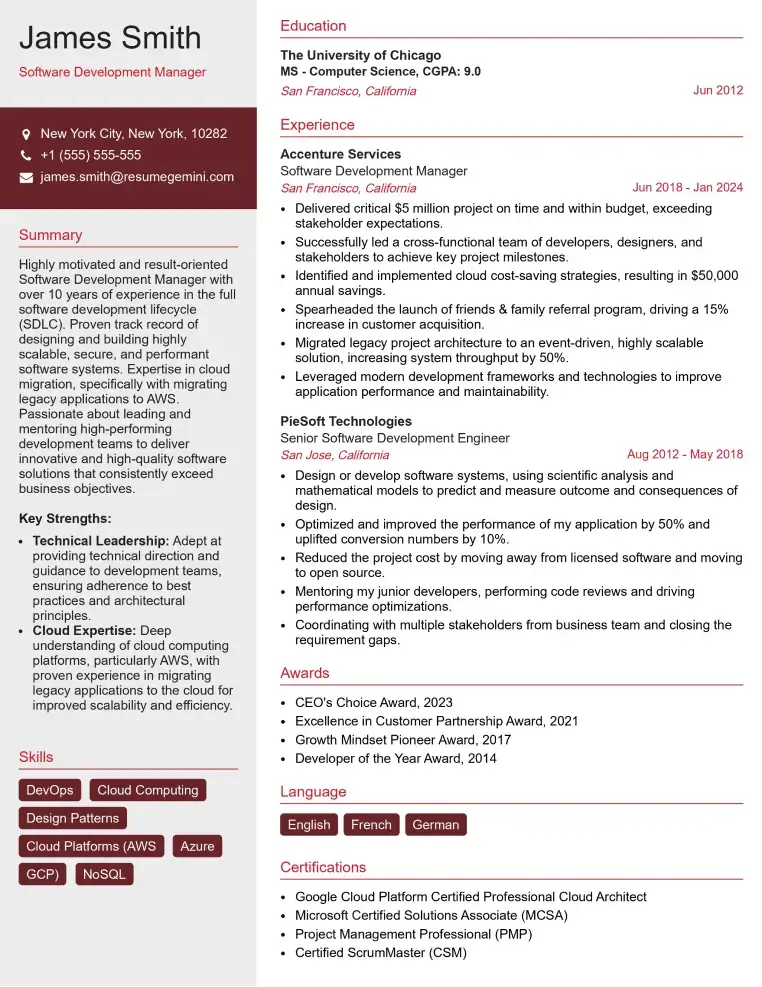
Check Out Resume Samples at ResumeGemini

Check Out Resume Samples at ResumeGemini
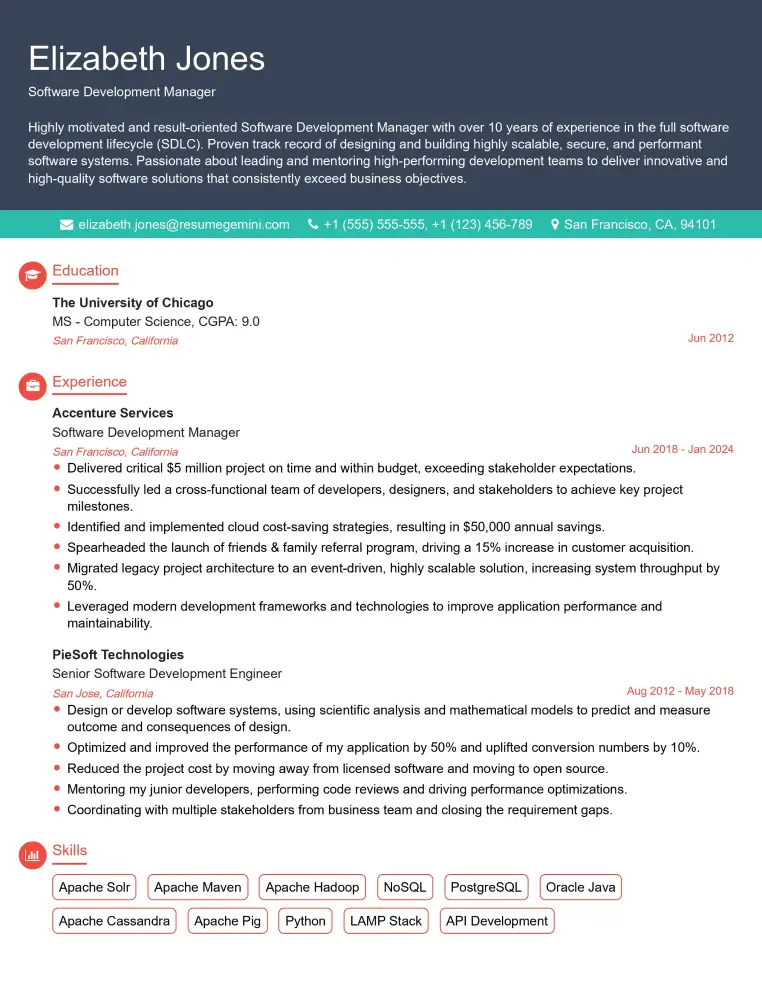
Check Out Resume Samples at ResumeGemini
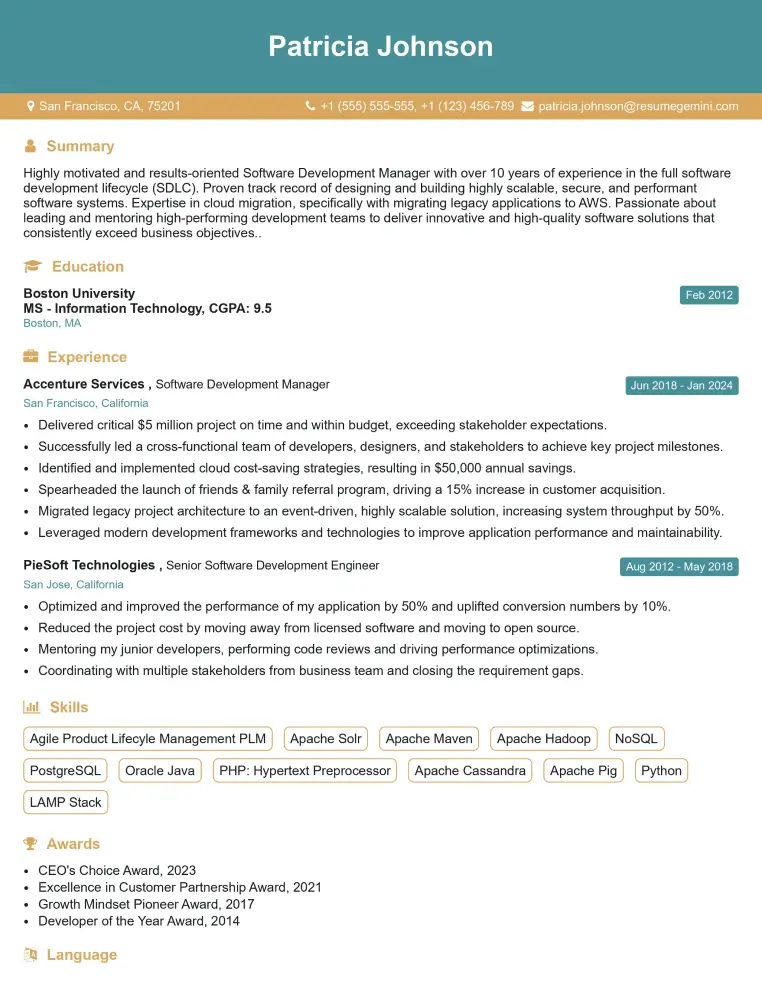
Check Out Resume Samples at ResumeGemini
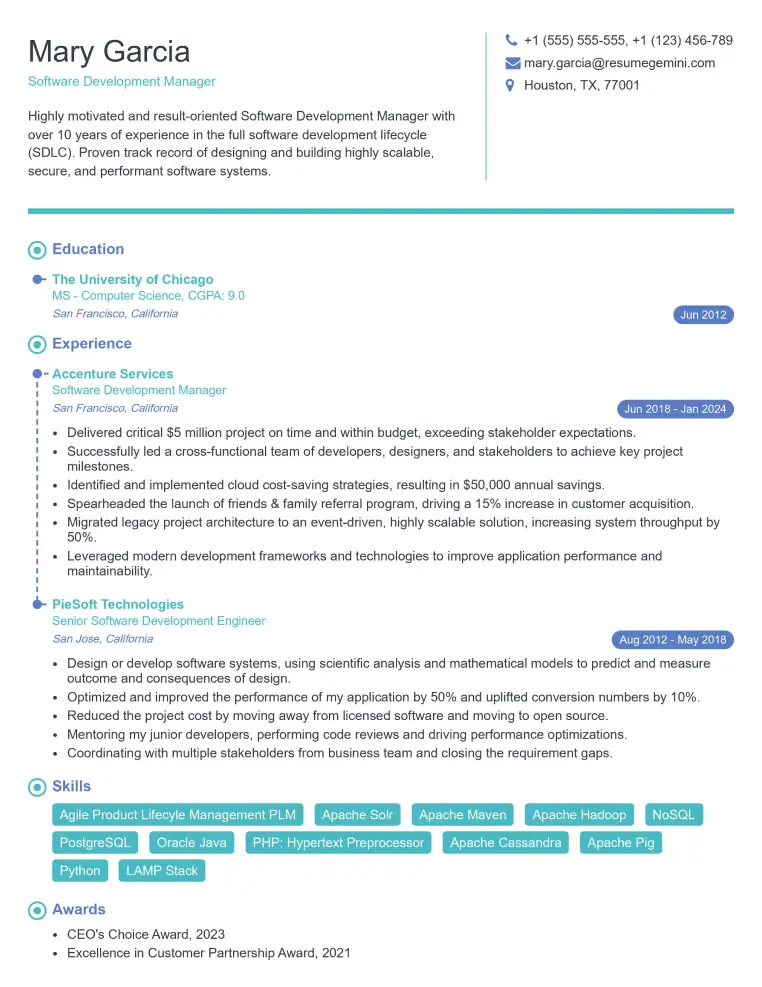
Check Out Resume Samples at ResumeGemini
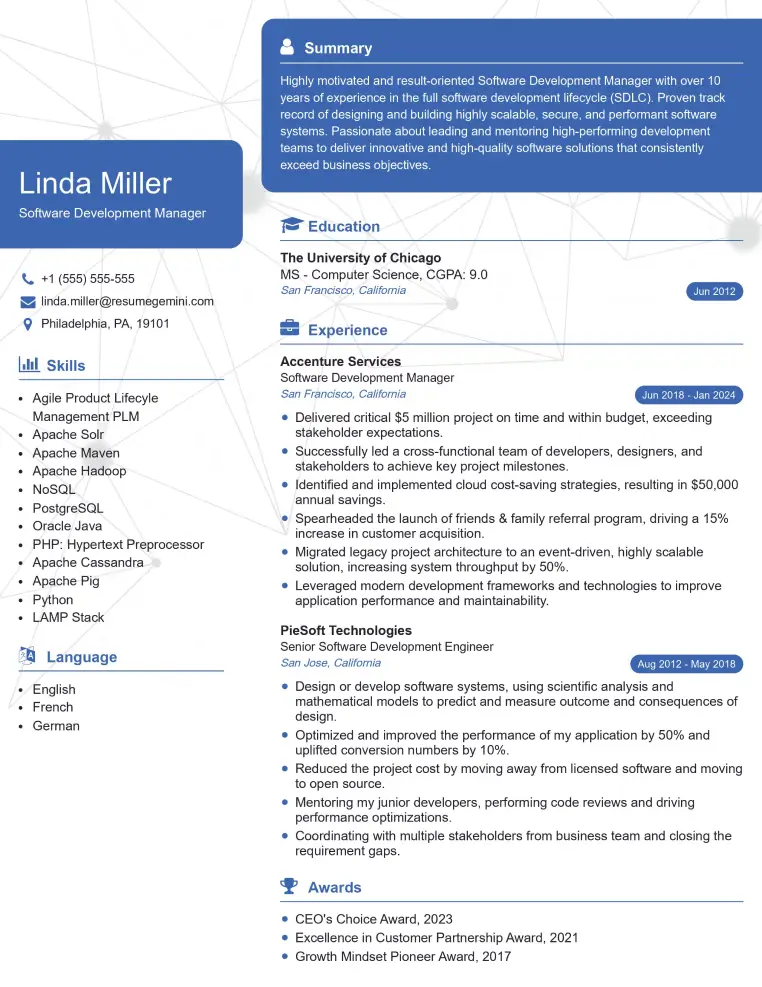
Check Out Resume Samples at ResumeGemini
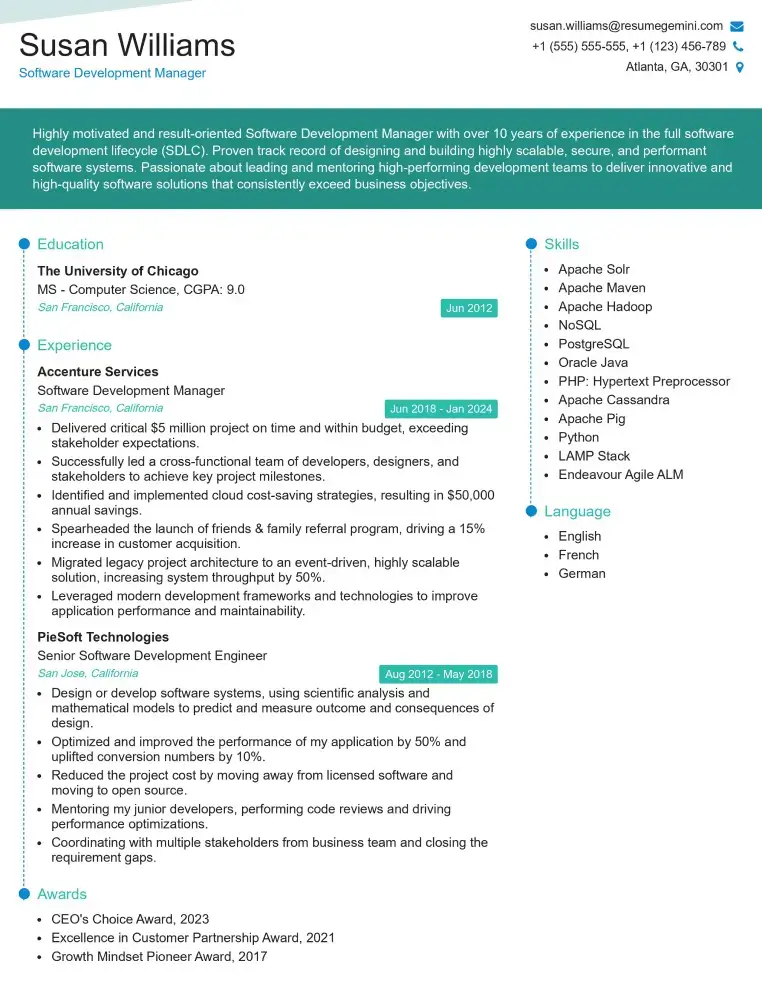
Check Out Resume Samples at ResumeGemini
Explore more articles
Users Rating of Our Blogs
Share Your Experience
We value your feedback! Please rate our content and share your thoughts (optional).
What Readers Say About Our Blog
Very informative content, great job.
good