The right preparation can turn an interview into an opportunity to showcase your expertise. This guide to Agilent SignalVu Software interview questions is your ultimate resource, providing key insights and tips to help you ace your responses and stand out as a top candidate.
Questions Asked in Agilent SignalVu Software Interview
Q 1. Explain the core functionalities of Agilent SignalVu Software.
Agilent SignalVu software is a powerful signal analysis tool used for characterizing and analyzing various types of signals. At its core, it provides a comprehensive suite of tools for visualizing, measuring, and interpreting complex waveforms. Think of it as a highly sophisticated oscilloscope and spectrum analyzer combined, with advanced features for analyzing digital modulation schemes and identifying signal impairments. Its key functionalities include real-time signal acquisition, versatile measurement capabilities across diverse signal types, and powerful visualization tools for detailed analysis and reporting. This allows engineers to quickly diagnose problems and optimize their systems.
Q 2. Describe the different types of measurements available in SignalVu.
SignalVu offers an extensive library of measurements, categorized for ease of use. These broadly fall into:
- Time-domain measurements: These include basic parameters like amplitude, rise time, fall time, and pulse width, crucial for evaluating the temporal characteristics of a signal. For example, you might use these to analyze the timing jitter in a digital communication system.
- Frequency-domain measurements: This is where SignalVu shines! It performs various spectrum analysis tasks including channel power, occupied bandwidth, spurious emissions, and total harmonic distortion (THD), all essential for compliance testing and signal quality assessment. Imagine checking if a wireless transmitter meets regulatory standards.
- Modulation analysis: This is particularly powerful, covering various modulation schemes like OFDM, QAM, PSK, and more. It provides detailed parameters like EVM (Error Vector Magnitude), constellation diagrams, and symbol rate, crucial for evaluating the quality of digital communication links. Think of assessing the performance of a 5G modem.
- Advanced measurements: This category includes more specialized analyses such as vector signal analysis (VSA), which is used to analyze the I/Q components of a signal; this allows engineers to pinpoint impairments in a more detailed fashion than just the overall amplitude, like carrier leakage. Or, you might use it to find hidden signals.
The exact measurements available depend on the SignalVu license and hardware configuration.
Q 3. How do you perform spectrum analysis using SignalVu?
Performing spectrum analysis in SignalVu is straightforward. First, you’ll connect your signal source (e.g., a signal generator, a receiver output) to the appropriate input of your compatible hardware. Then, within SignalVu, you’ll select the ‘Spectrum’ view. SignalVu automatically acquires the signal. You can then adjust parameters such as the center frequency, span, resolution bandwidth (RBW), and video bandwidth (VBW). The RBW dictates the frequency resolution, while VBW controls the noise reduction. A narrower RBW shows finer details, but requires longer acquisition times, and vice-versa for VBW. You’ll see the spectrum displayed, allowing you to identify signal components, measure power levels, and analyze various characteristics like noise floor and spurious emissions. For example, you could use this to identify interference sources in a cellular network.
Q 4. Explain how to configure trigger settings in SignalVu for specific signal events.
Triggering in SignalVu is crucial for capturing specific events within a signal. It allows you to focus on areas of interest rather than analyzing the entire continuous signal. You access the trigger settings through the ‘Trigger’ menu or toolbar. Various trigger types are available:
- Edge trigger: Triggers on a specific voltage level crossing. Useful for capturing digital pulses or detecting specific signal transitions.
- Slope trigger: Triggers on a rising or falling slope. Similar to the edge trigger, but less sensitive to noise.
- Pulse width trigger: Triggers based on the duration of a pulse. This is useful for analyzing timing aspects of digital signals.
- Software trigger: Triggered by a user-defined event or condition within SignalVu’s measurement computations. This is particularly powerful for more complex scenarios.
For each trigger type, you can further configure parameters like level, slope, and hysteresis to fine-tune the triggering conditions. For example, you might set an edge trigger to capture a specific type of packet in a digital communication system, or even configure a software trigger to only trigger if a certain measured parameter is exceeded. Careful trigger configuration is vital for efficient and accurate signal analysis.
Q 5. How do you analyze modulated signals (e.g., OFDM, QAM) using SignalVu?
Analyzing modulated signals in SignalVu involves using its dedicated modulation analysis tools. Once you’ve acquired the modulated signal, select the appropriate demodulation type (e.g., OFDM, QAM). SignalVu will then demodulate the signal and display various parameters and visual representations. For OFDM, you’ll see constellation diagrams, EVM (Error Vector Magnitude), and other parameters reflecting the signal quality. For QAM, similar metrics will be shown, helping assess signal integrity. You can then use these parameters to evaluate the performance of the modulated signal and pinpoint impairments like noise, interference, or impairments introduced during transmission. For instance, a high EVM value may indicate channel impairments or modulator problems. Furthermore, SignalVu provides tools to visualize and analyse the individual subcarriers within the OFDM signal to determine which subcarriers might be more susceptible to noise or interference.
Q 6. Describe the process of setting up and calibrating SignalVu for accurate measurements.
Setting up and calibrating SignalVu for accurate measurements is essential. It involves several steps:
- Hardware Connection: Connect the signal source to the appropriate input of your SignalVu hardware, ensuring proper impedance matching.
- Calibration: Before starting any measurements, perform a calibration using the built-in calibration routines. This corrects for any hardware imperfections and ensures accurate measurements. The specific calibration procedure varies depending on your instrument and the frequency range of interest. Proper calibration is crucial for accurate results; imagine a slightly misaligned scale on an analytical balance — you’d get unreliable weighings.
- Configuration: Configure SignalVu according to your specific measurement needs. This involves selecting the appropriate measurement type, setting parameters like center frequency, span, RBW, and VBW, and configuring the trigger settings.
- Verification: After calibration and configuration, it’s good practice to verify the setup by measuring a known signal and comparing the measurements to expected values. This verifies the accuracy and validity of the system.
Proper calibration is crucial for the accuracy and reliability of any measurements. Neglecting this step can lead to significant errors in your analysis.
Q 7. How do you use SignalVu to identify and analyze signal impairments (e.g., noise, distortion)?
SignalVu offers powerful tools to identify and analyze signal impairments. By examining the time and frequency domain representations of the signal, you can visually identify noise and distortion. Specific measurements like THD (Total Harmonic Distortion) quantify harmonic distortion, while the noise floor indicates the level of background noise. For modulated signals, parameters like EVM help assess the impact of noise and interference on signal quality. SignalVu’s powerful visualization features, such as constellation diagrams and eye diagrams, can reveal subtle impairments otherwise difficult to detect. For example, a noisy signal will have a blurry constellation diagram, indicating poor signal quality. Analyzing these visual representations, along with quantitative measurements, allows engineers to pinpoint the nature and severity of impairments, facilitating effective troubleshooting and system optimization. Understanding the source and impact of these impairments is fundamental for ensuring the correct functionality of your system.
Q 8. Explain how to interpret and analyze constellation diagrams in SignalVu.
Constellation diagrams in SignalVu visualize the complex signal data points as a scatter plot, representing amplitude and phase for each symbol transmitted. Analyzing them helps us assess modulation quality and identify impairments. Think of it like a map of your signal; each point represents a transmitted symbol, and their clustering indicates signal fidelity.
Interpretation: Ideally, points should form distinct clusters, one for each symbol, and be tightly grouped. Scattered points or clusters that overlap suggest impairments like noise, interference, or amplitude/phase distortion. SignalVu provides tools to quantitatively measure this, including things like EVM (Error Vector Magnitude), which quantifies how far each point deviates from its ideal position.
Analysis: To analyze, we look at the constellation’s shape and cluster tightness. Are the clusters well-defined? Is there significant noise (a cloud of points around the clusters)? Are there outliers (points far from the clusters)? Using the measurement tools within SignalVu, we can obtain quantitative values for EVM, SNR, and other metrics to support our visual assessment. For instance, high EVM indicates poor signal quality, and a low SNR suggests a weak signal or high noise floor.
Example: In a 16-QAM (Quadrature Amplitude Modulation) constellation, we expect 16 distinct clusters. If these clusters are spread out or overlapped, it suggests an issue with the channel or the transmitter.
Q 9. How do you utilize SignalVu’s measurement reporting and export functionalities?
SignalVu offers robust reporting and export capabilities crucial for documentation and further analysis. After performing measurements, we can generate detailed reports that include both graphical visualizations and numerical results. These reports are customizable; you can select the specific parameters and measurements to be included.
Reporting: SignalVu allows you to create customized reports containing waveforms, spectrum traces, constellation diagrams, and numerical results of various measurements (EVM, power, frequency error, etc.). These reports can be saved as PDF or other formats, providing a complete record of the analysis.
Exporting: Data can be exported in various formats like CSV, text files, or even in a proprietary format for import into other Agilent software packages or custom data analysis tools. This is extremely valuable for post-processing data in other analysis software like MATLAB or Python.
Example: In testing a 5G modem, I would generate a detailed report including EVM, adjacent channel leakage ratio (ACLR), and spectrum plots. These reports would be exported as PDFs for inclusion in test documentation, and the raw measurement data could be exported to CSV for later statistical analysis in MATLAB to spot trends.
Q 10. Describe your experience with SignalVu’s scripting capabilities (e.g., using Python, MATLAB).
SignalVu’s scripting capabilities are a powerful feature that enables automation and customized analysis. I have extensive experience using both Python and MATLAB to interact with SignalVu. This allows for increased efficiency and flexibility in testing and analysis.
Python: I’ve used Python extensively through the SignalVu API (Application Programming Interface) to automate measurement sequences, process large datasets, and generate custom reports. This is particularly helpful for repetitive tasks, such as evaluating hundreds of different signal configurations.
MATLAB: SignalVu integrates seamlessly with MATLAB, allowing for sophisticated signal processing and data analysis using MATLAB’s extensive toolbox. We can bring raw data into MATLAB for advanced signal processing or develop customized algorithms to extract specific information from measurements.
Example: A recent project involved testing the performance of a wireless transceiver under various channel conditions. I used Python to automate the entire test procedure, controlling SignalVu to change settings, acquire data, and then process the data to evaluate performance metrics. The results were then automatically compiled into a detailed report.
# Example Python code snippet (conceptual):
sv = SignalVu.connect()
sv.set_frequency(100e6)
sv.acquire_data()
data = sv.get_measurement('EVM')
# ... further processing ...
Q 11. How do you troubleshoot common issues encountered during SignalVu measurements?
Troubleshooting SignalVu measurements often involves systematically checking different aspects of the setup and the measurement parameters. I use a methodical approach to identify and solve issues.
Step-by-step troubleshooting:
- Verify connections: Check all physical connections between the signal source, signal analyzer, and computer. Ensure proper cabling and signal integrity.
- Check instrument settings: Verify that the instrument settings (like frequency range, bandwidth, and measurement parameters) are correctly configured for the specific signal being measured. Mismatched settings are a frequent cause of unexpected results.
- Examine the signal source: Ensure the signal source is operating correctly and is generating the expected signal type and parameters. A faulty signal generator will render analysis meaningless.
- Review SignalVu settings: Confirm the settings within SignalVu are aligned with your measurement objectives. Settings like trigger levels and averaging can affect the results.
- Check for interference: Ensure there’s no significant RF interference from other sources affecting the measurement. Use a spectrum analyzer to observe the RF environment if needed.
- Consult the documentation: If issues persist, the Agilent SignalVu documentation is your invaluable resource. Many common problems and solutions are detailed therein.
Example: If I’m getting unexpectedly high EVM values, I’d first check the cable connections, then review the settings in SignalVu for averaging, trigger settings and the instrument settings (like the reference level and attenuation). If the problem persists, I’d analyze the signal source and check for RF interference.
Q 12. Compare and contrast SignalVu’s capabilities with other similar software tools.
SignalVu competes with other vector signal analysis (VSA) software packages like Rohde & Schwarz’s VSA software or Keysight’s own Advanced Design System (ADS). While they all provide similar core functionalities, several key differences exist.
SignalVu Strengths: Strong integration with Agilent equipment, user-friendly interface (especially for those familiar with Agilent instruments), comprehensive measurement capabilities for various modulation schemes, and robust scripting capabilities. Its strengths particularly lie in its intuitive design and ease of use when coupled with Agilent hardware.
Competitor Differences: Some competitors might offer more advanced signal processing algorithms or features targeted at specific applications. Rohde & Schwarz’s VSA, for instance, is often seen as having superior signal processing power in niche areas. Keysight’s ADS, on the other hand, focuses more heavily on the design side, allowing for direct integration with circuit simulations. However, this often comes with a steeper learning curve.
Conclusion: The best choice depends on specific needs. SignalVu excels in its ease of use, especially in integrated environments with Agilent equipment, while other tools might offer superior performance for very specialized applications or require higher levels of expertise to operate efficiently.
Q 13. Explain your experience using different SignalVu modules (e.g., vector signal analysis, power measurements).
My experience encompasses many of SignalVu’s modules, providing a well-rounded understanding of its capabilities.
Vector Signal Analysis (VSA): This is my primary focus, encompassing EVM measurements, constellation diagram analysis, and modulation quality assessment. I’ve used this for various modulation formats like QAM, PSK, and OFDM, across diverse communication standards.
Power Measurements: I use the power measurement capabilities for assessing signal power, channel power, and noise floor levels. This is critical for verifying compliance with power standards and understanding signal strength.
Spectrum Analysis: The spectrum analysis tools are vital for identifying out-of-band emissions and interference. Understanding spectrum characteristics is essential for assessing signal quality and compliance with regulatory standards.
Example: In characterizing a new 5G base station, I utilized the VSA module to assess the EVM, ACLR, and spectrum emission mask compliance. Simultaneously, I employed the power measurement module to verify the output power is within the permitted regulatory range.
Q 14. How do you handle large datasets acquired using SignalVu?
Handling large datasets efficiently is crucial. SignalVu provides tools for managing the acquired data, but the most effective approach involves a multi-pronged strategy.
Data Reduction Techniques: Before even acquiring the full dataset, consider using SignalVu’s averaging and decimation features to reduce the size of the raw data. This can significantly reduce storage and processing requirements without sacrificing too much accuracy.
Data Storage and Management: For very large datasets, storing data on a network drive with sufficient space is essential. Organizing the data using a structured naming convention is crucial for efficient retrieval. Using database systems might be necessary for managing very large volumes.
Data Processing and Analysis: Using the scripting capabilities (Python or MATLAB) to perform automated analysis is critical. This allows you to focus on extracting relevant information rather than manually reviewing massive files.
Example: When testing long-duration signals, I first implemented averaging within SignalVu to condense the data. The resulting files were then processed using Python scripts that extracted essential metrics and produced summary reports. This approach allowed me to manage large datasets efficiently and focus on the significant results.
Q 15. Describe how you’ve used SignalVu in a real-world project or application.
In a recent project involving the characterization of a 5G New Radio (NR) base station, I extensively used Agilent SignalVu to analyze the transmitted signals. We needed to verify compliance with the 3GPP standards for power spectral density (PSD), EVM (Error Vector Magnitude), and other key parameters. SignalVu’s ability to demodulate complex waveforms and perform detailed spectral analysis was crucial. I used the software to acquire signals from a vector signal analyzer (VSA), then configured it to the specific 5G NR waveform parameters (bandwidth, modulation scheme, etc.). The software’s automated measurement capabilities saved considerable time and effort, compared to manual analysis. Specifically, the integrated constellation diagrams allowed for a quick assessment of signal quality, and the PSD analysis helped determine whether the output power was within the regulatory limits. We utilized the reporting features to generate comprehensive documentation for compliance verification.
Career Expert Tips:
- Ace those interviews! Prepare effectively by reviewing the Top 50 Most Common Interview Questions on ResumeGemini.
- Navigate your job search with confidence! Explore a wide range of Career Tips on ResumeGemini. Learn about common challenges and recommendations to overcome them.
- Craft the perfect resume! Master the Art of Resume Writing with ResumeGemini’s guide. Showcase your unique qualifications and achievements effectively.
- Don’t miss out on holiday savings! Build your dream resume with ResumeGemini’s ATS optimized templates.
Q 16. How do you ensure the accuracy and reliability of SignalVu measurements?
Ensuring the accuracy and reliability of SignalVu measurements involves a multi-faceted approach. First, proper calibration of the connected VSA is paramount. This is usually done using known signals with traceable calibrations. SignalVu itself offers several calibration options, depending on the instrument model and measurement type. Second, careful consideration must be given to the signal acquisition parameters such as the sampling rate, sweep time, and averaging settings. Choosing appropriate settings minimizes noise and enhances the accuracy of measurements. For instance, a longer sweep time provides better frequency resolution but takes longer. In addition, understanding the inherent limitations of the instrument, such as noise floor and dynamic range, is crucial for interpreting the results. Finally, using appropriate pre-processing techniques, such as windowing and filtering, helps to remove spurious signals and improve the overall signal-to-noise ratio (SNR). Regular instrument maintenance and validation also play a critical role.
Q 17. How do you manage different signal sources and connections with SignalVu?
SignalVu seamlessly handles various signal sources and connections. Typically, it interfaces directly with Agilent/Keysight VSA instruments via Ethernet or GPIB. The software automatically detects the connected instrument and its capabilities. The connection process is straightforward, involving selecting the appropriate instrument type and then configuring the communication parameters. It is possible to acquire data from multiple VSAs simultaneously for various signal processing and analysis tasks, such as comparing different channel performance in a multi-carrier system or cross-correlating signals from different sources. SignalVu also supports importing data files from other sources, including CSV and other common signal analysis file formats, allowing for a diverse range of applications and data sources. The software’s flexibility allows for diverse experimental setups, ranging from simple single-channel analysis to complex multi-instrument synchronized acquisitions.
Q 18. Explain the process of configuring SignalVu for different modulation schemes.
Configuring SignalVu for different modulation schemes is relatively straightforward. Upon connecting to a signal source, SignalVu automatically detects the signal type, but often requires user confirmation and fine-tuning of parameters. The user typically selects the expected modulation scheme from a list (e.g., QPSK, 16QAM, OFDM, etc.) in the software’s configuration settings. Following this, advanced settings such as roll-off factor for pulse shaping and symbol rate must be specified. These settings are often found in the advanced modulation parameters. Once the software is correctly configured for the intended modulation, it analyzes the acquired signal according to the specified modulation scheme. For example, configuring SignalVu for OFDM would involve selecting the OFDM demodulation option and specifying the parameters such as subcarrier spacing, number of subcarriers, and cyclic prefix length. Incorrectly defining these parameters could lead to inaccurate demodulation and consequently, erroneous measurements. SignalVu’s extensive help documentation and numerous example settings are particularly helpful in this process.
Q 19. How do you use SignalVu to analyze complex signals with multiple carriers?
Analyzing complex signals with multiple carriers using SignalVu relies heavily on its advanced spectral and demodulation capabilities. The software’s ability to isolate individual carriers within a wideband signal is key. This is typically done via spectral analysis techniques, identifying and separating the different carriers based on their frequencies. Once separated, individual carrier properties can be measured using specialized tools. SignalVu supports various spectrum display options, such as waterfall displays, that can effectively visualize multiple carriers over time. For instance, to analyze a signal containing several LTE carriers, the user can configure SignalVu to perform channel estimation and demodulation on each identified carrier individually. The measurements like EVM, power, and BER can then be extracted for each of the carriers, providing a comprehensive characterization of the entire signal. SignalVu allows the efficient and effective analysis of these complex signals using advanced features and customizable settings tailored to the specific application.
Q 20. How do you identify and mitigate interference in your measurements using SignalVu?
Identifying and mitigating interference is crucial for obtaining reliable measurements. SignalVu offers various tools to aid in this process. Initially, a thorough spectral analysis helps to identify the presence and characteristics of interference sources. The software’s spectral display options, including waterfall plots, show the frequency and power level of interferers over time. Once an interference source is identified, various mitigation techniques can be employed. This might involve adjusting the acquisition parameters to reduce the influence of the interference or using advanced signal processing algorithms within SignalVu such as filtering to attenuate the unwanted signals. For example, if a strong narrowband interferer is present, a notch filter centered on the interference frequency can be applied to minimize its effect on the desired signal. Properly identifying the source and the type of interference is crucial to choosing the most effective mitigation strategy.
Q 21. Explain your understanding of different measurement units and their relevance in SignalVu.
Understanding measurement units within SignalVu is essential for accurate interpretation of results. Common units include dBm (decibels relative to one milliwatt) for power, dBc (decibels relative to the carrier) for relative power levels, EVM (Error Vector Magnitude) expressed as a percentage for modulation quality, and Hz (Hertz) for frequency. It’s critical to understand what each unit represents and its implications. For example, a power level of -30 dBm indicates a lower power level than -20 dBm. Similarly, a low EVM value signifies high modulation quality. The appropriate selection of these units and parameters is crucial for both data acquisition and result interpretation. Often, the context of the measurement and the specific standards being considered will influence the required unit. SignalVu provides comprehensive documentation on the units used for each specific measurement, ensuring correct understanding and interpretation of results. The ability to seamlessly switch between different units within the software adds to its flexibility and user-friendliness.
Q 22. How do you optimize SignalVu settings for different measurement scenarios?
Optimizing SignalVu settings depends heavily on the specific measurement scenario. Think of it like choosing the right tool for a job – you wouldn’t use a hammer to screw in a screw. The key is understanding the signal characteristics and the desired measurement accuracy.
Signal Type: For modulated signals (e.g., OFDM, GSM), you’ll need to configure the appropriate demodulation parameters like modulation type, symbol rate, and roll-off factor. Incorrect settings here will lead to inaccurate results. For example, attempting to demodulate an OFDM signal using a BPSK demodulator will yield meaningless data.
Frequency Range and Resolution Bandwidth (RBW): The frequency range should encompass the entire signal bandwidth, while the RBW determines the frequency resolution and noise floor. A narrower RBW improves resolution but increases measurement time and noise. A wider RBW is faster but might mask fine details. Selecting the appropriate RBW is crucial for accurate power measurements and spectral analysis. For instance, measuring narrowband interference requires a narrower RBW compared to measuring wideband signals.
Sweep Time and Averaging: Longer sweep times provide better accuracy but increase measurement time. Averaging reduces the impact of noise. The number of averages should be chosen based on the signal-to-noise ratio (SNR) and desired accuracy. For low SNR signals, more averaging will be needed.
Triggering: Proper triggering ensures consistent measurements, particularly for sporadic or transient events. Different trigger types (e.g., edge, level, software) are available depending on the application. Misconfigured triggering can lead to missed events or inaccurate measurements.
In essence, optimization is an iterative process. Start with a reasonable configuration based on your understanding of the signal, then analyze the results and adjust settings as needed until you achieve the desired accuracy and efficiency.
Q 23. Describe your approach to validating SignalVu results.
Validating SignalVu results involves a multi-pronged approach to ensure confidence in the measurements. This goes beyond simply looking at the numbers; it’s about verifying the entire measurement chain.
Calibration: Regular calibration of the measurement equipment (vector signal analyzer, cables, etc.) using traceable standards is paramount. SignalVu itself offers calibration tools, but ensuring the hardware is properly calibrated is crucial.
Cross-checking: Compare results with independent measurements, if possible. This could involve using different software, a different analyzer, or even a different measurement technique. Discrepancies need to be investigated and explained.
Known Good Signals: Test SignalVu with known good signals (e.g., generated by a signal generator with calibrated output) to verify its functionality and accuracy. This establishes a baseline for comparing subsequent measurements.
Error Analysis: Understand the potential sources of error in the measurement process, including noise, quantization effects, and instrument limitations. SignalVu provides tools to estimate measurement uncertainty, and this should be carefully considered.
A thorough validation process builds trust and confidence in the results, ultimately leading to better decision-making.
Q 24. Explain how to use SignalVu for compliance testing to relevant standards.
SignalVu is extensively used for compliance testing. The exact approach depends on the specific standard (e.g., 3GPP, IEEE 802.11, etc.), but the general steps remain consistent.
Standard-Specific Measurement Setup: Configure SignalVu according to the standard’s specifications. This includes setting the correct parameters for the signal type, modulation scheme, bandwidth, power levels, and other relevant parameters. Often, the standard provides specific measurement procedures and limits.
Automated Test Sequences: SignalVu allows the creation of automated test sequences, which simplifies the testing process and reduces human error. These sequences can execute various measurements according to the standard’s requirements and automatically check if the results meet the specified limits.
Reporting: SignalVu generates detailed reports that include measurement results, plots, and other relevant data. These reports are crucial for demonstrating compliance and are often required by regulatory bodies.
Mask Testing: For spectral emission measurements, SignalVu’s mask testing feature is essential. This allows the user to compare the measured spectrum against the defined mask specified in the standard. The software automatically determines if the signal conforms to the standard.
For example, when testing cellular devices for 3GPP compliance, SignalVu can perform adjacent channel leakage ratio (ACLR), error vector magnitude (EVM), and other key measurements, automatically generating reports showing compliance with the required specifications. Remember, thorough understanding of the standard is crucial for setting up accurate compliance tests.
Q 25. How would you train a junior engineer on the use of SignalVu?
Training a junior engineer on SignalVu would follow a structured approach, blending theoretical understanding with practical application.
Fundamentals: Begin with the basics of vector signal analysis and the software’s interface. Explain concepts such as RBW, sweep time, and different modulation schemes. Use simple analogies to illustrate complex concepts.
Guided Exercises: Provide hands-on exercises with increasing complexity, starting with basic signal analysis and progressing to more advanced measurements. Each exercise should have clear goals and instructions. For example, start with measuring the power of a simple sine wave and then move to more complex modulated signals.
Real-World Applications: Demonstrate SignalVu’s usage in real-world scenarios, such as compliance testing or troubleshooting. This allows the junior engineer to see the practical value of the software.
Troubleshooting: Train them to identify and solve common problems, such as incorrect settings, noisy measurements, or unexpected results. Troubleshooting skills are crucial for effective use of any measurement software.
Documentation and Support: Encourage the junior engineer to utilize SignalVu’s built-in help documentation and Agilent’s online resources. This builds self-sufficiency and reduces reliance on constant supervision.
Regular quizzes and practical assessments can evaluate their understanding and progress. Remember, patience and clear communication are essential for effective training.
Q 26. Describe a situation where SignalVu proved critical in solving a complex problem.
During a project involving the development of a new wireless communication system, we encountered unexpected high bit error rates (BER) in a field test. Initial investigations using standard spectrum analyzers weren’t conclusive.
SignalVu proved critical in pinpointing the problem. By using its advanced modulation analysis capabilities, we discovered subtle distortions in the modulated signal’s constellation diagram. These subtle distortions, barely visible with other tools, were the root cause of the high BER. SignalVu’s sophisticated EVM and constellation analysis allowed us to isolate the problem to a specific component in the transmit chain.
This enabled us to quickly resolve the issue, saving significant time and resources. This highlights SignalVu’s ability to reveal hidden problems that other instruments might miss, demonstrating its value in complex system design and troubleshooting.
Q 27. How familiar are you with SignalVu’s advanced analysis tools?
I am very familiar with SignalVu’s advanced analysis tools. I have extensively used features like:
Advanced Modulation Analysis: Including EVM, constellation diagrams, and detailed signal quality metrics for various modulation schemes (OFDM, QAM, FSK, etc.)
Channel Sounding: Using SignalVu to characterize wireless channels, measuring parameters like delay spread, coherence bandwidth, and path loss.
Signal Demodulation and Protocol Decoding: Analyzing the data content of complex signals and extracting information relevant to the communication protocol.
Vector Network Analysis (VNA) Integration: Combining SignalVu with VNA measurements to perform in-depth characterization of RF devices and circuits.
Custom Scripting: Using SignalVu’s scripting capabilities (e.g., using Python or MATLAB) to automate measurements and create custom analysis algorithms.
My experience with these advanced tools allows me to tackle intricate signal analysis tasks and extract meaningful insights from complex data sets.
Q 28. How do you stay updated on new features and updates for SignalVu software?
Staying updated on SignalVu’s new features and updates is crucial. I utilize several strategies to achieve this:
Agilent’s (now Keysight) Website and Support Resources: Regularly checking the Keysight website for software updates, release notes, application notes, and white papers relevant to SignalVu.
Keysight’s Communities and Forums: Participating in online communities and forums dedicated to SignalVu. This provides access to insights and discussions from other users and Keysight’s support engineers.
Training Courses and Webinars: Attending Keysight’s online and in-person training courses to gain knowledge of new features and enhancements.
Industry Publications and Conferences: Keeping abreast of new developments in the field of signal analysis and wireless communication via technical journals and conferences. Often, these events showcase advancements integrated into software like SignalVu.
This multi-faceted approach ensures I am up-to-date with the latest developments and best practices related to SignalVu, maximizing its potential in my work.
Key Topics to Learn for Agilent SignalVu Software Interview
- Signal Analysis Fundamentals: Understanding basic signal processing concepts like time and frequency domains, amplitude and phase, and common signal types (e.g., sine waves, square waves, modulated signals) is crucial for interpreting SignalVu’s results.
- SignalVu Software Interface and Navigation: Become proficient in navigating the software, understanding its various menus, toolbars, and windows. Practice using the different measurement and analysis tools efficiently.
- Measurement Techniques: Master the use of key measurement functions within SignalVu, such as spectrum analysis, vector signal analysis, modulation analysis (e.g., AM, FM, QAM), and power measurements. Understand the underlying principles of each technique.
- Data Interpretation and Reporting: Learn to effectively interpret the results displayed by SignalVu, generate meaningful reports, and draw accurate conclusions from the data. Practice visualizing and communicating your findings clearly.
- Troubleshooting and Problem-Solving: Develop your ability to identify and troubleshoot common issues encountered while using SignalVu. Understand how to interpret error messages and find solutions to common problems.
- Specific Instrument Integration (if applicable): If your target role involves specific Agilent instruments, gain a working knowledge of how SignalVu integrates with those devices and the relevant communication protocols.
- Advanced Analysis Techniques: Explore more advanced features like channel estimation, signal demodulation, and advanced signal processing algorithms, depending on the seniority of the role you are applying for.
Next Steps
Mastering Agilent SignalVu Software significantly enhances your marketability in the engineering and technology sectors. Proficiency in this software demonstrates valuable skills in signal processing, data analysis, and instrumentation, opening doors to exciting career opportunities. To maximize your chances of landing your dream job, it’s vital to present your skills effectively. Creating an ATS-friendly resume is crucial for getting past applicant tracking systems and reaching the hiring manager. We highly recommend using ResumeGemini to build a professional and impactful resume tailored to your specific skills and experience. ResumeGemini provides valuable resources and examples of resumes specifically geared towards Agilent SignalVu Software expertise, helping you present yourself as the ideal candidate.

Principal Engineer Resume Sample

Systems Engineer Resume Sample
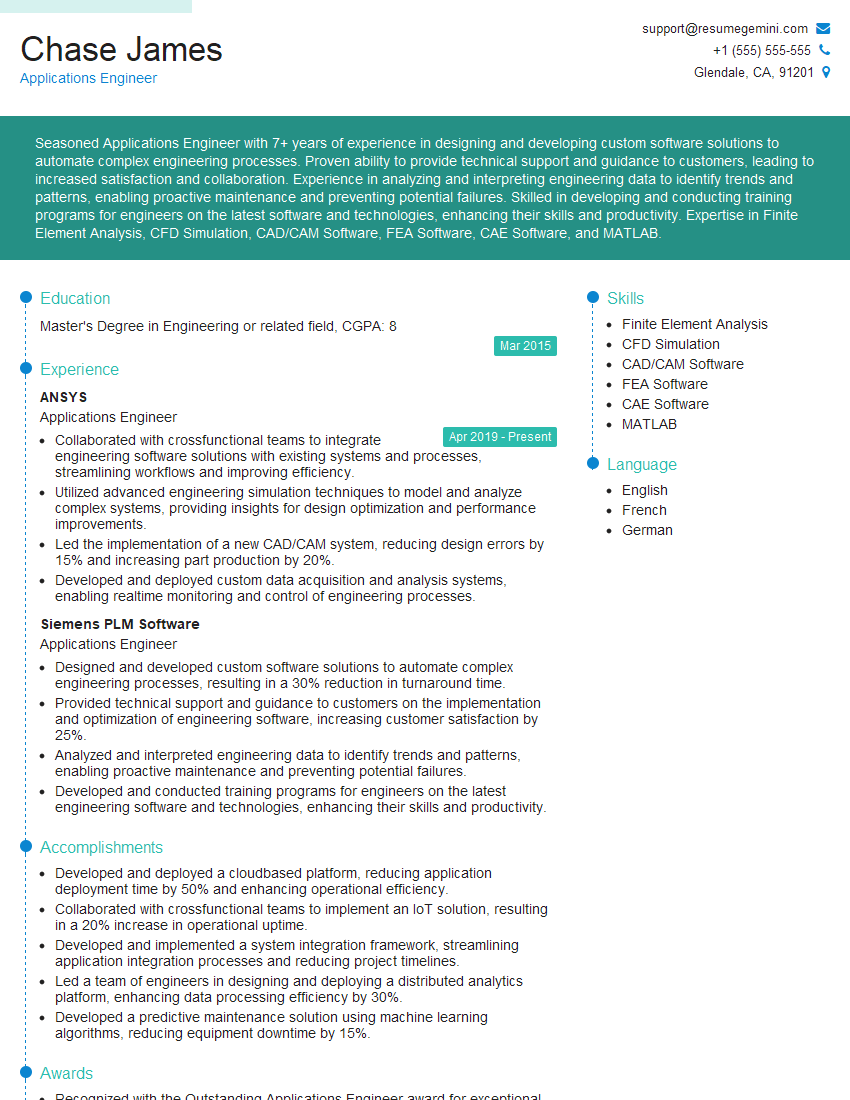
Applications Engineer Resume Sample

Data Scientist Resume Sample

Research Scientist Resume Sample

Software Engineer Resume Sample

Firmware Engineer Resume Sample

Test Engineer Resume Sample

Design Engineer Resume Sample
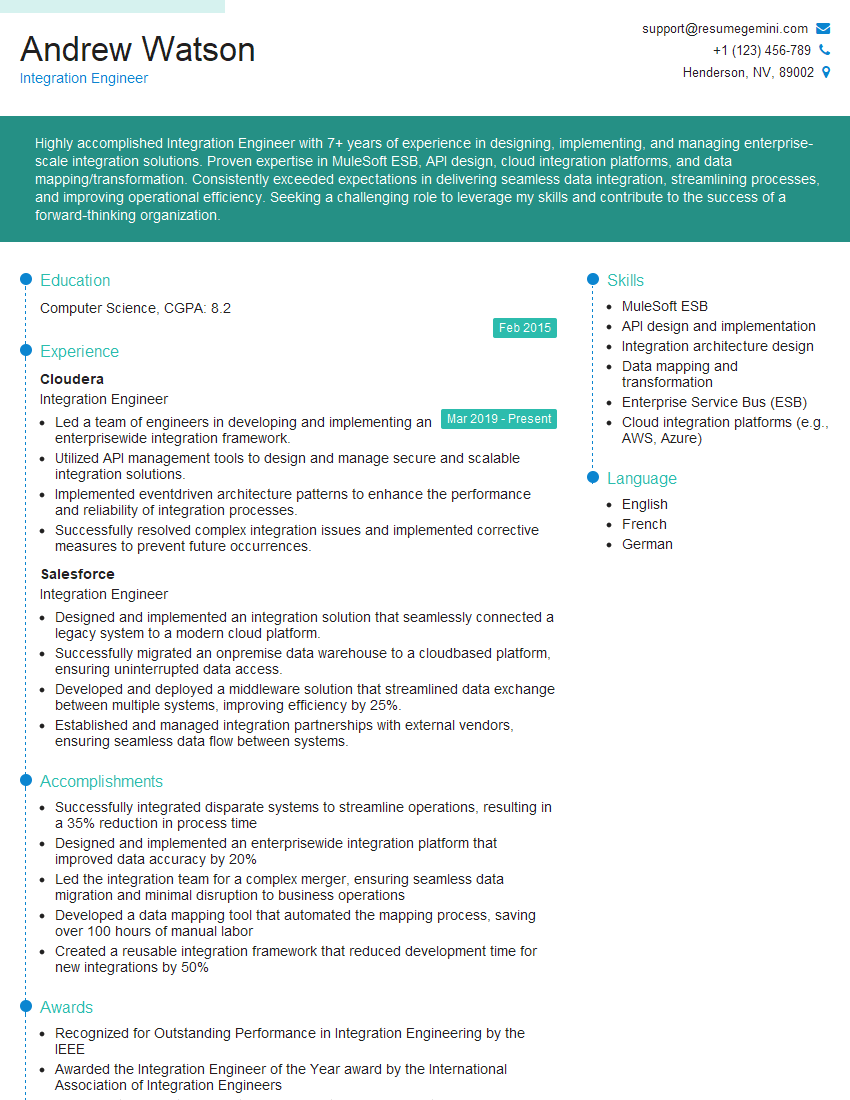
Integration Engineer Resume Sample

Commissioning Engineer Resume Sample

Electronics Engineer Resume Sample

Hardware Engineer Resume Sample
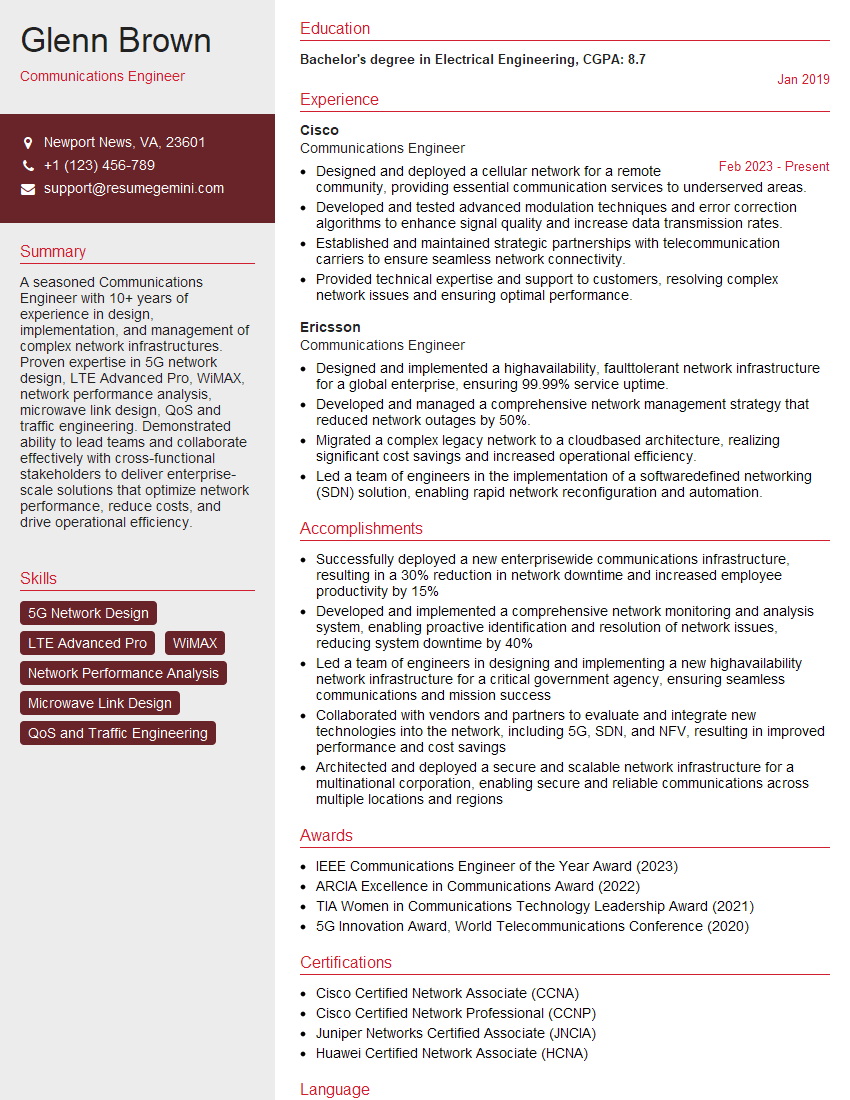
Communications Engineer Resume Sample

Microwave Engineer Resume Sample
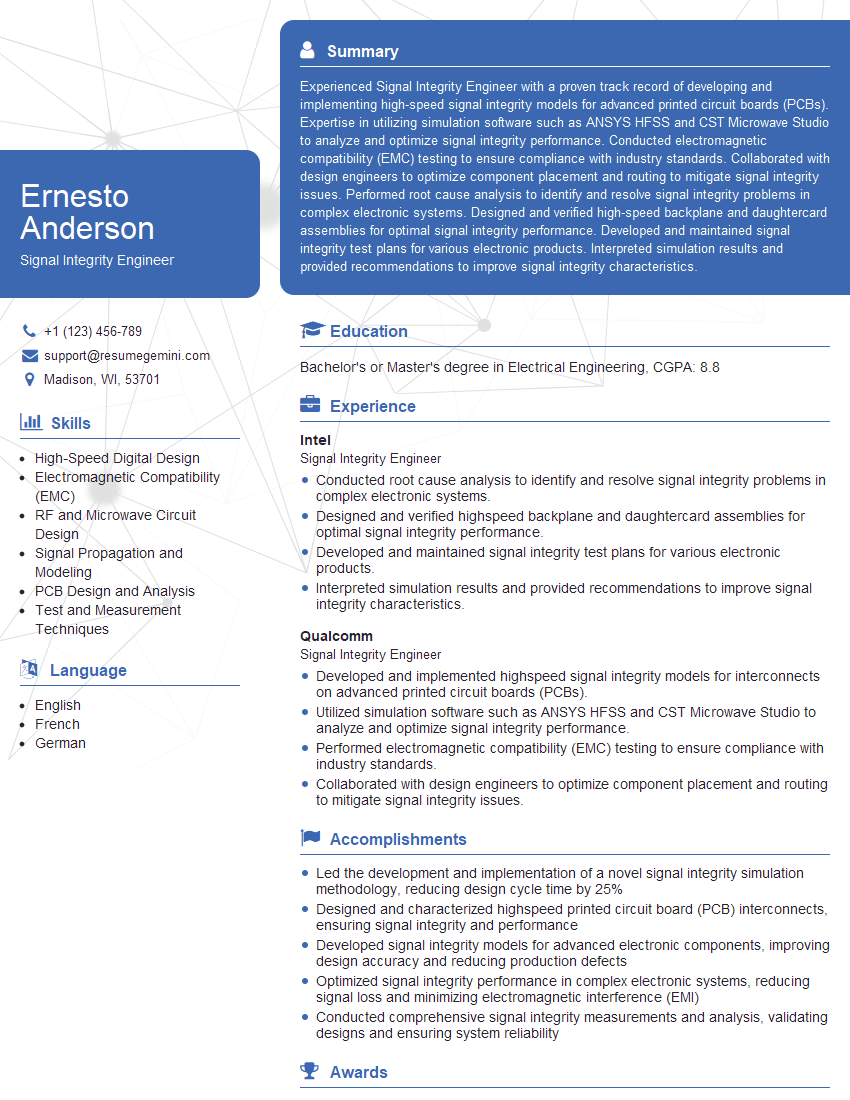
Signal Integrity Engineer Resume Sample

Quality Assurance Engineer Resume Sample

Validation Engineer Resume Sample
Embedded Systems Engineer Resume Sample
- Principal Engineer
- Systems Engineer
- Applications Engineer
- Data Scientist
- Research Scientist
- Software Engineer
- Firmware Engineer
- Test Engineer
- Design Engineer
- Integration Engineer
- Commissioning Engineer
- Electronics Engineer
- Hardware Engineer
- Communications Engineer
- Microwave Engineer
- Signal Integrity Engineer
- Quality Assurance Engineer
- Validation Engineer
- Embedded Systems Engineer
Explore more articles
Users Rating of Our Blogs
Share Your Experience
We value your feedback! Please rate our content and share your thoughts (optional).
What Readers Say About Our Blog
Hello,
we currently offer a complimentary backlink and URL indexing test for search engine optimization professionals.
You can get complimentary indexing credits to test how link discovery works in practice.
No credit card is required and there is no recurring fee.
You can find details here:
https://wikipedia-backlinks.com/indexing/
Regards
NICE RESPONSE TO Q & A
hi
The aim of this message is regarding an unclaimed deposit of a deceased nationale that bears the same name as you. You are not relate to him as there are millions of people answering the names across around the world. But i will use my position to influence the release of the deposit to you for our mutual benefit.
Respond for full details and how to claim the deposit. This is 100% risk free. Send hello to my email id: [email protected]
Luka Chachibaialuka
Hey interviewgemini.com, just wanted to follow up on my last email.
We just launched Call the Monster, an parenting app that lets you summon friendly ‘monsters’ kids actually listen to.
We’re also running a giveaway for everyone who downloads the app. Since it’s brand new, there aren’t many users yet, which means you’ve got a much better chance of winning some great prizes.
You can check it out here: https://bit.ly/callamonsterapp
Or follow us on Instagram: https://www.instagram.com/callamonsterapp
Thanks,
Ryan
CEO – Call the Monster App
Hey interviewgemini.com, I saw your website and love your approach.
I just want this to look like spam email, but want to share something important to you. We just launched Call the Monster, a parenting app that lets you summon friendly ‘monsters’ kids actually listen to.
Parents are loving it for calming chaos before bedtime. Thought you might want to try it: https://bit.ly/callamonsterapp or just follow our fun monster lore on Instagram: https://www.instagram.com/callamonsterapp
Thanks,
Ryan
CEO – Call A Monster APP
To the interviewgemini.com Owner.
Dear interviewgemini.com Webmaster!
Hi interviewgemini.com Webmaster!
Dear interviewgemini.com Webmaster!
excellent
Hello,
We found issues with your domain’s email setup that may be sending your messages to spam or blocking them completely. InboxShield Mini shows you how to fix it in minutes — no tech skills required.
Scan your domain now for details: https://inboxshield-mini.com/
— Adam @ InboxShield Mini
Reply STOP to unsubscribe
Hi, are you owner of interviewgemini.com? What if I told you I could help you find extra time in your schedule, reconnect with leads you didn’t even realize you missed, and bring in more “I want to work with you” conversations, without increasing your ad spend or hiring a full-time employee?
All with a flexible, budget-friendly service that could easily pay for itself. Sounds good?
Would it be nice to jump on a quick 10-minute call so I can show you exactly how we make this work?
Best,
Hapei
Marketing Director
Hey, I know you’re the owner of interviewgemini.com. I’ll be quick.
Fundraising for your business is tough and time-consuming. We make it easier by guaranteeing two private investor meetings each month, for six months. No demos, no pitch events – just direct introductions to active investors matched to your startup.
If youR17;re raising, this could help you build real momentum. Want me to send more info?
Hi, I represent an SEO company that specialises in getting you AI citations and higher rankings on Google. I’d like to offer you a 100% free SEO audit for your website. Would you be interested?
Hi, I represent an SEO company that specialises in getting you AI citations and higher rankings on Google. I’d like to offer you a 100% free SEO audit for your website. Would you be interested?
good