Are you ready to stand out in your next interview? Understanding and preparing for Allegro PCB Designer interview questions is a game-changer. In this blog, we’ve compiled key questions and expert advice to help you showcase your skills with confidence and precision. Let’s get started on your journey to acing the interview.
Questions Asked in Allegro PCB Designer Interview
Q 1. Explain your experience with Allegro PCB Designer’s schematic capture tools.
My experience with Allegro’s schematic capture tools is extensive. I’m proficient in creating and managing complex schematics, utilizing hierarchical designs for better organization and readability. I’m comfortable using all the standard features like component placement, net labeling, bus creation, and sheet-to-sheet connectivity. I also leverage Allegro’s powerful library management tools to efficiently manage and reuse components across multiple projects. For instance, I recently worked on a project involving a high-speed data acquisition system. The schematic involved hundreds of components and multiple hierarchical sheets. By effectively using Allegro’s schematic features, I was able to create a clear, well-organized schematic that simplified the subsequent PCB layout process significantly. This involved careful planning of the hierarchical structure to group functionally related components, reducing complexity and improving design traceability.
Furthermore, I utilize features like design rules checking (DRC) within the schematic environment to identify potential issues early on, such as incorrect component placement or connectivity errors, which saves significant time during the layout phase. This proactive approach ensures design integrity from the very beginning.
Q 2. Describe your process for creating a PCB layout from a schematic.
My process for creating a PCB layout from a schematic in Allegro is systematic and follows best practices. It begins with importing the completed and verified schematic into the PCB Editor. Next, I perform a component placement focusing on optimizing signal routing and minimizing EMI/EMC issues. This involves considering factors like component thermal management, mechanical constraints, and signal integrity requirements. I typically utilize Allegro’s auto-router for initial placement then fine tune the placement manually for optimal results. For critical high-speed signals and sensitive analog components, I’ll manually place these components initially before utilizing auto-routing. This approach allows me to maintain control and optimize signal routing in these areas.
After placement, I proceed to routing, starting with the most critical signals (high-speed, sensitive analog, etc.) and then moving to less critical signals. Here, I leverage Allegro’s advanced routing tools, including constraint-driven routing and differential pair routing features, to ensure signal integrity. Throughout the routing process, I frequently perform design rule checks (DRCs) to identify and rectify any violations. Finally, I perform a thorough post-layout simulation and analysis to verify the design’s performance, making necessary adjustments before releasing the design for manufacturing.
Q 3. How do you manage design rules in Allegro PCB Designer?
Managing design rules in Allegro is crucial for ensuring the manufacturability and reliability of the PCB. I utilize Allegro’s powerful Design Rule Check (DRC) system extensively. This involves defining rules based on the specific requirements of the project, including things like trace width and spacing, clearance between components, and via sizes. These rules are not just about adherence to manufacturing capabilities, but also influence signal integrity. For instance, carefully defined trace widths for high-speed signals prevent signal attenuation and ensure signal quality.
I typically create several sets of design rules, one for each design phase. For example, a more relaxed set is used during initial layout for flexibility, and a stricter set is applied later for final verification. Allegro’s ability to easily manage and switch between multiple rule sets significantly streamlines the workflow. Furthermore, I always incorporate manufacturing process requirements and vendor capabilities into the DRC rules. Regularly running the DRC throughout the layout process is essential to catch violations early, rather than discovering them at the end of the process.
I also make use of Allegro’s reporting capabilities to analyze DRC violations effectively. This allows for pinpointing problematic areas and facilitates efficient debugging and problem-solving.
Q 4. What are your preferred methods for routing high-speed signals in Allegro?
Routing high-speed signals in Allegro requires a multi-faceted approach that prioritizes signal integrity. My preferred methods combine manual routing techniques with Allegro’s automated tools. I start by defining controlled impedance constraints for the high-speed traces within the constraint manager. This ensures the signal remains within the defined impedance range throughout its path. For critical signals, manual routing is essential to control trace length, minimize bends and stubs, and maintain consistent spacing from other traces and planes. This often includes carefully using differential pair routing techniques which I will elaborate on later.
I frequently utilize Allegro’s differential pair routing tool to ensure controlled impedance and matched lengths for differential signals. I also employ techniques such as controlled impedance routing, minimizing via usage on critical traces, and utilizing controlled impedance structures such as microstrip or stripline depending on the design requirements. After routing, I perform signal integrity analysis using simulations, often incorporating S-parameters and time-domain simulations to verify the design’s performance.
Consider a recent project involving a 10 Gigabit Ethernet interface. I used Allegro’s constraint manager to enforce controlled impedance and matched length requirements for the differential pairs. Manual routing was used to ensure minimal signal path length variations, minimizing reflections and crosstalk.
Q 5. Explain your experience with Allegro’s constraint manager.
Allegro’s constraint manager is a critical tool for managing design rules and signal integrity. It allows me to define and enforce rules that guide the routing process and ensure the final layout meets the specified requirements. This includes defining constraints such as controlled impedance, differential pair routing rules, trace width and spacing, minimum bend radii, and net length matching requirements. The constraint manager facilitates automated routing while allowing for manual intervention when necessary for critical sections of the design.
I find the constraint manager particularly useful for high-speed designs where precise control over signal path characteristics is paramount. By setting clear constraints, I ensure that the automated router adheres to specific impedance and length matching requirements for differential pairs and high-speed signals. I leverage the constraint manager’s reporting capabilities to identify any constraint violations, providing a clear indication of areas requiring manual intervention or design adjustments. This ensures that the final PCB meets the stringent performance and signal integrity requirements for high-speed applications.
Q 6. How do you handle signal integrity challenges during PCB layout?
Handling signal integrity challenges during PCB layout requires a proactive approach that combines design rules, simulation, and careful layout techniques. I begin by thoroughly understanding the signal integrity requirements of the design, including signal speeds, rise/fall times, and acceptable noise levels. This information informs the design rule creation, particularly trace width, spacing, and via configurations. Next, I carefully plan the placement of components, paying close attention to critical signal paths, sensitive analog circuits, and power supply routing.
I employ various techniques to mitigate signal integrity problems such as using appropriate decoupling capacitors near the IC pins, strategically placing vias to minimize inductance, and avoiding sharp bends or abrupt changes in trace width. After routing, I perform thorough signal integrity simulations (e.g., using Hyperlynx or other simulation tools) to verify the design’s performance. These simulations help to identify and correct potential signal integrity issues early in the design process, preventing costly rework later. For example, I might identify signal reflections, crosstalk, or ground bounce issues during simulation. This iterative process of simulation, analysis and layout refinement is critical for achieving optimal signal integrity.
Q 7. Describe your experience with differential pair routing in Allegro.
My experience with differential pair routing in Allegro is significant. I understand the importance of maintaining controlled impedance, matched length, and proper spacing between the differential pairs to minimize crosstalk and ensure signal integrity. Allegro’s differential pair routing tools provide significant assistance in this process. I typically begin by defining the differential pair rules within the constraint manager, specifying parameters such as impedance, spacing, and length matching tolerances. These settings are crucial for ensuring the differential signals remain within the desired impedance range and minimize common-mode noise.
Allegro’s tools allow me to route pairs with consistent spacing and length matching. I often manually fine-tune the routing to optimize the layout for minimizing noise and ensuring proper termination at the receiver. For instance, in a recent high-speed design, I used Allegro’s tools to route multiple differential pairs for a high-speed serial link. By carefully managing length matching and impedance, I ensured that the signals arrived at the receiver with minimal skew and distortion, thus preserving signal integrity. Post-layout simulation confirmed the effectiveness of the routing strategy.
Q 8. How do you perform thermal analysis within Allegro?
Thermal analysis in Allegro is crucial for ensuring your PCB won’t overheat during operation. It involves simulating the heat generated by components and determining the resulting temperatures across the board. Allegro doesn’t have a built-in thermal solver, but it integrates seamlessly with powerful third-party tools like ANSYS Icepak or FloTHERM.
My process typically begins with exporting the PCB geometry from Allegro in a suitable format (e.g., STEP). I then import this into the thermal simulation software. I define material properties, boundary conditions (ambient temperature, airflow), and power dissipation for each component. The software then solves the heat equation, providing a detailed temperature map of the PCB. This allows me to identify potential hotspots and make design adjustments, such as adding heat sinks or modifying component placement, to ensure reliable operation. For example, I once used this process to identify a critical hotspot in a high-power server motherboard, allowing me to redesign the cooling solution and prevent catastrophic failure.
Q 9. What are your strategies for managing large and complex PCB designs in Allegro?
Managing large and complex designs in Allegro requires a structured approach. Think of it like building a skyscraper – you wouldn’t just start laying bricks randomly!
- Hierarchical Design: I break down complex PCBs into smaller, manageable sub-assemblies. This simplifies design, improves collaboration, and allows for efficient reuse of components and nets.
- Design Rules and Constraints: Robust design rules are essential. They prevent errors and maintain consistency throughout the design. I create and enforce strict rules for clearances, trace widths, and other critical parameters.
- Smart Components and Symbols: Using well-defined, parameterized components and symbols reduces errors and speeds up the design process. I always ensure that the symbols accurately reflect the footprints.
- Version Control: Employing a robust version control system, such as Allegro’s built-in version control or an external system like Git, is essential for tracking changes, collaborating with others, and reverting to previous versions if needed.
- Efficient Data Management: Organizing design files, libraries, and other project-related data is vital. A well-structured file system prevents confusion and facilitates efficient teamwork.
For instance, on a recent project involving a high-speed backplane, using a hierarchical approach with well-defined sub-assemblies enabled multiple engineers to work concurrently without conflicts, dramatically accelerating the design timeline.
Q 10. Explain your experience with Allegro’s library management tools.
Allegro’s library management is critical for efficient design reuse. I extensively use Allegro’s library features for creating, managing, and utilizing both component and symbol libraries.
My workflow involves creating well-documented libraries with clear naming conventions. I ensure that each component has accurate footprints and symbols, including 3D models for better visualization. I use Allegro’s library manager to organize and categorize libraries, making it easy to search and find the required components. This system significantly reduces design time and minimizes errors by promoting consistency. I also utilize Allegro’s library comparison tools to identify discrepancies between different versions of the same component, maintaining consistency across various projects. For instance, I once standardized our company’s component libraries, resulting in a significant reduction in design errors and improved efficiency across the entire engineering team.
Q 11. Describe your process for creating and managing design layers in Allegro.
Managing design layers in Allegro is fundamental for creating well-defined and manufacturable PCBs. I start by clearly defining the purpose of each layer, following industry standards and best practices.
For example, I use standard layers like Top/Bottom Copper, Top/Bottom Silk Screen, Top/Bottom Solder Mask, and multiple internal layers for routing signals. I also frequently use dedicated layers for mechanical features or specialized functions. When creating new layers, I assign meaningful names, ensuring consistency across projects. Allegro’s layer stack manager provides a user-friendly interface to define layer properties, such as thickness, material, and conductivity. I always thoroughly review and validate the layer stack to ensure it meets the manufacturing requirements and design specifications. A well-defined layer stack greatly reduces fabrication issues and simplifies the manufacturing process.
Q 12. How do you verify design rule checks (DRCs) in Allegro?
Design Rule Checks (DRCs) are essential for identifying potential design flaws before manufacturing. In Allegro, I use the integrated DRC engine to verify my designs against pre-defined rules.
My approach includes creating a comprehensive set of DRC rules tailored to the specific design and manufacturing process. These rules cover aspects like clearance, trace width, minimum annular ring, and many more. After completing a design phase, I run a full DRC. The software generates reports highlighting violations. I then meticulously review these reports and fix any violations. I often use Allegro’s visualization tools to pinpoint the exact location of DRC violations for easier debugging. Ignoring DRCs is a significant risk – it could lead to manufacturing failures and costly rework.
Q 13. What methods do you use for signal integrity analysis and simulation in Allegro?
Signal integrity analysis and simulation are critical for high-speed designs. Allegro integrates with industry-standard simulation tools like HyperLynx or Sigrity to perform these analyses.
My process usually starts with defining the simulation parameters, such as the signal rise/fall times and impedance. I then use the simulation tool to analyze the signal propagation, identify potential reflections, crosstalk, and other issues. The simulation results provide insights into the design’s performance and allow me to make necessary adjustments to optimize signal integrity. For example, I might add series termination resistors to dampen reflections or modify trace routing to minimize crosstalk. The results are then imported back into Allegro to further refine the design. This iterative process ensures that the design meets the required signal integrity specifications.
Q 14. How do you handle component placement optimization in Allegro?
Component placement optimization is crucial for minimizing signal path lengths, reducing EMI, and improving thermal performance. Allegro provides several tools to assist with this.
I usually start with a manual placement guided by schematic considerations and signal routing plans. Then, I leverage Allegro’s automated placement tools to refine the initial layout, aiming for optimal component density and routing efficiency. I then manually adjust the placement based on the automated results, especially for sensitive high-speed components. I always consider thermal management and potential interference when finalizing the component placement. After placement, I verify the results using Allegro’s analysis tools and simulation software before proceeding with routing. This iterative process ensures an efficient and reliable PCB layout.
Q 15. Explain your experience with Allegro’s routing automation features.
Allegro’s routing automation features significantly accelerate the PCB design process. I’ve extensively used features like automated routing, push-and-shove routing, and interactive routing with constraint management. Automated routing is great for handling simpler, less congested areas of the board, while push-and-shove is invaluable for tackling complex high-density areas. I strategically employ these tools based on the design’s complexity and criticality. For instance, in a recent project involving a high-speed digital design, I used automated routing for the less critical signals and then meticulously routed the high-speed traces manually, ensuring controlled impedance and minimal crosstalk. Interactive routing allows for fine-grained control over individual trace placement, which is essential for critical signals.
My experience includes setting up routing constraints effectively. This involves defining rules for trace width, spacing, length, and layer assignments. Proper constraint management is crucial for meeting signal integrity requirements and ensuring design manufacturability. For example, I’ve used Allegro’s tools to enforce specific impedance values for high-speed differential pairs, preventing signal reflections and ensuring proper signal transmission.
Career Expert Tips:
- Ace those interviews! Prepare effectively by reviewing the Top 50 Most Common Interview Questions on ResumeGemini.
- Navigate your job search with confidence! Explore a wide range of Career Tips on ResumeGemini. Learn about common challenges and recommendations to overcome them.
- Craft the perfect resume! Master the Art of Resume Writing with ResumeGemini’s guide. Showcase your unique qualifications and achievements effectively.
- Don’t miss out on holiday savings! Build your dream resume with ResumeGemini’s ATS optimized templates.
Q 16. Describe your experience with manufacturing output generation in Allegro.
Generating manufacturing output in Allegro is a critical final step that ensures the board can be successfully fabricated. My workflow involves rigorously reviewing design rules and generating various output formats based on the manufacturer’s requirements. This typically includes Gerber files (RS-274X), drill files (Excellon), and other necessary data such as netlists and assembly drawings.
I pay close attention to the details within the output generation process, like ensuring the correct layer stackup is represented and that all necessary information is included. I’ve encountered instances where discrepancies in layer designations or missing information could lead to manufacturing errors, so I always perform thorough checks before releasing the files. One project involved a complex multi-layer board with intricate microvias; I meticulously reviewed the generated Gerber files using a Gerber viewer to confirm accurate layer registration and drill hole placement. This thoroughness prevented costly fabrication delays and revisions.
Q 17. How do you collaborate with other engineers using Allegro’s version control systems?
Effective collaboration is paramount in PCB design. I’ve leveraged Allegro’s integration with version control systems, primarily using Allegro’s built-in capabilities along with external systems like Git. This allows for seamless collaboration among team members, preventing design conflicts and ensuring everyone works with the most up-to-date version of the design.
My typical workflow involves regular check-ins and check-outs of design files. This ensures that changes made by one engineer don’t overwrite the work of another. We use a clear branching strategy, creating separate branches for different features or bug fixes, then merging them back into the main branch once they’re complete and tested. This controlled process allows for parallel work and minimizes the risk of errors. We also use the revision control to track changes and provide clear documentation for each revision, which simplifies troubleshooting and helps us understand the evolution of the design.
Q 18. What are your strategies for debugging and troubleshooting PCB layout issues in Allegro?
Debugging and troubleshooting PCB layout issues are routine tasks in my work. My strategy involves a systematic approach, combining Allegro’s built-in diagnostic tools with careful manual inspection. I begin by using Allegro’s design rule checking (DRC) to identify any violations of pre-defined rules. This helps me catch errors such as shorts, opens, clearance violations, and net violations early in the process.
If the DRC doesn’t reveal the problem, I visually inspect the layout, often using different layers and zoom levels to identify potential issues. For signal integrity problems, I utilize Allegro’s simulation tools to analyze signal propagation and identify potential issues like reflections or crosstalk. In one project, a high-frequency signal was experiencing unexpected attenuation. By carefully examining the layout and using simulation tools, I discovered an unintended via placement that was causing the issue. Correcting this placement resolved the problem. A systematic approach combining automated checks and careful visual inspection is key.
Q 19. Explain your understanding of impedance matching and its implementation in Allegro.
Impedance matching is crucial for high-speed digital designs to minimize signal reflections and ensure signal integrity. In Allegro, I implement impedance matching by carefully controlling trace geometry. This includes specifying the trace width, trace thickness, and dielectric layer properties to achieve the desired characteristic impedance. Allegro provides tools to calculate and verify impedance, aiding in the process.
For differential pairs, I use Allegro’s tools to precisely control the spacing between traces to maintain controlled differential impedance. I also use controlled impedance features to ensure the tracks meet impedance requirements throughout their length, minimizing reflections. This often requires using specific materials and layer structures and potentially incorporating impedance matching structures like stubs or matching networks if necessary. A recent project involved designing a high-speed serial link, where precise impedance control was crucial for data integrity. Through careful design and verification, I ensured the link met its performance specifications.
Q 20. Describe your experience with using Allegro’s scripting capabilities.
Allegro’s scripting capabilities are invaluable for automating repetitive tasks and enhancing design efficiency. I’m proficient in using the Skill language to create custom scripts that automate various aspects of the design flow. This includes tasks like creating components, generating reports, automating routing tasks for simpler parts of the board, and customizing the user interface.
For example, I’ve developed scripts to automatically generate reports summarizing design rule checks, aiding in identifying potential issues quickly. Another script I created automates the process of creating footprints for frequently used components, saving considerable time and reducing the potential for errors. Automating these tasks ensures consistency and improves productivity significantly. The scripting capability helps bridge the gap between the standard functionality and my specific workflow needs, allowing for tailored solutions.
Q 21. How do you ensure design manufacturability in Allegro?
Ensuring design manufacturability is a crucial aspect of PCB design. My approach involves considering manufacturability from the initial stages of the design process. This includes careful selection of components, considering their size, availability, and manufacturing tolerances. I also use Allegro’s design rule checking (DRC) extensively to ensure the design adheres to manufacturer’s guidelines and industry standards.
Key considerations involve minimum trace widths and spacing, via sizes and pad sizes, and avoiding features that are too small for the chosen manufacturing process. I also pay close attention to the overall board size and shape, ensuring they are suitable for the chosen manufacturing process. For example, the choice of surface-mount technology (SMT) components influences placement and design rules. Finally, I always review the generated Gerber files and other manufacturing output with the manufacturer before committing to production, confirming that the board can be produced according to the design specifications. A proactive approach to manufacturability prevents costly rework and delays.
Q 22. Explain your experience with Allegro’s component footprint creation and management.
Creating and managing component footprints in Allegro is crucial for accurate PCB design. It involves defining the physical dimensions and electrical characteristics of each component. My process typically starts with leveraging Allegro’s integrated library, searching for existing footprints that match the component’s datasheet. If a suitable footprint isn’t available, I create one from scratch using Allegro’s footprint editor. This involves meticulously defining pads, silkscreen outlines, and mechanical outlines according to the component’s specifications. I pay close attention to pad sizes, shapes, and their placement relative to the component’s pins, ensuring proper solderability and alignment. I meticulously document each footprint with detailed notes about the component and its source, using a clear and consistent naming convention. For example, for a specific 0805 resistor I would name it ‘R_0805_1K_1%’. This ensures easy identification and version control. Regularly reviewing and updating footprints as needed, especially when dealing with new components, is a critical part of my workflow. This approach significantly reduces errors during PCB assembly and ensures the reliability of the final product. I utilize Allegro’s library management features to keep my footprint library organized and efficiently accessible. This saves considerable time and effort in the long run. Imagine designing a complex board with hundreds of components: having a well-organized library is essential for efficiency.
Q 23. How do you handle EMI/EMC considerations during PCB layout in Allegro?
EMI/EMC considerations are paramount in PCB design and I integrate them throughout the Allegro workflow. My strategy involves several key steps. First, I carefully plan the layout of sensitive analog circuits, keeping them physically separated from noisy digital components using guard rings and ground planes. Secondly, I utilize Allegro’s differential pair routing tools to maintain consistent trace lengths and impedances for high-speed signals, minimizing differential mode emissions. I also strategically place bypass capacitors close to power pins to reduce noise coupling. For example, I typically place 0.1µF and 10µF ceramic capacitors near each IC power pin. I make extensive use of ground planes to reduce common-mode noise. Proper placement and shaping of ground planes are key to effective noise reduction. I utilize Allegro’s analysis tools, particularly the signal integrity analysis features, to simulate and assess potential EMI/EMC problems before the final design is finalized. These simulations help to identify and mitigate potential issues early in the design process, avoiding costly rework. Finally, proper component selection is crucial. I choose components that are known for low EMI/EMC emissions and consider using shielded components whenever necessary.
Q 24. What are your preferred techniques for optimizing PCB trace lengths in Allegro?
Optimizing PCB trace lengths in Allegro involves several techniques aimed at minimizing signal propagation delays and improving signal integrity. One crucial approach is constraint-driven routing, where I specify length matching constraints for critical signals, such as high-speed clock and data lines. Allegro’s routing tools allow me to set specific length tolerances and prioritize routes that meet these constraints. I also frequently utilize the interactive routing features to manually fine-tune trace lengths, especially in critical areas. Additionally, I leverage Allegro’s length-matching reports to track progress and make necessary adjustments throughout the layout process. For instance, when routing high-speed differential pairs, I strive to maintain precise length matching to minimize crosstalk and signal reflections. The strategy hinges on balancing manual manipulation with automated features to achieve efficient and accurate results. Think of it like a conductor leading an orchestra – sometimes you need to adjust individual instruments and sometimes let the automation take the lead. Visual aids like the trace length display tools also help to quickly identify long traces and prioritize optimization.
Q 25. Describe your experience with using Allegro’s 3D model viewer.
Allegro’s 3D model viewer is an invaluable tool for visualizing the PCB assembly and detecting potential clearance issues before manufacturing. I use it extensively throughout the design process, starting with early-stage design reviews to confirm component placement and clearance to other components and the board itself. I particularly appreciate its ability to import 3D models of components, allowing for a realistic representation of the assembled board. This is crucial for identifying any potential collisions or interferences between components or the board itself. For example, I’ve used it to detect situations where a tall component might interfere with a connector, or a component’s lead might be too close to another part. Being able to visually identify these issues early on avoids potentially expensive design revisions. Moreover, the ability to rotate, zoom, and view the board from different perspectives aids in thorough verification of the design’s mechanical aspects, enhancing the overall manufacturability of the PCB. This 3D model helps communicate effectively with mechanical engineers, ensuring the PCB design seamlessly integrates with the overall product design.
Q 26. How do you manage design changes and revisions in Allegro?
Managing design changes and revisions in Allegro is critical for maintaining design integrity and traceability. My approach is centered around Allegro’s version control system, utilizing its robust revision management capabilities. I consistently save different revisions of the design with descriptive notes documenting each change made. This allows me to easily revert to previous versions if needed, ensuring that I can track the evolution of the design. I also use Allegro’s compare functionality to review differences between revisions, making it easy to pinpoint specific alterations. For collaborative projects, I leverage the design release management tools to ensure that everyone is working with the latest approved version. This helps to avoid conflicts and ensures that the team is on the same page. A well-documented and systematically managed design history prevents potential misunderstandings and ensures that any issues can be traced to their origin. Imagine a scenario where a design flaw appears after manufacturing. Having a comprehensive revision history allows for quick identification of the faulty change.
Q 27. How familiar are you with Allegro’s different design flows (e.g., constraint-driven routing)?
I’m very familiar with Allegro’s various design flows, including constraint-driven routing, which is a cornerstone of my high-speed design methodology. Constraint-driven routing allows me to define specific constraints, such as trace lengths, impedances, and layer assignments, for critical signals. Allegro automatically attempts to meet those constraints during routing. This is especially beneficial when designing high-speed boards, ensuring signal integrity and minimizing noise. Beyond this, I have experience with other Allegro design flows, including top-down design approaches, where I begin with a high-level schematic and progressively refine the design through different stages. I am also proficient in using Allegro’s schematic capture, PCB layout, and simulation tools in an integrated fashion. I’ve successfully used Allegro’s different tools to design diverse boards including high-speed digital boards, complex analog circuits, and mixed-signal designs. My experience spans different design approaches, enabling me to select the most suitable workflow based on project requirements. I find that understanding these various flows helps in achieving optimal results, reducing errors, and maximizing efficiency.
Key Topics to Learn for Allegro PCB Designer Interview
- Schematic Capture: Understanding component placement, netlisting, and hierarchical design principles. Practical application: Designing a complex circuit with multiple sub-circuits and managing component libraries effectively.
- PCB Layout: Mastering routing techniques (auto-routing, manual routing), constraint management (clearance, length matching), and signal integrity considerations. Practical application: Designing a high-speed digital circuit while minimizing EMI/EMC issues.
- Component Placement Strategies: Optimizing component placement for thermal management, signal integrity, and manufacturability. Practical application: Creating a design that is both functional and cost-effective to manufacture.
- Design Rule Checking (DRC) and Design for Manufacturing (DFM): Understanding and applying DRC rules to ensure design integrity and manufacturability. Practical application: Identifying and resolving DRC violations before fabrication.
- Layer Stackup and Impedance Control: Understanding the impact of layer stackup on signal integrity and choosing appropriate materials. Practical application: Designing a PCB with controlled impedance for high-speed signals.
- Allegro Libraries and Customization: Working with existing libraries and creating custom symbols and footprints. Practical application: Efficiently managing and expanding your component library for future projects.
- Advanced Features (depending on experience level): Explore topics like differential pair routing, power plane design, and signal integrity analysis tools within Allegro. Practical application: Designing robust and reliable high-speed boards.
Next Steps
Mastering Allegro PCB Designer significantly enhances your career prospects in electronics engineering, opening doors to exciting roles with higher earning potential and greater responsibility. An ATS-friendly resume is crucial for getting your application noticed. To maximize your chances, leverage ResumeGemini to create a compelling resume that highlights your Allegro PCB Designer skills and experience. ResumeGemini offers valuable resources and even provides examples of resumes tailored to Allegro PCB Designer roles, giving you a head start in your job search.
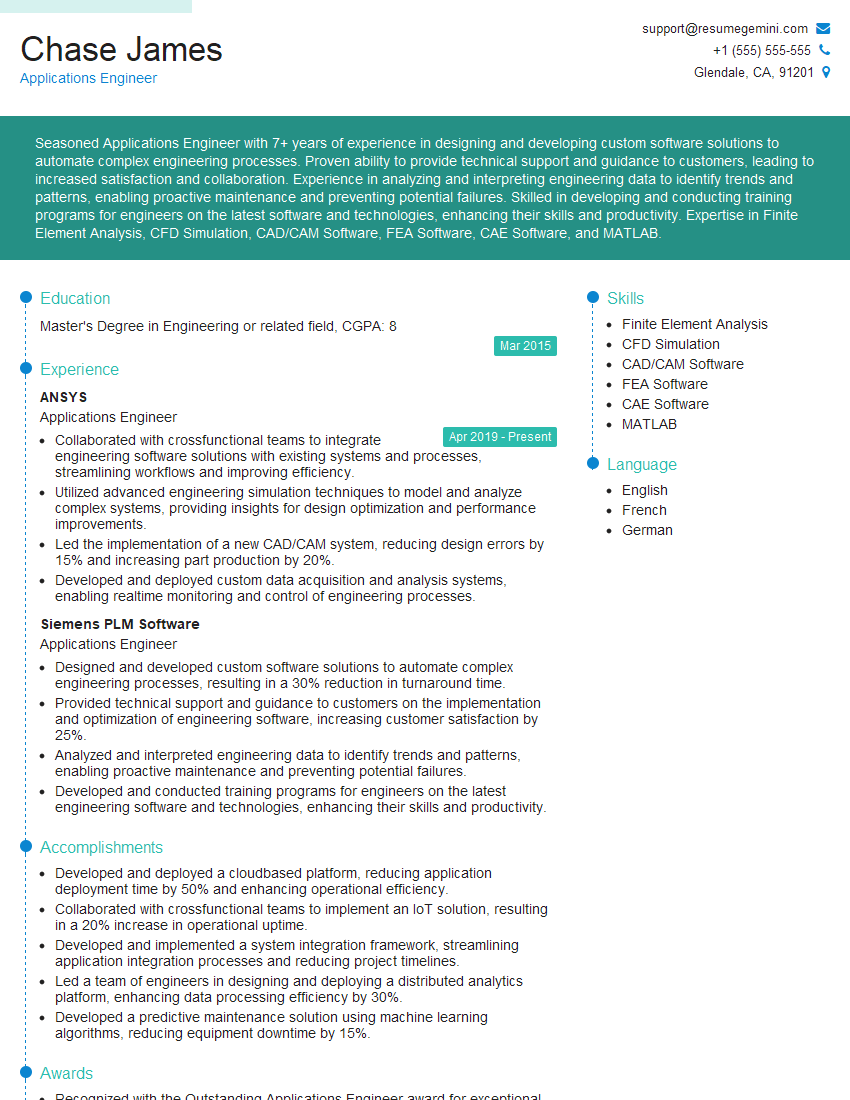
Applications Engineer Resume Sample

Test Engineer Resume Sample

Design Engineer Resume Sample
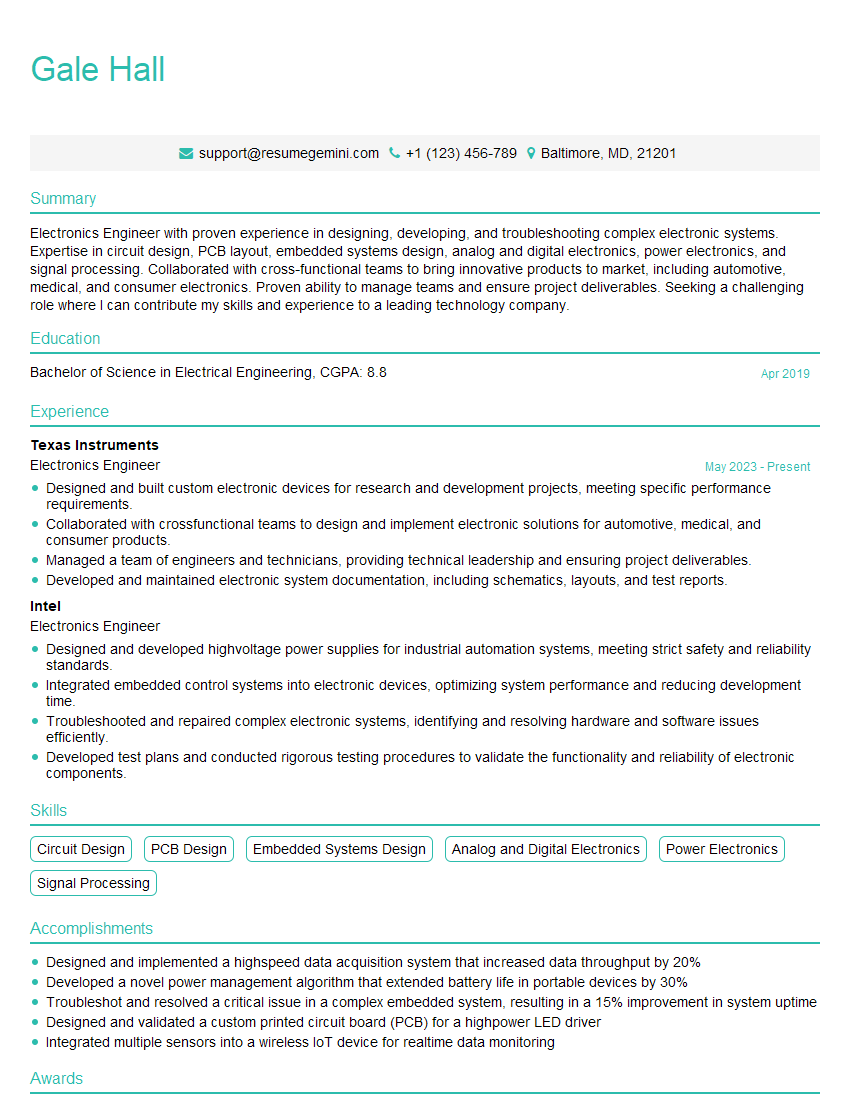
Electronics Engineer Resume Sample

Hardware Engineer Resume Sample
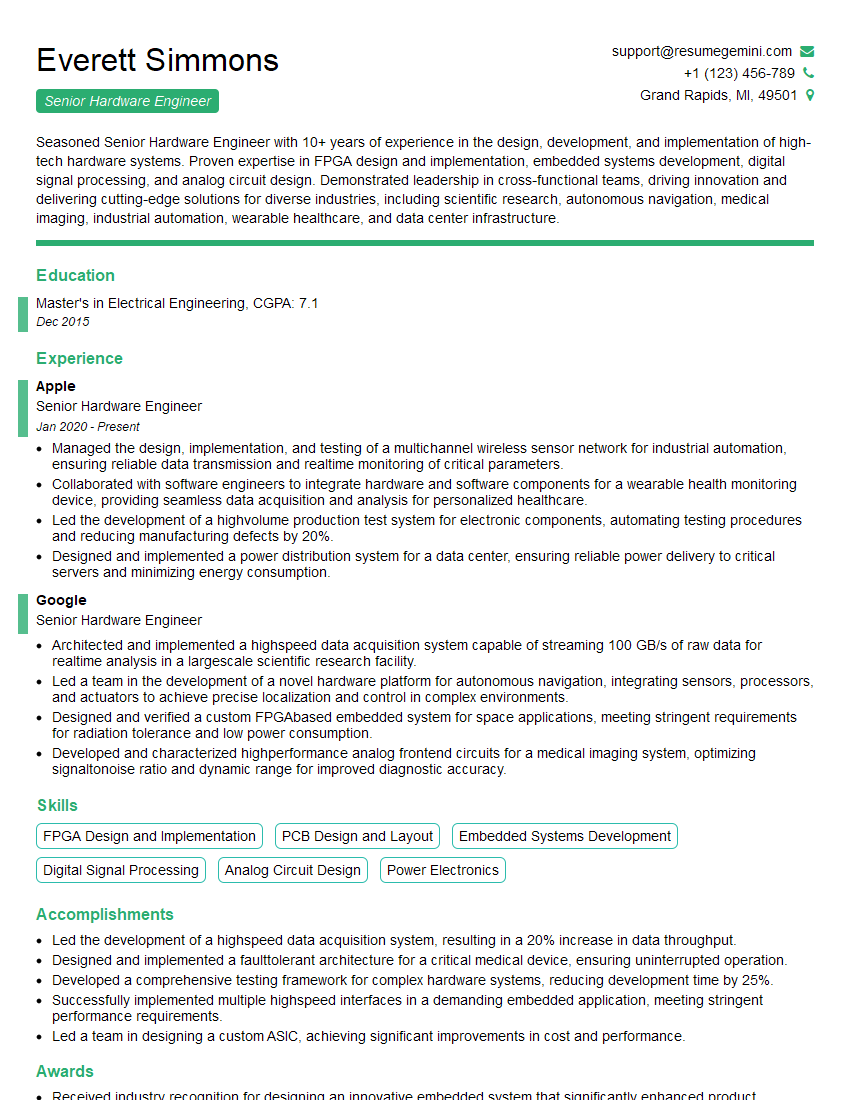
Senior Hardware Engineer Resume Sample

Electrical Engineer Resume Sample
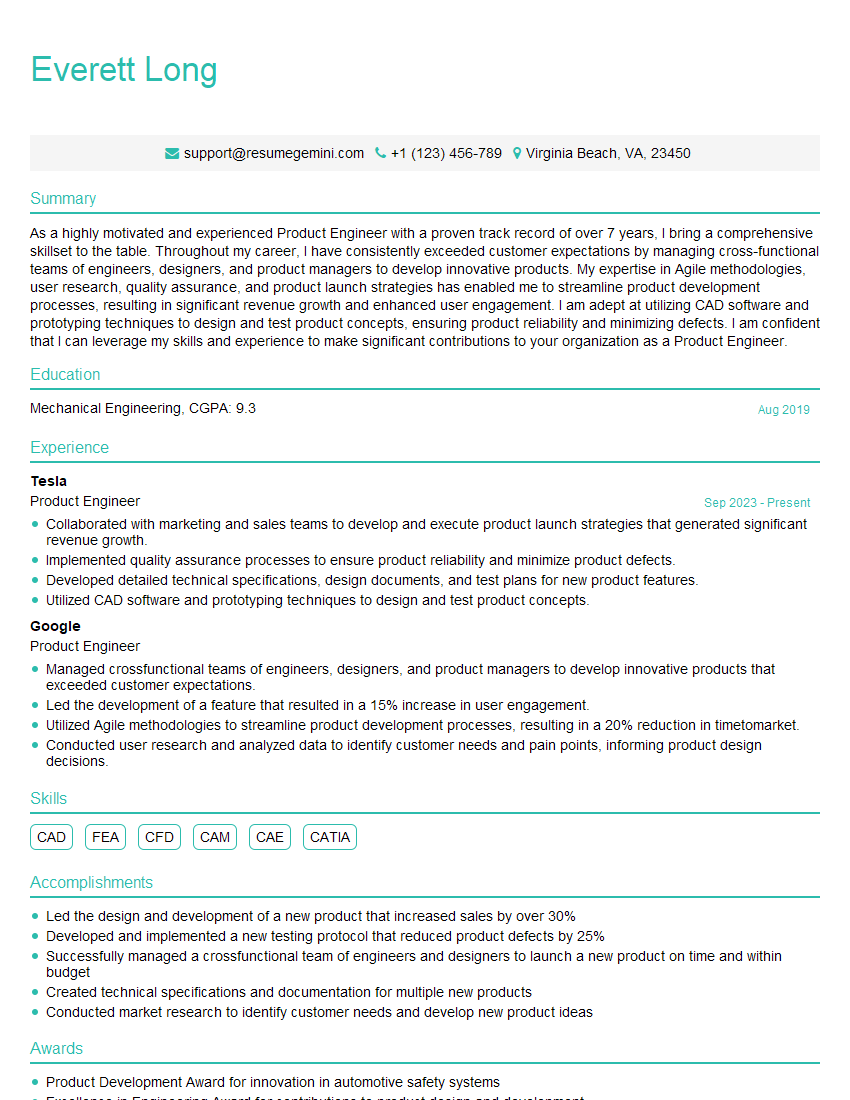
Product Engineer Resume Sample

Manufacturing Engineer Resume Sample
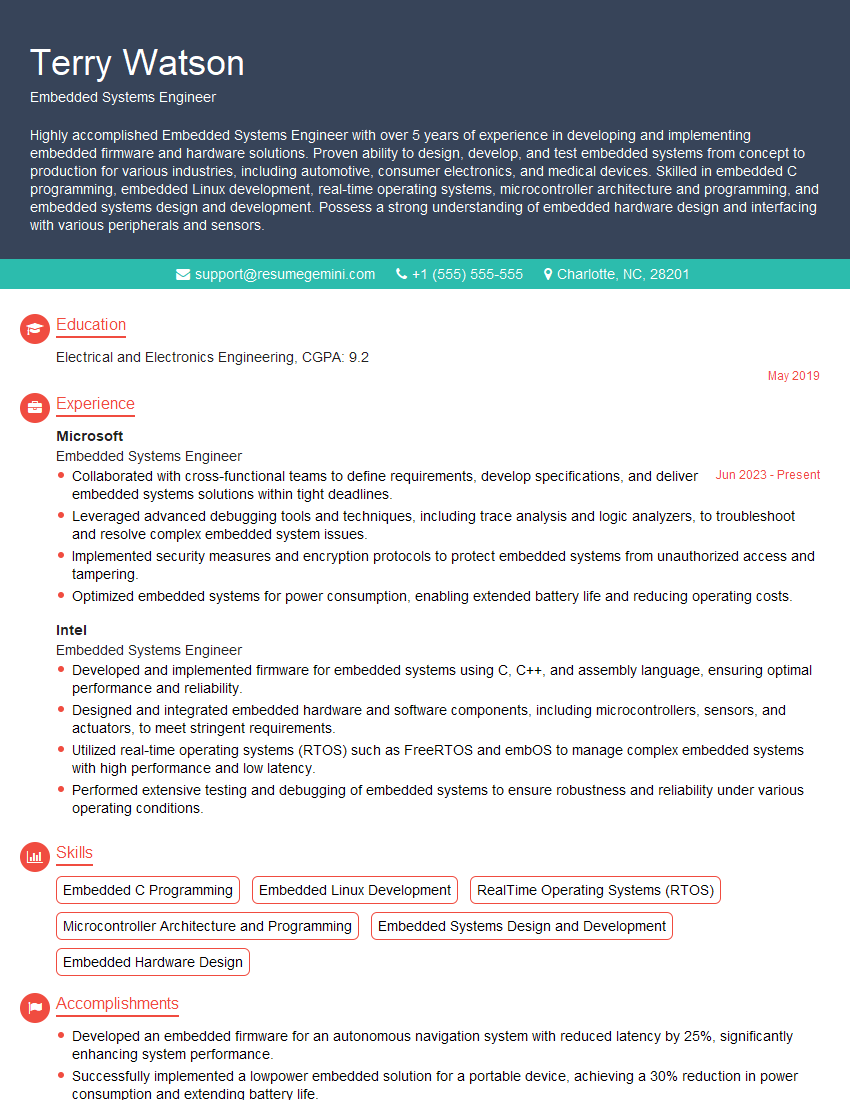
Embedded Systems Engineer Resume Sample
Explore more articles
Users Rating of Our Blogs
Share Your Experience
We value your feedback! Please rate our content and share your thoughts (optional).
What Readers Say About Our Blog
Very informative content, great job.
good