Feeling uncertain about what to expect in your upcoming interview? We’ve got you covered! This blog highlights the most important Artistic Detail interview questions and provides actionable advice to help you stand out as the ideal candidate. Let’s pave the way for your success.
Questions Asked in Artistic Detail Interview
Q 1. Describe your process for ensuring visual consistency across multiple design assets.
Maintaining visual consistency across multiple design assets is paramount for a cohesive brand identity. My process involves creating a comprehensive style guide that acts as a central repository for all design elements, including color palettes, typography, imagery styles, and iconography. This guide serves as the single source of truth for all team members and ensures everyone is on the same page.
Furthermore, I utilize design systems, which are collections of reusable components and patterns. These systems ensure that elements like buttons, forms, and navigation menus are consistently styled across all platforms. I also employ version control systems like Git for collaborative design projects, allowing for easy tracking and management of changes, minimizing the risk of inconsistencies creeping in. For instance, if a logo needs an update, the changes made to the master file automatically propagate to all other assets using that logo.
- Style Guide Creation: Documenting every design aspect, from fonts and colors to spacing and imagery styles.
- Design System Implementation: Using reusable components to avoid inconsistencies between different designs.
- Version Control: Employing a version control system to track and manage changes to assets.
Q 2. Explain how you handle feedback that requires adjustments to minute details in your work.
Feedback on minute details is crucial for achieving perfection. I approach this with a calm and collaborative attitude. I first carefully analyze the feedback, making sure I understand the exact nature and intent of the requested changes. Often, a simple verbal clarification can resolve misunderstandings.
Next, I use high-resolution displays and digital zoom tools to ensure precision in making the adjustments. For extremely fine details, I might even use a graphics tablet with a high-sensitivity pen for optimal control. I then present the revised work, highlighting the specific changes made. I always encourage further feedback, especially on areas where I’m unsure about the desired outcome. Think of it like sculpting—it’s an iterative process, refining the details until it’s just right.
For example, recently a client requested a slight adjustment to the curvature of a specific leaf in an illustration. By zooming in and carefully manipulating the Bezier curves in Adobe Illustrator, I was able to achieve the desired effect while maintaining the overall artistic style.
Q 3. How do you balance artistic freedom with the client’s or company’s specific requirements regarding detail?
Balancing artistic freedom with client requirements is a delicate dance. I find that open communication is key. Early in the project, I engage in thorough discussions with the client to understand their vision and any constraints, including specific design requirements or brand guidelines. This ensures that my artistic interpretation aligns with their expectations.
I often present multiple design concepts, showcasing different approaches that still satisfy the core requirements. This allows the client to actively participate in the creative process, guiding me towards a solution that embodies both artistic merit and their specific needs. It’s about finding a synergy – using artistic license to enhance the project while staying faithful to the client’s brief.
For instance, if a client needs a logo that’s both modern and evokes a sense of tradition, I would explore different stylistic approaches, presenting options that incorporate both elements. The client then gets to choose the option that best represents their brand.
Q 4. Describe a time you had to meticulously recreate a specific detail from a reference image.
During a project involving the restoration of a historical building’s facade, I had to meticulously recreate intricate stone carvings from a high-resolution reference image. The image showed significant wear and tear, requiring careful observation to identify original details obscured by time. I started by creating a high-resolution digital copy of the reference image in Photoshop.
Then, using a combination of tracing, masking and cloning techniques, I painstakingly recreated each element, paying close attention to subtle variations in texture, shading, and depth. I used the pen tool in Illustrator to vectorize the key elements allowing for precise scaling and manipulation without any loss of quality. The process was extremely time-consuming, but the result was a highly accurate and detailed recreation that perfectly mirrored the original carvings.
Q 5. How do you prioritize details when working under tight deadlines?
Prioritizing details under tight deadlines requires a strategic approach. I start by clearly defining the project’s critical path and identifying the most essential details that directly impact the overall impact and quality of the final product. This might involve creating a prioritized list, focusing on elements that are most visible or crucial to conveying the intended message.
Next, I might employ a ‘minimum viable product’ (MVP) approach, focusing on delivering the core elements within the deadline. Less important details can be refined in subsequent iterations if time allows. This prioritization ensures that the project is delivered on time without compromising the key aspects of visual appeal and accuracy.
For instance, in a website design, the key navigational elements and main visual elements would take precedence over subtle background patterns, which could be refined later if time permits.
Q 6. What software or tools do you use to ensure accuracy and precision in your work?
I rely on a suite of industry-standard software to ensure accuracy and precision. My primary tools include Adobe Photoshop for image editing and manipulation, Adobe Illustrator for vector graphics and precise illustration work, and Adobe After Effects for animation and motion graphics. I also use specialized plugins like those for noise reduction and sharpening to enhance detail and clarity. For 3D modeling, I sometimes use Blender or Cinema 4D.
Beyond software, I utilize high-resolution monitors with calibrated color profiles and a graphics tablet with pressure sensitivity for precise control and responsiveness. These tools, combined with a rigorous attention to detail, allow me to achieve exceptional results even in intricate designs.
Q 7. Explain your approach to resolving inconsistencies in detail across different design elements.
Resolving inconsistencies in detail across design elements often involves revisiting the style guide and design system. Identifying the source of the inconsistency is the first step—is it a problem with the master assets or is it a deviation in their application? I trace the problem back to its root cause. Sometimes it’s simply a matter of updating one or more elements to reflect the intended style.
For more complex cases, I might utilize scripting or automation tools within the design software to apply consistent styles across multiple elements. This ensures that any changes made to the master assets are automatically reflected throughout the design. It’s all about maintaining consistency and efficiency—the goal is to build a system that prevents these inconsistencies from occurring in the first place.
Q 8. How do you manage the technical aspects of achieving high levels of detail in your work?
Achieving high levels of detail in art requires a multifaceted approach, encompassing both technical skill and artistic vision. It’s not just about adding more elements; it’s about strategically employing techniques to enhance the viewer’s experience. Technically, this involves mastering the tools of your chosen medium. For digital painting, this means understanding brush settings, layer management, and efficient workflow. For sculpting, it’s about mastering different tools and techniques to shape and refine forms. For example, I often use a combination of hard-edged brushes for sharp lines and soft-edged brushes for subtle transitions in digital painting, mimicking the varied pressure and strokes of traditional mediums. Understanding resolution and file size is crucial; higher resolutions allow for more detail, but increase file size and processing demands. Efficient workflow techniques like using reference images, sketching multiple concepts, and using smart objects in Photoshop are vital to manage the technical complexity.
Q 9. Describe your experience with creating textures and surface details for 3D models (if applicable).
My experience with creating textures and surface details for 3D models involves a deep understanding of both the software and the underlying principles of material appearance. I start by gathering reference images of real-world materials. This might involve close-up photographs of wood grain, fabric weaves, or metallic surfaces. I then utilize 3D modeling software such as ZBrush or Blender to sculpt these textures directly onto the model. Alternatively, I often create displacement maps or normal maps using programs like Substance Painter, which are then applied to the 3D model’s surface. These maps allow me to add incredible detail without dramatically increasing the polygon count, optimizing performance. For example, I once created highly realistic wood grain for a 3D model of an antique chest by carefully studying the photographs and recreating the variations in color, texture, and pattern in a normal map. The final result was incredibly detailed without significantly impacting rendering times.
Q 10. How do you use color and contrast to emphasize important details in your designs?
Color and contrast are fundamental tools for directing the viewer’s eye and emphasizing important details. By using a high-contrast palette in specific areas, I draw attention to key features. For example, a brightly colored flower against a dark background immediately captures the viewer’s gaze. Conversely, subtly varying colors and tones within a detailed area can enhance its depth and realism without being visually jarring. Understanding color theory—hue, saturation, and value—is critical. I might use complementary colors to create vibrancy and visual excitement around a focal point, or analogous colors for a more harmonious and subtle effect. The way I manage light and shadow also plays a significant role; strategic shadowing can help isolate and define individual elements within a complex composition.
Q 11. Explain your understanding of visual hierarchy and its role in highlighting specific details.
Visual hierarchy is the arrangement of elements in a design to guide the viewer’s eye in a specific order. It’s essentially a visual roadmap. I use it to control the narrative, leading the viewer through the artwork in a way that emphasizes the most important details. This is achieved through size, color, contrast, and placement. Larger elements are naturally more prominent. Brighter and more saturated colors attract the eye more readily. Strategic placement—often in the center or at the intersection of visual thirds—also helps to draw attention. For example, in a portrait, I might make the eyes the sharpest and most saturated elements, guiding the viewer’s focus to the character’s expression. Everything else in the composition works in support of this focal point.
Q 12. How do you ensure your designs are accessible and legible to a wide audience, considering detail?
Accessibility and legibility are crucial, even when working with intricate details. Overly detailed designs can become cluttered and difficult to understand. To ensure accessibility, I prioritize clarity. This means balancing the level of detail with the overall readability of the design. I use techniques like sufficient spacing between elements, clear visual separation of different components, and a thoughtful color palette that avoids creating visual noise or confusion. For example, I might use clear lines and strong shapes as a foundation for the intricate details, making sure that even if the viewer doesn’t process every single detail, the overall design is easily comprehensible and engaging. Also, considering the context of the design and the target audience is paramount. A children’s book requires a different approach than a highly technical illustration.
Q 13. Describe your approach to handling intricate designs that require a high level of detail.
Handling intricate designs requires a methodical and organized approach. I break down complex projects into smaller, manageable tasks. This often involves creating detailed sketches and preliminary studies to explore the design thoroughly. I use layers effectively (digitally) or separate components (physically) to manage complexity. I also leverage digital tools or techniques to streamline the process—for example, using symmetry tools in software or creating repeating patterns. Furthermore, I regularly step back from the work to maintain perspective and prevent getting lost in the details. This helps in identifying potential issues with balance, proportion, or overall cohesion. A combination of close-up and distant scrutiny is vital to ensure every aspect works harmoniously within the larger context.
Q 14. How do you identify and correct minute errors or inconsistencies in your artwork?
Identifying and correcting minute errors is an essential part of the artistic process. I use a multi-stage approach. First, a close examination of the work is done at high magnification to spot any inconsistencies or flaws. Second, I employ software tools such as zoom and compare functionalities (in digital artwork) to check for inconsistencies in color, line weight, or texture. Third, I regularly take breaks and return to the work with fresh eyes, allowing for a more objective perspective. Finally, seeking feedback from peers or mentors is invaluable for catching errors that I may have overlooked. Consistency in technique and attention to detail are crucial. Building a strong foundation and understanding of fundamental principles ensures a smoother process, minimizing the need for extensive corrections later.
Q 15. Explain your experience working with specific detail-oriented design styles (e.g., photorealism, realism).
My experience spans a wide range of detail-oriented design styles, most notably photorealism and realism. Photorealism demands meticulous attention to light, shadow, texture, and material properties to achieve an almost photographic result. I’ve worked on several projects where this was paramount, such as creating highly realistic product visualizations for e-commerce sites. For example, I once recreated a diamond necklace for an online jeweler, meticulously rendering each facet to catch the light accurately. Realism, while less strictly bound to photographic accuracy, still necessitates a deep understanding of form, anatomy (if depicting figures), and material properties. My work on character design for a fantasy game involved building intricate details into armor, clothing textures, and even the fine lines on a character’s face, ensuring believability despite the fantastical setting. In both styles, I leverage a variety of digital painting and 3D modeling techniques to achieve the desired level of fidelity.
Career Expert Tips:
- Ace those interviews! Prepare effectively by reviewing the Top 50 Most Common Interview Questions on ResumeGemini.
- Navigate your job search with confidence! Explore a wide range of Career Tips on ResumeGemini. Learn about common challenges and recommendations to overcome them.
- Craft the perfect resume! Master the Art of Resume Writing with ResumeGemini’s guide. Showcase your unique qualifications and achievements effectively.
- Don’t miss out on holiday savings! Build your dream resume with ResumeGemini’s ATS optimized templates.
Q 16. How do you maintain a high level of artistic detail while working within budget constraints?
Balancing artistic detail with budget constraints requires strategic prioritization. It’s not about compromising quality, but rather optimizing the approach. Firstly, I thoroughly analyze the design brief and identify the ‘hero’ elements – the areas that most significantly impact the overall visual impact. I then focus the highest level of detail on these core components. For secondary areas, I might use simplified textures, fewer polygons (in 3D modeling), or less intricate detailing, employing smart techniques like normal mapping or displacement maps to create the illusion of greater complexity without the computational cost. Early communication with the client about prioritizing features allows us to create a realistic scope and manage expectations effectively.
Q 17. How do you incorporate client feedback regarding detailed aspects of a design?
Incorporating client feedback on detailed aspects is crucial for a successful project. My process involves establishing clear communication channels and regular reviews. I encourage clients to provide feedback throughout the design process, not just at the end. I use annotated mockups and screen captures to pinpoint specific areas needing adjustments. Rather than simply making changes as directed, I actively engage in a dialogue to understand the reasoning behind the feedback. Sometimes, a seemingly small change can have a cascade effect on the overall design. I might suggest alternative solutions that maintain the original design intent while addressing the client’s concerns more effectively. For example, a client might request more intricate embroidery on a garment. I’d then explore if we could achieve a similar visual effect through smarter texturing techniques, possibly reducing rendering time or file size.
Q 18. How do you manage your time effectively when multiple tasks require significant attention to detail?
Managing time effectively with multiple detail-oriented tasks hinges on meticulous planning and prioritization. I employ techniques like task breakdown (breaking down large tasks into smaller, manageable steps), timeboxing (allocating specific time blocks for individual tasks), and the Pomodoro Technique (working in focused bursts with short breaks). Using project management tools like Trello or Asana helps visualize progress and track deadlines. I also prioritize tasks based on their urgency and importance using methods like Eisenhower Matrix (urgent/important). Furthermore, I avoid multitasking, as it often reduces efficiency and leads to errors. By focusing on one task at a time, I can maintain a high level of detail and accuracy.
Q 19. Describe a time you had to make a difficult decision about sacrificing one detail for another in a design.
In one project, creating a highly detailed architectural rendering, I faced a difficult choice between rendering intricate window details and achieving a highly realistic skybox. The client’s initial brief emphasized both. However, time constraints became apparent halfway through. To make the best decision, I presented the client with two alternative options: a fully detailed window rendering with a slightly less complex skybox or a simplified window rendering allowing for a more realistic sky. We weighed the impact of each element on the overall impact and decided on the latter. While the window details were somewhat simplified, the improvement in atmospheric realism significantly enhanced the final image’s believability and overall quality.
Q 20. How do you stay motivated and focused while working on projects that require a high level of detail?
Staying motivated on detail-intensive projects requires a multi-faceted approach. I find breaking down large projects into smaller, achievable milestones incredibly helpful. Celebrating each completed milestone boosts motivation and provides a sense of accomplishment. I also incorporate regular breaks into my workflow to avoid burnout. Listening to music, taking short walks, or engaging in other relaxing activities helps me recharge and return to work with renewed focus. Furthermore, I find inspiration in referencing other artists’ work and exploring new techniques to keep my creative process fresh and engaging.
Q 21. How do you balance speed and precision in your work?
Balancing speed and precision is a constant challenge. My approach involves optimizing my workflow from the outset. This includes using efficient tools and techniques, learning keyboard shortcuts, and automating repetitive tasks whenever possible. For instance, using scripts and plugins in my 3D modeling software can significantly reduce time spent on tasks like UV unwrapping or texture baking. However, optimization doesn’t mean sacrificing quality. I always double-check my work to avoid errors and maintain a high standard of precision. The key is to find the right balance between efficiency and attention to detail – a balance that only comes with experience and practice.
Q 22. Describe your approach to using layers and organization to maintain control over details.
My approach to managing artistic detail hinges on a robust layering and organizational system. Think of it like building a house – you wouldn’t start with the roof, would you? Similarly, I establish a solid base layer, often a rough sketch or a basic color palette, and then build upon it with increasingly detailed layers. Each layer focuses on a specific aspect, such as line art, shading, or texturing. This method prevents overwhelming complexity and allows for easy editing and modification.
- Base Layer: This usually contains the foundational elements, like the overall composition and basic shapes.
- Mid-Layers: These layers add detail such as line art, basic color blocking, and larger forms of shading.
- Detail Layers: These layers focus on the intricate details – fine lines, subtle shading variations, textures, and highlights. I often create multiple detail layers for different aspects (e.g., one for hair detail, one for clothing texture).
Using layer groups within my software (like Photoshop or Procreate) further enhances organization. For example, I’d group all the layers related to a character’s hair into a single folder, allowing me to easily hide, show, or adjust the entire group at once. This prevents getting lost in a sea of individual layers and keeps the workflow streamlined.
Q 23. How do you ensure that your detailed work is still visually appealing and engaging?
Balancing intricate detail with visual appeal requires a delicate touch. Overly detailed work can appear cluttered and overwhelming, losing its impact. The key is to strategically distribute detail, creating focal points and areas of less concentration. Think of a beautiful tapestry – while intricately woven throughout, it still has areas that draw the eye more strongly than others.
- Focal Points: Identify the key areas you want the viewer to focus on and concentrate more detail there. These could be the character’s eyes, a specific object, or a key moment in the composition.
- Negative Space: Don’t be afraid to utilize negative space – areas devoid of detail – to allow the eye to rest and appreciate the intricate parts. This creates visual breathing room.
- Variety in Detail: Vary the level of detail throughout the piece. Some areas can be highly detailed, while others can be left simpler, creating a sense of rhythm and visual interest.
- Color and Value: Use color and value to guide the viewer’s eye and create visual hierarchy. Brighter colors or stronger contrasts naturally draw attention.
Ultimately, the goal is to create a visually harmonious piece, where the detail enhances the overall impact rather than detracting from it.
Q 24. Describe your process for reviewing and refining your work to catch minor inconsistencies.
My review process involves a multi-stage approach to catch even the smallest inconsistencies. This is crucial for maintaining a professional standard.
- Initial Self-Review: After completing the main work, I take a break and return with fresh eyes. This helps me spot errors I might have missed during the creative process. I often zoom in to 100% or higher to examine every pixel.
- Technical Checks: I use the software’s tools to check for things like pixelation, color banding, or inconsistencies in line weight. Layer masking is invaluable in ensuring smooth transitions.
- Print Test (if applicable): If the artwork is intended for print, I create a test print to check for any issues that might not be visible on screen. Color accuracy and detail sharpness are critical.
- Peer Review: When possible, I seek feedback from trusted colleagues or mentors. A fresh pair of eyes can often spot mistakes I’ve overlooked.
This layered approach ensures that the final piece is polished and free from minor inconsistencies that could detract from the overall quality.
Q 25. Explain how you use different scales (e.g., macro, micro) when working with intricate details.
Working with intricate detail necessitates a flexible approach to scale. I constantly switch between macro and micro perspectives to maintain control and accuracy.
- Macro View: This is the big picture – I step back to assess the overall composition, ensuring the details are contributing to the overall harmony and not overwhelming it. It’s like looking at a forest – you see the overall shape and structure before examining individual trees.
- Micro View: Here, I zoom in to focus intensely on small details. I might spend considerable time on individual strands of hair, the texture of fabric, or the subtle reflection in an eye. It’s like examining a single leaf from that forest – you appreciate its unique veins and shape.
The ability to seamlessly transition between these perspectives is critical. I find regularly toggling between zoomed-in and zoomed-out views prevents me from losing sight of the bigger picture while still allowing the meticulous rendering of details.
Q 26. How do you adapt your level of detail to suit different media or output methods (e.g., print, web)?
Adapting detail levels to different media is essential. The level of detail that works beautifully in a large-scale print might be lost or appear overly pixelated on a web page.
- Print Media: For print, I can afford to create higher resolutions and include finer details, as the output is capable of reproducing them accurately. I also pay close attention to color profiles and ensure the artwork is optimized for the specific printing process.
- Web Media: Web output requires optimization for screen resolution and file size. I might simplify certain details or use techniques like smart sharpening to preserve clarity while minimizing file size. The focus here is often on optimizing image compression without losing significant detail. Vector graphics can be useful in certain situations, maintaining sharpness regardless of scaling.
Understanding the limitations and capabilities of each medium allows me to create artwork that is both visually appealing and technically appropriate for its intended use.
Q 27. Describe a situation where your attention to detail prevented a significant problem.
During a project illustrating a historical scene, I meticulously researched the clothing and accessories of the period. My attention to detail revealed an inconsistency in the depiction of a specific type of buckle – the historical accuracy was off. Had I not noticed this small detail, the illustration would have suffered a significant loss of credibility and historical accuracy. The seemingly minor detail of the buckle became a key component in ensuring the overall integrity and authenticity of the artwork. It was a reminder that even the smallest aspects of a project deserve careful attention.
Key Topics to Learn for Artistic Detail Interview
- Color Theory and Application: Understanding color palettes, harmonies, and their impact on visual communication. Practical application includes analyzing existing artwork and proposing color schemes for new projects.
- Composition and Layout: Mastering the principles of visual balance, hierarchy, and flow. Practical application includes critiquing existing layouts and designing effective compositions for various media.
- Perspective and Spatial Relationships: Understanding one-point, two-point, and three-point perspective, as well as creating depth and dimension in artwork. Practical application includes sketching and rendering realistic scenes and objects.
- Texture and Surface Treatment: Exploring different techniques to simulate texture in artwork, from smooth surfaces to rough and detailed textures. Practical application includes choosing appropriate materials and techniques to achieve desired textural effects.
- Light and Shadow: Mastering the use of light and shadow to create volume, form, and mood in artwork. Practical application includes analyzing how light impacts an object’s appearance and using this understanding in your own work.
- Style and Movement in Art History: Understanding key art historical movements and their stylistic characteristics. Practical application includes discussing the influences of different styles on contemporary art and design.
- Software Proficiency (relevant to the role): Demonstrating competency in industry-standard software such as Adobe Photoshop, Illustrator, or other relevant programs. Practical application involves showcasing your portfolio and explaining your workflow.
- Problem-Solving and Creative Thinking: Articulating your approach to tackling creative challenges and demonstrating your ability to think outside the box. Practical application includes discussing past projects where you overcame obstacles and achieved creative solutions.
Next Steps
Mastering Artistic Detail is crucial for career advancement in creative fields. A strong understanding of these concepts will significantly enhance your portfolio and make you a highly competitive candidate. To further boost your job prospects, focus on creating an ATS-friendly resume that highlights your skills and experience effectively. We highly recommend using ResumeGemini to build a professional and impactful resume. ResumeGemini provides tools and resources to create a resume that showcases your talent. Examples of resumes tailored to Artistic Detail positions are available to help guide you.

Art Director Resume Sample

Creative Director Resume Sample

Web Designer Resume Sample
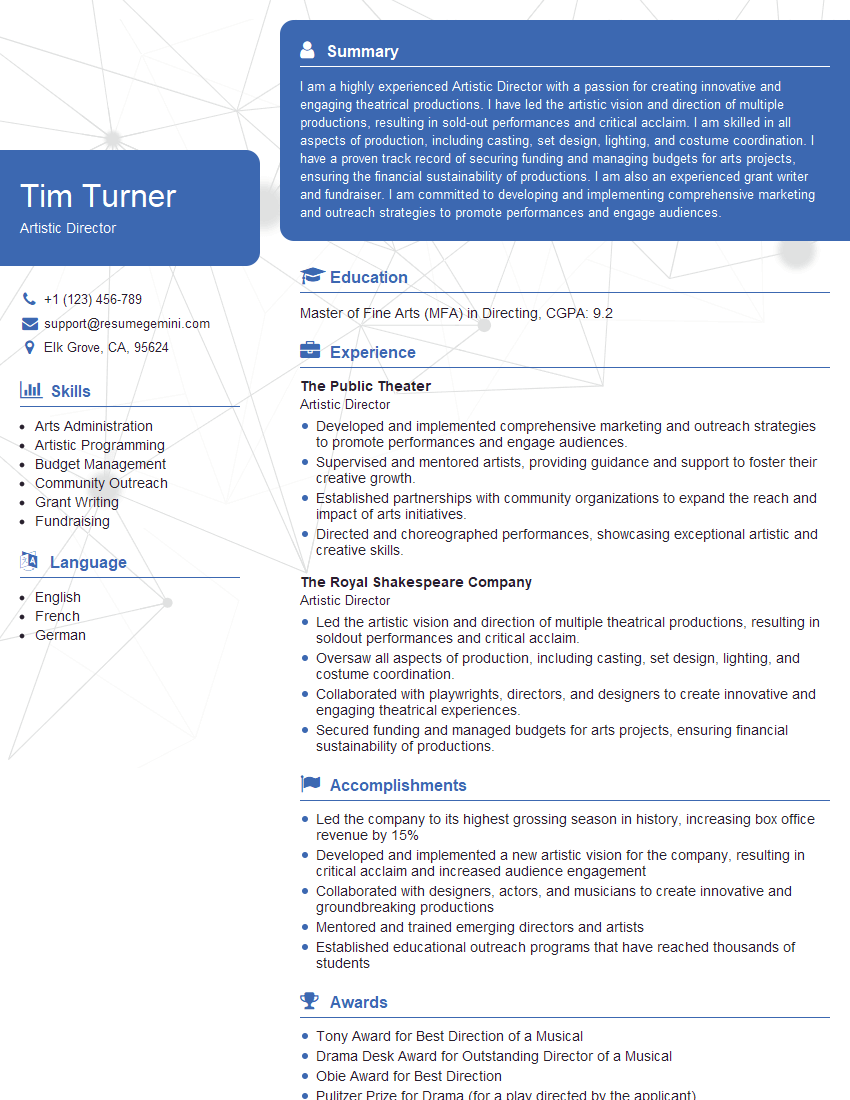
Artistic Director Resume Sample
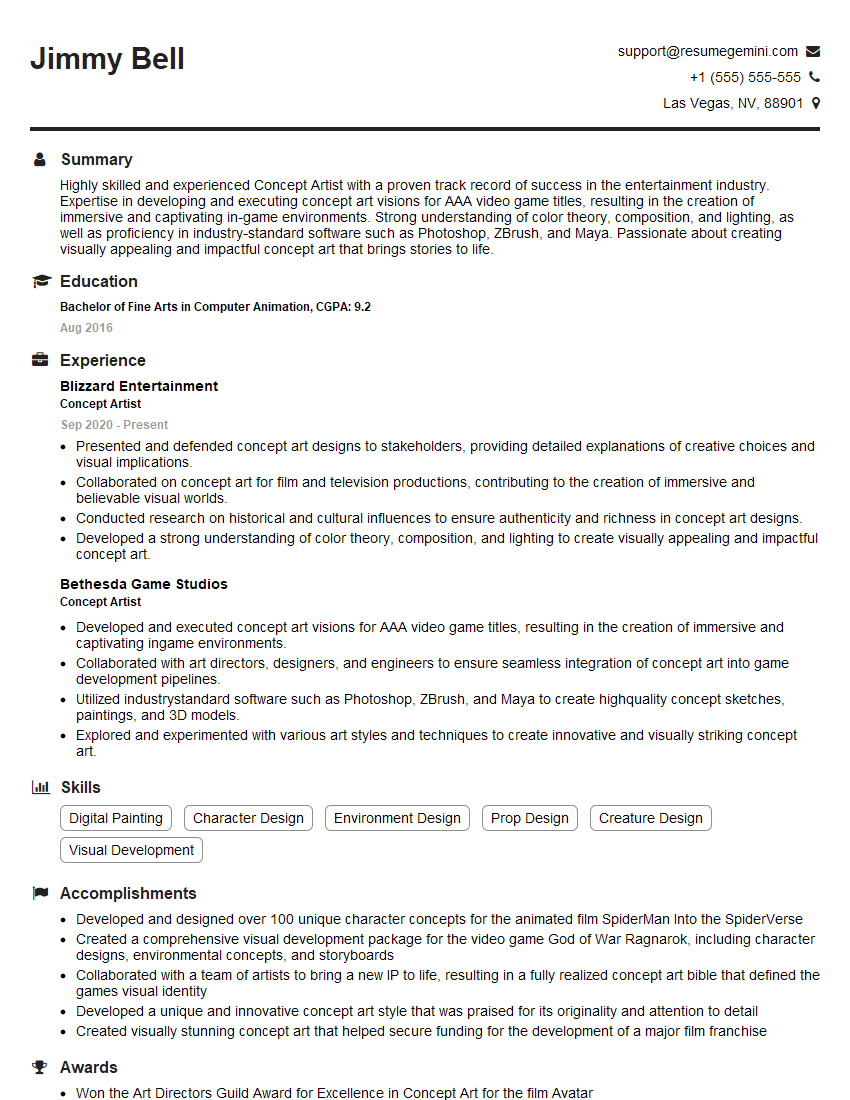
Concept Artist Resume Sample
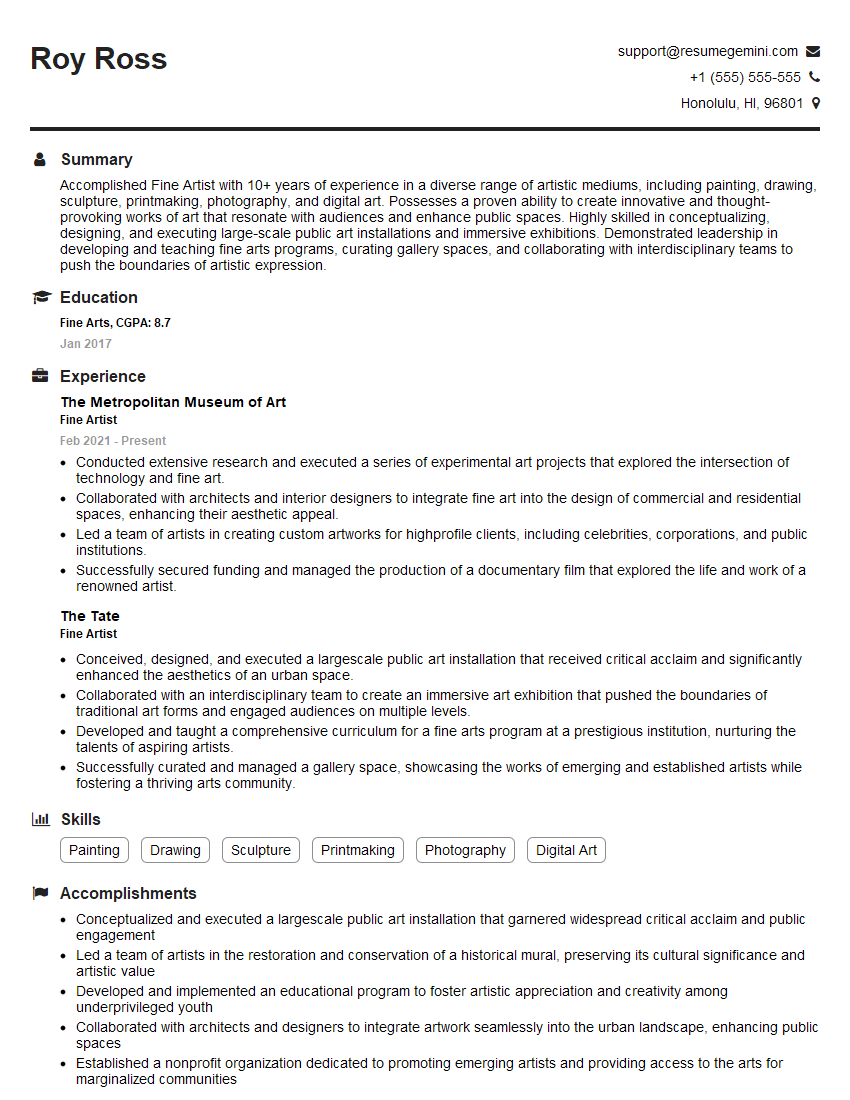
Fine Artist Resume Sample
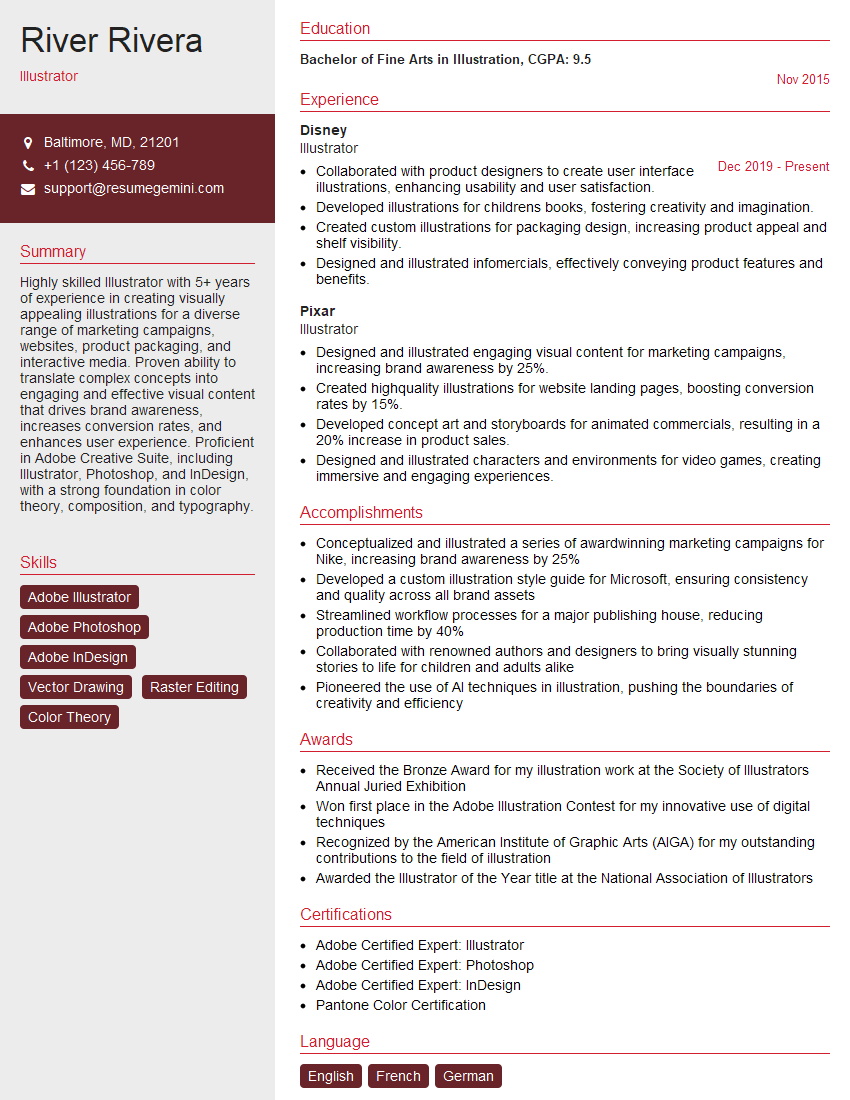
Illustrator Resume Sample

Technical Artist Resume Sample

Texture Artist Resume Sample

3D Modeler Resume Sample

Animator Resume Sample
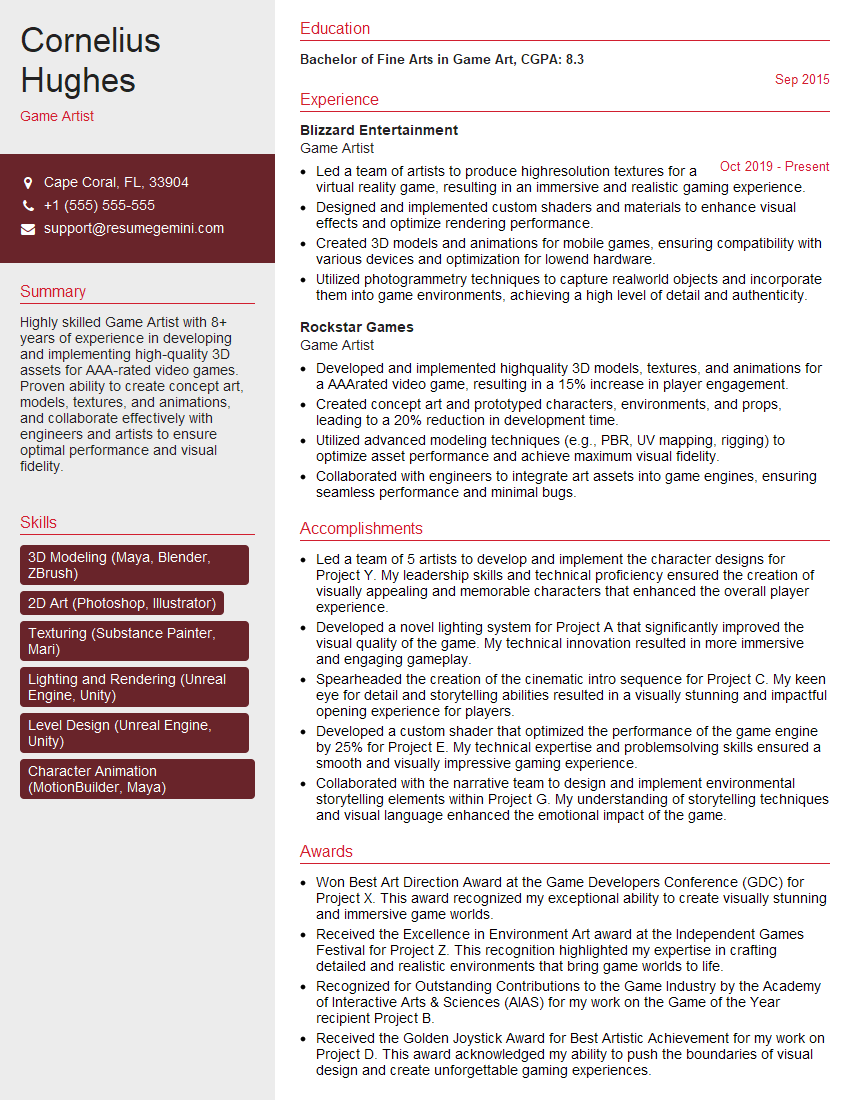
Game Artist Resume Sample

Graphic Designer Resume Sample

Production Artist Resume Sample

UX Designer Resume Sample
Explore more articles
Users Rating of Our Blogs
Share Your Experience
We value your feedback! Please rate our content and share your thoughts (optional).
What Readers Say About Our Blog
Very informative content, great job.
good