Interviews are more than just a Q&A session—they’re a chance to prove your worth. This blog dives into essential AWS CloudFormation interview questions and expert tips to help you align your answers with what hiring managers are looking for. Start preparing to shine!
Questions Asked in AWS CloudFormation Interview
Q 1. Explain the difference between CloudFormation stacks and templates.
Think of a CloudFormation template as the blueprint for your AWS infrastructure. It’s a JSON or YAML file that describes the resources you want to create (like EC2 instances, S3 buckets, etc.), their properties, and how they relate to each other. A CloudFormation stack, on the other hand, is the actual instantiation of that blueprint – the running infrastructure created from the template. It’s the living, breathing representation of your template in the AWS cloud. You can have multiple stacks created from the same template, each representing a different environment (e.g., development, testing, production).
For example, you might have a single template defining a web server, a database, and a load balancer. You could then create three separate stacks from that same template: one for your development environment, one for testing, and one for production. Each stack would be independent and configurable based on parameters you supply during stack creation.
Q 2. Describe the lifecycle of a CloudFormation stack.
The lifecycle of a CloudFormation stack is a well-defined process. It begins with the creation phase, where you provide the template and any necessary parameters. CloudFormation then validates the template, provisions the resources, and reports on the success or failure of the process. Next comes the update phase, where you can modify the stack’s configuration by providing a new template or changing parameters. CloudFormation intelligently manages changes, creating or updating resources as needed. The stack enters a stable state when all resources are provisioned and running correctly. Finally, the deletion phase involves removing all resources defined in the stack, cleaning up the environment completely. Each phase can have its own events and status checks, allowing for monitoring and troubleshooting.
Q 3. What are CloudFormation parameters and how are they used?
CloudFormation parameters are customizable inputs that allow you to tailor your templates without modifying the template itself. They act as placeholders that you fill in when you create or update a stack. This makes templates reusable across different environments and avoids hardcoding values. Imagine building a house: the template is the architectural plan, and parameters are things like the number of bedrooms, the color of the paint, or the size of the lot. These can change without changing the overall design.
For instance, you might have a parameter for the instance type of an EC2 instance in your template: Parameters: InstanceType: Type: String Default: t2.micro Description: EC2 instance type. When creating the stack, you could specify m5.large instead of the default, creating a more powerful instance without changing the template.
Q 4. How do you handle dependencies between resources in a CloudFormation template?
Managing dependencies is crucial for avoiding errors during stack creation. CloudFormation uses the concept of resource dependencies to ensure resources are created in the correct order. You specify dependencies implicitly or explicitly. Implicit dependencies are inferred by CloudFormation based on resource references; for example, if a database needs to exist before an application server can connect to it, CloudFormation will handle the correct order automatically. Explicit dependencies are declared using the DependsOn property. This allows for fine-grained control of the creation order.
Example: Let’s say you have a VPC and a subnet. Your EC2 instance needs to reside in that subnet. You’d explicitly declare the dependency:
Resources: MyEC2Instance: Type: AWS::EC2::Instance Properties: SubnetId: !Ref MySubnet DependsOn: MySubnet MySubnet: Type: AWS::EC2::Subnet ... This ensures the subnet is created before the EC2 instance attempts to use it.
Q 5. Explain the concept of CloudFormation change sets.
A CloudFormation change set allows you to preview the changes that will be made to an existing stack before applying them. It’s like a test run that lets you review all resource modifications, additions, and deletions without affecting the live environment. This is especially important for complex stacks to prevent accidental changes. Think of it as a ‘what-if’ scenario for your stack. You can create a change set, review it, and only then execute it to update your stack.
Creating and reviewing change sets is a best practice for managing updates in production environments. It helps identify potential issues and prevents unintended consequences.
Q 6. What are CloudFormation outputs and why are they useful?
CloudFormation outputs provide a mechanism to export values from your stack. These values could be the IP address of an EC2 instance, the URL of an S3 bucket, or any other attribute of a resource within your stack. They are useful when you have multiple stacks that need to interact with each other. One stack might output its endpoint, and another stack can use this output as input, creating a seamless connection.
For example, an API Gateway endpoint created in one stack could be outputted and used by another stack hosting an application that needs to consume that API.
Outputs: APIEndpoint: Value: !GetAtt ApiGateway.RestApiId Description: API Gateway EndpointQ 7. How do you manage CloudFormation stack updates efficiently?
Efficient CloudFormation stack updates involve several strategies. First, use change sets to review the impact of your changes before executing them. Second, minimize the scope of updates; instead of large, sweeping changes, make smaller, targeted updates more frequently. Third, use the UpdateReplacePolicy attribute judiciously for resources that require replacement, but be aware that this replaces the whole resource, not just updates parts of it. Fourth, utilize CloudFormation’s built-in capabilities for managing rollback configurations. Finally, leverage automation tools like CI/CD pipelines to automate stack deployments and updates, ensuring consistency and reducing manual intervention.
Q 8. Describe different ways to handle errors in CloudFormation templates.
CloudFormation offers several ways to handle errors, ensuring your infrastructure deployments are robust and reliable. The most common approaches involve leveraging CloudFormation’s built-in error handling mechanisms and implementing custom strategies for specific scenarios.
AWS::CloudFormation::CustomResource: This allows you to create custom resources that handle errors gracefully. You can write custom code (e.g., in Lambda) that performs actions such as logging errors, notifying teams, or attempting retries. This provides highly customized error handling specific to your resource’s logic.Fn::IfIntrinsic Function: This function allows conditional logic based on the success or failure of a previous step. You can use it to gracefully handle scenarios such as missing resources or invalid input, preventing downstream failures. For example, only creating a resource if a dependent resource is successfully created."Condition": Fn::If["EC2InstanceCreated", {"Ref":"EC2Instance"}, {"Ref":"ErrorResource"}]Rollback: CloudFormation’s default behavior is to rollback the stack upon failure. This ensures that your infrastructure remains in a consistent state, preventing partial deployments. You can customize the rollback behavior to suit your needs by using stack policies. You can define a rollback policy that deletes all resources created in the event of failure.
Monitoring and Alerting: Integrate CloudFormation with monitoring tools like CloudWatch to actively monitor deployments and receive alerts. This allows proactive intervention if errors occur, minimizing downtime.
Retry Mechanisms: Implement retry logic within custom resources to handle transient errors, such as network hiccups. This enhances the resilience of your deployments.
Choosing the right error handling strategy depends on the complexity of your infrastructure and the level of control you need. For simple scenarios, the built-in rollback mechanism suffices. More complex situations require custom resources and monitoring for granular control.
Q 9. What are some best practices for designing CloudFormation templates?
Designing effective CloudFormation templates requires a focus on modularity, maintainability, and security. Here are some key best practices:
Modularity: Break down your infrastructure into smaller, manageable templates. This improves readability, reusability, and simplifies updates. Instead of one large template managing an entire application, create separate templates for different components (e.g., EC2 instances, databases, load balancers), and use stack sets or nested stacks to manage them together.
Parameterization: Use parameters extensively to make your templates reusable across different environments (development, testing, production). This avoids hardcoding values and allows for easy configuration changes.
Version Control: Store your templates in a version control system (like Git) to track changes, collaborate effectively, and revert to previous versions if needed. This is crucial for managing updates and rollback operations.
IAM Permissions: Grant only the necessary IAM permissions to the CloudFormation role that deploys your stacks. Avoid overly permissive policies to enhance security.
Naming Conventions: Use consistent naming conventions for resources, parameters, and outputs to improve readability and maintainability. Clear and descriptive names aid in comprehension and simplify troubleshooting.
Automated Testing: Implement automated tests to verify the functionality of your templates before deploying to production. This helps identify potential issues early on and avoids costly production failures.
Documentation: Clearly document your templates to explain their purpose, parameters, outputs, and dependencies. This makes your templates easier for others (and your future self) to understand.
Idempotency: Design templates that are idempotent – meaning multiple executions produce the same result. This is crucial for ensuring reliable deployments and preventing unintended side effects.
Following these best practices ensures your templates are well-structured, easy to maintain, and secure. They also improve collaboration and reduce deployment risks.
Q 10. Explain the concept of intrinsic functions in CloudFormation.
Intrinsic functions in CloudFormation are special functions that allow you to dynamically generate values within your templates. They are vital for creating flexible and reusable infrastructure-as-code definitions. These functions do not require external interaction or custom code.
Fn::Ref: Returns the physical ID of a logical resource. For instance,{"Ref":"MyEC2Instance"}Fn::GetAtt: Retrieves an attribute of a resource. For example,{"Fn::GetAtt":"MyEC2Instance.PublicIp"}Fn::Join: Concatenates multiple strings. Useful for creating filenames or paths:{"Fn::Join":["-",["my",{"Ref":"InstanceId"},"app"]]}Fn::If: Creates conditional logic within the template:{"Fn::If":["ConditionName", "ValueIfTrue", "ValueIfFalse"]}Fn::Sub: Substitutes values into a string. Useful for creating dynamic values from parameters or other resources.{"Fn::Sub":"My instance ID is ${InstanceId}"}
Intrinsic functions provide powerful capabilities for building dynamic and adaptable CloudFormation templates. They eliminate the need for custom scripts or external tools, simplifying the infrastructure deployment process.
Q 11. How do you manage secrets securely in CloudFormation?
Managing secrets securely in CloudFormation is crucial for protecting sensitive information. The best practice is to avoid storing secrets directly within the templates. Instead, use AWS Secrets Manager or Parameter Store.
AWS Secrets Manager: Ideal for sensitive data like database passwords, API keys, and SSH keys. You can securely store these secrets in Secrets Manager and reference them using the
AWS::SecretsManager::Secretresource. This allows you to retrieve the secret values at runtime without embedding them directly in the template.AWS Systems Manager Parameter Store: Suitable for configuration data that might be less sensitive than secrets. You can store parameters securely and use the
Fn::ImportValueintrinsic function to retrieve them from another stack, avoiding hardcoding.IAM Roles: Use IAM roles to restrict access to secrets, only granting necessary permissions to the entities that need them.
Avoid Hardcoding: Never hardcode secrets directly in your templates. This is a significant security risk. Use parameters or secret retrieval mechanisms instead.
By leveraging these AWS-managed services, you maintain secure management of your secrets, minimizing security vulnerabilities and ensuring compliance.
Q 12. What are CloudFormation custom resources and when would you use them?
CloudFormation custom resources extend the capabilities of CloudFormation beyond its built-in resource types. They allow you to integrate custom logic into your infrastructure deployments, leveraging any AWS service or external system. They are implemented using Lambda functions or other services.
When to use Custom Resources:
Integrating with Non-AWS Services: If you need to interact with a service not directly supported by CloudFormation (e.g., a third-party API).
Complex Provisioning Logic: When you need to orchestrate a more complex process than CloudFormation’s built-in resources can handle (e.g., setting up a multi-step deployment sequence).
Specialized Resource Management: When you have very specific resource configuration or management needs that go beyond the capabilities of built-in resources.
Example: Imagine you need to provision a resource in a third-party cloud. A custom resource using a Lambda function could handle the API interactions to create and manage this resource, integrating seamlessly within the CloudFormation stack.
Custom resources give you maximum flexibility but require more development effort. They are best used when the built-in resources are inadequate for your needs.
Q 13. How do you troubleshoot common CloudFormation deployment issues?
Troubleshooting CloudFormation deployment issues requires a systematic approach. Here’s a step-by-step guide:
Check the CloudFormation Stack Events: The events tab in the CloudFormation console provides a detailed history of the stack’s deployment. Examine the events for error messages, indicating the resource that failed and the cause of the failure. This is often the first and most informative step.
Review the Template: Carefully examine your CloudFormation template for any syntax errors, incorrect resource configurations, or missing dependencies. Look for typos, logical errors, or missing parameters.
Verify IAM Permissions: Ensure that the IAM role associated with the stack has sufficient permissions to create and manage the resources defined in the template. Insufficient permissions are a very common cause of failures.
Check Resource Limits: Confirm that you haven’t exceeded any AWS service quotas (e.g., the maximum number of EC2 instances in a region). Reaching resource limits can lead to deployment failures.
Examine CloudWatch Logs: If you’re using custom resources or Lambda functions, check their CloudWatch logs for error messages. These logs often contain very detailed information that helps identify the root cause of the failure.
Use CloudFormation Stack Outputs: Review the outputs of the stack to check if the deployed resources have been correctly configured and are accessible.
Enable Stack Rollback: CloudFormation’s default behavior is to roll back a failing stack. Ensure rollback is enabled to prevent a partially deployed and potentially inconsistent environment.
By using a methodical approach that combines examination of logs, the CloudFormation stack events, and template review, most CloudFormation deployment issues can be resolved efficiently.
Q 14. Explain the role of IAM in CloudFormation.
IAM (Identity and Access Management) plays a critical role in CloudFormation, controlling which resources the CloudFormation service can access during stack creation and updates. It’s essential for security and controlling access. Essentially, you need to define an IAM role that grants CloudFormation the required permissions.
CloudFormation Role: A dedicated IAM role is needed for each CloudFormation stack. This role defines the permissions granted to CloudFormation to create and manage resources. This role is assumed by the CloudFormation service during stack operations.
Least Privilege Principle: Apply the principle of least privilege when defining the permissions for the CloudFormation role. Only grant the permissions necessary for creating and managing the resources in your stack. This is critical for security.
Managing Permissions: The permissions are usually granted through managed policies or custom policies. Carefully review the permissions granted to ensure that the CloudFormation service only has the necessary access to avoid security vulnerabilities.
Resource-Based Policies (Optional): In some cases, resource-based policies may be used in addition to the IAM role to manage access to individual resources created by CloudFormation.
Without the correct IAM role, CloudFormation won’t be able to create or update your infrastructure. Always prioritize secure IAM configuration to protect your resources.
Q 15. How do you implement rollback mechanisms in CloudFormation?
CloudFormation offers robust rollback capabilities to revert changes made during stack creation or updates if something goes wrong. Think of it like an ‘undo’ button for your infrastructure. It works by tracking the actions performed during a deployment. If an error occurs, CloudFormation reverses those actions in the reverse order, attempting to restore the stack to its previous, stable state.
You can control the rollback behavior by specifying the RollbackConfiguration property in your template. This allows you to define a rollback timeout period and whether to rollback on failure. For example:
{
  "RollbackConfiguration": {
    "RollbackTriggers": [
      {
        "Type": "RESOURCE_FAILURE",
        "Count": 1
      }
    ],
    "MonitoringTimeInMinutes": 60
  }
}
This configuration specifies that if one or more resources fail during an update, the stack will rollback automatically after 60 minutes of monitoring. Without this, CloudFormation might leave your stack in an inconsistent state.
Furthermore, you can use CloudWatch alarms to trigger custom rollback scripts if you need more fine-grained control beyond the built-in capabilities.
Career Expert Tips:
- Ace those interviews! Prepare effectively by reviewing the Top 50 Most Common Interview Questions on ResumeGemini.
- Navigate your job search with confidence! Explore a wide range of Career Tips on ResumeGemini. Learn about common challenges and recommendations to overcome them.
- Craft the perfect resume! Master the Art of Resume Writing with ResumeGemini’s guide. Showcase your unique qualifications and achievements effectively.
- Don’t miss out on holiday savings! Build your dream resume with ResumeGemini’s ATS optimized templates.
Q 16. Describe different ways to manage CloudFormation stack drift.
Stack drift happens when the actual state of your infrastructure deviates from what’s defined in your CloudFormation template. This often occurs due to manual changes or external updates outside of CloudFormation’s control. Imagine building a LEGO castle perfectly according to instructions, but then someone comes along and makes unauthorized changes.
Managing this drift requires a proactive approach. Here are key strategies:
- Regular Stack Updates: The best way to prevent drift is to frequently update your CloudFormation template to reflect the actual desired state and then re-deploy the stack.
- Stack Drift Detection: CloudFormation provides tools like
aws cloudformation describe-stacks --stack-namewhich shows the current status of your stack. Comparing this to your template helps spot discrepancies. For more comprehensive checks, use the AWS CloudFormation console or tools like AWS CLI to compare the template with the current stack resources. - Custom Scripts and Automation: You can write custom scripts to regularly check the actual state of resources against your desired state and take corrective actions. This is essential for handling complex scenarios.
- Immutable Infrastructure: Instead of modifying existing resources, consider adopting an immutable infrastructure approach where you replace entire stacks or individual resources instead of changing their properties in place.
Regular monitoring, proactive updates, and a well-defined process for managing changes are vital to minimize and address stack drift.
Q 17. What are CloudFormation modules and how do they improve reusability?
CloudFormation modules are reusable components that package together related resources. Think of them as pre-built LEGO sets that you can easily integrate into your larger projects. They promote reusability, consistency, and modularity in your infrastructure.
A module is essentially a set of CloudFormation templates and other supporting files. You don’t define all the resources within a single template; instead, you import modules as needed, providing any necessary parameter inputs. This greatly simplifies template organization and reduces repetition, improving maintainability and reducing errors.
For example, a module could define a complete VPC setup (subnets, routing tables, internet gateway, etc.), a database cluster (RDS, security groups, etc.), or a load-balanced web application deployment. These pre-configured blocks can significantly speed up development and deployment. To use a module, you’d typically reference it within your main template using techniques like including the module template directly or using AWS’s Serverless Application Model (SAM) that facilitates modular deployments.
Q 18. How do you monitor and log CloudFormation stack events?
CloudFormation automatically logs all stack events, providing detailed information about the stack’s lifecycle. These events are stored in CloudWatch Logs and can be accessed via the CloudFormation console or the AWS CLI.
Each event contains timestamps, resource IDs, resource types, and status information (CREATE_IN_PROGRESS, CREATE_COMPLETE, CREATE_FAILED, etc.). You can use CloudWatch Logs Insights to query and filter these events, helping to monitor progress, troubleshoot issues, and gain insights into the overall health of your infrastructure.
For more fine-grained control and custom logging, you can integrate other services such as Amazon SNS and Lambda. You could design a function that processes CloudWatch events (via an SNS topic) and create custom alerts or detailed reports, for instance, generating an email notification only when specific resource states change, simplifying incident response.
Q 19. Explain the concept of CloudFormation nested stacks.
Nested stacks in CloudFormation allow you to break down complex infrastructure into smaller, manageable units. Imagine you’re building a house: instead of managing all the plumbing, electrical, and framing within a single blueprint, you can divide it into separate, nested blueprints. Each nested stack is a fully functional CloudFormation stack in its own right but is defined and managed within the context of a parent stack.
This approach improves organization, reusability, and simplifies deployment. For example, you might have a parent stack that manages the overall deployment of your application, with nested stacks handling individual components like databases, web servers, and load balancers. Changes to one component only require updating that specific nested stack without impacting the rest.
This modular approach improves scalability and makes it easier to manage changes and troubleshoot issues within large and intricate infrastructure setups. Changes in one nested stack are isolated, reducing the risk of affecting other components.
Q 20. How do you optimize CloudFormation template performance?
Optimizing CloudFormation template performance focuses on minimizing deployment times and resource usage. A slow or inefficient template can significantly impact the deployment speed and cost.
Here’s how you can optimize:
- Minimize Resource Count: Reduce the number of resources defined in a single template. Large, monolithic templates are harder to manage and deploy. Break down into smaller, well-organized modules.
- Use Intrinsic Functions Effectively: Utilize CloudFormation intrinsic functions (
Fn::Join,Fn::Sub,Ref) to avoid repetitive definitions and improve readability. - Employ Parameterization: Use parameters to externalize configurable values, enabling reuse across multiple environments and reducing the need to modify the template itself.
- Parallel Resource Creation: CloudFormation allows you to specify resource dependencies. Carefully structuring the dependencies allows for parallel deployment of independent resources, reducing overall deployment times.
- Use the correct Resource Types: Be mindful of the resource types you’re utilizing. Certain resource types might have inherent performance implications. Choosing efficient resources can drastically improve deployment times.
Regularly review your templates and adopt best practices for efficient resource creation and management.
Q 21. What are some security considerations when using CloudFormation?
Security is paramount when working with CloudFormation. Since CloudFormation is used to provision and manage infrastructure, vulnerabilities can have significant impacts.
Here are key security considerations:
- IAM Permissions: Grant only the minimum necessary permissions to the IAM roles used by CloudFormation. Avoid using overly permissive policies that could grant unintended access.
- Secure Parameter Store: Store sensitive information (passwords, API keys) in AWS Secrets Manager or Systems Manager Parameter Store instead of directly embedding them in your templates. Reference them securely using appropriate IAM roles and permissions.
- Input Validation: Validate all user inputs to your templates to prevent injection attacks. Sanitize inputs to prevent malicious code from being executed.
- Version Control: Store your CloudFormation templates in a secure version control system (e.g., Git) to track changes and ensure reproducibility.
- Regular Security Audits: Periodically review your CloudFormation templates and deployed infrastructure for security vulnerabilities. Leverage tools and services for automated security assessments.
- Least Privilege: Apply the principle of least privilege to all resources created via CloudFormation, ensuring that they have only the necessary permissions.
A robust security posture should be a fundamental part of any CloudFormation deployment strategy.
Q 22. How do you integrate CloudFormation with other AWS services?
CloudFormation seamlessly integrates with a vast array of AWS services. Think of it as the conductor of an orchestra, coordinating different AWS services to create your infrastructure. This integration happens primarily through resource declarations within your CloudFormation templates. You specify the service (e.g., EC2, S3, RDS) and its configuration parameters, and CloudFormation handles the provisioning and management.
- Example 1: Creating an EC2 instance and associating it with a Security Group defined within the same template. You define the EC2 instance resource and reference the Security Group resource within its configuration.
- Example 2: Deploying a Lambda function and configuring an API Gateway endpoint to trigger it. The template would define both the Lambda function resource and the API Gateway resource, linking them appropriately. You can even configure IAM roles within the template to grant permissions for the interaction between these services.
- Example 3: Using CloudFormation to create an S3 bucket and configure CloudFront distribution to serve static content from the bucket. This shows how CloudFormation can orchestrate multiple services in a single deployment.
This integration simplifies infrastructure management by centralizing resource definitions and automating the entire deployment process. You don’t need to manually create and configure each service; CloudFormation takes care of the intricate details.
Q 23. Explain the difference between CloudFormation and other IaC tools (e.g., Terraform).
While both CloudFormation and Terraform are Infrastructure as Code (IaC) tools, they differ significantly in their approach and philosophy. CloudFormation is a native AWS service, tightly integrated with the AWS ecosystem, utilizing AWS-specific resources and syntax. Terraform, on the other hand, is an open-source tool supporting multiple cloud providers and using its own HashiCorp Configuration Language (HCL). This makes Terraform more portable but potentially less efficient when working exclusively within AWS.
- Provider-Specific vs. Multi-Cloud: CloudFormation is AWS-centric, offering deeper integration with AWS services and features. Terraform boasts broad support across various cloud platforms and even on-premises environments.
- Language and Syntax: CloudFormation employs YAML or JSON, while Terraform leverages its own HCL, which some find more intuitive and readable than YAML.
- State Management: Both handle state, but CloudFormation’s state management is implicitly managed by AWS, whereas Terraform uses its own state file, requiring careful management.
- Community and Support: CloudFormation benefits from direct AWS support, while Terraform enjoys a large and active community.
The choice between them often comes down to the specific needs of the project. For purely AWS-based infrastructure, CloudFormation offers a seamless, integrated experience. For multi-cloud strategies or preferences for a more portable solution with a strong community backing, Terraform could be the better choice.
Q 24. How do you handle large and complex CloudFormation templates?
Managing large and complex CloudFormation templates requires a strategic approach, focusing on modularity, organization, and automation. Think of it as building a large house – you wouldn’t build it all at once; instead, you’d construct it room by room, and perhaps even use pre-fabricated components.
- Modular Design: Break down the template into smaller, manageable modules (nested stacks). Each module focuses on a specific part of the infrastructure (e.g., network, databases, application servers). This improves readability, maintainability, and reusability.
- Parameterization: Use parameters extensively to make the templates configurable. This allows you to reuse the same template for different environments (dev, test, prod) with minimal changes. Parameters can control aspects like instance types, subnet choices, or database sizes.
- Macros and Custom Resources: Leverage macros or custom resources for repetitive tasks or complex logic. This encapsulates functionality, keeping the main templates concise and easier to read.
- Version Control: Store templates in a version control system like Git for easier tracking of changes, collaboration, and rollback capabilities.
- Automated Testing: Implement automated testing using tools like cfn-nag or other custom scripts to detect potential issues early in the development cycle.
By adopting these techniques, you can effectively manage the complexity and scale of your CloudFormation deployments, making them more maintainable and less prone to errors.
Q 25. Describe your experience with CloudFormation’s serverless capabilities.
CloudFormation’s serverless capabilities are pivotal for building and managing serverless applications. It simplifies the deployment and management of various serverless components, such as Lambda functions, API Gateway endpoints, DynamoDB tables, and more. The key is defining these resources as part of your CloudFormation template.
- Lambda Function Deployment: Easily define Lambda function code, configurations, and associated IAM roles within the template. CloudFormation handles the deployment and updates automatically.
- API Gateway Integration: Create and configure API Gateway endpoints connected to your Lambda functions or other backend services directly through the template. This automates the creation of RESTful APIs.
- Event-Driven Architectures: CloudFormation allows for the definition of event sources (like S3 buckets or Kinesis streams) and their integration with Lambda functions, facilitating the construction of event-driven applications.
- DynamoDB Integration: You can create and configure DynamoDB tables, specifying schema and other parameters, within the template, eliminating manual setup.
Using CloudFormation for serverless deployment results in repeatable, consistent, and version-controlled infrastructure, eliminating much of the manual configuration typically associated with serverless applications. It’s a powerful tool for speeding up development and deployment cycles.
Q 26. Explain how you would use CloudFormation to automate the deployment of a multi-tier application.
Automating the deployment of a multi-tier application with CloudFormation involves a layered approach, typically using nested stacks for better organization. Let’s consider a three-tier application with a web tier (load balancer and web servers), an application tier (application servers), and a database tier (RDS instance).
- Nested Stacks: Create separate nested stacks for each tier (web, app, database). This isolates concerns and simplifies maintenance. The main stack would then orchestrate the deployment of these nested stacks.
- Parameterization: Use parameters to control instance sizes, numbers of instances, database configurations, etc. This makes the template reusable across different environments.
- Security Groups: Define appropriate security groups to control traffic flow between the tiers and external access. Each tier should have its own set of rules.
- IAM Roles: Create IAM roles for each component to grant necessary permissions, adhering to the principle of least privilege. These roles would be defined within the stacks.
- Outputs: Use outputs from the nested stacks to provide information like the load balancer DNS name or database endpoint to the main stack or other services.
Example (simplified): The main stack would deploy the database stack, then the application stack (referencing the database stack’s outputs), and finally the web stack (referencing the application stack’s outputs). This dependency management ensures the correct order of deployment and avoids configuration issues.
Q 27. What are the limitations of using CloudFormation?
While powerful, CloudFormation has some limitations that should be considered.
- Limited State Management Granularity: CloudFormation lacks the granular control over state management that some other IaC tools provide. It focuses more on the desired end state rather than precise control over each step of deployment and update.
- AWS-Specific: CloudFormation is inherently tied to AWS. If your infrastructure spans multiple cloud providers or on-premises environments, it won’t work seamlessly. This limits portability.
- YAML/JSON Complexity for Large Projects: While modularity helps, managing incredibly large and intricate templates can still become challenging in YAML or JSON. Debugging can be more time-consuming than with some other tools.
- Learning Curve: Understanding the nuances of CloudFormation, particularly its intrinsic functions and resource types, takes time and effort.
- Debugging Challenges: Debugging can be more challenging than with some alternative IaC tools, as CloudFormation errors sometimes lack clear and detailed information.
Understanding these limitations allows for better planning and strategy when choosing between CloudFormation and other options.
Q 28. How do you ensure the idempotency of your CloudFormation templates?
Idempotency in CloudFormation ensures that repeatedly applying the same template will result in the same consistent state, regardless of prior deployments. This is critical for stability and repeatability.
- Declarative Nature: CloudFormation’s declarative nature is the foundation of its idempotency. You define the *desired* state, and CloudFormation figures out how to achieve it, regardless of the existing state.
- Resource Updates: CloudFormation automatically handles updates, creating, modifying, or deleting resources as needed to match the desired state. It identifies changes and applies them efficiently.
- Avoid State-Dependent Operations: To ensure true idempotency, avoid including state-dependent actions within your templates. For example, creating resources based on the output of another resource that hasn’t been reliably created yet, can lead to unpredictable results.
- Proper Resource Attributes and Relationships: Define relationships and dependencies between resources correctly to ensure a predictable update process. The order in which resources are deployed and updated is crucial to avoid conflicts.
- Testing: Thoroughly test your templates to verify that they behave idempotently across multiple deployments. This includes both deploying multiple times with identical parameters and creating changes to test the update process.
By following these best practices, you can confidently rely on your CloudFormation templates to consistently produce the same infrastructure, even after multiple executions. This ensures stability and predictability in your infrastructure deployments.
Key Topics to Learn for AWS CloudFormation Interview
- Fundamentals: Understanding CloudFormation’s core concepts – templates, stacks, resources, parameters, and outputs. Practical application: Designing a simple web application stack.
- YAML/JSON Templating: Mastering the syntax and best practices for creating and managing CloudFormation templates. Practical application: Building a robust and reusable template for deploying multiple EC2 instances.
- Resource Management: Deep dive into various AWS resources and how they integrate within CloudFormation. Practical application: Orchestrating the deployment and configuration of databases (RDS), load balancers (ELB), and auto-scaling groups (ASG).
- Intrinsic Functions: Understanding and utilizing intrinsic functions to enhance template flexibility and dynamism. Practical application: Dynamically assigning instance sizes based on environment parameters.
- Conditions and Mappings: Implementing conditional logic and mappings for creating adaptable templates. Practical application: Deploying different configurations based on environment (dev, test, prod).
- Nested Stacks: Leveraging nested stacks for modularity and improved organization in large deployments. Practical application: Breaking down a complex deployment into smaller, manageable units.
- IAM and Security: Implementing proper security measures within CloudFormation templates. Practical application: Defining IAM roles and policies to control access to resources.
- Change Sets and Updates: Understanding how to manage changes to existing stacks safely and efficiently. Practical application: Implementing a robust update strategy to minimize downtime during infrastructure upgrades.
- Troubleshooting and Debugging: Developing skills in identifying and resolving issues related to CloudFormation deployments. Practical application: Analyzing CloudFormation stack events to diagnose failures.
- Advanced Topics: Explore concepts like CloudFormation Custom Resources, Drift Detection, and StackSets for more complex scenarios.
Next Steps
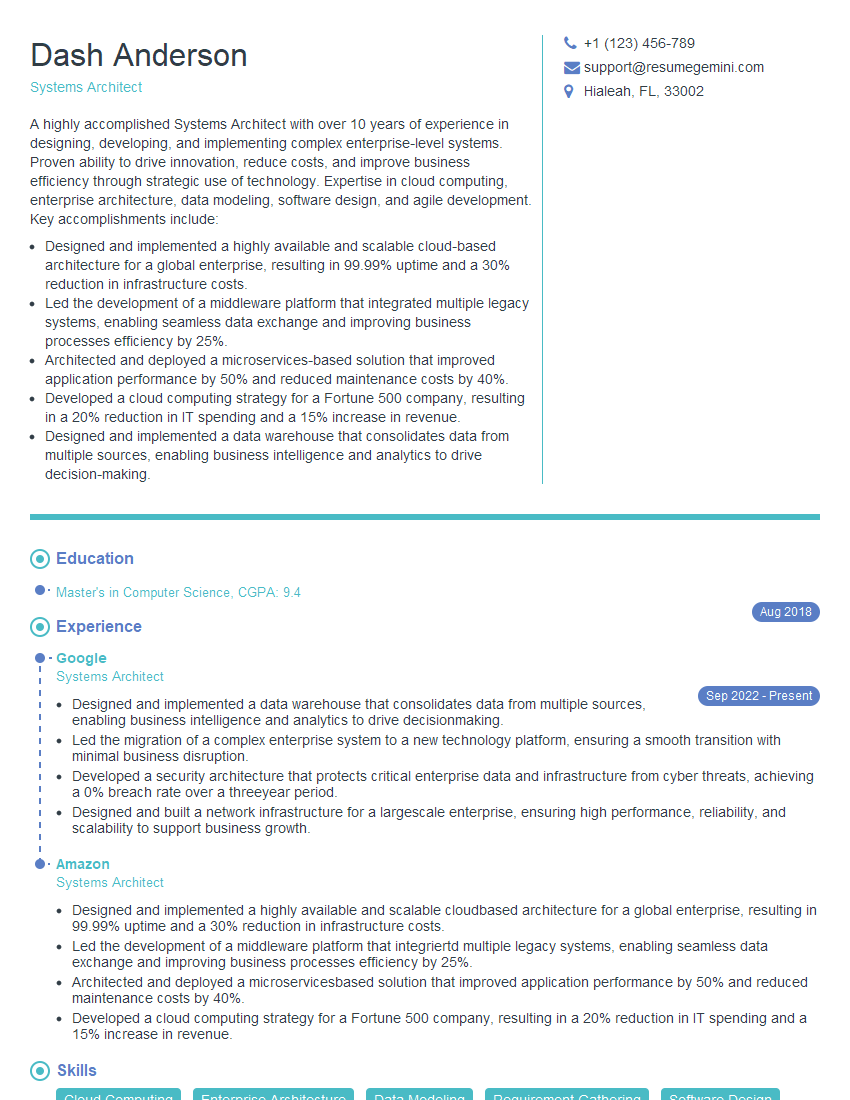
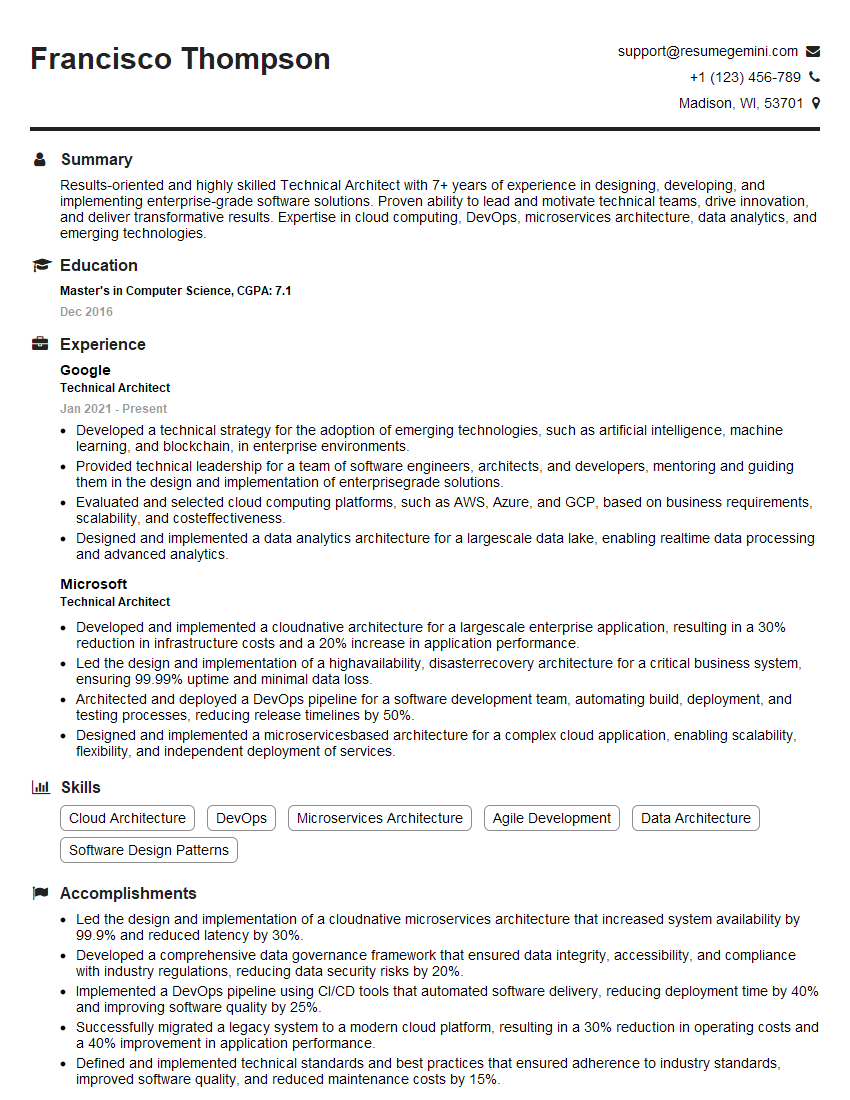
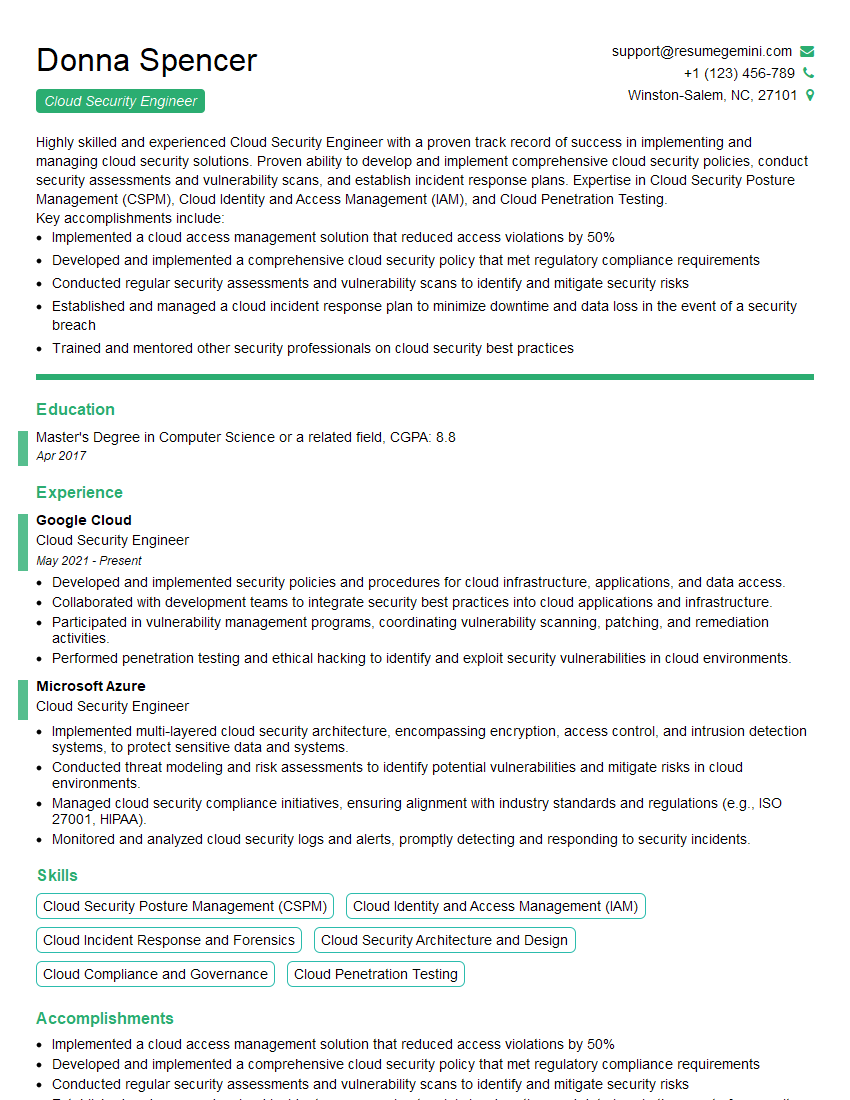
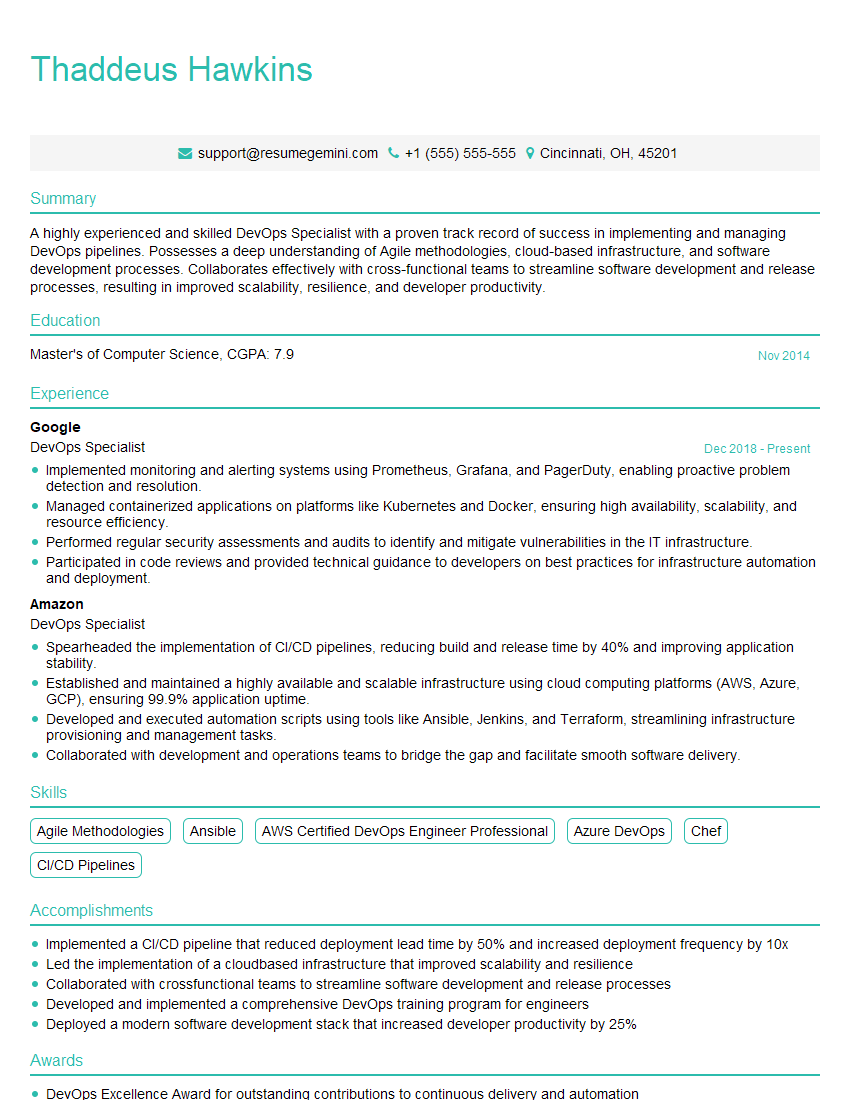
Mastering AWS CloudFormation is crucial for career advancement in cloud computing, opening doors to exciting roles with high demand and excellent compensation. To significantly boost your job prospects, crafting an ATS-friendly resume is essential. ResumeGemini is a trusted resource that can help you build a professional and impactful resume tailored to your skills and experience. ResumeGemini provides examples of resumes specifically designed for AWS CloudFormation professionals, giving you a head start in your job search. Take the next step towards your dream career today!


Explore more articles
Users Rating of Our Blogs
Share Your Experience
We value your feedback! Please rate our content and share your thoughts (optional).
What Readers Say About Our Blog
Very informative content, great job.
good