Preparation is the key to success in any interview. In this post, we’ll explore crucial Basic Office Skills interview questions and equip you with strategies to craft impactful answers. Whether you’re a beginner or a pro, these tips will elevate your preparation.
Questions Asked in Basic Office Skills Interview
Q 1. What is your experience with Microsoft Word?
My experience with Microsoft Word is extensive, spanning over ten years of professional use. I’m highly proficient in all aspects, from basic document creation and formatting to advanced features like mail merge, creating tables of contents, and utilizing styles for consistent formatting across large documents. I regularly use Word to draft reports, proposals, presentations, and various other business documents. For instance, in my previous role, I used Word to create a comprehensive 50-page report including charts and graphs, ensuring consistent branding and formatting throughout.
I’m comfortable using advanced features such as track changes for collaborative editing, inserting and managing cross-references and footnotes, and utilizing macros for repetitive tasks to increase efficiency. I’m also adept at converting documents between various formats like .pdf and .docx seamlessly.
Q 2. How proficient are you in Microsoft Excel?
I possess a high level of proficiency in Microsoft Excel, leveraging its capabilities for data analysis, manipulation, and visualization. My skills extend beyond basic spreadsheet creation; I’m experienced in using formulas, functions (including advanced ones like VLOOKUP, INDEX/MATCH, and pivot tables), creating charts and graphs for data representation, and using data validation to ensure data integrity.
For example, in my previous role, I used Excel to track project budgets, analyzing cost trends and identifying areas for potential savings. I developed complex spreadsheets using pivot tables to summarize large datasets, enabling quick identification of key performance indicators. I also have experience in creating interactive dashboards for data visualization and reporting.
Q 3. What is your experience with PowerPoint presentations?
My experience with PowerPoint presentations is comprehensive, going beyond simply creating slides. I understand the importance of crafting engaging and informative presentations tailored to the audience. My skills include designing visually appealing slides, incorporating multimedia elements like images, videos, and animations, and utilizing transitions and animations effectively.
I’m proficient in creating professional-looking presentations that communicate complex information clearly and concisely. For example, I recently developed a presentation for a major client showcasing our company’s achievements, incorporating data visualizations and narrative elements to create a compelling story. I’m also familiar with the use of presenter view and rehearsal features to ensure smooth delivery.
Q 4. Describe your experience with email management.
Effective email management is crucial for productivity, and I’ve developed robust strategies for handling large volumes of emails. My approach involves a combination of organizational tools and time management techniques. I utilize folders and labels to categorize emails, prioritize tasks based on urgency and importance, and regularly archive or delete unnecessary emails to maintain a clean inbox.
I also utilize features like email filters and rules to automatically sort incoming emails, ensuring that important messages are promptly addressed and less urgent ones are handled efficiently. I respond to emails promptly and professionally, striving to maintain clear and concise communication.
Q 5. How do you handle multiple priorities and deadlines?
Handling multiple priorities and deadlines effectively requires a structured approach. I typically employ prioritization techniques like Eisenhower Matrix (urgent/important) to categorize tasks, focusing on high-impact activities first. I also create detailed to-do lists and utilize project management tools (like task managers or even simple spreadsheets) to track progress and ensure timely completion.
For instance, when faced with competing deadlines, I break down large tasks into smaller, manageable steps, allocating specific time slots for each. Regularly reviewing my schedule and adjusting priorities as needed helps ensure that all deadlines are met while maintaining a manageable workload. Open communication with stakeholders is also crucial to managing expectations and adjusting timelines where necessary.
Q 6. What is your experience with filing systems (physical and digital)?
My experience with filing systems, both physical and digital, emphasizes organization and efficiency. For physical files, I utilize a logical and consistent system, employing clear labels and a well-defined organizational structure. This ensures easy retrieval of information when needed. For digital files, I use a similar approach, employing folder structures that reflect the content and creating descriptive filenames.
I utilize cloud storage services for easy access and collaboration, ensuring data backups and redundancy. In my previous role, I established and maintained a filing system for over 5000 client files, ensuring efficient retrieval of documents and adherence to company policy. I am comfortable using various cloud-based storage solutions and understand the importance of data security and compliance.
Q 7. Describe your experience with scheduling appointments and meetings.
I have significant experience scheduling appointments and meetings, utilizing both electronic calendars and traditional scheduling methods. I’m proficient in using scheduling software to manage appointments, considering time zones, and sending out meeting invitations. I’m adept at identifying optimal meeting times considering the availability of all participants.
I understand the importance of preparing agendas in advance to ensure productive meetings and I also effectively manage rescheduling requests, ensuring all parties remain informed and are appropriately updated. I’m comfortable utilizing various calendar applications and integrating them with email and other communication tools for seamless scheduling management.
Q 8. How do you prioritize tasks?
Prioritizing tasks is crucial for efficient workflow. I use a combination of methods depending on the complexity and urgency. For simpler tasks, I often employ a simple to-do list, ordering items by due date or importance. For more complex projects, I use a prioritization matrix, such as the Eisenhower Matrix (Urgent/Important), to categorize tasks into four quadrants: Do, Decide, Delegate, and Delete. This helps me focus on high-impact activities first. For example, if I have a deadline-critical report and several less urgent emails, the report gets top priority. I also regularly review and adjust my priorities as new information or deadlines emerge. This iterative approach keeps me flexible and responsive to changing circumstances.
- To-Do List: Simple, effective for short-term tasks. Prioritize by deadline and importance.
- Eisenhower Matrix: Categorizes tasks by urgency and importance, guiding focus.
- Project Management Software: For larger projects, tools like Asana or Trello can aid in task management and prioritization.
Q 9. How do you handle confidential information?
Confidentiality is paramount. I treat all sensitive information with the utmost care. This includes adhering to company policies regarding data storage, access, and disclosure. I would never share confidential information with unauthorized individuals. I’m meticulous about password security, using strong, unique passwords and practicing safe computing habits to prevent data breaches. When working with sensitive documents, I ensure they are securely stored, whether physically locked away or electronically protected with appropriate access controls. For example, during my previous role, I handled client financial data, always ensuring it remained secure and only accessible to authorized personnel. This includes securely deleting documents when no longer needed.
Q 10. What software programs are you proficient in?
I’m proficient in a range of software programs commonly used in office environments. My skills include advanced proficiency in Microsoft Office Suite (Word, Excel, PowerPoint, Outlook), Google Workspace (Docs, Sheets, Slides, Gmail), and Adobe Acrobat. I’m also experienced with various data management and analysis tools, including basic knowledge of SQL. My Excel skills encompass advanced functionalities such as pivot tables, macros, and data visualization techniques, allowing me to efficiently analyze and present data. I am constantly seeking opportunities to expand my skill set, particularly in areas that align with my current role and industry standards.
Q 11. Describe your experience with data entry.
I have extensive experience in data entry, ensuring accuracy and efficiency. I’ve worked with various data entry methods, from manual input to importing data from different sources. I am adept at identifying and correcting errors and maintaining data integrity. For instance, in my previous role, I was responsible for entering large amounts of customer information into a CRM system, ensuring data consistency and accuracy. I utilized keyboard shortcuts and efficient techniques to maximize speed while minimizing errors. I also understand the importance of verifying data accuracy before submission, often using double-checking mechanisms to confirm information.
Q 12. What is your typing speed (words per minute)?
My typing speed is 70 words per minute (WPM) with high accuracy. I’ve honed my typing skills through consistent practice and the use of typing tutor software. While WPM is a valuable metric, I prioritize accuracy above speed to minimize errors and ensure the quality of my work. Maintaining accuracy is critical when performing data entry, creating presentations, or drafting documents. Speed is important but should not compromise accuracy.
Q 13. How familiar are you with office equipment (e.g., printers, scanners)?
I am very familiar with standard office equipment, including printers (laser and inkjet), scanners, copiers, and fax machines. I understand basic troubleshooting and maintenance procedures for these devices. For example, I can resolve paper jams, adjust printer settings, and scan documents to different file formats. My experience includes operating multi-function printers, utilizing features like duplex printing and scanning to multiple destinations. I’m comfortable learning to operate new equipment quickly.
Q 14. How do you handle customer inquiries?
Handling customer inquiries requires patience, active listening, and a problem-solving approach. I begin by actively listening to the customer’s concern, asking clarifying questions to fully understand their needs. I then attempt to resolve the issue quickly and efficiently, providing clear and concise information. If I cannot immediately answer their question, I explain the process for finding a solution, providing a timeframe for resolution. I always strive to maintain a professional and courteous demeanor, aiming to leave the customer feeling heard and satisfied. For example, if a customer calls with a billing inquiry, I would access their account information, explain the charges clearly, and address any concerns they may have. If a solution isn’t immediately apparent, I escalate the issue to the appropriate department and keep the customer informed of progress.
Q 15. Describe your experience with record keeping.
Record keeping is the systematic process of documenting and maintaining information for future reference. Effective record keeping is crucial for any organization, ensuring data integrity and facilitating efficient retrieval. My experience encompasses both physical and digital record management.
In my previous role at Acme Corp, I was responsible for maintaining employee files, including personal data, performance reviews, and training records. I implemented a color-coded filing system for easy retrieval, and I regularly purged outdated documents in accordance with company policy. This involved understanding data retention laws and ensuring compliance. I also utilized a digital record management system to store and organize electronic documents, ensuring data security and accessibility. This included implementing a robust system of backups and version control.
For example, when a manager needed a specific employee’s performance record from two years prior, I was able to locate it quickly and efficiently thanks to the meticulous organization I employed.
Career Expert Tips:
- Ace those interviews! Prepare effectively by reviewing the Top 50 Most Common Interview Questions on ResumeGemini.
- Navigate your job search with confidence! Explore a wide range of Career Tips on ResumeGemini. Learn about common challenges and recommendations to overcome them.
- Craft the perfect resume! Master the Art of Resume Writing with ResumeGemini’s guide. Showcase your unique qualifications and achievements effectively.
- Don’t miss out on holiday savings! Build your dream resume with ResumeGemini’s ATS optimized templates.
Q 16. How do you organize and manage your workspace?
Organizing and managing my workspace is paramount to my productivity and efficiency. I believe in a ‘clean desk’ policy, but this doesn’t mean a completely empty desk. Rather, it’s about intentional organization.
My workspace is divided into zones: one for active projects, one for reference materials, and one for completed tasks. Active projects are clearly labeled and easily accessible, with all necessary tools and documents within arm’s reach. Reference materials are stored in organized files, either physically or digitally, with a clear indexing system. Completed tasks are either filed away or archived digitally, ensuring nothing is lost but my workspace remains clutter-free.
Think of it like a well-stocked kitchen: you have your frequently used utensils readily available, less-used items stored neatly, and dirty dishes immediately cleaned away, preventing a build-up of chaos and maximizing space for effective work. I regularly declutter and reorganize to maintain this efficient system.
Q 17. Describe your experience with document preparation.
My experience in document preparation is extensive, encompassing a wide range of tasks and software. I am proficient in using Microsoft Word, Excel, and PowerPoint to create professional and accurate documents.
I’ve prepared reports, presentations, letters, memos, spreadsheets, and proposals, ensuring each document is formatted consistently, grammatically correct, and free from errors. I understand the importance of audience awareness; for example, a proposal for a board meeting would differ significantly from an email to a colleague.
I also have experience using templates to streamline the document creation process and incorporate company branding and styles. In one instance, I created a standardized template for monthly sales reports, which significantly improved consistency and reduced the time it took to generate these reports across the team.
Q 18. How would you handle a situation where a deadline is missed?
Missing a deadline is never ideal, but it’s important to handle the situation professionally and proactively. My first step would be to immediately assess the reason for the delay. Was it unforeseen circumstances, a lack of resources, or a miscalculation on my part?
Once the reason is identified, I’d inform my supervisor or manager immediately, explaining the situation and offering a revised timeline for completion. I’d also propose solutions to prevent similar issues from occurring in the future.
For example, if the delay is due to needing additional data, I’d promptly request it and explain how this affects the project’s timeline. If the delay is due to a personal error, I’d take responsibility and outline steps to improve my time management and prioritization skills. Transparency and proactive problem-solving are key to effectively navigating such situations.
Q 19. How familiar are you with different types of filing systems (alphabetical, numerical, chronological)?
I am very familiar with various filing systems. Alphabetical filing arranges documents by the first letter of the name or key term. Numerical filing uses a numbering system, often sequentially, to organize documents. Chronological filing organizes documents by date, either from oldest to newest or vice versa.
The choice of system depends heavily on the type and volume of documents. For example, a personnel file might use alphabetical filing by employee last name. A system tracking invoices might benefit from numerical filing, using invoice numbers as the key. A chronological system is ideal for recording daily transactions or tracking project progress over time.
I’ve used all three systems effectively in different contexts, adapting my approach based on the specific needs of the situation. Understanding the strengths and weaknesses of each system allows for efficient document retrieval and management.
Q 20. How do you ensure accuracy in your work?
Accuracy is paramount in my work, and I employ several strategies to ensure it.
First, I carefully review all my work before submission, double-checking for typos, grammatical errors, and calculation inaccuracies. I use spell-checkers and grammar-checkers, but I also perform a manual review to catch errors these tools may miss. Second, I utilize various tools and techniques depending on the task; for instance, when dealing with numerical data, I might use formulas to cross-check calculations or use data validation techniques in spreadsheets to prevent input errors.
Finally, and perhaps most importantly, I take pride in my attention to detail. This meticulous approach significantly reduces errors, ensuring the accuracy and reliability of my work. For instance, I prefer to work in a quiet space where I can fully focus on the task at hand, thereby reducing distractions and enhancing accuracy.
Q 21. What is your experience with transcription?
I have experience with transcription, both audio and video. I am adept at using transcription software to accurately transcribe spoken words into written text. My speed and accuracy are consistently high, and I’m experienced in handling various accents and audio qualities.
Beyond the technical skills, effective transcription requires strong listening skills and an attention to detail. I understand the importance of accurately capturing nuances in tone and emphasis, as these can significantly affect the meaning of the transcribed material. I’m also proficient in editing and formatting transcribed text to meet specific requirements, such as adding timestamps or correcting grammatical errors.
For example, I’ve transcribed various types of audio, from meeting recordings to interviews, for diverse clients in different industries. Accuracy and maintaining the original speaker’s intent is always my highest priority.
Q 22. How do you handle interruptions?
Handling interruptions effectively is crucial for maintaining productivity and focus. My approach involves a combination of proactive strategies and reactive responses. Proactively, I utilize tools like calendar blocking to dedicate specific time slots for focused work, minimizing unexpected disruptions. I also communicate my availability clearly to colleagues, letting them know when I’m in deep work mode and prefer not to be interrupted unless it’s urgent.
When interruptions do occur, I politely but firmly address them. If the interruption is brief, I’ll quickly address it and then return to my task. However, if the interruption requires more time, I’ll either schedule a brief meeting to discuss it later or request a follow-up email for non-urgent matters. This ensures I don’t lose my train of thought and can maintain efficiency throughout the day. For instance, if someone needs a quick answer to a question, I’ll answer it concisely and then immediately return to my task. If the issue is more involved, I’ll suggest a meeting later that day or the next to discuss it thoroughly.
Q 23. Describe a time you had to solve a problem in the workplace.
In my previous role, we were experiencing significant delays in processing client orders due to an outdated filing system. This was causing missed deadlines and negatively impacting client satisfaction. To solve this, I proposed a transition to a cloud-based document management system. I first analyzed the current system’s shortcomings, identifying bottlenecks and inefficiencies. Then, I researched various cloud-based options, comparing features, costs, and user-friendliness. I presented my findings and proposal to my supervisor, highlighting the potential benefits in terms of improved efficiency, reduced errors, and enhanced accessibility.
My proposal was approved, and I led the team in the transition, providing training and support to my colleagues. The new system significantly improved our workflow, resulting in faster order processing and increased client satisfaction. This experience demonstrated my ability to identify problems, propose effective solutions, and manage projects successfully, demonstrating initiative and problem-solving skills.
Q 24. How do you stay organized when working on multiple projects?
Staying organized while juggling multiple projects requires a strategic approach. I rely heavily on task management tools, such as project management software (e.g., Asana, Trello) or even a simple to-do list app. I break down large projects into smaller, manageable tasks, assigning deadlines and prioritizing them based on urgency and importance. This allows me to track progress effectively and avoid feeling overwhelmed. I also utilize color-coding or labeling systems to categorize tasks by project or type.
Regularly reviewing my tasks and updating my to-do lists helps maintain focus. I schedule dedicated time blocks for specific projects, ensuring I allocate sufficient time for each. Finally, clear communication with colleagues is key—keeping them updated on my progress and any potential roadblocks helps prevent delays and ensures everyone is on the same page. For example, I might dedicate Monday mornings to project A, Tuesday afternoons to project B, and Wednesday to administrative tasks, allowing focused work on each project without feeling constantly switched between them.
Q 25. What is your experience with using a telephone system?
I have extensive experience using various telephone systems, both traditional landlines and VoIP (Voice over Internet Protocol) systems. I am proficient in answering calls professionally, transferring calls to the appropriate personnel, taking accurate messages, and using call-waiting and other features effectively. I understand the importance of maintaining a positive and helpful tone of voice, providing clear and concise information, and resolving caller inquiries efficiently.
My experience includes managing multiple lines simultaneously, handling high call volumes during peak hours, and using call recording and call logging features for record-keeping and quality assurance. I’m also comfortable using voicemail systems and can retrieve and relay messages accurately and promptly. In past roles, I’ve used systems like Avaya and Cisco, adapting quickly to each system’s unique interface and features.
Q 26. How would you handle a difficult or demanding customer?
Handling difficult or demanding customers requires patience, empathy, and effective communication skills. My approach involves active listening—truly hearing the customer’s concerns and understanding their perspective. I acknowledge their frustration and validate their feelings, even if I don’t agree with their perspective. I then work to understand the root cause of their dissatisfaction. Is there a genuine problem with a product or service, or is there a misunderstanding?
Once the issue is identified, I offer solutions and options, focusing on finding a resolution that satisfies the customer. If I’m unable to resolve the issue immediately, I provide a clear timeline for follow-up and keep the customer informed of my progress. Maintaining a calm and professional demeanor throughout the interaction is essential. Even if the customer is aggressive or rude, I remain respectful and strive to de-escalate the situation. My goal is always to turn a negative experience into a positive one, leaving the customer feeling heard and valued, even if the initial outcome isn’t entirely as they hoped.
Q 27. Are you comfortable working independently and as part of a team?
I am comfortable working both independently and as part of a team. I’m a self-starter and can manage my time effectively to meet deadlines when working independently. I’m also a strong team player and enjoy collaborating with others to achieve shared goals. I actively contribute to team discussions, offer support to my colleagues, and readily share my knowledge and expertise. I believe that effective teamwork requires clear communication, mutual respect, and a willingness to compromise. I adapt easily to different working styles and am equally comfortable leading a project or supporting a team member.
For example, in one project, I worked independently to research market trends, which required focused individual work. In another, I collaborated with a team to develop a new marketing campaign, requiring effective teamwork and communication. My ability to work effectively in both settings is a significant asset to any team.
Q 28. What are your salary expectations?
My salary expectations are commensurate with my skills, experience, and the requirements of this position. I am confident that my contributions will significantly benefit your organization, and I am open to discussing a competitive salary range based on a comprehensive understanding of the role and responsibilities.
To give you a better idea, I’ve researched the average salary for similar positions in this area, taking into account factors like my experience and the specific demands of this role. I would prefer to discuss this further once we’ve explored the details of the job description and my qualifications in more depth. I am more interested in a position that provides both professional growth and a competitive compensation package.
Key Topics to Learn for Basic Office Skills Interview
- File Management & Organization: Understanding different file formats, efficient file naming conventions, and effective methods for organizing digital and physical files. Practical application includes demonstrating your ability to quickly locate and retrieve specific documents.
- Software Proficiency: Demonstrate competency in common office suites (e.g., Microsoft Office, Google Workspace). This includes practical experience with word processing, spreadsheets, presentations, and email management. Highlight your ability to create professional-looking documents and presentations efficiently.
- Communication & Collaboration: Effective written and verbal communication skills are essential. This includes clear and concise email writing, active listening, and collaborating effectively with colleagues. Practice scenarios involving teamwork and communication challenges.
- Data Entry & Accuracy: Mastering accurate and efficient data entry techniques, understanding data validation, and minimizing errors. This involves understanding the importance of detail and maintaining data integrity.
- Record Keeping & Reporting: Understanding different record-keeping methods, generating reports from data, and maintaining accurate records. Practical applications include experience with database management or basic reporting tools.
- Office Equipment & Technology: Familiarity with common office equipment (printers, scanners, copiers) and relevant technologies. Highlight your ability to troubleshoot minor technical issues and use technology to improve efficiency.
- Time Management & Prioritization: Demonstrate skills in managing multiple tasks, prioritizing effectively, and meeting deadlines consistently. This includes understanding the use of calendars, scheduling tools, and effective time-blocking techniques.
Next Steps
Mastering basic office skills is crucial for career advancement across numerous fields. These skills form the foundation for efficient work practices and contribute significantly to team productivity. To significantly boost your job prospects, it’s vital to create an ATS-friendly resume that showcases these skills effectively. ResumeGemini is a trusted resource that can help you craft a compelling and professional resume. Take advantage of their tools and resources, and remember that examples of resumes tailored to Basic Office Skills are available to help you get started.
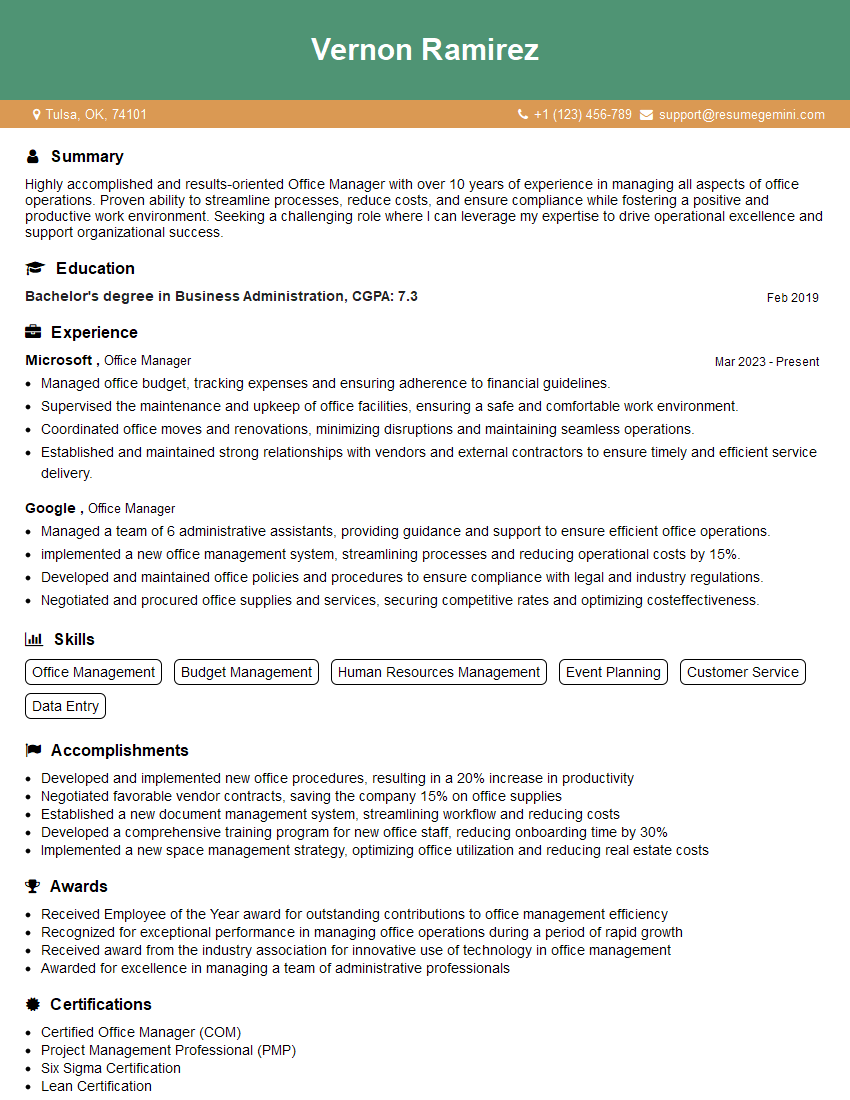
Office Manager Resume Sample
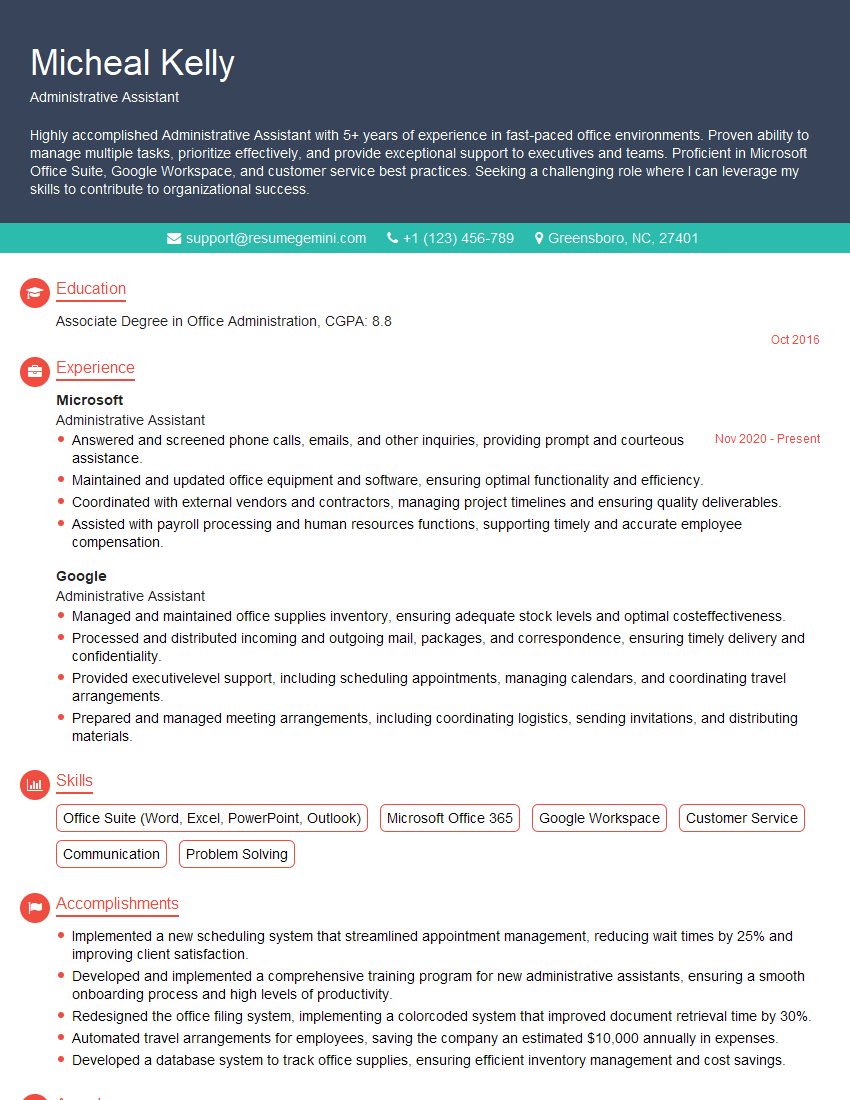
Administrative Assistant Resume Sample
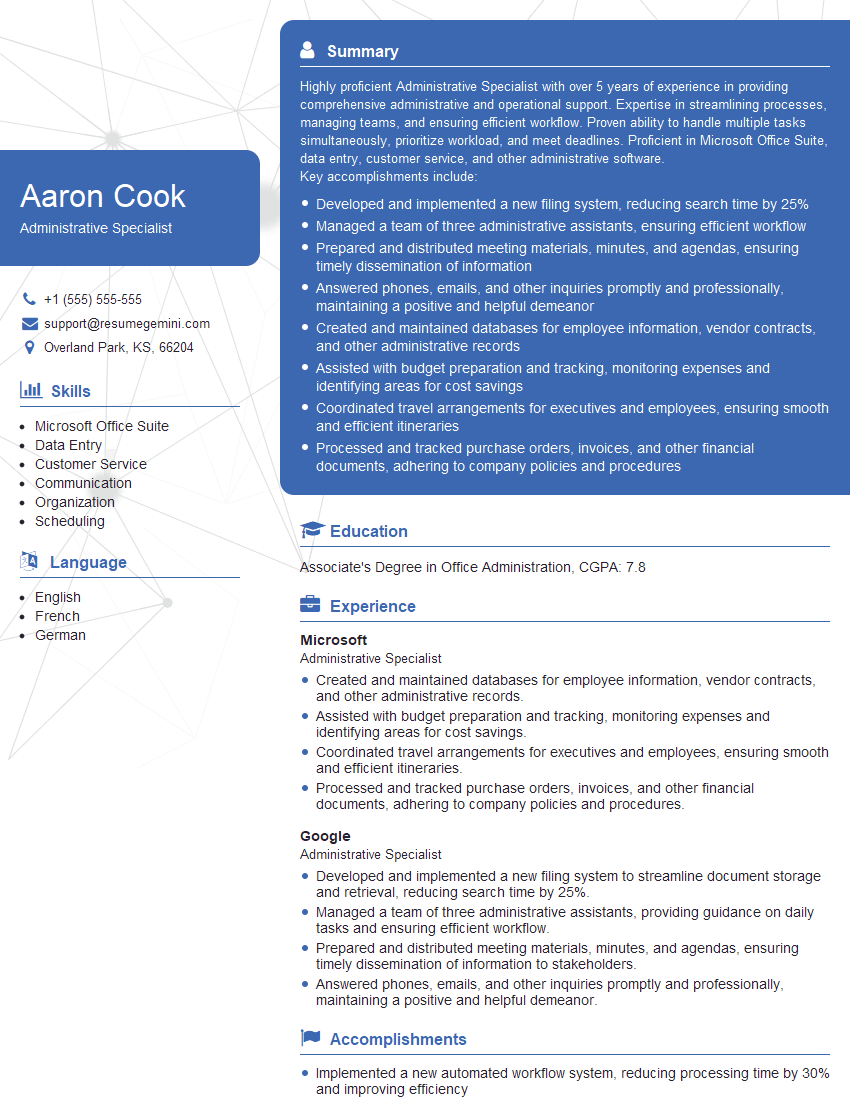
Administrative Specialist Resume Sample
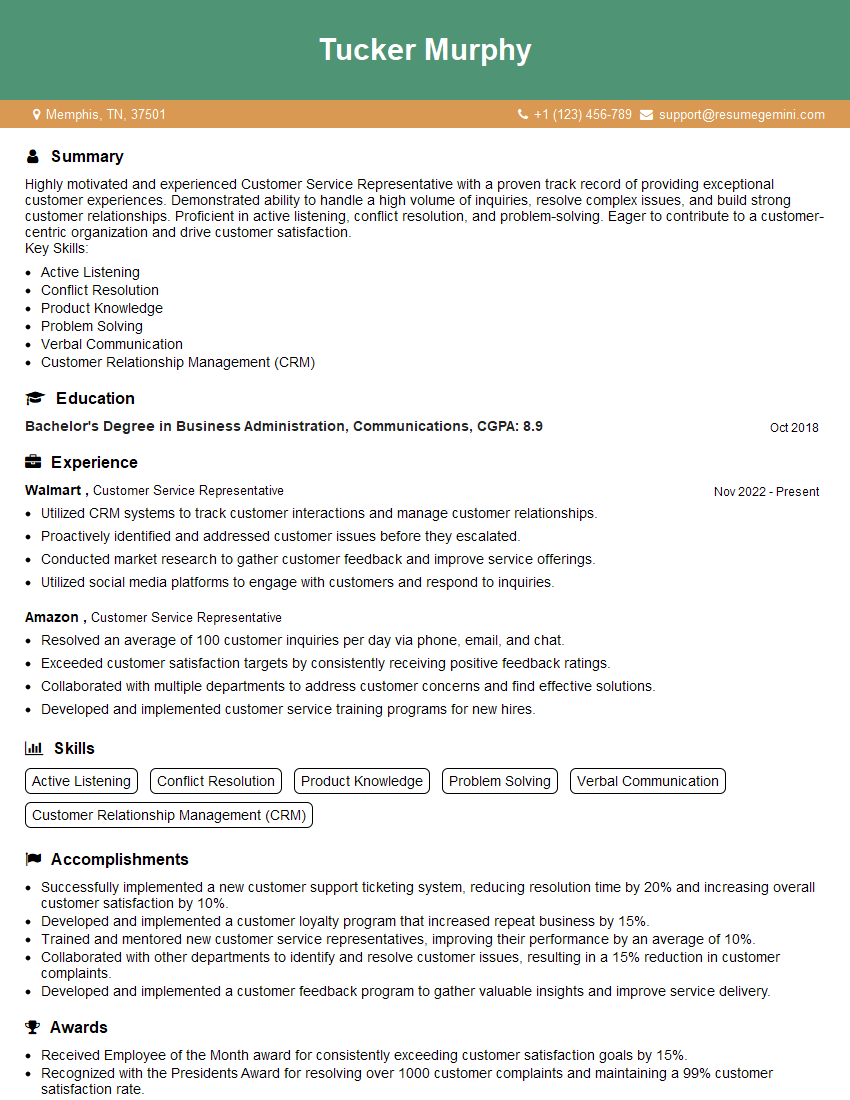
Customer Service Representative Resume Sample
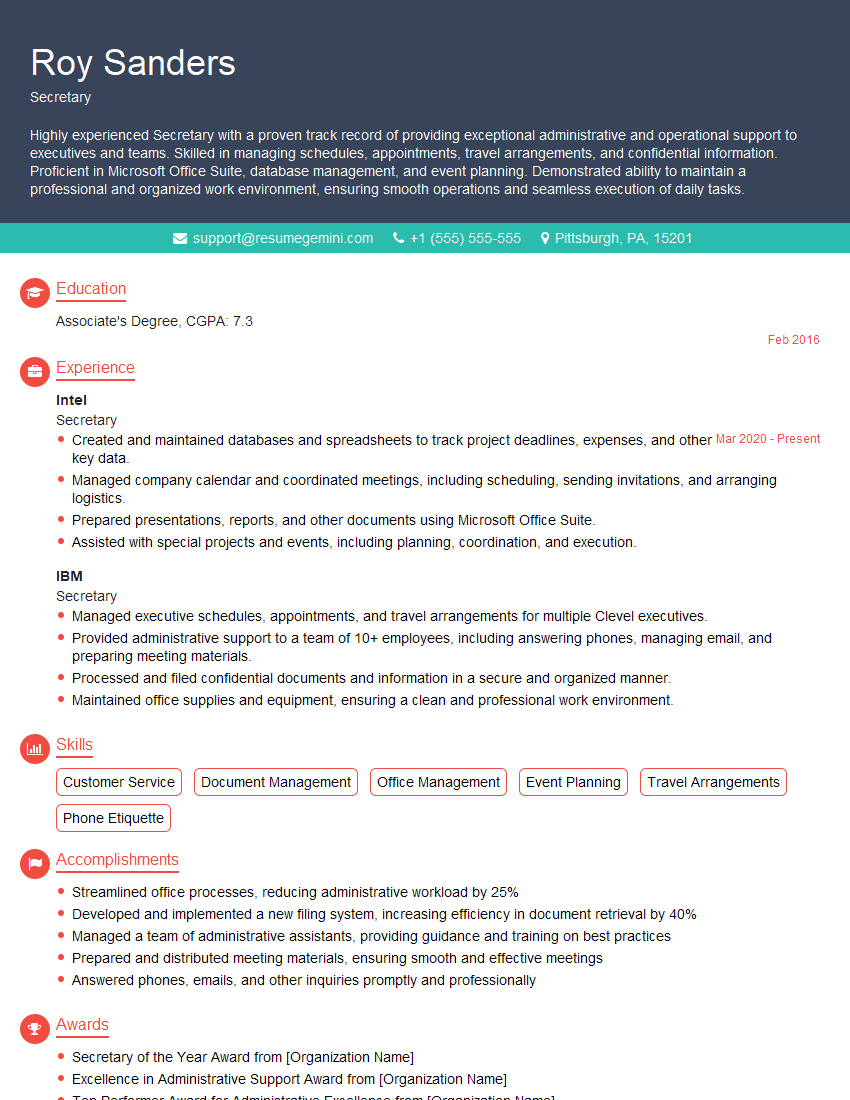
Secretary Resume Sample
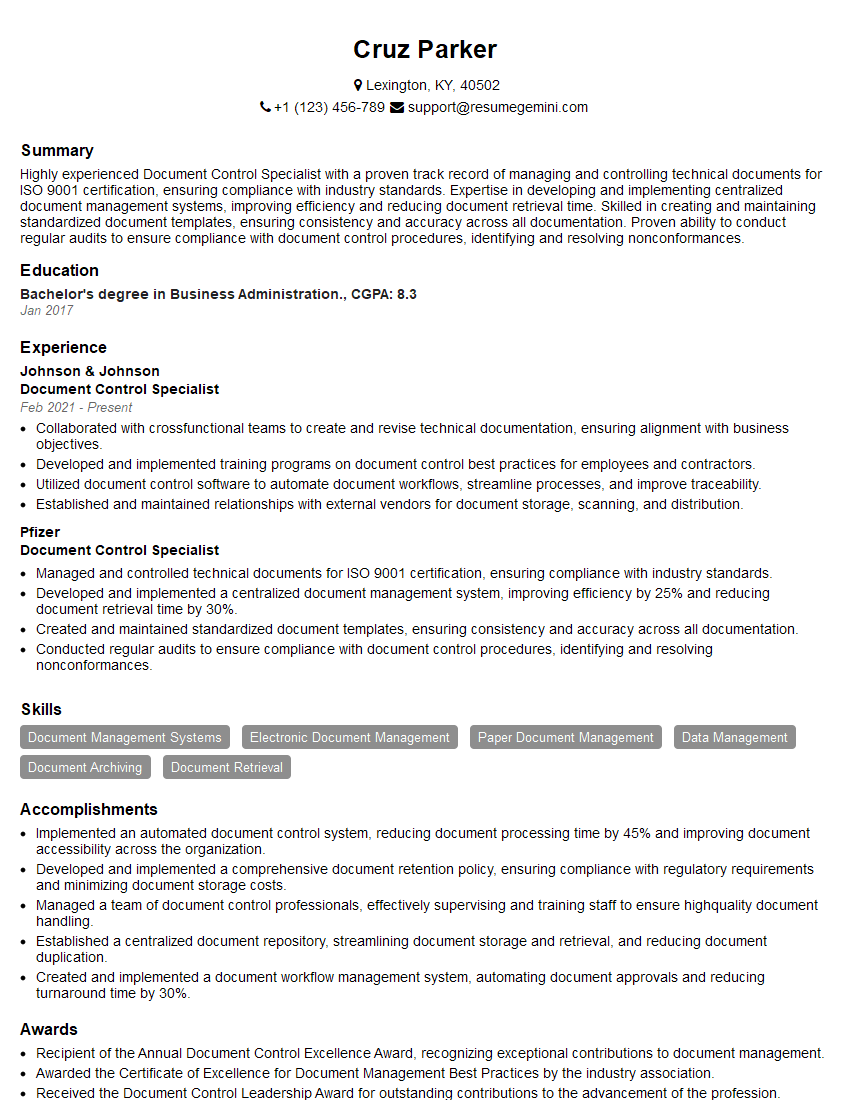
Document Control Specialist Resume Sample
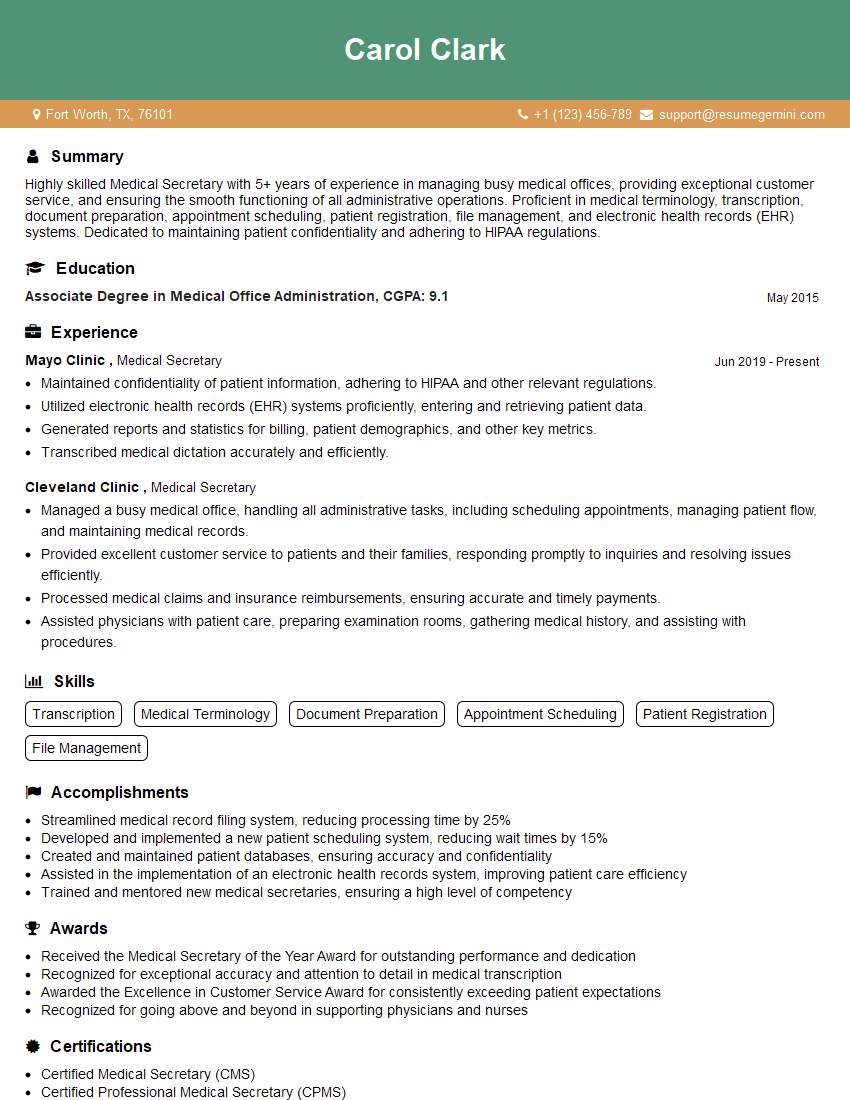
Medical Secretary Resume Sample
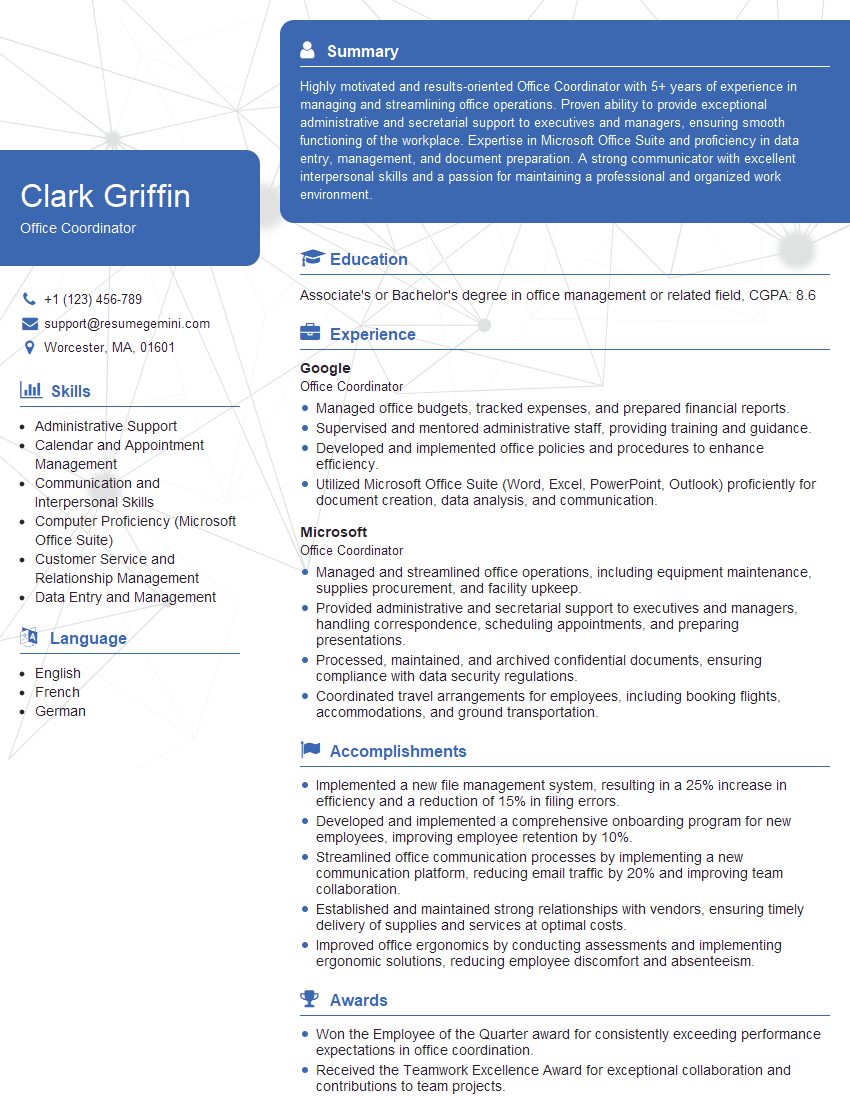
Office Coordinator Resume Sample
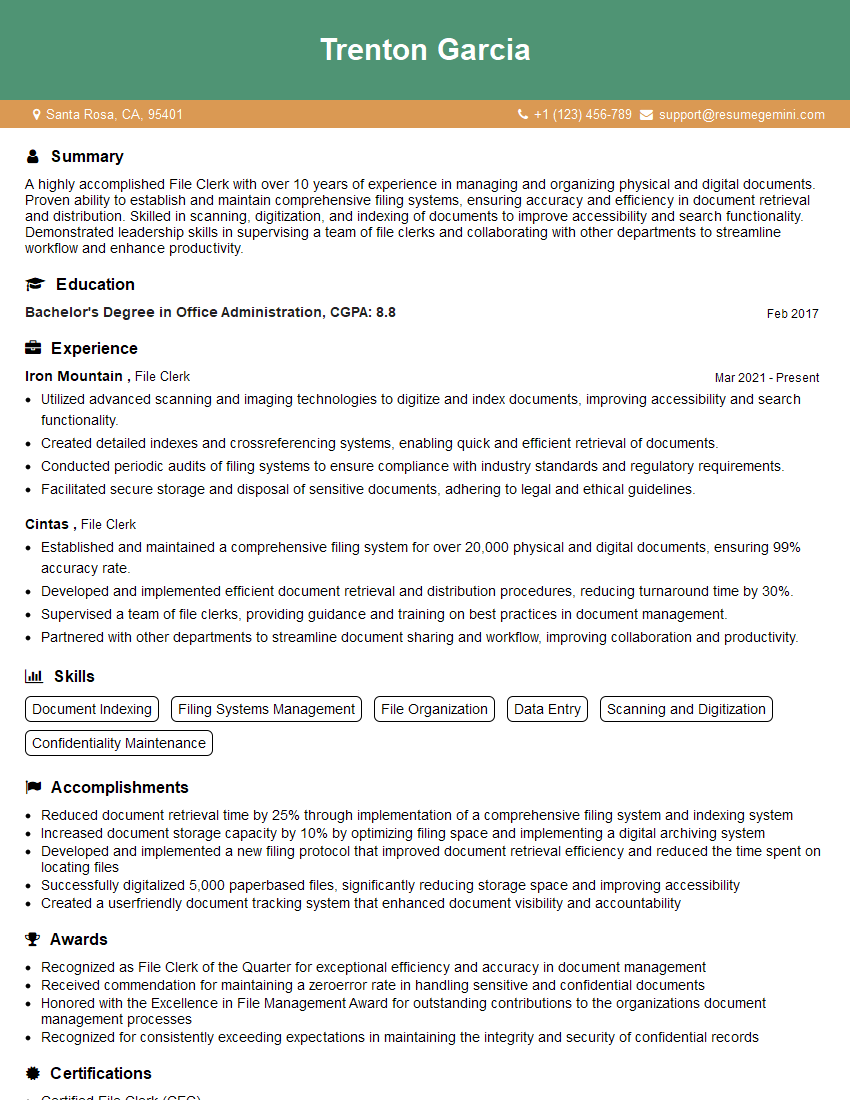
File Clerk Resume Sample
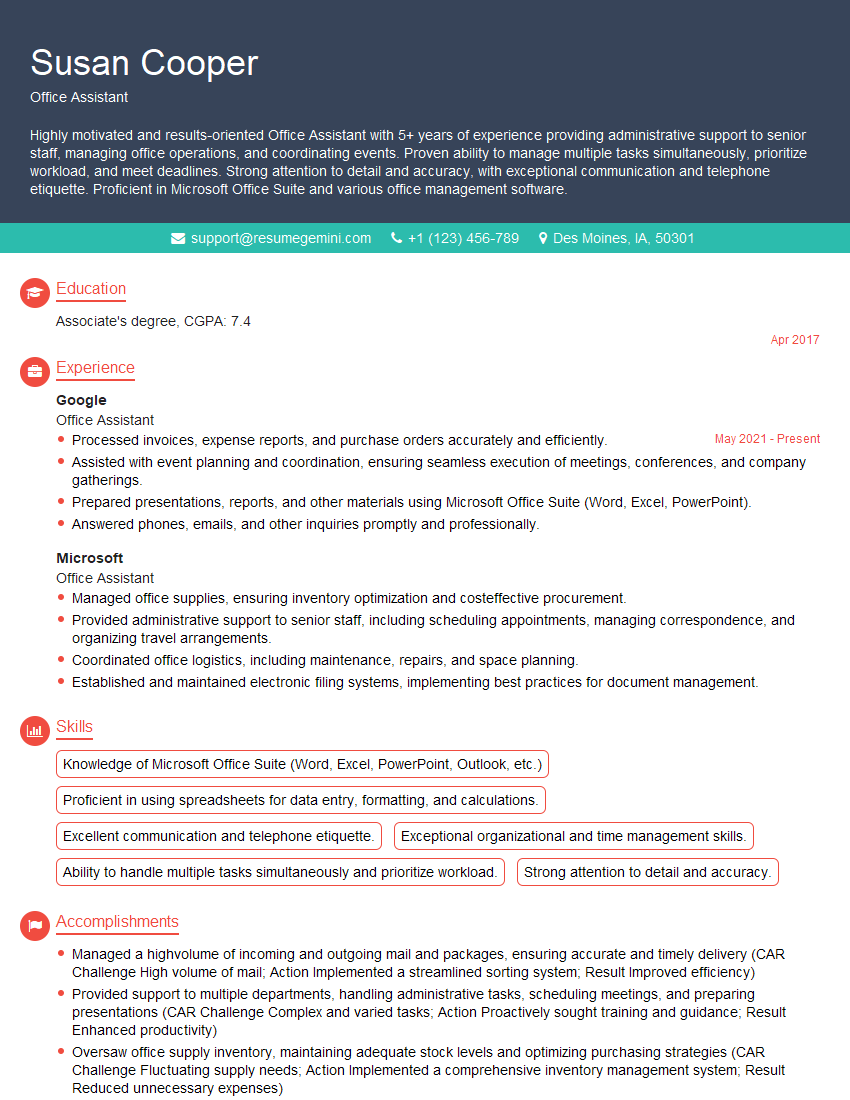
Office Assistant Resume Sample
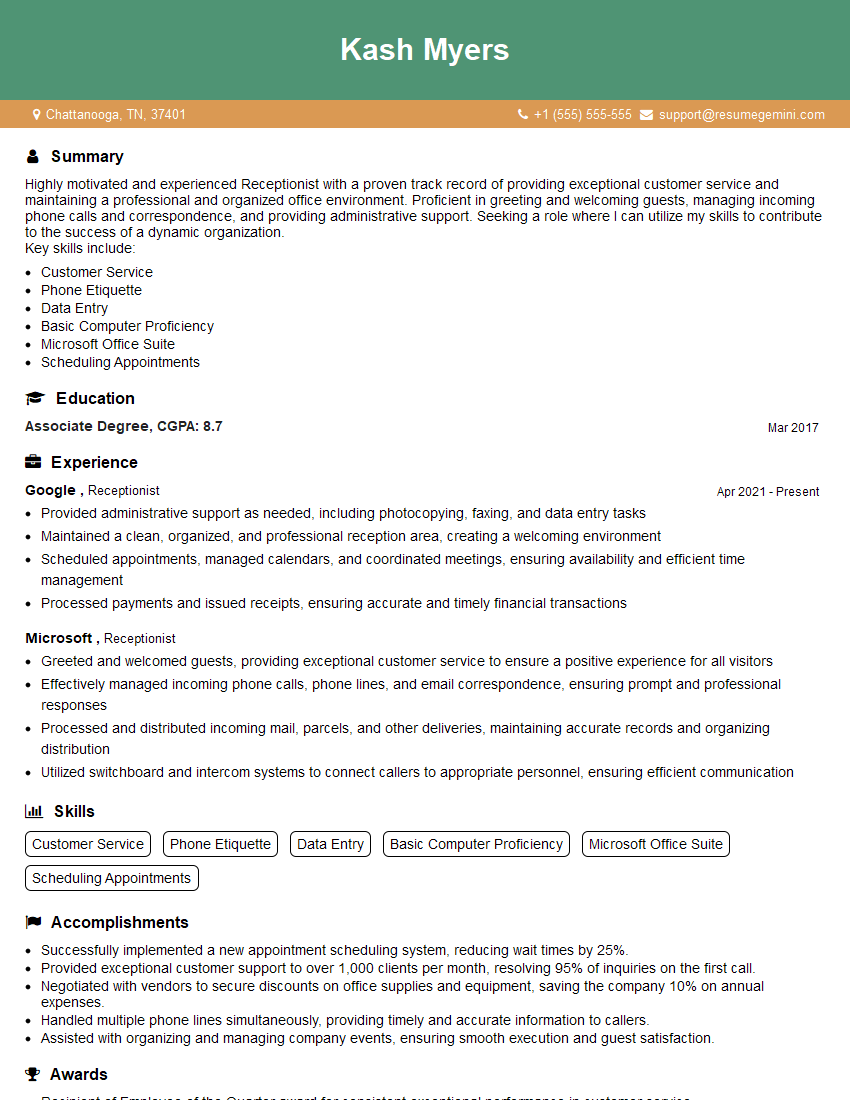
Receptionist Resume Sample
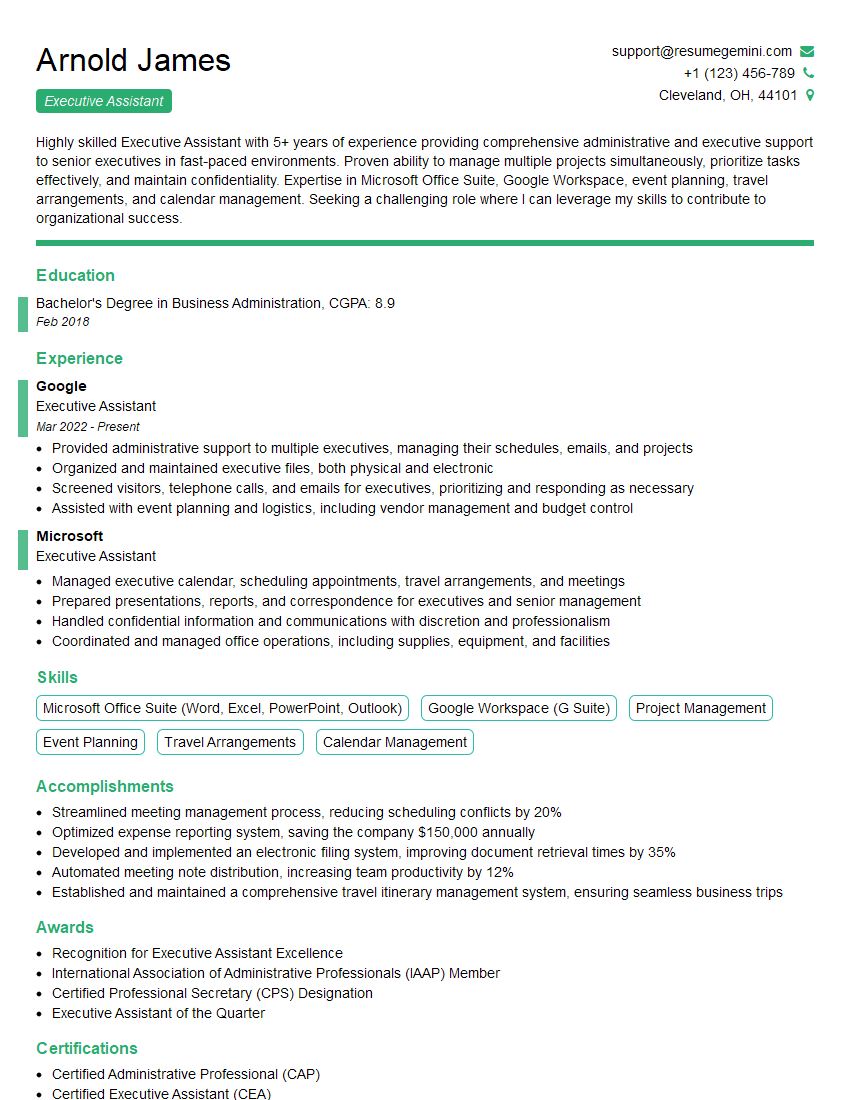
Executive Assistant Resume Sample
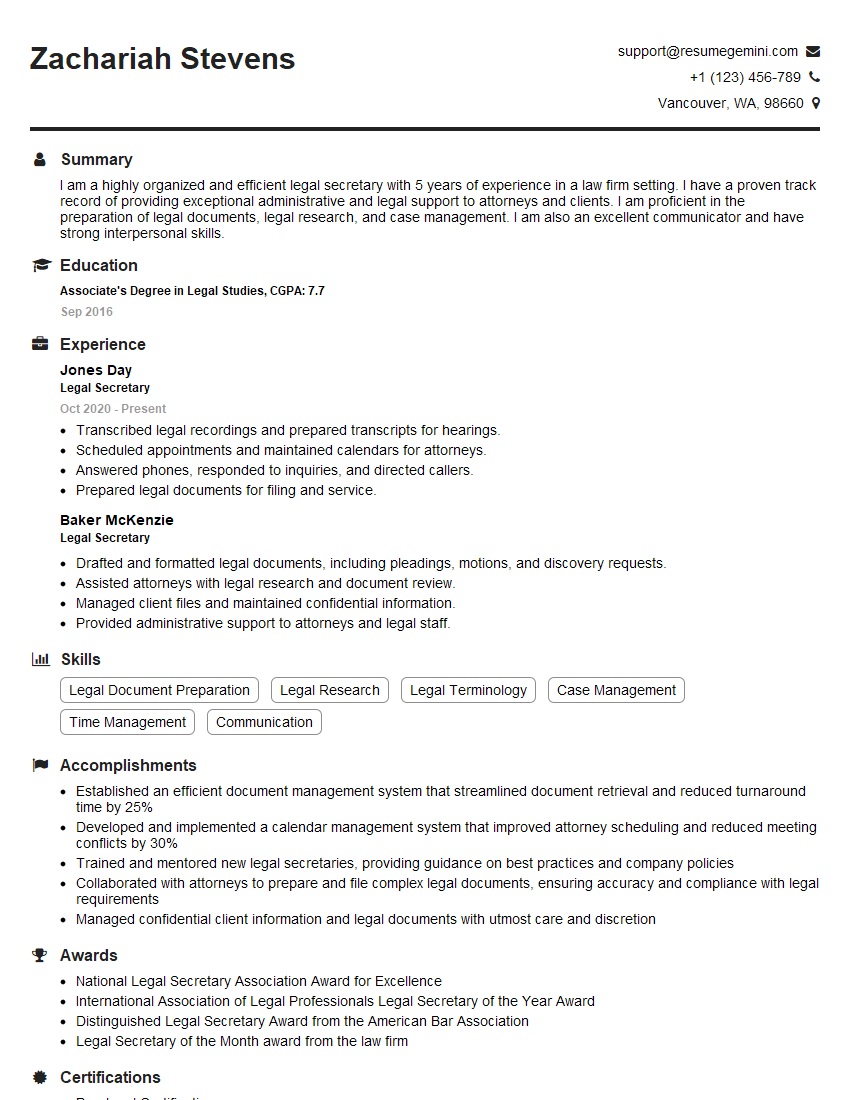
Legal Secretary Resume Sample
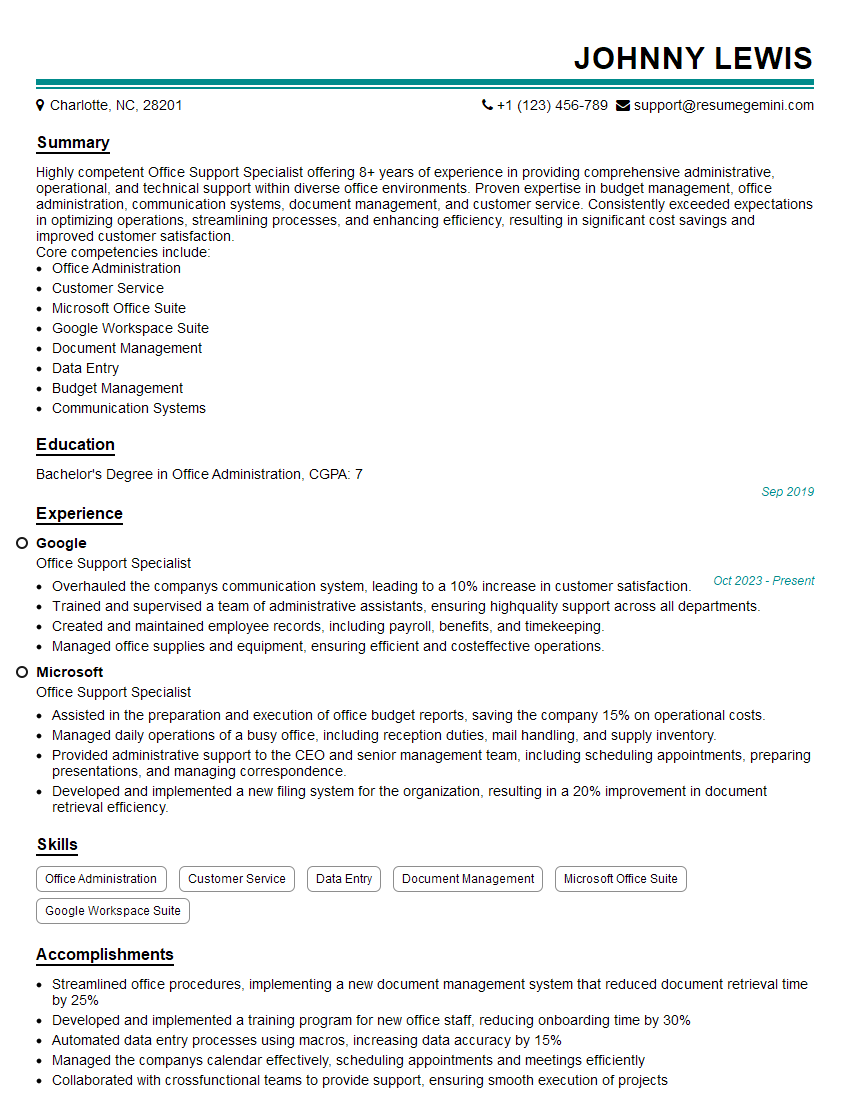
Office Support Specialist Resume Sample

Data Entry Clerk Resume Sample
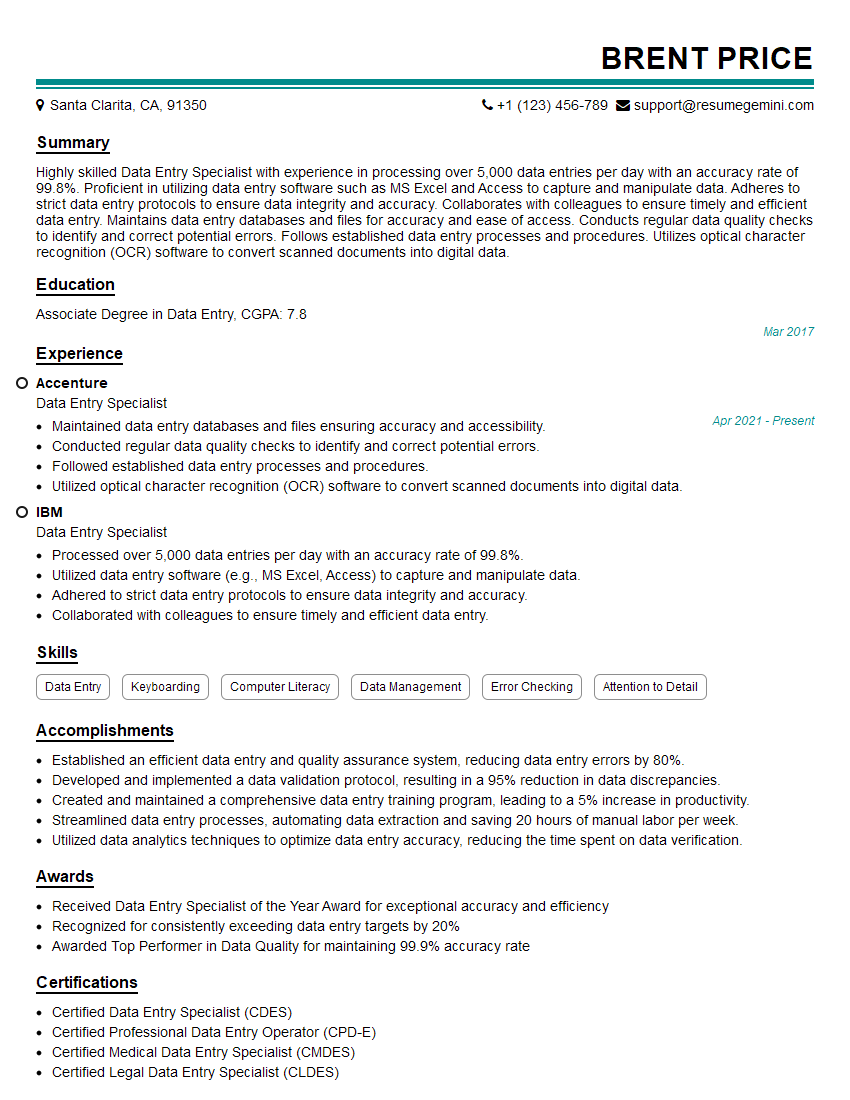
Data Entry Specialist Resume Sample
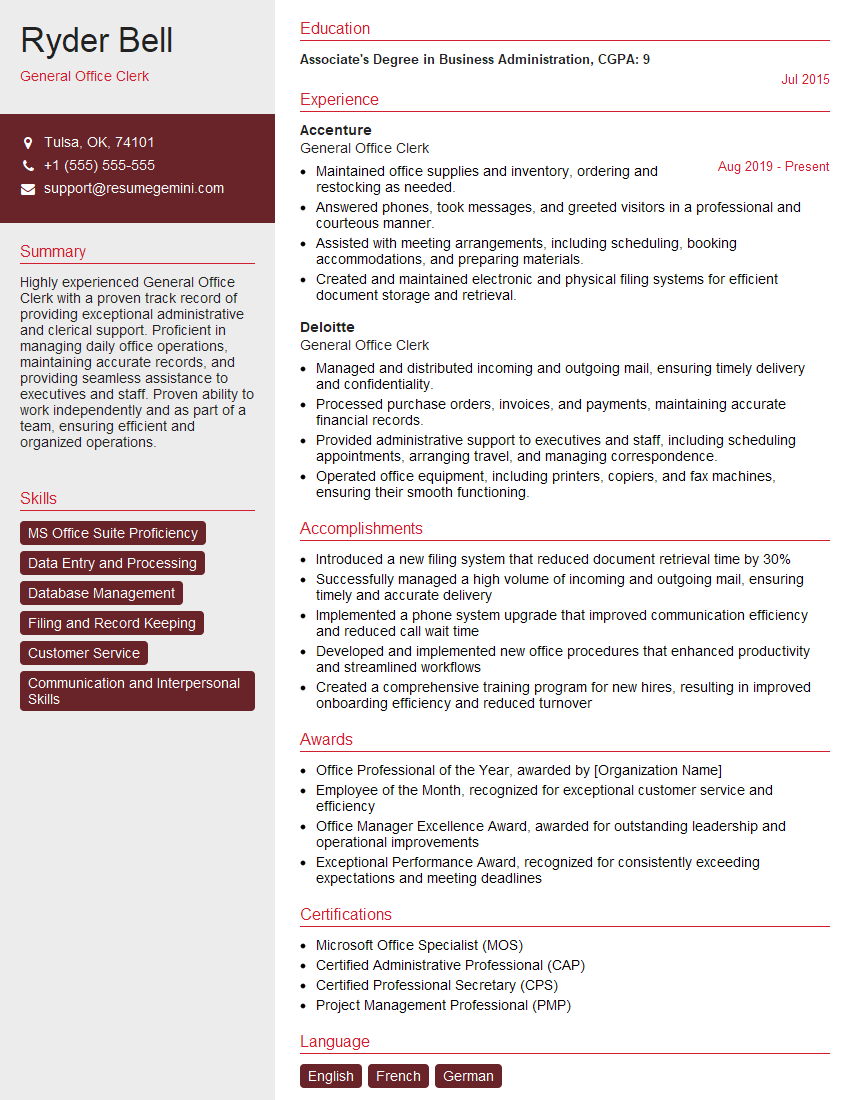
General Office Clerk Resume Sample
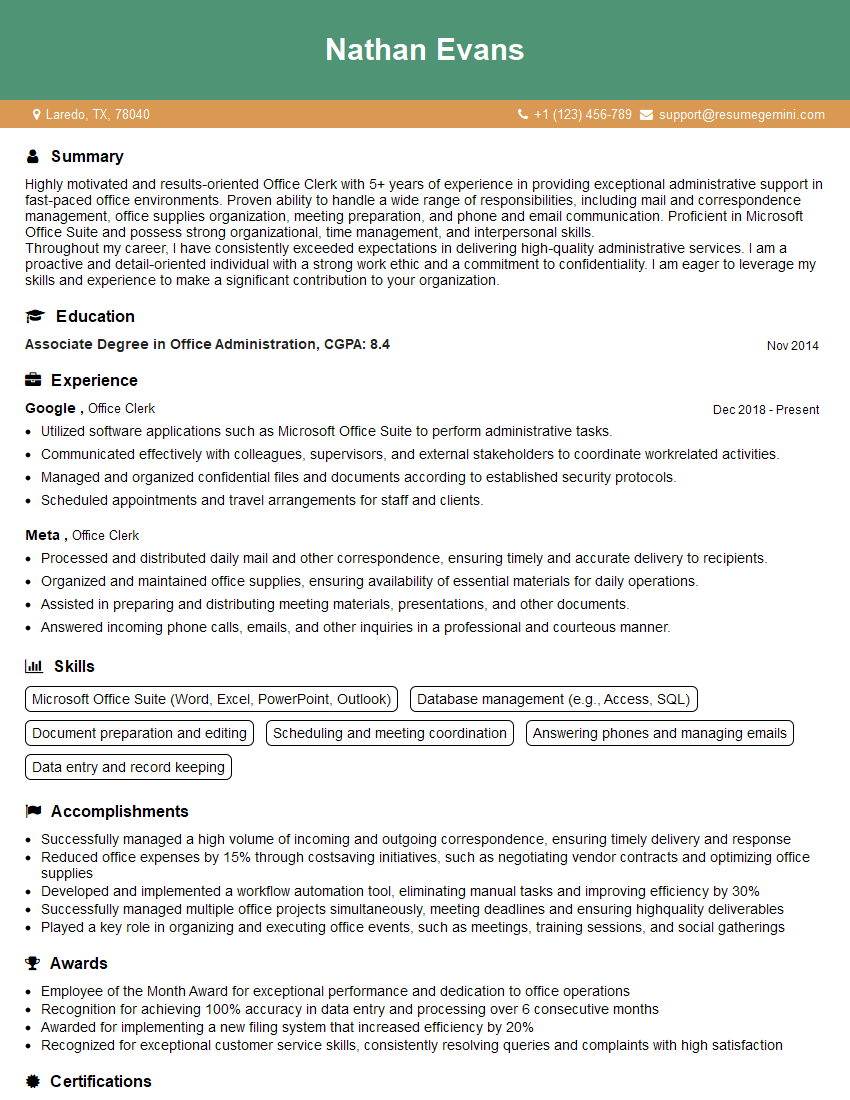
Office Clerk Resume Sample
- Office Manager
- Administrative Assistant
- Administrative Specialist
- Customer Service Representative
- Secretary
- Document Control Specialist
- Medical Secretary
- Office Coordinator
- File Clerk
- Office Assistant
- Receptionist
- Executive Assistant
- Legal Secretary
- Office Support Specialist
- Data Entry Clerk
- Data Entry Specialist
- General Office Clerk
- Office Clerk
Explore more articles
Users Rating of Our Blogs
Share Your Experience
We value your feedback! Please rate our content and share your thoughts (optional).
What Readers Say About Our Blog
Very informative content, great job.
good