Every successful interview starts with knowing what to expect. In this blog, we’ll take you through the top Broadcast and Streaming Audio interview questions, breaking them down with expert tips to help you deliver impactful answers. Step into your next interview fully prepared and ready to succeed.
Questions Asked in Broadcast and Streaming Audio Interview
Q 1. Explain the difference between lossy and lossless audio compression.
The core difference between lossy and lossless audio compression lies in how they reduce file size. Lossless compression, like FLAC (Free Lossless Audio Codec), uses algorithms to remove redundant data without discarding any audio information. Think of it like cleverly packing a suitcase – you fit more in by optimizing space, but nothing gets left behind. This means the audio quality remains pristine, identical to the original. Conversely, lossy compression, such as MP3 and AAC (Advanced Audio Coding), permanently discards some audio data to achieve smaller file sizes. This is like throwing out some items to fit your suitcase; it’s smaller, but you’ve lost some of your belongings. The amount of data discarded determines the trade-off between file size and audio quality.
Lossless codecs are ideal for archiving or situations where pristine audio quality is paramount, such as mastering. Lossy codecs are better suited for streaming or portable devices where smaller file sizes are crucial, accepting a slight compromise in quality.
Q 2. Describe your experience with various audio codecs (e.g., AAC, MP3, FLAC).
My experience spans a wide range of audio codecs. I’ve extensively used MP3 for its ubiquity and compatibility, appreciating its efficiency in delivering good quality at low bitrates, though acknowledging its limitations at higher frequencies. AAC, particularly in its HE-AAC v2 (high-efficiency) variant, has become a favorite for streaming due to its superior sound quality at comparable bitrates to MP3. It’s the backbone of many streaming services. I’m also highly proficient with FLAC for archiving and mastering projects where pristine audio fidelity is non-negotiable. I’ve worked with other codecs like Opus, which is becoming increasingly popular in its ability to adapt to varying bandwidth conditions, making it a robust solution for streaming and VoIP applications. My experience ensures I can choose the optimal codec for any given project, balancing quality, file size, and compatibility requirements.
Q 3. What are your preferred Digital Audio Workstations (DAWs) and why?
My preferred DAWs are Pro Tools and Logic Pro X. Pro Tools, known for its stability and industry-standard features, remains a cornerstone for professional broadcast and post-production work. Its extensive plugin ecosystem and integration with other broadcast tools make it indispensable. Logic Pro X, with its intuitive interface and powerful features, offers a fantastic alternative, especially for those needing a streamlined workflow and a strong virtual instrument library. I frequently switch between the two depending on the project’s specific needs, budget, and client preferences. The choice often boils down to the specific demands of a project – the complexity of the audio, the available plugins, and the overall workflow.
Q 4. How do you troubleshoot audio latency issues in a live streaming environment?
Troubleshooting audio latency in live streaming is a systematic process. First, I’d check buffer sizes on both the input and output devices. Large buffers reduce latency but increase delay, while small buffers reduce delay but risk dropouts. Finding the optimal balance is key. Then, I’d examine the network connection – high latency or packet loss directly impacts audio streaming. Using tools like ping and traceroute can help identify network bottlenecks. Next, I’d look at the software chain – too many plugins or heavy processing can introduce latency. Simplifying the signal path often resolves the issue. Lastly, I’d investigate hardware limitations; insufficient processing power or I/O bandwidth can contribute to latency. Sometimes, a simple solution like upgrading hardware or reducing the complexity of the audio signal chain resolves the problem. If the issue persists, a detailed log analysis might reveal the source of the problem.
Q 5. Explain your understanding of audio signal flow in a broadcast setup.
In a typical broadcast setup, the audio signal flow starts with the source, be it a microphone, CD player, or digital audio file. This signal then proceeds through a preamplifier to boost the signal level and improve the signal-to-noise ratio. It then moves to an equalizer to adjust the frequency balance, followed by a compressor to control dynamic range and prevent clipping. Next, effects processors, such as reverb or delay, might be added. After processing, the audio signal is usually routed through a mixer, where different audio sources are combined and balanced. From the mixer, the audio signal passes through a digital audio workstation (DAW) for any final processing or editing. Finally, the signal gets sent to an encoder for conversion to a suitable format for broadcast (e.g., AAC for streaming) before transmission to the audience. Each stage is critical; any fault can affect the final audio quality.
Q 6. Describe your experience with audio mixing and mastering techniques.
My experience in audio mixing and mastering involves a deep understanding of frequency response, dynamic range, and stereo imaging. Mixing focuses on balancing individual tracks within a mix to create a cohesive whole, ensuring clarity and avoiding masking. This process involves careful equalization, compression, and panning to create an engaging listening experience. Mastering, on the other hand, is the final stage of audio production where the overall mix is polished for optimal playback across various systems. It typically involves subtle adjustments to dynamics, equalization, and loudness to ensure the final product is consistent and optimized for the intended playback environment. Mastering requires a critical ear and a thorough understanding of loudness standards and playback compatibility.
For example, when mixing a live band recording, I pay close attention to isolating the different frequency ranges of each instrument to ensure nothing sounds muddy or overwhelmed. In mastering, I might carefully apply subtle compression and equalization to achieve a more consistent loudness level and sonic character across all tracks within an album.
Q 7. How do you handle audio feedback in a live setting?
Audio feedback, that high-pitched squeal, occurs when a sound is picked up by a microphone and amplified through a speaker, then recaptured by the same microphone, creating a positive feedback loop. The solution involves identifying the source and reducing the gain to break this loop. First, I lower the volume of the problematic microphone or speaker. Next, I’d check for any acoustic reflections that are creating feedback paths; adjusting the microphone placement or using sound-absorbing materials can often solve this problem. Careful monitoring of the signal levels on the mixer helps prevent feedback before it happens. Sometimes, using directional microphones or employing a feedback suppressor can resolve persistent issues. Finally, understanding the acoustic properties of the space and implementing proper sound design are crucial in minimizing potential feedback issues.
Q 8. What are your strategies for noise reduction and audio cleanup?
Noise reduction and audio cleanup are crucial for delivering a professional-sounding broadcast or stream. My strategies involve a multi-faceted approach, combining preventative measures with post-production techniques.
Prevention: This starts with proper microphone placement and selection (more on this in the next answer). Minimizing background noise at the source is key. This includes treating recording environments to reduce reverberation (echo) using sound-absorbing materials like acoustic panels. I also ensure proper gain staging – setting the appropriate input level to avoid clipping (distortion) while maximizing the signal-to-noise ratio.
Post-Production: For cleaning up existing noise, I utilize digital audio workstations (DAWs) like Adobe Audition or Pro Tools. These programs offer a range of tools including:
- Noise Reduction: This analyzes a sample of background noise and then subtracts it from the audio, significantly reducing hiss, hum, or other consistent unwanted sounds. It’s important to use these tools judiciously; over-processing can lead to artifacts.
- De-Essing: This reduces sibilance (hissing ‘s’ sounds) which can be very prominent in vocal tracks. It’s often a frequency-specific compressor targeting high frequencies.
- Gate: A gate reduces quieter sounds below a threshold, effectively eliminating background noise that’s not part of the desired audio.
- Spectral Editing: For more precise control, I often use spectral editing tools to visually identify and manually remove specific frequencies or unwanted noise artifacts.
Example: In a recent podcast recording, I identified a persistent low-frequency hum using a spectral analyzer. By using a notch filter in my DAW, I precisely removed the hum without affecting the overall sound quality.
Q 9. Explain your experience with different microphone types and their applications.
My experience spans a variety of microphone types, each suited to different applications. The choice of microphone significantly impacts the final audio quality.
- Dynamic Microphones: These are robust and handle high sound pressure levels well, making them ideal for live performances, loud instruments (like drums or amps), or broadcast situations where proximity to the sound source is necessary. Shure SM58 and SM7B are classic examples.
- Condenser Microphones: Condenser mics are more sensitive and capture a wider frequency range, providing more detail and clarity. They are perfect for recording vocals in studios, acoustic instruments, or any situation where subtle nuances are important. Examples include Neumann U 87 and AKG C414. They generally require phantom power (48V) supplied by the audio interface.
- Ribbon Microphones: Ribbon mics have a unique, warm sound often favoured for recording instruments like guitars or vocals. They’re generally more fragile than dynamic or condenser microphones and need careful handling.
- USB Microphones: These are convenient, plug-and-play solutions ideal for podcasting or home recording where a dedicated audio interface isn’t needed. Blue Yeti and Audio-Technica AT2020USB+ are popular choices.
Application Example: For a live interview, I would typically use a dynamic microphone like the Shure SM58 due to its durability and ability to handle variations in sound levels. For recording a vocalist in a studio setting, however, a high-quality condenser microphone would be more appropriate for capturing the nuances of the voice.
Q 10. How do you ensure audio quality consistency across different platforms and devices?
Maintaining consistent audio quality across platforms and devices is paramount. This requires careful consideration at each stage of the production process, from recording to distribution.
- Target Loudness: I adhere to specific loudness standards (e.g., -16 LUFS for streaming platforms) to ensure consistent perceived volume across different listening environments. Loudness metering tools in the DAW are essential here.
- Codec Selection: Choosing the appropriate audio codec (e.g., AAC, MP3, FLAC) balances audio quality with file size and compatibility with different devices and platforms. Higher-quality codecs offer better audio fidelity but larger file sizes.
- Bitrate Selection: The bitrate, expressed in kbps (kilobits per second), directly affects audio quality. A higher bitrate yields better sound quality, but again, larger file sizes.
- Mastering: Mastering is the final stage of audio production where the overall balance, dynamics, and loudness are optimized for various playback scenarios. Professional mastering ensures the audio sounds consistent regardless of the device or platform.
- Testing: Thorough testing on different devices and platforms is crucial to identify and rectify any inconsistencies.
Example: I’ve worked on projects where the final audio was mastered to meet the specific loudness requirements of Spotify and Apple Music, ensuring the listener experience is optimized on both platforms. I always test the final mix on various devices – from high-end studio monitors to smartphones and earbuds – to guarantee quality across the board.
Q 11. Describe your familiarity with audio metering and level control.
Audio metering and level control are fundamental to achieving professional audio quality. Accurate metering allows me to prevent clipping, maintain proper headroom, and ensure balanced audio levels.
Meters: My DAW incorporates several metering tools:
- Peak Meter: Displays the highest signal level reached, helping prevent clipping which causes distortion.
- RMS (Root Mean Square) Meter: Measures the average signal level over time, providing a better indication of overall loudness.
- Loudness Meter: Measures the perceived loudness of the audio, crucial for consistency across platforms. Different standards exist for different platforms (LUFS).
- VU Meter: Measures the level relative to a 0dB reference, commonly used in broadcasting.
Level Control: This involves using tools like:
- Faders: Adjust the volume of individual tracks or the master mix.
- Automation: Allows for dynamic control of levels over time, essential for creating smooth transitions and dynamic changes in volume throughout a piece of audio.
- Compression: Reduces the dynamic range (difference between the loudest and quietest parts) to create a more consistent loudness (explained in more detail in the next answer).
Example: When mixing a multi-track recording, I constantly monitor the peak and RMS meters to ensure I’m not pushing levels too hard and to maintain sufficient headroom. The use of automation is crucial to ensure smooth transitions throughout a radio program or podcast.
Q 12. Explain your understanding of audio equalization (EQ) and compression.
Audio equalization (EQ) and compression are powerful processing tools used to shape and refine the sound of audio.
Equalization (EQ): EQ allows me to adjust the volume of specific frequency ranges. This is vital for:
- Sculpting the sound: Boosting or cutting specific frequencies to enhance certain aspects of a sound. For instance, boosting the high frequencies in a vocal can make it sound brighter and clearer, while cutting muddiness in the low frequencies can improve clarity.
- Problem solving: Addressing frequency clashes between different audio sources or fixing tonal imbalances.
- Creating space in a mix: EQ allows for creating space for various instruments or sounds to coexist without masking each other.
Compression: Compression reduces the dynamic range of audio, bringing quieter sounds closer to the louder ones. This creates a more consistent perceived loudness and enhances the perceived punch and clarity. Key parameters include:
- Threshold: The level at which compression begins.
- Ratio: The amount of gain reduction applied to signals above the threshold.
- Attack: How quickly the compressor reacts to signals above the threshold.
- Release: How quickly the compressor returns to its normal state after the signal falls below the threshold.
Example: I might use EQ to cut low frequencies from a bass guitar to prevent it from clashing with a kick drum, then compress the vocals slightly to make them sound more consistent and powerful without peaking too loudly.
Q 13. How do you manage multiple audio sources in a broadcast environment?
Managing multiple audio sources in a broadcast environment requires a well-organized approach and the right tools. I typically utilize a digital audio workstation (DAW) or a dedicated audio mixer.
DAW Approach: Within a DAW, I create individual tracks for each audio source (microphones, music players, sound effects). This allows for independent level control, EQ, compression, and effects processing for each source. Using busses (groups of tracks) helps manage and apply effects to multiple sources simultaneously. Careful monitoring of levels using the audio meters is paramount to avoid clipping or undesirable audio interactions.
Audio Mixer Approach: In a live broadcast setting, a professional audio mixer provides the same level of control, but with a hardware interface. Faders, EQ, and other controls are physical, allowing for quick adjustments during a live broadcast. The signals can be routed to various outputs (e.g., speakers, recording devices, and broadcast systems).
Techniques:
- Gain Staging: Setting appropriate input levels for each source to avoid clipping while maximizing the signal-to-noise ratio. This is crucial to prevent any issues later in the workflow.
- Routing: Strategically routing signals to different outputs based on the requirements of the broadcast setup. For example, routing separate channels to speakers and a recording device simultaneously.
- Monitoring: Using headphones for individual monitoring and speakers for overall mixing to achieve an optimal sound balance.
Example: In a live radio show with multiple guests, I use a mixing console to manage individual microphone inputs, background music, and sound effects, ensuring each source is properly balanced and clear.
Q 14. What are your preferred methods for archiving and retrieving audio files?
Archiving and retrieving audio files requires a robust system that ensures data integrity and easy accessibility. My approach emphasizes both organization and redundancy.
Organization: I employ a meticulous file naming convention, including metadata such as date, project name, and description. Files are organized into a hierarchical folder structure for efficient retrieval. This uses a consistent format that I’ve designed for maximum clarity.
Storage: I utilize a combination of local and cloud storage. Local storage provides fast access, while cloud storage ensures redundancy and offsite backup in case of hardware failure. I would use both RAID systems and cloud services like Amazon S3 or Google Cloud Storage. For additional redundancy, I may employ a backup system such as Backblaze or CrashPlan.
File Formats: I primarily use lossless audio formats like WAV or AIFF for archiving to preserve the highest audio quality. These files are often larger, so I also maintain versions in compressed formats like MP3 or AAC for easier sharing and online distribution where quality compromises can be acceptable. Metadata embedding in the audio files themselves is crucial.
Database: For larger archives, a database management system can help catalog and search audio files efficiently.
Example: For a recent project, I archived all audio files on a RAID system and mirrored it to a cloud storage account. The files were meticulously labeled with metadata and stored in a clearly defined folder structure for easy accessibility.
Q 15. Describe your experience with IP-based audio networking (e.g., Dante, AES67).
My experience with IP-based audio networking is extensive, encompassing both Dante and AES67. These protocols revolutionized audio distribution, replacing bulky analog cabling with flexible, cost-effective digital networks. Dante, known for its ease of use and widespread adoption, is my go-to for many projects. I’ve used it extensively in live sound reinforcement, broadcast studios, and even large-scale installations involving hundreds of channels. I’ve successfully designed and implemented Dante networks, configuring switches, addressing network latency issues, and optimizing for different bandwidth requirements. AES67, offering greater interoperability across various manufacturers’ equipment, is another critical tool in my arsenal. I appreciate its open standard nature and have integrated it where seamless interfacing between diverse systems was paramount. For instance, I recently worked on a project integrating an AES67-compatible console with Dante-based microphones and processing units, ensuring a smooth workflow.
I understand the importance of network design, including factors like network topology (star, ring, etc.), switch capabilities (PoE, QoS), and the impact of network congestion on audio quality. Troubleshooting network issues is a significant part of my expertise, encompassing methods like using network analyzers to pinpoint latency problems, isolating faulty network devices, and optimizing network configurations to minimize jitter and packet loss.
Career Expert Tips:
- Ace those interviews! Prepare effectively by reviewing the Top 50 Most Common Interview Questions on ResumeGemini.
- Navigate your job search with confidence! Explore a wide range of Career Tips on ResumeGemini. Learn about common challenges and recommendations to overcome them.
- Craft the perfect resume! Master the Art of Resume Writing with ResumeGemini’s guide. Showcase your unique qualifications and achievements effectively.
- Don’t miss out on holiday savings! Build your dream resume with ResumeGemini’s ATS optimized templates.
Q 16. Explain your troubleshooting skills related to audio hardware and software.
Troubleshooting audio hardware and software involves a systematic approach. I always start by isolating the problem, considering the entire signal path – from the source to the output. My process often involves:
- Visual inspection: Checking cables for damage, ensuring proper connections, and verifying power supply.
- Signal tracing: Using multimeters or audio analyzers to trace the signal flow and identify points of failure or signal degradation.
- Software diagnostics: Examining software logs for error messages, checking sample rates and bit depths for consistency, and verifying driver versions.
- Component isolation: Systematically removing components from the signal path to identify the faulty unit.
For example, I once encountered a situation where a remote broadcast was plagued by intermittent audio dropouts. After ruling out network issues, I discovered a faulty power supply unit for a crucial audio interface. Replacing the power supply immediately resolved the issue. Experience has taught me to consider the ‘obvious’ first, but to methodically work through every potential point of failure using a combination of practical analysis and specialized testing equipment.
Q 17. How familiar are you with cloud-based audio workflows?
I am very familiar with cloud-based audio workflows. The move to cloud-based solutions offers significant benefits, including scalability, accessibility, and cost-effectiveness. I’ve worked with several cloud platforms, including those offering services like audio processing, storage, and distribution. Understanding cloud architectures is essential, particularly considerations around latency, bandwidth, and security. Specific examples include using cloud-based mixing consoles for remote collaboration, utilizing cloud storage for large audio archives, and leveraging cloud-based encoding and transcoding services for efficient distribution.
The key advantages of cloud-based workflows lie in their ability to facilitate remote collaboration, reduce infrastructure costs, and offer scalable solutions for variable workloads. However, challenges include network dependency, latency issues, and security concerns which need careful management. I approach these by ensuring robust network connectivity, employing appropriate security measures, and carefully selecting cloud providers with a proven track record and strong service level agreements.
Q 18. How do you maintain audio quality in a remote broadcast scenario?
Maintaining audio quality in a remote broadcast requires meticulous attention to detail. It involves understanding the limitations of networked audio and implementing strategies to mitigate potential issues. Key aspects include:
- High-quality codecs: Using codecs such as Opus or AAC which balance high audio quality with efficient bandwidth usage.
- Stable network connection: Ensuring sufficient bandwidth and a low-latency network connection through dedicated lines or VPNs is crucial.
- Redundancy: Implementing backup network connections and equipment to prevent complete system failure.
- Consistent sample rates and bit depths: Maintaining consistent audio parameters throughout the entire signal chain to avoid problems.
- Proper gain staging: Avoiding clipping and optimizing levels to maximize dynamic range without introducing noise.
For instance, in a recent remote interview, we used a dedicated high-bandwidth internet connection along with a backup cellular connection for redundancy. We also employed advanced noise-reduction techniques on the remote participant’s audio to compensate for any ambient noise.
Q 19. Describe your experience with various audio monitoring solutions.
My experience with audio monitoring solutions spans various types, from simple headphone monitoring to sophisticated metering and analysis tools. I am comfortable with traditional hardware-based monitoring solutions, using metering bridges and specialized monitoring equipment in traditional broadcast settings. I’m equally adept at using software-based monitoring solutions, including virtual meters within DAWs (Digital Audio Workstations) and dedicated monitoring applications providing detailed spectral analysis and loudness metering. This includes using software like Loudness Penalty to comply with broadcasting standards. I find that a mix of hardware and software monitoring provides the most comprehensive view of the audio signal and ensures compliance with the relevant broadcasting regulations and guidelines.
For critical applications like broadcast, I prefer using both hardware and software solutions for redundancy and to offer a comprehensive set of measurements to ensure audio quality, particularly in terms of loudness and dynamic range. This allows for precise control and a higher level of assurance regarding the broadcast audio signal.
Q 20. What are some common audio issues you’ve encountered and how did you resolve them?
Throughout my career, I’ve encountered numerous audio issues. Some common ones include:
- Ground loops: These are resolved by using ground lift adapters or balanced audio cables.
- Clipping: This is addressed by adjusting gain staging and using limiters to prevent signal overload.
- Latency: Network latency is handled by optimizing network configuration, using low-latency codecs, and employing strategies for buffering. In cases of hardware latency, I would look for issues with drivers, firmware, or device settings.
- Noise: Noise is minimized using noise gates, equalizers, and careful microphone placement. In some cases, replacing faulty components also helps.
- Synchronization issues: These can stem from clock issues in digital audio equipment and are dealt with by using external word clocks or ensuring proper synchronization between devices.
Each situation demands a tailored approach. Careful investigation, understanding the signal flow, and employing systematic troubleshooting are paramount to identifying and solving these issues effectively. I always prioritize documenting the process so that similar issues can be easily addressed in the future.
Q 21. Explain your experience with audio automation software.
My experience with audio automation software is extensive. I’m proficient in using various software packages for automating tasks such as scheduling, mixing, and processing. These packages are not only crucial for broadcast automation but also for streamlining workflows in studios and live productions. I’m familiar with both broadcast-specific automation systems and more general-purpose automation tools often found in DAWs. The specific software I’ve used depends heavily on the project, but I’ve worked with several leading systems. A key component is understanding the scripting or macro capabilities within these programs allowing for custom automation solutions.
For instance, I’ve used automation software to schedule and control playlists for radio broadcasts, automating the transitions between segments and implementing complex on-air processes. The benefits extend beyond mere scheduling; I also leverage automation to apply consistent processing to multiple audio tracks or to trigger specific events such as playing jingles or switching audio sources. This not only saves time but ensures consistency and accuracy across the broadcast.
Q 22. How do you manage audio rights and clearances for broadcast content?
Managing audio rights and clearances for broadcast content is crucial to avoid legal issues and ensure ethical practices. It involves a multi-step process beginning with identifying all the elements within a piece of audio: music, sound effects, voiceovers, and even background ambience. Each element might have its own copyright holder, necessitating separate clearances.
First, we meticulously identify each audio element and its source. This often involves reviewing contracts, invoices, and communication records. Next, we determine the usage rights required: Will it be broadcast on television, streamed online, or used in a podcast? The scope of usage dramatically influences the required licenses. We then contact copyright holders – often through specialized licensing agencies – to negotiate licenses and secure the necessary permissions. This involves detailed negotiations surrounding fees, territories, duration of use, and other conditions. Finally, we diligently maintain comprehensive documentation of all licenses acquired. This documentation serves as proof of authorization and is essential in the event of any legal disputes.
For example, imagine a radio drama using a well-known song. We wouldn’t just use the song; we would need a synchronization license (sync license) granting us permission to use the music along with the audio drama, and a mechanical license if we intend to alter the song in any way. Each license would be carefully documented, including the terms and conditions, payment details, and contact information of the copyright holder.
Q 23. What is your experience with metadata embedding in audio files?
Metadata embedding in audio files is the process of adding information to the file itself, beyond just the audio data. This data, often invisible to the listener, is crucial for organization, search, and accessibility. It can include details like the title, artist, album art, genre, recording date, and even copyright information.
My experience encompasses various metadata standards, including ID3 tags (for MP3 files), and XMP metadata (for more advanced formats). I’m proficient in using audio editing software to both read and embed metadata, ensuring accurate and complete information is attached to every audio asset. In a professional setting, consistent metadata is essential for efficient content management within large archives. Imagine a radio station with thousands of audio files: Accurate metadata allows for quick searching, sorting, and selection based on various criteria. It also simplifies automation tasks like playlist creation and content scheduling.
For instance, a correctly embedded ID3 tag in an MP3 file allows a music player or library to automatically populate the display with relevant details, enhancing the user experience. Mismatched or missing metadata would result in generic placeholders, decreasing the user experience and creating workflow inefficiencies.
Q 24. Describe your understanding of different audio formats and their compatibility.
Different audio formats serve different purposes, each with trade-offs between file size, audio quality, and compatibility. Some common formats include MP3 (lossy compression, widely compatible), WAV (uncompressed, high quality, large file size), AAC (lossy compression, good balance of quality and size), and FLAC (lossless compression, high quality, larger than lossy formats).
Understanding format compatibility is crucial for broadcast and streaming. While MP3 boasts broad compatibility, its lossy compression compromises audio quality at lower bitrates. AAC offers a better balance, but its compatibility might be slightly less universal. Broadcast often favours uncompressed WAV for high fidelity in the studio, while streaming platforms prioritize smaller files for efficient delivery, often using AAC or Opus. Lossless formats like FLAC are valuable for archiving and mastering but are generally unsuitable for streaming due to their large file sizes.
Consider a podcast: Using MP3 offers wide player compatibility but might not always deliver the highest-quality audio. On the other hand, a high-fidelity music stream would benefit from a higher-quality format like AAC or even uncompressed, at the cost of higher bandwidth consumption.
Q 25. How familiar are you with audio streaming protocols (e.g., RTMP, HLS)?
Audio streaming protocols are the backbone of online audio delivery. RTMP (Real-Time Messaging Protocol) was an earlier standard, offering real-time, low-latency streaming but lacking broad browser support and efficiency compared to newer protocols. HLS (HTTP Live Streaming) has emerged as a dominant protocol, known for its adaptive bitrate streaming capabilities. This allows the stream to seamlessly adjust its quality based on the viewer’s internet connection, providing a smooth experience even with fluctuating bandwidth.
My experience involves implementing and troubleshooting both RTMP and HLS, and understanding their nuances. HLS, using smaller segments delivered over HTTP, offers better scalability and compatibility across different devices and platforms, making it ideal for larger-scale streaming operations. RTMP, while offering lower latency, requires dedicated servers and isn’t as widely supported by modern web browsers. I’m also familiar with other protocols like WebRTC (for peer-to-peer communication in some real-time scenarios) and the increasing relevance of DASH (Dynamic Adaptive Streaming over HTTP), which provides more flexibility and compatibility for a wider variety of devices and networks.
In a practical scenario, choosing between HLS and RTMP depends on the priorities: Low latency is crucial for live events like sports broadcasts (leaning towards RTMP solutions although low-latency HLS is rapidly improving), while broader compatibility and scalability favour HLS for on-demand content or less strict latency requirements.
Q 26. Explain your experience with live audio mixing consoles.
Live audio mixing consoles are the central control point for managing multiple audio inputs and outputs during a live broadcast or recording. My experience includes operating various analogue and digital mixing consoles, ranging from smaller, portable units to large-scale broadcast consoles with numerous input channels, equalization (EQ), dynamic processing (compressors, limiters, gates), effects processing (reverb, delay), and routing capabilities.
This involves mastering the art of audio balancing, ensuring appropriate levels for each input source without creating feedback or distortion. Understanding signal flow, gain staging, and proper use of EQ and dynamics processing is vital. I can efficiently manage multiple microphones, music sources, sound effects, and other audio inputs, creating a balanced and engaging listening experience. Digital consoles offer enhanced features such as automation, recall settings, and integrated digital audio workstations (DAWs).
For instance, during a live radio show, I would use the console to manage the host’s microphone, guest microphones, music playback, and any sound effects. I’d adjust levels, EQ, and dynamics in real-time to maintain a consistent and professional sound, ensuring clear audio while preventing any sudden loudness changes or unwanted noise.
Q 27. How do you ensure accessibility for audio content (e.g., captioning, transcripts)?
Ensuring accessibility for audio content is paramount, particularly for individuals with hearing impairments. This involves providing alternative formats like captions and transcripts. Captions provide a synchronized textual representation of the audio content, while transcripts are a written version, often used for podcasting or as supplementary material.
My experience involves working with various captioning and transcription methods, including manual transcription (for high accuracy), automated speech recognition (ASR) software for initial drafts, and professional captioning services for refining ASR outputs. It’s crucial to ensure high accuracy in these transcriptions and captions, minimizing errors that could hinder comprehension. Furthermore, it’s important to provide clear metadata to clearly associate the captions/transcripts with the audio file and use standardized formats for optimal compatibility with various assistive technologies.
Imagine a streamed lecture: Providing accurate captions allows deaf or hard-of-hearing individuals to fully participate, while a transcript allows users to review the content later or access it offline. In addition to captions and transcripts, providing audio descriptions (narration that describes visual elements for visually impaired audiences) can further enhance accessibility.
Key Topics to Learn for Broadcast and Streaming Audio Interview
- Audio Compression and Encoding: Understanding codecs like AAC, MP3, and Opus; their trade-offs in quality, file size, and computational requirements. Practical application: Choosing the right codec for different streaming platforms and target audiences.
- Digital Audio Workstations (DAWs): Familiarity with popular DAWs (e.g., Pro Tools, Logic Pro, Ableton Live) and their capabilities in audio editing, mixing, and mastering. Practical application: Demonstrating proficiency in audio editing techniques, including noise reduction, equalization, and compression.
- Streaming Protocols and Technologies: Knowledge of protocols like RTMP, HLS, and DASH; understanding their strengths and weaknesses in relation to latency, scalability, and compatibility. Practical application: Troubleshooting streaming issues and optimizing delivery for different network conditions.
- Network Fundamentals for Audio Streaming: Understanding bandwidth, latency, jitter, and packet loss; their impact on audio quality and how to mitigate related problems. Practical application: Optimizing audio streams for reliable delivery across various networks.
- Microphones and Audio Signal Processing: Knowledge of different microphone types and their polar patterns; understanding basic signal processing techniques like equalization, compression, and limiting. Practical application: Selecting appropriate microphones for different recording environments and applying signal processing to improve audio clarity.
- Metadata and Content Management: Understanding the importance of metadata for audio content organization, search, and accessibility. Practical application: Implementing effective metadata tagging strategies for efficient content management in a broadcast or streaming environment.
- Audio Monitoring and Quality Control: Understanding techniques for monitoring audio levels and ensuring consistent audio quality throughout the production process. Practical application: Implementing quality control measures to prevent issues like clipping, distortion, and noise.
Next Steps
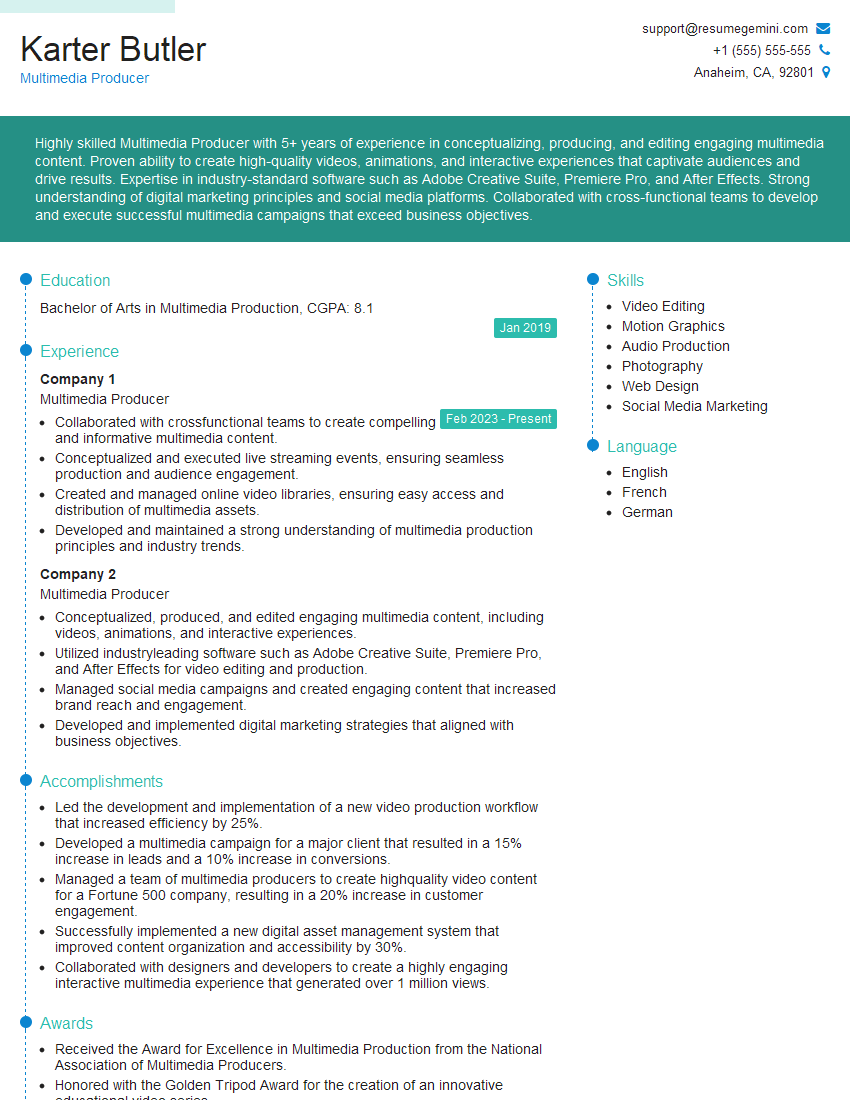
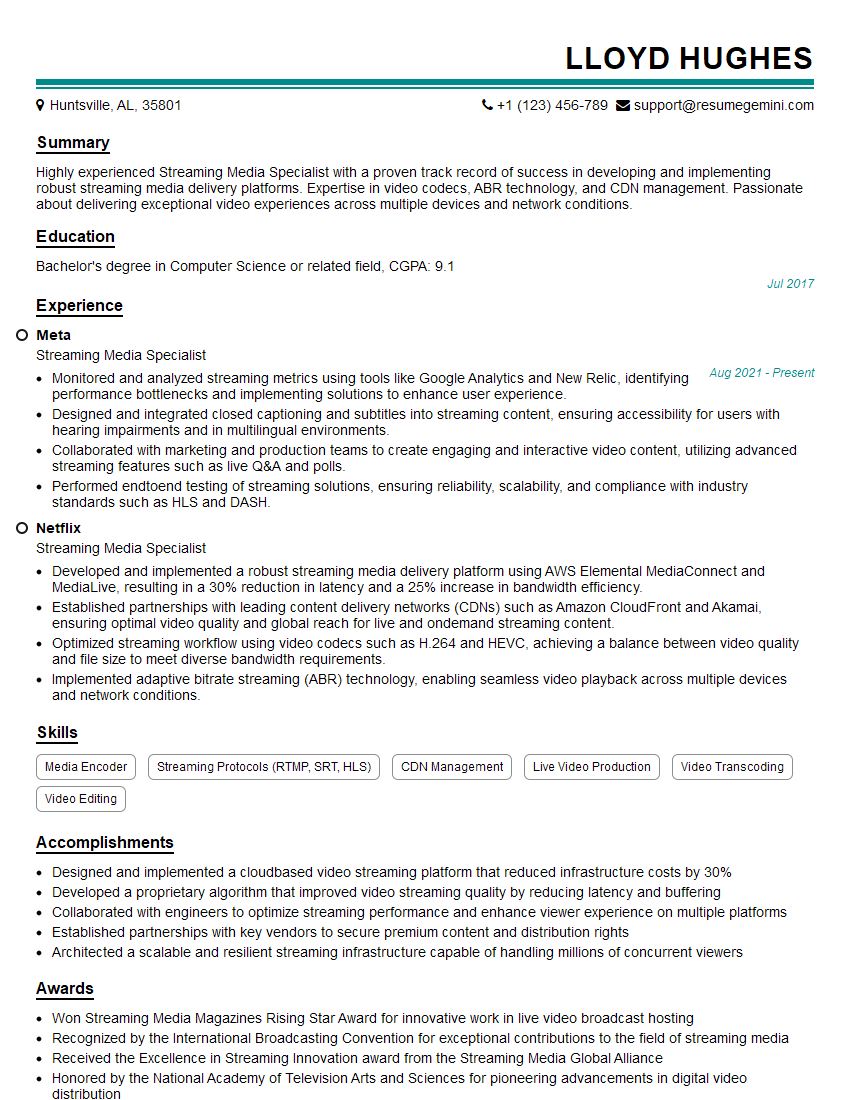
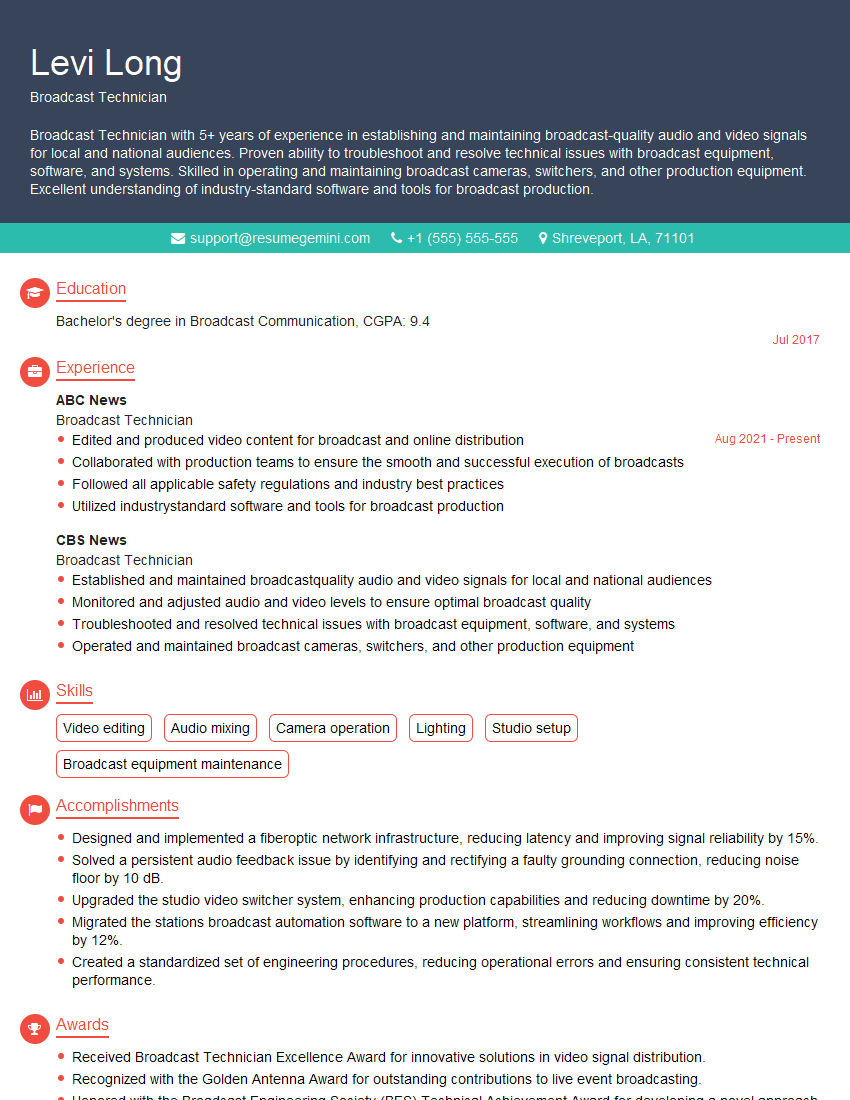
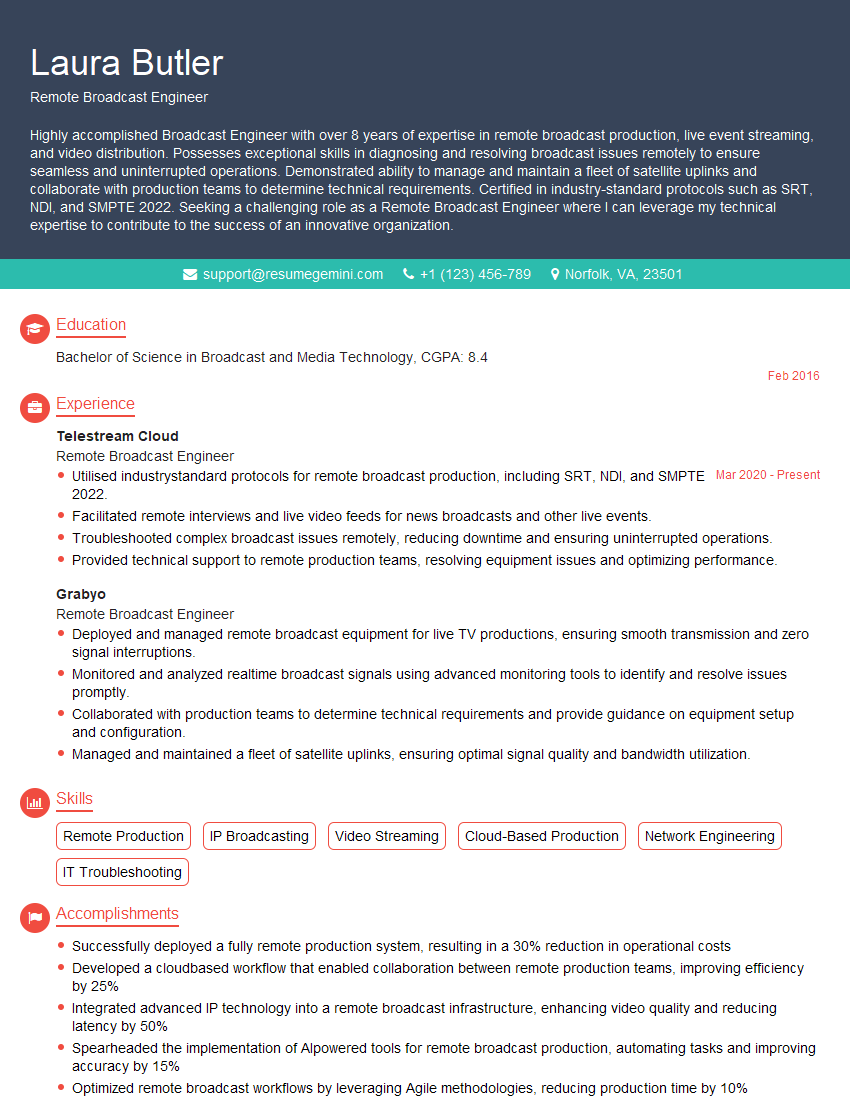
Mastering Broadcast and Streaming Audio opens doors to exciting and rewarding careers in a rapidly evolving industry. From radio and podcasting to live streaming and immersive audio experiences, the demand for skilled professionals is high. To maximize your job prospects, creating a strong, ATS-friendly resume is crucial. ResumeGemini is a trusted resource that can help you build a professional resume that showcases your skills and experience effectively. Examples of resumes tailored to Broadcast and Streaming Audio are available to help you get started. Invest time in crafting a compelling resume—it’s your first impression on potential employers.




Explore more articles
Users Rating of Our Blogs
Share Your Experience
We value your feedback! Please rate our content and share your thoughts (optional).
What Readers Say About Our Blog
Very informative content, great job.
good