Unlock your full potential by mastering the most common Camera and Film Formats interview questions. This blog offers a deep dive into the critical topics, ensuring you’re not only prepared to answer but to excel. With these insights, you’ll approach your interview with clarity and confidence.
Questions Asked in Camera and Film Formats Interview
Q 1. Explain the differences between various sensor sizes (e.g., Super 35, Full Frame, APS-C).
Sensor size in cameras directly impacts image quality, field of view, and depth of field. Think of it like the size of the film negative in a traditional camera. A larger sensor captures more light, resulting in better low-light performance and shallower depth of field (that pleasing blurry background). Here’s a breakdown of common sensor sizes:
- Full Frame (35mm): This is the largest commonly used sensor size, roughly the same size as a 35mm film frame. It offers superior image quality, dynamic range, and low-light performance. Think of professional DSLRs and high-end mirrorless cameras.
- APS-C: This is a smaller sensor, typically found in many entry-level to mid-range DSLRs and mirrorless cameras. It produces images with a narrower field of view than full-frame, meaning you’ll need to zoom in more to get the same shot. It’s a good compromise between image quality and cost.
- Super 35: This is a sensor size often used in cinema cameras. It’s slightly larger than APS-C, offering a good balance between image quality and cost-effectiveness in professional filmmaking. It provides a cinematic look with shallow depth of field.
The key takeaway is that larger sensors generally produce higher quality images but are more expensive. The best choice depends on your budget and project requirements.
Q 2. What are the advantages and disadvantages of using film versus digital formats?
Film and digital formats both have their unique strengths and weaknesses. The choice often comes down to creative vision and project constraints.
- Film Advantages: Film has a distinct look and feel, often described as having a more organic, cinematic quality. It boasts a wide dynamic range, capable of capturing details in both bright highlights and deep shadows. The unique grain structure adds to its character.
- Film Disadvantages: Film is expensive, requires processing, and has limited flexibility compared to digital (no immediate playback, changes require re-shooting). Storage and archiving also pose challenges.
- Digital Advantages: Digital is affordable and highly flexible. You get instant feedback, enabling easy adjustments during shooting. Post-production is more efficient with digital workflows. Digital storage is also more convenient and accessible.
- Digital Disadvantages: Digital can sometimes lack the organic feel of film. High dynamic range is achievable but can be more technically challenging than with film. Sensor size and limitations can impact image quality, especially in low light.
Ultimately, the ‘better’ format is subjective. Many filmmakers blend film and digital to leverage the strengths of both.
Q 3. Describe the characteristics of different film stocks (e.g., ISO, grain, color temperature).
Film stocks are characterized by several key factors:
- ISO (International Organization for Standardization): This represents the film’s sensitivity to light. A lower ISO (e.g., ISO 50) is less sensitive, ideal for bright conditions, producing finer grain. A higher ISO (e.g., ISO 3200) is more sensitive, suitable for low light, but results in more grain (a visible texture).
- Grain: The visible texture in the film image. Fine grain produces a smoother image, while coarse grain creates a more textured, sometimes gritty look. The choice of grain is often a stylistic one.
- Color Temperature: Measured in Kelvin (K), it describes the color ‘cast’ of the light. Daylight is around 5600K, while tungsten lighting is around 3200K. Different film stocks are designed to be balanced for different color temperatures; otherwise, color correction in post-production is required.
- Contrast: This refers to the difference between the darkest and lightest areas of the image. High-contrast film stocks produce images with strong shadows and bright highlights, while low-contrast stocks create a more even tonal range.
Choosing the right film stock involves considering the lighting conditions, desired look and feel, and budget.
Q 4. How do you choose the appropriate camera format for a specific project?
Selecting the appropriate camera format depends heavily on the project’s demands, budget, and artistic vision. Here’s a step-by-step approach:
- Define the project’s scope: What’s the story? What’s the budget? What’s the desired aesthetic?
- Consider the image quality needs: Do you need high resolution, exceptional dynamic range, or a specific cinematic look? Full-frame sensors generally excel here.
- Evaluate budget and logistical constraints: Full-frame gear is usually more expensive and requires more specialized support.
- Assess lighting conditions: Low-light scenarios benefit from larger sensors with better low-light performance.
- Choose the sensor size accordingly: Balance image quality needs, budget, and logistical requirements.
- Test different formats: If possible, shoot tests using different camera formats to see how they suit the project’s visual style.
For example, a low-budget independent film might use APS-C cameras for their affordability and accessibility, whereas a Hollywood blockbuster might utilize full-frame or even larger format sensors for ultimate image quality.
Q 5. Explain the concept of dynamic range and its importance in filmmaking.
Dynamic range refers to the range of tones a camera or film stock can capture, from the deepest shadows to the brightest highlights. It’s expressed in stops of light. A higher dynamic range means the camera can record a wider range of tones, preserving detail in both bright and dark areas. Think of it as the camera’s ability to see both the subtle details in the shadows of a forest and the bright light filtering through the leaves simultaneously.
Importance in filmmaking:
- Preserving detail: A wider dynamic range helps to avoid losing information in highlights (blown-out whites) or shadows (crushed blacks). This is crucial for post-production flexibility.
- Creative control: A wider dynamic range allows for more creative grading and color correction in post-production. You can adjust the exposure and contrast after shooting without losing crucial image details.
- Realistic representation: High dynamic range more accurately captures the way we perceive light and shadow in real life.
Cameras with high dynamic range are highly sought after in professional filmmaking for their ability to preserve image quality and give filmmakers more creative control over the final look.
Q 6. What are the key considerations for managing color temperature in various shooting environments?
Color temperature is crucial in filmmaking because it directly impacts the color balance and overall mood of the scene. Inconsistent color temperature can lead to an unnatural or jarring look.
Managing color temperature:
- Understanding light sources: Daylight has a bluish cast (around 5600K), while tungsten lights have a warmer, yellowish cast (around 3200K). Mixed lighting can create significant challenges.
- Using color temperature meters: These devices accurately measure the color temperature of light sources, allowing for precise adjustments.
- White balancing: Setting the white balance on your camera adjusts the sensor’s response to match the color temperature of the light source, ensuring neutral colors. Different white balance presets are available for various lighting conditions.
- Color correction in post-production: If white balancing wasn’t perfect or you intentionally mixed different light sources for creative effect, post-production software allows for color correction to achieve a consistent and aesthetically pleasing look.
- Using color gels: These filters placed on lights adjust the color temperature of the light to match other sources or create specific color effects. For example, using a CTO (Color Temperature Orange) gel on tungsten lights warms them to approximate daylight.
Careful color temperature management is essential for achieving a consistent and visually pleasing film. Using a combination of white balance adjustments, color gels, and post-production color correction techniques enables filmmakers to control the color and mood of their shots effectively.
Q 7. Discuss the impact of different aspect ratios on storytelling.
Aspect ratio, the ratio of a frame’s width to its height, significantly impacts storytelling. Different aspect ratios can evoke different feelings and guide the viewer’s attention.
- Widescreen (e.g., 16:9, 2.39:1): Common in modern filmmaking, widescreen formats offer a more immersive and expansive feel, enhancing the sense of scope and scale. They are often used in action films and epics.
- Academy Ratio (1.37:1 or 1.33:1): A classic aspect ratio, it provides a more intimate and claustrophobic feeling. This was standard for many years and can be used to evoke a sense of nostalgia or simplicity.
- Square (1:1): Rare in feature films, square formats can emphasize symmetry and balance. They can often create a more unique or artistic look.
The choice of aspect ratio is a stylistic decision. A widescreen shot might emphasize the vastness of a landscape, while a narrower ratio might focus on the emotional intimacy between characters. The aspect ratio contributes to visual storytelling, impacting the viewer’s emotional experience and perception of the narrative.
Q 8. How do you handle image compression and its impact on quality?
Image compression is crucial for managing file sizes, especially when dealing with high-resolution video and stills. It involves reducing the amount of data required to represent an image without significant loss of visual quality (lossy compression) or with no loss at all (lossless compression). The challenge lies in finding the right balance between file size and image fidelity. Too much compression leads to noticeable artifacts like blocking, blurring, and color banding, while insufficient compression results in unwieldy file sizes.
In my workflow, I carefully consider the intended use of the footage. For archival purposes or projects requiring maximum quality, I prefer lossless codecs or minimally lossy options with high bitrates. For web distribution or projects with less demanding quality requirements, higher compression ratios might be acceptable. I often use tools that allow me to preview different compression levels to visually assess the impact on quality before making a final decision. For example, when working with RAW stills, I might opt for a lossless compression format like TIFF, while for video intended for online platforms, I might choose a more efficient lossy codec such as H.265 (HEVC).
Q 9. What are the differences between various codecs (e.g., ProRes, DNxHD, H.264)?
Different codecs (coder-decoder) are designed with various compression techniques and target applications in mind. Each offers a different trade-off between file size, quality, and computational requirements.
- ProRes: Apple ProRes codecs are known for their high-quality, lossy compression, suitable for professional post-production workflows. They offer a good balance between quality and file size, making them ideal for editing and intermediate delivery. Different ProRes flavors (ProRes 422, ProRes 4444, etc.) offer varying degrees of compression and color sampling.
- DNxHD: Developed by Avid, DNxHD offers efficient compression, especially for high-definition video. It is commonly used in broadcast and post-production environments, prioritizing quality and ease of editing. Like ProRes, it provides a range of quality/size options.
- H.264 (AVC): This is a widely used, highly efficient compression codec known for its small file sizes. It’s commonly used for online streaming and distribution, but at higher compression levels, noticeable quality degradation can occur. It is less computationally intensive than ProRes or DNxHD, making it well-suited for real-time applications.
The choice of codec is driven by factors such as the desired level of quality, storage capacity, processing power, and final delivery method. For instance, I would use ProRes for offline editing of high-resolution footage and then transcode to H.264 for online distribution.
Q 10. Explain your understanding of lens characteristics (focal length, aperture, depth of field).
Understanding lens characteristics is fundamental to cinematography. Let’s break down three key aspects:
- Focal Length: This refers to the distance between the lens’s optical center and the image sensor when the lens is focused at infinity. It determines the field of view – a short focal length (wide-angle lens) captures a wider area, while a long focal length (telephoto lens) compresses perspective and magnifies distant objects. Think of it like looking through a peephole (telephoto) versus having a wide panoramic view (wide-angle).
- Aperture: This controls the amount of light passing through the lens, measured in f-stops (e.g., f/2.8, f/5.6, f/11). A wider aperture (lower f-number) lets in more light, resulting in a shallower depth of field (more blur in the background), while a narrower aperture (higher f-number) lets in less light and creates a greater depth of field (more of the scene in focus).
- Depth of Field (DOF): This refers to the area of the image that appears acceptably sharp. It’s influenced by the aperture, focal length, and the distance to the subject. A shallow DOF is often used for portraits to isolate the subject from the background, while a deep DOF might be preferred for landscape photography to keep everything in focus.
These three elements interact to create the desired visual effect. For example, a portrait shot with a wide aperture (e.g., f/1.4) and a telephoto lens will have an extremely shallow depth of field, creating a beautifully blurred background that draws attention to the subject.
Q 11. How do you determine the appropriate lens choice for a given scene?
Choosing the right lens depends heavily on the scene’s requirements. I typically consider these factors:
- Field of View: Do I need a wide shot to establish the location, a medium shot to showcase the characters, or a close-up to highlight emotion? This determines whether I need a wide-angle, standard, or telephoto lens.
- Depth of Field: Do I want a shallow DOF to isolate my subject or a deep DOF to ensure everything is in focus? This dictates the aperture selection and consequently influences the lens choice.
- Perspective: Do I want to compress or expand the perspective? Telephoto lenses compress, making distant objects appear closer, while wide-angle lenses expand, emphasizing the size and scale of the environment.
- Light Conditions: Low light might require a lens with a wide maximum aperture to gather more light.
- Subject Matter: A sports event might require a long telephoto lens to capture distant action, while an interior scene might benefit from a wide-angle lens to capture the entire space.
I often plan my shots ahead of time, sketching storyboards and creating a shot list that outlines the necessary lenses and camera positions. This pre-planning ensures efficiency and reduces decision-making stress during the shoot. For example, shooting a fast-paced action sequence would involve using a lens that enables rapid focusing and a wide aperture to cope with rapidly changing light conditions and create a dynamic shallow depth of field.
Q 12. Describe your experience with different camera support systems (tripods, dollies, Steadicam).
Camera support systems are critical for achieving smooth, stable shots. My experience includes:
- Tripods: Essential for static shots or slow, controlled movements. I’ve used various tripods, from lightweight travel tripods to heavy-duty studio models, each suited to different situations and camera weights. Fluid heads are particularly important for smooth panning and tilting.
- Dollies: These allow for smooth camera movements along a track, often used for tracking shots, creating a sense of motion and following the subject’s movement. I’ve worked with both manual and motorized dollies, depending on the shot complexity and required precision.
- Steadicam: A stabilizing system worn by the operator, providing incredibly smooth, flowing shots even while walking or moving through uneven terrain. Steadicam shots often give a sense of intimacy and immersion, seamlessly moving with the action. I’ve used Steadicams for both handheld and complex choreographed movements.
The selection of a camera support system depends on the desired movement, budget, and available space. A Steadicam is ideal for smooth, dynamic shots in diverse environments but requires specialized training. A dolly provides very controlled movement but requires more setup time and space. Tripods offer stability for static or slow-paced shots.
Q 13. How do you ensure proper exposure in various lighting conditions?
Ensuring proper exposure is vital for capturing a well-balanced image, regardless of the lighting conditions. I rely on a combination of techniques:
- Understanding the Exposure Triangle: This comprises aperture, shutter speed, and ISO. Each element impacts brightness, depth of field, and image noise. Adjusting these three elements in coordination is key to managing exposure.
- Metering Modes: My camera’s metering modes (evaluative, center-weighted, spot) help me assess the light in different ways. For complex scenes, I often use spot metering to measure the light on the key subject and adjust the exposure accordingly.
- Exposure Compensation: This allows me to adjust the exposure from the camera’s metering suggestion, often useful in backlit scenes or situations with high contrast.
- Histograms: Checking the histogram helps me assess the tonal range and avoid overexposed highlights or underexposed shadows. A well-exposed image typically shows a balanced distribution across the histogram.
- External Light Meters: For critical scenes or low-light conditions, I sometimes use external light meters for a more precise exposure measurement.
In challenging lighting situations, I might use techniques such as fill lighting or reflectors to balance the exposure and reduce contrast. For backlit scenes, I might use exposure compensation or adjust the aperture to control the highlight levels. Mastering these techniques is crucial for consistent, visually appealing results.
Q 14. What is the role of a DIT and what are your experiences in this role?
A Digital Imaging Technician (DIT) is a crucial role in professional film and video production. Their responsibilities include managing and processing digital media on set, ensuring data integrity, and providing technical support to the director of photography (DP) and camera team.
In my experience as a DIT, I’ve been responsible for:
- On-Set Data Management: This involves recording metadata, backing up footage, and monitoring storage space. I use dedicated software and hardware to streamline this process, ensuring no footage is lost.
- Image Quality Control: I review footage on set to detect issues like exposure problems or technical errors, allowing for immediate corrections.
- Color Management: I help set up and maintain consistent color throughout the shoot. This often involves using color charts and profile generation to ensure the final product matches the director’s vision.
- Dailies: I create dailies (daily rushes of recorded footage) for review by the director and other team members. This often involves generating proxies for efficient review and handling large file sizes.
- Technical Support: I assist the camera team with any technical issues that may arise, ensuring the equipment is running smoothly and providing solutions quickly.
Being a DIT requires a solid understanding of camera technology, image processing, data management, and problem-solving. It’s a crucial role in bridging the gap between the shoot and post-production, ensuring the integrity and efficiency of the workflow.
Q 15. How do you manage and archive camera footage effectively?
Effective footage management and archiving are crucial for long-term project viability and efficient workflow. My approach is multifaceted and prioritizes both accessibility and data integrity.
- Redundancy: I always employ a RAID system (Redundant Array of Independent Disks) for primary storage, ensuring data protection against hard drive failure. This is supplemented by cloud storage solutions like Backblaze B2 or Wasabi for offsite backups, providing an extra layer of security.
- File Organization: A meticulously organized file structure is paramount. I use a hierarchical system based on project name, date, and camera/take information (e.g.,
ProjectX/2024-10-27/CameraA/Take001.RAW). This ensures easy retrieval and minimizes confusion. - Metadata: I meticulously embed metadata into each file, including keywords, shot descriptions, and relevant technical information. This greatly facilitates searching and organization, especially within large projects. Software like Adobe Bridge helps manage this effectively.
- Regular Backups: Scheduled automatic backups are non-negotiable. I use a combination of local RAID backups and cloud backups, ensuring regular data synchronization and version control.
- Media Checksumming: To ensure data integrity, I employ checksum verification (e.g., using MD5 or SHA hashes) after each backup. This allows me to detect any corruption or data loss that may occur during the backup or storage process.
This comprehensive approach guarantees data security and allows for efficient retrieval of footage, even years after a project’s completion.
Career Expert Tips:
- Ace those interviews! Prepare effectively by reviewing the Top 50 Most Common Interview Questions on ResumeGemini.
- Navigate your job search with confidence! Explore a wide range of Career Tips on ResumeGemini. Learn about common challenges and recommendations to overcome them.
- Craft the perfect resume! Master the Art of Resume Writing with ResumeGemini’s guide. Showcase your unique qualifications and achievements effectively.
- Don’t miss out on holiday savings! Build your dream resume with ResumeGemini’s ATS optimized templates.
Q 16. Describe your workflow for color grading and correction.
My color grading and correction workflow is iterative and depends on the project’s specific needs and stylistic choices. However, the core principles remain consistent.
- Capture: Shooting with a focus on proper exposure and white balance is fundamental. This minimizes the need for excessive correction later on. I always shoot RAW to maximize flexibility.
- Import and Organization: I meticulously organize my footage in a color-managed workflow, utilizing a color space like Rec.709 or DCI-P3, depending on the final output destination.
- Initial Grading: I begin with primary color correction, addressing exposure, white balance, contrast, and saturation. I often use a scopes (waveform, vectorscope, histogram) to guide these adjustments, ensuring a technically accurate image.
- Secondary Grading: This stage involves selective color grading, using tools like curves, masks, and color wheels, to achieve the desired aesthetic. I may refer to reference images or color palettes to ensure consistency and artistic vision.
- Review and Iteration: Throughout the process, I regularly review the graded footage, making adjustments as needed to achieve optimal results. Client feedback plays a crucial role in refining the final look.
- Export: Finally, I export the graded footage in the appropriate format and color space for the intended platform (e.g., Rec.709 for broadcast, DCI-P3 for cinema).
I primarily use DaVinci Resolve for color grading, appreciating its powerful tools and flexibility. However, I’m also proficient in Adobe Premiere Pro and After Effects for color correction and grading.
Q 17. What are your experiences with various RAW formats and their benefits?
RAW formats are essential for their ability to capture maximum image data, offering unparalleled flexibility in post-production. My experience spans various formats, each with its strengths:
- ArriRAW: Known for its exceptional dynamic range and color science. It’s a robust format, perfect for high-end productions demanding pristine image quality.
- REDCODE RAW: Offers a wide range of compression options, balancing file size and quality. Its versatility caters to diverse project requirements, from small independent films to large-scale productions.
- Sony RAW (X-OCN, S-Log): Sony’s RAW formats prioritize efficiency while retaining significant detail. S-Log profiles offer extended dynamic range, particularly useful for demanding shooting situations.
- Canon Cinema RAW Light: A more manageable RAW format than some others, ideal for situations where storage and processing capacity might be constrained. It still offers a considerable advantage over compressed formats.
Choosing the right RAW format depends on the camera, project scale, storage capacity, and post-production capabilities. The benefits consistently include greater control over exposure, color grading, and noise reduction in post-production.
Q 18. How familiar are you with camera calibration and its importance?
Camera calibration is critical for ensuring color consistency across different cameras and shots. It involves creating a profile that corrects inherent variations in the camera’s sensor response. This ensures accurate color representation and simplifies the post-production color grading process.
Improper calibration can result in inconsistencies in color temperature, saturation, and overall color rendition. This makes color grading much more difficult and can lead to an uneven look across scenes, even when shot under similar lighting conditions.
I’m familiar with both hardware and software calibration methods. Hardware calibration often involves using color charts and specialized calibration tools. Software calibration utilizes profiles built into post-production software like DaVinci Resolve or dedicated color management software.
Regular camera calibration, particularly when using multiple cameras or shooting over extended periods, is essential for maintaining a consistent and professional final product. It helps ensure that the final image reflects the creative intent accurately.
Q 19. Explain different types of camera movements and their effects.
Camera movements are integral to storytelling and visual expression. Understanding their impact is crucial for effective filmmaking.
- Pan: Horizontal rotation of the camera on a vertical axis. It’s used to follow action or reveal scenery, creating a sense of movement and establishing a wider context.
- Tilt: Vertical rotation of the camera on a horizontal axis. Often used to reveal height, depth, or dramatic changes in scale.
- Dolly/Tracking Shot: Moving the camera smoothly along a track or using a dolly. Creates a sense of immersion and follows action closely, or offers a perspective shift.
- Zoom: Changing the focal length of the lens, magnifying or minimizing the subject. Can enhance emotional impact, or draw attention to detail.
- Crane/Jib Shot: Using a crane or jib to move the camera smoothly through the air. Provides dynamic perspectives and a sense of grandeur, often capturing sweeping landscapes or dramatic reveals.
- Steadicam Shot: Using a Steadicam to stabilize the camera while moving. Creates smooth, flowing shots even when navigating uneven terrain.
- Handheld Shot: Shooting with the camera held in the operator’s hands. Creates a more intimate and often more dynamic feel, although it can also introduce shakiness.
The choice of camera movement significantly impacts the audience’s experience, shaping emotion and narrative flow. It’s about making deliberate choices to enhance the story’s impact.
Q 20. Discuss your experience with specific camera systems (e.g., Arri Alexa, RED, Sony Venice).
My experience encompasses a range of high-end cinema camera systems. Each offers unique capabilities and strengths:
- Arri Alexa: I’ve extensively used various Alexa models (Mini LF, LF, 65) for their renowned image quality, dynamic range, and color science. The Alexa’s robust build and ease of use make it a reliable workhorse for demanding productions.
- RED (various models, including Monstro and V-RAPTOR): RED cameras provide exceptional resolution and dynamic range, making them ideal for projects where detail is paramount. I appreciate their versatility with various lens mounts and high frame rates.
- Sony Venice: I’ve worked with the Venice for its impressive full-frame sensor, allowing for shallow depth of field and dramatic image capture. Its image quality is highly regarded, and its sensor design is especially beneficial for specific lighting scenarios.
My expertise extends beyond mere operation. I understand the nuances of each camera’s color science and its implications for post-production workflow. I can effectively manage diverse camera systems on a single project, ensuring consistent image quality throughout the production.
Q 21. How do you handle unexpected technical issues during a shoot?
Unexpected technical issues are an inherent part of filmmaking. My approach emphasizes preparedness and problem-solving:
- Preventive Maintenance: Regular equipment checks and maintenance are crucial. I rigorously inspect cameras and accessories before each shoot to minimize the risk of failure.
- Redundancy: Carrying backup equipment, including batteries, memory cards, and even a secondary camera system, is paramount. This mitigates the impact of equipment failure.
- Troubleshooting Skills: I possess extensive troubleshooting skills for various camera systems, lighting equipment, and other technical aspects of filmmaking. I can often identify and resolve issues quickly and efficiently on-site.
- Teamwork: Collaboration with my team is vital. I communicate effectively with gaffers, electricians, and other crew members to address and resolve issues promptly and collaboratively.
- Contingency Planning: I develop contingency plans to anticipate potential issues. This might involve pre-planning alternate shooting locations or adjusting the schedule to accommodate unexpected circumstances.
While I strive to prevent technical problems, my experience allows me to handle unforeseen challenges effectively. My calm demeanor under pressure and proactive approach ensure minimal disruption to the shooting schedule and the overall production quality.
Q 22. Explain the relationship between resolution, file size, and storage requirements.
The relationship between resolution, file size, and storage requirements is directly proportional. Resolution refers to the number of pixels in an image (e.g., 1920×1080 for Full HD, 4096×2160 for 4K). Higher resolution means more pixels, resulting in a sharper, more detailed image. However, more pixels translate directly to a larger file size.
File size is measured in units like megabytes (MB) or gigabytes (GB). A single high-resolution image can easily reach tens of MBs, and video files, with their many frames per second, quickly accumulate to gigabytes of storage. For example, a 1-minute 4K video at a high bitrate can easily consume several gigabytes of space.
Storage requirements, therefore, depend heavily on the resolution and bitrate of your footage. Shooting in high resolution (e.g., 8K) necessitates significantly more storage than shooting in lower resolutions like 720p. Consider a project requiring a terabyte (TB) of storage for high-resolution footage, whereas standard definition might only consume a fraction of that.
In practical terms, understanding this relationship allows for accurate budget planning for storage devices (hard drives, SSDs, cloud storage), efficient workflow management, and avoiding unexpected capacity issues during production and post-production.
Q 23. What software are you proficient in for managing and editing footage?
My proficiency in software for managing and editing footage spans a range of professional tools. I am highly skilled in Adobe Premiere Pro for video editing, color grading, and audio mixing. I regularly utilize DaVinci Resolve for its advanced color correction capabilities and robust effects. For efficient media management, I rely on Adobe Media Encoder for batch processing and transcoding, and I utilize Apple Final Cut Pro for quick turnaround projects requiring speed and efficiency.
Beyond these, I’m experienced with other industry standards including Avid Media Composer and Autodesk Flame for high-end visual effects work. My skills extend to software for organizing and managing metadata such as Adobe Bridge, allowing me to maintain a highly organized and searchable archive.
Q 24. What experience do you have working with HDR (High Dynamic Range) imaging?
My experience with HDR imaging encompasses both acquisition and post-production workflows. I’ve worked extensively with cameras capable of capturing HDR footage, understanding the nuances of shooting in various HDR formats like HDR10 and Dolby Vision. This includes careful exposure management to maximize dynamic range and avoid clipping highlights or crushing shadows.
In post-production, I’m proficient in color grading techniques specific to HDR, ensuring that the final image showcases the full range of colors and brightness levels while maintaining image fidelity. This involves mastering HDR color spaces and understanding the impact of tone mapping on different displays. For example, I’ve handled HDR projects where precise luminance and color adjustments were crucial for maintaining visual consistency across various platforms and screen types.
Q 25. Describe your understanding of different camera stabilization techniques.
Camera stabilization techniques are crucial for achieving smooth, professional-looking footage. I’m familiar with a variety of approaches, ranging from in-camera image stabilization (IS) to external stabilization systems.
- In-camera stabilization (IS): Many modern cameras incorporate sensor-shift or lens-based stabilization mechanisms that minimize the effects of camera shake. This is often sufficient for handheld shots with minimal movement.
- Gimbal stabilizers: These motorized devices, like the DJI Ronin or Freefly MoVI, provide incredibly smooth movements, even during complex camera maneuvers. They’re ideal for dynamic shots and tracking shots.
- Steadicam systems: These are body-mounted stabilization rigs that allow for fluid, walking shots. They offer a more physically demanding but extremely stable approach.
- Post-production stabilization: Software such as Adobe After Effects or DaVinci Resolve can digitally stabilize footage, but this method is less effective for extremely shaky footage and may result in some cropping.
Choosing the right stabilization technique depends on the specific needs of the shot and the budget available. For instance, a gimbal might be preferable for a fast-paced action scene, while a Steadicam might be better suited for a longer, more controlled take.
Q 26. Discuss your experience with time-lapse or slow-motion cinematography.
I have considerable experience with both time-lapse and slow-motion cinematography. Time-lapse photography involves capturing a series of images over a long period and then compiling them into a short video, effectively compressing time. I’ve used this technique to document natural processes, like the growth of plants, or the movement of clouds across the sky. This often requires careful planning and execution, especially regarding exposure consistency and avoiding jarring transitions.
Slow-motion cinematography involves capturing video at a high frame rate (e.g., 120fps or even higher). This allows for the creation of dramatic slow-motion effects, emphasizing details and enhancing the visual impact of action sequences. I’ve used high-speed cameras to capture fluid motion, from water droplets to athletic movements. The post-production process often involves careful adjustments to speed and frame blending for optimal results.
Q 27. How do you manage metadata and keywords effectively for archival and retrieval?
Effective metadata management is paramount for archiving and efficient retrieval of footage. I consistently embed metadata directly into files using industry-standard software and workflows. This includes detailed information such as:
- Project name: Clearly identifies the project the footage belongs to.
- Date and time: Ensures precise chronological order.
- Keywords: Uses descriptive keywords to easily search and filter the footage. (e.g., “wide shot,” “night scene,” “actor 1”)
- Camera settings: Records important technical details like ISO, aperture, shutter speed, and lens used.
- Location data: If available, geographically tags footage for easy location-based search.
I utilize a hierarchical folder structure, often mirroring the project structure, which aids organization. Software like Adobe Bridge enables me to add, manage, and search metadata efficiently. This systematic approach prevents wasted time searching for specific clips and ensures easy access to the required footage for future projects.
Q 28. Explain your understanding of various shooting formats like anamorphic and spherical.
Anamorphic and spherical are two distinct shooting formats that affect the final image’s aspect ratio and visual characteristics.
Spherical: This is the standard format where the image is captured with a circular lens, resulting in a commonly used aspect ratio like 16:9 or 2.39:1 (CinemaScope). The image is captured and displayed in a straightforward manner.
Anamorphic: In this format, a special lens squeezes the image horizontally during recording. This allows for a wider field of view to be captured onto a smaller sensor area. The image is then desqueezed during post-production to reveal its wider aspect ratio, often 2.39:1 or even wider. Anamorphic lenses produce a characteristic cinematic look with a shallower depth of field and unique lens distortion, often characterized as ‘organic’ or ‘cinematic bokeh’.
The choice between these formats depends on aesthetic preferences and technical requirements. Anamorphic lenses offer a distinct cinematic look but require specialized lenses and post-production workflows. Spherical lenses are more versatile and widely used for their simplicity and compatibility.
Key Topics to Learn for Camera and Film Formats Interview
- Sensor Technology: Understand the differences between CMOS and CCD sensors, their impact on image quality, and the implications for various shooting scenarios. Consider discussing low-light performance, dynamic range, and noise characteristics.
- Image Formats: Explore the practical applications of different image formats (RAW, JPEG, TIFF) and their impact on workflow, storage, and post-production. Be prepared to discuss the advantages and disadvantages of each in various contexts.
- Lens Characteristics: Develop a strong understanding of focal length, aperture, depth of field, and their effects on composition and storytelling. Practice explaining these concepts in a clear and concise way.
- Film Stocks & Emulation: Discuss the characteristics of different film stocks (e.g., ISO, grain, color palette) and how digital cameras emulate these qualities. Be ready to compare and contrast digital and film workflows.
- Color Science and Grading: Explain the basics of color temperature, white balance, and color grading techniques. Be able to discuss how these impact the final look and feel of your footage.
- Compression and Encoding: Understand the implications of different codecs and compression techniques on file size, quality, and workflow efficiency. Be prepared to discuss the trade-offs involved.
- Camera Systems and Operation: Demonstrate familiarity with various camera systems (e.g., DSLR, mirrorless, cinema cameras) and their operational features. Be prepared to discuss specific cameras and their strengths.
- Troubleshooting and Problem-Solving: Practice diagnosing common technical issues related to camera and film formats, such as image artifacts, exposure problems, and color imbalances. Be prepared to articulate your problem-solving approach.
Next Steps
Mastering camera and film formats is crucial for career advancement in the visual media industry. A strong understanding of these technical aspects will significantly improve your ability to contribute effectively to any filmmaking or photography project. To maximize your job prospects, creating an ATS-friendly resume is essential. ResumeGemini is a trusted resource to help you build a professional and impactful resume that highlights your skills and experience effectively. Examples of resumes tailored to Camera and Film Formats are available to guide you. Take the next step in your career journey – invest in your resume and showcase your expertise!

Technical Director Resume Sample

Colorist Resume Sample

3D Modeler Resume Sample
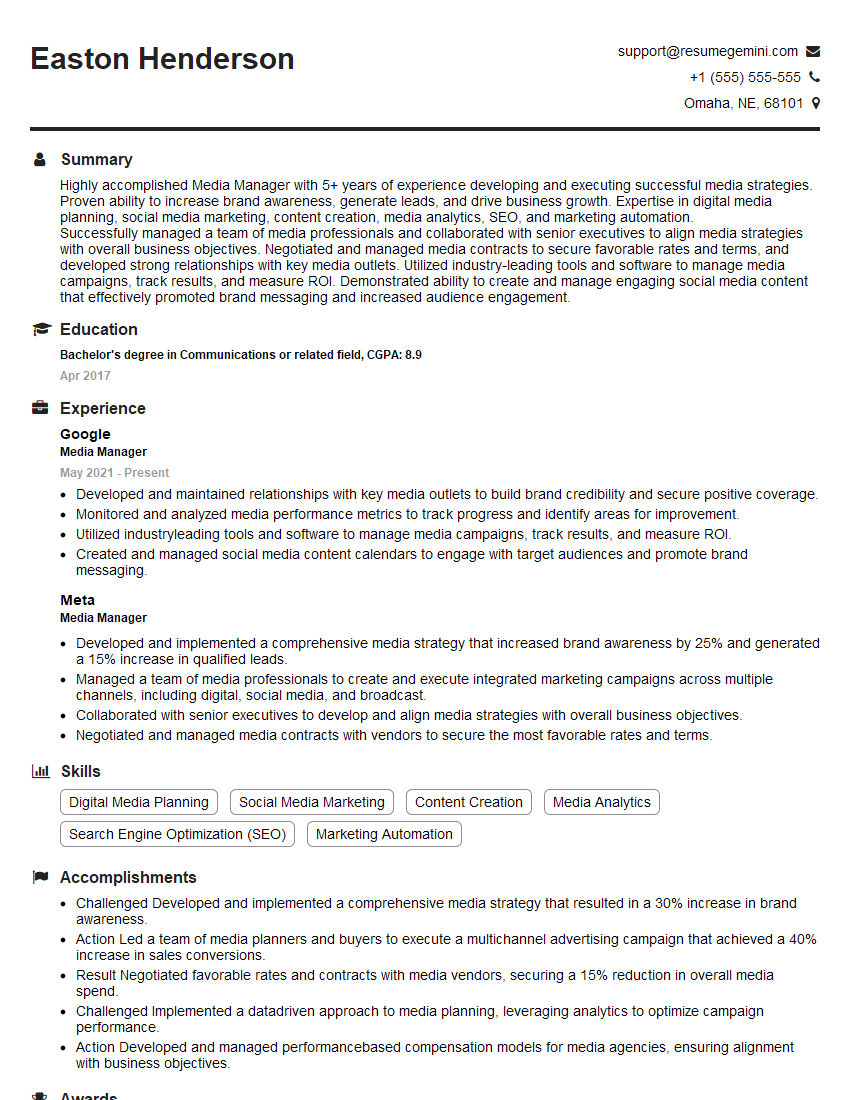
Media Manager Resume Sample

Video Editor Resume Sample
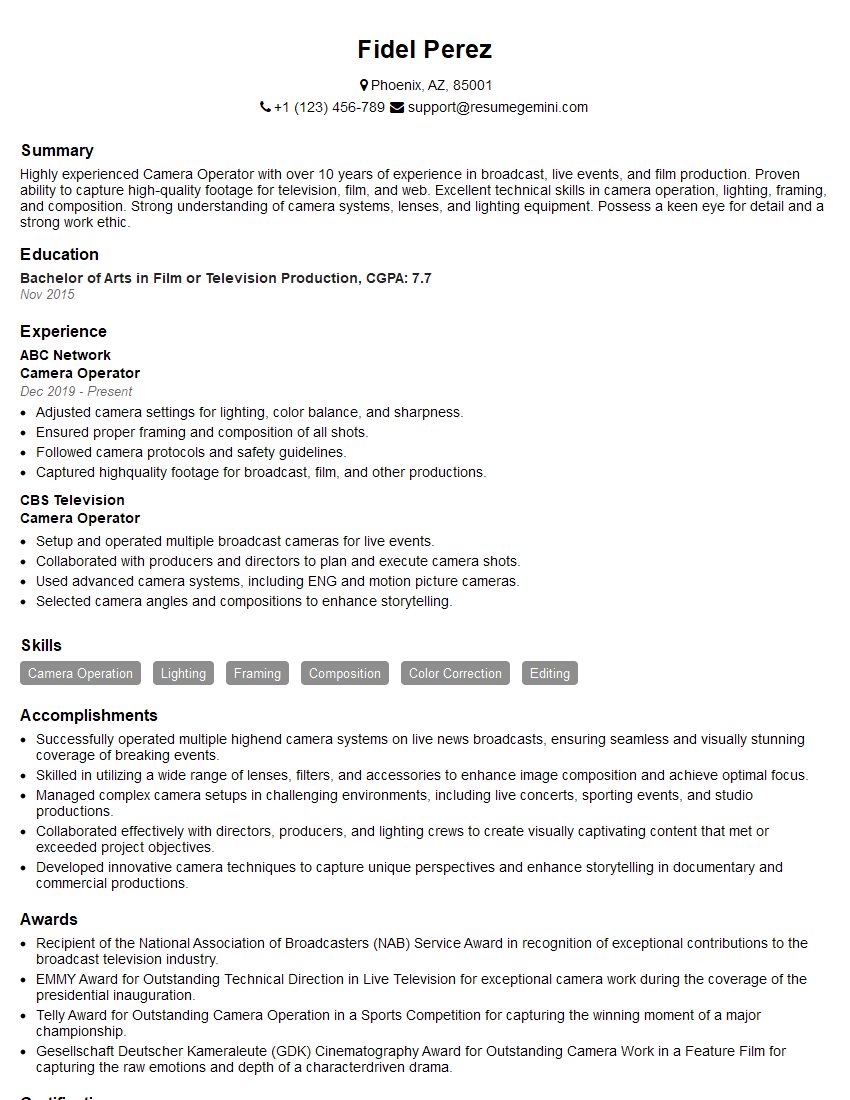
Camera Operator Resume Sample
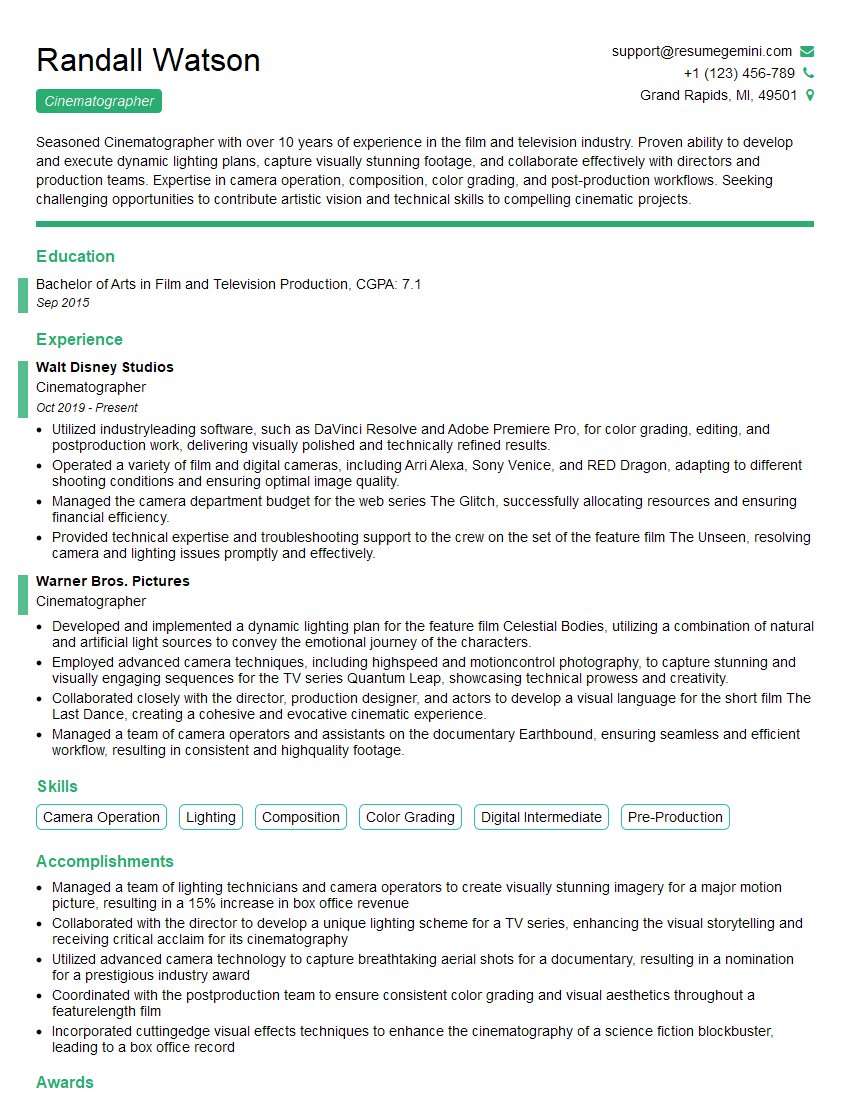
Cinematographer Resume Sample
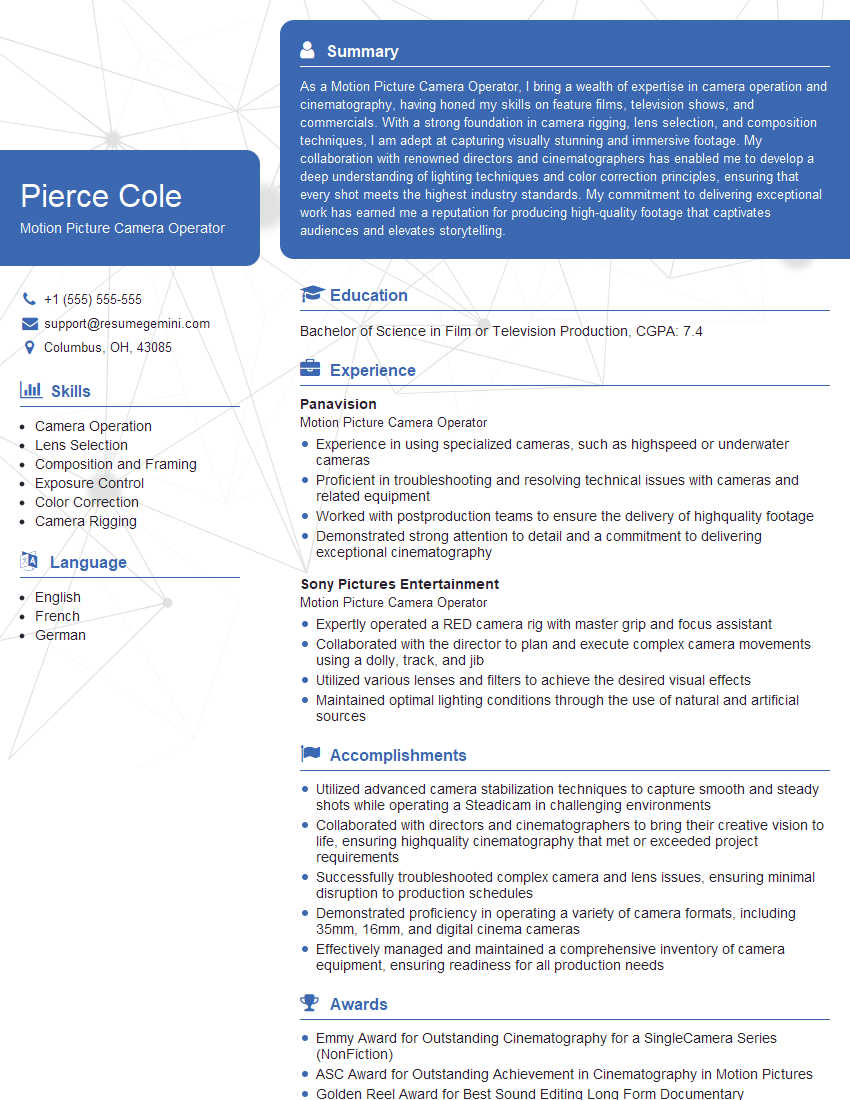
Motion Picture Camera Operator Resume Sample
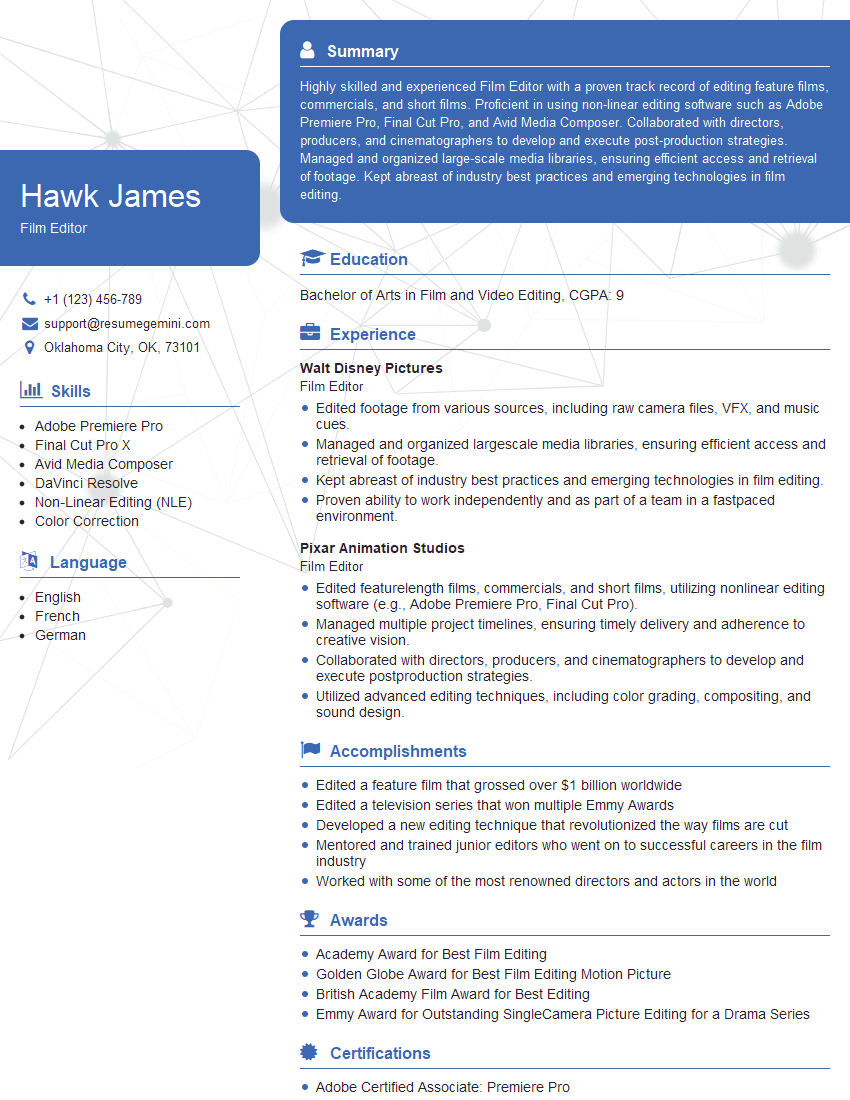
Film Editor Resume Sample
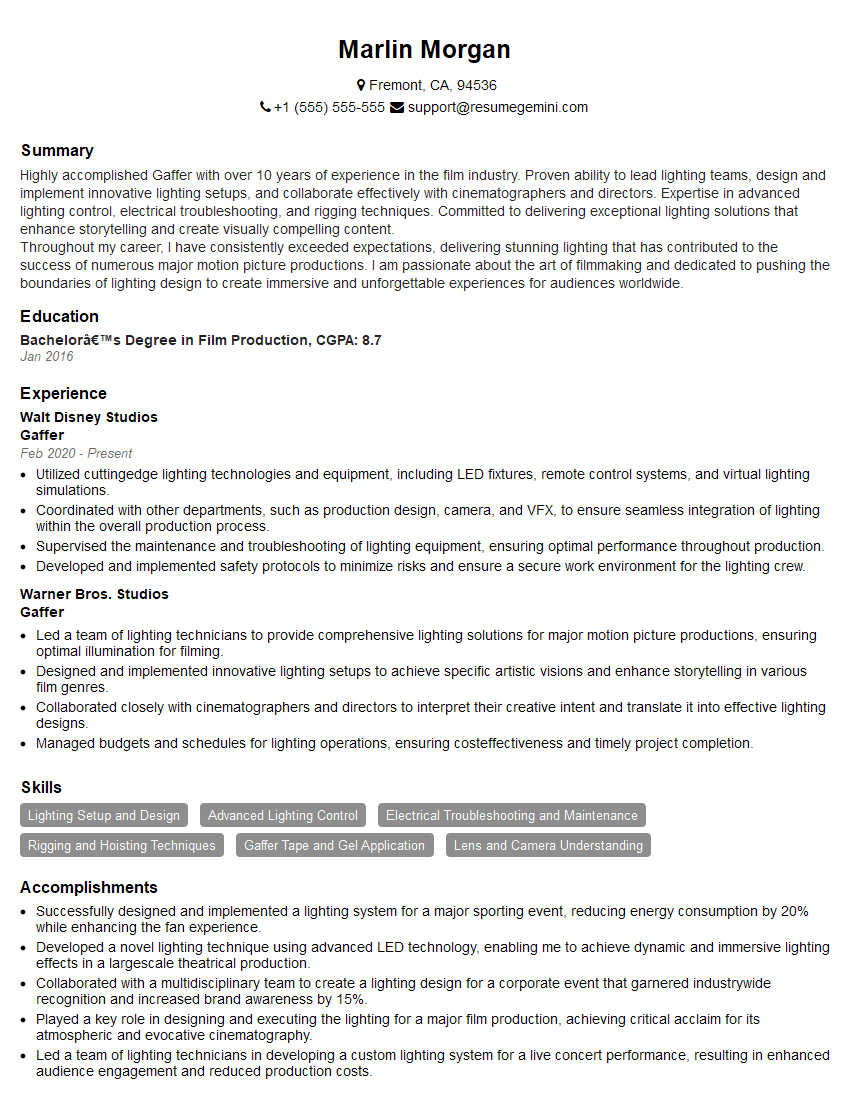
Gaffer Resume Sample

Camera Technician Resume Sample
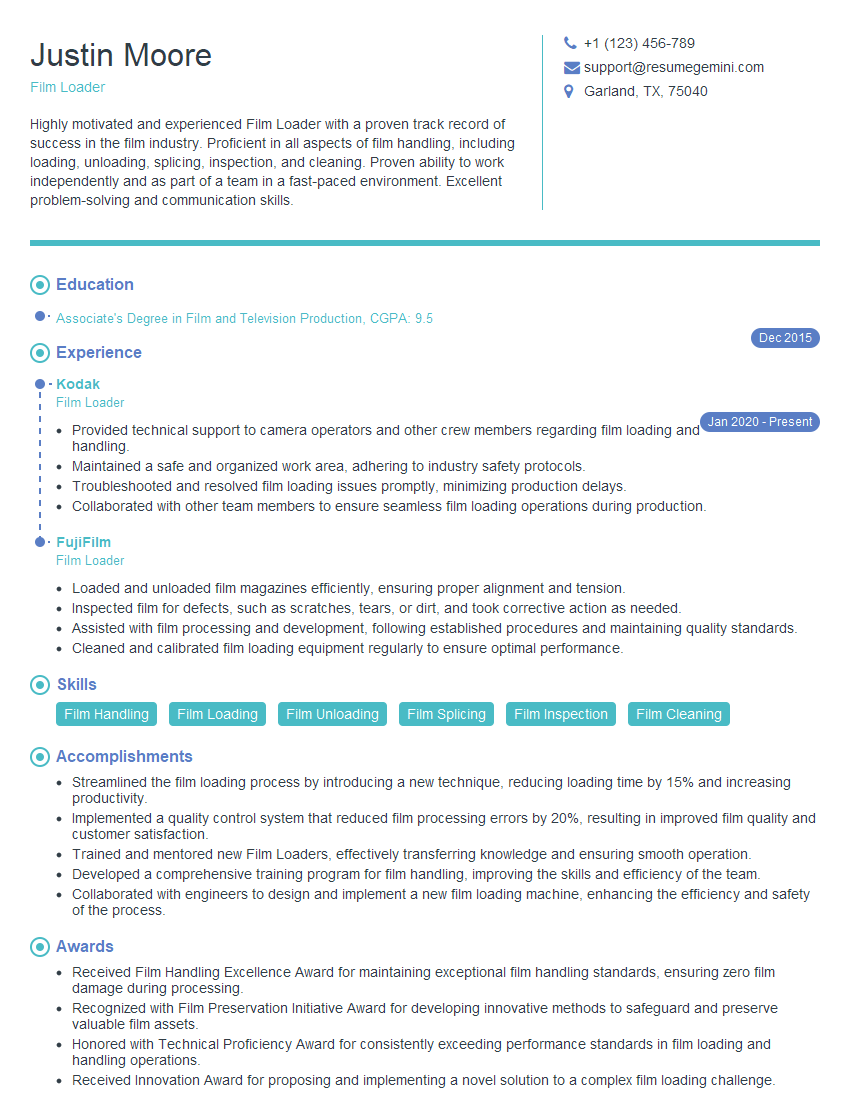
Film Loader Resume Sample
Explore more articles
Users Rating of Our Blogs
Share Your Experience
We value your feedback! Please rate our content and share your thoughts (optional).
What Readers Say About Our Blog
Very informative content, great job.
good