Cracking a skill-specific interview, like one for Collaboration and Version Control, requires understanding the nuances of the role. In this blog, we present the questions you’re most likely to encounter, along with insights into how to answer them effectively. Let’s ensure you’re ready to make a strong impression.
Questions Asked in Collaboration and Version Control Interview
Q 1. Explain the difference between Git, GitHub, and GitLab.
Git, GitHub, and GitLab are often confused, but they serve distinct purposes. Think of it like this: Git is the engine, GitHub and GitLab are the cars.
Git is a distributed version control system (DVCS). It’s the core technology that tracks changes to files and allows multiple developers to collaborate on a project. It’s the underlying engine that manages the history of your code. You can use Git locally without ever interacting with a remote server.
GitHub and GitLab are web-based platforms that provide hosting for Git repositories. They offer additional features beyond basic version control, such as issue tracking, code review tools, collaboration features (like wikis and project management boards), continuous integration/continuous deployment (CI/CD) pipelines, and more. They’re the vehicles that allow you to share your Git repositories with others and manage the workflow of your projects. The key difference lies in their feature sets and specific focuses; for example, GitLab often emphasizes more self-hosting and DevOps capabilities while GitHub focuses more on community and open-source projects. Both offer similar core services, making the choice often based on personal preference and organizational needs.
Q 2. Describe the Git workflow you’re most comfortable with (e.g., Gitflow).
My preferred Git workflow is a variation of Gitflow, tailored for the project’s size and complexity. While the full Gitflow model (with its feature branches, develop branch, release branches, and hotfixes) is excellent for large projects, I often adapt it. For smaller projects, I might simplify by having a single develop branch representing the main development line and feature branches created for each new feature. This maintains a clear separation of work while avoiding the overhead of a full Gitflow setup.
The core principle is always to keep the main (or master) branch stable and deployable at all times, with feature branches used for developing new features in isolation. Once a feature is complete and tested, it’s merged into develop and, after thorough testing and review, finally merged into main. This structured approach minimizes the risk of introducing bugs into the main codebase and facilitates smoother collaboration within a team.
Q 3. What are the common Git commands you use daily?
My daily Git commands revolve around these core functionalities:
git status: Checks the current status of the working directory and staging area.git add .: Stages all changes in the working directory.git commit -m "Your commit message": Commits staged changes with a descriptive message.git push origin: Pushes local commits to a remote repository.git pull origin: Fetches and merges changes from a remote repository.git checkout: Switches to a different branch.git branch: Lists all local branches.git log: Shows the commit history.
These commands form the backbone of my daily workflow, enabling me to track changes, commit updates, share my work, and stay synchronized with the team’s progress.
Q 4. How do you resolve merge conflicts in Git?
Merge conflicts arise when different developers modify the same lines of code. Resolving them involves a careful manual process. First, Git will clearly indicate the conflicting sections in the affected files. I open these files in a text editor. The conflicting sections are usually marked with special markers (like <<<<<<<, =======, and >>>>>>>).
I then review the changes from each branch (usually HEAD and the branch being merged) and choose the correct version or combine the changes as necessary. After resolving the conflicts, I save the file. Then I stage the resolved file using git add and commit the merge with git commit. This process requires a deep understanding of the codebase to ensure the merge is accurate and doesn't introduce bugs. Thorough testing after resolving conflicts is essential.
Q 5. Explain the concept of branching in Git.
Branching in Git allows developers to work on new features, bug fixes, or experiments in isolation without affecting the main codebase (typically the main or master branch). Think of it like creating separate copies of your project. Each branch has its own independent history. This is crucial for collaborative development because it allows multiple developers to work simultaneously without stepping on each other's toes.
A common scenario involves creating a feature branch from the main branch, developing the feature there, testing it thoroughly, and then merging it back into the main branch once it is ready. This keeps the main branch clean and stable while enabling parallel development of multiple features. Branches help manage and isolate changes, making it much easier to track progress and revert to previous states if needed.
Q 6. What is a pull request (or merge request)?
A pull request (or merge request on GitLab) is a formal request to merge changes from one branch into another, typically from a feature branch into the main branch. It's a crucial part of the collaborative workflow. Before merging a feature branch, the pull request initiates a code review process, allowing other team members to inspect the changes, provide feedback, and ensure the code quality meets standards. This fosters collaboration, improves code quality, and reduces the risk of introducing bugs into the main branch.
Think of it as a formal proposal: you're proposing to merge your work into the main project. It provides a space for discussion, feedback, and final approval before the merge takes place. This is more than just a technical function; it is a critical step in maintaining code quality and consistency within a team.
Q 7. How do you handle accidental commits in Git?
Accidental commits happen. The first step is to identify the nature of the mistake. If you've made an incorrect commit, but haven't pushed it to the remote repository, you can use git reset --soft HEAD^ to undo the commit, keeping the changes staged. This allows you to review and correct the changes before committing again. If the commit is already pushed to the remote, then you'll need to create a new commit to fix the issue. If the mistake is more significant or there were other commits added since the bad commit, consider creating a separate branch to make a corrective commit and then pull request back to main
If the mistake is more serious (e.g., sensitive data accidentally committed), you might need more drastic measures, such as rewriting history, but this is generally avoided unless absolutely necessary, as it can cause issues for collaborators who have already pulled the commit.
Q 8. What are some best practices for writing good commit messages?
Good commit messages are crucial for maintaining a clear and understandable project history. They act as a record of changes, aiding future debugging, collaboration, and understanding the project's evolution. Think of them as the breadcrumbs in your project's development journey.
- Keep it concise: Aim for a subject line under 50 characters, summarizing the change.
- Write a descriptive body: Explain the *why* behind the change, not just the *what*. Detail the problem solved, the approach taken, and any relevant context.
- Use the imperative mood: Start your subject line with a verb indicating the action performed (e.g., 'Fix', 'Improve', 'Add').
- Use consistent formatting: Maintain a uniform structure across your messages. Consistent formatting aids readability.
Example of a good commit message:
Fix: Resolve issue #123 - Incorrect calculation in total priceBody: Corrected the formula used to calculate the total price in the shopping cart. The previous calculation failed to account for sales tax, resulting in incorrect totals. This commit updates the formula to include sales tax and adds unit tests to prevent this issue from recurring.
Q 9. Explain the difference between `git stash` and `git reset`.
git stash and git reset are both Git commands used to manage your working directory, but they serve fundamentally different purposes. Imagine your working directory as your desk, and your commits as neatly organized files in a cabinet.
git stash temporarily saves your uncommitted changes (your messy desk) without committing them. It's like putting your work aside in a drawer. You can retrieve your stashed changes later using git stash pop. This is useful when you need to switch branches or make a quick fix without committing your current, incomplete work.
git reset, on the other hand, moves your HEAD pointer (representing your current position in the project history) to a different commit. It's like rearranging files in your cabinet or discarding some files entirely. It can be used to undo commits (git reset --hard HEAD~1 undoes the last commit), or to discard uncommitted changes (git reset --hard).
Key Difference: git stash preserves your uncommitted changes, whereas git reset can discard them. Choose git stash to temporarily set aside changes, and git reset to modify your commit history or undo changes.
Q 10. What is the purpose of a `.gitignore` file?
A .gitignore file is a crucial part of any Git project. It specifies files and directories that should be excluded from version control. Think of it as a 'do not track' list for your project. This is important for several reasons:
- Security: Prevent sensitive data, like passwords or API keys, from being committed to your repository.
- Cleanliness: Avoid cluttering your repository with unnecessary files, like temporary files, compiled code, or system-specific configuration files.
- Efficiency: Reduce the repository size and improve performance by excluding large or irrelevant files.
Example .gitignore entry:
# Ignore all files ending with .tmp *.tmp # Ignore the node_modules directory node_modules/Adding files to .gitignore prevents accidental commits of sensitive information or unnecessarily large files. It's a best practice to create this file early in your project development.
Q 11. Describe your experience with collaborative code review.
Collaborative code review is an integral part of my workflow. I've extensively used platforms like GitHub, GitLab, and Bitbucket for code review. My experience encompasses:
- Providing constructive feedback: I focus on providing specific and actionable feedback, addressing both technical aspects and code style. I always aim to be respectful and helpful in my comments, prioritizing collaboration over criticism.
- Responding to feedback effectively: When receiving feedback, I carefully consider the suggestions and discuss them with reviewers if needed. I actively work to incorporate feedback and improve the code quality.
- Following team guidelines: I strictly adhere to the team's code review process and guidelines to ensure consistency and efficiency. This includes aspects like code style, naming conventions, and testing practices.
- Facilitating productive discussions: I participate actively in discussions around code reviews, making sure to address all concerns and clarifying any ambiguities. This often helps improve the overall understanding of the project and helps identify potential issues early.
A memorable experience involved reviewing a complex algorithm. By collaboratively reviewing and discussing the code, we identified a critical edge case that would have caused major issues in production. This highlighted the importance of code reviews in catching subtle bugs and improving code quality.
Q 12. How do you manage different versions of a project?
Managing different versions of a project is crucial for maintaining stability, allowing for feature branching and rollback capabilities. Git's branching strategy is fundamental here.
I typically use a combination of techniques:
- Branching: I create feature branches for new features or bug fixes. This isolates changes and prevents disrupting the main development line (usually the
mainormasterbranch). - Tagging: I use tags (e.g.,
v1.0,v2.0) to mark significant releases. Tags are permanent pointers to specific commits, providing easy access to particular versions. - Merge Requests/Pull Requests: Before merging changes into the main branch, I use merge requests/pull requests. This facilitates code review and ensures all changes are properly tested before integration.
- Versioning system: A robust versioning system (like Semantic Versioning) is used to track and manage project versions. This facilitates releases and ensures proper tracking of feature additions and bug fixes.
This approach ensures that we can revert to previous versions if needed, while also allowing for parallel development on different features. It's like having multiple drafts of a document, where you can easily switch between them and save all versions without losing work.
Q 13. What are some common version control challenges you've faced and how did you overcome them?
In my experience, some common version control challenges include merge conflicts, large binary files in the repository, and accidental commits of sensitive data.
- Merge Conflicts: I've addressed merge conflicts by carefully reviewing the changes in conflicting files and resolving them manually or using merge tools. Regular, smaller commits help minimize the frequency of these conflicts.
- Large Binary Files: Handling large binary files (images, videos) was tackled by using Git Large File Storage (LFS) to manage these files outside of the main repository. This prevents bloating the repository and improves performance.
- Accidental Commits: Strict adherence to
.gitignorefiles and careful pre-commit reviews helped minimize accidental commits of sensitive data. Using tools for code review also helps catch these issues before deployment.
In one case, a major merge conflict arose from conflicting changes to a critical component. By carefully analyzing the changes and communicating with the other developer involved, we successfully resolved the conflict without compromising the code's integrity.
Q 14. How familiar are you with different version control systems (besides Git)?
While Git is my primary version control system, I have familiarity with other systems like Subversion (SVN) and Mercurial (Hg).
Subversion (SVN): I understand its centralized nature and its simpler branching model compared to Git's distributed approach. I've used it on older projects where Git wasn't an option, though I prefer Git's flexibility and distributed workflow.
Mercurial (Hg): I've had some exposure to Mercurial, understanding its strengths in terms of speed and ease of use. It's a distributed system similar to Git, although its market share is smaller.
My experience with these systems helps me appreciate the advantages and disadvantages of different approaches to version control, and I can adapt to various environments based on project needs and team preferences.
Q 15. Explain the concept of distributed version control.
Distributed Version Control (DVCS) is a system where every developer has a full copy of the repository, including its entire history. Unlike centralized systems, you don't need a central server to be online to commit changes; you can work offline. Changes are then synchronized between the local repositories and a remote repository (or multiple remote repositories).
Imagine a library. In a centralized system, the library is the single source of truth; everyone borrows and returns books there. In a DVCS, each person gets their own copy of the entire library! They can read, add notes (commit changes), and even reorganize their copy. Later, they can merge their changes back into the main library.
This distributed nature offers significant advantages such as increased resilience (if the central server goes down, developers can still work), better offline support, and easier branching and merging.
Git is the most popular example of a DVCS.
Career Expert Tips:
- Ace those interviews! Prepare effectively by reviewing the Top 50 Most Common Interview Questions on ResumeGemini.
- Navigate your job search with confidence! Explore a wide range of Career Tips on ResumeGemini. Learn about common challenges and recommendations to overcome them.
- Craft the perfect resume! Master the Art of Resume Writing with ResumeGemini's guide. Showcase your unique qualifications and achievements effectively.
- Don't miss out on holiday savings! Build your dream resume with ResumeGemini's ATS optimized templates.
Q 16. What strategies do you employ to ensure efficient team collaboration on code?
Efficient team collaboration relies on clear communication, well-defined workflows, and the right tools. We use a combination of strategies to ensure smooth progress:
- Regular Code Reviews: We use pull requests (or merge requests) to review code changes before merging them into the main branch. This catches bugs early, ensures code quality, and facilitates knowledge sharing among team members.
- Clear Branching Strategy: We adopt a branching strategy like Gitflow, which defines distinct branches for development, feature implementation, and releases. This keeps the main branch stable and prevents conflicts.
- Frequent Communication: We use tools like Slack or Microsoft Teams for daily stand-ups, quick questions, and general communication, reducing email clutter and improving response times. This keeps everyone informed about progress and potential roadblocks.
- Well-Defined Coding Standards: Using consistent coding styles (e.g., linters, formatters) reduces ambiguity and makes code easier to understand and review.
- Automated Testing: Implementing a robust automated testing suite ensures that code changes don't introduce regressions, speeding up the development cycle and improving overall code quality.
Q 17. How do you use version control to track and manage bugs?
Version control is crucial for bug tracking and management. When a bug is discovered, we create a new branch to fix it. The branch name should clearly identify the issue, such as 'fix-bug-123'. We commit our changes to this branch with detailed descriptions of the fixes. Once the fix is tested and verified, we merge it back into the main branch, documenting all steps taken.
The commit history acts as an audit trail, allowing us to track down the origin of the bug, understand the fix, and revert to an earlier version if necessary. The commit messages should clearly reference the related issue tracker (like Jira) using keywords, which helps link the code changes directly to bug reports.
For example, a commit message might look like this: fix(authentication): resolve issue #123 - prevent unauthorized access by implementing token validation.
Q 18. How do you handle conflicting changes from multiple developers?
Conflicts arise when multiple developers modify the same lines of code. Version control systems like Git have built-in mechanisms to handle these conflicts. When a merge conflict occurs, Git highlights the conflicting sections in the code, allowing developers to manually resolve them.
The resolution process involves carefully examining the conflicting changes from each branch, deciding which changes to keep, and potentially combining parts of both changes. After resolving the conflict, we commit the changes, ensuring the code is correct and functional.
To minimize conflicts, frequent integration (merging changes often), clear communication, and a well-defined branching strategy are essential. Tools like Git's 'rebase' command can also help streamline the merge process in certain situations, but should be used cautiously and with understanding.
Q 19. Describe your experience using a specific collaboration tool (e.g., Jira, Slack, Microsoft Teams).
I have extensive experience using Jira for project management and issue tracking. It's invaluable for our team. We use Jira to create and track tasks, assign them to developers, manage sprints, and monitor progress visually using Kanban boards or Scrum boards. Jira integrates seamlessly with our Git repository, allowing us to link code commits directly to issues. This creates a clear audit trail from bug reports to code solutions.
For example, we can track the lifecycle of a bug: from its initial report in Jira, through the creation of a branch to fix it, to the code review, and finally, to its resolution and closure in Jira. The seamless integration ensures everything is in one central hub, which is incredibly beneficial for organization and collaboration.
Q 20. Explain the benefits of using a centralized version control system.
Centralized Version Control Systems (CVCS) like Subversion (SVN) offer several benefits, primarily around simplicity and control. All code resides in a central repository, providing a single source of truth. This simplifies administration and access control, making it easier to manage permissions and track changes.
Benefits include:
- Simplified Workflow: The centralized nature makes it easy to understand where the code resides and track changes.
- Centralized Access Control: Administrators can easily manage permissions and control access to the repository.
- Easy Backup & Recovery: Backing up the central repository is relatively simple.
- Well-Established Best Practices: A lot of established workflows and tools are designed for CVCS.
However, it's important to note that CVCS lacks the resilience and offline capabilities of DVCS.
Q 21. What are the differences between local and remote repositories?
The key difference between local and remote repositories lies in their location and purpose. A local repository is a copy of the project's files and version history stored on your individual computer. It allows you to work offline, commit changes locally, and manage your personal version history without affecting the central project. Think of it as your personal workspace.
A remote repository, on the other hand, is a shared copy of the project, usually hosted on a server (like GitHub, GitLab, or Bitbucket). It serves as the central point for collaboration, where developers share their changes and work together on the project. It's the central hub where everyone's work is integrated.
You use commands like git push to send your local commits to the remote repository and git pull or git fetch to retrieve updates from the remote repository to your local one. This coordinated workflow maintains a shared and synchronized project across the team.
Q 22. How do you ensure code quality in a collaborative development environment?
Ensuring code quality in a collaborative environment is crucial for project success. It's a multifaceted process involving several key strategies. Think of it like building a house – you need solid blueprints (coding standards), skilled builders (developers), and regular inspections (code reviews).
Coding Standards and Style Guides: Establishing and consistently adhering to a coding style guide is paramount. This ensures readability, maintainability, and consistency across the codebase. We often use linters (like ESLint for JavaScript or Pylint for Python) to automatically enforce these standards.
Code Reviews: Formal code reviews are essential. Before merging code, peers review it for correctness, adherence to standards, potential bugs, and overall design. Tools like GitHub's pull request system facilitate this process, allowing for discussion and iterative improvement.
Automated Testing: Implementing a comprehensive suite of automated tests (unit, integration, end-to-end) is crucial. This ensures that new code doesn't break existing functionality and catches bugs early in the development cycle. A robust testing framework provides confidence in the quality of the code.
Continuous Integration/Continuous Deployment (CI/CD): Automating the build, testing, and deployment process is vital for faster feedback loops and early detection of integration issues. Tools like Jenkins, GitLab CI, or GitHub Actions are instrumental in this process.
Static Code Analysis: Employing static code analysis tools helps identify potential bugs, vulnerabilities, and style violations without actually executing the code. This is a proactive measure for preventing problems.
In my experience, a combination of these techniques, coupled with open communication and a culture of quality, is the most effective way to build high-quality software in a collaborative environment. For example, in a previous project, implementing a robust CI/CD pipeline significantly reduced our bug count and deployment time, improving both quality and efficiency.
Q 23. Explain the concept of rebasing.
Rebasing is a Git operation that rewrites the project history by integrating your commits onto a different branch. Imagine you have a branch with several commits, and the main branch has also advanced. Rebasing essentially moves your commits to the tip of the main branch, creating a cleaner, linear history. It's like taking your set of LEGO bricks and rebuilding them on top of a bigger, updated LEGO structure.
Here's how it works: you select your branch, and the git rebase command moves your commits. The result is a new, linear history where your changes are applied on top of the updated target branch. This avoids messy merge commits that can complicate the history.
Example:
git checkout feature-branch
git rebase main
Caution: Never rebase commits that have already been pushed to a shared repository; doing so can cause confusion and complicate collaboration. Rebasing is best used for personal branches before merging into a shared branch.
Q 24. What is cherry-picking in Git?
Cherry-picking in Git allows you to selectively choose individual commits from one branch and apply them to another. It's like picking the ripest cherries from a bunch – you only take what you need. This is useful when you want to apply a specific bug fix or feature from one branch to another without merging the entire branch.
You identify the commit hash (a unique identifier for each commit) you want to cherry-pick and use the git cherry-pick command. This applies the changes from that specific commit to your current branch.
Example: Let's say commit a1b2c3d4 contains a critical bug fix on the develop branch, but you need it urgently on the master branch. You can use:
git checkout master
git cherry-pick a1b2c3d4
This applies the changes from a1b2c3d4 to the master branch without merging the entire develop branch.
Q 25. Describe your experience with code signing and versioning.
Code signing and versioning are crucial for software distribution and security. Code signing ensures that software hasn't been tampered with, while versioning provides a clear and organized tracking system for software releases. Think of it like a certificate of authenticity and a detailed product history, respectively.
My experience includes using code signing certificates to digitally sign software releases. This involves using tools to generate and manage certificates, embed digital signatures into the software binaries, and verify signatures upon installation. This is particularly important for distributing software to users, ensuring it hasn't been maliciously altered.
Versioning, typically using semantic versioning (e.g., 1.2.3), allows for clear tracking of changes and facilitates easy rollback to previous versions if needed. I've worked with various version control systems (VCS) such as Git to manage versioning effectively, using tags and branches to mark specific releases.
In a recent project, code signing was essential for assuring our clients that the software they downloaded was genuine and untampered with. This helped build trust and maintain the integrity of our product.
Q 26. How do you use version control to manage dependencies in your projects?
Managing dependencies efficiently is critical for collaborative projects. Version control systems are instrumental in this process by tracking changes to dependencies and ensuring consistent environments for all developers. Imagine a building – you need to manage all the materials (dependencies) to ensure the building (project) is built correctly.
We typically use tools like npm (for Node.js projects), pip (for Python projects), or Maven (for Java projects) to manage dependencies. These tools create a package.json, requirements.txt, or pom.xml file respectively that lists all required dependencies and their versions. This file is then committed to the version control system (like Git).
Using a consistent versioning approach (like semantic versioning) for dependencies reduces the risk of compatibility issues. We also leverage virtual environments (e.g., Python's venv or Node.js's nvm) to isolate project dependencies, preventing conflicts between different projects.
For example, using a requirements.txt file in Python ensures every developer sets up their environment identically, avoiding dependency-related bugs that arise from differing versions.
Q 27. What are your preferred strategies for managing large codebases collaboratively?
Managing large codebases collaboratively requires a well-defined strategy and strong tooling. Think of it like organizing a large city – you need efficient systems for planning, construction, and maintenance.
Modular Design: Breaking down the codebase into smaller, independent modules improves maintainability and allows for parallel development. Each module can be worked on independently by different teams.
Clear Branching Strategy: A consistent branching strategy (like Gitflow) helps manage different features, bug fixes, and releases. This prevents conflicts and keeps the main branch stable.
Code Reviews: Regular and thorough code reviews are crucial to maintain code quality and consistency across the large codebase.
Automated Testing: A robust testing framework is vital to ensure the stability and functionality of the entire system as the codebase grows.
Continuous Integration/Continuous Deployment (CI/CD): Automating the build, testing, and deployment process significantly improves efficiency and reduces integration errors.
Documentation: Clear and up-to-date documentation is crucial for onboarding new developers and helping existing developers understand complex parts of the codebase.
In one project, we adopted a microservices architecture, which naturally led to a modular codebase, significantly simplifying collaboration and independent deployments. Each microservice had its own repository and team, making development more efficient.
Q 28. How familiar are you with using command-line interfaces for version control?
I'm highly proficient with command-line interfaces (CLIs) for version control. I find them essential for efficient and precise management of code repositories. While GUI tools are useful for beginners, CLIs offer greater flexibility and control over every aspect of version control.
I'm comfortable using Git commands for all aspects of software development, including branching, merging, rebasing, cherry-picking, committing, pushing, pulling, and managing remote repositories. I frequently use tools like git log, git diff, git bisect, and git stash for debugging and analysis.
My command-line proficiency allows me to efficiently automate tasks using scripting languages like Bash or PowerShell. For example, I regularly use shell scripts to automate build processes and deployments. This increases efficiency and reduces manual errors.
Key Topics to Learn for Collaboration and Version Control Interview
- Understanding Distributed Version Control Systems (DVCS): Learn the core principles of Git, including branching, merging, rebasing, and resolving conflicts. Explore the advantages of a distributed system over centralized ones.
- Practical Application: Git Workflow Strategies: Master common workflows like Gitflow, GitHub Flow, and GitLab Flow. Understand how to choose the appropriate workflow for different project sizes and team structures. Practice implementing these workflows in a collaborative environment.
- Collaboration Tools and Platforms: Familiarize yourself with popular platforms like GitHub, GitLab, and Bitbucket. Understand their features, including pull requests, code reviews, issue tracking, and project management capabilities.
- Conflict Resolution and Best Practices: Learn strategies for effectively resolving merge conflicts and collaborating on code efficiently. Understand the importance of clear communication and consistent coding standards within a team.
- Version Control Fundamentals: Grasp the core concepts of version control, including branching, merging, commits, and tagging. Understand the benefits of using version control for managing code, tracking changes, and facilitating collaboration.
- Advanced Git Commands and Techniques: Explore more advanced Git commands such as cherry-picking, interactive rebasing, and using Git hooks for automation. Understand how these can streamline your workflow and improve collaboration.
Next Steps
Mastering collaboration and version control is crucial for success in today's software development landscape. These skills demonstrate your ability to work effectively in teams, manage complex projects, and deliver high-quality code. An ATS-friendly resume showcasing your proficiency in these areas is essential for maximizing your job prospects. To create a compelling resume that highlights your skills and experience, we recommend using ResumeGemini. ResumeGemini provides a user-friendly platform and offers examples of resumes tailored to Collaboration and Version Control roles, helping you present your qualifications effectively to potential employers.

Product Manager Resume Sample

Project Manager Resume Sample

Data Scientist Resume Sample

Software Engineer Resume Sample

Technical Project Manager Resume Sample

Systems Administrator Resume Sample
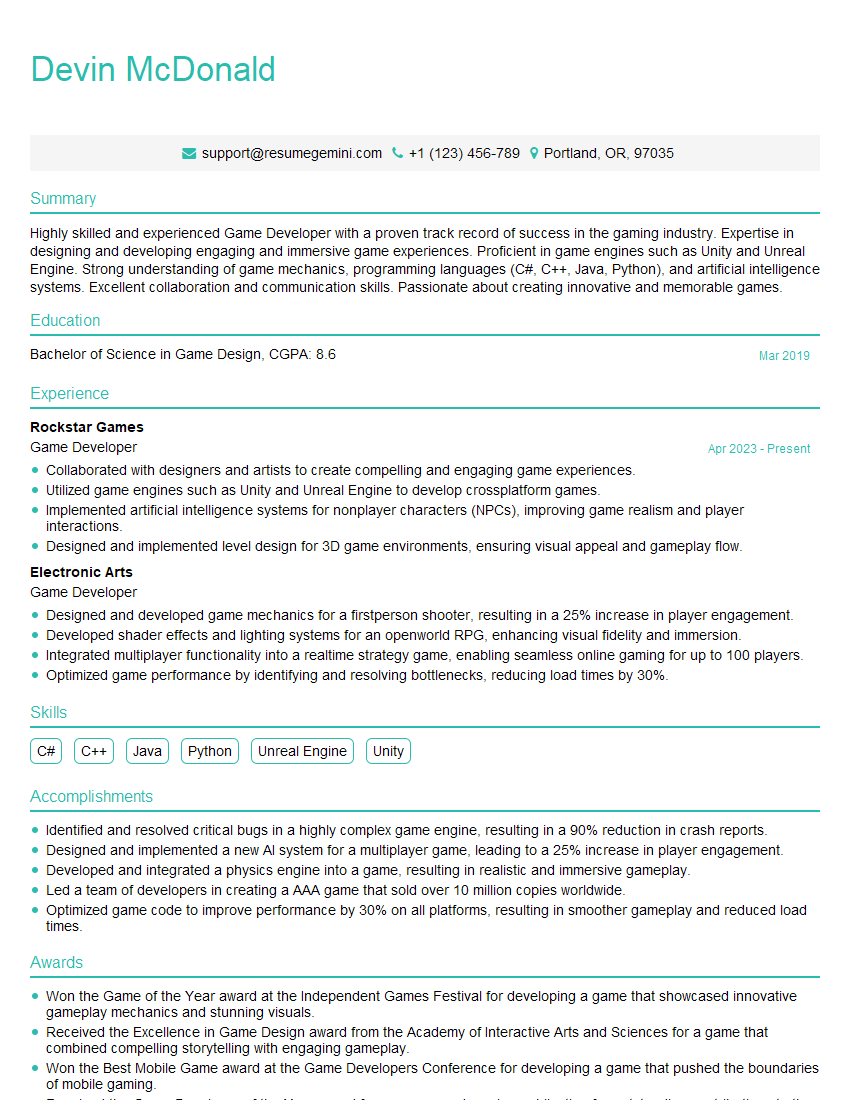
Game Developer Resume Sample
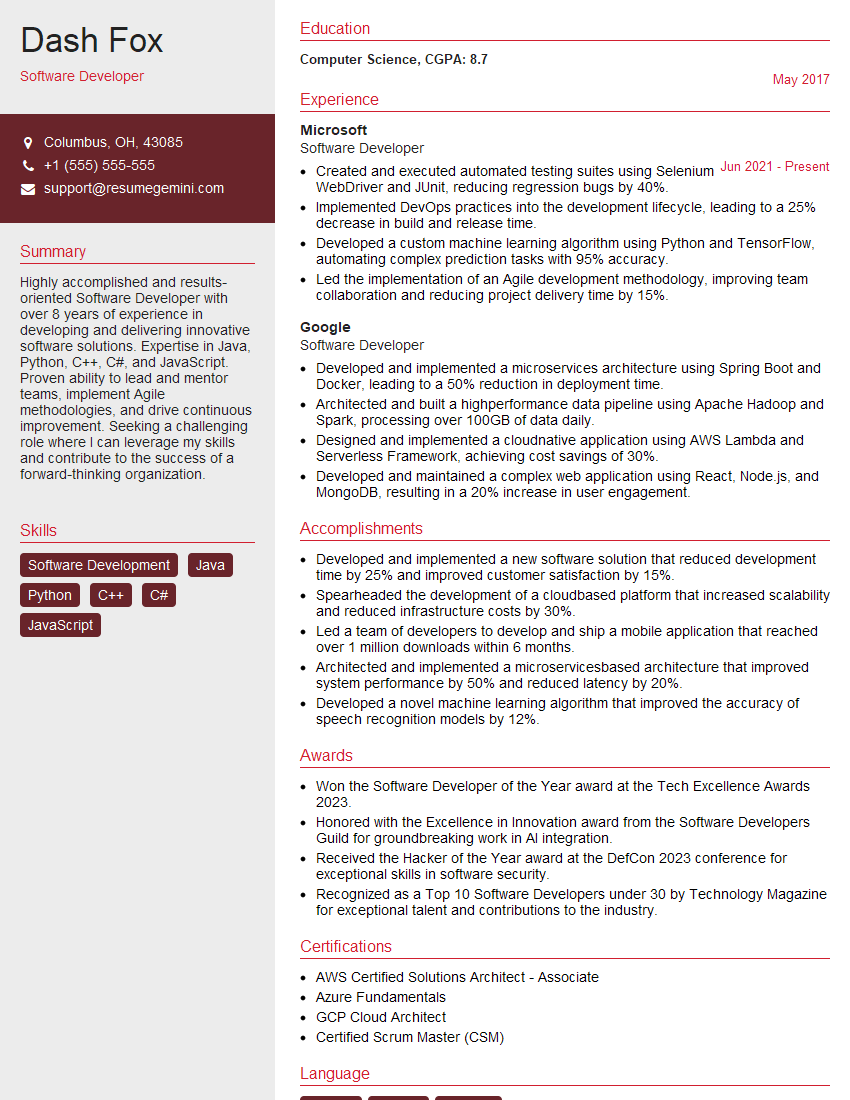
Software Developer Resume Sample

Web Developer Resume Sample

IT Manager Resume Sample
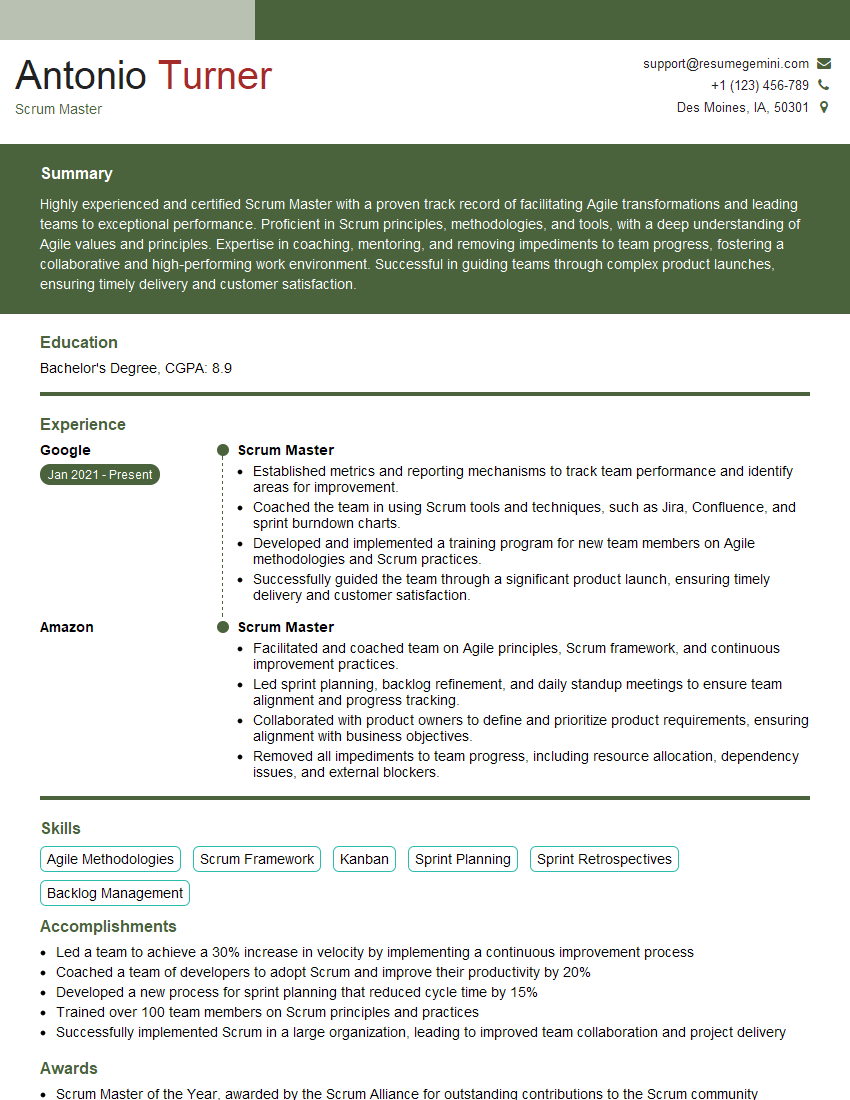
Scrum Master Resume Sample

Technical Writer Resume Sample
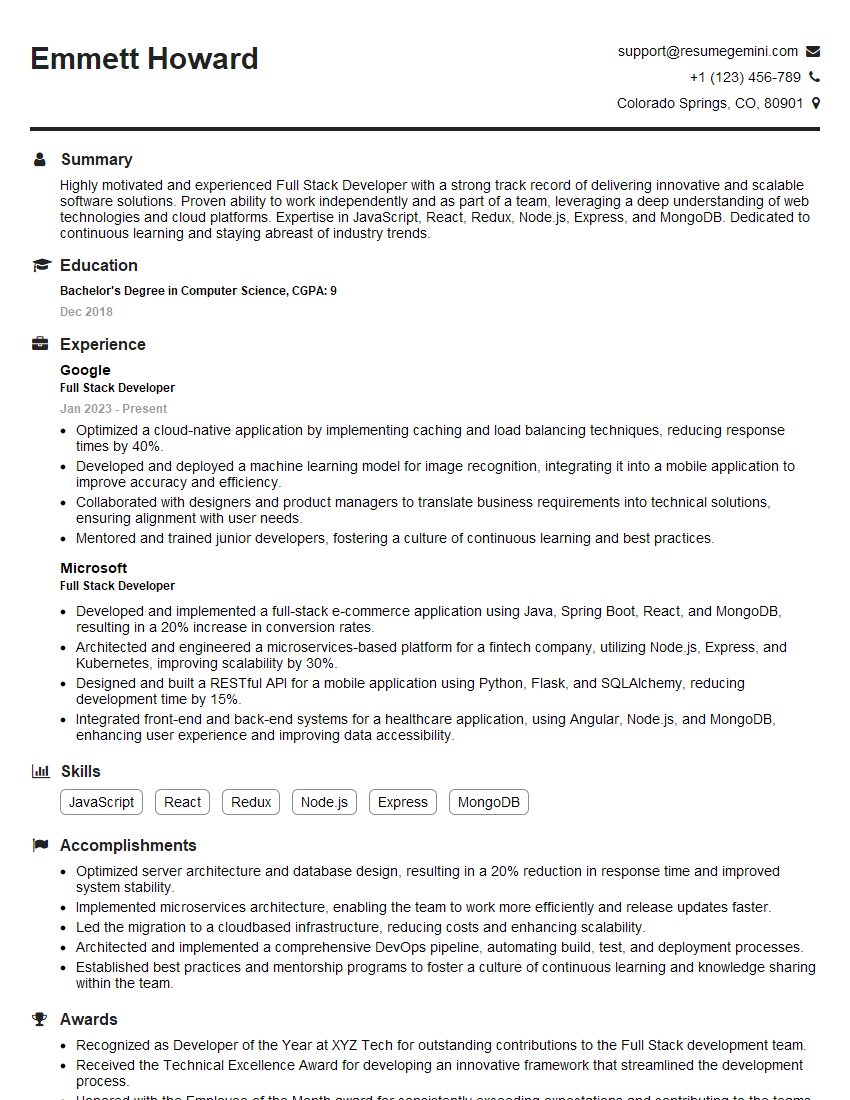
Full Stack Developer Resume Sample

Database Administrator Resume Sample
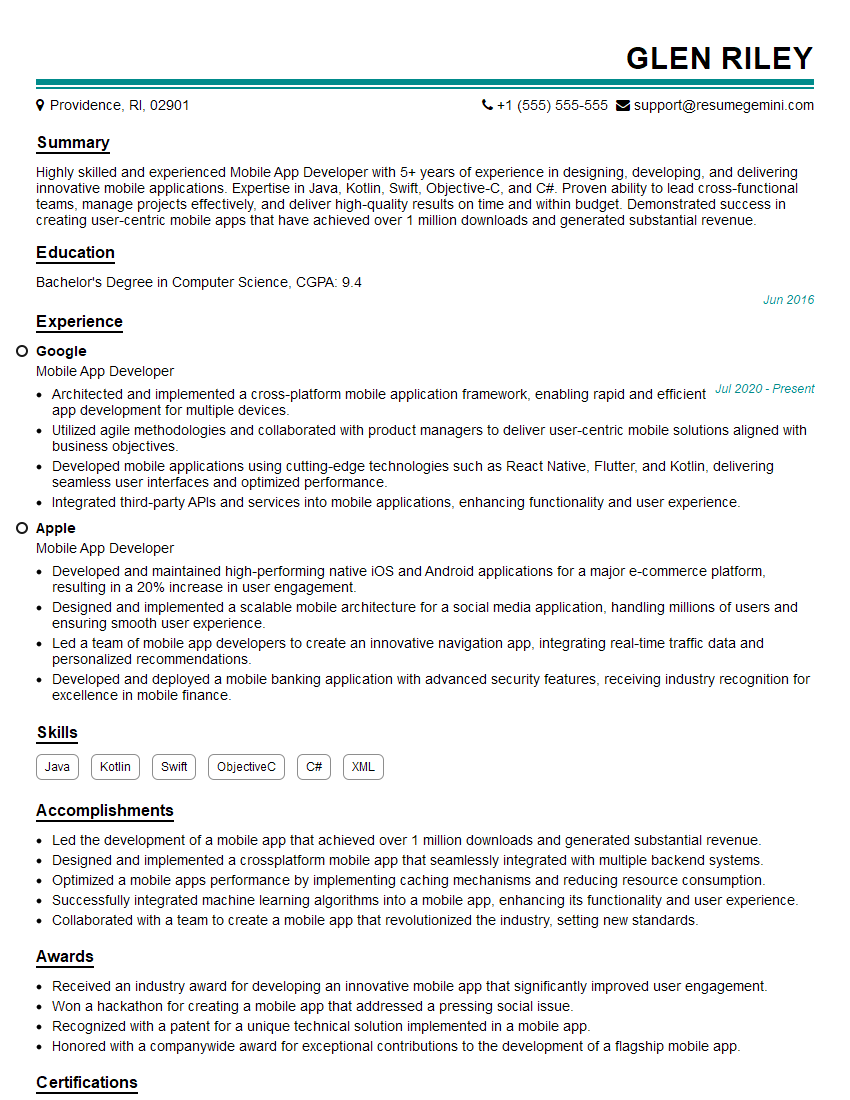
Mobile App Developer Resume Sample

DevOps Engineer Resume Sample
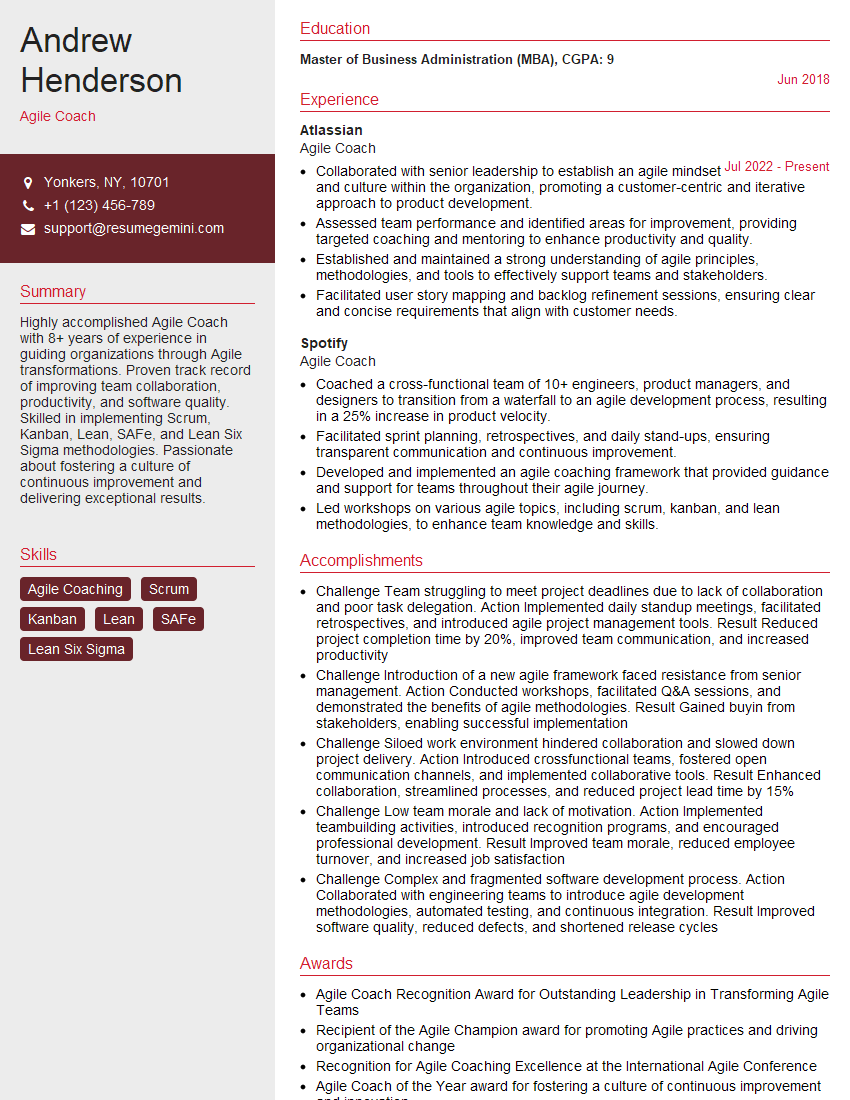
Agile Coach Resume Sample
Explore more articles
Users Rating of Our Blogs
Share Your Experience
We value your feedback! Please rate our content and share your thoughts (optional).
What Readers Say About Our Blog
Very informative content, great job.
good