Feeling uncertain about what to expect in your upcoming interview? We’ve got you covered! This blog highlights the most important Collaborative Design interview questions and provides actionable advice to help you stand out as the ideal candidate. Let’s pave the way for your success.
Questions Asked in Collaborative Design Interview
Q 1. Describe your experience with Agile design methodologies.
Agile design methodologies prioritize iterative development, collaboration, and flexibility. Instead of a rigid, sequential process, Agile emphasizes short cycles (sprints) with continuous feedback and adaptation. My experience involves using Scrum and Kanban frameworks within design teams. In a recent project designing a mobile banking app, we employed Scrum. Each sprint (two weeks) focused on a specific feature, allowing us to test and refine the design based on user feedback gathered through usability testing at the end of each sprint. This iterative process significantly improved the final product’s user experience compared to a waterfall approach where user feedback would only be incorporated at the end of a lengthy development cycle. We used daily stand-ups to track progress, identify roadblocks, and ensure seamless collaboration among designers, developers, and stakeholders.
Q 2. Explain your approach to facilitating collaborative design workshops.
My approach to facilitating collaborative design workshops centers around creating a safe, inclusive, and engaging environment. I begin by clearly defining the workshop’s objectives and desired outcomes. Then, I employ a variety of techniques depending on the workshop’s goals and the participants’ familiarity with design thinking. These include brainstorming sessions using methods like mind mapping or affinity diagramming; sketching and prototyping activities; role-playing to understand user perspectives; and ultimately, prioritization exercises to focus on the most impactful ideas. For example, in a recent workshop for a new e-commerce website, I utilized a ‘Crazy 8’ exercise to generate rapid solutions, followed by a card sorting activity to help structure the website’s navigation. Throughout the workshop, I actively manage the conversation, ensuring everyone has an opportunity to contribute, while carefully guiding the group towards consensus. Post-workshop, I disseminate a clear summary of decisions and action items.
Q 3. How do you handle conflicting design ideas within a team?
Conflicting design ideas are inevitable in collaborative settings. I view them as an opportunity for creative problem-solving, not a roadblock. My approach involves actively listening to each perspective, understanding the rationale behind each idea, and identifying the underlying needs or goals each idea aims to address. I often facilitate discussions by asking clarifying questions: “What problem are we trying to solve here?”, “What are the potential benefits and drawbacks of each approach?” We use techniques like weighted voting or a decision matrix to objectively evaluate different options. In cases where a consensus cannot be immediately reached, I suggest A/B testing different designs with users to inform the final decision based on data. This data-driven approach helps to resolve conflicts constructively and transparently.
Q 4. What tools and techniques do you use for remote collaborative design?
Remote collaborative design requires leveraging the right tools and techniques. For real-time collaboration, I use platforms like Figma and Miro for interactive prototyping, whiteboarding, and collaborative design reviews. Tools like Zoom or Google Meet facilitate video conferencing to maintain a sense of shared experience. Asynchronous communication is also crucial, and we use tools such as Slack for quick updates and discussions. For design feedback, I often use online surveys and feedback forms. To ensure efficiency, I establish clear communication protocols and document sharing guidelines at the beginning of a project. For instance, I might create a shared online project board in Miro outlining the project timeline, tasks, and deadlines, allowing everyone to stay on the same page.
Q 5. Describe your experience using design collaboration platforms (e.g., Figma, Miro).
I have extensive experience with Figma and Miro for collaborative design. Figma’s strengths lie in its real-time collaboration features for prototyping and design specifications. I’ve used Figma’s version history and comment features extensively to track changes and facilitate feedback across geographically dispersed teams. Miro, on the other hand, excels in its whiteboarding capabilities and its ability to organize complex information visually. I’ve employed Miro’s templates and interactive features for brainstorming, user journey mapping, and conducting remote design workshops. The ability to share interactive prototypes and design specifications within Figma and collaborate on whiteboards within Miro greatly enhanced our team’s design and communication efficiency, particularly during remote work scenarios.
Q 6. How do you ensure design consistency across multiple platforms?
Maintaining design consistency across multiple platforms requires a well-defined design system. This system comprises a style guide that documents the brand’s visual identity, including color palettes, typography, iconography, and component libraries. I advocate for creating reusable design components within tools like Figma, ensuring consistency across different screens and platforms. This approach minimizes redundancy and allows for rapid iteration and updates. Furthermore, clear naming conventions and detailed specifications for each component ensure that developers can accurately implement the design across various platforms and maintain consistency. Regular reviews and updates to the design system are crucial to address inconsistencies and adapt to changing needs.
Q 7. How do you incorporate user feedback into the collaborative design process?
User feedback is crucial for iterative design improvement. I integrate user feedback into the collaborative design process at various stages. Early-stage feedback, obtained through user research and surveys, informs the initial design direction. Throughout the design process, usability testing sessions are conducted with target users. I use tools like UserTesting and Optimal Workshop to facilitate these sessions, collecting data through observations, screen recordings, and user interviews. Feedback is then analyzed, categorized, and prioritized based on its impact and feasibility. This iterative approach ensures that the design constantly evolves based on real user needs. The feedback informs design iterations, leading to a more user-centered and successful product. For example, user testing on a prototype revealed a confusing navigation flow, leading to a complete redesign of the site’s information architecture.
Q 8. Explain your process for creating and managing design specifications.
Creating and managing design specifications is crucial for successful collaborative design. My process begins with a thorough understanding of the project goals and target audience. This involves stakeholder interviews, user research, and competitive analysis to define the problem we’re solving and the desired outcomes. I then translate these insights into a detailed specification document, using a structured format.
This document typically includes:
- Project Goals: A clear statement outlining the project’s objectives and intended impact.
- User Personas: Detailed descriptions of the target users, including their needs, behaviors, and motivations.
- Design Requirements: Functional and non-functional requirements, specifying what the design must do and how it should perform (e.g., usability, accessibility, performance).
- Style Guide: Consistent visual elements such as typography, color palettes, and imagery guidelines.
- Wireframes & Mockups: Visual representations of the design’s structure and layout.
- Prototypes: Interactive models that allow users to experience the design.
Throughout the project, the specification document serves as a living document, updated and refined based on feedback and iterative design changes. Version control is crucial here, often utilizing a system like Git to track changes and collaborate effectively.
For example, in a recent project designing a mobile banking app, our specifications included detailed user flows for common tasks like transferring money and paying bills, alongside accessibility guidelines ensuring usability for visually impaired users. This ensured that all team members were aligned on the design vision and standards.
Q 9. How do you prioritize design features based on user needs and business goals?
Prioritizing design features is a strategic balancing act between user needs and business goals. I employ a framework that combines user research data with business analysis to make informed decisions.
My approach involves:
- User Story Mapping: This technique helps to visualize user journeys and prioritize features based on their value to users. We identify core user stories and group them according to importance and effort.
- Prioritization Matrices: Using matrices like MoSCoW (Must have, Should have, Could have, Won’t have) or value vs. effort charts allows us to objectively rank features based on their impact and development cost.
- A/B Testing: Once certain features are implemented, A/B testing allows for data-driven decisions on which features perform better with users.
- Stakeholder Alignment: Regular communication and collaboration with stakeholders (product managers, business analysts, developers) ensure that feature prioritization aligns with overall business objectives.
For instance, in a project for an e-commerce platform, we prioritized features like a streamlined checkout process (high user value, manageable effort) over a complex recommendation engine (high value but potentially higher effort and risk) based on user testing data and business analysis indicating conversion rates were primarily hindered by a lengthy checkout.
Q 10. Describe your experience with design critiques and feedback sessions.
Design critiques and feedback sessions are integral to the collaborative design process. I facilitate these sessions to foster constructive criticism and ensure a shared understanding of the design direction.
My approach includes:
- Structured Agenda: Setting a clear agenda helps focus the discussion and ensures efficient use of time. This might include presenting the design, opening the floor for initial reactions, guided discussions on specific aspects, and concluding with action items.
- Collaborative Environment: Creating a safe and inclusive environment encourages open and honest feedback. I actively encourage participation from all stakeholders and moderate discussions to prevent dominance by certain individuals.
- Data-Driven Feedback: Whenever possible, I use data from user research or analytics to support design decisions or justify proposed changes.
- Actionable Outcomes: The session should conclude with clear action items, assigned to individuals, with deadlines for implementation.
For example, during a recent critique of a dashboard design, using A/B test data helped justify why a specific information architecture performed better. This data-backed approach generated more productive conversations and facilitated agreement among stakeholders.
Q 11. How do you measure the success of a collaborative design project?
Measuring the success of a collaborative design project requires a multi-faceted approach, going beyond mere aesthetics. I focus on quantifiable metrics that demonstrate the project’s impact on users and the business.
Key metrics I use include:
- User Satisfaction: Gathering feedback through surveys, usability testing, and user interviews provides insights into user experience and satisfaction.
- Task Completion Rates: Measuring the efficiency and ease with which users can complete tasks within the design.
- Business Metrics: Tracking key performance indicators (KPIs) such as conversion rates, engagement rates, and sales figures to assess the design’s impact on business outcomes.
- Accessibility Compliance: Ensuring the design meets accessibility standards and is usable by people with disabilities.
- On-time and within budget delivery: These are critical for project success, and effective project management practices contribute significantly.
For instance, in a website redesign project, we measured success through increased conversion rates, improved user satisfaction scores, and reduced bounce rates, demonstrating the project’s positive impact on both user experience and business goals.
Q 12. How do you communicate design decisions and rationale to stakeholders?
Communicating design decisions and rationale to stakeholders is paramount for buy-in and successful implementation. I leverage various communication channels and techniques to ensure transparency and understanding.
My strategies include:
- Visual Communication: Using presentations, mockups, and prototypes to convey design concepts visually.
- Storytelling: Framing design decisions within a narrative context helps stakeholders understand the reasoning and intent behind choices.
- Data Visualization: Presenting data in charts and graphs to support design claims and demonstrate impact.
- Regular Updates: Providing regular updates through meetings, email, or project management tools keeps stakeholders informed of progress and changes.
- Documentation: Maintaining clear and concise documentation of design decisions and rationales helps to create a shared understanding and provides a reference point for future discussions.
For example, when explaining the rationale behind a change to the navigation structure of a website, I used a combination of visual mockups, user testing data showing improved task completion rates, and a narrative explaining the user experience improvements.
Q 13. How do you handle situations where deadlines are tight and resources are limited?
Managing tight deadlines and limited resources requires a strategic approach and a willingness to adapt. My strategy focuses on prioritization, efficient workflows, and effective communication.
My approach involves:
- Prioritization: Focusing on the most critical features and tasks first, using the prioritization techniques mentioned previously.
- Agile Methodology: Embracing an iterative and flexible approach like Agile allows for adaptation to changing requirements and efficient resource allocation.
- Efficient Workflow: Optimizing the design process by leveraging design systems, reusable components, and automation tools.
- Clear Communication: Maintaining open communication with stakeholders to manage expectations and address potential roadblocks proactively.
- Risk Assessment: Identifying potential risks and developing mitigation strategies early on.
For example, when faced with a tight deadline on a redesign project, we adopted an agile methodology, prioritized essential features, and utilized pre-existing design components to reduce development time. This allowed us to deliver a functional and valuable product within the given constraints.
Q 14. What is your preferred method for managing design iterations?
Managing design iterations effectively involves a systematic approach that balances creativity with organization. I prefer using a version control system integrated with a collaborative design tool.
My preferred method is using a combination of:
- Version Control System (e.g., Git): Tracking design iterations, allowing for easy rollback to previous versions if needed, and facilitating collaborative editing.
- Collaborative Design Tools (e.g., Figma, Sketch): These tools provide features like real-time collaboration, commenting, and version history, enabling seamless teamwork.
- Structured Naming Conventions: Using consistent and descriptive file names for designs and assets ensures organization and clarity.
- Regular Checkpoints: Establishing regular checkpoints for reviews and feedback throughout the iteration process helps ensure that the design stays on track and meets requirements.
- Documentation: Clearly documenting design changes, rationale, and decisions within the design tool or a separate document helps create a clear audit trail and keeps everyone informed.
For example, in a recent project using Figma, we utilized branches to manage different design iterations, allowing designers to work on variations concurrently without disrupting the main design file. This approach streamlines the process and reduces conflicts, while ensuring that all changes are tracked and documented.
Q 15. Describe a time you had to compromise on a design decision. How did you navigate the situation?
Compromise is inevitable in collaborative design, as diverse perspectives often lead to conflicting ideas. A recent project involved designing a mobile app for a financial institution. The marketing team wanted a vibrant, playful design, while the security team prioritized a more serious, trustworthy aesthetic. Initially, I felt strongly about incorporating the marketing team’s suggestions, believing a more engaging design would boost user adoption. However, the security team’s concerns regarding user trust were equally valid.
To navigate this, I facilitated a workshop where we used a weighted prioritization matrix. We listed all design features, evaluated their importance based on user needs (gathered from research), marketing impact, and security implications, and assigned weights accordingly. This transparent process allowed us to objectively compare the pros and cons of each approach. The outcome was a design that incorporated elements of both initial proposals, striking a balance between a modern and trustworthy visual language. The key was open communication, data-driven decision-making, and a willingness to adjust my initial preferences for a more holistic solution.
Career Expert Tips:
- Ace those interviews! Prepare effectively by reviewing the Top 50 Most Common Interview Questions on ResumeGemini.
- Navigate your job search with confidence! Explore a wide range of Career Tips on ResumeGemini. Learn about common challenges and recommendations to overcome them.
- Craft the perfect resume! Master the Art of Resume Writing with ResumeGemini’s guide. Showcase your unique qualifications and achievements effectively.
- Don’t miss out on holiday savings! Build your dream resume with ResumeGemini’s ATS optimized templates.
Q 16. How do you foster a positive and inclusive team environment during the design process?
Fostering a positive and inclusive team environment is crucial for successful collaborative design. I achieve this through several key strategies:
- Establishing clear communication channels: We utilize project management tools (like Jira or Asana) and regular stand-up meetings to keep everyone informed and engaged. I actively encourage open dialogue and feedback, ensuring that everyone feels comfortable expressing their ideas, even if they differ from the majority view.
- Promoting active listening and empathy: I make a conscious effort to understand different perspectives and value the contributions of each team member. This involves actively listening during discussions, asking clarifying questions, and acknowledging the validity of opposing viewpoints.
- Creating a psychologically safe space: I strive to build trust by fostering a culture of respect and understanding. This means creating an environment where people feel comfortable taking risks, making mistakes, and sharing their opinions without fear of judgment. This also involves being mindful of unconscious bias and promoting inclusivity across all team members.
- Celebrating successes and acknowledging contributions: Regularly recognizing individual and team achievements boosts morale and reinforces positive team dynamics. Giving credit where credit is due makes everyone feel valued and motivates continued collaboration.
Q 17. What are some common challenges in collaborative design, and how do you overcome them?
Collaborative design presents unique challenges. One common issue is managing conflicting priorities and opinions from different stakeholders. This can lead to design paralysis if not addressed effectively. Another challenge is ensuring everyone is on the same page and understands the design vision. Lack of clear communication can result in misunderstandings and duplicated efforts. Finally, maintaining design consistency across multiple iterations and contributors can be difficult.
I overcome these challenges by:
- Utilizing clear communication and documentation strategies: This includes regular team meetings, detailed design specifications, and well-maintained design systems.
- Establishing a collaborative design process: Implementing a structured approach, such as Design Thinking, ensures a shared understanding of the design process and its stages.
- Employing version control systems: Utilizing tools like Figma or Adobe XD allows for real-time collaboration and effective design version control.
- Facilitating conflict resolution: Implementing techniques like brainstorming, weighted prioritization, and compromise strategies enables the team to reach consensus effectively.
Q 18. How do you use design thinking principles in a collaborative setting?
Design Thinking’s iterative and human-centered approach is perfectly suited to collaborative settings. I integrate it by:
- Empathize ( collaboratively): We conduct user research together, ensuring everyone understands the user’s needs and pain points. This often involves user interviews, surveys, and usability testing, making the entire team part of the research process.
- Define (jointly): We collaboratively define the problem statement, ensuring that all stakeholders agree on the challenge we’re trying to solve. This clarity is essential for a cohesive design approach.
- Ideate (brainstorming): We conduct brainstorming sessions to generate a wide range of ideas, encouraging diverse perspectives and contributions from everyone on the team.
- Prototype (iteratively): We build low-fidelity prototypes early and often, testing them with users and iterating based on feedback. This iterative approach makes the design process transparent and allows for adjustments based on real-world insights.
- Test (together): We conduct usability testing sessions as a team, observing user interactions and gathering feedback collaboratively. This shared experience strengthens the team’s understanding of user needs.
Q 19. What are some best practices for documenting design decisions and rationale?
Effective documentation is crucial for maintaining design consistency and ensuring smooth collaboration across teams and projects. I utilize a multi-pronged approach:
- Design system documentation: We create a living style guide that documents design patterns, components, and brand guidelines. This ensures consistency across different parts of the product and makes it easier for new team members to onboard.
- Version control: Tools like Figma and Adobe XD allow for version history and real-time collaboration, providing a clear record of design iterations and changes.
- Decision logs: We maintain a log of major design decisions, including rationale, trade-offs considered, and relevant stakeholders involved. This transparent record facilitates communication and enables revisiting design choices if necessary.
- Regular design reviews: We conduct regular design reviews, providing opportunities to discuss the design process, identify potential issues, and ensure alignment across the team. This collaborative process builds a shared understanding of the project.
Q 20. Explain your experience with user research and its role in collaborative design.
User research is fundamental to collaborative design; it provides a shared understanding of user needs, informing design decisions and fostering consensus among stakeholders. My experience involves conducting various research methods, from user interviews and surveys to usability testing and A/B testing. I actively involve the entire design team in the research process, from planning and execution to analysis and interpretation.
For example, in a recent project developing an e-commerce platform, we conducted user interviews to understand users’ online shopping habits and pain points. The insights gained from these interviews, documented and shared with the entire team, directly influenced our design decisions regarding navigation, product presentation, and checkout flow. By involving the team in the analysis and synthesis of this data, we created a shared understanding of user needs and were able to align our design decisions around a common goal of improving user experience.
Q 21. How do you use prototyping to improve collaboration and communication in the design process?
Prototyping is an invaluable tool for improving collaboration and communication in design. I use prototyping throughout the design process, starting with low-fidelity prototypes (e.g., paper prototypes or wireframes) to quickly explore ideas and iterate based on feedback. As the design progresses, I move to higher-fidelity prototypes (e.g., interactive mockups) to simulate real-world user interactions.
The key is to involve the entire team in the prototyping process. We conduct collaborative prototyping sessions, encouraging everyone to contribute ideas and provide feedback. By making prototypes interactive and easily shareable, we can engage stakeholders, gather feedback early and often, and ensure everyone is on the same page throughout the process. This iterative, collaborative prototyping approach prevents misunderstandings and significantly reduces the risk of costly late-stage changes.
Q 22. How do you ensure accessibility considerations are integrated throughout the collaborative design process?
Accessibility is not an afterthought; it’s woven into the fabric of collaborative design from the very beginning. We ensure accessibility considerations are integrated through a multi-pronged approach. First, we establish clear accessibility guidelines early in the project, often referencing WCAG (Web Content Accessibility Guidelines) as a baseline. This ensures everyone understands the importance of inclusivity and what it practically means for our design choices.
Secondly, we actively involve accessibility experts in design reviews and feedback sessions. Their input is crucial in identifying potential barriers and recommending solutions at each stage. For example, we might use color contrast checkers to ensure sufficient differentiation between text and background colors. We’ll also incorporate keyboard navigation testing and screen reader evaluations. This proactive approach minimizes the need for costly redesigns later in the process.
Finally, we create and use design system components that are inherently accessible. This means building reusable elements with pre-set attributes that meet accessibility standards. This not only ensures consistency but saves time and resources in building accessible products.
Q 23. Describe your experience working with cross-functional teams (e.g., engineers, marketers).
I thrive in cross-functional team environments. My experience working with engineers, marketers, and product managers has honed my ability to translate design concepts into technical specifications and bridge the communication gap between creative and technical teams. For instance, on a recent e-commerce project, I worked closely with engineers to ensure the design’s responsiveness across various devices and screen sizes while simultaneously collaborating with the marketing team to align the aesthetic with the brand’s overall strategy. This involved regular check-ins, shared documentation (using tools like Confluence), and a strong emphasis on clear and concise communication. To understand technical constraints, I actively participate in technical discussions and code reviews whenever possible. I find that the ability to speak both design and technical languages fosters a high level of collaboration and efficiency.
Q 24. What is your understanding of design systems and how do they support collaborative design?
Design systems are essentially the single source of truth for all design and development assets, ensuring consistency and efficiency across a product or brand. They are absolutely crucial for collaborative design. Think of them as a shared library of reusable components (buttons, icons, typography styles, etc.), patterns, and guidelines that all team members can access and use. This promotes a unified visual language and streamlines the design and development process.
For example, a design system might define a specific button style with pre-defined sizes, colors, and states. This eliminates the need for designers to recreate the same button multiple times, leading to consistency, speed, and reduced errors. Moreover, by centralizing design assets and guidelines, a design system fosters better communication and collaboration among designers, developers, and other stakeholders. Changes and updates are made in one place and are immediately reflected across the entire product, preventing inconsistencies and ensuring everyone is working with the latest version.
Q 25. How do you manage conflicting priorities between different stakeholders?
Managing conflicting priorities often involves facilitating difficult conversations and finding creative compromises. My approach starts with understanding the root cause of the conflict. I’ll often use a prioritization matrix, where we weigh the importance and urgency of different features. This visual tool helps stakeholders see the bigger picture and make data-driven decisions. Furthermore, I advocate for open and transparent communication. We hold regular stakeholder meetings to discuss progress, challenges, and potential trade-offs. This ensures everyone is on the same page and understands the rationale behind design decisions. If compromises are necessary, I work with stakeholders to define clear acceptance criteria and ensure that everyone feels heard and valued. Documenting decisions is crucial to avoid future misunderstandings.
Q 26. How do you build consensus around design solutions?
Building consensus requires fostering a collaborative environment where everyone feels empowered to share their ideas and perspectives. I start by clearly defining the problem and the desired outcome. Then, I facilitate workshops and brainstorming sessions to encourage open discussion and explore different solutions. Presenting design solutions through interactive prototypes and user testing helps stakeholders see the tangible impact of their choices. I believe data plays a crucial role in building consensus. By incorporating user feedback and analytics, we can objectively evaluate the effectiveness of different design approaches. Finally, documenting the decision-making process and the rationale behind the chosen solutions helps prevent future disagreements and ensures everyone is aligned on the overall vision.
Q 27. Describe your process for documenting and sharing design assets and resources.
Efficient documentation and sharing of assets are paramount for collaborative design. We use a combination of cloud-based platforms like Figma, Abstract, or Adobe Creative Cloud Libraries to centralize our design files, ensuring version control and easy access for all team members. We maintain a detailed style guide that outlines design specifications, including color palettes, typography, and component usage. This guide serves as a single source of truth, ensuring consistency and eliminating ambiguity. Moreover, we utilize a project management tool (such as Jira or Asana) to track tasks, deadlines, and feedback, providing transparency and accountability across the entire team. Regularly scheduled design reviews also provide opportunities to discuss design iterations and gather feedback from various stakeholders.
Q 28. How do you adapt your collaborative design approach for different project scopes and team sizes?
Adaptability is key in collaborative design. My approach changes based on the project scope and team size. For smaller projects with smaller teams, a more agile and informal approach might suffice. This could involve more direct communication, fewer formal meetings, and quicker decision-making processes. However, for larger projects with numerous stakeholders, a more structured approach is necessary. This might involve creating detailed project plans, establishing clear communication channels, and holding regular meetings to track progress. Regardless of project size, I always prioritize clear communication, regular feedback loops, and the use of effective collaboration tools. I also customize my communication style to suit the needs of the team, ensuring that everyone feels included and heard. In larger teams, I might employ a more hierarchical approach with clearly defined roles and responsibilities, while in smaller teams, a flatter organizational structure can foster better collaboration.
Key Topics to Learn for Collaborative Design Interview
- Understanding Design Thinking: Grasp the iterative process, including empathizing with users, defining problems, ideating solutions, prototyping, and testing.
- Communication & Collaboration Strategies: Mastering effective communication techniques in diverse team settings, active listening, providing constructive feedback, and conflict resolution.
- Tool Proficiency: Demonstrate familiarity with collaborative design tools like Miro, Mural, Figma (especially its collaboration features), or similar platforms. Showcase your ability to utilize these tools for efficient teamwork.
- Workflow & Process Management: Discuss experience with Agile methodologies, sprint planning, task management, and version control within a collaborative design environment.
- Accessibility & Inclusivity in Design: Understand and articulate the principles of inclusive design, ensuring accessibility for diverse users and perspectives throughout the design process.
- Presenting & Justifying Design Decisions: Practice articulating your design choices, demonstrating your understanding of user needs, and justifying design decisions to stakeholders.
- Iterative Design & Feedback Incorporation: Explain how you effectively integrate feedback from various sources (users, stakeholders, team members) to refine and improve designs.
- Understanding Design Systems & Style Guides: Demonstrate knowledge of establishing and maintaining design consistency across projects through the use of design systems and style guides.
Next Steps
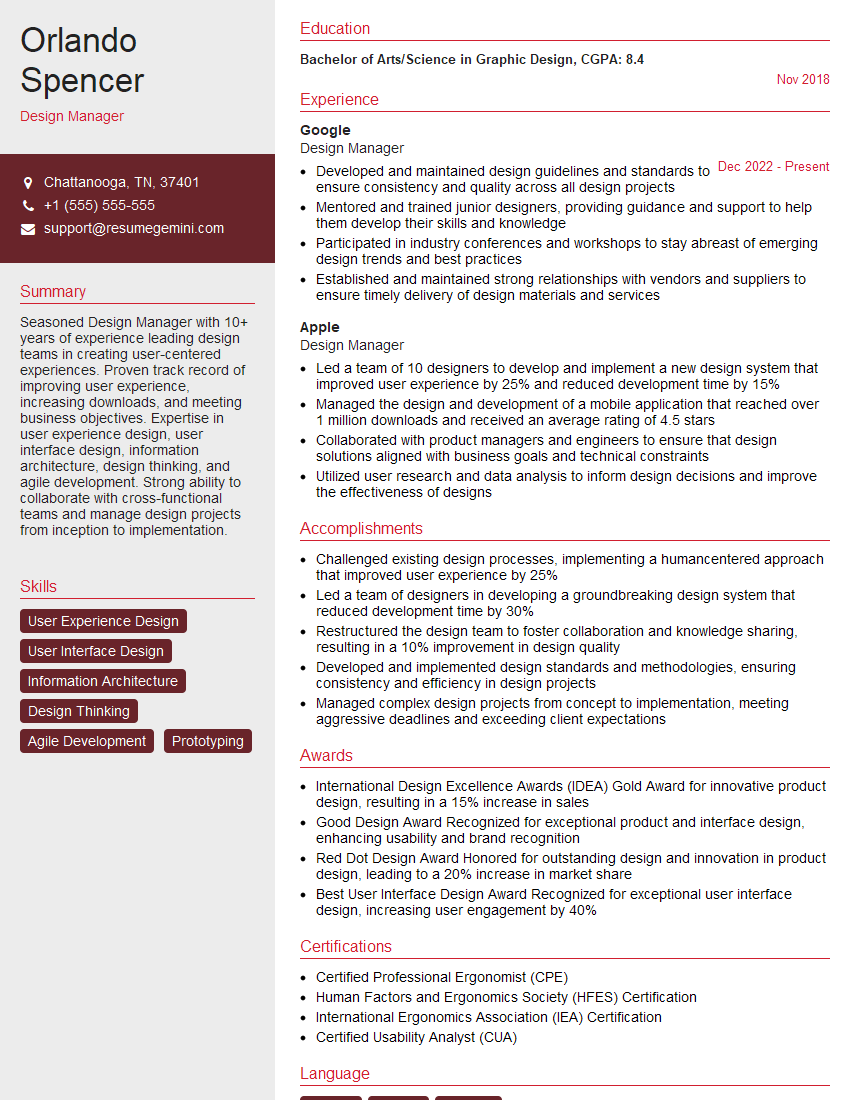
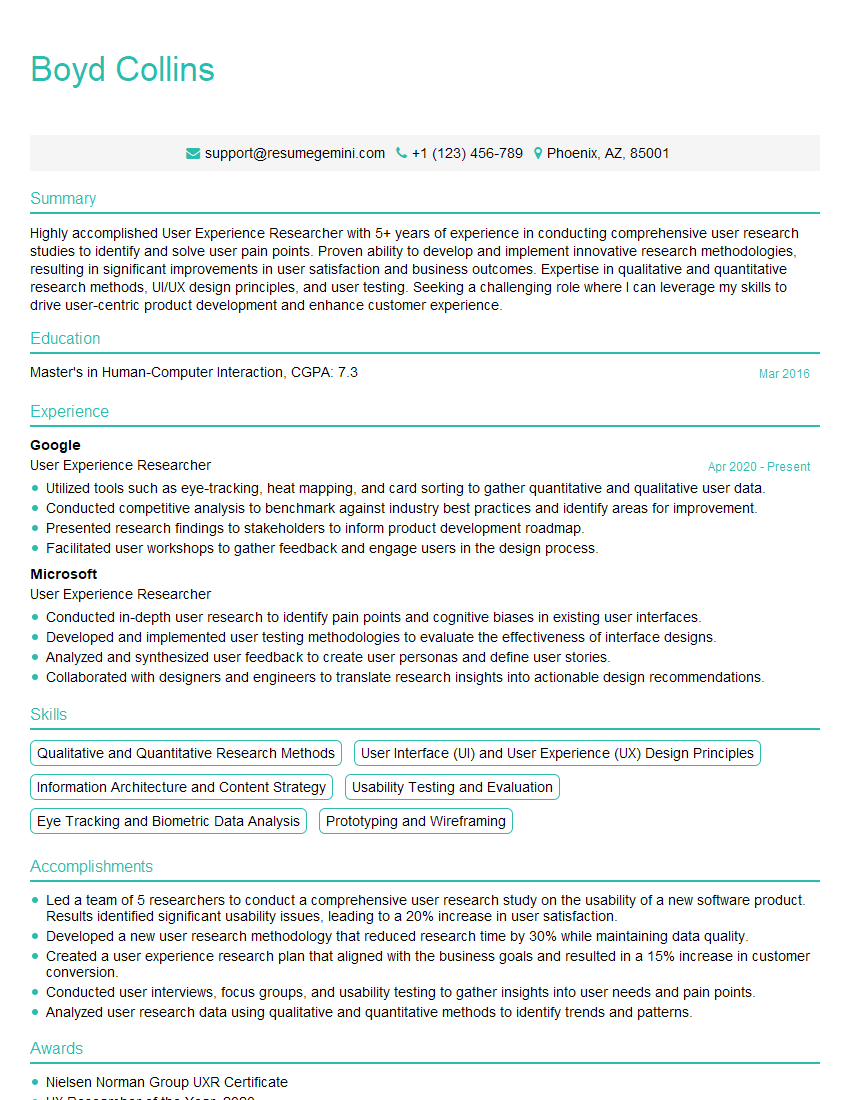
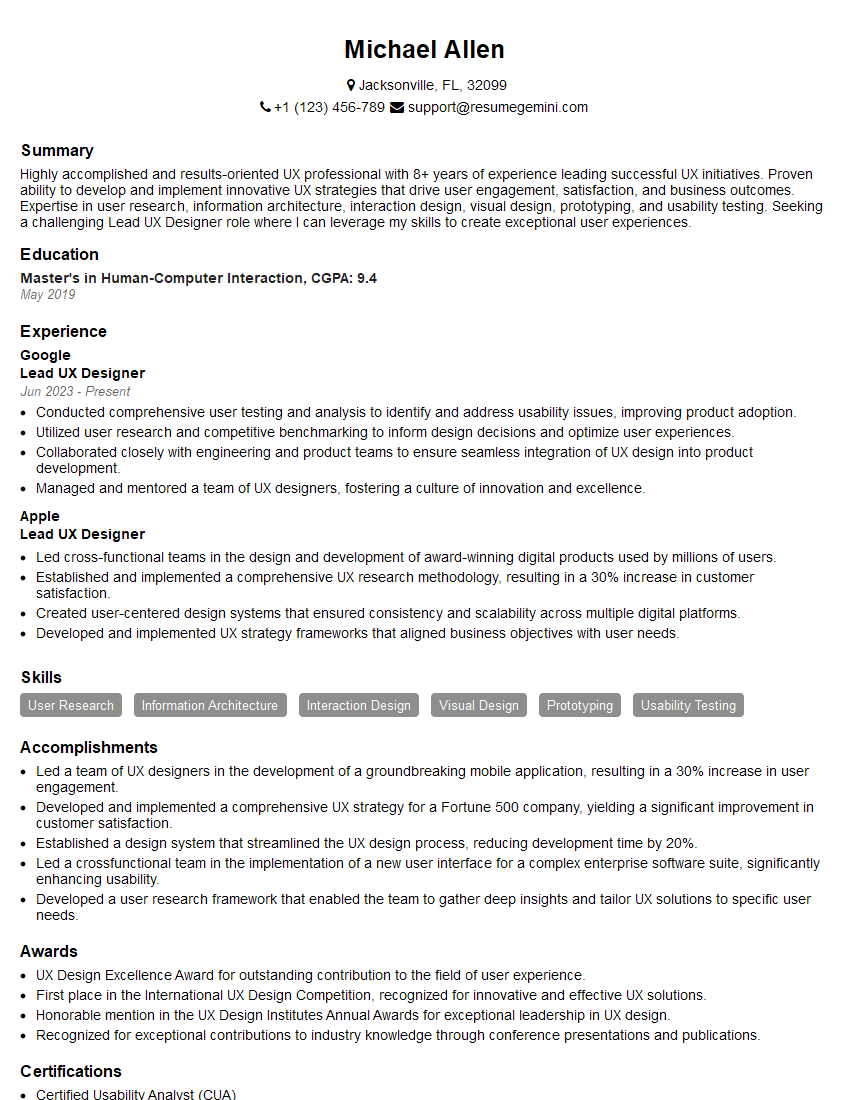
Mastering collaborative design is crucial for career advancement in today’s interconnected world. It demonstrates invaluable teamwork, communication, and problem-solving skills highly sought after by employers. To significantly boost your job prospects, create an ATS-friendly resume that highlights your collaborative design expertise. We strongly recommend using ResumeGemini to build a professional and impactful resume that gets noticed. ResumeGemini provides examples of resumes tailored to Collaborative Design, helping you showcase your skills effectively. Take the next step towards your dream job today!





Explore more articles
Users Rating of Our Blogs
Share Your Experience
We value your feedback! Please rate our content and share your thoughts (optional).
What Readers Say About Our Blog
Very informative content, great job.
good