The right preparation can turn an interview into an opportunity to showcase your expertise. This guide to Color Theory and Aesthetics interview questions is your ultimate resource, providing key insights and tips to help you ace your responses and stand out as a top candidate.
Questions Asked in Color Theory and Aesthetics Interview
Q 1. Explain the difference between additive and subtractive color mixing.
Additive and subtractive color mixing are two fundamentally different systems used to create color. Think of it like this: additive is adding light, subtractive is subtracting light.
Additive color mixing is what happens when you combine different colored lights. This is the principle behind screens and digital displays. The primary colors are red, green, and blue (RGB). When you combine all three at full intensity, you get white light. If you subtract one, you get a different color (e.g., red + green = yellow).
Subtractive color mixing is what happens when you mix pigments, like paints or inks. The primary colors here are cyan, magenta, and yellow (CMY). These pigments absorb certain wavelengths of light, and the remaining reflected light determines the resulting color. Combining all three ideally results in black, although in practice, a deep brown or muddy color is more common, leading to the addition of black (K) in the CMYK color model for printing.
Consider a projector (additive) displaying a picture on a white wall. Increasing the red, green, and blue values brightens the image, whereas mixing paints (subtractive) on a canvas is quite different; mixing blue and yellow produces green through the absorption of certain light wavelengths by the pigments.
Q 2. Describe the principles of color harmony (e.g., complementary, analogous, triadic).
Color harmony refers to the pleasing arrangement of colors in a design. Several principles guide effective color harmony:
- Complementary Harmony: This involves using colors opposite each other on the color wheel, such as red and green, or blue and orange. The high contrast creates visual excitement and energy. Think of a Christmas color scheme – red and green offer excellent visual contrast.
- Analogous Harmony: This uses colors that are adjacent to each other on the color wheel, such as blue, blue-green, and green. This creates a calming and serene effect, as the colors are closely related. Think of a peaceful ocean scene with blues and greens.
- Triadic Harmony: This utilizes three colors evenly spaced on the color wheel, such as red, yellow, and blue. It offers a balance of contrast and harmony, and creates a vibrant and dynamic feel. Many logos use triadic harmonies for their brand color scheme.
- Tetradic Harmony (Double Complementary): This uses two sets of complementary colors. For example, red-green and blue-orange. It’s more complex but can yield stunning results when balanced well.
- Split Complementary Harmony: Uses a base color and two colors adjacent to its complement. For example, using blue as the base, with red-orange and yellow-orange.
Choosing the right harmony depends on the intended mood and message of your design.
Q 3. How does color temperature impact the mood and feel of a design?
Color temperature refers to the warmth or coolness of a color, often described in terms of degrees Kelvin (K). It significantly influences the mood and feel of a design.
Warm colors (reds, oranges, yellows) – with lower color temperatures – evoke feelings of warmth, comfort, excitement, and energy. They can feel inviting and energetic. Think of a cozy fireplace or a vibrant sunset.
Cool colors (blues, greens, purples) – with higher color temperatures – evoke feelings of calmness, serenity, professionalism, and trust. They can feel sophisticated and calming. Think of a clear, calm ocean or a clean hospital setting.
An example would be a website using warm colors might feel more welcoming than one that uses cool colors. The choice of color temperature should align with the overall brand identity and message.
Q 4. What are some common color palettes used in branding, and how do they influence brand perception?
Many color palettes are used in branding, each influencing brand perception:
- Red: Energy, excitement, urgency, passion (Coca-Cola).
- Blue: Trust, stability, security, calmness (Facebook).
- Green: Nature, growth, health, freshness (Starbucks).
- Yellow: Happiness, optimism, warmth, friendliness (McDonalds).
- Black: Sophistication, elegance, power, mystery (Chanel).
- White: Purity, simplicity, cleanliness, minimalism (Apple).
These are just a few examples; often, brands use combinations to achieve a more nuanced effect. For example, a combination of blue and green might communicate trustworthiness and environmental consciousness. The key is to choose colors that resonate with the target audience and accurately reflect the brand’s values and personality.
Q 5. Explain the concept of color saturation and its role in visual design.
Color saturation refers to the intensity or purity of a color. It’s essentially how vivid or dull a color appears. High saturation means a rich, intense color, while low saturation results in a pale, muted color (think pastel shades).
In visual design, saturation plays a crucial role in:
- Creating emphasis: High saturation can draw the viewer’s eye to specific elements, creating a focal point.
- Setting the mood: High saturation can create excitement and energy, while low saturation can create a calm and serene feeling.
- Improving readability: Proper saturation helps improve the readability of text and graphics.
- Brand consistency: Maintaining consistent saturation levels across a brand’s visual assets ensures a unified and professional look and feel.
Imagine a vibrant, saturated red logo against a muted background. The saturated red grabs your attention immediately, making it more memorable and impactful.
Q 6. Describe how you would use color to create a sense of depth in a two-dimensional design.
Creating depth in a two-dimensional design using color requires understanding how our eyes perceive distance. We can simulate depth through:
- Atmospheric perspective: Colors appear less saturated and lighter in value as they recede into the distance. Think of how mountains appear hazy and bluish in the far distance.
- Value contrast: Using lighter values for objects in the foreground and darker values for objects in the background creates a sense of depth. The contrast between light and dark can create depth cues.
- Color temperature: Cool colors tend to recede, while warm colors tend to advance. Using cooler colors in the background and warmer colors in the foreground enhances the sense of depth.
- Layering and overlapping: Strategically layering colors and shapes, with some elements overlapping others, creates visual depth and dimension.
For instance, in a landscape painting, you might use a dark, saturated green for the foreground vegetation, gradually shifting to lighter, less saturated greens and blues in the mid-ground and using very pale blues and purples for the distant mountains, creating a strong sense of depth.
Q 7. Discuss the psychological effects of different colors on human emotions and behavior.
Colors significantly impact human emotions and behavior. This is a complex area of study, but here are some general observations:
- Red: Associated with energy, excitement, passion, but also anger, danger, and urgency. It can increase heart rate and blood pressure.
- Orange: Enthusiasm, creativity, warmth, sociability. It’s often used to evoke feelings of happiness and playfulness.
- Yellow: Happiness, optimism, friendliness, but also caution, warning. Can be stimulating and uplifting, but overuse can lead to anxiety.
- Green: Nature, growth, harmony, peace, freshness. It is generally calming and relaxing.
- Blue: Calmness, trust, security, professionalism, but also sadness, coldness. It can lower heart rate and blood pressure.
- Purple: Luxury, royalty, wisdom, creativity, mystery. It can evoke a sense of sophistication and elegance.
- Brown: Stability, reliability, earthiness, comfort. It can feel rustic and natural.
- Black: Power, sophistication, elegance, mystery, but also negativity, fear, mourning. It can feel authoritative but also overwhelming.
- White: Purity, cleanliness, simplicity, peace, but also sterility, emptiness. It can feel calming and spacious.
Understanding these associations is crucial in design to evoke the desired emotional response. A website selling luxury goods might use deep purples and blacks to convey elegance, while a health food company might use calming greens and blues to communicate health and well-being.
Q 8. How do you ensure color accessibility in your designs?
Color accessibility ensures that everyone, including those with visual impairments, can perceive and understand the information presented. This is achieved primarily through sufficient color contrast and thoughtful color choices.
For instance, WCAG (Web Content Accessibility Guidelines) provides specific contrast ratios. They define the minimum acceptable difference between the foreground (text) and background colors. Tools like WebAIM’s contrast checker can help verify compliance. Beyond contrast, consider avoiding color blindness-inducing color combinations, such as red and green, as they can be difficult for some to distinguish.
I always use a contrast checker to ensure my designs meet or exceed WCAG standards, and I test my designs with color blindness simulators to get a realistic view from diverse perspectives. Using a wider range of visual cues beyond color, such as icons and text labels, is also crucial for inclusivity.
Q 9. What are the challenges of working with color across different devices and platforms?
The biggest challenge when working with color across devices and platforms is consistency. Color profiles and how they are interpreted vary significantly, leading to discrepancies in how colors appear on different screens and operating systems. A color that looks vibrant on a high-resolution AMOLED screen might appear dull on an older LCD screen.
Another challenge stems from different color spaces (such as sRGB, Adobe RGB, and DCI-P3) and their varying gamuts. A color within the sRGB gamut will be easily reproducible across most devices; however, colors outside this gamut might render inaccurately or appear differently on different devices that do not support a wider color gamut.
Managing these challenges involves carefully selecting a color palette in a widely supported color space like sRGB and thoroughly testing the design on various devices and browsers. Color management software, which is essential in a professional workflow, can also help manage color consistency and avoid unpleasant surprises.
Q 10. Explain your process for selecting a color palette for a specific project.
My color palette selection process is iterative and deeply rooted in understanding the project’s goals and target audience. It begins with a thorough understanding of the brand, its personality, and its message. I consider the project’s purpose and aim to evoke the appropriate emotions and associations.
I usually start with mood boards, collecting images, textures and color references that reflect the project’s desired feel. This could range from exploring nature for organic palettes to looking at architectural designs for a modern feel. From this, I extract several potential color palettes using color tools (discussed later). I test these palettes’ effectiveness on sample mockups, iteratively refining them based on feedback and usability considerations.
The final palette needs to be versatile enough for various applications while remaining coherent. I always document the final palette with hex codes for accurate reproduction.
Q 11. How would you use color to guide the user’s eye through a website or app?
Color is a powerful tool for guiding the user’s eye. By using a hierarchy of color saturation and brightness, we can create visual pathways. The most important elements should have the highest saturation and brightness values, while less important elements use lower saturation or are placed in a less visually dominant position.
For example, call-to-action buttons should be highly saturated and distinct from the surrounding elements. Navigation menus might have a subtly different color or slightly higher brightness than the main content, drawing attention but not overwhelming.
I also strategically use color to group related items. Elements with similar functionality or information can be linked through a shared color family, visually clustering them and creating a more organized user experience. This helps the user scan, understand, and interact with the design more efficiently.
Q 12. Describe a time you had to resolve a color-related conflict with a client or team.
In one project, the client insisted on a color palette that clashed drastically with the overall design and brand identity. The chosen colors were highly saturated and lacked harmony, producing a visually jarring and uncomfortable experience. My initial attempt to suggest a more cohesive palette was met with resistance.
My solution involved creating several alternative mockups incorporating both the client’s preferred colors and more balanced alternatives. I carefully presented data, such as color contrast analysis reports and user feedback (simulated and real) from usability testing. These results visually demonstrated how the alternative palettes were more effective in terms of readability and overall visual appeal. By using data-backed arguments, I was able to guide the client towards a decision that was both aesthetically pleasing and user-friendly. The eventual compromise was a modified version of my suggestions, incorporating elements from both palettes in a balanced way.
Q 13. What are some tools or software you use for color selection and manipulation?
My color workflow relies on several key tools. Adobe Color (formerly Adobe Kuler) is excellent for exploring color harmonies and generating palettes. I also use Coolors.co for its intuitive interface and random palette generation features. For more advanced color manipulation and precise control, I use Adobe Photoshop and Illustrator.
Additionally, I rely on tools for color accessibility checks such as WebAIM’s contrast checker. These are crucial for ensuring inclusivity. Lastly, I occasionally use specialized color management software, like those found in professional photo and video editing suites, for complex projects requiring advanced color space conversions and calibration.
Q 14. Explain the concept of the color wheel and its practical applications.
The color wheel is a visual representation of colors arranged according to their chromatic relationships. It’s based on the primary colors (red, yellow, and blue), from which secondary and tertiary colors are derived. Its practical applications in design are extensive.
Understanding the color wheel enables us to create harmonious and visually appealing palettes. For instance, analogous colors (colors adjacent on the wheel) create serene and cohesive schemes. Complementary colors (colors opposite each other) offer high contrast and vibrancy. Triadic colors (three equidistant colors) offer a balanced and dynamic palette.
Practical applications include choosing colors for branding, websites, and marketing materials. For example, a calming spa might use an analogous palette of greens and blues. A vibrant tech brand might use a complementary scheme of orange and blue. The color wheel provides a framework for making informed color decisions, leading to more impactful designs.
Q 15. What is color contrast and why is it important in design?
Color contrast refers to the difference in lightness and darkness, or hue, between two or more colors. It’s a fundamental principle in design because it significantly impacts readability, visual appeal, and accessibility. High contrast makes elements stand out, improves legibility, and ensures designs are usable for people with visual impairments. Low contrast, on the other hand, can lead to a muddy, indistinct look, making the design difficult to navigate and understand.
- Example 1: Text on a website. Black text on a white background offers excellent contrast, while light gray text on a light beige background is very poor and difficult to read.
- Example 2: A button on a webpage. A brightly colored button on a neutral background will immediately draw the user’s eye, promoting engagement. A similarly colored button blended with a similar background would be nearly invisible.
Effective contrast is crucial for creating a visually appealing and accessible design. Tools like WebAIM’s contrast checker can help designers ensure their color choices meet accessibility guidelines (WCAG).
Career Expert Tips:
- Ace those interviews! Prepare effectively by reviewing the Top 50 Most Common Interview Questions on ResumeGemini.
- Navigate your job search with confidence! Explore a wide range of Career Tips on ResumeGemini. Learn about common challenges and recommendations to overcome them.
- Craft the perfect resume! Master the Art of Resume Writing with ResumeGemini’s guide. Showcase your unique qualifications and achievements effectively.
- Don’t miss out on holiday savings! Build your dream resume with ResumeGemini’s ATS optimized templates.
Q 16. How would you use color to create a specific brand identity?
Building a brand identity with color involves selecting a palette that effectively communicates the brand’s personality, values, and target audience. This goes beyond simply choosing pretty colors; it’s about strategic color psychology.
- Understanding the brand: What feeling or message does the brand want to convey? Is it playful and youthful, sophisticated and elegant, or trustworthy and reliable?
- Target audience: Consider who the brand is trying to reach. Different demographics respond to colors differently.
- Color psychology: Research color associations. For instance, blue often evokes trust and calmness, while red can represent energy and excitement.
- Color palette development: Choose a primary color that reflects the core brand identity. Then, select secondary and tertiary colors that complement and enhance the primary color, creating a harmonious and memorable palette.
Example: A tech startup aiming for innovation and modernity might use a vibrant blue combined with a bright, energetic orange, while a luxury jewelry brand would likely use deep jewel tones like emerald green or sapphire blue to project sophistication and exclusivity.
Q 17. Describe the difference between hue, saturation, and value (HSV).
Hue, saturation, and value (HSV) are three independent characteristics that describe a color. They’re an alternative to the more common RGB (Red, Green, Blue) model, offering a more intuitive way to understand and manipulate colors. Think of it like building a color from scratch.
- Hue: This is the pure color—the basic shade, like red, blue, or green. It’s essentially the position of a color on the color wheel.
- Saturation: This refers to the intensity or purity of the color. A high saturation means a vivid, rich color, while low saturation results in a dull, muted color (think pastel shades).
- Value (or Brightness): This describes the lightness or darkness of a color. High value means a light color, while low value means a dark color.
Example: Imagine a bright red apple. The hue is red. A highly saturated red is a vibrant, intense red, while a less saturated red might be a pinkish-red. The value would be relatively high if the apple is a bright red, while a dark red apple would have a lower value.
Q 18. What is Pantone Matching System (PMS) and how is it used?
The Pantone Matching System (PMS) is a proprietary color reproduction system used in various industries, including printing, design, and manufacturing. It’s essentially a standardized language for specifying colors, ensuring accurate color reproduction across different processes and materials.
Each PMS color is assigned a unique number, which helps maintain consistency. For example, Pantone 18-1664 TPX is a specific shade of ‘Living Coral’, that printers and manufacturers can use as a reference point to reproduce it consistently in different mediums. This system is essential for design projects involving color accuracy.
Use in design: Designers often specify PMS colors in their designs to ensure that the printed result matches their vision. This is particularly important for branding, packaging, and other applications where color accuracy is critical. Though digital design commonly uses RGB or CMYK, Pantone remains relevant where physical printing is needed.
Q 19. How do you stay up-to-date with the latest color trends?
Staying current with color trends requires a multi-pronged approach. I use a variety of resources including:
- Color trend forecasting websites and publications: Many reputable design blogs and publications (such as Pantone’s own website, trend forecasting agencies, etc.) release annual or seasonal color trend reports and forecasts.
- Social media platforms: Platforms like Instagram, Pinterest, and Behance showcase the work of many designers and offer glimpses into current design aesthetics. Monitoring relevant hashtags can provide insights.
- Industry events and conferences: Attending design conferences allows for direct exposure to the work of leading professionals and to discussions on current trends.
- Competitor analysis: Observing the color choices employed by successful brands and competitors in your field can provide valuable inspiration and insight.
By combining these methods, I develop a comprehensive understanding of current color trends and their underlying motivations, enabling me to make informed choices for my designs.
Q 20. Explain the use of color in creating visual hierarchy.
Visual hierarchy uses color to guide the viewer’s eye and direct attention to specific elements within a design. This ensures that the most important information is easily noticeable. The principle is that color contrast and saturation can emphasize key elements.
- Dominant color: A primary color used for the most important elements; it draws the viewer’s attention immediately.
- Secondary color: Supporting colors guide the eye towards additional important information, but less critical than the dominant.
- Accent color: Used sparingly to highlight calls to action or other noteworthy details.
- Background color: Provides contrast and sets the overall mood but usually keeps a low saturation and value.
Example: A website might use a bright, bold color for the main headline, a slightly less saturated color for subheadings, and a neutral color for body text. Call-to-action buttons would usually be an accent color for high contrast and impact.
Q 21. How do you balance aesthetics with functionality in your designs?
Balancing aesthetics and functionality is paramount in design. It’s about creating something visually stunning that also serves its purpose effectively. It’s not a compromise but a synergy.
- User-centered approach: Begin by understanding the user’s needs and the design’s functionality. The design should be intuitive and easy to use.
- Iterative design process: Continuously test and refine the design based on user feedback. This helps ensure that the aesthetic choices don’t hinder usability.
- Accessibility considerations: Ensure the design is accessible to users with disabilities. This includes sufficient color contrast, appropriate font sizes, and alternative text for images.
- Prioritize clarity: Visual appeal is important but should not overshadow clarity and communication. The design should effectively convey the intended message or information.
Example: A website’s layout might incorporate attractive visuals, but the navigation should be clear and intuitive, allowing the user to easily find what they need. The design might be stylish, but user experience is not compromised.
Q 22. Explain the importance of considering cultural context when using color.
Color is deeply intertwined with culture; what’s considered appealing or meaningful in one culture might be entirely different in another. Ignoring this can lead to miscommunication or even offense. For instance, white is associated with purity and mourning in many Western cultures, but in some Asian cultures, white is the color of mourning. Similarly, red symbolizes good luck and celebration in China, but it signifies danger or warning in many Western contexts. Understanding these nuances is crucial for effective design.
My approach involves thorough research into the target audience’s cultural background. This includes exploring their visual language, traditional color symbolism, and any potential sensitivities related to color. I utilize resources like cultural studies, ethnographic research, and online databases to gather information. In practice, this means carefully considering color palettes and their symbolic meaning before implementing them in a design, avoiding potentially problematic color choices and ensuring designs are culturally sensitive and respectful.
Q 23. What is your understanding of Gestalt principles and how do they relate to color?
Gestalt principles are rules of perception that explain how humans visually organize information. These principles heavily influence how we experience color in design. For instance, proximity suggests that elements placed close together are perceived as a group; using similar colors for nearby objects reinforces this grouping. Similarity implies that similar elements are perceived as belonging together; using consistent color schemes within sections of a design creates visual unity. Closure refers to our tendency to complete incomplete shapes; using color gradients or subtle hints can guide the eye towards completing a perceived form.
In practice, I utilize Gestalt principles to create visual hierarchy and improve the clarity of a design. For example, I might use a vibrant color to highlight a call to action, separating it visually from the rest of the content (proximity and similarity). Or, I might use a color gradient to suggest a shape even if the lines aren’t fully defined (closure). Applying these principles systematically ensures that color choices enhance the overall user experience and communication.
Q 24. Describe your approach to creating a cohesive and visually appealing design system.
Creating a cohesive and visually appealing design system is a systematic process. It begins with defining a clear brand identity and target audience. This informs the choice of a primary color palette – usually a harmonious combination of 3-5 colors that reflect the brand’s personality and resonate with the target demographic. Then, a secondary palette is developed, containing variations of the primary colors for different levels of emphasis. This includes shades, tints, and tones.
Next, I create a style guide, documenting all color codes (RGB, CMYK, HEX), typefaces, spacing, and other design elements. This document ensures consistency across all design assets. Finally, I conduct rigorous testing using A/B testing and user feedback to refine the system, ensuring it’s both effective and visually appealing.
For example, a website design might use a primary palette of blues and greens for a calming, nature-inspired feel, while a secondary palette would include lighter tints for backgrounds and darker shades for text and buttons. The style guide would meticulously define these colors and their applications.
Q 25. How would you use color to communicate a specific message or emotion?
Color is a powerful tool for communicating messages and emotions. Warm colors (reds, oranges, yellows) evoke feelings of energy, excitement, or warmth, while cool colors (blues, greens, purples) often convey calmness, serenity, or trust. For example, using a vibrant red for a ‘sale’ banner immediately grabs attention, while a calming blue might be used on a healthcare website to project trustworthiness.
To effectively communicate a message, I analyze the desired emotion and select colors that align. For a campaign promoting safety, I’d likely use calming blues and greens; for a campaign promoting excitement, I’d use vibrant reds and oranges. Furthermore, I always consider the cultural context, ensuring that the chosen colors don’t inadvertently convey the wrong message to the target audience.
Q 26. Explain your process for creating and testing color mockups.
My process for creating and testing color mockups involves several steps. Firstly, I use design software (like Adobe Photoshop or Figma) to create different color variations based on my initial concept and research. I explore different color palettes, experimenting with analogous, complementary, and triadic harmonies. Then, I create mockups, placing the color schemes into the intended context.
Testing involves both quantitative and qualitative methods. A/B testing is used to compare different color combinations; I track key metrics (e.g., click-through rates, engagement times) to identify the most effective option. I also conduct user testing sessions where participants provide feedback on their emotional responses to different color combinations. This feedback helps refine the color palette and ensures the design resonates with the target audience.
Q 27. How do you measure the effectiveness of your color choices?
Measuring the effectiveness of color choices goes beyond subjective opinions. Key performance indicators (KPIs) are crucial. For websites, I analyze metrics like bounce rate (percentage of visitors leaving the site quickly), time on page, conversion rates (e.g., purchases, sign-ups), and click-through rates. Lower bounce rates and higher engagement times often indicate successful color choices that keep visitors interested. A/B testing allows direct comparison between color variations.
For print materials, the effectiveness is measured differently. Here, I would analyze response rates to marketing campaigns or consumer surveys that assess brand perception and recall. The success is gauged through sales figures, brand recognition, and customer satisfaction linked to the visual experience.
Q 28. Describe your experience with different color modes (e.g., RGB, CMYK, LAB).
I’m proficient in various color modes, each serving a specific purpose. RGB (Red, Green, Blue) is the additive color model used for screens (computers, phones, TVs). CMYK (Cyan, Magenta, Yellow, Key/Black) is the subtractive color model used for print. Understanding the difference is critical; a color that looks perfect on screen might appear completely different when printed. LAB (Lightness, a*, b*) is a device-independent color space representing colors as perceived by the human eye. It is excellent for color management and ensuring consistency across different devices and outputs.
In practice, I use RGB for digital designs and convert them to CMYK for print, making adjustments as needed to account for the color shift. LAB is used when maximum color accuracy across different media is essential. Knowing the strengths and limitations of each mode is vital for producing consistent and accurate color across different platforms.
Key Topics to Learn for Your Color Theory and Aesthetics Interview
- Color Models (RGB, CMYK, LAB): Understand the differences and when to use each model in various design contexts. Consider practical scenarios where choosing the right model is crucial.
- Color Harmonies (Complementary, Analogous, Triadic, etc.): Explore how different color schemes create specific moods and effects. Practice applying these harmonies to design mockups or case studies.
- Color Psychology: Learn how colors evoke emotions and associations in viewers. Be prepared to discuss the impact of color choices on brand identity and user experience.
- Principles of Design (Balance, Contrast, Emphasis, etc.): Understand how these principles work in conjunction with color to create visually appealing and effective designs. Prepare examples demonstrating your understanding.
- Aesthetics and Art History: Familiarize yourself with key movements and their impact on color theory. This demonstrates a broader understanding of the subject’s historical context.
- Accessibility and Color Contrast: Discuss WCAG guidelines and the importance of designing with inclusivity in mind. Be ready to explain how you ensure sufficient color contrast for users with visual impairments.
- Advanced Color Techniques (e.g., Gradients, Duotones, Color Grading): Explore and be prepared to discuss these techniques and their practical application in various design disciplines.
- Problem-Solving in Color Selection: Be prepared to discuss approaches to resolving color conflicts or challenges in a design project. Consider using case studies to highlight your problem-solving skills.
Next Steps
Mastering Color Theory and Aesthetics is crucial for career advancement in design, art direction, and related fields. A strong understanding of these concepts will significantly enhance your portfolio and ability to communicate your design vision effectively. To increase your job prospects, create an ATS-friendly resume that showcases your skills and experience clearly. ResumeGemini is a trusted resource that can help you build a professional and impactful resume tailored to your specific career goals. We provide examples of resumes tailored to Color Theory and Aesthetics positions – check them out to see how to best present your qualifications!

Art Director Resume Sample

Creative Director Resume Sample

Web Designer Resume Sample
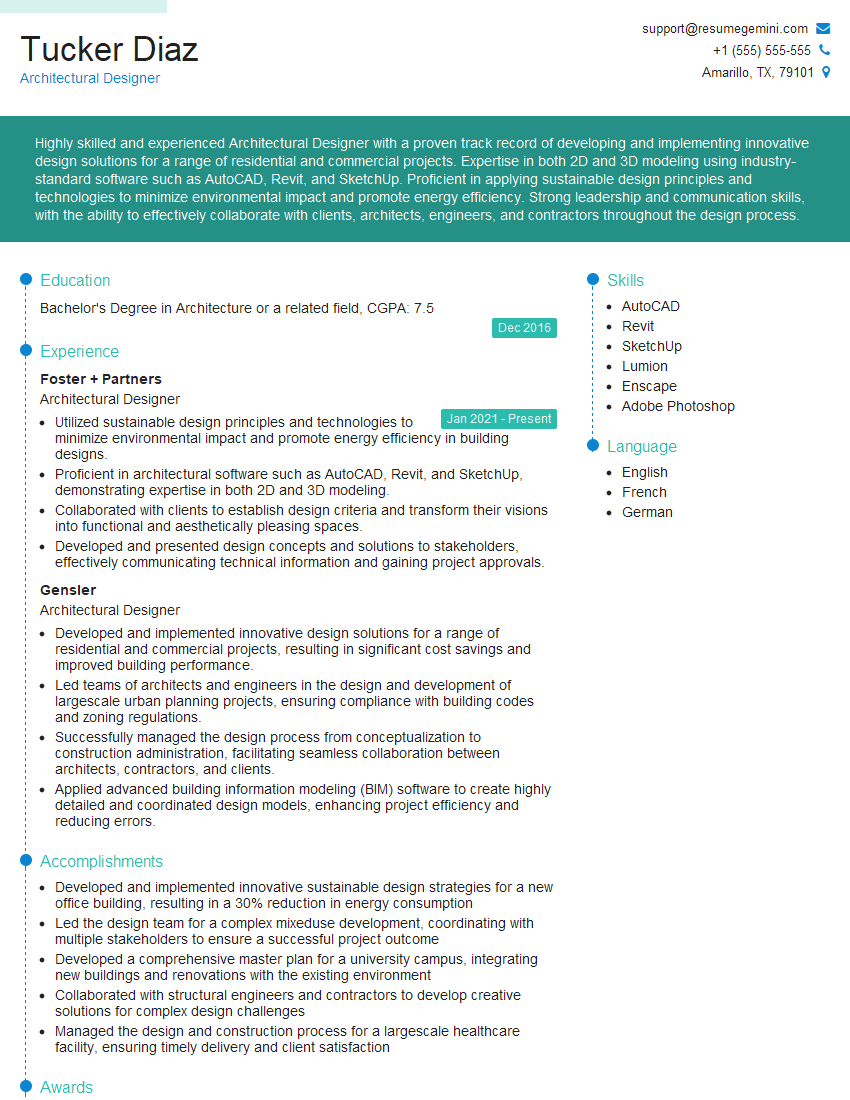
Architectural Designer Resume Sample
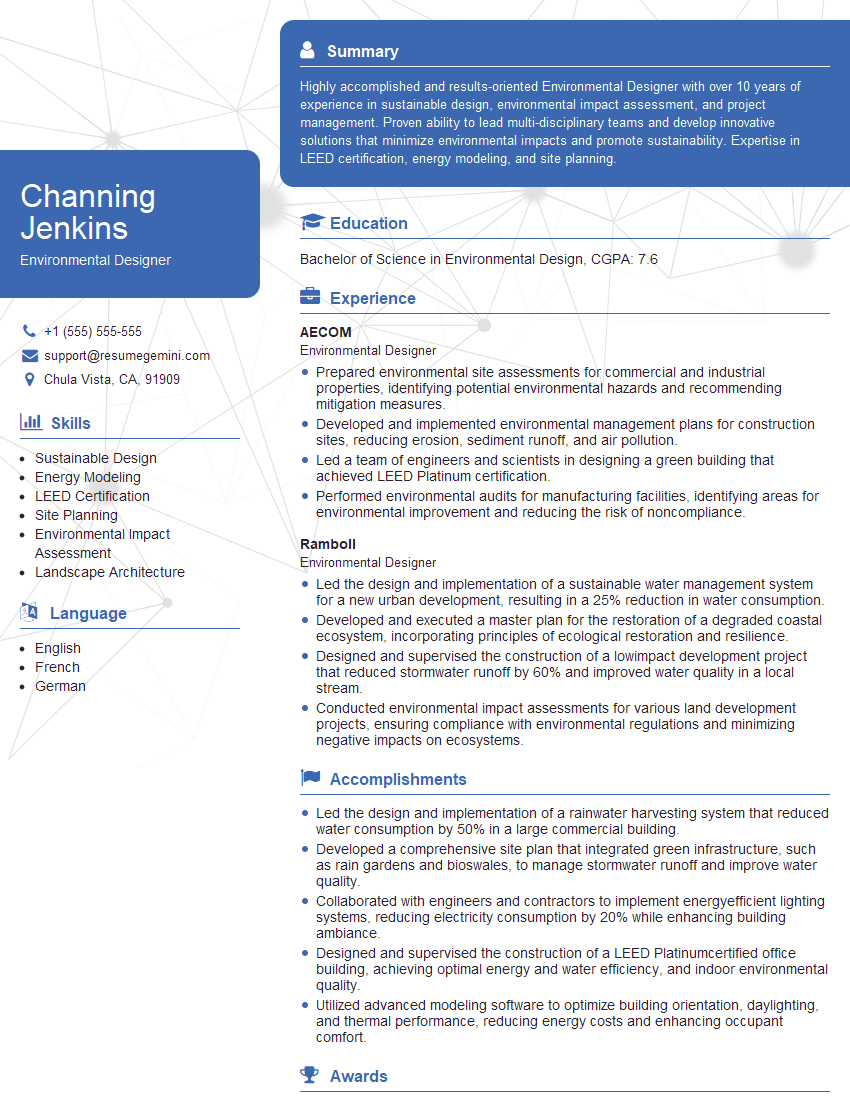
Environmental Designer Resume Sample

Color Consultant Resume Sample

Product Designer Resume Sample

Graphic Designer Resume Sample
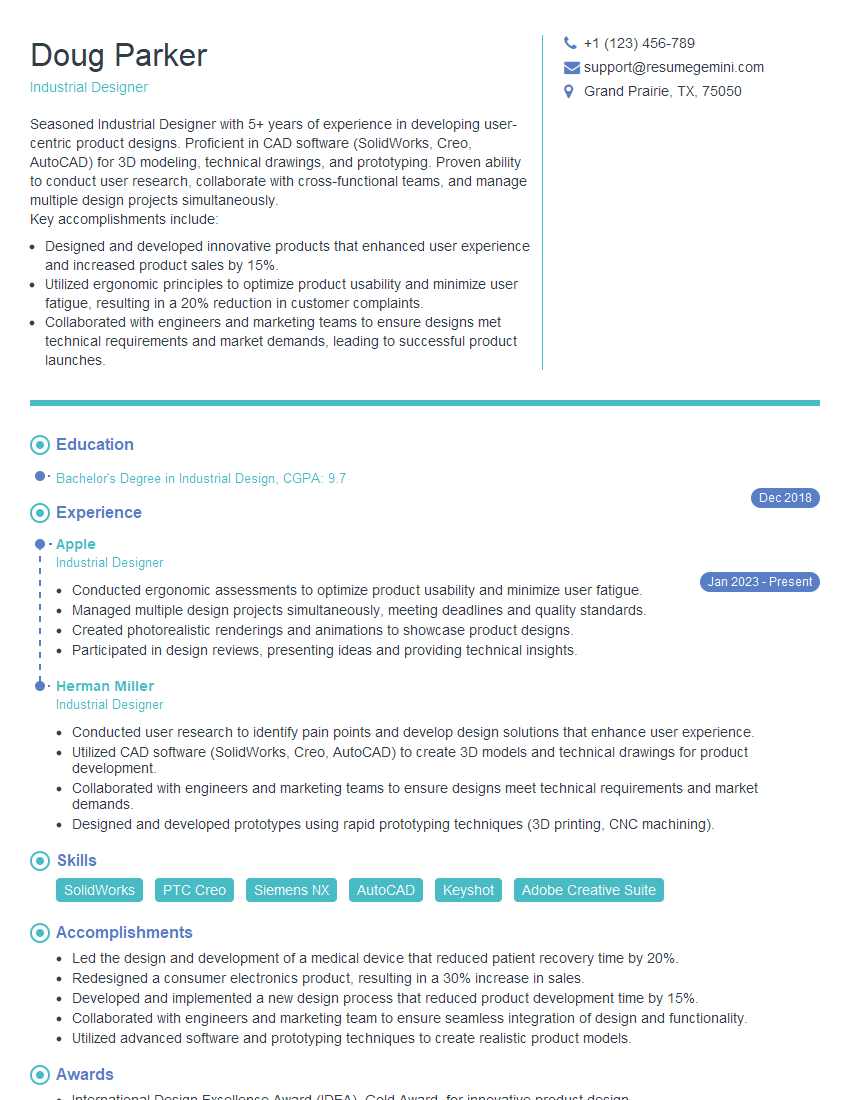
Industrial Designer Resume Sample

Packaging Designer Resume Sample
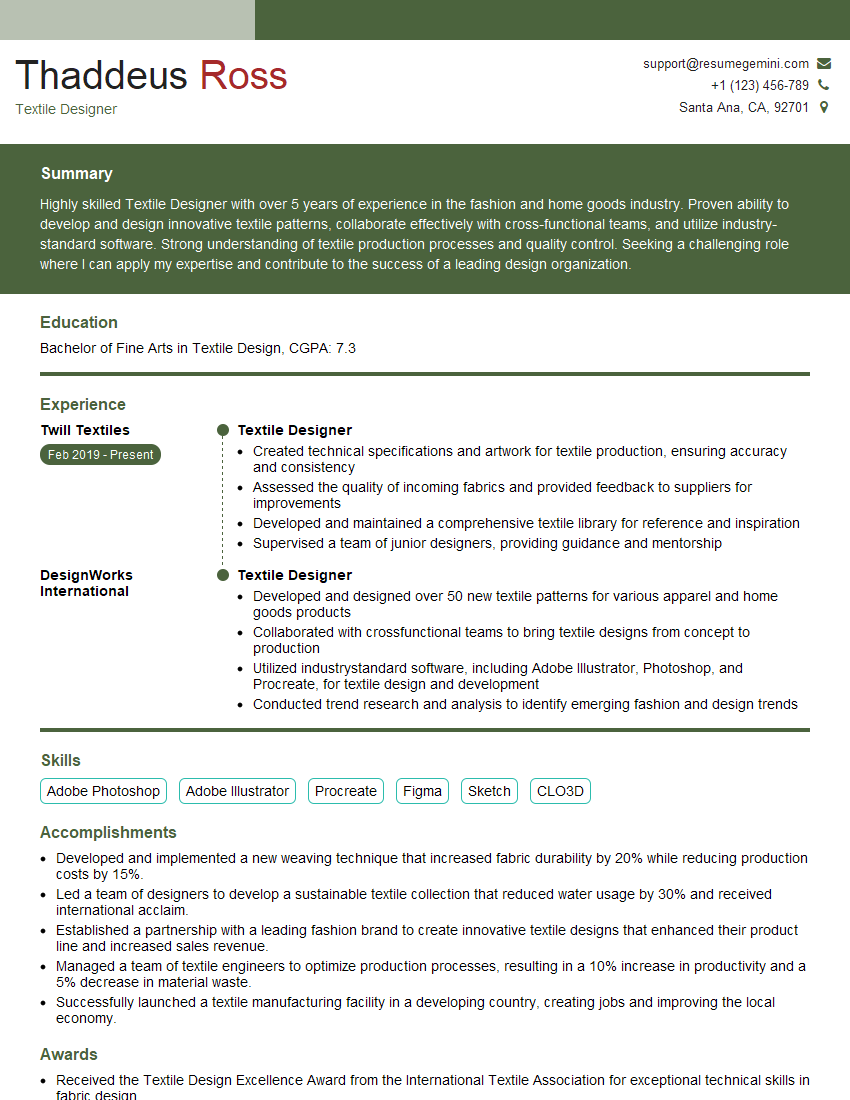
Textile Designer Resume Sample
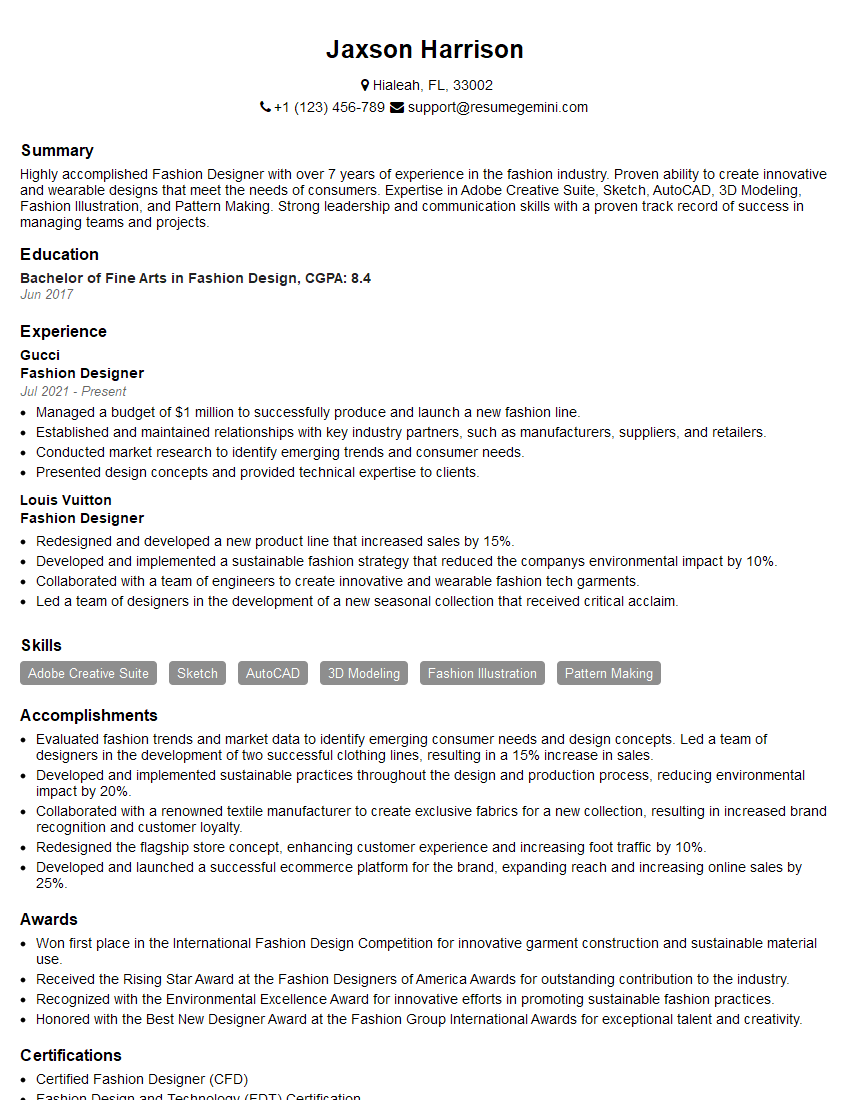
Fashion Designer Resume Sample
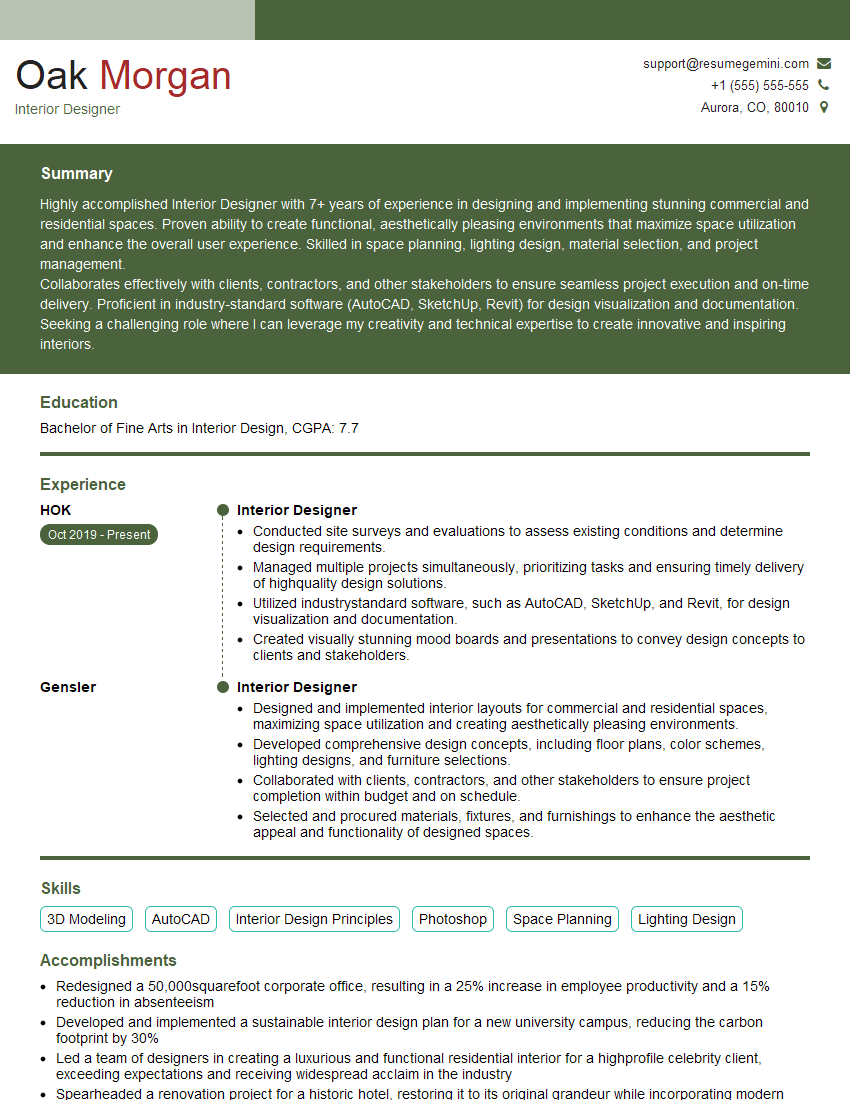
Interior Designer Resume Sample
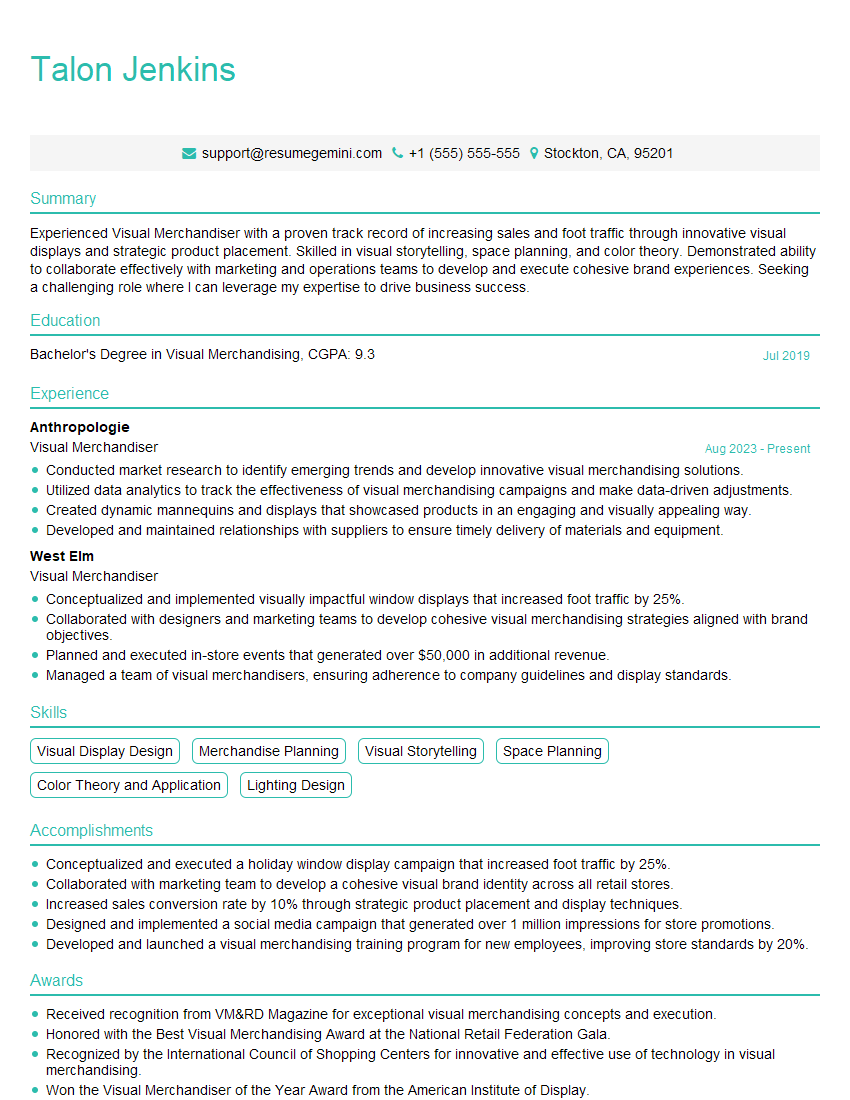
Visual Merchandiser Resume Sample
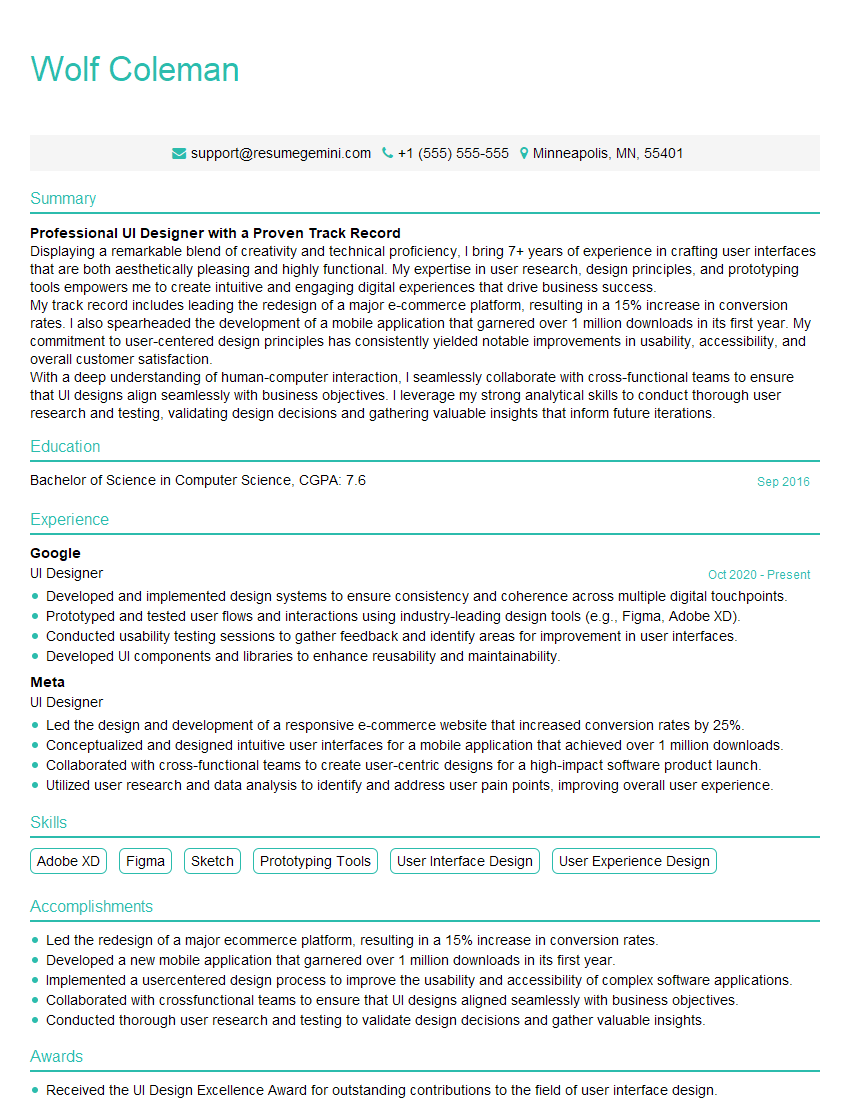
UI Designer Resume Sample
Explore more articles
Users Rating of Our Blogs
Share Your Experience
We value your feedback! Please rate our content and share your thoughts (optional).
What Readers Say About Our Blog
Very informative content, great job.
good