Interviews are opportunities to demonstrate your expertise, and this guide is here to help you shine. Explore the essential Connector Removal interview questions that employers frequently ask, paired with strategies for crafting responses that set you apart from the competition.
Questions Asked in Connector Removal Interview
Q 1. Describe the different types of connectors you have experience removing.
My experience encompasses a wide range of connectors, from the tiny surface-mount connectors found on circuit boards to the larger, more robust connectors used in industrial equipment. I’ve worked extensively with:
- Board-to-board connectors: These include various types like ZIF (Zero Insertion Force) connectors, which require careful manipulation, and edge connectors, often needing specialized tools for removal.
- Wire-to-board connectors: This category includes many variations, from simple crimp connectors to more complex, keyed connectors ensuring proper polarity.
- Cable connectors: These range from simple RJ45 (Ethernet) and USB connectors to more specialized ones like D-Sub connectors (DB9, DB25), often requiring specific tools and techniques. I’ve also worked with circular connectors used in industrial settings and fiber optic connectors.
- Power connectors: From small DC barrel connectors to larger power supplies, these require attention to safety due to the potential for electrical shock.
Each connector type presents unique challenges, requiring different approaches and tools for safe and efficient removal.
Q 2. What safety precautions do you take when removing connectors?
Safety is paramount when removing connectors. My primary safety precautions always include:
- Power Down: Always disconnect the power source before working on any connector, especially those carrying power or data.
- Grounding: Using an anti-static wrist strap and mat to prevent electrostatic discharge (ESD) damage to sensitive components.
- Proper Tools: Employing the correct tools for the specific connector type to avoid damage.
- Work Area: Maintaining a clean, well-lit, and organized workspace to minimize distractions and accidents.
- Eye Protection: Wearing safety glasses to protect eyes from flying debris, especially when working with older, fragile connectors.
- Personal Protective Equipment (PPE): When dealing with high-voltage connectors, using appropriate gloves and safety gear.
I always prioritize safety and follow established procedures to protect myself and the equipment.
Q 3. Explain the process of removing a ribbon cable connector.
Removing a ribbon cable connector requires careful attention to detail to avoid damaging the delicate contacts or the cable itself. Here’s my step-by-step process:
- Identify the connector latch mechanism: Most ribbon connectors have a locking mechanism; understand how it works before proceeding.
- Prepare the connector: If necessary, use compressed air to remove any dust or debris that might interfere with the removal process.
- Locate the release mechanism: This is usually a lever, clip, or a tab that needs to be depressed or opened.
- Gently release the latch: Apply even pressure to the release mechanism. Avoid excessive force.
- Straighten the cable: Gently pull the ribbon cable straight, making sure not to bend or twist it excessively. Avoid pulling on individual wires.
- Inspect the connector and ribbon cable: Check for any signs of damage.
Using the correct tools, such as a plastic pry tool or a ribbon cable connector removal tool, can make this process safer and easier. Forceful removal will invariably lead to damage.
Q 4. How do you identify a damaged connector?
Identifying a damaged connector can involve visual inspection and testing. Signs of damage include:
- Bent or broken pins: Look closely for any misaligned, bent, or broken pins or contacts. Magnification can help in identifying minor damage.
- Visible cracks or damage: Check for any physical damage to the connector body, such as cracks, fractures, or excessive wear and tear.
- Corrosion: Look for corrosion on the pins, which often manifests as discoloration or a powdery substance.
- Loose or missing components: Check for any missing pins, sockets, or other parts of the connector.
- Poor connection: Testing the circuit or device connected is essential. Intermittent connections or complete failure often indicate connector issues.
In addition to visual inspection, testing tools such as multimeters can be used to verify continuity and signal integrity.
Q 5. What tools are typically used for connector removal?
The tools used for connector removal vary greatly depending on the connector type. Common tools include:
- Plastic pry tools: These are essential for gently releasing latches and separating connectors without causing damage.
- Ribbon cable connector removal tools: Specifically designed for ribbon cables, preventing accidental damage during removal.
- Tweezers: Useful for handling small connectors and components.
- Screwdrivers: Some connectors require screws to be removed before the connector itself can be detached.
- Wire strippers and cutters: For preparing wires before connecting or disconnecting.
- Vacuum Pick-Up Tool: Helpful for handling and retrieving small connector parts.
It’s crucial to select the right tool for the job to prevent damage or injury.
Q 6. How do you handle static electricity when working with connectors?
Static electricity is a major concern when working with connectors, especially sensitive electronic components. My approach to handling static electricity includes:
- Anti-static wrist strap: Always wear a grounded anti-static wrist strap connected to a properly grounded surface.
- Anti-static mat: Work on an anti-static mat to provide a grounded work surface.
- Properly grounded tools: Ensure tools are also properly grounded to prevent electrostatic discharge.
- Avoid unnecessary movement: Reduce movement and contact with potentially charged items.
- Humidity control: In dry environments, consider using a humidifier to reduce static build-up.
By adhering to these practices, I significantly reduce the risk of ESD damage to components.
Q 7. Describe your experience removing connectors in confined spaces.
Removing connectors in confined spaces requires extra patience and specialized tools. I’ve worked in tight spaces, such as within computer chassis or inside densely packed industrial control panels. In these situations, I employ:
- Flexible tools: Using tools with flexible shafts or extensions to reach difficult-to-access connectors.
- Magnification: Employing magnifying glasses or microscopes to improve visibility in cramped areas.
- Articulated tools: Using tools with articulating heads to manipulate connectors from different angles.
- Careful planning: Thoroughly assessing the space and planning the removal process before beginning.
- Proper lighting: Employing strong, focused lighting to improve visibility and reduce eye strain.
Working in confined spaces demands a methodical approach, a good understanding of the tools and equipment, and a great deal of patience.
Q 8. How do you prevent damage to the connector or surrounding components during removal?
Preventing damage during connector removal requires a methodical approach. Think of it like carefully disassembling a delicate piece of machinery – each step needs precision. First, I always begin by visually inspecting the connector and its surroundings. This helps identify any potential obstacles or pre-existing damage. Then, I identify the locking mechanism – is it a latch, a screw, a bayonet mount, or something else? Understanding this is crucial. I then use the appropriate tools, ensuring they are the correct size and type to avoid damaging the connector pins or the surrounding circuit board. For example, I would never use excessive force; instead, I’d employ gentle, rocking motions if necessary to release a stubborn connection. Finally, I always ground myself to prevent electrostatic discharge (ESD), which can severely damage sensitive electronic components. A simple anti-static wrist strap is usually sufficient.
For example, when removing a fragile ribbon cable connector, I’d use a plastic spudger to gently lift the retaining latch, rather than pulling directly on the cable itself, which risks tearing the fragile traces.
Q 9. What are the potential consequences of improperly removing a connector?
Improper connector removal can have serious consequences, ranging from minor malfunctions to catastrophic failures. The most common issues include bent or broken pins, which lead to intermittent or complete signal loss. Damaged PCB traces are another concern, resulting in open circuits and system instability. In extreme cases, you could damage internal components of the connector itself, rendering it unusable. Furthermore, forcefully pulling connectors can rip through solder points, leaving you with a much more complex repair task. Think of it like this: each connector is a crucial link in a chain; damaging one link can weaken or break the entire chain, leading to system failure.
For instance, I once saw a technician incorrectly remove a power connector, leading to a short circuit that fried the entire motherboard. The cost to replace the motherboard was significantly more than the time it would have taken to remove the connector properly.
Q 10. Explain your experience with different connector locking mechanisms.
Throughout my career, I’ve encountered a wide array of connector locking mechanisms. I’m familiar with the most common types, including:
- Screw-type connectors: These use screws to secure the connection, offering a reliable and robust locking mechanism. Removing these usually involves simply unscrewing the fasteners.
- Latching connectors: These rely on a simple latch or clip to hold the connector in place. They often require a gentle push or pull on a specific release tab.
- Bayonet mounts: These twist-and-lock connectors utilize a bayonet-style locking mechanism that requires a quarter-turn to engage or disengage.
- Push-pull connectors: As their name suggests, these require a simple push to connect and a pull to disconnect. These are generally quite easy to remove but can sometimes stick due to wear or debris.
- Polarized connectors: These have a keying mechanism that ensures they only connect in the correct orientation, helping prevent accidental misconnections.
My experience encompasses working with connectors in various applications, including automotive, telecommunications, and consumer electronics, requiring a deep understanding of their specific locking mechanisms.
Q 11. How do you determine the correct procedure for removing a specific type of connector?
Determining the correct procedure involves several steps. First, I always consult the service manual or datasheet for the device. These documents typically include detailed instructions, diagrams, and warnings. If these aren’t available, I carefully examine the connector itself, looking for markings, release tabs, or other indicators. This might involve using a magnifying glass for smaller connectors. Then, I refer to online resources and databases, including manufacturer websites and technical forums. Finally, I use my experience to apply best practices, like checking for any visible locking mechanisms before attempting removal, to avoid damage.
For instance, I once had to remove a specialized high-speed data connector with a unique locking mechanism. The datasheet proved invaluable, outlining the precise procedure to avoid damaging the delicate contacts.
Q 12. Describe your experience with troubleshooting connector-related issues.
Troubleshooting connector-related issues involves a systematic approach. I begin by visually inspecting the connector and surrounding circuitry for any obvious damage, such as bent pins, broken traces, or corrosion. Then, I use a multimeter to test continuity and voltage across the connector pins, checking for proper signal flow. If there are problems with a specific circuit, I isolate the section of the cable connected to the faulty connector. This could involve testing multiple points along the cable. If the problem isn’t apparent from visual inspection or continuity tests, I may investigate for issues within the connector itself.
For example, I once encountered a system with intermittent signal loss. Through careful inspection, I discovered a small amount of debris had gotten into the connector’s contacts, causing a poor connection. Cleaning the contacts with compressed air solved the issue.
Q 13. How do you document the connector removal process?
Proper documentation is vital for maintaining a clear record of the connector removal process. My documentation typically includes the following elements:
- Date and time of the procedure
- Device or equipment involved
- Connector type and identification
- Steps taken to remove the connector, including specific tools used
- Observations made during the removal process (e.g., any damage found)
- Photographs or diagrams showing the connector and its connections before and after removal
- Notes on any difficulties encountered during the removal and the solutions implemented
This detailed documentation helps ensure consistency, facilitates troubleshooting, and provides a valuable reference for future maintenance tasks.
Q 14. What is your experience with soldering and desoldering connectors?
My experience with soldering and desoldering connectors is extensive, and I’m proficient in various techniques. I’m comfortable working with different soldering irons and desoldering tools, adjusting the temperature settings depending on the connector type and the solder used. I understand the importance of using the right flux to ensure proper wetting of the solder and clean connections. For surface mount connectors, I use specialized tools like hot air rework stations to remove components without damaging the surrounding circuitry. When desoldering, I prioritize clean removal to avoid leaving solder residue that could cause shorts or other problems.
Safety is paramount in soldering and desoldering, so I always ensure proper ventilation and wear appropriate personal protective equipment, including safety glasses and heat-resistant gloves.
Q 15. Have you ever worked with high-voltage connectors? Describe the safety measures taken.
Working with high-voltage connectors demands meticulous adherence to safety protocols. Before even approaching a high-voltage connector, the power source must be completely isolated and locked out. This usually involves a documented lockout/tagout (LOTO) procedure. Then, we use insulated tools, such as insulated screwdrivers and pliers, to prevent accidental contact. I always double-check the voltage using a non-contact voltage tester before beginning any work. Furthermore, I wear appropriate Personal Protective Equipment (PPE), including insulated gloves, safety glasses, and often a face shield for added protection. For example, during a recent project involving a 480V industrial control panel, we followed a strict LOTO procedure, used insulated tools throughout, and verified zero voltage multiple times before disconnecting a high-voltage connector. Any doubt about the safety of the system would result in halting the work and requesting further verification from an experienced electrician.
Career Expert Tips:
- Ace those interviews! Prepare effectively by reviewing the Top 50 Most Common Interview Questions on ResumeGemini.
- Navigate your job search with confidence! Explore a wide range of Career Tips on ResumeGemini. Learn about common challenges and recommendations to overcome them.
- Craft the perfect resume! Master the Art of Resume Writing with ResumeGemini’s guide. Showcase your unique qualifications and achievements effectively.
- Don’t miss out on holiday savings! Build your dream resume with ResumeGemini’s ATS optimized templates.
Q 16. How do you handle connectors that are difficult to remove?
Stubborn connectors are a common challenge. My approach is systematic and prioritizes avoiding damage. I start by visually inspecting the connector, looking for any obstructions like debris or corrosion. Then, I use the appropriate tool – sometimes a specialized connector removal tool, other times a pair of pliers with insulated grips. Gentle, controlled force is key. I apply pressure to the release mechanism, if present, while firmly holding the connector body. If the connector is particularly resistant, I might apply a small amount of penetrating lubricant (like WD-40, after confirming its compatibility with the materials) to help break the bond. However, excessive force is always avoided, as it can damage the connector pins or the mating surface. If all else fails, I’ll consult the connector’s datasheet or seek guidance from experienced colleagues before attempting further removal. For instance, I once encountered a corroded connector on a marine vessel. After careful cleaning and applying a small amount of lubricant, I used a specialized tool designed for that connector type to successfully remove it.
Q 17. Describe your experience with cleaning connectors after removal.
Cleaning connectors after removal is crucial for maintaining their integrity and preventing future problems. The cleaning process depends on the type of connector and the nature of the contamination. For light dust or debris, compressed air is usually sufficient. For more stubborn dirt or corrosion, I often use a specialized contact cleaner, ensuring it’s compatible with the connector’s materials. I meticulously clean both the male and female connector pins using a soft-bristled brush, avoiding harsh scrubbing to prevent damage. After cleaning, I inspect the pins under magnification to ensure all debris is removed and the contacts are clean and shiny. I would then dry the connector thoroughly, usually with compressed air, before storage or re-installation. A recent example involves cleaning a server rack connector with corroded pins. Using an appropriate contact cleaner and brush, I restored the connection’s integrity, avoiding further performance issues.
Q 18. How do you ensure the correct re-installation of a connector after removal?
Correct re-installation is vital to ensure proper functionality and avoid future failures. I always refer to the connector’s datasheet or any available documentation for guidance. This ensures I align the connector correctly and apply the appropriate amount of force. I pay close attention to the keying mechanism – the physical features that prevent incorrect insertion. Visual inspection before and after installation helps confirm the correct positioning of the connector and absence of bent pins. If the connector requires a specific mating sequence or torque, I follow those specifications closely using appropriate tools for measuring and applying torque accurately. A haphazard re-installation could lead to poor connectivity and potential damage to the equipment. For example, when reconnecting a delicate fiber optic connector, I carefully align the fiber with the ferrule before securing it, ensuring the connection is made precisely.
Q 19. What are the common causes of connector failure?
Connector failures stem from various causes. Physical damage, such as bent pins or broken housings from impact or improper handling, is common. Environmental factors, including moisture, corrosion, vibration, and extreme temperatures, can also degrade connector performance. Incorrect installation, leading to poor contact and potential damage, is another significant factor. Wear and tear from repeated mating cycles contribute to degraded contacts and eventually failure. Finally, manufacturing defects or the use of incompatible connectors can also result in premature connector failure. For example, a connector exposed to salt spray in a marine environment might corrode, increasing contact resistance and potentially leading to a failure.
Q 20. How do you diagnose a faulty connector?
Diagnosing a faulty connector requires a methodical approach. First, I visually inspect the connector for obvious signs of damage, such as bent or broken pins, corrosion, or loose connections. Then, I use a multimeter to measure the voltage or resistance across the connector pins. A significant deviation from the expected values indicates a problem. If the visual inspection and multimeter tests are inconclusive, I might use a continuity tester to check for open circuits or shorts within the connector. Depending on the context, I can also use specialized test equipment to analyze the signal integrity. Eliminating other potential causes of the problem, such as faulty wiring or components, is crucial before concluding the connector itself is at fault. In a recent troubleshooting scenario, a multimeter confirmed a high resistance reading across a connector, pointing to a faulty contact.
Q 21. Describe your experience working with different connector sizes and types.
My experience encompasses a wide range of connector sizes and types, including small surface-mount connectors used in electronics, larger power connectors in industrial machinery, and specialized connectors for fiber optics or high-frequency applications. I’m familiar with different connector families like D-subminiature, circular connectors (like Amphenol and LEMO), and various types of board-to-board connectors. The techniques for handling and working with these different types vary depending on their size, complexity, and application. For example, working with delicate fiber optic connectors requires specialized tools and a clean environment, whereas handling high-current power connectors necessitates extra precautions to prevent electrical shock and damage. The knowledge of specific connector types and their characteristics is crucial in this process, guiding the correct selection of tools and procedures.
Q 22. Explain your experience with using specialized tools for connector removal.
My experience with specialized connector removal tools is extensive. I’ve worked with a wide range of tools, from simple plastic connector release tools to more sophisticated extraction tools for delicate surface-mount components. This includes tools like:
- Extraction tools: These range from simple plastic pry tools to vacuum-based pick-up tools, and specialized extraction tools for delicate connectors that prevent damage to pins or the circuit board.
- Crimping tools: Used for removing crimped connectors securely, essential for working with wire harnesses and automotive connectors. Proper crimping technique is critical to prevent wire damage.
- Connector removal kits: These comprehensive sets offer a variety of tools for various connector types, minimizing damage and simplifying the process.
I always select the tool best suited to the connector type and its fragility, prioritizing minimizing damage to both the connector and the surrounding components. For instance, I wouldn’t use a forceful prying tool on a delicate FFC (Flexible Flat Cable) connector; instead, I’d opt for a specialized extraction tool with fine tips. The selection of the right tool often dictates the success and safety of the operation.
Q 23. Have you ever encountered a connector that required specialized knowledge or techniques to remove? Describe the situation.
Yes, I encountered a challenging situation involving a micro-miniature connector on a high-frequency circuit board. This connector, used for a sensitive sensor application, was recessed and extremely difficult to access. Standard extraction tools were inadequate due to the tight spaces and the risk of damaging the delicate trace lines on the PCB.
My solution involved using a specialized microscope and extremely fine-tipped tweezers, combined with a gentle rocking motion to release the connector. I also used a low-power magnifying glass to aid in precisely positioning the tweezers. The key was extreme patience and precision; any slip could have resulted in irreparable damage to the expensive circuit board and sensor. This experience highlighted the importance of having the correct tools and a steady hand when dealing with such delicate components.
Q 24. What are your preferred methods for removing fragile or delicate connectors?
My preferred methods for removing fragile connectors focus on minimizing force and maximizing control. These include:
- Using appropriate extraction tools: Specialized tools like vacuum-based pick-up tools and flexible extraction probes are invaluable for delicate connectors.
- Employing a gentle rocking motion: Instead of pulling directly on the connector, I gently rock it back and forth to break the connection before pulling it straight out, ensuring less stress on the connector and PCB.
- Using isopropyl alcohol (IPA): A small amount of IPA can help to loosen any stubborn connections and reduce static cling, making removal easier and safer.
- Working under magnification: Using a magnifying glass or microscope allows for a clearer view of the connector and its surrounding components, helping to guide the removal process precisely.
The overarching principle is to treat each connector as a unique challenge, requiring careful consideration of its construction and the surrounding environment.
Q 25. How do you ensure the integrity of the connector and its mating component after removal and reinstallation?
Ensuring integrity after removal and reinstallation is paramount. My approach includes:
- Visual inspection: Thorough inspection of both the connector and its mating component for any signs of damage, such as bent pins or cracked plastic. This is crucial before reinstallation.
- Pin alignment verification: Careful verification that all pins are correctly aligned before mating the connector to prevent shorts or poor connectivity.
- Cleaning: Using compressed air and IPA to remove any dust or debris from the connector contacts before reinstallation.
- Proper mating technique: Using a smooth, straight force to connect the components to avoid damaging either element. Avoid excessive force and use of tools.
- Functionality testing: After reinstallation, comprehensive functional testing is crucial to ensure the connection is secure and the system operates as expected. This might involve electrical continuity testing or functional verification depending on the system.
This meticulous approach minimizes the risk of future malfunctions and ensures the longevity of the components. Preventing damage during the process is key to success.
Q 26. Describe your experience working under time pressure to remove connectors.
Working under time pressure requires a strategic approach. Prioritization and efficient techniques are key. I have experience in situations where rapid connector removal was needed during repairs or urgent troubleshooting. In such situations, I:
- Quickly assess the situation: Quickly identify the most critical connectors requiring removal, focusing on the ones that directly impact system functionality.
- Employ efficient techniques: I use the fastest and safest methods appropriate for the connector type, and avoid unnecessary steps.
- Seek assistance if necessary: If the task is too complex or time-consuming for a single person, I don’t hesitate to enlist help, ensuring safe and efficient removal.
- Maintain focus: Despite the pressure, I maintain concentration and precision to prevent accidental damage.
While speed is important, safety and avoiding damage remain paramount. A rushed job often leads to more significant problems down the road.
Q 27. How do you prioritize connector removal tasks in a complex system?
Prioritizing connector removal tasks in a complex system relies on a structured approach. I typically use a combination of factors:
- System criticality: Connectors critical to system operation (power, safety systems, etc.) take precedence.
- Accessibility: Connectors that are easily accessible are tackled first to save time.
- Interdependencies: Connectors that may affect the removal of others are considered in order of their dependency.
- Documentation: Referencing system diagrams and connector documentation is paramount to prevent errors and understand interconnections.
I often create a visual representation of the connectors, showing their interdependencies, which helps to streamline the removal process and prevent accidental disconnections.
Q 28. How do you stay updated on the latest connector removal techniques and technologies?
Staying updated on connector removal techniques and technologies is crucial. My methods include:
- Professional publications and journals: Regularly reviewing industry publications to stay abreast of new tools, techniques and best practices.
- Manufacturer documentation: Consulting manufacturers’ documentation and specifications for the particular connectors I’m working with.
- Online resources and webinars: Accessing online forums, technical communities, and webinars to learn from colleagues and experts in the field.
- Industry trade shows and conferences: Attending industry events allows for direct interaction with vendors and observation of latest technologies.
- Manufacturer training courses: Actively seeking out training courses offered by connector manufacturers to gain deeper expertise on specific connector types.
Continuous learning is a crucial aspect of mastering connector removal and ensures that I always utilize the safest and most efficient techniques.
Key Topics to Learn for Connector Removal Interview
- Connector Types and Identification: Understanding various connector types (e.g., RJ45, USB, SATA), their physical characteristics, and proper identification techniques.
- Safety Procedures and Precautions: Mastering safe practices, including ESD protection, proper grounding techniques, and understanding potential hazards associated with connector removal.
- Tools and Equipment: Familiarity with necessary tools (e.g., tweezers, pliers, specialized extraction tools) and their appropriate application for different connector types.
- Removal Techniques: Learning various removal techniques for different connectors, including proper gripping, leverage application, and avoidance of damage to the connector or surrounding components.
- Troubleshooting Common Issues: Developing skills in identifying and resolving problems like stuck connectors, bent pins, or damaged ports.
- Practical Application in Different Scenarios: Understanding how connector removal applies in various contexts, such as computer repair, networking, and electronics manufacturing.
- Documentation and Reporting: Ability to accurately document the connector removal process and any encountered issues.
Next Steps
Mastering Connector Removal is a highly valuable skill that opens doors to numerous opportunities in various technical fields. Proficiency in this area demonstrates attention to detail, problem-solving abilities, and a commitment to safe work practices – all highly sought-after qualities by employers. To significantly enhance your job prospects, focus on creating a professional, ATS-friendly resume that showcases your skills and experience effectively. ResumeGemini is a trusted resource to help you build a compelling resume that highlights your expertise in Connector Removal and other relevant skills. We provide examples of resumes tailored to Connector Removal to guide you in creating a winning application. Take the next step toward your dream job – build your best resume with ResumeGemini today!
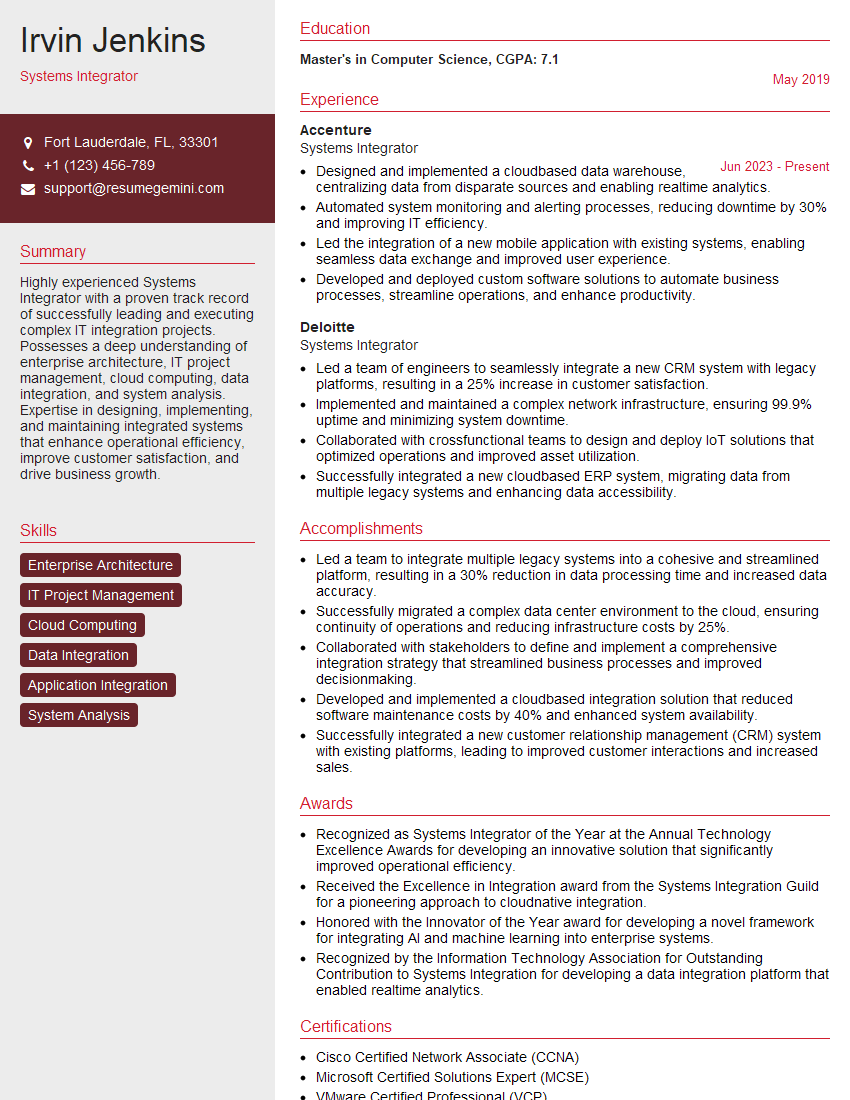
Systems Integrator Resume Sample

Network Technician Resume Sample

Technical Support Specialist Resume Sample

Maintenance Technician Resume Sample

Service Engineer Resume Sample

Field Engineer Resume Sample
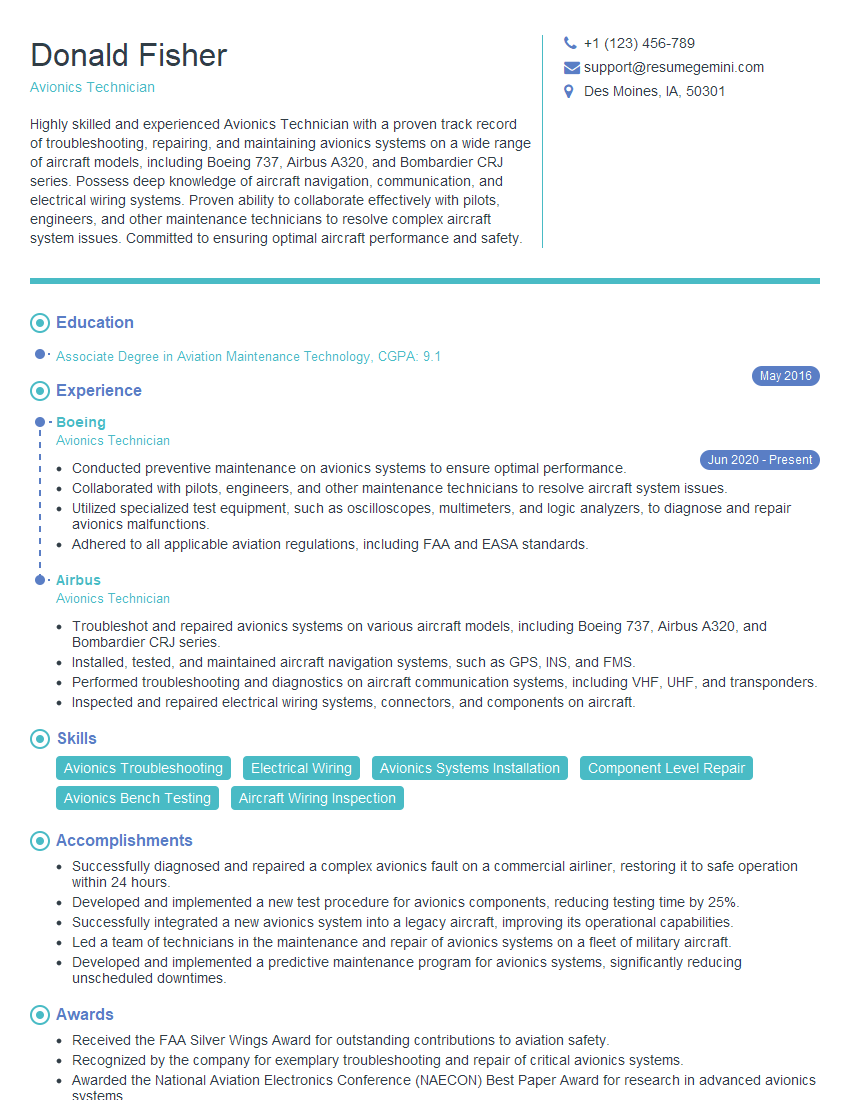
Avionics Technician Resume Sample
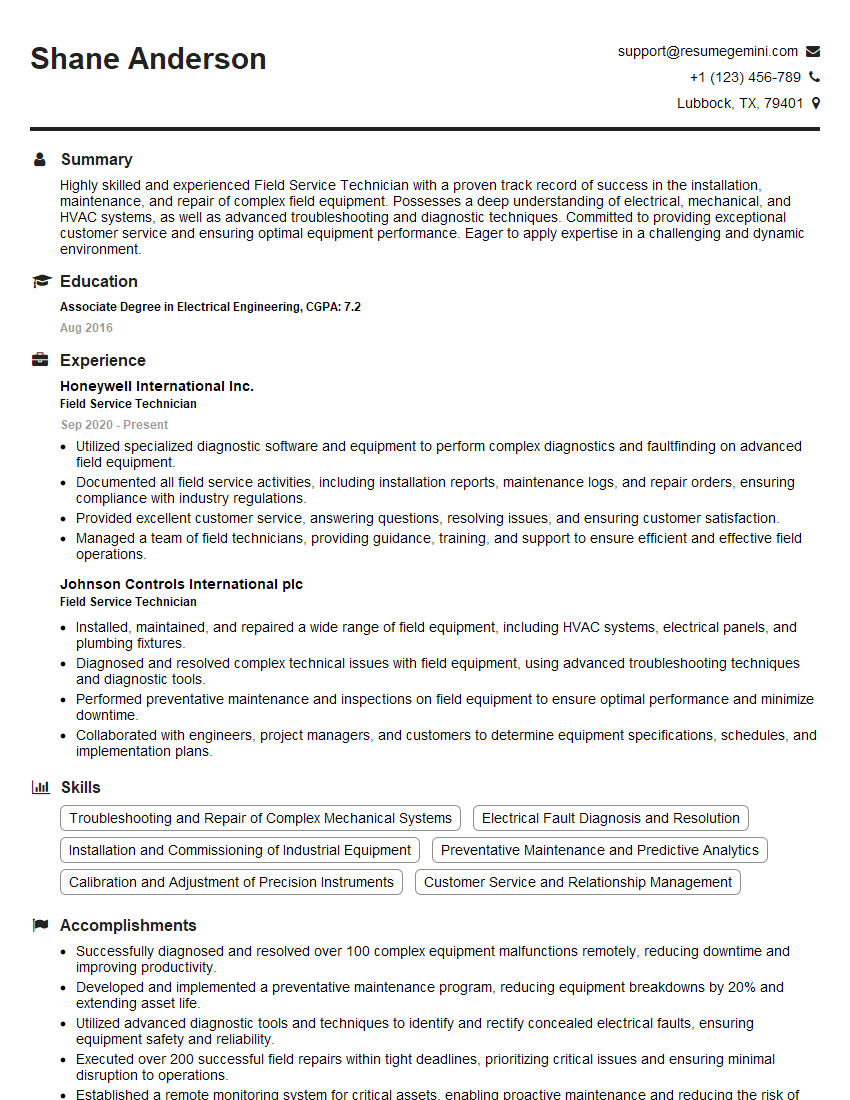
Field Service Technician Resume Sample

Robotics Technician Resume Sample

Manufacturing Technician Resume Sample

Production Technician Resume Sample

Installation Technician Resume Sample
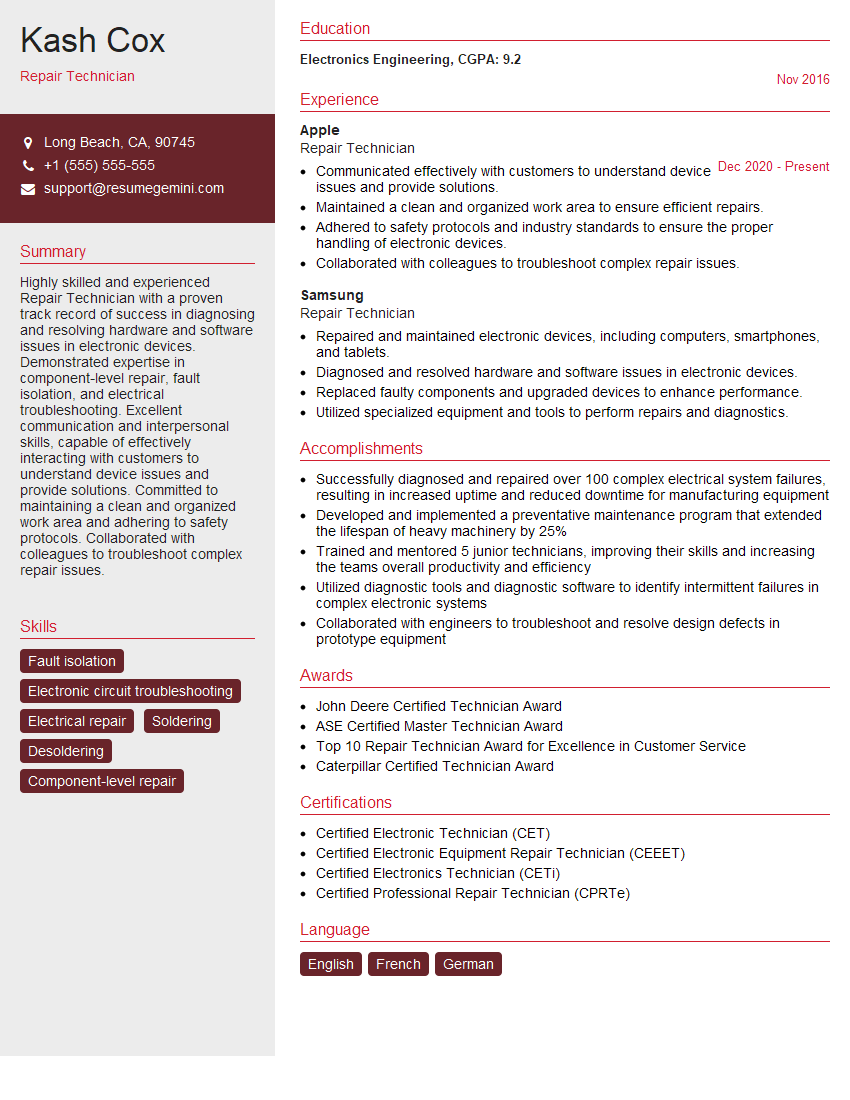
Repair Technician Resume Sample
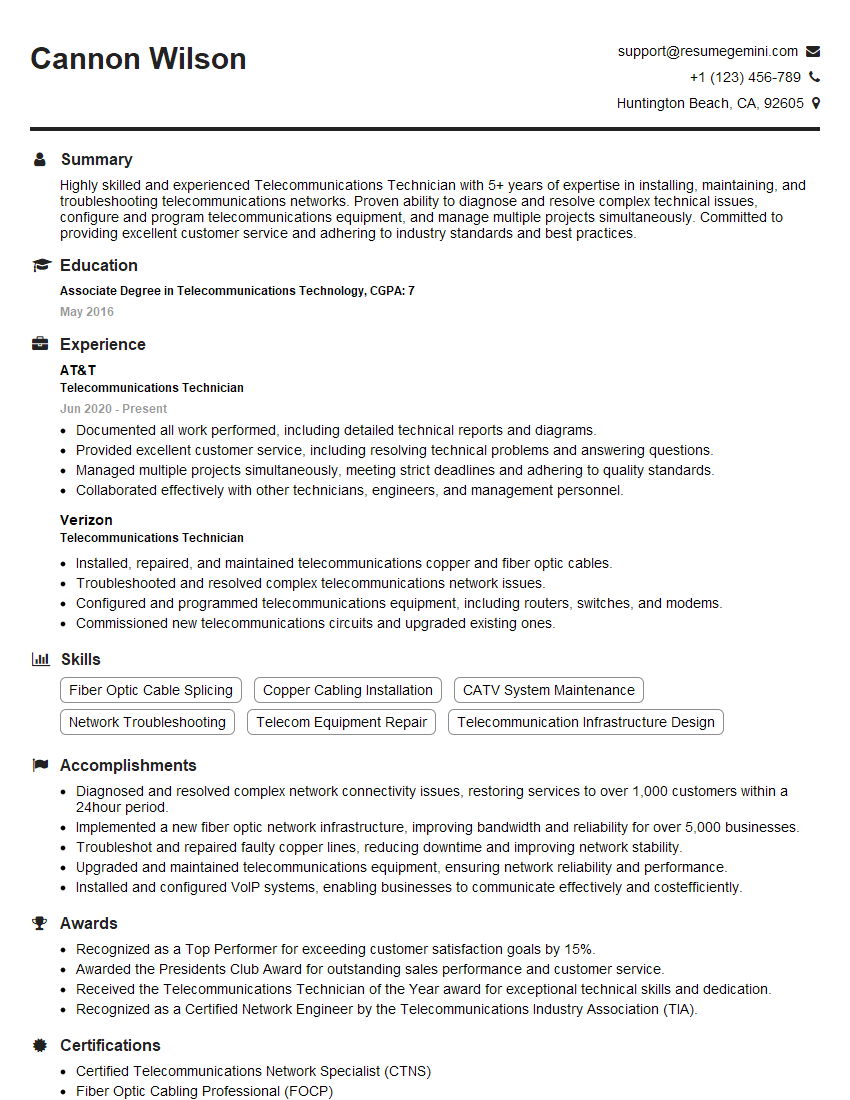
Telecommunications Technician Resume Sample
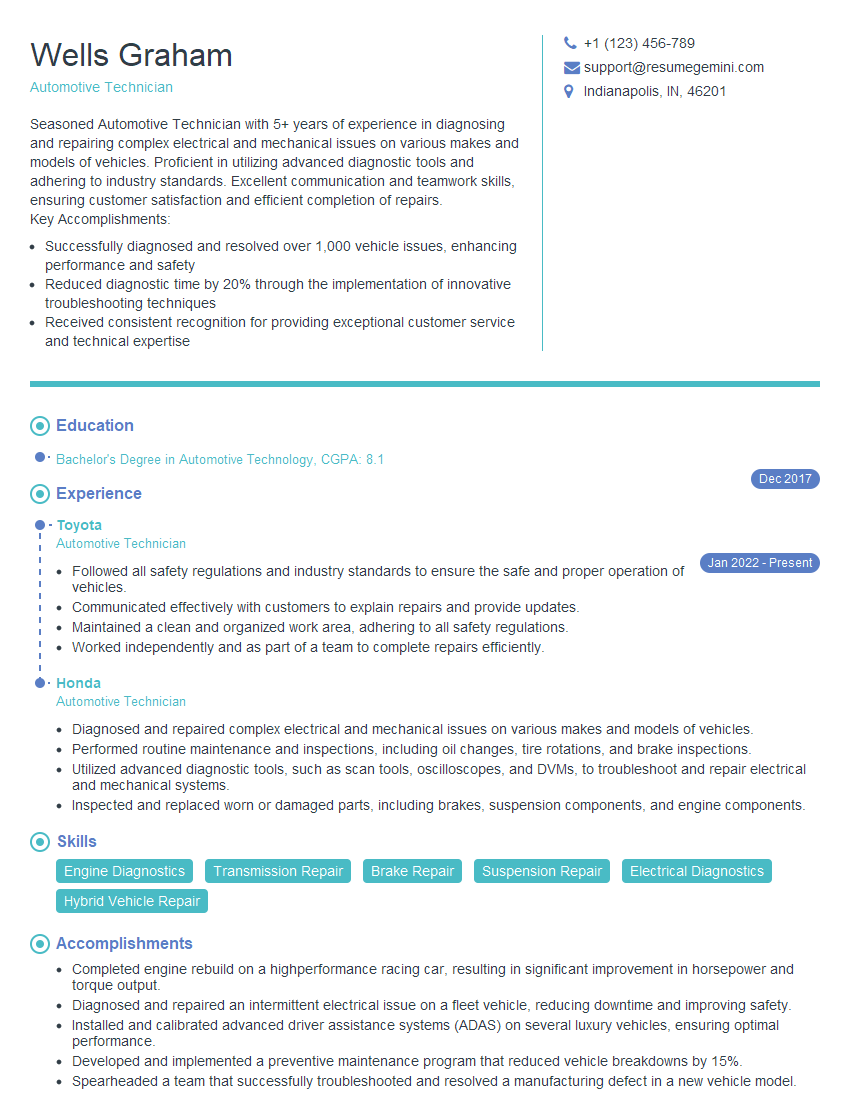
Automotive Technician Resume Sample
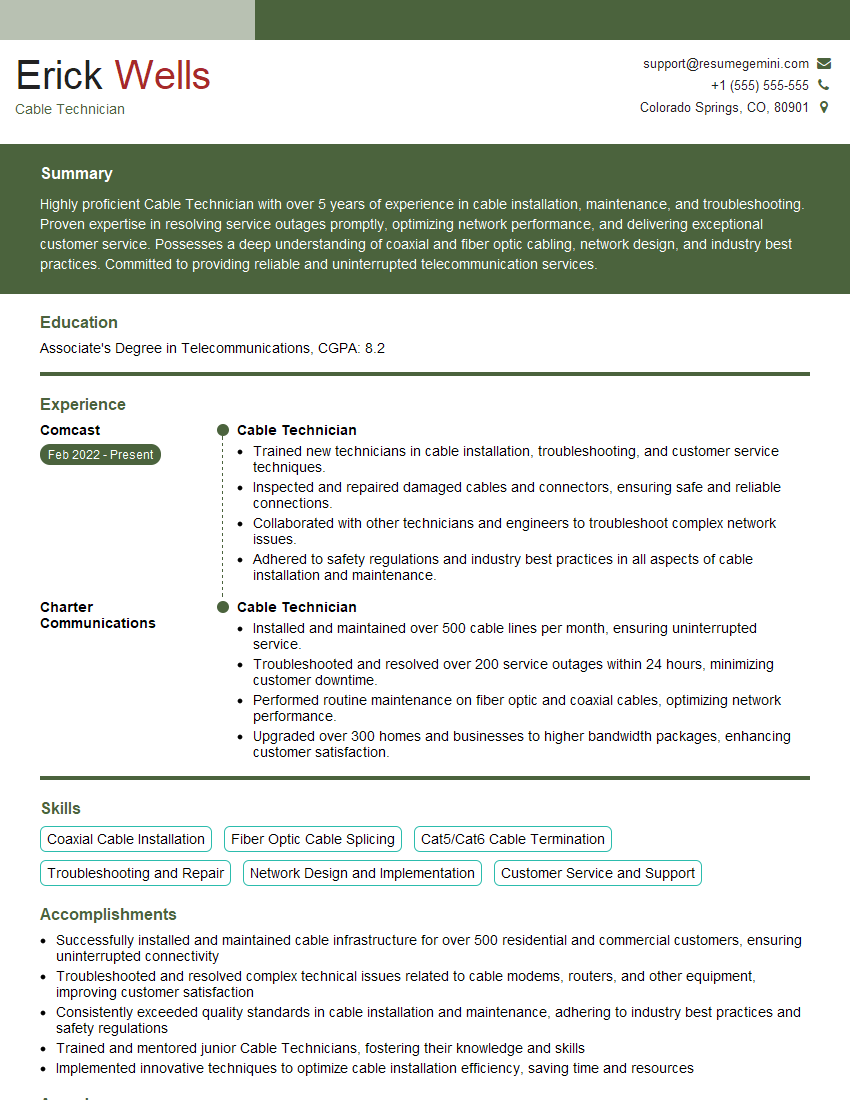
Cable Technician Resume Sample

Electronics Assembler Resume Sample

Quality Control Inspector Resume Sample
- Systems Integrator
- Network Technician
- Technical Support Specialist
- Maintenance Technician
- Service Engineer
- Field Engineer
- Avionics Technician
- Field Service Technician
- Robotics Technician
- Manufacturing Technician
- Production Technician
- Installation Technician
- Repair Technician
- Telecommunications Technician
- Automotive Technician
- Cable Technician
- Electronics Assembler
- Quality Control Inspector
Explore more articles
Users Rating of Our Blogs
Share Your Experience
We value your feedback! Please rate our content and share your thoughts (optional).
What Readers Say About Our Blog
Very informative content, great job.
good