Interviews are opportunities to demonstrate your expertise, and this guide is here to help you shine. Explore the essential Creating custom designs interview questions that employers frequently ask, paired with strategies for crafting responses that set you apart from the competition.
Questions Asked in Creating custom designs Interview
Q 1. Explain your design process for creating a custom website layout.
My design process for creating custom website layouts is iterative and user-centric. It begins with a deep understanding of the client’s needs and goals. I start with a discovery phase, involving detailed discussions to define the website’s purpose, target audience, and key functionalities. This informs the creation of a sitemap outlining the website’s structure and navigation.
Next, I develop wireframes, low-fidelity visual representations of the website’s layout, focusing on the placement of content and functionality. These are then refined into mockups, higher-fidelity visual designs that showcase the overall aesthetic and user interface (UI). This stage involves choosing color palettes, typography, and imagery that align with the brand and target audience.
Once the mockups are approved, I proceed to the prototyping phase, creating interactive prototypes to test the website’s usability and navigation. This involves user testing to identify any usability issues. Finally, the design is handed off to developers for implementation, with ongoing collaboration to ensure fidelity to the design.
Throughout the entire process, I utilize design thinking principles to ensure the website is not only visually appealing but also intuitive and user-friendly. For example, for an e-commerce website, I’d prioritize clear product displays, a smooth checkout process, and easy navigation to different product categories.
Q 2. Describe your experience with user research methodologies in custom design projects.
User research is crucial in my custom design projects. I employ a variety of methodologies to gather insights into user behavior and needs. This includes:
- User interviews: One-on-one conversations with potential users to understand their goals, frustrations, and expectations.
- Surveys: Collecting quantitative data from a larger sample size to understand user preferences and demographics.
- Usability testing: Observing users interacting with prototypes to identify usability issues and areas for improvement. This often involves recording screen activity and user feedback.
- Competitive analysis: Analyzing competitor websites to understand best practices and identify opportunities for differentiation.
For instance, while designing a mobile application for a food delivery service, I conducted user interviews to understand users’ pain points when ordering food online. This revealed a need for clearer delivery time estimations and improved order tracking, which I incorporated into the app design.
Q 3. How do you handle design critiques and feedback?
I view design critiques and feedback as an invaluable opportunity for improvement. I actively seek feedback throughout the design process, from initial concept to final product. I encourage constructive criticism and maintain an open dialogue with clients and stakeholders.
My approach involves:
- Active listening: Carefully listening to feedback without interrupting, ensuring I fully understand the points raised.
- Questioning and clarification: Asking clarifying questions to ensure I fully understand the concerns and their rationale.
- Documenting feedback: Keeping a record of all feedback received to track progress and ensure all concerns are addressed.
- Iterative design: Incorporating feedback into the design iteratively, presenting revised designs for further review.
For example, if a client suggests a change to the website’s color scheme, I will explore different options, presenting mockups to illustrate the impact of the change before making a final decision. This collaborative process ensures a high-quality, client-satisfying final product.
Q 4. What software and tools are you proficient in for custom design?
I’m proficient in a range of software and tools for custom design, encompassing both graphic design and prototyping. My core skillset includes:
- Adobe Creative Suite (Photoshop, Illustrator, InDesign): For creating visual assets, mockups, and branding elements.
- Figma/Sketch: For wireframing, prototyping, and collaborative design.
- Adobe XD: For interactive prototyping and user testing.
- Balsamiq: For rapid wireframing.
- HTML, CSS, and JavaScript (basic understanding): To understand the technical aspects of web design and communicate effectively with developers.
My proficiency in these tools allows me to create professional, high-quality designs that are both visually appealing and technically sound. I constantly update my skills to remain current with the latest industry trends and software.
Q 5. Describe a time you had to design for accessibility considerations.
I recently designed a website for a non-profit organization providing resources for visually impaired individuals. Accessibility was paramount. I focused on several key aspects:
- Alternative text for images: Providing descriptive alt text for all images, ensuring screen readers can convey the image’s content.
- Keyboard navigation: Ensuring all website elements are accessible via keyboard navigation, crucial for users who cannot use a mouse.
- Sufficient color contrast: Using a sufficient color contrast ratio between text and background colors to improve readability for users with visual impairments.
- ARIA attributes: Using ARIA (Accessible Rich Internet Applications) attributes to enhance the accessibility of interactive elements.
- WCAG compliance: Designing to meet Web Content Accessibility Guidelines (WCAG) 2.1 Level AA standards.
This project highlighted the importance of considering accessibility from the outset, rather than as an afterthought. By integrating accessibility considerations throughout the design process, I ensured the website was inclusive and usable for everyone.
Q 6. How do you balance aesthetics with functionality in custom design?
Balancing aesthetics and functionality is crucial in custom design. It’s not a compromise, but rather an integration. A visually stunning website is useless if it’s not user-friendly. Functionality dictates the structure and information architecture, while aesthetics enhance the user experience.
My approach involves:
- Prioritizing user needs: Functionality always takes precedence. The design should serve the user’s needs first and foremost.
- Intuitive navigation: Clear and intuitive navigation ensures users can easily find what they’re looking for.
- Visual hierarchy: Using visual cues like size, color, and typography to guide the user’s eye and prioritize important information.
- Consistent design language: Maintaining a consistent design language across the website creates a cohesive and professional look and feel.
- White space: Utilizing whitespace effectively to improve readability and avoid visual clutter.
For example, while designing a corporate website, I ensured the navigation was clear and concise, while still incorporating high-quality imagery and a professional color scheme to reflect the brand identity. The balance made the site both user-friendly and visually engaging.
Q 7. Explain your approach to designing for different screen sizes and devices.
Designing for different screen sizes and devices requires a responsive design approach. This means creating a website that adapts seamlessly to various screen resolutions and devices, from desktops to tablets and smartphones.
My strategy involves:
- Mobile-first design: Starting the design process by focusing on the mobile experience, ensuring core functionality and content are easily accessible on smaller screens.
- Fluid grids and flexible layouts: Using fluid grids and flexible layouts that adapt to different screen sizes.
- Responsive images: Optimizing images to load quickly and scale appropriately on different devices.
- Media queries: Utilizing CSS media queries to apply different styles based on screen size and orientation.
- Testing on multiple devices: Thoroughly testing the website on different devices and browsers to ensure optimal performance and usability.
For example, when designing an e-commerce website, I use a mobile-first approach to ensure the checkout process is smooth and easy on a smartphone. I then use media queries to adjust the layout and image sizes for larger screens, providing a consistent and optimized user experience across all devices.
Q 8. How do you stay up-to-date with the latest design trends and technologies?
Staying current in the ever-evolving world of design requires a multi-pronged approach. It’s not just about passively consuming information; it’s about actively engaging with the design community and experimenting with new tools and techniques.
- Following Industry Publications and Blogs: I regularly read publications like Awwwards, Designboom, and Creative Bloq, as well as blogs from influential designers and agencies. This keeps me informed about emerging trends and best practices.
- Attending Conferences and Workshops: Participating in industry events like Adobe MAX or local design meetups provides invaluable networking opportunities and exposure to cutting-edge technologies. I recently attended a workshop on generative design, which significantly expanded my skillset.
- Experimenting with New Tools and Technologies: I actively explore new design software, prototyping tools (like Figma, Adobe XD, and Framer), and even coding languages (like JavaScript) to broaden my capabilities and stay ahead of the curve. For example, I’ve recently been experimenting with AI-powered design tools to see how they can enhance my workflow.
- Active Participation in Online Communities: I engage in online forums, participate in design challenges, and follow relevant hashtags on social media platforms like Behance and Dribbble. This allows me to learn from others’ experiences and get feedback on my own work.
This combination of passive and active learning ensures I remain at the forefront of design innovation.
Q 9. How do you prioritize features and functionality when designing a custom system?
Prioritizing features and functionality in custom design involves a structured approach that balances client needs with technical feasibility and user experience. I typically use a prioritization matrix, often combining the MoSCoW method (Must have, Should have, Could have, Won’t have) with a weighted scoring system.
For example, imagine designing a custom e-commerce platform. Using the MoSCoW method:
- Must have: Secure payment gateway integration, product catalog display, shopping cart functionality. These are essential for the platform’s core function.
- Should have: User reviews and ratings, wish list feature, basic search functionality. These enhance user experience and are highly desirable.
- Could have: Advanced search filters, personalized recommendations, social media integration. These are valuable additions but not critical for launch.
- Won’t have: Complex inventory management system (initially), advanced analytics dashboards (in phase 1). These might be implemented later, based on budget and project scope.
The weighted scoring system would then assign numerical values to each feature based on its importance to the client and its impact on user engagement. This allows for a data-driven approach to prioritize development efforts.
This combined approach ensures we deliver a system that meets the client’s core needs effectively while providing a roadmap for future enhancements.
Q 10. Describe your experience with prototyping and usability testing.
Prototyping and usability testing are integral parts of my design process. I believe that seeing is believing, and building prototypes allows for early validation of design concepts and iterative improvements.
My approach typically involves creating low-fidelity prototypes early in the design process, using tools like Figma or Adobe XD to quickly test the flow and layout. This allows for rapid iteration and feedback incorporation. As the design matures, I move towards higher-fidelity prototypes that closely resemble the final product. These prototypes are often interactive and include animations to simulate the actual user experience.
Usability testing involves observing real users interacting with the prototype. This involves carefully selecting test participants, designing specific tasks for them to perform, and observing their behavior. I record their interactions (with their permission) and gather qualitative data through post-test interviews. This provides invaluable insights into areas needing improvement in terms of navigation, clarity, and overall user satisfaction.
For example, in a recent project, usability testing revealed that users were struggling to find a particular feature hidden within a cluttered menu. Based on the feedback, I redesigned the menu, making the feature more prominent and intuitive to access. This iterative process, incorporating user feedback, ensures the final design is both user-friendly and effective.
Q 11. How do you handle conflicting design requirements from clients?
Handling conflicting design requirements is a common challenge in custom design projects. My approach involves open communication, collaborative problem-solving, and a focus on finding mutually acceptable solutions.
I start by actively listening to all stakeholders, understanding their individual needs and priorities. I then facilitate a discussion to identify the root causes of the conflict. Sometimes, conflicts arise from misunderstandings or differing interpretations of project goals. Other times, they reflect genuine trade-offs between competing requirements (e.g., budget versus functionality).
My strategy is to:
- Document all requirements clearly: This avoids ambiguity and provides a common reference point for discussions.
- Prioritize requirements: Using a prioritization matrix (as discussed in question 2) helps to objectively evaluate the relative importance of each requirement.
- Explore compromise and alternative solutions: This might involve proposing alternative designs that address the core concerns of all stakeholders, or breaking down complex features into smaller, more manageable components.
- Present options clearly: I create visual representations of the potential solutions, outlining the pros and cons of each option to facilitate informed decision-making by the client.
The key is to maintain a collaborative spirit, ensuring everyone feels heard and involved in the decision-making process. The end goal is a design that satisfies the critical needs while addressing as many other requirements as possible.
Q 12. What is your process for creating a style guide for a custom design project?
Creating a comprehensive style guide is essential for maintaining consistency and efficiency throughout a custom design project, ensuring all elements align with the brand’s identity. My process is iterative and involves close collaboration with the client.
The style guide typically includes:
- Logo and Branding Guidelines: Clear specifications for logo usage, color palettes, typography, and brand voice.
- Typography: Detailed information about the selected font families, their usage across different elements (headings, body text, buttons), and font sizes.
- Color Palette: Precise hex codes for primary, secondary, and accent colors, along with their application across various components.
- Imagery and Iconography: Guidelines on the style of imagery used, and specifications for icons, ensuring consistency and visual appeal.
- Spacing and Grid Systems: Clearly defined grid layouts and spacing guidelines to ensure consistency in layouts across different pages and components.
- Component Library: A collection of reusable design components (buttons, forms, navigation menus) with detailed specifications, promoting efficiency and consistency.
I usually start with a basic style guide early in the project and refine it iteratively based on client feedback and design evolution. The final style guide serves as a living document, updated as the project progresses to ensure ongoing consistency.
Q 13. Explain your experience with responsive design and mobile-first approaches.
Responsive design and mobile-first approaches are crucial for creating user experiences that are accessible and engaging across all devices. I firmly believe in designing for the smallest screen first (mobile-first) and then scaling up to larger screens. This ensures that the core functionality and user experience are optimized for the most constrained environment.
My approach combines the use of flexible grid systems, responsive images, and media queries. A flexible grid system allows the layout to adapt dynamically to different screen sizes. Responsive images ensure that images are scaled appropriately without compromising quality or performance. Media queries enable me to apply different styles based on screen size, device orientation, and other factors.
For example, I might use a 12-column grid system, where the number of columns visible adapts to the screen width. On a mobile device, only one or two columns might be visible at a time, while on a desktop, all 12 columns might be visible. This allows for a streamlined and intuitive user experience on all devices.
I also utilize various testing methods to ensure the responsive design functions seamlessly across different devices and browsers. I regularly test on various devices and browsers (using tools like BrowserStack) to ensure a consistent experience.
Q 14. How do you measure the success of a custom design project?
Measuring the success of a custom design project involves a multi-faceted approach going beyond just aesthetic appeal. It’s about evaluating whether the design effectively achieves its intended goals in terms of usability, functionality, and business objectives.
My approach includes:
- Usability Testing Metrics: Analyzing data from usability testing to assess task completion rates, error rates, and user satisfaction. High task completion rates and low error rates indicate a user-friendly design.
- Key Performance Indicators (KPIs): Tracking relevant KPIs that are directly related to the project’s goals. For an e-commerce website, this might include conversion rates, bounce rates, and average order value. For a SaaS application, this might include user engagement metrics, like daily active users and session duration.
- Client Feedback: Collecting feedback from clients on their satisfaction with the design’s functionality and aesthetics. This provides qualitative data to complement quantitative metrics.
- Analytics and Data Tracking: Implementing analytics tools (like Google Analytics) to monitor website or app usage patterns. This allows for data-driven insights to identify areas for improvement and track the design’s overall effectiveness.
- A/B Testing: Conducting A/B tests to compare different design variations and identify which performs better in terms of key metrics.
By combining quantitative and qualitative data, we can obtain a comprehensive understanding of the design’s effectiveness and identify areas for further optimization.
Q 15. Describe your approach to wireframing and information architecture.
My approach to wireframing and information architecture is iterative and user-centered. I begin by deeply understanding the user needs and the overall goals of the project. This involves user research, competitor analysis, and careful consideration of the content hierarchy.
Wireframing: I start with low-fidelity wireframes, focusing on the structure and functionality of the interface. These are quick sketches, often using pen and paper or basic digital tools, to explore different layouts and interactions. As the design evolves, I refine these into higher-fidelity wireframes, adding more detail and visual elements. I use tools like Figma or Balsamiq for this stage.
Information Architecture (IA): Simultaneously, I work on the IA, defining the organization and navigation of the content. I utilize techniques like card sorting and tree testing to ensure users can easily find what they need. Creating sitemaps and flowcharts helps visualize the information hierarchy and user journeys. A well-defined IA is crucial for a user-friendly experience; a poorly designed one can lead to frustration and lost users. For example, imagine an e-commerce site – a clear IA ensures a user can easily navigate from the homepage to product categories, individual product pages, and ultimately, the checkout. A poorly designed IA would make this process confusing and likely result in abandoned carts.
This iterative process of wireframing and IA refinement continues throughout the design process, with constant feedback loops to ensure the design effectively meets user needs and project goals.
Career Expert Tips:
- Ace those interviews! Prepare effectively by reviewing the Top 50 Most Common Interview Questions on ResumeGemini.
- Navigate your job search with confidence! Explore a wide range of Career Tips on ResumeGemini. Learn about common challenges and recommendations to overcome them.
- Craft the perfect resume! Master the Art of Resume Writing with ResumeGemini’s guide. Showcase your unique qualifications and achievements effectively.
- Don’t miss out on holiday savings! Build your dream resume with ResumeGemini’s ATS optimized templates.
Q 16. How do you use color theory and typography in your designs?
Color theory and typography are essential for creating visually appealing and effective designs. They significantly impact user experience and brand perception.
Color Theory: I use color theory to evoke specific emotions and create visual hierarchy. For example, I might use warm colors like oranges and reds to convey excitement or urgency, while cool colors like blues and greens might be used to create a calm and trustworthy feeling. Understanding color palettes, color harmonies (complementary, analogous, etc.), and color contrast is key. I also consider accessibility, ensuring sufficient color contrast for readability for users with visual impairments. Tools like Adobe Color or Coolors help in generating and exploring color palettes.
Typography: Typography goes beyond simply choosing fonts. I carefully select fonts based on readability, brand personality, and the overall tone of the design. I consider font pairings, font weights, and the use of whitespace to create visual balance and hierarchy. For instance, a serif font might be used for body text to enhance readability, while a sans-serif font might be used for headings to create a modern look. I always prioritize readability and ensure consistent font usage throughout the design.
The interplay between color and typography is crucial. A well-designed color palette combined with effective typography creates a harmonious and engaging visual experience. Think of a minimalist website; it relies on thoughtful color selection and font choices to achieve its impactful simplicity.
Q 17. How do you incorporate user feedback into the design iteration process?
User feedback is vital for iterative design improvement. I actively incorporate user feedback at various stages of the design process using several methods:
- Usability testing: Conducting usability tests with real users allows me to observe how users interact with the design and identify pain points. This can involve eye-tracking, think-aloud protocols, or post-test questionnaires.
- Surveys and questionnaires: I use surveys and questionnaires to gather broader feedback on user preferences and satisfaction. This data helps to quantify user responses and identify trends.
- A/B testing: A/B testing allows me to compare different design variations and measure their effectiveness. This data-driven approach informs design decisions based on concrete user behavior.
- Feedback forms and in-app feedback mechanisms: Integrating feedback forms directly into the product or providing in-app feedback mechanisms allows for continuous improvement based on real-time user interaction.
The feedback gathered is analyzed to identify patterns, prioritize improvements, and iterate on the design. This iterative cycle ensures that the final design meets user needs and provides a positive user experience. For example, if usability testing reveals that a specific button is difficult to find, I would redesign that section of the interface based on the feedback received.
Q 18. Explain your experience with design systems and component libraries.
I have extensive experience working with design systems and component libraries. They are crucial for maintaining design consistency and improving efficiency across projects.
Design Systems: A design system is a comprehensive collection of reusable design components, guidelines, and documentation. It establishes a single source of truth for design elements, ensuring consistency across various platforms and products. This includes style guides, component libraries, and interaction patterns. I’ve used design systems built on platforms like Figma and have also contributed to their development.
Component Libraries: Component libraries are a core part of design systems. These contain pre-built UI elements (buttons, forms, navigation components, etc.) that can be reused across multiple projects. This saves time and ensures consistency. I’m proficient in using and building component libraries, understanding the importance of well-documented and easily accessible components. This ensures that other designers and developers can effectively collaborate and maintain the design system.
Using design systems and component libraries leads to more efficient design processes, improved brand consistency, and a more seamless user experience across multiple touchpoints. It is essentially building a set of reusable tools specifically for your design language and brand identity.
Q 19. How do you handle complex design challenges with limited resources?
Handling complex design challenges with limited resources requires a strategic and prioritized approach.
Prioritization: I begin by prioritizing the most critical features and functionalities. A detailed user research helps in understanding the most important aspects that need to be included. This prevents scope creep and ensures that limited resources are utilized effectively. Sometimes, Minimum Viable Product (MVP) development is the best approach to start with the core functionalities before adding more complex features later on.
Efficient workflows: I use efficient workflows and tools to maximize productivity. This includes utilizing design systems, component libraries, and collaboration tools effectively. This helps in streamlining the design process and minimizing wasted time and effort.
Smart design choices: I employ design solutions that are both effective and resource-efficient. This might involve using simpler UI elements, minimizing animations, and focusing on essential features. Clever use of existing resources such as open-source libraries can be very efficient as well.
Creative problem-solving: I creatively find solutions that address the challenges with minimal resources. This might involve employing clever visual design solutions or innovative interaction patterns. For example, instead of creating custom illustrations, I might use high-quality stock photos or icons that align with the brand guidelines.
By strategically prioritizing, utilizing efficient tools, making smart design choices, and employing creative problem-solving, complex design challenges can be effectively tackled even with limited resources.
Q 20. What is your preferred design methodology (e.g., Agile, Waterfall)?
My preferred design methodology is Agile. Its iterative and collaborative nature allows for flexibility and adaptability throughout the design process. While Waterfall can be suitable for projects with very clearly defined requirements and minimal expected changes, Agile’s iterative cycles allow for incorporating user feedback and adapting to changing project needs. This is especially crucial in the current rapidly evolving tech landscape.
Agile advantages: Agile’s sprints allow for regular testing and user feedback, ensuring the design remains relevant and user-centric. The collaborative nature fosters communication and minimizes misunderstandings. It facilitates continuous improvement based on real-time data and user responses. For example, in a sprint cycle, we might design and test a specific feature, gather user feedback, iterate on the design, and then test again before moving on to the next feature. This approach allows flexibility and a more refined final design.
While I primarily use Agile, I can adapt my approach to fit the specific needs of a project. The core principle remains the same: delivering a high-quality user experience by embracing collaboration and iterative improvements.
Q 21. How do you ensure brand consistency across different design elements?
Ensuring brand consistency across different design elements requires a structured approach and the use of design systems.
Style Guides: A comprehensive style guide is essential for establishing clear brand guidelines. This document should define brand colors, typography, imagery style, voice, and tone. This acts as the single source of truth for design elements, ensuring consistency across all platforms and channels.
Design Systems (as mentioned earlier): Leveraging a design system enhances brand consistency by centralizing design elements and patterns. This makes it easy for multiple designers and developers to work on the project while maintaining consistency. It ensures that everyone uses the same components, styles, and interactions.
Component Libraries: Pre-built reusable components within the design system guarantee that all design elements adhere to the established brand guidelines. This eliminates the risk of inconsistencies and saves considerable time and effort.
Regular Audits and Reviews: Periodic reviews and audits are crucial to identify any deviations from the established brand guidelines and to implement necessary corrections. This continuous process ensures that the brand’s visual identity remains consistent over time and across all touchpoints.
By consistently applying these methods, brand consistency is maintained, resulting in a unified and recognizable brand experience across different design elements and platforms. This builds brand recognition and reinforces brand identity in the minds of users.
Q 22. Explain your experience with A/B testing and data-driven design decisions.
A/B testing is crucial for data-driven design. It involves creating two or more versions of a design element (e.g., a button, headline, or layout) and showing them to different user segments. By tracking key metrics like click-through rates, conversion rates, and time on page, we can determine which version performs better. This iterative process allows for continuous improvement, moving away from subjective opinions and towards objective data to inform design decisions.
For example, I once A/B tested two different calls-to-action on a landing page. Version A used a bright red button with the text ‘Sign Up Now!’, while Version B used a green button with the text ‘Get Started’. Version B consistently outperformed Version A by 15% in conversion rates, demonstrating the importance of carefully considering color and wording choices. I regularly use tools like Optimizely and Google Optimize to facilitate A/B testing and analyze results.
Q 23. Describe a time you had to revise a design based on user testing results.
During a recent redesign of an e-commerce website, user testing revealed significant frustration with the checkout process. Participants found the form too long and confusing. The original design included multiple steps and required users to create an account before completing their purchase. Based on this feedback, we revised the design to streamline the checkout flow. We reduced the number of steps, implemented guest checkout as an option, and incorporated clear progress indicators. This resulted in a 20% increase in conversion rates and significantly improved user satisfaction. The revised design prioritized a simpler, more intuitive experience, directly addressing the user pain points identified during testing.
Q 24. How do you collaborate effectively with developers and other stakeholders?
Effective collaboration is vital. I believe in open communication and proactive engagement. I regularly use tools like Slack and Jira to maintain clear communication channels and track project progress. Before starting any project, I collaborate with developers to ensure feasibility and discuss technical constraints early on. With stakeholders, I present design concepts, clearly explaining design rationale, using visuals and data to support my choices. I actively solicit feedback and am always willing to iterate on designs based on input from the team. I think of myself as a facilitator, bringing together diverse perspectives to reach a shared goal.
Q 25. Explain your experience with version control systems for design files.
I’m proficient in using Git for version control of design files. Understanding branching strategies and commit messaging is key. I use Git to track changes, collaborate with other designers, and easily revert to previous versions if necessary. This allows for a more organized and collaborative workflow. Furthermore, using a cloud-based platform like Abstract helps manage versions, provides visual diffs, and facilitates collaboration across our team.
For instance, I might create a new branch for a specific feature, commit changes regularly with descriptive messages, and then merge the branch back into the main branch once the feature is complete. This ensures a clear history of design iterations and simplifies collaboration.
Q 26. How do you manage your time and prioritize tasks effectively in a design project?
Time management and prioritization are critical for successful design projects. I use a combination of techniques to stay organized and meet deadlines. I employ project management methodologies such as Agile, breaking down large projects into smaller, manageable tasks. I utilize tools like Trello or Asana to visually track progress and prioritize tasks based on urgency and importance. I also dedicate specific time blocks throughout the day for focused work to minimize distractions and maximize efficiency. Regularly reviewing my schedule and adjusting priorities as needed is essential.
Q 27. What are your salary expectations?
My salary expectations are in the range of $X to $Y per year, depending on the specific benefits and responsibilities included in the role.
Q 28. Why are you interested in this specific custom design role?
I’m highly interested in this custom design role because it aligns perfectly with my passion for creating innovative and user-centered solutions. The opportunity to work on [mention specific aspects of the role or company that appeal to you, e.g., challenging projects, a collaborative team, a specific technology stack] is particularly exciting. I’m confident that my skills and experience in [mention relevant skills and experience] will allow me to make a significant contribution to your team.
Key Topics to Learn for Creating Custom Designs Interview
- Design Principles: Understanding fundamental design principles like balance, contrast, hierarchy, and unity. Practical application: Analyzing existing designs to identify successful (or unsuccessful) application of these principles.
- Software Proficiency: Demonstrating expertise in relevant design software (e.g., Adobe Photoshop, Illustrator, Figma, Sketch). Practical application: Describing your workflow and problem-solving approaches within your chosen software.
- User Experience (UX) and User Interface (UI) Design: Knowing the difference and how to apply UX principles to create user-centered designs. Practical application: Explaining how you would approach designing a user interface for a specific problem.
- Responsive Design: Creating designs that adapt seamlessly across different devices (desktops, tablets, mobiles). Practical application: Discussing your approach to ensuring a consistent and positive user experience across various screen sizes.
- Design Systems and Style Guides: Understanding and implementing design systems for consistency and scalability. Practical application: Explaining how you would contribute to or maintain a design system within a team.
- Color Theory and Typography: Demonstrating a strong understanding of color palettes and typography choices to enhance readability and visual appeal. Practical application: Justifying your color and font choices in a hypothetical design scenario.
- Design Process and Collaboration: Articulating your design process, from initial concept to final product, and highlighting your collaborative skills. Practical application: Describing a past project and the challenges you overcame while working with a team.
- Accessibility Considerations: Demonstrating awareness of accessibility best practices to ensure inclusivity in design. Practical application: Explaining how you would design for users with visual impairments or other disabilities.
Next Steps
Mastering custom design skills significantly enhances your career prospects, opening doors to exciting opportunities and higher earning potential. To maximize your job search success, crafting an ATS-friendly resume is crucial. ResumeGemini is a trusted resource that can help you build a professional and effective resume that highlights your skills and experience. We provide examples of resumes tailored to the Creating Custom Designs field to help you get started. Invest time in refining your resume – it’s your first impression on potential employers.

Art Director Resume Sample

Creative Director Resume Sample

Information Architect Resume Sample

Web Designer Resume Sample

Game Designer Resume Sample

Product Designer Resume Sample

3D Modeler Resume Sample

Graphic Designer Resume Sample
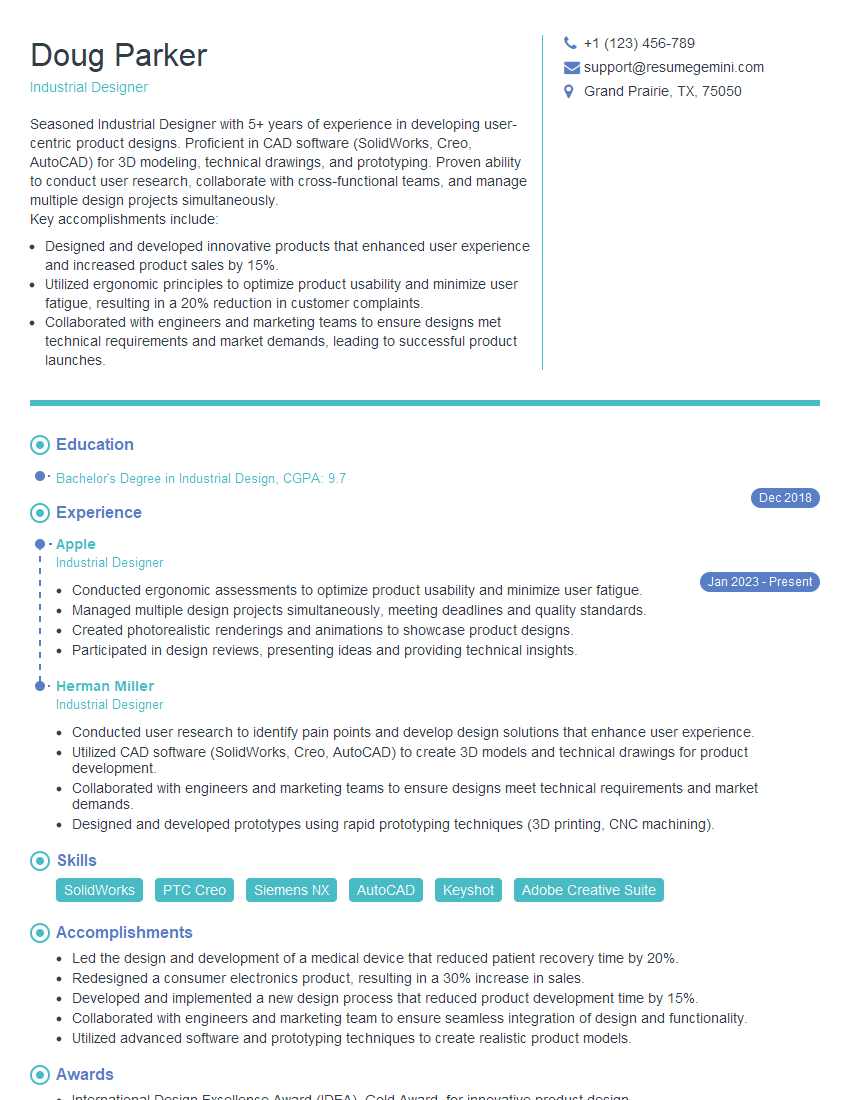
Industrial Designer Resume Sample

Packaging Designer Resume Sample
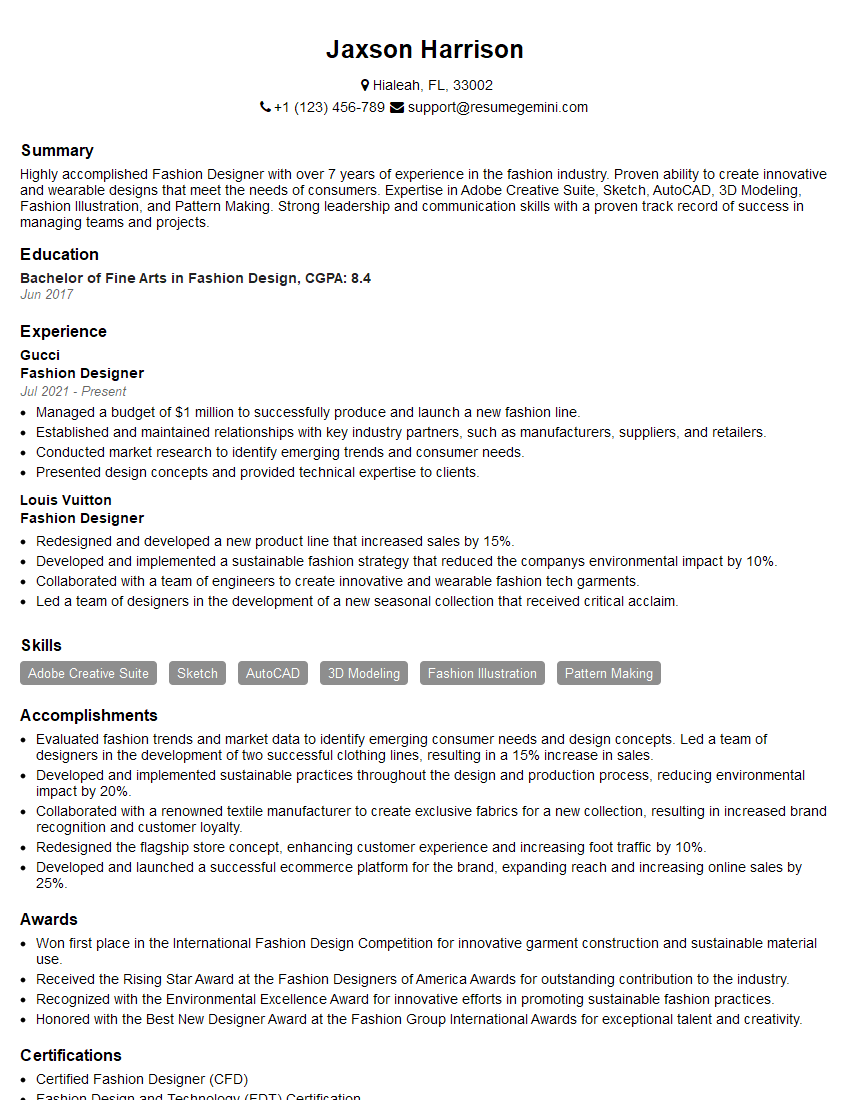
Fashion Designer Resume Sample
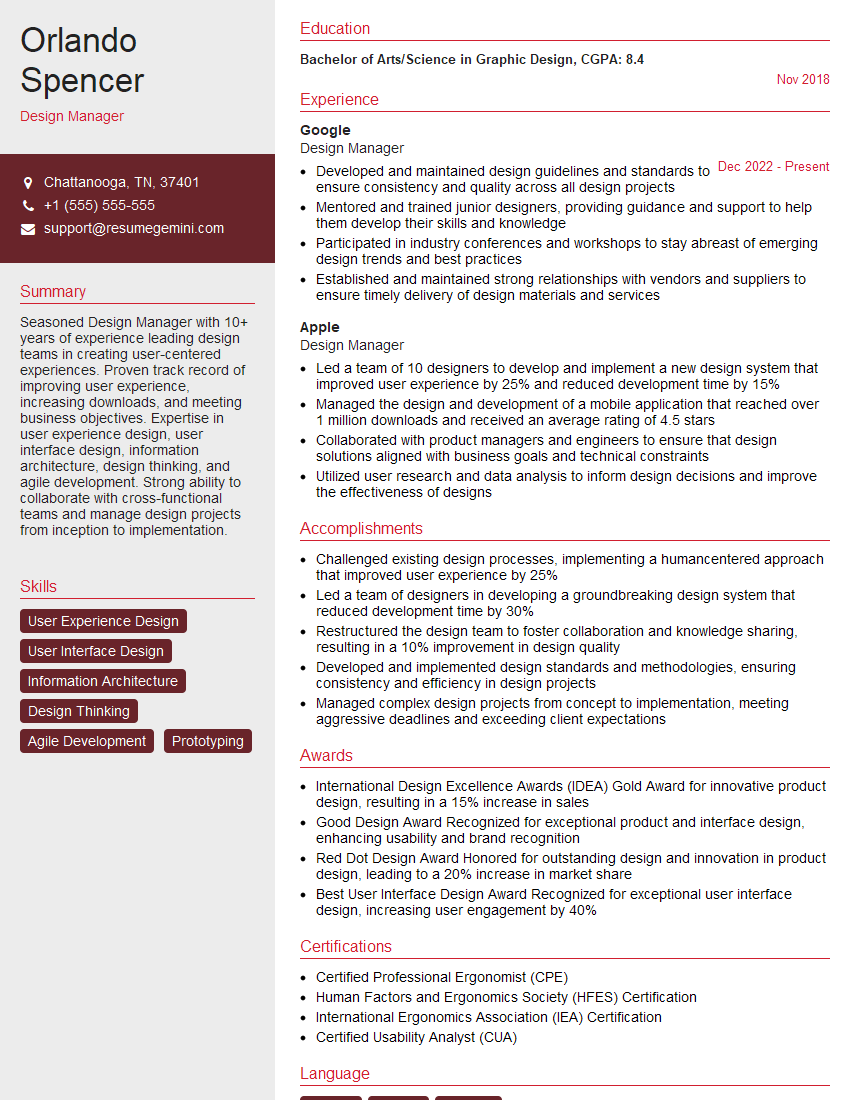
Design Manager Resume Sample
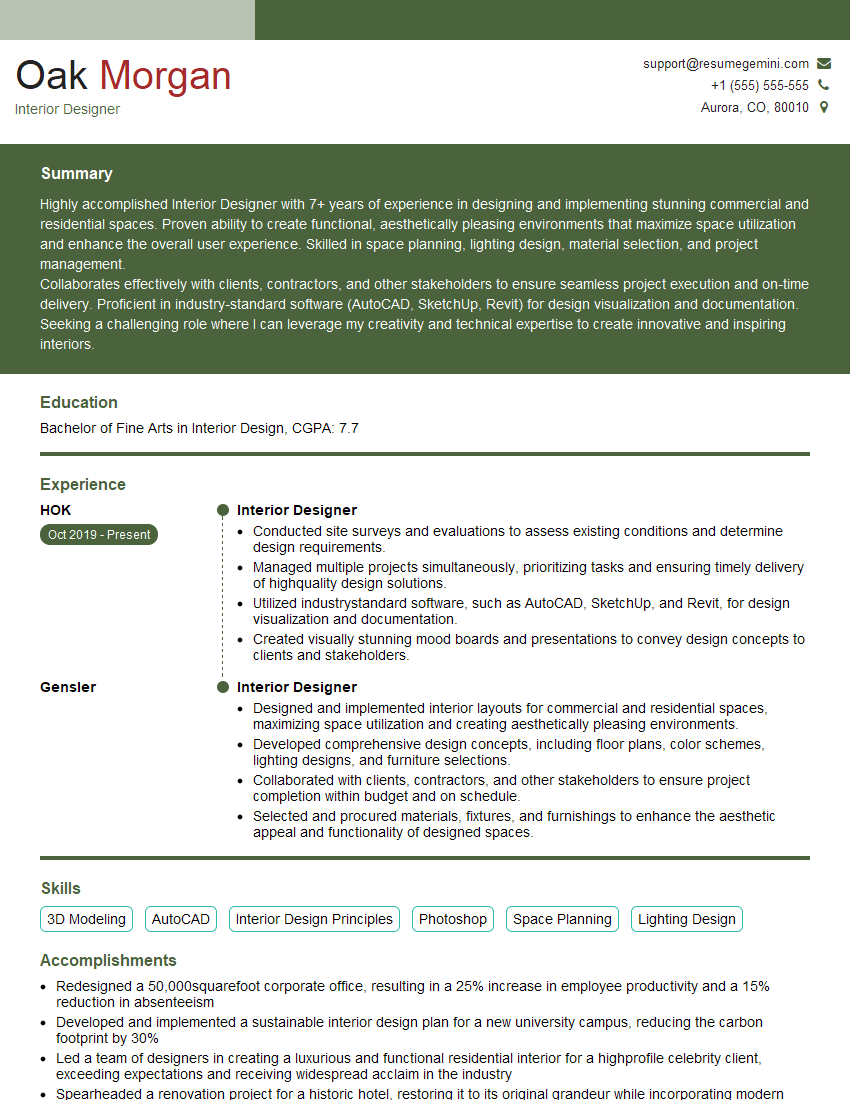
Interior Designer Resume Sample
Explore more articles
Users Rating of Our Blogs
Share Your Experience
We value your feedback! Please rate our content and share your thoughts (optional).
What Readers Say About Our Blog
Hello,
we currently offer a complimentary backlink and URL indexing test for search engine optimization professionals.
You can get complimentary indexing credits to test how link discovery works in practice.
No credit card is required and there is no recurring fee.
You can find details here:
https://wikipedia-backlinks.com/indexing/
Regards
NICE RESPONSE TO Q & A
hi
The aim of this message is regarding an unclaimed deposit of a deceased nationale that bears the same name as you. You are not relate to him as there are millions of people answering the names across around the world. But i will use my position to influence the release of the deposit to you for our mutual benefit.
Respond for full details and how to claim the deposit. This is 100% risk free. Send hello to my email id: [email protected]
Luka Chachibaialuka
Hey interviewgemini.com, just wanted to follow up on my last email.
We just launched Call the Monster, an parenting app that lets you summon friendly ‘monsters’ kids actually listen to.
We’re also running a giveaway for everyone who downloads the app. Since it’s brand new, there aren’t many users yet, which means you’ve got a much better chance of winning some great prizes.
You can check it out here: https://bit.ly/callamonsterapp
Or follow us on Instagram: https://www.instagram.com/callamonsterapp
Thanks,
Ryan
CEO – Call the Monster App
Hey interviewgemini.com, I saw your website and love your approach.
I just want this to look like spam email, but want to share something important to you. We just launched Call the Monster, a parenting app that lets you summon friendly ‘monsters’ kids actually listen to.
Parents are loving it for calming chaos before bedtime. Thought you might want to try it: https://bit.ly/callamonsterapp or just follow our fun monster lore on Instagram: https://www.instagram.com/callamonsterapp
Thanks,
Ryan
CEO – Call A Monster APP
To the interviewgemini.com Owner.
Dear interviewgemini.com Webmaster!
Hi interviewgemini.com Webmaster!
Dear interviewgemini.com Webmaster!
excellent
Hello,
We found issues with your domain’s email setup that may be sending your messages to spam or blocking them completely. InboxShield Mini shows you how to fix it in minutes — no tech skills required.
Scan your domain now for details: https://inboxshield-mini.com/
— Adam @ InboxShield Mini
Reply STOP to unsubscribe
Hi, are you owner of interviewgemini.com? What if I told you I could help you find extra time in your schedule, reconnect with leads you didn’t even realize you missed, and bring in more “I want to work with you” conversations, without increasing your ad spend or hiring a full-time employee?
All with a flexible, budget-friendly service that could easily pay for itself. Sounds good?
Would it be nice to jump on a quick 10-minute call so I can show you exactly how we make this work?
Best,
Hapei
Marketing Director
Hey, I know you’re the owner of interviewgemini.com. I’ll be quick.
Fundraising for your business is tough and time-consuming. We make it easier by guaranteeing two private investor meetings each month, for six months. No demos, no pitch events – just direct introductions to active investors matched to your startup.
If youR17;re raising, this could help you build real momentum. Want me to send more info?
Hi, I represent an SEO company that specialises in getting you AI citations and higher rankings on Google. I’d like to offer you a 100% free SEO audit for your website. Would you be interested?
Hi, I represent an SEO company that specialises in getting you AI citations and higher rankings on Google. I’d like to offer you a 100% free SEO audit for your website. Would you be interested?
good