Unlock your full potential by mastering the most common OpticStudio interview questions. This blog offers a deep dive into the critical topics, ensuring you’re not only prepared to answer but to excel. With these insights, you’ll approach your interview with clarity and confidence.
Questions Asked in OpticStudio Interview
Q 1. Explain the difference between sequential and non-sequential ray tracing in OpticStudio.
OpticStudio offers two primary ray tracing methods: sequential and non-sequential. Sequential ray tracing is best suited for systems with a well-defined path for light, like a simple telescope. Think of it like a bowling alley – the ball (light ray) follows a predetermined path through a series of pins (optical elements). Each surface interacts with the ray individually and in order. This makes it computationally efficient for systems with few reflections or refractions.
Non-sequential ray tracing, on the other hand, is designed for complex systems where rays can bounce around multiple times, undergoing various reflections, refractions, and scattering. Imagine a brightly lit room; the light rays bounce off walls, furniture, and various surfaces. Non-sequential ray tracing can handle this complexity by tracing each ray until it exits the system or meets a predefined stopping criterion. It’s significantly more computationally intensive but crucial for analyzing systems like those involving complex illumination, scattering effects, or freeform surfaces with multiple reflections.
In essence, choose sequential ray tracing for simpler, well-defined optical paths, and non-sequential ray tracing for complex systems where light interactions are intricate and less predictable.
Q 2. Describe the process of optimizing an optical system in OpticStudio using merit functions.
Optimizing an optical system in OpticStudio using merit functions is a powerful technique for achieving design goals. A merit function is a mathematical expression that quantifies the system’s performance based on various parameters such as spot size, wavefront error, and field curvature. The goal of optimization is to minimize this merit function value through automated adjustment of design parameters such as surface curvatures, thicknesses, and material properties.
The process typically involves:
- Defining the merit function: This involves selecting appropriate operands that represent the design goals. For example, you might include operands for RMS spot radius, distortion, and chromatic aberration. Each operand is weighted according to its relative importance to the overall design.
- Choosing an optimization algorithm: OpticStudio offers several optimization algorithms, including damped least squares and global optimization methods. The choice of algorithm depends on the complexity of the system and the desired level of optimization.
- Running the optimization: This involves specifying optimization parameters such as tolerance and convergence criteria. The software iteratively adjusts the design parameters to minimize the merit function.
- Analyzing the results: After optimization, it’s crucial to thoroughly analyze the results to ensure that the design meets all specifications. This may involve examining various performance metrics, including spot diagrams, modulation transfer functions (MTF), and ray fans.
For example, if designing a camera lens, you might want to minimize RMS spot size and distortion at multiple field points. The merit function would include operands reflecting these parameters, and the optimization algorithm would iteratively adjust the lens parameters until a satisfactory design is achieved.
Q 3. How do you analyze tolerance sensitivity in OpticStudio?
Tolerance analysis in OpticStudio is critical for assessing the manufacturability and robustness of an optical design. It determines how sensitive the system’s performance is to variations in manufacturing tolerances such as surface curvature, thickness, and material properties. OpticStudio provides powerful tools for performing this analysis.
The process usually involves:
- Defining tolerances: This involves specifying the acceptable range of variation for each design parameter. These tolerances reflect the capabilities of manufacturing processes.
- Choosing an analysis method: OpticStudio offers various tolerance analysis methods, including Monte Carlo analysis and worst-case analysis. Monte Carlo analysis simulates numerous system instances with randomly varied parameters, providing a statistical assessment of the system performance. Worst-case analysis identifies the combinations of parameter variations that yield the worst-case performance.
- Running the analysis: This involves specifying the number of Monte Carlo runs or defining the worst-case scenarios.
- Analyzing the results: The results typically show the distribution of performance metrics such as RMS spot size or MTF under various tolerance conditions. This helps identify the most critical tolerances and guide design modifications to improve robustness.
For example, analyzing the tolerance sensitivity of a telescope design might reveal that slight variations in mirror curvature significantly impact image quality. This information is crucial for guiding manufacturing processes and ensuring the final product meets performance expectations.
Q 4. What are different types of diffraction gratings and how are they modeled in OpticStudio?
Diffraction gratings are crucial components in many optical systems, separating light into its constituent wavelengths. OpticStudio models various grating types:
- Transmission gratings: These gratings diffract light by transmitting it through a periodic structure etched or printed onto a transparent substrate. They are modeled in OpticStudio by specifying the grating period, groove density, and diffraction order.
- Reflection gratings: These gratings diffract light by reflecting it from a periodic surface profile. Similar to transmission gratings, they are modeled using parameters like groove density and diffraction order. The grating surface can be planar, concave, or convex, significantly influencing the system’s performance.
- Holographic gratings: These gratings are created using holographic techniques, resulting in complex groove patterns that provide specific diffraction properties. They’re modeled by importing the grating’s diffraction efficiency data or specifying advanced parameters like groove profile and blaze angle.
- Volume phase gratings: These rely on refractive index modulation within a volume of material. They are defined by material parameters and the index modulation profile.
In OpticStudio, you can define these gratings using the appropriate surface type and entering the relevant parameters in the surface properties editor. The software calculates the diffraction efficiency and angular dispersion based on the grating type and parameters. This allows for accurate simulation and optimization of optical systems incorporating diffraction gratings.
Q 5. Explain the concept of vignetting and how to mitigate it in an optical design.
Vignetting refers to the reduction in image brightness or intensity at the edges of the field of view. It occurs when some portions of the incoming light beam are blocked by optical elements or the housing of the system. Imagine a flashlight – a perfectly collimated beam doesn’t suffer vignetting, but one with edges blocked by a tube shows dimming at the periphery.
Mitigation strategies include:
- Increasing aperture size: A larger aperture allows more light to reach the image sensor, reducing vignetting. However, it may introduce other issues such as increased aberration.
- Optimizing element diameters: Carefully selecting the diameters of lens elements minimizes the obstruction of light rays. This is usually done during the optical design optimization phase.
- Using field lenses: These lenses can redirect rays that would otherwise be vignetted, improving illumination uniformity.
- Designing with anti-vignetting elements: Specific lens shapes and configurations can be incorporated to reduce vignetting without sacrificing other performance characteristics.
- Analyzing vignetting using OpticStudio: OpticStudio provides tools to analyze the vignetting in a design, such as plotting the relative illumination across the field of view. This allows identifying regions of significant vignetting for improvement.
The choice of mitigation strategy depends on the specific optical system and its design constraints. It’s often a trade-off between reducing vignetting and other performance aspects, such as aberration correction.
Q 6. How do you model different types of light sources (e.g., LEDs, lasers) in OpticStudio?
Modeling light sources accurately in OpticStudio is crucial for realistic simulation. Different source types require different modeling approaches:
- LEDs: LEDs are typically modeled using sources with defined spatial and angular intensity distributions. OpticStudio allows importing measured intensity data or using built-in models that approximate the light emission characteristics of various LEDs. Parameters like source size, shape, and emission wavelength are carefully defined.
- Lasers: Lasers are usually represented as sources with a high degree of spatial and temporal coherence. The laser beam’s divergence, wavelength, and polarization can all be specified. The model accounts for Gaussian beam profile commonly associated with laser emission.
- Extended sources: For sources that are not point sources, like extended incandescent filaments or large area LEDs, OpticStudio offers the capability to define sources with finite dimensions and non-uniform emission characteristics.
The accuracy of the source model significantly impacts the simulation’s results. Using appropriate source models and characterizing their properties accurately is essential for achieving reliable predictions of the optical system’s behavior.
Q 7. Describe your experience with different types of optical surfaces (e.g., aspheres, freeforms) in OpticStudio.
I have extensive experience working with various optical surfaces in OpticStudio, including:
- Aspheres: Aspheric surfaces offer greater design flexibility compared to spherical surfaces, allowing for correction of aberrations with fewer elements. I’m proficient in defining and optimizing aspheric surfaces using conic constants and polynomial coefficients in OpticStudio. This includes dealing with manufacturing considerations for aspheres, ensuring that the design is manufacturable.
- Freeforms: Freeform surfaces provide even greater design freedom, allowing for arbitrary surface shapes. They are particularly powerful in achieving high performance in challenging optical systems. I’ve used OpticStudio’s freeform surface modeling capabilities to design systems with exceptional image quality and reduced size.
- Diffractive surfaces: I’ve worked with diffractive optical elements (DOEs) to achieve functionalities such as beam shaping and wavelength separation. In OpticStudio, I’ve modeled DOEs by defining the surface profile and using the appropriate diffraction grating settings.
- Standard surfaces (spherical, planar): While simpler, these are fundamental and I understand their role in forming the foundation of many optical systems, particularly in initial design stages or as building blocks of more complex designs.
My experience extends to analyzing the performance of these different surfaces, including their impact on aberrations, image quality, and manufacturability. I understand the trade-offs involved in choosing between different surface types, considering both design performance and manufacturing constraints.
For example, I once used freeform surfaces to design a highly compact imaging system, achieving performance that would be impossible with only spherical or aspherical surfaces. This design was rigorously validated using OpticStudio’s non-sequential ray tracing capabilities.
Q 8. How do you perform a spot diagram analysis and interpret the results?
A spot diagram in OpticStudio visualizes the distribution of ray intersections on a specified image plane. It’s essentially a scatter plot showing how accurately the optical system focuses light. Each dot represents a ray traced through the system, and its position relative to the chief ray (the ray passing through the center of the aperture) indicates the aberration present. Interpreting a spot diagram involves analyzing the size, shape, and distribution of the spots.
Analysis: A tight, compact cluster of spots indicates good image quality with minimal aberrations. A large, diffuse spread indicates significant aberrations, leading to blurred images. The centroid of the spot diagram shows the best focus point. The RMS (root mean square) spot radius is a common metric quantifying the spot size; a smaller RMS value is desirable. The shape of the spot distribution can reveal dominant aberration types; for instance, a comet-shaped distribution often points to coma.
Example: Imagine designing a telescope objective. A spot diagram analysis would show if the system focuses starlight into a small, concentrated spot, crucial for resolving fine details. If the spot diagram is large and elongated, it might indicate significant spherical aberration or coma, requiring lens design adjustments to improve performance.
Q 9. Explain the use of various analysis tools in OpticStudio, such as ray fans, ray trace, and MTF.
OpticStudio offers a suite of analysis tools to evaluate optical system performance. Let’s look at Ray Fans, Ray Trace, and MTF.
- Ray Fans: These plots display the ray heights and slopes at various field points and wavelengths. They are excellent for diagnosing aberrations like spherical aberration (indicated by rays not converging at a single point), coma (asymmetrical ray distribution), and astigmatism (different focal points for tangential and sagittal rays). Analyzing ray fans helps understand how different aberrations impact the image quality.
- Ray Trace: This tool lets you trace individual rays through the system, providing detailed information about their path, intersections with surfaces, and final position on the image plane. It is invaluable for understanding the effect of individual elements and for debugging specific design issues. It’s useful for identifying stray light and vignetting.
- MTF (Modulation Transfer Function): MTF quantifies the ability of the optical system to transfer contrast information from the object to the image. It plots the contrast (modulation) as a function of spatial frequency. A high MTF at higher spatial frequencies indicates excellent image sharpness and resolution. MTF analysis is crucial for assessing the overall image quality and comparing different optical designs.
Practical Application: In designing a camera lens, you’d use ray fans to identify and correct field curvature. Ray tracing would help analyze vignetting and stray light, while MTF analysis would determine if the lens meets the required resolution for specific applications (e.g., photography, microscopy).
Q 10. How do you analyze the performance of an optical system under different environmental conditions?
Analyzing optical system performance under varying environmental conditions is crucial for robust designs. OpticStudio facilitates this through its powerful tolerancing and analysis capabilities. Key environmental factors include temperature, pressure, and humidity.
Methodology: You would use OpticStudio’s tolerancing features to define the variations in these parameters. For temperature, you’d specify a temperature range and the thermal coefficients of the materials used in the system. For pressure, you might consider changes in refractive index of air. Humidity can impact the performance of some materials. After defining these parameters, OpticStudio performs Monte Carlo or other types of analysis to simulate a large number of systems with variations based on your tolerances. The analysis results provide statistical information on performance changes across the defined environmental variations.
Example: Consider a laser rangefinder deployed outdoors. Temperature variations affect the refractive index of air and the dimensions of the optical components. Using tolerancing, you can simulate various temperature profiles and assess the impact on the rangefinder’s accuracy. This ensures the system maintains acceptable performance within the expected operating temperature range.
Q 11. Explain your understanding of different types of optical aberrations.
Optical aberrations are imperfections that degrade the image quality produced by an optical system. They are caused by deviations from the ideal lens shape and light path. Several types exist:
- Spherical Aberration: Rays from different parts of the lens don’t converge at a single point. This leads to blurred images and reduced contrast.
- Coma: Off-axis rays are not focused symmetrically, creating a comet-shaped blur.
- Astigmatism: The lens has different focal lengths in different meridians, resulting in two line images instead of one point.
- Field Curvature: The image plane is curved instead of flat, leading to image blur away from the center.
- Distortion: The magnification varies across the field of view, causing straight lines to appear curved.
- Chromatic Aberration: Different wavelengths (colors) of light are refracted differently, causing color fringes in the image.
Understanding these aberrations is crucial for lens design. OpticStudio allows you to analyze and correct them using various optimization techniques.
Q 12. How do you use tolerancing in OpticStudio to ensure manufacturability?
Tolerancing in OpticStudio is essential for ensuring manufacturability and performance. It involves specifying acceptable variations in lens parameters (e.g., radii, thicknesses, refractive indices) during the manufacturing process. The goal is to identify tolerances that allow for cost-effective production while still meeting performance requirements.
Process: You start by defining tolerances for each lens parameter. OpticStudio then uses Monte Carlo analysis to simulate a large number of systems with parameters varying within the specified tolerances. It analyzes the impact of these variations on the system’s performance (e.g., MTF, spot size). You iterate on the tolerances, tightening them where necessary to meet performance targets, while ensuring they are achievable given manufacturing capabilities. Statistical tolerancing provides a quantitative assessment of the robustness of the design.
Example: In mass-producing eyeglasses, tolerancing is vital. Tight tolerances would dramatically increase manufacturing costs. Through tolerancing simulations in OpticStudio, you can optimize for cost-effectiveness without compromising vision quality. OpticStudio helps find the sweet spot where production costs are balanced against optical performance.
Q 13. Describe your experience with polarization ray tracing in OpticStudio.
Polarization ray tracing in OpticStudio simulates the polarization state of light as it propagates through the optical system. This is crucial when dealing with systems involving polarizing elements (like polarizers, waveplates, and birefringent materials) or when polarization effects influence the system’s performance (e.g., reflection, scattering).
Applications: Polarization ray tracing is essential for designing systems like liquid crystal displays (LCDs), optical isolators, and polarimetric sensors. By tracking the polarization state of rays, you can accurately predict the system’s output polarization and determine how it’s affected by various components and materials. This is often necessary for optimizing system performance and characterizing polarizing elements.
Example: Designing a polarizing beam splitter requires accurate modeling of polarization behavior. OpticStudio allows you to model the polarization properties of the beam splitter’s coating, the refractive indices of the substrate, and the effects of different incident polarizations. This analysis helps ensure the beam splitter achieves the desired polarization splitting ratio.
Q 14. How do you model thin films and coatings in OpticStudio?
OpticStudio provides robust capabilities for modeling thin films and coatings. These coatings are essential for controlling the reflectance and transmittance of optical surfaces across different wavelengths, enhancing performance, and customizing the optical properties of components.
Methods: You can define thin-film coatings using the Coating feature in OpticStudio. This involves specifying the layer thicknesses and refractive indices of each layer within the coating stack. OpticStudio offers a library of pre-defined coating materials, or you can define custom materials. You can use various design methods, such as merit functions, to optimize the coating design for specific performance requirements (e.g., maximizing transmission within a specific wavelength range, minimizing reflection at a particular wavelength).
Example: Designing an anti-reflection coating for a camera lens. You’d use OpticStudio to model a multi-layer thin-film coating (e.g., magnesium fluoride) on the lens surface. By optimizing the layer thicknesses, you can minimize reflection losses and maximize the amount of light transmitted through the lens, improving image brightness and contrast. Simulation results show the effectiveness of the designed anti-reflection coating across the desired spectral range.
Q 15. How would you approach designing a telecentric lens system?
Designing a telecentric lens system involves creating a system where the chief rays are parallel to the optical axis in either the object or image space (or both). This results in a magnification that’s independent of the object’s axial position, crucial for applications requiring consistent image size regardless of object distance, like machine vision or metrology.
My approach begins with understanding the required field of view and image size. I’d then strategically use elements to control the chief ray angles. For example, a telecentric system in image space typically uses a field lens near the image plane to collimate the chief rays. The design process would involve iterative optimization using OpticStudio’s merit function editor, focusing on minimizing chief ray angles and optimizing image quality. I might start with a simple starting point, like a doublet lens, and gradually add more elements to refine the design, always keeping an eye on the telecentricity constraint. For example, I might use a merit function term to minimize the angle of the chief ray at the image plane.
I frequently use the ‘Paraxial Ray Trace’ analysis in OpticStudio to quickly check for telecentricity and make initial design choices. This allows me to understand how different lens elements affect the chief ray angles before moving into a full optimization. After optimizing, I carefully analyze the system’s performance using various analysis tools within OpticStudio, including spot diagrams, modulation transfer function (MTF) curves, and distortion analysis, to ensure it meets the specifications.
Career Expert Tips:
- Ace those interviews! Prepare effectively by reviewing the Top 50 Most Common Interview Questions on ResumeGemini.
- Navigate your job search with confidence! Explore a wide range of Career Tips on ResumeGemini. Learn about common challenges and recommendations to overcome them.
- Craft the perfect resume! Master the Art of Resume Writing with ResumeGemini’s guide. Showcase your unique qualifications and achievements effectively.
- Don’t miss out on holiday savings! Build your dream resume with ResumeGemini’s ATS optimized templates.
Q 16. Explain your experience with optimization algorithms in OpticStudio.
I have extensive experience utilizing various optimization algorithms in OpticStudio, including Damped Least Squares (DLS), Global Optimization, and Simulated Annealing. The choice of algorithm depends heavily on the complexity of the design and the desired outcome. For instance, DLS is a good starting point for relatively simple designs and offers fast convergence. However, it can get stuck in local minima, so it’s often beneficial to run it multiple times with different starting points.
For more complex designs or when escaping local minima is critical, I utilize global optimization techniques like the ‘Hammer’ algorithm. This method explores a wider range of design space and increases the likelihood of finding a globally optimal solution, even if it takes longer. Simulated Annealing is another excellent option that I frequently use for complex multi-parameter optimizations, especially when there are conflicting requirements.
I always pay careful attention to setting appropriate constraints and tolerances within the merit function to guide the optimization process. This involves defining target values for various parameters, such as RMS spot size, MTF, and distortion, and weighting these parameters based on their relative importance. For instance, if minimizing distortion is paramount, I would assign a higher weight to the merit function terms relating to distortion.
Example Merit Function Term: WFE (RMS Wavefront Error)Q 17. What are your strategies for troubleshooting optical design problems in OpticStudio?
Troubleshooting in OpticStudio is an iterative process. My approach starts with a thorough understanding of the problem. What are the specific performance issues? Are they related to image quality, aberrations, tolerances, or something else?
I start by systematically examining the various analysis tools within OpticStudio: Spot diagrams help visualize the image quality, ray fans reveal aberrations, and MTF plots show the system’s resolution. If the problem is related to aberrations, I examine the ray traces to identify the contributing elements. For example, if I see significant spherical aberration, I might adjust the curvatures of the lenses or introduce aspheric surfaces. If the problem is vignetting, I’ll look at the pupil geometry and consider enlarging the apertures or repositioning elements.
Tolerance analysis is crucial. I use OpticStudio’s tolerance analysis features to assess the sensitivity of the system to manufacturing variations. This helps identify critical parameters requiring tighter tolerances and guides the design towards more robust solutions. If tolerances are too loose, I will need to redesign the system to make it less sensitive to manufacturing variances. Finally, if I’m still stuck, I’ll often simplify the design to its core elements to isolate the source of the issue, then gradually add complexity back in.
Q 18. How do you perform a physical optics propagation (POP) analysis in OpticStudio?
Physical Optics Propagation (POP) analysis in OpticStudio simulates the wave nature of light, providing a more accurate representation of the optical system’s performance compared to geometrical ray tracing, especially for systems with diffraction effects, small features, or high numerical apertures.
To perform a POP analysis, I first set up my optical system in OpticStudio. Then, I select the ‘Non-sequential’ mode, which is necessary for POP. I define the source using the appropriate properties such as wavelength and coherence. Next, I specify the desired analysis settings within the ‘Non-sequential component editor’. This includes defining the detectors to capture the propagated wavefront and setting parameters like the mesh size, which dictates the accuracy and computation time. A finer mesh leads to more precise results but increases the computation time.
After running the analysis, I can view the results in various formats, including intensity maps, electric field maps, and phase maps. These allow for in-depth analysis of diffractive effects, interference patterns, and overall system performance under conditions where geometrical ray tracing would be insufficient. This is invaluable in the design of high-resolution imaging systems or systems dealing with coherent light.
Q 19. Explain the importance of proper illumination design in OpticStudio.
Proper illumination design is critical for achieving optimal performance in an optical system. It ensures that the desired amount of light reaches the detector or target with the appropriate spatial distribution. Poor illumination design can lead to reduced image quality, inconsistencies, and inefficient light usage. In essence, it’s about getting the right light to the right place at the right intensity.
In OpticStudio, I use various tools to design the illumination system. This often involves using non-sequential ray tracing to simulate the light source and its interaction with various optical elements like collimators, lenses, and diffusers. I might use different source models, such as Lambertian sources or Gaussian beams, depending on the characteristics of the actual light source.
For example, in designing a microscope, proper illumination is essential for achieving high contrast and avoiding unwanted artifacts. I would carefully consider the type of illumination (e.g., Köhler illumination) and design the condenser system to ensure uniform illumination of the sample. In projection systems, the illumination design is critical for achieving uniform screen brightness. I would use techniques like integrating spheres or homogenizers to achieve even light distribution on the projection lens.
Q 20. Describe your experience with creating and using custom macros in OpticStudio.
I’m proficient in creating and using custom macros in OpticStudio using its built-in macro language, ZPL (Zemax Programming Language). ZPL allows for automation of repetitive tasks, parameterization of designs, and the creation of custom analysis tools. This dramatically increases my efficiency and allows for more complex design explorations.
For example, I’ve created macros for automating the optimization process by iteratively adjusting design parameters based on a defined set of criteria. I might write a macro to sweep through different wavelengths, automatically generating MTF curves for each wavelength, and then creating a comprehensive report summarizing the results. Another macro might automatically optimize the design for specific image quality criteria, such as minimizing RMS spot size or maximizing Strehl ratio across a given field of view.
Furthermore, I’ve used macros to create custom analysis tools to visualize and quantify design performance in ways that aren’t directly available in OpticStudio’s built-in tools. These custom tools frequently involve data processing and presentation. My macros always aim for modularity, facilitating future modifications and reuse.
Example ZPL Snippet: ! Set the focal length of a lens element SETF 1, 2, 50Q 21. How do you verify the accuracy of your OpticStudio simulations?
Verifying the accuracy of OpticStudio simulations is paramount. I employ a multi-pronged approach to ensure confidence in my results. The first step involves comparing simulation results with theoretical predictions or published data when available. For example, if I’m designing a simple lens, I’ll cross-check my paraxial calculations with those obtained from the OpticStudio’s analysis results.
Second, I perform rigorous error analysis. This includes assessing the sensitivity of the design to manufacturing tolerances using OpticStudio’s tolerance analysis tools. This helps identify potential sources of errors in the fabrication and assembly processes. Understanding error sources is crucial to assess the validity of my simulation results.
Third, I validate my models through physical experiments whenever possible. This involves building a prototype of the optical system and comparing its measured performance to the simulation predictions. Discrepancies between simulated and measured results prompt a careful investigation of the model’s assumptions and parameters, potentially identifying modelling limitations or errors. I frequently use this process to refine my models and improve their accuracy. For example, I might revisit the material dispersion data used in the simulation if I find a mismatch between simulation and experimental data. Ultimately, a thorough validation process significantly builds confidence in the accuracy of my OpticStudio simulations.
Q 22. How do you handle diffraction effects in your optical designs?
Diffraction is a fundamental wave phenomenon that affects the image quality of any optical system. In OpticStudio, we account for diffraction effects primarily through the use of the Diffraction Limited option in the analysis features. This simulates the spreading of light as it passes through apertures, impacting the overall resolution and point spread function (PSF) of the system.
For example, imagine shining a laser pointer through a small hole. Instead of a perfect point of light, you’ll see a diffraction pattern – a central bright spot surrounded by concentric rings. This is because the light waves interfere with each other after passing through the aperture. In OpticStudio, we can model this precisely using various diffraction models (e.g., scalar, vector).
Beyond the Diffraction Limited analysis, we can also directly assess the impact of diffraction on the Modulation Transfer Function (MTF). The MTF curve shows how well the system transmits different spatial frequencies, and the diffraction effects are inherently captured within this analysis. A lower MTF at higher spatial frequencies indicates a stronger influence of diffraction, limiting the system’s ability to resolve fine details. We can also use the PSF analysis to directly visualize the impact of diffraction on point source images.
In practice, understanding and managing diffraction is critical, especially for high-resolution systems like microscopes or lithographic lenses. We often optimize designs to minimize the effects of diffraction, typically by increasing the aperture diameter (within practical limits) to improve resolution and reduce the blurring caused by diffraction.
Q 23. What are some common mistakes to avoid in OpticStudio?
Several common mistakes can significantly impact the accuracy and efficiency of OpticStudio designs. One frequent error is neglecting to properly define the system’s wavelengths and tolerances. Incorrect wavelength specification leads to inaccurate calculations, while insufficient tolerance analysis can result in designs that are impractical to manufacture. For example, omitting manufacturing tolerances can lead to a perfectly optimized design on paper that is impossible to produce.
Another common mistake is using inappropriate optimization algorithms or merit functions. Choosing the wrong algorithm can lead to slow convergence or suboptimal solutions. Similarly, a poorly defined merit function might not accurately reflect the design goals, leading to a system that performs well in one aspect but poorly in others. For instance, overemphasizing one parameter, like spot size, at the expense of others, such as distortion, will result in a design that is only partially successful.
Finally, many users overlook the importance of thorough analysis. Relying solely on spot diagrams without considering the MTF, wavefront error, or other relevant metrics can lead to an incomplete understanding of the system’s performance. Think of it like judging a car based solely on its color without checking its engine or safety features.
By carefully considering wavelength, tolerances, optimization strategies, and a comprehensive set of analyses, we can significantly improve the quality and practicality of our OpticStudio designs.
Q 24. Explain the concept of field curvature and how to correct it.
Field curvature refers to the image plane’s deviation from being flat. Instead of a sharp image across the entire field of view, the image is focused sharply at different distances along the optical axis for different field points. Imagine trying to focus a camera on a flat surface; the edges might be blurry even though the center is sharp. This is caused by the imperfections in the lens system, which cause different rays originating from the same object point at different field angles to converge at different distances from the lens.
Correcting field curvature usually involves a combination of lens shapes and lens spacing. In OpticStudio, we can use optimization techniques to minimize the Petzval curvature, which is a significant contributor to field curvature. This often requires adding lenses with specific curvatures or adjusting the spacing between lenses. The choice of glass types also plays a role; specific glasses can help to balance the contributions of different lenses to the overall field curvature. We often utilize aspheric lenses which provide extra degrees of freedom to correct this aberration.
To correct field curvature, we employ optimization algorithms in OpticStudio, often targeting the RMS spot radius across the field or the image plane distortion. We adjust lens curvatures, thicknesses, and separations during the optimization process, aiming to achieve a minimal spot radius across all field points. We can also employ special lens designs like flat-field lenses that are specifically designed to minimize field curvature. Careful analysis of the field curvature using various analytical tools within OpticStudio is crucial to effectively address this aberration and achieve the desired image quality.
Q 25. How do you evaluate the performance of an optical system based on its MTF curve?
The Modulation Transfer Function (MTF) curve provides a critical measure of an optical system’s performance, showing its ability to reproduce contrast at different spatial frequencies. A higher MTF at a given spatial frequency indicates better contrast transfer for that frequency, meaning finer details are resolved better. The MTF curve typically represents the contrast in the image as a function of the spatial frequency. A spatial frequency of 0 represents a uniform field with no contrast, while higher frequencies represent fine details.
When evaluating an optical system based on its MTF curve, we consider several key factors:
- Cut-off frequency: The spatial frequency at which the MTF drops to zero. This represents the highest spatial frequency that the system can resolve.
- Contrast at specific frequencies: The MTF value at specific frequencies indicates the contrast reproduction for those frequencies. A higher value means better contrast.
- MTF across the field: We examine the MTF at different field points to assess the uniformity of performance. Ideally, the MTF should remain high across the entire field of view.
In practice, we compare the MTF curve of the designed system against the diffraction limit. If the designed system’s MTF is significantly below the diffraction limit at a specific frequency, it indicates that other aberrations are limiting the performance, and further optimization is required. A flat MTF at higher spatial frequencies signifies that the system is diffraction-limited and is performing optimally given the aperture. The MTF analysis provides a quantitative metric for assessing the image quality, facilitating objective comparisons between different designs.
Q 26. Describe your experience with different types of image sensors and their integration into an optical system.
My experience with image sensors encompasses various types, including CMOS, CCD, and more recently, specialized sensors like InGaAs and SWIR detectors. The integration process involves understanding the sensor’s characteristics, including its pixel size, fill factor, spectral response, and noise profile.
For example, when integrating a CMOS sensor, I consider factors such as its pixel pitch to determine the required resolution and image circle diameter of the optical system. The sensor’s spectral response defines the wavelength range of the system and dictates lens material selection. The noise profile helps determine the acceptable level of light throughput in the optical design. This involves analyzing factors such as light scatter, and stray light, to optimize the signal-to-noise ratio (SNR) in the final image. For instance, a high-sensitivity sensor might require a design that maximizes light collection but not at the expense of stray light.
With CCD sensors, considerations are similar, but the sensor’s readout mechanism and potential for blooming need to be accounted for. In integrating specialized detectors like InGaAs, I address their spectral range and sensitivity to develop appropriate filter strategies to protect the sensor and optimize the wavelength response. For example, thermal infrared cameras require designs considering the detector’s specific response to prevent signal degradation or overheating. The overall integration process requires a deep understanding of the sensor’s properties and how they interact with other optical components within the system to achieve a high-quality and functional image acquisition solution.
Q 27. What are your preferred methods for optimizing optical designs for manufacturing and cost?
Optimizing optical designs for manufacturing and cost is paramount. My approach involves a combination of strategies. Firstly, I prioritize the use of readily available and cost-effective lens materials and manufacturing processes. I avoid exotic glasses or complex manufacturing techniques unless absolutely necessary for performance requirements. For example, selecting off-the-shelf lenses whenever possible significantly simplifies manufacturing and reduces costs compared to custom-made lenses.
Secondly, I focus on simplifying the optical system’s design. A fewer number of elements generally translates to lower manufacturing costs and higher yield. I use optimization algorithms that prioritize design simplicity, balancing performance with manufacturability. This means actively seeking designs with fewer lenses and using standard lens shapes whenever possible.
Thirdly, I perform rigorous tolerance analysis to assess the sensitivity of the design to manufacturing variations. By identifying less sensitive design parameters, we can relax tolerances, leading to simplified manufacturing processes and cost reduction. This often involves creating a tolerance budget to determine which parameters require tighter tolerances and which can be relaxed. For example, by adjusting the tolerances on lens curvature and spacing, we can ensure that cost-effective mass production techniques remain suitable.
Finally, I closely collaborate with manufacturing engineers throughout the design process, involving them early on to ensure that the design is both manufacturable and cost-effective. This collaborative approach ensures that the design addresses both performance and manufacturing constraints. This iterative process typically involves multiple design revisions based on feedback from manufacturing. This close collaboration is essential for creating a successful optical system.
Key Topics to Learn for Your OpticStudio Interview
- Sequential and Non-Sequential Ray Tracing: Understand the fundamental differences and when to apply each method. Consider practical examples like analyzing simple lenses versus complex illumination systems.
- Lens Design Optimization: Master the optimization process, including merit functions, tolerances, and understanding how to interpret optimization results. Explore various optimization algorithms and their applications.
- Aberration Theory: Develop a strong understanding of different types of aberrations (spherical, coma, astigmatism, etc.) and their impact on image quality. Practice analyzing aberration plots and correcting aberrations through design modifications.
- Optical Materials and Coatings: Familiarize yourself with common optical materials and their properties (refractive index, dispersion, etc.). Understand the role of anti-reflection and other coatings in optical system performance.
- Tolerancing and Manufacturing Considerations: Learn how to perform tolerance analysis in OpticStudio and understand the practical implications for manufacturing. Explore the relationship between design specifications and real-world fabrication limitations.
- Illumination Design: If relevant to your target role, understand the principles of illumination design in OpticStudio, including sources, reflectors, and lenses. Be prepared to discuss different illumination techniques and their applications.
- Diffraction and Polarization: Grasp the fundamental concepts of diffraction and polarization and how they affect optical system performance. Be prepared to discuss how these are modeled in OpticStudio and their practical implications.
- System Analysis Tools: Become proficient in using OpticStudio’s various analysis tools (e.g., spot diagrams, modulation transfer function (MTF), point spread function (PSF)) to evaluate system performance and identify areas for improvement.
Next Steps
Mastering OpticStudio significantly enhances your career prospects in the optical engineering field, opening doors to exciting opportunities in research, development, and manufacturing. To maximize your chances of landing your dream job, create a compelling and ATS-friendly resume that highlights your OpticStudio skills and experience. ResumeGemini is a trusted resource to help you build a professional resume that stands out. Take advantage of their tools and resources; examples of resumes tailored to OpticStudio expertise are available to guide you.

Senior Scientist Resume Sample

Research Scientist Resume Sample
Instrumentation Engineer Resume Sample
Optical Engineer Resume Sample
Photonics Engineer Resume Sample
Electro-optical Engineer Resume Sample
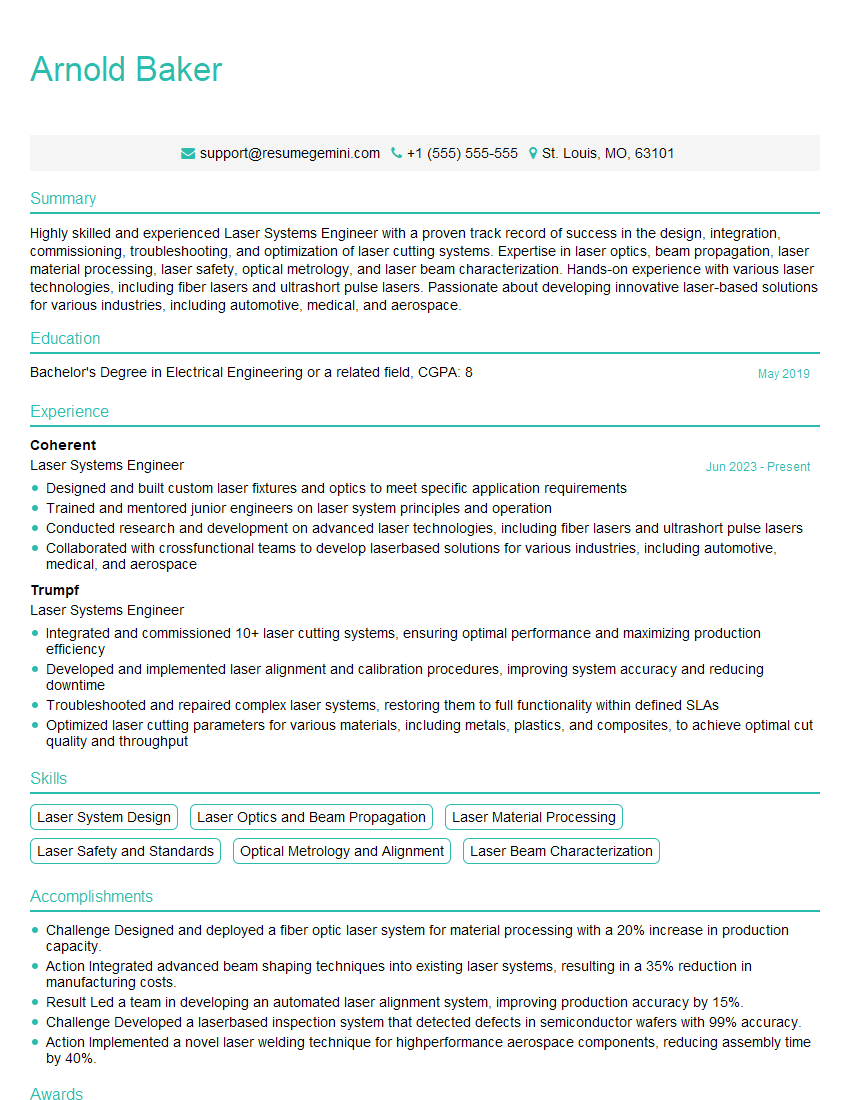
Laser Systems Engineer Resume Sample
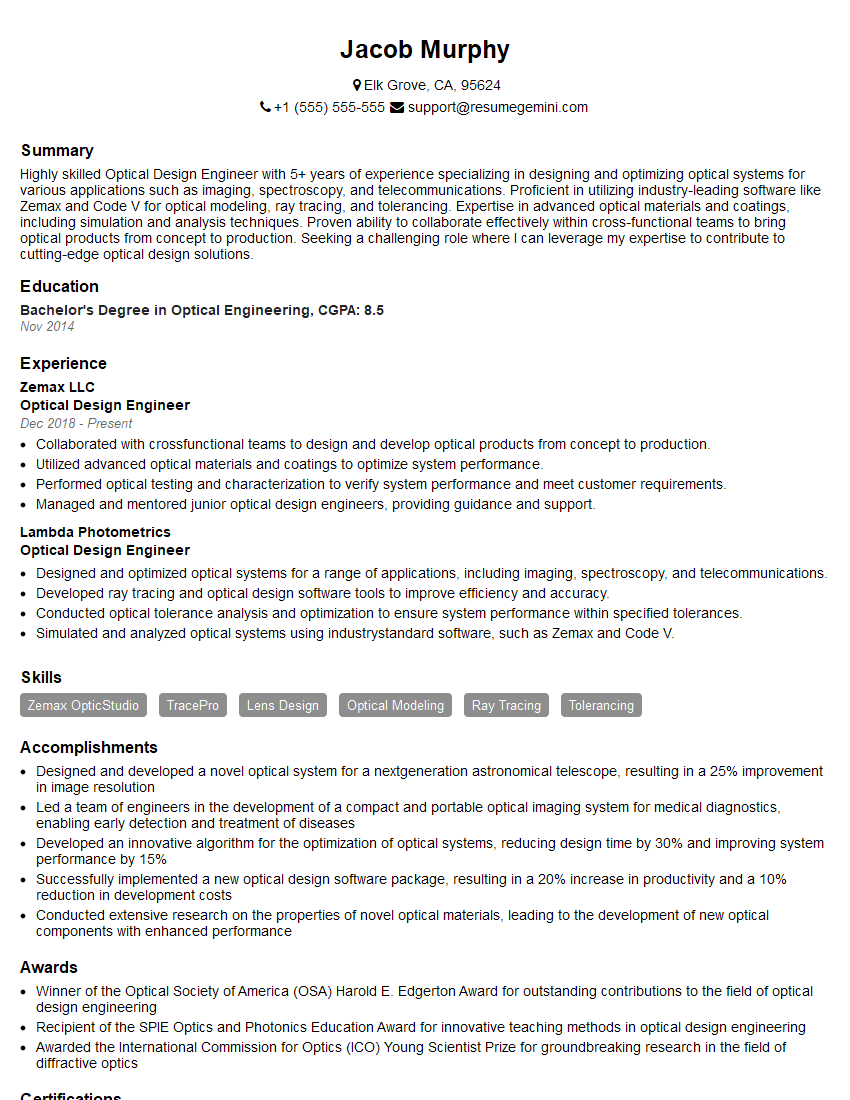
Optical Design Engineer Resume Sample
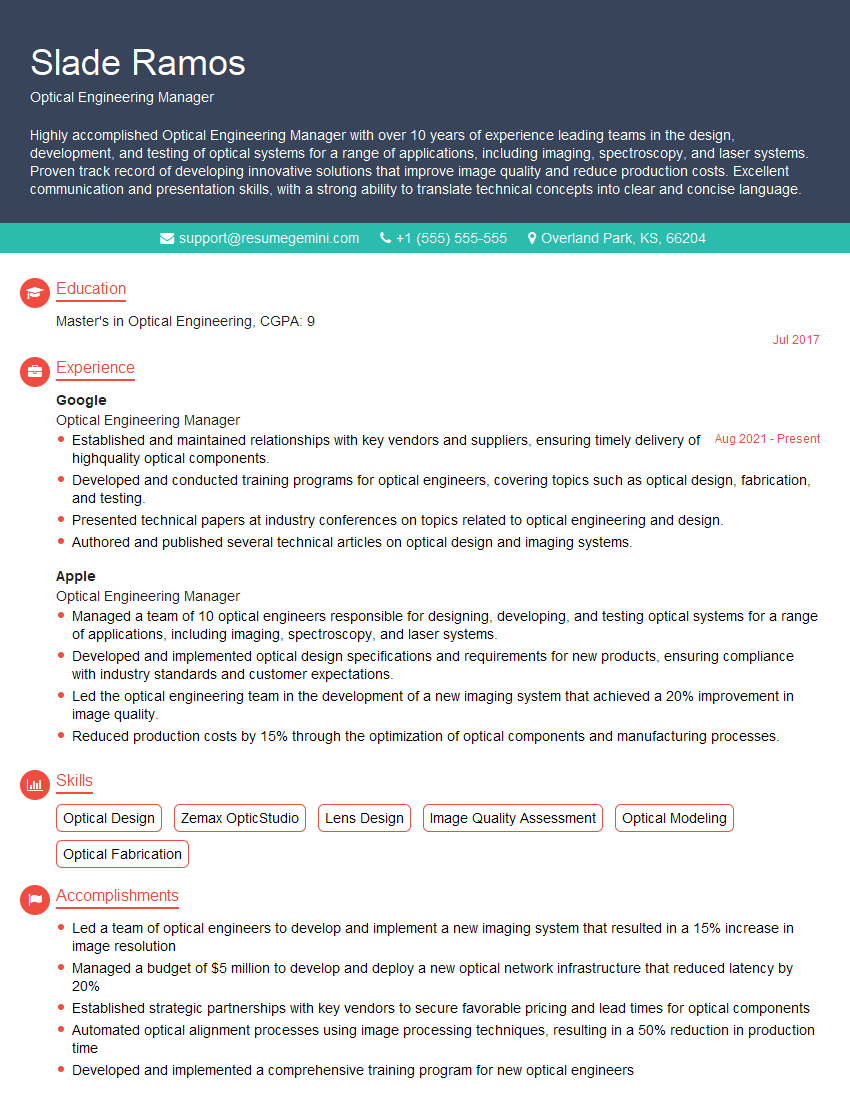
Optical Engineering Manager Resume Sample
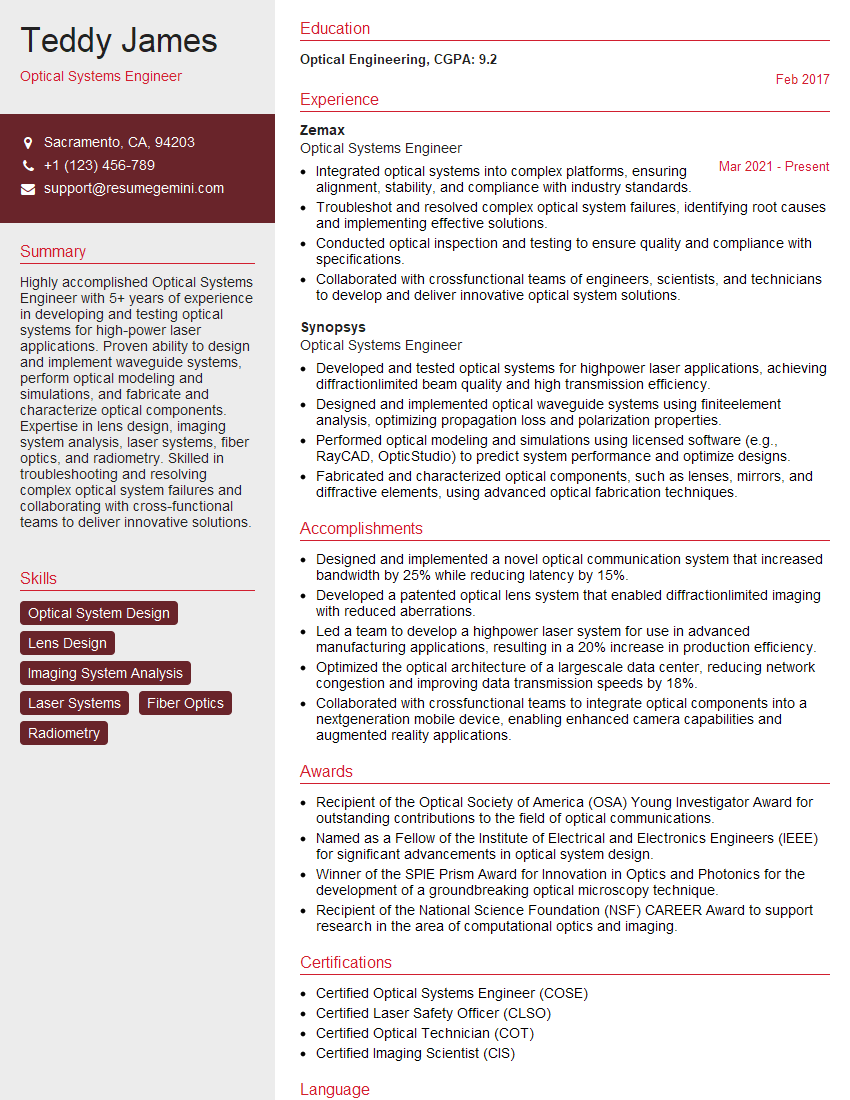
Optical Systems Engineer Resume Sample
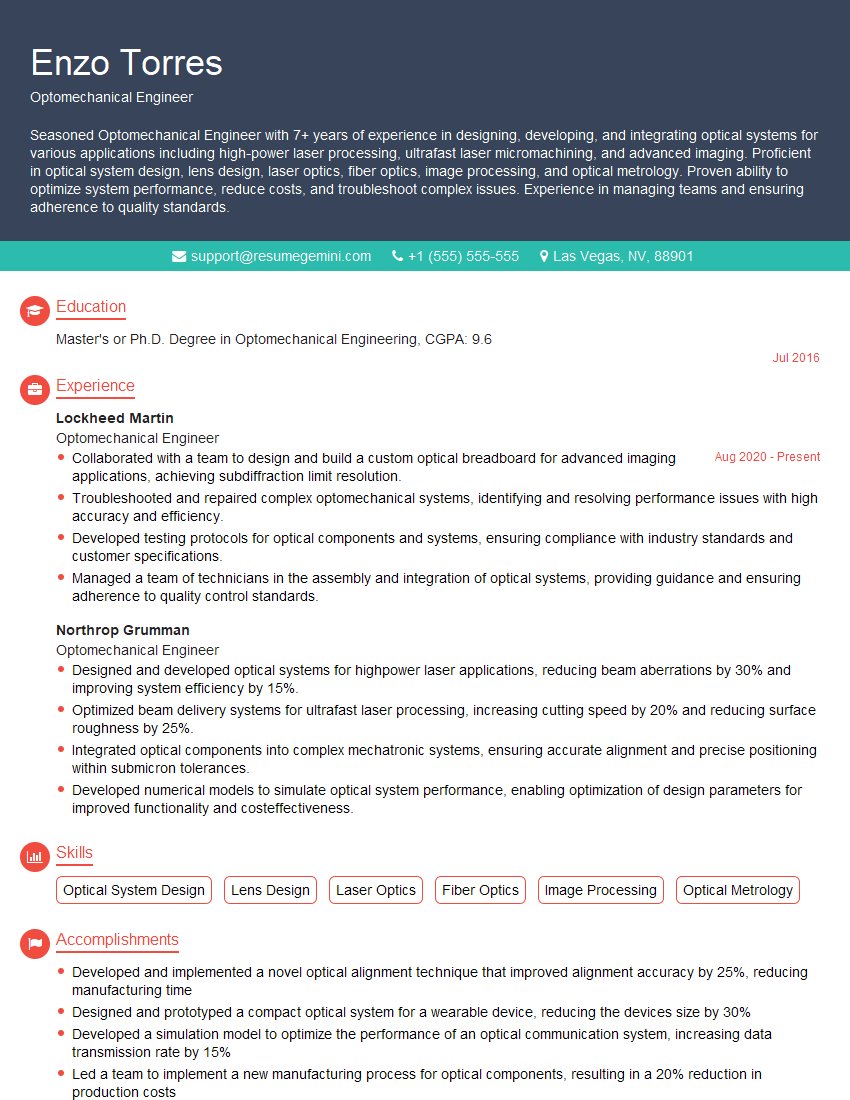
Optomechanical Engineer Resume Sample
Explore more articles
Users Rating of Our Blogs
Share Your Experience
We value your feedback! Please rate our content and share your thoughts (optional).
What Readers Say About Our Blog
Very informative content, great job.
good