Preparation is the key to success in any interview. In this post, we’ll explore crucial Data Interpretation and Communication interview questions and equip you with strategies to craft impactful answers. Whether you’re a beginner or a pro, these tips will elevate your preparation.
Questions Asked in Data Interpretation and Communication Interview
Q 1. Explain the difference between correlation and causation.
Correlation and causation are often confused, but they are distinct concepts. Correlation describes a relationship between two variables where a change in one is associated with a change in the other. Causation, however, implies that one variable directly influences or causes a change in the other. Think of it this way: correlation is simply an observation of a pattern, while causation is a conclusion about why that pattern exists.
Example: Ice cream sales and crime rates might be correlated – both tend to be higher in the summer. However, this doesn’t mean that eating ice cream causes crime. The underlying factor is the warm weather, which influences both ice cream consumption and crime rates independently. This is an example of a spurious correlation.
To establish causation, you need to demonstrate a causal mechanism, control for confounding variables (like the weather in our example), and often rely on experimental methods (like A/B testing) to isolate the effect of one variable on another.
Q 2. How do you identify outliers in a dataset?
Outliers are data points that significantly deviate from the majority of the data. Identifying them is crucial because they can skew analyses and lead to inaccurate conclusions. There are several methods for outlier detection:
- Visual inspection: Box plots and scatter plots are excellent for visually identifying points outside the typical range.
- Statistical methods: Z-scores and IQR (Interquartile Range) methods can quantitatively identify outliers. A Z-score measures how many standard deviations a data point is from the mean. Points with absolute Z-scores above a threshold (e.g., 3) are often considered outliers. The IQR method uses the difference between the 75th and 25th percentiles to define a range; points falling outside 1.5 times the IQR from either quartile are often flagged as outliers.
- Machine learning techniques: Algorithms like Isolation Forest or One-Class SVM can identify outliers in high-dimensional datasets.
The best method depends on the dataset size, distribution, and the context of the analysis. It’s often helpful to use a combination of visual and statistical methods to confirm outlier identification.
Q 3. Describe a time you had to communicate complex data to a non-technical audience.
I once needed to present complex financial data, including ROI projections and risk assessments, to a board of directors, most of whom lacked a finance background. Instead of using jargon or technical charts, I focused on creating a narrative.
I started with a simple analogy, comparing the investment strategy to a journey with potential milestones and risks. I used clear, concise language, avoided overly technical terms, and replaced complex graphs with easily understandable visuals, such as a progress bar showing the projected ROI over time, and a simple heatmap to represent risk levels. I focused on highlighting the key takeaways, using plain language summaries, rather than overwhelming them with detail. This approach allowed them to understand the key message clearly, and it facilitated a productive discussion, demonstrating that even complex data can be effectively communicated to a non-technical audience.
Q 4. What are some common data visualization techniques, and when would you use each?
Choosing the right visualization technique is vital for effective data communication. Here are some common techniques:
- Bar charts: Ideal for comparing categories.
- Line charts: Excellent for showing trends over time.
- Scatter plots: Show the relationship between two continuous variables.
- Pie charts: Represent proportions of a whole (use sparingly, as they can be less effective for precise comparisons).
- Histograms: Show the distribution of a single continuous variable.
- Heatmaps: Visualize data as a color-coded matrix, useful for showing correlations or large datasets.
- Geographic maps: Visualize spatial data.
The choice depends on the data type, the message you want to convey, and your audience. For instance, a line chart is perfect for showing website traffic over time, while a bar chart would suit comparing sales across different regions.
Q 5. How do you handle missing data in a dataset?
Missing data is a common challenge in data analysis. The best approach depends on the extent and pattern of missingness:
- Deletion: Simple but can introduce bias if missingness is not random (Listwise deletion removes entire rows with missing values; Pairwise deletion only removes data points when a specific variable is missing). Use this with caution and only if the missing data is a small percentage and randomly distributed.
- Imputation: Replacing missing values with estimated ones. Methods include mean/median/mode imputation (simple but can distort variance), regression imputation (predicts missing values based on other variables), and more sophisticated techniques like k-Nearest Neighbors or Multiple Imputation (which creates multiple plausible datasets and combines the results).
Before imputation, it’s crucial to understand why data is missing. Missing Completely at Random (MCAR) suggests simpler methods might suffice. Missing at Random (MAR), where the probability of missingness depends on observed data, requires more careful consideration. Missing Not at Random (MNAR), where the probability of missingness depends on the missing value itself, is the most complex scenario, requiring advanced techniques and potentially subject matter expertise.
Q 6. What are the key considerations when choosing a data visualization tool?
Selecting the right data visualization tool involves several key considerations:
- Ease of use: The tool should be intuitive and easy to learn for the users involved.
- Functionality: Consider the types of visualizations it offers, its data import capabilities, and its ability to handle large datasets.
- Customization: The tool should allow for adjustments to colors, fonts, labels, and other aspects of the visualization to match branding or specific requirements.
- Collaboration features: If the visualizations will be created and shared by a team, look for collaborative features for simultaneous editing and version control.
- Integration with other tools: Check for compatibility with your existing data analysis and reporting workflows.
- Cost and licensing: Factor in the costs associated with the software.
There’s no one-size-fits-all answer, as the best tool will depend on your specific needs and resources.
Q 7. How do you determine the appropriate level of detail for a data presentation?
Determining the appropriate level of detail requires careful consideration of your audience and the purpose of the presentation. Too much detail can overwhelm and confuse; too little can leave the audience uninformed. Here’s a framework:
- Understand your audience: Are they experts or novices? What’s their level of familiarity with the topic and data?
- Define the key message: What’s the single most important takeaway you want your audience to remember?
- Prioritize information: Focus on the data points directly supporting your key message. Omit less relevant details unless they are necessary to provide context.
- Use visual hierarchy: Use size, color, and placement to guide the audience’s attention to the most important information.
- Provide context: Include sufficient background information for the audience to understand the data without feeling overwhelmed.
- Iterate and test: Present your findings to a smaller test audience for feedback and refine your approach as needed.
The goal is to create a clear, concise, and engaging presentation that effectively communicates your findings without unnecessary complexity.
Q 8. Explain the concept of A/B testing and its application.
A/B testing, also known as split testing, is a randomized experiment where two versions of a variable (e.g., a webpage, an email subject line, an ad) are shown to different groups of users to determine which version performs better based on a predefined metric (e.g., click-through rate, conversion rate). It’s a crucial method for data-driven decision-making in various fields like marketing, web design, and product development.
How it works: You create two versions (A and B) of something you want to test. You then randomly assign users to see either version A or version B. After a sufficient number of users have been exposed to both versions, you analyze the results to see which version performed better according to your chosen metric. This process relies on statistical significance to ensure the observed difference isn’t due to random chance.
Example: Imagine you’re a marketing manager and want to test two different email subject lines. Version A has the subject “New Product Launch!” while Version B uses “Get Exclusive Early Access.” You send Version A to one randomly selected group of subscribers and Version B to another. You then compare the open rates for each email. If Version B has a significantly higher open rate, you can conclude it’s a more effective subject line.
Applications: A/B testing is widely used to optimize:
- Website design (layout, calls to action, images)
- Marketing campaigns (email subject lines, ad copy, landing pages)
- User interface (button placement, form design)
- Product features (pricing, functionality)
Q 9. Describe your experience with different types of charts and graphs (e.g., bar charts, scatter plots, pie charts).
I have extensive experience utilizing a variety of charts and graphs to visualize and communicate data effectively. My choice of chart depends heavily on the type of data and the message I aim to convey. Here’s a breakdown:
- Bar Charts: Excellent for comparing different categories or groups. For example, comparing sales figures across different regions or product categories. They’re simple to understand and visually appealing.
- Scatter Plots: Ideal for showing the relationship between two continuous variables. For instance, visualizing the correlation between advertising spend and sales revenue. The strength and direction of the correlation are easily discernible.
- Pie Charts: Effective for showcasing the proportions of different parts of a whole. For example, demonstrating the market share of various competitors or the breakdown of a budget. However, they become less useful with many categories.
- Line Charts: Best suited for representing data over time, showing trends and patterns. For instance, tracking website traffic or sales over several months.
- Histograms: Useful for displaying the distribution of a single continuous variable, showing the frequency of different values. This is helpful for understanding the spread and central tendency of the data.
Beyond these basic charts, I’m also proficient with more advanced visualizations like heatmaps, box plots, and interactive dashboards, tailoring my choice to the specific analytical needs and the audience’s understanding.
Q 10. How do you interpret and communicate the results of a regression analysis?
Interpreting and communicating the results of a regression analysis requires a nuanced understanding of statistical concepts. First, I’d examine the R-squared value, which indicates the proportion of variance in the dependent variable explained by the independent variables. A higher R-squared suggests a better fit of the model. However, a high R-squared doesn’t automatically imply a good model; it’s important to assess other aspects too.
Next, I’d focus on the coefficients of the independent variables. Each coefficient represents the change in the dependent variable for a one-unit change in the respective independent variable, holding other variables constant. The p-values associated with these coefficients determine their statistical significance – a low p-value (typically below 0.05) suggests that the coefficient is statistically significant and not just due to random chance.
Communicating the results involves clearly explaining the relationships between the variables in plain language, avoiding technical jargon where possible. For example, instead of saying “The coefficient for advertising spend is 0.8 with a p-value of 0.01,” I might say, “Every $1 increase in advertising spend is associated with an $0.8 increase in sales, and this relationship is statistically significant.” I would also present the results visually, using charts and graphs to make the findings more accessible and understandable to a broader audience. Finally, I would acknowledge any limitations of the analysis, such as potential confounding variables or assumptions made in the model.
Q 11. Explain your understanding of statistical significance.
Statistical significance refers to the probability that an observed result is not due to random chance but rather reflects a real effect. It’s often represented by a p-value. A low p-value (typically below a significance level, often set at 0.05) indicates that the observed effect is unlikely to have occurred by chance alone.
In simpler terms: Imagine flipping a coin 10 times and getting 8 heads. While this is possible by chance, it’s less likely than getting 5 heads. A statistical test helps us quantify how likely it is that we’d observe such a result if the coin were truly fair (i.e., there’s no real bias). If the probability is very low (e.g., below 5%), we’d conclude there’s strong evidence that the coin is biased.
Important Considerations: Statistical significance doesn’t necessarily mean practical significance. A statistically significant result might not be practically meaningful. For example, finding a statistically significant increase of 0.1% in conversion rate might not be worth the effort or resources to implement the change. It’s vital to consider both statistical and practical significance when interpreting results.
Q 12. How do you ensure data accuracy and integrity?
Ensuring data accuracy and integrity is paramount. My approach involves a multi-faceted strategy:
- Data Validation: Rigorous checks at each stage of the data pipeline, from data entry to cleaning and transformation, are crucial. This includes verifying data types, checking for inconsistencies, and identifying outliers. I use both automated scripts and manual reviews.
- Data Cleaning: Handling missing values, addressing inconsistencies, and removing duplicates are all vital steps. The method chosen depends on the nature of the data and the missingness mechanism (e.g., imputation for missing values, removal of duplicates).
- Source Verification: I always scrutinize data sources to understand their reliability and potential biases. Understanding the data collection methods is critical. I look for documentation on data collection procedures, potential limitations, and any known biases.
- Version Control: Maintaining clear documentation and version control of data and analysis code allows for traceability and reproducibility. If errors are discovered, it’s easier to revert to previous versions.
- Data Governance: Adherence to established data governance policies and procedures ensures consistency and quality. This may involve standardized data definitions, naming conventions, and data quality metrics.
By combining these methods, I strive to maintain the highest levels of data accuracy and integrity, ensuring that the analyses I conduct are robust and reliable.
Q 13. How familiar are you with different data manipulation techniques (e.g., data cleaning, transformation)?
I’m highly proficient in various data manipulation techniques. Data cleaning is a foundational step, involving tasks such as:
- Handling Missing Values: Imputation (replacing missing values with estimated values) or removal of rows/columns with missing data, depending on the extent and nature of the missingness.
- Outlier Detection and Treatment: Identifying and addressing outliers using methods like box plots, scatter plots, and z-scores. Treatment can include removal, transformation (e.g., log transformation), or winsorizing.
- Data Transformation: Converting data into a more suitable format for analysis, such as scaling (e.g., standardization, normalization), creating dummy variables for categorical data, or applying log transformations to address skewness.
- Data Consolidation: Combining data from multiple sources, ensuring consistency and resolving discrepancies. This often involves techniques like joins and merges.
My experience extends to using programming languages like Python (with libraries like Pandas and NumPy) and R for efficient and robust data manipulation. I can write custom scripts to automate these processes, enhancing efficiency and reducing the risk of human error.
Q 14. Describe a time you had to defend your data analysis and conclusions.
In a previous role, I conducted a customer churn analysis. My findings indicated that a specific customer segment, characterized by infrequent purchases and low engagement, was significantly more likely to churn. This contrasted with the prevailing belief within the company that churn was primarily driven by pricing. My analysis used regression modeling and survival analysis to demonstrate the relationship between engagement metrics and churn probability.
Initially, my conclusions were met with some skepticism. To defend my findings, I presented a detailed walkthrough of my methodology, showcasing the data cleaning and transformation steps, the model selection process, and the interpretation of the key results. I also visualized the data using various charts and graphs to make the findings more accessible and intuitive. Furthermore, I proactively addressed potential counterarguments, such as the influence of other factors, by including them as control variables in my model. Through thorough explanation and clear data visualization, I was able to effectively demonstrate the validity of my analysis and support a change in the company’s customer retention strategy.
Q 15. How do you identify and address biases in data?
Identifying and addressing biases in data is crucial for ensuring the reliability and validity of any analysis. Bias can creep in at various stages, from data collection to interpretation. My approach is multi-faceted:
- Data Collection Awareness: I start by understanding how the data was collected. Was there sampling bias (e.g., only surveying a specific demographic)? Were there response biases (e.g., social desirability bias affecting survey answers)?
- Data Exploration and Visualization: I thoroughly explore the data using various visualizations (histograms, box plots, scatter plots) to visually identify potential outliers or skewed distributions that might indicate bias.
- Statistical Tests: I employ statistical tests, such as chi-square tests or t-tests, to formally assess if observed differences between groups are statistically significant and potentially indicative of bias. For instance, comparing the average income of men and women in a dataset and testing if the difference is statistically significant.
- External Data Validation: Whenever possible, I compare my findings with external data sources to validate the results and identify inconsistencies that could point to biases.
- Addressing Bias: Once a bias is identified, the approach depends on the nature of the bias. This might involve weighting data to correct for sampling bias, removing outliers if justified, or using more robust statistical methods that are less susceptible to certain types of bias. For example, using a median instead of a mean if the data is heavily skewed.
For example, in a study analyzing customer satisfaction, if the survey was only sent to customers who opted into email marketing, the results might be biased toward more engaged customers. I would address this by comparing the findings to data from a more representative sample if available, acknowledging the limitation in the report, and employing techniques to mitigate the bias.
Career Expert Tips:
- Ace those interviews! Prepare effectively by reviewing the Top 50 Most Common Interview Questions on ResumeGemini.
- Navigate your job search with confidence! Explore a wide range of Career Tips on ResumeGemini. Learn about common challenges and recommendations to overcome them.
- Craft the perfect resume! Master the Art of Resume Writing with ResumeGemini’s guide. Showcase your unique qualifications and achievements effectively.
- Don’t miss out on holiday savings! Build your dream resume with ResumeGemini’s ATS optimized templates.
Q 16. How do you prioritize different data points when communicating insights?
Prioritizing data points for communication depends on the audience and the goal. I use a framework that considers impact, novelty, and clarity:
- Impact: Which data points have the most significant implications for decisions or actions? Those with the largest effect sizes or strongest statistical significance should typically be prioritized. For example, a significant increase in sales revenue would be prioritized over a small fluctuation in website traffic.
- Novelty: Are there any surprising or unexpected findings? These often command attention and can be effective for capturing the audience’s interest. For instance, if a specific marketing campaign performed unexpectedly well compared to others, it deserves highlighting.
- Clarity: How easily can the data point be understood and interpreted? Prioritize data points that are simple to explain and visualize, ensuring the message is clear and effective. I prefer using clear visualizations that translate complex data into easily understandable insights.
Often, I’ll create a summary table or a hierarchical structure to present the most important findings first, followed by supporting details. The goal is a narrative that flows logically, guiding the audience from the most impactful insights to the nuanced details.
Q 17. What are some common pitfalls to avoid when interpreting data?
Several common pitfalls can lead to inaccurate data interpretations. Here are some key ones to avoid:
- Confirmation Bias: Seeking out or interpreting data to confirm pre-existing beliefs. Actively seeking diverse perspectives and critically evaluating assumptions are vital countermeasures.
- Overfitting: Building a model that performs exceptionally well on training data but poorly on unseen data. Employing cross-validation and regularization techniques helps to mitigate overfitting.
- Ignoring Context: Failing to consider the broader context in which the data exists. Always consider the background information of the dataset and how external factors might affect the results.
- Misinterpreting Correlation as Causation: Just because two variables are correlated does not mean one causes the other. Consider potential confounding factors and use appropriate statistical methods (e.g., regression analysis).
- Data Dredging (p-hacking): Analyzing data repeatedly until finding a statistically significant result. This can lead to false positives. Pre-registering hypotheses and using appropriate multiple comparison corrections can help prevent this.
For example, seeing a correlation between ice cream sales and crime rates doesn’t mean ice cream causes crime. The confounding factor is likely the weather; both ice cream sales and crime rates increase during warmer months.
Q 18. How do you use data to support decision-making?
Data supports decision-making by providing objective evidence to inform choices. My approach involves:
- Defining the Problem: Clearly articulate the business problem or question you’re trying to solve. What decision needs to be made?
- Data Collection and Analysis: Gather relevant data and perform appropriate analyses to gain insights. This might involve descriptive statistics, predictive modeling, or causal inference.
- Insight Generation: Extract actionable insights from the data. What are the key findings, and what do they imply for the decision?
- Decision Support: Present the findings in a clear and concise way, emphasizing the implications for the decision. Use visualizations to effectively communicate the key insights.
- Monitoring and Evaluation: Track the outcome of the decision to evaluate its effectiveness and learn from the results.
For instance, if a company is considering launching a new product, data on market demand, competitor analysis, and potential customer segments will inform whether to proceed, adjust the product, or abandon the idea altogether.
Q 19. Describe your experience working with large datasets.
I have extensive experience working with large datasets using various tools and techniques. In a previous role, I worked with a customer database containing millions of records. To handle this, I employed:
- Big Data Technologies: I utilized technologies like Hadoop and Spark to process and analyze the data efficiently. This allowed for parallel processing and distributed computing, essential for handling large volumes of data.
- Sampling Techniques: For exploratory analysis, I employed random sampling and stratified sampling to create smaller, manageable subsets of the data that were representative of the whole dataset. This allowed me to perform quick analyses and visualizations without needing to process the entire dataset.
- Data Warehousing and Databases: I leveraged SQL and NoSQL databases to store and manage the data effectively. I used data warehousing techniques to organize and structure the data for efficient querying and analysis.
- Cloud Computing: Cloud platforms provided scalable infrastructure for data storage and processing, allowing me to handle the demands of a large dataset without limitations.
A key challenge was ensuring data quality and consistency across such a massive dataset. I implemented data cleaning and validation procedures to identify and address missing values, inconsistencies, and errors before analysis.
Q 20. How do you handle conflicting data points?
Handling conflicting data points requires a systematic investigation:
- Data Source Evaluation: First, I assess the credibility and reliability of each data source. Are the sources reputable? What are their methodologies? Is there potential bias?
- Data Quality Check: I examine the quality of the data itself. Are there errors, inconsistencies, or missing values? I might employ data cleaning and validation techniques to improve data quality.
- Reconciliation Attempt: If possible, I try to reconcile the conflicting data. Is there a reasonable explanation for the discrepancy? For example, differing definitions, measurement errors, or temporal differences.
- Sensitivity Analysis: If the conflict cannot be resolved, I might perform a sensitivity analysis to understand how the conflicting data points impact the overall conclusions. This involves running analyses using each data point and comparing the results to assess the impact of the discrepancy.
- Transparent Reporting: Regardless of the resolution, I transparently report the conflict and the steps taken to address it in my analysis. The audience needs to be aware of any limitations or uncertainties.
For example, if sales data from two different systems show conflicting numbers, I’d investigate the discrepancies, looking for data entry errors, system glitches, or reporting differences. A thorough investigation is crucial to ensure the integrity of the analysis.
Q 21. How do you communicate uncertainty in your data analysis?
Communicating uncertainty is crucial for maintaining transparency and credibility. I use several methods:
- Confidence Intervals: When reporting point estimates (e.g., means, proportions), I always include confidence intervals to show the range of values within which the true value likely lies. This conveys the precision of the estimate.
- P-values and Statistical Significance: When testing hypotheses, I report p-values to indicate the probability of obtaining the observed results if the null hypothesis were true. However, I avoid over-interpreting p-values and emphasize the importance of effect size. A statistically significant result with a small effect size might not be practically meaningful.
- Error Bars: In visualizations, I use error bars to show the variability or uncertainty associated with the data points. This helps to illustrate the range of possible values and provides a visual representation of uncertainty.
- Qualitative Description: I describe any limitations or uncertainties in the data or methods in a clear and concise manner. This might include acknowledging potential biases, limitations in sample size, or other factors that could affect the reliability of the results.
- Scenario Planning: For decision-making, I might present multiple scenarios based on different assumptions or levels of uncertainty to help stakeholders understand the potential range of outcomes.
For example, instead of saying “the average customer spends $50,” I might say “the average customer spends $50, with a 95% confidence interval of $45 to $55.” This communicates the uncertainty surrounding the average spending amount.
Q 22. What metrics do you find most useful in assessing the success of a project?
Assessing project success relies on a blend of quantitative and qualitative metrics, tailored to the specific project goals. There’s no one-size-fits-all answer, but some universally useful metrics include:
- On-time delivery: Did the project meet its deadlines? This is often measured as a percentage of tasks completed on schedule.
- On-budget performance: Did the project stay within its allocated budget? Tracking actual vs. planned spending is crucial here.
- Key Performance Indicators (KPIs): These are project-specific metrics directly tied to the project’s objectives. For example, a marketing campaign might track website traffic, conversion rates, or customer acquisition cost. These are crucial for determining whether the project achieved its intended impact.
- Client satisfaction: Feedback from stakeholders (clients, users) is essential for understanding the project’s perceived value and identifying areas for improvement. Surveys and feedback sessions are common approaches.
- Return on Investment (ROI): This metric assesses the financial benefits of the project relative to its cost. Calculating ROI requires careful consideration of both tangible and intangible benefits.
For example, in a software development project, ‘number of bugs fixed’ and ‘user engagement metrics’ would be relevant KPIs. In a marketing campaign, ‘brand awareness’ and ‘sales lift’ would be crucial.
Q 23. Explain your understanding of different data types (e.g., categorical, numerical, ordinal).
Data types classify the kind of values a variable can hold. They influence how we analyze and visualize data. The main types are:
- Numerical (Quantitative): Represents numerical values. Subdivided into:
- Continuous: Can take on any value within a range (e.g., height, weight, temperature). Think of a thermometer – it can show many values between any two points.
- Discrete: Can only take on specific values (e.g., number of children, number of cars). You can’t have 2.5 children.
- Categorical (Qualitative): Represents categories or groups. Subdivided into:
- Nominal: Categories with no inherent order (e.g., colors, gender). There’s no ‘better’ or ‘worse’ category.
- Ordinal: Categories with a meaningful order (e.g., education level, customer satisfaction ratings (e.g., very satisfied, satisfied, neutral, dissatisfied, very dissatisfied)). ‘Very satisfied’ is ranked higher than ‘satisfied’.
Understanding data types is critical for choosing appropriate analysis techniques. For instance, you wouldn’t calculate the average of nominal data (like eye color).
Q 24. How do you balance the need for detail with the need for conciseness in your communication?
Balancing detail and conciseness is crucial for effective communication. The key is to tailor your communication to the audience and the purpose. Think of it like this: A detailed technical report for engineers will be different than a presentation for executives.
My approach involves:
- Identifying the core message: What’s the single most important takeaway? This guides the level of detail needed.
- Understanding the audience: Technical audiences require more detailed explanations and technical jargon (if appropriate), while non-technical audiences need simpler language and less detail.
- Using visualizations: Charts and graphs effectively communicate complex data concisely, reducing the need for lengthy explanations.
- Structuring information logically: Organize information hierarchically, starting with the main points and adding detail as needed.
- Providing supplementary materials: For highly detailed information, offer a separate document or appendix.
For example, in a presentation to executives, I’d focus on high-level trends and key findings, using impactful visuals. A detailed technical report, on the other hand, would delve into the methodology, data sources, and specific results.
Q 25. Describe your experience using data visualization software (e.g., Tableau, Power BI).
I have extensive experience with both Tableau and Power BI, using them to create interactive dashboards and visualizations for various projects. I’m proficient in data cleaning, transformation, and blending within these tools. I use them to create:
- Interactive dashboards: Allow users to explore data dynamically, filtering and drilling down into specific aspects.
- Custom visualizations: Create visualizations tailored to the data and the specific communication goals.
- Automated reports: Schedule reports to automatically generate and distribute data updates.
In one project, I used Tableau to create a dashboard that tracked sales performance across different regions and product lines. This enabled sales managers to identify trends, pinpoint areas needing attention, and make data-driven decisions.
Q 26. How do you create effective data dashboards?
Effective data dashboards are more than just pretty charts; they’re tools that provide actionable insights. Creating them requires a structured approach:
- Define the purpose: What questions should the dashboard answer? What actions should it drive?
- Identify key metrics: Select the most relevant KPIs that reflect the dashboard’s purpose.
- Choose appropriate visualizations: Select charts that best represent the data and the intended message (e.g., bar charts for comparisons, line charts for trends, maps for geographical data).
- Design for usability: Ensure the dashboard is easy to navigate and understand. Use clear labels, consistent formatting, and intuitive interactions.
- Test and iterate: Get feedback from users and make adjustments based on their needs and insights.
A well-designed dashboard prioritizes clarity and ease of understanding. It avoids clutter, uses color strategically, and highlights key findings to draw the user’s attention to the most critical information.
Q 27. Explain your understanding of different statistical tests (e.g., t-test, ANOVA).
Statistical tests help us draw inferences from data and make data-driven decisions. Here are a couple of examples:
- t-test: Compares the means of two groups. It determines whether the difference between the means is statistically significant or due to random chance. There are different types of t-tests (e.g., independent samples t-test for comparing two independent groups, paired samples t-test for comparing two related groups).
- ANOVA (Analysis of Variance): Compares the means of three or more groups. It determines if there’s a statistically significant difference between the means of the groups. A significant ANOVA result would suggest that at least one group’s mean differs significantly from the others, prompting further analysis (e.g., post-hoc tests) to pinpoint which specific groups differ.
For example, a t-test could be used to compare the average sales of two different marketing campaigns, while ANOVA could be used to compare the average customer satisfaction scores across multiple product lines.
Q 28. How do you adapt your communication style to different audiences?
Adapting communication style is crucial for effective data storytelling. I tailor my approach based on:
- Audience expertise: Technical audiences receive more detailed explanations, while non-technical audiences need simplified language and visuals. I avoid jargon with non-technical audiences.
- Audience goals: Understanding their needs helps tailor the message. If they need to make a decision, I focus on actionable insights. If they need to understand the overall context, I provide a broader overview.
- Communication medium: A presentation differs from a written report. Presentations are more visual and interactive, while reports are more detailed and formal.
For instance, when presenting to executives, I focus on high-level trends and key recommendations, using clear and concise visuals. When working with data scientists, I can delve into the technical details and discuss specific methodologies.
Key Topics to Learn for Data Interpretation and Communication Interview
- Data Visualization Techniques: Understanding various chart types (bar charts, line graphs, pie charts, scatter plots, etc.) and their appropriate applications. Learn to choose the most effective visualization for communicating specific insights.
- Statistical Analysis Fundamentals: Grasping key statistical concepts like mean, median, mode, standard deviation, and correlation. Practice applying these concepts to interpret data and draw meaningful conclusions.
- Data Cleaning and Preprocessing: Understanding the importance of data quality and learning techniques for handling missing values, outliers, and inconsistencies. This is crucial for accurate interpretation.
- Storytelling with Data: Developing the ability to translate complex data sets into clear, concise, and compelling narratives. Practice structuring your explanations logically and highlighting key findings.
- Communication Strategies: Mastering effective communication techniques, including tailoring your message to your audience, using clear and precise language, and confidently presenting your findings both verbally and in writing.
- Critical Thinking and Problem Solving: Develop your ability to identify patterns, trends, and anomalies in data. Practice formulating hypotheses, testing them, and drawing evidence-based conclusions.
- Different Data Formats and Sources: Gain familiarity with various data formats (CSV, JSON, SQL databases) and understand how to extract and interpret data from different sources (e.g., APIs, spreadsheets).
Next Steps
Mastering Data Interpretation and Communication is crucial for career advancement in today’s data-driven world. Strong analytical and communication skills are highly sought after across numerous industries. To maximize your job prospects, it’s essential to present your skills effectively. Creating an ATS-friendly resume is the first step. We highly recommend using ResumeGemini, a trusted resource for building professional and impactful resumes. Examples of resumes tailored to Data Interpretation and Communication are available to help you showcase your expertise. Invest in crafting a compelling resume – it’s your first impression and sets the stage for your interview success!
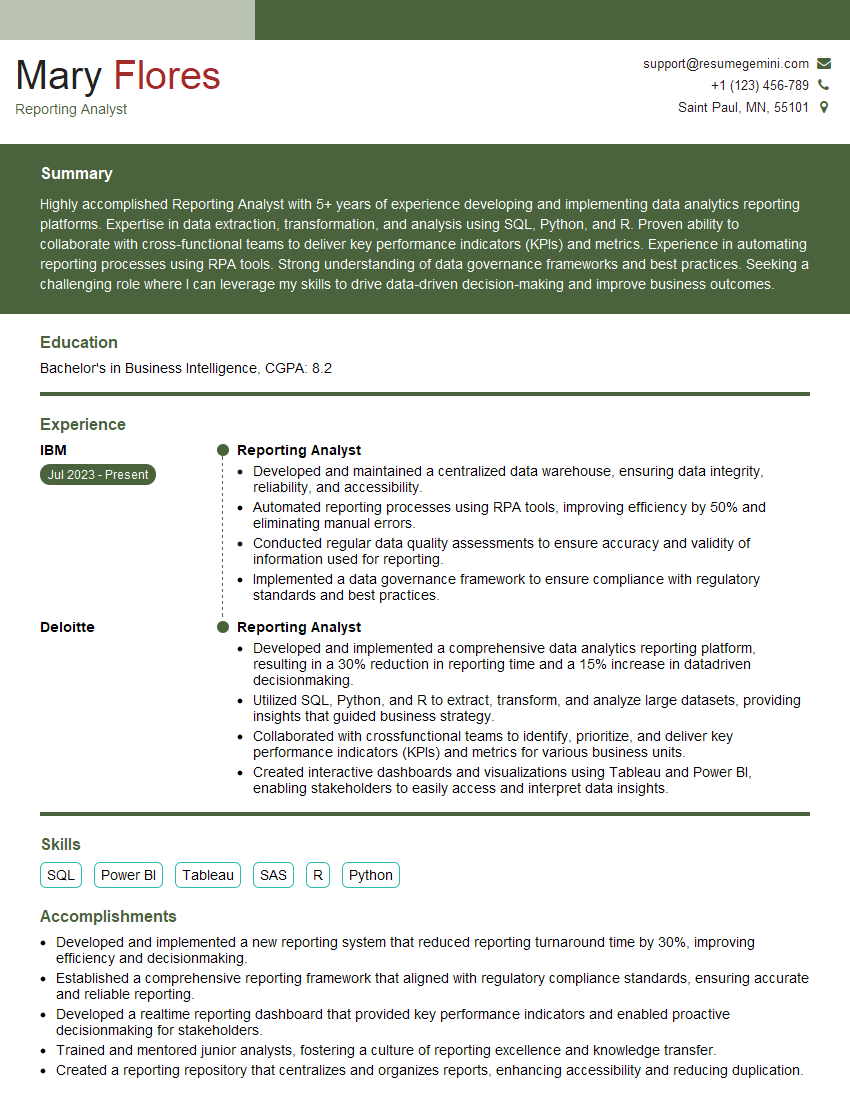
Reporting Analyst Resume Sample
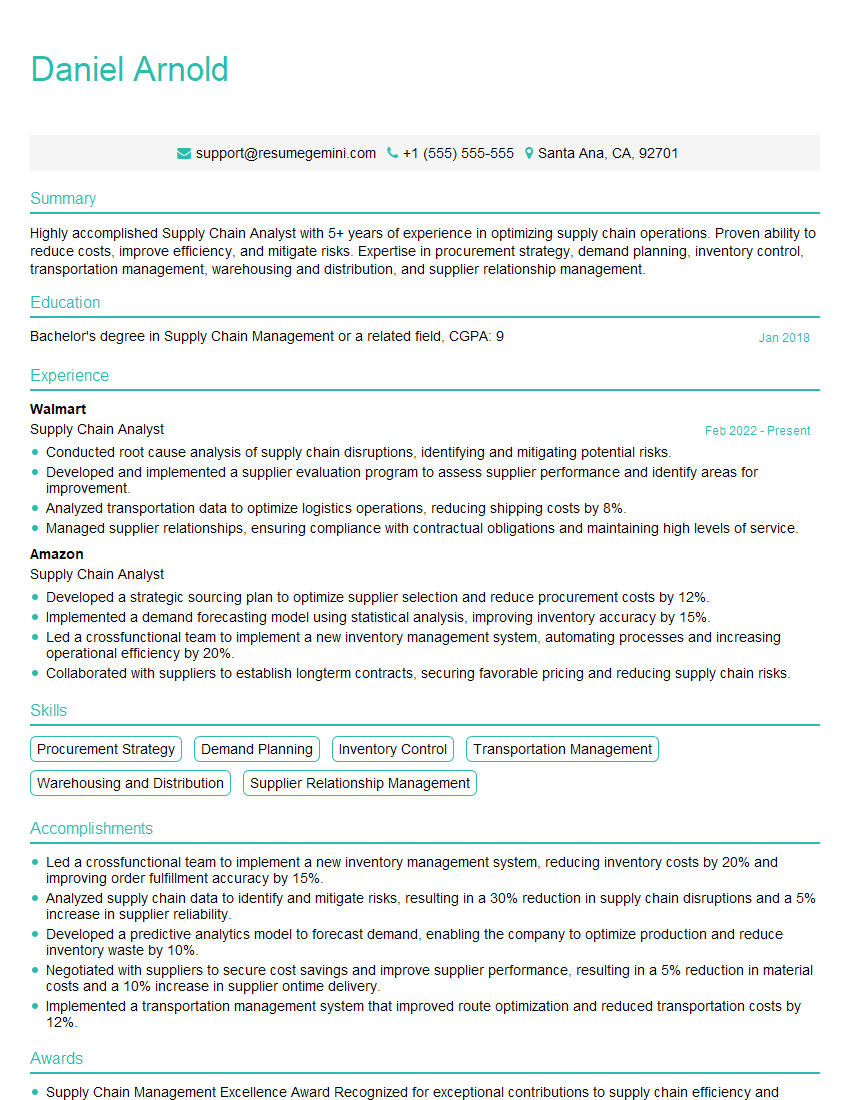
Supply Chain Analyst Resume Sample

Business Analyst Resume Sample
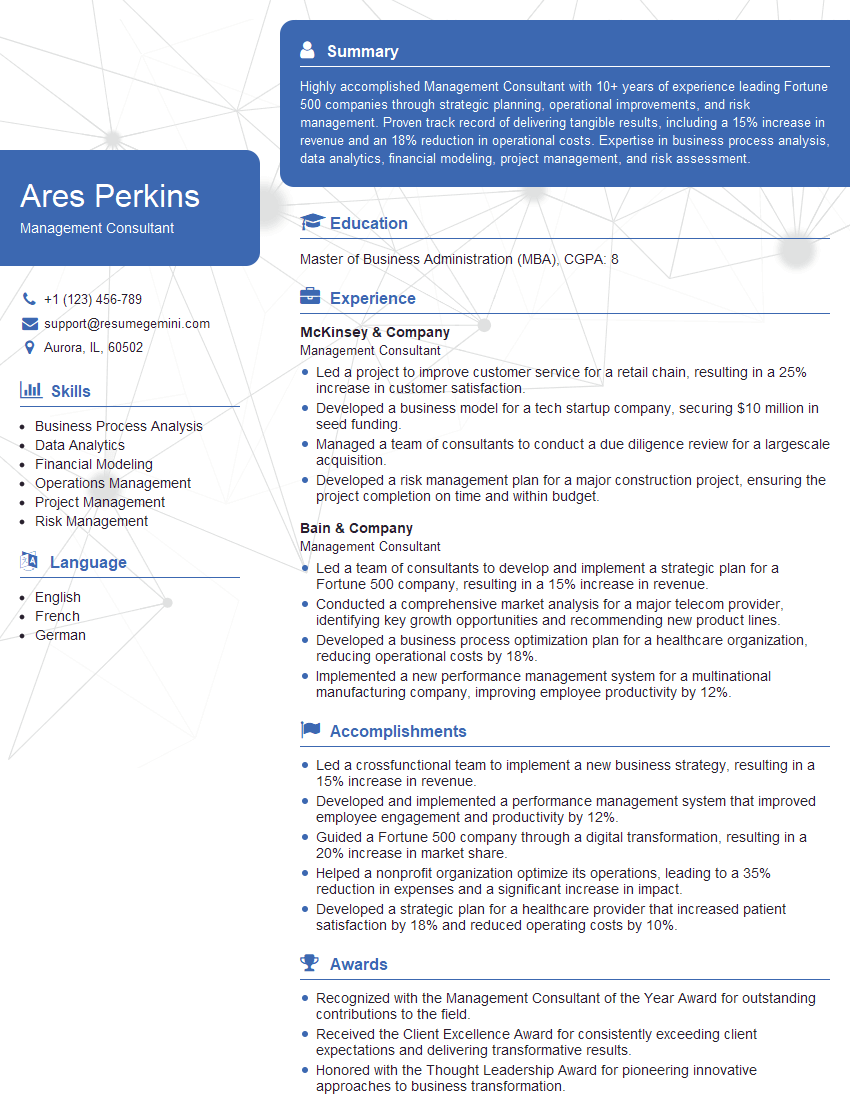
Management Consultant Resume Sample
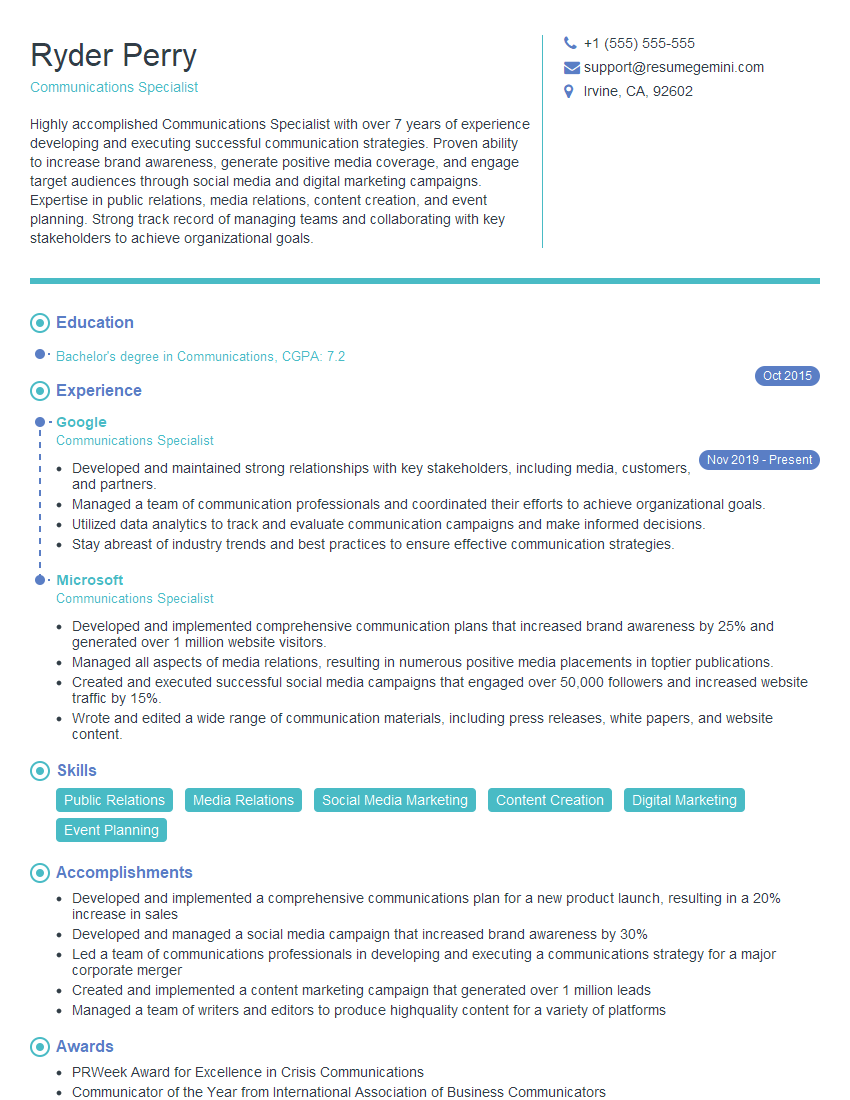
Communications Specialist Resume Sample
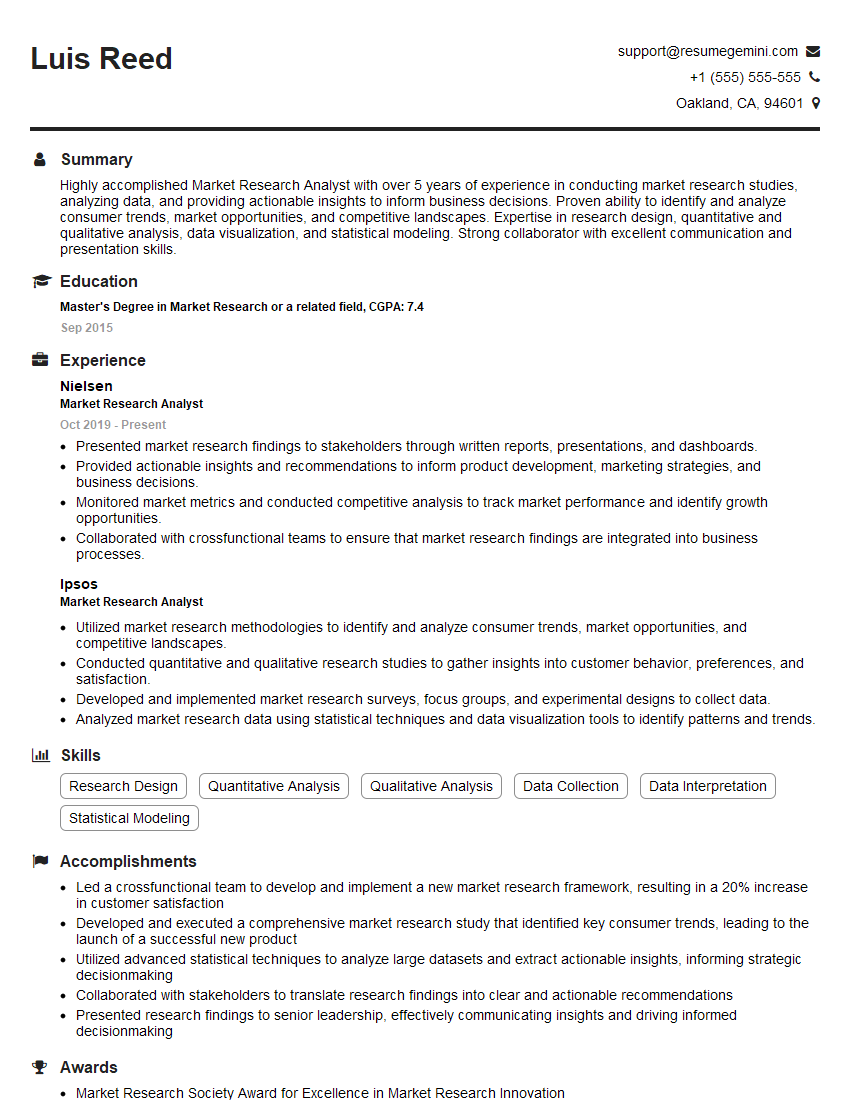
Market Research Analyst Resume Sample
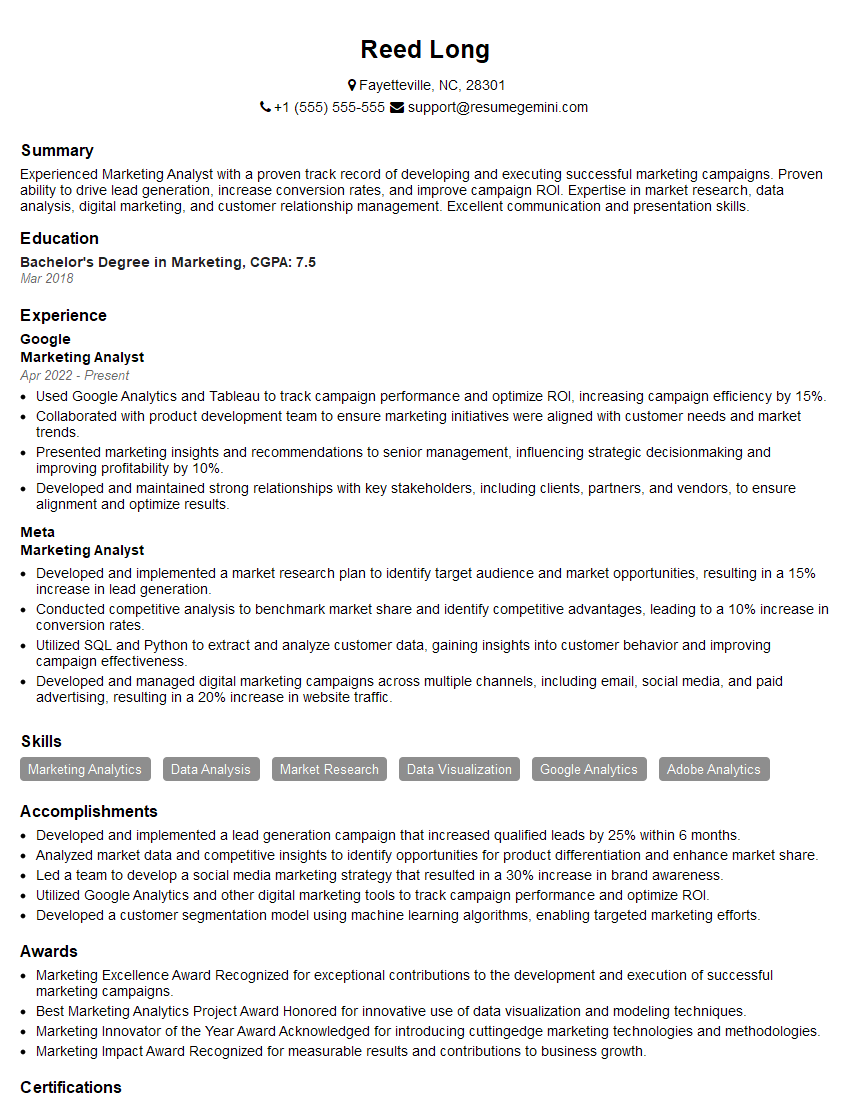
Marketing Analyst Resume Sample
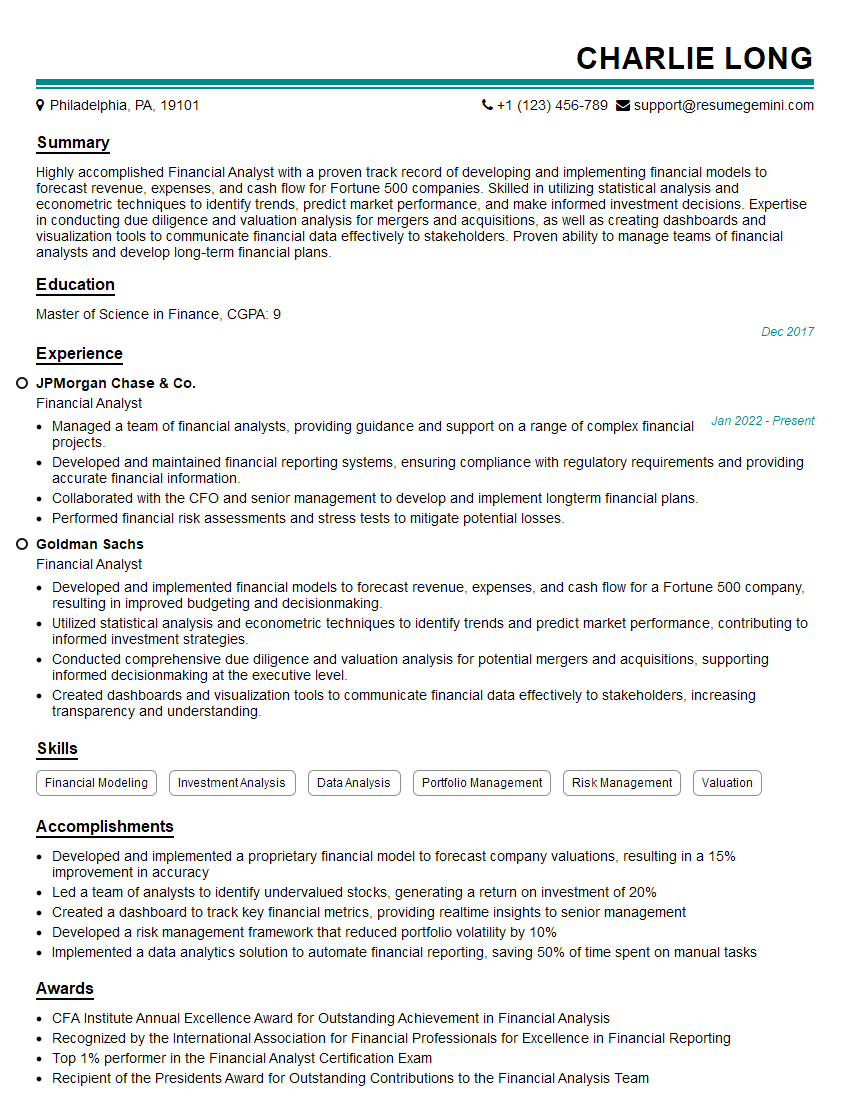
Financial Analyst Resume Sample

Data Analyst Resume Sample

Data Scientist Resume Sample

Research Scientist Resume Sample

Information Architect Resume Sample
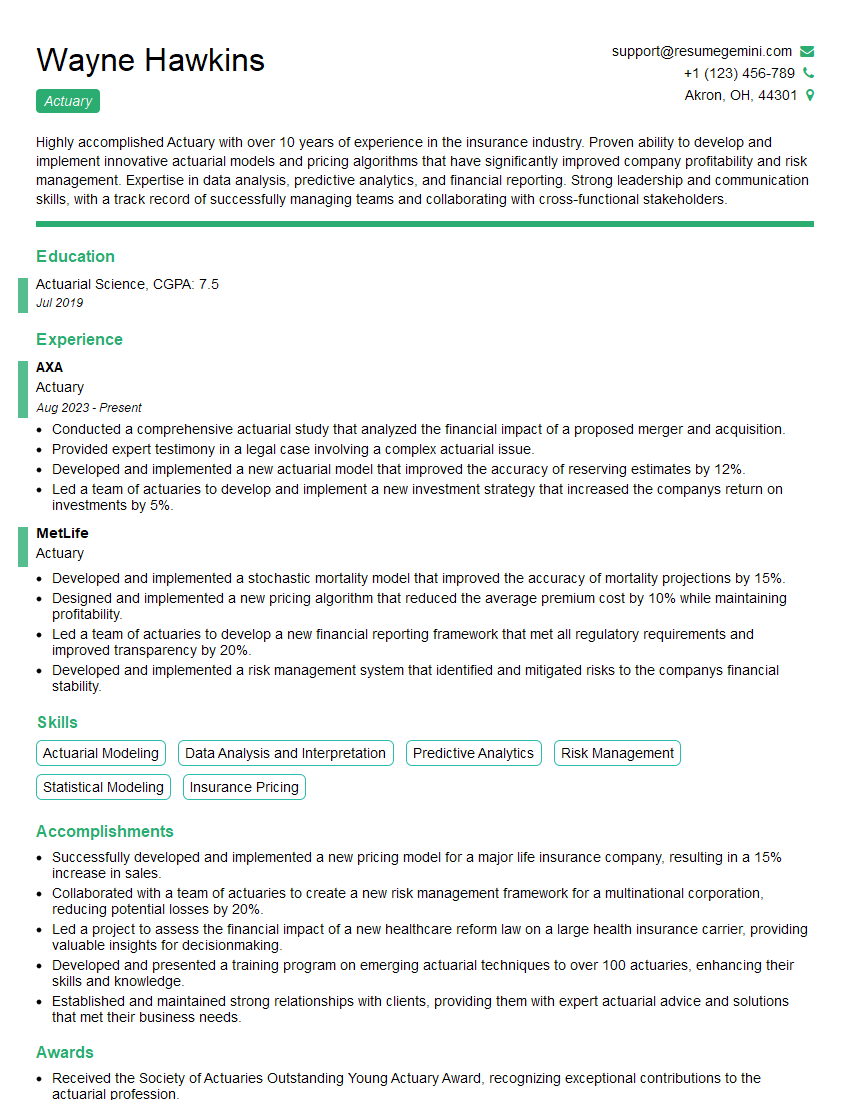
Actuary Resume Sample
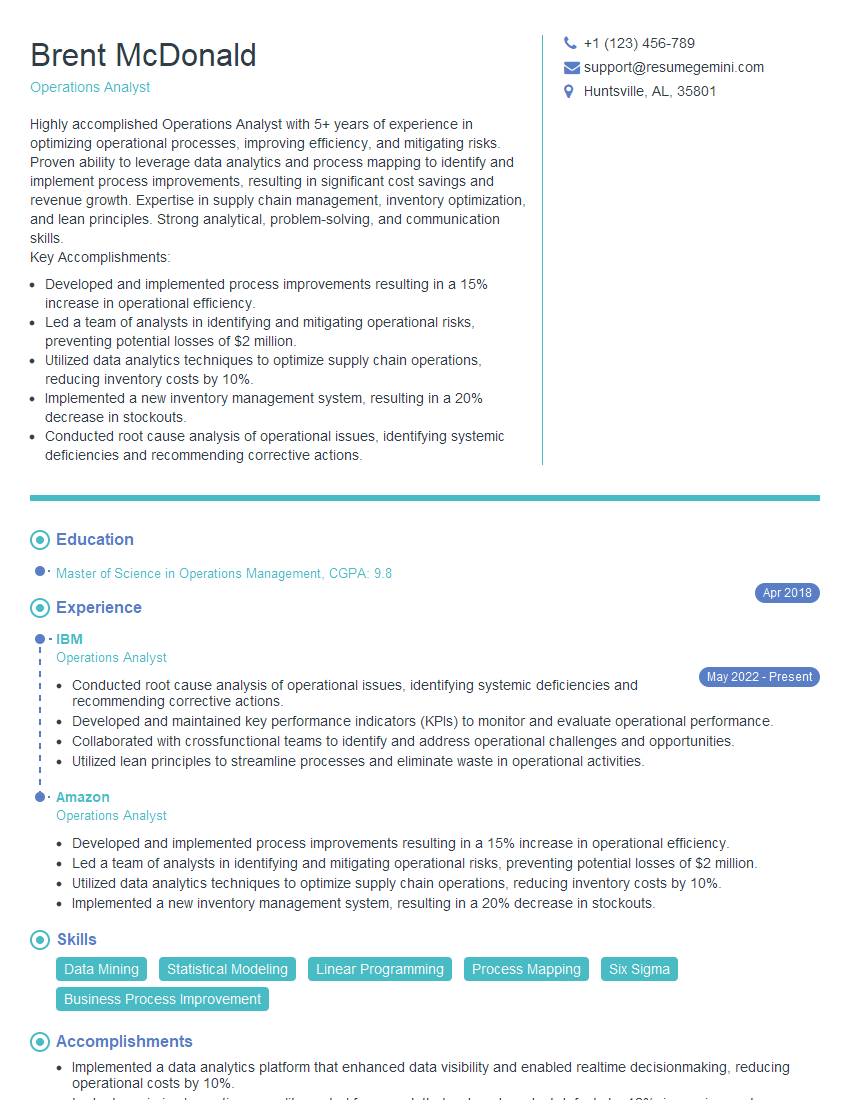
Operations Analyst Resume Sample
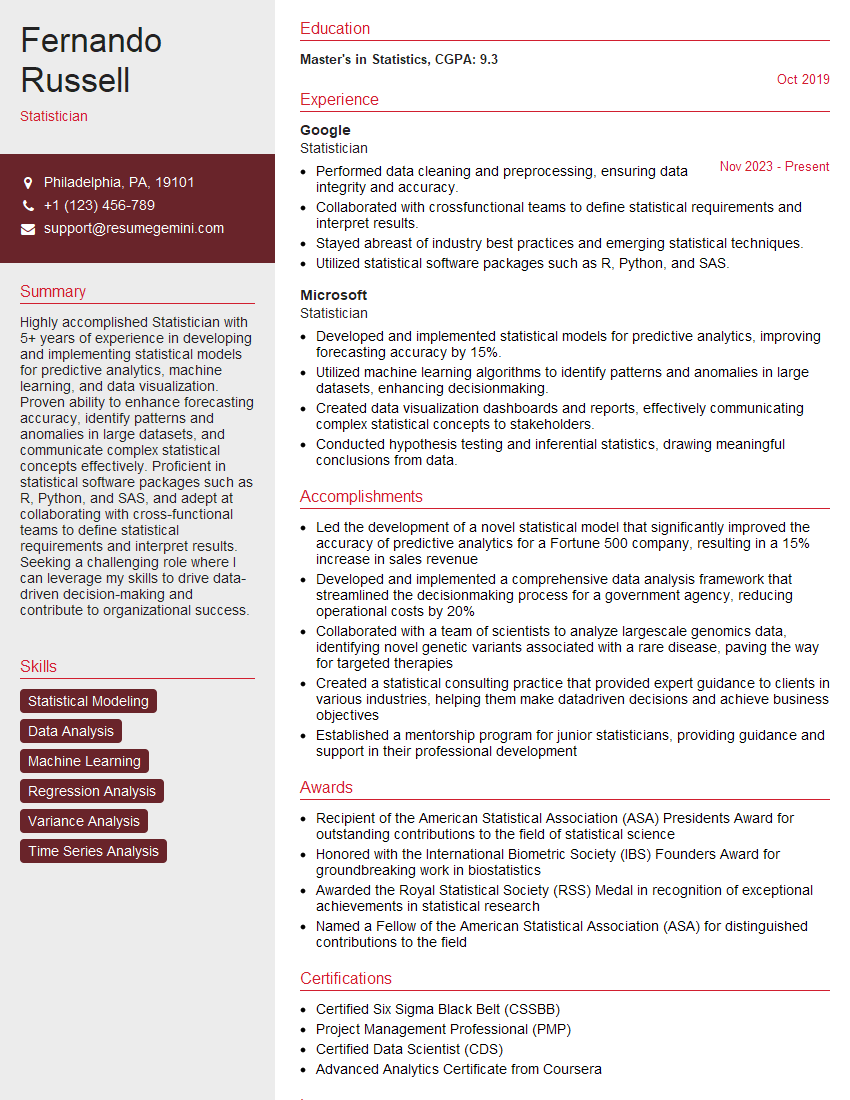
Statistician Resume Sample
Explore more articles
Users Rating of Our Blogs
Share Your Experience
We value your feedback! Please rate our content and share your thoughts (optional).
What Readers Say About Our Blog
Very informative content, great job.
good