Preparation is the key to success in any interview. In this post, we’ll explore crucial Database Management Concepts interview questions and equip you with strategies to craft impactful answers. Whether you’re a beginner or a pro, these tips will elevate your preparation.
Questions Asked in Database Management Concepts Interview
Q 1. Explain the difference between a clustered and non-clustered index.
The key difference between clustered and non-clustered indexes lies in how they physically organize data on disk. Think of it like organizing books in a library. A clustered index is like organizing books alphabetically by title – the data itself is physically ordered based on the index key. There can only be one clustered index per table because the data can only be physically ordered in one way. A non-clustered index, on the other hand, is like having a separate card catalog. The index entries point to the location of the data, but the data itself isn’t ordered according to the index key. You can have multiple non-clustered indexes per table.
Example: Imagine a table of customer information with a clustered index on CustomerID. The rows would be physically sorted by CustomerID on the disk. A non-clustered index on LastName would mean a separate structure exists pointing to the rows based on last name, but the actual data rows remain sorted by CustomerID.
Practical Application: Clustered indexes are beneficial for queries that frequently filter or sort data based on the clustered index column, leading to faster data retrieval. Non-clustered indexes are useful for improving performance of queries using columns not in the clustered index, but they add some overhead for index maintenance.
Q 2. What are the ACID properties of transactions?
ACID properties are fundamental guarantees for database transactions, ensuring data integrity and reliability. They stand for:
- Atomicity: A transaction is treated as a single, indivisible unit. Either all changes within the transaction are committed (saved permanently), or none are. It’s an all-or-nothing approach. Imagine transferring money between accounts; either both accounts are updated correctly, or neither is.
- Consistency: A transaction maintains the database’s integrity constraints. It starts in a valid state, performs operations, and ends in a valid state. Think of it like maintaining the balance of a bank account – the transaction should never leave the account in an inconsistent state.
- Isolation: Concurrent transactions are isolated from each other; one transaction’s changes are not visible to other transactions until it’s committed. This prevents data corruption from interfering transactions. Imagine multiple people accessing the same bank account at the same time, isolation ensures their operations don’t conflict.
- Durability: Once a transaction is committed, the changes are permanently stored and survive system failures. Even if the system crashes, the committed data will be there when it restarts. This is achieved through logging mechanisms and redundancy.
Real-world Scenario: Online shopping cart checkout. The entire process (updating inventory, deducting money, updating order status) must be atomic – either it all succeeds, or the order fails completely. Consistency ensures the database always reflects valid order and inventory states. Isolation prevents conflicts if multiple users are checking out simultaneously. Durability ensures your purchase is recorded even if the server crashes.
Q 3. Describe normalization and its different forms.
Database normalization is a systematic process of organizing data to reduce redundancy and improve data integrity. It’s like decluttering your home; we aim to store each piece of information only once, avoiding duplication.
Different Forms (Normal Forms):
- First Normal Form (1NF): Eliminate repeating groups of data within a table. Each column should contain atomic values (indivisible values). Example: Instead of having a single column ‘PhoneNumbers’ storing multiple numbers as a string, create separate rows for each phone number.
- Second Normal Form (2NF): Be in 1NF and eliminate redundant data that depends on only part of the primary key (for composite keys). Example: If you have a table with order details, you might remove redundant address information if it’s already stored in a separate customer table.
- Third Normal Form (3NF): Be in 2NF and eliminate transitive dependencies. This means that no non-key attribute should depend on another non-key attribute. Example: If you have a table with employee information, you might move the department information to a separate table since the employee’s salary depends on the department, not directly on other employee attributes.
Higher Normal Forms (BCNF, 4NF, 5NF): These address more complex redundancy situations and are less commonly applied in practice.
Practical Application: Normalization helps improve data integrity, reduces storage space, and simplifies data modification.
Q 4. What are the advantages and disadvantages of using NoSQL databases?
NoSQL databases offer an alternative to traditional relational databases, particularly when dealing with large volumes of unstructured or semi-structured data.
Advantages:
- Scalability: NoSQL databases excel at horizontal scaling (adding more servers), making them suitable for massive datasets and high traffic applications.
- Flexibility: They accommodate various data models (document, key-value, graph, etc.), allowing you to choose the best fit for your application.
- Performance: Often demonstrate faster read/write speeds compared to relational databases, especially for specific use cases.
Disadvantages:
- Data consistency: Maintaining strong consistency across distributed NoSQL databases can be challenging and depends on the database model and implementation.
- Complexity: Managing and querying distributed NoSQL systems can be more complex compared to relational databases.
- Limited features: NoSQL databases often lack the rich feature set of relational databases, such as ACID guarantees and complex joins, depending on the specific type of NoSQL database.
Real-world examples: NoSQL databases are commonly used in social media platforms (handling user profiles and posts), e-commerce applications (managing product catalogs and user data), and real-time analytics (processing streaming data).
Q 5. Explain the concept of database sharding.
Database sharding is a technique for horizontally partitioning a large database across multiple database servers. Imagine having a massive library; instead of keeping all books in one building, you distribute them across multiple branches. Each branch (shard) holds a subset of the data.
How it works: A sharding key is used to determine which shard a particular data record belongs to. This key can be a simple field (like user ID) or a more complex hash function. Queries are directed to the appropriate shard based on the sharding key. This allows for improved scalability and performance by distributing the load across multiple servers.
Practical Application: Sharding is essential for applications with massive datasets and high read/write volumes, like social networks or e-commerce platforms where massive user data needs to be distributed across multiple servers to handle huge volumes of requests.
Q 6. How do you handle database performance issues?
Handling database performance issues requires a systematic approach:
- Monitoring: Use database monitoring tools to identify performance bottlenecks. This involves tracking query execution times, CPU usage, I/O wait times, and memory consumption.
- Query Optimization: Analyze slow-running queries and optimize them using techniques like adding indexes, rewriting queries, and using appropriate data types.
- Schema Design: Review the database schema to identify areas for improvement. Normalization, proper indexing, and efficient table design are crucial for performance.
- Hardware Upgrades: If the problem stems from resource constraints (CPU, memory, I/O), consider upgrading hardware.
- Caching: Implement caching mechanisms (e.g., Redis, Memcached) to store frequently accessed data in memory for faster retrieval.
- Connection Pooling: Efficiently manage database connections by using connection pooling to avoid the overhead of repeatedly establishing new connections.
- Database Tuning: Configure database parameters (e.g., buffer pool size, query cache size) to optimize performance based on the workload.
Example: If monitoring reveals slow queries involving a particular table lacking an index on a frequently filtered column, creating that index will dramatically improve performance.
Q 7. What are some common database security vulnerabilities and how can they be mitigated?
Database security vulnerabilities are a serious concern. Some common ones include:
- SQL Injection: Malicious SQL code is injected into database queries, potentially allowing attackers to access, modify, or delete data. Mitigation: Parameterized queries, input validation, and using stored procedures.
- Cross-Site Scripting (XSS): Attackers inject malicious scripts into web pages, potentially compromising user sessions or stealing data. Mitigation: Input sanitization, output encoding, and using a web application firewall (WAF).
- Denial of Service (DoS): Overloading the database with requests, making it unavailable to legitimate users. Mitigation: Rate limiting, intrusion detection systems, and proper capacity planning.
- Weak Credentials: Using weak or default passwords. Mitigation: Strong password policies, multi-factor authentication, and regular password changes.
- Unpatched Systems: Running outdated database software with known vulnerabilities. Mitigation: Regular patching and updates.
Mitigation Strategies: A comprehensive security strategy should include secure coding practices, regular security audits, access control lists, encryption (both in transit and at rest), and robust monitoring and logging.
Q 8. Describe your experience with SQL query optimization.
SQL query optimization is crucial for ensuring database performance. It involves analyzing queries to identify bottlenecks and rewriting them to execute faster and more efficiently. My experience includes using a variety of techniques, starting with understanding the query execution plan. Tools like SQL Profiler (for SQL Server) or similar database-specific tools are invaluable here. I analyze the plan to identify slow operations, such as full table scans instead of index seeks.
Then, I focus on optimizing the queries themselves. This involves several strategies: adding appropriate indexes to improve data retrieval; rewriting queries to leverage database features such as set-based operations instead of procedural approaches (reducing row-by-row processing); using common table expressions (CTEs) to break down complex queries into smaller, more manageable parts; minimizing data retrieval by only selecting necessary columns; and utilizing database hints (carefully, as overuse can be counterproductive) to force the optimizer to use a specific execution plan.
For example, I once worked on a query that took over an hour to run. By analyzing the execution plan and adding a composite index on frequently filtered columns, I reduced the execution time to under a minute. This improved the responsiveness of a critical business application dramatically. Continuous monitoring and profiling are key to maintaining optimal performance; as data volumes change, what was once an efficient query might become a bottleneck.
Q 9. Explain the difference between DELETE and TRUNCATE statements.
Both DELETE and TRUNCATE statements remove data from a table, but they differ significantly in their operation and impact.
DELETE is a data manipulation language (DML) command. It allows for selective row removal based on a WHERE clause. It also logs each deleted row in the transaction log (unless explicitly committed using a transaction without logging). This means it’s slower than TRUNCATE but supports more controlled deletion; you can undo a DELETE statement using a rollback operation within a transaction.
TRUNCATE, on the other hand, is a data definition language (DDL) command. It removes all rows from a table without logging individual row deletions. It’s much faster than DELETE, but you cannot selectively remove rows and the operation is not reversible. In other words, it’s more of a hard reset for the table.
Think of it like this: DELETE is like carefully removing items from a box one by one; TRUNCATE is like emptying the box completely and immediately. The choice depends on your specific need – precise control versus speed.
Q 10. What is a stored procedure and how is it beneficial?
A stored procedure is a pre-compiled SQL code block that can be stored in the database and executed repeatedly. It’s like a function or subroutine within the database itself. Stored procedures offer several key advantages:
- Improved Performance: Because they are pre-compiled, they execute faster than equivalent ad-hoc SQL queries. The database optimizes the execution plan once, and this plan is reused on subsequent calls.
- Enhanced Security: Stored procedures can encapsulate database logic, limiting direct access to underlying tables and reducing the risk of SQL injection attacks. Users interact with the procedure, not directly with the database schema.
- Reduced Network Traffic: A single call to a stored procedure can perform multiple database operations, minimizing round trips between the application and the database server.
- Code Reusability: Stored procedures promote code reusability; a single procedure can be called from multiple applications or parts of an application.
- Maintainability: Changes to the underlying database logic can be made in one place (the stored procedure) rather than across multiple applications.
For example, a stored procedure might encapsulate the logic for adding a new customer to a database, including checking data validity, inserting records into multiple related tables, and handling potential errors. This simplifies application development and ensures data consistency.
Q 11. How do you handle database backups and recovery?
Database backup and recovery are essential for ensuring data integrity and business continuity. My approach involves a multi-layered strategy. It begins with establishing a clear backup policy that defines the frequency, type, and retention period for backups. This policy should consider factors such as the criticality of the data, the recovery time objective (RTO), and the recovery point objective (RPO).
I typically use a combination of full, differential, and transaction log backups. Full backups create a complete copy of the database; differential backups capture only the changes made since the last full backup; and transaction log backups record all transactions since the last backup (full or differential). This incremental approach helps minimize backup time and storage requirements while providing flexibility for recovery.
The backup strategy also needs to consider offsite storage for disaster recovery. I use cloud storage or geographically separate locations for ensuring that backups are protected from physical disasters like fire or floods. Regular testing of the restoration process is vital to ensure everything works as expected when needed. This testing also confirms the backup strategy is aligned with the RTO and RPO requirements.
Q 12. What is data warehousing and how does it differ from OLTP?
Data warehousing and OLTP (Online Transaction Processing) are two distinct approaches to database management serving very different purposes.
OLTP systems are designed for handling online transactions, prioritizing speed and concurrency of short, simple transactions. Think of online banking or e-commerce systems. They focus on transactional integrity and real-time data accuracy. Data is typically normalized to minimize redundancy and maximize efficiency of transactions.
Data warehousing, on the other hand, is aimed at analytical processing, which involves querying large volumes of historical data to identify trends and patterns. It’s not designed for real-time processing but to provide an integrated view of business data from multiple sources. Data is often denormalized in data warehouses to facilitate faster query performance, prioritizing ease of data analysis over transactional integrity. Think of analyzing sales trends over a year, or identifying customer segmentation.
The key differences lie in the data volume, access patterns (updates versus queries), data structure (normalized vs. denormalized), and system performance goals (transaction speed vs. query response time).
Q 13. Explain your experience with ETL processes.
ETL (Extract, Transform, Load) processes are central to data warehousing. They involve extracting data from various sources, transforming it into a consistent format, and loading it into a data warehouse. My ETL experience includes designing and implementing ETL pipelines using various tools such as SSIS (SQL Server Integration Services), Informatica PowerCenter, or cloud-based ETL services like Azure Data Factory.
The design phase of an ETL process requires careful consideration of data sources, data quality issues, transformation rules, and target data warehouse structure. Data cleansing and transformation are critical steps. These steps involve handling missing values, inconsistencies, and data errors. Data profiling and validation tools are crucial to ensuring data quality and accuracy. I am also experienced with scheduling and monitoring ETL processes to ensure reliable and timely data delivery to the data warehouse.
For example, I once worked on an ETL process that integrated data from multiple legacy systems into a centralized data warehouse. The project involved cleaning and transforming inconsistent data formats, handling data errors, and optimizing the ETL pipeline for performance. This resulted in a significantly improved data quality and facilitated better business intelligence and reporting.
Q 14. What are different types of database joins?
Database joins combine rows from two or more tables based on a related column between them. Several types of joins exist:
- INNER JOIN: Returns rows only when there is a match in both tables. Think of it as finding the intersection of the tables.
- LEFT (OUTER) JOIN: Returns all rows from the left table (the one specified before
LEFT JOIN) and the matching rows from the right table. If there’s no match in the right table, it returnsNULLvalues for the columns from the right table. - RIGHT (OUTER) JOIN: Similar to
LEFT JOIN, but it returns all rows from the right table and matching rows from the left table.NULLvalues are used for unmatched rows from the left table. - FULL (OUTER) JOIN: Returns all rows from both tables. If there’s a match, it returns the corresponding rows; if there’s no match in one table, it returns
NULLvalues for the columns of the other table.
Example (using INNER JOIN): Let’s say we have a Customers table and an Orders table. An INNER JOIN based on the CustomerID column would return only the customers who have placed orders and their corresponding orders.
SELECT * FROM Customers INNER JOIN Orders ON Customers.CustomerID = Orders.CustomerID;Q 15. Explain the concept of referential integrity.
Referential integrity is a crucial concept in relational database management that ensures consistency between related tables. It prevents actions that would destroy links between tables with foreign keys. Think of it like a well-organized library: If a book (record in a table) references a specific author (record in another table), you can’t delete that author without first removing all references to them in the books table. Otherwise, you’d have books with missing authors – a broken link.
More formally, referential integrity dictates that a foreign key value in a child table must either match a primary key value in a parent table or be NULL. This is enforced through constraints defined in the database schema.
- Primary Key: Uniquely identifies each record in a table.
- Foreign Key: A field in one table that points to the primary key in another table, establishing a relationship.
Example: Consider a database with two tables: Authors (author_id, author_name) and Books (book_id, book_title, author_id). The author_id in the Books table is a foreign key referencing the author_id (primary key) in the Authors table. Referential integrity ensures you can’t insert a book with an author_id that doesn’t exist in the Authors table.
In practice, violating referential integrity can lead to data inconsistencies and application errors. Database management systems (DBMS) usually provide mechanisms to enforce referential integrity, such as cascading deletes (automatically deleting related records) or setting constraints to prevent actions that violate integrity.
Career Expert Tips:
- Ace those interviews! Prepare effectively by reviewing the Top 50 Most Common Interview Questions on ResumeGemini.
- Navigate your job search with confidence! Explore a wide range of Career Tips on ResumeGemini. Learn about common challenges and recommendations to overcome them.
- Craft the perfect resume! Master the Art of Resume Writing with ResumeGemini’s guide. Showcase your unique qualifications and achievements effectively.
- Don’t miss out on holiday savings! Build your dream resume with ResumeGemini’s ATS optimized templates.
Q 16. What is a transaction log and why is it important?
A transaction log is a critical component of a database management system that records every modification made to the database. Think of it as a detailed history of all changes, ensuring data durability and recovery. This log is crucial for recovering the database to a consistent state in case of crashes, hardware failures, or other unexpected events.
The importance of a transaction log stems from its role in:
- Recovery: If the database crashes, the transaction log allows the DBMS to roll back incomplete transactions or replay completed transactions to restore the database to a consistent state before the failure. This ensures data isn’t lost or corrupted.
- Durability: Once a transaction is committed (successfully completed), the changes are written to the transaction log, guaranteeing the data persists even if there’s a subsequent system failure.
- Auditing: The log provides a detailed audit trail of all database modifications, enabling tracking of changes, detecting unauthorized access, and assisting in investigations.
Transaction logs typically record information such as the type of operation (insert, update, delete), the data that was modified, and timestamps. Different database systems have different ways of managing and using transaction logs, but the fundamental principle remains the same: maintaining a reliable record of changes for recovery and auditing purposes.
Q 17. Describe your experience with different database systems (e.g., MySQL, PostgreSQL, Oracle, SQL Server).
I have extensive experience with several database systems, each with its own strengths and weaknesses. My experience includes:
- MySQL: A popular open-source relational database system, known for its ease of use and scalability. I’ve used it extensively in web application development, often leveraging its flexible features for handling large volumes of data. I’m proficient in optimizing MySQL queries for performance and working with various storage engines like InnoDB and MyISAM.
- PostgreSQL: A powerful, open-source object-relational database system. I appreciate its robust features, advanced data types (like JSON support), and strong adherence to SQL standards. I’ve utilized it in projects requiring advanced data manipulation and complex data modeling.
- Oracle: A commercial, enterprise-grade relational database system renowned for its performance, scalability, and robust security features. I’ve worked with Oracle in large-scale enterprise applications, focusing on data warehousing and complex transaction management. I’m familiar with its various administration and optimization techniques.
- SQL Server: Another leading commercial database system from Microsoft, commonly used in Windows environments. I’ve worked with it in various projects, integrating it with Microsoft technologies. I have experience with its performance monitoring tools and features for high availability and disaster recovery.
My experience across these systems allows me to choose the most appropriate database for a given project based on factors like budget, scalability requirements, and specific application needs.
Q 18. How do you monitor and troubleshoot database performance?
Monitoring and troubleshooting database performance is crucial for ensuring application responsiveness and data integrity. My approach involves a multi-faceted strategy:
- Performance Monitoring Tools: I leverage built-in monitoring tools provided by the DBMS (e.g., SQL Server Profiler, MySQL Workbench’s performance schema, Oracle’s AWR reports). These tools provide insights into query execution times, resource utilization (CPU, memory, I/O), and other key performance indicators.
- Query Optimization: Slow-running queries are often the root cause of performance bottlenecks. I use query analysis tools and techniques to identify inefficient queries, optimize them using indexing, query rewriting, and other optimization strategies. This might involve using
EXPLAIN PLANstatements or analyzing query execution plans. - Database Tuning: Optimizing database configuration, including buffer pools, memory allocation, and other settings, can significantly improve performance. This often requires understanding the specific characteristics of the workload and the hardware environment.
- Logging and Error Analysis: Regularly reviewing database logs for errors and exceptions helps identify and address potential performance issues or anomalies.
- Resource Monitoring (OS-level): Monitoring system-level resources like CPU, memory, and disk I/O helps detect resource constraints that might be affecting database performance.
When troubleshooting, I follow a systematic approach: identify the performance issue, gather data using monitoring tools, analyze the data to pinpoint the root cause, implement solutions (e.g., query optimization, indexing, schema changes), and then validate the improvements. The process is iterative, requiring continuous monitoring and adjustments.
Q 19. What are some common database design patterns?
Several common database design patterns help structure data effectively and efficiently. Some key patterns include:
- Star Schema: Used extensively in data warehousing, this pattern organizes data into a central fact table surrounded by dimension tables. It’s ideal for analytical queries because it simplifies data retrieval.
- Snowflake Schema: An extension of the star schema, where dimension tables are further normalized into smaller sub-dimension tables. This improves data integrity and reduces redundancy.
- Data Vault Modeling: A robust data modeling technique that emphasizes traceability and historical data preservation. It’s well-suited for data integration and complex data lineage requirements.
- Entity-Relationship (ER) Modeling: A fundamental design pattern used to create a conceptual model of the database schema, illustrating the entities and their relationships.
- Database Sharding: A technique for distributing data across multiple database servers to improve scalability and performance. It’s essential for handling massive datasets that exceed the capacity of a single server.
The choice of design pattern depends on specific application needs, data volume, query patterns, and other factors. A skilled database designer understands the trade-offs between different patterns and chooses the best fit for the project.
Q 20. How do you ensure data consistency and integrity?
Ensuring data consistency and integrity is paramount in database management. Several strategies contribute to this goal:
- Constraints: Database constraints (e.g., NOT NULL, UNIQUE, PRIMARY KEY, FOREIGN KEY, CHECK) enforce rules and restrictions on the data, preventing invalid data from being inserted or updated. This is the first line of defense against data inconsistencies.
- Transactions: Transactions provide atomicity, consistency, isolation, and durability (ACID properties). They ensure that a series of database operations are treated as a single unit of work, either all succeeding or all failing, maintaining data consistency.
- Stored Procedures and Functions: Encapsulating database logic within stored procedures and functions helps enforce data integrity rules and reduces the risk of inconsistent data updates through uncontrolled direct SQL execution.
- Data Validation: Implementing data validation at the application level, in addition to database constraints, provides an extra layer of protection against invalid data input.
- Regular Backups and Recovery Plans: Regular backups and a well-defined disaster recovery plan help mitigate the risk of data loss and ensure data can be restored to a consistent state.
- Auditing: Tracking database changes provides an audit trail for detecting and investigating inconsistencies or errors.
A comprehensive approach involving a combination of these techniques helps build a robust and reliable database system that consistently maintains data accuracy and integrity.
Q 21. Explain your understanding of indexing techniques.
Indexing techniques are crucial for optimizing database query performance. Indexes are special lookup tables that the database search engine can use to speed up data retrieval. Simply put, they’re like the index in the back of a book – you don’t need to read the whole book to find a specific topic.
Different types of indexes exist, each with its own strengths and weaknesses:
- B-tree indexes: The most common type, suitable for both range and equality searches. They’re efficient for ordered data and allow for quick lookups based on key values.
- Hash indexes: Efficient for equality searches only, not suitable for range queries. They offer extremely fast lookups for exact matches.
- Full-text indexes: Used for searching text data, enabling efficient searches based on keywords and phrases.
- Spatial indexes: Optimized for searching data based on geographical location (e.g., finding all customers within a certain radius).
Choosing the right index type and creating appropriate indexes is essential for improving database query performance. Over-indexing can also lead to performance degradation, so careful consideration and analysis are required. Using tools provided by the DBMS to analyze query plans and identify missing or inefficient indexes is key to optimizing performance.
For example, adding an index to a frequently queried column can dramatically reduce query execution times. However, indexes consume storage space and can slow down data insertion and updates. Therefore, a balanced approach is essential, focusing on indexing columns frequently used in WHERE clauses of critical queries.
Q 22. Describe your experience with database replication.
Database replication is the process of copying data from one database to another. This ensures data redundancy and high availability. I’ve worked extensively with various replication methods, including synchronous and asynchronous replication. Synchronous replication, for instance, ensures that data is written to the secondary database before the transaction is confirmed, providing strong consistency but potentially impacting performance. Asynchronous replication, conversely, offers better performance as the write is confirmed immediately, but there’s a slight delay before the data is available in the secondary database, leading to eventual consistency. My experience includes implementing replication using tools like MySQL’s master-slave replication, PostgreSQL’s streaming replication, and also configuring replication within cloud-based database services like AWS RDS and Azure SQL Database. In one project, we used asynchronous replication to support a high-volume e-commerce platform, significantly improving read performance and resilience against database outages. The choice of replication method depends on the specific application’s requirements for data consistency and performance.
Q 23. What is a deadlock and how do you resolve it?
A deadlock occurs when two or more transactions are blocked indefinitely, waiting for each other to release the resources that they need. Imagine two cars stuck in a narrow alleyway, each unable to move because the other is blocking its path. This is analogous to a deadlock scenario where Transaction A holds Lock X and is waiting for Lock Y held by Transaction B, while Transaction B is waiting for Lock X held by Transaction A. To resolve deadlocks, I typically employ a combination of preventative and detection/recovery strategies. Preventative methods include setting a strict order for acquiring locks (e.g., always acquire locks in a predefined sequence), while detection/recovery methods involve monitoring for deadlock conditions using database tools and automatically rolling back one of the offending transactions. In practice, choosing the right approach depends on the database system, the application’s complexity, and the cost of potential rollbacks. Most modern database systems have built-in deadlock detection and resolution mechanisms, but understanding the underlying causes is crucial for efficient database management.
Q 24. Explain your experience with database tuning and optimization.
Database tuning and optimization is a crucial aspect of my work. It involves identifying bottlenecks and performance issues in a database system and improving its efficiency. My experience includes using various techniques, such as query optimization, indexing strategies, schema design improvements, and resource allocation adjustments. For example, I’ve used query analyzers to identify slow-running queries, optimized them by adding indexes or rewriting them to be more efficient, and improved the database schema to reduce data redundancy. I also have experience in optimizing database server configurations, adjusting parameters like buffer pool size, connection pools, and other system resources to enhance performance. In one project involving a large data warehouse, I reduced query execution times by over 70% by implementing a combination of these techniques. The key is a systematic approach: identifying performance issues through monitoring, analyzing query execution plans, and iteratively applying optimizations until desired performance levels are achieved.
Q 25. What are some best practices for database security?
Database security is paramount. Best practices include implementing strong authentication mechanisms, such as using complex passwords and multi-factor authentication. Access control is also vital – using role-based access control (RBAC) to grant only necessary privileges to users. Data encryption both in transit (using SSL/TLS) and at rest (using encryption technologies like AES) is essential to protect sensitive information. Regular security audits and vulnerability scans are necessary to identify and mitigate potential threats. Furthermore, input validation and output sanitization are vital to prevent SQL injection attacks. Finally, keeping the database software and its components up-to-date with the latest security patches is crucial. In a recent project, I implemented a comprehensive security strategy using these best practices, which helped ensure the confidentiality, integrity, and availability of the database system.
Q 26. Describe your experience with cloud-based database services (e.g., AWS RDS, Azure SQL Database, Google Cloud SQL).
I possess significant experience with cloud-based database services, including AWS RDS, Azure SQL Database, and Google Cloud SQL. I’ve worked with various database engines hosted on these platforms, including MySQL, PostgreSQL, SQL Server, and others. My experience ranges from setting up and configuring these services to managing their performance and security. I’m familiar with features like automated backups, high availability configurations, scaling options, and integration with other cloud services. In a previous role, I migrated an on-premises SQL Server database to AWS RDS, significantly reducing infrastructure management overhead and improving scalability. The experience across different cloud providers has given me a comprehensive understanding of their strengths and weaknesses, allowing me to choose the best service based on the specific project requirements.
Q 27. What are your experiences with different data types?
My experience with data types is broad and encompasses various relational and NoSQL databases. I’m proficient in using standard data types like integers (INT, BIGINT), floating-point numbers (FLOAT, DOUBLE), characters (CHAR, VARCHAR), dates and times (DATE, DATETIME), and booleans (BOOLEAN). Beyond these, I understand the nuances of specialized data types like JSON, spatial data types (for geographic information), and enumerated types. Choosing the appropriate data type is crucial for optimizing database performance and ensuring data integrity. For instance, using an INT instead of a VARCHAR for storing numerical IDs significantly reduces storage space and improves query performance. Furthermore, I’m experienced in working with different character sets and collations to handle internationalization and localization requirements.
Q 28. How would you approach designing a database for a specific application (e.g., e-commerce, social media)?
Designing a database involves a structured approach. For an e-commerce application, I’d focus on entities like Customers, Products, Orders, Order Items, and Payments. Relationships would include one-to-many (a customer can have multiple orders), many-to-many (a product can be in multiple orders), and potentially one-to-one (a customer might have one shipping address). Normalization techniques would be applied to minimize data redundancy and improve data integrity. For a social media application, I’d focus on entities like Users, Posts, Comments, Friendships, and Likes. Key considerations would include indexing strategies for efficient searching and retrieval of posts and user profiles, and potentially sharding techniques to handle large volumes of data. In both scenarios, I’d start with a conceptual model (Entity-Relationship Diagram – ERD), then create a logical model defining tables and attributes, and finally a physical model considering indexing, data types, and performance optimization. Throughout the design process, I’d ensure scalability, maintainability, and security are addressed. The specific design would also be influenced by the technology stack (e.g., relational vs. NoSQL database) and the specific requirements of the application.
Key Topics to Learn for Database Management Concepts Interview
- Relational Database Management Systems (RDBMS): Understand the core concepts like tables, relations, keys (primary, foreign), normalization, and ACID properties. Consider practical applications in designing efficient database schemas for various applications.
- SQL (Structured Query Language): Master essential SQL commands for data manipulation (CRUD operations – Create, Read, Update, Delete), data querying (SELECT statements with joins, subqueries, aggregations), and database administration (managing users, permissions, and transactions). Practice writing efficient and optimized queries.
- Database Design and Modeling: Learn about Entity-Relationship Diagrams (ERDs), different database models (relational, NoSQL), and the process of designing a database schema based on requirements. Explore use cases for different database models and understand their strengths and weaknesses.
- Data Integrity and Security: Understand various techniques for ensuring data accuracy, consistency, and security. Explore concepts like constraints, access control, encryption, and backup/recovery strategies. Consider real-world scenarios where data breaches could occur and how to prevent them.
- Database Performance Tuning and Optimization: Learn techniques for improving database performance, including query optimization, indexing, and database administration best practices. Consider case studies where performance bottlenecks were identified and resolved.
- Transaction Management: Understand the concepts of transactions, concurrency control (locking mechanisms), and isolation levels. Explore how transactions ensure data consistency and integrity in multi-user environments.
- NoSQL Databases: Familiarize yourself with the basic concepts and use cases of NoSQL databases (document, key-value, graph, etc.). Understand when to use NoSQL databases over traditional RDBMS.
Next Steps
Mastering Database Management Concepts is crucial for career advancement in today’s data-driven world, opening doors to exciting roles with significant growth potential. A strong understanding of these concepts makes you a highly sought-after candidate. To maximize your job prospects, invest time in crafting a compelling and ATS-friendly resume that highlights your skills and experience effectively. ResumeGemini is a trusted resource that can help you build a professional resume tailored to the specific requirements of Database Management roles. Examples of resumes tailored to Database Management Concepts are available to guide you. Take advantage of these resources to showcase your expertise and land your dream job!
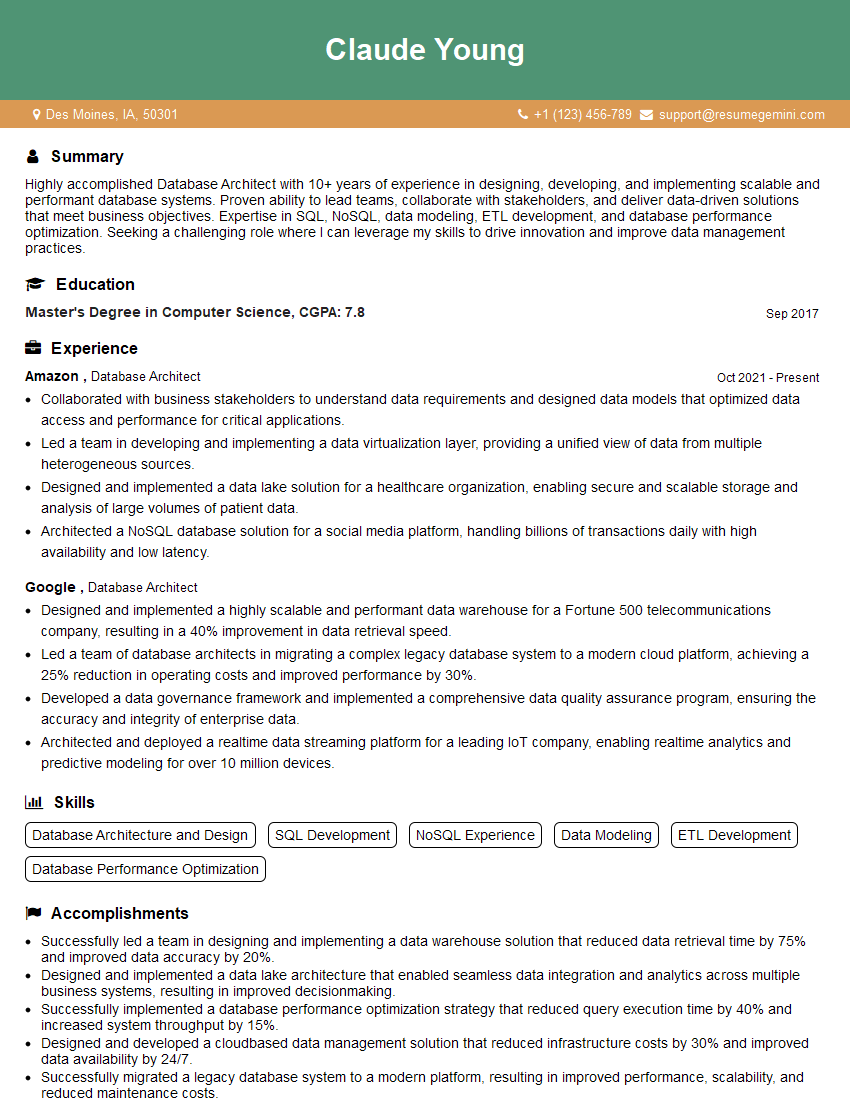
Database Architect Resume Sample

Data Analyst Resume Sample

Data Scientist Resume Sample
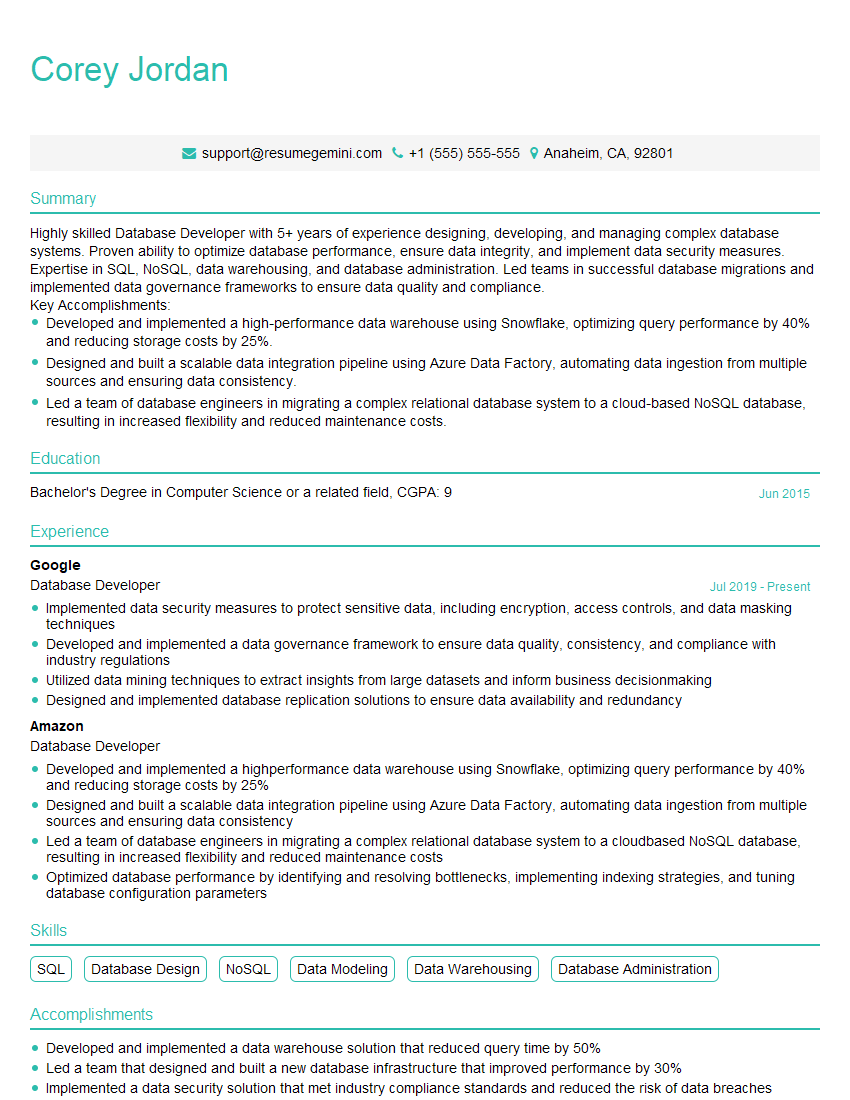
Database Developer Resume Sample
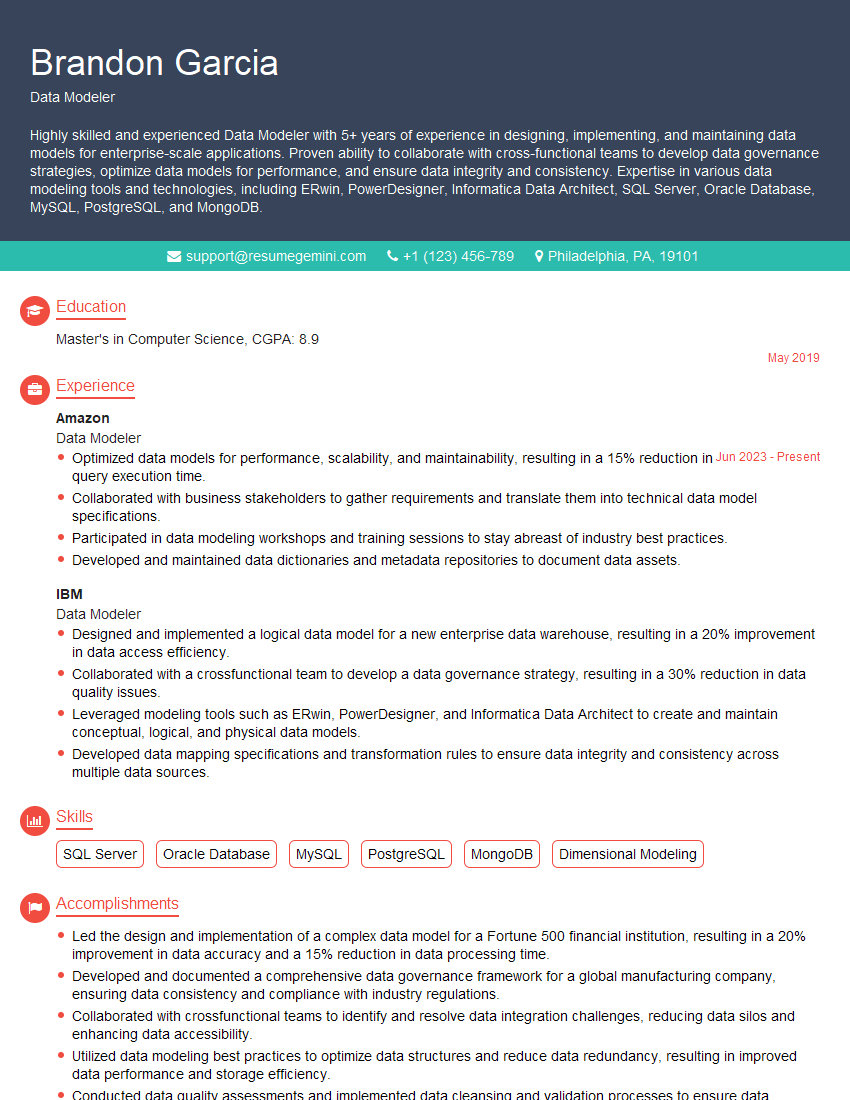
Data Modeler Resume Sample

Data Architect Resume Sample
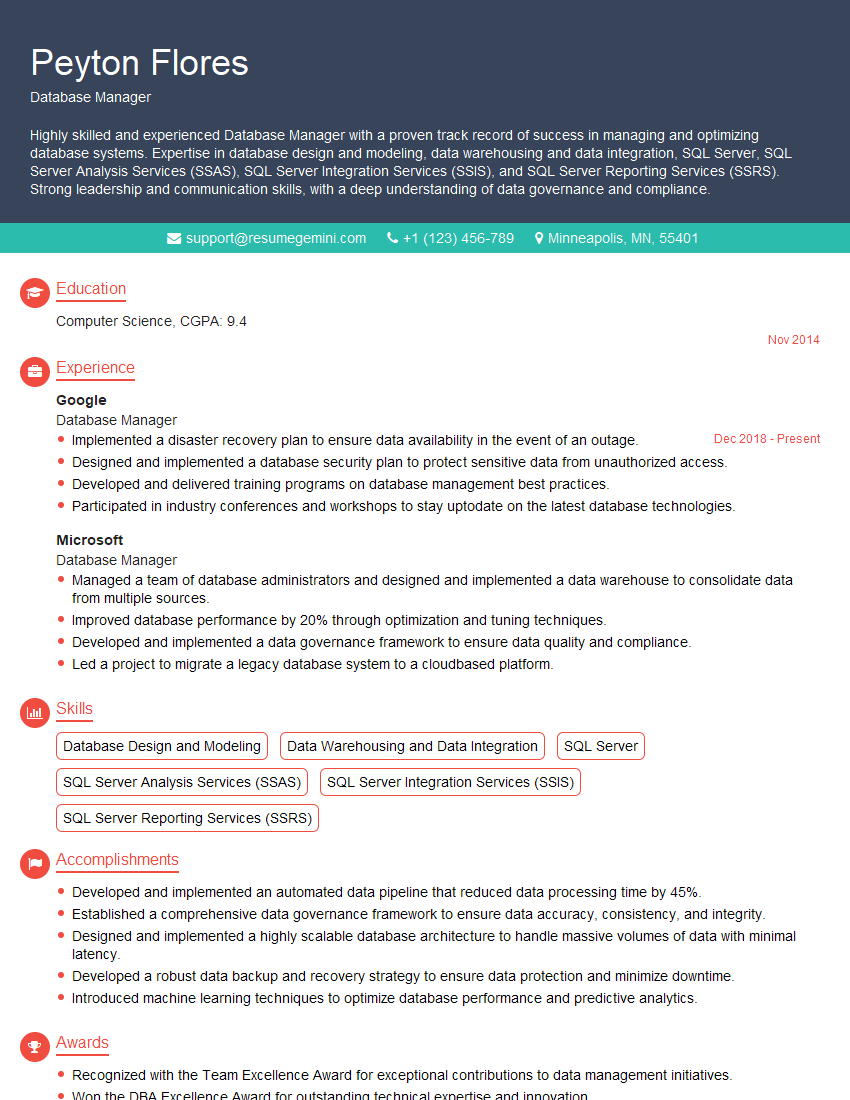
Database Manager Resume Sample
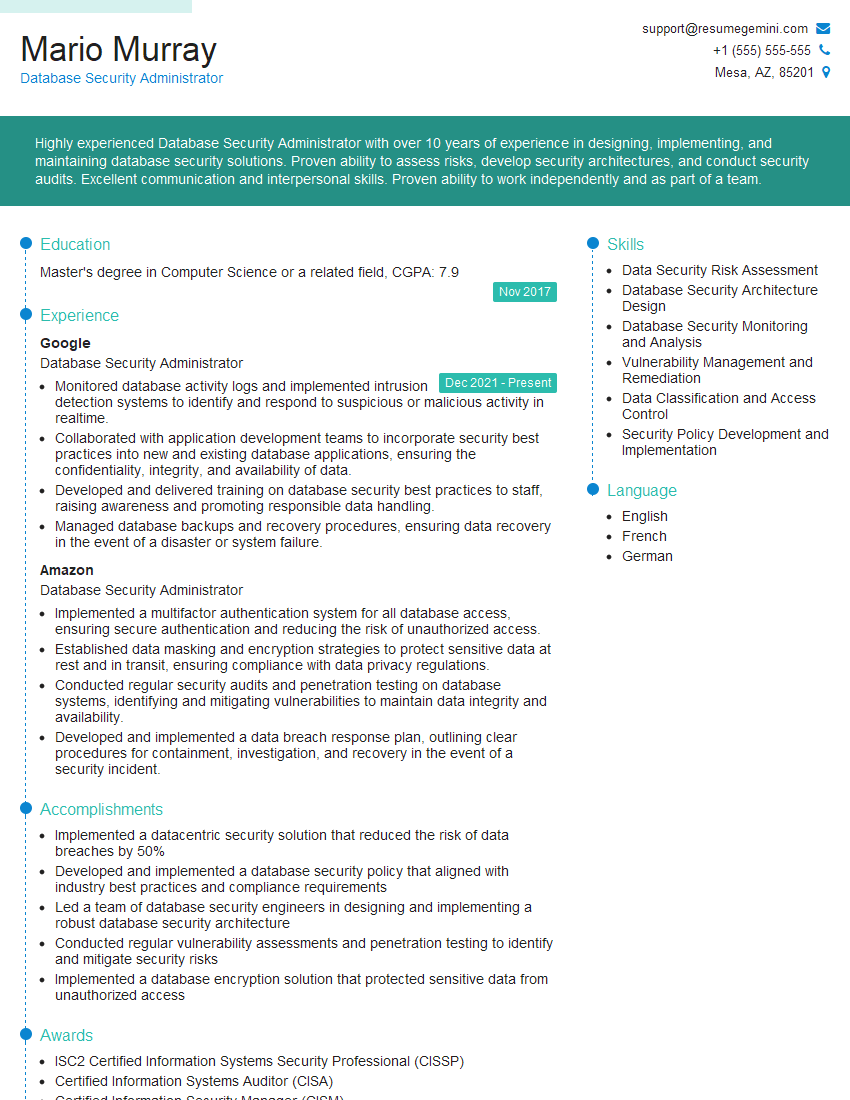
Database Security Administrator Resume Sample

ETL Developer Resume Sample
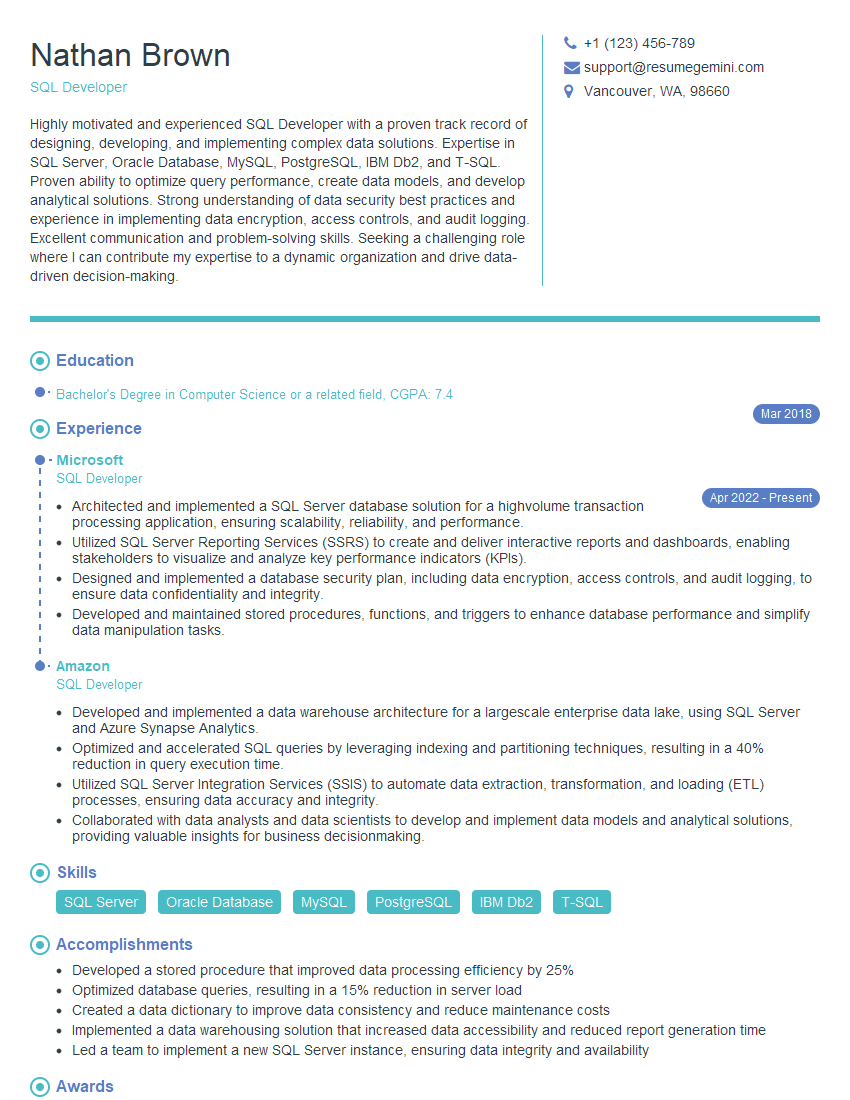
SQL Developer Resume Sample
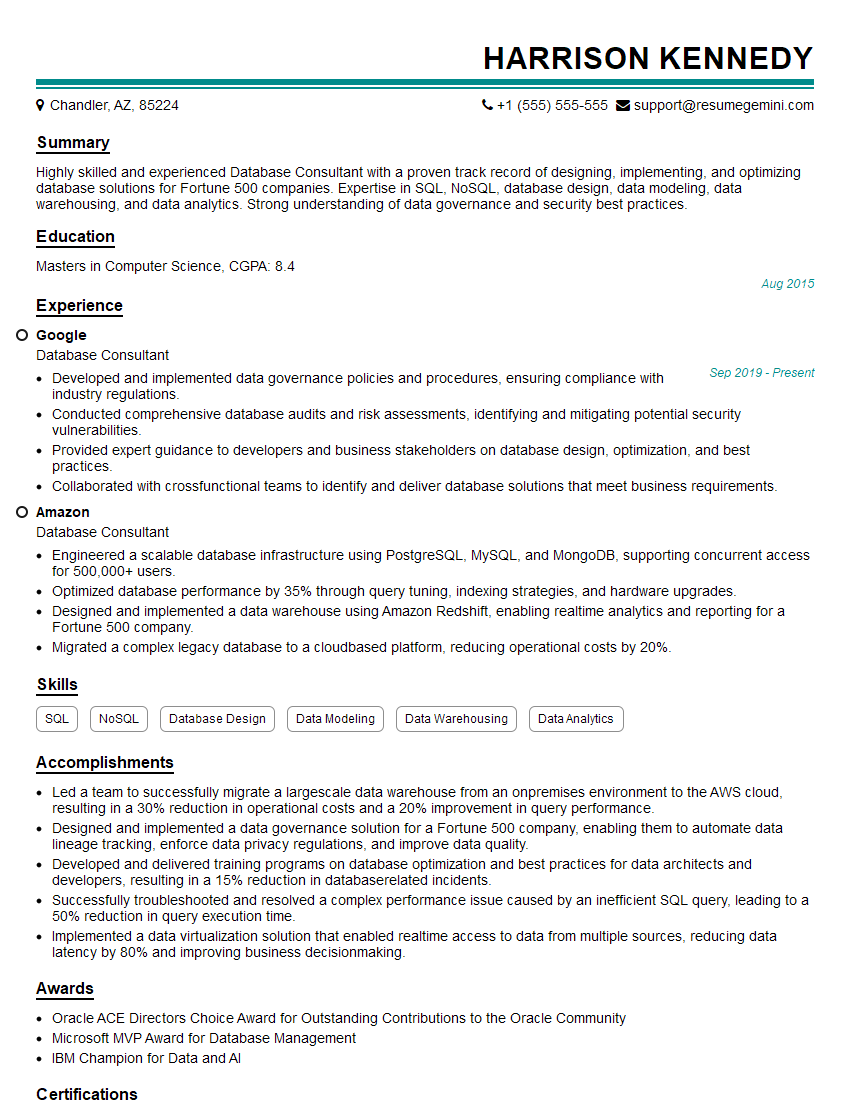
Database Consultant Resume Sample

Business Intelligence Analyst Resume Sample

Database Administrator Resume Sample
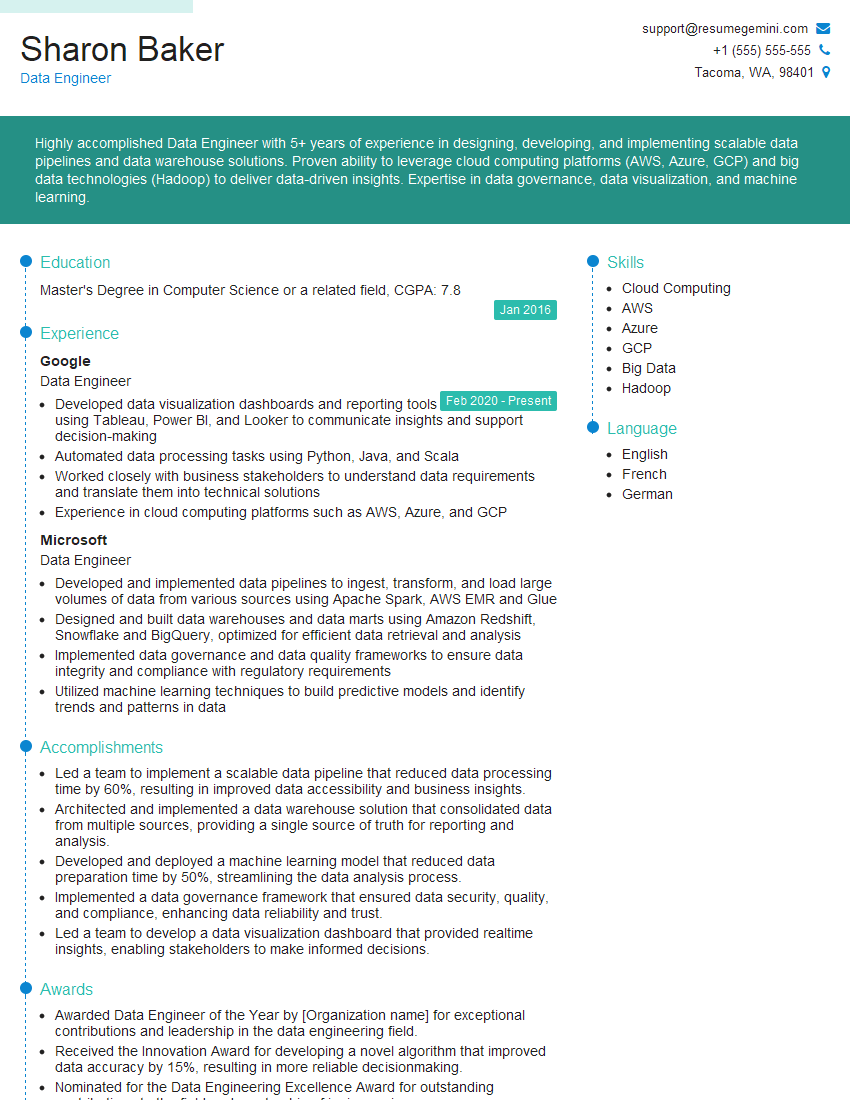
Data Engineer Resume Sample
Explore more articles
Users Rating of Our Blogs
Share Your Experience
We value your feedback! Please rate our content and share your thoughts (optional).
What Readers Say About Our Blog
Very informative content, great job.
good