The thought of an interview can be nerve-wracking, but the right preparation can make all the difference. Explore this comprehensive guide to Dimensional Analysis and Reporting interview questions and gain the confidence you need to showcase your abilities and secure the role.
Questions Asked in Dimensional Analysis and Reporting Interview
Q 1. Explain the concept of dimensional modeling.
Dimensional modeling is a technique used in data warehousing to organize data into a structured format that facilitates efficient querying and analysis. Instead of storing data in a traditional relational database format, which often leads to complex joins and performance bottlenecks when querying across multiple tables, dimensional modeling uses a schema that separates data into facts (numerical measurements) and dimensions (contextual attributes). This separation simplifies data access and allows for faster query response times, critical for business intelligence applications.
Think of it like this: Imagine you want to analyze sales data. Instead of having a single, large table with all the information (date, product, region, sales amount), dimensional modeling would separate this data into a fact table (containing sales amount) and several dimension tables (containing details about date, product, and region). This makes it much easier to understand and query the data because each aspect is clearly defined.
Q 2. What are the key components of a star schema?
The star schema is the most common type of dimensional model. Its key components are:
- Fact Table: This central table contains the numerical measurements or facts that you want to analyze. It usually includes foreign keys referencing the dimension tables. For example, in a sales scenario, this table might contain the ‘sales amount’ and foreign keys linking to the ‘date,’ ‘product,’ and ‘customer’ dimension tables.
- Dimension Tables: These tables provide context for the facts in the fact table. Each dimension table represents a business entity, such as time, product, customer, location, etc. They contain descriptive attributes for each entity. For example, a ‘product’ dimension table might include ‘product name,’ ‘product category,’ ‘product price,’ etc. They usually have a primary key that is used as a foreign key in the fact table.
The star schema gets its name from the visual representation: the fact table in the center and the dimension tables radiating outwards, like points of a star.
Q 3. Describe the difference between a fact table and a dimension table.
The core difference lies in their purpose and the type of data they hold:
- Fact Table: Stores numerical data (facts) that are measured. This data is quantitative and forms the basis of analysis. Examples include sales amount, quantity sold, profit margin, website visits, etc. Fact tables are usually large, containing many rows.
- Dimension Table: Stores descriptive attributes or contextual information that provides more detail about the facts. This data is qualitative and helps to understand the ‘why’ behind the facts. Examples include date, time, product name, customer name, location, etc. Dimension tables are generally smaller than fact tables.
Think of it like this: the fact table is the ‘what’ (e.g., 100 units sold), and the dimension tables are the ‘who,’ ‘where,’ ‘when,’ and ‘how’ (e.g., 100 units of ‘Product X’ sold to ‘Customer Y’ in ‘Location Z’ on ‘Date A’).
Q 4. What are slowly changing dimensions (SCDs)? Explain Type 1, Type 2, and Type 3.
Slowly Changing Dimensions (SCDs) address the challenge of handling changes in dimension attributes over time. Different types of SCDs handle these changes differently:
- Type 1: Overwrite: The old data is simply overwritten with the new data. This is the simplest approach but loses historical data. For example, if a customer’s address changes, the old address is replaced with the new one, and there’s no record of the previous address.
- Type 2: Add a New Row: A new row is added to the dimension table for each change. This preserves the history of changes. Continuing with the customer example, a new row would be added for each address change, indicating the effective start and end dates for each address.
- Type 3: Add a New Column: New columns are added to the dimension table to track historical changes. This is a balance between Type 1 and Type 2, as it keeps historical data but can become complex with numerous changes. A new column could be created for each previous address, with the current address maintained in the original column.
The choice of SCD type depends on the specific business requirements and the importance of maintaining historical data.
Q 5. What is ETL process and its stages?
ETL (Extract, Transform, Load) is a process used to transfer data from various sources to a data warehouse. It involves three key stages:
- Extract: Data is retrieved from source systems. This might involve connecting to various databases, files, or APIs. The goal is to pull out all the relevant data needed for the data warehouse.
- Transform: The extracted data is cleaned, transformed, and standardized to match the data warehouse schema. This includes handling missing values, data type conversions, and data cleansing to ensure data quality. Data might also be aggregated or summarized to reduce redundancy. This stage is crucial for consistency and accuracy.
- Load: The transformed data is loaded into the data warehouse. This typically involves loading the data into staging tables for validation before moving it to the final tables in the data warehouse.
Think of ETL like preparing ingredients for a dish. You extract (gather) the ingredients, transform (chop, dice, mix) them, and finally load (put) them all together to create the final product.
Q 6. Explain the role of a data warehouse in business intelligence.
A data warehouse plays a critical role in Business Intelligence (BI) by providing a centralized repository for historical data from various sources. This enables organizations to:
- Improve Decision-Making: By consolidating data from different systems, the data warehouse offers a holistic view, enabling informed and data-driven decisions.
- Gain Business Insights: The structured data within the data warehouse facilitates analysis and reporting, revealing valuable business trends and patterns that might otherwise be hidden.
- Track Key Performance Indicators (KPIs): Data warehouses are essential for monitoring and tracking KPIs, allowing organizations to measure progress against goals.
- Support Data Mining and Analytics: The consolidated and structured data can be used for advanced analytical techniques like data mining and predictive modeling, helping organizations forecast future trends.
In essence, the data warehouse serves as the foundation for effective BI, providing the necessary data for reporting, analysis, and decision-making.
Q 7. What are some common data quality issues and how to address them?
Common data quality issues include:
- Inconsistent Data: Data may have different formats or meanings across different sources.
- Incomplete Data: Missing values or attributes can hinder analysis.
- Inaccurate Data: Errors in data entry or data processing can lead to incorrect results.
- Duplicate Data: Redundant data can inflate results and make analysis more difficult.
- Outdated Data: Data may not reflect the current state of affairs.
Addressing these issues requires a multi-pronged approach:
- Data Profiling: Analyze data to understand its structure, content, and quality.
- Data Cleansing: Apply rules and techniques to identify and correct data errors.
- Data Standardization: Ensure consistency in data formats and meanings across sources.
- Data Validation: Implement checks to prevent errors from entering the data warehouse.
- Regular Data Monitoring: Continuously monitor data quality to identify and address issues proactively.
Implementing these measures improves the reliability and accuracy of the data warehouse, leading to more accurate and informed business decisions.
Q 8. Describe your experience with various reporting tools (e.g., Tableau, Power BI, Qlik Sense).
I have extensive experience with a range of reporting tools, including Tableau, Power BI, and Qlik Sense. My experience spans from designing and building interactive dashboards to creating automated reports for various business needs. For example, in a previous role, I used Tableau to create a dynamic sales dashboard that allowed executives to track performance across different regions and product lines in real-time. This involved connecting to various data sources, building calculated fields, and implementing interactive filters. With Power BI, I’ve focused on developing comprehensive financial reports, automating data refreshes, and integrating them with existing enterprise systems. Qlik Sense’s associative capabilities were instrumental in a project where we needed to analyze complex relationships between customer demographics, purchase history, and marketing campaigns to identify key trends and optimize customer segmentation.
My proficiency extends beyond simple report creation; I’m adept at optimizing report performance, managing data governance, and ensuring that reports are user-friendly and accessible to all stakeholders. I am also comfortable working with different data formats and connections, ensuring seamless integration with various enterprise systems.
Q 9. How do you handle large datasets for reporting and analysis?
Handling large datasets for reporting and analysis requires a strategic approach. It’s not just about throwing more computing power at the problem, but also about optimizing data storage, processing, and retrieval. My strategy typically involves several key steps:
- Data Sampling and Subsetting: For exploratory analysis or initial report development, I often work with a representative sample of the data. This significantly reduces processing time and allows for quicker iteration.
- Data Aggregation and Summarization: Instead of working with granular data, I pre-aggregate data at appropriate levels before reporting. This reduces the volume of data significantly and speeds up query performance.
- Database Optimization: I ensure that the underlying database is properly indexed and tuned for efficient query performance. This often involves working with database administrators to optimize table structures, indexes, and query plans.
- Data Warehousing/Data Lakes: For very large datasets, I advocate for the use of data warehousing techniques to structure data optimally for analytical queries. Similarly, data lakes are valuable for storing raw data before processing for analysis.
- In-Memory Analytics: Tools like Tableau and Power BI utilize in-memory techniques to speed up processing, especially for interactive dashboards. I leverage these capabilities to optimize performance.
Finally, I use tools that are designed for big data processing, such as Hadoop or Spark, to handle exceptionally large and complex datasets that are beyond the capacity of traditional database systems.
Q 10. How do you ensure data accuracy and consistency in reporting?
Data accuracy and consistency are paramount in reporting. My approach is multifaceted and includes:
- Data Validation and Cleansing: Before any analysis or reporting, I thoroughly validate and cleanse the data to identify and correct errors, inconsistencies, and missing values. This might involve using scripting languages like Python or SQL to perform data quality checks.
- Data Governance and Metadata Management: Implementing a strong data governance framework is crucial. This includes establishing clear data definitions, data ownership, and data quality standards. Proper metadata management helps track data lineage and ensures that everyone understands the source and meaning of the data.
- Version Control and Audit Trails: Maintaining version control for reports and data transformations is essential. It allows for tracking changes and facilitates troubleshooting if inconsistencies arise. Audit trails help track who accessed and modified the data.
- Data Profiling and Anomaly Detection: I utilize data profiling techniques to understand the characteristics of the data and identify anomalies or outliers that could indicate data quality issues. This often involves statistical analysis and data visualization.
- Regular Data Reconciliation: Periodic reconciliation of data across different sources helps identify discrepancies and ensure data integrity.
Think of it like building a house – a strong foundation (data governance) and careful construction (validation and cleansing) lead to a reliable and trustworthy structure (accurate reports).
Q 11. What are some common performance optimization techniques for dimensional models?
Performance optimization for dimensional models focuses on making queries faster and more efficient. Several techniques are key:
- Proper Indexing: Ensuring appropriate indexes on fact and dimension tables is crucial. Indexes speed up data retrieval significantly.
- Aggregate Tables: Creating aggregate tables for frequently used queries can drastically reduce query execution time. This pre-calculates sums, averages, and other aggregates at different levels of granularity.
- Partitioning: Partitioning large tables based on relevant criteria (e.g., time) can greatly improve query performance, especially when filtering data by these criteria.
- Materialized Views: Materialized views store pre-computed results of complex queries, improving performance for repetitive queries.
- Query Optimization: Analyzing query execution plans and rewriting queries to improve efficiency is a critical aspect. This often involves avoiding full table scans and using appropriate join types.
- Database Tuning: Optimizing the database server’s configuration, such as memory allocation and buffer pools, can further enhance performance.
For example, if you have a large fact table of sales transactions, partitioning it by year would significantly speed up queries that filter for a specific year’s data.
Q 12. Explain different types of joins and their use in data analysis.
Different join types are used to combine data from multiple tables based on relationships between columns. The choice of join type depends on the desired outcome.
- INNER JOIN: Returns rows only when there is a match in both tables. Think of it as finding the intersection of two sets.
SELECT * FROM TableA INNER JOIN TableB ON TableA.ID = TableB.ID; - LEFT (OUTER) JOIN: Returns all rows from the left table (TableA) and matching rows from the right table (TableB). If there’s no match in TableB, it returns NULL values for TableB columns.
SELECT * FROM TableA LEFT JOIN TableB ON TableA.ID = TableB.ID; - RIGHT (OUTER) JOIN: Similar to LEFT JOIN, but returns all rows from the right table and matching rows from the left.
SELECT * FROM TableA RIGHT JOIN TableB ON TableA.ID = TableB.ID; - FULL (OUTER) JOIN: Returns all rows from both tables. If there’s a match, the corresponding row is included; otherwise, NULL values are used for the unmatched columns.
SELECT * FROM TableA FULL OUTER JOIN TableB ON TableA.ID = TableB.ID;
Imagine you have a table of customers and a table of orders. An INNER JOIN would give you only customers who have placed orders. A LEFT JOIN would show all customers, including those with no orders (showing NULL in the order columns).
Q 13. What are some best practices for designing reports for effective communication?
Designing effective reports for communication involves prioritizing clarity, conciseness, and visual appeal. Key best practices include:
- Clear Objective: Define the purpose of the report upfront. What story are you trying to tell?
- Target Audience: Tailor the report’s complexity and language to the audience’s understanding.
- Visual Hierarchy: Use visual cues (size, color, font) to guide the reader’s eye and highlight key information.
- Data Visualization: Choose appropriate chart types to represent the data effectively. Bar charts for comparisons, line charts for trends, etc.
- Minimalist Design: Avoid clutter. Use whitespace effectively to improve readability.
- Consistent Formatting: Maintain consistency in fonts, colors, and styles throughout the report.
- Data Labels and Captions: Clearly label all data elements and include concise captions for charts and tables.
- Interactive Elements (if applicable): Interactive dashboards can allow users to explore data dynamically.
A well-designed report should be easy to understand at a glance, and detailed enough to support deeper investigation when needed. It should answer the key questions raised without overwhelming the reader with unnecessary detail.
Q 14. How do you define KPIs (Key Performance Indicators)?
Key Performance Indicators (KPIs) are measurable values that demonstrate how effectively a company is achieving key business objectives. They are not just random metrics; they should be:
- Specific and Measurable: KPIs should be clearly defined and quantifiable, allowing for accurate tracking and progress monitoring (e.g., ‘Increase website conversion rate by 15%’ is better than ‘Improve website performance’).
- Attainable and Relevant: KPIs should be achievable within a reasonable timeframe and aligned with the company’s overall strategic goals. An unattainable KPI is demotivating.
- Time-Bound: KPIs should have a specific timeframe for measurement (e.g., monthly, quarterly, annually). This provides a clear benchmark for evaluation.
Examples include customer acquisition cost (CAC), customer lifetime value (CLTV), website conversion rate, revenue growth, and employee retention rate. The selection of KPIs depends on the specific business objectives and industry. It’s critical to define and track only a few crucial KPIs to avoid overwhelming stakeholders with too much data.
Q 15. Explain different types of aggregations used in dimensional modeling.
Aggregation in dimensional modeling refers to the process of summarizing data from fact tables based on dimensions. Different types of aggregations are crucial for efficient querying and reporting. The choice of aggregation depends heavily on the business questions being asked. Here are some common types:
- SUM: Adds up numerical values. For example, summing up total sales across different product categories.
- COUNT: Counts the number of records. Useful for determining the number of transactions or customers within a specific time period.
- AVERAGE: Calculates the average of numerical values. For instance, average order value or average customer spend.
- MIN/MAX: Finds the minimum or maximum value. Useful in scenarios like identifying the lowest price or highest temperature.
- DISTINCT COUNT: Counts the number of unique values. This is helpful in finding out the total number of unique customers or products.
- Custom Aggregations: More complex calculations often needed based on business requirements might require custom aggregation functions, potentially involving multiple fields.
For example, in a sales fact table, we might aggregate sales figures (SUM(SalesAmount)) by product category (dimension) and time (dimension) to understand sales performance by category over time. The choice of the appropriate aggregation function directly influences the type of insights we can derive from the data.
Career Expert Tips:
- Ace those interviews! Prepare effectively by reviewing the Top 50 Most Common Interview Questions on ResumeGemini.
- Navigate your job search with confidence! Explore a wide range of Career Tips on ResumeGemini. Learn about common challenges and recommendations to overcome them.
- Craft the perfect resume! Master the Art of Resume Writing with ResumeGemini’s guide. Showcase your unique qualifications and achievements effectively.
- Don’t miss out on holiday savings! Build your dream resume with ResumeGemini’s ATS optimized templates.
Q 16. How do you select appropriate data visualization techniques for different types of data?
Selecting appropriate data visualization techniques depends entirely on the type of data and the message you aim to convey. It’s about choosing the right tool for the job to maximize clarity and understanding. Here’s a guide:
- Categorical Data (e.g., Gender, Product Category): Bar charts, pie charts, and treemaps are effective for comparing different categories. A bar chart would be excellent to show sales by product category, while a pie chart would be good for showing the proportion of sales across different product categories.
- Numerical Data (e.g., Sales, Temperature, Profit): Histograms, box plots, and line charts are commonly used to show distributions and trends. A line chart is perfect to display sales trends over time, while a histogram can show the distribution of customer order values.
- Relationships between Data: Scatter plots are used to explore correlations between two numerical variables. For example, plotting advertising spend versus sales to show the relationship between these variables. A heatmap can also visualize relationships between multiple categorical variables.
- Geographical Data: Map visualizations are effective in showing geographic distributions and patterns. A map can visualize customer density across different regions.
The key is to avoid misleading visualizations. For example, using a 3D pie chart can be misleading due to difficulty in visually comparing slices. Always ensure the visualization accurately represents the data and clearly communicates the insights. A crucial aspect is to also understand the audience and their level of understanding when choosing the right visualization.
Q 17. Describe your experience with data modeling methodologies (e.g., Kimball, Inmon).
I have extensive experience with both Kimball and Inmon methodologies for data modeling. Each has its strengths and weaknesses, and the best choice often depends on the specific project requirements.
- Kimball (Dimensional Modeling): I’ve used the Kimball methodology extensively, focusing on building star schemas or snowflake schemas. This approach prioritizes ease of querying and reporting, ideal for analytical applications. I appreciate its simplicity and focus on business understanding. In several projects, we opted for Kimball’s approach as we prioritized quick access to business-critical data for reporting and dashboarding. The advantage is quick reporting, but this can lead to data redundancy.
- Inmon (Enterprise Data Warehouse): I understand the Inmon approach, which emphasizes a centralized, subject-oriented database with normalization. This approach is better suited for large-scale data warehousing where data integrity and consistency are paramount. In projects demanding high data integrity and where data governance was a critical aspect, the Inmon approach served us well. However, this approach can make query response times slower.
My experience allows me to choose the best methodology based on factors like query performance requirements, data volume, data complexity, and business user needs. I often find myself combining elements of both methodologies to achieve optimal results – a hybrid approach tailored to the specific situation.
Q 18. How do you handle missing or incomplete data in your analysis?
Handling missing or incomplete data is critical for accurate analysis. My approach involves a multi-step process:
- Identification: First, I identify the extent and patterns of missing data. This involves analyzing data profiles and using data quality tools.
- Understanding the Cause: I try to understand *why* the data is missing. Is it random, systematic (e.g., data entry errors), or due to a known issue? This helps determine the best imputation method.
- Imputation or Removal: Based on the cause and nature of the missing data, I choose one of several methods:
- Removal: If the missing data represents a small, insignificant portion, it may be removed. However, this is not ideal if it introduces bias.
- Imputation: I consider various imputation techniques, such as:
- Mean/Median/Mode Imputation: Simple, but can distort the distribution of the data if used inappropriately.
- Regression Imputation: Predicting missing values based on other variables using regression models.
- K-Nearest Neighbors Imputation: Using similar data points to estimate missing values.
- Multiple Imputation: Creating multiple plausible imputed datasets to account for uncertainty.
- Documentation and Justification: Every imputation strategy is carefully documented, along with a clear rationale. The impact on analysis is carefully considered.
The choice of imputation method depends heavily on the context. There is no one-size-fits-all solution; it needs to be appropriate for the specific data and analytical goal. For example, mean imputation would be okay for filling in some gaps in a large dataset, but should be avoided when dealing with skewed distributions.
Q 19. How do you ensure data security and privacy in your reporting process?
Data security and privacy are paramount in my work. My approach incorporates several key aspects:
- Access Control: I enforce strict access control measures, using role-based access control (RBAC) to limit access to sensitive data based on the user’s role and responsibilities.
- Data Encryption: Data is encrypted both in transit (using HTTPS) and at rest (using database encryption) to protect against unauthorized access.
- Data Masking and Anonymization: For reports shared externally, I use data masking or anonymization techniques to protect personally identifiable information (PII).
- Compliance: I ensure compliance with relevant regulations such as GDPR, CCPA, etc., and other industry standards.
- Regular Security Audits: Regularly scheduled security audits and vulnerability assessments are conducted to identify and mitigate potential security risks.
- Data Loss Prevention (DLP): DLP tools are utilized to monitor and prevent sensitive data from leaving the organization’s network.
The exact approach varies by project and regulatory requirements. My primary goal is to ensure that only authorized individuals have access to the data, and all data handling practices comply with all relevant laws and industry best practices. This includes secure data storage, transmission, and access control.
Q 20. How do you communicate complex data insights to non-technical stakeholders?
Communicating complex data insights to non-technical stakeholders requires careful consideration. My approach focuses on clarity, simplicity, and visualization.
- Storytelling: I frame the data analysis as a story, starting with a clear objective and guiding the audience through the key findings using a narrative.
- Visualizations: I use clear, easy-to-understand visualizations such as charts and graphs to illustrate complex data. I avoid overly technical jargon and keep it as simple as possible.
- Plain Language: I avoid technical jargon and use plain language that everyone can understand. I ensure that the terms and concepts are defined appropriately.
- Interactive Dashboards: Interactive dashboards allow non-technical users to explore the data at their own pace and uncover insights independently.
- Summary Reports: I provide concise executive summaries that highlight the most important findings without overwhelming the audience with details.
For example, instead of saying, “The coefficient of determination (R-squared) shows a strong positive correlation,” I might say, “Our analysis shows a strong relationship between advertising spend and sales.” The goal is to empower stakeholders to make informed decisions based on the data without getting bogged down in the technical details.
Q 21. What experience do you have with data validation and cleansing techniques?
Data validation and cleansing are crucial steps in ensuring data quality. My experience involves various techniques:
- Data Profiling: I start with data profiling to understand the data’s structure, identify missing values, outliers, and inconsistencies.
- Data Cleaning: This involves handling missing values (as described earlier), removing duplicates, correcting inconsistencies, and transforming data types.
- Data Validation: I use various methods for data validation, including:
- Range checks: Ensuring values fall within acceptable ranges.
- Consistency checks: Verifying consistency across different data sources.
- Cross-field validation: Checking relationships between different fields.
- Data type validation: Ensuring data is of the correct type.
- Data Standardization: This involves converting data into a consistent format, such as using standard date formats or consistent naming conventions.
- Data De-duplication: Identifying and removing duplicate records to ensure data accuracy.
For example, in a customer database, I might use range checks to ensure that ages are within a reasonable range, and cross-field validation to check if the postal code matches the state. I often use scripting languages like Python with libraries like Pandas to automate these processes. The goal is to ensure the data is accurate, consistent, and reliable for analysis and reporting.
Q 22. Explain your experience with database systems (e.g., SQL Server, Oracle, MySQL).
Throughout my career, I’ve extensively worked with various database systems, including SQL Server, Oracle, and MySQL. My experience ranges from designing and implementing database schemas to optimizing queries for performance and scalability. For instance, in a previous role, I optimized a slow-performing SQL Server query that retrieved customer data for reporting by identifying and rewriting inefficient joins, resulting in a 70% reduction in query execution time. This involved understanding execution plans, indexing strategies, and query rewriting techniques. I’m proficient in writing complex SQL queries involving subqueries, CTEs (Common Table Expressions), and window functions to extract the necessary data for analysis and reporting. My familiarity extends to database administration tasks such as user management, backup and recovery, and performance monitoring.
In another project using MySQL, I designed a normalized database schema for a large e-commerce platform, ensuring data integrity and minimizing redundancy. This involved careful consideration of data relationships and the appropriate use of primary and foreign keys. My experience with Oracle includes working with PL/SQL to create stored procedures and functions, automating reporting processes, and improving data access efficiency. I’m comfortable working with both relational and NoSQL databases, adapting my approach based on the specific requirements of the project.
Q 23. Describe your experience with scripting languages (e.g., Python, R).
My scripting experience primarily revolves around Python and R, both of which are crucial for automating data processing, analysis, and reporting. In Python, I frequently utilize libraries like Pandas for data manipulation, NumPy for numerical computation, and Matplotlib/Seaborn for data visualization. For example, I built a Python script that automated the monthly sales report generation, fetching data from our SQL Server database, performing calculations, and creating visually appealing charts automatically. This saved significant time and reduced the risk of manual errors.
#Example Python code snippet for data manipulation with Pandas
import pandas as pd
data = pd.read_sql_query('SELECT * FROM sales_table', connection)
data['Total'] = data['Quantity'] * data['Price']
print(data)
With R, I’ve leveraged its statistical capabilities for advanced analysis and modeling. I’ve used R packages like ggplot2 for creating sophisticated visualizations, and dplyr for data manipulation. A project involved building a predictive model in R to forecast future sales based on historical data. This involved data cleaning, feature engineering, model selection, and evaluation. Both Python and R have been invaluable in building efficient and automated reporting pipelines.
Q 24. How do you troubleshoot and resolve issues in reporting processes?
Troubleshooting reporting issues involves a systematic approach. I begin by carefully examining error messages or performance bottlenecks. I then analyze the data pipeline, checking for data integrity issues, incorrect calculations, or flawed logic in the reporting queries or scripts. My approach involves:
- Reproducing the error: Understanding the exact steps to reproduce the issue is critical.
- Data validation: I verify the accuracy and completeness of the source data.
- Query debugging: I use tools like SQL Profiler (for SQL Server) or query execution plans to identify inefficiencies.
- Log analysis: Reviewing application and database logs helps pinpoint the root cause.
- Testing: I create test cases to verify the correctness of fixes.
For example, if a report shows incorrect totals, I would first check the source data for anomalies, then review the calculations within the report’s query, ensuring that aggregations are performed correctly. If performance is an issue, I might look for opportunities to optimize database queries or explore caching mechanisms.
Q 25. What are your preferred methods for data profiling and analysis?
My preferred methods for data profiling and analysis involve a combination of techniques depending on the dataset and the analysis goals. I start with descriptive statistics to understand the data’s distribution, central tendency, and variability. This often involves examining histograms, box plots, and summary statistics. I also use data visualization tools to identify patterns and outliers. I leverage tools such as:
- Data profiling tools: These tools provide automated data quality checks, identifying missing values, inconsistencies, and outliers.
- SQL queries: I use SQL to aggregate data, calculate summary statistics, and filter data based on specific criteria.
- Python/R libraries: Pandas and R’s base statistics functions are invaluable for data manipulation and analysis.
In addition to descriptive analysis, I often employ exploratory data analysis (EDA) techniques like correlation analysis and scatter plots to explore the relationships between variables. For example, I may use correlation analysis to identify strong relationships between different sales metrics or use scatter plots to visualize the relationship between advertising spend and sales revenue.
Q 26. Describe your experience with different data sources and integration techniques.
I have experience integrating data from diverse sources including relational databases (SQL Server, Oracle, MySQL), flat files (CSV, TXT), APIs (REST, SOAP), and cloud-based data warehouses (Snowflake, BigQuery). My integration techniques involve ETL (Extract, Transform, Load) processes using tools like SSIS (SQL Server Integration Services) or scripting languages like Python. For example, I’ve built ETL pipelines that extract data from multiple marketing platforms, transform the data into a consistent format, and load it into a data warehouse for reporting and analysis. This involved handling different data formats, data cleansing, and data transformation tasks. I also have experience with data virtualization techniques, enabling access to data from multiple sources without physically moving the data.
Dealing with real-time data streams often requires a different approach. I’m familiar with using message queues (e.g., Kafka) and stream processing frameworks (e.g., Apache Spark Streaming) to ingest and process real-time data for dashboards and monitoring systems. The choice of integration technique depends heavily on factors such as data volume, data velocity, data variety, and data veracity.
Q 27. How do you stay up-to-date with the latest trends in dimensional analysis and reporting?
Staying current with the latest trends in dimensional analysis and reporting is crucial in this rapidly evolving field. My approach involves a multi-pronged strategy:
- Industry publications and conferences: I regularly read industry publications such as those from Gartner, Forrester, and other relevant sources. Attending conferences provides valuable insights and networking opportunities.
- Online courses and tutorials: Platforms like Coursera, edX, and Udemy offer courses on advanced analytics and reporting techniques.
- Open-source projects and communities: Engaging with open-source projects and participating in online communities allows me to learn from other experts and stay abreast of the latest tools and methodologies.
- Professional networking: Networking with colleagues and peers at conferences and through online groups facilitates the exchange of ideas and best practices.
For example, I recently completed a course on data warehousing techniques using cloud-based solutions and I actively follow discussions on data modeling and reporting best practices within online communities. This continuous learning ensures that I remain at the forefront of innovation in this field.
Q 28. What are your salary expectations for this role?
My salary expectations for this role are in the range of [Insert Salary Range] per year. This is based on my experience, skills, and the responsibilities outlined in the job description. I am open to discussing this further and am confident that my contributions will provide significant value to your organization.
Key Topics to Learn for Dimensional Analysis and Reporting Interview
- Understanding Units and Conversions: Mastering unit conversions (e.g., metric to imperial) and the fundamental principles behind dimensional consistency is crucial. Practical application includes verifying the accuracy of calculations and ensuring data integrity.
- Dimensional Homogeneity and Equation Validation: Learn how to check if equations are dimensionally consistent. This is vital for identifying potential errors in formulas and models used in reporting and analysis.
- Data Normalization and Standardization: Explore techniques for transforming raw data into a consistent format suitable for analysis and reporting. This ensures comparability and avoids misinterpretations.
- Report Design and Data Visualization: Understand the principles of creating clear, concise, and effective reports. This includes choosing appropriate charts and graphs to communicate insights effectively to different audiences.
- Data Quality and Error Handling: Learn to identify and handle potential errors in datasets, including missing values, outliers, and inconsistencies. This is key for producing reliable and trustworthy reports.
- Statistical Analysis and Interpretation: Develop skills in basic statistical analysis techniques relevant to the data you’ll be reporting on. Being able to interpret results and draw meaningful conclusions is essential.
- Software Proficiency (e.g., Excel, SQL, specialized reporting tools): Demonstrate practical experience with relevant software used in dimensional analysis and reporting. Practice manipulating data and generating reports using these tools.
Next Steps
Mastering dimensional analysis and reporting significantly enhances your analytical skills and opens doors to exciting career opportunities in various data-driven fields. A strong foundation in these areas demonstrates your ability to handle complex data, generate accurate insights, and communicate them effectively. To maximize your job prospects, create a compelling, ATS-friendly resume that showcases your skills and experience. ResumeGemini is a trusted resource that can help you build a professional and impactful resume. Examples of resumes tailored to Dimensional Analysis and Reporting are available to guide you.
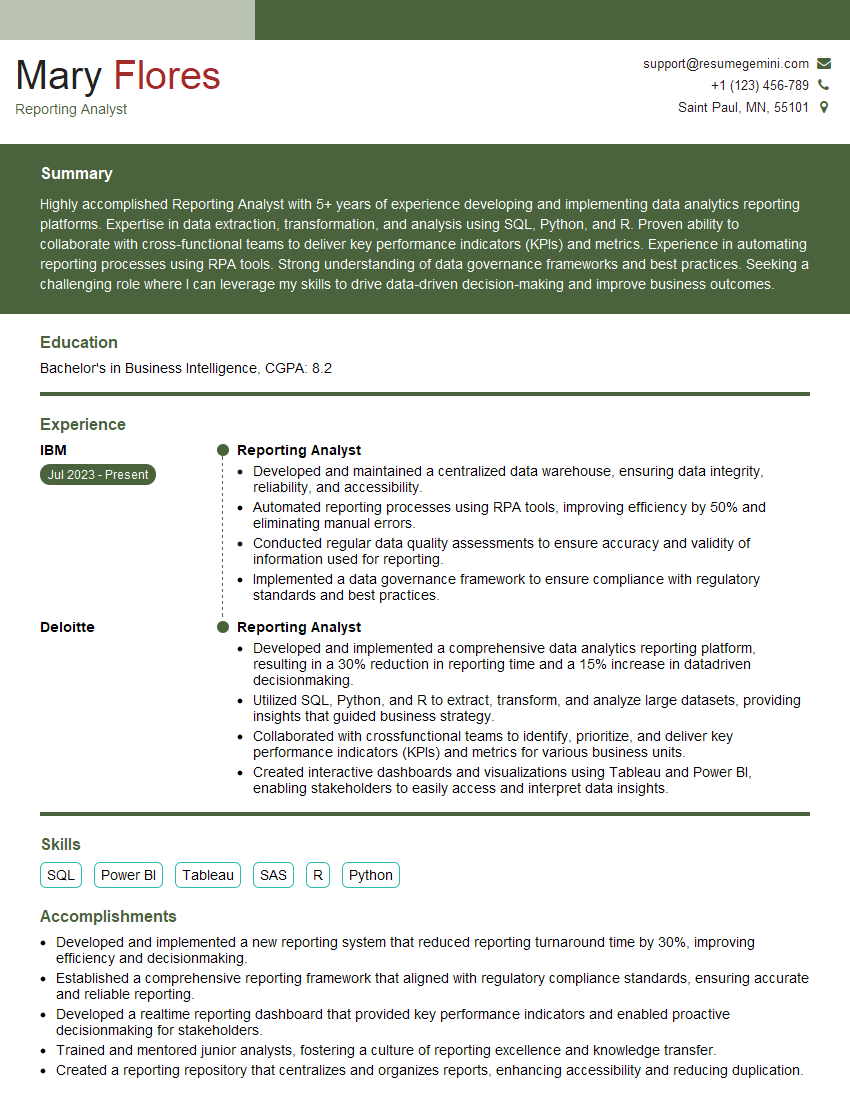
Reporting Analyst Resume Sample

Business Analyst Resume Sample
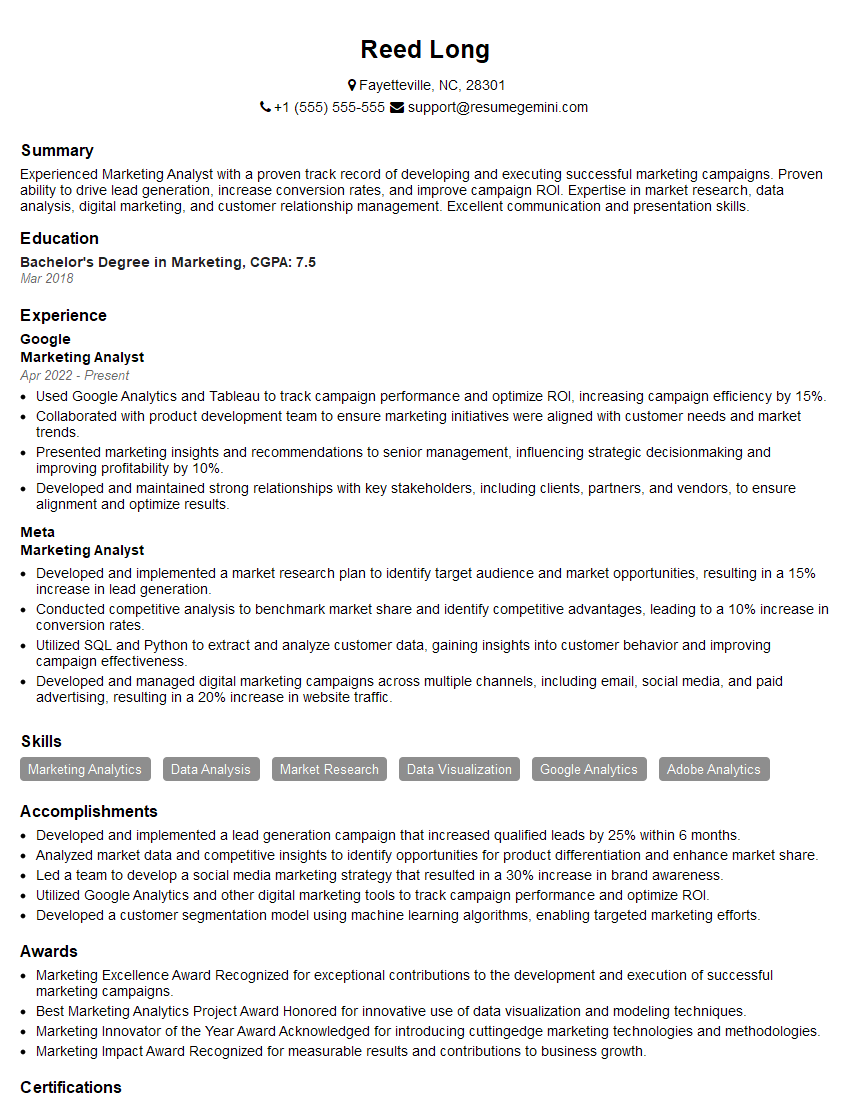
Marketing Analyst Resume Sample
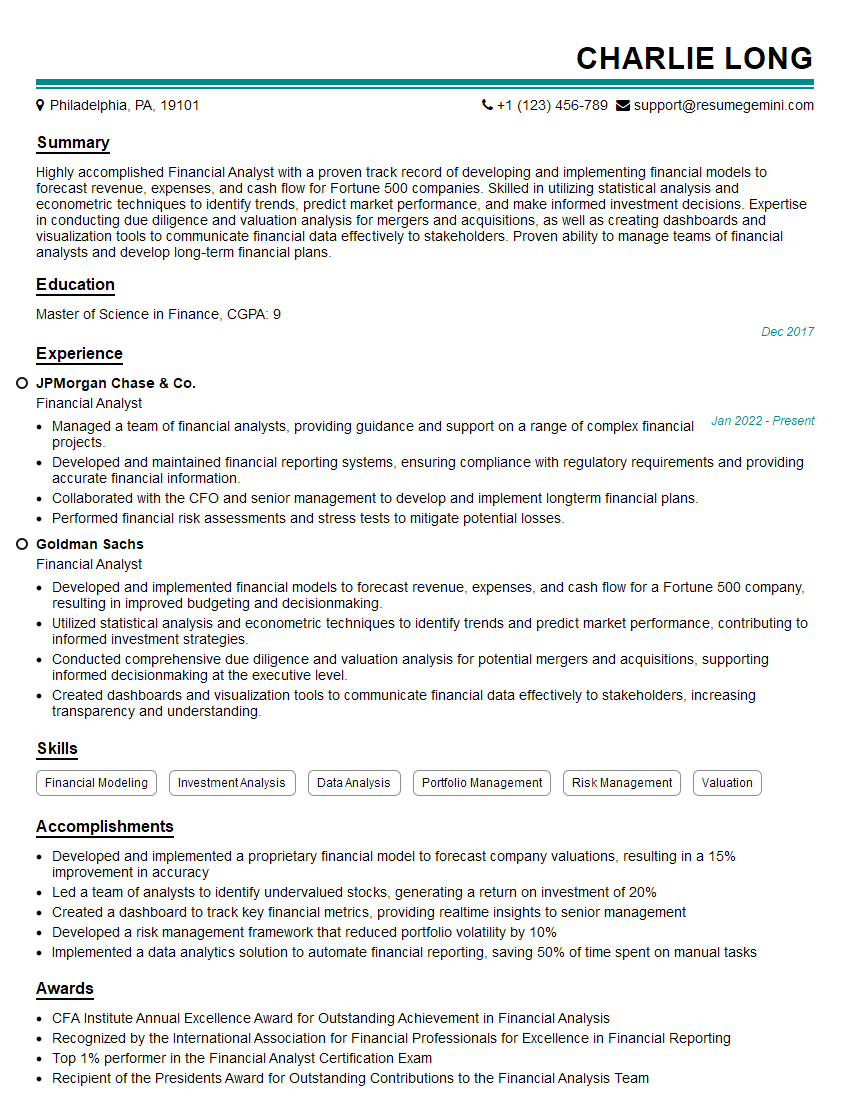
Financial Analyst Resume Sample

Data Analyst Resume Sample

Data Scientist Resume Sample
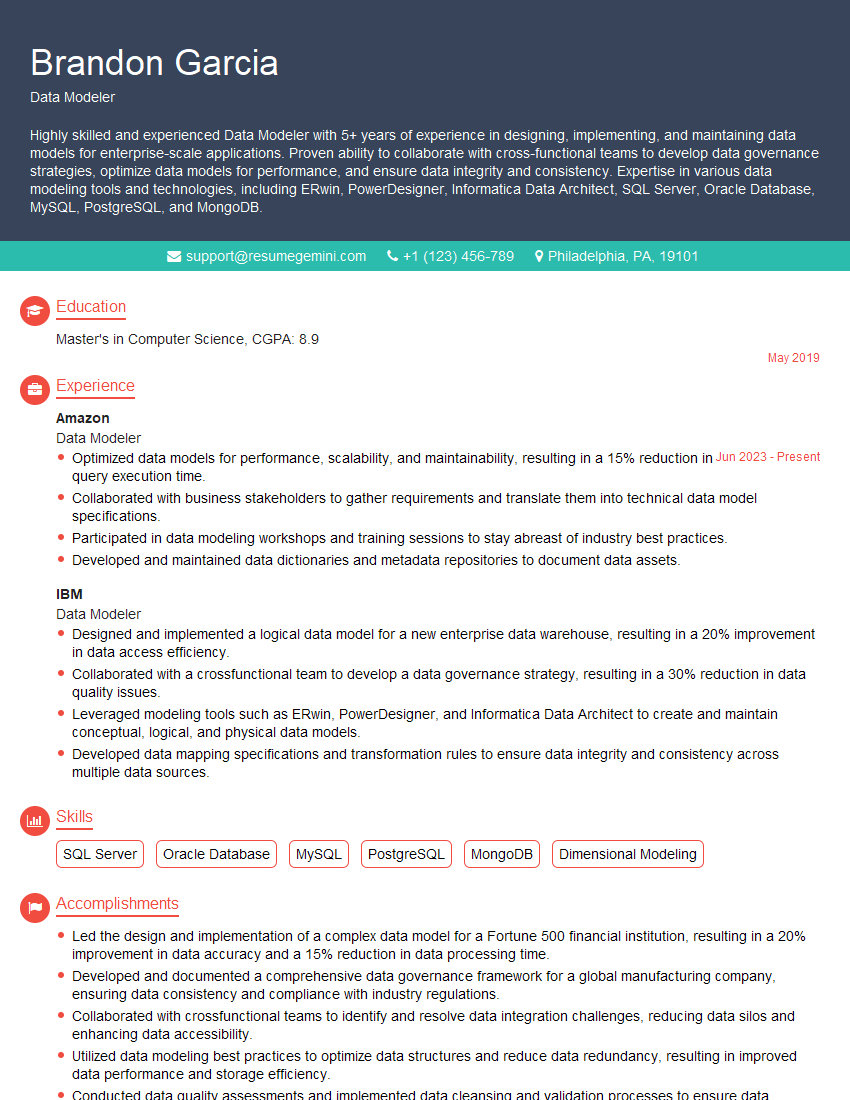
Data Modeler Resume Sample

Data Architect Resume Sample

ETL Developer Resume Sample
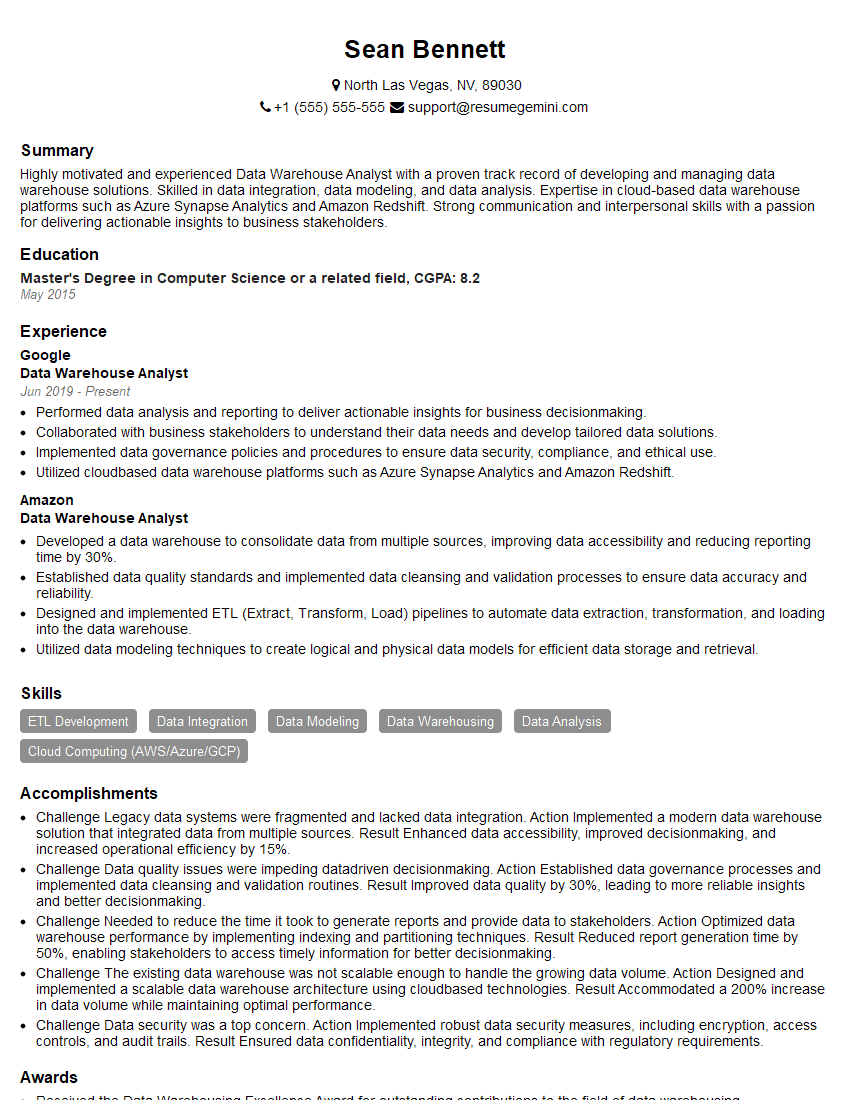
Data Warehouse Analyst Resume Sample

Business Intelligence Analyst Resume Sample
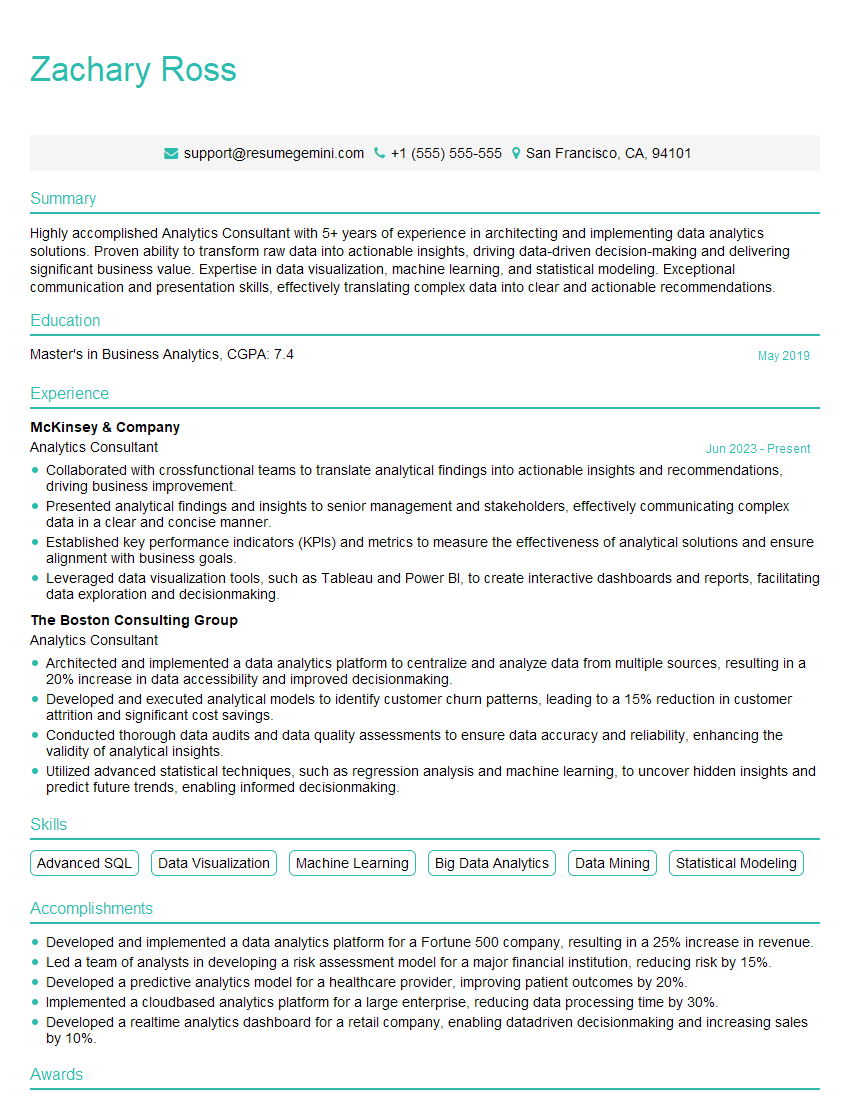
Analytics Consultant Resume Sample
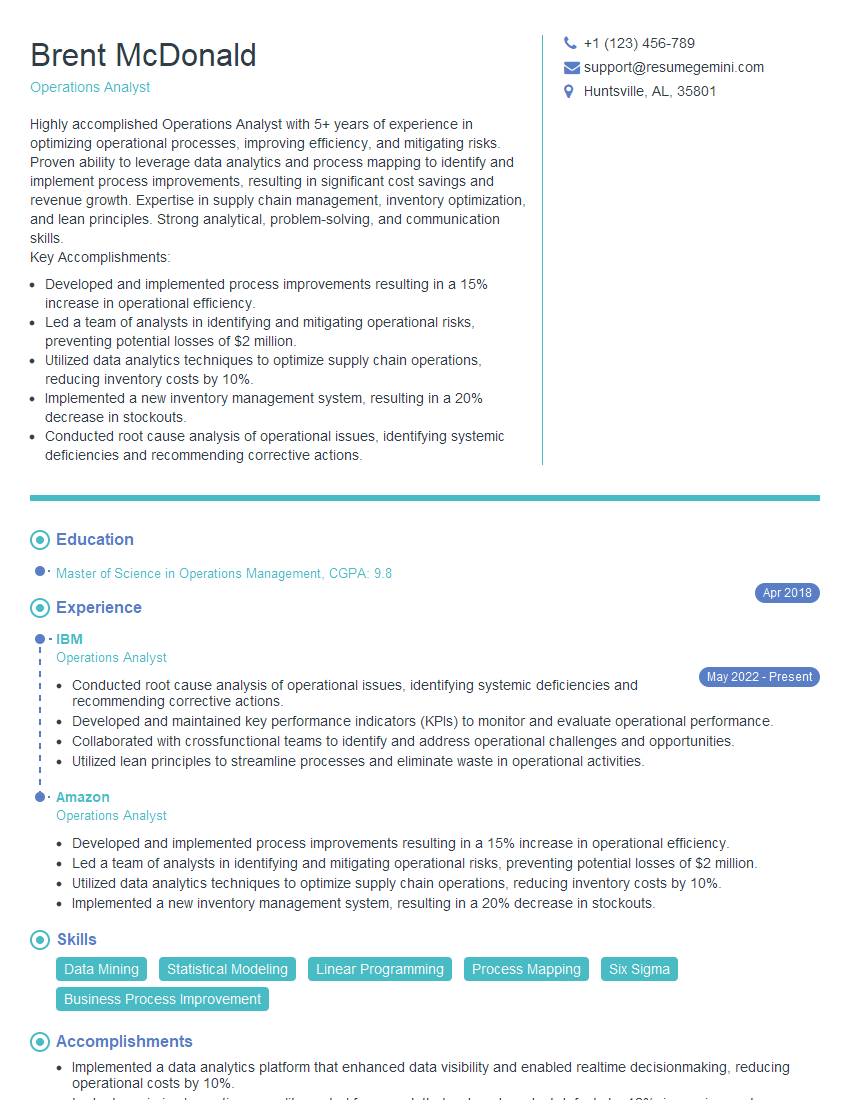
Operations Analyst Resume Sample

Database Administrator Resume Sample
Explore more articles
Users Rating of Our Blogs
Share Your Experience
We value your feedback! Please rate our content and share your thoughts (optional).
What Readers Say About Our Blog
Very informative content, great job.
good