The thought of an interview can be nerve-wracking, but the right preparation can make all the difference. Explore this comprehensive guide to DOE-2 interview questions and gain the confidence you need to showcase your abilities and secure the role.
Questions Asked in DOE-2 Interview
Q 1. Explain the fundamental principles behind DOE-2’s energy simulation methodology.
DOE-2’s energy simulation methodology is based on the fundamental principles of heat transfer, thermodynamics, and building physics. It employs a comprehensive model to predict the hourly energy consumption of a building throughout a year. The simulation involves calculating the heat gains and losses in various building zones, considering factors such as solar radiation, internal loads (lighting, equipment), infiltration, and ventilation. The model then simulates the operation of the HVAC (Heating, Ventilation, and Air Conditioning) system to maintain the desired indoor temperature, accounting for its efficiency and control strategies. The final output is an estimation of the total energy consumed by the building over the simulation period, broken down by different energy-consuming components. Think of it like a detailed, hour-by-hour accounting of your building’s energy budget, taking into consideration every possible energy inflow and outflow.
The core methodology relies on an hourly time-step calculation. For each hour, the model calculates the thermal loads on each zone, then determines how the HVAC system responds, finally calculating energy usage for that hour. These hourly calculations are aggregated to produce yearly summaries of energy consumption for various building systems and components. This detailed approach allows for a much more accurate prediction than simpler methods.
Q 2. Describe the different input data required for a DOE-2 simulation.
DOE-2 requires a variety of input data categorized broadly into building geometry, construction materials, internal loads, HVAC system details, and weather data. Let’s explore these categories:
- Building Geometry: This includes dimensions of the building, wall orientations, window areas, and roof specifications. This forms the physical ‘shell’ of your model.
- Construction Materials: For each building element (walls, roofs, windows), thermal properties like U-values (overall heat transfer coefficient), R-values (thermal resistance), and solar absorptance must be specified. These determine how effectively the building insulates and absorbs solar heat.
- Internal Loads: This involves detailed information on lighting power, equipment power, occupancy schedules (people generating heat), and infiltration rates (uncontrolled air leakage). A critical element for accurate simulation.
- HVAC System Details: This is the heart of the simulation. Specific information on HVAC system type (e.g., packaged units, chillers, boilers), their capacities, control strategies (thermostats, setpoints), and efficiencies are crucial. The more detail provided, the more accurate the results. You would even specify fan performance curves and heat exchanger details for complex systems.
- Weather Data: Hourly weather data including temperature, solar radiation, wind speed, and humidity for a representative weather year for the building’s location is essential. This data drives the external loads acting on the building.
The accuracy of the simulation directly depends on the quality and completeness of the input data. Incorrect or missing data can lead to significantly flawed results.
Q 3. How do you validate the results of a DOE-2 simulation?
Validating DOE-2 simulation results is crucial to ensure reliability. This process typically involves comparing the simulation results with measured data from the actual building or a similar building. Several techniques are employed:
- Calibration: Adjusting model parameters (e.g., infiltration rates, HVAC system efficiencies) to better match observed data. This iterative process improves the model’s accuracy.
- Verification: Checking the model’s internal consistency and logic to ensure that the calculations are performed correctly. This could involve comparing results with simpler models or analytical solutions for specific scenarios.
- Comparison with Measured Data: The most important aspect of validation. This involves collecting actual energy consumption data from the building, possibly through smart meters or utility bills, and comparing it with the DOE-2 predictions. Differences should be analyzed and addressed if significant.
For instance, if a DOE-2 simulation predicts annual energy consumption significantly different from the measured data, an investigation into possible causes is required. This could include errors in input data, inaccuracies in the model assumptions, or limitations of the software itself.
Q 4. What are the limitations of DOE-2, and how can they be mitigated?
While DOE-2 is a powerful tool, it has limitations. One key limitation is its reliance on simplified models for certain building components and systems. For example, the simulation of complex HVAC systems might be an approximation rather than a precise representation. This can lead to inaccuracies in predicted energy consumption.
Another limitation is the computational intensity for large and complex buildings. The simulation time can be considerable, especially for detailed models. However, modern computing power greatly mitigates this issue.
Mitigation strategies include:
- Using more refined models: Incorporating more detailed models for complex components where appropriate, often requiring more input data and increasing computational time.
- Model simplification: For large buildings, strategically simplifying less critical aspects of the building or HVAC system to reduce computation time while preserving the accuracy of key results.
- Sensitivity analysis: Identifying the key parameters that significantly impact the results, allowing for focused effort on improving the data quality for these parameters.
- Utilizing advanced computing resources: Employing parallel processing or high-performance computing clusters for faster simulation runs.
Choosing the appropriate level of detail and complexity depends on the project’s specific needs and available resources. Often, a compromise between accuracy and computational feasibility must be reached.
Q 5. Compare and contrast DOE-2 with other building energy simulation software.
DOE-2 is one of the oldest and most established building energy simulation programs. Compared to newer software like EnergyPlus, TRNSYS, and IES-VE, it offers a different balance of strengths and weaknesses. EnergyPlus is widely considered the successor to DOE-2, offering increased flexibility and more detailed modeling capabilities, but often with increased complexity. TRNSYS is particularly strong in handling transient simulations and complex system interactions, while IES-VE offers a user-friendly interface and extensive libraries, but might lack the depth of DOE-2 or EnergyPlus for specific aspects.
DOE-2’s strengths lie in its maturity, extensive validation, and relative simplicity for certain building types. It’s reliable for simpler buildings and basic HVAC systems. Its weaknesses are in modeling complex systems and interactions. Newer software generally offers more sophisticated modeling features, more streamlined workflows, and better visualization capabilities. However, DOE-2 remains a valuable tool, particularly for users familiar with its structure and limitations.
Q 6. Explain the concept of zone modeling in DOE-2.
Zone modeling in DOE-2 is the process of dividing the building into distinct thermal zones. A thermal zone is a space within the building that is considered to have a relatively uniform temperature and air conditions. This approach simplifies the simulation by reducing the computational burden compared to modeling every square foot individually. The number of zones depends on the building’s complexity and the desired accuracy. Simple buildings might have only a few zones, while complex structures might require many.
For example, a small office might be modeled as a single zone, while a large office building might be divided into zones based on floors, orientations, or HVAC system control strategies. Proper zone definition is crucial. Zones must be defined in a way that accurately represents the building’s thermal behavior. For instance, a large, open-plan office might need to be split into several zones to account for varying temperature conditions.
Q 7. How do you model HVAC systems within DOE-2?
Modeling HVAC systems in DOE-2 involves specifying the type, capacity, and control strategies of the system. This requires detailed information on system components, such as:
- Heating systems: Boilers, furnaces, heat pumps (heating mode), with specifications on their capacities, efficiencies, and control mechanisms.
- Cooling systems: Chillers, air conditioners, heat pumps (cooling mode), along with capacity, efficiency, and control information. Specific details like chiller performance curves are often included.
- Ventilation systems: Fans, air handlers, and ductwork, defining airflow rates and distribution throughout the zones. Fan performance curves are critical.
- Control systems: Thermostats, setpoints, and control algorithms that govern the operation of the HVAC system. Different control strategies significantly affect the energy performance.
The level of detail in the HVAC model can significantly influence the accuracy of the simulation results. Simple models might use standard efficiency values, while more complex models incorporate detailed component characteristics, including variable-speed drives and other advanced control strategies. Care must be taken to correctly represent the actual system operation to ensure accurate results.
Example: A simple air-conditioning system could be defined by providing the cooling capacity (in tons), the efficiency (COP or EER), and the thermostat setpoint. More complex systems, such as a Variable Refrigerant Flow (VRF) system, may require input data including individual unit capacities and detailed control algorithms.
Q 8. Describe the process of creating and running a DOE-2 simulation.
Creating and running a DOE-2 simulation involves a multi-step process. First, you need to define your building’s geometry, including its dimensions, orientation, and construction materials. This is typically done using the DOE-2 input file, which uses a specific syntax. You then specify the building’s systems – HVAC (Heating, Ventilation, and Air Conditioning), lighting, and other equipment – detailing their operating schedules and energy consumption characteristics. Crucially, you select the appropriate weather data file corresponding to the building’s location. This file contains hourly weather information essential for accurate simulation. Once the input file is complete, you run the simulation using the DOE-2 software. The software calculates the building’s energy consumption, thermal performance, and other relevant metrics based on the provided input and weather data. The output is a comprehensive report detailing the simulation results.
Think of it like baking a cake: the recipe (input file) specifies the ingredients (building elements and systems) and instructions (operating schedules). The oven (DOE-2 software) uses these instructions and the right temperature (weather data) to bake the cake (simulation). The final product is a report detailing how the cake turned out (simulation results).
- Step 1: Input file creation (geometry, systems, schedules, materials)
- Step 2: Weather data selection
- Step 3: Simulation run using DOE-2 software
- Step 4: Results analysis
Q 9. How do you interpret the results of a DOE-2 simulation report?
Interpreting DOE-2 simulation results involves a thorough examination of the output report. This report provides a wealth of information on the building’s energy consumption, including total energy use, energy use by system (e.g., heating, cooling, lighting), and peak demands. You can also analyze the impact of various design choices on energy performance. For example, you might compare the energy consumption of different HVAC systems or building envelopes. Pay close attention to the summary tables and graphs provided. They typically show key performance indicators (KPIs) like annual energy consumption, peak load, and the contribution of each system to the overall energy use. Analyzing these KPIs helps identify areas for energy efficiency improvements.
For instance, a high heating load might suggest the need for improved insulation, while high cooling loads could point towards better shading strategies. Always consider the context of your simulation—the climate, building type, and operational profile—when interpreting the results. Comparing the simulation results to baseline cases or energy codes helps assess the building’s performance relative to industry standards.
Example: Analyzing the 'Annual Energy Use' table might reveal that lighting accounts for a significant portion of the total energy consumption, prompting a review of the lighting system design.Q 10. Explain the significance of different weather data sets in DOE-2 simulations.
Different weather data sets are crucial because they directly influence the simulation results. DOE-2 uses hourly weather data to accurately model the building’s thermal performance and energy consumption. Using weather data from a location different from the building’s actual site will lead to inaccurate predictions. The accuracy of weather data significantly impacts the reliability of the simulation. Data sets are typically in the Typical Meteorological Year (TMY) or Weather Research and Forecasting (WRF) formats. TMY data represents a typical year’s worth of hourly weather conditions for a given location, while WRF offers higher resolution and more detailed information.
Consider a building designed for a mild climate. Simulating it with data from a harsh, cold climate will dramatically overestimate heating energy use. Conversely, using data from a hot climate will artificially inflate the cooling load. Choosing the correct weather data set is crucial for obtaining realistic and reliable simulation results, ensuring design decisions are based on accurate energy consumption predictions.
Q 11. How do you model daylighting and shading in DOE-2?
Daylighting and shading are modeled in DOE-2 by defining the building’s geometry, window properties (size, type, shading devices), and the orientation of the building relative to the sun’s path. DOE-2 uses sophisticated algorithms to simulate solar radiation transmission through windows, the effects of shading devices (e.g., overhangs, awnings, blinds), and the resulting internal illuminance levels. You would input parameters such as the window-to-wall ratio, shading coefficients of materials, and the geometry of shading devices. The simulation then calculates the amount of daylight entering the building and the amount of solar heat gain. This allows you to evaluate the impact of daylighting strategies on both energy consumption and occupant comfort.
For example, simulating a building with large south-facing windows in a sunny climate requires careful modeling of shading devices to mitigate excessive solar heat gain and glare. By adjusting shading parameters and observing the results, you can optimize the design to maximize daylighting while minimizing energy consumption.
Q 12. Explain the role of building materials in energy performance, as modeled in DOE-2.
Building materials play a vital role in energy performance, influencing factors such as heat transfer, thermal mass, and air leakage. DOE-2 models these aspects by allowing you to specify the thermal properties of each building component (walls, roofs, floors, windows). These properties, such as conductivity, specific heat, and density, determine how efficiently heat is transferred through the building envelope. Materials with high thermal resistance (insulation) reduce heat transfer, minimizing heating and cooling loads. Materials with high thermal mass absorb and release heat slowly, mitigating temperature fluctuations. Air leakage affects both energy consumption and indoor air quality. DOE-2 allows you to specify infiltration rates and air leakage paths to estimate their influence on energy performance.
For example, choosing a high-performance insulation material for exterior walls directly impacts the overall building energy efficiency. Similarly, specifying materials with high thermal mass for interior walls helps maintain stable internal temperatures and reduces the burden on the HVAC system.
Q 13. How do you model different types of lighting systems in DOE-2?
DOE-2 models different lighting systems by allowing you to specify the type of lighting (incandescent, fluorescent, LED), wattage, and operating schedules. You can also define the lighting control systems, such as occupancy sensors or daylight harvesting controls. This allows you to analyze the energy consumption of various lighting technologies and control strategies. The simulation then calculates the energy used for lighting and considers the effect of daylighting on lighting load.
For example, comparing the energy use of an office building equipped with traditional fluorescent lighting versus LED lighting with occupancy sensors reveals the energy savings potential of more efficient technologies and smarter controls. This information is crucial for optimizing lighting systems and minimizing their energy footprint.
Q 14. Describe how to use DOE-2 to analyze the impact of different building envelopes.
DOE-2 is an excellent tool for analyzing different building envelopes. By modifying the construction materials, insulation levels, window types, and air leakage rates in the input file, you can compare the energy performance of various envelope designs. This involves creating multiple simulations, each with a different envelope configuration. You can then compare the results (energy consumption, thermal comfort, etc.) to identify the optimal envelope design based on your specific goals (e.g., minimizing energy costs, maximizing occupant comfort). The results may show the significant impact of insulation levels on heating and cooling loads, or how different window types influence solar heat gain.
For instance, you could compare an envelope with standard insulation to one with high-performance insulation. The simulation results would quantify the reduction in energy consumption achieved by the improved insulation. Similarly, you could compare different window types (single-pane versus double- or triple-pane) and assess their impact on energy efficiency.
Q 15. How do you account for occupancy schedules in a DOE-2 simulation?
Occupancy schedules in DOE-2 dictate when different areas of a building are occupied and used. Think of it like a detailed timetable for your building’s activity. These schedules are crucial because they directly influence heating, cooling, and lighting loads. An empty office building requires significantly less energy than a fully occupied one. In DOE-2, you define occupancy schedules using a simple yet powerful text-based input. You specify the fraction of occupancy for each hour of the day, every day of the year. For example, you might have a schedule representing a typical weekday with high occupancy during work hours and low occupancy outside those times, and a different schedule for weekends with even lower occupancy.
For instance, a classroom might have high occupancy during school hours (say, 8 am to 3 pm) and near-zero occupancy at other times. These schedules are then linked to the zones in the model, affecting the lighting, equipment and ventilation controls. The software uses this data to calculate the precise energy consumption for heating, cooling, and lighting based on the actual occupancy of each zone. Failure to accurately define occupancy schedules can lead to significant errors in the simulated energy performance.
Example: A simple occupancy schedule might look like this (simplified representation): Monday-Friday: 0.9 (8:00-17:00), 0.1 (other hours); Saturday-Sunday: 0.05 (all hours)
Career Expert Tips:
- Ace those interviews! Prepare effectively by reviewing the Top 50 Most Common Interview Questions on ResumeGemini.
- Navigate your job search with confidence! Explore a wide range of Career Tips on ResumeGemini. Learn about common challenges and recommendations to overcome them.
- Craft the perfect resume! Master the Art of Resume Writing with ResumeGemini’s guide. Showcase your unique qualifications and achievements effectively.
- Don’t miss out on holiday savings! Build your dream resume with ResumeGemini’s ATS optimized templates.
Q 16. Explain the concept of thermal zones in DOE-2 and their importance.
In DOE-2, a thermal zone represents a distinct area within a building with relatively uniform temperature and air conditions. Think of it as a large room, a group of similar rooms, or even a whole floor, where you assume a consistent temperature. It’s like dividing your building into separate, manageable compartments for the simulation. The importance of thermal zones stems from the fact that DOE-2 calculates energy consumption based on these zones. Precisely defining zones helps to accurately reflect the building’s actual thermal behavior. For example, a large open-plan office might be split into several zones to account for differences in solar exposure or internal heat gains from equipment. This accuracy is essential for reliable energy performance predictions.
Creating appropriate thermal zones requires careful consideration of the building’s layout and function. Factors such as solar exposure, internal heat gains, and ventilation systems influence how zones are defined. If you incorrectly define zones, you’ll get inaccurate results. For instance, merging a south-facing sunroom with a north-facing office into a single zone would mask the significant differences in their heating and cooling needs.
Q 17. How do you model different types of windows and their impact on energy consumption?
DOE-2 allows for a detailed modeling of various window types, considering factors like glazing material, frame material, and air gaps. This is critical since windows are major contributors to both heat gain and loss. Each window type is characterized by its U-value (thermal transmittance), solar heat gain coefficient (SHGC), and visible transmittance (VT). The U-value indicates how well the window insulates, while SHGC quantifies how much solar heat is transmitted through the window, and VT indicates how much visible light is transmitted. Different window types significantly impact energy consumption, especially during peak heating and cooling seasons.
For example, a triple-paned window with low-E coating will have a much lower U-value and SHGC than a single-paned window. This means less heat will be lost in the winter and less solar heat gained in the summer. DOE-2 uses this detailed window information to calculate the heat transfer through each window and incorporates it into the overall building energy balance. This detailed modeling allows for a comparison of different window types and their influence on overall building energy performance, enabling informed design choices that optimize energy efficiency.
Example Input (simplified): WINDOW, U-value=0.25, SHGC=0.3, VT=0.7
Q 18. Explain how to use DOE-2 to compare the energy performance of different building designs.
Comparing different building designs using DOE-2 involves creating separate models for each design and running simulations under identical conditions. This ensures a fair comparison. To achieve this, you need to maintain consistency in parameters such as weather data, occupancy schedules, and internal loads across all models. The only thing varying should be the design features you’re comparing, such as window types, wall insulation levels, or HVAC systems. This allows you to isolate the impact of each design element on energy performance.
Once the simulations are complete, you can analyze the results to identify the most energy-efficient design. DOE-2 provides various output reports, including total energy consumption, peak demand, and energy use intensity (EUI), allowing for a comprehensive comparison. Visualizing the results using charts and graphs can further facilitate the interpretation of the comparative data and support informed decision-making during design optimization.
For example, you might compare a building design with high-performance windows and thick insulation against a design with standard windows and less insulation. The results will clearly show the energy savings achieved by the improved design, providing strong evidence to justify the higher initial investment in more energy-efficient materials.
Q 19. What are the key parameters to monitor during a DOE-2 simulation?
The key parameters to monitor during a DOE-2 simulation are those that provide insight into both energy consumption and building comfort. These include:
- Total energy consumption: This gives an overall picture of the building’s energy performance.
- Peak demand: This shows the maximum energy load experienced by the building, important for sizing HVAC equipment.
- Energy use intensity (EUI): This normalizes energy consumption by building area, useful for comparing buildings of different sizes.
- Heating and cooling loads: These indicate the energy needed for thermal comfort, revealing potential areas for improvement.
- Internal temperatures: Monitoring these ensures the design meets comfort requirements. This helps prevent overheating in summer and overcooling in winter.
- Lighting energy consumption: This highlights the efficiency of the lighting system and opportunities for optimization.
- Ventilation energy consumption: This focuses on the energy used for air changes to maintain indoor air quality.
By carefully analyzing these parameters, you can pinpoint aspects of the building design that need adjustment to achieve better energy efficiency and occupant comfort. Furthermore, DOE-2 offers the ability to generate detailed reports for each zone allowing for more granular analysis and design refinements.
Q 20. How do you troubleshoot common errors encountered during DOE-2 simulations?
Troubleshooting DOE-2 simulations often involves careful examination of the input files. Common errors include:
- Syntax errors: DOE-2 is sensitive to syntax. A missing comma, incorrect variable name, or wrong data type can lead to errors. Check each line carefully.
- Data inconsistencies: Ensuring data consistency is critical. Verify that units are consistent throughout the input file and that all references (e.g., to zones, materials, schedules) are correctly defined.
- Missing or incomplete data: Make sure that all required input parameters are included. DOE-2 might produce unexpected results or fail to run if crucial data is missing.
- Incorrect zone definitions: Double-check zone boundaries and interconnections to ensure accurate thermal modeling. Incorrectly defined zones are a significant source of errors.
DOE-2’s output often provides hints about the source of errors. Carefully review the error messages, warnings, and summary reports. If a specific error persists, consulting the DOE-2 documentation or seeking assistance from experienced users is recommended. Often, systematically checking input data, line by line, and comparing your input file against examples can be very effective.
Q 21. Explain your experience using DOE-2 to optimize building designs for energy efficiency.
I have extensive experience using DOE-2 to optimize building designs for energy efficiency. For example, I worked on a project designing a new office building where DOE-2 played a vital role in evaluating design alternatives. We initially had a base design, and then we explored different scenarios. We used DOE-2 to compare the energy performance of different options, including variations in:
- Window types: We compared different glazing types and their impact on heating and cooling loads.
- Wall insulation: We modeled several insulation levels to assess their effectiveness in reducing energy consumption.
- HVAC systems: We evaluated different HVAC systems (e.g., VRF vs. chilled water) to determine the most energy-efficient solution.
- Building orientation: We explored different building orientations to minimize solar heat gain in summer and maximize solar heat gain in winter.
Through iterative simulations and analysis of DOE-2 outputs, we were able to identify the optimal combination of design elements that minimized energy consumption while satisfying comfort requirements. This led to a design that significantly reduced operational costs and environmental impact compared to the initial base design. The project demonstrated the powerful role of DOE-2 in achieving energy-efficient and sustainable building design, ultimately leading to significant cost savings for the client over the lifetime of the building.
Q 22. Describe your experience interpreting DOE-2 results to make informed design decisions.
Interpreting DOE-2 results is crucial for making data-driven design decisions. It’s not just about looking at numbers; it’s about understanding the building’s energy performance holistically. My approach involves a multi-step process. First, I carefully review the summary reports, focusing on key performance indicators (KPIs) like annual energy consumption, peak loads, and cost analysis. Then, I delve into detailed reports, examining hourly energy usage to pinpoint areas of high energy consumption. For instance, if the heating load is unusually high in a specific zone, I’d investigate factors like window orientation, insulation levels, and infiltration rates. This detailed analysis allows me to identify potential design improvements. For example, during a recent project for a large office building, the DOE-2 simulation highlighted excessive cooling loads during peak summer hours. By analyzing the hourly data, we determined the primary cause was significant solar heat gain through the south-facing facade. This led to design changes, including the incorporation of high-performance glazing and external shading devices, resulting in a 15% reduction in cooling energy consumption.
Finally, I use visualization tools to better understand the data. Creating charts and graphs of key parameters helps communicate complex findings to stakeholders, facilitating informed decision-making. This iterative process of analysis, interpretation, and refinement ensures that the final design is optimized for energy efficiency and cost-effectiveness.
Q 23. How familiar are you with different DOE-2 input files and their formats?
I’m very familiar with the various DOE-2 input files and their formats. The primary input file is typically an IDF (Input Data File), which uses a structured format to define building geometry, materials, systems, and schedules. I’m proficient in creating and modifying these files, understanding the nuances of each section. For example, the Building section defines overall building properties, while the Zone section describes individual spaces. The Materials section specifies thermal properties of construction elements, and the HVAC section describes the heating, ventilation, and air conditioning systems. Each section contains various parameters that influence the simulation results. I also have experience working with weather files (typically in EPW format), which provide hourly climate data for the building’s location. Furthermore, I’m adept at using pre-processing tools to generate IDF files from more user-friendly graphical interfaces, streamlining the modeling process.
My experience extends to understanding various output files generated by DOE-2, including summary reports, detailed reports, and time-series data files. This allows me to extract the relevant information efficiently and effectively.
Q 24. How do you incorporate renewable energy sources into your DOE-2 models?
Incorporating renewable energy sources into DOE-2 models is a key aspect of my work, reflecting the growing importance of sustainable design. I typically achieve this through several methods. First, I’ll define renewable energy generation systems, such as photovoltaic (PV) arrays or wind turbines, within the IDF file using dedicated objects. I specify parameters like system size, efficiency, and orientation. For PV arrays, I would include details such as panel type and tilt angle. For wind turbines, it’s crucial to specify the turbine’s capacity and the wind resource data available at the site.
Second, I ensure that the energy generated by these systems is correctly accounted for in the energy balance of the building. This often involves using custom objects or modifying existing components within DOE-2 to model the interaction between the renewable energy systems and the building’s energy demands. This might involve defining user-defined objects or using built-in functionalities such as the Generator object. Finally, I analyze the simulation results to assess the impact of the renewable energy systems on the building’s overall energy performance, including reductions in energy consumption and greenhouse gas emissions. I always consider aspects like energy storage to ensure the reliability and efficiency of the renewable energy systems.
Q 25. What are your strategies for managing large and complex DOE-2 projects?
Managing large and complex DOE-2 projects requires a structured and organized approach. My strategy involves breaking down the project into smaller, manageable tasks. This might involve dividing the building model into zones or systems for individual analysis. I utilize version control systems, such as Git, to track changes made to the IDF files and other project documents, ensuring collaboration and preventing conflicts. I also rely heavily on scripting and automation. For example, I frequently use Python to automate repetitive tasks, such as generating IDF files, running simulations, and processing the results. This improves efficiency and minimizes human error. Finally, I employ robust documentation practices, creating detailed reports that explain the model assumptions, simulation parameters, and the results obtained. This is vital for transparency and reproducibility.
Q 26. How do you handle uncertainties and assumptions in DOE-2 modeling?
Uncertainties and assumptions are inherent in DOE-2 modeling, as it’s a simplification of complex real-world phenomena. My approach involves acknowledging and addressing these uncertainties explicitly. First, I document all assumptions made during the modeling process, clearly outlining the rationale behind each. This includes assumptions about occupancy schedules, equipment performance, and climatic conditions. Second, I perform sensitivity analyses to determine the impact of key input parameters on the simulation results. This helps identify areas where uncertainties might significantly affect the outcomes. For example, I might vary the occupancy schedules to assess its impact on energy consumption or investigate the effect of varying weather data on the building’s peak loads. Third, I use probabilistic methods, such as Monte Carlo simulations, to incorporate uncertainties into the model and obtain a range of possible outcomes rather than a single deterministic result. This provides a more realistic representation of the building’s potential energy performance.
Q 27. Describe your experience working with different versions of DOE-2.
I have extensive experience working with various versions of DOE-2, including DOE-2.2 and its successors. I understand the differences in input formats, functionalities, and capabilities between these versions. My experience encompasses both command-line usage and graphical user interfaces. I’m aware of the evolution of DOE-2, including improvements in modeling capabilities, such as more advanced HVAC system representations and the inclusion of renewable energy technologies. This experience enables me to adapt my approach depending on the specific requirements of each project and the version of DOE-2 available. My familiarity with older versions is valuable for working with legacy projects, while proficiency in the latest versions ensures I’m utilizing the most advanced tools and capabilities available.
Q 28. Explain your experience collaborating with other professionals (architects, engineers, etc.) using DOE-2 models.
Collaboration is crucial in building design. I’ve worked closely with architects, mechanical, electrical, and plumbing (MEP) engineers, and other professionals using DOE-2 models. My collaboration strategy involves using DOE-2 as a common platform to facilitate communication and informed decision-making. I often participate in design charrettes, presenting simulation results and engaging in discussions about design options. I prepare clear and concise reports tailored to the different technical backgrounds of the stakeholders. Using visualizations like energy consumption charts and 3D building models helps communicate complex simulation results effectively. I’m also comfortable integrating data from other design tools into DOE-2 models, ensuring a holistic approach to design optimization. During a recent project, collaborating with an architect allowed us to refine the building’s envelope design based on DOE-2 simulation results, leading to significant energy savings while maintaining architectural aesthetics.
Key Topics to Learn for DOE-2 Interview
- Building and Zone Definition: Understand how to accurately define building geometry, zones, and construction materials within the DOE-2 simulation environment. This includes mastering the input file structure and appropriate material selection for accurate energy modeling.
- HVAC System Modeling: Gain a strong grasp of modeling various HVAC systems (e.g., air-handling units, chillers, boilers) and their impact on energy consumption. Be prepared to discuss the strengths and weaknesses of different system types and their suitability for diverse building applications.
- Load Calculations and Simulation Results Interpretation: Learn how DOE-2 calculates building loads (heating, cooling, lighting, etc.) and how to interpret the simulation results effectively. This includes understanding key performance indicators (KPIs) like energy use intensity (EUI) and identifying areas for energy efficiency improvements.
- Input Data Verification and Validation: Develop skills in verifying and validating your DOE-2 input data to ensure the accuracy and reliability of your simulation results. Understand techniques for detecting and resolving errors in the input file.
- Sensitivity Analysis and Optimization: Explore how to perform sensitivity analyses to assess the impact of different design parameters on building energy performance and utilize optimization techniques to improve energy efficiency.
- Reporting and Presentation of Results: Practice presenting your simulation results clearly and concisely, using appropriate charts, graphs, and tables. Demonstrate your ability to communicate complex technical information to a non-technical audience.
- DOE-2’s Capabilities and Limitations: Understand the scope of DOE-2’s capabilities and its limitations. Know when DOE-2 is an appropriate tool for building energy modeling and when other tools might be more suitable.
Next Steps
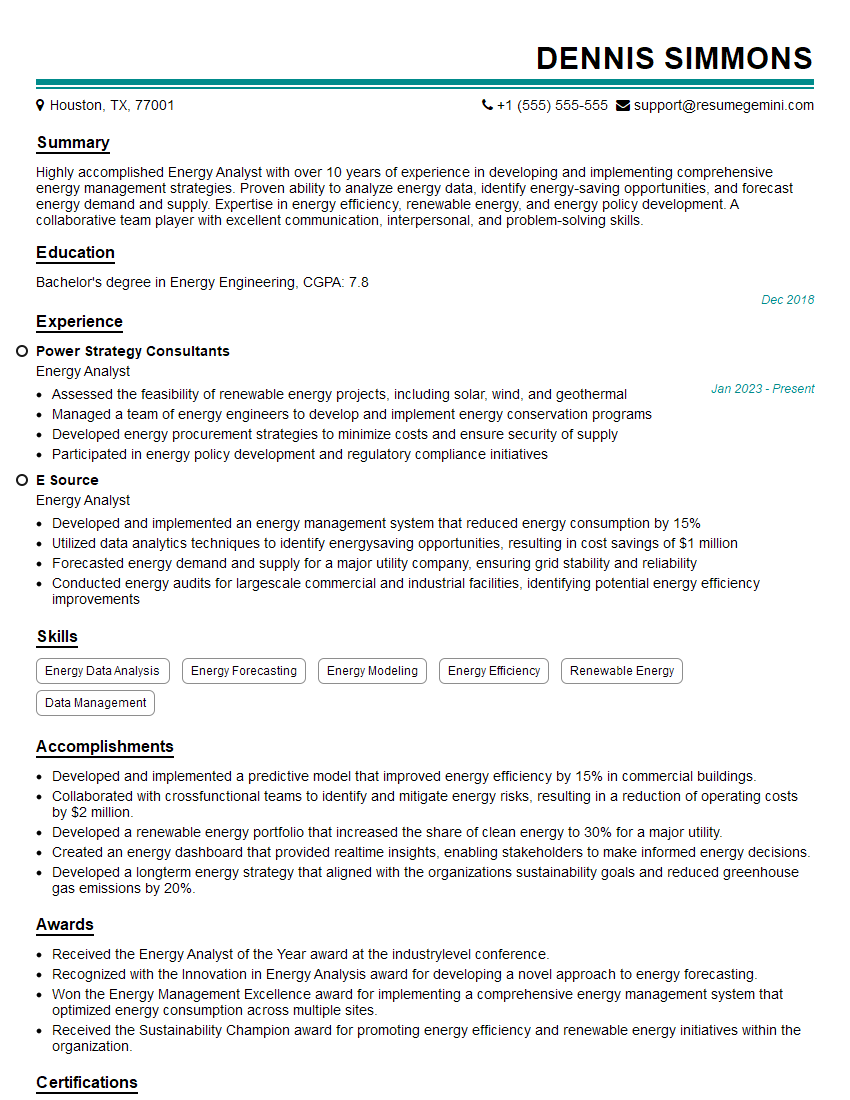
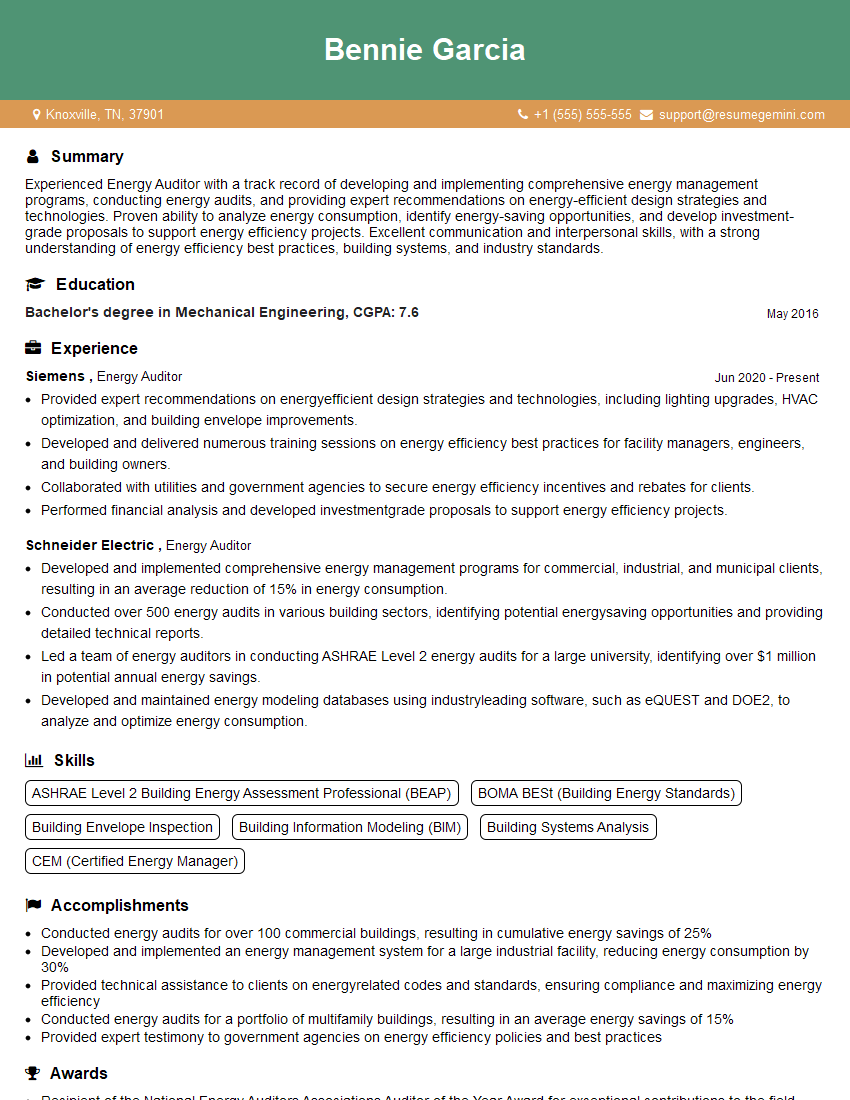
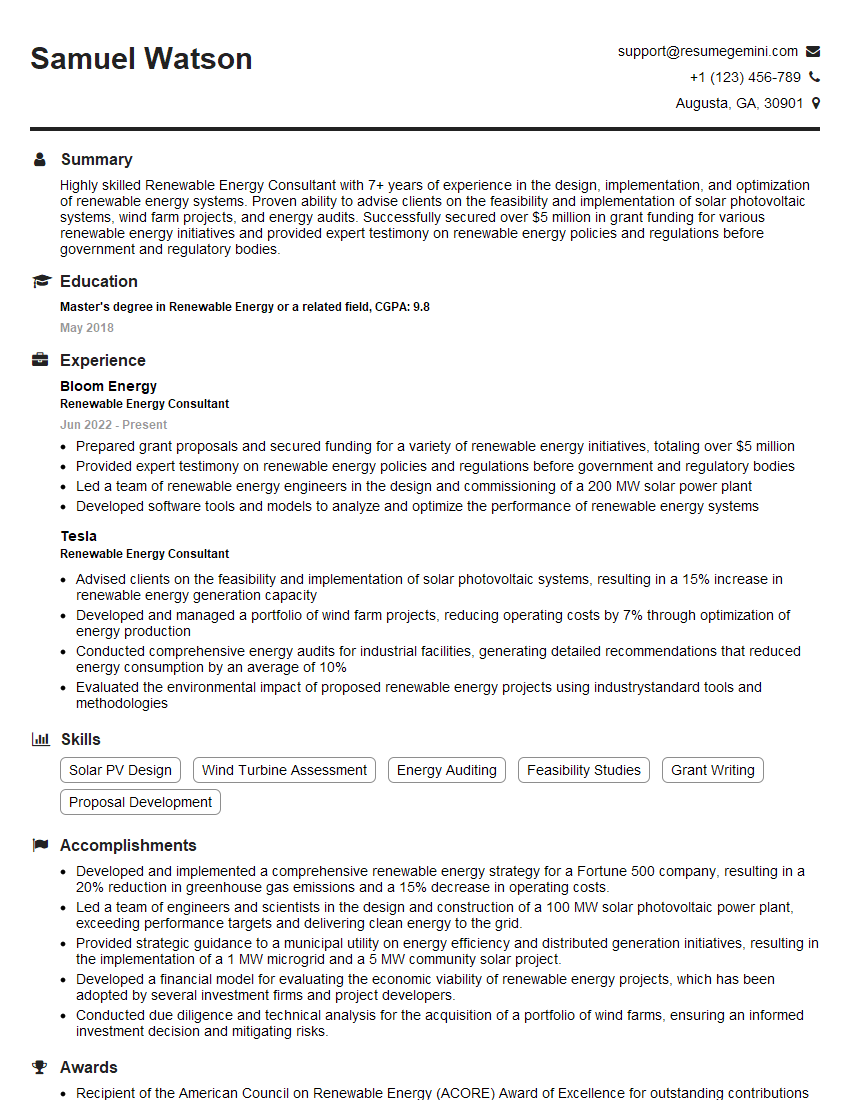
Mastering DOE-2 is crucial for advancing your career in building energy modeling and sustainability. Proficiency in this software demonstrates a valuable skillset highly sought after by employers. To significantly increase your job prospects, creating an ATS-friendly resume is essential. ResumeGemini is a trusted resource that can help you build a professional and effective resume tailored to the specific requirements of DOE-2 related roles. Examples of resumes optimized for DOE-2 positions are available to further enhance your job search.


Explore more articles
Users Rating of Our Blogs
Share Your Experience
We value your feedback! Please rate our content and share your thoughts (optional).
What Readers Say About Our Blog
Very informative content, great job.
good