The right preparation can turn an interview into an opportunity to showcase your expertise. This guide to Draft Preparation interview questions is your ultimate resource, providing key insights and tips to help you ace your responses and stand out as a top candidate.
Questions Asked in Draft Preparation Interview
Q 1. Explain your process for reviewing a draft for clarity and conciseness.
My process for reviewing a draft for clarity and conciseness is a multi-stage approach. I begin with a macro-level review, focusing on the overall flow and argument. Does the logic make sense? Are there any jarring transitions? Are the main points clear and well-supported? This initial pass helps identify larger structural issues.
Next, I move to a micro-level review, scrutinizing each sentence and paragraph for unnecessary words, jargon, and ambiguity. I look for passive voice overuse, which often obscures meaning. I frequently ask myself: “Could this be said more simply?” “Is every word contributing to the overall message?” I actively search for instances of redundancy or repetition.
Finally, I read the draft aloud. This helps identify awkward phrasing and sentences that don’t flow naturally. This method reveals issues that are often missed during silent reading. I consider readability metrics, like Flesch-Kincaid, to ensure the text is easily digestible for the target audience. For example, if the target audience is a non-technical audience, I make sure to simplify jargon or explain it with layman’s terms. This process helps me deliver a polished, clear, and concise final product.
Q 2. How do you handle conflicting feedback from multiple reviewers on a draft?
Conflicting feedback is a common challenge in the drafting process. My approach involves careful consideration and prioritization. I start by identifying the core issues and categorizing the feedback. Some comments might concern style, while others may address factual accuracy or the overall argument.
I then prioritize feedback based on its impact. For example, corrections impacting the core argument will take precedence over minor stylistic changes. If conflicts remain after prioritization, I engage in a process of careful evaluation, examining the justification behind each comment. I may consult additional sources or subject matter experts to resolve disagreements.
Finally, I document all decisions made in resolving the feedback, providing clear explanations for the choices. This ensures transparency and provides a record for future reference. Think of it like mediating a discussion – I strive to find the best solution that satisfies the core needs of the document and addresses the valid concerns of all reviewers.
Q 3. Describe your experience using style guides and formatting guidelines.
I have extensive experience working with various style guides, including Chicago Manual of Style, APA, and MLA. My experience extends to both internal style guides specific to an organization and bespoke guides tailored for particular projects. My proficiency allows me to adapt to different writing styles and formatting requirements seamlessly.
For instance, I’ve worked on projects requiring strict adherence to legal style guides, ensuring precision and avoiding ambiguity. In other cases, I’ve worked with more flexible guides allowing for creative license within defined parameters. I understand the importance of consistency and accuracy in formatting and style, and I’m adept at identifying and resolving inconsistencies to maintain a professional and readable document. I see style guides not as restrictive guidelines, but as tools for achieving clear and effective communication.
Q 4. What software and tools are you proficient in for draft preparation (e.g., Microsoft Word, Google Docs, Adobe Acrobat)?
I’m proficient in a range of software and tools for draft preparation. My core competencies lie in Microsoft Word, Google Docs, and Adobe Acrobat. I’m comfortable using Word’s advanced features like track changes, comment replies, and style management. Similarly, I utilize Google Docs’ collaborative features for real-time editing and feedback integration. I frequently use Adobe Acrobat for final PDF preparation, ensuring compatibility and accessibility.
Beyond these core applications, I have experience with other tools such as Grammarly for grammar and style checking, and specialized citation management software like Zotero for academic projects. My familiarity with different platforms allows me to adapt to varied project needs and client preferences.
Q 5. How do you ensure the accuracy and consistency of information in a draft?
Ensuring accuracy and consistency in a draft is paramount. My approach involves meticulous fact-checking and cross-referencing. I employ multiple methods, including consulting authoritative sources, verifying data points against original documents, and comparing information across different sections of the draft.
For complex data sets, I often create spreadsheets to organize and track information, minimizing the risk of errors. I meticulously review all data tables, charts, and graphs to ensure they accurately reflect the text and maintain consistency throughout. I prioritize a rigorous review process to identify and correct any discrepancies.
I also utilize version control systems to manage different versions of the document, tracking changes and allowing for easy comparison and rollback if needed. This ensures that each version reflects a controlled and consistent progression of the document’s development.
Q 6. Describe your experience with different writing styles (e.g., formal, informal, technical).
My experience encompasses a wide range of writing styles. I’m comfortable writing in formal, informal, and technical styles, adapting my approach depending on the audience and purpose of the document. Formal writing requires precise language, adhering to strict grammatical rules, and maintaining a professional tone; I’ve drafted legal documents and formal reports showcasing this proficiency. Informal writing allows for a more conversational and engaging tone, suited to blog posts or internal communications.
Technical writing demands clarity, precision, and the ability to explain complex concepts in an accessible manner. This often involves using diagrams, illustrations, and carefully defined terminology. I’ve successfully created technical manuals and specifications that showcase this. My adaptability allows me to create engaging and effective documents regardless of the chosen style.
Q 7. How do you manage multiple drafts simultaneously?
Managing multiple drafts simultaneously requires a structured approach. I employ a project management system, whether it’s a simple to-do list or a dedicated project management software like Asana or Trello. This helps me track deadlines, prioritize tasks, and allocate time effectively. I establish a clear workflow for each draft, defining specific stages and checkpoints.
I use color-coded systems or different folder structures to organize drafts within my workspace, keeping related materials together. For each draft, I create a detailed outline, ensuring all sections are thoroughly planned before writing. This approach allows me to switch between drafts without losing focus or making crucial errors. A key aspect of successful multitasking is strong organizational skills and a well-defined process.
Q 8. How do you prioritize tasks when working on several drafts with different deadlines?
Prioritizing tasks across multiple drafts with varying deadlines requires a strategic approach. I typically employ a combination of techniques, beginning with a clear overview of all deadlines in a project management tool like Asana or Trello. This provides a visual representation of urgency. Then, I utilize a prioritization matrix, often a simple Eisenhower Matrix (Urgent/Important), to categorize each task. Tasks falling into the ‘Urgent and Important’ quadrant receive immediate attention, while ‘Important but Not Urgent’ tasks are scheduled strategically to avoid last-minute rushes. I also factor in task dependencies – some drafts might require completion of others before proceeding. Think of it like a recipe: you need to prepare certain ingredients (drafts) before you can assemble the final dish (project). Finally, regular time blocking ensures dedicated focus on each prioritized task, preventing context switching and maintaining productivity.
For example, if I have a short-deadline marketing copy and a longer-term white paper, the marketing copy will take precedence due to its urgency. I might allocate 2 hours each morning to the marketing copy and then dedicate the afternoon to working on the white paper. This approach allows for focused work on high-priority items without neglecting other crucial aspects.
Q 9. Explain your approach to editing and proofreading a draft.
My editing and proofreading process is a multi-stage approach, ensuring thoroughness and accuracy. It begins with a macro edit – focusing on the overall structure, clarity, argumentation, and flow of the draft. I look for inconsistencies in tone, style, and argument. This phase often involves significant restructuring and rewriting. The second stage is the micro edit, concentrating on sentence-level issues such as grammar, punctuation, spelling, and word choice. I use tools like Grammarly and ProWritingAid to support this step, but always rely on my own judgment as these tools aren’t perfect. Finally, a thorough proofreading step checks for any remaining errors missed during the previous phases. I often read the draft aloud to catch awkward phrasing or subtle errors that are easy to miss when reading silently. I treat each stage as a separate pass through the text, minimizing the likelihood of overlooking crucial issues.
For instance, in a technical report, the macro edit might involve checking if all the data is correctly interpreted and presented, the micro edit will focus on correct use of scientific terminology and proper referencing, and the proofreading step will concentrate on eliminating typos.
Q 10. How do you handle last-minute changes to a draft?
Handling last-minute changes requires a calm and efficient approach. First, I assess the nature and scope of the changes. Are they minor tweaks or significant alterations requiring substantial revisions? I then communicate with the client or team to clearly understand the rationale behind the changes. This prevents misinterpretations and ensures I’m making the intended changes. If the changes are extensive, I re-prioritize my tasks to accommodate them, potentially pushing back less critical deadlines if necessary. It’s crucial to maintain clear communication throughout the process to manage expectations effectively. If time is extremely constrained, I’ll focus on the most essential changes, leaving minor adjustments for a later revision if possible. Transparency about the constraints is vital, both to myself and to any stakeholders.
For example, if a client requests a significant change to the headline on the day of publication, I will prioritize this immediately, even if it means briefly delaying other minor edits. I’ll clearly communicate the impact of this change and what, if anything, must be sacrificed to meet the deadline.
Q 11. Describe your experience with collaborating on a draft with others.
Collaboration is essential in many drafting processes. My experience includes extensive work using collaborative writing tools such as Google Docs, Microsoft Word’s co-authoring features, and dedicated platforms like Overleaf (for LaTeX documents). I thrive in collaborative settings and prioritize clear communication and shared understanding of goals. I am comfortable with different writing styles and actively seek consensus when differing viewpoints arise. Before starting collaboration, I usually establish a clear workflow: We agree on a shared style guide, version control system (track changes!), and communication protocols (e.g., regular check-ins, dedicated comments section). Throughout the process, I actively solicit feedback, provide constructive criticism, and ensure everyone’s contributions are properly recognized and integrated. I’m adept at merging diverse perspectives into a cohesive and well-written final product. This requires strong communication and conflict resolution skills.
In one project, we used Google Docs to collaboratively write a grant proposal. The real-time collaboration feature allowed seamless merging of inputs from multiple team members, and the version history helped us track changes and revert to earlier versions if needed. This ensured everyone was on the same page and resulted in a much stronger proposal than if we had worked independently.
Q 12. How do you handle feedback that you disagree with?
Handling feedback I disagree with requires a diplomatic yet assertive approach. My first step is to carefully consider the feedback, seeking to understand the underlying concerns. Even if I disagree with the suggestion, I attempt to find common ground and identify the potential merit of the feedback. This can be as simple as recognizing the feedback might be interpreted differently by others, even if I don’t personally agree with that interpretation. Then, I engage in a respectful discussion with the person providing the feedback, explaining my reasoning and exploring alternative solutions that address their concerns while preserving the overall quality and integrity of the draft. If consensus can’t be reached, I’ll clearly document the disagreement along with my rationale. This ensures transparency and accountability. The decision-making power ultimately rests with the stakeholders, and I am comfortable accepting their final decision even if I maintain my initial perspective.
Imagine a situation where feedback suggests simplifying a complex technical explanation. I might disagree because I believe the detail is necessary for accuracy. I would then explore alternative ways to present the information more clearly without sacrificing the core detail, perhaps using visuals or restructuring the section to improve comprehension.
Q 13. How do you track changes made to a draft?
Tracking changes is crucial for maintaining a clear history of revisions and ensuring accountability. I predominantly rely on the built-in track changes features in word processing software like Microsoft Word and Google Docs. These tools allow me to see who made which changes, when they were made, and the nature of the modifications. For more complex projects or collaborative efforts, version control systems like Git are invaluable, particularly when multiple authors are involved. Git allows for detailed tracking of changes, branch management (for parallel edits), and easy reversion to previous versions. Detailed comments within the document itself further aid in understanding the reasons behind specific edits. In all cases, I maintain a detailed log of significant revisions, typically including the date, author, and a brief description of the changes. This is especially important for larger projects with a longer revision history.
For example, when collaborating on a research paper, Git would be an ideal tool. Each author could work on their section independently, and the merging process, facilitated by Git, would help resolve any conflicting changes and keep a precise record of every revision.
Q 14. What strategies do you use to improve the readability of a draft?
Improving the readability of a draft involves several key strategies. First, I focus on clarity and conciseness. I aim for short, simple sentences, avoiding jargon or overly complex language unless absolutely necessary. Second, I prioritize strong structure and organization, using clear headings, subheadings, and bullet points to guide the reader. White space is crucial – it significantly improves readability. I ensure sufficient breaks between paragraphs and sections. Third, I pay close attention to sentence flow and rhythm. Reading the draft aloud helps identify awkward phrasing or sentences that need restructuring. Active voice is generally preferred for clarity, though passive voice has its uses. Fourth, I carefully select words, opting for precise and accessible language. Finally, I seek feedback from others to gauge the clarity and effectiveness of the writing. Different readers may find different aspects challenging, allowing me to address any potential points of confusion.
A practical example: Instead of writing, “The aforementioned data indicates a statistically significant correlation between the two variables,” I would rewrite it as, “The data shows a strong link between the two variables.” This simple change dramatically improves readability.
Q 15. How do you ensure a draft is accessible to a wider audience?
Ensuring a draft is accessible to a wider audience involves considering several key factors. Think of it like building a bridge – you need to make sure everyone can cross it, regardless of their background.
- Plain Language: Avoid jargon and technical terms. Use short, simple sentences. Imagine explaining your concept to your grandmother – would she understand?
- Readability: Use clear headings, subheadings, and bullet points to break up large blocks of text. Think of it as creating visual signposts to guide the reader.
- Visual Aids: Charts, graphs, and images can help convey complex information more easily. A picture is worth a thousand words, and sometimes a chart is worth a thousand sentences.
- Multilingual Support: If your audience speaks multiple languages, consider providing translations or summaries in those languages. This ensures inclusivity for everyone.
- Accessibility Features: For those with disabilities, ensure your document is compatible with screen readers and other assistive technologies. This might include using alt text for images and structured headings.
For example, I once worked on a report about climate change. Initially, it was filled with scientific jargon. By rewriting it using plain language and adding visuals like graphs showing temperature trends, we made the information much more accessible to a broader public, including those without a scientific background.
Career Expert Tips:
- Ace those interviews! Prepare effectively by reviewing the Top 50 Most Common Interview Questions on ResumeGemini.
- Navigate your job search with confidence! Explore a wide range of Career Tips on ResumeGemini. Learn about common challenges and recommendations to overcome them.
- Craft the perfect resume! Master the Art of Resume Writing with ResumeGemini’s guide. Showcase your unique qualifications and achievements effectively.
- Don’t miss out on holiday savings! Build your dream resume with ResumeGemini’s ATS optimized templates.
Q 16. Describe your experience incorporating visuals (e.g., charts, graphs) into a draft.
Incorporating visuals is crucial for effective communication. It’s about choosing the right visual for the right data. I’ve extensively used charts and graphs to present data in a clear, concise manner. For example:
- Bar charts: Ideal for comparing categories. I recently used one to show the market share of different competing companies.
- Line graphs: Best for showing trends over time. In a financial report, I used this to illustrate revenue growth over several years.
- Pie charts: Effective for showing proportions of a whole. I’ve used them to represent budget allocation in various projects.
- Infographics: Excellent for combining text and visuals to tell a compelling story. This is particularly helpful for complex processes or concepts.
Beyond the type of chart, I ensure visual consistency. This includes using a consistent color scheme, font style, and clear labeling. Poorly designed visuals can be confusing and detract from the message. My experience also includes creating visuals in various software like Microsoft Excel, Adobe Illustrator, and Canva, ensuring compatibility and a professional look.
Q 17. What are some common errors you look for when proofreading a document?
Proofreading is a meticulous process. I approach it systematically, focusing on several key areas. Think of it like a detective investigating a crime scene – you need to find all the clues to solve the case.
- Grammar and Punctuation: Correcting grammatical errors and ensuring proper punctuation are foundational. A simple comma in the wrong place can completely change the meaning of a sentence.
- Spelling: Typos are easily overlooked but can significantly damage credibility. I use spell-check, but I also rely on my own careful reading.
- Consistency: I check for consistency in style, terminology, and formatting. Maintaining consistency helps to maintain professionalism and clarity.
- Clarity and Conciseness: I look for sentences that are overly wordy or unclear. Simplifying language and removing redundancy is key to clear communication.
- Fact-checking: Especially in reports and academic papers, it’s crucial to double-check the accuracy of all facts and figures. I cross-reference information from multiple sources whenever possible.
For instance, in a legal document, even a small grammatical error could have serious consequences. My attention to detail ensures these critical errors are caught before the document is finalized.
Q 18. How do you handle sensitive or confidential information in a draft?
Handling sensitive or confidential information requires a high level of diligence. It’s like guarding a state secret – security is paramount.
- Access Control: Limiting access to the draft only to authorized individuals is crucial. This may involve using password-protected documents or secure file-sharing systems.
- Data Encryption: Encrypting the document adds another layer of security, making it unreadable to unauthorized individuals even if it is intercepted.
- Secure Storage: The draft should be stored securely, either on a password-protected computer or on a secure server. Avoid leaving sensitive documents on unsecured networks or personal devices.
- Compliance with Regulations: Ensure that all handling of sensitive information complies with relevant regulations, such as HIPAA or GDPR.
- Data Destruction: After the draft is no longer needed, securely delete or destroy the document to prevent unauthorized access.
For example, when working on a client’s privacy policy, I always ensure the document is encrypted and stored on secure servers. I also follow strict protocols for access control and data destruction after project completion.
Q 19. Describe your experience working with different file formats.
I’m proficient in a variety of file formats, each with its own strengths and weaknesses. Think of it like having a toolbox with many different tools – you need the right one for the job.
- Microsoft Word (.doc, .docx): The most common word processing format, ideal for collaborative editing and formatting.
- PDF (.pdf): Excellent for preserving formatting and ensuring consistent viewing across different devices and operating systems. However, it is less ideal for collaborative editing.
- Google Docs (.gdoc): Allows for real-time collaborative editing and is easily accessible via the cloud. It has some limitations compared to Word in terms of advanced formatting options.
- Rich Text Format (.rtf): A more universal format than .doc, ensuring better compatibility across different word processors.
- Plain Text (.txt): The simplest format, suitable for basic text, but lacks formatting options.
In a recent project, we used Google Docs for collaborative editing and then converted the final document to PDF for distribution to clients to ensure consistency and easy access.
Q 20. How do you ensure a document is compliant with legal or regulatory requirements?
Ensuring compliance with legal or regulatory requirements depends heavily on the context. It’s like navigating a complex legal landscape – you need to know the rules of the road.
- Identifying Applicable Regulations: The first step is identifying all relevant laws, regulations, and industry standards. This might include copyright laws, data privacy regulations (like GDPR or CCPA), or industry-specific compliance standards.
- Incorporating Compliance Measures: The draft must explicitly address any compliance requirements. This might include including specific disclaimers, ensuring data privacy, and avoiding language that could be considered misleading or discriminatory.
- Legal Review: For critical documents, it’s essential to seek legal review to ensure full compliance. This helps to prevent any potential legal issues down the line.
- Version Control: Maintaining a record of all revisions of the document can be crucial in case of future audits or legal challenges.
- Ongoing Monitoring: Regulations evolve, so it is important to periodically review and update the document to ensure continued compliance.
For example, when creating marketing materials, I ensure they comply with advertising standards and data protection regulations. This involves carefully reviewing the language used and obtaining necessary approvals before publication.
Q 21. How familiar are you with different citation styles (e.g., APA, MLA, Chicago)?
I am familiar with several citation styles, each with its own specific rules and conventions. Think of it as different languages for academic writing – you need to speak the right one.
- APA (American Psychological Association): Commonly used in social sciences and psychology.
- MLA (Modern Language Association): Predominantly used in humanities disciplines like literature and languages.
- Chicago: A versatile style used in various disciplines, offering both a notes-bibliography and author-date system.
- IEEE (Institute of Electrical and Electronics Engineers): Often used in engineering and technology fields.
I use citation management software like Zotero to help me correctly format citations and bibliographies. My experience ensures accurate and consistent citation across various academic documents.
Q 22. Explain your process for creating a table of contents or index.
Creating a table of contents or index is crucial for document navigation and accessibility. My process involves a multi-step approach, starting with a detailed outline of the document. This outline serves as the foundation for the table of contents. Once the draft is complete, I use the document’s heading styles (e.g., H1, H2, H3 in most word processors) to automatically generate a preliminary table of contents. This leverages the document’s inherent structure. I then manually review and refine the table of contents, ensuring accuracy and consistency in formatting and page numbers. For a detailed index, especially in longer documents, I use a combination of manual keyword identification and software features like automated index creation. This involves strategically identifying key terms and concepts throughout the document and tagging them appropriately. The software then compiles these tags into an alphabetical index. I always meticulously check the final index for completeness and accuracy, ensuring that all important terms are included and correctly cross-referenced.
For example, when preparing a lengthy research report, I’d first create a detailed outline with chapter and sub-chapter headings. After completing the draft, I’d use the word processor’s built-in function to generate a table of contents based on these headings. For the index, I’d identify key terms as I write and tag them, then let the software generate the index. Finally, I’d carefully proofread both the table of contents and index for any errors.
Q 23. How do you ensure a draft is free of plagiarism?
Plagiarism is unacceptable. My process for ensuring a draft is plagiarism-free involves several layers of diligence. First, I always cite sources meticulously throughout the writing process. I use a consistent citation style (e.g., APA, MLA, Chicago) and ensure all direct quotes, paraphrases, and ideas borrowed from external sources are properly attributed. Second, I utilize plagiarism detection software like Turnitin or Grammarly. These tools compare the draft against a vast database of existing content, highlighting potential instances of plagiarism. Third, I carefully review the software’s findings, verifying each flagged section. Sometimes, similarities might be coincidental, so critical evaluation is essential. Fourth, and critically, I focus on original thought and expression. Instead of directly copying, I strive to synthesize and present information in my own words, while maintaining proper attribution. This ensures not only academic integrity but also enhances the overall originality and impact of the document.
Think of it like building a house: you wouldn’t steal someone else’s bricks and claim them as your own. You use your own bricks, but you might purchase some prefabricated components – these are like paraphrased sections from credible sources – but you always acknowledge where those components came from.
Q 24. How do you use feedback to improve your drafting skills?
Feedback is invaluable for improving my drafting skills. I actively solicit feedback at various stages of the writing process, from initial outlines to final drafts. I find that constructive criticism from peers, supervisors, or subject matter experts is extremely useful. I approach feedback with an open mind, focusing on understanding the specific points raised. I categorize the feedback: identifying areas for improvement in clarity, organization, style, and content accuracy. I then revise the draft based on this feedback, meticulously addressing each concern. I don’t take feedback personally; I see it as an opportunity to enhance the quality of my work. To track my progress and identify recurring weaknesses, I maintain a record of the feedback received on each document, noticing patterns to improve consistently.
For instance, if feedback repeatedly points out a weakness in my introduction, I’ll dedicate time to learning techniques for crafting compelling introductions. Consistent self-reflection and analysis of feedback allows for targeted skill improvement.
Q 25. Describe your experience creating different types of documents (e.g., reports, presentations, proposals).
My experience encompasses a wide range of document types. I’ve authored comprehensive research reports, meticulously documenting findings and analysis; created persuasive proposals, outlining project plans and justifying resource allocation; and designed engaging presentations, using visuals and concise language to convey complex information effectively. I’ve also prepared concise summaries and memos. Each document type demands a different approach: reports require rigorous methodology and detailed data; proposals emphasize strategic thinking and persuasive argumentation; presentations prioritize visual appeal and succinct messaging; and summaries or memos demand efficiency and clarity. I adapt my approach to each document type to achieve the desired outcome.
For example, a scientific research report requires a detailed methodology section, while a marketing proposal needs a clear understanding of the target audience and a compelling value proposition. I ensure my writing style is appropriate for each scenario.
Q 26. How do you adapt your writing style to suit different audiences and purposes?
Adapting writing style to suit different audiences and purposes is paramount. I consider the audience’s level of expertise, their interests, and the overall context. For a technical audience, I’d use precise and formal language, potentially including jargon where appropriate (always defining it). For a general audience, I’d adopt simpler language, avoiding overly technical terms and prioritizing clarity. The purpose of the document also influences my style: a formal report requires a different tone than an informal email. I maintain a consistent professional tone while adjusting the level of formality and complexity of language as needed.
Think of it like speaking to different people: you wouldn’t explain quantum physics to a five-year-old in the same way you would to a physicist. I tailor my language to resonate with each specific audience.
Q 27. How do you use templates to streamline the draft preparation process?
Templates are extremely efficient tools for streamlining the draft preparation process. I utilize templates for various document types, creating consistent formatting and structure. Templates pre-define elements such as headings, styles, margins, and page numbers, saving considerable time and ensuring consistency across multiple documents. They also incorporate standard elements specific to the document type, like a cover letter template including standard sections such as address and salutation, or a report template with pre-formatted sections for abstract, introduction, methodology, results, and discussion. I customize these templates to meet the specific requirements of each project, while maintaining the fundamental structure. This consistency allows for focusing on content creation rather than repetitive formatting.
Imagine baking a cake: a template is like a pre-made cake pan. It ensures the cake has the right shape, but you can still customize the ingredients and frosting to create a unique dessert. Similarly, a template provides a standardized structure, but you still have the flexibility to tailor the content.
Q 28. What is your experience with version control systems for document collaboration?
I have extensive experience using version control systems like Git for document collaboration. Git allows multiple authors to work on a document simultaneously, tracking changes and resolving conflicts efficiently. This is especially useful for large projects or collaborative writing. I use branching and merging features to manage different versions of the document, ensuring a clean and organized history of revisions. This allows for easy tracking of changes, reverting to previous versions if needed, and preventing accidental data loss. Collaborative platforms integrated with version control systems further enhance the process, facilitating communication and feedback among team members. This ensures everyone is on the same page and that the final document reflects the combined effort of the team.
For example, in a large-scale report, Git allows several writers to work on different chapters concurrently, merging their contributions seamlessly without overwriting each other’s work. This process greatly simplifies collaboration and revision management.
Key Topics to Learn for Draft Preparation Interview
- Understanding the Drafting Process: Explore the stages involved in effective draft preparation, from initial brainstorming and outlining to revising and editing.
- Content Structuring and Organization: Learn techniques for structuring content logically and effectively, ensuring clarity and coherence in your drafts.
- Audience Analysis and Tone: Master the art of tailoring your writing style to suit different audiences and purposes, understanding the importance of appropriate tone and language.
- Effective Research and Information Gathering: Develop skills in conducting thorough research to support your drafts with credible and relevant information.
- Style Guides and Conventions: Familiarize yourself with common style guides (e.g., APA, MLA, Chicago) and their application in professional writing.
- Collaboration and Feedback Integration: Understand how to effectively incorporate feedback from colleagues or supervisors to improve your drafts.
- Proofreading and Editing Techniques: Develop sharp proofreading skills to identify and correct errors in grammar, spelling, punctuation, and style.
- Using Technology for Drafting: Become proficient in using relevant software and tools to enhance the drafting process (e.g., word processors, collaboration platforms).
Next Steps
Mastering draft preparation is crucial for career advancement, showcasing your ability to communicate effectively and produce high-quality work. A well-crafted, ATS-friendly resume is your first impression on potential employers. It’s your key to unlocking opportunities. To significantly enhance your resume and increase your chances of landing your dream job, leverage the power of ResumeGemini. ResumeGemini offers a user-friendly platform to build professional resumes tailored to specific roles, including Draft Preparation positions. Examples of resumes tailored to Draft Preparation are available to help guide your creation. Take the next step towards a successful career – build your best resume with ResumeGemini.
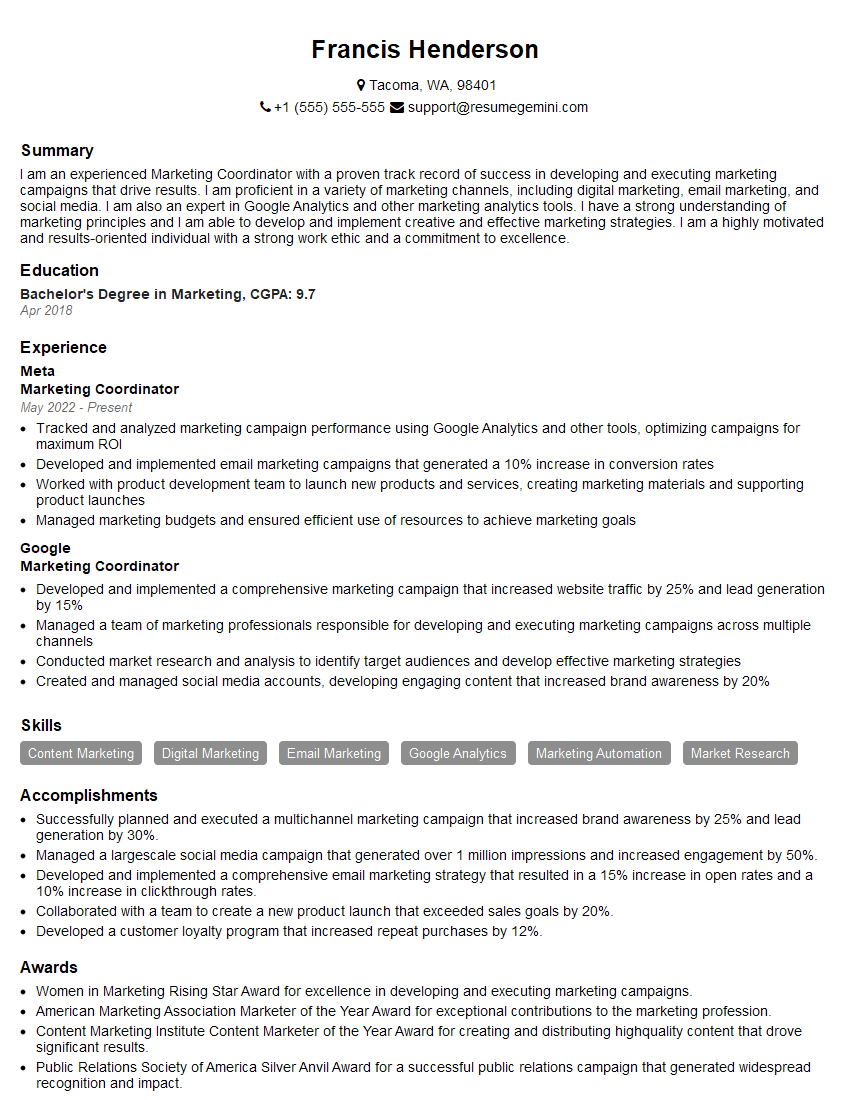
Marketing Coordinator Resume Sample
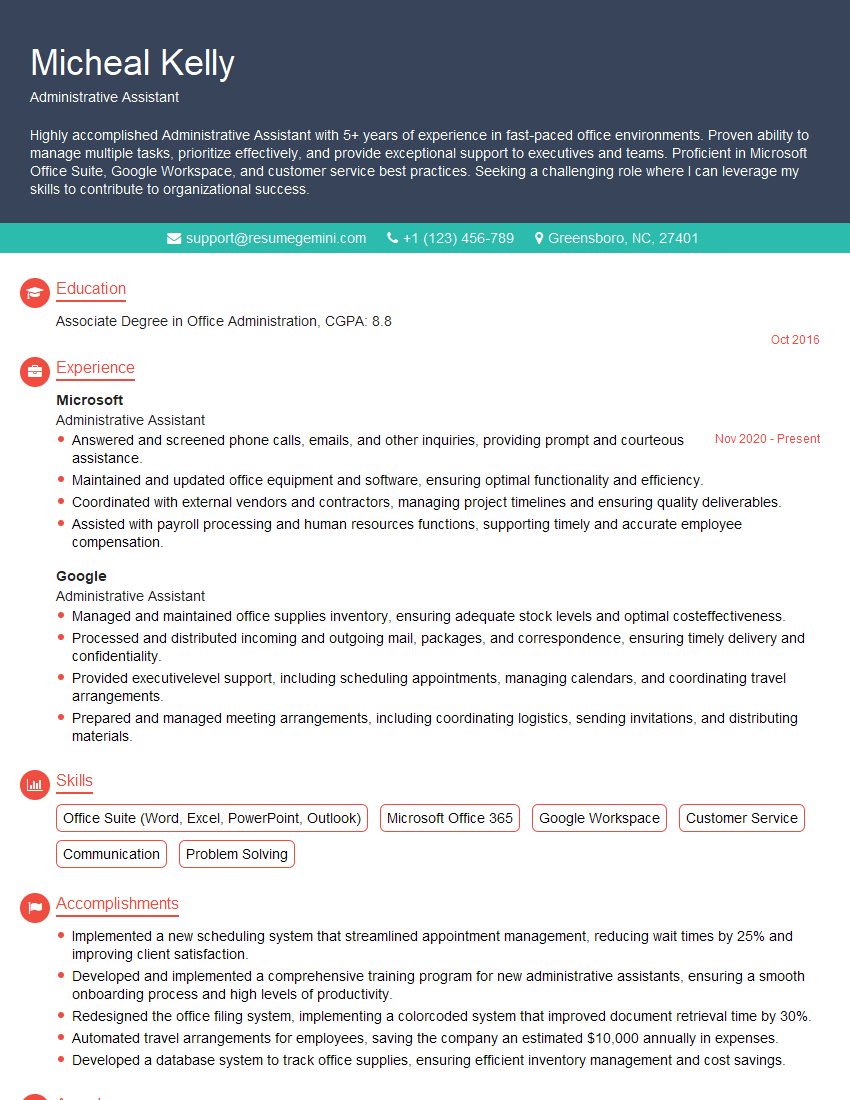
Administrative Assistant Resume Sample
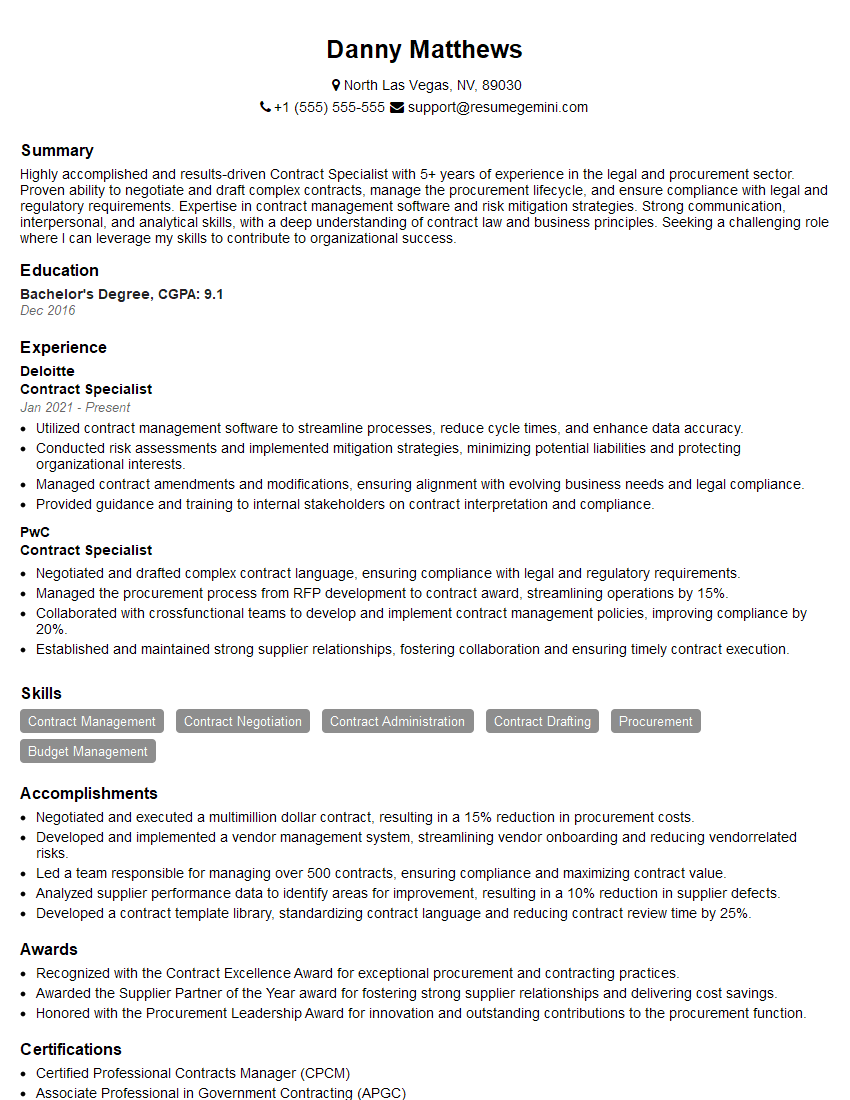
Contract Specialist Resume Sample
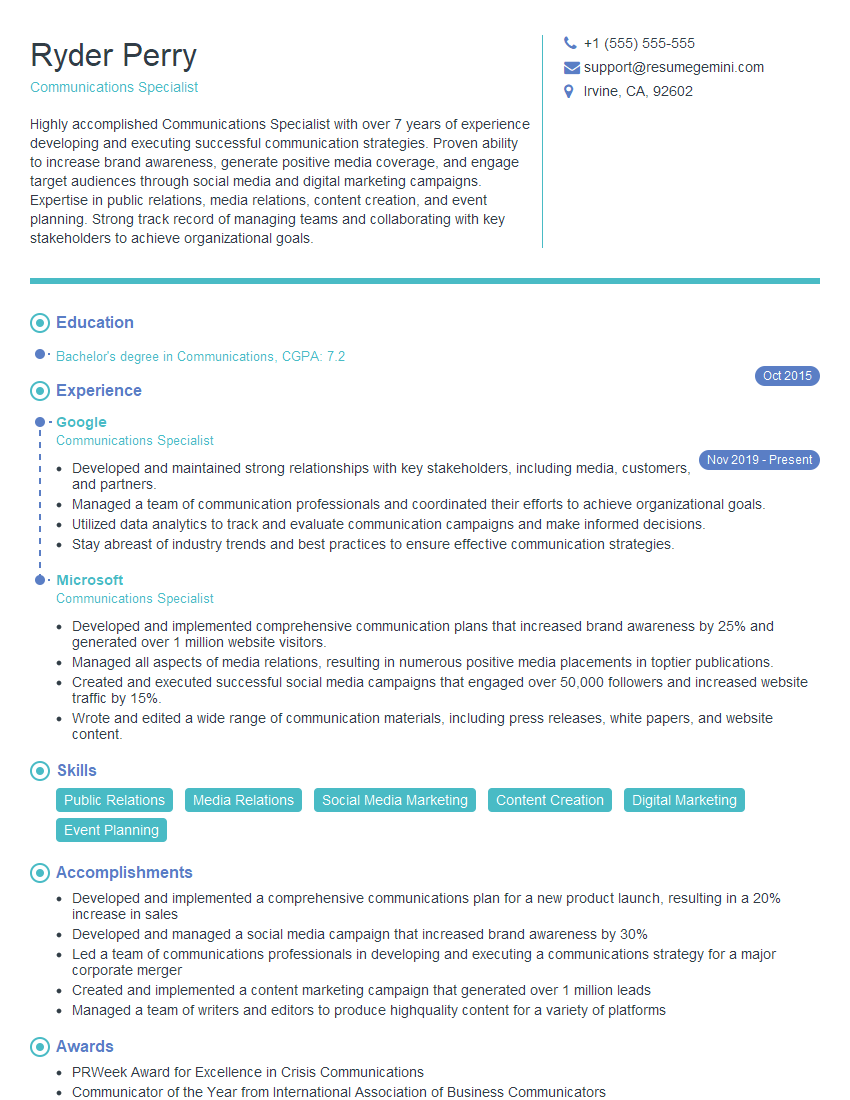
Communications Specialist Resume Sample
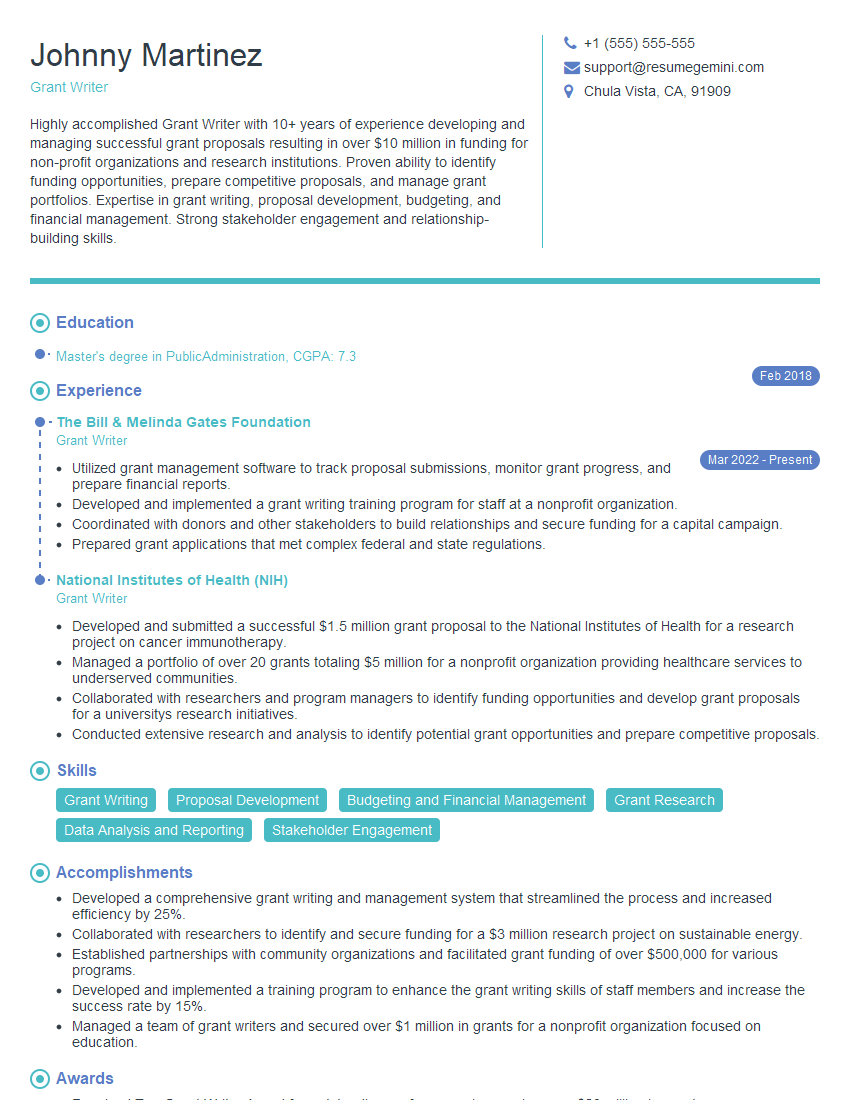
Grant Writer Resume Sample
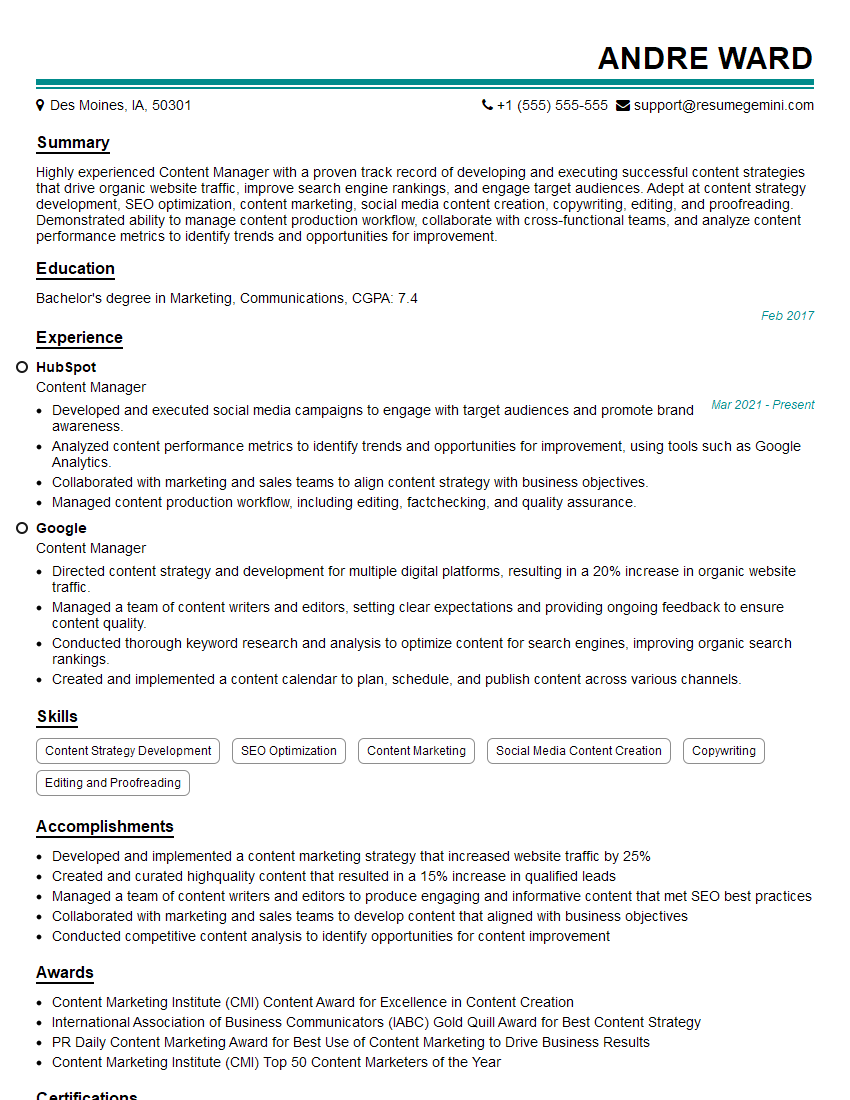
Content Manager Resume Sample
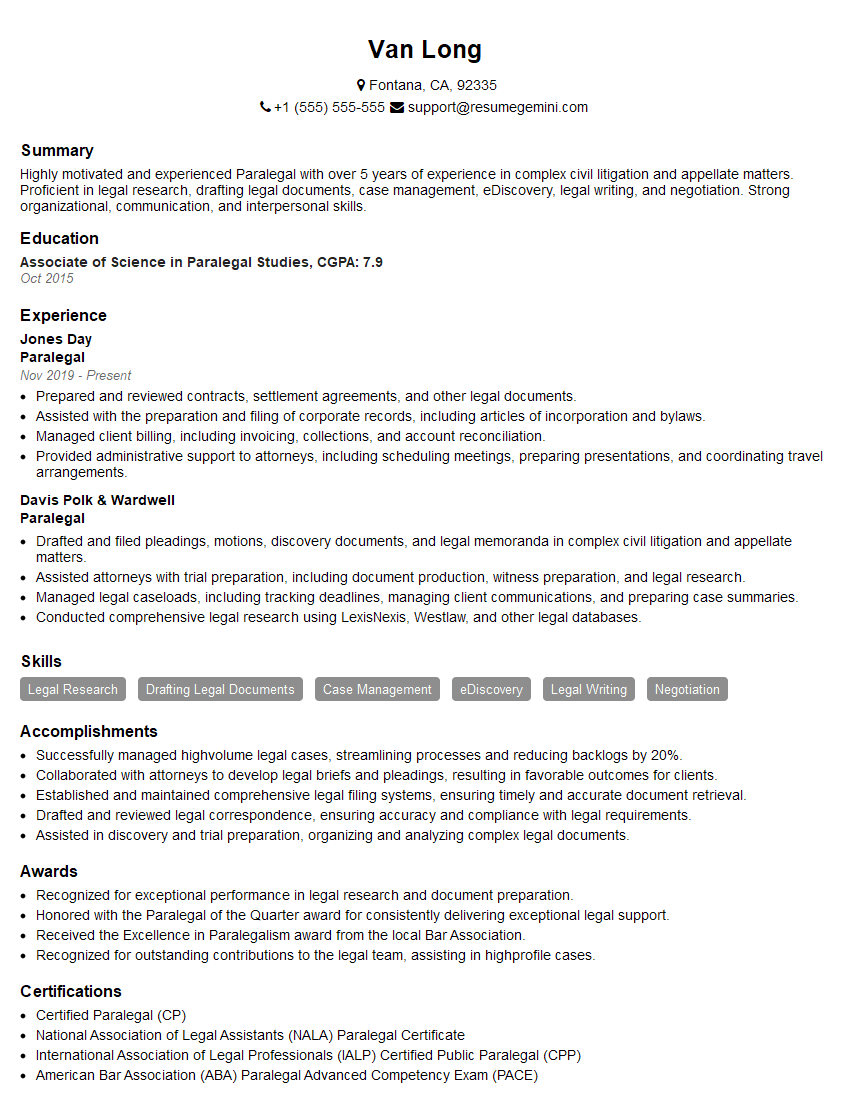
Paralegal Resume Sample
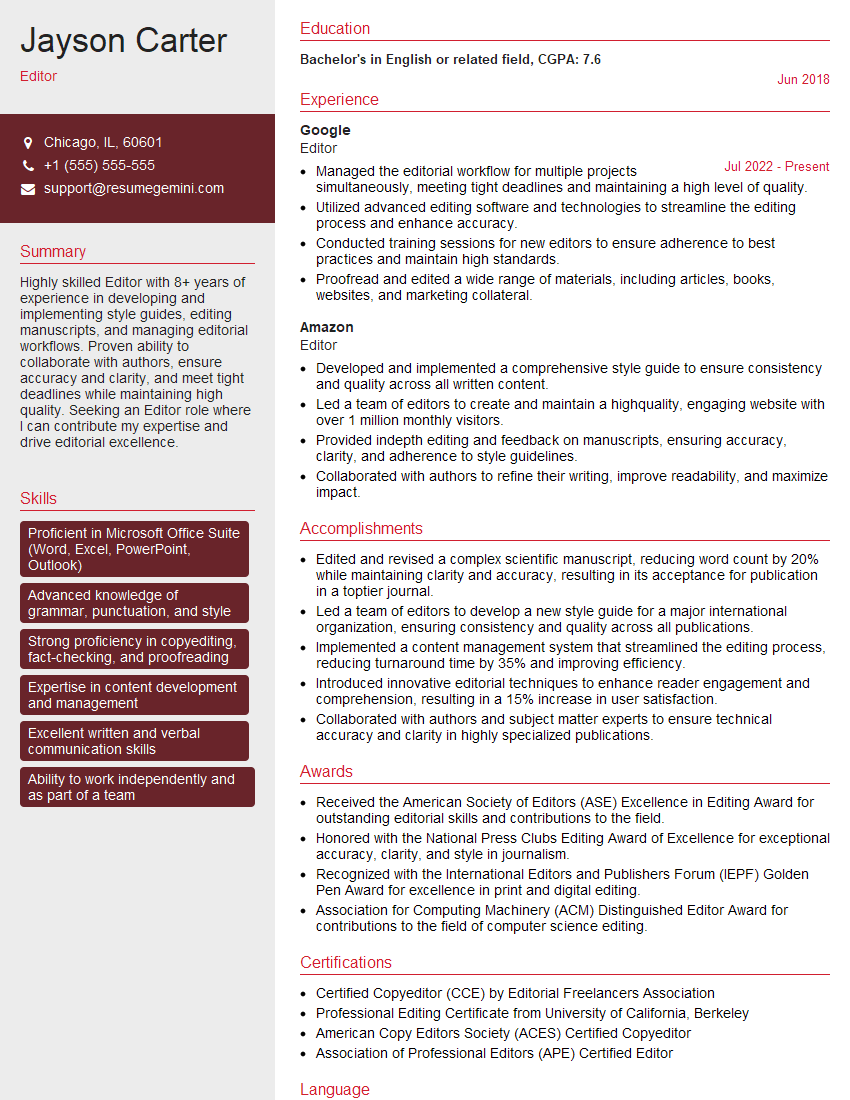
Editor Resume Sample
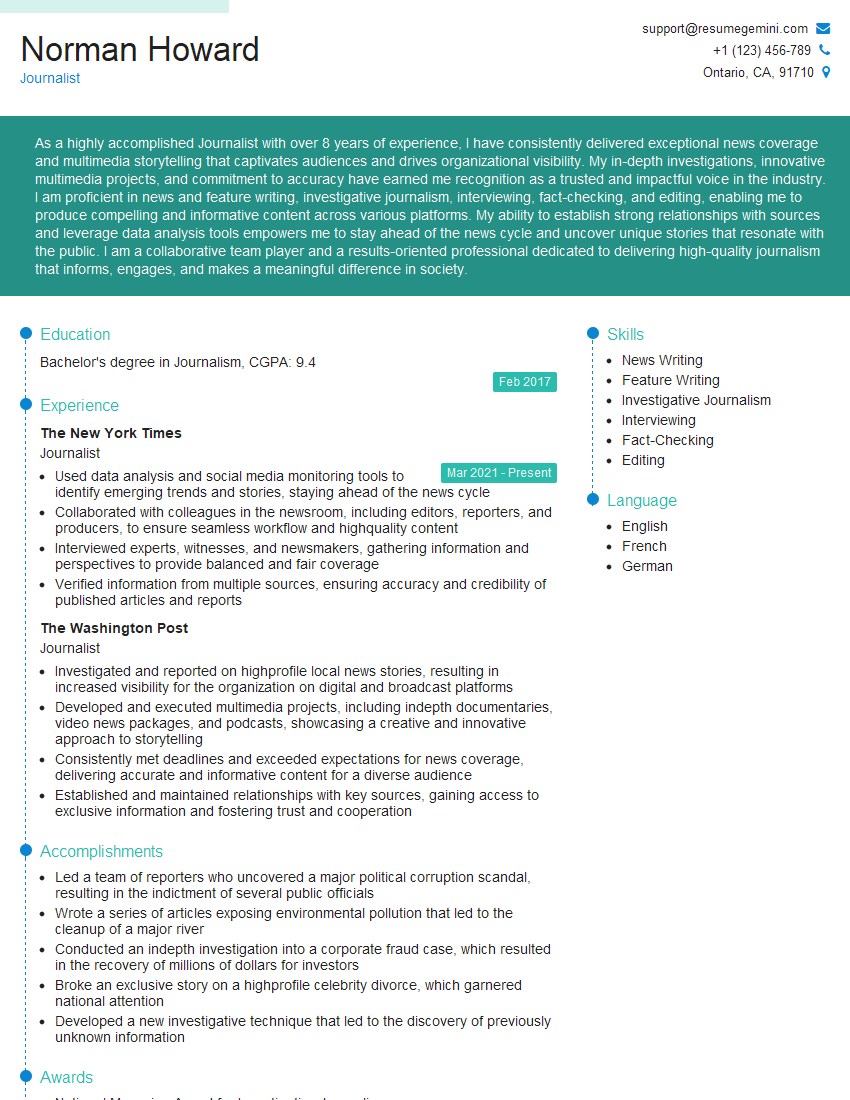
Journalist Resume Sample
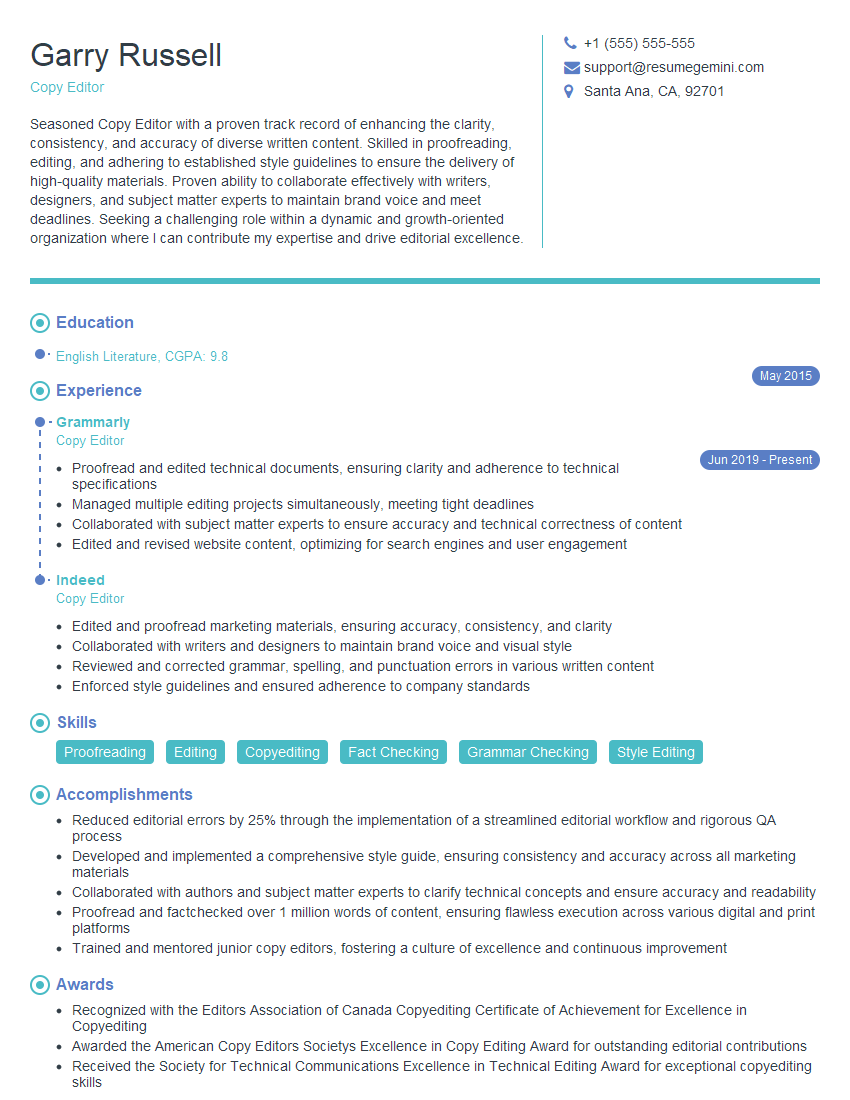
Copy Editor Resume Sample
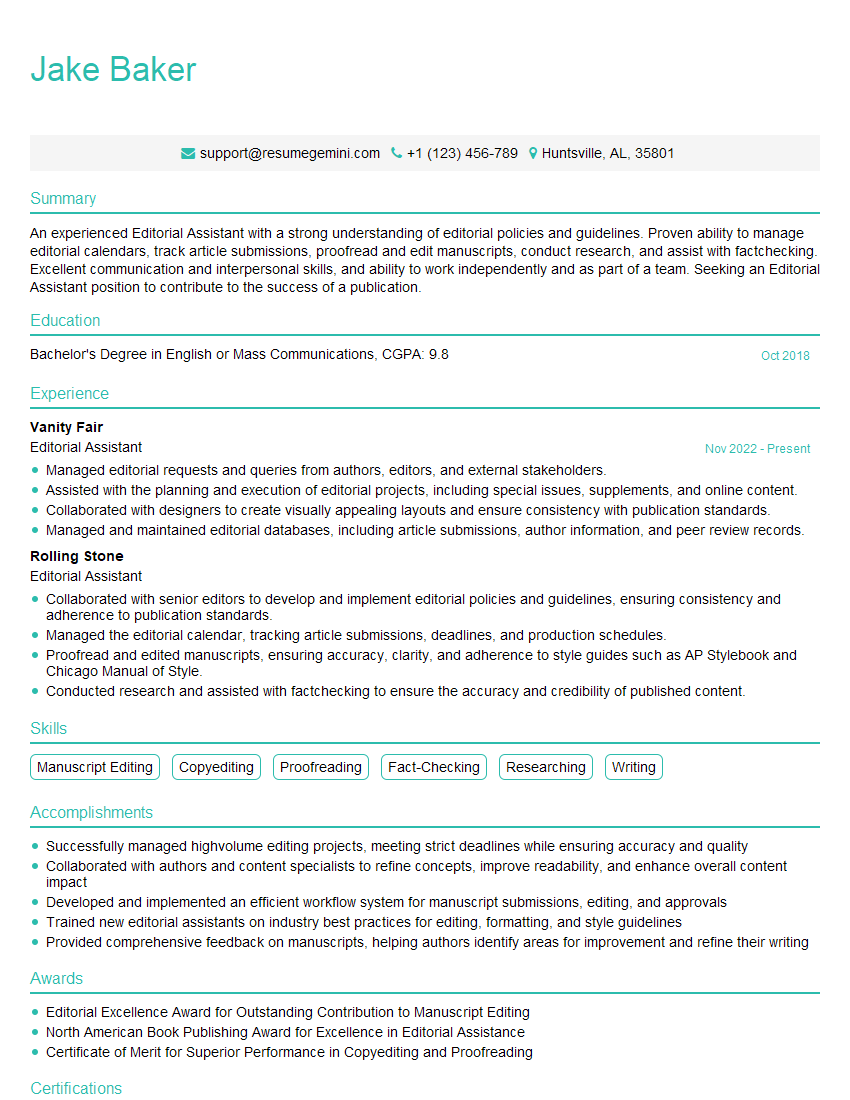
Editorial Assistant Resume Sample

Proofreader Resume Sample

Technical Editor Resume Sample
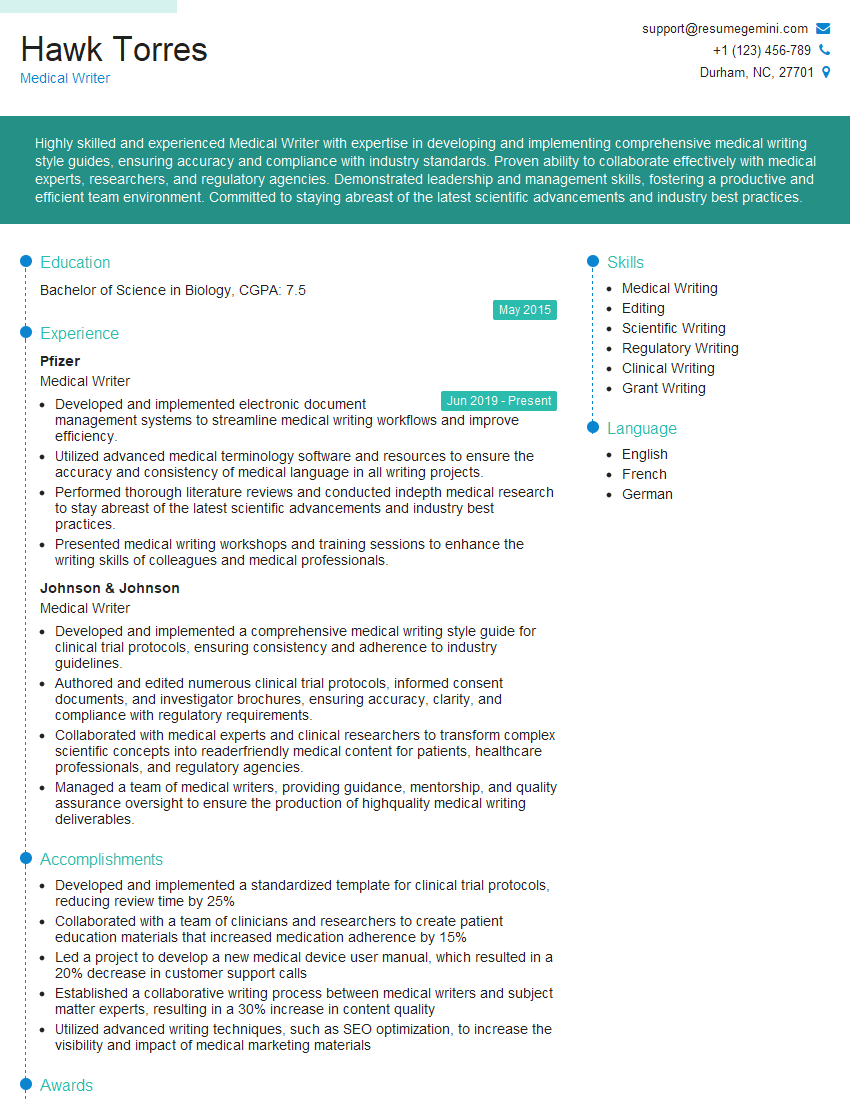
Medical Writer Resume Sample
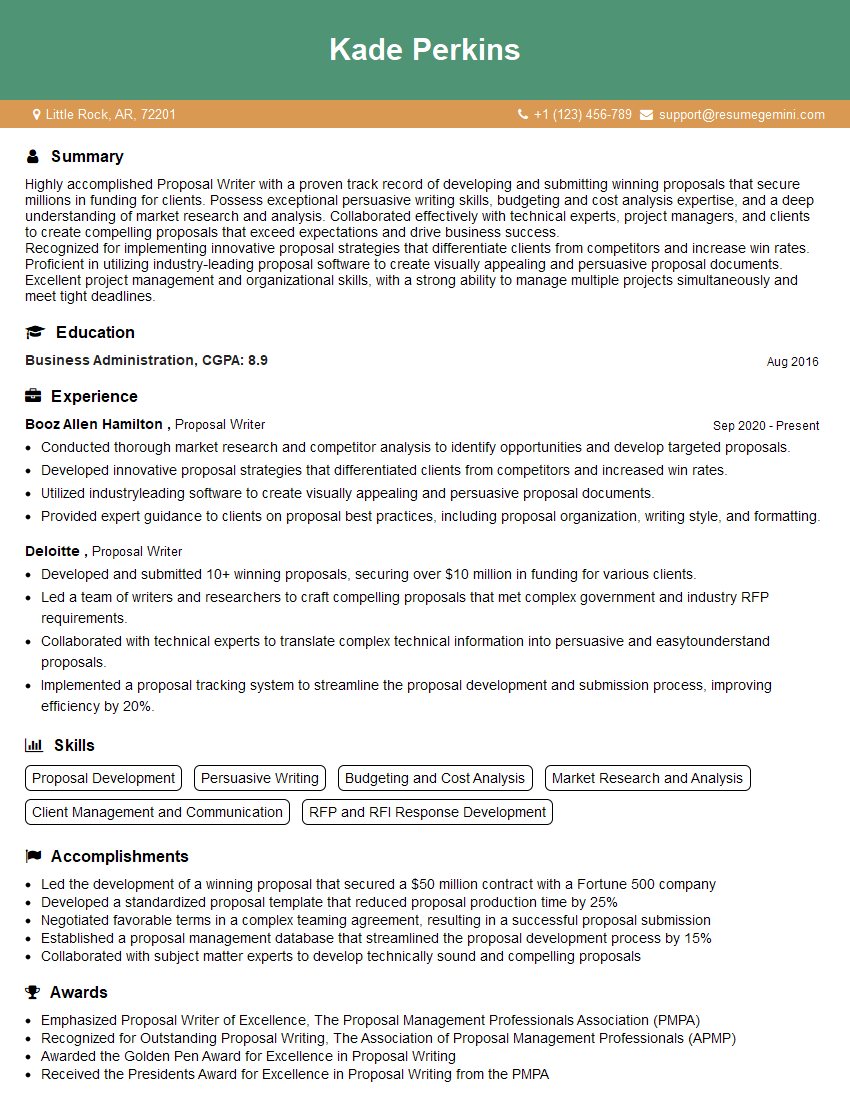
Proposal Writer Resume Sample

Technical Writer Resume Sample

Copywriter Resume Sample
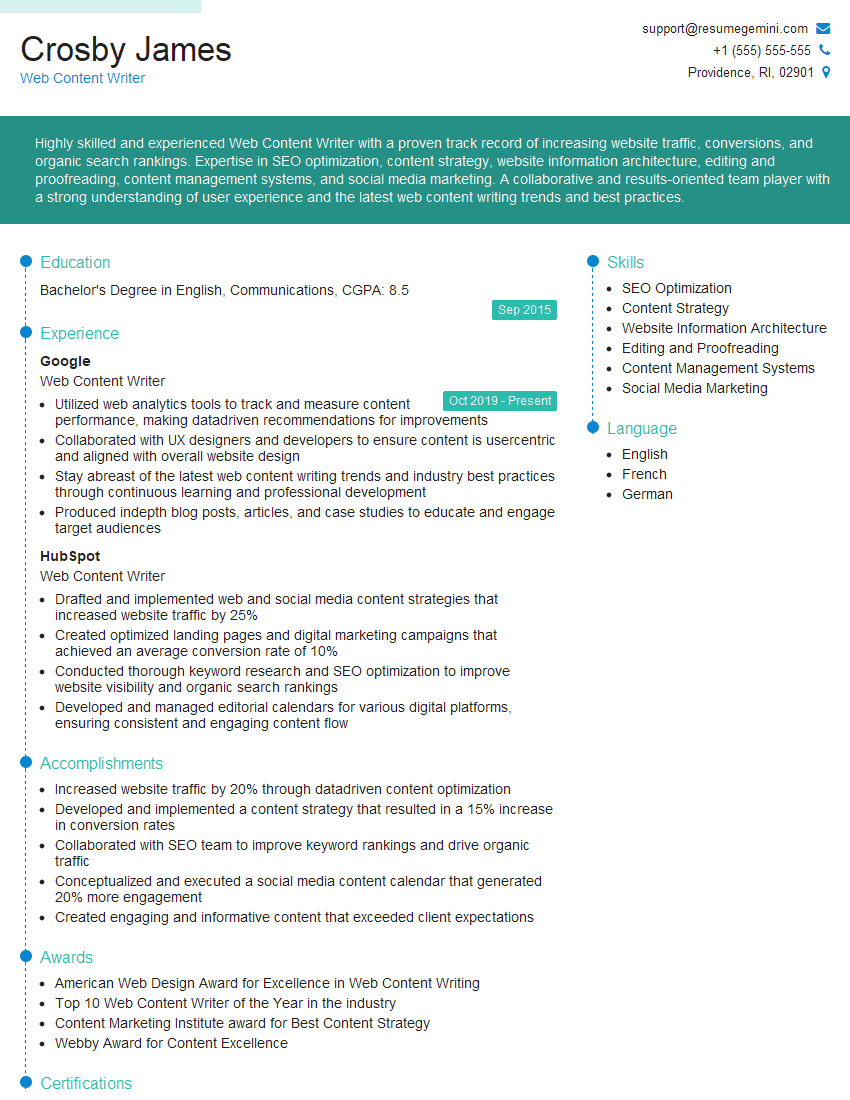
Web Content Writer Resume Sample
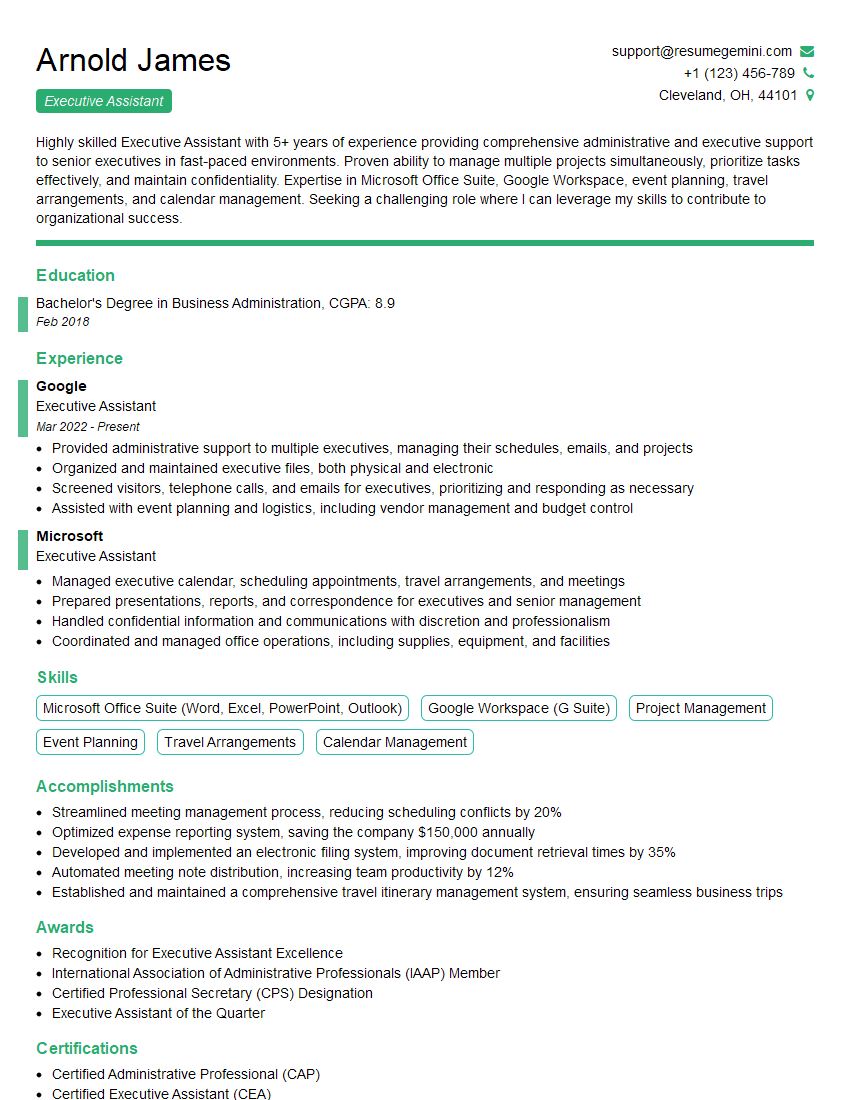
Executive Assistant Resume Sample
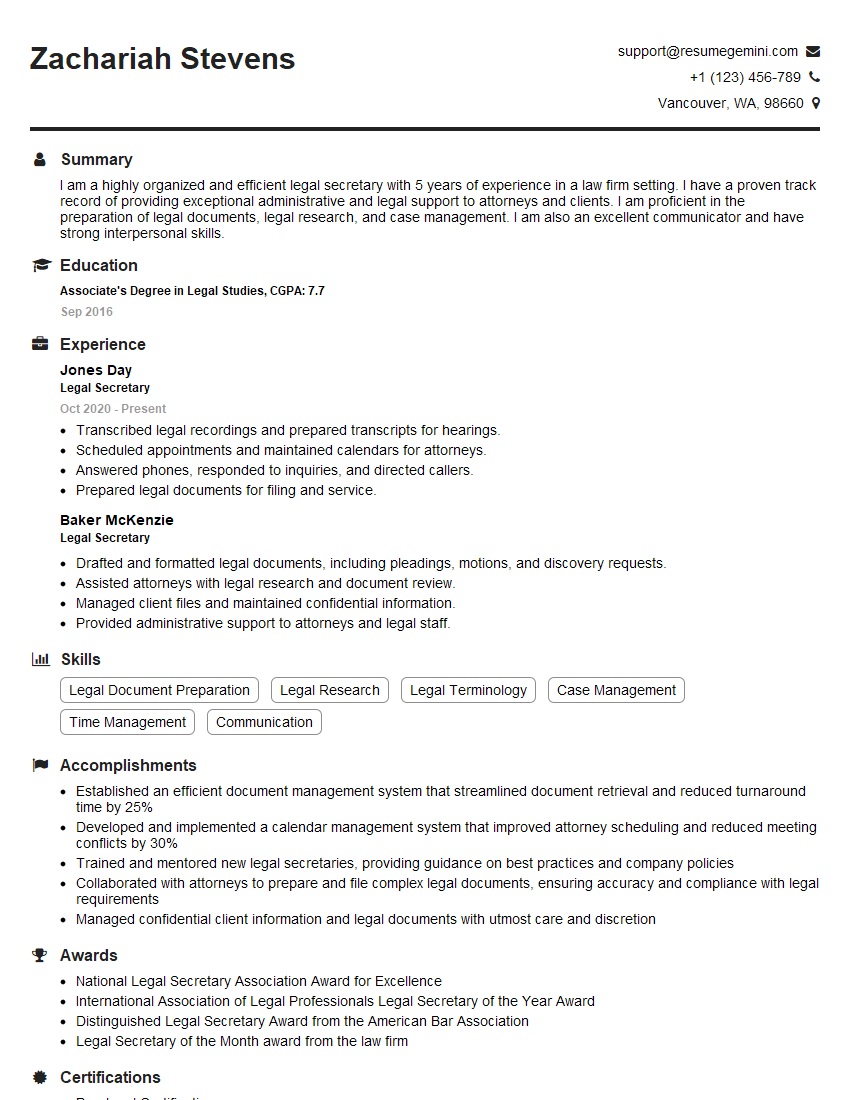
Legal Secretary Resume Sample
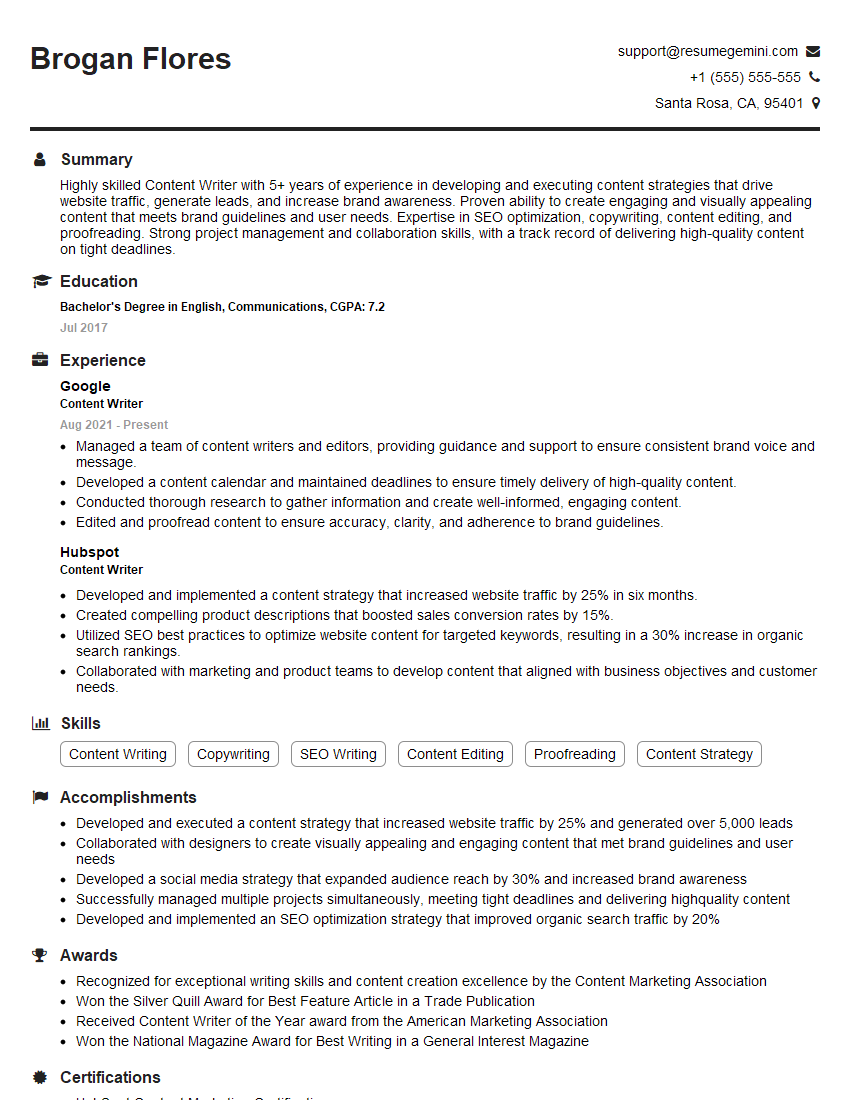
Content Writer Resume Sample
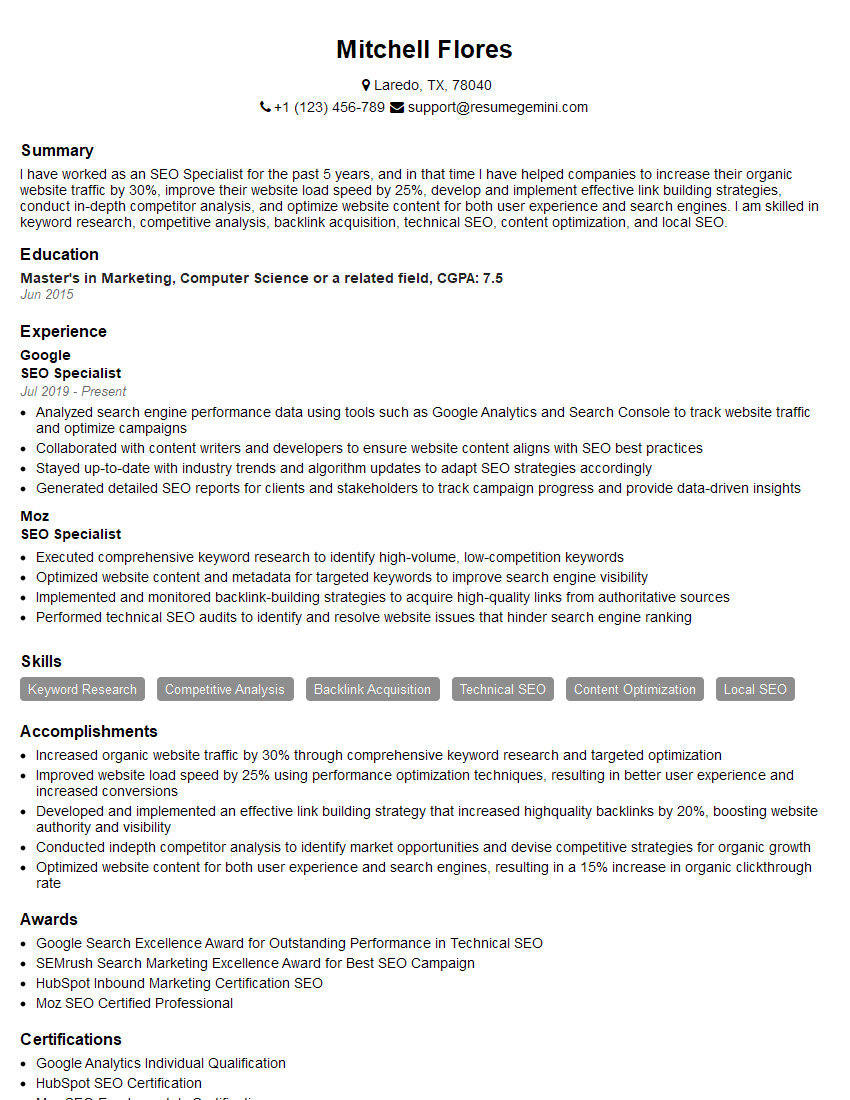
SEO Specialist Resume Sample
- Marketing Coordinator
- Administrative Assistant
- Contract Specialist
- Communications Specialist
- Grant Writer
- Content Manager
- Paralegal
- Editor
- Journalist
- Copy Editor
- Editorial Assistant
- Proofreader
- Technical Editor
- Medical Writer
- Proposal Writer
- Technical Writer
- Copywriter
- Web Content Writer
- Executive Assistant
- Legal Secretary
- Content Writer
- SEO Specialist
Explore more articles
Users Rating of Our Blogs
Share Your Experience
We value your feedback! Please rate our content and share your thoughts (optional).
What Readers Say About Our Blog
Very informative content, great job.
good