The right preparation can turn an interview into an opportunity to showcase your expertise. This guide to Engineering Drawing and Blueprint Reading interview questions is your ultimate resource, providing key insights and tips to help you ace your responses and stand out as a top candidate.
Questions Asked in Engineering Drawing and Blueprint Reading Interview
Q 1. Explain the difference between orthographic and isometric projections.
Orthographic and isometric projections are both ways to represent a 3D object on a 2D surface, but they differ significantly in their perspective and application.
Orthographic projection shows multiple views of an object (typically top, front, and side) as if looking directly at each face. These views are arranged to give a complete representation of the object’s shape and dimensions. Think of it like taking separate photos of each side of a box; each image only shows one face, but together they give a full picture.
Isometric projection, on the other hand, provides a single, 3D-like view of the object. It’s like taking a picture of the object from a corner, slightly tilted to reveal all three axes simultaneously. While it visually conveys a 3D sense, precise measurements are harder to take directly from the drawing compared to orthographic projections.
In short: Orthographic projections are precise and used for detailed designs and manufacturing, whereas isometric projections are used for quick visual representations and understanding of the object’s form.
Q 2. What are the standard line types and their meanings in engineering drawings?
Standard line types are crucial for clearly communicating information on engineering drawings. They help distinguish different features and aspects of the design.
- Solid lines: These are thick lines used for visible outlines and edges of the object.
- Dashed lines: These thinner lines indicate hidden features or edges not directly visible in the chosen view. Think of it like seeing the back edge of a box through its side.
- Center lines: These thin, alternating long and short dashes indicate axes of symmetry, centers of holes, or other symmetrical features. They help to position elements accurately.
- Dimension lines: These thin lines with arrowheads at each end are used to indicate the size or distance between features. They are accompanied by dimension values.
- Leader lines: These thin lines connect notes or specifications to the relevant features on the drawing. They are often used with arrows at one end.
- Section lines: Used to represent a cut-away view of an object (section view) to show internal features. These are often thin lines at close intervals.
- Phantom lines: Thin, alternating long and short dashes represent alternative positions or positions of moving parts. They are usually shorter than dashed lines indicating hidden features.
The specific weights and types of lines are standardized to ensure clarity and consistency across different engineering disciplines and organizations. Understanding these conventions is vital for accurate interpretation of blueprints.
Q 3. Describe the purpose of a title block on a blueprint.
The title block is a crucial section of an engineering drawing, located typically in the lower right-hand corner. It acts as a summary of the drawing’s key information.
Its purpose is to provide essential data for identification, management, and reference of the drawing. This includes:
- Drawing number/revision: Uniquely identifies the drawing within a project and tracks revisions.
- Title/description: Clearly states the purpose and contents of the drawing.
- Scale: Specifies the ratio between the drawing dimensions and the actual object’s dimensions.
- Date: Shows when the drawing was created or last revised.
- Company/designer information: Identifies the organization and individuals responsible for creating the drawing.
- Material specifications: Lists the materials used in the design.
- Approval signatures: Often includes spaces for authorization by relevant parties.
Think of the title block as the drawing’s identity card – it contains all the crucial details needed to understand its context and purpose.
Q 4. How do you interpret dimensioning on a drawing?
Interpreting dimensioning involves understanding how sizes and locations are communicated on a drawing. Dimensioning ensures accurate manufacturing and construction of the represented object.
Dimensions are generally shown with:
- Dimension lines: Thin lines with arrowheads at both ends, indicating the measured length or distance.
- Extension lines: Light, thin lines extending from the object to the dimension lines.
- Dimension values: Numerical values representing the measured length, width, diameter, radius, or other dimensions.
- Tolerance values (if any): Indicate acceptable variations from the nominal dimension.
For example, a dimension of 25 ± 0.5 mm indicates a nominal dimension of 25mm, with an acceptable variation of 0.5mm above or below.
Understanding the placement and orientation of dimensions is essential to correctly interpreting the object’s geometry. Dimensions may also include symbols for radius (R), diameter (Ø), squareness, and angles, all communicating precise details necessary for construction.
Q 5. Explain the concept of tolerances and their significance.
Tolerances specify the permissible variation in a dimension or other characteristic of a manufactured part or component. They acknowledge the limitations of manufacturing processes and ensure that parts are still functional despite slight variations.
For example, if a shaft is specified to have a diameter of 10mm ±0.1mm, it means that any shaft with a diameter between 9.9mm and 10.1mm is considered acceptable. The ±0.1mm represents the tolerance.
Significance: Tolerances are vital because:
- Functionality: They ensure that parts fit together correctly, despite manufacturing variations.
- Cost: Tight tolerances (smaller allowed variations) require more precise manufacturing methods, increasing cost. Wider tolerances are cheaper but might lead to a less precise fit.
- Interchangeability: Tolerances allow for the mass production of parts that are still interchangeable, even if there are slight size differences between them.
Without tolerances, perfect precision would be demanded of manufacturers, which is often impractical and overly expensive.
Q 6. What are section views and why are they used?
Section views are used to reveal the internal features or structure of an object that would otherwise be hidden in a regular view.
Imagine cutting through an object with an imaginary plane; a section view shows what that cut would reveal. They’re particularly useful for showing complex shapes, internal components, or the composition of a part.
Types of Section Views: Several types exist, including full section views (showing the entire cut), half section views (showing only half the object cut away, the other half in regular view), and detailed section views (showing specific components in greater detail).
Why use them?
- Clarity: They make complex internal features easy to understand.
- Detail: Allow for the clear representation of hidden features, such as internal threads, cross sections of beams, or the details of castings.
- Manufacturing: They provide the crucial information needed for manufacturing, especially for intricate components.
Section views are essential to communicate design intent accurately for complex objects where external views alone aren’t sufficient.
Q 7. How do you identify different materials on a blueprint?
Material identification on blueprints can be achieved through several methods. The most common approaches include:
- Material symbols/designations: Standardized symbols or abbreviations are frequently used, such as
ASTM A36for a specific type of steel. These often refer to material standards, specifying exact compositions or properties. - Material specification tables or callouts: Drawings frequently include tables listing materials used, referencing them by component names or numbers.
- Notes: Specific notes within the drawing might explicitly state materials for particular components.
- Material color codes (rare): Some drawings, particularly older ones or those in specific industries, might utilize color-coding to distinguish between materials. However, this practice is not as prevalent as other methods due to potential printing inconsistencies.
A comprehensive understanding of material standards and conventions within the specific industry is essential for accurate interpretation of material designations on engineering drawings.
Q 8. What are common symbols used in electrical, mechanical, and plumbing drawings?
Engineering drawings utilize standardized symbols across disciplines like electrical, mechanical, and plumbing to ensure clarity and consistency. Think of them as a visual shorthand. These symbols avoid lengthy written descriptions, making blueprints concise and easily understood by professionals worldwide.
- Electrical Symbols: Common symbols include those for switches (various types), outlets, lights (various types), circuit breakers, fuses, motors, transformers, and grounding symbols. For example, a circle with a cross inside typically represents a light fixture, while a simple square might depict a wall outlet.
- Mechanical Symbols: Mechanical drawings heavily use symbols for fasteners (bolts, screws, rivets), welds (various types), surface finishes (roughness, smoothness), materials (steel, aluminum, etc.), and different types of sections (e.g., cross-sections). A triangle with a short line inside often represents a weld.
- Plumbing Symbols: Plumbing symbols denote pipes (different diameters and materials), valves (globe, gate, check valves), fixtures (sinks, toilets, showers), fittings (elbows, tees, unions), and water meters. A circle with a line coming out represents a valve.
These symbols are defined by industry standards (like ANSI or ISO) to maintain uniformity and prevent misinterpretations. Mastering these symbols is crucial for anyone working with engineering drawings.
Q 9. Explain the importance of scale in engineering drawings.
Scale is absolutely critical in engineering drawings because it allows us to represent large or small objects on a manageable sheet of paper. Imagine trying to draw a full-size car on a standard drawing sheet—impossible! Scale provides the ratio between the dimensions on the drawing and the actual dimensions of the object.
For example, a scale of 1:10 means that 1 unit on the drawing represents 10 units in real life. This is often denoted as 1:10 or written as “Scale: 1/10”. Other common scales include 1:20, 1:50, 1:100, and so on. The choice of scale depends on the size and complexity of the object. A large building might be drawn at a smaller scale (e.g., 1:100), while a small component might use a larger scale (e.g., 1:1 or even larger).
Inaccurate scaling can lead to significant errors during manufacturing or construction, resulting in costly rework or even project failure. Therefore, understanding and meticulously adhering to the stated scale is paramount.
Q 10. How do you interpret assembly drawings?
Assembly drawings show how individual components fit together to create a complete assembly. They provide a comprehensive view of the final product, illustrating the spatial relationships between parts. Think of it like an instruction manual, but visual.
Interpreting assembly drawings involves identifying each component, understanding its relationship to others, and visualizing the assembly process. This includes understanding exploded views (components shown slightly separated for clarity), sectional views (cutaway views to show internal components), and detail views (magnified views of specific areas). You’ll also need to look for annotations like part numbers, materials, and tolerances (allowable variations in dimensions).
For example, an assembly drawing of a bicycle would show how the frame, wheels, handlebars, pedals, and other parts connect and work together to form the functional bicycle. Each part would be individually identified, and the drawing would provide enough information for someone to assemble the bicycle successfully.
Q 11. Describe the process of reading and interpreting a detailed assembly drawing.
Reading and interpreting a detailed assembly drawing is a systematic process. It’s like solving a 3D puzzle, but with precision and accuracy.
- Identify the Title Block: This contains essential information like the drawing number, revision number, scale, and date.
- Review the General Arrangement: Get an overall understanding of the assembly and how the main components relate.
- Examine Individual Components: Carefully study each component, noting its part number, material, and dimensions. Refer to detail drawings or other supplementary documentation if needed.
- Analyze Component Relationships: Understand how the components interact and fit together. Exploded views and sectional views are invaluable here.
- Verify Assembly Sequence (if applicable): Some assembly drawings show the sequence of assembly. Follow these steps to understand how the parts are put together.
- Check Tolerances and Fit: Pay attention to tolerances (allowable variations in dimensions). This ensures correct fitting and functionality of parts.
This methodical approach allows for a comprehensive understanding of the assembly, aiding in manufacturing, assembly, or troubleshooting.
Q 12. What is a bill of materials (BOM) and how is it related to blueprints?
A Bill of Materials (BOM) is a list of all the raw materials, components, sub-assemblies, intermediate assemblies, sub-components, parts, and the quantities of each needed to manufacture an end product. It’s essentially a shopping list for a project.
The BOM is intrinsically linked to blueprints because it provides the quantitative information that complements the qualitative information shown on the drawings. The blueprint shows *how* things are assembled; the BOM shows *what* is needed to build it. For example, a blueprint might show the assembly of a chair, while the BOM will list the specific number of legs, screws, wood panels, and fabric required to manufacture that chair.
Without the BOM, the blueprint is incomplete, lacking crucial information necessary for procurement, manufacturing, and cost estimation.
Q 13. How do you identify revisions and updates on a blueprint?
Revisions and updates on blueprints are vital to ensure everyone is working with the most up-to-date information. These changes are typically documented within a revision block or table usually located in the title block.
This block commonly lists revision letters or numbers (e.g., A, B, C or 1, 2, 3), along with a description of the changes made during each revision. This helps track modifications, ensuring that anyone referencing the blueprint knows which version they’re working with. Sometimes a revision cloud is used to visually highlight the area changed in the drawing. Always check the revision block to ensure you’re using the most current version before making any decisions based on the blueprint.
It’s essential to note the revision level when referencing a drawing. Using an outdated version can lead to errors and inconsistencies in production.
Q 14. What are the different types of CAD software you are familiar with?
I am proficient in several Computer-Aided Design (CAD) software packages, each with its own strengths and applications. My experience includes:
- AutoCAD: A widely used industry standard, excellent for 2D drafting and detailed drawings across various disciplines.
- SolidWorks: A powerful 3D modeling software, ideal for creating complex assemblies, performing simulations, and generating detailed manufacturing drawings.
- Creo Parametric (formerly Pro/ENGINEER): Another robust 3D modeling and CAD/CAM software known for its advanced features and its extensive applications in various industries.
- Revit: Primarily used for Building Information Modeling (BIM), allowing for collaborative design and management of building projects.
My familiarity with these diverse platforms enables me to adapt to various project needs and client requirements, ensuring efficient and accurate drawing creation and management.
Q 15. Explain your experience with using CAD software for creating or modifying drawings.
My experience with CAD software spans over 10 years, encompassing various platforms like AutoCAD, SolidWorks, and Revit. I’m proficient in 2D drafting and 3D modeling, including creating detailed engineering drawings, assembling complex components, and modifying existing designs. For example, in a recent project involving a bridge design, I used AutoCAD to create precise 2D drawings of structural members, incorporating detailed dimensions, tolerances, and material specifications. I also utilized SolidWorks to build a 3D model of the bridge, allowing for stress analysis and design optimization. Modifying existing drawings is a regular part of my workflow; I frequently update drawings to reflect design changes, incorporate feedback from stakeholders, or adjust them based on field measurements. My approach always prioritizes maintaining dimensional accuracy and adherence to industry standards.
Career Expert Tips:
- Ace those interviews! Prepare effectively by reviewing the Top 50 Most Common Interview Questions on ResumeGemini.
- Navigate your job search with confidence! Explore a wide range of Career Tips on ResumeGemini. Learn about common challenges and recommendations to overcome them.
- Craft the perfect resume! Master the Art of Resume Writing with ResumeGemini’s guide. Showcase your unique qualifications and achievements effectively.
- Don’t miss out on holiday savings! Build your dream resume with ResumeGemini’s ATS optimized templates.
Q 16. How do you ensure accuracy and precision in your blueprint readings?
Accuracy and precision in blueprint reading are paramount to avoid costly errors. My approach involves a multi-step process: Firstly, I carefully examine the drawing’s title block for crucial information like scale, revision numbers, and project details. Secondly, I meticulously check dimensions using appropriate tools (e.g., scales, digital calipers for verification when applicable), paying close attention to tolerance values. Thirdly, I verify the consistency of dimensions across different views of the drawing, ensuring no conflicting information exists. Fourthly, I cross-reference details with other relevant documents such as specifications or material lists. Finally, I always double-check my measurements and interpretations before making any decisions based on the blueprint. Think of it like solving a complex puzzle – each piece of information needs to fit perfectly with the others to get the complete picture.
Q 17. Describe your experience working with different drawing formats (e.g., PDF, DWG, DXF).
I have extensive experience with various drawing formats, including PDF, DWG, and DXF. PDFs are commonly used for distribution and archiving due to their universality and compatibility across different software platforms. DWG (Drawing) is the native format for AutoCAD, providing maximum flexibility for editing and modifying drawings. DXF (Drawing Exchange Format) facilitates data exchange between different CAD systems, ensuring seamless collaboration across various platforms. I routinely convert between these formats based on project needs. For instance, I might receive a design in DXF format from a subcontractor, convert it to DWG for editing in AutoCAD, and then export a finalized version as a PDF for review and distribution to the client. My understanding of these formats and their interoperability allows for smooth workflow management in collaborative projects.
Q 18. How do you handle discrepancies or errors in a blueprint?
Handling discrepancies or errors in a blueprint requires a systematic approach. The first step is to identify the discrepancy – is it a dimension conflict, a missing detail, or an unclear annotation? Once identified, I attempt to resolve the issue using my knowledge of engineering principles and by cross-referencing with other project documents. If the discrepancy cannot be resolved internally, I communicate the issue to the responsible engineer or designer, providing detailed documentation of the problem and my proposed solutions. For example, I once encountered conflicting dimensions on a piping diagram. After careful investigation, I realized it was a drafting error, which I documented and communicated to the lead engineer for correction. Open communication and careful documentation are crucial for handling discrepancies efficiently and avoiding potential problems later on.
Q 19. Explain your process for verifying the accuracy of a blueprint.
Verifying the accuracy of a blueprint is a crucial step that ensures the integrity of the final product. My verification process typically includes: (1) Checking all dimensions and tolerances against design specifications; (2) Verifying the completeness of the drawing, confirming all necessary views, sections, and details are present; (3) Examining the drawing for any conflicts or inconsistencies; (4) Cross-referencing information with other project documents (e.g., materials list, specifications); and (5) If possible, performing a physical inspection of the component or structure represented in the blueprint, comparing it to the design. For instance, during the construction of a building, I might use the blueprint to verify the actual placement of structural elements during the framing process. This systematic process safeguards against costly mistakes downstream.
Q 20. How do you communicate technical information from a blueprint effectively?
Effective communication of technical information from a blueprint involves clarifying ambiguities and presenting information concisely and clearly. This often involves: using clear and concise language; producing annotated drawings highlighting specific features or areas; preparing concise reports summarizing key information; and using visual aids like diagrams and 3D models to help stakeholders understand complex concepts. For instance, when explaining a complex assembly sequence to a technician, I would prepare a step-by-step annotated drawing, emphasizing critical connections and alignment points. Effective communication is a cornerstone of successful project delivery.
Q 21. Describe a situation where you had to interpret a complex blueprint.
In a past project involving a complex HVAC system, I had to interpret a blueprint filled with intricate piping networks, valve specifications, and sensor locations. The challenge stemmed from the sheer number of components and the dense layout of the drawing. To overcome this, I systematically broke down the drawing into smaller, more manageable sections. I started by identifying the main components and their interconnections, gradually working my way to the specifics. I also cross-referenced the blueprint with the system specifications, which clarified ambiguous points. Through a combination of systematic analysis and cross-referencing, I successfully interpreted the complex blueprint and contributed to the project’s successful completion. This experience highlighted the importance of methodical problem-solving and the value of patience and persistence when interpreting complex technical documents.
Q 22. How do you utilize annotations and notes on engineering drawings?
Annotations and notes are crucial for clarity and precision on engineering drawings. They act as a bridge between the visual representation and the design intent, providing essential information that the drawing alone cannot convey. I utilize them strategically to:
Specify Dimensions and Tolerances: I meticulously annotate dimensions, including units (mm, inches, etc.), and tolerances (e.g., ±0.1mm) to ensure components fit correctly. For instance,
DIA 25.00 ±0.05clearly indicates a diameter of 25mm with a tolerance of ±0.05mm.Identify Materials and Finishes: Notes clearly state the material (e.g., ‘Steel, Grade 4140’) and surface finish (e.g., ‘Zinc Plated, Class 5’) of each component. This prevents ambiguity and ensures correct manufacturing.
Clarify Assembly Instructions: Annotations guide assembly, especially for complex parts. For example, I might use notes like ‘Bolt A to B using 4 x M6 bolts’ or ‘Apply sealant to joint before assembly’.
Add Special Instructions: Annotations can highlight crucial details like heat treatment requirements, specific welding procedures, or unique manufacturing processes. This ensures consistency and quality control.
Reference Other Drawings: I use notes to link related drawings (e.g., ‘See Detail A on Drawing XYZ-123’). This helps manage large projects efficiently.
For example, working on a pump design, annotations helped us avoid a costly mistake. A seemingly small note specifying a specific type of gasket material prevented leakage issues during testing.
Q 23. What are your strategies for managing large and complex sets of drawings?
Managing large and complex drawing sets demands a systematic approach. I employ a multi-pronged strategy that includes:
Version Control: Using a robust version control system (like Autodesk Vault or similar) is essential. This allows tracking of revisions, collaboration, and rollback to previous versions if needed. It’s crucial for preventing conflicts and ensuring everyone works with the latest version.
Drawing Organization: I use a structured folder system, categorizing drawings based on system components or assembly levels. Clear naming conventions (e.g., using project codes and sequential numbers) are crucial for easy retrieval.
Drawing Indexes/Lists: A well-organized index or list of drawings within the project makes navigation straightforward. This list should specify revision numbers and dates. It’s like a table of contents for the entire project.
Digital Collaboration Tools: Utilizing cloud-based platforms or BIM (Building Information Modeling) software facilitates seamless collaboration among team members regardless of location.
Regular Backups: This is a non-negotiable. Regular backups protect the project from data loss due to hardware failures or accidental deletions.
Imagine working on a large infrastructure project with hundreds of drawings. Without a proper system in place, tracking changes and ensuring everyone is working with the correct version would be a logistical nightmare. My strategies prevent this.
Q 24. How do you stay updated on the latest standards and practices in engineering drawing?
Staying updated is critical for any engineering drafter. I actively engage in several methods:
Professional Organizations: I’m a member of relevant professional organizations (e.g., ASME, IEEE) that offer workshops, publications, and access to the latest standards.
Industry Publications: I regularly read industry journals and magazines to learn about advancements in CAD software, design standards, and best practices. This allows me to adapt to evolving techniques and maintain expertise.
Online Courses and Webinars: Online platforms offer numerous courses that help stay abreast of the latest software features, design methodologies, and standards updates.
Conferences and Workshops: Attending industry conferences and workshops provides networking opportunities and exposure to cutting-edge developments in the field. This keeps me grounded in real-world applications.
Standard Reference Books: I constantly refer to and update my collection of standard reference books, ensuring they reflect the latest revisions and norms.
For example, recent updates to ISO standards on geometric dimensioning and tolerancing (GD&T) significantly impact my work; continuous learning ensures I effectively implement these updates.
Q 25. Explain your experience with working on projects requiring multiple drawing sets.
Experience with multiple drawing sets is commonplace in large-scale projects. On several occasions, I’ve worked on projects involving numerous drawings detailing different aspects of a single product or structure. The key to success lies in understanding the interdependencies between these drawings.
Cross-Referencing: I meticulously check for consistency between drawings. For instance, the dimensions of a component shown in a detail drawing must match its representation in the assembly drawing.
Effective Communication: Collaboration with other engineers and designers is essential. Regular meetings and communication ensure that any changes in one drawing are properly reflected in others.
Revision Control: Implementing a rigorous version control system is crucial to keep track of revisions across different drawing sets. This prevents confusion and errors that would occur otherwise.
A recent project involved designing a complex industrial machine with separate drawings for the mechanical, electrical, and pneumatic systems. Effectively managing these sets and ensuring their compatibility required a thorough understanding of each system and meticulous cross-referencing and version control.
Q 26. How do you work collaboratively with engineers and designers on drawing review and updates?
Collaboration is fundamental to successful engineering design. I work with engineers and designers on drawing review and updates using a combination of techniques:
Regular Design Reviews: Participating in regular design reviews ensures early detection of issues and allows for collaborative problem-solving. These reviews are crucial for integrating feedback and maintaining design integrity.
Markup and Commenting Tools: Using digital annotation and markup tools within our CAD software enables efficient review processes. I actively use these tools to highlight issues, provide suggestions, and discuss modifications directly on the drawings. This facilitates clear and concise communication.
Version Control Integration: Integrating revision control with our collaboration platform allows multiple team members to work simultaneously on the same drawing set without creating conflicts. Change logs and revision histories provide transparency to all stakeholders.
Clear Communication Protocols: Establishing clear communication protocols, such as specifying response times and meeting frequencies, ensures efficient workflows and effective collaboration.
In a recent project, utilizing these collaborative tools enabled us to swiftly identify and resolve a potential interference issue between components of a complex assembly, preventing a costly redesign later in the process.
Q 27. Describe your experience using a 3D modeling software for visualization.
3D modeling software provides invaluable visualization capabilities, enhancing both design and communication. I have extensive experience using software like SolidWorks and AutoCAD to create 3D models. My experience includes:
Conceptual Design: I use 3D modeling for initial design concepts, allowing for early visualization of the product and facilitating design exploration and refinement. This often reveals potential issues early in the design process.
Detailed Modeling: I create detailed 3D models including component features, assembly constraints, and material properties. This ensures accurate representation and facilitates simulations and analyses.
Simulation and Analysis: 3D models support various simulations, such as finite element analysis (FEA) and computational fluid dynamics (CFD), to verify the design’s structural integrity and performance characteristics. This allows for informed decision-making and optimization.
Rendering and Presentation: I generate high-quality renderings and animations to effectively communicate designs to clients and stakeholders. These visuals can clearly present designs, improving comprehension and buy-in from stakeholders.
For example, on a recent project involving a robotic arm, the 3D model enabled us to identify potential collision points during motion and adjust the design accordingly, leading to a more efficient and robust final product. Without 3D modeling, these issues might have been uncovered only during physical prototyping—a much more costly approach.
Key Topics to Learn for Engineering Drawing and Blueprint Reading Interview
- Orthographic Projections: Understanding first-angle and third-angle projections, and their application in creating multi-view drawings. Practice interpreting and sketching different views.
- Dimensioning and Tolerancing: Mastering the techniques of accurately dimensioning drawings and understanding geometric dimensioning and tolerancing (GD&T) symbols. This ensures you can understand and communicate manufacturing requirements.
- Sections and Views: Interpreting sectional views (full, half, broken, revolved) to visualize internal components and features. Practice identifying different types of sections on blueprints.
- Scale and Proportion: Understanding scale factors and their importance in translating drawings to real-world objects. Practice working with different scales and converting measurements.
- Material Specifications: Identifying material symbols and notations on blueprints to understand the materials used in a design. This shows understanding of manufacturing processes.
- Reading and Interpreting Annotations: Understanding standard symbols, abbreviations, and notes commonly used on engineering drawings and blueprints to fully grasp design specifications.
- Blueprint Reading Software Proficiency: Demonstrating familiarity with common CAD software or blueprint reading tools is a significant advantage. Highlight your experience with relevant software.
- Problem-Solving with Blueprints: Prepare to discuss how you would approach identifying and solving problems or discrepancies found within a blueprint. Show your analytical skills.
- Assembly Drawings: Understanding how to interpret assembly drawings to visualize the relationship between different components and how they fit together.
Next Steps
Mastering engineering drawing and blueprint reading is crucial for success in many engineering roles, demonstrating your ability to understand designs, communicate effectively with colleagues, and contribute to efficient project execution. Your skills in interpreting complex technical information are highly valued by employers.
To significantly boost your job prospects, create an ATS-friendly resume that showcases your abilities clearly and effectively. Use ResumeGemini to build a professional and impactful resume that highlights your expertise in engineering drawing and blueprint reading. ResumeGemini provides examples of resumes tailored specifically to this field, ensuring you present yourself in the best possible light to potential employers.
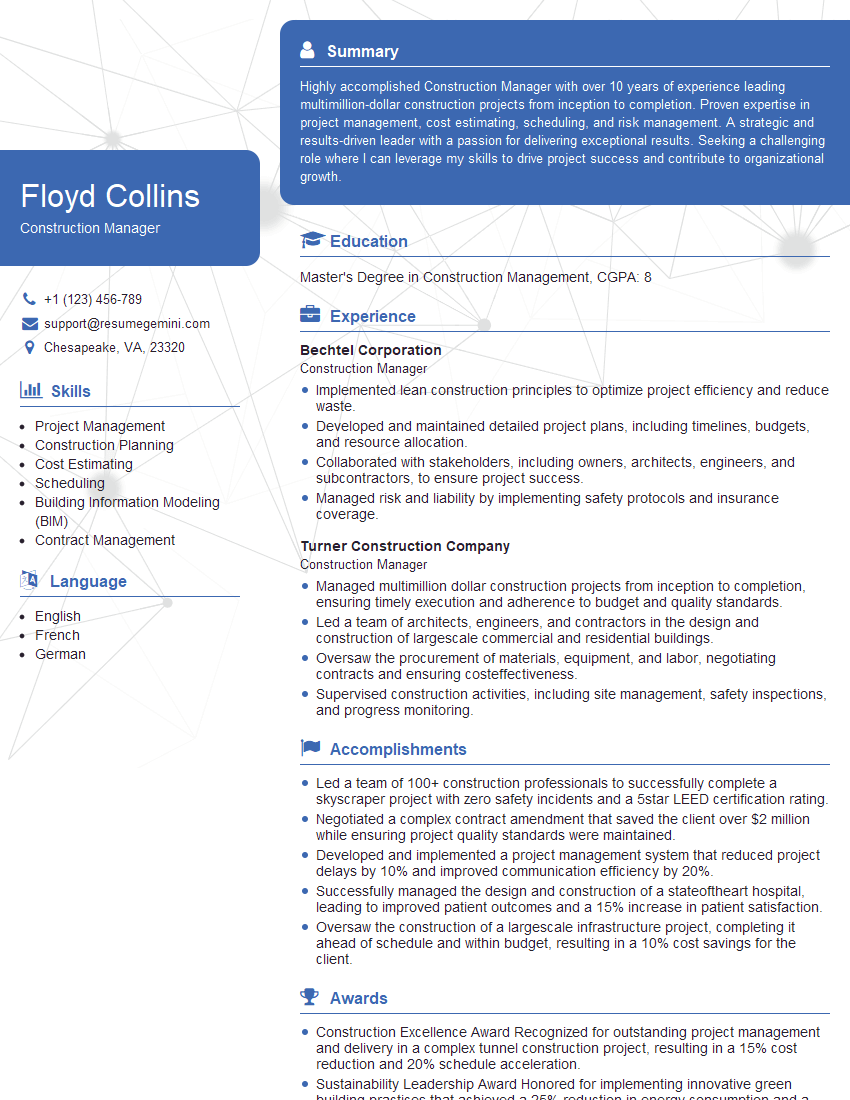
Construction Manager Resume Sample

Project Engineer Resume Sample
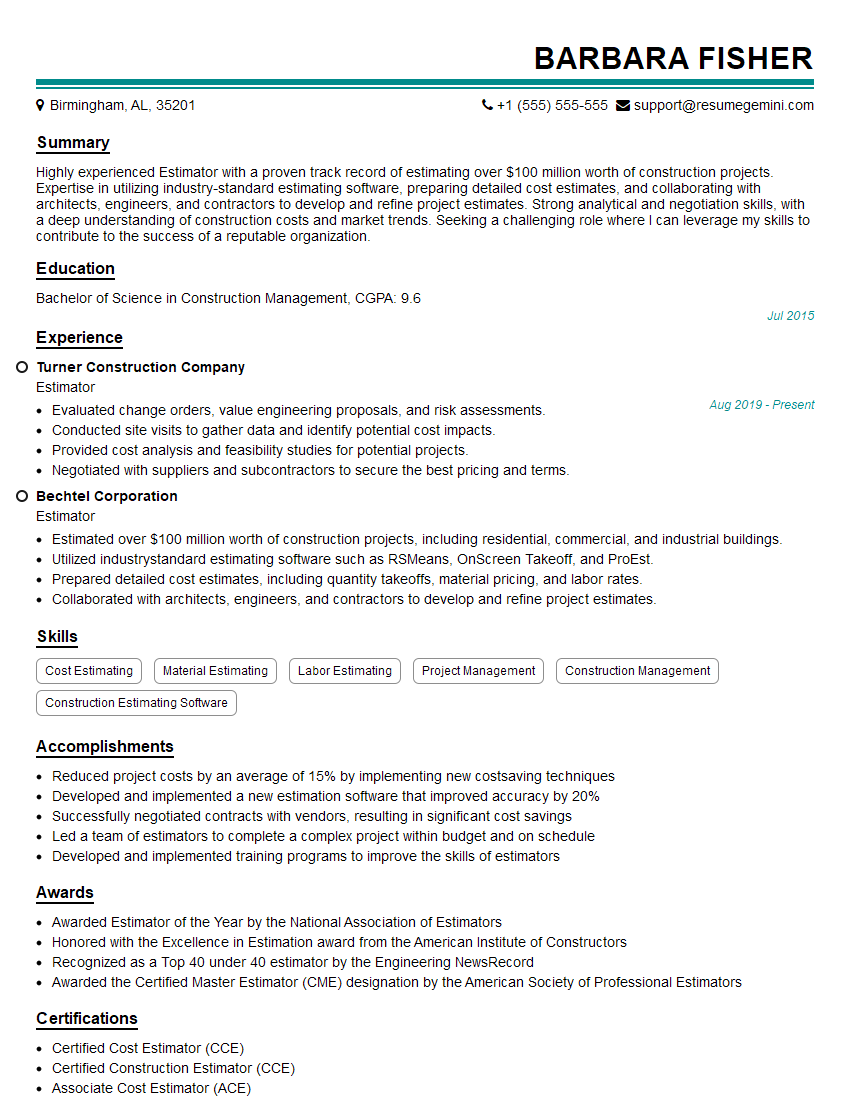
Estimator Resume Sample

Technical Specialist Resume Sample

Design Engineer Resume Sample
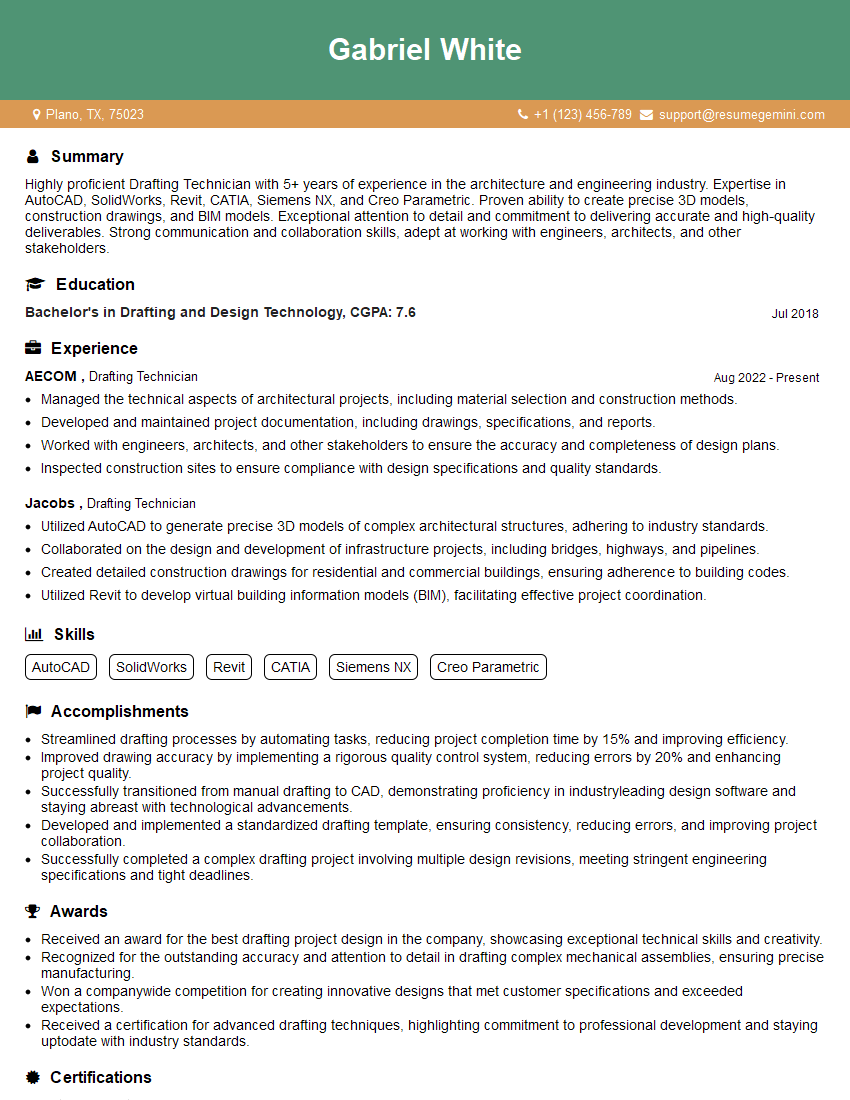
Drafting Technician Resume Sample

Engineering Technician Resume Sample

Manufacturing Engineer Resume Sample
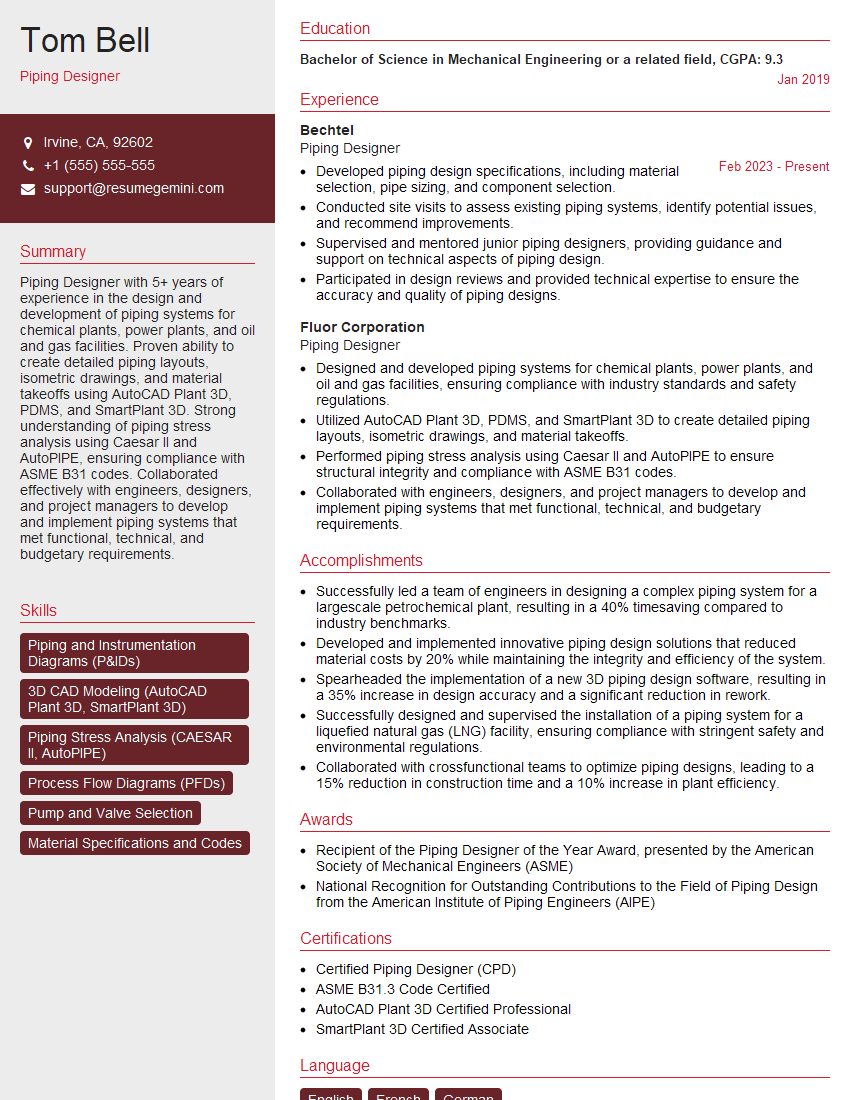
Piping Designer Resume Sample
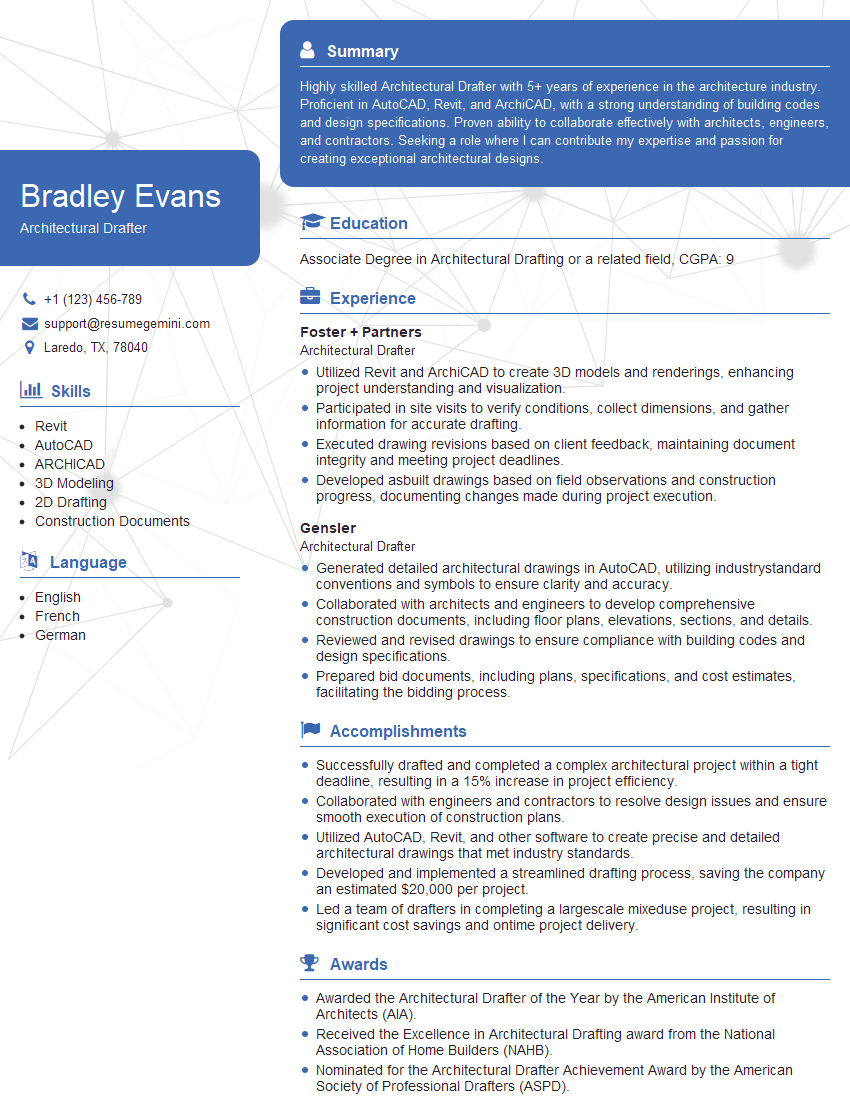
Architectural Drafter Resume Sample
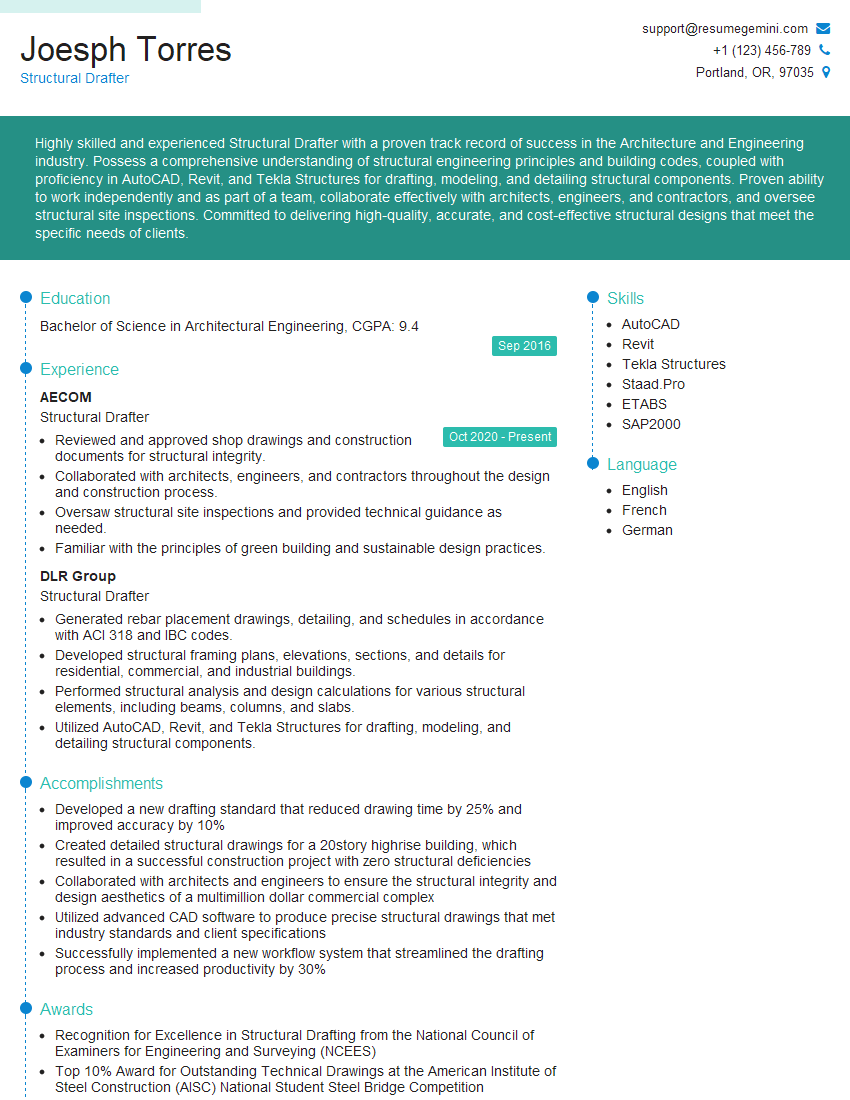
Structural Drafter Resume Sample
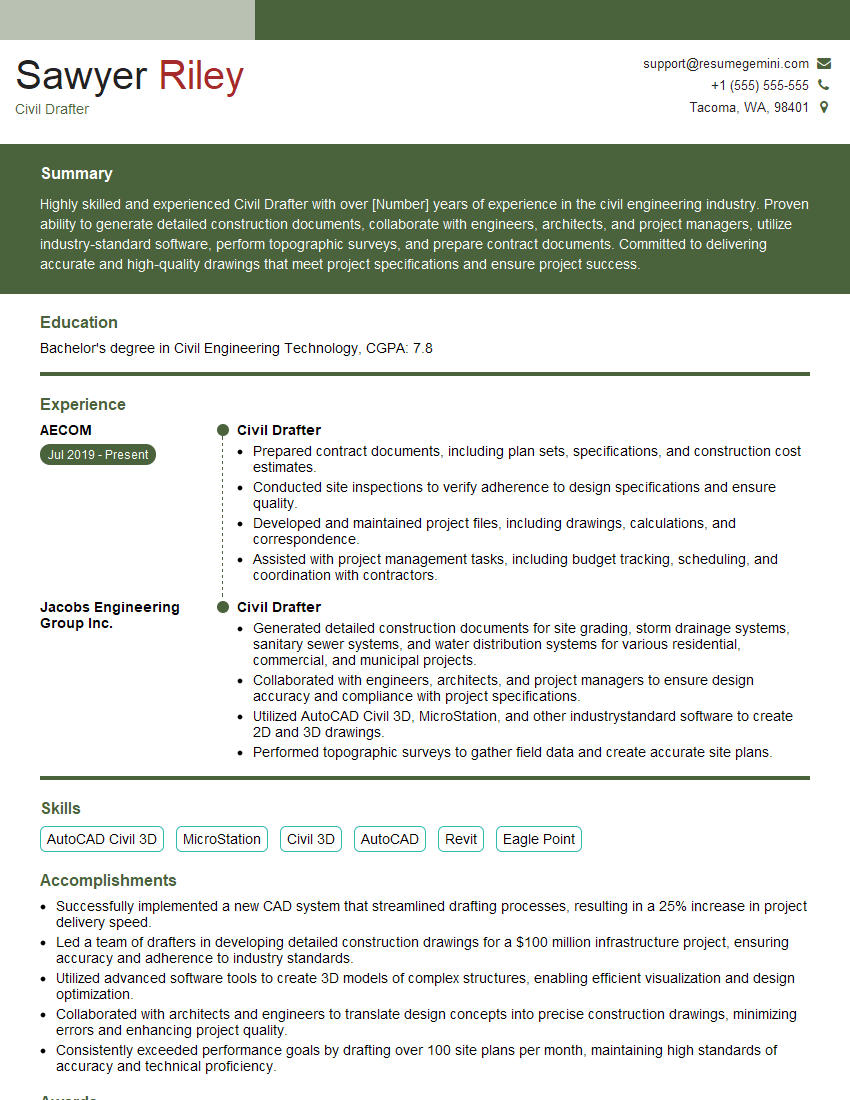
Civil Drafter Resume Sample
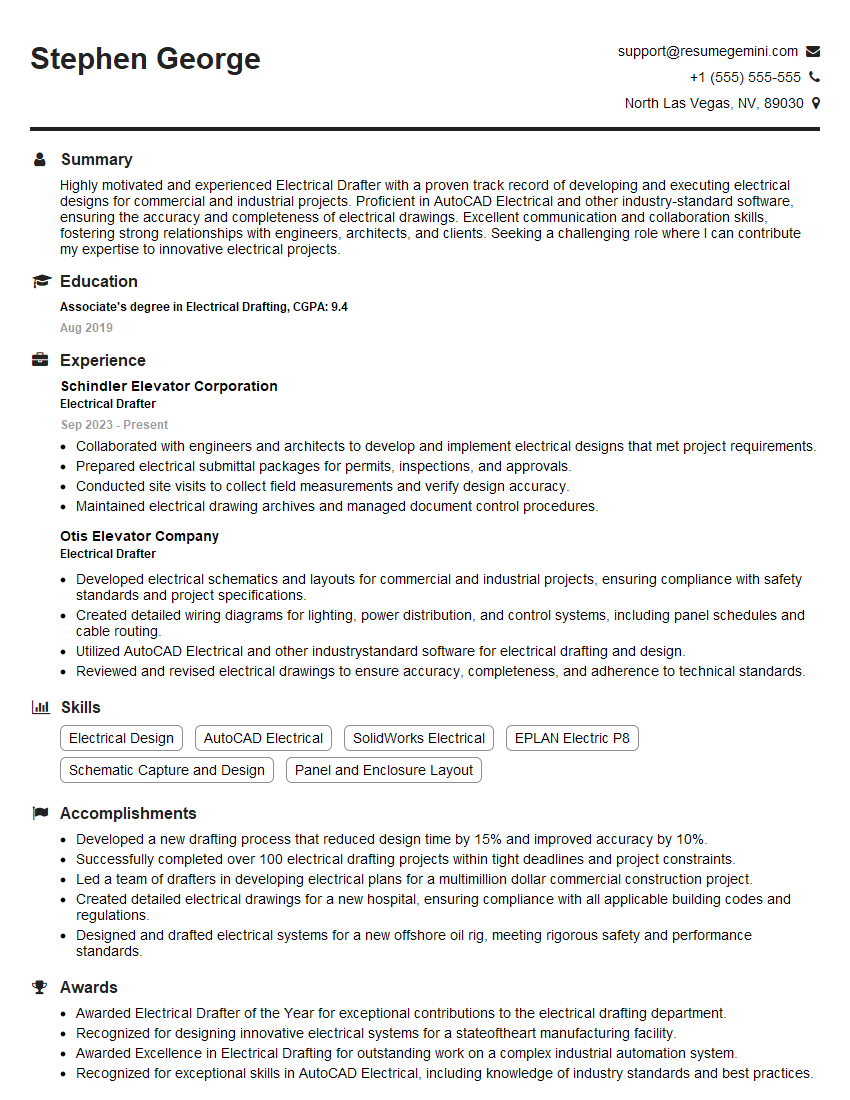
Electrical Drafter Resume Sample
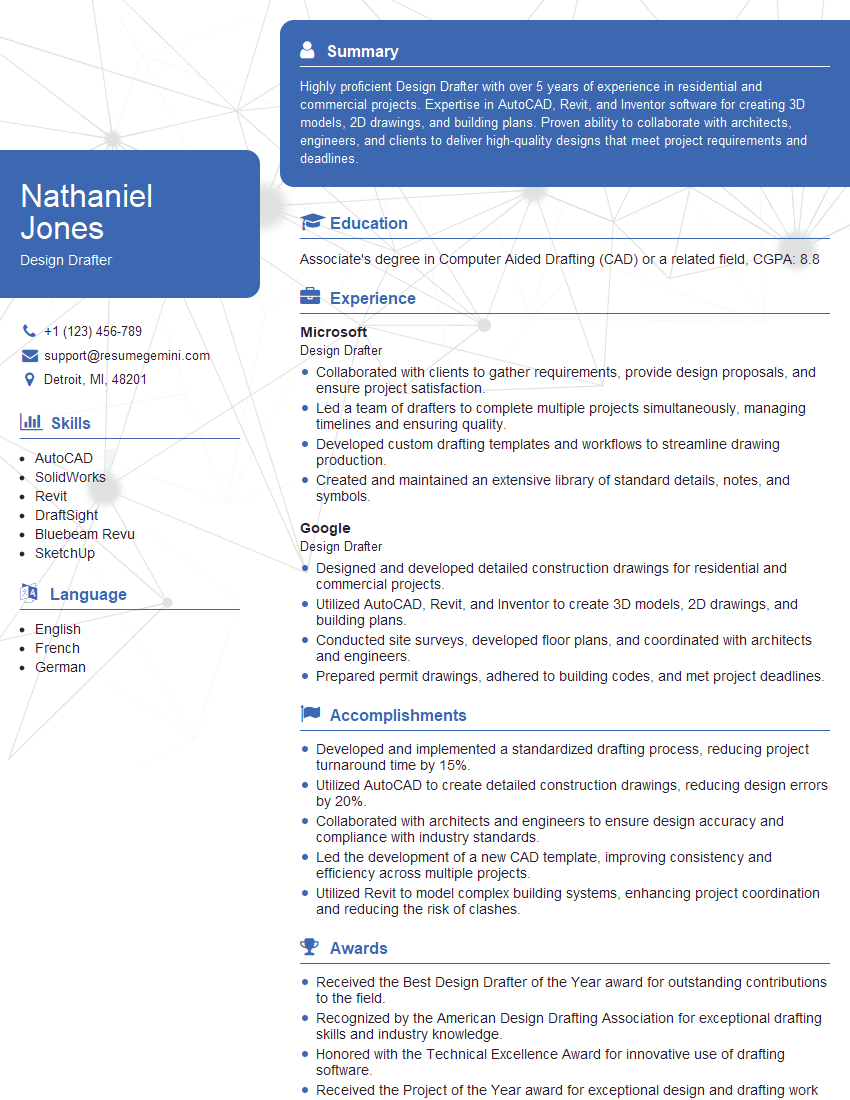
Design Drafter Resume Sample
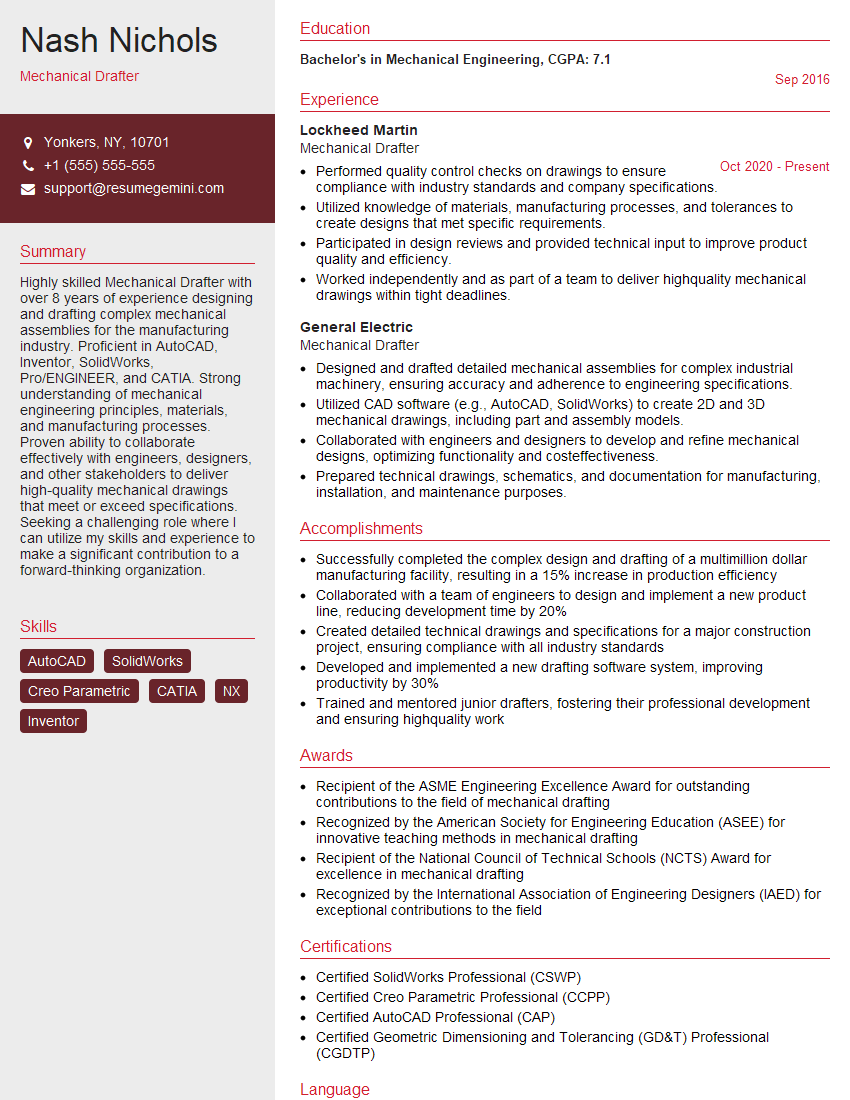
Mechanical Drafter Resume Sample

Technical Illustrator Resume Sample
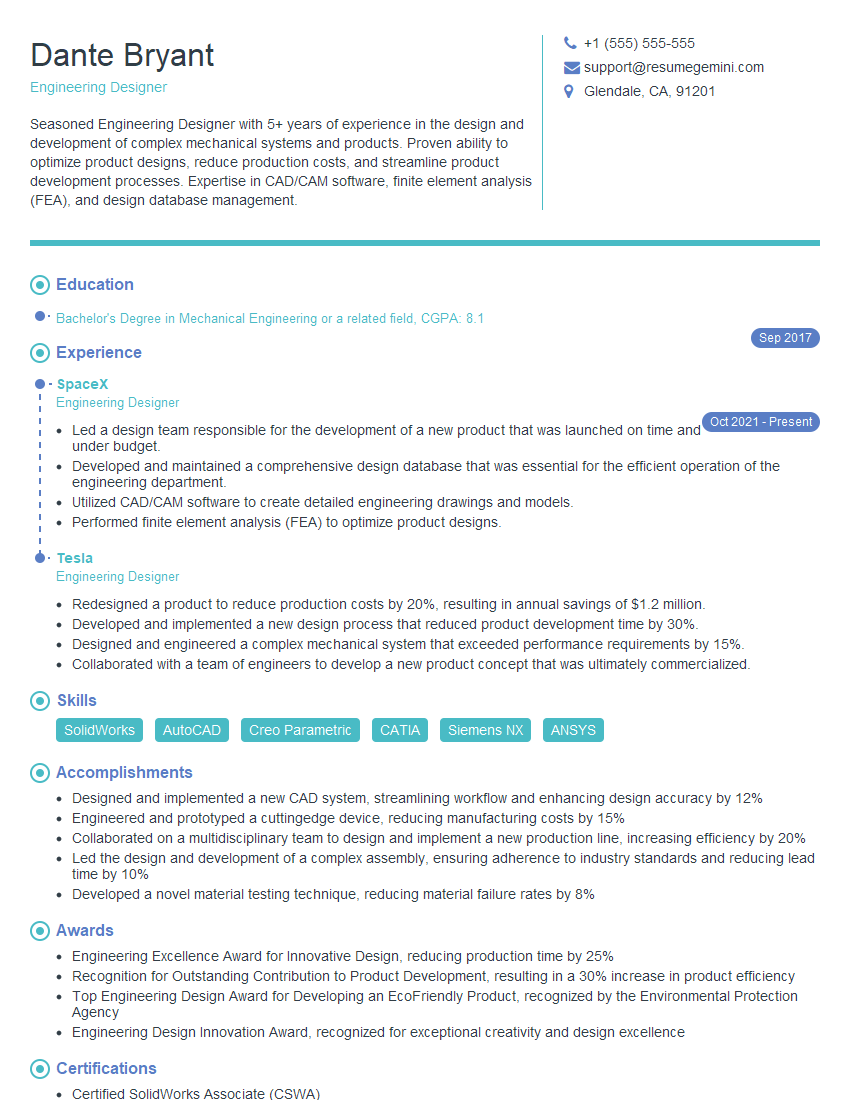
Engineering Designer Resume Sample
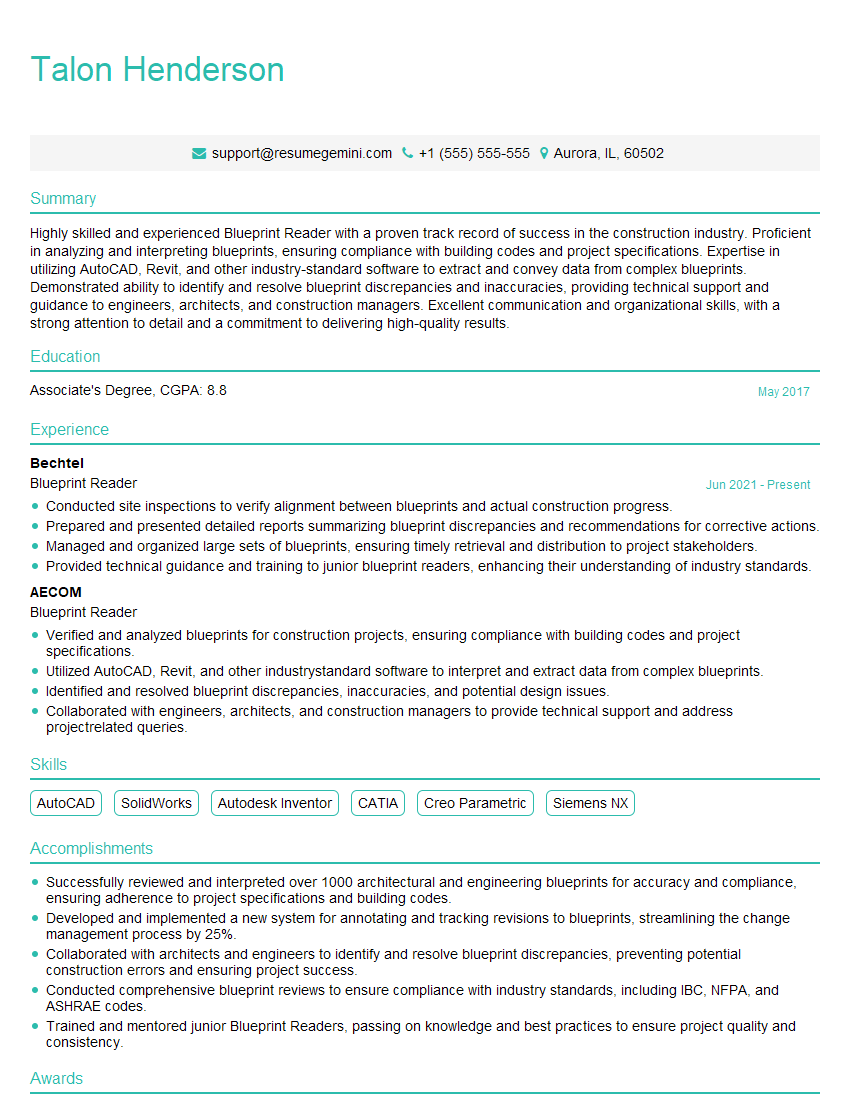
Blueprint Reader Resume Sample
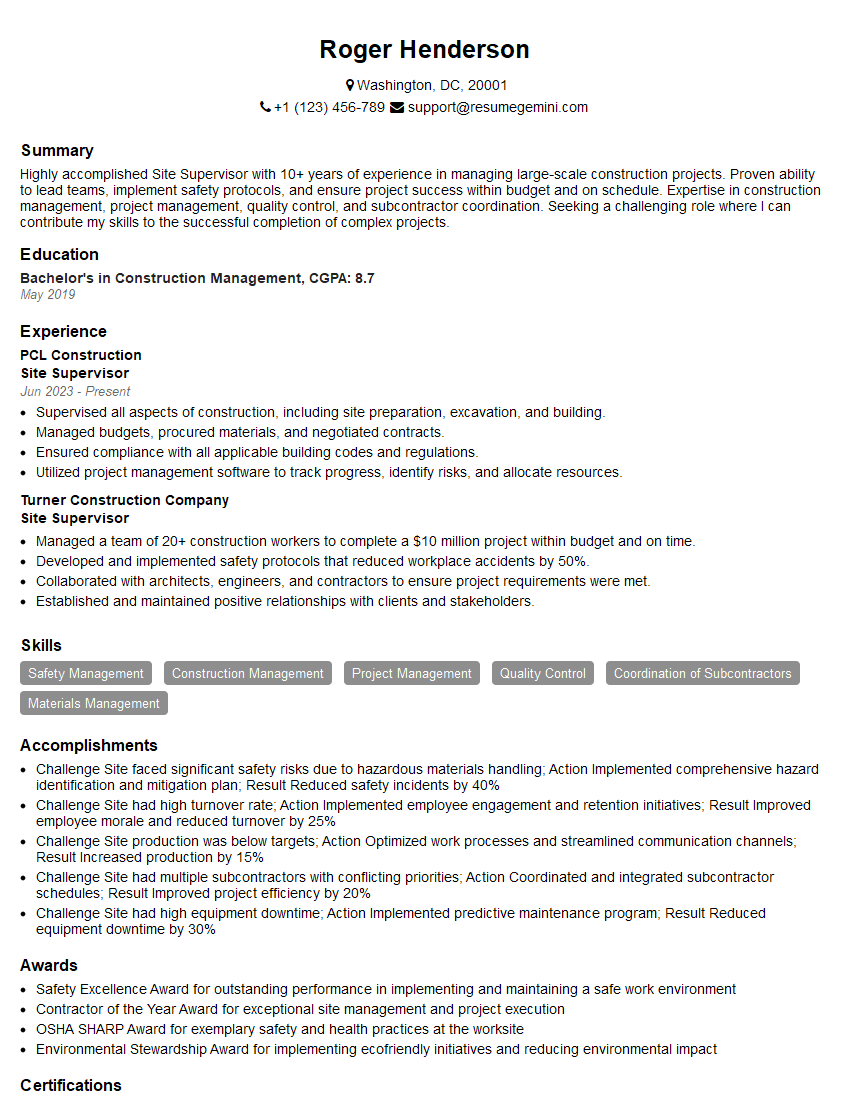
Site Supervisor Resume Sample

Quality Control Inspector Resume Sample
- Construction Manager
- Project Engineer
- Estimator
- Technical Specialist
- Design Engineer
- Drafting Technician
- Engineering Technician
- Manufacturing Engineer
- Piping Designer
- Architectural Drafter
- Structural Drafter
- Civil Drafter
- Electrical Drafter
- Design Drafter
- Mechanical Drafter
- Technical Illustrator
- Engineering Designer
- Blueprint Reader
- Site Supervisor
- Quality Control Inspector
Explore more articles
Users Rating of Our Blogs
Share Your Experience
We value your feedback! Please rate our content and share your thoughts (optional).
What Readers Say About Our Blog
Very informative content, great job.
good