Interviews are more than just a Q&A session—they’re a chance to prove your worth. This blog dives into essential Engineering Drawing Conventions interview questions and expert tips to help you align your answers with what hiring managers are looking for. Start preparing to shine!
Questions Asked in Engineering Drawing Conventions Interview
Q 1. Explain the importance of orthographic projection in engineering drawings.
Orthographic projection is the cornerstone of engineering drawing, providing a way to represent three-dimensional objects on a two-dimensional plane. Imagine unfolding a box – that’s essentially what orthographic projection does. It uses multiple views (typically top, front, and side) to show the object’s complete geometry. Each view shows the object as seen directly from that perspective, without perspective distortion.
Its importance lies in its clarity and precision. Orthographic drawings eliminate ambiguity, ensuring that everyone – from designers to manufacturers – understands the object’s dimensions and features precisely. This is crucial for avoiding costly errors during manufacturing or construction. Without a clear orthographic projection, misinterpretations can lead to significant rework or even project failure. For example, in designing a complex engine component, orthographic views ensure every bolt hole, groove, and dimension is accurately captured and understood by the machinist.
Q 2. Describe the different types of lines used in engineering drawings and their significance.
Engineering drawings employ various line types, each carrying a specific meaning and weight. Think of them as a visual language for communicating design intent.
- Object Lines (Thick Solid Lines): Define the visible outlines and features of the object. These are the most prominent lines and represent what you would see if you looked directly at the object.
- Hidden Lines (Dashed Lines): Show features that are not visible from the chosen viewpoint. These are crucial for representing internal features that are hidden from view.
- Center Lines (Thin Dashed Lines with alternating long and short dashes): Indicate axes of symmetry, centers of holes, or cylindrical features. They are essential for representing symmetrical parts efficiently.
- Dimension Lines (Thin Solid Lines with arrowheads): Show the measurements of the object’s features. They’re terminated with arrowheads that point to the dimensions they represent.
- Extension Lines (Thin Solid Lines): Extend from the object to the dimension lines, indicating where the measurement starts and ends.
- Leader Lines (Thin Solid Lines with a leader arrow): Used to connect notes or symbols to specific features on the drawing. They help clarify details or provide additional information.
- Cutting Plane Lines (Thick Solid Lines with arrowheads and letters): Indicate the location of a sectional view.
Using the correct line type is vital to avoid misinterpretation. For example, confusing a hidden line with an object line could lead to a critical error in the manufacturing process.
Q 3. What are the standard sheet sizes used in engineering drawings?
Standard sheet sizes for engineering drawings are typically based on the ISO 216 (A-series) or ANSI (American National Standards Institute) standards. The A-series, widely used internationally, starts with A0 (841 mm x 1189 mm) and progressively halves the size to create A1, A2, A3, A4, and so on. The ANSI standard uses different sizes, such as A, B, C, and D sizes. The choice of sheet size depends on the complexity of the drawing and the amount of detail required. Larger sheets accommodate more complex assemblies or large-scale projects, while smaller sheets are suitable for simpler components or details.
Consistency in sheet size is crucial for efficient filing, reproduction, and collaboration among engineers and other stakeholders.
Q 4. How do you represent different materials in an engineering drawing?
Material representation in engineering drawings is achieved through various methods to ensure clarity and precision. Often, materials are indicated using standard symbols, patterns, or notations within the title block or directly on the drawing. For instance, a cross-hatching pattern, with specified spacing and orientation, can indicate different materials such as steel, aluminum, or wood. Standard symbols might be used to represent common materials like cast iron or plastics. The material specification is usually explicitly stated within the title block or a material list, accompanied by a material identification number for traceability and consistency.
For example, steel might be represented by closely spaced parallel lines, while wood might use a more open pattern of parallel lines. These patterns, when consistently applied according to established standards, remove ambiguity and improve communication within the engineering team.
Q 5. Explain the purpose of a title block in an engineering drawing.
The title block is a crucial section found in the bottom right-hand corner of most engineering drawings. It’s like the drawing’s identity card, containing all the essential information needed for identification, management, and control. Imagine trying to find a specific document without knowing its title or author – the title block prevents this.
The title block typically includes:
- Drawing title/number
- Revision number
- Date
- Designer’s name/initials
- Checker’s name/initials
- Scale
- Material specifications
- Project name/number
A well-maintained title block ensures proper documentation, traceability, and ease of retrieval, making it essential for managing projects efficiently and preventing costly mistakes.
Q 6. What are dimensioning standards and why are they crucial?
Dimensioning standards are the rules and conventions for placing and presenting dimensions on engineering drawings. They ensure uniformity, clarity, and avoid ambiguities. Think of them as the grammar and punctuation of engineering drawings, critical for clear communication. Standards like ASME Y14.5 (in the US) and ISO 1101 (internationally) define accepted practices. These standards dictate aspects like:
- Dimension placement: Dimensions are usually placed outside the drawing view, unless space is limited.
- Dimensioning style: Unidirectional or aligned dimensioning.
- Tolerance: Indicates the acceptable variation in dimensions.
- Units: Millimeters (mm) or inches (in).
- Decimal places: The number of decimal places used for accuracy.
Adherence to standards avoids misinterpretations and ensures all stakeholders (designers, manufacturers, inspectors) interpret the drawing consistently. Inconsistent or incorrect dimensioning can lead to costly errors in manufacturing and potentially jeopardize the structural integrity of a component or system.
Q 7. How do you create sectional views in an engineering drawing?
Sectional views are a powerful tool for revealing internal details of an object that would otherwise be hidden in an orthographic projection. Imagine slicing through an object to see its cross-section – that’s what a sectional view does. It is used to show internal features, such as holes, ribs, or complex shapes. It’s done by placing a cutting plane line across the object, creating a hypothetical cut to expose the internal features along the plane.
The process usually involves:
- Identifying the cutting plane: Determine the plane that best reveals the internal features of interest.
- Drawing the cutting plane line: Indicate the cutting plane on the main view with a thick solid line with arrowheads and letters (e.g., A-A) to define the plane.
- Creating the sectional view: Draw the view as if you had cut the object along the plane, revealing the interior details. Hatched areas usually indicate the material that is cut.
Sectional views are critical for communicating complex internal geometries, especially in mechanical parts or castings where hidden features are critical to understand for manufacturing and functionality.
Q 8. Explain the concept of tolerance in engineering drawings.
Tolerance in engineering drawings specifies the permissible variation in the size, shape, and location of a feature. Think of it like a range: a manufactured part doesn’t need to be *exactly* the size specified, but it must fall within an acceptable range. This is crucial because perfect precision is impossible and expensive. Tolerances ensure parts will fit together and function correctly even with minor variations.
Tolerances are expressed using different methods, often involving a plus/minus notation (e.g., 10 ± 0.1 mm) indicating the allowable deviation from the nominal value. Other methods include limit dimensions (e.g., 10+0.1-0.2 mm, where the upper limit is 10.1mm and the lower is 9.8mm), and geometric tolerances, which specify allowable variations in form, orientation, location, and runout.
Example: A shaft designed to fit into a hole might specify a diameter of 25 mm ± 0.05 mm. This means any shaft with a diameter between 24.95 mm and 25.05 mm is acceptable. Without tolerances, even tiny deviations could cause assembly problems.
Q 9. Describe different types of scales used in engineering drawings.
Scales in engineering drawings are ratios that reduce the size of an object to fit on a drawing sheet. They are essential for representing large structures or small components clearly. Common scales include:
- Full Scale (1:1): The drawing is the same size as the object. Used for small components.
- Reduced Scale (e.g., 1:10, 1:100, 1:1000): The drawing is smaller than the object. Used for large structures or assemblies.
- Enlarged Scale (e.g., 10:1, 100:1): The drawing is larger than the object. Used for detailed views of small components.
The scale used is always indicated on the drawing sheet. The choice of scale depends on the object’s size and the level of detail required. A larger scale provides more detail but requires a larger drawing sheet, while a smaller scale allows for a more compact drawing, but less detail.
Example: A house plan might use a scale of 1:50, meaning 1 cm on the drawing represents 50 cm in reality. A detailed drawing of a microchip might use a scale of 100:1.
Q 10. How are different types of threads represented in engineering drawings?
Threads are represented using various conventions depending on the type of thread and the level of detail required. Common representations include:
- Simplified Representation: A single line for internal threads and a line with small dashes for external threads. This is suitable for less critical applications where precise thread dimensions are not crucial.
- Detailed Representation: Showing individual thread profiles using lines to accurately depict the thread’s shape and dimensions, including pitch (distance between threads) and diameter. This is usually done for critical components where precise thread matching is essential. This can involve using special symbols and dimensions.
- Thread Symbols: Standard symbols are used to identify thread types (e.g., metric, unified, pipe threads), size, and class of fit (e.g., coarse, fine). These symbols are placed next to a simplified thread representation, providing concise information.
The specific method used often depends on the standard followed (e.g., ISO, ANSI). CAD software often automates thread representation, saving significant time and ensuring consistency.
Example: A simplified representation might use a single line for an internal thread with a note specifying ‘M10 x 1.5’ indicating a metric thread with a 10mm diameter and a 1.5mm pitch.
Q 11. What are the conventions for representing welds in engineering drawings?
Welds are represented using various symbols, lines, and dimensions to show the type of weld, its size, and location. The location of a weld is typically shown using weld symbols placed on the reference line of a weld.
The weld symbol includes:
- Reference Line: A line connecting the weld symbol to the weld location.
- Basic Weld Symbol: Indicates the type of weld (e.g., fillet weld, groove weld).
- Supplemental Symbols: Show additional information such as weld size, length, spacing, and other specifications.
- Arrow Side: The side of the reference line where the arrow points indicates the side where the weld is applied.
- Other Side: It is specified whether the weld should be applied on the opposite side of the drawing component. It is typically shown with a similar notation on the other side of the reference line.
Weld symbols are highly standardized to ensure clarity and consistency across various engineering disciplines. Detailed weld drawings often incorporate sections showing the weld cross-section and its dimensions.
Example: A fillet weld might be represented by a triangle symbol, with the size of the weld (e.g., 6mm) indicated on the symbol and its location clearly shown.
Q 12. How do you represent surface finish in engineering drawings?
Surface finish refers to the quality of a surface, including its roughness, waviness, and lay. It’s crucial for functionality and appearance. Surface finish is represented using symbols, often combined with numerical values.
Common representations include:
- Surface Roughness Symbols: These symbols are typically triangles with a vertical line and denote the surface roughness value (e.g., Ra, Rz), often in micrometres (µm). They can be accompanied by additional symbols specifying the production method or surface finish requirements.
- Numerical Values: These values indicate the surface roughness parameters, providing quantitative information about the surface texture.
- Textual Specifications: May be used to specify specific surface finish requirements that cannot be easily conveyed by symbols.
The symbols are placed near the feature they represent. The interpretation of the surface finish symbols is standardized, ensuring consistency in manufacturing processes. The choice of surface finish is important for functionality and aesthetics.
Example: A symbol might show Ra 0.8 µm, indicating a relatively smooth surface with an average roughness of 0.8 micrometres.
Q 13. Explain the use of different types of views (isometric, auxiliary, etc.)
Different types of views in engineering drawings provide various perspectives of an object, enhancing understanding and communication.
- Orthographic Views: These are the most common, showing the object from the front, top, and side using parallel projections. These views together provide a complete representation of the object’s geometry.
- Isometric Views: Show a three-dimensional representation of the object at a single glance, using 120-degree angles between axes. This is useful for visualization but may not be as accurate as orthographic views for detailed measurements.
- Auxiliary Views: These are used to show features of an object that are not clearly visible in the primary orthographic views. For instance, if an inclined surface is present, an auxiliary view is created to show its true shape and size.
- Sectional Views: These views show the interior structure of an object by cutting away a portion. They are used when internal features need to be shown and are very effective for visualizing internal geometries of parts or assemblies.
The choice of views depends on the complexity of the object and the information that needs to be conveyed. Complex objects often require a combination of views to provide a complete understanding.
Example: A simple cube requires only three orthographic views (front, top, side). A complex part might require several orthographic views, sections, and potentially an isometric view for overall visualization.
Q 14. Describe your experience with different CAD software (AutoCAD, SolidWorks, etc.)
I have extensive experience with various CAD software packages, including AutoCAD, SolidWorks, and Inventor. My experience spans from 2D drafting to advanced 3D modeling and simulation.
In AutoCAD, my expertise includes creating detailed 2D drawings, utilizing various layers and annotation tools, and developing drawing templates for consistency across projects. I am proficient in creating detailed drawings conforming to industry standards like ANSI and ISO.
With SolidWorks, my skills include creating complex 3D models, performing simulations (such as stress analysis and motion studies), and generating detailed production drawings including parts lists, BOM (bill of materials) and assembly drawings. I have used SolidWorks to design and analyze various mechanical components, from simple brackets to complex assemblies.
My experience with Inventor is similar to SolidWorks. However, I have a particular interest in using its parametric modeling capabilities for effective design change management and version control.
I’m comfortable using these tools to create accurate and detailed engineering drawings, perform analysis, and collaborate effectively with teams. I am continuously learning new software features and techniques to keep up with industry best practices. For example, I have been investigating the use of generative design tools integrated within SolidWorks to improve design optimization for specific use cases.
Q 15. How do you ensure accuracy and clarity in your engineering drawings?
Accuracy and clarity in engineering drawings are paramount to avoid costly mistakes during manufacturing. I ensure this through a multi-pronged approach.
- Precise Measurements and Units: I always use the correct units (mm, inches, etc.) and clearly indicate the scale of the drawing. Every dimension is carefully checked and double-checked against the design specifications.
- Clear Annotation: Annotations are concise, unambiguous, and use standard abbreviations. I avoid cluttered drawings by strategically placing dimensions and notes. Leader lines are used consistently and accurately to point to specific features.
- Consistent Line Weights: Different line weights clearly differentiate between visible lines, hidden lines, center lines, and other elements. This enhances readability and makes it easy to understand the drawing’s various components.
- Proper Views and Sections: Selecting appropriate views (front, top, side, isometric) and sections is crucial to depict the complete geometry of the part. I ensure that all necessary features are clearly visible and avoid any ambiguity.
- Use of Standard Symbols: I consistently employ standardized symbols for surface finish, tolerances, and other specifications as defined by relevant standards (e.g., ASME Y14.5 for GD&T). This ensures universal understanding.
- Digital Design and Verification: I utilize CAD software for creating drawings, which allows for automatic dimensioning, checking for errors, and generating various views easily. It also facilitates easy revision control.
For instance, when designing a complex gear assembly, I use multiple views and sections to clarify the tooth profiles and the internal geometry. Inaccurate dimensions here could lead to misaligned gears and system failure.
Career Expert Tips:
- Ace those interviews! Prepare effectively by reviewing the Top 50 Most Common Interview Questions on ResumeGemini.
- Navigate your job search with confidence! Explore a wide range of Career Tips on ResumeGemini. Learn about common challenges and recommendations to overcome them.
- Craft the perfect resume! Master the Art of Resume Writing with ResumeGemini’s guide. Showcase your unique qualifications and achievements effectively.
- Don’t miss out on holiday savings! Build your dream resume with ResumeGemini’s ATS optimized templates.
Q 16. Explain your understanding of geometric dimensioning and tolerancing (GD&T).
Geometric Dimensioning and Tolerancing (GD&T) is a standardized system for specifying tolerances on engineering drawings. Unlike traditional tolerancing, which focuses on individual dimensions, GD&T defines the permissible variation of a feature’s size, form, orientation, location, and runout. This leads to more precise and functional parts.
I understand GD&T symbols like:
□(Position): Specifies the allowable deviation of a feature’s location from its ideal position.∑(Diameter): Indicates the diameter of a circular feature.−(Minus): Represents a minus tolerance.↲(Form): Controls the straightness, flatness, circularity, and cylindricity of a feature.
For example, specifying the position tolerance of a hole using GD&T ensures its proper alignment within an assembly, even if the individual dimensions have minor variations within their tolerances. Traditional tolerancing might only specify the hole’s diameter, ignoring its location, which could lead to assembly issues. GD&T provides a more comprehensive and functional approach to defining tolerances.
Q 17. How do you handle revisions and updates to engineering drawings?
Revisions and updates are managed systematically using a version control system integrated with the CAD software. Each revision is clearly numbered and dated, along with a description of the changes. This maintains a clear audit trail and ensures that everyone is working with the latest version.
- Revision Numbering: A simple yet effective way is to use a letter/number system (e.g., A, B, C or 1, 2, 3) appended to the drawing’s identification number, along with a revision block indicating the changes.
- Revision Log: A log details the changes made, the date, and the author of each revision. This allows for easy tracking of modifications.
- Controlled Release: Before releasing a revised drawing, the changes are reviewed and approved by the relevant stakeholders. This ensures the accuracy and consistency of the drawing.
Imagine a scenario where a component needs a slight design adjustment. Instead of creating a completely new drawing, a revision is created, clearly labeled, and distributed to the production team. This saves time, reduces errors and maintains consistency.
Q 18. Describe your process for creating detailed assembly drawings.
Creating detailed assembly drawings involves a systematic approach to ensure clarity and accuracy:
- Part List: Start with a comprehensive bill of materials (BOM) listing each component, its quantity, and part number.
- Exploded View: Create an exploded view to show the individual components and their relative positions in the assembly. This helps visualize the assembly process.
- Assembly Views: Generate multiple assembly views from various angles to showcase different aspects of the assembly. Clearly indicate mating surfaces and critical relationships.
- Dimensioning and Tolerancing: Apply GD&T to specify crucial tolerances related to assembly and functionality. For example, the position of a shaft within a bearing is essential for proper operation.
- Clear Annotation: Use appropriate annotations to highlight assembly sequences, critical fasteners, or other important details. Avoid cluttered drawings by strategic placement.
- Fastener Specifications: Clearly specify the type, size, and quantity of all fasteners used.
- Reference Designations: Use consistent reference designations for each part, facilitating easy cross-referencing with the BOM.
For instance, when drawing a complex engine assembly, an exploded view is essential to understand how the various components fit together. Detailed assembly drawings also help in maintenance and repair by giving clear guidance on disassembly and reassembly procedures.
Q 19. Explain the importance of following company or industry drawing standards.
Following company or industry drawing standards is critical for consistency, clarity, and efficient communication. These standards provide a common language and ensure that drawings are easily understood by everyone involved in the design, manufacturing, and maintenance processes.
- Uniformity: Standards ensure that all drawings within a company or industry follow the same conventions, eliminating ambiguities and reducing misunderstandings.
- Efficiency: Standard formats and symbols streamline the drawing creation process, saving time and resources.
- Compatibility: Adherence to standards allows for seamless integration with various software and databases used throughout the lifecycle of a product.
- Legal Compliance: In many industries, following specific standards is mandatory for legal and safety compliance.
Imagine a situation where a company doesn’t have standardized drawing conventions. Different engineers might use varying styles and symbols, making it extremely difficult for others to understand the drawings. This will lead to inconsistencies, delays, and possibly expensive errors during manufacturing.
Q 20. How do you interpret and understand complex engineering drawings?
Interpreting complex engineering drawings requires a methodical approach:
- Start with the Title Block: This provides essential information about the drawing, including the part name, revision number, and scale.
- Review Views and Sections: Examine all views to understand the complete geometry of the part. Sections reveal internal features.
- Analyze Dimensions and Tolerances: Pay close attention to the dimensions and tolerances, understanding their implications on the part’s functionality.
- Identify Materials and Surface Finish: Look for specifications indicating materials and surface finishes to understand the part’s properties.
- Understand GD&T: If GD&T is used, properly interpret the symbols and specifications to understand the permissible variations in the part’s features.
- Reference BOM and Other Documents: Consult the bill of materials and any associated documents for additional information.
Think of it like reading a map. You need to understand the symbols, scale, and different views to navigate and comprehend the terrain. Similarly, understanding the elements of an engineering drawing is key to interpreting its complexities.
Q 21. Describe a situation where you had to troubleshoot an unclear engineering drawing.
I once encountered a situation where an assembly drawing for a hydraulic pump lacked clear indication of the orientation of a specific valve. The drawing showed the valve, but its relationship to other components was ambiguous. This lack of clarity could potentially lead to incorrect installation and system malfunction.
To troubleshoot this, I took the following steps:
- Reviewed Related Documents: I checked the individual part drawings of the valve and the components it interacted with for any clues about its orientation.
- Consulted Experienced Colleagues: I discussed the ambiguity with senior engineers who had experience with similar hydraulic systems. Their input provided valuable insight.
- Created a 3D Model: I utilized CAD software to create a 3D model of the pump assembly. This allowed me to visualize the valve’s placement and confirm its orientation based on the spatial relationships between other parts.
- Issued a Drawing Revision: Once the orientation was confirmed, I issued a drawing revision clarifying the valve’s position using clear annotations and additional views. This ensured that future installations would be correct.
This experience highlighted the importance of clear communication and the use of various tools and resources to resolve ambiguities in engineering drawings.
Q 22. How familiar are you with different drawing file formats (e.g., DWG, DXF)?
I’m highly proficient with various drawing file formats, most notably DWG and DXF. DWG, or Drawing, is the proprietary format of AutoCAD, the industry-standard CAD software. It’s a powerful format that allows for the storage of complex geometry, annotations, and layers. DXF, or Drawing Exchange Format, is a more universal, text-based format. It’s designed for interoperability between different CAD software packages. Think of DWG as the native language of AutoCAD, while DXF is like a translator, allowing communication with other software. I’ve extensively used both in my work, transitioning between them seamlessly depending on the project requirements and software used by collaborators. For instance, I’ve used DWG for detailed design work within AutoCAD and then exported to DXF for use in other software for rendering or analysis, ensuring a smooth workflow.
Q 23. Explain the difference between a working drawing and a final drawing.
The distinction between a working drawing and a final drawing lies primarily in their purpose and level of detail. A working drawing is a dynamic document used during the design and development process. It’s often iterative, showing multiple design revisions and evolving details. Imagine it as a sketchbook for an engineer – constantly being updated and refined. A final drawing, on the other hand, is the finalized, approved version. It’s intended for manufacturing, construction, or other downstream processes. It’s clean, fully dimensioned, and includes all necessary information for the intended audience. It’s the blueprint that gets handed off for execution. For example, a working drawing might show various iterations of a component’s design, while the final drawing only displays the finalized geometry with tolerances and material specifications.
Q 24. How do you create and interpret parts lists associated with an assembly drawing?
Creating and interpreting parts lists is crucial for assembly drawings. A parts list, usually a table included in the drawing, provides a comprehensive inventory of every component within the assembly. Each row represents a unique part, with columns detailing the part number, description, quantity, material, and potentially other crucial information such as vendor or specific manufacturing instructions. To create a parts list, I typically use the built-in tools of my CAD software. I’ll start by identifying each unique part in the assembly drawing. Then, I’ll assign a unique part number to each, ensuring traceability throughout the project. The software often allows for automatically generating the list based on chosen components. Interpreting a parts list is straightforward: it provides a readily accessible overview of what’s needed to construct the assembly. This ensures accuracy in ordering parts, inventory management, and manufacturing. For instance, working on a robotic arm assembly, a detailed parts list allows the manufacturing team to easily identify and source each specific servo motor, bracket, and fastener.
Q 25. Describe your experience with using different types of annotation tools.
My experience encompasses a wide range of annotation tools, both within CAD software and dedicated annotation programs. I’m comfortable using dimensioning tools to precisely define part geometry, adding text notes for clarity, creating leaders to link notes to specific features, and using various symbols to convey specific information such as surface finish or material. I’ve also utilized advanced annotation features for creating balloons (for parts lists), generating callouts, and creating section views. Beyond the standard tools, I’m familiar with using tools for adding revision clouds to highlight changes and utilizing templates for consistent annotation across multiple drawings. I see annotation tools not merely as drawing enhancements, but as communication tools that ensure precision and clarity for everyone involved in the project. For example, I used specialized surface finish symbols to ensure clear communication with the manufacturing team regarding the required finish of a critical component in a medical device project.
Q 26. How do you manage large and complex drawing files efficiently?
Managing large and complex drawing files efficiently involves a multi-pronged approach. First, I utilize the layer management capabilities of my CAD software extensively. Grouping related elements into layers reduces complexity and allows for selective visibility of data. Second, I employ external reference files (xrefs) to manage large assemblies. Instead of embedding all components into a single file, I link external files, maintaining individual component details while streamlining the main assembly file. Third, regularly purging unused data like blocks, layers, and text styles reduces file bloat. Fourth, using data management software can be highly beneficial for complex projects. Such software helps organize, version control, and share files, ensuring a streamlined collaborative workflow. Think of it like organizing a huge library—proper categorization, indexing, and storage are key to quick retrieval and efficient management. This approach significantly improves performance and collaboration, avoiding cumbersome file sizes and compatibility issues.
Q 27. What are your strengths and weaknesses when working with engineering drawings?
My strengths lie in my ability to accurately interpret complex drawings, generate detailed and precise annotations, and maintain consistent drawing standards. I possess a strong understanding of geometric dimensioning and tolerancing (GD&T), which ensures the creation of unambiguous drawings that are easily understood by manufacturers. I also excel at troubleshooting inconsistencies and identifying potential design flaws based on the information presented in drawings. However, my weakness, and something I’m actively working on improving, is staying abreast of the newest CAD software features and industry standards. The field evolves rapidly, and continuous learning is crucial to remain at the forefront. I address this through regular online courses, attending industry conferences, and proactively experimenting with new software versions to continuously update my skillset.
Key Topics to Learn for Engineering Drawing Conventions Interview
- Orthographic Projections: Understanding first-angle and third-angle projections, and their practical application in creating multi-view drawings. Practice converting 3D objects into 2D representations.
- Dimensioning and Tolerancing: Mastering techniques for accurately dimensioning drawings, including proper placement of dimensions, tolerance zones, and the use of geometric dimensioning and tolerancing (GD&T) symbols. Understand how these ensure manufacturability.
- Sections and Views: Becoming proficient in creating sectional views (full, half, revolved, etc.) to reveal internal features. Learn how to choose the appropriate sectioning method for clarity and efficiency.
- Line Conventions: Understanding the various line types used in engineering drawings (object lines, hidden lines, center lines, dimension lines, etc.) and their significance in conveying information accurately.
- Scale and Units: Working with different scales and units (metric and imperial) and converting between them. Understand the importance of specifying the scale used in a drawing.
- Standard Symbols and Abbreviations: Familiarity with commonly used symbols and abbreviations in engineering drawings, including those for materials, surface finishes, and welding.
- Reading and Interpreting Drawings: Developing the ability to effectively interpret complex engineering drawings, extracting critical information efficiently and accurately. Practice with a wide range of drawings.
- Geometric Construction: Understanding fundamental geometric constructions used in creating engineering drawings, such as constructing angles, circles, and tangents. These form the basis of accurate drawings.
- Computer-Aided Design (CAD) Software: While not strictly a convention, familiarity with industry-standard CAD software (AutoCAD, SolidWorks, etc.) and their application in creating and modifying drawings is highly beneficial.
Next Steps
Mastering Engineering Drawing Conventions is crucial for success in many engineering roles, demonstrating your ability to communicate technical information clearly and precisely. A strong understanding of these conventions will significantly enhance your career prospects. To further strengthen your application, focus on creating an ATS-friendly resume that highlights your skills and experience effectively. ResumeGemini is a trusted resource to help you build a professional resume that catches the recruiter’s eye. Examples of resumes tailored to Engineering Drawing Conventions are available to guide you.

Project Engineer Resume Sample
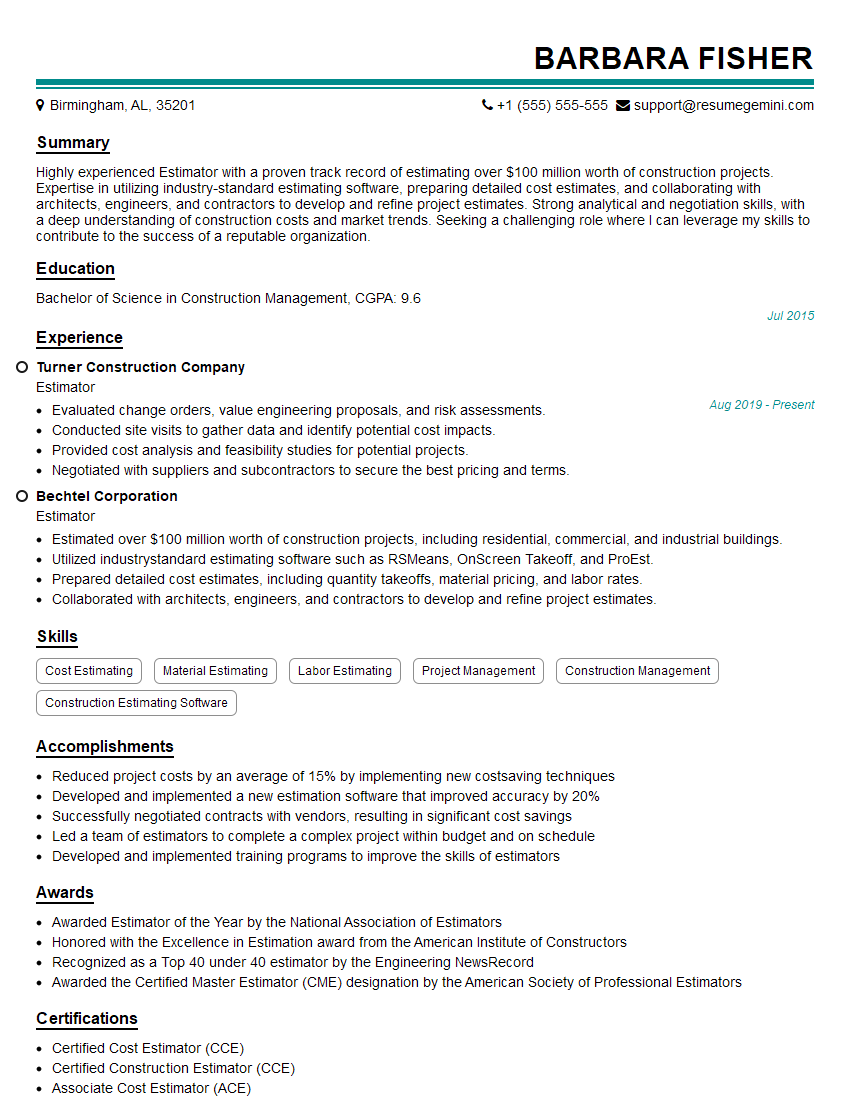
Estimator Resume Sample
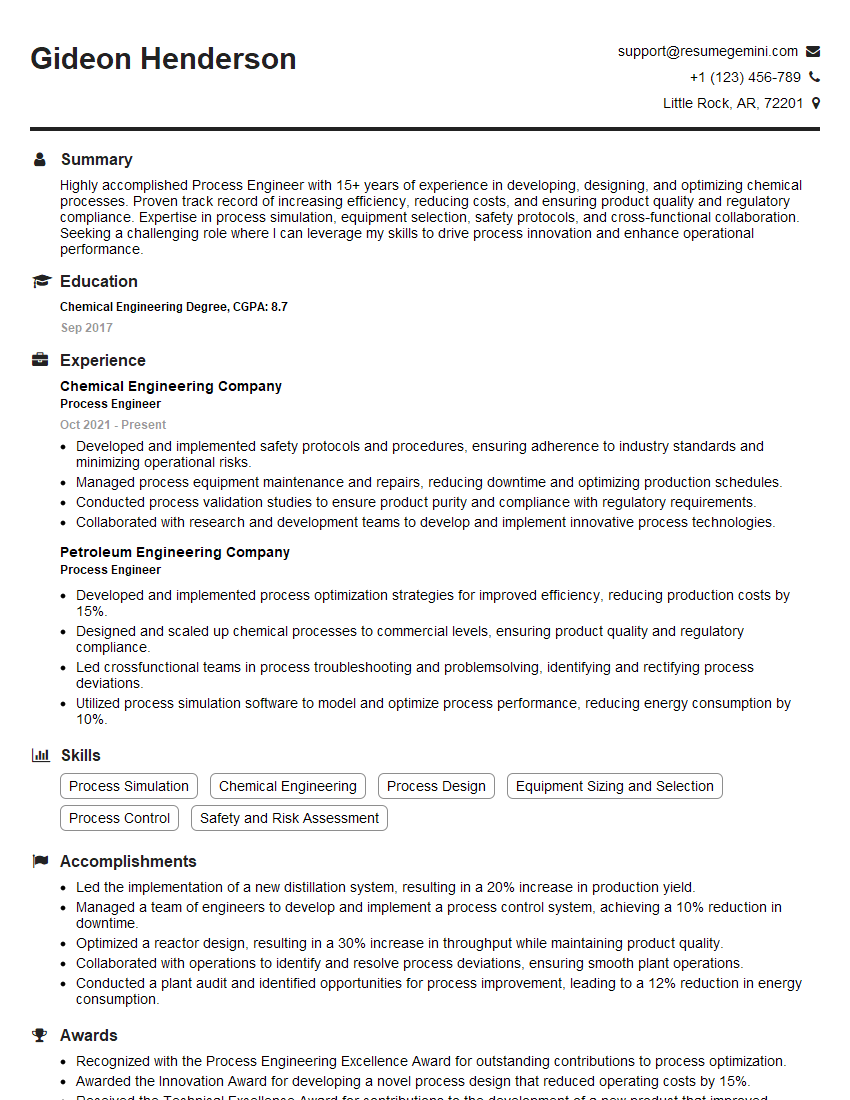
Process Engineer Resume Sample

Design Engineer Resume Sample

Documentation Specialist Resume Sample

Manufacturing Engineer Resume Sample
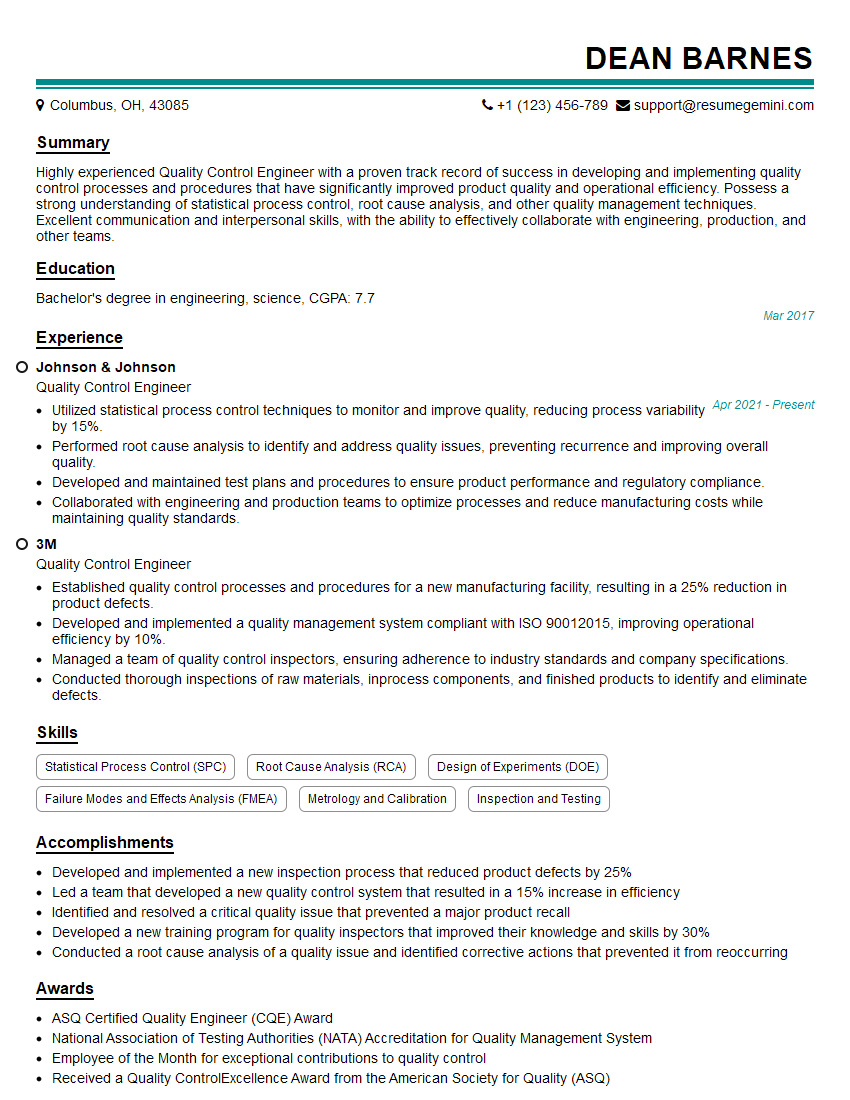
Quality Control Engineer Resume Sample
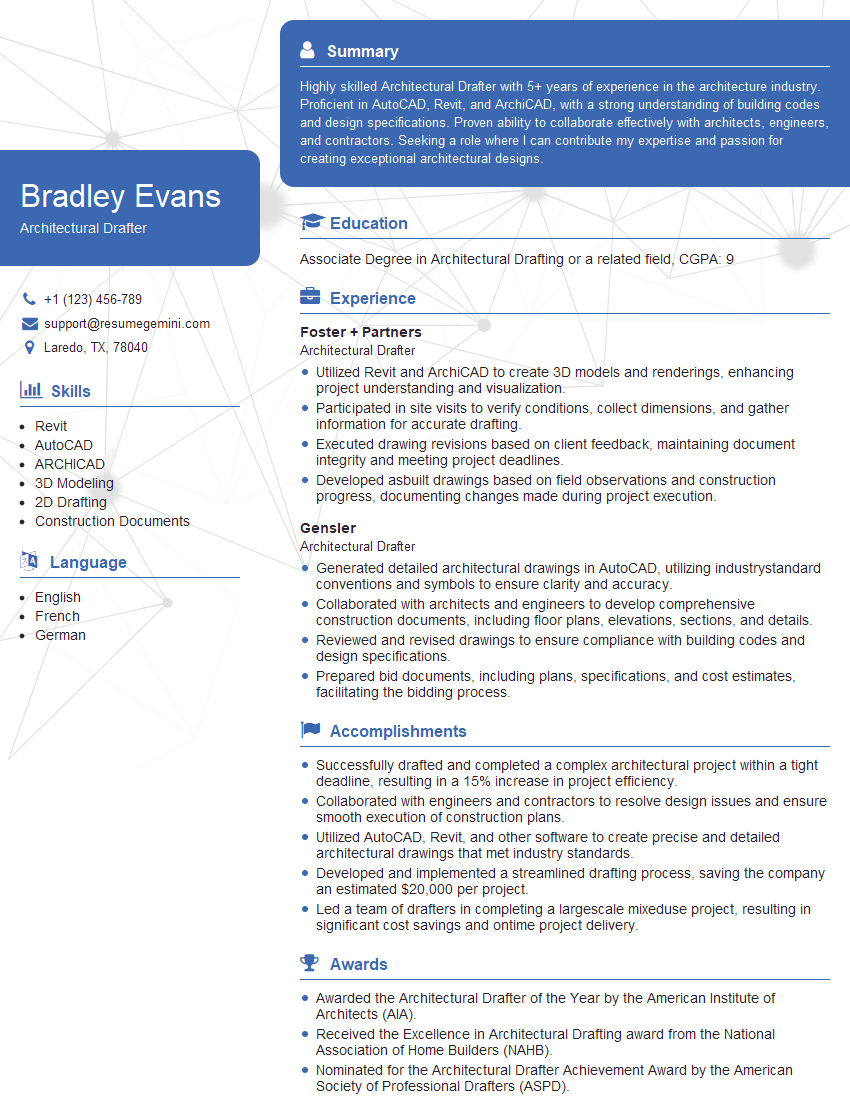
Architectural Drafter Resume Sample
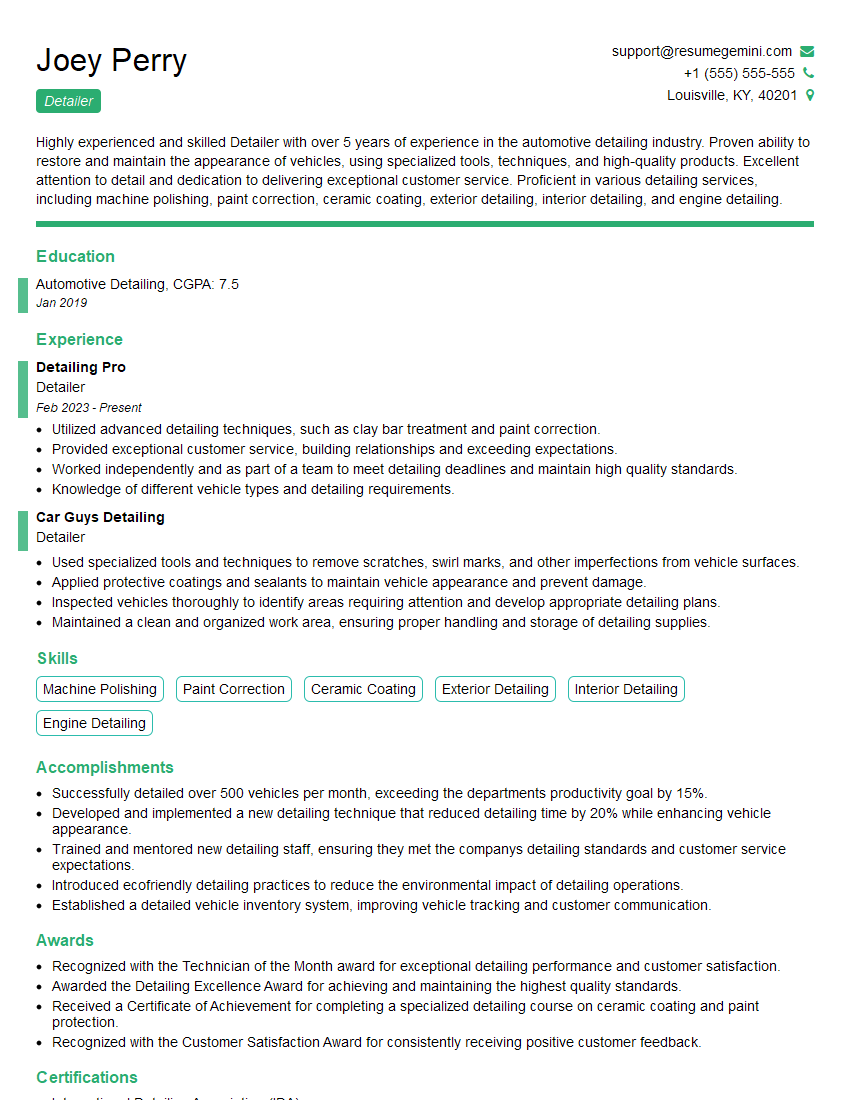
Detailer Resume Sample

Civil Drafter Resume Sample
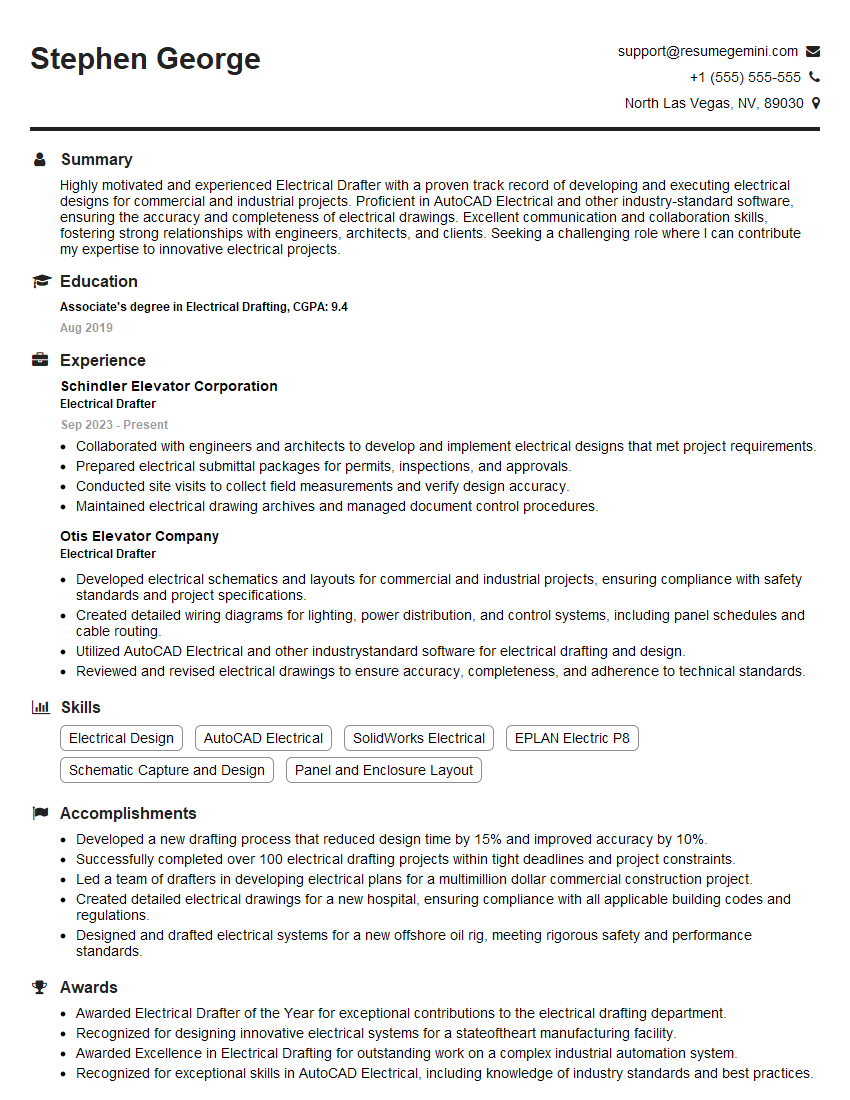
Electrical Drafter Resume Sample

Design Technician Resume Sample
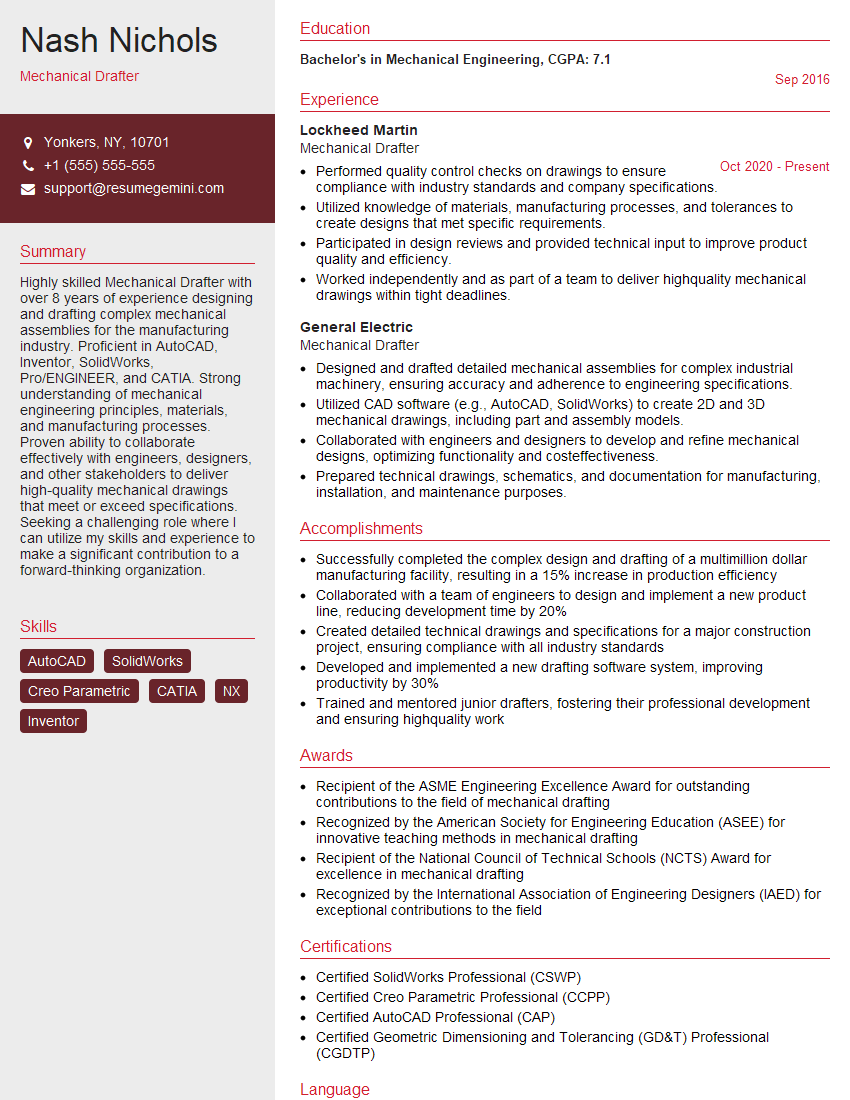
Mechanical Drafter Resume Sample

Technical Illustrator Resume Sample
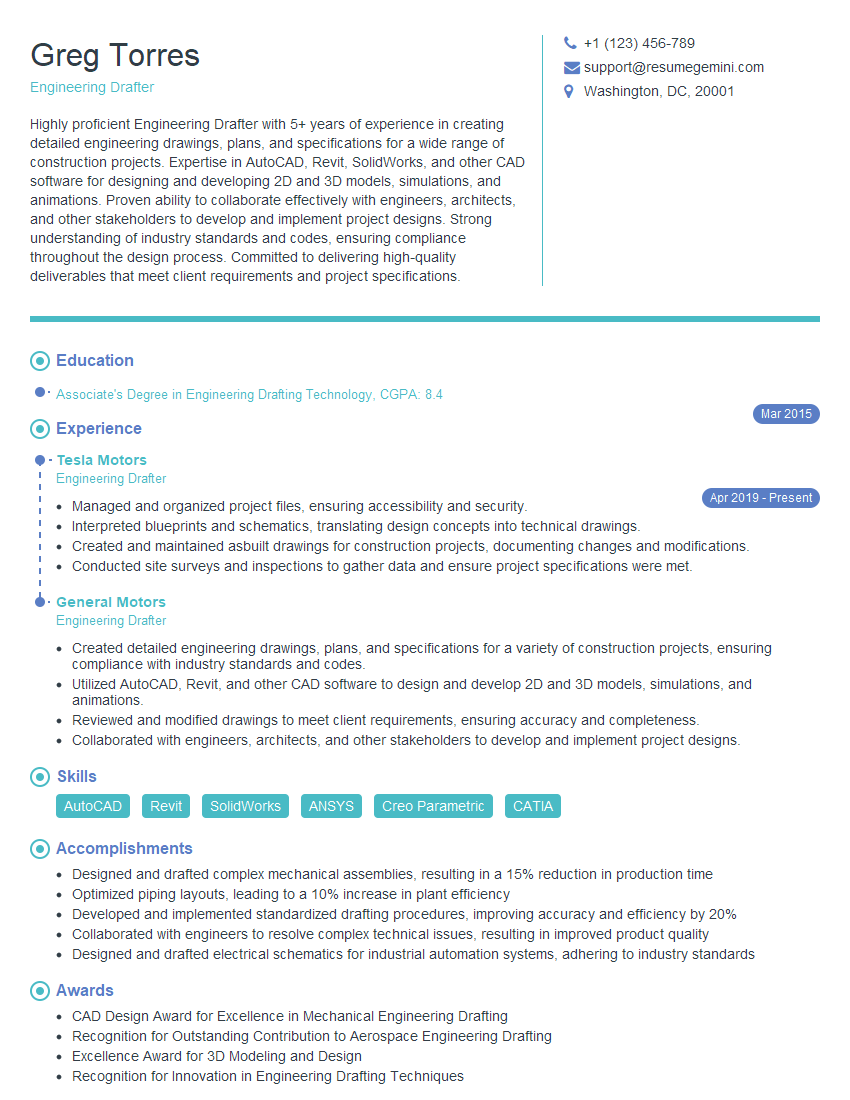
Engineering Drafter Resume Sample

Technical Writer Resume Sample
Explore more articles
Users Rating of Our Blogs
Share Your Experience
We value your feedback! Please rate our content and share your thoughts (optional).
What Readers Say About Our Blog
Very informative content, great job.
good