Feeling uncertain about what to expect in your upcoming interview? We’ve got you covered! This blog highlights the most important Experience with Audio and Video Recording Equipment interview questions and provides actionable advice to help you stand out as the ideal candidate. Let’s pave the way for your success.
Questions Asked in Experience with Audio and Video Recording Equipment Interview
Q 1. Explain the difference between XLR and RCA connectors.
XLR and RCA connectors are both used to transmit audio signals, but they differ significantly in their capabilities and applications. Think of it like this: XLR is a high-end, professional tool, while RCA is more of a consumer-grade option.
- XLR (Cannon): These are balanced connectors, meaning they have three pins that transmit the audio signal, a ground signal, and an inverted signal. This balanced design significantly reduces noise and interference, making them ideal for long cable runs and professional audio setups. You’ll commonly find XLR connectors on microphones, mixing consoles, and professional audio equipment.
- RCA (Phono): These are unbalanced connectors with two pins, carrying only the audio signal and a ground. They’re more susceptible to noise and interference, especially over longer distances. RCA connectors are commonly used for consumer audio equipment like home stereo systems and older audio-visual components.
In short: XLR is for professional, high-quality audio, minimizing noise. RCA is for simpler, consumer-grade applications where noise tolerance is less critical.
Q 2. Describe your experience with various microphone types (dynamic, condenser, lavalier).
My experience encompasses a wide range of microphone types, each with its unique characteristics and ideal applications. I’ve worked extensively with:
- Dynamic Microphones: These are robust and durable, handling high sound pressure levels without distortion. They’re excellent for live performances, recording loud instruments (like drums or guitar amps), and situations with potential for feedback. Think of a Shure SM58 – a workhorse in the industry known for its reliability.
- Condenser Microphones: These are more sensitive and capture a wider frequency range, producing a clearer, more detailed sound. They require phantom power (48V) and are ideal for recording vocals, acoustic instruments, and situations requiring high fidelity. A Neumann U 87 is a classic example of a high-end condenser microphone.
- Lavalier Microphones (Lapel Mics): These small, clip-on microphones are discreet and excellent for capturing dialogue in film, video, or interviews. They come in both dynamic and condenser varieties, offering different levels of sensitivity and sound quality. Choosing between them often depends on the recording environment and desired audio quality.
I’ve learned to select the appropriate microphone based on the recording environment, the sound source, and the desired audio quality. For example, I’d never use a condenser mic in a loud live concert setting – it would likely distort or even be damaged.
Q 3. What audio editing software are you proficient in?
I’m proficient in several industry-standard audio editing software packages, including:
- Adobe Audition: A powerful and versatile DAW (Digital Audio Workstation) that excels in audio restoration, mastering, and mixing. I regularly utilize its noise reduction, equalization, and compression tools.
- Pro Tools: An industry-standard DAW widely used in professional music production and post-production. I’m familiar with its advanced features for multitrack recording, editing, and mixing.
- Logic Pro X: A robust DAW particularly popular for music production and songwriting. I use it for its intuitive interface and extensive virtual instrument library.
My expertise extends to utilizing these programs for a variety of tasks from simple audio cleanup to complex multi-track mixing and mastering.
Q 4. How do you troubleshoot audio feedback issues?
Audio feedback, that annoying squealing or howling sound, is caused by a microphone picking up its own amplified output. Troubleshooting it involves systematically reducing the gain in the audio chain.
- Identify the Source: Start by pinpointing which microphone and speaker are causing the feedback. Often, it’s a close proximity issue.
- Reduce Microphone Gain: Lower the input gain on the affected microphone channel on your mixer or audio interface. This reduces the signal strength entering the system, making feedback less likely.
- Adjust Speaker Volume: Decrease the overall output volume of the speakers. Less overall output volume means less signal for the microphone to pick up.
- Microphone Placement: Reposition the microphone to minimize its sensitivity to the speakers. Pointing the mic away from the speaker is crucial. Consider using directional microphones (cardioid or hypercardioid) which reject sound from the rear and sides.
- EQ (Equalization): Use a graphic equalizer (EQ) to cut frequencies that are causing the feedback. Listen carefully to identify the frequency causing the problem; the EQ will then help to minimize its impact.
- Acoustic Treatment: In persistent cases, consider improving the room’s acoustics. Adding sound-absorbing materials (like acoustic panels or bass traps) reduces sound reflections and reduces the likelihood of feedback.
Often, a combination of these techniques will effectively eliminate feedback. The key is to systematically approach the problem and make incremental adjustments until the feedback disappears.
Q 5. What are the common video file formats and their compression methods?
Video file formats and their compression methods significantly impact file size, quality, and compatibility. Here are some common ones:
- MP4 (MPEG-4 Part 14): A widely used container format supporting various codecs (compression algorithms) like H.264 (AVC) and HEVC (H.265). H.264 offers good compression and compatibility, while HEVC provides better compression at the same quality, resulting in smaller file sizes.
- MOV (QuickTime): Apple’s native format supporting various codecs. It offers good quality but can result in larger file sizes compared to MP4 using efficient codecs.
- AVI (Audio Video Interleave): An older format supporting various codecs, often associated with lower quality compression than modern formats.
- WMV (Windows Media Video): Microsoft’s format, offering various compression levels. It’s less common now than MP4.
- AVCHD (Advanced Video Codec High Definition): High-definition video format often used by camcorders. It offers good compression for HD video.
The choice of compression method affects file size and quality. Higher compression reduces file size but can lead to some quality loss. Choosing the appropriate format and codec depends on storage space requirements, desired quality, and playback compatibility.
Q 6. Explain your experience with different camera types (DSLR, camcorder, cinema camera).
My experience with different camera types is extensive, and each presents unique advantages and disadvantages:
- DSLR (Digital Single-Lens Reflex): Excellent for stills and video, offering interchangeable lenses and manual control over exposure, focus, and other settings. They tend to produce high-quality images but can be more complex to operate than dedicated camcorders.
- Camcorders: Designed specifically for video recording, often featuring features like built-in microphones, image stabilization, and easy-to-use controls. They vary greatly in image quality, with some offering professional-grade features.
- Cinema Cameras: High-end cameras designed for professional filmmaking, offering superior image quality, extensive manual control, and features like high dynamic range and RAW recording. They are typically more expensive and complex to operate.
I’ve used these cameras in various settings, from independent filmmaking to corporate video production. The choice of camera always depends on the project’s budget, required image quality, and workflow.
Q 7. Describe your understanding of white balance and its importance.
White balance is the process of adjusting the camera’s color settings to accurately represent white under different lighting conditions. Imagine trying to paint a picture with the wrong color of white – it would throw off all your other colors! Similarly, incorrect white balance will lead to a color cast in your footage.
Importance: Accurate white balance ensures that the colors in your video are natural and realistic. If the white balance is off, your video might have an unwanted color tint (e.g., a blueish tint under cloudy skies or an orangish tint under tungsten lighting). This can significantly impact the overall look and feel of your video, making it less aesthetically pleasing and potentially less believable.
Methods: Cameras offer various white balance presets (e.g., daylight, cloudy, shade, tungsten, fluorescent) and often allow for custom white balance settings using a white or gray card. Selecting the correct preset or carefully setting a custom white balance is essential for consistent and accurate color reproduction.
Q 8. What video editing software are you proficient in?
My proficiency in video editing software spans several industry-standard applications. I’m highly skilled in Adobe Premiere Pro, which I use daily for complex projects involving multi-camera edits, color correction, and visual effects. I’m also comfortable with DaVinci Resolve, particularly for its powerful color grading capabilities, and have experience with Final Cut Pro X, which is excellent for quick turnaround projects. My choice of software often depends on the project’s specific needs and the available resources. For example, DaVinci Resolve is my go-to for projects requiring meticulous color grading, while Premiere Pro’s robust features are ideal for intricate multi-camera shoots.
Q 9. How do you manage lighting setups for different scenarios?
Managing lighting setups is crucial for achieving a professional look and feel. It’s not just about brightness; it’s about shaping the mood and highlighting key elements. My approach starts with understanding the scene’s requirements. For an interview, for example, I’d use a three-point lighting setup: a key light (main light source), a fill light (softer light to reduce shadows), and a backlight (to separate the subject from the background). For a dramatic scene, I might use more directional lighting to create strong shadows and enhance the atmosphere. I always consider the ambient light and adjust accordingly, sometimes using diffusers or reflectors to soften harsh light or bounce light into shadowed areas. I also utilize light meters to ensure consistent exposure across different shots.
Q 10. Describe your experience with color correction and grading.
Color correction and grading are integral parts of my post-production workflow. Color correction aims to fix inconsistencies in footage, such as white balance issues or uneven exposure. I use tools within my editing software to adjust the color temperature, tint, and exposure to achieve a neutral and consistent look. Color grading, on the other hand, is more creative, allowing me to enhance the mood and style of the video. I might use color palettes and effects to create a specific look, such as a warm, nostalgic feel or a cool, dramatic tone. I’m adept at using color wheels, curves, and other advanced tools to achieve precise results. For example, I once used color grading to match the lighting of two different shots taken on separate days, creating a seamless visual flow.
Q 11. What are your preferred methods for recording high-quality audio in noisy environments?
Recording high-quality audio in noisy environments requires a multi-faceted approach. Firstly, I always prioritize using a directional microphone, like a shotgun mic or a lavalier microphone, to minimize the capture of background noise. These mics focus on the sound source, reducing the impact of ambient sounds. Secondly, I employ techniques like sound blankets or isolating the recording environment as much as possible. For instance, recording an interview outdoors might involve using a wind muff to reduce wind noise. Finally, post-production tools can be used to reduce background noise further through noise reduction plugins. I find that a combination of these methods, coupled with careful microphone placement, yields the best results. I remember a project where I used a combination of a shotgun mic, a sound blanket, and noise reduction plugins to get crisp audio despite recording in a busy marketplace.
Q 12. How do you ensure audio and video are synchronized during post-production?
Ensuring audio and video synchronization is critical for a professional outcome. During filming, I use various techniques to ensure sync from the start. Clapper boards, for example, provide a visual and audio cue for precise alignment. Alternatively, I might use a dedicated audio recorder synced to the camera’s timecode. In post-production, editing software makes this process straightforward. I often use waveform analysis tools to visually identify and correct any minor discrepancies. In cases of larger mismatches, I might need to manually adjust the audio timeline to match the video. I always double-check the synchronization throughout the editing process to prevent any noticeable inconsistencies.
Q 13. Explain your experience with different camera angles and shot compositions.
My experience with camera angles and shot compositions is extensive. I understand the impact of different angles on storytelling and mood. For instance, a low angle shot can make a subject appear powerful, while a high angle shot can make them seem vulnerable. I utilize a variety of shots, including wide shots, medium shots, close-ups, and extreme close-ups, to vary the pacing and focus of the narrative. My shot composition always considers the rule of thirds, leading lines, and other visual principles to create balanced and engaging visuals. I also understand the importance of matching shots to maintain continuity and visual flow. For example, when I direct a scene, I think carefully about moving from a wide shot establishing the scene to a medium shot showing the characters’ interactions, to a close-up highlighting a specific emotion.
Q 14. How do you troubleshoot video issues such as low light or poor focus?
Troubleshooting video issues is a common part of my work. Low light issues often require adjusting the camera’s ISO (sensitivity to light), aperture (size of the lens opening), and shutter speed. Increasing the ISO increases sensitivity but can introduce noise; widening the aperture lets in more light but decreases the depth of field; and adjusting the shutter speed affects motion blur. Poor focus is usually addressed by checking the lens’s focus ring, using autofocus features effectively, or switching to manual focus if needed. I often use focus peaking to help identify the sharpest areas of the image. In more complex situations, I might use external lighting to enhance the scene’s brightness. For example, on a recent shoot, I had to deal with rapidly changing lighting conditions. By constantly monitoring the exposure and making adjustments to my camera settings and supplementary lighting, I maintained a consistently well-lit and sharp image throughout.
Q 15. What is your experience with different audio mixing techniques?
Audio mixing is the art and science of combining multiple audio sources into a cohesive and balanced whole. My experience encompasses various techniques, from basic additive mixing to more complex processes like subtractive mixing and parallel processing. I’m proficient in using both analog and digital mixing consoles, and I’m comfortable working with different DAWs (Digital Audio Workstations) like Pro Tools, Logic Pro X, and Ableton Live.
For instance, in a live concert recording, I’d employ additive mixing to bring together individual instrument and vocal tracks, adjusting levels and EQ to ensure clarity and avoid masking. Conversely, when producing a podcast, I might use subtractive mixing, focusing on reducing unwanted background noise or unwanted frequencies from individual tracks using tools like noise gates and EQs. Parallel processing involves creating copies of audio tracks, applying different effects to each copy, and then mixing them back together for creative results, like adding a subtle reverb effect or a chorus effect to thicken a vocal track.
- Additive Mixing: Combining individual tracks to create a complete mix.
- Subtractive Mixing: Reducing unwanted elements from individual tracks to improve clarity.
- Parallel Processing: Creating copies of tracks to apply different effects and creatively blend them.
Career Expert Tips:
- Ace those interviews! Prepare effectively by reviewing the Top 50 Most Common Interview Questions on ResumeGemini.
- Navigate your job search with confidence! Explore a wide range of Career Tips on ResumeGemini. Learn about common challenges and recommendations to overcome them.
- Craft the perfect resume! Master the Art of Resume Writing with ResumeGemini’s guide. Showcase your unique qualifications and achievements effectively.
- Don’t miss out on holiday savings! Build your dream resume with ResumeGemini’s ATS optimized templates.
Q 16. Explain your understanding of audio levels and gain staging.
Audio levels and gain staging are crucial for achieving a high-quality recording and preventing distortion. Gain staging involves setting the appropriate input and output levels at each stage of the signal path, ensuring that the signal is neither too weak (resulting in noise) nor too strong (resulting in clipping or distortion). I consistently check levels using VU meters and peak meters to prevent excessive levels that will result in distortion.
Imagine a microphone picking up a singer’s voice. If the gain is too low, the signal will be weak, and background noise will be more prominent. If the gain is too high, the signal will clip, resulting in distortion and a harsh, unpleasant sound. Gain staging is the process of finding that ‘sweet spot’ for optimal signal level at each stage – from the microphone preamp to the mixer to the final output device. This prevents unwanted noise and distortion, maximizing dynamic range and quality. This includes adjusting pre-amps levels, utilizing compressors and limiters appropriately to manage the dynamic range of the signal, and setting your final output levels carefully to avoid clipping your output device.
Q 17. Describe your experience with audio monitoring and metering.
Audio monitoring and metering are integral parts of my workflow. I utilize a variety of metering tools—peak meters (to measure the highest amplitude level), VU meters (to visualize the average level), and RMS meters (to represent the overall loudness)—to ensure I’m working within safe levels and maintaining consistency.
In a live recording scenario, I’ll use headphones for monitoring to prevent audio feedback loops and to precisely adjust individual tracks while ensuring the overall mix sounds balanced and coherent. In post-production, I’ll leverage my DAW’s metering tools to ensure the final mix adheres to broadcast standards or streaming platform specifications. For example, loudness standards like LUFS (Loudness Units relative to Full Scale) are crucial for mastering tracks for various platforms.
- Peak Meters: Measure the highest level of the signal.
- VU Meters: Display average signal level.
- RMS Meters: Measure the overall loudness, crucial for broadcast standards.
Q 18. How do you manage large video files and storage?
Managing large video files requires a robust storage solution and efficient workflow. I use a combination of high-capacity hard drives (both internal and external), network-attached storage (NAS), and cloud-based storage solutions like Backblaze or Amazon S3.
For example, during a large-scale video project, I’ll often store raw footage on multiple external drives for redundancy. I then transfer the processed files to a NAS for collaborative editing, and utilize cloud storage for backups and offsite archiving. I use file naming conventions and project folders to maintain organization and easy retrieval. Employing lossless compression codecs during editing helps to preserve quality while managing file sizes. The use of proxy files for editing also helps to work efficiently.
Q 19. Describe your experience with video encoding and transcoding.
Video encoding and transcoding are crucial for optimizing videos for different platforms and delivery methods. Encoding is the process of converting raw video footage into a compressed digital file format. Transcoding involves converting a video file from one format to another. My experience includes working with various codecs such as H.264, H.265 (HEVC), and ProRes.
For example, a video intended for YouTube might be encoded using H.264 for wide compatibility, prioritizing a balance between quality and file size. On the other hand, a video intended for archival purposes might be encoded using a high-quality, lossless codec like ProRes, focusing on preserving maximum image quality, even at the expense of larger file sizes. I utilize encoding software such as HandBrake and Adobe Media Encoder to accomplish this. Understanding the specific requirements of different platforms is key to successful encoding and transcoding.
Q 20. Explain your experience with different video editing workflows.
My video editing workflow adapts to the project’s needs. I’m proficient in both linear and non-linear editing. Linear editing involves physically cutting and assembling video segments in sequence, while non-linear editing allows for flexible editing and re-arranging of segments using software like Adobe Premiere Pro, Final Cut Pro, or DaVinci Resolve.
For a simple project, I might use a more linear approach, focusing on clear organization and efficient time management. A complex project, like a documentary, necessitates a non-linear approach, allowing for flexibility and iterative adjustments throughout the editing process. My process always includes steps for ingestion, logging, rough cut, fine cut, color grading, sound design, and mastering.
Q 21. What are your strategies for optimizing video for different platforms?
Optimizing videos for different platforms involves considering several factors: resolution, frame rate, bitrate, and codec. Each platform has specific requirements that need to be understood and addressed to ensure the best viewing experience.
For example, a video intended for Instagram might be optimized for mobile viewing with a smaller resolution and shorter length, while a video intended for a professional website might require a higher resolution and more detailed encoding parameters. Understanding the target audience and their viewing habits significantly influences the optimization strategy. I meticulously analyze the target platform’s specifications and ensure that the resolution, frame rate, and bitrate are chosen to optimize both quality and file size, resulting in faster loading times and a better user experience.
Q 22. How do you handle project deadlines and time constraints?
Meeting deadlines in audio-visual recording requires meticulous planning and proactive problem-solving. My approach involves breaking down large projects into smaller, manageable tasks with clearly defined timelines. I utilize project management tools like Asana or Trello to track progress, identify potential bottlenecks, and adjust schedules as needed. For instance, on a recent corporate video shoot, I created a detailed shot list and a pre-production checklist, ensuring all equipment was tested and personnel were briefed well in advance. This allowed us to stay on schedule and deliver the final product on time, despite unexpected challenges like a last-minute change in location. I always maintain open communication with the client and team, proactively addressing any delays or concerns.
Q 23. Describe your experience working with different types of recording equipment.
My experience spans a wide range of audio and video recording equipment. I’m proficient with professional-grade cameras such as the Sony VENICE and RED Komodo, as well as more compact options like the Canon EOS C70. In audio, I’ve worked extensively with high-end microphones like Neumann U 87 Ai and Schoeps CMC 641 for capturing pristine sound, and various field recorders like the Sound Devices 633 and Zoom F8n. Furthermore, I’m familiar with various mixing consoles, both analog and digital, including Yamaha and Allen & Heath desks. I understand the nuances of each piece of equipment and can adapt my techniques based on the specific needs of each project. For example, I might choose a lavalier microphone for an interview where natural sound is crucial, while opting for a shotgun microphone for a documentary where clear directional audio is paramount.
Q 24. How do you ensure the quality of your audio and video recordings?
Ensuring high-quality audio and video involves a multi-faceted approach. Pre-production is crucial; this includes thorough site surveys to assess lighting, acoustics, and potential interference sources. During filming, I meticulously monitor audio levels, paying close attention to gain staging to prevent distortion or clipping. For video, I ensure proper white balance, focus, and exposure are maintained throughout the shoot. Post-production involves careful editing and color correction to refine the final product. I use professional software like Adobe Premiere Pro and Audition to meticulously edit and enhance the audio and video. Quality control involves multiple review stages, including thorough sound mixing, color grading, and final review with the client to ensure the final product meets or exceeds expectations. For instance, using noise reduction tools in post-production can significantly enhance audio clarity, while color grading can dramatically improve the visual appeal of the final video.
Q 25. Explain your understanding of audio and video signal flow.
Understanding audio and video signal flow is essential for effective recording. In essence, it’s the pathway a signal takes from its source to the final recording. For video, this typically involves the camera, which converts light into an electrical signal. This signal then passes through cables to a recorder or monitor. Audio follows a similar path, beginning with the microphone converting sound waves into electrical signals. These signals are then pre-amplified, potentially processed through equalizers or compressors, and then recorded. Understanding this flow helps in identifying and resolving technical issues. For example, if the audio is distorted, it might be due to a problem with the microphone, preamplifier, or recording device. Visualizing this pathway helps troubleshoot problems quickly and effectively. Understanding impedance matching, signal-to-noise ratio, and various signal processing techniques are crucial aspects of mastering this flow.
Q 26. What are your experience with different audio and video compression codecs?
I have experience with various audio and video compression codecs, each offering different trade-offs between file size, quality, and processing speed. For video, I frequently use codecs like H.264 and H.265 (HEVC) for their efficient compression and broad compatibility. For higher-quality applications, I might opt for ProRes or DNxHD. In audio, I’m experienced with codecs such as WAV (uncompressed), AAC, and MP3. The choice of codec depends heavily on the intended use of the material. For example, H.265 offers better compression than H.264, resulting in smaller file sizes at the same quality, beneficial for online distribution. However, H.265 requires more processing power, which might not be ideal for real-time applications. Understanding the strengths and weaknesses of each codec allows me to choose the optimal option for each project.
Q 27. Explain your understanding of audio and video file metadata.
Audio and video file metadata is crucial for organization and efficient workflow. Metadata includes information like the date and time of recording, camera settings (aperture, ISO, shutter speed for video), microphone settings (gain, EQ for audio), location data, and keywords describing the content. This information is invaluable for searching, sorting, and managing large media libraries. It’s essential for project organization, especially in larger productions where many files are involved. For example, accurate metadata ensures that I can quickly locate a specific shot or audio clip based on relevant keywords. Furthermore, it can be used in post-production to automate tasks and improve efficiency. I routinely embed metadata into my files using software like Adobe Premiere Pro and specialized metadata tools to ensure comprehensive and accurate information is available for all files.
Q 28. Describe your experience with troubleshooting technical issues in the field.
Troubleshooting in the field requires a systematic approach. I begin by identifying the symptom of the problem—for example, no audio or poor picture quality. Then, I systematically check each component in the signal flow, starting from the source. This involves examining cables, connections, equipment settings, and power sources. I always carry a range of spare parts and tools to address common issues. For example, during a recent outdoor shoot, we experienced intermittent audio dropouts. By systematically checking each microphone connection and cable, I quickly identified a faulty XLR cable, which was easily replaced. My experience allows me to quickly identify and resolve problems, minimizing downtime and ensuring project continuity. A systematic and logical approach, coupled with a good understanding of the equipment, is key to efficient troubleshooting.
Key Topics to Learn for Experience with Audio and Video Recording Equipment Interview
- Microphone Techniques: Understanding different microphone types (dynamic, condenser, lavalier), polar patterns (cardioid, omnidirectional), and placement for optimal audio capture. Practical application: Explain how microphone choice affects audio quality in various recording scenarios (e.g., interviews, presentations, field recordings).
- Audio Mixing and Editing: Familiarity with audio editing software (e.g., Audacity, Adobe Audition) and the process of cleaning, mixing, and mastering audio tracks. Practical application: Describe your experience with noise reduction, EQ, compression, and other audio processing techniques to enhance clarity and quality.
- Camera Operation and Techniques: Knowledge of various camera types (DSLR, camcorder), shot composition (rule of thirds, leading lines), and lighting techniques (three-point lighting, natural light). Practical application: Detail your experience setting up and operating cameras for different recording situations and achieving desired visual effects.
- Video Editing and Post-Production: Proficiency in video editing software (e.g., Adobe Premiere Pro, Final Cut Pro) including cutting, transitions, color correction, and adding visual effects. Practical application: Explain your workflow for editing video footage and creating a polished final product.
- Audio/Video Synchronization: Understanding methods for synchronizing audio and video tracks during post-production and troubleshooting synchronization issues. Practical application: Describe your experience solving audio/video sync problems and maintaining accurate lip sync.
- Troubleshooting and Problem-Solving: Ability to identify and resolve technical issues related to equipment malfunction, audio/video quality problems, and workflow disruptions. Practical application: Provide specific examples of how you’ve solved technical challenges during recording or post-production.
- File Management and Organization: Understanding best practices for organizing and archiving audio and video files to ensure efficient workflow and easy retrieval. Practical application: Explain your system for naming, tagging, and storing media files.
Next Steps
Mastering experience with audio and video recording equipment is crucial for career advancement in many fields, opening doors to exciting opportunities in broadcasting, filmmaking, corporate communications, and more. A strong resume is your key to unlocking these opportunities. Building an ATS-friendly resume is essential for getting your application noticed. ResumeGemini is a trusted resource that can help you craft a professional and effective resume tailored to your skills and experience. Examples of resumes tailored to experience with audio and video recording equipment are available to guide you in building your own compelling application.
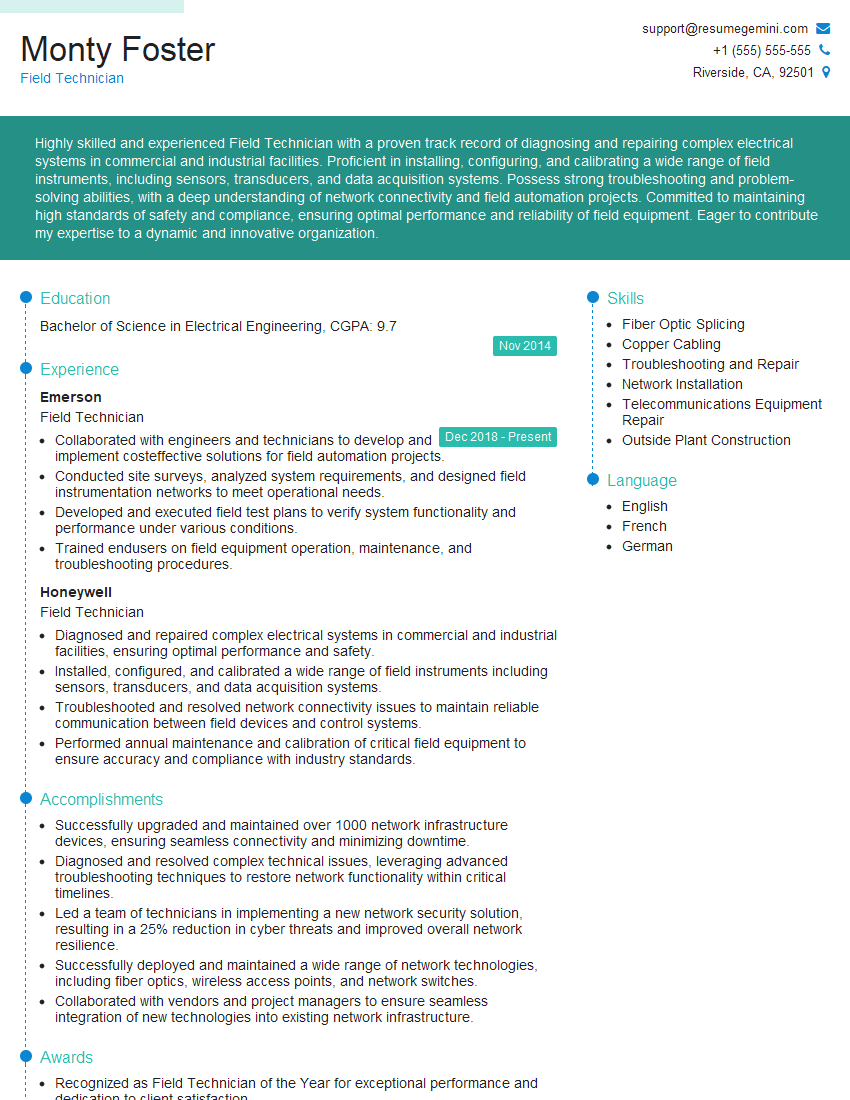
Field Technician Resume Sample
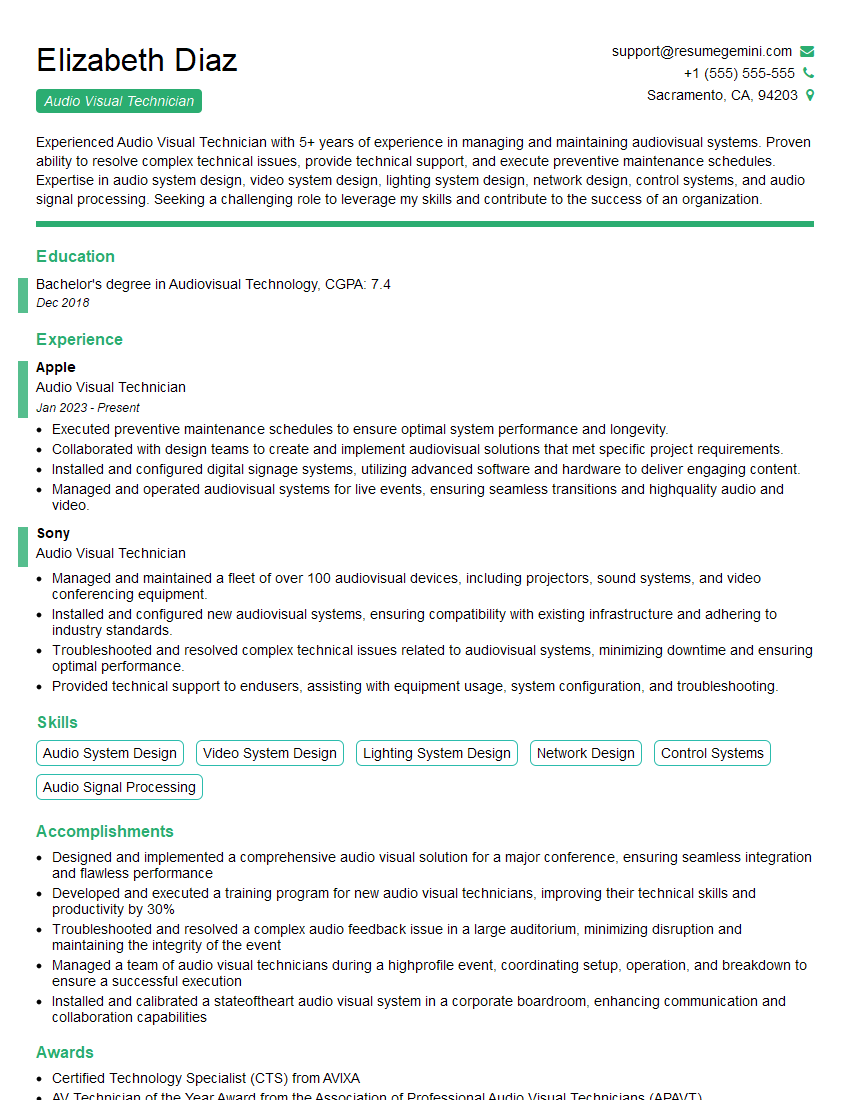
Audio Visual Technician Resume Sample
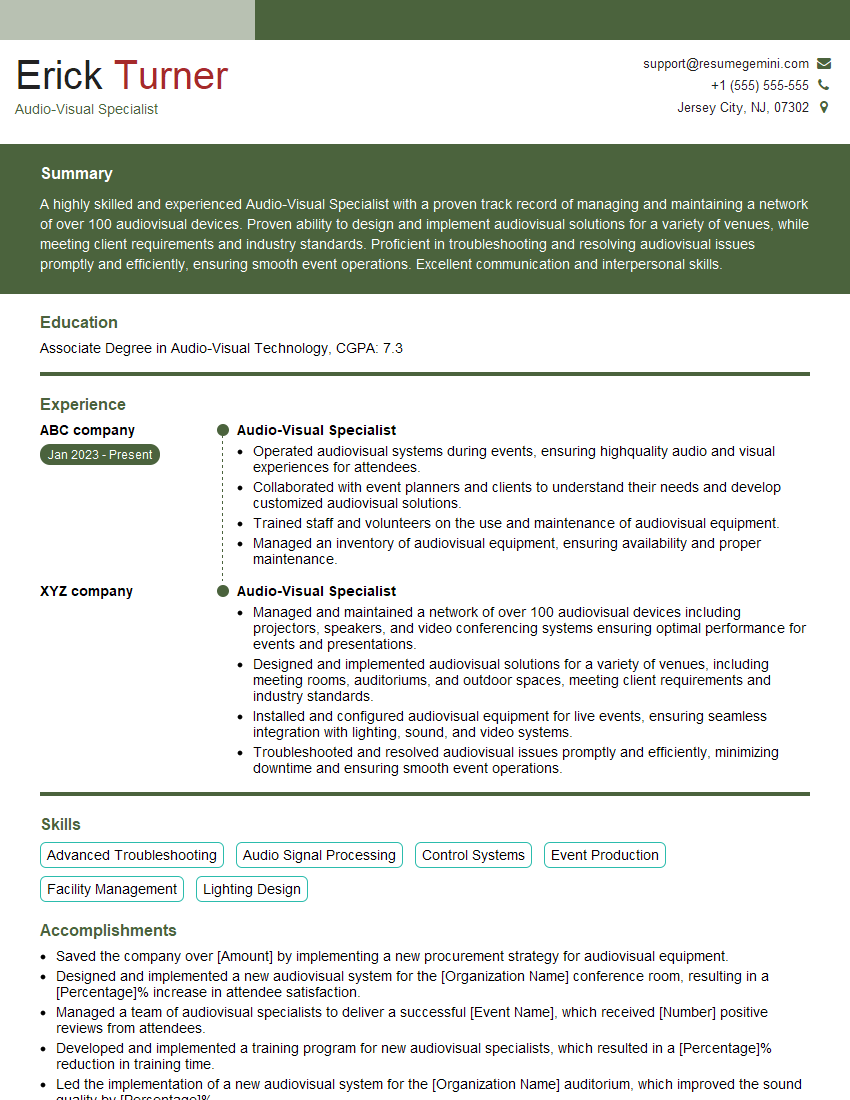
Audio-Visual Specialist Resume Sample
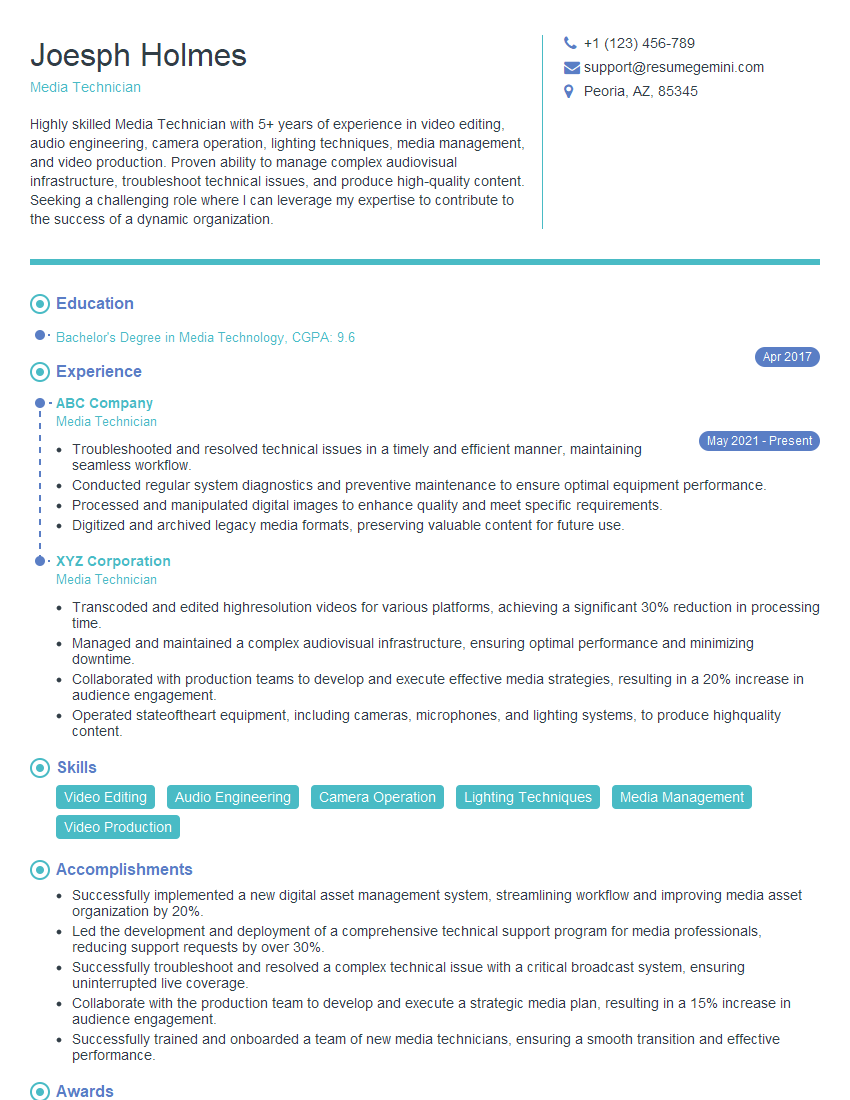
Media Technician Resume Sample

Multimedia Specialist Resume Sample
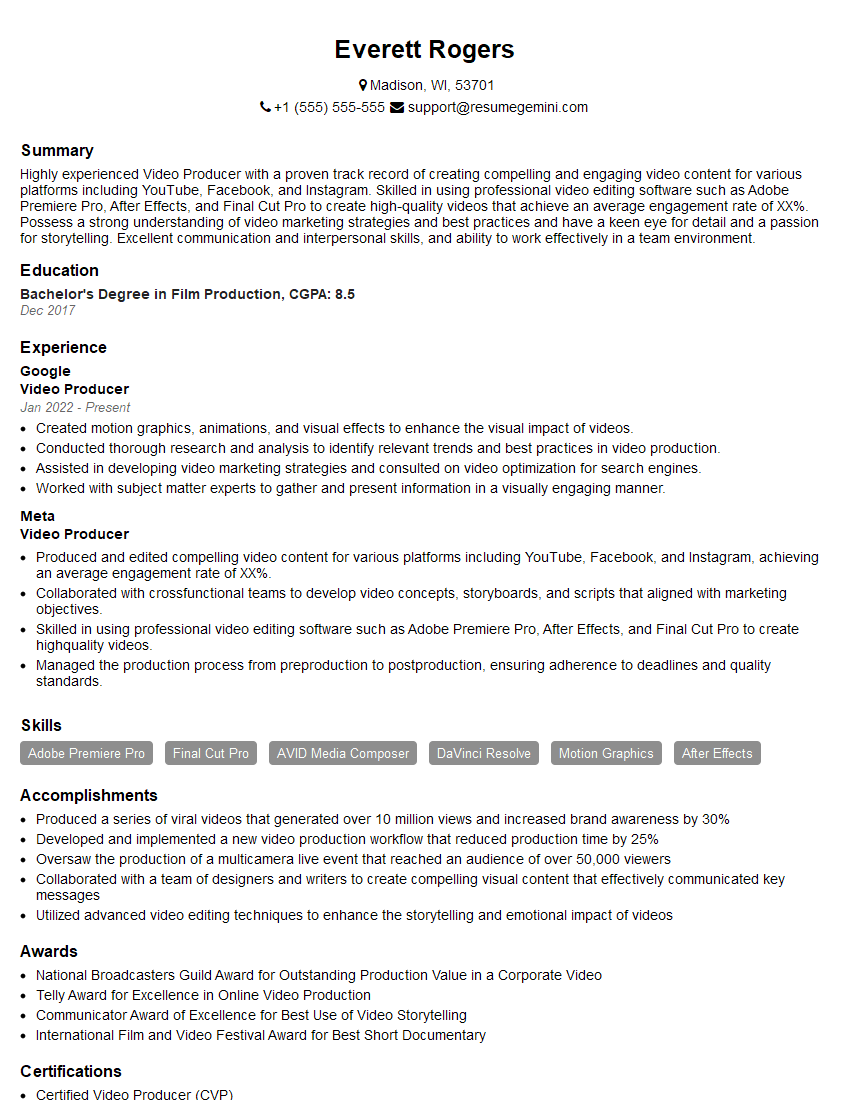
Video Producer Resume Sample

Broadcast Engineer Resume Sample
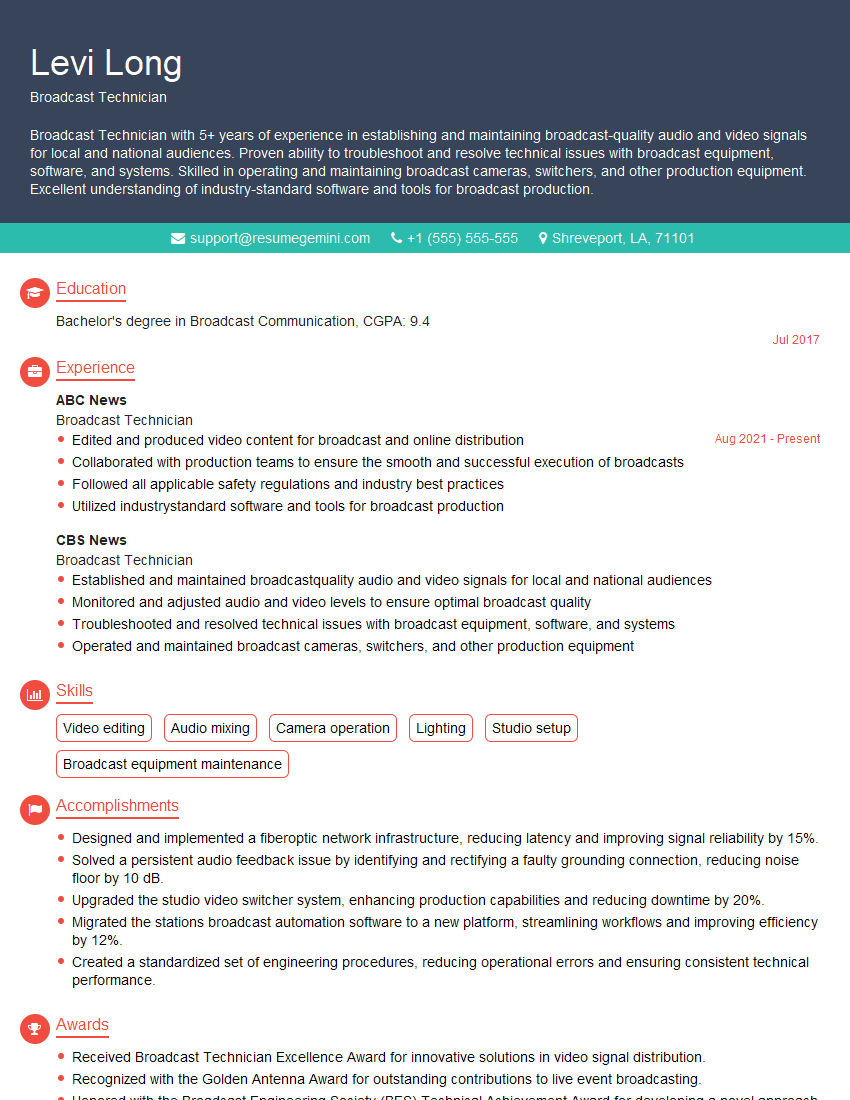
Broadcast Technician Resume Sample

Video Editor Resume Sample
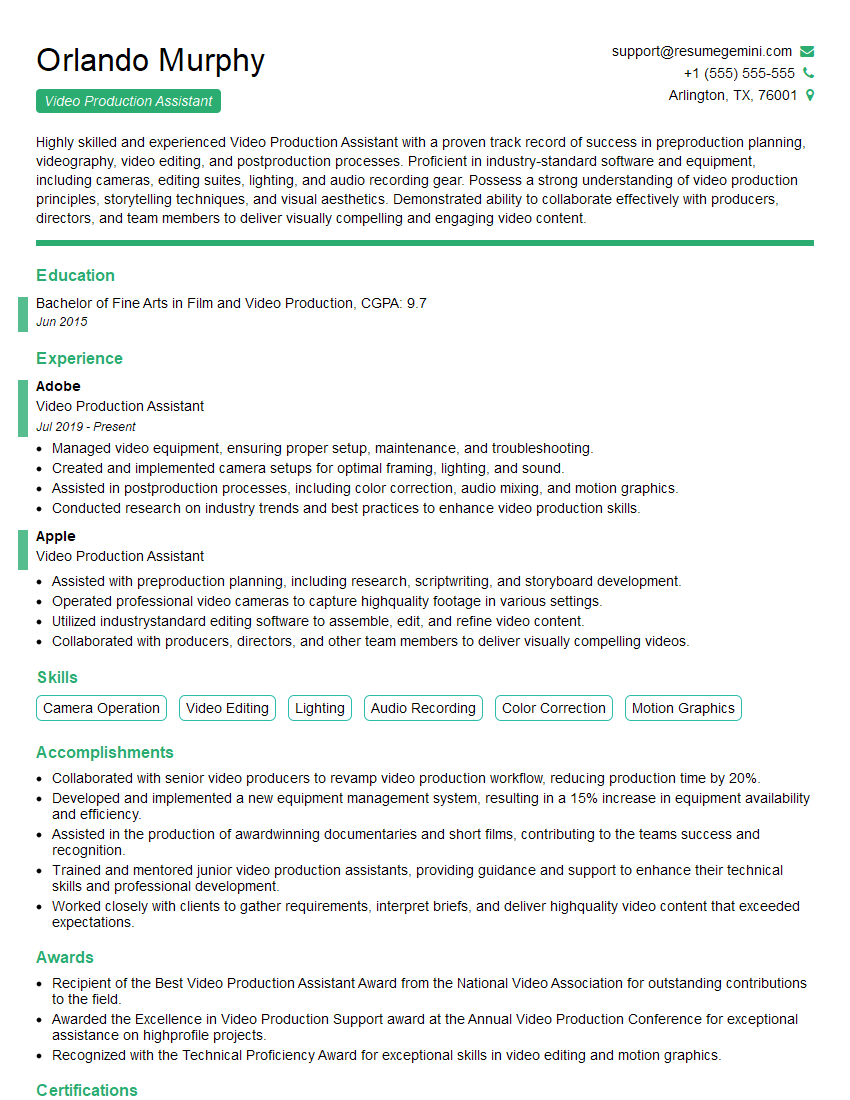
Video Production Assistant Resume Sample

Audio Engineer Resume Sample

Studio Engineer Resume Sample

Sound Designer Resume Sample
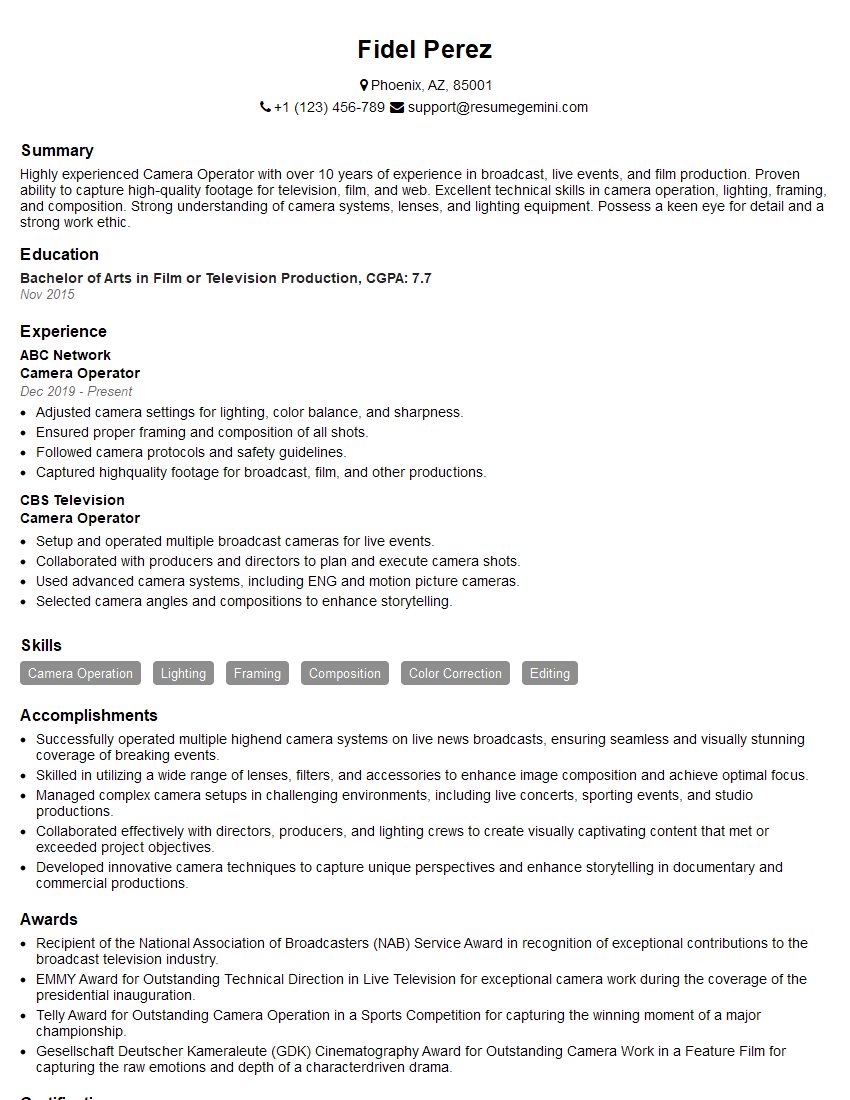
Camera Operator Resume Sample
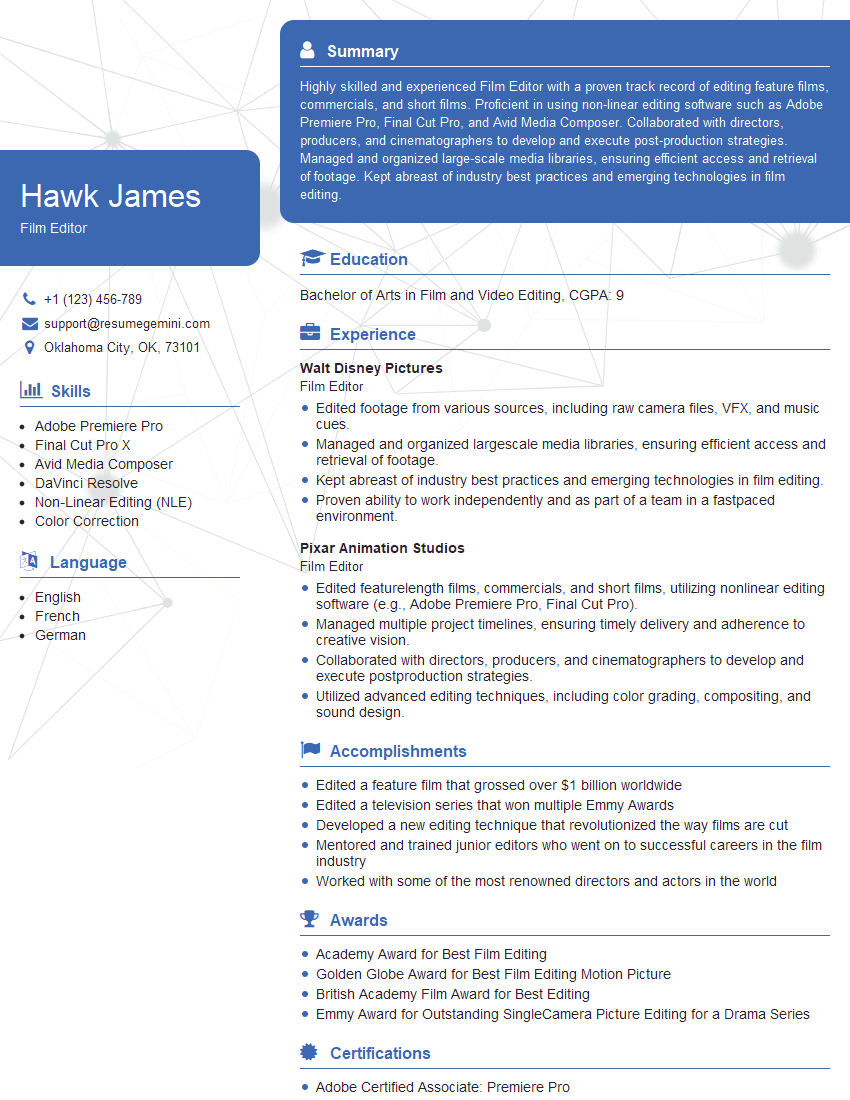
Film Editor Resume Sample
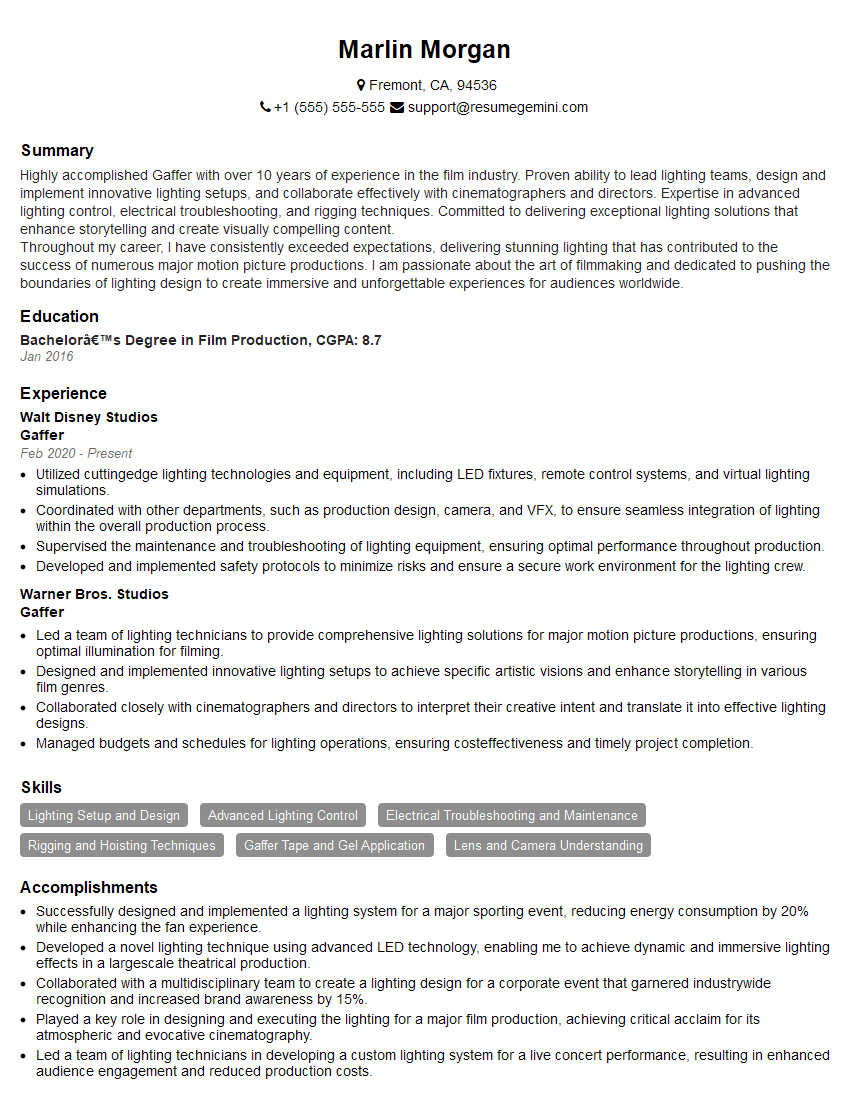
Gaffer Resume Sample
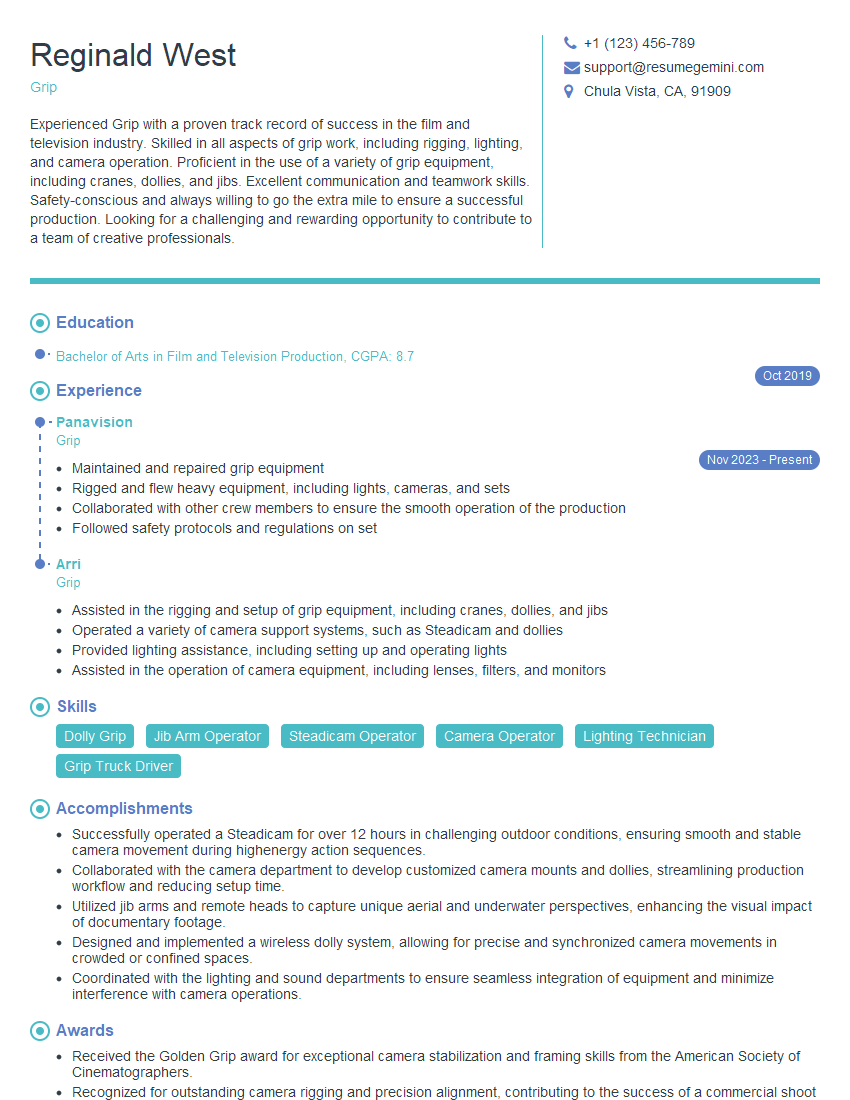
Grip Resume Sample
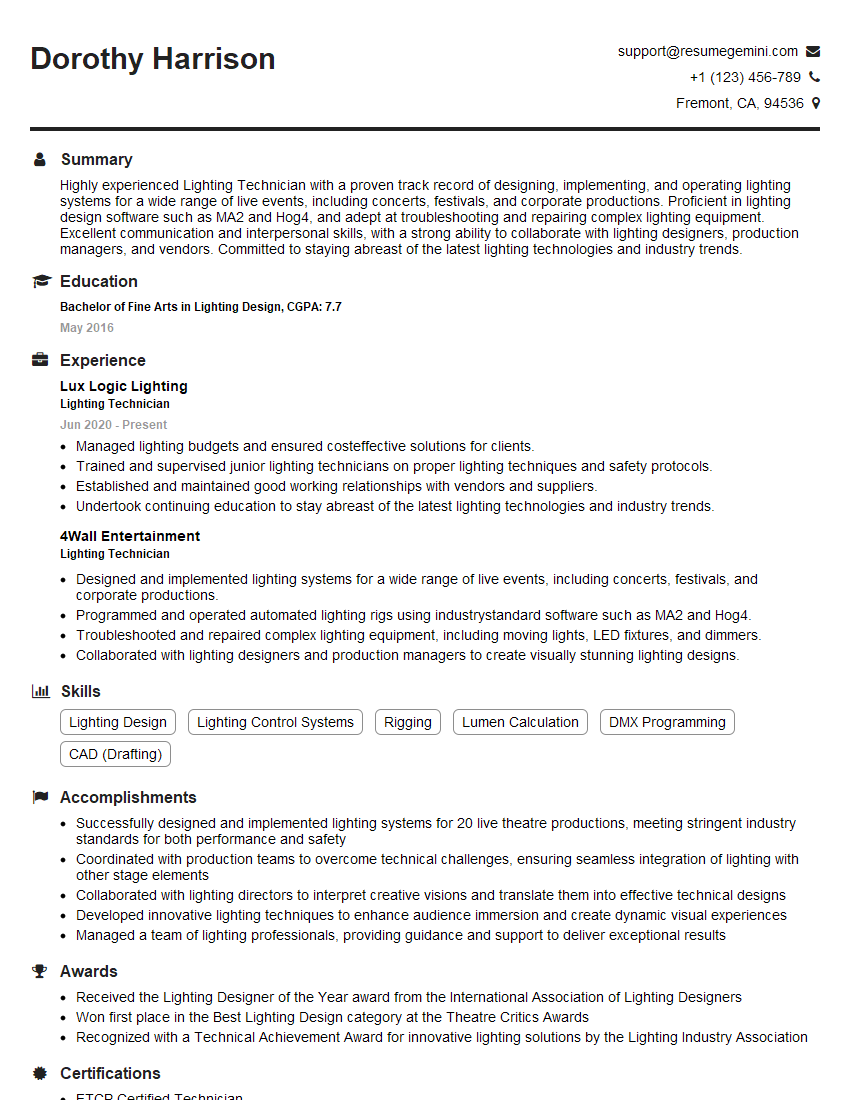
Lighting Technician Resume Sample
- Field Technician
- Audio Visual Technician
- Audio-Visual Specialist
- Media Technician
- Multimedia Specialist
- Video Producer
- Broadcast Engineer
- Broadcast Technician
- Video Editor
- Video Production Assistant
- Audio Engineer
- Studio Engineer
- Sound Designer
- Camera Operator
- Film Editor
- Gaffer
- Grip
- Lighting Technician
Explore more articles
Users Rating of Our Blogs
Share Your Experience
We value your feedback! Please rate our content and share your thoughts (optional).
What Readers Say About Our Blog
Very informative content, great job.
good