Cracking a skill-specific interview, like one for Experience with project management tools, requires understanding the nuances of the role. In this blog, we present the questions you’re most likely to encounter, along with insights into how to answer them effectively. Let’s ensure you’re ready to make a strong impression.
Questions Asked in Experience with project management tools Interview
Q 1. What project management tools are you most proficient in?
My proficiency spans several leading project management tools. I’m highly experienced with Jira, particularly its Agile functionalities for sprint management, issue tracking, and reporting. I’m also very comfortable with Asana, which I’ve used extensively for task management, collaboration, and visualizing project timelines. Furthermore, my experience includes using Microsoft Project for larger-scale projects requiring detailed Gantt chart planning and resource allocation. Finally, I have practical experience with Trello, a Kanban-style tool beneficial for its visual workflow management and simplicity in smaller projects or teams. Each tool has its strengths; I choose the best fit depending on project complexity, team size, and client preferences.
Q 2. Compare and contrast two different project management methodologies (e.g., Agile and Waterfall).
Agile and Waterfall are distinct project management methodologies, each with its own approach. Waterfall follows a linear, sequential approach where each phase must be completed before the next begins (requirements, design, implementation, testing, deployment, maintenance). Think of it like building a house – you lay the foundation before the walls, then the roof, etc. Changes are difficult and costly to implement once a phase is finished.
Agile, conversely, is iterative and incremental. It emphasizes flexibility and collaboration. Projects are broken down into smaller, manageable iterations called sprints (typically 2-4 weeks). Each sprint produces a working increment of the software or product. This allows for continuous feedback, adaptation to changing requirements, and quicker delivery of value. Imagine building with LEGOs – you can constantly adjust and improve the design as you go.
Here’s a table summarizing the key differences:
| Feature | Waterfall | Agile |
|---|---|---|
| Approach | Sequential, linear | Iterative, incremental |
| Flexibility | Low | High |
| Client Involvement | Limited | Continuous |
| Risk Management | Early identification crucial | Continuous risk assessment & mitigation |
| Suitable for | Projects with stable requirements | Projects with evolving requirements |
Q 3. Describe your experience using Gantt charts for project planning and tracking.
Gantt charts are indispensable for visualizing project schedules. My experience involves creating Gantt charts to represent tasks, milestones, dependencies, and durations. I utilize them to identify critical paths (the sequence of tasks that determines the shortest possible project duration), allocate resources effectively, and monitor progress. For instance, in a recent website development project, I used a Gantt chart in Microsoft Project to map out the design, development, testing, and deployment phases, clearly showing task dependencies and deadlines. This allowed the team and client to easily understand the project timeline and identify potential delays proactively. Regular updates to the Gantt chart kept everyone informed of progress and helped us manage any schedule slips effectively.
Q 4. How do you utilize Kanban boards to manage workflows?
Kanban boards are visual tools for managing workflow. I use them to represent the different stages of a project, from ‘To Do’ to ‘In Progress’ to ‘Done.’ Each task is represented by a card that moves across the board as it progresses through the workflow. This allows for a clear overview of the project status, identification of bottlenecks, and improved collaboration. For example, in a content creation project, we used a Trello Kanban board. Each card represented a blog post, moving from ‘Idea’ to ‘Drafting’ to ‘Editing’ to ‘Published.’ This gave the team a clear view of progress and helped us prioritize tasks effectively, ensuring a smooth and efficient workflow.
Q 5. Explain your experience with Scrum and its key elements (sprints, daily stand-ups, retrospectives).
Scrum is an Agile framework for managing complex projects. My experience includes working in Scrum teams as both a Scrum Master and a team member. Key elements include:
- Sprints: Short, time-boxed iterations (typically 2-4 weeks) where a potentially shippable increment of the product is delivered.
- Daily Stand-ups: Brief daily meetings where the team discusses progress, impediments, and plans for the day. These keep everyone aligned and quickly address any roadblocks.
- Sprint Reviews: Meetings at the end of each sprint to demonstrate the completed work to stakeholders and gather feedback.
- Sprint Retrospectives: Meetings to reflect on the past sprint, identify areas for improvement, and plan for future sprints. This continuous improvement process is crucial for Scrum’s success.
In a recent software development project, we used Scrum successfully. Daily stand-ups kept us informed and allowed for quick problem-solving. Sprint reviews provided valuable client feedback, enabling us to adjust our approach as needed. Retrospectives helped us refine our processes and improve team collaboration.
Q 6. How do you handle project scope creep?
Project scope creep – the uncontrolled expansion of project requirements – is a common challenge. My approach is proactive. Firstly, I ensure a well-defined scope statement at the project’s outset, clearly outlining deliverables, timelines, and budget. Secondly, I encourage frequent communication with stakeholders, actively seeking feedback and addressing any changes formally through a change control process. This usually involves documenting the change request, assessing its impact on the schedule and budget, and obtaining stakeholder approval before incorporating it. If a change request is outside the original scope, we discuss the implications and may negotiate a separate contract or adjust the project scope accordingly. Ignoring scope creep can lead to delays, cost overruns, and project failure.
Q 7. Describe your experience with risk management in projects.
Risk management is crucial for project success. My approach involves proactively identifying potential risks (e.g., technical challenges, resource constraints, stakeholder conflicts), assessing their likelihood and impact, and developing mitigation strategies. I use tools like risk registers to document identified risks, assigned owners, mitigation plans, and contingency plans. Regular risk reviews are conducted to monitor the status of risks and adapt mitigation strategies as needed. For instance, in a large-scale construction project, we identified risks such as weather delays and material shortages. We developed mitigation plans, including procuring materials in advance and having alternative construction methods ready for inclement weather. This proactive approach minimized disruptions and ensured the project stayed on track.
Q 8. How do you manage project budgets and resources?
Managing project budgets and resources effectively requires a proactive and meticulous approach. It begins with a thorough budgeting process, where I collaborate with stakeholders to create a detailed budget outlining all anticipated costs, from personnel and materials to software licenses and potential contingencies. This budget is then broken down into smaller, manageable components, allowing for regular tracking and analysis.
Resource allocation follows a similar strategy. I utilize resource leveling techniques to identify potential resource conflicts and optimize their utilization across different project tasks. This may involve creating a resource histogram visualizing resource availability against task demands. Tools like Gantt charts assist greatly in this visual planning. Regular monitoring and reporting against the baseline budget and resource allocation is crucial, allowing for prompt identification and mitigation of any variances.
For example, in a recent project developing a new mobile app, we initially underestimated the cost of UI/UX design. By tracking expenses diligently, we identified this variance early, and by reallocating resources from less critical areas (like initial marketing), we avoided significant budget overruns.
Q 9. What metrics do you use to track project progress?
Tracking project progress requires a balanced approach using a combination of qualitative and quantitative metrics. Quantitative metrics often include earned value management (EVM), using metrics like Planned Value (PV), Earned Value (EV), and Actual Cost (AC) to calculate Schedule Variance (SV) and Cost Variance (CV). These help assess performance against the baseline schedule and budget.
Beyond EVM, I often use metrics like completion percentage of individual tasks, milestone achievement, and defect rates (in software development, for instance). Qualitative metrics, such as stakeholder satisfaction (obtained through surveys or feedback sessions), team morale, and risk assessment, provide valuable insights into overall project health that numbers alone cannot capture.
Regularly reviewing these metrics, and presenting them visually through dashboards and reports, allows for quick identification of potential problems and timely adjustments to the project plan.
Q 10. How do you prioritize tasks in a project?
Prioritizing tasks effectively requires a structured approach. I typically employ a combination of methods, starting with a clear understanding of project goals and objectives. Then, I apply techniques like the MoSCoW method (Must have, Should have, Could have, Won’t have) to categorize tasks based on their importance and necessity. This allows for clear prioritization based on business value.
Another useful technique is prioritization matrices (such as Eisenhower Matrix or Urgent/Important Matrix), which allow for visualizing tasks based on urgency and importance. This helps in identifying and focusing on high-impact tasks first. These matrices are particularly helpful in managing competing priorities.
For example, in a website redesign project, using the MoSCoW method helped us prioritize core functionalities (Must-have) like user login and navigation before focusing on less critical features (Could have) such as advanced search filters.
Q 11. Describe your experience using project management software (mention specific tools).
I have extensive experience with several project management software tools. My proficiency includes Jira, which I’ve used extensively for agile software development projects. Its Kanban boards and sprint management features are invaluable for tracking progress, managing sprints, and facilitating team collaboration. I’ve also used Asana for managing tasks and workflows across multiple teams, appreciating its user-friendly interface and task dependencies. For larger, more complex projects with detailed resource planning, I’ve utilized Microsoft Project, leveraging its Gantt charts and resource allocation capabilities.
My experience extends to using Monday.com, particularly for its visual dashboards and customization options; and Trello, a great tool for simpler projects and teams who prefer a Kanban-style workflow. My selection of tools depends on the project’s size, complexity, and team dynamics.
Q 12. How do you handle conflicting priorities in a project?
Handling conflicting priorities requires a strategic approach that combines communication, negotiation, and prioritization techniques. The first step is to clearly identify and document all conflicting priorities. Then, I facilitate a discussion with stakeholders involved, ensuring everyone understands the trade-offs associated with each option.
Next, I work with stakeholders to weigh the value and impact of each priority using methods such as scoring or ranking. This helps quantify the relative importance of different tasks, facilitating a data-driven decision. Resolving conflicts might involve re-negotiating deadlines, re-allocating resources, or revisiting project scope. Transparency and open communication are essential throughout this process.
For example, when faced with a conflicting priority between a critical bug fix and a new feature release in a software project, we used data on customer impact to prioritize the bug fix, ensuring customer satisfaction and minimizing potential risks.
Q 13. How do you communicate project updates to stakeholders?
Communicating project updates to stakeholders is crucial for maintaining transparency and ensuring alignment. My approach is tailored to the specific stakeholder and their level of interest. I utilize a multi-channel strategy that includes regular status reports (weekly or bi-weekly), tailored to each group’s needs. These reports often include high-level summaries, key metrics, and visual progress updates using charts and graphs.
I also leverage project management software to provide stakeholders with real-time access to project progress and status. For more critical or urgent updates, I utilize email or direct communication, ensuring that the information is clear, concise, and timely. Finally, periodic project meetings allow for face-to-face discussions, allowing for clarifying any concerns or questions.
Visual communication, such as dashboards displaying key performance indicators (KPIs), helps convey complex information quickly and efficiently to diverse stakeholders.
Q 14. Describe a time you had to make a difficult decision regarding project resources.
In a previous project developing a large-scale e-commerce website, we faced a critical shortage of front-end developers towards the end of the project. The deadline was approaching, and several key features were incomplete. We had three options: 1) Delay the launch, 2) Reduce the scope of the project, eliminating less critical features, or 3) Outsource some of the development work.
Delaying the launch would have incurred significant financial losses and damaged the reputation of the company. Reducing scope was a viable alternative, but it would compromise some functionalities that the client considered essential. Outsourcing was the most expensive option, but it was the most feasible way to meet the deadline without sacrificing critical features.
After carefully evaluating the risks and benefits of each option, taking into consideration cost, time, and risks, we decided to outsource part of the development work. Although it increased the budget, it avoided a significant delay, maintained client satisfaction, and mitigated potential financial repercussions.
Q 15. How do you utilize project management software for reporting and dashboards?
Project management software offers robust reporting and dashboarding capabilities crucial for monitoring project health and progress. I leverage these features to create visualizations that provide a clear, concise overview of key performance indicators (KPIs). For example, in a recent project using Asana, I created a custom dashboard showing task completion rates, burn-down charts for remaining work, and a risk register highlighting potential roadblocks. This allowed stakeholders to quickly understand the project’s status at a glance, identify potential issues proactively, and make data-driven decisions.
My approach involves selecting the appropriate reports and dashboards based on the audience and the information needed. For executive-level summaries, I focus on high-level metrics like budget adherence and timeline progress. For team-level reports, I delve deeper into individual task statuses and potential bottlenecks. I also use the software’s filtering and sorting capabilities to generate customized reports, focusing on specific aspects of the project as required. For instance, I might generate a report showcasing the contributions of individual team members, highlighting their strengths and areas for improvement.
Beyond pre-built reports, many tools allow for the creation of custom dashboards with real-time data updates. This dynamic view is essential for proactively managing issues and adapting to evolving circumstances. Think of it like a cockpit for your project – providing all the essential information needed for navigation and control.
Career Expert Tips:
- Ace those interviews! Prepare effectively by reviewing the Top 50 Most Common Interview Questions on ResumeGemini.
- Navigate your job search with confidence! Explore a wide range of Career Tips on ResumeGemini. Learn about common challenges and recommendations to overcome them.
- Craft the perfect resume! Master the Art of Resume Writing with ResumeGemini’s guide. Showcase your unique qualifications and achievements effectively.
- Don’t miss out on holiday savings! Build your dream resume with ResumeGemini’s ATS optimized templates.
Q 16. What is your experience with creating and managing project plans?
Creating and managing project plans is the cornerstone of successful project delivery. My process typically starts with a thorough understanding of the project scope, objectives, and deliverables. I then break down the project into smaller, manageable tasks, defining dependencies and assigning responsibilities. I use tools like Microsoft Project or Jira to create Gantt charts visually representing the project timeline, tasks, and dependencies. These charts are crucial for visualizing the project’s critical path and identifying potential scheduling conflicts.
Beyond the Gantt chart, I incorporate other essential elements into the project plan, including resource allocation, budget estimations, risk assessments, and communication plans. I meticulously document all aspects of the plan, making it readily accessible to all stakeholders. Regular review and updates of the project plan are paramount. I usually schedule weekly or bi-weekly review meetings to track progress against the plan, identify any deviations, and make necessary adjustments. This proactive approach ensures that the project remains on track and within budget.
For example, in a recent website development project using Jira, I meticulously planned each phase, from design and development to testing and deployment. The detailed plan, including timelines and resource allocation, enabled the team to work efficiently and collaboratively, resulting in the successful on-time and within-budget delivery of the project.
Q 17. Describe your experience with different project lifecycle methodologies.
I’m proficient in several project lifecycle methodologies, including Waterfall, Agile (Scrum and Kanban), and hybrid approaches. My choice of methodology depends heavily on the project’s nature, complexity, and client requirements. Waterfall, with its sequential phases, suits projects with well-defined requirements and minimal anticipated changes. Agile methodologies, on the other hand, are ideal for projects with evolving requirements and a need for flexibility and iterative development.
In my experience, Scrum has been particularly effective for software development projects where iterative development and frequent feedback are crucial. I’ve used Jira and Trello extensively to manage Scrum projects, leveraging their features for sprint planning, task management, and daily stand-ups. Kanban, with its focus on workflow visualization and continuous delivery, is best suited for projects requiring ongoing maintenance and updates. I’ve applied Kanban successfully in managing content creation projects, visualizing the workflow and ensuring a smooth and efficient process.
Hybrid approaches often combine the strengths of different methodologies, tailoring the process to meet specific project needs. For example, I once integrated elements of Waterfall for the initial planning stages of a large-scale project and transitioned to Agile for the subsequent development and implementation phases. This blended approach provided a structured framework while allowing for the flexibility needed to accommodate changes during the project.
Q 18. How familiar are you with critical path analysis?
Critical Path Analysis (CPA) is a crucial technique for identifying the longest sequence of dependent tasks in a project, determining the shortest possible project duration. I’m highly familiar with CPA and regularly use it to identify critical tasks that directly impact the project timeline. Delaying a critical task directly impacts the project completion date, while delaying a non-critical task might not.
I typically perform CPA using project management software such as Microsoft Project or specialized tools that automate the process. These tools calculate the critical path automatically, highlighting the tasks that require close monitoring and careful management. Understanding the critical path allows for proactive risk management, enabling the team to allocate resources effectively and mitigate potential delays.
For example, in a construction project, the critical path might involve foundation work, followed by framing and roofing. Any delay in these critical tasks would directly impact the project’s completion date. By identifying the critical path, we can prioritize these tasks, ensuring sufficient resources are allocated and potential issues are addressed promptly. This helps avoid costly delays and ensure the project stays on schedule.
Q 19. How do you handle project delays?
Project delays are inevitable, but effective management is key to mitigating their impact. My approach involves a multi-pronged strategy. First, I identify the root cause of the delay. Is it due to resource constraints, scope creep, unforeseen technical challenges, or external factors? Once the cause is pinpointed, I work with the team to develop a corrective action plan.
This plan might involve re-allocating resources, adjusting the project schedule, negotiating with stakeholders to adjust expectations, or seeking additional support. Open and transparent communication is vital during this process. I keep all stakeholders informed of the delay, the proposed solutions, and the potential impact on the project timeline and budget. I also regularly monitor the situation, tracking progress against the revised plan and making necessary adjustments as needed. Sometimes, it’s necessary to make difficult decisions, such as cutting scope to meet deadlines or accepting a revised budget.
For example, in a software development project, a delay caused by a critical bug required a dedicated team to focus on resolving the issue. This meant temporarily reallocating resources from other tasks, which we communicated clearly to stakeholders, explaining the impact and the revised timeline. Ultimately, we successfully resolved the issue, minimized the overall project delay, and delivered a high-quality product.
Q 20. Describe your experience with using project management tools for collaboration.
Collaboration is central to successful project management, and I leverage project management tools extensively to facilitate teamwork. I select tools based on project needs and team preferences, considering factors like ease of use, integration with other systems, and the specific collaboration features required. Tools like Microsoft Teams, Slack, Jira, and Asana provide various features promoting seamless collaboration.
I use these platforms to share documents, track progress, assign tasks, manage communication, and facilitate discussions. Features like shared workspaces, real-time editing, and integrated communication tools are crucial for keeping the team connected and informed. For instance, in a recent marketing campaign project, we used Asana to track tasks, share marketing materials, and coordinate efforts across multiple team members in different locations. The platform’s task assignment, communication, and progress tracking features ensured everyone stayed on the same page.
Beyond simply using the tools, I foster a collaborative culture by encouraging open communication, actively seeking team input, and providing constructive feedback. Regular team meetings, both in-person and virtual, are crucial for maintaining momentum and addressing potential issues proactively. Creating a shared understanding of the project goals and individual responsibilities is paramount to effective collaboration.
Q 21. What are your preferred methods for conflict resolution in project teams?
Conflict resolution is an unavoidable aspect of project management, and I employ a variety of methods to address conflicts effectively. My approach prioritizes open communication and active listening. I encourage team members to express their concerns openly and honestly, creating a safe space for dialogue. I then aim to understand the root cause of the conflict, focusing on the issue rather than personal attacks.
Depending on the nature of the conflict, I might use different strategies. For simple disagreements, facilitating a discussion and finding common ground is usually sufficient. For more complex conflicts, I may use mediation techniques, helping team members find a mutually acceptable solution. Sometimes, compromise may be necessary, requiring all parties to make concessions.
In situations where conflicts escalate or involve deeply entrenched positions, I may need to intervene more directly, making decisions to ensure the project’s progress. My goal is always to maintain a positive and productive work environment, ensuring the team can continue to work collaboratively. For instance, in a project where team members disagreed on the best approach to a design challenge, I facilitated a collaborative workshop to brainstorm solutions and arrive at a consensus. This resulted in a creative and innovative solution that addressed all parties’ concerns.
Q 22. How do you ensure project quality?
Ensuring project quality is a multifaceted process that begins even before the project starts. It’s not just about delivering something on time and within budget; it’s about delivering something that meets or exceeds the client’s expectations and aligns with the project’s goals. My approach involves several key strategies:
- Defining Clear Quality Standards: From the outset, we establish specific, measurable, achievable, relevant, and time-bound (SMART) quality goals. This involves close collaboration with stakeholders to understand their needs and expectations, translating those needs into concrete metrics we can track.
- Implementing Robust Quality Control Processes: Throughout the project lifecycle, we incorporate regular checkpoints and reviews. This might involve daily stand-ups, weekly progress reports, or formal milestone reviews, depending on the project complexity. These checkpoints allow for early identification of potential quality issues.
- Utilizing Project Management Tools: Tools like Jira, Asana, or Monday.com help us track tasks, monitor progress against quality metrics, and document any deviations or issues. These tools provide a centralized repository for all quality-related information, ensuring transparency and accountability.
- Continuous Improvement: We actively seek feedback throughout the project, using it to refine our processes and improve future project outcomes. Post-project reviews, client feedback sessions, and internal retrospectives are crucial for identifying areas for improvement.
- Team Training and Empowerment: A well-trained and empowered team is the foundation of quality. Investing in training and ensuring team members have the necessary skills and authority to address quality concerns is essential.
For example, in a recent software development project, we established a detailed quality assurance plan with specific acceptance criteria for each feature. We used Jira to track bugs, and regular sprint reviews ensured early detection and resolution of quality issues. This resulted in a final product that exceeded client expectations and received positive feedback.
Q 23. How do you use project management tools to improve team productivity?
Project management tools are indispensable for boosting team productivity. They streamline communication, centralize information, and automate repetitive tasks, freeing up team members to focus on higher-value work. My approach focuses on leveraging these tools strategically:
- Centralized Communication: Tools like Slack or Microsoft Teams facilitate seamless communication, reducing email overload and improving response times. This allows for quick clarification of tasks and immediate responses to queries.
- Task Management and Collaboration: Platforms like Asana, Trello, or Jira enable efficient task assignment, tracking, and collaboration. Team members can easily see their assigned tasks, track progress, and collaborate on shared tasks. Features like Kanban boards provide a visual overview of project workflow.
- Time Tracking and Reporting: Tools that track time spent on tasks provide valuable insights into team performance and project efficiency. This data can help identify bottlenecks and optimize workflows.
- Document Management: Centralized document repositories within project management tools ensure everyone has access to the latest versions of project documents, reducing confusion and saving time.
- Automation: Many tools offer automation capabilities, such as automated task reminders or progress reports. This reduces the administrative burden on team members, allowing them to focus on core project activities.
For instance, on a recent marketing campaign, we used Asana to manage tasks, track progress, and share files. The automated notifications ensured timely completion of tasks, and the visual Kanban board provided a clear overview of the project status, resulting in a significantly smoother and more efficient campaign execution.
Q 24. Explain your process for closing a project.
Closing a project is more than just marking it as complete. It’s a formal process that ensures all loose ends are tied up, lessons learned are documented, and the project is formally handed over to the client. My process typically involves these steps:
- Final Deliverables Review: A thorough review of all deliverables to ensure they meet the pre-defined quality standards and client expectations. This often involves a final sign-off from the client.
- Documentation Completion: Finalizing all project documentation, including reports, presentations, and any technical documentation. This ensures a clear record of the project’s journey, outcomes, and lessons learned.
- Financial Closure: Reconciling all project expenses and ensuring all invoices are paid. This step ensures financial transparency and accountability.
- Team Debrief: A meeting with the project team to discuss the project’s successes and challenges, identify areas for improvement, and celebrate achievements. This contributes to continuous improvement within the team.
- Client Handover: Formally handing over the project deliverables and any necessary support documentation to the client. This includes a clear communication plan for post-project support.
- Project Archive: Archiving all project-related documents in a secure and easily accessible location for future reference.
For example, after completing a website redesign project, we conducted a final review with the client, ensuring all design specifications were met and the website functioned flawlessly. We then provided comprehensive documentation on the site’s architecture and maintenance procedures before archiving the project files and sending a final invoice.
Q 25. What is your experience with project post-mortems?
Project post-mortems are critical for continuous improvement. They provide a structured opportunity to reflect on what went well, what went wrong, and what can be done differently next time. My experience shows that effective post-mortems are crucial for learning and growth. I typically facilitate these sessions using a structured approach:
- Objective Review: We begin by objectively reviewing the project’s performance against its goals, focusing on both successes and failures.
- Data-Driven Analysis: We analyze data from the project, such as time tracking, budget reports, and client feedback, to identify trends and patterns.
- Identifying Root Causes: We delve deeper to uncover the root causes of any issues or problems, rather than just focusing on symptoms.
- Actionable Recommendations: We generate specific, actionable recommendations for improvement that can be implemented on future projects.
- Documentation and Follow-up: We document all key findings, recommendations, and action items, ensuring accountability for their implementation.
For example, after a project experienced significant delays, our post-mortem identified inadequate resource allocation and a lack of clear communication as root causes. We implemented changes to improve resource planning and communication protocols for subsequent projects, significantly reducing delays on future endeavors.
Q 26. How do you identify and address project risks?
Identifying and addressing project risks is a proactive process that begins at the project initiation phase and continues throughout its lifecycle. My approach involves these key steps:
- Risk Identification: We brainstorm potential risks using techniques like SWOT analysis, brainstorming, or checklists. We consider risks related to scope, schedule, budget, resources, and stakeholders.
- Risk Assessment: We evaluate the likelihood and potential impact of each identified risk. This often involves a qualitative or quantitative assessment, prioritizing risks based on their severity.
- Risk Response Planning: We develop strategies to mitigate, avoid, transfer, or accept each risk. This may involve creating contingency plans, allocating additional resources, or purchasing insurance.
- Risk Monitoring and Control: We continuously monitor identified risks throughout the project lifecycle, tracking changes in their likelihood or impact. We adjust our risk response plans as needed.
- Communication and Transparency: We maintain open communication about identified risks and response plans with all relevant stakeholders.
For instance, on a project with a tight deadline, we identified the risk of key personnel leaving the team. We mitigated this by cross-training team members and creating detailed handover plans to ensure project continuity. This proactive approach minimized disruption when a team member unexpectedly departed.
Q 27. Describe a challenging project and how you overcame its obstacles.
One particularly challenging project involved the development of a complex e-commerce platform with tight deadlines and rapidly evolving requirements. The initial scope was unclear, leading to frequent changes and scope creep. Communication with the client was also initially difficult due to differing perspectives and unclear expectations.
To overcome these obstacles, I implemented several strategies:
- Improved Communication: I initiated daily stand-up meetings with the development team and weekly meetings with the client, establishing clear communication channels and improving transparency.
- Agile Methodology: We transitioned to an Agile methodology, using sprints to deliver functional increments and allowing for flexibility in response to changing requirements.
- Scope Management: We introduced a formal change management process, ensuring that any scope changes were documented, evaluated for impact, and approved by the client.
- Team Empowerment: I fostered a collaborative environment where team members felt empowered to raise concerns and offer solutions.
Through these strategies, we successfully navigated the challenges, delivered a functional e-commerce platform, and improved client satisfaction. The project underscored the importance of clear communication, adaptable methodologies, and empowered teams in navigating complex project landscapes.
Q 28. What are your preferred methods for tracking project time and expenses?
Tracking project time and expenses is crucial for accurate budgeting, resource allocation, and project profitability. My preferred methods leverage both manual and automated tools:
- Time Tracking Software: Tools like Toggl Track, Clockify, or Harvest provide a simple and efficient way for team members to track their time spent on various tasks. This data can be used to create reports on project progress and identify areas where time is being spent inefficiently.
- Expense Tracking Software: Software such as Expensify or Zoho Expense allows for the easy submission, approval, and tracking of project-related expenses. This ensures accurate expense reporting and helps to maintain a clear audit trail.
- Integration with Project Management Tools: Many project management tools integrate with time and expense tracking software, creating a centralized system for tracking both time and costs. This provides a comprehensive view of project performance and financial health.
- Regular Reporting: I regularly review time and expense reports to monitor project progress and identify any potential overruns. This proactive approach allows for early intervention and course correction.
For example, on a recent project, we used Toggl Track to track time spent on different tasks, integrating it with our Asana project management tool. This provided us with real-time visibility into project progress and helped us identify and address potential time-related issues before they escalated.
Key Topics to Learn for Experience with Project Management Tools Interview
- Project Initiation & Planning: Understanding project lifecycles (e.g., Agile, Waterfall), defining project scope, creating work breakdown structures (WBS), and developing project schedules.
- Tool Proficiency: Demonstrating practical experience with popular project management tools like Asana, Trello, Jira, Monday.com, or MS Project. Highlight specific features used and their impact on project success. Be prepared to discuss your experience with both cloud-based and on-premise solutions.
- Risk Management & Mitigation: Identifying potential project risks, developing strategies to mitigate those risks, and documenting your approach to risk management within the chosen project management tool.
- Team Collaboration & Communication: Explain how you used project management tools to foster effective communication and collaboration within project teams. Discuss techniques for managing tasks, deadlines, and progress updates.
- Resource Allocation & Management: Discuss your experience in assigning tasks, tracking resources, and managing budgets within the project management tool. Show understanding of resource leveling and optimization.
- Monitoring & Reporting: Describe how you used project management tools to track project progress, generate reports, and identify potential roadblocks. Highlight your proficiency in creating insightful dashboards and visualizations.
- Project Closure & Review: Explain your approach to closing out a project, documenting lessons learned, and conducting post-project reviews to improve future projects. How did the project management tool support these processes?
- Agile Methodologies (if applicable): If you have experience with Agile methodologies (Scrum, Kanban), be prepared to discuss your understanding of sprints, daily stand-ups, sprint reviews, and retrospectives, and how your chosen tools supported these practices.
Next Steps
Mastering project management tools is crucial for career advancement in today’s collaborative work environment. Demonstrating proficiency in these tools showcases your organizational skills, problem-solving abilities, and ability to contribute effectively to team success. To significantly boost your job prospects, create an ATS-friendly resume that highlights your key skills and achievements. ResumeGemini is a trusted resource that can help you build a professional and impactful resume. Examples of resumes tailored to showcasing experience with project management tools are available to guide you.
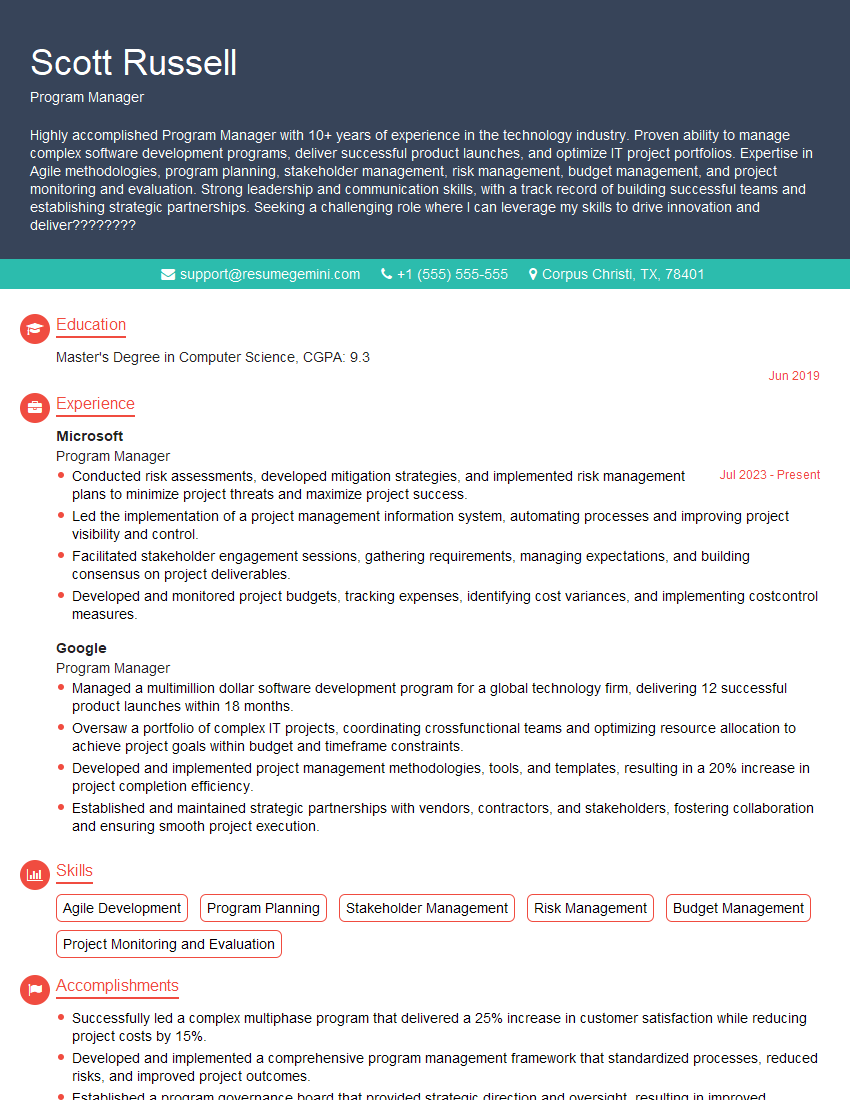
Program Manager Resume Sample

Operations Manager Resume Sample
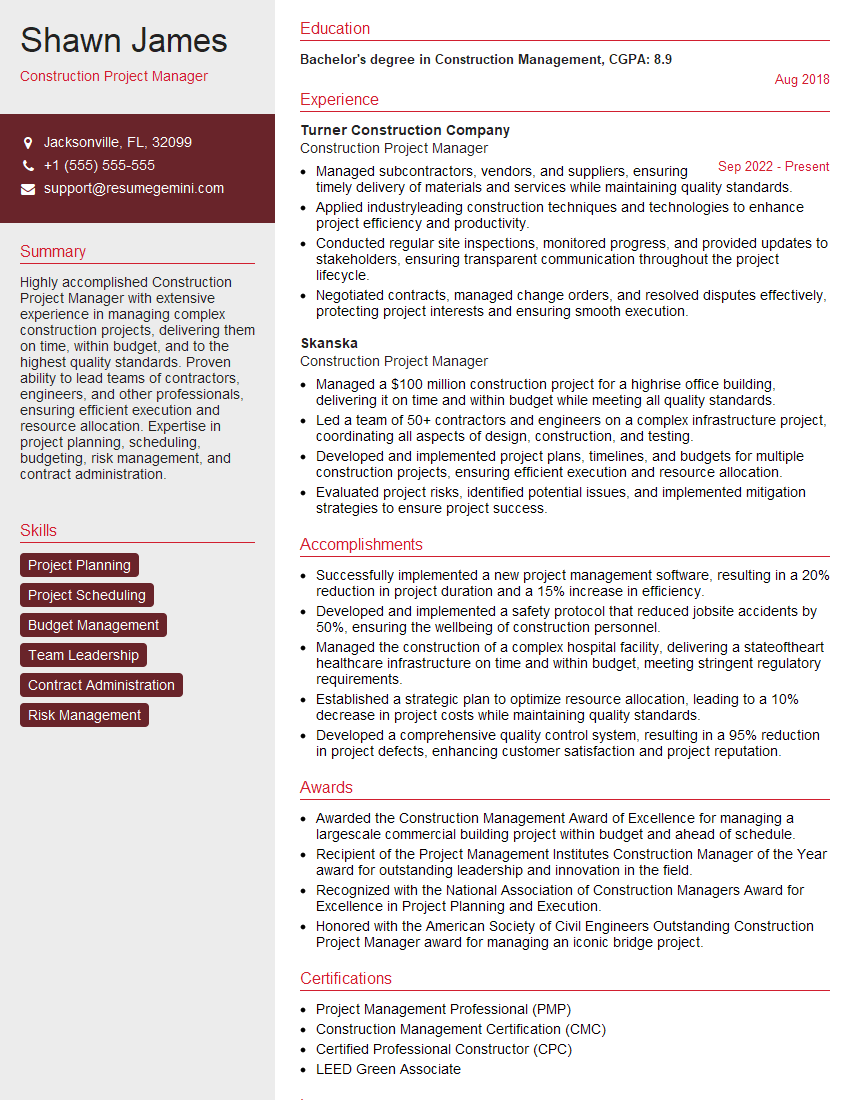
Construction Project Manager Resume Sample

Project Manager Resume Sample
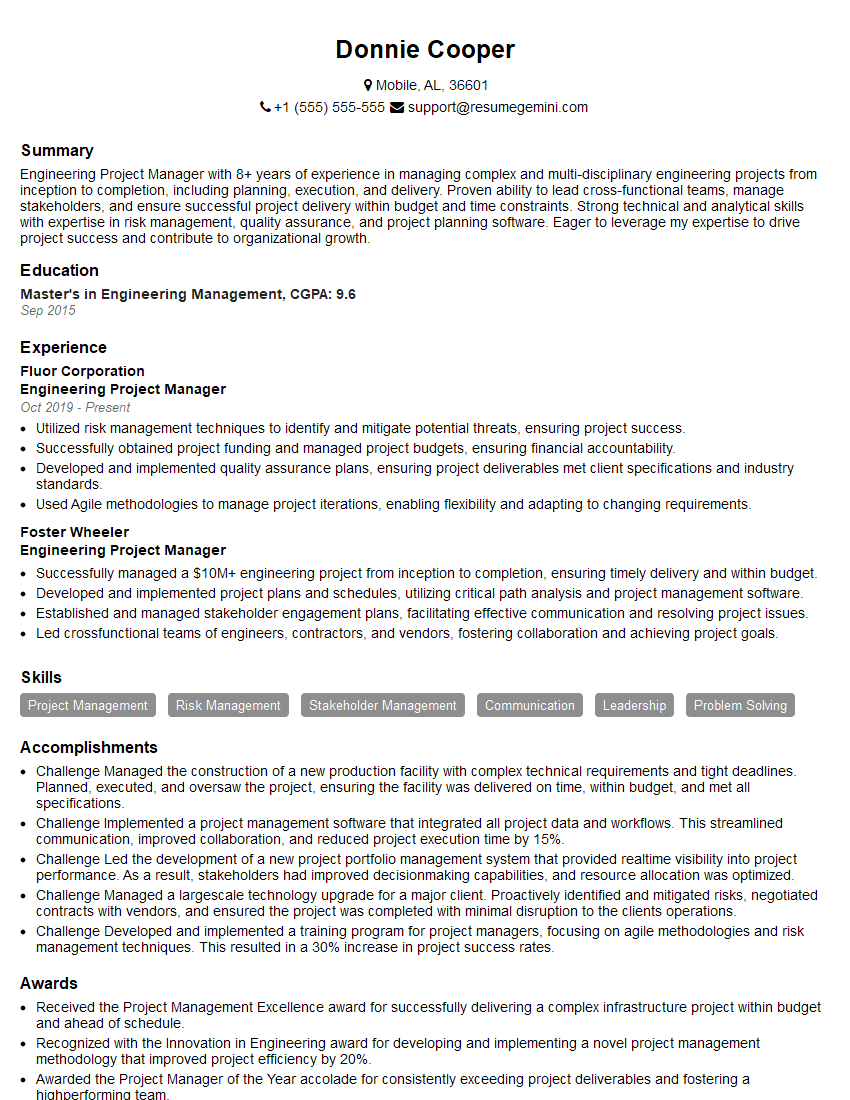
Engineering Project Manager Resume Sample
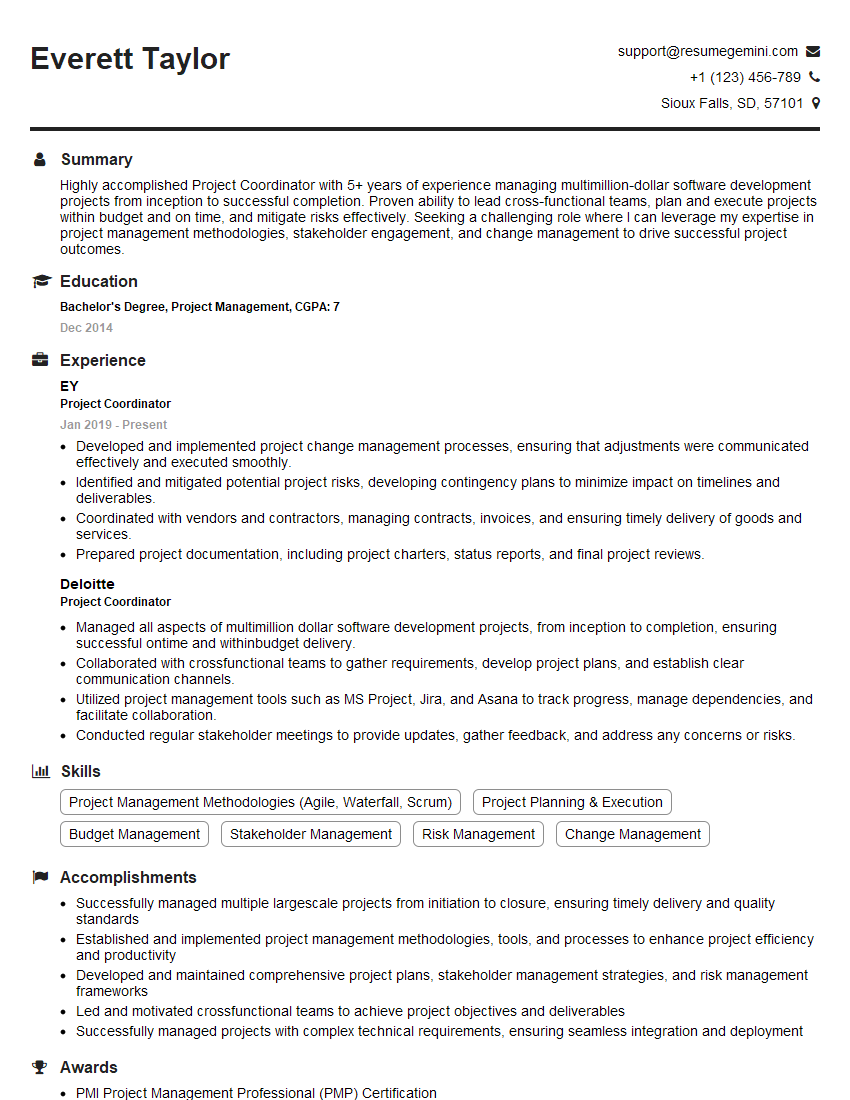
Project Coordinator Resume Sample
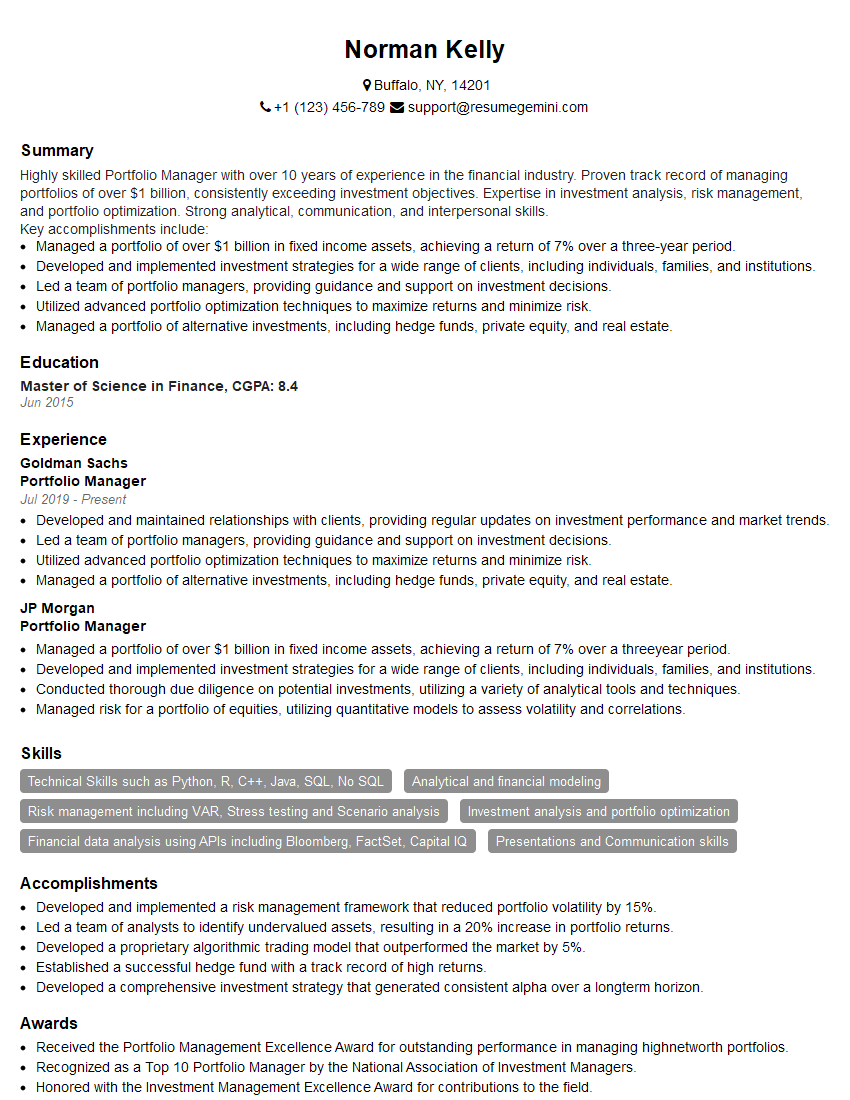
Portfolio Manager Resume Sample

Business Analyst Resume Sample

IT Project Manager Resume Sample
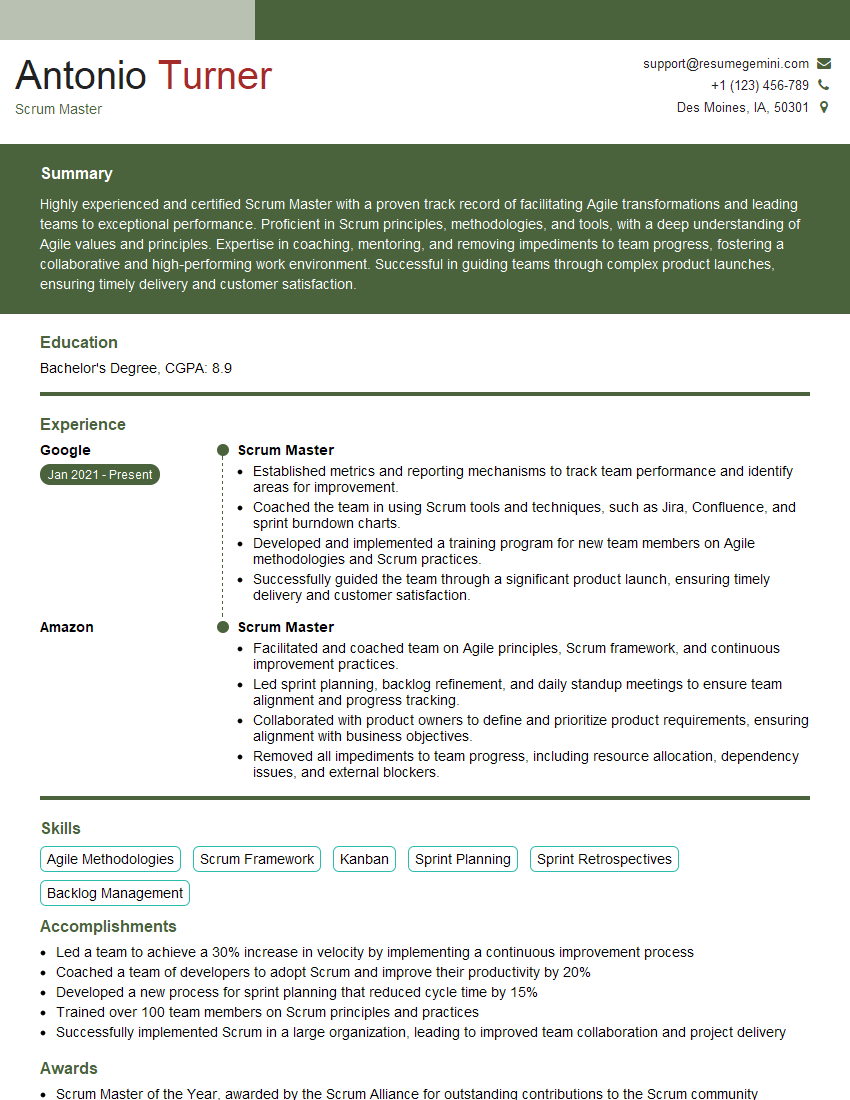
Scrum Master Resume Sample
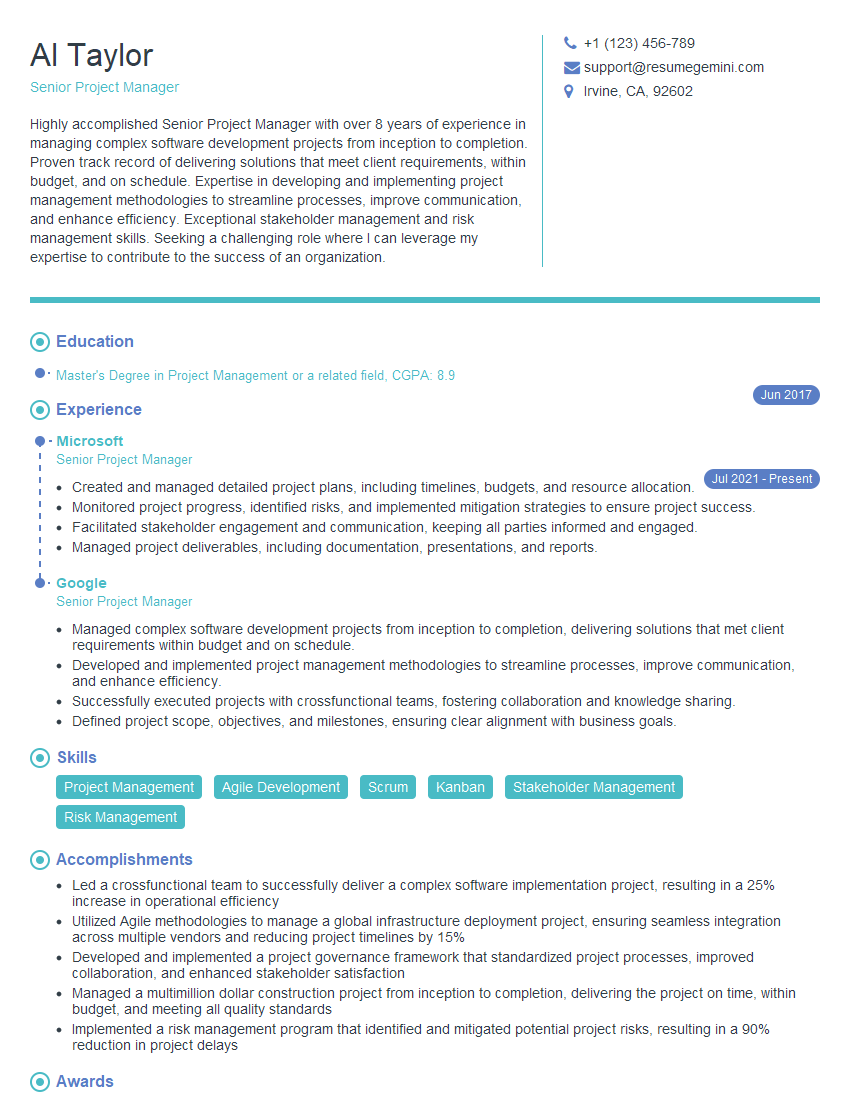
Senior Project Manager Resume Sample
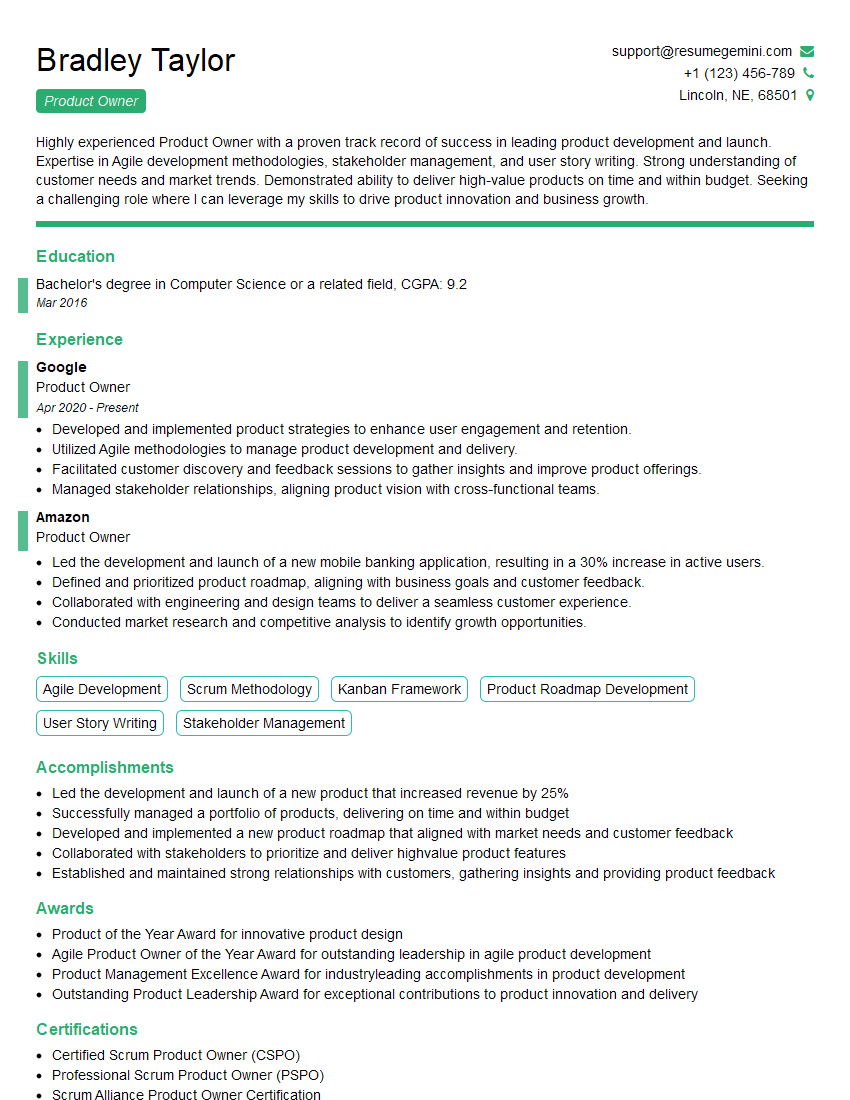
Product Owner Resume Sample
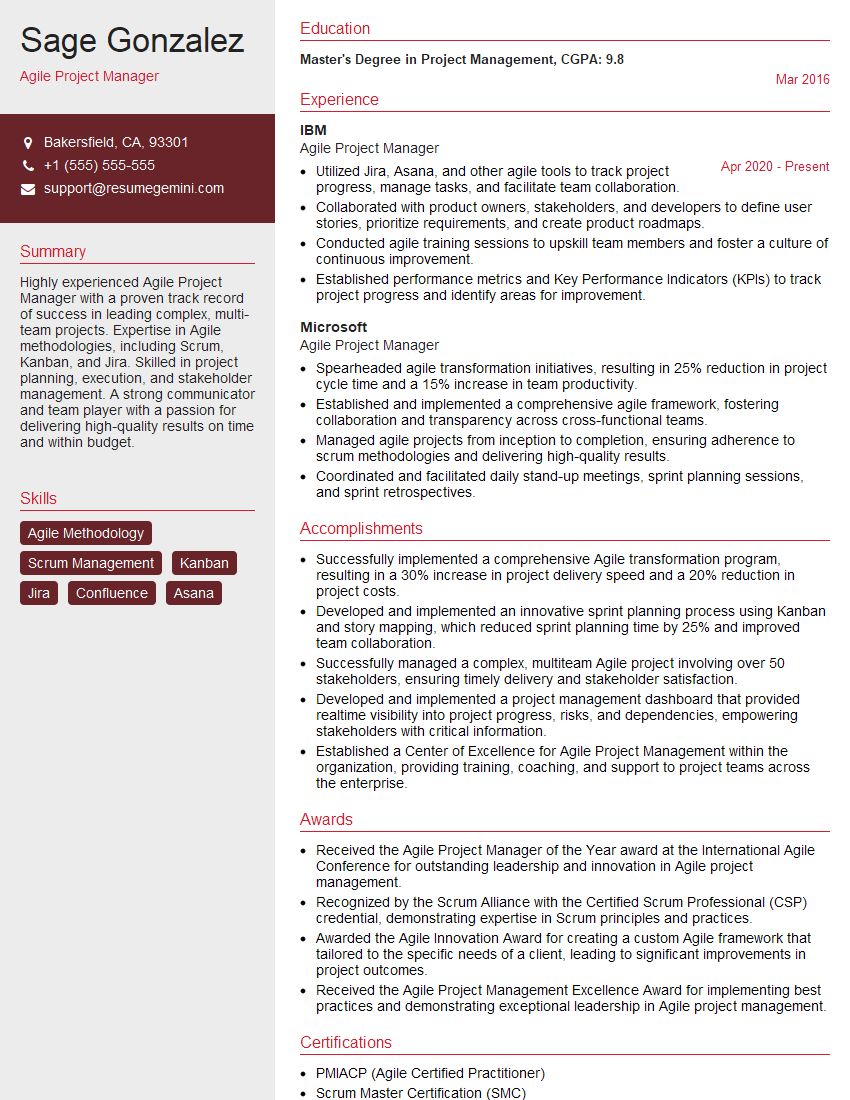
Agile Project Manager Resume Sample
Explore more articles
Users Rating of Our Blogs
Share Your Experience
We value your feedback! Please rate our content and share your thoughts (optional).
What Readers Say About Our Blog
Very informative content, great job.
good