The thought of an interview can be nerve-wracking, but the right preparation can make all the difference. Explore this comprehensive guide to Experience with rapid prototyping techniques interview questions and gain the confidence you need to showcase your abilities and secure the role.
Questions Asked in Experience with rapid prototyping techniques Interview
Q 1. Explain your experience with different rapid prototyping methods (e.g., paper prototyping, digital prototyping, 3D printing).
My experience with rapid prototyping spans various methods, each suited for different stages and project needs. Paper prototyping is a cornerstone, excellent for early-stage user testing and quickly iterating on basic layouts and flows. I’ve used this extensively to test navigation and information architecture before investing time in digital tools. Digital prototyping, using tools like Figma and Adobe XD, allows for higher fidelity mockups, incorporating interactive elements and animations. This is crucial for demonstrating complex interactions and gaining a clearer understanding of the user experience. Finally, 3D printing has proven invaluable for tangible prototypes, particularly for physical products or user interfaces with complex spatial elements. For instance, I used 3D printing to create a prototype of a new ergonomic mouse to assess its comfort and usability.
- Paper Prototyping: Ideal for early-stage testing, low cost, fast iteration.
- Digital Prototyping: Higher fidelity, interactive elements, suitable for more complex designs.
- 3D Printing: Tangible prototypes, essential for physical products and complex interfaces.
Q 2. What are the advantages and disadvantages of using low-fidelity vs. high-fidelity prototypes?
The choice between low-fidelity and high-fidelity prototypes depends heavily on the project phase and goals. Low-fidelity prototypes, like paper prototypes or basic wireframes, are inexpensive and quick to create. They’re perfect for early testing, focusing on core functionality and user flows. The advantage is their flexibility; changes are easy and inexpensive. However, they lack visual polish and may not accurately represent the final product’s look and feel. High-fidelity prototypes, on the other hand, closely mimic the final product’s appearance and functionality. They offer a more realistic user experience for testing, revealing potential usability issues that low-fidelity prototypes might miss. The disadvantage is the significant time and resource investment required. They’re less flexible and changes can be costly and time-consuming.
- Low-Fidelity Advantages: Fast, cheap, flexible, ideal for early testing.
- Low-Fidelity Disadvantages: Limited visual appeal, may not accurately reflect final product.
- High-Fidelity Advantages: Realistic user experience, identifies subtle usability issues.
- High-Fidelity Disadvantages: Time-consuming, expensive, less flexible.
Q 3. Describe your process for choosing the appropriate prototyping method for a given project.
My process for choosing a prototyping method is driven by a few key factors. Firstly, I consider the project’s stage. Early-stage projects benefit from low-fidelity prototypes (paper, wireframes) to quickly test core concepts and gather initial feedback. Later stages might warrant higher-fidelity prototypes (interactive digital mockups or even 3D prints) to assess detailed interactions and visual design. Secondly, the project’s budget and timeline heavily influence the choice. Low-fidelity methods are favored under tight deadlines and limited resources. Finally, the complexity of the product or feature plays a role. Simple features might only need low-fidelity prototypes, while complex interactions or physical products demand higher fidelity. Essentially, it’s a balanced approach – selecting the method that provides sufficient fidelity to validate the design goals without exceeding the available resources and time.
Q 4. How do you incorporate user feedback into the prototyping process?
Incorporating user feedback is central to effective prototyping. I typically conduct usability testing sessions with representative users. These sessions involve observing users interacting with the prototype, noting their behaviors, pain points, and suggestions. I use a variety of techniques, including think-aloud protocols (users verbalize their thoughts while using the prototype) and post-session interviews. The feedback collected informs iterative design improvements. I document all feedback meticulously, categorizing issues based on severity and frequency. This data directly feeds into design adjustments, guiding the next iteration of the prototype.
Q 5. How do you handle changes in requirements or design during the prototyping phase?
Changes in requirements or design are inevitable in iterative development. My approach involves managing these changes through version control and transparent communication. For each significant change, I create a new version of the prototype, clearly documenting the modifications. This allows for easy comparison and rollback if necessary. Furthermore, I maintain open communication with the stakeholders, explaining the impact of the changes on the timeline and budget. This transparency fosters collaboration and ensures everyone is aligned on the revised design direction. For minor changes, I often utilize quick updates to the existing prototype, ensuring that the team stays in sync.
Q 6. Explain your experience with specific prototyping tools (e.g., Figma, Adobe XD, Sketch, InVision).
I have extensive experience with several prototyping tools. Figma is my go-to for digital prototyping, offering collaborative features, version control, and a wide range of design capabilities. Its interactive prototyping capabilities are excellent for testing complex user flows. Adobe XD is another strong contender, particularly useful for its streamlined workflow and integration with other Adobe Creative Cloud applications. Sketch, while primarily a design tool, excels in crafting high-fidelity visuals, and InVision is powerful for creating interactive prototypes and managing design systems, allowing for better team collaboration on larger projects. The selection of the tool often depends on the specific project needs and team preferences.
Q 7. Describe a time you had to rapidly prototype a solution under tight deadlines.
In a previous project, we needed to rapidly prototype a mobile application for an emergency response system. The deadline was incredibly tight – just three days. We opted for a low-fidelity approach, using paper prototyping for the initial user flow and then quickly transitioning to Figma for a medium-fidelity interactive prototype. We focused on the core functionalities essential for the emergency response, prioritizing speed over visual polish. We prioritized key user flows and focused testing on critical features. We conducted rapid usability testing with a small group of users, incorporating feedback immediately into the prototype. Despite the tight timeline, we successfully delivered a functional prototype that met the client’s immediate needs and provided valuable insights for the subsequent development phase.
Q 8. How do you balance speed and quality in rapid prototyping?
Balancing speed and quality in rapid prototyping is a delicate act. Think of it like baking a cake – you want to get it out of the oven quickly, but you also want it to taste delicious. The key is strategic prioritization.
We achieve this through a phased approach. Initial prototypes focus on core functionality and user flow, sacrificing some visual polish for speed. We use tools like Figma or Adobe XD for quick wireframing and low-fidelity mockups. This allows for early user testing and iterative improvements before investing time in high-fidelity designs.
Subsequent iterations progressively refine the design and address feedback, gradually enhancing quality while maintaining a reasonable timeframe. For example, after initial user testing reveals navigation issues, we might quickly adjust the wireframe before moving to more detailed visual designs. This iterative refinement ensures we’re not wasting time on features nobody wants or designs that don’t work effectively.
Q 9. How do you measure the success of a prototype?
Measuring prototype success is multifaceted and depends on the stage of development. Early prototypes might be judged primarily on their ability to validate the core concept and gather user feedback. Later prototypes may focus on usability testing, measuring metrics like task completion rate, error rate, and user satisfaction.
We use a combination of quantitative and qualitative data. Quantitative data includes metrics from usability testing such as task completion times and error rates. This data is objective and easily analyzed. Qualitative data comes from user interviews, observations, and feedback surveys; it provides deeper insights into user experience and perceptions.
For instance, we might measure the success of a prototype for an e-commerce website by tracking the percentage of users who successfully added items to their cart and completed checkout during usability testing. User feedback would provide insight on the ease and enjoyment of the process.
Q 10. What are some common pitfalls to avoid in rapid prototyping?
Several common pitfalls can hinder rapid prototyping. One major issue is scope creep – trying to build too much too soon. It’s crucial to define a Minimum Viable Product (MVP) that focuses on essential features. Otherwise, you risk spending too much time on unnecessary details and missing deadlines.
- Ignoring User Feedback: Building a prototype in a vacuum is pointless. Regular user testing is vital to ensure it meets user needs.
- Over-Polishing Early Prototypes: Spending excessive time on visual design before core functionality is tested is inefficient.
- Lack of Clear Goals: Prototyping without well-defined objectives leads to aimless iterations and wasted effort.
- Failing to Document: Without proper documentation, lessons learned are lost, hindering future iterations and knowledge sharing.
In one project, we initially fell into the scope creep trap. We tried to incorporate all desired features into the first prototype, resulting in a complex, buggy product that was difficult to test and iterate upon. We had to backtrack and refocus on a simpler MVP to successfully move forward.
Q 11. How do you ensure your prototypes are accessible to users with disabilities?
Accessibility is paramount. We ensure prototypes are usable by people with disabilities by following established accessibility guidelines, like WCAG (Web Content Accessibility Guidelines). This isn’t an afterthought; it’s integral to the design process.
This includes using sufficient color contrast, providing alternative text for images, ensuring keyboard navigation, and building in support for screen readers. We also test prototypes with users with disabilities to get direct feedback and identify potential issues early on. For example, we might use a screen reader ourselves to test navigation or check color contrast using specialized tools.
In a recent project involving a mobile app, we ensured that all interactive elements were accessible via keyboard navigation, and we provided detailed alternative text for images to make the app usable for visually impaired users. This proactive approach prevented costly rework later in the development cycle.
Q 12. Describe your experience with A/B testing prototypes.
A/B testing is invaluable for comparing different design solutions and identifying which performs better. We use A/B testing in rapid prototyping to evaluate different approaches to user interface elements, navigation, or workflows.
For example, we might test two variations of a checkout page: one with a simplified form and one with a more detailed form. By tracking conversion rates and user feedback, we can determine which design is more effective. Tools like Optimizely or Google Optimize are useful for managing and analyzing A/B tests within prototypes.
In a recent e-commerce project, A/B testing on button placement resulted in a 15% increase in conversion rates. This clearly demonstrated the value of rigorously testing different design solutions.
Q 13. How do you manage version control for your prototypes?
Version control is essential for managing the evolution of prototypes. We use Git, a distributed version control system, to track changes and collaborate effectively. Each significant iteration is committed to the repository with a clear description of the changes made.
This allows us to easily revert to previous versions if necessary, compare different iterations, and collaborate seamlessly with other team members. Branching in Git allows parallel development of different features or design variations without interfering with the main branch. This is especially helpful when A/B testing different prototypes.
For example, we might create a separate branch for experimenting with a new navigation system, allowing us to test it independently before merging it into the main branch.
Q 14. What are your preferred methods for documenting the prototyping process?
Thorough documentation is critical for transparency and knowledge sharing. We use a combination of methods to document the prototyping process.
- Version Control (Git): As mentioned earlier, detailed commit messages in Git provide a history of changes.
- Design Specifications: We maintain a document outlining design decisions, rationale, and user feedback.
- User Testing Reports: These reports document the findings from user testing sessions, including quantitative data and qualitative observations.
- Prototyping Tools: Many prototyping tools allow for commenting and annotation within the prototypes themselves, facilitating communication and feedback.
A well-documented process makes it easier to onboard new team members, understand the evolution of the design, and facilitate future development.
Q 15. How do you communicate the value of rapid prototyping to stakeholders?
Communicating the value of rapid prototyping to stakeholders hinges on showcasing its tangible benefits. It’s not just about building quick mockups; it’s about mitigating risk, saving time and resources, and ultimately, creating a better product. I approach this by focusing on three key areas:
- Reduced Development Costs: I explain that identifying and correcting design flaws early in the process, through prototypes, is significantly cheaper than fixing them later in development. For instance, I might show a comparison of the cost of changing a UI element in a prototype versus making the same change after the software is fully coded.
- Improved User Experience: Prototypes provide a tangible way to test the user experience. I demonstrate how early user feedback informs design decisions, leading to a product that better meets user needs. A compelling example might be showing A/B test results from two prototype versions, demonstrating how one significantly improved user engagement.
- Faster Time to Market: Rapid prototyping accelerates the development cycle by identifying problems and making iterations quickly. I illustrate this by showing a project timeline that compares a rapid prototyping approach to a more traditional, waterfall method, highlighting the significant time savings.
Ultimately, I frame rapid prototyping as an investment in de-risking the project, resulting in a higher quality product delivered more efficiently.
Career Expert Tips:
- Ace those interviews! Prepare effectively by reviewing the Top 50 Most Common Interview Questions on ResumeGemini.
- Navigate your job search with confidence! Explore a wide range of Career Tips on ResumeGemini. Learn about common challenges and recommendations to overcome them.
- Craft the perfect resume! Master the Art of Resume Writing with ResumeGemini’s guide. Showcase your unique qualifications and achievements effectively.
- Don’t miss out on holiday savings! Build your dream resume with ResumeGemini’s ATS optimized templates.
Q 16. Describe your experience with iterative prototyping.
Iterative prototyping is the cornerstone of my approach. I believe in building, testing, and refining prototypes in a cyclical process. I typically start with a low-fidelity prototype, maybe just a paper sketch or a basic wireframe, to quickly explore core concepts and gather initial feedback. This allows for quick iterations and adjustments based on user testing. As the process continues, I progressively increase the fidelity, adding more details and functionality as needed. For example, I might start with a paper prototype to test the workflow, then move to a digital wireframe to test navigation, and finally to a high-fidelity prototype with visual design elements to test the overall user experience.
This iterative process is crucial because it allows for continuous improvement and adaptation based on real-world user input. Instead of committing to a single design direction early on, I embrace the flexibility to refine and optimize the product based on what we learn at each stage.
Q 17. How do you handle conflicting feedback from different stakeholders?
Conflicting stakeholder feedback is inevitable. My approach focuses on facilitation and prioritization. First, I create a safe space for open dialogue, encouraging all stakeholders to express their perspectives. I use techniques like affinity mapping to cluster similar feedback points, revealing underlying themes and potential compromises.
Next, I prioritize feedback based on its impact on user experience and project goals. We might use a prioritization matrix to weigh the importance and feasibility of incorporating each suggestion. For example, a suggestion that significantly impacts usability might be prioritized over a purely aesthetic preference. Finally, I clearly document all feedback, including the rationale for the decisions made, ensuring transparency and accountability.
Sometimes, it’s necessary to involve a decision-maker to resolve irreconcilable differences. However, even then, I try to explain the trade-offs and justify the final decision based on user needs and project constraints.
Q 18. How do you prioritize features during rapid prototyping?
Prioritizing features during rapid prototyping requires a balanced approach, combining user research, business needs, and technical feasibility. I often employ the MoSCoW method (Must have, Should have, Could have, Won’t have) to categorize features. This helps to focus on the most essential aspects first, allowing us to deliver a Minimum Viable Product (MVP) quickly. We then gradually add other features based on user feedback and business priorities.
User stories and user research data play a critical role in this prioritization. Features directly addressing key user needs and pain points often take precedence. For example, if user research reveals a significant usability issue, fixing it would become a high priority, even if it means postponing less critical features.
Q 19. What is your experience with user research methods used in conjunction with prototyping?
User research is deeply integrated into my prototyping process. I employ a range of methods, depending on the stage and context. Early on, I might use contextual inquiry or user interviews to understand user needs and behaviors. As prototypes develop, usability testing becomes crucial, involving observing users interacting with the prototype and gathering feedback. This includes techniques such as think-aloud protocols, where users verbalize their thoughts while using the prototype.
A/B testing with different prototype iterations allows for data-driven comparisons, informing decisions on which design elements are most effective. Heuristic evaluation and expert reviews can identify potential usability issues before user testing. All these methods provide crucial data to inform the iterative design process, ensuring that the final product effectively meets user needs.
Q 20. Explain your understanding of the design thinking process and its role in prototyping.
Design thinking is a human-centered problem-solving approach that I deeply embrace in my prototyping work. It’s a five-stage process: Empathize, Define, Ideate, Prototype, and Test. Rapid prototyping fits perfectly within the ‘Prototype’ and ‘Test’ phases. The iterative nature of prototyping allows for continuous refinement, ensuring the final product aligns with the user’s needs, as initially understood during the ‘Empathize’ and ‘Define’ phases.
For example, in a recent project, we used design thinking to create a new mobile banking app. The ‘Empathize’ phase involved user interviews to understand customer frustrations with existing banking apps. The ‘Define’ phase defined the problem—improving the mobile banking experience for ease and security. Then, we used rapid prototyping to create several iterations, testing each with users before refining based on feedback. This iterative process, guided by design thinking, resulted in a significantly improved user experience.
Q 21. How do you identify and address usability issues in your prototypes?
Identifying and addressing usability issues is a core part of rapid prototyping. During usability testing, I pay close attention to user behavior. Frustration, confusion, or unexpected actions are all strong indicators of usability problems. I record user sessions, analyzing their interactions with the prototype.
Heatmaps and eye-tracking data can offer valuable insights into user attention and focus, highlighting areas that need improvement. After identifying issues, I use a combination of strategies to address them: simplifying the interface, improving navigation, providing clearer instructions, and enhancing feedback mechanisms. I then create a new prototype iteration to address the identified problems and repeat the testing cycle until the usability issues are minimized.
Q 22. Describe your experience using different materials for physical prototyping.
My experience with physical prototyping spans a wide range of materials, each chosen strategically based on the project’s needs and constraints. For low-fidelity prototypes, where the focus is on functionality and user interaction, I often use readily available materials like cardboard, foam core, and sticky notes. These allow for quick iteration and testing of basic concepts. For example, I once used cardboard to create a quick mockup of a new ergonomic keyboard layout to test hand positioning before investing in 3D printing.
For higher-fidelity prototypes, where visual fidelity and tactile feel are crucial, I leverage materials like wood, acrylic, and 3D-printed plastics. Wood offers a natural, robust feel, perfect for showcasing the physical form of a product. Acrylic provides a sleek, modern aesthetic and allows for clear visual components. 3D printing offers unparalleled flexibility in creating complex geometries and intricate details. For instance, I used 3D printing to create a detailed prototype of a medical device housing, allowing for realistic user testing and feedback on the device’s size and ergonomics.
Finally, I also utilize readily available consumer electronics components – like microcontrollers, sensors, and displays – to integrate functionality into prototypes. This is particularly valuable for testing interactive elements and software integrations before final development.
Q 23. What are some key considerations for designing prototypes for different devices (e.g., mobile, desktop, wearable)?
Designing prototypes for different devices requires a nuanced understanding of each platform’s constraints and capabilities. Mobile prototypes, for instance, must consider screen size limitations, touch interaction, and battery life. I often use tools like Figma or Adobe XD to create interactive mobile mockups, allowing for realistic simulations of user flows and gestures. Testing these on actual devices is also critical to identify any usability issues.
Desktop prototypes allow for more expansive interfaces and complex interactions. Here, I might leverage tools like Axure RP or even basic HTML and CSS to create clickable prototypes, ensuring the user experience is seamless across different browsers and screen resolutions. A recent project involved prototyping a complex data visualization dashboard for a desktop application, requiring meticulous attention to screen real estate and interactive elements.
Wearable prototypes present unique challenges, focusing on form factor, comfort, and power consumption. I’ve used both physical mockups (e.g., 3D-printed casings with embedded sensors) and digital simulations (e.g., Unity or Unreal Engine for AR/VR wearables) to evaluate design concepts and user experience. The emphasis here is always on wearability and intuitive interaction.
Q 24. How do you ensure that your prototypes accurately represent the final product?
Ensuring prototype accuracy involves a multi-faceted approach. Firstly, clear and detailed specifications are crucial. These include defining the prototype’s scope, fidelity level, and specific functionalities to be included. I always begin with a well-defined design specification document.
Secondly, iterative testing and feedback are paramount. Each iteration should incorporate user feedback and address identified design flaws. I typically conduct usability testing with representative users to gather data on how effectively the prototype addresses user needs. This iterative process ensures that the final prototype closely resembles the final product in functionality and user experience.
Thirdly, I utilize version control systems (like Git) to manage prototype iterations, making it easy to track changes and revert to previous versions if needed. This ensures that the development process is transparent and allows for efficient collaboration within the design team.
Q 25. Explain your experience with prototyping for different target audiences.
My experience with prototyping for diverse target audiences emphasizes the importance of user-centered design. Understanding the user’s needs, technical capabilities, and preferences is critical in creating effective prototypes. For example, while prototyping a mobile app for senior citizens, I prioritized large font sizes, clear visual cues, and simple navigation patterns, significantly differing from the approach I’d take for a gaming application targeted at young adults.
I employ various user research methods like surveys, interviews, and focus groups to gather insights into the target audience’s expectations and preferences. This information informs design choices and helps me tailor prototypes to meet their specific needs. For instance, when designing for children, I focus on bright colors, intuitive interaction, and engaging animations.
Accessibility is a key concern. I ensure prototypes adhere to accessibility guidelines (WCAG) to make them usable by individuals with disabilities. This might involve implementing features like screen reader compatibility, keyboard navigation, and alternative text for images.
Q 26. Describe a time you failed with a prototype and what you learned from it.
One of my most significant prototyping failures involved a complex interactive installation using multiple sensors and actuators. The initial prototype was ambitious but suffered from significant technical glitches and poor user experience. The integration between hardware and software was flawed, resulting in frequent crashes and inconsistent responses.
However, this failure proved invaluable. The debugging process revealed weaknesses in my initial design assumptions and highlighted the importance of thorough testing at each stage. I learned the importance of modular design, allowing for easier debugging and replacement of individual components. I also adopted a more rigorous testing methodology, incorporating unit tests and integration tests before large-scale integration.
This experience strengthened my approach to prototyping, emphasizing the importance of iterative development, robust error handling, and thorough testing throughout the design process. I now prioritize modularity, simpler architecture, and comprehensive testing to mitigate risks and prevent similar failures.
Q 27. How do you incorporate data analytics into your prototyping workflow?
Data analytics play a critical role in refining my prototyping workflow. I use analytics tools to track user interactions with prototypes, gathering data on user behavior, task completion rates, and error frequencies. This data provides valuable insights into the prototype’s strengths and weaknesses, enabling data-driven design iterations.
For instance, heatmaps can show areas of high and low engagement within an interface, indicating which elements require more attention or redesign. User session recordings offer a deeper understanding of user interactions, revealing unexpected workflows or usability issues. A/B testing allows me to compare different design choices and determine which performs better in terms of user satisfaction and task completion.
By incorporating this data into my design decisions, I can create prototypes that are more effective, efficient, and user-friendly. This data-driven approach reduces guesswork, ensures that design choices are backed by evidence, and leads to more successful final products.
Q 28. What are your future goals related to rapid prototyping and design?
My future goals in rapid prototyping focus on exploring emerging technologies and expanding my skillset. I’m particularly interested in leveraging VR/AR technologies to create more immersive and interactive prototypes, allowing for a more realistic simulation of the final product. This includes exploring haptic feedback technologies to enhance the realism of physical prototypes.
Additionally, I plan to further integrate AI-powered design tools into my workflow to automate certain aspects of prototyping and accelerate the design iteration process. This could involve using AI to generate design options based on user feedback or to optimize prototypes for specific performance metrics.
Ultimately, my goal is to continue refining my rapid prototyping techniques to create more innovative, effective, and user-centric products, consistently striving for enhanced efficiency and accuracy in the design process.
Key Topics to Learn for Experience with Rapid Prototyping Techniques Interview
- Understanding Prototyping Methodologies: Explore different prototyping approaches like low-fidelity (paper, wireframes) and high-fidelity (interactive prototypes) and when to use each.
- Tool Proficiency: Demonstrate familiarity with popular prototyping tools (e.g., Figma, Adobe XD, InVision, Axure). Be prepared to discuss your experience with specific tools and their strengths and weaknesses.
- User-Centered Design Principles: Showcase your understanding of user research and its integration into the prototyping process. Explain how user feedback informs design iterations.
- Iterative Design Process: Highlight your ability to rapidly iterate on prototypes based on feedback and testing, demonstrating an agile approach to design.
- Practical Application Examples: Be ready to discuss specific projects where you used rapid prototyping. Focus on the challenges you faced, your solutions, and the outcomes achieved.
- Problem-Solving with Prototypes: Explain how you use prototypes to identify and solve usability issues early in the design process. Provide examples of how prototypes helped you make informed design decisions.
- Collaboration and Communication: Emphasize your ability to effectively communicate design ideas and collaborate with cross-functional teams using prototypes as a common language.
- Testing and Evaluation: Discuss different usability testing methods you’ve employed with prototypes and how you analyzed the results to improve the design.
Next Steps
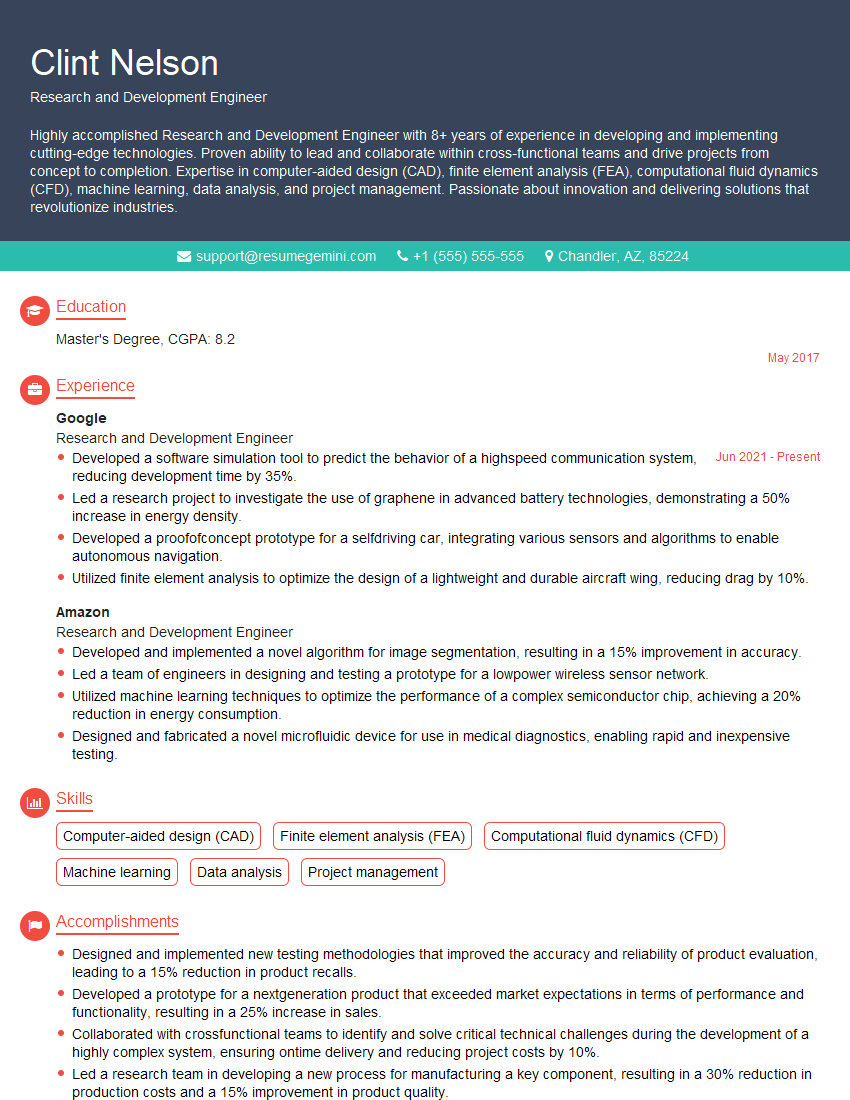
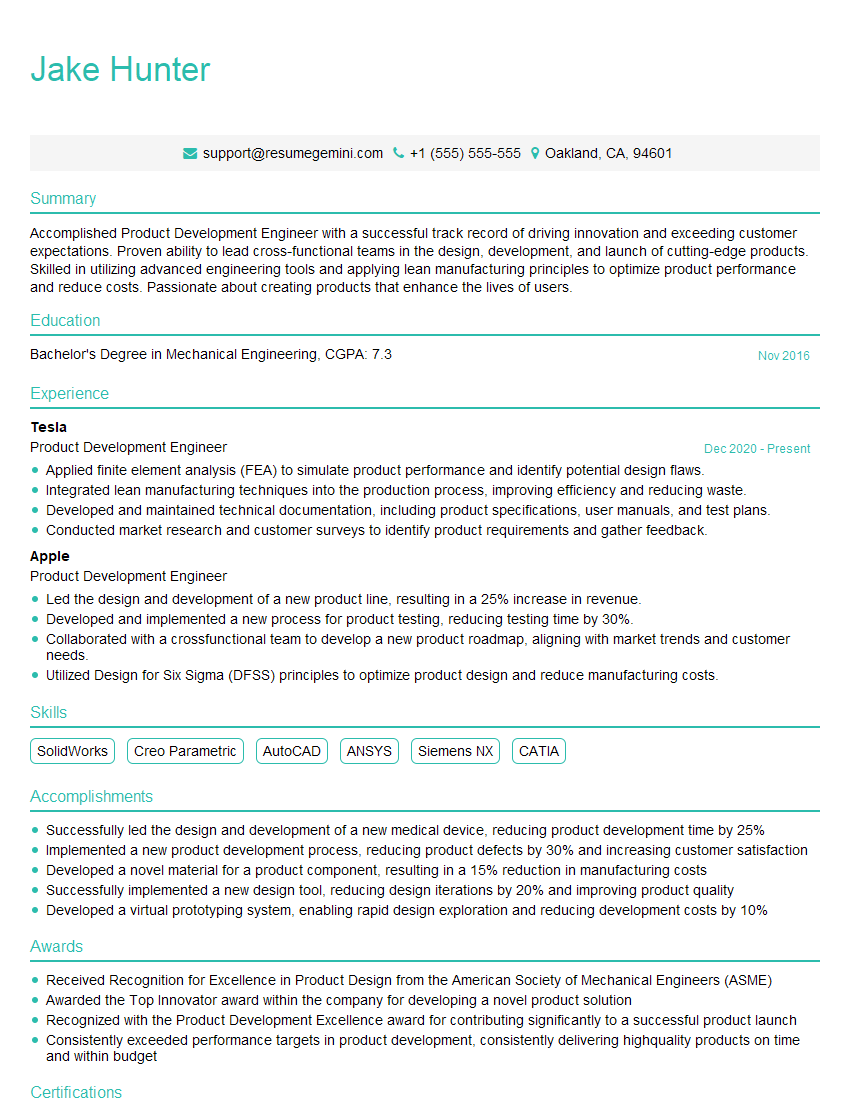
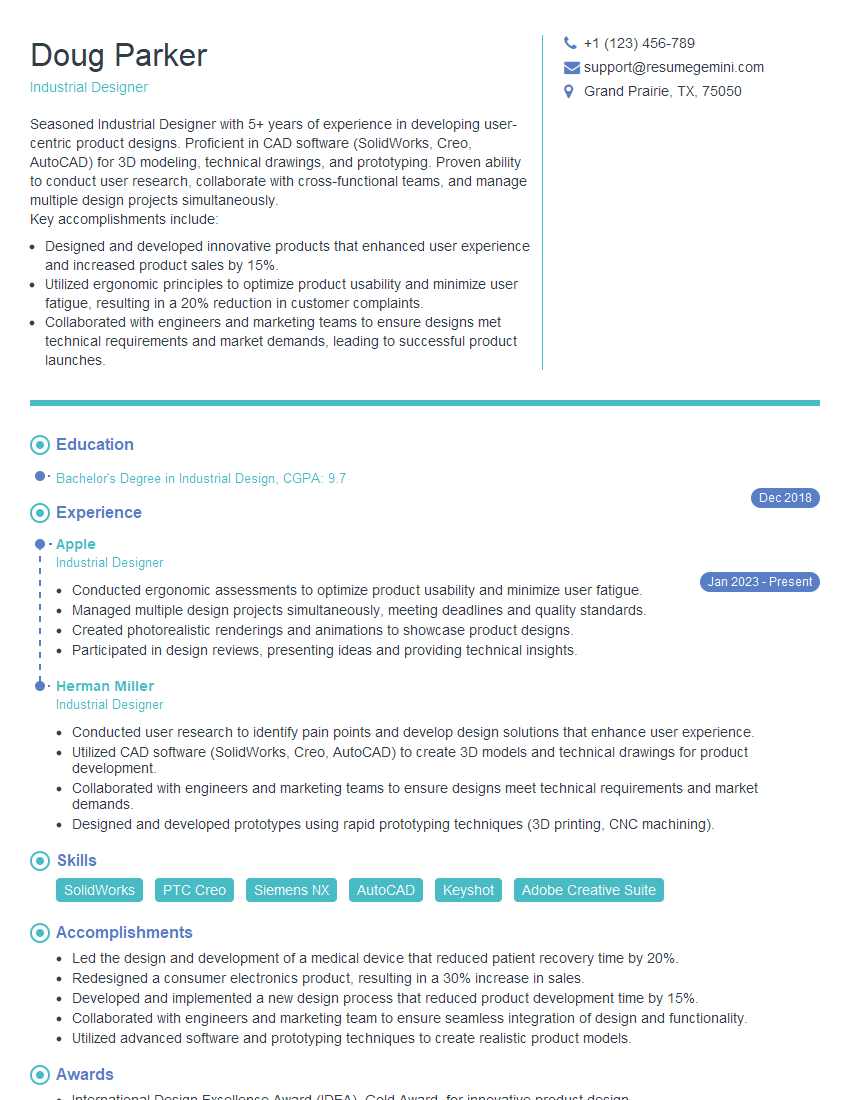
Mastering rapid prototyping techniques is crucial for career advancement in today’s fast-paced design landscape. It demonstrates your ability to think creatively, solve problems efficiently, and deliver innovative solutions. To enhance your job prospects, create an ATS-friendly resume that clearly showcases your skills and experience. ResumeGemini is a trusted resource to help you build a professional and impactful resume. We offer examples of resumes tailored to highlight experience with rapid prototyping techniques, ensuring your application stands out.


Explore more articles
Users Rating of Our Blogs
Share Your Experience
We value your feedback! Please rate our content and share your thoughts (optional).
What Readers Say About Our Blog
Very informative content, great job.
good