The thought of an interview can be nerve-wracking, but the right preparation can make all the difference. Explore this comprehensive guide to Familiar with Quality Assurance Techniques interview questions and gain the confidence you need to showcase your abilities and secure the role.
Questions Asked in Familiar with Quality Assurance Techniques Interview
Q 1. Explain the difference between Verification and Validation.
Verification and validation are two crucial, yet distinct, processes in software quality assurance. Think of it like building a house: verification ensures you’re building the house according to the blueprints, while validation checks if the house you built actually meets the customer’s needs (a cozy home, a spacious office, etc.).
Verification is the process of evaluating software at each stage of development to ensure it meets the specified requirements. It’s about checking the process. This involves activities like code reviews, inspections, and walkthroughs. Are we building the right product, according to the plan?
Validation, on the other hand, is the process of evaluating the software at the end of the development process to ensure it meets the customer or user needs and expectations. It’s about checking the product. This primarily involves testing the software to see if it works as intended and satisfies the user requirements. Does the product meet the user needs?
Example: Verification might involve checking if the code for a login function adheres to security standards and coding conventions. Validation would then involve testing the login function to confirm that users can successfully log in using valid credentials, and are prevented from logging in with invalid ones.
Q 2. Describe the different levels of software testing (unit, integration, system, acceptance).
Software testing is typically categorized into several levels, each focusing on a different aspect of the software. Imagine baking a cake; each level is like checking a different part of the process for perfection.
- Unit Testing: This is the foundation. Individual units or components of the software (like functions or modules) are tested in isolation to ensure they work correctly. It’s like checking if each ingredient is good before mixing them.
- Integration Testing: After unit testing, integration testing verifies the interaction between different units or modules. It’s like testing if the batter and filling mix well.
- System Testing: This involves testing the entire system as a whole to ensure all components work together seamlessly and meet the specified requirements. This is like testing the entire cake; all ingredients, baking time, etc.
- Acceptance Testing: This is the final stage, where the software is tested by the end-users or stakeholders to ensure it meets their expectations and is ready for deployment. It’s like having your friends taste the cake and see if they like it.
Q 3. What are the different types of software testing methodologies (Agile, Waterfall)?
Software testing methodologies dictate how testing is planned, executed, and managed. Two prominent methodologies are:
- Waterfall: This is a linear, sequential approach. Each phase (requirements, design, implementation, testing, deployment) must be completed before the next one begins. It’s like building a staircase, one step at a time. Testing is often concentrated towards the end of the cycle.
- Agile: This is an iterative and incremental approach. Testing is integrated throughout the development cycle. Short development cycles (sprints) produce working software increments, each tested thoroughly. It’s like building the staircase in sections, testing each section before moving to the next.
Choosing the right methodology depends on the project’s size, complexity, and requirements. Agile is usually preferred for projects with changing requirements, while Waterfall is suitable for projects with well-defined, stable requirements.
Q 4. What is Test-Driven Development (TDD)?
Test-Driven Development (TDD) is a software development approach where tests are written before the code they are meant to test. It’s like designing the key before building the lock. It emphasizes building software incrementally, with each increment driven by automated tests.
The cycle typically involves:
- Write a failing test: First, a test case is written that defines the desired behavior of a piece of code. This test will initially fail because the code hasn’t been written yet.
- Write the minimal code to pass the test: Then, the minimum amount of code necessary to pass the newly written test is implemented.
- Refactor: Finally, the code is improved to enhance its design and readability without altering its functionality.
TDD ensures higher quality code by catching bugs early and promoting better design. It’s especially useful for complex systems where maintaining code quality is vital.
Q 5. Explain the concept of a test case and test suite.
A test case is a set of steps performed to verify a specific functionality or feature of the software. It’s a detailed, documented plan for a single test. Think of it as a recipe for testing a specific part of the software. Each test case typically has a unique ID, description, preconditions, steps, expected results, and postconditions.
A test suite is a collection of related test cases. Think of it as a cookbook, containing many test case recipes to test different aspects of the software. It provides a structured way to organize and execute multiple tests. A test suite might contain test cases for login functionality, user registration, and data retrieval, all related to user management.
Example: A test case might verify that a user can successfully log in with correct credentials, while the test suite might include several test cases related to user authentication, such as checking password complexity, handling invalid login attempts, and verifying password reset functionality.
Q 6. What is a bug life cycle?
The bug life cycle describes the stages a bug goes through from its discovery to its resolution. Think of it like a journey a bug takes from its birth to its death. It helps track and manage the defects during the software development lifecycle.
The typical stages are:
- New: The bug is reported and entered into the bug tracking system.
- Assigned: The bug is assigned to a developer for investigation and resolution.
- Open: The developer is working on resolving the bug.
- Fixed: The developer believes they have fixed the bug and it awaits testing.
- Retest: The bug is retested by the QA team.
- Closed: The bug is confirmed as fixed and closed.
- Reopened: If the bug still exists after the fix, it’s reopened.
- Rejected: The bug report is rejected if it’s not a valid bug (e.g., it’s a feature request).
Q 7. How do you prioritize test cases?
Prioritizing test cases is crucial for efficient testing, especially when time is limited. Think of it as choosing which fires to put out first in an emergency. Several factors determine the priority:
- Risk: Test cases covering critical functionalities or those with higher chances of failure should have high priority. For example, a bug in the payment processing system is more critical than a minor UI issue.
- Business Impact: Test cases impacting key business processes should be prioritized. A bug affecting sales figures should have high priority.
- Frequency of Use: Frequently used features should be tested thoroughly. Test cases for core user functionalities often have higher priority.
- Test Case Complexity: Simple test cases can be done later, while complex ones might require more time and should be scheduled accordingly.
Techniques like risk assessment matrices and prioritization matrices can help systematically assign priorities to test cases based on these factors.
Q 8. What are some common software testing tools you are familiar with?
I’m familiar with a wide range of software testing tools, categorized by their function. For test management, I’ve extensively used Jira and TestRail for tracking defects, managing test cases, and generating reports. For performance testing, I’ve worked with JMeter and LoadRunner to simulate user load and identify bottlenecks. In the realm of automation, Selenium, Cypress, and Appium are my go-to tools (more on that in the next answer). Finally, for API testing, I utilize Postman and Rest-Assured. The choice of tool depends heavily on the project’s specific needs and the technology stack being used. For example, if we are testing a web application, Selenium or Cypress might be ideal, while Appium would be the choice for a mobile app. If the project is heavily reliant on APIs, then Postman or Rest-Assured are crucial.
Q 9. Describe your experience with automated testing frameworks (e.g., Selenium, Cypress, Appium).
My experience with automated testing frameworks is extensive. I’ve used Selenium extensively for web application testing. I’m comfortable with its various features, including locators (like XPath and CSS selectors), handling waits (explicit and implicit), and working with different browsers. A recent project involved automating the regression tests for an e-commerce website using Selenium and Java. We used the Page Object Model (POM) design pattern to organize our tests, making them more maintainable and reusable. //Example Selenium code snippet (Java): WebDriver driver = new ChromeDriver(); driver.get("https://www.example.com");
Cypress is another framework I’ve utilized for its speed and ease of debugging. Its built-in time travel debugging feature is incredibly helpful in identifying and resolving issues quickly. I’ve used Cypress for end-to-end testing of web applications, particularly focusing on user interactions. Appium, on the other hand, is my preferred choice for mobile testing, allowing me to automate tests on both Android and iOS devices. I’ve used Appium to test mobile banking applications, ensuring features like login, transactions, and account management work seamlessly across different devices and operating systems.
Q 10. How do you handle defects found during testing?
My approach to handling defects is methodical and thorough. First, I meticulously reproduce the defect to confirm its occurrence. Then, I gather all relevant information: steps to reproduce, screenshots or videos, actual vs. expected results, and the environment details (browser, operating system, etc.). This detailed documentation is crucial for effective communication with the development team. I log the defect in our defect tracking system (Jira, for instance), assigning it a severity and priority level. This helps prioritize which bugs to fix first, based on their impact on the user experience. Finally, I follow up on the bug fix, verifying the correction through retesting. If necessary, I cycle through this process again, and communicate any necessary updates or additional information to developers and stakeholders.
Q 11. Explain your experience with different testing types (functional, non-functional).
I have experience across a wide spectrum of testing types. Functional testing validates that the software functions as specified in the requirements. This includes unit testing (testing individual components), integration testing (testing the interaction between components), system testing (testing the entire system as a whole), and user acceptance testing (UAT), where end-users validate the system meets their needs. A recent project involved extensive functional testing of a CRM system, where I used a combination of these methods.
Non-functional testing, on the other hand, focuses on aspects like performance, security, usability, and scalability. I’ve performed load testing to ensure the application can handle a high volume of users, security testing to identify vulnerabilities, and usability testing to assess the user experience. For example, in a project involving a high-traffic website, we used JMeter for load testing to identify potential bottlenecks and ensure the website remained responsive under pressure. The goal is to ensure the application is not only functional, but also performs well and meets other quality attributes.
Q 12. What is the difference between black box and white box testing?
Black box testing and white box testing are two fundamental approaches to software testing. In black box testing, the tester treats the software as a “black box,” meaning they don’t know the internal workings of the code. They only interact with the system through its inputs and outputs, focusing solely on verifying the functionality against the requirements. This approach is excellent for uncovering usability issues and ensuring the system behaves as expected from the user’s perspective. Think of it like using a vending machine—you put in money and get a snack, but you don’t need to know the internal mechanics.
White box testing, conversely, involves a thorough understanding of the code’s internal structure and logic. Testers use this knowledge to design test cases that cover various code paths, branches, and conditions. This is ideal for identifying logic errors and ensuring comprehensive code coverage. Imagine you’re a mechanic checking a car engine; you understand the parts and how they interact to troubleshoot problems.
Q 13. What is regression testing and why is it important?
Regression testing is the process of re-running existing tests after code changes to ensure that new code hasn’t introduced new bugs or broken existing functionality. It’s crucial because software development is iterative; each new feature or bug fix can unintentionally affect other parts of the system. Think of it as a safety net. Imagine building a house—after each new section, you wouldn’t want the existing parts to collapse. Regression testing prevents this by validating that everything still works as expected after every change. It is typically a mix of automated and manual tests selected strategically to cover critical areas of the application. Failing to perform adequate regression testing significantly increases the risk of releasing unstable or broken software.
Q 14. How do you ensure test coverage?
Ensuring test coverage is paramount to delivering high-quality software. There are several strategies. Firstly, requirement traceability is key. Each requirement should have associated test cases, ensuring all functionalities are tested. Secondly, using various testing techniques—like equivalence partitioning (grouping similar inputs) and boundary value analysis (testing edge cases)—helps maximize coverage. Thirdly, code coverage tools (like JaCoCo for Java) can measure the percentage of code executed during testing. A high code coverage percentage, however, doesn’t guarantee high quality but indicates better testing. Finally, risk-based testing prioritizes testing of high-risk areas of the application first, focusing resources efficiently. The ideal test coverage aims to achieve a balance between comprehensive testing and available resources, focusing on the most critical aspects of the software.
Q 15. Describe your experience with performance testing.
Performance testing is crucial for ensuring an application meets user expectations in terms of speed, stability, and scalability. My experience encompasses a range of techniques, including load testing, stress testing, and endurance testing. For example, in a recent project involving an e-commerce platform, we used JMeter to simulate thousands of concurrent users accessing the site simultaneously. This allowed us to identify bottlenecks in the database and application server, leading to performance optimizations that improved response times by 30%. Another project involved using Gatling for performance testing of a microservices architecture, where we focused on identifying latency issues between individual services. I’m proficient in analyzing performance metrics like response time, throughput, and resource utilization (CPU, memory, network) to pinpoint areas for improvement. I also have experience with performance monitoring tools like New Relic and Dynatrace to track performance in production environments.
Career Expert Tips:
- Ace those interviews! Prepare effectively by reviewing the Top 50 Most Common Interview Questions on ResumeGemini.
- Navigate your job search with confidence! Explore a wide range of Career Tips on ResumeGemini. Learn about common challenges and recommendations to overcome them.
- Craft the perfect resume! Master the Art of Resume Writing with ResumeGemini’s guide. Showcase your unique qualifications and achievements effectively.
- Don’t miss out on holiday savings! Build your dream resume with ResumeGemini’s ATS optimized templates.
Q 16. What are your experience with security testing?
Security testing is paramount to protect applications and user data from vulnerabilities. My experience covers a wide spectrum of techniques, including penetration testing, vulnerability scanning, and security audits. For instance, in one project, I utilized OWASP ZAP to identify and report SQL injection vulnerabilities in a web application. Another project involved conducting manual penetration tests to assess the application’s defenses against common attack vectors like cross-site scripting (XSS) and cross-site request forgery (CSRF). I’m familiar with various security standards like OWASP Top 10 and understand how to interpret and remediate identified vulnerabilities. My approach is to not only identify vulnerabilities but also to analyze their potential impact and recommend appropriate mitigation strategies, ensuring a layered security approach.
Q 17. How do you create effective test plans?
Creating an effective test plan involves a structured approach that ensures comprehensive test coverage. It starts with clearly defining the scope, objectives, and risks of the testing effort. The plan needs to outline the testing methodology, including the types of testing to be performed (unit, integration, system, user acceptance testing, etc.). It’s crucial to identify the testing environment, tools, and resources required. A well-structured test plan also includes a detailed test schedule with timelines and milestones. Finally, the plan must include a section on risk mitigation, defining contingency plans for potential issues that might arise during testing. For example, I always include a section on risk assessment identifying potential blockers and outlining mitigation strategies. A clear and concise test plan serves as a roadmap, guiding the testing process and ensuring all stakeholders are aligned.
- Scope and Objectives: Clearly define what will be tested and the goals of the testing.
- Test Strategy: Outline the approach to testing, including methodologies and techniques.
- Test Environment: Specify the hardware, software, and network configurations.
- Test Data: Define the data needed for testing and its source.
- Test Schedule: Create a timeline with key milestones and deadlines.
- Risk Mitigation: Identify potential problems and solutions.
Q 18. What metrics do you use to measure the effectiveness of your testing?
Measuring the effectiveness of testing involves a combination of quantitative and qualitative metrics. Key quantitative metrics include defect density (number of defects per line of code), defect detection rate (percentage of defects found during testing), test coverage (percentage of requirements tested), and execution time. Qualitative metrics focus on aspects like test effectiveness and efficiency. For example, we assess whether the testing process identified critical defects early, and how well the testing process integrated with the development cycle. To measure effectiveness, I rely on dashboards that visually represent these metrics, allowing for quick identification of trends and areas for improvement. Regular reviews of these metrics help to continuously improve our testing processes.
Q 19. Explain your experience with Agile methodologies and their impact on testing.
Agile methodologies have significantly impacted my approach to testing. In Agile, testing is an integral part of the development process, not a separate phase. Instead of large, upfront test plans, we use iterative testing approaches, conducting continuous testing throughout the sprints. This allows for early defect detection and faster feedback loops. I’ve been involved in several Agile projects using Scrum and Kanban, where the testing team actively participates in sprint planning, daily stand-ups, and sprint reviews. This collaborative approach facilitates close communication with developers and minimizes misunderstandings. Techniques like Test Driven Development (TDD) and Behavior Driven Development (BDD) further enhance the efficiency and effectiveness of testing in Agile environments.
Q 20. How do you work with developers to resolve defects?
Working with developers to resolve defects requires clear communication and a collaborative approach. I begin by providing detailed defect reports that include clear steps to reproduce the issue, screenshots, and log files. I avoid using subjective language and focus on objective observations. I often utilize defect tracking tools such as Jira to manage and prioritize defects. Direct communication with developers is key. I typically schedule meetings to discuss the defects in detail. This allows for a collaborative discussion to understand the root cause and propose appropriate solutions. My goal is to work with developers as partners to effectively resolve defects, rather than assigning blame. A collaborative spirit fosters better working relationships and improves the quality of the software.
Q 21. Describe a challenging testing situation you faced and how you overcame it.
One challenging situation I faced involved testing a complex, legacy system with limited documentation and a tight deadline. The system was crucial for the business, and any downtime would have significant consequences. Initially, I struggled to understand the system’s functionality and dependencies. To overcome this, I adopted a phased approach. First, I focused on understanding the critical functionalities of the system by working closely with senior developers and reviewing existing test cases (which were unfortunately insufficient). Then, I prioritized testing based on risk assessment and focused on the most crucial components. I created automated tests for those components to allow for faster regression testing. I also introduced exploratory testing sessions which allowed for deeper understanding and identification of undocumented functionality. This multi-pronged approach allowed us to successfully complete the testing within the stipulated deadline, and we identified and resolved a critical performance bottleneck early in the process, preventing a potential production failure.
Q 22. How do you handle conflicting priorities in a testing project?
Conflicting priorities are a common challenge in testing. My approach involves a structured prioritization process. First, I clearly understand all project objectives and deadlines. Then, I utilize techniques like MoSCoW (Must have, Should have, Could have, Won’t have) to categorize test cases based on their importance and business value. This helps to focus efforts on the most critical functionalities first. I also proactively communicate with stakeholders, explaining potential impacts of resource constraints and negotiating priorities if necessary. For example, if a high-priority feature is at risk due to time limitations, I’ll propose reducing the scope of less critical tests or shifting resources to the most crucial areas. Transparent and open communication ensures everyone is informed and aligned on the revised testing strategy.
Furthermore, I advocate for risk-based testing. Identifying and prioritizing tests that mitigate the highest risks to the business helps efficiently allocate time and resources. This approach helps to ensure that the most important functionalities are thoroughly tested, even under tight deadlines.
Q 23. How do you stay up-to-date with the latest testing tools and techniques?
Keeping up with the ever-evolving testing landscape is crucial. I actively engage in several strategies to stay current. Firstly, I subscribe to industry-leading publications and newsletters like ‘Testing Trapeze’ and ‘Ministry of Testing’. These provide valuable insights into the latest tools and methodologies. Secondly, I participate in online communities and forums, such as those on LinkedIn and Stack Overflow, which allow me to learn from others’ experiences and engage in discussions around emerging trends. Thirdly, I actively seek out webinars, online courses, and conferences. Platforms like Udemy, Coursera, and various testing conferences offer opportunities to deepen my knowledge and explore new tools. Finally, I dedicate time to experimenting with new tools in personal projects. This hands-on approach helps me understand their strengths and limitations, ultimately leading to better informed decisions when selecting tools for professional projects.
Q 24. Explain your experience with database testing.
My database testing experience spans various aspects, including data validation, integrity checks, and performance testing. I’m proficient in using SQL to write queries to verify data accuracy, consistency, and completeness. For example, I’ve used SQL to validate that data inserted by the application matches the expected values and conforms to defined business rules. I also have experience in designing and executing test cases to identify potential issues with data integrity, such as duplicates or inconsistencies. Furthermore, I’ve leveraged performance testing tools to assess the efficiency of database queries and identify any bottlenecks. In one project, I used JMeter to simulate high-volume database transactions, revealing a performance issue that was addressed before deployment. I understand the importance of testing different aspects of the database, including schema validation, data migration, and stored procedure testing.
Q 25. Describe your experience with API testing.
API testing is a core part of my skillset. I’m comfortable using tools like Postman and REST-assured to test RESTful APIs. My approach involves writing test cases to validate the functionality, security, performance, and reliability of the APIs. This includes testing different HTTP methods (GET, POST, PUT, DELETE), validating responses against expected schemas (JSON or XML), and verifying the appropriate error handling. For example, in a recent project, I utilized Postman to create collections of API tests, which were then integrated into our CI/CD pipeline using Newman. This allowed for automated testing of our APIs with every code change. I also have experience using tools like SoapUI for testing SOAP-based APIs. Security aspects of API testing, such as authentication and authorization, are always a priority for me. I ensure tests verify that only authorized users can access sensitive data. My approach prioritizes automated API testing to improve efficiency and accelerate the feedback loop.
Q 26. How do you ensure the quality of documentation related to testing?
Quality documentation is critical for effective testing. My approach prioritizes clarity, consistency, and completeness. I ensure that test plans, test cases, and test reports are well-structured, easy to understand, and consistently formatted. I use templates to standardize the documentation and avoid inconsistencies. For example, I use a standardized template for test cases that includes a unique ID, test description, steps to reproduce, expected results, and actual results. This ensures that all test cases are documented consistently, simplifying maintenance and collaboration. I also emphasize version control (using tools like Git) for all documentation to track changes and enable easy rollback if necessary. Regular reviews of the documentation with stakeholders ensure its accuracy and relevance.
Q 27. What is your approach to test data management?
Test data management is vital for reliable testing. My approach depends on the context and project size. For smaller projects, I might manually create test data based on defined requirements. However, for larger projects, I leverage automated data generation tools to produce realistic and representative data sets. This involves using tools that can generate synthetic data that meets specific criteria, such as data masking for sensitive information. In addition to generating data, I also employ strategies to manage and maintain the data throughout the testing lifecycle. This includes techniques for efficiently storing, retrieving, and cleaning test data. Data anonymization is essential to protect sensitive information, and I adhere to strict data governance policies when managing test data.
Q 28. What is your preferred method for reporting test results?
My preferred method for reporting test results is a combination of automated reporting and visual dashboards. I utilize test management tools that generate detailed reports automatically, including metrics such as pass/fail rates, test coverage, and defect density. These reports are supplemented with visual dashboards to provide a quick overview of the testing progress and key findings. For example, I might use a dashboard to visualize the defect trend, highlighting areas requiring immediate attention. The reports and dashboards are tailored to the audience, providing the right level of detail for different stakeholders. Executive summaries provide a high-level overview of the overall test results, while more detailed reports are available for technical teams for in-depth analysis. Clear and concise communication of test results is crucial, and I ensure that the reporting process is transparent and readily accessible to all involved.
Key Topics to Learn for Familiar with Quality Assurance Techniques Interview
- Software Development Life Cycle (SDLC) Models: Understand different SDLC methodologies (Agile, Waterfall, etc.) and how QA integrates at each stage. Consider the practical implications of each model on testing strategies.
- Test Planning and Design: Learn how to create effective test plans, design test cases, and select appropriate testing techniques (e.g., black box, white box, integration testing). Practice applying these techniques to hypothetical scenarios.
- Test Execution and Reporting: Master the art of executing test cases, documenting results, and creating comprehensive bug reports. Focus on clear, concise communication of findings.
- Defect Tracking and Management: Understand the process of identifying, reporting, tracking, and resolving defects using bug tracking systems. Practice prioritizing defects based on severity and impact.
- Test Automation: Explore the basics of test automation frameworks and tools. Understand the benefits and challenges of automation and when it’s most effective.
- Performance Testing: Learn the principles of performance testing, including load testing, stress testing, and endurance testing. Understand how to analyze performance test results and identify bottlenecks.
- Security Testing: Gain a foundational understanding of security testing principles and common vulnerabilities. Learn how to identify potential security risks in software applications.
- QA Methodologies: Explore different QA methodologies like TDD (Test-Driven Development) and BDD (Behavior-Driven Development). Understand their practical applications and benefits.
Next Steps
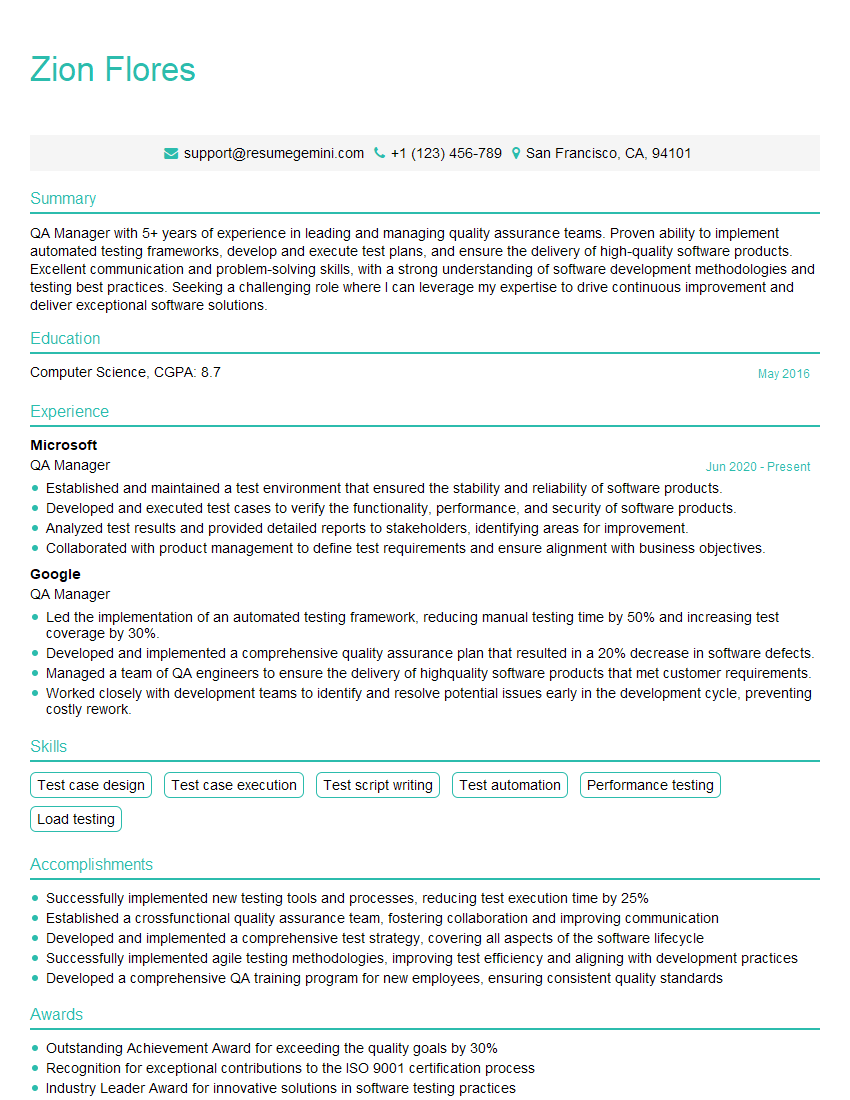
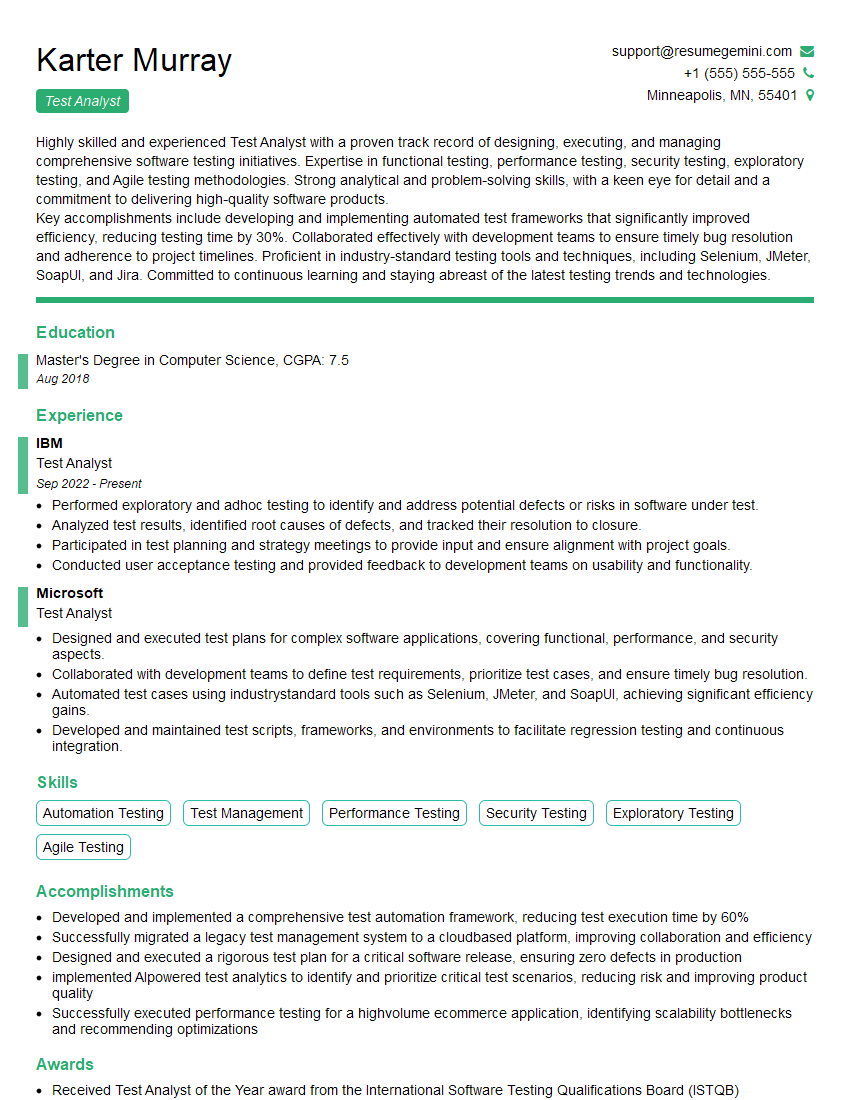
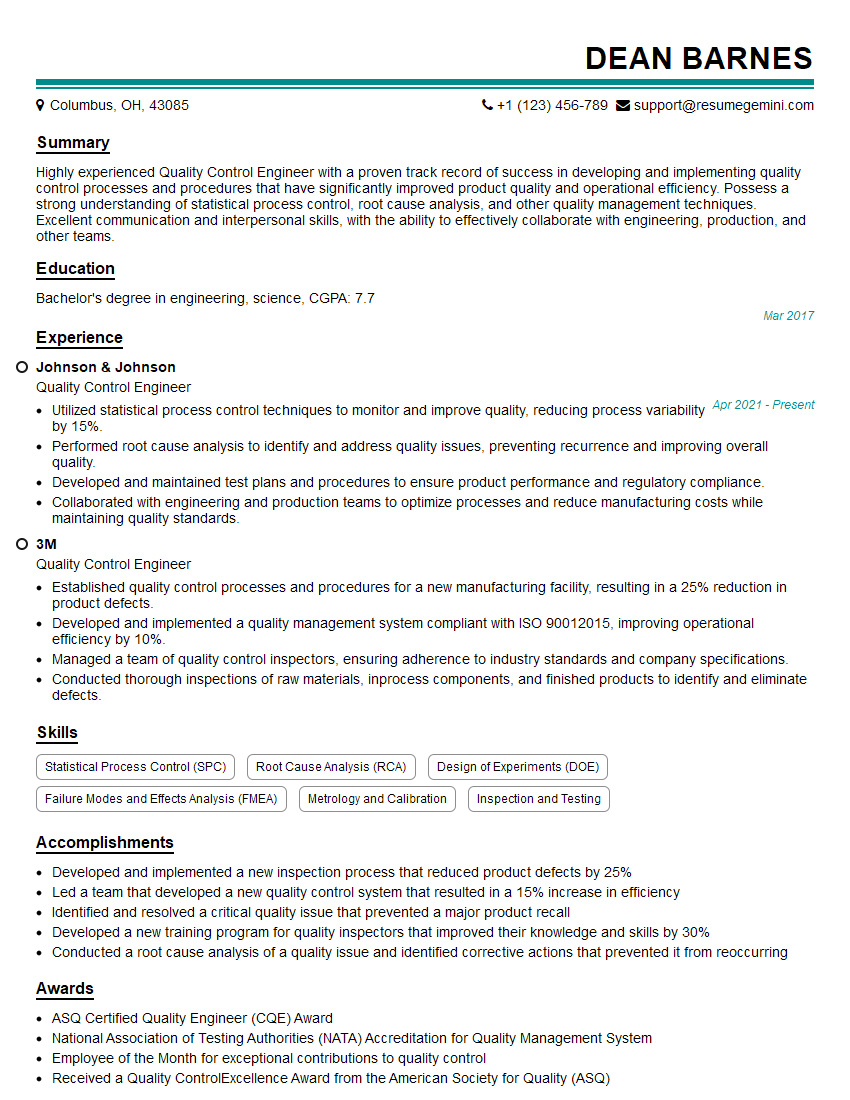
Mastering Quality Assurance techniques is crucial for career advancement in the tech industry. A strong understanding of these principles demonstrates valuable skills and increases your marketability. To significantly boost your job prospects, create an ATS-friendly resume that highlights your relevant skills and experience. ResumeGemini is a trusted resource to help you build a professional and impactful resume. Examples of resumes tailored to showcasing expertise in Familiar with Quality Assurance Techniques are available to guide you. Invest the time to craft a compelling resume – it’s your first impression and a critical step in securing your dream role.


Explore more articles
Users Rating of Our Blogs
Share Your Experience
We value your feedback! Please rate our content and share your thoughts (optional).
What Readers Say About Our Blog
Very informative content, great job.
good