Every successful interview starts with knowing what to expect. In this blog, we’ll take you through the top Google Analytics and Search Console interview questions, breaking them down with expert tips to help you deliver impactful answers. Step into your next interview fully prepared and ready to succeed.
Questions Asked in Google Analytics and Search Console Interview
Q 1. Explain the difference between Google Analytics and Google Search Console.
Google Analytics (GA) and Google Search Console (GSC) are both essential tools for website optimization, but they serve different purposes. Think of GA as your website’s internal audience tracker, while GSC is your website’s search engine liaison.
Google Analytics focuses on website traffic analysis. It tracks user behavior, demographics, acquisition channels, and more, providing insights into how users interact with your website. This helps you understand what’s working, what’s not, and how to improve user experience and conversions.
Google Search Console, on the other hand, focuses on your website’s performance in Google Search. It shows how Google sees your website, including indexing issues, crawl errors, security warnings, and how users find your website through search results. It’s invaluable for technical SEO and improving your search engine ranking.
In short: GA tells you what users are doing on your site, while GSC tells you how Google views and indexes your site. They work best together; GA shows the results of your efforts to optimize your site, and GSC helps ensure Google can even see and rank those improvements.
Q 2. What are the key metrics you monitor in Google Analytics?
The key metrics I monitor in Google Analytics depend on the specific goals of the website, but some crucial ones include:
- Sessions: The total number of visits to your website.
- Users: The number of unique visitors to your website.
- Bounce Rate: The percentage of visitors who leave your website after viewing only one page. A high bounce rate suggests potential issues with content or user experience.
- Average Session Duration: The average amount of time users spend on your website during a single visit.
- Pages/Session: The average number of pages a user views during a single visit.
- Conversion Rate: The percentage of visitors who complete a desired action (e.g., making a purchase, filling out a form). This is crucial for e-commerce sites or lead generation websites.
- Acquisition Channels: Understanding where your traffic is coming from (e.g., organic search, social media, paid advertising). This helps optimize marketing campaigns.
I also pay close attention to how these metrics change over time, identifying trends and anomalies that require further investigation. For example, a sudden drop in organic traffic could indicate a technical SEO issue or algorithm update.
Q 3. How do you identify and troubleshoot website errors using Google Search Console?
Google Search Console is invaluable for identifying and troubleshooting website errors. The key areas to check are:
- Coverage report: This shows indexing issues, including errors, warnings, and valid pages. Errors like 404s (page not found) and server errors need immediate attention.
- URL Inspection tool: This allows you to check the status of a specific URL, see if Googlebot crawled it, and identify any issues affecting that page’s indexing.
- Security issues: GSC alerts you about any security problems impacting your site, like hacking or malware. Addressing these quickly protects your visitors and your site’s reputation.
- Manual Actions: If Google has manually penalized your site for violating their guidelines, GSC will let you know. This requires a thorough review and fix of the violations to regain your ranking.
- Crawl Errors: This section lists issues with Googlebot’s ability to access and crawl your website. This can be caused by server errors, robots.txt issues, or sitemaps problems. Fixing these ensures all your pages are discoverable.
Troubleshooting involves analyzing the errors, identifying their root causes (e.g., broken links, server issues, incorrect robots.txt), and implementing the necessary fixes. After fixing the issues, submit a sitemap and request re-indexing through GSC.
Q 4. What are the different dimensions and metrics in Google Analytics?
In Google Analytics, dimensions are attributes that describe your data, while metrics are the quantifiable measures. Think of dimensions as the ‘what’ and metrics as the ‘how much’.
Examples of Dimensions:
DateSource/Medium(e.g., organic search, paid search, social)Device Category(desktop, mobile, tablet)CityPageUser ID
Examples of Metrics:
SessionsUsersBounce RateAverage Session DurationPages/SessionConversions
You combine dimensions and metrics to analyze your data. For example, you might want to see the bounce rate for mobile users from organic search (Dimension: Device Category & Source/Medium; Metric: Bounce Rate) or the number of conversions from specific campaigns (Dimension: Campaign; Metric: Conversions).
Q 5. How do you use Google Search Console to improve website ranking?
Google Search Console is a powerful tool for improving website ranking. Here’s how:
- Technical SEO improvements: Identifying and fixing crawl errors, ensuring proper indexing, and implementing a structured data schema can significantly impact ranking. GSC provides crucial data to diagnose and solve these issues.
- Keyword research: By analyzing the search queries leading to your site (Search Analytics), you can identify keywords relevant to your business and optimize your content accordingly.
- Backlink analysis: While GSC doesn’t provide a complete backlink profile, it indicates toxic backlinks and other potential issues that can harm your ranking.
- Content improvement: By understanding the search queries leading to your website, you can tailor your content to better address user intent, leading to better search rankings.
- Monitoring sitemaps: Submitting and monitoring sitemaps ensures Googlebot can effectively crawl your site and identify all of your important pages.
- Mobile usability report: Addressing any mobile usability issues identified in GSC is crucial, as mobile-friendliness is a significant Google ranking factor.
By actively using GSC and addressing the issues identified, you can significantly improve your website’s technical SEO, making it easier for Google to crawl, index, and ultimately rank your website higher in search results.
Q 6. Explain the importance of goal tracking in Google Analytics.
Goal tracking in Google Analytics is crucial because it allows you to measure the success of your website in achieving specific objectives. It’s not just about website traffic; it’s about the value that traffic generates.
Examples of Goals:
- E-commerce: Purchase completion
- Lead generation: Form submission
- Content marketing: Downloading a resource
- Brand awareness: Visiting a specific page
Without goal tracking, you might have high traffic but no tangible results. By setting up goals, you can:
- Measure ROI: Determine the effectiveness of marketing campaigns and other initiatives.
- Identify areas for improvement: Pinpoint bottlenecks in the user journey that prevent conversions.
- Track progress: Monitor progress toward your business objectives and adapt your strategies as needed.
- Make data-driven decisions: Base your optimization strategies on concrete data rather than assumptions.
Imagine an e-commerce website without purchase tracking; they wouldn’t know how many people actually buy, making it impossible to optimize for sales.
Q 7. How do you segment data in Google Analytics?
Segmenting data in Google Analytics allows you to analyze subsets of your data, giving you more granular insights than looking at overall website performance. It’s like separating apples and oranges in a fruit bowl to analyze each fruit separately.
You can segment data based on various dimensions, such as:
- Demographics: Age, gender, location
- Technology: Browser, operating system, device category
- Behavior: New vs. returning users, bounce rate, pages per session
- Acquisition: Source/medium (organic, paid, social), campaign
- Custom dimensions: Data you define yourself, like user roles or product categories
For example, you might segment your data to compare the conversion rate of users accessing your site via mobile versus desktop. This might reveal that mobile users have a lower conversion rate, leading you to optimize your website’s mobile design. Or, segmenting by source/medium can help pinpoint the most effective marketing channels.
Segmenting allows for targeted insights and helps you understand what works best for specific user groups, helping you tailor your website and marketing strategies to enhance engagement and conversions.
Q 8. What are some common Google Analytics reporting challenges and how do you overcome them?
Common Google Analytics reporting challenges often stem from inaccurate tracking, incomplete data, or difficulty interpreting complex metrics. For example, inaccurate event tracking can lead to skewed conversion rates, while insufficient data on a new website might make it hard to assess performance. Overcoming these challenges involves a multi-pronged approach.
Accurate Tracking Implementation: Thoroughly review and test your Google Analytics implementation to ensure all crucial events, transactions, and pageviews are correctly tracked. This includes verifying the accuracy of your tracking code and ensuring it’s properly placed on all relevant pages. Tools like the Google Tag Assistant can help identify tracking issues.
Data Filtering and Cleaning: Utilize filters to exclude unwanted traffic sources like your own IP address or internal testing data. This improves data accuracy and prevents skewed results. Regularly audit your data for anomalies and outliers.
Segmenting Data: Break down your data into meaningful segments based on demographics, acquisition channels, or user behavior to identify trends and patterns that might be missed in aggregate data. This allows for a more nuanced understanding of your audience and their interactions with your website.
Custom Reporting: Leverage Google Analytics’ custom reporting features to create reports tailored to your specific business goals and KPIs. This gives you the precise information you need, presented in a way that’s easy to understand and interpret.
Advanced Analysis: Utilize Google Analytics’ more advanced features such as cohort analysis to understand user behavior over time or funnel visualization to identify bottlenecks in the conversion process.
For instance, I once worked with a client who had an inflated bounce rate due to internal testing traffic. By implementing proper IP address filters, we significantly improved data accuracy and were able to make more informed decisions based on real user behavior.
Q 9. How do you interpret bounce rate and exit rate in Google Analytics?
Bounce rate and exit rate are both important metrics in Google Analytics, but they measure different aspects of user behavior.
Bounce Rate: This represents the percentage of single-page sessions. A single-page session occurs when a user enters your website and leaves without interacting with other pages. A high bounce rate might indicate issues with your website’s content, design, or landing page optimization. A low bounce rate suggests users are finding your content engaging and are exploring your website.
Exit Rate: This metric shows the percentage of sessions that end on a specific page. A high exit rate on a particular page doesn’t necessarily mean it’s bad. It might indicate that the user has completed their goal on that page (e.g., a thank-you page after a purchase). However, a high exit rate on a key landing page or product page may suggest that there’s room for improvement in content, design, or user experience.
It’s crucial to analyze bounce and exit rates in conjunction with other metrics. For example, a high bounce rate on a landing page could be investigated further by examining the landing page’s content, design, and call-to-actions. A high exit rate on a product page might suggest a need to improve product descriptions or enhance the purchase process.
Q 10. Describe your experience with Google Analytics data visualization.
Data visualization is fundamental to extracting actionable insights from Google Analytics. I’m proficient in using Google Analytics’ built-in visualization tools to create charts, graphs, and dashboards that effectively communicate data-driven stories.
Custom Dashboards: I regularly create custom dashboards to track key performance indicators (KPIs) and monitor website performance over time. These dashboards are tailored to the specific needs of each client, focusing on the metrics most relevant to their business objectives.
Chart Selection: I understand the strengths and weaknesses of different chart types and select the most appropriate visualization based on the data and the message I’m trying to convey. For example, line charts are ideal for showcasing trends over time, while pie charts are effective for showing proportions.
Data Storytelling: I believe data visualization is more than just creating pretty charts; it’s about crafting a compelling narrative that clearly communicates findings and insights. I incorporate clear labels, concise titles, and context to make the data readily understandable.
Data Studio Integration: I have experience using Google Data Studio to create highly customized and interactive reports that combine data from multiple sources, including Google Analytics and other marketing platforms. This allows for comprehensive analysis and presentation of complex datasets.
In one project, I used Data Studio to create a customized dashboard that combined Google Analytics data with CRM data to track the performance of specific marketing campaigns across various channels. This integrated approach enabled a more accurate assessment of campaign ROI.
Q 11. How do you use Google Search Console to identify technical SEO issues?
Google Search Console (GSC) is an invaluable tool for identifying and resolving technical SEO issues. It provides a wealth of information about how Google sees your website.
Crawl Errors: GSC highlights crawl errors, which are problems preventing Googlebot from accessing or indexing your pages. Common causes include 404 errors (page not found), server errors (500 errors), and robots.txt issues. Addressing these errors is crucial for ensuring your content is discoverable.
Index Coverage: This report shows which pages Google has indexed and any issues that prevented indexing. It helps identify problems such as missing or incorrect meta tags, canonicalization issues, and duplicate content.
Mobile Usability: GSC identifies mobile usability issues that might hinder your website’s ranking, such as text too small to read, content wider than the screen, and improperly sized images. Fixing these issues improves the user experience on mobile devices.
Security Issues: GSC alerts you about security issues, like malware or hacked content, that can negatively affect your website’s ranking and reputation. Immediate action is necessary when such issues arise.
Rich Results Test: This tool helps check whether your pages meet the requirements for structured data markup, enabling the display of rich snippets in search results. Rich snippets enhance click-through rates.
For example, using GSC, I recently identified a large number of 404 errors on a client’s website. After investigating, I found they had changed their website structure without properly implementing 301 redirects. Implementing the redirects resolved the issues, and improved their organic search visibility.
Q 12. Explain the use of filters in Google Analytics.
Filters in Google Analytics are powerful tools that allow you to customize your data views by excluding or including specific data based on predefined criteria. This enhances data accuracy and allows for more focused analysis.
Predefined Filters: Google Analytics offers several predefined filters, such as excluding specific IP addresses (e.g., your own IP), or traffic from known bots.
Custom Filters: You can create custom filters based on various dimensions and metrics. For example, you can filter data to include only traffic from specific referral sources, keywords, or geographic locations.
Filter Types: There are three main filter types: Include, Exclude, and Advanced.
Include: This type of filter keeps only the data that matches your specified criteria.
Exclude: This type removes data that matches your specified criteria.
Advanced: This is a more complex filter that allows for multiple criteria using AND, OR, and NOT operators. This type of filter is useful for advanced filtering scenarios.
Example: Let’s say you want to exclude internal traffic from your Google Analytics data. You would create an exclude filter targeting your internal IP address using the ‘IP address’ dimension.
Filters should be applied carefully and thoughtfully. Incorrectly configured filters can lead to incomplete or inaccurate data analysis. It’s essential to test your filters and ensure they’re correctly excluding or including the intended data.
Q 13. How do you measure the success of an SEO campaign using Google Analytics and Search Console?
Measuring the success of an SEO campaign requires a holistic approach, integrating data from both Google Analytics and Search Console. Key metrics include:
Organic Search Traffic (GA): Track the increase in organic search traffic over time using Google Analytics. Look for growth in sessions, users, and pageviews from the organic search channel. This indicates improved visibility in search results.
Keyword Rankings (GSC): Monitor keyword rankings in Google Search Console to see how your target keywords are performing. An increase in rankings suggests your SEO efforts are working.
Click-Through Rate (CTR) (GSC & GA): Examine the CTR of your website in search results (GSC) and the CTR from organic search results (GA). A higher CTR implies improved clickability of your search listings.
Conversion Rate (GA): Measure the conversion rate of your website – the percentage of visitors who complete a desired action (e.g., purchase, sign-up). Increased conversions from organic search traffic indicate a successful SEO strategy.
Average Session Duration (GA): Track how long users are spending on your website. An increase may indicate improved engagement with your content.
Bounce Rate (GA): As discussed earlier, a decreasing bounce rate often implies users find the website and content more engaging and relevant.
Backlinks (GSC & Third-party tools): Monitor the number and quality of backlinks to your website, which are considered a key ranking factor. More high-quality backlinks usually indicate improved authority and credibility.
By comparing these metrics before and after the SEO campaign launch, you can determine the effectiveness of your strategy. Remember to analyze the data over a sufficient period to account for the time lag between SEO efforts and results. Often, it takes several weeks or even months to see significant changes in search rankings and traffic.
Q 14. What are some best practices for setting up Google Analytics for a website?
Setting up Google Analytics correctly is crucial for accurate data collection and insightful analysis. Here are some best practices:
Use a Universal Analytics Property (UA) or Google Analytics 4 (GA4) Property: Ensure you have a properly configured GA4 property set up and collecting data alongside or in replacement of UA properties. UA properties are being sunsetted.
Accurate Tracking Code Implementation: Place the tracking code (gtag.js for GA4 and analytics.js for UA) in the
<head>section of all pages on your website to ensure that all pageviews are correctly tracked.Create Goals and Conversions: Define your website’s goals (e.g., purchases, sign-ups, contact form submissions) and set up conversions in Google Analytics to track how users are achieving those goals. This enables accurate conversion rate measurement.
Use Enhanced Ecommerce Tracking (GA4 uses an integrated ecommerce approach): Implement enhanced ecommerce tracking (if using UA) to gain detailed insights into your online store’s performance. This includes tracking product views, adds to cart, checkouts, and transactions.
Segment Your Data: Utilize segments to analyze specific user groups based on demographics, behavior, or acquisition channels. This allows a more in-depth analysis.
Regularly Audit Your Data: Periodically review your Google Analytics data to identify any anomalies, inaccuracies, or unexpected trends. This ensures data quality and helps to identify potential problems early.
Filter Unwanted Traffic: Implement filters to remove unwanted traffic sources such as internal traffic, bot traffic, or test traffic. This improves data accuracy and provides a clearer picture of real user behavior.
By following these best practices, you’ll ensure you’re collecting high-quality data that you can use to make informed decisions and optimize your website’s performance.
Q 15. How do you use custom reports in Google Analytics?
Custom reports in Google Analytics allow you to create personalized views of your data, going beyond the standard reports. Think of them as creating your own unique dashboards tailored to your specific needs and business goals. Instead of sifting through numerous default reports, you can combine various metrics and dimensions to get precise insights.
For example, you might create a custom report to see how different user acquisition channels (like organic search, social media, or email) impact conversion rates for specific product categories. This provides a far more granular understanding than the standard reports offer.
To create a custom report, you navigate to the Customization section in Google Analytics. You’ll then select the dimensions (e.g., source, medium, landing page) and metrics (e.g., sessions, bounce rate, conversion rate) you want to include. You can segment your data based on various criteria, further refining your analysis. This gives you the flexibility to uncover trends that might be missed using pre-built reports. Imagine tracking the performance of a specific marketing campaign across various demographic segments – a custom report would be ideal for this.
Career Expert Tips:
- Ace those interviews! Prepare effectively by reviewing the Top 50 Most Common Interview Questions on ResumeGemini.
- Navigate your job search with confidence! Explore a wide range of Career Tips on ResumeGemini. Learn about common challenges and recommendations to overcome them.
- Craft the perfect resume! Master the Art of Resume Writing with ResumeGemini’s guide. Showcase your unique qualifications and achievements effectively.
- Don’t miss out on holiday savings! Build your dream resume with ResumeGemini’s ATS optimized templates.
Q 16. How do you interpret Google Search Console data on crawl errors and sitemaps?
Google Search Console provides invaluable data on how search engines crawl and index your website. Understanding crawl errors and sitemaps is crucial for maintaining good search engine visibility. Crawl errors indicate problems preventing search engine bots from accessing and indexing your pages, while sitemaps help search engines efficiently discover your website’s pages.
Interpreting crawl errors involves analyzing the type and frequency of errors. Common errors include 404 errors (not found), 5xx server errors, and issues with robots.txt. Identifying and fixing these errors is critical, as they can significantly impact your website’s ranking. For instance, a large number of 404 errors might suggest broken links that need to be redirected or removed. Regularly checking the ‘Crawl’ section in Search Console is a preventative measure.
Sitemaps, on the other hand, act as a roadmap for search engines. They provide a list of your website’s URLs, making it easier for search engines to find and index your content. A well-structured sitemap ensures that all your important pages get discovered and included in search results. If you see a significant discrepancy between the number of URLs submitted in your sitemap and the number indexed in Search Console, it could indicate a problem in either your sitemap structure or your site’s crawlability.
Q 17. Explain the concept of user flow in Google Analytics.
User flow in Google Analytics visualizes the path users take on your website. It’s like watching a replay of a user’s journey, from the moment they land on your site to their final action (or exit). This helps identify areas of friction in the user experience and pinpoint opportunities for improvement.
Imagine you’re a furniture retailer. Your user flow report might show a high drop-off rate after users land on your product category page. This could indicate a problem with the page’s navigation, product descriptions, or images. By analyzing user flows, you can identify bottlenecks, uncover design flaws, and understand how users interact with your content. You can even segment your user flow data based on different acquisition sources, devices, or demographics. This allows you to optimize for different types of users.
Visualizing user flows is a powerful tool for user experience (UX) improvements. A high bounce rate on your landing page, for example, can be investigated using user flow to see exactly what causes the user to leave immediately. This allows targeted intervention to improve the conversion rate on that page.
Q 18. How do you use Google Analytics to identify areas for website improvement?
Google Analytics is a treasure trove for identifying website improvement areas. By analyzing various metrics and reports, you can pinpoint specific areas needing attention. It’s all about combining data analysis with user understanding to create a more effective website.
For example, a high bounce rate on a specific page might suggest that the content isn’t engaging or relevant. Analyzing user behavior through reports like Behavior Flow can further reveal why users are leaving. A low conversion rate, on the other hand, might indicate problems with the checkout process, call-to-actions, or overall website design. Similarly, a high exit rate from a certain page could point to issues with its content or navigation.
Analyzing landing page performance can show which pages are most effective at driving conversions. By comparing the performance of different versions of a landing page (A/B testing), you can make data-driven decisions to improve your site’s effectiveness. Combining this with data on user engagement (time on page, scroll depth, etc.) gives you a comprehensive view of what’s working and what needs improvement.
Q 19. What is the difference between organic and paid traffic in Google Analytics?
In Google Analytics, organic and paid traffic represent distinct ways users reach your website. Organic traffic refers to visits originating from unpaid search engine results (like Google, Bing, etc.), while paid traffic comes from online advertising campaigns (like Google Ads, social media ads, etc.).
Organic traffic reflects how well your website is optimized for search engines. Higher organic traffic suggests good SEO, relevant content, and a strong website structure. Analyzing organic keywords helps understand which search terms are driving users to your website. You can optimize content around those terms to further increase organic traffic.
Paid traffic, on the other hand, is directly influenced by your marketing campaigns. It shows the effectiveness of your advertising efforts. Monitoring metrics like click-through rates (CTR) and cost-per-acquisition (CPA) helps gauge the performance and profitability of your paid campaigns. Comparing organic and paid traffic reveals how your website performs organically versus through paid promotions, providing a holistic understanding of your website’s reach.
Q 20. How do you track conversions in Google Analytics?
Tracking conversions in Google Analytics is essential for measuring the effectiveness of your website and marketing campaigns. Conversions are specific actions you want users to take on your website, such as making a purchase, filling out a form, or signing up for a newsletter. You define what constitutes a conversion, and Google Analytics tracks and reports on these actions.
To track conversions, you need to set up conversion goals in Google Analytics. This typically involves assigning values to your conversions (e.g., monetary value for a purchase). You can use different goal types, including destination goals (users reaching a specific page), duration goals (users spending a certain amount of time on your site), pages/screens per session goals (users viewing a specific number of pages), and event goals (users performing specific actions like clicking a button). Setting up conversion tracking then lets you monitor the effectiveness of various aspects of your website and marketing campaigns.
Once set up, you can then see how many conversions you’re achieving from various sources and segments. This provides crucial data to refine your marketing strategy and optimize your website for higher conversion rates. For example, you can track how effective different advertising campaigns are in driving conversions or identify the pages on your website that lead to the highest number of conversions.
Q 21. How do you use Google Search Console to monitor backlinks?
While Google Search Console doesn’t directly list all backlinks, it provides a valuable overview of backlinks to your website. It’s not a completely exhaustive list, but it offers a significant sample that can be used for analysis. It helps you understand which websites are linking to your content.
The ‘Links’ report in Search Console shows data on backlinks to your site. Although it does not show every backlink, and there might be a delay between the time the link is live and the time it shows in GSC, it is still a valuable source of information. You can see the number of links, the top linking sites, and even some text snippets from the referring pages. This helps identify potentially valuable relationships, assess the quality of your backlinks, and spot any potentially harmful links (spammy or low-quality sites linking to you). Analyzing this data can inform your link-building strategy, allowing you to prioritize high-quality links and potentially disavow links from undesirable sites.
However, remember that Search Console’s backlink data is a subset of the total backlinks pointing to your website. For a complete view of your backlink profile, you’ll likely need to use a third-party SEO tool. Search Console’s report serves as a good starting point, but it shouldn’t be relied upon as the only source of information for a full understanding of the backlink profile.
Q 22. Explain the importance of UTM parameters in Google Analytics.
UTM parameters are custom tags you append to URLs to track the source and medium of your website traffic in Google Analytics. Think of them as tiny, invisible labels attached to each link you share, allowing you to see exactly where your visitors are coming from. This provides valuable insights into the effectiveness of your marketing campaigns.
For example, if you’re running a social media campaign on Facebook, you might use UTM parameters to distinguish that traffic from other sources. A typical UTM-tagged URL looks like this:
https://www.example.com/?utm_source=facebook&utm_medium=social&utm_campaign=spring_saleIn this example:
utm_source=facebookidentifies Facebook as the source.utm_medium=socialindicates the marketing channel (social media).utm_campaign=spring_salespecifies the specific campaign.
Without UTM parameters, all traffic from Facebook would be lumped together, making it difficult to assess individual campaign performance. UTMs allow for precise attribution, helping you understand which campaigns are driving the most valuable traffic and optimize your marketing spend accordingly.
Q 23. How do you analyze website performance using Google Analytics and Search Console data together?
Google Analytics and Search Console are powerful tools that, when used together, offer a comprehensive view of website performance. GA provides insights into user behavior and website traffic, while Search Console focuses on how Google sees your site – its indexation, crawl errors, and search performance.
For example, imagine you see a sudden drop in organic traffic in Google Analytics. You can then turn to Search Console to investigate potential causes. Are there any significant crawl errors reported? Have you experienced a drop in keyword rankings? Are there any manual actions or security issues flagged? By correlating the data, you can pinpoint the problem (e.g., a technical issue impacting crawl-ability or a penalty related to duplicate content).
Another example: you notice high bounce rates on a specific landing page in GA. Search Console might reveal that the page is poorly optimized for the targeted keywords, resulting in a mismatch between user search intent and page content. This integrated analysis allows for data-driven decisions in SEO optimization and user experience improvements.
Q 24. What is GA4 and how does it differ from Universal Analytics?
GA4 (Google Analytics 4) is the latest version of Google Analytics, replacing Universal Analytics (UA). The key difference lies in its approach to data collection and analysis. UA relied primarily on session-based tracking, while GA4 uses an event-based model. This means that instead of focusing solely on page views, GA4 tracks user interactions as individual events, providing a more holistic picture of user engagement.
Here’s a table summarizing key differences:
| Feature | Universal Analytics | GA4 |
|---|---|---|
| Data Model | Session-based | Event-based |
| Cross-platform Tracking | Limited | Enhanced, including app and web |
| Machine Learning | Limited | Integrated for predictive analytics |
| Privacy Focus | Less emphasis | Strong emphasis on privacy-centric features |
In essence, GA4 offers enhanced cross-platform tracking, improved user privacy, and a more flexible data model to understand user behavior across various touchpoints. It’s crucial to transition to GA4 to ensure continued access to Google’s powerful analytics capabilities.
Q 25. How do you identify and address issues related to core web vitals?
Core Web Vitals (CWV) are metrics that measure the user experience of your website. Addressing issues related to CWV is critical for improving your site’s search ranking and user satisfaction. Google Search Console provides insights into your CWV performance.
Identifying issues involves utilizing the Core Web Vitals report in Search Console and PageSpeed Insights. These tools highlight areas needing improvement, such as:
- Largest Contentful Paint (LCP): Slow loading of the main content. Solutions include optimizing images, improving server response time, and using efficient JavaScript.
- Cumulative Layout Shift (CLS): Unexpected page layout shifts during loading. Solutions include reserving space for ads and images, using the
preloadattribute, and avoiding inserting content dynamically above existing content. - First Input Delay (FID): Delay in responsiveness to user interactions. Solutions include optimizing JavaScript execution, minimizing blocking renders, and using efficient frameworks.
Addressing these issues often requires collaboration between developers, designers, and content creators. The process includes performance testing, code optimization, and content optimization. Continuous monitoring is essential to ensure improvements are maintained over time.
Q 26. What are the different types of Google Search Console reports?
Google Search Console offers various reports to monitor your website’s search performance and technical health. Some key reports include:
- Performance Report: Shows your website’s performance in Google Search, including impressions, clicks, click-through rate (CTR), and average position.
- Coverage Report: Shows the indexing status of your website’s pages, identifying issues such as errors, missing pages, and submitted URLs.
- Index Coverage Report: Shows how many of your pages are indexed, and which pages are excluded.
- URL Inspection Tool: Allows you to check the status of a specific URL in Google’s index, examining issues that may affect it’s indexing.
- Mobile Usability Report: Identifies mobile usability issues that might negatively affect your rankings.
- Enhancements Report: Shows how well your website implements structured data and other features that help Google understand the content.
- Security Issues Report: Alerts you to any security issues, such as malware or hacking attempts, on your website.
- Manual Actions Report: Informs you about any manual actions (penalties) taken by Google against your website.
Regularly reviewing these reports helps you identify and address technical issues, improve your website’s SEO performance, and ensure your website is healthy in Google’s eyes.
Q 27. How do you handle duplicate content issues detected by Google Search Console?
Duplicate content, as detected by Google Search Console, occurs when Google finds substantially similar content across multiple URLs. This can confuse Google’s algorithms, leading to reduced rankings and diluted link equity. Handling it effectively requires careful analysis and strategic implementation.
Here’s a step-by-step approach:
- Identify Duplicate Content: Use Search Console’s Coverage report to locate pages flagged as duplicate content.
- Analyze the Duplicates: Determine the relationship between the duplicate pages. Are they accidental duplicates (e.g., print and canonical versions) or intentional duplicates (e.g., different versions of the same article)?
- Implement a Solution: The best solution depends on the type of duplicate content.
- Accidental Duplicates: Use canonical tags (
) to indicate the preferred version of the page. - Intentional Duplicates: Consider if the content truly needs to exist in multiple versions. If not, consolidate content. If the different versions offer valuable, distinct information for specific user segments, optimize their content and focus on improving quality and unique value.
- Accidental Duplicates: Use canonical tags (
- Submit a Sitemap: Ensure your sitemap is up-to-date and submitted to Search Console to help Google understand the hierarchy of your pages.
- Monitor Results: Track the impact of your changes in Google Search Console’s Coverage report. It may take time for Google to re-crawl and re-index your website.
Remember that high-quality, original content is always the best solution. Avoid creating thin or low-value content that is just a variation of something else. Focus on providing unique and insightful information to your users.
Key Topics to Learn for Google Analytics and Search Console Interview
- Google Analytics: Core Metrics & Dimensions: Understand key metrics like sessions, users, bounce rate, conversion rate, and how dimensions (e.g., source/medium, device, location) provide context. Practice interpreting data to draw meaningful insights.
- Google Analytics: Setting up Tracking & Goals: Learn how to implement proper tracking, define conversion goals, and utilize event tracking to monitor user interactions crucial for business objectives. Be prepared to discuss different tracking methods and their implications.
- Google Analytics: Data Analysis & Reporting: Master the art of creating custom reports, segmenting audiences, and visualizing data effectively to identify trends, patterns, and areas for improvement. Practice interpreting complex data sets and communicating findings clearly.
- Search Console: Understanding Search Performance: Become proficient in analyzing search queries, click-through rates (CTR), and impression data to understand website visibility and user search behavior. Know how to identify and address technical SEO issues.
- Search Console: Identifying & Fixing Technical Issues: Learn how to utilize Search Console to identify and troubleshoot common technical SEO problems like crawl errors, indexation issues, and mobile usability problems. Showcase your problem-solving skills in this area.
- Integrating GA & Search Console: Understand how data from both platforms complement each other to provide a holistic view of website performance. Be able to explain how insights from one platform inform strategies for the other.
- Data Studio & Visualization: Familiarize yourself with data visualization tools like Google Data Studio to effectively communicate data-driven insights to stakeholders. Practice creating compelling dashboards and reports.
Next Steps
Mastering Google Analytics and Search Console is crucial for career advancement in digital marketing and analytics. These tools are indispensable for demonstrating your understanding of website performance and user behavior. To significantly boost your job prospects, create an ATS-friendly resume that highlights your skills and experience effectively. ResumeGemini is a trusted resource that can help you build a professional and impactful resume, ensuring your application gets noticed. Examples of resumes tailored to Google Analytics and Search Console expertise are available to guide you.
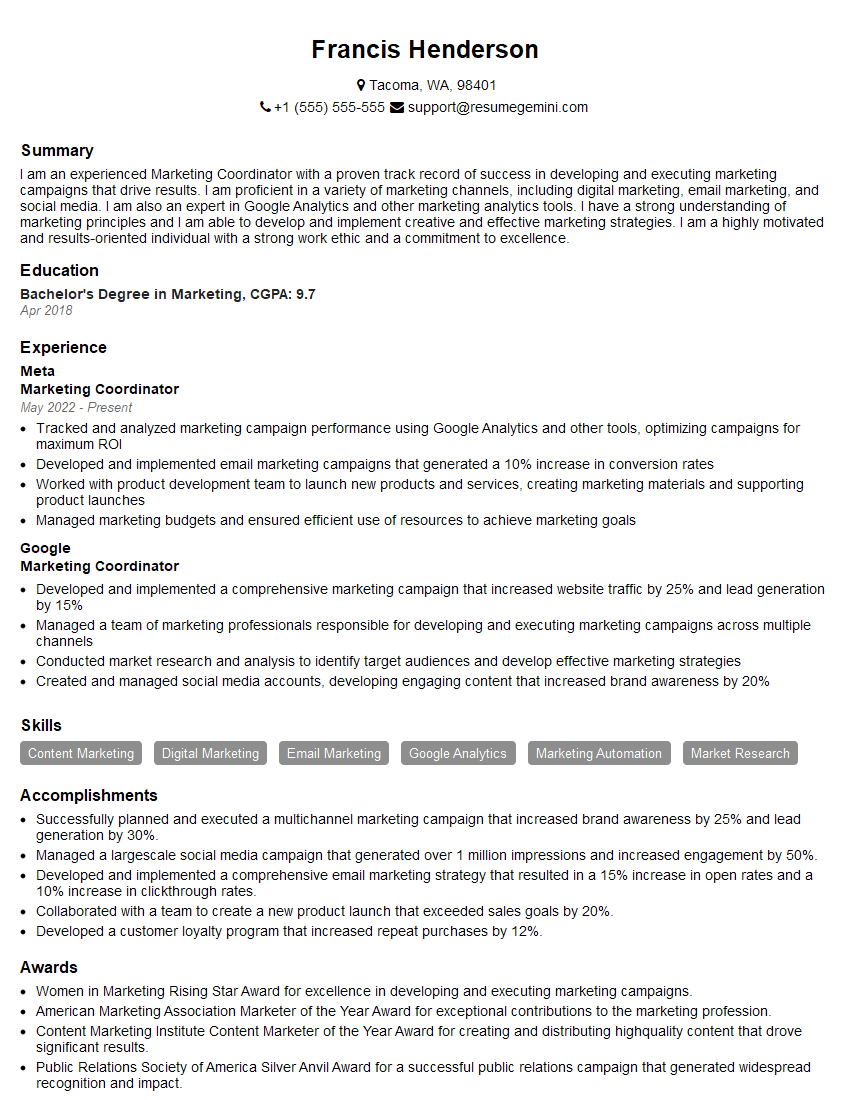
Marketing Coordinator Resume Sample

Data Analyst Resume Sample
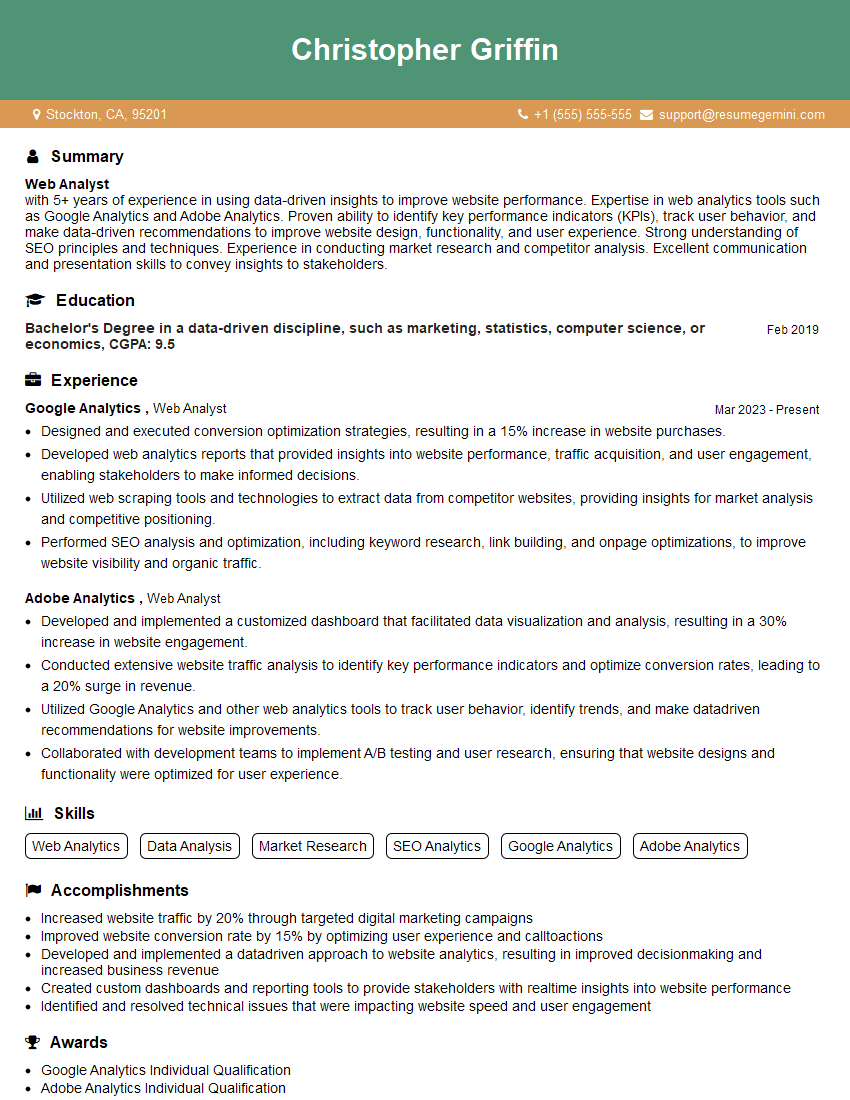
Web Analyst Resume Sample
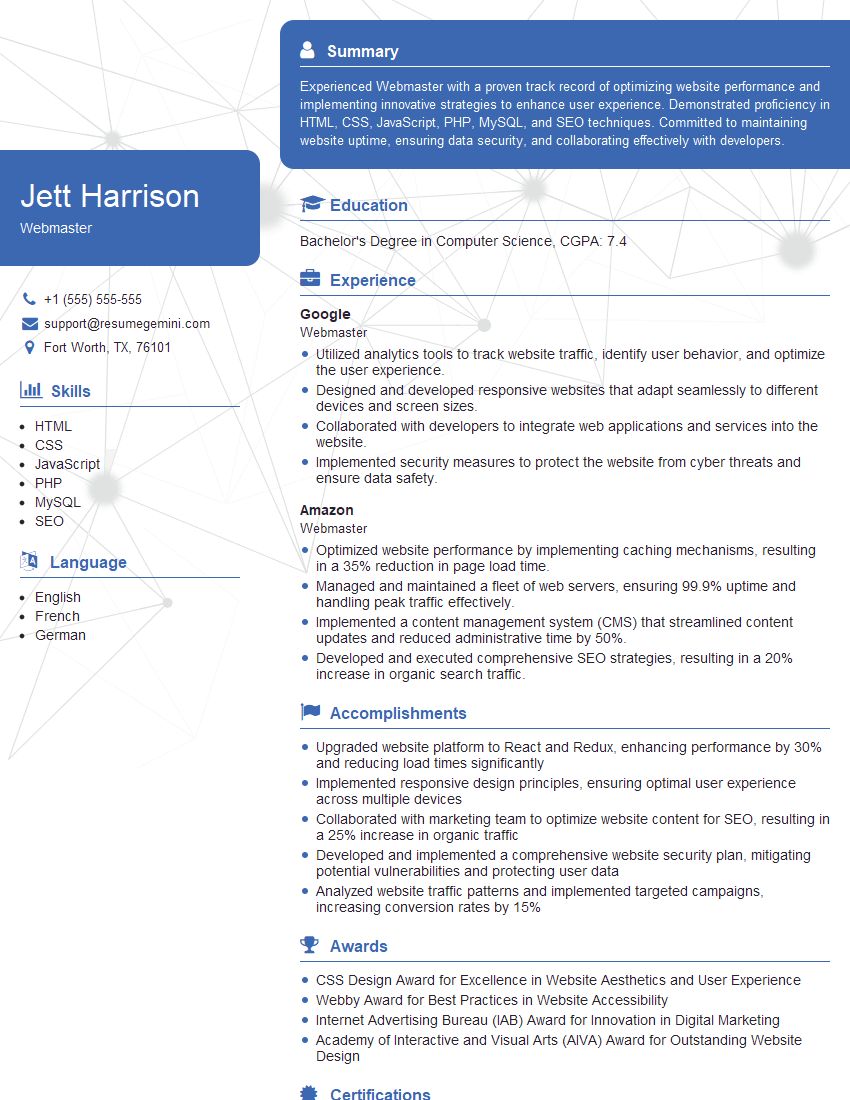
Webmaster Resume Sample
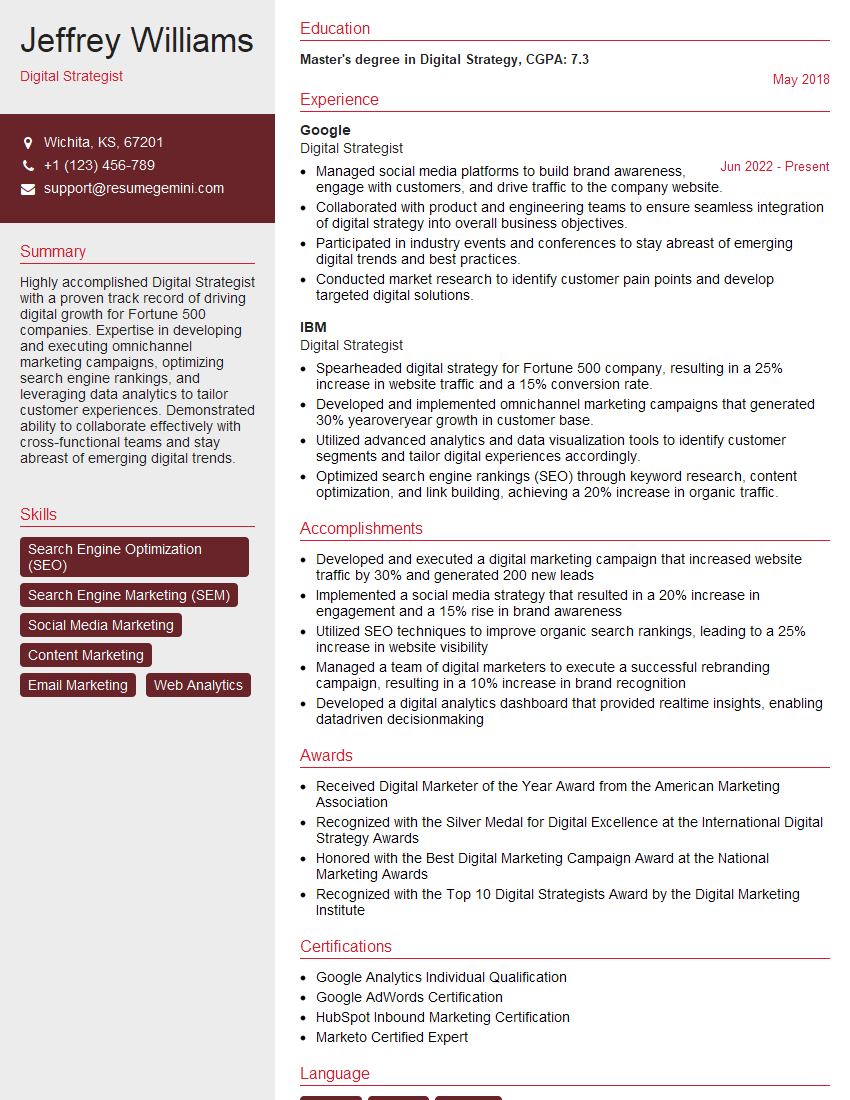
Digital Strategist Resume Sample

Content Strategist Resume Sample

Growth Hacker Resume Sample
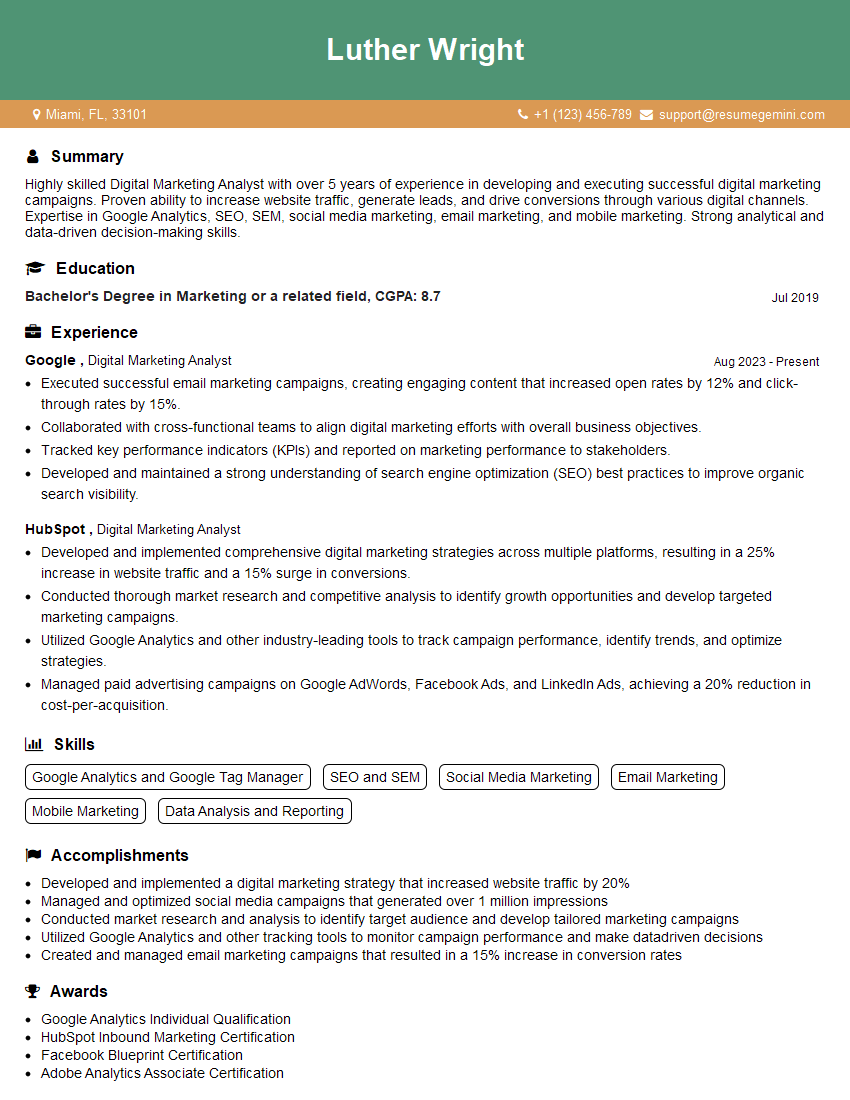
Digital Marketing Analyst Resume Sample
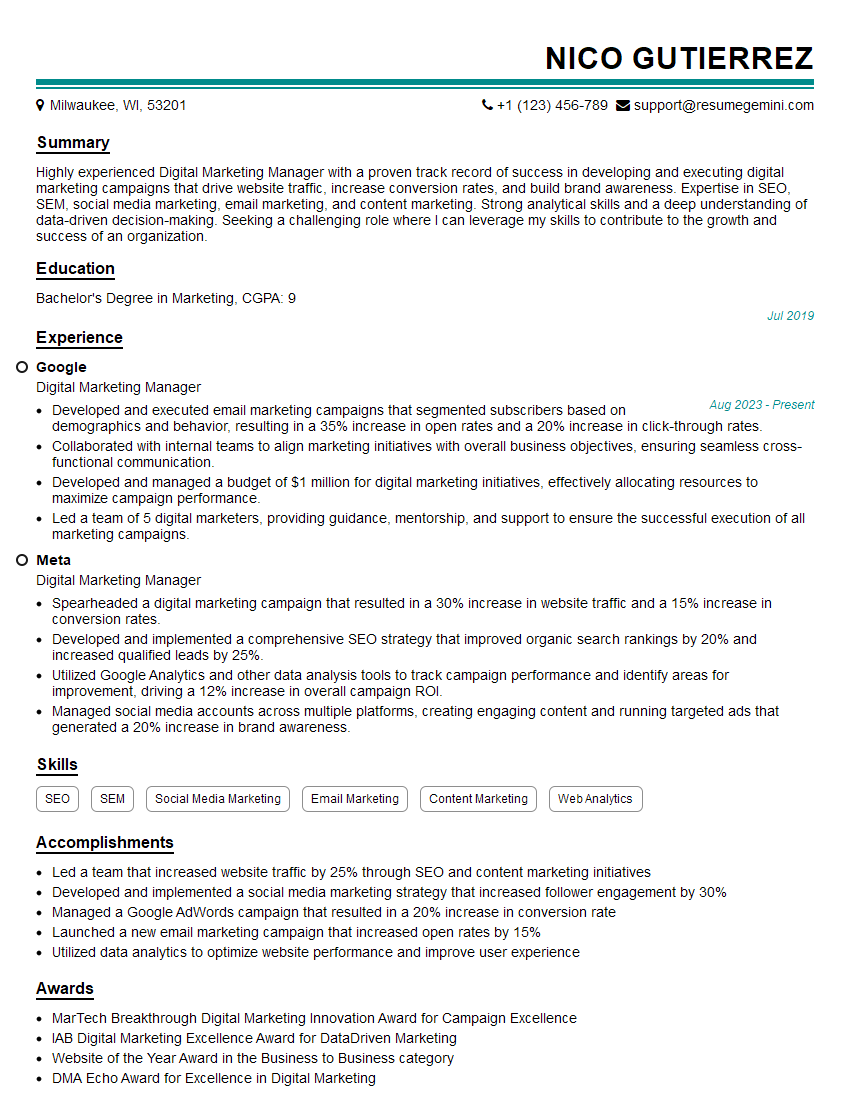
Digital Marketing Manager Resume Sample
Explore more articles
Users Rating of Our Blogs
Share Your Experience
We value your feedback! Please rate our content and share your thoughts (optional).
What Readers Say About Our Blog
Very informative content, great job.
good