The right preparation can turn an interview into an opportunity to showcase your expertise. This guide to Knowledge of color theory and reproduction interview questions is your ultimate resource, providing key insights and tips to help you ace your responses and stand out as a top candidate.
Questions Asked in Knowledge of color theory and reproduction Interview
Q 1. Explain the difference between additive and subtractive color mixing.
Additive and subtractive color mixing are two fundamentally different approaches to creating colors. Think of it like this: additive is like adding light, while subtractive is like subtracting light from white.
Additive color mixing starts with black and adds light of different wavelengths (colors). This is how your computer monitor or television works. The primary colors are red, green, and blue (RGB). Mixing all three at full intensity creates white light. If you add red and green, you get yellow; red and blue create magenta; and green and blue make cyan.
Subtractive color mixing starts with white light and subtracts certain wavelengths through pigments or inks. This is the method used in printing. The primary colors are cyan, magenta, yellow, and key (black), also known as CMYK. Mixing all four at full saturation ideally produces black. Cyan absorbs red, magenta absorbs green, and yellow absorbs blue. In reality, a true black requires a separate black ink (K).
The difference is crucial because the same color produced additively on a screen might look very different when printed subtractively.
Q 2. Describe the CMYK and RGB color models. What are their limitations?
RGB (Red, Green, Blue) is an additive color model used for light-emitting devices such as screens. Each color is represented by a value between 0 and 255 (or 0.0 and 1.0), representing the intensity of each primary color. (255, 0, 0) represents pure red, (0, 255, 0) pure green, and (0, 0, 255) pure blue. (255, 255, 255) is white, and (0, 0, 0) is black.
CMYK (Cyan, Magenta, Yellow, Key [black]) is a subtractive color model used for print media. It represents the amount of cyan, magenta, yellow, and black ink to be used. Each color is again represented by a value between 0 and 100% or 0.0 and 1.0. A value of 100% (or 1.0) indicates full saturation of that ink.
Limitations of RGB: It’s device-dependent. An RGB color on one screen may appear different on another due to variations in screen technology and calibration.
Limitations of CMYK: It has a smaller color gamut than RGB, meaning it can’t reproduce as many colors, particularly bright, vibrant hues. The mixing of inks is imperfect and leads to muddy colors. Ink coverage and paper type also affect the final color.
Q 3. What is color gamut, and why is it important in reproduction?
Color gamut is the range of colors that a particular device or system can reproduce. Imagine it as the boundary of all the colors that can be displayed or printed. It’s crucial in reproduction because it defines the limits of what you can achieve. If you try to reproduce a color outside the device’s gamut, you’ll get an approximation, leading to color shifts or inaccuracies.
For example, a printer might have a smaller gamut than a high-end monitor. A vibrant green that looks perfect on the screen might appear duller when printed because the printer’s gamut doesn’t include that specific shade of green. Matching the gamut of the output device to your source material (e.g., a photograph) is key for accurate color reproduction.
Q 4. Explain the concept of color profiles (e.g., ICC profiles).
Color profiles (ICC profiles) are files that describe the color characteristics of a device (e.g., monitor, printer, scanner). They act as a translator, mapping colors between different color spaces. For example, an ICC profile for a monitor defines how the monitor’s RGB values relate to a standard color space like sRGB. This allows software to translate colors accurately between the source file and the output device.
Without color profiles, the colors on your screen might not accurately represent the colors that will be printed. They’re essential for consistent color across different devices and workflows.
Q 5. How do you handle color inconsistencies between different devices?
Handling color inconsistencies requires a multi-pronged approach. The first step is color management, which involves using ICC profiles and color management software to manage colors across different devices. This ensures that colors are translated correctly between devices. This includes correctly embedding color profiles in your images and ensuring your software uses a consistent color space.
Calibration and profiling of all your devices is crucial. This means using a colorimeter or spectrophotometer to measure the color output of your monitor and printer and generating accurate ICC profiles for them. Regular calibration ensures consistent results over time.
Understanding your target output is also crucial. If you are designing for web, then sRGB is your standard. If for print, you might use Adobe RGB or a wider gamut color space, but always consider the limitations of the printing process and the paper stock.
Q 6. What is color calibration, and how is it achieved?
Color calibration is the process of adjusting a device’s color output to match a standard. It involves measuring the device’s current color output and then adjusting its settings (brightness, contrast, white point, etc.) to bring it in line with the standard. This ensures consistency and accuracy across different devices and time.
How it’s achieved: This is typically done using a colorimeter or spectrophotometer – devices that measure the light emitted from a screen or reflected from a print. Specialized software then uses these measurements to create an ICC profile for the device, and the device’s settings are adjusted to match the profile. Calibration should be performed periodically to account for changes in the device’s performance over time and environmental factors.
Q 7. Describe different types of color spaces (e.g., sRGB, Adobe RGB, ProPhoto RGB).
Different color spaces represent color in various ways, offering different gamuts and characteristics.
- sRGB: This is a widely used standard color space for the web and many consumer devices. It has a relatively small gamut but is well-supported across most platforms and devices. It’s a good choice for web design where broad compatibility is key.
- Adobe RGB: This offers a wider gamut than sRGB, encompassing more colors, particularly in the greens and blues. It’s often preferred for photography and print work where wider color reproduction is needed.
- ProPhoto RGB: This has the widest gamut of the three, capturing the widest range of colors. However, it’s not as widely supported as sRGB and Adobe RGB and can lead to color shifts if not properly managed across your workflow. It is best for archiving images where maximum color information is important.
The choice of color space depends heavily on the project’s requirements and the target output device. If your final output is web-based, sRGB is generally the most suitable choice, whereas for print, Adobe RGB or a wider gamut space may be preferable, considering the limitations of the print process.
Q 8. Explain the importance of color management in print production.
Color management in print production is crucial for ensuring that the colors you see on your screen accurately represent the colors that appear on the printed piece. Without it, you risk significant discrepancies, leading to costly reprints and dissatisfied clients. Think of it like baking a cake – you need precise measurements to achieve the desired result. Similarly, color management provides a consistent and predictable workflow from design to print.
Effective color management involves standardizing color spaces (like sRGB and CMYK), using color profiles (which describe the characteristics of a specific device), and employing color management software to translate colors between devices accurately. This process minimizes color shifts between the digital design and the final print output, ensuring a consistent and faithful reproduction of your intended colors.
Q 9. What are common color-related issues in print, and how are they resolved?
Common color-related issues in print include:
- Color Mismatches: The printed colors differ significantly from the on-screen design due to improper color space conversion or profile mismatches.
- Color Casts: An unwanted tint or hue appears across the entire print or a specific area (e.g., a blueish cast on a neutral gray).
- Muddy or Dull Colors: Colors appear less vibrant or saturated than expected, often due to dot gain or ink limitations.
- Banding: Noticeable stripes or bands of color are visible, particularly in gradients, often stemming from issues with the printing process itself.
These problems are resolved through careful color management practices, including using appropriate color profiles, performing accurate color conversions, employing proofing methods (like soft proofing or hard proofing), and calibrating printing devices. Working closely with the print provider to understand their capabilities and limitations is also vital. For example, if banding occurs, it might be addressed by adjusting the printing settings or employing a different printing technique.
Q 10. How do you convert images from RGB to CMYK, and what are potential pitfalls?
Converting images from RGB (used for screens) to CMYK (used for printing) is essential to achieve accurate color reproduction on press. This conversion is usually done through color management software like Adobe Photoshop or Acrobat. The software uses the embedded or assigned color profiles to translate RGB values into their CMYK equivalents.
However, there are potential pitfalls:
- Color Loss: CMYK has a smaller color gamut than RGB, meaning some colors that are vibrant and accurate on screen may be duller or less saturated in print. This is because CMYK inks can’t accurately reproduce the entire spectrum of colors that RGB can.
- Unexpected Color Shifts: The conversion process can sometimes result in unforeseen color changes. For instance, a bright blue in RGB might appear more greenish in its CMYK equivalent.
- Profile Mismatches: Using incompatible color profiles can lead to significant color inaccuracies. It’s crucial to utilize profiles that accurately represent both the monitor and the printing press.
To mitigate these issues, it’s recommended to work in a CMYK color space from the outset, whenever possible. Soft proofing allows you to simulate how the colors will appear in print before sending the files to the printer. Furthermore, careful consideration of the final print medium and the printer’s capabilities is key to managing expectations and achieving the most accurate color reproduction possible.
Q 11. What is dot gain, and how does it affect color reproduction?
Dot gain refers to the increase in the size of ink dots during the printing process. Imagine you’re printing a small dot of ink; dot gain causes it to spread out slightly. This spreading can significantly affect color reproduction because it changes the perceived density of the ink, and thus, the color.
The effect of dot gain on color reproduction is often a shift towards darker, less saturated colors. A pure cyan dot, for example, might spread enough to become a darker, more muted cyan. Accurate color reproduction requires compensating for dot gain, often done through techniques like dot gain compensation, where the pre-press process digitally reduces the size of the dots to account for the spread. Without dot gain compensation, you might find that your colors are consistently darker or less vibrant than you intended.
Q 12. Explain the concept of color temperature and its relevance in design.
Color temperature refers to the relative redness or blueness of a light source, measured in Kelvin (K). Imagine a campfire – it emits a warm, orange-red light, whereas sunlight appears cooler, with a more bluish tint. This warmth or coolness is what we refer to as color temperature.
In design, color temperature is vital for establishing mood and atmosphere. Warm colors (lower Kelvin values, around 2700K-3000K, like incandescent light) often evoke feelings of comfort and coziness. Cool colors (higher Kelvin values, around 5000K-6500K, like daylight), create a sense of clarity, calmness, and sometimes even sterility. Consistent color temperature is essential for maintaining harmony within a design. Mixing warm and cool light sources inconsistently can lead to a jarring visual experience.
Q 13. What is color separation, and how is it used in printing?
Color separation is the process of dividing a full-color image into individual color plates, one for each process color (cyan, magenta, yellow, and black – CMYK). Historically, this was done using specialized cameras or filters, but now it’s largely automated through digital pre-press software.
In printing, color separation is crucial for offset printing. Each plate corresponds to one ink color and is used to create a specific colored image on the printing plate. When all the plates are printed in registration (precise alignment), they combine to create the full-color image. Without color separation, offset printing of a full-color image would be impossible.
Q 14. Describe different types of printing processes (e.g., offset, digital, screen printing) and their color characteristics.
Different printing processes have distinct color characteristics:
- Offset Printing: A high-volume, cost-effective method achieving very accurate and consistent color reproduction due to the use of specialized inks and presses. It often yields a smooth, high-quality finish.
- Digital Printing: Excellent for short-run prints and personalized materials. Color reproduction can be highly accurate with proper calibration, but may not always match offset printing’s consistency across very large runs.
- Screen Printing: Uses stencils to apply ink to a surface. It’s known for its bold, vibrant colors and ability to print on various materials. While capable of producing excellent results, it’s less precise in terms of color consistency than offset printing and more prone to halftone issues.
Each process requires a different approach to color management. Offset printing benefits greatly from careful color profiling and pre-press preparation, while digital printing relies on device calibration and software settings. Screen printing demands experience and precision in creating screens and applying inks to achieve the desired color.
Q 15. How do you ensure color accuracy across different media (e.g., print, web, screen)?
Ensuring color accuracy across different media like print, web, and screen requires a meticulous approach involving color management throughout the entire workflow. Think of it like baking a cake – you need the right ingredients (color profiles) and the right recipe (workflow) to achieve consistent results. The key is to use a standardized color space and profile that all devices understand.
Firstly, we establish a common color space, usually sRGB for web and Adobe RGB for print, which provides a wider gamut of colors. Next, we utilize color profiles (ICC profiles) that describe the color characteristics of each device (monitor, printer, etc.). These profiles act as translators, ensuring that colors are interpreted consistently across different devices. For instance, a specific shade of blue may be represented differently on a monitor versus a printer due to variations in their color gamuts. The color profile helps map these differences, aiming for visual consistency. Finally, soft proofing, using software that simulates the final output, is crucial to catch discrepancies before proceeding to the actual production.
Imagine designing a vibrant poster. If you only view it on your screen and don’t account for print variations, the final printed product could be duller or have a different color balance entirely. This is where careful color management prevents costly reprints and ensures client satisfaction.
Career Expert Tips:
- Ace those interviews! Prepare effectively by reviewing the Top 50 Most Common Interview Questions on ResumeGemini.
- Navigate your job search with confidence! Explore a wide range of Career Tips on ResumeGemini. Learn about common challenges and recommendations to overcome them.
- Craft the perfect resume! Master the Art of Resume Writing with ResumeGemini’s guide. Showcase your unique qualifications and achievements effectively.
- Don’t miss out on holiday savings! Build your dream resume with ResumeGemini’s ATS optimized templates.
Q 16. What software or tools are you familiar with for color management?
My experience encompasses a wide range of color management software and tools. I’m proficient in industry-standard applications such as Adobe Creative Suite (Photoshop, Illustrator, InDesign), which include robust color management features. I regularly use their color profile management tools to assign and convert profiles and manage color spaces effectively. I also have experience with dedicated color management software like X-Rite ColorMunki software and other spectrophotometer-based solutions for creating custom profiles.
Furthermore, I’m familiar with various color management tools within RIP (Raster Image Processor) software used in professional printing environments. This allows me to fine-tune color settings for specific printers and substrates for optimal print results. Think of these tools as precision instruments, allowing fine control over the entire color reproduction pipeline.
Q 17. Describe your experience with proofing and color matching.
Proofing and color matching are crucial aspects of my work, demanding a keen eye for detail and a thorough understanding of color science. My experience includes creating both soft proofs (digital simulations) and hard proofs (physical prints on the intended substrate) to ensure accurate color reproduction. I regularly employ various proofing methods, such as using a calibrated monitor with a high color gamut or professional proofing printers with specific color profiles to guarantee the most accurate representation of the final product.
Color matching often involves working closely with printing vendors to ensure that their press is calibrated correctly and using their provided ICC profiles. I use spectrophotometers to objectively measure color values, comparing them to my target values to identify and resolve any discrepancies. For example, I once had to match a specific corporate brand color – a very unique shade of green. Using a spectrophotometer, we meticulously adjusted the ink densities until the measured color values matched the Pantone specification, resulting in a flawless print.
Q 18. How do you identify and correct color casts in images?
Color casts, unwanted tints in an image, can arise from various factors, such as incorrect white balance in photography or lighting issues during image capture. Identifying and correcting them involves a combination of visual assessment and technical adjustments. The most common method is using color balance tools in image editing software.
First, I visually inspect the image to pinpoint the dominant cast – is it a blue, green, or yellow cast? Then, using tools like curves, levels, or selective color adjustments in Photoshop, I fine-tune the color channels. For instance, if there’s a blue cast, I might reduce the blue channel’s intensity and potentially boost the opposite channel (orange/yellow) to neutralize the overall color balance. I also use the white balance tool, adjusting the color temperature to bring the image closer to neutral. Finally, I evaluate the image after each adjustment, checking for an accurate and natural-looking color rendition.
Consider a photograph taken under a tungsten lamp; it will likely have a warm, orange cast. By adjusting the white balance, we can remove that cast and render the image with natural colors.
Q 19. Explain the differences between Pantone Matching System (PMS) and process colors.
The Pantone Matching System (PMS) and process colors represent two distinct approaches to color reproduction. PMS utilizes a library of pre-mixed spot colors, each identified by a unique number (e.g., Pantone 18-1664 TPX – a specific shade of orange). These inks are mixed separately for each color and printed directly, leading to highly accurate and consistent colors, regardless of the printing device. Think of it as a recipe book with precise instructions for every color.
Process colors, on the other hand, use the CMYK (Cyan, Magenta, Yellow, and Black) color model to create a wide range of colors by combining these four base inks in varying percentages. It’s more of a mixing palette, where we blend the four inks to achieve a desired color. Process color printing is cost-effective for high-volume work but doesn’t always achieve the precise color accuracy of PMS. The color gamut is generally smaller than PMS, limiting the vibrancy and specific hues achievable.
Choosing between PMS and process colors depends on the project’s requirements. PMS is ideal for projects needing precise brand colors (logos, corporate identities), while process color is suitable for photographic images or projects where a wider range of colors isn’t crucial. Many projects utilize a combination of both.
Q 20. What is metamerism, and what are its implications in color reproduction?
Metamerism is a fascinating phenomenon where two colors appear identical under one light source but different under another. This occurs because our perception of color is based on how our eyes respond to different wavelengths of light. Two colors can have different spectral power distributions but still stimulate the same response in our eyes under specific lighting conditions. Therefore, what looks identical on your calibrated monitor (daylight balanced) might look different under incandescent lighting in a print shop.
In color reproduction, metamerism poses significant challenges. A color that looks perfect on your screen may print differently under the lighting conditions of the printing press or under varied consumer lighting. This can lead to color inconsistencies and unexpected differences between digital proofs and final prints. To mitigate this, color management involves carefully defining the target lighting conditions and using devices with accurate color rendition under those conditions.
Q 21. How would you troubleshoot a color mismatch between a digital proof and the final print?
Troubleshooting a color mismatch between a digital proof and the final print involves a systematic investigation. First, I’d review the color management workflow from start to finish: Check the monitor calibration, the ICC profiles used for both the digital proof and the printer, and the printing press calibration. I’d also compare the color values of both the proof and print using a spectrophotometer to objectively measure the color differences. This will quantify the delta E (difference) between the target and printed colors.
Possible causes include incorrect ICC profiles, monitor miscalibration, printer issues (ink density, dot gain), or substrate differences (paper type). Once the cause is identified, the solution can be addressed. Recalibrating the monitor, adjusting the printer’s settings, or using a different ICC profile could resolve the issue. For example, if the paper used during the print run has significantly more dot gain than the paper in the soft proof (a common issue where the dots spread more than intended), then adjustments to the original file (lightening the colors slightly to account for this) might be necessary in future iterations.
The methodical approach combined with color measurement tools is key to pinpoint and correct the root cause. Effective communication with the printer is also crucial to address any potential press-related issues.
Q 22. Describe your understanding of color vision deficiency and its impact on design.
Color vision deficiency (CVD), often called color blindness, is the inability to distinguish certain colors. This is primarily caused by variations or deficiencies in the photoreceptor cells (cones) in the retina of the eye. The most common types are red-green CVD, where individuals struggle to differentiate shades of red and green, and blue-yellow CVD, which affects the perception of blue and yellow. In design, CVD significantly impacts accessibility and effective communication. For instance, a color-coded map relying on red and green to denote different areas could be misinterpreted by individuals with red-green CVD, leading to confusion or even safety hazards.
To mitigate this, designers must adhere to accessibility guidelines, such as WCAG (Web Content Accessibility Guidelines), which recommend using sufficient color contrast between text and background, employing alternative visual cues besides color (e.g., patterns, symbols), and testing designs with color blindness simulation tools. Consider using a color palette that emphasizes sufficient luminance contrast and avoids pairings easily confused by those with common CVD types. For example, using navy blue text on a light beige background offers better contrast than red on green.
Q 23. What is your experience with spectral measurement devices?
My experience with spectral measurement devices is extensive. I’ve used a variety of spectrophotometers, both handheld and benchtop models, for tasks ranging from precise color measurement of printed materials and digital displays to evaluating light sources and assessing color consistency across different production batches. I am proficient in operating devices from manufacturers such as X-Rite and Konica Minolta, understanding their calibration procedures and interpreting their data outputs, including spectral reflectance curves and colorimetric values (e.g., L*a*b*, XYZ). This involves not only the technical operation of the equipment but also a deep understanding of how the data translates to the visual perception of color.
For example, in a recent project involving a large-scale print run of brochures, we used a spectrophotometer to establish a baseline color profile for the Pantone colors specified in the design. Then, we used this profile to monitor the color consistency throughout the printing process, making adjustments as needed to ensure the final product adhered to the original design specifications. This allowed us to catch potential inconsistencies early on, saving time and resources.
Q 24. Explain the concept of density in print production.
In print production, density refers to the optical density of ink on a printed surface. It’s essentially a measure of how much light is absorbed by the ink. Higher density means darker, more saturated color, while lower density results in lighter, less saturated color. Density is usually measured using a densitometer and is typically expressed as a numerical value. Different types of density measurements exist, including dot area (%), total density (TD), and individual color densities (e.g., cyan, magenta, yellow, black).
The concept of density is critical for achieving consistent and accurate color reproduction. Proper density control ensures that colors are neither too light nor too dark and that the overall image maintains its intended contrast and saturation. Problems such as incorrect density can lead to muddy or faded colors, incorrect grayscale reproduction, and inconsistent color across a print job. Density measurements are used throughout the printing process, from initial press setup to quality control checks, to maintain optimal ink coverage and achieve the desired visual result.
Q 25. How do you manage color consistency in large-scale projects?
Maintaining color consistency in large-scale projects demands a rigorous and systematic approach. My strategy relies on several key components:
- Color Management System (CMS): Implementing a robust CMS across all stages of production, from design to print, is essential. This involves using standardized color profiles (e.g., ICC profiles) to ensure consistent color interpretation across different devices and software.
- Color Standards: Employing a consistent set of color standards, such as Pantone or specific CMYK values, prevents discrepancies between the design and the final product. This means clearly specifying the color system and values in all design and production documents.
- Proofing: Soft proofs (on screen) and hard proofs (physical prints) are crucial for verifying color accuracy before mass production. Soft proofs are validated against specific color profiles and hard proofs use calibrated printers and proofing systems that simulate the final print output.
- Regular Quality Control: Throughout the process, regular checks using spectral measurement devices verify that the color remains consistent and aligns with the approved proofs. This helps identify and rectify potential deviations early.
For example, in a recent large-format printing project, a standardized workflow with consistent color profiles and regular quality control checks through a densitometer helped us maintain color accuracy throughout the entire 500-piece print run.
Q 26. What are your strategies for communicating color specifications to clients or printers?
Communicating color specifications effectively requires a multi-pronged approach tailored to the client’s and printer’s understanding. I typically utilize the following strategies:
- Color Standards: Using universally recognized color standards such as Pantone Matching System (PMS) colors for spot colors or specifying precise CMYK or RGB values (with the color space clearly defined) for process colors.
- Visual References: Providing clients with calibrated color proofs (both soft and hard copies) and detailed color swatches that accurately represent the final printed results.
- Clear Documentation: Preparing comprehensive documentation outlining all color specifications, including color system, values, and any tolerances allowed, ensuring that all parties involved are working from the same reference points.
- Digital Files: Supplying clients and printers with properly profiled digital files (e.g., PDF/X-1a) that embed the color information necessary for consistent reproduction.
For instance, when working with clients unfamiliar with color management, I often use a combination of Pantone swatches and calibrated digital proofs. This approach assures both the client and the printer that the project will meet the intended color expectations.
Q 27. Describe your approach to resolving color discrepancies in a collaborative environment.
Resolving color discrepancies in a collaborative environment requires clear communication, methodical investigation, and a focus on finding a mutually acceptable solution. My approach involves these steps:
- Identify the Discrepancy: Clearly define the color difference, specifying where it occurs (e.g., specific areas in a print or on different monitors). Use objective measurements (spectrophotometer readings) to quantify the difference.
- Investigate the Cause: Analyze the entire workflow – from the initial design files to the final output – to pinpoint the source of the problem. Possible causes include incorrect color profiles, monitor calibration issues, printing errors, or miscommunication about color specifications.
- Communicate Findings: Share findings with all parties involved, providing clear evidence and explanations of the discrepancy’s origin and impact. Involve the client and the printer actively in this discussion.
- Develop a Solution: Propose practical solutions based on the identified cause. This may involve adjusting color profiles, recalibrating equipment, reviewing color specifications, or making adjustments during the printing process.
- Verify Resolution: Once adjustments have been made, run additional tests to verify that the color discrepancy has been resolved satisfactorily. Use spectrophotometer readings to confirm consistency.
This systematic approach ensures that the solution is both effective and efficient, while maintaining positive communication and collaboration among all stakeholders.
Q 28. What are some emerging trends in color technology that you find interesting?
Several emerging trends in color technology are particularly fascinating. One is the advancement of extended gamut printing, which allows for a wider range of colors than traditional CMYK printing. This opens new possibilities for richer, more vibrant color reproduction in print media. Another exciting area is the development of more sophisticated color management software that simplifies complex color workflows and makes color accuracy more accessible to designers and printers. The incorporation of AI and machine learning in color prediction and control is also transforming the field, allowing for more automated color consistency and quality control. Finally, the growing importance of color accessibility and inclusivity, including the development of more accurate color blindness simulation tools, pushes us to create more user-friendly and inclusive design solutions.
I’m particularly interested in how these technologies will converge to enhance the overall color experience and make it more efficient and inclusive for everyone, making the visual world truly accessible to all.
Key Topics to Learn for a Knowledge of Color Theory and Reproduction Interview
- Color Models (RGB, CMYK, LAB): Understand the differences, strengths, and weaknesses of each model and when to apply them in various contexts (print vs. screen).
- Color Gamuts and Color Spaces: Discuss the limitations of different color spaces and how to manage color accuracy across different devices and media.
- Color Management Systems (CMS): Explain the role of a CMS in ensuring consistent color reproduction throughout the workflow, from capture to output.
- Color Separations and Printing Techniques: Describe the process of separating colors for printing and the impact of different printing methods on color accuracy.
- Colorimetric Principles: Demonstrate understanding of concepts like color temperature, colorimetry, and the perception of color.
- Troubleshooting Color Issues: Explain common color problems (e.g., banding, metamerism) and approaches to solving them.
- Color Psychology and Branding: Discuss how color impacts brand perception and user experience.
- Digital Color Workflow: Describe the processes involved in managing color digitally from capture to output, including color profiling and calibration.
- Software and Tools: Show familiarity with relevant software and tools used for color management and reproduction (e.g., Adobe Photoshop, Illustrator, Acrobat).
Next Steps
Mastering color theory and reproduction is crucial for career advancement in fields like graphic design, printing, photography, and web development. A strong understanding of these principles showcases technical proficiency and problem-solving abilities highly valued by employers. To significantly boost your job prospects, crafting a resume that effectively highlights your skills is essential. An ATS-friendly resume ensures your qualifications are recognized by applicant tracking systems. We highly recommend using ResumeGemini to build a professional and impactful resume that showcases your expertise in color theory and reproduction. ResumeGemini provides examples of resumes tailored to this specific skillset, making the process easier and more effective. Take the next step towards your dream career today!

Print Production Manager Resume Sample

Art Director Resume Sample

Web Designer Resume Sample

Graphic Designer Resume Sample
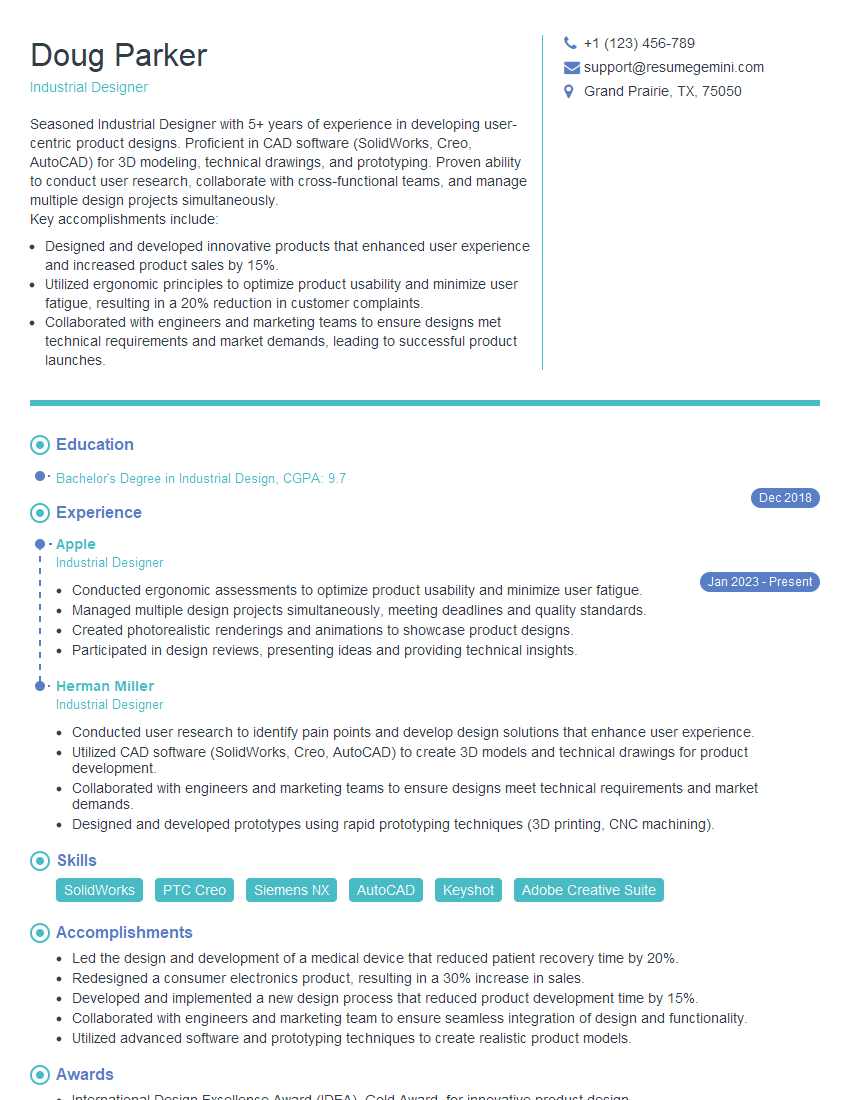
Industrial Designer Resume Sample

Packaging Designer Resume Sample
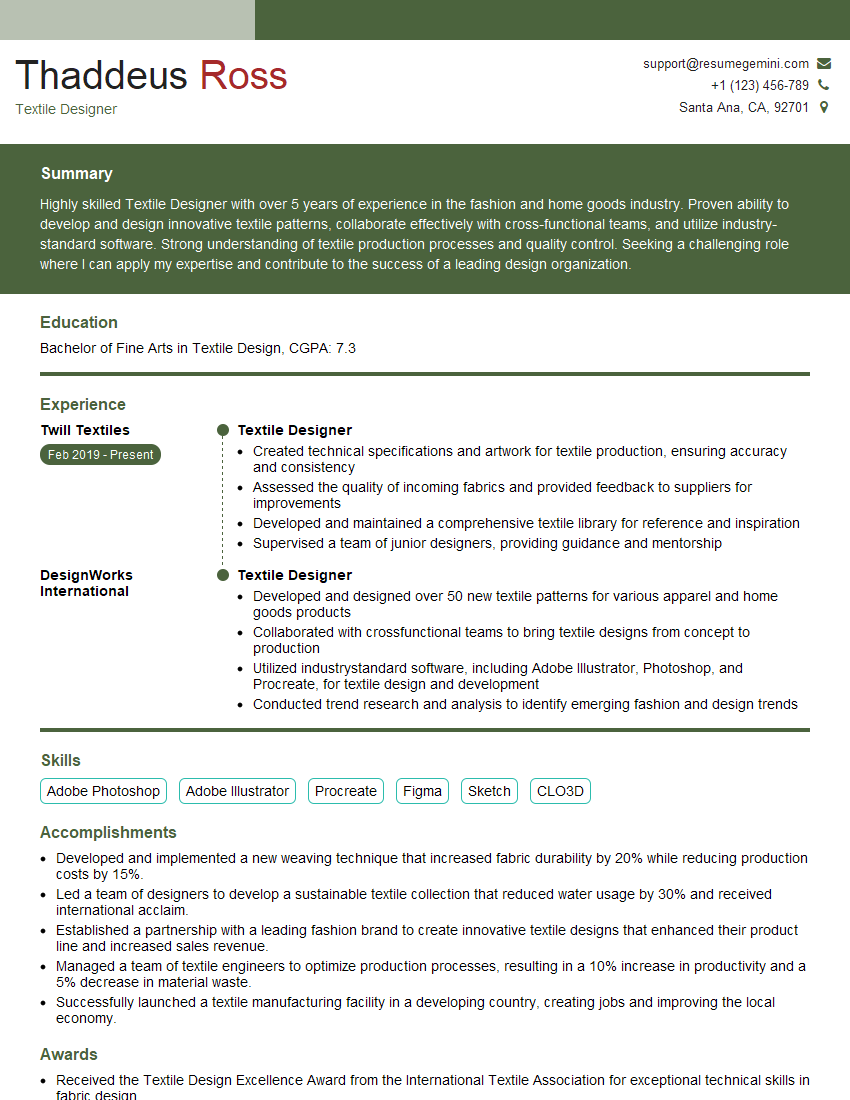
Textile Designer Resume Sample
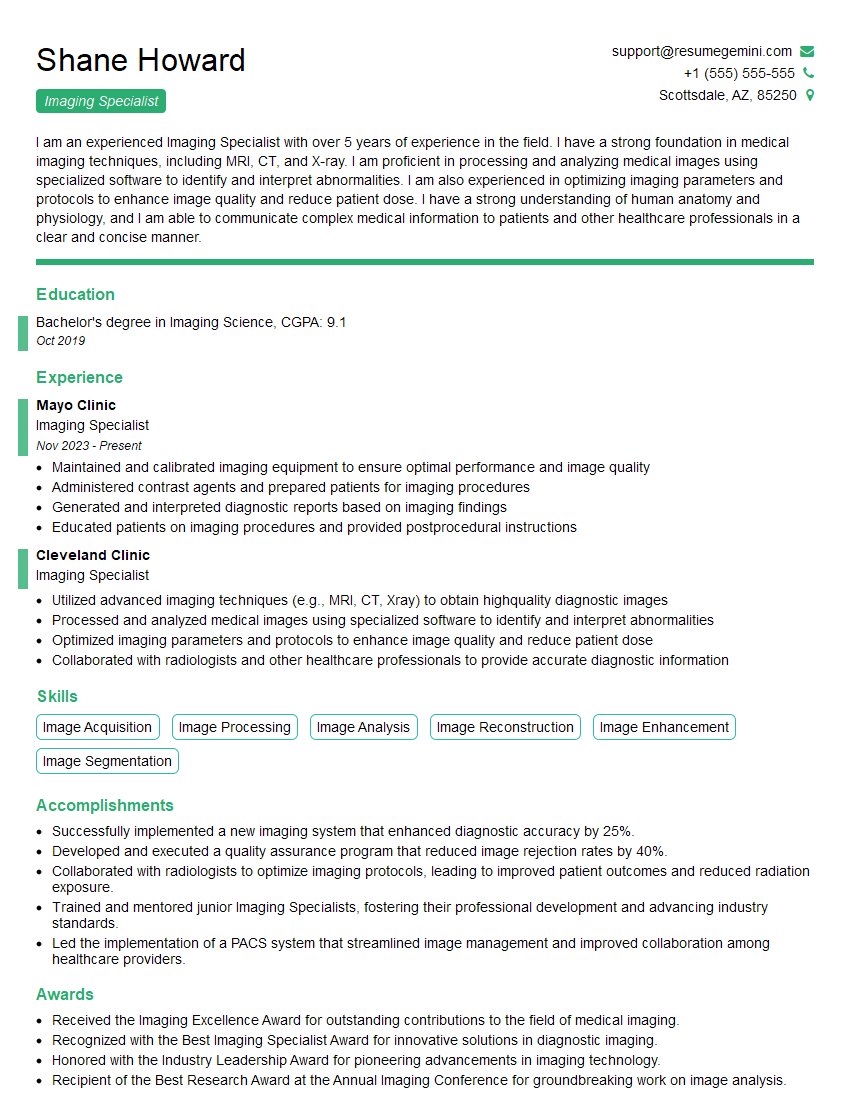
Imaging Specialist Resume Sample

Press Operator Resume Sample

Prepress Technician Resume Sample
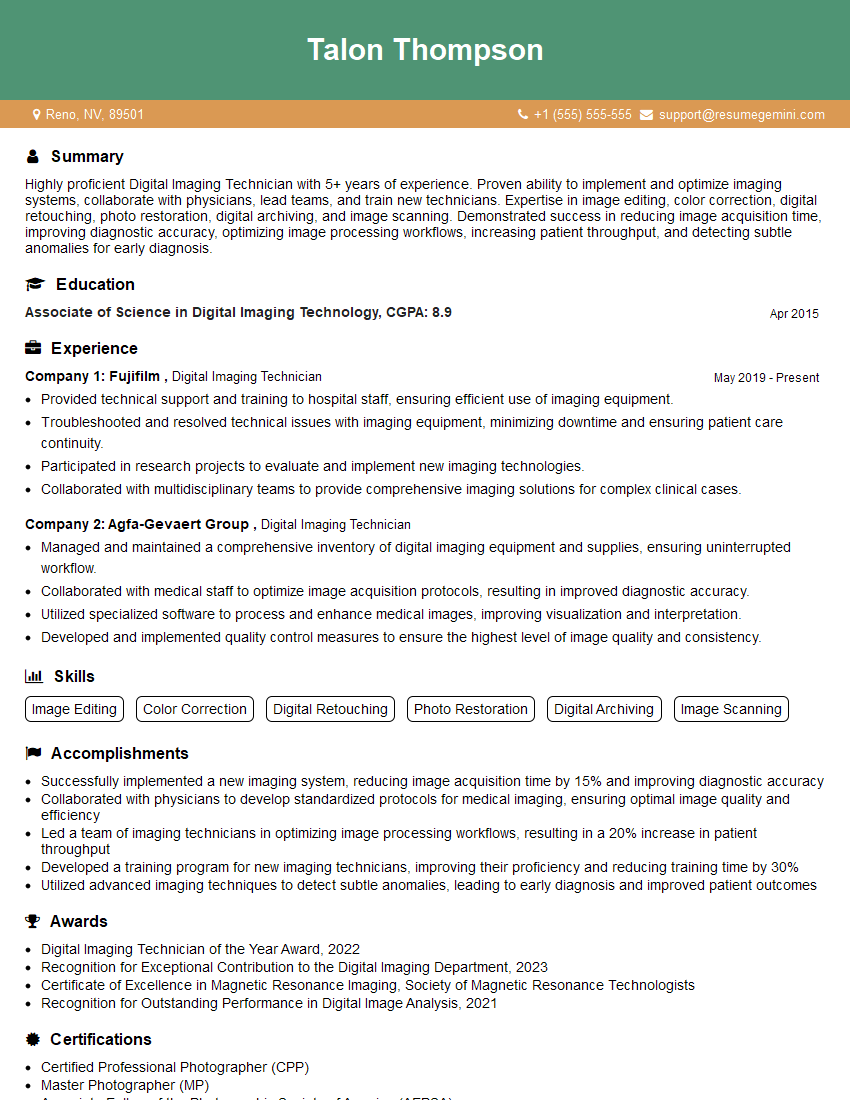
Digital Imaging Technician Resume Sample
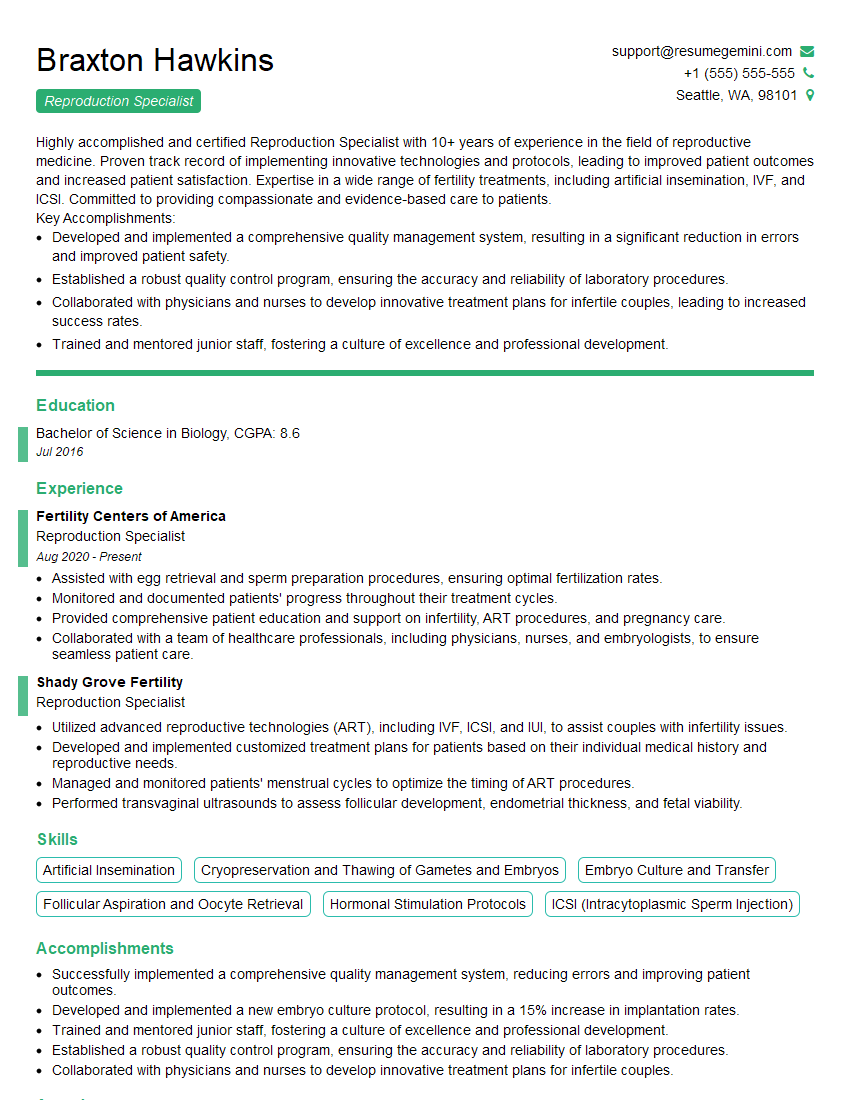
Reproduction Specialist Resume Sample
Explore more articles
Users Rating of Our Blogs
Share Your Experience
We value your feedback! Please rate our content and share your thoughts (optional).
What Readers Say About Our Blog
Very informative content, great job.
good