Unlock your full potential by mastering the most common Knowledge of industry-standard workflows and protocols interview questions. This blog offers a deep dive into the critical topics, ensuring you’re not only prepared to answer but to excel. With these insights, you’ll approach your interview with clarity and confidence.
Questions Asked in Knowledge of industry-standard workflows and protocols Interview
Q 1. Describe your experience with industry-standard project management methodologies (e.g., Agile, Waterfall).
I have extensive experience with both Agile and Waterfall project management methodologies, adapting my approach based on project needs and client preferences. Waterfall, a linear approach, is ideal for projects with clearly defined requirements and minimal anticipated changes. I’ve used it successfully on several large-scale infrastructure projects where predictability was paramount. For example, in a recent project deploying a new CRM system for a major financial institution, the Waterfall approach ensured a structured, documented process leading to a successful on-time launch.
Conversely, Agile methodologies, with their iterative and incremental approach, are better suited for projects with evolving requirements or where rapid prototyping and feedback are essential. I’ve leveraged Scrum and Kanban extensively in software development projects. For instance, in a recent web application development project, using Scrum’s sprints allowed us to adapt to changing client needs and deliver a superior product with high user satisfaction. We held daily stand-ups, sprint reviews, and retrospectives, facilitating constant improvement and communication.
Q 2. Explain your understanding of ISO 9001 quality management systems.
ISO 9001 is an internationally recognized standard for Quality Management Systems (QMS). It outlines requirements for establishing, implementing, maintaining, and continually improving a QMS within an organization. Essentially, it ensures consistent product and service quality. My understanding encompasses the core principles, including customer focus, leadership, engagement of people, process approach, improvement, evidence-based decision-making, and relationship management.
In practical terms, this means I’m proficient in documenting processes, performing internal audits, managing nonconformances, and driving continuous improvement initiatives. For example, in a previous role, I led the implementation of an ISO 9001 compliant QMS, resulting in improved efficiency, reduced errors, and increased customer satisfaction. This involved creating detailed process maps, conducting training for staff, and regularly reviewing and updating the QMS to adapt to changing business needs.
Q 3. How familiar are you with ITIL framework and its core components?
ITIL (Information Technology Infrastructure Library) is a widely accepted framework for IT service management (ITSM). I’m very familiar with its core components, including Service Strategy, Service Design, Service Transition, Service Operation, and Continual Service Improvement. Each component plays a crucial role in delivering high-quality IT services.
For example, Service Strategy involves aligning IT services with business needs, while Service Design focuses on creating and documenting those services. Service Transition manages the deployment of new or changed services, Service Operation ensures the day-to-day running of IT services, and Continual Service Improvement drives ongoing enhancements. I’ve utilized ITIL principles in several projects, improving incident management, problem management, and change management processes. This has resulted in faster resolution times, fewer service disruptions, and enhanced customer satisfaction.
Q 4. Describe your experience with implementing and maintaining standard operating procedures (SOPs).
Implementing and maintaining Standard Operating Procedures (SOPs) is crucial for consistency and efficiency. My experience involves developing, documenting, and implementing SOPs across various departments and functions. I typically use a structured approach, starting with identifying key processes, documenting each step clearly, and incorporating relevant diagrams and checklists.
For example, I developed a comprehensive SOP for onboarding new employees in a previous company. This standardized the process, ensuring consistent communication, training, and access to resources, leading to faster employee integration and improved productivity. Regular reviews and updates are vital to ensure SOPs remain relevant and effective, and I always incorporate feedback from staff involved in the processes.
Q 5. What experience do you have with Six Sigma methodologies or Lean principles?
I have practical experience with both Six Sigma methodologies and Lean principles. Six Sigma is a data-driven approach focused on reducing variation and defects, aiming for near-perfection (6 standard deviations from the mean). Lean focuses on eliminating waste and maximizing value from the customer’s perspective.
I’ve used Six Sigma’s DMAIC (Define, Measure, Analyze, Improve, Control) methodology to solve various operational challenges. For example, in one project, we identified and eliminated a significant bottleneck in a manufacturing process, reducing production time by 15% and increasing efficiency. We employed data analysis to pinpoint the root cause and implemented targeted improvements, meticulously tracking the impact of each change. Lean principles, such as value stream mapping and 5S, have also been employed to streamline workflows, reduce waste, and improve overall efficiency in various projects.
Q 6. How would you identify and resolve bottlenecks in a workflow process?
Identifying and resolving workflow bottlenecks requires a systematic approach. I typically begin by gathering data on the current workflow, including process times, resource utilization, and error rates. Techniques like process mapping and value stream mapping help visualize the workflow and identify potential bottlenecks.
Once bottlenecks are identified, I delve into root cause analysis using tools like the ‘5 Whys’ to understand the underlying reasons for the slowdown. This often reveals issues such as inadequate resources, inefficient processes, or lack of training. Solutions may involve process re-engineering, improved resource allocation, technology upgrades, or staff training. After implementation, it’s essential to monitor the effectiveness of the changes and make further adjustments as needed. Think of it like unclogging a drain; you need to identify the blockage (bottleneck) before you can effectively clear it.
Q 7. Describe a time you improved an inefficient workflow. What was the outcome?
In a previous role, our customer support team was struggling with long wait times and high call abandonment rates. Analysis showed that the issue stemmed from an inefficient ticketing system and a lack of standardized procedures for handling different types of requests.
To improve this, I implemented a new ticketing system with automated routing and prioritization rules. We also developed standardized responses for common inquiries and implemented a knowledge base to empower agents to resolve issues quickly. Finally, we provided comprehensive training to the support team on the new system and procedures. The outcome was a significant reduction in wait times (by 40%), lower call abandonment rates, and improved customer satisfaction scores. This project demonstrated the effectiveness of process improvement through a combination of technology and training.
Q 8. What are some common challenges in managing cross-functional workflows?
Managing cross-functional workflows presents unique challenges due to the involvement of teams with diverse skills, goals, and communication styles. Think of it like an orchestra – each section (team) plays a crucial part, but requires a conductor (project manager) to coordinate their efforts seamlessly.
- Communication Barriers: Different teams may use varying terminology or have different reporting structures, leading to misunderstandings and delays. For example, a marketing team’s understanding of ‘launch’ might differ from a development team’s interpretation.
- Conflicting Priorities: Each team has its own objectives, and these can sometimes clash. A sales team might prioritize a quick launch, while the development team requires more time to ensure stability and quality.
- Dependency Management: One team’s output is often the input for another, creating dependencies. A delay in one area can create a domino effect, impacting the entire workflow.
- Lack of Visibility: Without a centralized system, it’s difficult to track progress across all teams, making it hard to identify and address bottlenecks.
Effective solutions involve establishing clear communication channels (e.g., regular meetings, shared project management tools), defining roles and responsibilities meticulously, and utilizing project management methodologies like Agile to manage dependencies and prioritize tasks transparently.
Q 9. Explain your understanding of data governance and compliance protocols.
Data governance refers to the overall management of data assets, encompassing policies, procedures, and technologies for ensuring data quality, accessibility, and security. Compliance protocols are the specific rules and regulations that organizations must follow to ensure they adhere to relevant laws and industry standards (e.g., GDPR, HIPAA, CCPA).
Imagine data governance as a city’s infrastructure – roads, utilities, and building codes ensure everything runs smoothly. Compliance protocols are the specific building codes ensuring that structures are built safely and legally.
My understanding involves establishing clear data ownership, defining data quality standards, implementing data access controls, and regularly auditing data to confirm compliance. This includes documenting data flows, establishing data retention policies, and providing employee training on data handling best practices.
Q 10. How do you ensure data integrity within a workflow?
Maintaining data integrity within a workflow requires a multi-faceted approach, focusing on accuracy, consistency, and reliability. Think of it like building a house – you wouldn’t want to use substandard materials or inconsistent measurements.
- Data Validation: Implementing checks and constraints to ensure data conforms to predefined rules (e.g., data type validation, range checks). For example, ensuring that an age field only accepts numerical values between 0 and 120.
- Version Control: Utilizing version control systems like Git to track changes to data and revert to previous versions if necessary. This helps in debugging and identifying the source of errors.
- Data Backup and Recovery: Regularly backing up data to prevent data loss due to system failures or accidental deletions. Having a robust recovery plan is vital.
- Access Control: Limiting access to data based on roles and responsibilities to minimize the risk of unauthorized modifications.
- Data Auditing: Regularly auditing data to identify and correct inconsistencies or errors.
Q 11. What security protocols are you familiar with?
I am familiar with a wide range of security protocols, including:
- Authentication and Authorization: Methods such as multi-factor authentication (MFA), role-based access control (RBAC), and single sign-on (SSO) to verify user identities and control access to sensitive data.
- Encryption: Using encryption techniques like AES and RSA to protect data both in transit and at rest. This is crucial for safeguarding sensitive information from unauthorized access.
- Firewall and Intrusion Detection Systems (IDS): Implementing firewalls to control network traffic and IDS to detect and respond to malicious activities.
- Data Loss Prevention (DLP): Implementing DLP tools to monitor and prevent sensitive data from leaving the organization’s network.
- Security Information and Event Management (SIEM): Using SIEM systems to collect and analyze security logs from various sources to detect security threats.
My experience involves implementing and enforcing these protocols to ensure the security and confidentiality of data and systems.
Q 12. How do you handle conflicting priorities in a project workflow?
Handling conflicting priorities is a common challenge in project management. It’s like juggling multiple balls – you need to keep them all in the air without dropping any.
My approach involves:
- Prioritization Framework: Using a prioritization framework (e.g., MoSCoW method – Must have, Should have, Could have, Won’t have) to rank tasks based on their importance and urgency.
- Stakeholder Collaboration: Facilitating discussions with stakeholders to understand their perspectives and reach a consensus on priorities.
- Trade-off Analysis: Identifying potential trade-offs and evaluating the impact of different decisions. This might involve delaying less critical tasks to deliver the most important ones on time.
- Regular Communication: Keeping stakeholders informed about changes and progress. Transparency is key to managing expectations and avoiding conflicts.
- Documentation: Maintaining clear documentation of priorities and decisions to ensure everyone is on the same page.
Q 13. Describe your experience with version control systems (e.g., Git).
I have extensive experience with Git, a distributed version control system. Git allows multiple developers to collaborate on code simultaneously while keeping a detailed history of changes. Think of it as a collaborative document editor on steroids, but for code.
My experience encompasses:
- Branching and Merging: Using branches to work on features independently and merging them back into the main branch once they are completed.
- Committing and Pushing Changes: Regularly committing changes to the local repository and pushing them to a remote repository (e.g., GitHub, GitLab, Bitbucket).
- Resolving Conflicts: Handling merge conflicts efficiently when multiple developers make changes to the same code sections.
- Using Gitflow Workflow: Following established branching models like Gitflow to manage releases and features systematically.
- Code Reviews: Using Git for code review processes, allowing for collaboration and improvement before merging changes into the main branch.
Q 14. What software or tools do you use to manage and document workflows?
I use a variety of software and tools to manage and document workflows, depending on the project’s complexity and requirements.
- Project Management Software: Tools like Jira, Asana, Trello, and Monday.com for task management, progress tracking, and collaboration. These provide a centralized platform for managing tasks and workflows.
- Document Management Systems: Platforms like SharePoint, Confluence, and Google Workspace for storing and sharing documents, ensuring version control and collaboration.
- Workflow Automation Tools: Tools like Zapier and IFTTT to automate repetitive tasks and improve workflow efficiency.
- Diagramming Tools: Tools like Lucidchart and draw.io for visualizing workflows and processes, improving understanding and communication.
- Version Control Systems: Git for managing code and other files requiring version history.
My choice of tools depends on the project’s needs and the preferences of the team. The key is to select tools that facilitate efficient collaboration and transparent documentation.
Q 15. Explain your understanding of change management best practices.
Change management best practices revolve around minimizing disruption and maximizing adoption when implementing workflow alterations. It’s not just about making changes; it’s about managing the people side of change effectively.
- Planning & Communication: Before any change, a thorough plan is crucial. This includes defining goals, identifying impacted stakeholders, and crafting a clear communication strategy. For instance, before transitioning our team to a new project management software, we held several meetings to demonstrate its features, address concerns, and provide ample training.
- Stakeholder Engagement: Actively involving stakeholders throughout the process is paramount. This means soliciting feedback, addressing concerns, and providing opportunities for input. Ignoring stakeholders can lead to resistance and failure. We used surveys and focus groups to gather feedback on our new workflow, resulting in several valuable improvements.
- Training & Support: Sufficient training and ongoing support are essential for successful adoption. This might involve workshops, online tutorials, or one-on-one coaching. We implemented a buddy system where experienced team members mentored newer colleagues during the transition to the new system.
- Measurement & Evaluation: Tracking key metrics, such as user adoption rates and efficiency improvements, helps assess the effectiveness of the change initiative. Regular monitoring allows for course correction, ensuring the change delivers intended results. We tracked key performance indicators like task completion times and error rates to measure the impact of the new workflow.
- Iterative Approach: Change should be treated as an iterative process. This allows for continuous improvement and adaptation based on feedback and performance data. We rolled out the new workflow in phases, allowing us to refine the process based on the experience of the first group of users.
Career Expert Tips:
- Ace those interviews! Prepare effectively by reviewing the Top 50 Most Common Interview Questions on ResumeGemini.
- Navigate your job search with confidence! Explore a wide range of Career Tips on ResumeGemini. Learn about common challenges and recommendations to overcome them.
- Craft the perfect resume! Master the Art of Resume Writing with ResumeGemini’s guide. Showcase your unique qualifications and achievements effectively.
- Don’t miss out on holiday savings! Build your dream resume with ResumeGemini’s ATS optimized templates.
Q 16. How do you communicate workflow changes to stakeholders?
Communicating workflow changes effectively requires a multi-faceted approach tailored to different stakeholders. Clarity, transparency, and empathy are key.
- Targeted Communication: Different groups need different levels of detail. Executives need high-level summaries, while team members require detailed instructions. We used email updates for general announcements and one-on-one meetings for addressing individual concerns.
- Multiple Channels: Utilize various communication channels like emails, intranet posts, team meetings, and even short videos to ensure broad reach and cater to different learning styles. For our software transition, we combined email announcements, training videos, and interactive workshops.
- Visual Aids: Visual aids such as flowcharts, diagrams, and screen recordings make complex information easier to digest. We used flowcharts to illustrate the new workflow steps, and screen recordings to demonstrate software usage.
- Feedback Mechanisms: Establish clear channels for feedback and questions. Regular Q&A sessions and surveys allow stakeholders to voice concerns and help identify potential problems early on. We actively monitored online forums and held regular Q&A sessions to address user questions and concerns.
- Consistent Messaging: Ensure all communication channels relay consistent information to avoid confusion and maintain credibility. All communications emphasized the benefits of the new workflow and provided clear instructions on how to use it.
Q 17. How do you measure the efficiency of a workflow?
Measuring workflow efficiency requires identifying key metrics and tracking them over time. There’s no one-size-fits-all solution; the metrics must be relevant to the specific workflow.
- Cycle Time: The time it takes to complete a task or process from start to finish. We tracked the time it took to process a customer order, from initial inquiry to delivery.
- Throughput: The volume of work completed within a given timeframe. We measured the number of orders processed per week.
- Error Rate: The percentage of tasks or processes completed with errors. We tracked the percentage of orders with inaccurate shipping information.
- Cost per Unit: The cost associated with completing one unit of work. We calculated the cost of processing each customer order.
- Customer Satisfaction: Feedback from customers can be a valuable indicator of efficiency. We used customer satisfaction surveys to gauge the efficiency of our processes.
By tracking these metrics, we can identify bottlenecks, areas for improvement, and ultimately measure the success of our workflow optimization efforts. We used data visualization tools to monitor these metrics and identify trends.
Q 18. Describe your experience with process mapping and documentation.
Process mapping and documentation are crucial for understanding, improving, and maintaining workflows. It’s like creating a blueprint for how work gets done.
- Process Mapping Techniques: I’m proficient in various mapping techniques, including swim lane diagrams, flowcharts, and value stream maps. The choice of technique depends on the complexity of the process and the desired level of detail.
- Software Tools: I’ve used various software tools for process mapping, including Lucidchart, Visio, and draw.io. These tools allow for collaborative mapping and easy sharing of documentation.
- Documentation Standards: Consistent documentation is key. We use standardized templates and naming conventions to ensure clarity and maintainability. This includes detailed descriptions of each step, decision points, inputs, and outputs.
- Version Control: Using version control systems, like those found in many project management tools, is essential for tracking changes to processes over time. This ensures everyone is working from the most up-to-date documentation.
- Regular Updates: Process maps and documentation should be regularly reviewed and updated to reflect changes in the workflow. This dynamic approach is crucial for maintaining accuracy and relevance.
For example, when optimizing our customer onboarding process, I created a swim lane diagram to visualize the interactions between different teams, identifying areas of redundancy and improving handoffs.
Q 19. How do you handle unexpected issues that disrupt a workflow?
Handling unexpected disruptions requires a proactive and structured approach. It’s about minimizing downtime and restoring workflow quickly.
- Incident Management System: We utilize a formal incident management system to track, analyze, and resolve unexpected issues. This involves a structured process for reporting, prioritizing, and assigning incidents.
- Root Cause Analysis: After resolving an incident, we conduct a root cause analysis to prevent similar disruptions in the future. This often involves a 5 Whys analysis or a fishbone diagram.
- Communication Protocol: A clear communication protocol ensures timely updates to stakeholders. This minimizes uncertainty and maintains transparency throughout the process. We use designated communication channels for incident updates, depending on the severity.
- Contingency Planning: Proactive planning for potential disruptions reduces impact when issues arise. We develop backup plans for critical processes and resources.
- Escalation Matrix: A well-defined escalation matrix ensures that issues are addressed promptly and efficiently by the appropriate individuals or teams. We have a clear escalation path for critical incidents, including out-of-hours support.
For example, when a major system outage occurred, we followed our incident management protocol, promptly communicating the issue to stakeholders and deploying our backup system to minimize downtime. Afterwards, we performed a root cause analysis to prevent future outages.
Q 20. How do you ensure consistent application of protocols across teams?
Ensuring consistent application of protocols across teams requires a combination of clear communication, training, and monitoring.
- Centralized Documentation: Make all relevant protocols and procedures readily accessible in a centralized location, perhaps an internal wiki or shared drive. We use a shared online repository for all our standard operating procedures.
- Standardized Training: Provide comprehensive and consistent training to all teams on the relevant protocols. This ensures everyone understands and applies them correctly. We conduct regular training sessions and refresher courses.
- Regular Audits: Conduct regular audits to monitor adherence to protocols and identify areas for improvement. This could involve reviewing documentation, observing processes, or analyzing data. We perform periodic audits using checklists and data analysis.
- Performance Metrics: Track key performance indicators (KPIs) related to protocol adherence. This helps to identify potential issues and areas requiring further training or clarification. We track key metrics related to compliance with protocols.
- Feedback Mechanisms: Establish mechanisms for feedback to encourage reporting of issues and suggestions for improving protocols. We use surveys, suggestion boxes, and regular team meetings to encourage feedback.
For example, to ensure consistent data entry practices across our sales and customer service teams, we developed a detailed data entry guide, conducted standardized training, and implemented regular audits, which led to significant improvements in data accuracy.
Q 21. What strategies do you use for troubleshooting workflow errors?
Troubleshooting workflow errors requires a systematic and methodical approach. It’s about identifying the root cause, not just the symptom.
- Error Logging: Effective error logging helps to identify patterns and track the frequency of specific errors. We utilize robust logging systems to capture detailed information about errors.
- Data Analysis: Analyze data related to the workflow to identify potential causes. This may involve examining logs, transaction records, or user activity data. We use data visualization tools to analyze trends and identify potential root causes.
- Reproduce the Error: If possible, try to reproduce the error to understand the specific conditions that trigger it. This helps to narrow down the potential causes.
- Testing & Debugging: Utilize testing and debugging techniques to identify and correct underlying code or configuration issues. We use automated testing and debugging tools where appropriate.
- Collaboration: Collaborate with other team members or experts to leverage diverse perspectives and expertise. This is especially crucial for complex issues. We hold regular troubleshooting meetings to share knowledge and best practices.
For instance, when encountering a recurring database error, we analyzed the error logs, reproduced the error in a test environment, and then debugged the code to identify the root cause, ultimately resolving the issue through a code fix and updated deployment process.
Q 22. How do you prioritize tasks within a complex workflow?
Prioritizing tasks in complex workflows requires a structured approach. I typically use a combination of methods, adapting my strategy based on the specific project and its constraints. A common starting point is identifying dependencies – tasks that must be completed before others can begin. This often involves creating a visual workflow diagram, like a Gantt chart, to clearly see the relationships between tasks.
Next, I apply a prioritization framework. Methods like MoSCoW (Must have, Should have, Could have, Won’t have) or Eisenhower Matrix (Urgent/Important) help categorize tasks based on their urgency and importance. For example, a ‘must-have’ feature might be given top priority, even if it’s not the quickest to complete. This framework provides a clear rationale for task sequencing.
Finally, I consider resource allocation and potential roadblocks. If certain tasks require specialized skills or external resources, I may adjust the priority to align with availability. Regular monitoring and re-prioritization are crucial, especially in dynamic environments where priorities can shift.
Q 23. Explain your experience with business process re-engineering (BPR).
My experience with Business Process Re-engineering (BPR) involves identifying inefficiencies within existing workflows and implementing systematic changes to improve efficiency, productivity, and quality. In a previous role, we were facing significant bottlenecks in our order fulfillment process. Customer orders were taking far too long to process, leading to decreased customer satisfaction and lost revenue.
Our BPR initiative involved several key steps: First, we mapped the existing process using flowcharts and documented each step, including time taken and potential points of failure. We identified the key bottlenecks using data analysis, focusing on areas with long processing times or high error rates. Then, we brainstormed alternative process designs, considering automation possibilities and ways to streamline handoffs between departments. We piloted the new process with a small subset of orders before fully implementing it company-wide.
The results were significant. Order processing times were reduced by 40%, and customer satisfaction scores improved substantially. This project highlighted the importance of thorough analysis, collaborative teamwork, and iterative implementation in successful BPR initiatives.
Q 24. How do you stay updated on industry-standard workflows and protocols?
Staying current with industry-standard workflows and protocols is a continuous process. I actively engage in several strategies to ensure my knowledge remains up-to-date:
- Industry Publications and Conferences: I subscribe to relevant industry journals and regularly attend conferences and workshops to learn about emerging best practices and new technologies.
- Professional Networks: I actively participate in online forums and professional organizations, connecting with experts and peers to discuss industry trends and challenges.
- Online Courses and Certifications: I consistently pursue online courses and professional certifications to deepen my expertise in specific areas like project management methodologies or process improvement frameworks (e.g., Six Sigma, Lean).
- Benchmarking: I regularly benchmark our workflows against industry best practices and competitors to identify areas for potential improvement.
This multi-faceted approach ensures I remain well-informed and can adapt to the ever-evolving landscape of workflows and protocols.
Q 25. Describe a time you had to adapt a workflow to meet unexpected circumstances.
During the launch of a new software product, we encountered an unexpected surge in customer support requests, far exceeding our initial projections. Our existing support workflow, designed for a smaller volume, was quickly overwhelmed, leading to long wait times and frustrated customers.
To adapt, we immediately implemented a multi-pronged strategy. First, we leveraged our existing project management tools (Jira) to create a prioritized queue for support tickets, enabling us to address the most critical issues first. We also mobilized additional staff from other departments with relevant skills to assist with handling the influx of requests. Furthermore, we created and deployed a series of FAQs and troubleshooting guides to address common issues and reduce the number of tickets requiring direct support.
This rapid response enabled us to manage the unexpected situation effectively, minimizing customer disruption and demonstrating our ability to adapt quickly and efficiently to unexpected challenges. The experience underscored the importance of having a flexible workflow and a well-defined escalation plan for handling unforeseen circumstances.
Q 26. What metrics do you use to evaluate workflow performance?
Evaluating workflow performance requires a data-driven approach. The specific metrics used will vary depending on the context, but some key indicators include:
- Cycle Time: The total time it takes to complete a workflow process, from start to finish.
- Throughput: The number of units processed or completed within a given time period.
- Defect Rate: The percentage of completed units containing errors or defects.
- Cost per Unit: The total cost associated with completing a unit of work.
- Customer Satisfaction: Measured through surveys or feedback, this reflects the overall experience with the process.
- Employee Satisfaction: Assessing employee workload and morale can indicate potential workflow bottlenecks or areas for improvement.
By tracking these metrics over time, we can identify trends and areas for improvement. Data visualization tools (dashboards) are helpful for quickly identifying bottlenecks or areas exceeding acceptable thresholds.
Q 27. How do you collaborate with cross-functional teams to improve workflows?
Collaboration with cross-functional teams is essential for optimizing workflows. My approach focuses on open communication, clear roles, and shared goals. I typically start by establishing a shared understanding of the workflow’s purpose and objectives. This often involves facilitating brainstorming sessions to identify pain points and opportunities for improvement. We use collaborative tools like shared documents and online whiteboards to ensure everyone is informed and involved.
I encourage active listening and value diverse perspectives. I find that a combination of structured meetings and informal communication channels helps maintain momentum and address concerns promptly. Regular progress updates and feedback sessions ensure alignment across teams and facilitate course correction as needed. Transparency is key; everyone needs to understand the rationale behind decisions and the impact their contributions will have.
By fostering a collaborative environment, we can leverage the collective expertise of the team to create more efficient, effective, and satisfying workflows.
Q 28. Describe your experience using project management software (e.g., Jira, Asana).
I have extensive experience using project management software, primarily Jira and Asana. Jira’s strength lies in its robust issue tracking and workflow management capabilities, making it ideal for managing complex software development projects. I’ve utilized Jira to create Kanban boards for visualizing workflow progress, defining custom workflows tailored to specific project needs, and using sprints for iterative development.
Example Jira workflow: Create Issue -> Assign -> In Progress -> Code Review -> Testing -> Deployment -> Done
Asana, on the other hand, is more versatile and suitable for a wider range of projects, offering excellent task management, team communication, and calendar integration. I have used Asana for managing marketing campaigns, organizing cross-functional projects, and tracking progress against deadlines. The ability to create custom views (lists, boards, calendars) offers significant flexibility in organizing and visualizing work.
Proficiency in these tools allows me to effectively manage tasks, track progress, collaborate with teams, and ensure projects are delivered on time and within budget. Data from these platforms is instrumental in informing workflow performance analysis and improvements.
Key Topics to Learn for Knowledge of Industry-Standard Workflows and Protocols Interview
- Understanding Agile Methodologies: Explore Scrum, Kanban, and other frameworks. Focus on practical application like sprint planning, daily stand-ups, and retrospective meetings.
- Version Control Systems (VCS): Master Git and GitHub (or equivalent). Understand branching strategies, merging, conflict resolution, and best practices for collaborative coding.
- Software Development Life Cycle (SDLC): Familiarize yourself with various SDLC models (Waterfall, Agile, DevOps). Understand the stages, deliverables, and potential challenges in each.
- Testing and Quality Assurance: Learn about different testing methodologies (unit, integration, system, user acceptance testing). Understand the importance of code reviews and bug tracking systems.
- Collaboration and Communication Tools: Become proficient with tools like Slack, Microsoft Teams, or Jira for effective team communication and project management.
- Documentation and Knowledge Sharing: Understand the importance of clear and concise documentation, including technical specifications, user manuals, and API documentation.
- Security Protocols and Best Practices: Familiarize yourself with common security threats and best practices for secure coding, data handling, and access control.
- Industry-Specific Standards and Regulations: Research relevant standards and regulations applicable to your industry (e.g., HIPAA for healthcare, PCI DSS for finance).
- Problem-Solving and Troubleshooting: Practice identifying, analyzing, and resolving common workflow and protocol issues. Develop effective debugging skills.
Next Steps
Mastering industry-standard workflows and protocols is crucial for career advancement. It demonstrates your ability to work effectively in teams, manage complex projects, and deliver high-quality results. To maximize your job prospects, create an ATS-friendly resume that highlights your relevant skills and experience. ResumeGemini is a trusted resource that can help you build a professional and impactful resume. We provide examples of resumes tailored to showcasing expertise in Knowledge of industry-standard workflows and protocols, helping you present your qualifications effectively to potential employers.
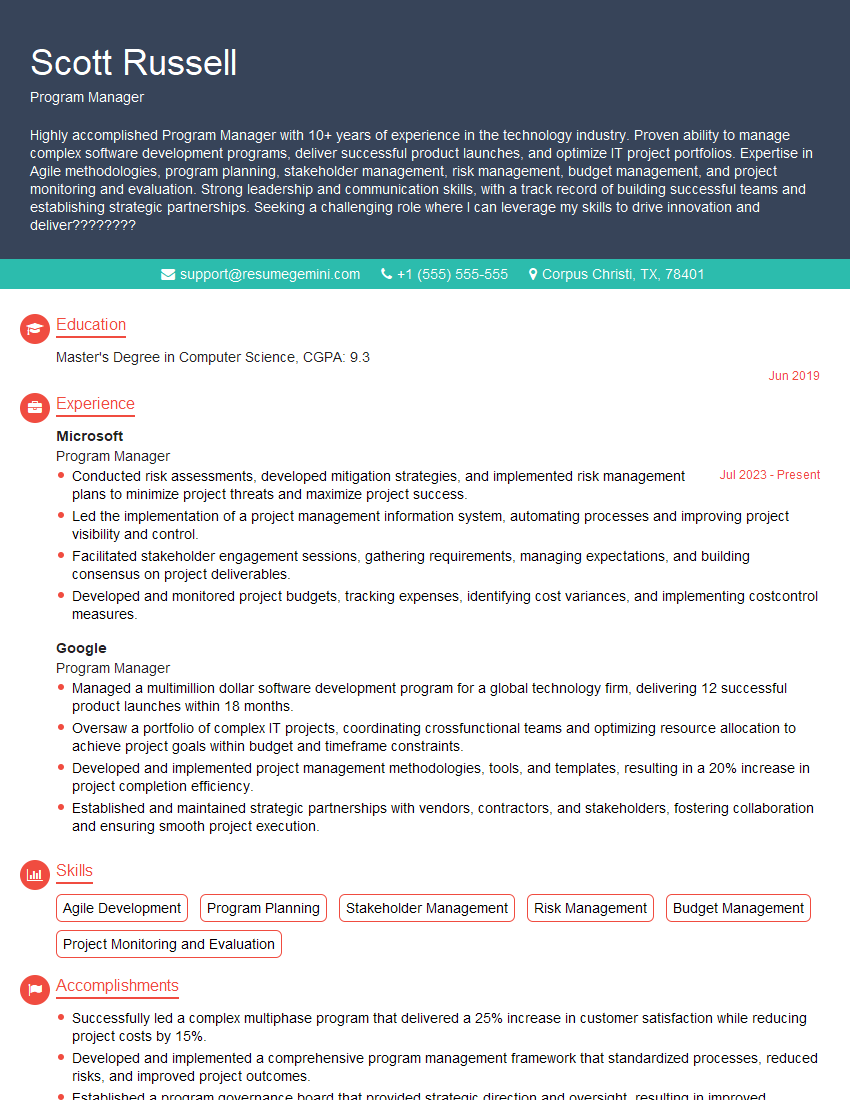
Program Manager Resume Sample

Operations Manager Resume Sample
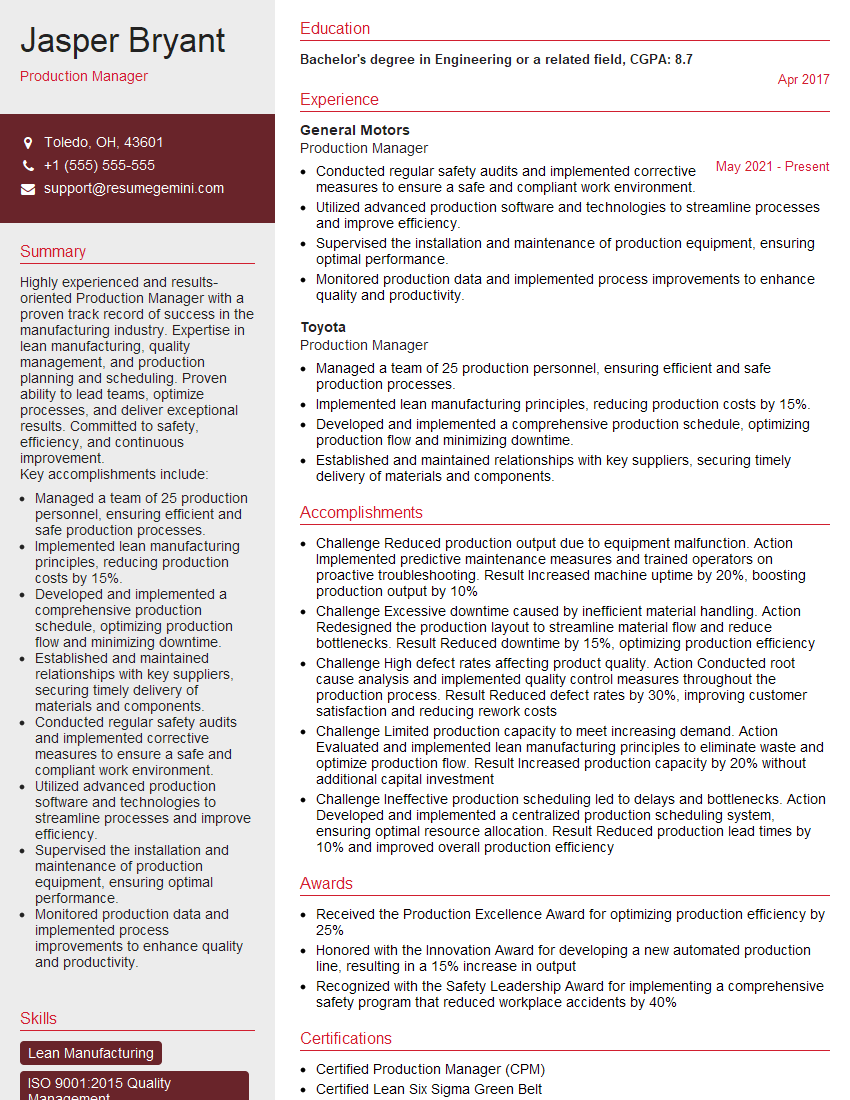
Production Manager Resume Sample

Product Manager Resume Sample
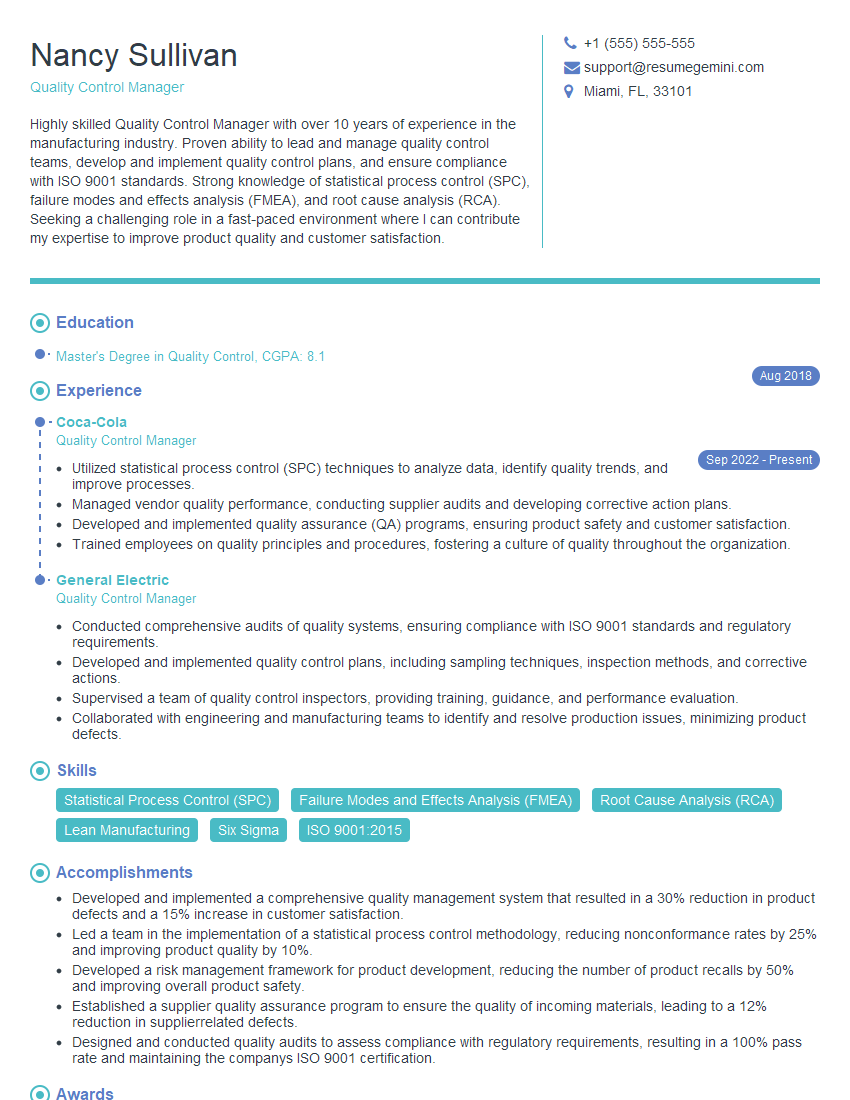
Quality Control Manager Resume Sample
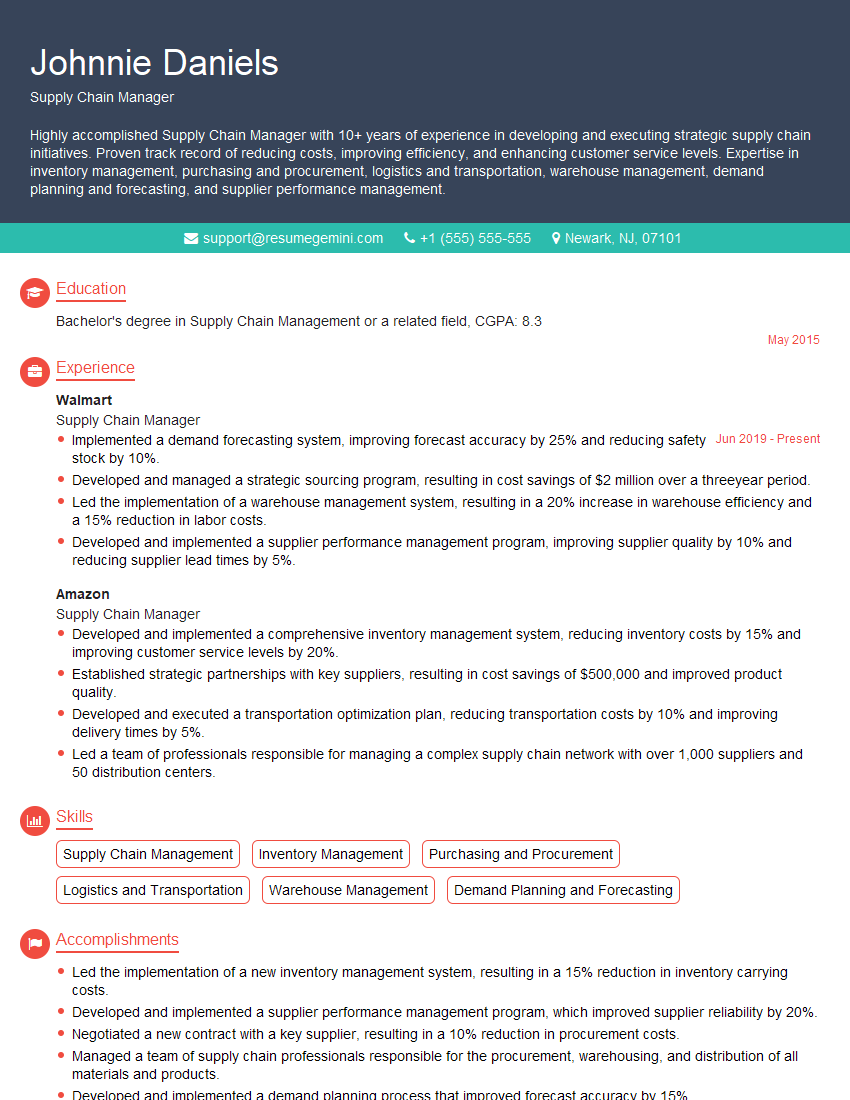
Supply Chain Manager Resume Sample

Project Manager Resume Sample

Compliance Officer Resume Sample
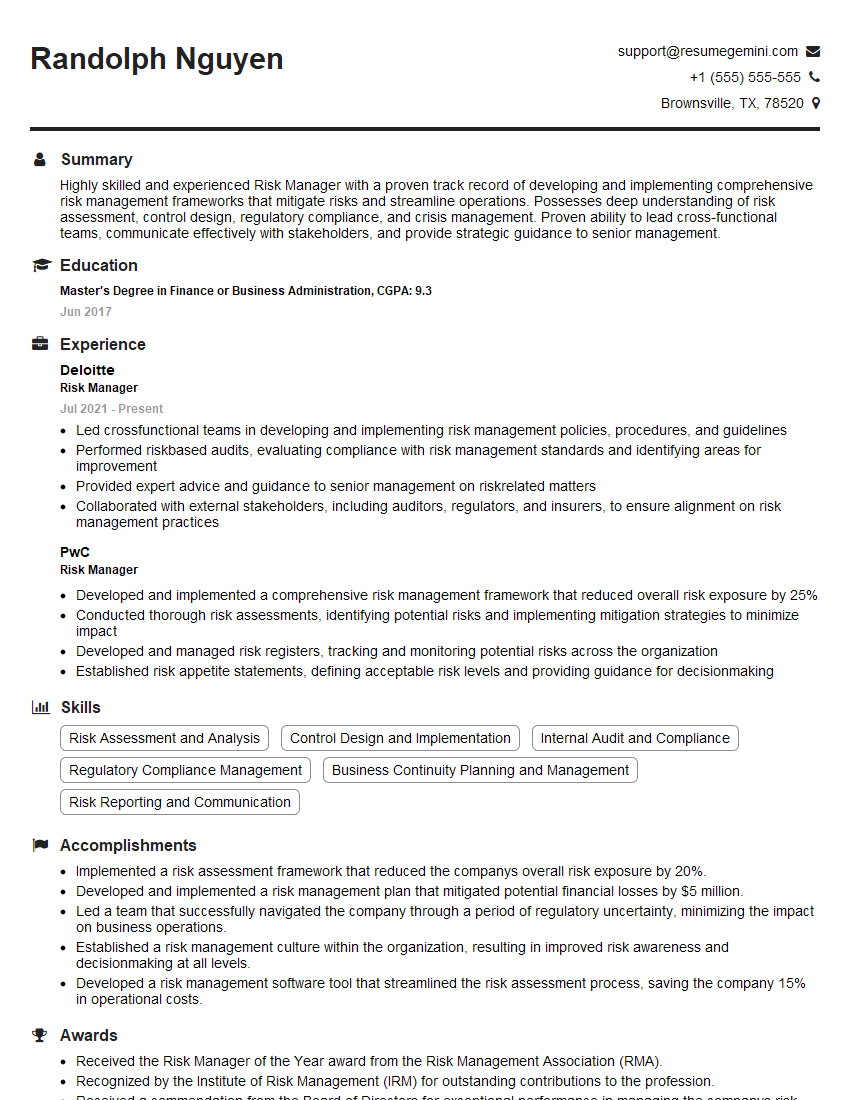
Risk Manager Resume Sample

Business Analyst Resume Sample

Security Analyst Resume Sample

Data Analyst Resume Sample
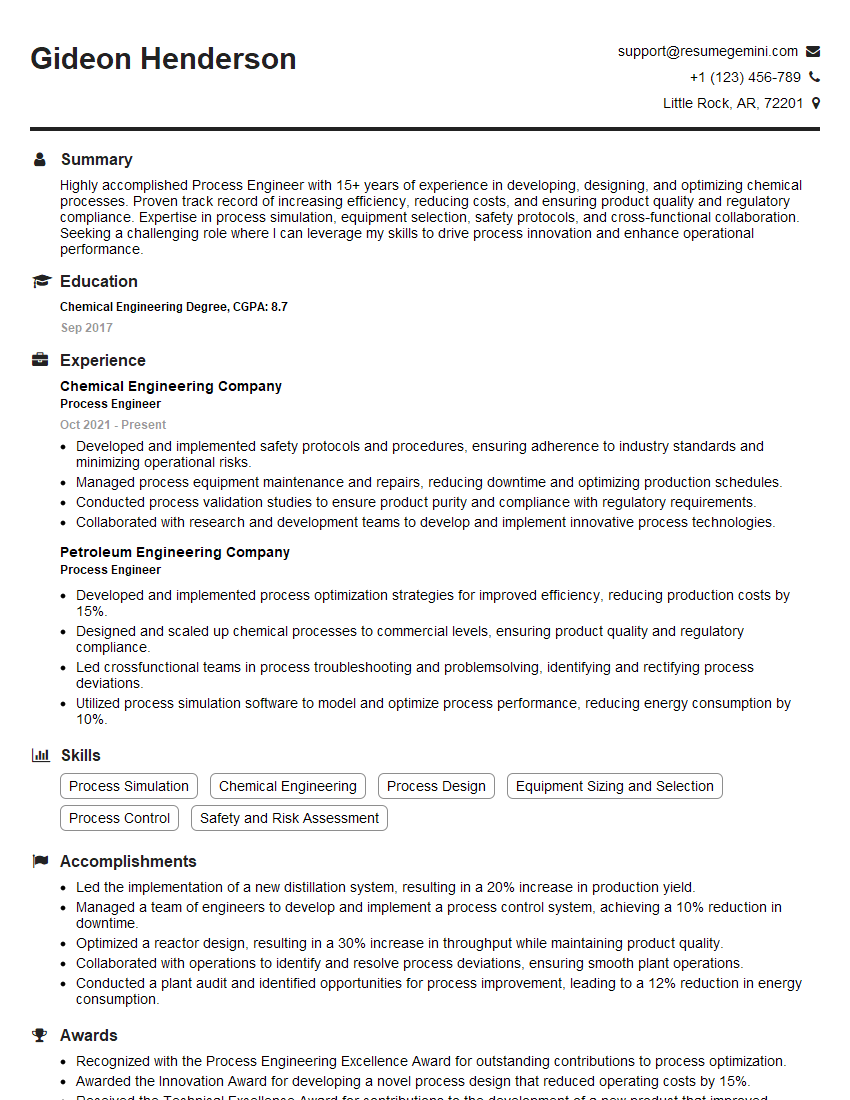
Process Engineer Resume Sample

Systems Analyst Resume Sample

Network Engineer Resume Sample

Automation Engineer Resume Sample

Web Developer Resume Sample

IT Project Manager Resume Sample

Technical Writer Resume Sample

Database Administrator Resume Sample

UX Designer Resume Sample
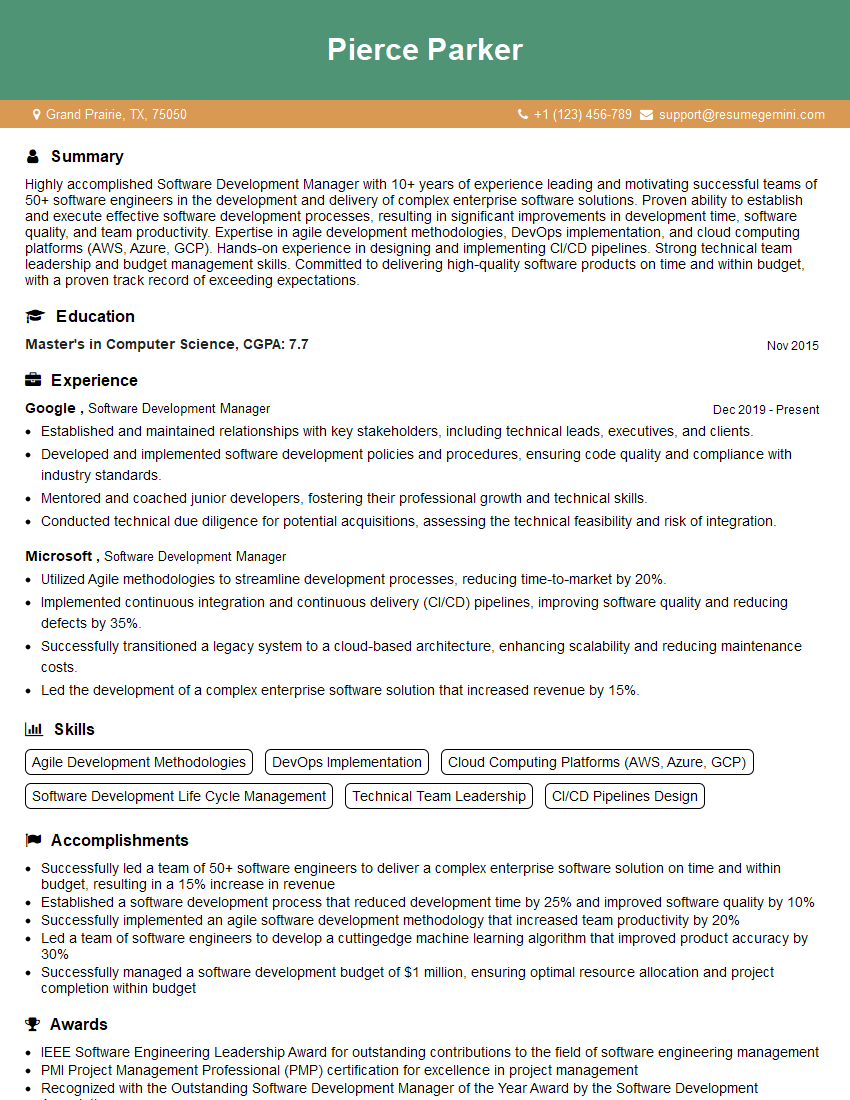
Software Development Manager Resume Sample
- Program Manager
- Operations Manager
- Production Manager
- Product Manager
- Quality Control Manager
- Supply Chain Manager
- Project Manager
- Compliance Officer
- Risk Manager
- Business Analyst
- Security Analyst
- Data Analyst
- Process Engineer
- Systems Analyst
- Network Engineer
- Automation Engineer
- Web Developer
- IT Project Manager
- Technical Writer
- Database Administrator
- UX Designer
- Software Development Manager
Explore more articles
Users Rating of Our Blogs
Share Your Experience
We value your feedback! Please rate our content and share your thoughts (optional).
What Readers Say About Our Blog
Very informative content, great job.
good