The right preparation can turn an interview into an opportunity to showcase your expertise. This guide to Knowledge of Software and Hardware Systems interview questions is your ultimate resource, providing key insights and tips to help you ace your responses and stand out as a top candidate.
Questions Asked in Knowledge of Software and Hardware Systems Interview
Q 1. Explain the difference between RAM and ROM.
RAM (Random Access Memory) and ROM (Read-Only Memory) are both types of computer memory, but they differ significantly in their functionality and how data is stored and accessed. Think of RAM as your computer’s short-term memory and ROM as its long-term memory.
RAM: Volatile memory. This means data stored in RAM is lost when the power is turned off. It’s used to store data the computer is actively using, like programs currently running and the files you’re working on. Access to data in RAM is incredibly fast because any location can be accessed directly. This speed is crucial for the computer’s responsiveness.
ROM: Non-volatile memory. Data in ROM persists even when the power is off. It typically stores the computer’s firmware – instructions needed to boot the system. ROM is slower than RAM, but its persistence is essential for starting up the computer.
- RAM Analogy: Your desk – you use it for immediate tasks, and when you leave, everything on it is cleared.
- ROM Analogy: A cookbook – it contains instructions that remain available regardless of whether you’re currently using it.
In essence, RAM provides fast, temporary storage, while ROM provides slow, permanent storage of essential instructions.
Q 2. Describe the Von Neumann architecture.
The Von Neumann architecture is a computer architecture based on a single address space for both instructions and data. This means both instructions and data are stored in the same memory location and are accessed through the same bus. Imagine a library where both books (data) and instructions on how to use the library (instructions) are stored on the same shelves.
The key components are:
- Central Processing Unit (CPU): The ‘brain’ of the computer, fetching instructions from memory, decoding them, and executing them.
- Memory: Stores both data and instructions.
- Input/Output (I/O) devices: Allow interaction with the outside world (keyboard, mouse, monitor, etc.).
- Bus: A system of wires that connects all these components, allowing them to communicate.
The CPU fetches an instruction from memory, decodes it, fetches the necessary data (if any), performs the operation, and stores the result back in memory. This cycle repeats continuously. This architecture is incredibly simple and efficient, making it the basis for most modern computers, though more complex architectures now exist.
Q 3. What are the different types of computer buses?
Computer buses are sets of parallel wires that transfer data between different components within a computer system. Different buses specialize in different types of data transfer.
- Data Bus: Transfers data between the CPU, memory, and I/O devices. Think of it as the highway for data movement.
- Address Bus: Carries the memory address that the CPU is accessing. It’s like the street address that tells the CPU exactly where to find the data.
- Control Bus: Carries control signals that manage the flow of data and coordinates the actions of different components. This bus is like the traffic controller, ensuring smooth data transfer.
- PCI Express (PCIe): A high-speed serial bus used for connecting expansion cards (graphics cards, network cards, etc.) to the motherboard. It’s a more modern and faster alternative to older parallel buses like PCI.
The width of these buses (number of wires) directly impacts the amount of data that can be transferred at once, affecting the overall performance of the system. A wider bus means faster data transfer.
Q 4. Explain the concept of caching and its benefits.
Caching is a technique used to speed up data access by storing frequently accessed data in a smaller, faster memory called a cache. It’s like having a readily available reference book on your desk instead of always having to go to the library (main memory).
How it works: When the CPU needs data, it first checks the cache. If the data is present (a ‘cache hit’), it’s retrieved quickly. If not (a ‘cache miss’), the data is fetched from the main memory (slower) and a copy is placed in the cache for future access.
Benefits:
- Improved performance: Faster data access leads to significantly faster program execution.
- Reduced memory access latency: Reduces the time the CPU spends waiting for data.
- Increased system throughput: More work can be accomplished in a given time period.
Caches are present at multiple levels in a computer system (L1, L2, L3 caches), each with varying sizes and speeds. L1 cache is the fastest and smallest, closest to the CPU; L3 is the slowest and largest.
Q 5. What is the difference between a compiler and an interpreter?
Compilers and interpreters are both tools used to translate source code (human-readable) into machine code (computer-readable), but they differ in how they do it.
Compiler: Translates the entire source code into machine code at once before the program is executed. Think of it as translating an entire book into another language before reading it. The resulting machine code is then executed directly by the computer. Compilers generally produce more efficient machine code, resulting in faster program execution.
Interpreter: Translates and executes the source code line by line. Think of it as translating and reading a book one sentence at a time. Interpreted languages are generally easier to debug and more portable (can run on different platforms with minimal changes), but execution is typically slower.
Example: C++ is typically compiled, while Python is typically interpreted. Java uses a hybrid approach – it’s compiled into bytecode, which is then interpreted by a Java Virtual Machine (JVM).
Q 6. What are the layers of the OSI model?
The OSI (Open Systems Interconnection) model is a conceptual framework that standardizes the functions of a telecommunication or computing system without regard to its underlying internal structure and technology. It divides network communication into seven layers:
- Physical Layer: Deals with the physical transmission of bits over a medium (cables, wireless signals).
- Data Link Layer: Provides reliable data transfer between two directly connected nodes, handling error detection and correction.
- Network Layer: Handles routing packets between networks, determining the best path for data transmission.
- Transport Layer: Provides reliable and ordered data delivery between applications, managing segmentation and reassembly of data.
- Session Layer: Establishes, manages, and terminates sessions between applications.
- Presentation Layer: Handles data formatting, encryption, and decryption.
- Application Layer: Provides network services to applications (email, web browsing, file transfer).
Each layer interacts with the layers above and below it, providing services to the higher layers and receiving services from the lower layers. This layered approach simplifies the design and implementation of network protocols.
Q 7. Explain the TCP/IP model.
The TCP/IP model is a simpler, four-layer model that forms the basis of the internet protocol suite. It’s a more practical implementation compared to the theoretical OSI model. The layers are:
- Application Layer: Similar to the OSI application layer, this layer provides network services to applications (HTTP, FTP, SMTP).
- Transport Layer: Responsible for end-to-end data delivery. TCP (Transmission Control Protocol) provides reliable, ordered delivery, while UDP (User Datagram Protocol) offers faster but unreliable delivery.
- Internet Layer: Handles IP (Internet Protocol) addressing and routing of packets across networks. This is where IP addresses come into play.
- Network Access Layer: Handles the physical transmission of data over the network (Ethernet, Wi-Fi).
The TCP/IP model is widely used in practice and is the foundation for the internet’s communication protocols. It’s less detailed than the OSI model but more directly reflects the actual implementation of network protocols.
Q 8. What is the difference between TCP and UDP?
TCP (Transmission Control Protocol) and UDP (User Datagram Protocol) are both communication protocols used to transmit data over the internet, but they differ significantly in how they handle data delivery. Think of them as two different delivery services: TCP is like FedEx, ensuring reliable delivery with tracking and confirmation, while UDP is like sending a postcard – faster but less reliable.
- TCP: Connection-oriented, reliable, ordered delivery, error-checking, slower, uses handshaking (three-way handshake) to establish a connection before data transmission. It’s ideal for applications requiring reliable data transfer, such as web browsing (HTTP), email (SMTP), and file transfer (FTP). Imagine downloading a large file; you need TCP to ensure all the data arrives correctly and in the right order.
- UDP: Connectionless, unreliable, unordered delivery, no error-checking, faster, no handshaking. It’s suitable for applications where speed is prioritized over reliability, like online gaming (low latency is crucial) and video streaming (a few lost packets won’t significantly affect the viewing experience). Think of live video conferencing; some minor data loss is acceptable to maintain a smooth, real-time stream.
In essence, the choice between TCP and UDP depends on the application’s requirements. If reliability is paramount, TCP is the way to go. If speed is the priority and some data loss is acceptable, UDP is the better choice.
Q 9. Describe different types of network topologies.
Network topologies describe the physical or logical layout of nodes (computers, servers, etc.) and connections in a network. They impact performance, scalability, and fault tolerance.
- Bus Topology: All devices connect to a single cable (the bus). Simple, but a single cable failure brings down the entire network. Think of it like a single highway – if that highway is blocked, no one can travel.
- Star Topology: All devices connect to a central hub or switch. Easy to manage, adding or removing devices is simple, and a single device failure won’t affect the rest of the network. This is the most common topology in homes and offices; it’s like having a central distribution point for all traffic.
- Ring Topology: Devices are connected in a closed loop. Data travels in one direction around the ring. Failure of a single device can bring down the whole network, though some advanced ring topologies use redundancy mechanisms to mitigate this issue. Think of a circular train track – if one section is blocked, the entire train service is disrupted.
- Mesh Topology: Devices are connected to multiple other devices, creating redundant paths. Highly reliable because if one connection fails, there are alternative paths for data to flow. It’s like having multiple highways connecting cities; if one highway is closed, there are others to use. This is often found in large enterprise networks.
- Tree Topology: A hierarchical structure where multiple star topologies are connected to a central backbone. Combines the advantages of star and bus topologies, offering scalability and manageability. Think of a tree’s branches extending from the trunk.
The choice of topology depends on factors like network size, budget, and the desired level of reliability and performance. Many modern networks use a hybrid approach, combining different topologies to optimize efficiency.
Q 10. What are the common network security threats?
Network security threats are constantly evolving, but some common ones include:
- Malware: Malicious software such as viruses, worms, and Trojans that can damage systems, steal data, or disrupt network operations. Think of it as a digital disease that can infect your computer and spread to others.
- Phishing: Deceptive attempts to obtain sensitive information such as usernames, passwords, and credit card details by disguising oneself as a trustworthy entity in electronic communication. Imagine receiving an email that appears to be from your bank, asking for your login details.
- Denial-of-Service (DoS) Attacks: Overwhelming a network or server with traffic, making it unavailable to legitimate users. It’s like flooding a website with so many requests that it crashes, preventing anyone from accessing it.
- Man-in-the-Middle (MitM) Attacks: Intercepting communication between two parties to eavesdrop or manipulate data. It’s like someone secretly listening in on your phone call and changing the conversation.
- SQL Injection: Injecting malicious SQL code into an application’s input fields to manipulate database data. This can allow attackers to access sensitive information or even control the database server.
- Zero-Day Exploits: Exploiting vulnerabilities before they’re known or patched. It’s like finding a secret passage into a fortress before anyone knows it exists.
Protecting against these threats requires a multi-layered approach, including firewalls, intrusion detection systems, antivirus software, strong passwords, and regular security updates. Employee education is also crucial; users need to be aware of phishing attempts and other social engineering techniques.
Q 11. Explain the concept of virtualization.
Virtualization is the creation of a virtual version of something, such as a computer hardware platform, operating system, storage device, or network resources. It allows multiple virtual machines (VMs) to run concurrently on a single physical machine, sharing its resources. Think of it like having several apartments within a single building; each apartment has its own space and resources, but they all share the same building structure.
Hypervisors are the software that manages these VMs, allocating resources and ensuring their isolation. Examples include VMware vSphere, Microsoft Hyper-V, and KVM (Kernel-based Virtual Machine).
Virtualization benefits include:
- Cost savings: Reduces hardware costs by consolidating multiple physical servers into fewer physical machines.
- Improved resource utilization: Maximizes the use of physical hardware resources.
- Increased flexibility and agility: Easily create and manage VMs for different applications and workloads.
- Enhanced disaster recovery: Easily create backups and restore VMs in case of failure.
Virtualization is widely used in data centers, cloud computing, and software development to improve efficiency and reduce operational costs.
Q 12. What are the benefits of cloud computing?
Cloud computing offers many benefits, transforming how businesses and individuals access and use IT resources. It’s essentially renting computing resources like servers, storage, and software over the internet, instead of owning and maintaining them on-site.
- Cost Savings: Eliminate the need for large upfront investments in hardware and infrastructure.
- Scalability and Elasticity: Easily scale resources up or down based on demand, paying only for what you use.
- Increased Agility and Speed: Deploy new applications and services faster with less effort.
- Improved Collaboration: Access and share data and resources from anywhere with an internet connection.
- Enhanced Disaster Recovery: Data redundancy and failover capabilities minimize downtime and data loss.
- Focus on Core Business: Offload IT management to cloud providers, allowing businesses to concentrate on their core competencies.
Examples include using cloud storage services like Dropbox or Google Drive, or deploying web applications on platforms like AWS or Azure. The ability to quickly scale resources is particularly valuable for businesses experiencing seasonal demand fluctuations.
Q 13. Describe different cloud deployment models (public, private, hybrid).
Cloud deployment models define where your cloud resources are located and who manages them. The three main models are:
- Public Cloud: Resources are shared among multiple users and managed by a third-party provider (e.g., AWS, Azure, Google Cloud). It’s like renting an apartment in a large apartment building; you share the building’s amenities with other tenants.
- Private Cloud: Resources are dedicated to a single organization and are typically managed either internally or by a third-party provider. It’s like owning your own house; you have complete control over its resources and security.
- Hybrid Cloud: A combination of public and private cloud resources, offering the benefits of both. It’s like having a main house and a separate guest house; you use the main house for your primary needs and the guest house for overflow or specific tasks.
The choice of deployment model depends on factors like security requirements, compliance regulations, budget, and the level of control needed. Many organizations opt for hybrid models to balance cost, control, and flexibility.
Q 14. Explain the concept of containerization (Docker, Kubernetes).
Containerization is a lightweight form of virtualization that packages an application and its dependencies into a single unit called a container. Unlike virtual machines, which virtualize the entire hardware, containers virtualize the operating system kernel. This makes them more efficient and portable.
Docker is the most popular containerization platform. It simplifies the creation, deployment, and management of containers. You can think of Docker as a standardized shipping container for applications; it packages everything an application needs, ensuring it runs consistently across different environments.
Kubernetes is a container orchestration platform. It automates the deployment, scaling, and management of containerized applications at scale. It’s like a sophisticated port authority, managing the movement and deployment of many containers efficiently. Kubernetes handles tasks like resource allocation, load balancing, and automated scaling, making it easier to manage complex applications.
Containerization benefits include:
- Increased portability: Containers can be easily moved between different environments (development, testing, production).
- Improved efficiency: Containers are lighter than VMs, using fewer resources.
- Faster deployment: Containers can be deployed quickly and easily.
- Enhanced scalability: Kubernetes can automatically scale containers based on demand.
Containerization is widely used in microservices architectures, DevOps, and cloud-native applications.
Q 15. What is DevOps and its key principles?
DevOps is a set of practices, tools, and a cultural philosophy that automates and integrates the processes between software development and IT teams. Think of it as a bridge connecting the traditionally siloed worlds of developers and operations. Its core aim is to shorten the systems development life cycle and provide continuous delivery with high software quality.
- Collaboration: DevOps emphasizes strong collaboration and communication between developers and operations teams, breaking down the walls between them.
- Automation: Automating repetitive tasks, such as building, testing, and deployment, is crucial for efficiency and reducing human error.
- Continuous Integration and Continuous Delivery (CI/CD): CI/CD pipelines automate the process of integrating code changes, testing them, and deploying them to production frequently and reliably. This allows for faster feedback loops and quicker responses to user needs.
- Infrastructure as Code (IaC): Managing and provisioning infrastructure through code enables consistency, repeatability, and version control for infrastructure.
- Monitoring and Feedback: Continuous monitoring of applications and infrastructure provides valuable data for improvement and quick identification of issues.
For example, imagine a team releasing a new feature. Using DevOps, they can automate the entire process from code commit to deployment to production, reducing release time from weeks to hours, and even minutes in some cases. This allows for rapid iteration and quick responses to user feedback.
Career Expert Tips:
- Ace those interviews! Prepare effectively by reviewing the Top 50 Most Common Interview Questions on ResumeGemini.
- Navigate your job search with confidence! Explore a wide range of Career Tips on ResumeGemini. Learn about common challenges and recommendations to overcome them.
- Craft the perfect resume! Master the Art of Resume Writing with ResumeGemini’s guide. Showcase your unique qualifications and achievements effectively.
- Don’t miss out on holiday savings! Build your dream resume with ResumeGemini’s ATS optimized templates.
Q 16. What are the different types of databases?
Databases are systems for storing and retrieving data. They come in various types, each suited for different needs. Here are some key categories:
- Relational Databases (RDBMS): These organize data into tables with rows and columns, linked through relationships. Examples include MySQL, PostgreSQL, Oracle, and Microsoft SQL Server. They excel in managing structured data and complex queries.
- NoSQL Databases: These are non-relational databases that offer more flexibility in data modeling than RDBMS. They are often preferred for large volumes of unstructured or semi-structured data. Examples include MongoDB (document database), Cassandra (wide-column store), and Redis (in-memory data structure store).
- Object-Oriented Databases (OODBMS): These store data as objects, similar to object-oriented programming. They are less common but useful in specific applications, such as CAD/CAM systems.
- Graph Databases: These store data as nodes and edges, representing relationships between data points. They’re excellent for analyzing connections and networks, for example, social networks or recommendation systems. Neo4j is a popular example.
- Cloud Databases: These are databases hosted on cloud platforms like AWS, Azure, and Google Cloud. They offer scalability and ease of management.
Choosing the right database depends on your specific application’s requirements, such as data structure, scalability needs, and query patterns.
Q 17. Explain the concept of SQL injection.
SQL injection is a code injection technique used to attack data-driven applications. It occurs when malicious SQL code is inserted into an application’s input fields, manipulating the database queries executed by the application. This can allow attackers to access, modify, or delete sensitive data.
Example: Imagine a login form that uses a query like this:
SELECT * FROM users WHERE username = '$username' AND password = '$password';If an attacker enters malicious input like ' OR '1'='1 in the username field, the query becomes:
SELECT * FROM users WHERE username = '' OR '1'='1' AND password = '$password';Since '1'='1' is always true, this query will always return all users from the database, bypassing the password check.
Prevention: The best defense is to use parameterized queries or prepared statements. These treat user input as data rather than executable code, preventing SQL injection. Input validation and sanitization are also crucial.
Q 18. What are the different types of software testing?
Software testing is the process of evaluating a software system to identify any defects or bugs. There are numerous types of testing, categorized in various ways. Some major categories include:
- Unit Testing: Testing individual components or modules of the code in isolation.
- Integration Testing: Testing the interaction between different modules or components.
- System Testing: Testing the entire software system as a whole.
- Acceptance Testing: Testing the software to ensure it meets the user’s requirements.
- Functional Testing: Testing the software’s functionality against the requirements.
- Non-functional Testing: Testing aspects like performance, security, usability, and scalability.
- Regression Testing: Testing after code changes to ensure that new code hasn’t broken existing functionality.
- Black Box Testing: Testing without knowledge of the internal code structure.
- White Box Testing: Testing with knowledge of the internal code structure.
The specific testing types employed depend on the project’s complexity, risk tolerance, and available resources. A comprehensive testing strategy usually involves a combination of different testing types.
Q 19. Explain Agile and Waterfall methodologies.
Agile and Waterfall are two prominent software development methodologies, each with its own approach.
Waterfall: This is a linear, sequential approach where each phase must be completed before the next begins. Requirements are gathered upfront, and changes are difficult and costly to implement later. It’s suitable for projects with stable, well-defined requirements.
- Requirements
- Design
- Implementation
- Verification
- Maintenance
Agile: This is an iterative and incremental approach focusing on flexibility and collaboration. Requirements evolve throughout the development process, and changes are welcomed. It emphasizes frequent releases, feedback loops, and continuous improvement. It is suitable for projects with evolving requirements or where early feedback is crucial.
- Planning
- Design
- Develop
- Test
- Review
The choice between Agile and Waterfall depends on the project’s nature and constraints. Agile is generally preferred for projects that require adaptability and responsiveness to changing needs, whereas Waterfall might be better suited for projects where requirements are well understood and unlikely to change significantly.
Q 20. What is the difference between a process and a thread?
Both processes and threads are ways of executing code, but they differ significantly.
Process: A process is an independent, self-contained execution environment. It has its own memory space, resources, and system context. Processes are relatively heavy in terms of resource consumption. Creating a new process involves significant overhead.
Thread: A thread is a lightweight unit of execution within a process. Multiple threads can exist within the same process, sharing the same memory space and resources. Creating and managing threads involves less overhead than processes. Threads are often used for concurrent programming, allowing multiple tasks to execute seemingly simultaneously within a single process.
Analogy: Imagine a factory (process). Processes are like separate factories with their own machines and workers. Threads are like individual workers within the same factory, sharing the same machinery and resources.
Q 21. Explain deadlock and how to prevent it.
A deadlock is a situation where two or more processes are blocked indefinitely, waiting for each other to release the resources that they need. It’s like a traffic jam where no car can move because all are blocked by others.
Example: Consider two processes, P1 and P2, and two resources, R1 and R2. P1 holds R1 and is waiting for R2, while P2 holds R2 and is waiting for R1. Neither process can proceed, resulting in a deadlock.
Prevention Strategies:
- Mutual Exclusion: Ensure that only one process can access a critical resource at a time.
- Hold and Wait: Prevent processes from holding one resource while waiting for another. A process should request all its required resources at once.
- No Preemption: If a process holds a resource that another process needs, it cannot be forcibly taken away. Instead, implement a strategy where the process releases the resource voluntarily or waits for it to be released.
- Circular Wait: Prevent circular dependencies between processes. This can be achieved by imposing an ordering on resource requests.
By carefully designing resource allocation and managing process synchronization, deadlocks can be avoided. Employing techniques such as deadlock detection and recovery mechanisms helps in addressing deadlocks if they occur.
Q 22. What are the different types of operating systems?
Operating Systems (OS) are the fundamental software that manages computer hardware and software resources. They act as an intermediary between the user and the hardware, allowing for seamless interaction. There are several types, broadly categorized as follows:
- Batch OS: These systems execute jobs sequentially, one after another, without user interaction during processing. Think of early mainframe systems processing a stack of punched cards.
- Time-Sharing OS: Allow multiple users to share the computer’s resources concurrently. This is the foundation of modern multi-user systems like those found in servers and cloud environments. Each user gets a slice of processing time.
- Real-Time OS (RTOS): Designed for applications requiring immediate responses to events, with strict timing constraints. Examples include embedded systems in cars, industrial automation, and medical devices.
- Distributed OS: Manages a network of computers as a single system, allowing users to access resources across the network transparently. This is the basis of large-scale computing clusters and cloud infrastructure.
- Network OS: Controls and manages network resources, providing services such as file sharing, print sharing, and network security. Examples include Windows Server and Linux distributions used in network administration.
- Mobile OS: Designed for mobile devices like smartphones and tablets. Examples include Android and iOS. These are often optimized for touch interfaces and battery life.
The choice of OS depends entirely on the application. A real-time OS is unsuitable for a desktop computer, while a desktop OS would be insufficient for managing a large-scale server farm.
Q 23. Describe different types of computer architectures (e.g., RISC, CISC).
Computer architectures describe the design and organization of a computer system. Two primary instruction set architectures are:
- Complex Instruction Set Computing (CISC): CISC architectures use a complex set of instructions, each capable of performing multiple operations. This approach requires more complex hardware but can often execute programs with fewer instructions. The x86 architecture used in most PCs is a prime example.
- Reduced Instruction Set Computing (RISC): RISC architectures utilize a simpler set of instructions, each performing a single operation. This leads to simpler hardware, allowing for faster clock speeds and potentially higher instruction throughput. ARM architecture, prevalent in smartphones and embedded systems, is a prominent RISC example.
The choice between CISC and RISC involves a trade-off between hardware complexity and software efficiency. While RISC processors might need more instructions to complete a task, their simpler design allows for higher clock speeds and better overall performance in many cases. Modern processor designs often blur the lines between these two, incorporating aspects of both.
Q 24. What is the difference between hardware and software interrupts?
Both hardware and software interrupts signal the CPU to temporarily suspend its current task and handle a more urgent event. The key difference lies in their origin:
- Hardware Interrupts: Generated by external hardware devices. For example, a keyboard press, a mouse click, or a disk drive completion will trigger a hardware interrupt. These interrupts are asynchronous; they occur at unpredictable times.
- Software Interrupts: Generated by software instructions, often used for system calls or exception handling. A software interrupt might be triggered by a program trying to divide by zero or by a program requesting access to a file. These interrupts are synchronous; they occur at predictable points in the program’s execution.
The CPU handles both types similarly – by saving the current state, executing an interrupt service routine (ISR) to handle the event, and then resuming the interrupted task. However, the source and timing are fundamentally different.
Q 25. Explain the concept of firmware.
Firmware is a type of software permanently stored in ROM (Read-Only Memory) or flash memory on a hardware device. It bridges the gap between hardware and software. It provides the initial instructions needed for a device to boot up and function correctly. Think of it as the device’s ‘personality’ – it dictates how the hardware behaves at a fundamental level.
Examples include the firmware in a printer that controls its printing processes, the BIOS/UEFI on a computer motherboard, and the firmware within a router that determines its network functionality. Firmware is typically updated via a process called flashing, which overwrites the existing code in the device’s memory. Incorrectly flashing firmware can ‘brick’ a device, rendering it unusable.
Q 26. What is BIOS/UEFI?
BIOS (Basic Input/Output System) and UEFI (Unified Extensible Firmware Interface) are both firmware interfaces that manage the booting process of a computer. They are responsible for initializing the hardware components and loading the operating system.
- BIOS: A legacy system that uses a simpler architecture and is limited in its capabilities. It typically uses a Master Boot Record (MBR) to locate the operating system.
- UEFI: A more modern and advanced interface that offers several advantages over BIOS, including better support for larger hard drives, secure boot features to prevent malware, and a graphical user interface (GUI) for easier management.
UEFI is gradually replacing BIOS as the standard firmware interface, offering enhanced security and functionality. The difference is similar to comparing an old rotary phone to a modern smartphone; both perform the basic function of communication, but the latter offers significantly more capabilities and a much better user experience.
Q 27. Describe your experience with a specific hardware or software troubleshooting scenario.
During my previous role, we experienced intermittent network connectivity issues within our server room. Initially, the problem appeared random, affecting different servers at different times. My troubleshooting steps were as follows:
- Gather information: I systematically documented affected servers, timestamps of outages, and any error messages. I also checked network monitoring tools for any anomalies.
- Isolate the problem: By analyzing the logs and network monitoring data, I observed that connectivity issues correlated with high CPU utilization on a specific network switch. This pointed towards a potential hardware issue within the switch.
- Test and verify: I carefully checked the switch’s power supply, cables, and temperature. I also ran diagnostic tools on the switch itself. While initial hardware tests showed no obvious problems, I swapped out the switch with a backup unit as a precautionary measure.
- Implement the solution: After replacing the switch, network connectivity was restored, and the intermittent outages ceased. The original switch was later sent for repair, confirming a failing component internally.
- Document the findings: I meticulously documented the entire process, including the steps taken, findings, and the solution implemented. This helped prevent similar incidents in the future.
This experience highlighted the importance of methodical troubleshooting, proper documentation, and the value of having readily available backup hardware in a critical infrastructure environment.
Q 28. How do you stay up-to-date with the latest advancements in software and hardware technology?
Staying current in the rapidly evolving fields of software and hardware requires a multifaceted approach:
- Industry publications and websites: I regularly follow reputable technology publications (e.g., Ars Technica, IEEE Spectrum) and websites focusing on hardware and software advancements. These provide insights into new technologies and trends.
- Conferences and webinars: Attending industry conferences and participating in relevant webinars allows me to learn from experts and network with colleagues. These events often showcase cutting-edge research and practical applications.
- Online courses and certifications: Platforms such as Coursera, edX, and Udemy offer valuable courses to enhance knowledge and skills in specific areas. Pursuing relevant industry certifications demonstrates commitment to continuous learning.
- Open-source projects and communities: Engaging with open-source projects and participating in online communities provides valuable practical experience and allows me to stay abreast of the latest developments.
- Hands-on experimentation: I believe in practical application. Experimenting with new technologies and tools provides a deeper understanding than simply reading about them. This could involve setting up a home lab or working on personal projects.
By combining these strategies, I ensure my knowledge remains current and relevant to the ever-changing landscape of software and hardware technology.
Key Topics to Learn for Knowledge of Software and Hardware Systems Interview
- Operating Systems: Understand core concepts like processes, threads, memory management (virtual memory, paging), file systems, and I/O operations. Consider practical applications like optimizing system performance or troubleshooting issues.
- Computer Architecture: Familiarize yourself with CPU architecture (pipelining, caching), memory hierarchies, and bus systems. Be prepared to discuss how these components interact and impact overall system performance.
- Networking: Grasp fundamental networking principles like TCP/IP, routing protocols, network topologies, and common network devices (routers, switches). Practice applying this knowledge to real-world scenarios, such as designing a network or troubleshooting connectivity problems.
- Databases: Understand relational and NoSQL databases, including data modeling, query languages (SQL), database design principles, and optimization techniques. Be ready to discuss practical database management tasks.
- Software Development Fundamentals: Demonstrate a basic understanding of software development lifecycles, common programming paradigms, and data structures and algorithms. This foundational knowledge underpins many software-hardware interactions.
- Hardware Components and Peripherals: Develop a working knowledge of common hardware components (motherboards, GPUs, storage devices) and their functionalities. Understand how peripherals interact with the system and software drivers.
- Troubleshooting and Problem-Solving: Practice identifying and resolving common software and hardware issues. Develop a systematic approach to debugging and problem analysis.
Next Steps
Mastering Knowledge of Software and Hardware Systems is crucial for career advancement in many technology fields. A strong understanding of these concepts demonstrates your technical proficiency and problem-solving abilities, making you a highly valuable candidate. To enhance your job prospects, it’s essential to create a compelling and ATS-friendly resume that highlights your skills and experience effectively. ResumeGemini is a trusted resource that can help you build a professional resume tailored to your specific needs. We provide examples of resumes specifically designed for candidates with expertise in Knowledge of Software and Hardware Systems to help guide your process. Invest time in crafting a strong resume – it’s your first impression on potential employers.

Data Center Manager Resume Sample

Principal Engineer Resume Sample

Security Engineer Resume Sample

Data Scientist Resume Sample

Software Engineer Resume Sample
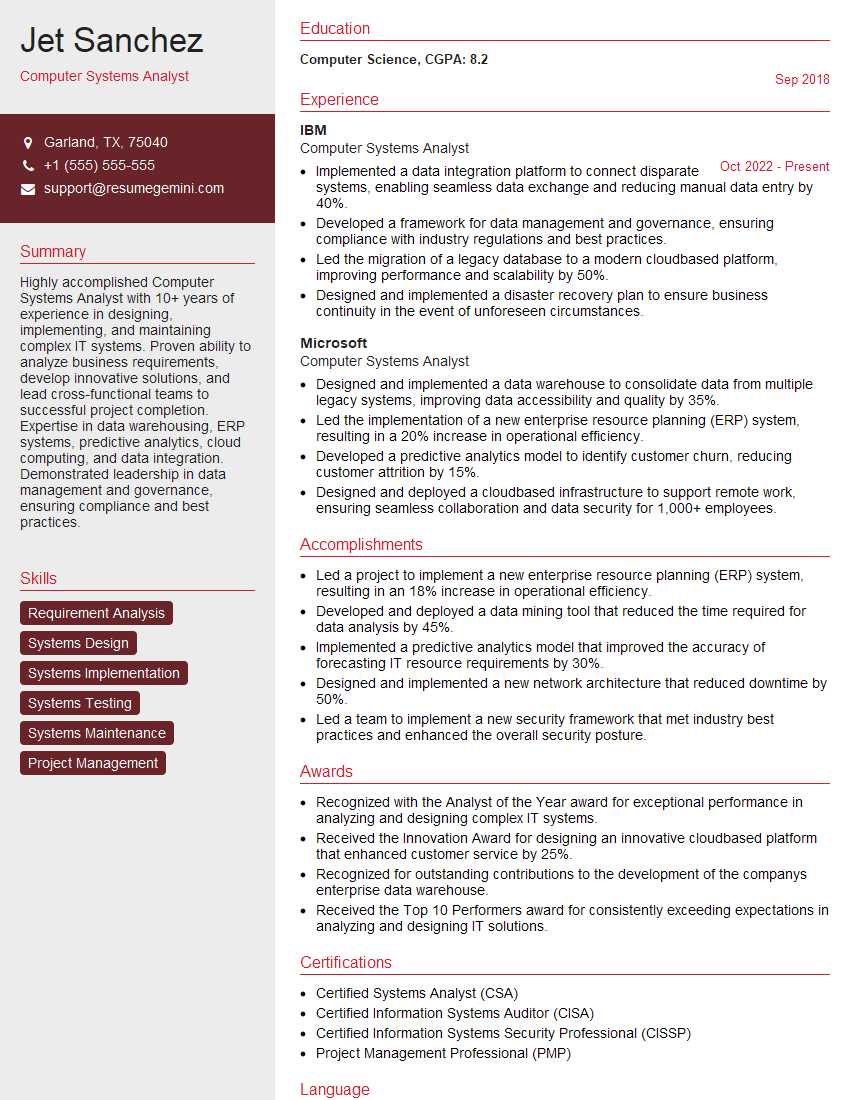
Computer Systems Analyst Resume Sample
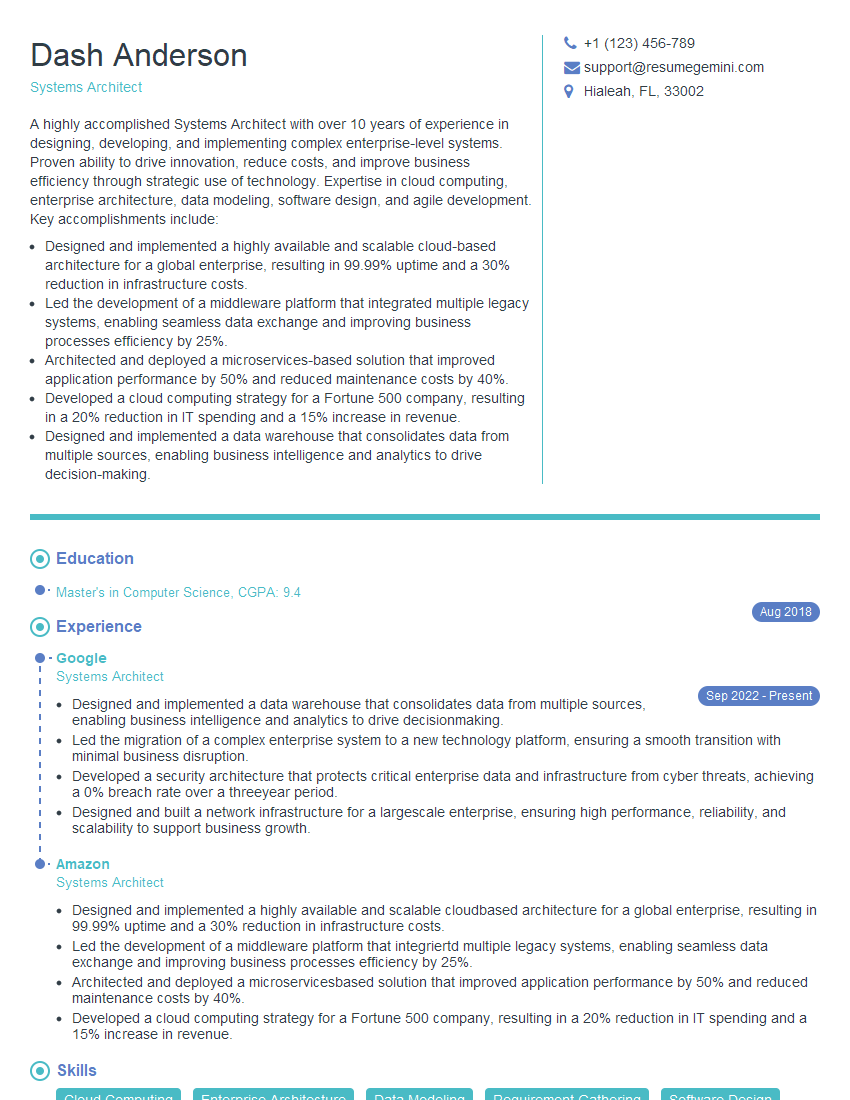
Systems Architect Resume Sample

Technical Project Manager Resume Sample

Network Engineer Resume Sample

Solutions Architect Resume Sample
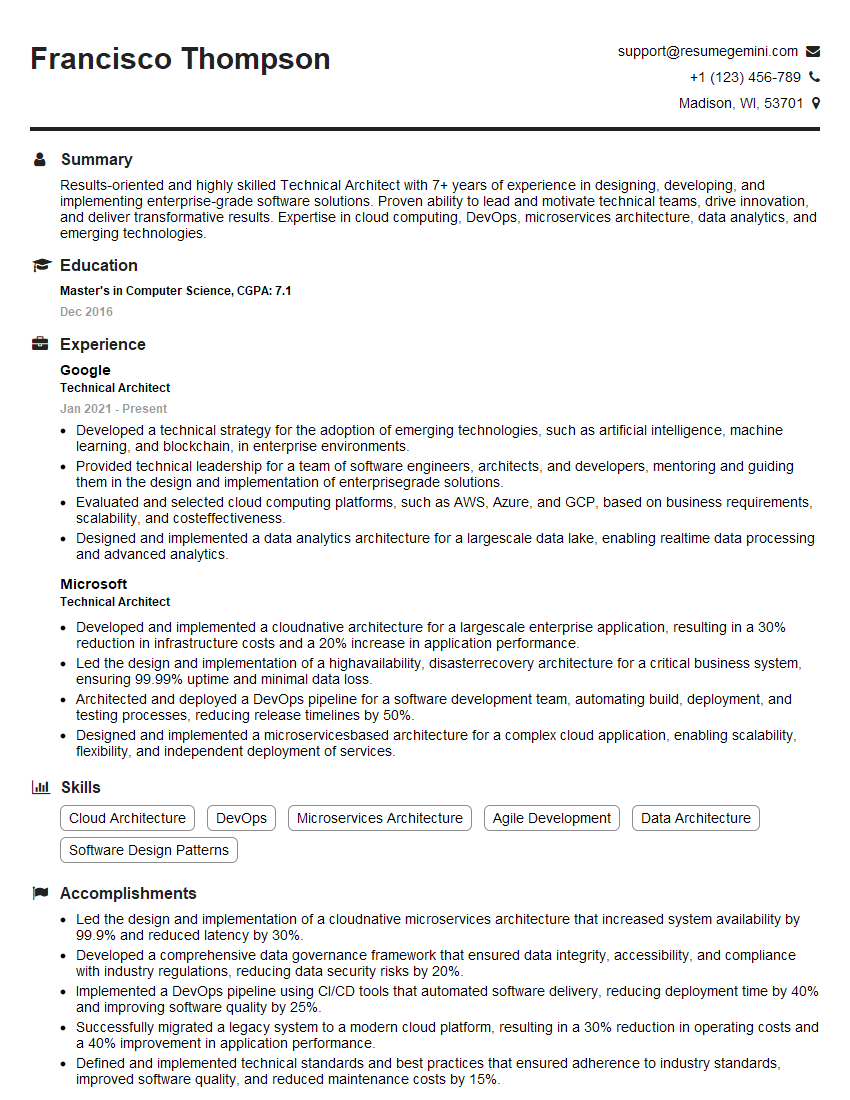
Technical Architect Resume Sample

IT Manager Resume Sample

Hardware Engineer Resume Sample

Database Administrator Resume Sample
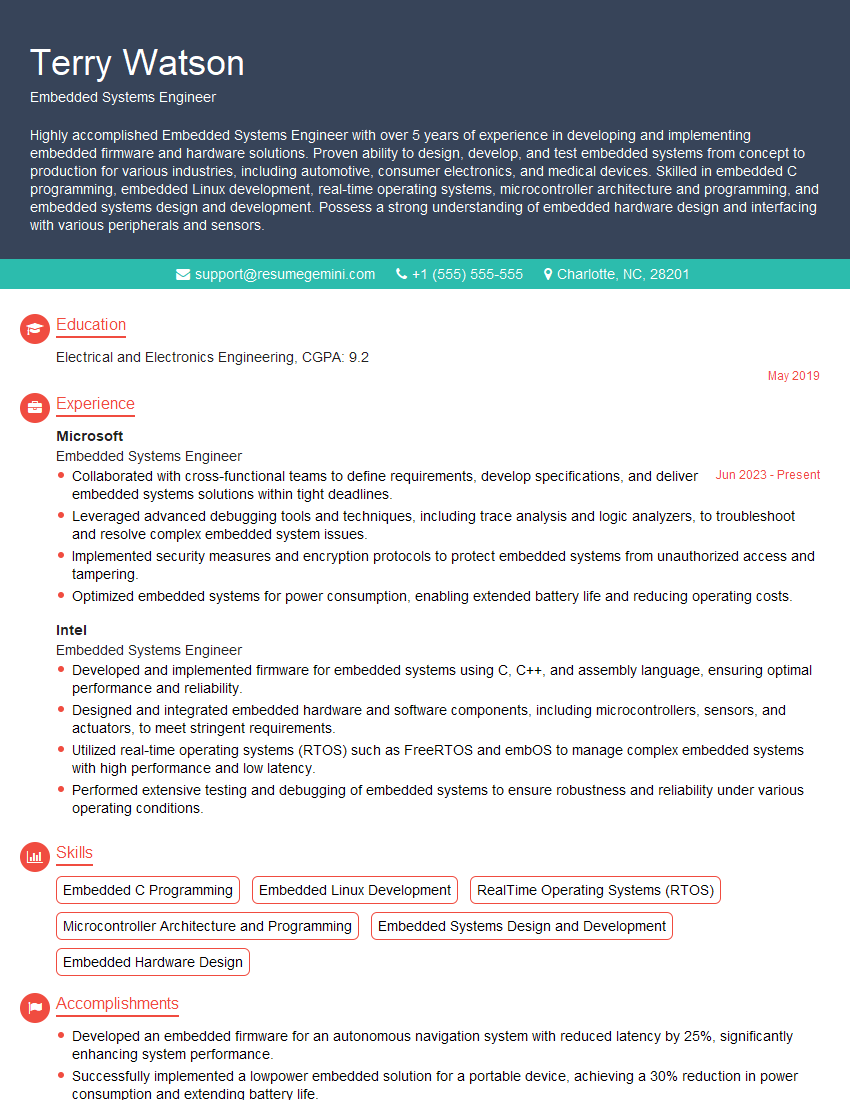
Embedded Systems Engineer Resume Sample

DevOps Engineer Resume Sample

Cloud Architect Resume Sample

Machine Learning Engineer Resume Sample

Cybersecurity Analyst Resume Sample
- Data Center Manager
- Principal Engineer
- Security Engineer
- Data Scientist
- Software Engineer
- Computer Systems Analyst
- Systems Architect
- Technical Project Manager
- Network Engineer
- Solutions Architect
- Technical Architect
- IT Manager
- Hardware Engineer
- Database Administrator
- Embedded Systems Engineer
- DevOps Engineer
- Cloud Architect
- Machine Learning Engineer
- Cybersecurity Analyst
Explore more articles
Users Rating of Our Blogs
Share Your Experience
We value your feedback! Please rate our content and share your thoughts (optional).
What Readers Say About Our Blog
Very informative content, great job.
good