Feeling uncertain about what to expect in your upcoming interview? We’ve got you covered! This blog highlights the most important Level Design (Unreal Engine, Unity) interview questions and provides actionable advice to help you stand out as the ideal candidate. Let’s pave the way for your success.
Questions Asked in Level Design (Unreal Engine, Unity) Interview
Q 1. Explain your experience with Unreal Engine’s World Composition.
Unreal Engine’s World Composition is a powerful tool for managing extremely large game worlds. Instead of loading one massive level, it allows you to break down your world into smaller, manageable chunks called ’tiles’ or ‘sub-levels’. These tiles are then seamlessly stitched together at runtime, providing a virtually limitless game world experience. Imagine trying to build a city the size of New York in a single level; it would be incredibly inefficient and likely impossible. World Composition addresses this by letting you build individual city blocks as tiles, which the engine dynamically streams in and out as the player explores.
My experience involves leveraging World Composition to create vast open worlds, carefully planning tile boundaries to minimize seams and ensure smooth transitions. I’ve worked on projects where optimizing tile size and loading order was critical for performance. For instance, high-detail areas were smaller, prioritized tiles, whereas less detailed areas were larger tiles loaded further out. This involved careful consideration of level streaming and the use of streaming levels to optimize loading times and reduce memory usage. We also used World Partition to further enhance performance, allowing the engine to only load the necessary data within a player’s vicinity.
Q 2. How do you optimize level geometry for performance in Unity?
Optimizing level geometry in Unity is crucial for maintaining a smooth framerate, especially on lower-end devices. This involves a multi-pronged approach focusing on reducing polygon count, using Level of Detail (LOD) systems, and optimizing mesh structures.
- Reducing Polygon Count: High-poly models are visually appealing but performance-intensive. I employ techniques like retopology (creating lower-poly versions of high-poly models while maintaining visual fidelity) and using simpler shapes where possible. Think of it as using Lego bricks instead of sculpting with clay for some areas.
- Level of Detail (LOD): LOD systems dynamically switch between different levels of detail for meshes based on their distance from the camera. Close-up views show high-detail models, while distant objects use lower-poly versions, drastically reducing draw calls. Unity’s built-in LOD system or custom solutions using mesh simplification are common strategies.
- Mesh Optimization: This involves combining smaller meshes into larger ones (mesh merging) to reduce draw calls. Also, ensuring meshes use optimal UV layouts and are correctly triangulated improves rendering performance. In certain scenarios I might use techniques like baking normal maps which allows us to use low poly meshes while maintaining a high visual fidelity.
- Occlusion Culling: This technique hides objects from the renderer if they are not visible to the camera, significantly reducing processing overhead. Unity’s occlusion culling system is readily available, and it works similarly to how you visually block things with a cardboard cutout.
For example, in a project involving a large forest, I used LOD groups for trees, switching from detailed models up close to simpler billboards at a distance. This dramatically improved performance without noticeably impacting visual quality at typical viewing distances.
Q 3. Describe your workflow for creating a complex level in Unreal Engine.
My workflow for creating complex levels in Unreal Engine is iterative and usually involves these stages:
- Conceptualization & Planning: This begins with sketching and blockouts (rough 3D representations of the level using simple shapes). It includes defining the level’s narrative, gameplay loops, and overall aesthetic. I create a mood board and brainstorm level flow, considering player experience.
- Blockout & Layout: Here, I create a basic 3D representation of the level’s architecture and environment, focusing on player movement and the overall structure. This is where the actual geometry is placed, creating the skeleton for the level’s design.
- Asset Integration & Detailing: This step involves populating the level with high-fidelity assets, adding details like textures, props, and lighting. I work closely with artists and designers during this phase, ensuring consistency and optimizing asset usage to prevent unnecessary polygon count.
- Lighting & Post-Processing: I implement lighting and post-processing effects to enhance the level’s atmosphere and visual appeal. I focus on efficiency by baking lightmaps to improve performance and using lightmass importance volumes strategically.
- Gameplay Integration & Testing: This phase involves integrating gameplay mechanics, testing the level’s functionality, and iterating based on feedback. It includes AI pathfinding and gameplay systems.
- Optimization & Polishing: Final optimization is performed, addressing performance bottlenecks and polishing the level’s visual and functional aspects. This often involves profiling tools to identify areas for improvement.
Throughout the process, I utilize Unreal Engine’s built-in tools and workflows, including the Content Browser, World Outliner, and various editor plugins. For instance, I might use Blueprint scripting for simple logic and interactions, while more complex features would require C++.
Q 4. What are your preferred methods for level lighting and optimization?
My preferred methods for level lighting and optimization prioritize both visual quality and performance. I frequently leverage techniques such as:
- Lightmass for Baked Lighting: Lightmass is Unreal Engine’s global illumination system, producing high-quality, realistic lighting while being relatively efficient after initial baking. Strategic use of lightmass importance volumes reduces rendering time by focusing calculations on key areas.
- Static Mesh Lighting: Optimizing Static Mesh settings for static lighting is crucial. Using simple, efficient materials and appropriate lightmap resolutions helps avoid unnecessary overhead. I try to optimize meshes so that their UVs create efficient lightmaps, avoiding unnecessary stretching or distortion.
- Dynamic Lighting (Strategic Use): While dynamic lighting is less efficient, I use it strategically for dynamic elements that need real-time changes, like flickering torches or spotlights, keeping their area of influence minimal.
- Light Functions: To control and shape lighting efficiently and effectively, I leverage Unreal’s built-in light functions such as spotlights, point lights, and sky lights.
- Post-Processing: Post-processing effects, like ambient occlusion and bloom, can significantly enhance the atmosphere, but they also come with performance costs. I carefully balance their use to ensure visual fidelity without excessive performance impact.
- Light Culling: I utilize techniques such as cascaded shadow maps and occlusion culling to improve performance without sacrificing visual fidelity.
For example, in a dark fantasy dungeon level, I would use baked lighting for the overall ambiance, with dynamic lighting reserved for torches or player-controlled light sources. This balances realism with performance, resulting in a visually stunning yet smooth experience.
Q 5. How do you use collision in Unity to create interactive environments?
In Unity, collision is essential for creating interactive environments. It allows objects to respond realistically to interactions with the player and other game elements. This is achieved by attaching colliders to GameObjects. Colliders are invisible shapes (like boxes, spheres, capsules, or meshes) that define the object’s physical boundaries. When colliders overlap, Unity’s physics engine triggers events, enabling interaction.
- Trigger Colliders: These colliders don’t affect physical interactions, but rather detect when another collider enters or exits their volume. Triggers are perfect for creating interactive zones, such as doors that open when the player enters their range. Example: A trigger collider around a door initiates an animation.
- RigidBody Colliders: These add physics to a GameObject. When objects with rigid body colliders collide, they react physically according to their mass and velocity. Example: A ball bouncing off walls.
- Mesh Colliders: These use the object’s mesh to define the collision shape, resulting in more accurate collision detection for complex objects, but it can be more performance-intensive than simpler collider types. Example: accurately colliding with a character mesh.
- Compound Colliders: For complex objects made of multiple parts, combining simpler colliders is more efficient than a single mesh collider. This optimizes performance by reducing the number of individual collision checks.
For instance, to create a destructible environment, I would use mesh colliders for individual breakable objects. When a projectile hits an object, the physics engine simulates the impact and destruction based on the collision, creating a realistic effect.
Q 6. Explain your process for iterating on level design based on playtesting feedback.
Iterating on level design based on playtesting feedback is a crucial part of the development process. My approach involves a structured system of gathering, analyzing, and acting on feedback:
- Structured Playtesting: I conduct playtests with a diverse group of players, observing their gameplay and gathering feedback. The observation is often done through video recording, which allows later playback and detailed analysis. These are not informal playtests with friends, but rather structured sessions that may include playtesters who are experts in the game’s genre or target audience.
- Feedback Collection: I utilize surveys and direct observation to collect quantitative and qualitative data. Quantitative data, such as completion times and player deaths, provides clear metrics, while qualitative data offers insights into player experience and enjoyment.
- Data Analysis & Prioritization: After playtesting, I analyze the collected data, identifying common issues and prioritizing areas for improvement based on their impact on the overall gameplay experience. This step prioritizes issues based on their severity and the frequency with which they occurred.
- Iteration & Implementation: Based on the analysis, I make changes to the level design, addressing identified issues. These changes are focused on fixing issues that affect the overall game experience, starting with the most important ones.
- Re-Testing & Refinement: After implementing changes, I perform additional playtests to verify that the adjustments were successful and to identify any unforeseen issues. This is a continuous loop that iterates until the desired player experience is reached.
For example, if playtesting revealed a section of the level was confusing or too difficult, I would analyze the player’s movements and behaviors. Then, I might redesign the layout, add visual cues, or adjust enemy placement to make the section more intuitive and engaging. This process often necessitates several iterative cycles until a satisfactory outcome is reached.
Q 7. How do you balance visual appeal with performance in your levels?
Balancing visual appeal with performance in level design requires a constant trade-off. My approach involves prioritizing key areas and employing various optimization techniques:
- Asset Optimization: Using optimized assets is critical. This includes using lower-poly models where appropriate, optimizing textures (reducing resolution where invisible or less noticeable), and employing techniques like normal mapping and parallax mapping to enhance visual detail without increasing polygon count. Think of it as using smart image compression.
- Level of Detail (LOD) Implementation: Using LODs for distant objects drastically reduces the number of polygons rendered, enhancing performance without impacting the close-up visual fidelity. I prefer implementing multiple LOD levels, using simpler meshes further away from the camera.
- Strategic Use of Effects: Effects like particle systems and post-processing can significantly enhance visual appeal, but they are performance-intensive. I use them strategically, ensuring that their impact is justified and that their performance costs are minimized.
- Culling & Occlusion: Using occlusion culling (hiding objects not visible to the camera) and frustum culling (culling objects outside the camera’s view) reduces the number of objects rendered, substantially improving performance. This is a critical aspect that should always be part of the development process.
- Draw Call Optimization: Combining small meshes into larger ones reduces the number of draw calls, improving rendering performance significantly. This means ensuring that groups of mesh objects are combined into larger single meshes.
For example, in designing a sprawling cityscape, I would use high-detail models for buildings close to the player, switching to simpler representations for distant buildings. I might also reduce the particle density of far-away effects and disable certain post-processing effects when performance becomes an issue. This would maintain a visually stunning city while ensuring smooth framerates.
Q 8. Discuss your experience with different level design methodologies (e.g., iterative, linear).
Level design methodologies dictate the flow and structure of a game level. Linear design follows a strict path, guiding the player through a predetermined sequence of events. Think of classic platformers where you progress from left to right, overcoming obstacles in a fixed order. Iterative design, on the other hand, allows for more player freedom and exploration. Levels might branch off into different areas, offering multiple solutions to puzzles or different routes to the objective. My experience encompasses both approaches. In a recent project using Unreal Engine, I designed a linear tutorial level to teach basic mechanics, ensuring players grasped core concepts before entering a larger, more iterative open-world area. This open world allowed for diverse playstyles; players could complete objectives in any order they chose, discovering hidden areas and challenges along the way.
I’ve found that the best approach often involves a hybrid model. A heavily linear design can feel restrictive, while complete freedom can be overwhelming and disorienting. The key is to blend linear sections to guide the player through crucial story moments or tutorials, interspersed with more open areas allowing for exploration and replayability. This ensures a balanced and engaging experience.
Q 9. How do you use blueprints (Unreal Engine) or scripting (Unity) in your level design process?
Blueprints in Unreal Engine and scripting in Unity are invaluable tools for level designers. They allow us to automate tasks, create dynamic gameplay elements, and add interactive features beyond basic geometry placement. I often use Blueprints to implement environmental storytelling—for instance, creating interactive elements that react to player actions or trigger cutscenes. Imagine a hidden mechanism activating when the player finds a specific object, revealing a secret passage. In Unity, I’d leverage C# scripting for similar purposes, perhaps creating a system where enemies patrol a certain area and react to player proximity, or designing puzzles based on manipulating in-game objects.
// Example Unity C# Script (simplified) public void OnTriggerEnter(Collider other) { if (other.CompareTag("Player")) { // Trigger event, e.g., open a door Debug.Log("Player entered trigger zone"); } }
Beyond triggering events, scripting and blueprints are crucial for procedural generation of levels, optimizing level performance, and creating custom tools to streamline the workflow. For example, I’ve created custom Blueprint tools in Unreal Engine to automatically populate a forest environment with varying tree types and sizes based on pre-defined parameters. This level of automation is vital for efficient and large-scale level design.
Q 10. Describe a challenging level design problem you faced and how you solved it.
In a recent project, I was tasked with designing a large-scale dungeon level in Unity. The challenge was balancing the size and complexity of the dungeon with player navigation and preventing it from feeling overwhelming or repetitive. My initial design was too sprawling, leading to players getting lost and frustrated.
My solution involved a multi-pronged approach. First, I implemented a clear visual hierarchy using lighting and level architecture. Distinct sections of the dungeon were marked with unique visual cues, creating clear pathways and landmarks. I also added a subtle navigational aid, a faint trail of glowing particles, that guided the player toward the main objective without being overly intrusive. Second, I redesigned the dungeon layout, focusing on creating a series of interconnected smaller areas, instead of one large, maze-like space. This ‘hub-and-spoke’ design allowed for easier navigation while maintaining a sense of scale and exploration. Finally, I incorporated environmental storytelling through visual details, such as old maps and clues scattered within the dungeon, to give players a sense of progression and direction.
The result was a much more engaging and navigable dungeon. Player feedback was incredibly positive, confirming that the revised design significantly improved the overall experience.
Q 11. Explain your understanding of level pacing and its importance.
Level pacing refers to the rhythm and flow of gameplay. It’s about carefully controlling the intensity, difficulty, and variety of challenges presented to the player throughout the level. Think of it as the heartbeat of the level—too fast, and the player becomes overwhelmed; too slow, and they might lose interest.
Effective level pacing is crucial for maintaining player engagement. It’s achieved through a variety of techniques: varying encounter frequency (combining intense combat sections with calmer exploration moments), strategically placing checkpoints, incorporating puzzles to break up combat, and manipulating environmental elements like lighting and music to build tension or create moments of calm. For example, a horror game might use long periods of suspense and silence to build anticipation before unleashing a terrifying enemy encounter. In contrast, a fast-paced action game would rely on continuous challenges with shorter periods of respite.
I achieve this by creating a pacing document which outlines the key moments and sections in a level and their desired intensity. This document allows me to visualize the rhythm and make adjustments throughout the design process.
Q 12. How do you incorporate player agency and freedom into your level designs?
Player agency and freedom are central to creating engaging and memorable level designs. They are about giving players choices and allowing them to influence the game world and their experience. This is achieved by designing levels with multiple paths, alternative solutions to puzzles, and opportunities for creative problem-solving.
Examples include offering players multiple ways to reach an objective—perhaps by stealth, combat, or puzzle-solving. I also implement sandbox elements where players can experiment with the game mechanics freely, allowing for emergent gameplay. A good example is a level with physics-based puzzles that permit multiple solutions, encouraging players to think outside the box. Furthermore, level design can incorporate choices that affect the narrative or environment, such as branching storylines based on player decisions or creating interactive environments where the player’s actions leave a lasting impact on the game world. I strive to create levels where the player feels empowered to explore, experiment, and truly make the experience their own.
Q 13. What are some common pitfalls to avoid when designing levels in Unreal Engine/Unity?
Common pitfalls in level design include poor navigation, confusing layouts, repetitive gameplay, and performance issues. Poor navigation frustrates players and breaks immersion. A lack of clear visual cues or logical pathways can quickly lead to disorientation. Repetitive gameplay, where players encounter the same challenges repeatedly without variation, leads to boredom. Performance issues, such as low frame rates or excessive loading times, disrupt the flow and negatively impact the overall experience.
I avoid these issues by meticulously planning level layouts, using clear visual cues, and diversifying challenges. I also carefully optimize level assets to minimize performance overhead. Regular playtesting is essential—gathering feedback early and often allows for iterative improvements and the identification of issues before they become major problems. Tools like Unreal Engine’s profiler and Unity’s profiler are invaluable for identifying performance bottlenecks and optimizing level assets and geometry.
Q 14. How do you use level design to tell a story or convey a mood?
Level design is a powerful tool for storytelling and mood setting. The environment itself can communicate a wealth of information without dialogue or cutscenes. For example, a dark, claustrophobic environment with looming shadows instantly creates a sense of dread, while a bright, open space with vibrant colors evokes feelings of hope and freedom.
I utilize various techniques: lighting—to create atmosphere and highlight important elements; color palettes—to reflect the mood or theme; environmental details—to hint at a story or character; and sound design—to reinforce the emotional impact. For instance, designing a level featuring ruins overgrown with vegetation to create a sense of age and decay and narrate a story of abandonment. Sound cues, like the wind whistling through broken windows, enhance this atmosphere. Careful placement of objects and environmental details, such as personal belongings left behind, can communicate character backstories without requiring extensive exposition.
Ultimately, the goal is to create an environment that’s not just visually appealing but also emotionally resonant, enhancing the player’s immersion and engagement with the narrative.
Q 15. Discuss your experience with version control systems (e.g., Perforce, Git).
Version control is paramount in collaborative game development. I’ve extensively used Perforce, the industry standard for large-scale projects, and have experience with Git for smaller projects and personal endeavors. Perforce excels at handling very large binary files common in game development, offering robust branching and merging capabilities crucial for managing concurrent work from multiple team members. Its change-tracking features are invaluable for identifying the source of bugs or conflicts. In contrast, Git is lightweight and excellent for smaller, independent projects, facilitating quicker iterations and easier branching strategies for experimental features. I understand the importance of a clear workflow and committing changes frequently with detailed commit messages to maintain a clean and traceable version history. This allows for easy rollback to previous versions if needed and simplifies collaboration, eliminating the headaches of merging incompatible changes.
For example, on a recent project using Perforce, I created a separate branch to experiment with a new level design. This allowed me to test and iterate without impacting the main development branch. Once I was satisfied with the results, I submitted a changelist for code review before merging it into the main branch. This ensured stability and quality control.
Career Expert Tips:
- Ace those interviews! Prepare effectively by reviewing the Top 50 Most Common Interview Questions on ResumeGemini.
- Navigate your job search with confidence! Explore a wide range of Career Tips on ResumeGemini. Learn about common challenges and recommendations to overcome them.
- Craft the perfect resume! Master the Art of Resume Writing with ResumeGemini’s guide. Showcase your unique qualifications and achievements effectively.
- Don’t miss out on holiday savings! Build your dream resume with ResumeGemini’s ATS optimized templates.
Q 16. Explain your understanding of procedural generation and its application in level design.
Procedural generation is the automated creation of game content using algorithms. In level design, this can dramatically increase efficiency and variety. Imagine designing a vast forest – manually placing each tree would be incredibly time-consuming. Procedural generation allows us to define rules for tree placement, density, and variation, then let the algorithm generate a unique, believable forest each time. This can be used to create diverse environments, dungeons, or even entire worlds with minimal manual intervention.
My experience includes using L-systems for generating branching structures like trees and cave networks, noise functions (like Perlin or Simplex noise) for creating varied terrain, and algorithms like dungeon crawlers to dynamically create interconnected rooms. I often combine these techniques, using noise to define the underlying terrain, and then employing L-systems to generate details on top. For example, I used procedural generation to create a large open-world map in a recent project, automatically placing points of interest, generating varied terrain and vegetation, significantly speeding up the development process compared to manual creation. The ability to tweak parameters to achieve the desired visual style and density is particularly powerful.
Q 17. How do you create believable and engaging environments?
Creating believable and engaging environments involves understanding the principles of environmental storytelling and visual fidelity. I focus on creating a sense of place by meticulously detailing the environment. This means considering the lighting, mood, and overall atmosphere, ensuring consistency in the visual style and narrative elements. For example, a dark, decrepit castle would convey a very different feeling than a bright, bustling marketplace. Key considerations include:
- Lighting: I utilize dynamic lighting and shadows to create depth and realism, adjusting light sources to enhance mood and guide the player.
- Detailing: Small details, like scattered debris, worn textures, and ambient sounds, greatly increase immersion and realism.
- Narrative Consistency: The environment should subtly tell a story, reflecting the game’s narrative and setting through its design.
- Player Agency: The environment should provide opportunities for interaction and exploration, encouraging player agency and discovery.
For instance, in a fantasy game, I might use overgrown pathways, broken architecture, and scattered remnants of past battles to subtly hint at a long-forgotten civilization, allowing the player to piece together a backstory through environmental cues.
Q 18. Describe your experience with different level design software (besides Unreal and Unity).
Beyond Unreal Engine and Unity, I have experience with various level design tools. I’ve utilized 3ds Max for modeling complex environments and assets, and Blender for quick prototyping and asset creation. My familiarity with these tools allows for greater flexibility in creating custom solutions and optimizing workflows depending on the project’s needs. While Unreal and Unity are my primary engines, these other tools offer specialized functionalities that enhance my design process. For example, I used 3ds Max to create highly detailed assets for a realistic environment before importing them into Unreal Engine.
Q 19. How do you handle large-scale level design projects?
Managing large-scale projects requires a structured approach. My strategy centers around modularity and efficient asset management. This involves breaking down the level into smaller, manageable chunks that can be worked on concurrently by different team members. I utilize clear naming conventions and well-organized folders to maintain a clean and efficient project structure. Tools like Perforce, along with detailed documentation and regular communication within the team, are vital for success. Implementing level streaming (discussed in a later question) is also essential to avoid performance bottlenecks.
For example, in a large open-world project, we might divide the map into distinct regions, each treated as a separate module. These modules can then be combined later during the build process. This approach allows for easier debugging, iteration, and resource management.
Q 20. What are your preferred methods for creating interactive elements in your levels?
Creating interactive elements enhances player engagement. My approach varies depending on the game’s mechanics and overall design. I use a combination of scripting (Blueprint in Unreal Engine or C# in Unity), event systems, and pre-built interactive components. For simple interactions, I might use triggers and events within the game engine, while more complex interactions might require custom scripting. This involves designing clear logic and considering the player’s experience and feedback. Clear feedback is crucial; the player should always understand the impact of their actions. For example, a button press could trigger a door opening or a switch activating a sequence of events.
I’ve incorporated interactive puzzles, environmental storytelling through interactive objects, and dynamic environmental changes based on player actions. For example, I created a puzzle where players had to manipulate levers in a specific order to unlock a passage, requiring both physical interaction with the environment and problem-solving skills.
Q 21. Explain your understanding of level streaming and its benefits.
Level streaming is a technique used to load and unload sections of a level dynamically as the player moves through the game world. This is crucial for optimizing performance in large games, preventing memory overload and improving loading times. Instead of loading the entire level at once, level streaming loads only the areas currently visible or within a specified radius of the player. Areas outside this radius are unloaded, freeing up system resources. It’s akin to turning pages in a book – you only need to see one page at a time.
The benefits of level streaming include:
- Improved performance: Reduces memory consumption and loading times, particularly crucial for open-world games.
- Larger levels: Enables the creation of incredibly vast game worlds that would be impossible to load entirely at once.
- Efficient resource management: Resources are only loaded when needed, improving overall game efficiency.
I use level streaming extensively in large-scale projects, carefully planning the streaming volumes and ensuring smooth transitions between different areas to prevent noticeable performance dips or jarring changes for the player. Careful planning is needed to prevent issues like loading pop-in and seams between streamed regions.
Q 22. How do you test and debug your levels for functionality and performance?
Testing and debugging levels is an iterative process crucial for ensuring a polished player experience. My approach involves a multi-faceted strategy encompassing functionality and performance checks. For functionality, I use in-game testing, employing various playstyles to identify glitches, broken logic, and unexpected behaviors. This includes checking for issues like collision problems, incorrect triggers, and pathfinding errors. I also heavily rely on the built-in debugging tools within Unreal Engine and Unity, such as the editor’s viewport for visual inspection, and detailed logs for tracking errors.
Performance optimization is equally vital. I utilize profiling tools to pinpoint performance bottlenecks, such as excessive polygon counts, inefficient shaders, or poorly optimized scripts. These tools allow me to identify areas needing improvement, such as level streaming to reduce initial load times and the optimization of assets to minimize draw calls. Regularly checking frame rates and memory usage throughout the testing process is essential to ensure the game runs smoothly on target hardware.
For example, in a recent project, I discovered a significant performance drop in a specific area due to an overly complex particle system. By optimizing the particle settings and reducing the emitter count, I improved the frame rate by over 20%, demonstrating the importance of continuous performance monitoring.
Q 23. Discuss your experience with working collaboratively on a level design project.
Collaborative level design is a cornerstone of successful game development. My experience involves seamless integration with artists, programmers, and other designers through clear communication and well-defined workflows. We utilize version control systems like Perforce or Git for efficient asset management and conflict resolution. Regular meetings and design reviews, combined with utilizing a shared online document (such as a Google Doc or Confluence page) for project tracking and documenting level design decisions are key elements of my approach.
Effective collaboration requires a clear understanding of individual roles and responsibilities. For instance, I often work closely with artists to ensure the level design supports their artistic vision, while simultaneously coordinating with programmers to ensure the functionality of game mechanics within the level. In one project, our team employed a modular level design approach, allowing individual artists and designers to work on specific sections concurrently, improving development speed and reducing bottlenecks.
Q 24. Explain your understanding of player navigation and wayfinding.
Player navigation and wayfinding are crucial aspects of level design, directly impacting player experience. Effective wayfinding guides players intuitively through the game world without frustrating them. I achieve this by employing a variety of techniques, including clear visual cues, such as pathways, directional lighting, and environmental storytelling. Visual cues are complemented by environmental storytelling; strategically placed objects, characters, or environmental features can subtly hint at the next objective or area to explore. Consideration of the player’s perspective is also critical, preventing visual obstacles or confusing pathways.
Another key aspect is the use of level architecture to guide player movement. For instance, creating natural chokepoints or using elevation changes can naturally funnel players toward specific areas. I also leverage interactive elements, like signs or in-game markers, to provide explicit directions when needed, but strive to make them as subtle and integrated as possible, avoiding unnecessary clutter or interruption.
Think of it like designing a well-signed museum. You wouldn’t want to overwhelm the visitors with excessive signage, but you’d want them to find their way around the exhibits easily.
Q 25. How do you use sound design to enhance the player experience in your levels?
Sound design is an often-underestimated yet incredibly powerful tool for enhancing player immersion and experience. I integrate sound design into my levels at an early stage, considering how sound will contribute to the atmosphere, storytelling, and gameplay mechanics. This includes using ambient sounds to create mood and atmosphere, such as the gentle rustling of leaves in a forest or the distant rumble of a storm. Sound can also be used to emphasize specific events or guide players, for instance, using distinct sounds to indicate the proximity of enemies or the presence of interactive elements.
In my work, I collaborate closely with sound designers to create a cohesive soundscape. We will discuss the intended atmosphere and gameplay elements, and I will provide them with spatial information, such as the intended size and layout of a room. The placement of 3D sound sources can create depth and realism, creating strong directional cues that the player can interpret, thus further improving the game’s immersiveness.
For example, in a horror game, the careful use of subtle, unsettling sounds can create a powerful sense of dread and anticipation, far more effectively than relying on visuals alone.
Q 26. How do you incorporate accessibility considerations into your level designs?
Accessibility is paramount in level design. It ensures that a wider audience can enjoy the game, regardless of their abilities. My approach involves considering various accessibility needs throughout the design process. This includes features such as customizable subtitles and closed captions, adjustable UI elements (font size, color schemes), and colorblind-friendly palettes. I also strive to create levels that are navigable using only audio cues for visually impaired players and those with limited mobility.
Consideration of cognitive accessibility is equally important. Avoiding overly complex or confusing mechanics, ensuring clear visual cues and avoiding overly fast-paced sequences are key in this regard. Clear and consistent UI is essential, and visual clarity is supported by robust audio feedback. The use of visual and audio clues in tandem can provide a richer experience while catering to different player preferences and needs. A good example of this might be a puzzle, where the solutions are presented both visually and through sound.
Q 27. Describe your experience with using pre-made assets versus creating custom assets.
The decision to use pre-made assets versus custom-created assets depends on several factors, including project scope, budget, and timeline. Pre-made assets offer significant time savings, especially for prototyping and smaller projects, enabling rapid iteration and potentially lower costs. However, they may lack the artistic fidelity and customization needed for higher-end projects or a unique visual style. Custom assets offer greater control and allow for the creation of unique visuals perfectly aligned with the game’s aesthetic, but involve a larger time investment and greater cost.
My approach is strategic. I often use pre-made assets for prototyping and establishing basic level layouts, then gradually replace them with custom assets where needed to meet specific design requirements. This allows for early iteration with faster feedback while ensuring the final product aligns with our artistic vision. In large projects, a balanced approach is usually necessary. Certain less critical areas may benefit from pre-made assets, while others requiring a unique look and feel will benefit from custom-created ones.
Q 28. What are your favorite level design examples and what makes them effective?
Several level designs stand out for their effectiveness. The levels in Portal 2 are exemplary for their innovative puzzle design and seamless integration of gameplay mechanics with environmental storytelling. Each chamber presents a unique challenge that encourages creativity and problem-solving. The level design clearly communicates the challenge while providing the player with the tools and opportunities to solve it.
Another excellent example is the open world design of The Legend of Zelda: Breath of the Wild. Its vast landscape, filled with diverse biomes and hidden secrets, encourages exploration and discovery. The game’s verticality and the careful placement of landmarks and visual cues create a sense of scale and wonder, while guiding players through the environment without feeling restrictive. These examples showcase the importance of player agency and well-placed environmental storytelling in creating memorable and engaging level designs.
Key Topics to Learn for Level Design (Unreal Engine, Unity) Interview
- Level Design Principles: Understanding core concepts like player flow, pacing, level architecture, and visual storytelling. Practical application: Designing a compelling level that guides the player through a specific narrative arc.
- Game Mechanics Integration: Seamlessly incorporating game mechanics into the level design, ensuring a cohesive and enjoyable player experience. Practical application: Designing a level around a specific puzzle mechanic, optimizing its implementation and impact.
- Engine-Specific Tools & Workflow: Mastering the tools and workflows within Unreal Engine and Unity for efficient level creation and iteration. Practical application: Optimizing level performance using techniques like level streaming and occlusion culling.
- Worldbuilding & Narrative: Creating immersive and believable game worlds that enhance the narrative experience. Practical application: Designing a level that effectively conveys the game’s lore and atmosphere through environmental storytelling.
- Iteration & Playtesting: The importance of iterative design, playtesting, and incorporating feedback to refine level design. Practical application: Describing your process for identifying and addressing player frustrations or unexpected gameplay scenarios.
- Technical Considerations: Understanding limitations and optimizations related to performance, memory usage, and asset management within the chosen engine. Practical application: Explaining your approach to optimizing a level for different target platforms.
- Collaboration & Communication: Effectively communicating design ideas and collaborating with other team members (programmers, artists, etc.). Practical application: Describing your experiences working within a team environment and contributing to a shared vision.
Next Steps
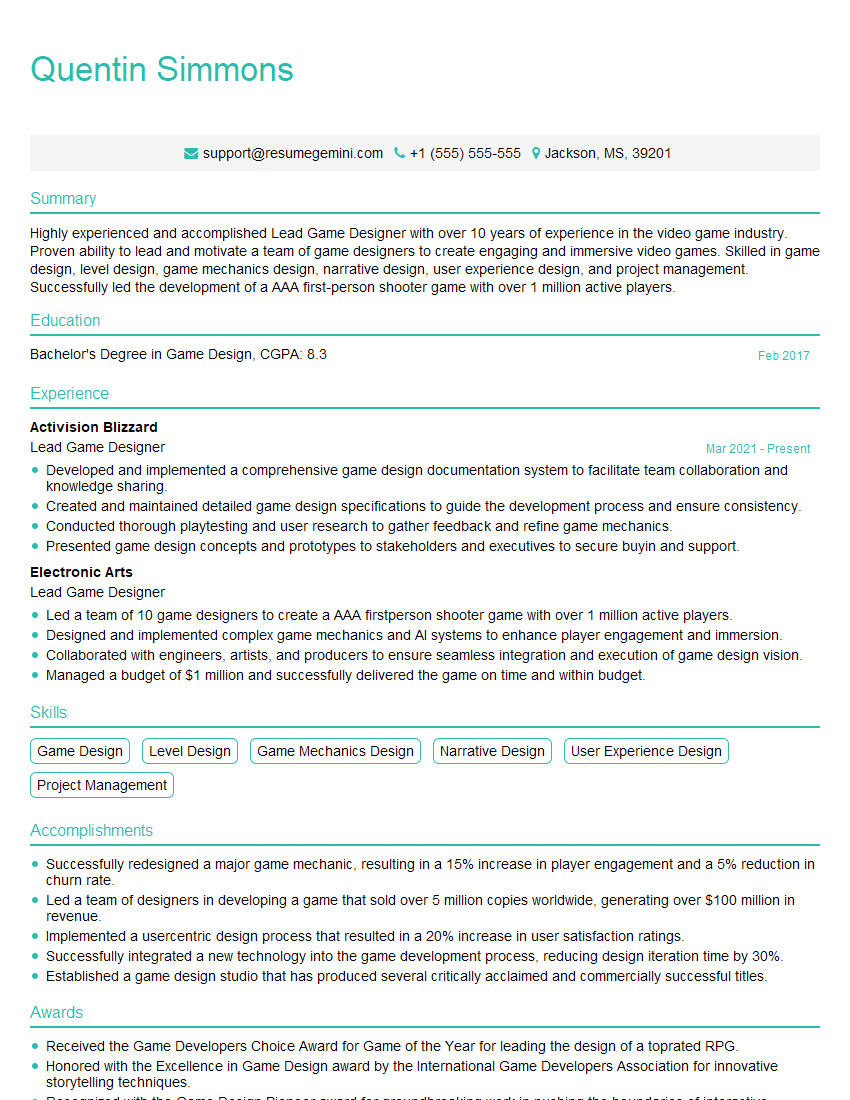
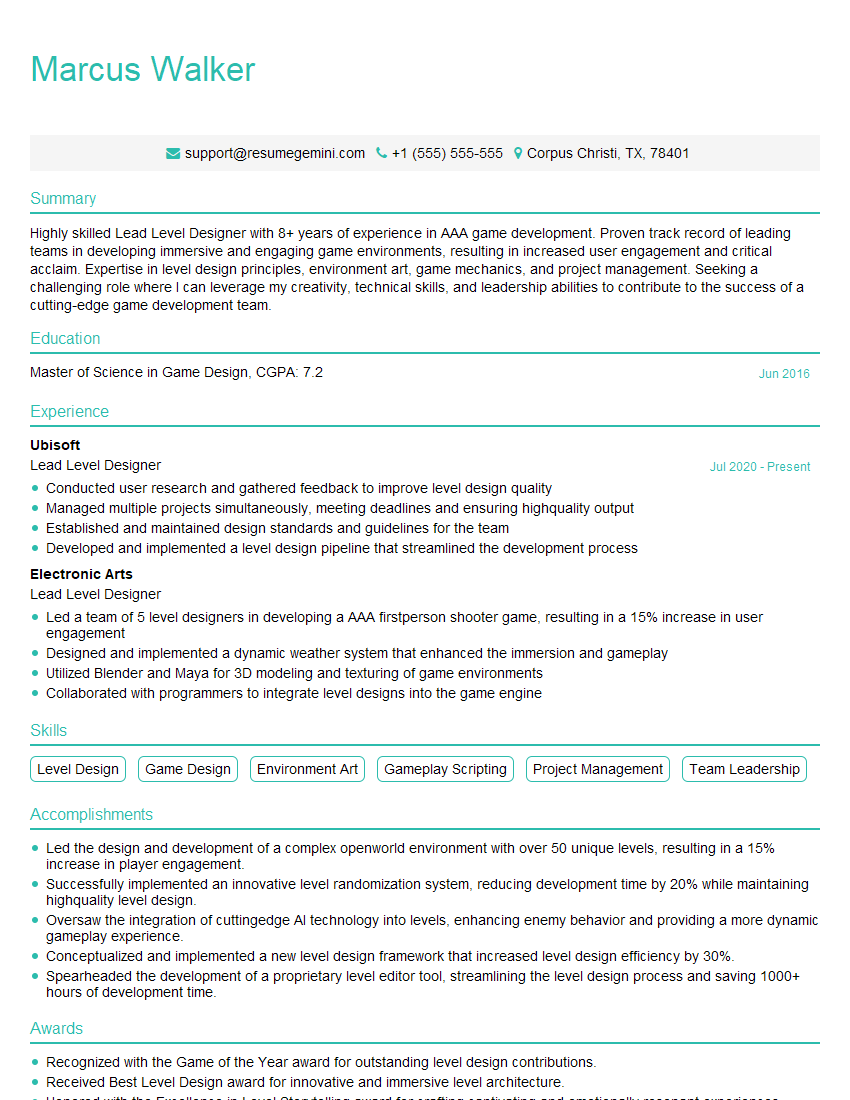
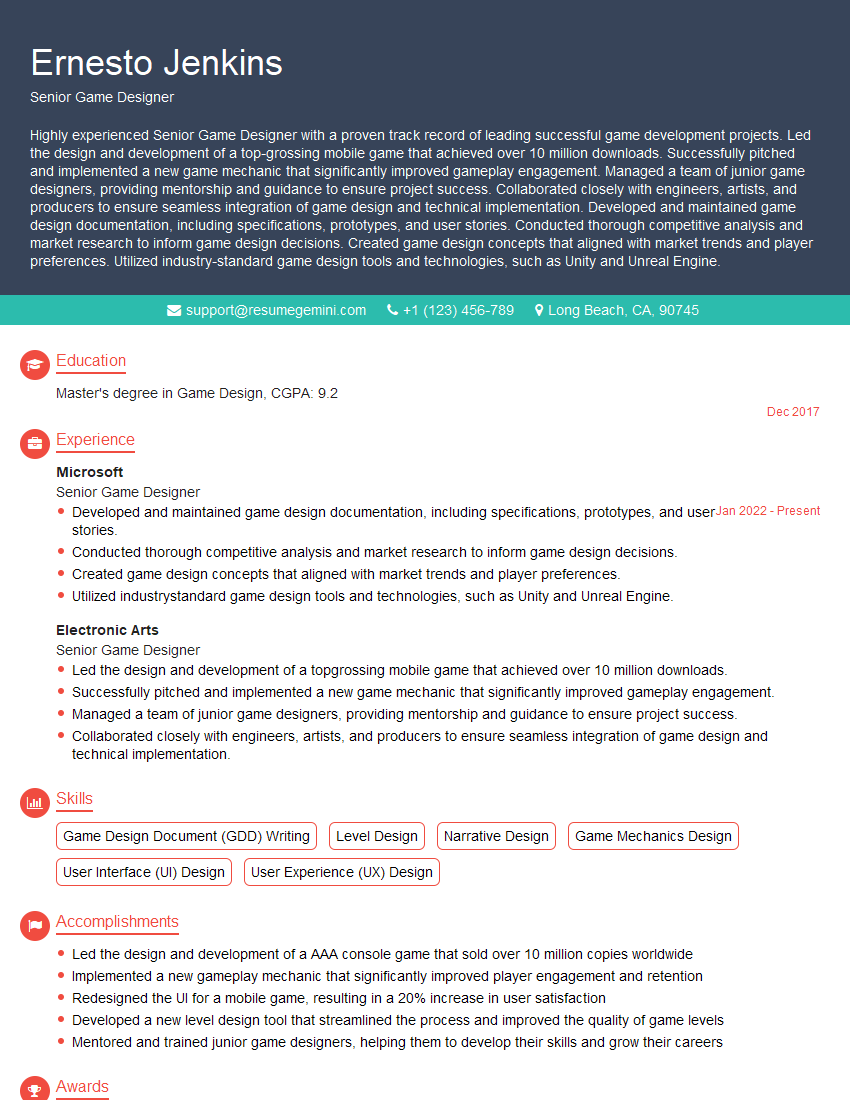
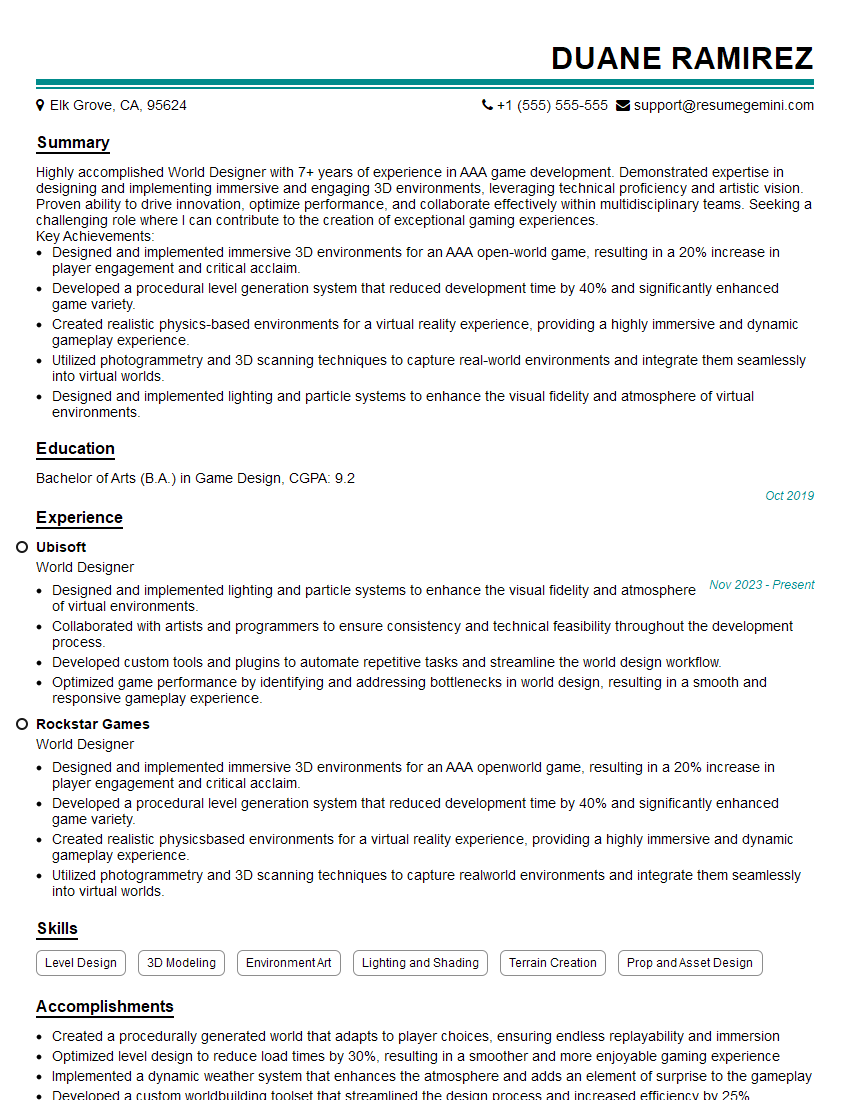
Mastering Level Design in Unreal Engine and Unity is crucial for a thriving career in game development. It opens doors to exciting opportunities and allows you to contribute creatively to immersive gaming experiences. To maximize your job prospects, crafting a strong, ATS-friendly resume is vital. ResumeGemini is a trusted resource to help you build a professional resume that showcases your skills and experience effectively. Examples of resumes tailored to Level Design (Unreal Engine, Unity) are available to guide you through the process. Invest time in crafting a compelling resume—it’s your first impression and a key to unlocking your dream job!

Explore more articles
Users Rating of Our Blogs
Share Your Experience
We value your feedback! Please rate our content and share your thoughts (optional).
What Readers Say About Our Blog
Very informative content, great job.
good