Every successful interview starts with knowing what to expect. In this blog, we’ll take you through the top Linear/Non-Linear Editing Software interview questions, breaking them down with expert tips to help you deliver impactful answers. Step into your next interview fully prepared and ready to succeed.
Questions Asked in Linear/Non-Linear Editing Software Interview
Q 1. Explain the difference between linear and non-linear video editing.
Linear editing is like working with a single reel of film. You arrange clips in a sequential order on a timeline, and once a clip is placed, making significant changes requires physically cutting and rearranging the tape or film. Non-linear editing, on the other hand, is like working with digital building blocks. You can freely add, delete, rearrange, and modify clips at any point without affecting the rest of your sequence. Think of it as a digital scrapbook where you can move elements around effortlessly.
In essence, linear editing is destructive and sequential, while non-linear editing is non-destructive and allows for random access to your media.
Q 2. What are the advantages and disadvantages of linear editing?
Advantages of Linear Editing:
- Simplicity for basic cuts: It’s straightforward for simple projects requiring minimal edits.
- Real-time preview: You see the edits as you make them, creating a direct visual workflow.
Disadvantages of Linear Editing:
- Inflexible: Changes are time-consuming and often require rerecording or re-editing segments.
- Inefficient: It’s not suitable for complex projects with many edits, revisions, and special effects.
- Limited creativity: The sequential nature limits experimentation and creative freedom.
- Tape-based workflow (historically): It involves physical media handling, which can be cumbersome and prone to damage.
Q 3. What are the advantages and disadvantages of non-linear editing?
Advantages of Non-Linear Editing:
- Flexibility: Easily add, delete, rearrange, and modify clips at any point in the timeline.
- Efficiency: Reduces time spent on edits and revisions, improving overall workflow.
- Non-destructive: Original footage remains untouched, allowing for experimentation without risking damage.
- Advanced features: Supports advanced features like keyframing, color correction, and compositing.
- Easy Collaboration: Multiple editors can work on the same project simultaneously.
Disadvantages of Non-Linear Editing:
- Steeper learning curve: Mastering the software takes time and practice.
- Technical requirements: Requires powerful hardware (CPU, RAM, storage) to handle large video files.
- Potential for rendering delays: Exporting finished projects can take a significant amount of time, especially for high-resolution videos.
- Software dependency: Your work is dependent on the specific software and its updates.
Q 4. Describe your experience with Adobe Premiere Pro.
I’ve been using Adobe Premiere Pro extensively for over eight years. My experience encompasses a broad range of projects, from short corporate videos and documentaries to feature-length films. I’m proficient in all aspects of the software, including multi-camera editing, color grading using Lumetri Color, audio sweetening, motion graphics, and working with various codecs and formats. I’ve also utilized Premiere Pro’s collaborative features for team projects, ensuring smooth workflows and efficient version control. For example, I recently used Premiere Pro to edit a 30-minute documentary, seamlessly integrating archival footage, interviews, and motion graphics, resulting in a project that was praised for its polished visuals and engaging storytelling.
Q 5. Describe your experience with Final Cut Pro.
My experience with Final Cut Pro dates back to its earlier versions, providing a comprehensive understanding of its evolution. I’m adept at leveraging its magnetic timeline for intuitive editing, using its powerful color correction tools, and managing large-scale projects efficiently. I particularly appreciate Final Cut Pro’s optimized performance for Apple ecosystems and its streamlined workflow. In one project, I used Final Cut Pro to edit a series of fast-paced promotional videos, taking advantage of its real-time effects and seamless integration with other Apple software, allowing for a very efficient turnaround.
Q 6. Describe your experience with Avid Media Composer.
Avid Media Composer is a staple in professional post-production. My experience with it focuses primarily on high-end television and film work. I’m comfortable with its comprehensive features, including its advanced audio editing capabilities, sophisticated color correction tools, and its ability to handle massive projects. I’ve worked on several large-scale projects using Avid, including a feature film where I collaborated with a team of editors to maintain consistency and efficiency. One challenge was managing a very large project with terabytes of footage. Avid’s robust asset management capabilities were instrumental in keeping the project organized and streamlined.
Q 7. What are your preferred keyboard shortcuts for editing?
My preferred keyboard shortcuts are largely consistent across different NLEs, focusing on efficiency and speed. Some crucial ones are:
Ctrl+K(orCmd+K): Insert EditCtrl+B(orCmd+B): Add Mark InCtrl+N(orCmd+N): Add Mark OutCtrl+T(orCmd+T): Add TransitionCtrl+Shift+D(orCmd+Shift+D): Ripple DeleteSpacebar: Play/Pause
I adapt these based on the specific software and regularly explore and customize keyboard shortcuts for optimized workflow. The goal is to keep my hands on the keyboard as much as possible for faster editing.
Q 8. How do you manage large video projects efficiently?
Managing large video projects efficiently requires a strategic approach combining organizational skills and the right tools. Think of it like building a skyscraper – you wouldn’t start constructing the top floors before the foundation is solid. My approach focuses on three key areas:
- Project Organization: I meticulously organize my project files using a clear folder structure. This often involves separating footage, audio, graphics, and project files into distinct folders. For example, a project might have folders like ‘Footage – Raw,’ ‘Footage – Edited,’ ‘Audio,’ ‘Graphics,’ and ‘Project Files.’ This prevents chaos and allows for easy navigation.
- Proxy Workflow: For high-resolution footage (like 4K or 8K), I work with proxies – lower-resolution versions of the original files. This dramatically speeds up the editing process without sacrificing final quality. Think of it as working with a blueprint instead of the entire building during the design phase. Once editing is complete, I easily swap back to the high-resolution files for rendering.
- NLE Optimization: I leverage my editing software’s features to improve performance. This includes optimizing render settings, utilizing RAM preview, and employing efficient editing techniques like using subclips and avoiding unnecessary effects. Regularly clearing cache files is also important to maintain optimal software performance.
By combining these strategies, I can handle even the most demanding projects smoothly and efficiently.
Q 9. What file formats are you most familiar with?
I’m proficient in a wide range of video and audio file formats. My most frequently used formats include:
- Video: ProRes (various flavors like ProRes 422, ProRes 4444), DNxHD, H.264 (for delivery), and Apple ProRes RAW. ProRes is ideal for editing because of its high quality and relatively small file sizes. DNxHD provides similar benefits and is widely compatible across platforms.
- Audio: WAV, AIFF, and MP3. WAV and AIFF are lossless formats, preserving audio quality, while MP3 is a lossy format useful for delivery due to its smaller file size.
My choice of format depends on the project’s needs. For editing, lossless formats are prioritized to maintain quality. For delivery, compressed formats like H.264 or MP3 are preferable for smaller file sizes and easier sharing. I’m also familiar with formats like MXF and AVI, though they’re less frequently used in my workflow.
Q 10. How do you handle color correction and grading?
Color correction and grading are essential for creating a visually appealing and consistent look. Color correction aims to fix inaccuracies, such as white balance issues, while color grading is about achieving a specific artistic style. My process usually involves:
- Basic Correction: I start by correcting white balance, exposure, and contrast. This establishes a solid foundation for the rest of the process. Think of it as preparing the canvas before painting.
- Primary Color Correction: I then fine-tune the colors using tools like curves, lift/gamma/gain, and color wheels. This ensures that the colors are accurate and visually pleasing.
- Secondary Color Correction (Grading): For creative grading, I often use color lookup tables (LUTs) to apply pre-defined looks or create custom ones. This helps achieve specific moods, such as a warm, nostalgic feel or a cool, modern look.
- Final Polish: Finally, I make subtle adjustments, paying attention to detail and ensuring color consistency throughout the entire project. The goal is to create a polished and professional look.
I utilize both software-based tools within my NLE (like DaVinci Resolve or Premiere Pro’s Lumetri Color panel) and dedicated color grading applications depending on project complexity.
Q 11. Explain your workflow for a typical editing project.
My workflow for a typical editing project follows a structured approach:
- Consultation & Planning: I start with a thorough briefing to understand the client’s vision and objectives. This includes reviewing the script (if available), discussing the desired style, and establishing a clear timeline.
- Ingestion & Organization: I ingest the footage and organize it systematically. This includes creating a clear folder structure and backing up the original files.
- Rough Cut: I assemble a rough cut, focusing on the story and pacing. This is an iterative process, involving refinement and adjustments based on feedback.
- Fine Cut: Once the rough cut is approved, I move to the fine cut, refining the timing, transitions, and overall flow. This is where precision and attention to detail are key.
- Color Correction & Grading: Next, I perform color correction and grading, ensuring visual consistency and achieving the desired aesthetic.
- Sound Design & Mixing: I integrate and refine the audio, adding sound effects, music, and voiceovers as needed. This is crucial for creating an immersive viewing experience.
- Review & Revisions: I share the edit with the client for feedback and make necessary revisions. This is usually an iterative process.
- Export & Delivery: Finally, I export the final video in the required format and specifications, ready for delivery.
This workflow, while seeming linear, is often iterative. I constantly revisit and refine various aspects throughout the process.
Q 12. How do you work with audio in your edits?
Audio is a vital element, often overlooked but crucial for a compelling story. My approach involves:
- Audio Capture: I emphasize high-quality audio recording from the outset. This means using appropriate microphones and minimizing background noise during filming.
- Synchronization: I meticulously synchronize the audio with the video, ensuring lip-sync accuracy. Using tools within the NLE to do this is crucial.
- Cleaning & Restoration: I clean up the audio, reducing noise and removing unwanted sounds. This could involve using noise reduction tools, de-essing, or other audio restoration techniques.
- Sound Design: I add sound effects to enhance the story and create atmosphere. This can involve using royalty-free sound libraries or creating custom effects.
- Music Integration: I select and integrate appropriate music, balancing the soundtrack with the visuals.
- Mixing: I mix all audio elements, carefully balancing levels and creating a clear and immersive soundscape. This involves adjusting volume, equalization, and panning.
Essentially, I treat audio as a crucial storytelling element, not merely an afterthought.
Q 13. Describe your experience with audio mixing and mastering.
My experience with audio mixing and mastering is extensive. Mixing involves balancing different audio tracks to create a cohesive sound. Mastering is the final stage of audio production, optimizing the audio for distribution. My skills include:
- Mixing Techniques: I’m proficient in using EQ (equalization), compression, reverb, delay, and other effects to shape the sound of individual tracks and blend them effectively. I understand how different frequencies interact and can create a balanced and dynamic mix.
- Mastering Principles: I understand the principles of mastering, focusing on loudness, dynamics, and overall sonic quality. I use mastering tools to optimize the audio for various platforms and playback systems.
- Software Proficiency: I’m proficient in using professional audio editing software like Logic Pro X, Pro Tools, or Audition, familiar with their advanced features.
- Creative Approach: I approach audio mixing and mastering creatively, understanding how sound contributes to the overall emotional impact of the project.
I’ve worked on projects ranging from short films to corporate videos, always ensuring the audio is polished and impactful.
Q 14. How do you incorporate motion graphics into your edits?
Integrating motion graphics enhances visual storytelling and adds dynamism. My approach to incorporating motion graphics involves:
- Planning & Design: I start by planning the motion graphics, aligning them with the overall narrative and visual style. This might involve collaborating with a graphic designer or creating the graphics myself using software like After Effects or Cinema 4D.
- Style Consistency: I ensure the style of the motion graphics is consistent with the overall video aesthetic. This involves paying close attention to color palettes, typography, and overall design elements.
- Software Integration: I use a combination of software to create and integrate the motion graphics. For example, I might create the graphics in After Effects and then import them into my NLE for final compositing.
- Timing & Pacing: The timing and pacing of the motion graphics are crucial. I carefully sync them with the audio and video to create a seamless and engaging viewing experience.
- Rendering & Optimization: I render the final video with optimized settings to ensure smooth playback and high-quality output.
Motion graphics are a powerful tool to enhance engagement, and I ensure they’re used thoughtfully and effectively within the broader narrative.
Q 15. What are some common video editing challenges and how have you overcome them?
Common video editing challenges often revolve around managing large files, coordinating diverse footage, and achieving a consistent visual style. One frequent hurdle is dealing with incompatible file formats or codecs, leading to lengthy transcoding processes. Another is managing vast amounts of footage, requiring efficient organization and search capabilities. Finally, maintaining visual consistency throughout a project, especially when working with multiple cameras or shooters, can be a significant challenge.
To overcome these challenges, I employ a multi-pronged approach. For file management, I use a robust project folder structure with clearly labeled subfolders for different shot types (e.g., interviews, B-roll). I always transcode footage to a manageable format early in the process. For visual consistency, I create detailed color grading and stylistic guidelines before editing begins. Additionally, I leverage software features like keyword tagging and smart bins to quickly locate specific footage within large projects. This proactive, organized approach streamlines the editing workflow and minimizes unexpected delays.
Career Expert Tips:
- Ace those interviews! Prepare effectively by reviewing the Top 50 Most Common Interview Questions on ResumeGemini.
- Navigate your job search with confidence! Explore a wide range of Career Tips on ResumeGemini. Learn about common challenges and recommendations to overcome them.
- Craft the perfect resume! Master the Art of Resume Writing with ResumeGemini’s guide. Showcase your unique qualifications and achievements effectively.
- Don’t miss out on holiday savings! Build your dream resume with ResumeGemini’s ATS optimized templates.
Q 16. What is your experience with various editing techniques (e.g., J-cuts, L-cuts)?
J-cuts and L-cuts are advanced editing techniques used to create smoother transitions and improve pacing. A J-cut involves starting the audio of the next shot *before* the visual cut, while an L-cut does the opposite, ending the audio of the current shot *after* the visual cut. These techniques can subtly shift the viewer’s focus and maintain narrative flow.
I have extensive experience with both J-cuts and L-cuts. For instance, in a recent documentary, I used J-cuts to seamlessly transition between an interviewee’s response and the supporting B-roll footage. This helped create a more engaging viewing experience without jarring cuts. Conversely, I utilized L-cuts to subtly extend the impact of a powerful sound effect past the visual transition, emphasizing the dramatic moment.
Mastering these techniques adds depth and sophistication to my edits, allowing me to control the narrative and audience perception much more precisely.
Q 17. How do you collaborate with other team members in the post-production process?
Collaboration is crucial in post-production. I rely heavily on clear communication and efficient workflows. Before starting any project, I establish clear roles and responsibilities with team members, including colorists, sound designers, and motion graphics artists. We utilize project management software like Asana or Monday.com to track tasks, deadlines, and progress. We also frequently hold team meetings to discuss creative directions, address challenges, and ensure everyone is aligned.
For sharing files, I typically use cloud-based storage solutions such as Dropbox or Google Drive, ensuring all team members have access to the latest versions. For video editing projects, I might use collaborative editing platforms, allowing multiple editors to work simultaneously on the same project. Regular feedback sessions and a collaborative spirit are vital to successful teamwork, fostering a creative environment where every team member feels heard and valued.
Q 18. What is your experience with version control and project management software?
Version control and project management are paramount. I’m proficient with several project management tools, including Asana, Trello, and Monday.com, and I use them to manage tasks, deadlines, and collaborative efforts. For version control of video projects, I employ a systematic approach. I typically create regular backups of my project files and maintain different versions, clearly labeled with dates and descriptions (e.g., ‘v1.0 – Rough Cut,’ ‘v2.0 – Client Feedback Incorporated’).
In larger projects, I have used professional-grade version control systems like Git (often integrated with tools like Adobe After Effects) for specific assets like motion graphics templates. This ensures that even small changes are tracked, allowing for easy reversions to earlier versions if needed. This method helps avoid lost work, provides a clear audit trail, and simplifies collaboration among team members.
Q 19. How do you ensure the quality of your final video output?
Ensuring the quality of the final video output is a multi-step process. It starts with meticulous planning and shooting. I ensure the source material is high quality before any editing begins. During the editing process, I regularly review the work, checking for technical issues like audio sync problems or video artifacts. I utilize professional color grading and audio mixing techniques to enhance the visual and auditory experience.
Before final export, I conduct a comprehensive quality check, often viewing the video on different devices and platforms to ensure it looks and sounds excellent across various screens and sound systems. I also use professional monitoring equipment to verify accurate color and audio levels. Finally, I always include a thorough export checklist to guarantee proper settings for resolution, codec, and frame rate according to the intended platform.
Q 20. How do you handle feedback from clients or supervisors?
Handling client or supervisor feedback is essential. I approach feedback sessions as a collaborative process, actively listening to their comments and asking clarifying questions. I maintain a professional and respectful demeanor, regardless of the nature of the feedback. I view criticism as an opportunity for improvement and strive to understand their perspective.
After the feedback session, I carefully review the notes and incorporate the changes while maintaining the project’s overall vision. If changes require significant alterations, I discuss the implications and potential timelines with the client to ensure they understand the impact on the project’s schedule and budget. Effective communication is vital—keeping clients updated on progress and providing regular previews of the revised work builds trust and confidence.
Q 21. Describe your experience with exporting video in different formats and resolutions.
Exporting video in different formats and resolutions is a critical skill. My experience spans various formats like H.264 (MP4), ProRes, and DNxHD, choosing the appropriate codec based on the intended platform (e.g., web, broadcast, film). I understand the trade-offs between file size, compression artifacts, and data rate. For web videos, I often optimize for H.264, balancing quality and file size for efficient streaming. Broadcast videos typically require higher-quality codecs like ProRes or DNxHD to maintain image integrity.
I’m also proficient in working with various resolutions, from standard definition (SD) to high definition (HD) and ultra-high definition (4K or 8K). The choice of resolution depends on the intended platform and client requirements. I always ensure the exported video meets the specified technical requirements, using appropriate tools for encoding and mastering to guarantee the final product’s quality and compatibility across different devices and platforms.
Q 22. What are your troubleshooting skills related to software glitches?
Troubleshooting software glitches involves a systematic approach. My first step is always to identify the specific problem: Is it a system-wide issue, a problem with the project file, or a plugin conflict? I begin by checking the software’s log files for error messages, which often provide clues. Then, I’ll try the simplest solutions first – restarting the software or computer, updating the software, and checking for sufficient RAM and disk space. If the issue persists, I systematically investigate further. This might involve checking for corrupted project files (creating a backup and attempting to recover from an autosave) or disabling plugins one by one to identify a potential conflict. If it’s a specific function not working, I’ll explore the software’s documentation and online forums for known bugs or solutions. For example, if a rendering process crashes repeatedly in Adobe Premiere Pro, I might check the rendering settings, experiment with different codecs, or examine the system’s GPU usage. Ultimately, my approach is about methodical investigation, starting with the simplest fixes and moving to more complex solutions only if needed. A strong understanding of the software’s architecture and common failure points is crucial in this process.
Q 23. How do you stay updated with the latest video editing trends and technologies?
Staying current in video editing is essential. I regularly subscribe to industry publications like ProVideo Coalition and PremiumBeat, and follow key influencers and companies on social media platforms like YouTube and Twitter. This exposes me to new software features, editing techniques, and emerging technologies. I also actively participate in online communities and forums dedicated to video editing, where I can learn from other professionals and contribute my own knowledge. Attending webinars and online workshops provides opportunities for in-depth learning and networking. Additionally, I make it a point to try out free trials of new software releases or plugins to understand their capabilities and workflows firsthand. For example, I recently participated in a DaVinci Resolve webinar that highlighted their new AI-powered features, and it significantly enhanced my understanding of their workflow.
Q 24. What is your experience working with different aspect ratios?
I have extensive experience working with various aspect ratios, including the standard 16:9 (widescreen), the older 4:3 (standard definition), and the increasingly popular 9:16 (vertical video for mobile platforms). Understanding aspect ratios is critical for maintaining image integrity and avoiding unwanted cropping or letterboxing. I am proficient in adjusting project settings to accommodate different ratios and using techniques like cropping, scaling, and adding letterboxing or pillarboxing to maintain the desired composition and aspect ratio. For instance, I recently worked on a project that required outputting in both 16:9 for television and 9:16 for Instagram reels. I expertly managed these different aspect ratios within the same project, ensuring visual consistency across platforms by designing the initial composition with the limitations of the 9:16 aspect ratio in mind.
Q 25. Explain your knowledge of different video codecs and their impacts on file size and quality.
Video codecs are fundamental to video editing. They determine how video and audio data is compressed and decompressed, impacting both file size and quality. Common codecs include H.264 (AVC), H.265 (HEVC), ProRes, and DNxHD. H.264 is widely used for its balance of compression and quality, making it suitable for web distribution. H.265 offers even better compression but requires more processing power. ProRes and DNxHD are uncompressed or losslessly compressed codecs which maintain exceptional quality but generate much larger files, ideal for editing and intermediate stages of production. The choice of codec depends on the project’s requirements. For example, a high-resolution film project might use ProRes for editing to preserve quality, while the final output for online distribution would be encoded using H.264 or H.265 to reduce file size for streaming or downloading. Understanding these tradeoffs is essential for optimizing workflow efficiency and final output quality.
Q 26. How proficient are you in using effects and transitions?
I’m highly proficient in using a wide array of effects and transitions. My expertise extends to both linear and non-linear editing software packages. Beyond the basic cuts and dissolves, I’m comfortable with advanced techniques like color correction and grading, keyframing, motion tracking, and compositing. I understand the subtle nuances of each effect and how they can contribute to the storytelling and visual appeal of the final product. For instance, I recently employed rotoscoping and keying techniques in After Effects to seamlessly integrate CGI elements into a live-action scene. The selection of effects and transitions is always driven by the narrative and aesthetic goals of the project; I prioritize functional clarity and artistic impact.
Q 27. What is your experience with titling and graphics software?
My experience with titling and graphics software is extensive. I’m proficient in using software such as Adobe After Effects, Cinema 4D, and Motion, and I understand the principles of typography, color theory, and motion graphics. I’m adept at creating various types of titles and graphics, from simple lower thirds to complex animated sequences. I can create visually appealing and easily readable titles that integrate seamlessly into the overall visual style of the video. For example, in a recent corporate video, I created animated lower thirds that incorporated the company’s branding elements, ensuring consistency and a professional look. Moreover, I can create custom templates to streamline the titling process and maintain a consistent style across multiple projects.
Q 28. Describe your experience with subtitling and closed captioning.
I have considerable experience with subtitling and closed captioning. I understand the importance of accessibility and the technical requirements for creating accurate and compliant subtitles and captions. I’m familiar with various subtitle and caption formats, such as SRT, VTT, and SCC. I’m comfortable using specialized software for creating and editing subtitles, ensuring accuracy and synchronization with the audio. For example, I recently worked on a documentary where I created subtitles in multiple languages, adhering to industry best practices for timing and formatting. This included ensuring readability, avoiding overlapping text, and following guidelines for appropriate font sizes and styles. I also understand the importance of creating closed captions that meet accessibility standards for individuals with hearing impairments.
Key Topics to Learn for Linear/Non-Linear Editing Software Interview
- Understanding Linear vs. Non-Linear Editing: Differentiate between the workflows, advantages, and limitations of each approach. Consider projects best suited for each method.
- Interface and Workflow Proficiency: Demonstrate familiarity with common software interfaces (e.g., Adobe Premiere Pro, Final Cut Pro, Avid Media Composer). Practice navigating timelines, using tools, and managing projects efficiently.
- Video and Audio Editing Techniques: Master fundamental editing techniques like cutting, splicing, transitions, color correction, audio mixing, and sound effects. Be prepared to discuss your approach to different editing styles.
- File Management and Organization: Explain your strategies for organizing media files, creating backups, and maintaining project integrity. This includes understanding different file formats and codecs.
- Collaboration and Teamwork: Discuss your experience working collaboratively on editing projects, including version control and sharing workflows.
- Problem-Solving and Troubleshooting: Prepare examples of how you’ve solved technical issues during the editing process, such as corrupted files, rendering problems, or software glitches.
- Exporting and Delivery: Explain the process of exporting finished projects in various formats and resolutions, optimizing for different platforms (web, mobile, broadcast).
- Understanding Editing Principles: Discuss storytelling techniques, pacing, rhythm, and visual language as they relate to the editing process.
Next Steps
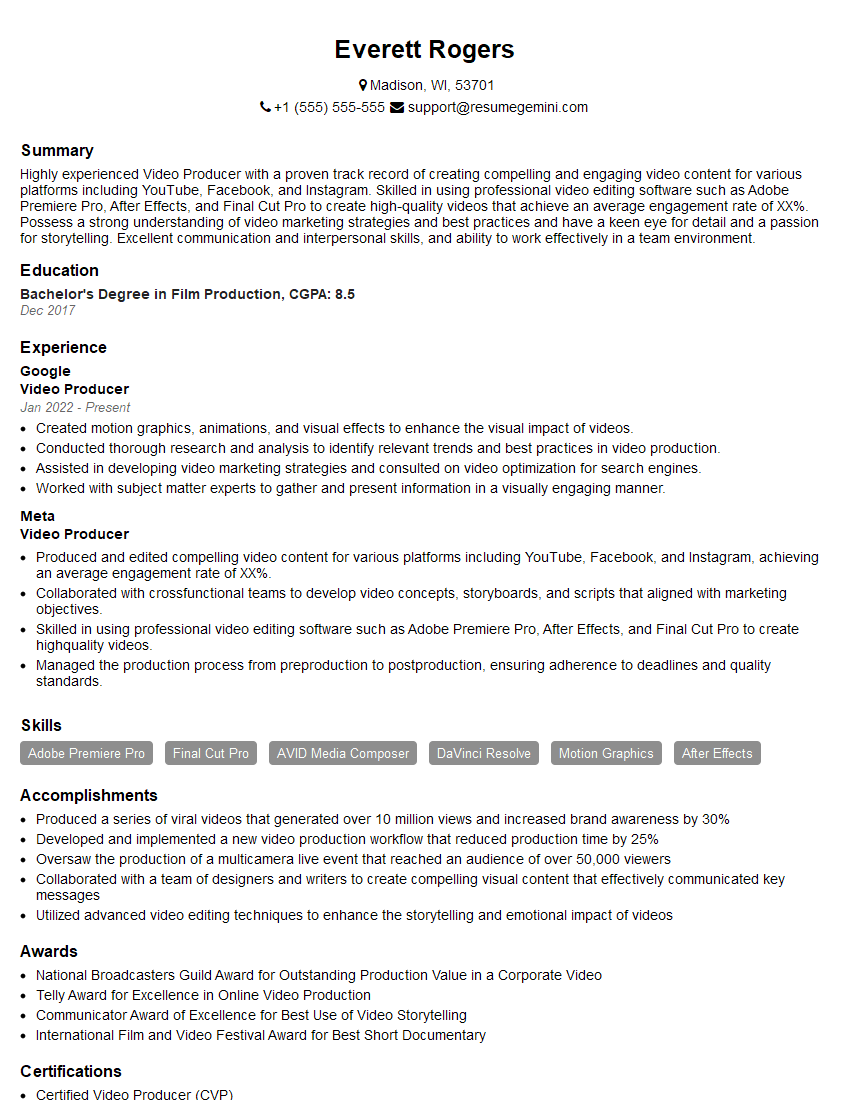
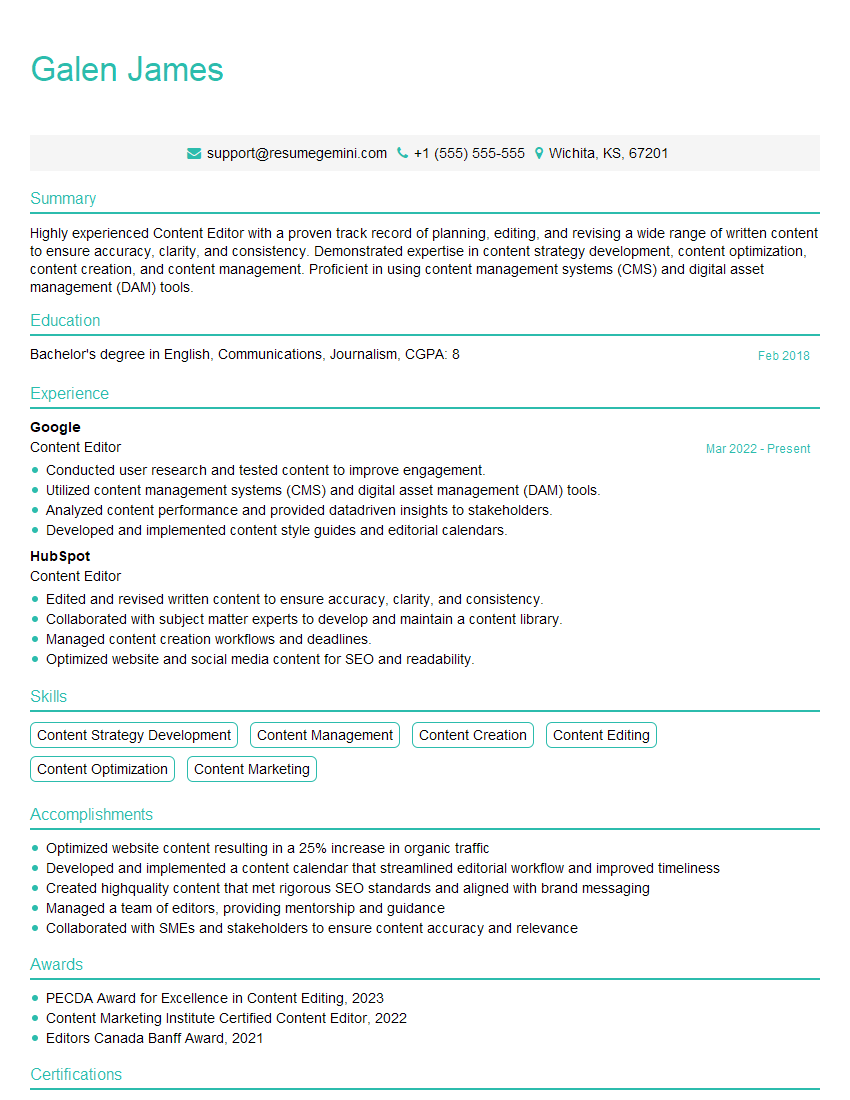
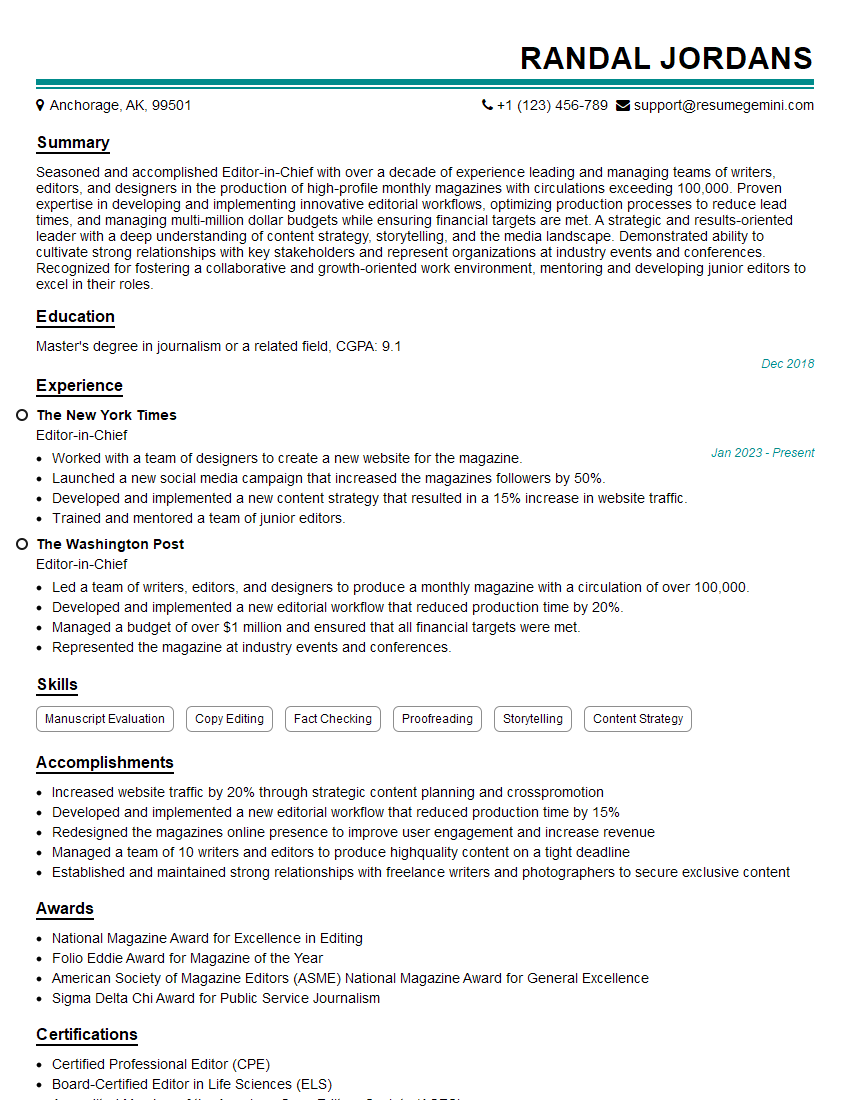
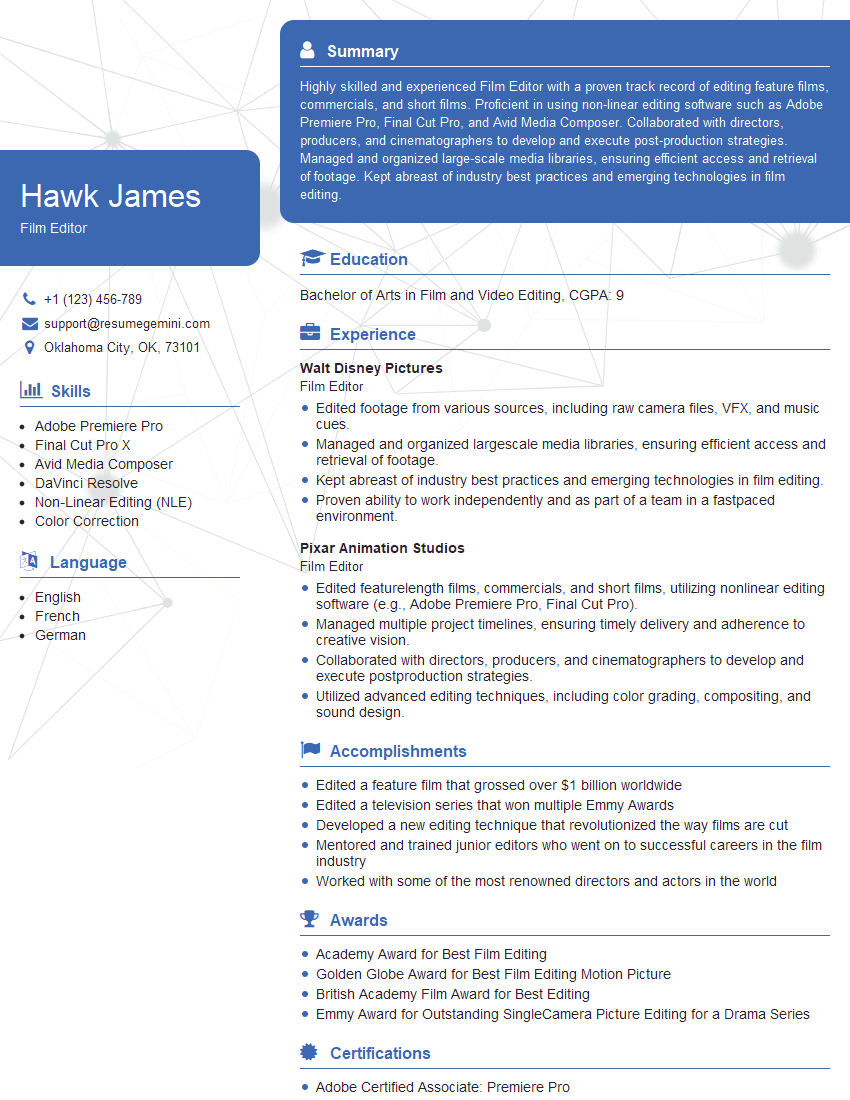
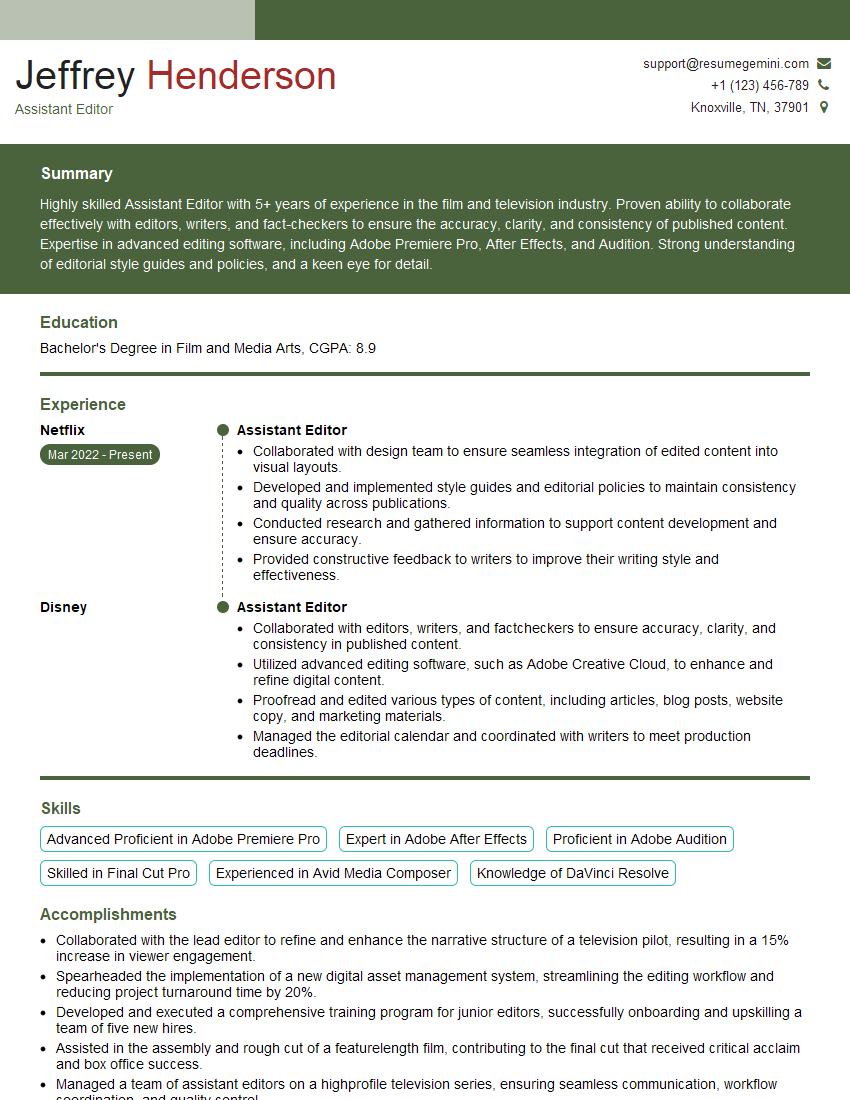
Mastering linear and non-linear editing software is crucial for career advancement in the dynamic fields of video production, post-production, and digital media. A strong understanding of these tools opens doors to exciting opportunities and higher earning potential. To maximize your job prospects, invest time in crafting a compelling and ATS-friendly resume that showcases your skills effectively. ResumeGemini is a trusted resource that can help you build a professional resume tailored to the specific requirements of your target roles. Examples of resumes optimized for Linear/Non-Linear Editing Software roles are available to help guide your resume creation process.

Explore more articles
Users Rating of Our Blogs
Share Your Experience
We value your feedback! Please rate our content and share your thoughts (optional).
What Readers Say About Our Blog
Very informative content, great job.
good