Every successful interview starts with knowing what to expect. In this blog, we’ll take you through the top Loop Optimization interview questions, breaking them down with expert tips to help you deliver impactful answers. Step into your next interview fully prepared and ready to succeed.
Questions Asked in Loop Optimization Interview
Q 1. Explain the concept of loop unrolling and its trade-offs.
Loop unrolling is a compiler optimization technique that reduces the overhead of loop control by replicating the loop body multiple times. Imagine a conveyor belt; instead of processing one item at a time, we grab several and process them concurrently, reducing the time spent starting and stopping the belt. This speeds up execution by reducing the number of loop iterations. However, it increases the code size. The trade-offs involve balancing the performance gains from reduced overhead against the increased code size and potentially increased register pressure (if the unrolled loop body consumes more registers than available). For example, consider a loop summing an array:
for (int i = 0; i < n; i++) { sum += arr[i]; }Unrolling it twice might look like:
for (int i = 0; i < n; i += 2) { sum += arr[i] + arr[i+1]; }This reduces loop iterations by half but requires careful handling of array bounds, especially if n is odd (we'd likely need a separate handling for the last element).
Q 2. Describe loop invariant code motion and provide an example.
Loop invariant code motion identifies calculations within a loop that remain constant across all iterations. Moving these calculations *outside* the loop eliminates redundant computations. Think of preparing ingredients for a recipe before starting the cooking process; you wouldn't chop vegetables repeatedly for each serving. Consider this example:
for (int i = 0; i < n; i++) { result = a * b * arr[i]; }a * b is invariant; it's computed repeatedly in each iteration. Optimizing with loop invariant code motion yields:
double temp = a * b; // Calculate outside the loopfor (int i = 0; i < n; i++) { result = temp * arr[i]; }This reduces computations by a factor of n.
Q 3. How can you identify performance bottlenecks in loops?
Identifying performance bottlenecks in loops requires a multi-pronged approach. Profiling tools are essential; they provide precise measurements of execution time spent in various parts of your code. Look for loops that consume a significant percentage of the total runtime. Then, analyze the loop's body for computationally expensive operations: memory access patterns (cache misses are major culprits), floating-point operations, or function calls within the loop are prime suspects. Visualizing the execution with debuggers and performance analyzers helps you to understand how the loop interacts with the CPU's cache and memory. You might find the bottleneck is not in the loop’s computations but in accessing data, which can be mitigated with techniques like data prefetching and better memory layouts.
Q 4. What are the different types of loops (for, while, do-while)? When would you choose each?
The three fundamental loop types are:
forloop: Ideal when you know the number of iterations in advance. It's structured, making it easier to read and understand. Example: iterating through an array.whileloop: Suitable when the number of iterations is unknown; the loop continues as long as a condition is true. Example: reading input until a specific value is encountered.do-whileloop: Similar towhilebut guarantees at least one iteration, as the condition is checked at the end. Example: prompting the user for input until valid data is received.
Choosing the right loop type depends entirely on the problem’s structure. For predictable iteration counts, for is preferred for readability and efficient execution. When the number of iterations isn't known upfront, while or do-while provide the flexibility needed.
Q 5. Explain loop fusion and its benefits.
Loop fusion combines multiple loops that iterate over the same range into a single loop. Imagine two chefs preparing a dish – one washes and chops vegetables, the other cooks them. Loop fusion allows both to work in parallel. It reduces loop overhead, improves cache locality (data is accessed more efficiently), and diminishes memory traffic. Consider:
for (int i = 0; i < n; i++) { arr1[i] = ...; }for (int i = 0; i < n; i++) { arr2[i] = ...; }Fusion yields:
for (int i = 0; i < n; i++) { arr1[i] = ...; arr2[i] = ...; }This reduces the overhead of managing two separate loops and can improve cache performance by accessing array elements closer together.
Q 6. What is loop peeling and how is it useful?
Loop peeling is a technique that extracts the first (or last) iteration of a loop and processes it separately. It's particularly useful when the first or last iteration requires different handling than subsequent ones due to boundary conditions or initialization. Think of peeling an orange; you might handle the first segment differently than the rest. For example:
for (int i = 0; i < n; i++) { //Some operation with special cases for i=0 and i=n-1}Peeling the first iteration simplifies the loop body:
// Handle i=0 separately...for (int i = 1; i < n; i++) { //Simplified loop body without special cases}This improves code clarity and can potentially enable further optimizations on the main loop.
Q 7. How can you optimize nested loops?
Optimizing nested loops involves a combination of strategies. The most crucial is to minimize the number of inner loop iterations. Techniques like changing the order of nested loops (if the operations allow) might significantly reduce the computational cost. This often hinges on data structures and how they are accessed. Analyze the memory access patterns; cache locality is paramount; avoid accessing data in a scattered manner. Consider techniques like blocking (processing data in smaller, contiguous blocks) to improve cache performance. Loop unrolling, invariant code motion, and fusion can also be applied to inner loops. For example, if one loop iterates over rows and the other over columns in a matrix, you could optimize calculations depending on how the matrix is stored in memory to improve cache hit rates. Profiling tools are essential to determine which optimizations bring the most significant improvements in the specific nested loop context.
Q 8. Discuss the concept of loop jamming.
Loop jamming is an optimization technique where multiple loops operating on the same data are merged into a single loop. This reduces loop overhead, such as loop counter increments and branch instructions, thereby improving performance. Think of it like combining several short errands into one longer trip – you save time by reducing the number of starts and stops.
Example:
Let's say you have two loops that iterate over the same array:
for (int i = 0; i < n; i++) { array[i] *= 2; }
for (int i = 0; i < n; i++) { array[i] += 1; }
These can be jammed into a single loop:
for (int i = 0; i < n; i++) { array[i] = array[i] * 2 + 1; }This reduces the loop overhead significantly.
Practical Application: Loop jamming is particularly beneficial when dealing with computationally intensive tasks, such as image processing or scientific simulations, where even small performance gains can add up to considerable time savings.
Q 9. Explain the importance of cache optimization in loop performance.
Cache optimization is crucial for loop performance because accessing data from the CPU cache is significantly faster than accessing data from main memory. Loops often involve repetitive access to the same data elements; if these elements are already in the cache, the loop executes much faster. Imagine searching for a book: if the book is on your desk (cache), you find it instantly; if it’s in the library (main memory), it takes longer.
Strategies for Cache Optimization:
- Data Locality: Accessing data in a sequential manner helps improve cache hit rates. This is because data is often loaded into the cache in blocks, so accessing elements close together ensures that subsequent data elements are already likely present in the cache.
- Loop Blocking (Tiling): Breaking down a loop into smaller sub-loops can improve cache utilization, as described in more detail in answer 5.
- Cache-Aware Data Structures: Choosing appropriate data structures (e.g., arrays instead of linked lists) can positively impact cache performance in loops.
Practical Application: In games, efficiently processing game data and rendering frames often hinge on effective cache utilization in rendering loops, minimizing stuttering and improving the overall gaming experience.
Q 10. How does vectorization improve loop performance?
Vectorization takes advantage of specialized CPU instructions (SIMD – Single Instruction, Multiple Data) that allow for parallel processing of multiple data elements at once. Instead of processing one element at a time, the processor operates on vectors of elements simultaneously, significantly speeding up calculations within the loop. Imagine an assembly line – vectorization is like having multiple workers simultaneously performing the same operation on different parts.
Example: Adding two arrays element-wise:
//Scalar code
for (int i = 0; i < n; i++) {
  result[i] = a[i] + b[i];
}
Vectorized code (pseudo-code):
//Vectorized code
result = vector_add(a, b); //single instruction operating on multiple data elements
Practical Application: Vectorization is prevalent in high-performance computing, machine learning, and scientific simulations, significantly accelerating computationally-intensive operations. Compilers often automatically perform vectorization if appropriate.
Q 11. What are the different methods for parallelizing loops?
Several methods exist for parallelizing loops, each with its own strengths and weaknesses:
- OpenMP: A set of compiler directives and runtime libraries that allow you to parallelize loops with minimal code changes. It's relatively easy to use and highly portable.
- MPI (Message Passing Interface): A standard for message-passing communication between processes. It’s suitable for large-scale parallel computing across multiple nodes in a cluster.
- Threading Libraries (e.g., pthreads): Libraries provide mechanisms for creating and managing threads, allowing you to manually divide the loop iterations amongst multiple threads. This gives greater control but requires more careful management of synchronization and potential race conditions.
- GPU Acceleration (CUDA, OpenCL): Leveraging the massively parallel nature of GPUs to accelerate loop computations. This is particularly effective for computationally intensive, data-parallel tasks.
Choosing the right method depends on factors like the problem size, the hardware available, and the desired level of control over the parallelization process.
Practical Application: Weather forecasting, financial modeling, and medical imaging often employ loop parallelization to handle the large datasets involved.
Q 12. Describe the concept of loop tiling and its applications.
Loop tiling, also known as blocking, divides a large loop into smaller, nested loops that process a smaller block of data at a time. This improves cache performance by keeping frequently accessed data within the cache for longer. Think of it like transporting large items: instead of carrying everything at once, you carry smaller, manageable loads.
Example: Consider a 2D array:
for (int i = 0; i < N; i++) {
  for (int j = 0; j < N; j++) {
    // ... process array[i][j] ...
  }
}
Tiling this loop with a tile size of 'B' might look like:
for (int i = 0; i < N; i += B) {
  for (int j = 0; j < N; j += B) {
    for (int ii = i; ii < min(i + B, N); ii++) {
      for (int jj = j; jj < min(j + B, N); jj++) {
        // ... process array[ii][jj] ...
      }
    }
  }
}
Applications: Loop tiling is used in various areas, including matrix multiplication, image processing, and scientific simulations, resulting in significantly improved performance.
Q 13. How can you optimize loops with memory access patterns?
Optimizing loops with memory access patterns involves arranging data to minimize cache misses and improve data locality. This often involves restructuring arrays or using more suitable data structures.
Strategies:
- Row-major vs. Column-major order: Understanding how your programming language stores multidimensional arrays (row-major or column-major) is crucial for optimizing loops. Accessing elements sequentially in the storage order minimizes cache misses.
- Data padding: Adding padding to arrays can align data structures with cache line boundaries, improving cache utilization.
- Data transformations: Sometimes rearranging data before processing can improve access patterns, even if it means a one-time computational cost. This cost can often be far outweighed by the performance benefits in the loop.
Practical Application: In simulations involving large matrices, paying careful attention to data layout can be the difference between a simulation taking hours or minutes to run.
Q 14. Explain the trade-offs between different loop optimization techniques.
Different loop optimization techniques offer trade-offs:
- Loop unrolling vs. loop jamming: Loop unrolling reduces loop overhead but can increase code size, while loop jamming reduces overhead by combining loops, but might not be possible for all loop combinations.
- Vectorization vs. parallelization: Vectorization is simpler to implement but relies on hardware support, whereas parallelization can achieve greater speedups but introduces synchronization overhead and complexity.
- Loop tiling vs. other cache optimizations: Loop tiling improves cache performance but adds loop nesting complexity, whereas other optimizations like data locality improvements are simpler but may not offer the same degree of improvement.
The best approach often involves a combination of techniques tailored to the specific problem and hardware. Profiling tools are crucial for identifying bottlenecks and measuring the effectiveness of different optimizations. The ideal solution often involves iterative experimentation and careful performance analysis to find the most effective combination for a given application.
Q 15. How do you profile a loop to identify optimization opportunities?
Profiling a loop involves systematically measuring its performance to pinpoint bottlenecks. Think of it like a detective investigating a crime scene – you're looking for clues to understand where the loop is spending the most time. This is crucial before attempting optimization, as haphazard changes can even worsen performance.
Tools like profilers (e.g., gprof, Valgrind, perf) are invaluable. They provide detailed information about execution time spent in different parts of your code, including individual loops. By examining the profiler output, you can identify loops that consume significant execution time, and further investigation reveals the specific operations within the loop that are the major contributors to this cost.
For instance, a profiler might reveal that a large percentage of time is spent within a particular array access or a complex calculation inside the loop. This information directs optimization efforts toward these specific areas. Additionally, you can use manual timing mechanisms (measuring the execution time before and after loop execution) for simpler analyses, though this approach lacks the detailed breakdown provided by specialized profilers. Analyzing memory usage patterns can also be critical, particularly for loops manipulating large datasets, as memory access patterns might be a bottleneck.
Career Expert Tips:
- Ace those interviews! Prepare effectively by reviewing the Top 50 Most Common Interview Questions on ResumeGemini.
- Navigate your job search with confidence! Explore a wide range of Career Tips on ResumeGemini. Learn about common challenges and recommendations to overcome them.
- Craft the perfect resume! Master the Art of Resume Writing with ResumeGemini's guide. Showcase your unique qualifications and achievements effectively.
- Don't miss out on holiday savings! Build your dream resume with ResumeGemini's ATS optimized templates.
Q 16. What are some common pitfalls to avoid when optimizing loops?
Optimizing loops, while seemingly straightforward, is rife with potential pitfalls. Premature optimization, without proper profiling, is a common mistake; you might waste time optimizing a part of the code that isn't even a performance bottleneck. Another issue is over-optimization; striving for minute gains can lead to complex, hard-to-maintain code.
- Ignoring Cache Effects: Poor data access patterns can lead to excessive cache misses, significantly slowing down the loop. Accessing memory in a non-sequential manner can drastically impact performance.
- Unnecessary Computations: Performing calculations inside the loop that can be done outside (pre-calculated) is a major efficiency killer. For example, repeatedly calculating a constant value within the loop instead of calculating it once outside.
- Branch Mispredictions: Complex conditional statements within loops can cause branch mispredictions in the CPU, impacting performance. Simple, well-structured conditionals are much better.
- Neglecting Data Structures: The choice of data structure profoundly impacts loop performance. For instance, using a linked list instead of an array for sequential access dramatically slows down the processing because of the overhead of pointer traversal.
Always start with profiling, focus on the actual bottlenecks, and maintain code readability. Micro-optimizations are usually not worth it unless you've exhausted all other avenues.
Q 17. How can you measure the performance improvement after loop optimization?
Measuring performance improvement after loop optimization is crucial to validate your efforts. Again, profiling tools are your friends here. The most reliable method is comparing the execution time before and after the optimization using profiling tools or benchmarks. Profilers provide a quantitative measure of the improvement (e.g., a reduction in execution time or cache misses).
You can also use simple timing mechanisms like clock() (in C/C++) or similar functions in other languages to measure execution times before and after the optimization. This simpler approach may not capture all aspects of performance (like cache behavior), but it can still provide an indication of the improvement. Benchmarking, using representative datasets of varying sizes, provides a more robust measure of improvement and stability across different conditions.
Always report performance improvements with reference to specific metrics (e.g., 'Execution time reduced by 30% on dataset X'), not vague statements. Graphs and tables can effectively visualize the results and communicate your findings clearly.
Q 18. Discuss the use of compiler optimizations for loops.
Compilers play a significant role in loop optimization. Modern compilers employ sophisticated techniques to automatically optimize loops without explicit programmer intervention. These techniques can range from simple transformations (like loop unrolling) to more advanced ones (like vectorization and auto-parallelization).
Compiler optimization flags (e.g., -O2, -O3 in GCC/Clang) enable or disable certain optimizations. Higher optimization levels (e.g., -O3) generally perform more aggressive optimizations, but can sometimes increase compilation time and may not always guarantee better performance. Understanding compiler capabilities and choosing appropriate optimization levels are essential.
However, it's crucial to note that compilers can't magically optimize all loops. Compiler optimization is heavily influenced by the code structure. Poorly structured or unclear code might prevent the compiler from applying beneficial transformations. In cases where compiler optimization is not sufficient, manual optimization of specific parts of the code may still be necessary.
Q 19. Compare and contrast different loop optimization techniques.
Several loop optimization techniques exist, each with its strengths and weaknesses:
- Loop Unrolling: Reduces loop overhead by replicating the loop body multiple times. This reduces the number of loop iterations, but can increase code size. It is most effective for small loops with relatively high overhead.
- Loop Fusion: Combines multiple loops that iterate over the same data into a single loop, reducing redundant operations and improving data locality (and therefore cache utilization).
- Loop Fission: Splits a single loop into multiple smaller loops, potentially improving parallelism or enabling other optimizations.
- Loop Interchange: Swaps the order of nested loops to improve data locality. This can significantly improve cache performance if the inner loop accesses data sequentially.
- Loop Invariant Code Motion: Moves calculations that don't change within the loop to outside the loop, reducing redundant calculations.
- Vectorization: Allows the processor to perform operations on multiple data elements simultaneously (SIMD instructions), dramatically improving performance for numerical computations.
The best technique depends on the specific loop and the characteristics of the data and the hardware. Often, a combination of these techniques will yield optimal results. Careful profiling and experimentation are crucial to determine the most effective approach.
Q 20. Explain the difference between iteration and recursion. When is recursion preferable?
Iteration and recursion are two fundamental ways to repeat a task. Iteration uses loops (for, while) to execute a block of code repeatedly until a condition is met. Recursion involves a function calling itself until a base case is reached. Think of iteration as a straightforward, step-by-step process like climbing stairs, whereas recursion is more like climbing a ladder where each step involves the same action repeated.
Recursion is preferable when the problem's inherent structure is recursive (e.g., tree traversal, factorial calculation). Recursive solutions can be elegant and concise, but can have higher overhead due to function call stack management and can suffer from stack overflow errors for deep recursion. Iteration is generally more efficient for simple repetitive tasks and less prone to stack overflow errors. The choice often depends on readability and maintainability as well as performance considerations. If both approaches offer comparable performance, the more readable and maintainable solution is usually preferred.
For example, calculating a factorial is naturally expressed recursively:
int factorial(int n) {
  if (n == 0) return 1;
  return n * factorial(n - 1);
}
But an iterative approach might be more efficient for large numbers due to lower overhead.
Q 21. How do you handle loops with irregular data access patterns?
Loops with irregular data access patterns (e.g., accessing elements in a non-sequential order) are notoriously challenging to optimize. These patterns often lead to poor cache utilization and increased memory access times. Addressing this requires carefully analyzing the access patterns and employing suitable strategies.
Techniques like data restructuring (re-arranging data to improve locality of reference) can be effective. For example, if your loop accesses elements in a scattered fashion, consider reorganizing the data into a structure that facilitates sequential access. If that's not possible, using cache-friendly data structures (e.g., arrays over linked lists for random access) and algorithmic changes might be necessary.
Sometimes, it's necessary to reconsider the algorithm itself. For instance, a different algorithm might exhibit better data access patterns or allow parallelization to mitigate the negative effects of irregular access. Prefetching data into cache, if supported by the hardware, can also help improve performance in cases with predictable, yet irregular, access patterns. Careful profiling is crucial in identifying the root cause of poor performance in these situations and evaluating the impact of any optimization attempts.
Q 22. Explain how branch prediction affects loop performance.
Branch prediction is a crucial aspect of modern CPU architecture that significantly impacts loop performance. CPUs attempt to guess the outcome of conditional branches (like if statements within loops) *before* they're actually executed. If the prediction is correct (a 'hit'), the CPU can continue processing instructions without interruption, maintaining a high execution speed. However, if the prediction is wrong (a 'miss'), the CPU needs to discard the incorrectly fetched instructions and fetch the correct ones, causing a pipeline stall and a significant performance drop.
In loops, branch mispredictions can severely affect performance, especially in loops with complex conditional logic or irregular iteration patterns. Imagine a loop that iterates through an array, conditionally processing elements based on some criteria. If the branch predictor consistently guesses wrong, the performance penalty can accumulate over many iterations, slowing the entire loop considerably. Optimizing loops often involves restructuring code to improve branch prediction accuracy. For instance, loop unrolling (discussed later) can reduce the number of branch predictions needed.
Consider this example: A loop iterating through an array and checking for even numbers. If the even numbers are sparsely distributed, the branch prediction might be consistently wrong, resulting in a performance bottleneck. Rearranging the data or using a different algorithm can improve the prediction accuracy.
Q 23. What are the potential performance implications of using break/continue statements within loops?
break and continue statements, while useful for controlling loop flow, can disrupt the CPU's ability to optimize the loop's execution. break terminates the loop prematurely, which can prevent optimizations like loop unrolling (as the compiler doesn't know how many iterations will occur). continue skips to the next iteration, again making it harder for the compiler to predict the loop's behavior. Both can lead to increased branch prediction misses.
In some cases, using break or continue might be unavoidable for clarity and code readability. However, if performance is critical, consider alternative approaches. For example, you might restructure the loop to avoid the need for break/continue, perhaps by using boolean flags or pre-filtering the data before entering the loop.
//Example with continue, potentially affecting performance: for (int i = 0; i < 1000; i++) { if (i % 2 == 0) continue; // Skips even numbers // ... processing odd numbers ... } //Alternative approach without continue, potentially more efficient: for (int i = 1; i < 1000; i += 2) { // Only iterates through odd numbers // ... processing odd numbers ... }
The second example is generally more efficient as it avoids the branch prediction overhead associated with the continue statement.
Q 24. Describe a scenario where loop unrolling would be detrimental.
Loop unrolling, a technique that replicates the loop body multiple times to reduce loop overhead, can be detrimental in certain scenarios. It's most effective when the loop body is relatively small and the number of iterations is large. If the loop body is already very large or complex, unrolling can actually increase code size significantly, potentially exceeding cache capacity and leading to increased memory access times, thus negating any performance gains.
Another scenario where unrolling might hurt performance is when dealing with loops with a small, unpredictable number of iterations. In such cases, the replicated code might not be fully utilized, leading to wasted instructions. Furthermore, if the loop contains function calls or other computationally expensive operations, unrolling may not provide significant benefits.
Think of it like this: unrolling is like having multiple copies of a single tool. If the tool is small and you use it many times, it's efficient. But if the tool is a large, complex machine, having many copies might be more cumbersome than useful.
Q 25. How do you optimize loops in different programming languages (e.g., C++, Java, Python)?
Loop optimization techniques vary across programming languages, but the core principles remain the same. The level of compiler optimization significantly influences the performance.
- C++: C++ compilers offer powerful optimization flags (e.g.,
-O2,-O3in GCC/Clang). These flags enable advanced optimizations like loop unrolling, vectorization (using SIMD instructions), and instruction scheduling. Manual optimization might involve using compiler intrinsics for specific hardware features or carefully managing data structures for better cache locality. STL algorithms often provide efficient implementations of common loop patterns. - Java: Java's Just-In-Time (JIT) compiler performs runtime optimizations, including loop unrolling and inlining (replacing function calls with their actual code). The use of appropriate data structures (like ArrayList vs. LinkedList) influences the loop's performance. Libraries like Java's streams API often offer more optimized ways to process collections.
- Python: Python's interpreted nature generally leads to slower loop performance compared to compiled languages. However, using optimized libraries like NumPy (for numerical computations) and leveraging techniques like list comprehensions or generator expressions can significantly improve loop speed. NumPy's vectorized operations can leverage SIMD instructions, offering substantial performance boosts.
In all languages, understanding the underlying hardware architecture and compiler's capabilities is key to effective loop optimization. Profiling tools can identify performance bottlenecks, guiding optimization efforts.
Q 26. Explain the role of data locality in loop optimization.
Data locality refers to how close together data items are in memory. High data locality means frequently accessed data items are stored close together, minimizing memory access time. Loops often access data sequentially, making data locality crucial for performance. When data is not located close together, the CPU might have to wait longer to fetch data from slower memory levels (main memory instead of cache), leading to significant performance degradation. This delay is particularly noticeable in nested loops where the innermost loop accesses data repeatedly.
Consider a nested loop iterating through a 2D array. If the array is stored in row-major order (elements of a row are stored consecutively), the inner loop will exhibit excellent data locality as it processes consecutive elements in memory. But if the array were stored in column-major order, the inner loop would suffer from poor data locality, resulting in much slower performance.
Optimization strategies include arranging data structures to promote spatial locality (data items are close together in memory) and temporal locality (data items are accessed repeatedly in a short period). Techniques like blocking and tiling can improve data locality in multi-dimensional arrays.
Q 27. What are some tools and techniques for debugging loop performance issues?
Debugging loop performance issues requires a combination of tools and techniques. Profiling is essential for identifying performance bottlenecks:
- Profilers: Tools like gprof (for C/C++), Visual Studio Profiler (for Windows), and Java VisualVM can pinpoint which parts of the code consume the most time. They can highlight slow loops and identify the reasons for their slowness (e.g., poor branch prediction, cache misses).
- Performance Counters: Hardware performance counters provide detailed information about CPU activity, including cache misses, branch mispredictions, and instruction counts. These counters offer a deeper insight into the underlying hardware-level performance issues.
- Debuggers: Debuggers allow stepping through code line by line, examining variables and memory accesses. This can help diagnose subtle errors that affect loop performance.
- Code Review: A thorough code review can identify potential performance problems, such as unnecessary computations within the loop or poor data structure choices.
Analyzing profiler results, coupled with careful code inspection and the use of debuggers and performance counters, provides a comprehensive approach to diagnose and fix loop performance problems.
Q 28. How do you handle exceptions within a loop to maintain performance?
Handling exceptions within loops requires careful consideration to avoid performance degradation. The ideal approach is to prevent exceptions from occurring in the first place, through input validation or robust error handling before the loop begins. However, if exceptions are unavoidable, try these strategies:
- Exception Handling Outside the Loop: If possible, check conditions that could raise exceptions *before* entering the loop. This reduces the overhead of handling exceptions repeatedly within each iteration.
- Batch Processing: Instead of handling exceptions individually, batch process data to minimize the cost of exception handling. If the loop processes many items, use a try-catch block to handle exceptions that might occur during the batch processing.
- Exception Filtering: Consider filtering out data likely to cause exceptions before the loop executes. This reduces the number of exception events.
- Minimize Exception Handling Code: Keep the exception handling code as concise and efficient as possible to reduce the overhead of exception handling.
The choice of strategy depends on the type of exceptions and the frequency with which they are expected. Minimizing the impact of exceptions is crucial for efficient loop performance.
Key Topics to Learn for Loop Optimization Interview
- Understanding Loop Constructs: Mastering the nuances of different loop types (for, while, do-while) and their appropriate use cases in various programming languages.
- Loop Unrolling: Learn how to reduce loop overhead by replicating loop body instructions to minimize branching and improve performance. Understand its trade-offs.
- Loop Fusion/Jamming: Explore techniques to combine adjacent loops that operate on the same data to reduce memory access and improve cache utilization.
- Loop Tiling/Blocking: Discover how to break down large loops into smaller, manageable blocks to improve data locality and cache performance, especially in multi-dimensional arrays.
- Loop Invariant Code Motion: Identify and move calculations outside the loop that don't change within each iteration, significantly reducing redundant computations.
- Vectorization: Understand how to leverage SIMD (Single Instruction, Multiple Data) instructions to process multiple data elements simultaneously, dramatically speeding up loops.
- Parallel Looping: Explore techniques like OpenMP or threading to parallelize loops and leverage multi-core processors for significant performance gains.
- Profiling and Benchmarking: Learn how to use profiling tools to identify performance bottlenecks within your loops and measure the effectiveness of your optimization strategies.
- Algorithmic Optimization: Recognize that loop optimization is often intertwined with choosing the most efficient algorithm for a given task. Consider Big O notation and algorithmic complexity.
- Memory Management and Locality: Understand the impact of memory access patterns on loop performance. Optimize for cache hits and minimize cache misses.
Next Steps
Mastering loop optimization is crucial for building high-performance applications and significantly boosts your value as a developer. It demonstrates a deep understanding of computer architecture and algorithms, highly sought after in competitive roles. To maximize your job prospects, create an ATS-friendly resume that clearly showcases your skills and experience. ResumeGemini is a trusted resource for building professional, impactful resumes. We provide examples of resumes tailored to Loop Optimization to help you get started. Take advantage of these resources and position yourself for success!
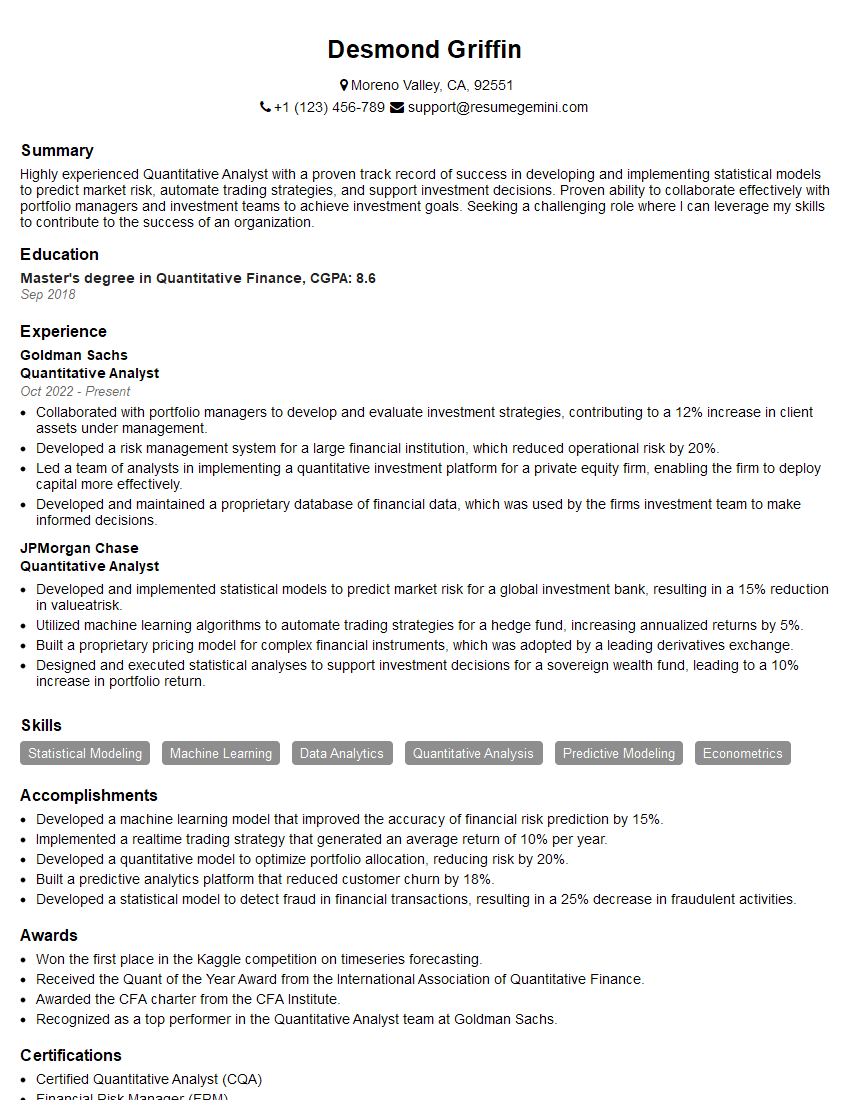
Quantitative Analyst Resume Sample

Computer Scientist Resume Sample

Data Scientist Resume Sample

Research Scientist Resume Sample

Software Engineer Resume Sample
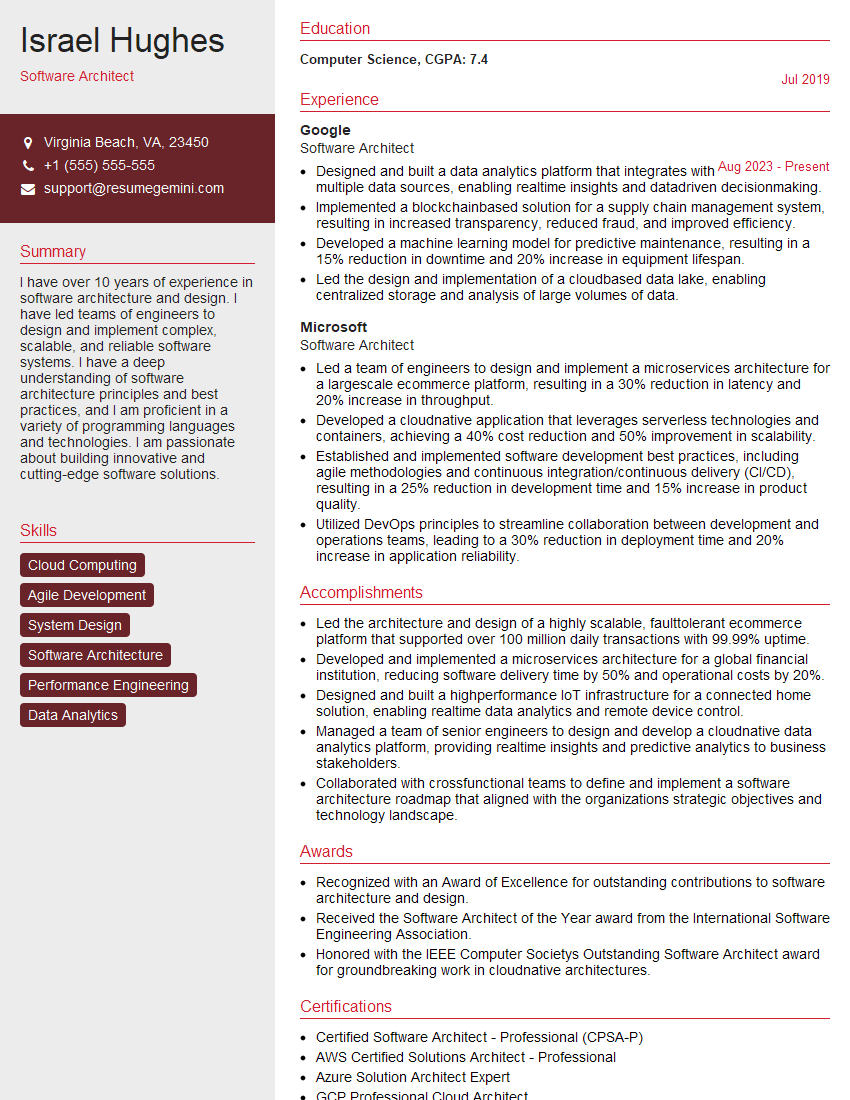
Software Architect Resume Sample
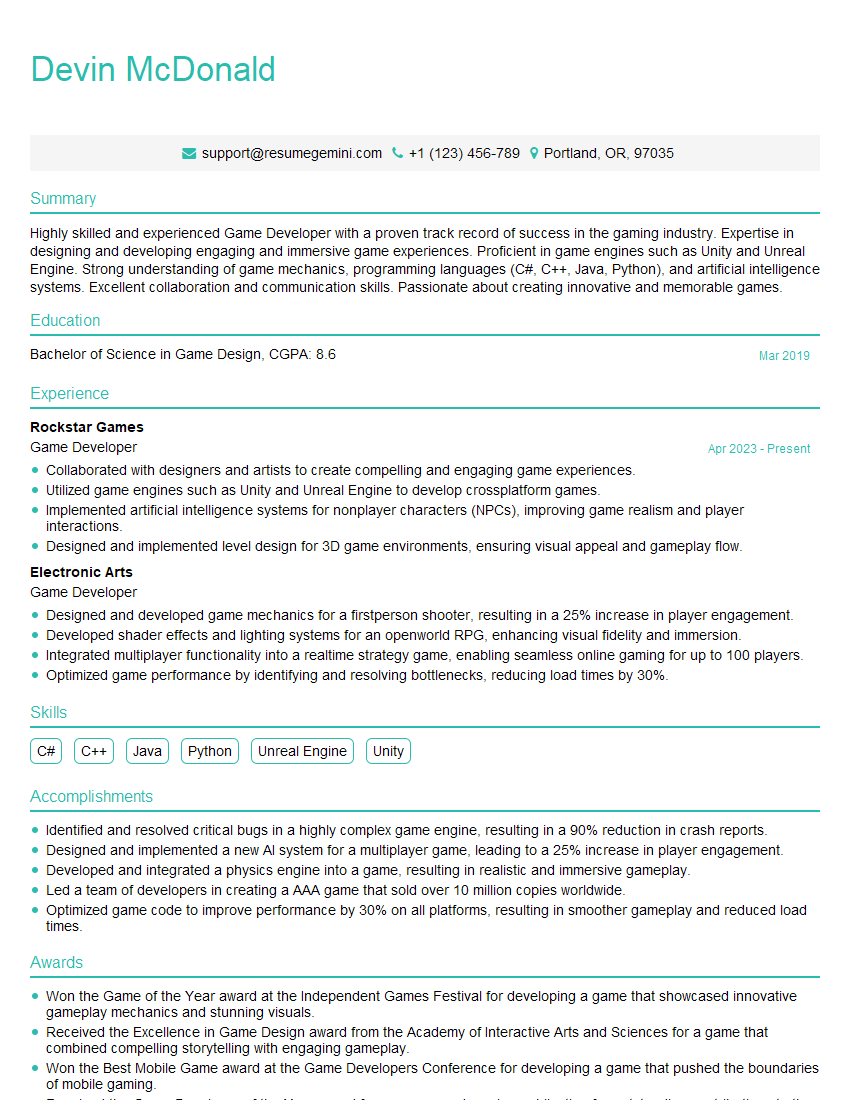
Game Developer Resume Sample

Senior Software Engineer Resume Sample
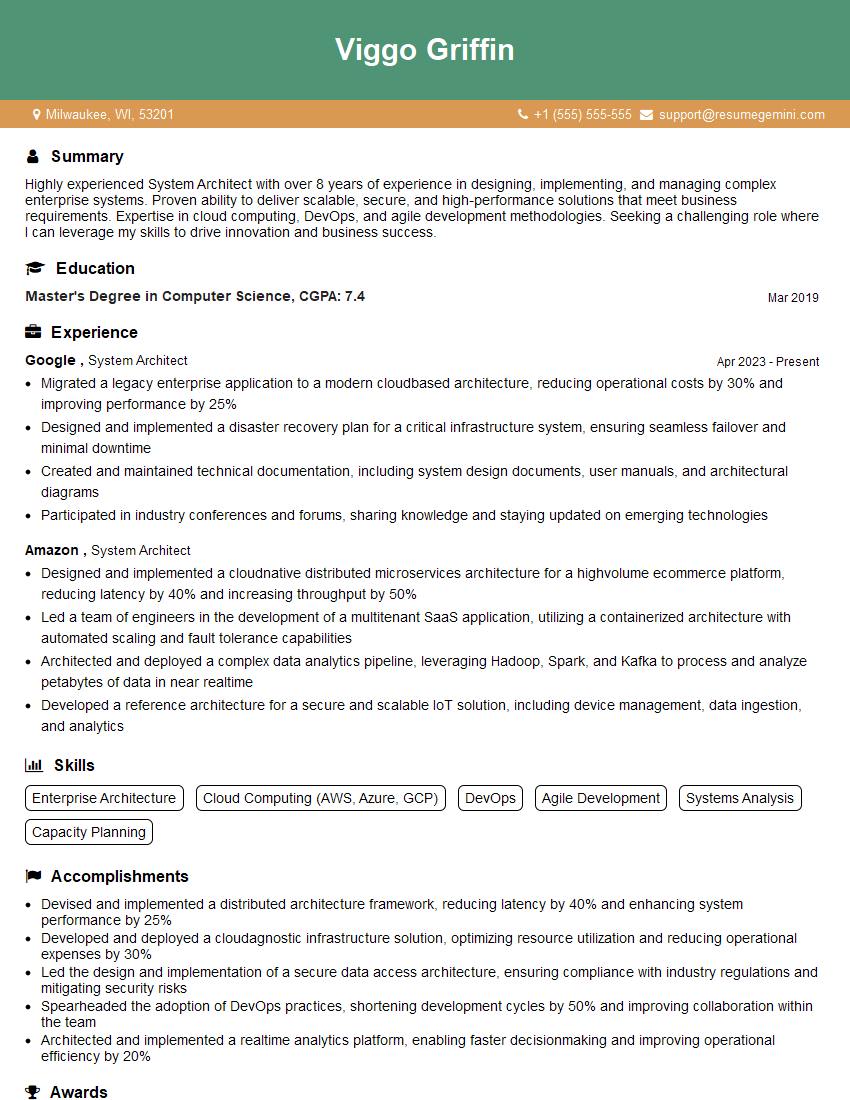
System Architect Resume Sample
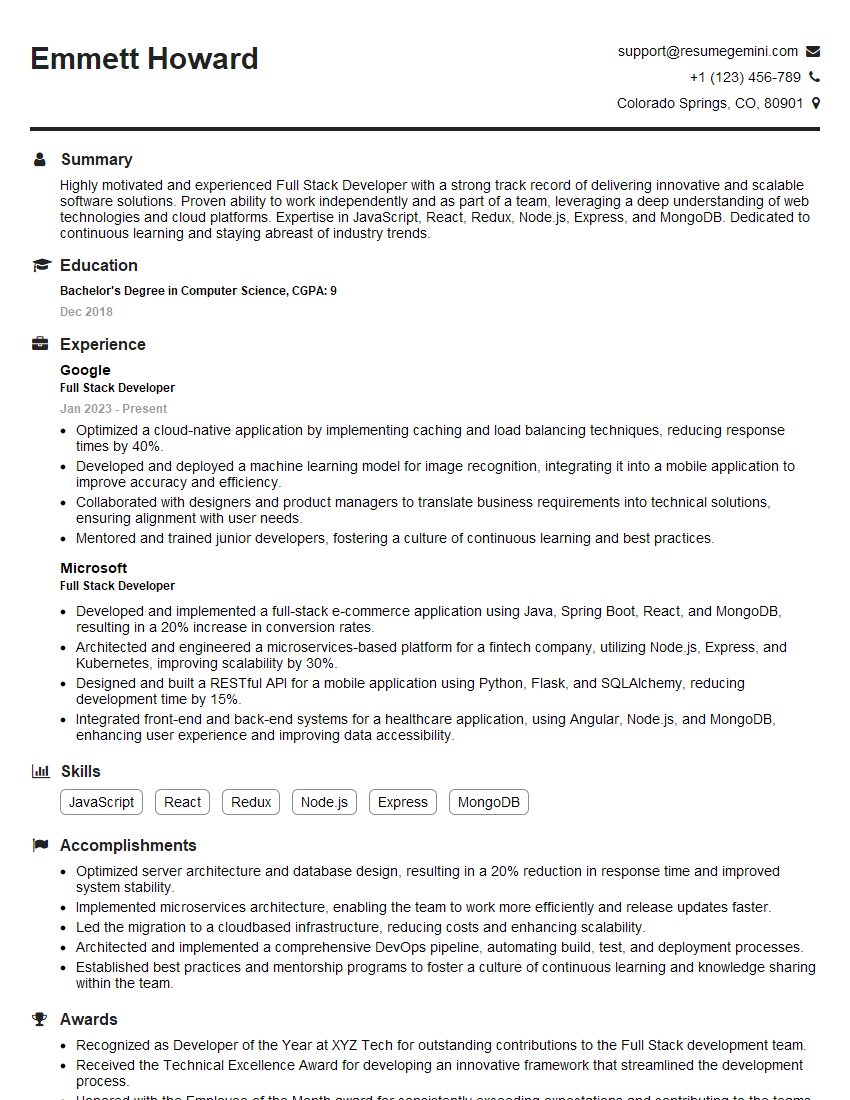
Full Stack Developer Resume Sample

Database Administrator Resume Sample

Embedded Systems Engineer Resume Sample

Technical Lead Resume Sample

DevOps Engineer Resume Sample

Cloud Architect Resume Sample

Machine Learning Engineer Resume Sample
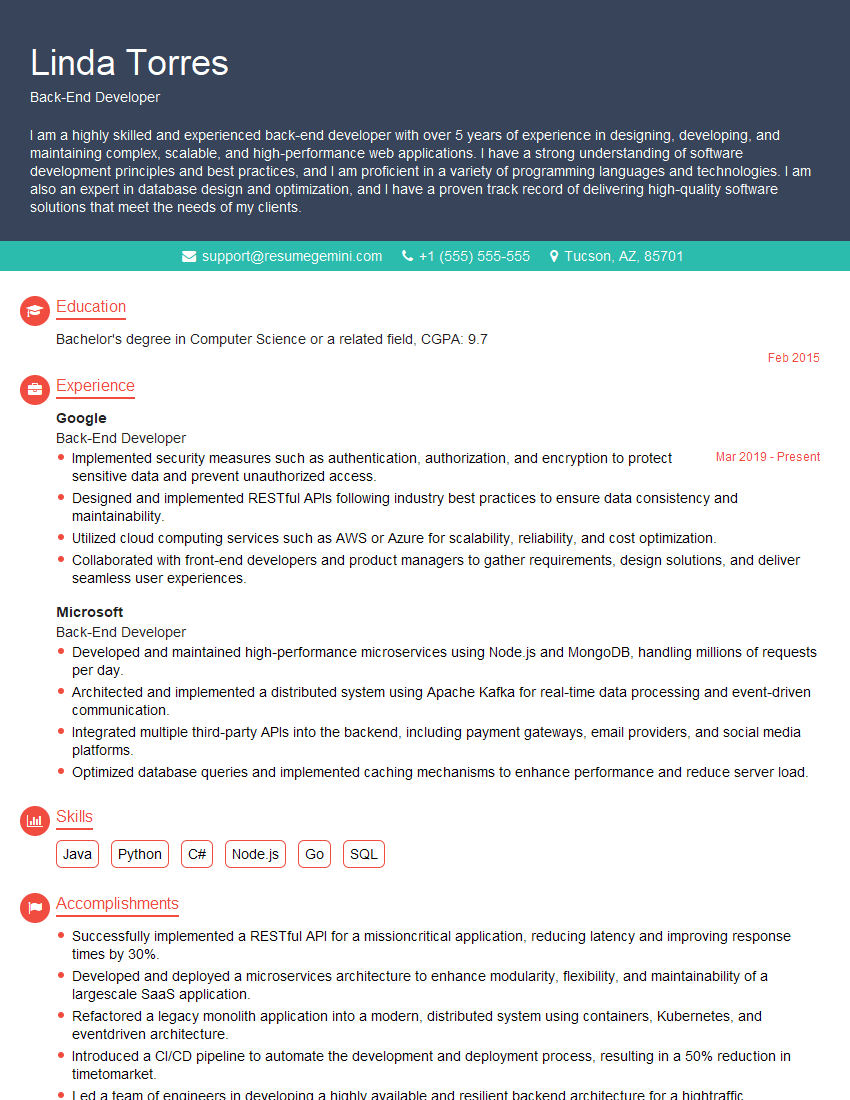
Back-End Developer Resume Sample
- Quantitative Analyst
- Computer Scientist
- Data Scientist
- Research Scientist
- Software Engineer
- Software Architect
- Game Developer
- Senior Software Engineer
- System Architect
- Full Stack Developer
- Database Administrator
- Embedded Systems Engineer
- Technical Lead
- DevOps Engineer
- Cloud Architect
- Machine Learning Engineer
- Back-End Developer
Explore more articles
Users Rating of Our Blogs
Share Your Experience
We value your feedback! Please rate our content and share your thoughts (optional).
What Readers Say About Our Blog
Very informative content, great job.
good