Unlock your full potential by mastering the most common Mechanical Drawings interview questions. This blog offers a deep dive into the critical topics, ensuring you’re not only prepared to answer but to excel. With these insights, you’ll approach your interview with clarity and confidence.
Questions Asked in Mechanical Drawings Interview
Q 1. Explain the difference between orthographic and isometric projections.
Orthographic and isometric projections are two different ways to represent a 3D object in a 2D drawing. Think of it like taking pictures of an object from different angles. Orthographic projection uses multiple views (typically front, top, and side) to show the object’s true dimensions in each plane. It’s like looking directly at each face of a box. Isometric projection, on the other hand, shows a single view that combines elements of all three orthographic views. It gives a three-dimensional impression, but the dimensions are not to true scale; they’re foreshortened. Imagine taking a slightly angled photograph that shows all three sides of the box at once. Orthographic projections are ideal for precise measurements and detailed manufacturing, while isometric projections are useful for visualizing the overall shape and assembly.
Example: Consider a simple L-shaped bracket. An orthographic drawing would show a front view displaying the vertical and horizontal lengths, a top view displaying the width and horizontal length, and a side view showing the width and vertical length. An isometric projection would show all three dimensions simultaneously, but each dimension would appear shorter than its true length.
Q 2. What are the standard line types used in mechanical drawings and their significance?
Standard line types in mechanical drawings are crucial for conveying information clearly and efficiently. Each line type has a specific meaning. Think of them as a visual language for engineers and manufacturers.
- Solid Lines: These are used to represent visible outlines and edges of objects. They are thick and easy to see.
______ - Hidden Lines: Represented by dashed lines, these indicate features that are not visible from the chosen view.
--- --- --- - Center Lines: These are thin lines composed of alternating long and short dashes, typically used to show the center of symmetrical features.
- - - - - - - Phantom Lines: These are thin lines with alternating long and short dashes, used to show alternate positions of parts or components or to illustrate the path of a moving part.
- - - - - -(similar to center lines but used differently) - Dimension Lines: These are thin lines with arrowheads at each end, used to indicate dimensions.
<------ Dimension ------> - Extension Lines: These are thin lines extending from the object to dimension lines, helping to clearly show where measurements are taken.
- Cutting Plane Lines: Used to indicate the location of a section view; usually a thick line with arrowheads.
=== >
The consistent use of these line types ensures that drawings are unambiguous and easy to interpret, regardless of who reads them.
Q 3. Describe your experience with GD&T (Geometric Dimensioning and Tolerancing).
I have extensive experience with GD&T (Geometric Dimensioning and Tolerancing). GD&T is a standardized language used to specify the precise geometry and tolerances of parts. Instead of relying solely on traditional dimensional tolerances, GD&T uses symbols and callouts to define form, orientation, location, and runout of features. This reduces ambiguity and improves manufacturing precision.
For example, I’ve used GD&T to define the permissible variation in the position of a hole relative to a datum feature, ensuring proper assembly even with minor manufacturing variations. I am familiar with ASME Y14.5 standards and I have successfully applied this knowledge in several projects, resolving manufacturing issues by proactively addressing potential tolerances inconsistencies before they became costly problems. In one particular project, employing GD&T prevented the rejection of several batches of parts due to ambiguity in the initial design specifications, significantly reducing scrap and saving time and money.
Q 4. How do you ensure accuracy and precision in your mechanical drawings?
Accuracy and precision in mechanical drawings are paramount. I employ several strategies to ensure this. First, I always start with meticulous measurements and accurate input data. This involves verifying measurements using multiple techniques and tools, where appropriate. Secondly, I use CAD software’s inherent features – such as constraints, parametric modeling, and associative geometry – to maintain consistency and prevent errors that can arise from manual changes. Third, thorough checks and verification are critical. This includes utilizing the software’s built-in analysis tools to detect conflicts or inconsistencies, as well as peer review before finalizing the drawings. Finally, utilizing proper layer management and adopting clear annotation strategies keeps the drawings organized and reduces the likelihood of errors.
Q 5. What CAD software are you proficient in? List specific commands and features used.
I am proficient in SolidWorks, AutoCAD, and Inventor. In SolidWorks, I frequently use features like Extrude, Revolve, Sweep for creating 3D models, Mate constraints for assemblies, and Drawing tools for creating detailed 2D drawings. In AutoCAD, I’m comfortable using commands like LINE, CIRCLE, ARC for 2D drafting, LAYER management for organization, and DIMENSIONING tools. Inventor is another strong suit where I often use parts, assemblies, and drawing creation features for comprehensive design work.
Q 6. Explain your process for creating detailed assembly drawings.
Creating detailed assembly drawings involves a systematic approach. I begin by creating individual 3D models of each component within the assembly. Then, I use the CAD software’s assembly tools to virtually assemble the components, ensuring proper constraints and clearances. Next, I generate multiple views of the assembly, selecting appropriate views that clearly show all significant features, including those that might be hidden in a single view. Finally, I add comprehensive annotations, including parts lists (BOMs), dimensions, materials, surface finishes, and any necessary GD&T callouts. The entire process emphasizes clarity and comprehensive communication, so that the manufacturing and assembly process is easy to follow.
Q 7. How do you handle revisions and updates to existing mechanical drawings?
Handling revisions and updates requires a robust system to maintain control and accuracy. I typically use the revision control features built into my CAD software. This typically involves assigning a revision number (e.g., Rev A, Rev B), clearly documenting the changes made in a revision table, and highlighting the changes directly on the drawing using revision clouds or other visual cues. This ensures that all stakeholders are aware of the updates and that the most current version of the drawing is used. Version control systems are also used for managing digital copies and preventing accidental overwriting of previous versions.
Q 8. Describe your experience with creating and interpreting sectional views.
Sectional views are crucial for visualizing internal features of a part or assembly that are otherwise hidden in a standard view. Creating them involves strategically cutting through the object to reveal its internal structure. Interpreting them requires understanding the different types of sections (full, half, revolved, broken-out, etc.) and the conventions used to represent them.
My experience encompasses creating various sectional views using CAD software like SolidWorks and AutoCAD. For instance, I’ve generated detailed cross-sections of complex engine components, revealing intricate internal passages and mechanisms. This involved selecting appropriate cutting planes, identifying hidden features, and using section lines to clearly represent the cut surfaces. Interpreting sectional views requires a strong understanding of how different materials and components interact. For example, I once used sectional views of a pressure vessel to analyze stress concentrations around welds, which was crucial for ensuring structural integrity. I’ve also utilized broken-out sections to show specific internal details without the need for a full sectional view, enhancing drawing clarity.
Q 9. How do you manage large and complex assemblies in CAD software?
Managing large and complex assemblies requires a structured approach. Think of it like organizing a vast library – you need a system to find specific books quickly. In CAD, this involves leveraging features such as component suppression, layers, and assembly constraints. I regularly work with assemblies containing hundreds of parts. My strategy involves creating sub-assemblies: grouping related components into manageable units. This simplifies the assembly process and reduces file size. Furthermore, using design trees within the CAD software helps maintain a hierarchical structure, allowing me to easily navigate and manage individual components. Properly named components are also essential – it’s like using a well-organized catalog. I always employ descriptive naming conventions to easily identify and locate specific parts. Finally, effective use of design intent – defining relationships between components through constraints – is crucial for maintaining design integrity during modifications.
Q 10. Explain your understanding of scaling and dimensioning in mechanical drawings.
Scaling and dimensioning are fundamental aspects of mechanical drawing, ensuring accuracy and clarity. Scaling refers to the ratio between the drawing size and the actual size of the object. Dimensioning involves adding numerical values to indicate the precise measurements of various features. Both are governed by standards like ASME Y14.5. For example, a drawing might be scaled 1:1 (full size) or 1:10 (one-tenth the actual size). I have extensive experience in selecting appropriate scales based on the complexity and size of the component. In dimensioning, I adhere to best practices, ensuring dimensions are clearly indicated, avoiding redundant information, and using appropriate tolerances where necessary. I’ve often used both linear and angular dimensions, along with geometric tolerances to fully define the part’s requirements. One instance involved creating a scaled drawing of a micro-fluidic device where precise dimensioning was crucial for proper functionality. A slight error could have resulted in significant functional deviations.
Q 11. What are the different types of drawing sheets and their applications?
Different types of drawing sheets are used to organize and categorize information within a mechanical drawing set. Think of it like chapters in a book, each focusing on a different aspect of the overall design. Common types include title blocks (containing essential drawing information), assembly drawings (showing how parts fit together), part drawings (detailing individual components), and detail drawings (enlarging specific features). Assembly drawings are crucial for understanding the overall structure of a machine, while part drawings provide the necessary information for manufacturing individual components. Detail drawings offer magnified views to clearly communicate minute features. Each drawing sheet type serves a unique purpose, and their appropriate use is vital for clear communication within a design team and with manufacturers. I’ve used all these sheet types extensively throughout my career, creating comprehensive documentation packages for projects ranging from simple mechanical fixtures to sophisticated robotics systems.
Q 12. How do you ensure drawings comply with relevant standards (e.g., ASME Y14.5)?
Adherence to relevant standards, primarily ASME Y14.5 in the US, is paramount for creating clear, unambiguous, and internationally understood mechanical drawings. ASME Y14.5 defines the standards for dimensioning, tolerancing, and general drawing practices. I ensure compliance by diligently following its guidelines in every stage of drawing creation. This includes using standardized symbols, line types, and annotation styles. For example, I carefully apply geometric dimensioning and tolerancing (GD&T) symbols to accurately specify the permissible variations in part dimensions and features, ensuring manufacturability. In my experience, neglecting these standards can lead to misinterpretations, manufacturing errors, and costly rework. I also regularly consult the standard to ensure my practices remain up-to-date with any revisions. This commitment to standard compliance has been crucial in delivering high-quality, error-free drawings that are readily understood by manufacturers across the globe.
Q 13. Describe your experience working with BOM (Bill of Materials).
A Bill of Materials (BOM) is a comprehensive list of all the components required to assemble a product. It’s like a shopping list for a complex project, providing crucial information for procurement and manufacturing. My experience includes generating and managing BOMs using various CAD software features and integrated ERP systems. This typically involves linking parts in the CAD assembly to a BOM, automatically updating quantities and part numbers as the design evolves. I also ensure the BOM includes detailed part descriptions, material specifications, and vendor information. This ensures that everyone involved – from procurement to manufacturing – has the necessary information to acquire and assemble the final product correctly. In one instance, a carefully managed BOM saved my team significant time and resources by preventing the procurement of incorrect components during a large-scale project.
Q 14. How do you manage drawing files and revisions in a collaborative environment?
Managing drawing files and revisions effectively in a collaborative environment is crucial for preventing conflicts and maintaining design integrity. It’s like managing a shared document in a team writing project. I employ version control systems, such as PDM (Product Data Management) software, to track changes and manage different revisions of a drawing. This ensures that all team members work with the most up-to-date version, preventing conflicting edits. We typically use a revision control system that allows for checking files in and out and clearly identifying revision levels (e.g., A, B, C). Clear communication and defined workflows are equally important. We establish procedures for submitting drawing revisions and for reviewing changes before they are incorporated into the master files. This combination of robust technology and well-defined procedures ensures a streamlined collaborative environment that produces high-quality, error-free documentation.
Q 15. Explain your process for creating detailed part drawings.
Creating detailed part drawings is a meticulous process that ensures clear communication between designers, manufacturers, and other stakeholders. My process typically involves these key steps:
- Understanding the Design Intent: I begin by thoroughly reviewing the design specifications, understanding the part’s function, material requirements, and performance criteria. This step is crucial to ensure the drawing accurately reflects the intended design.
- Sketching and Conceptualization: I often start with freehand sketches to visualize the part and its features, exploring different design options before committing to a final design in CAD software.
- 3D Modeling (CAD): I utilize CAD software (such as SolidWorks or AutoCAD) to create a precise 3D model of the part. This allows for detailed analysis of the design and ensures that all features are accurately represented.
- Creating 2D Drawings: Based on the 3D model, I generate detailed 2D drawings, including orthographic views (front, top, side), sections, details, and dimensions. I meticulously add annotations such as tolerances, surface finishes, material specifications, and any necessary notes.
- Dimensioning and Tolerancing: I apply geometric dimensioning and tolerancing (GD&T) principles to accurately specify the allowable variations in dimensions and form. This is crucial for ensuring the manufactured part meets the design requirements.
- Review and Validation: Before finalizing the drawings, I conduct a thorough review to identify and correct any errors or inconsistencies. This often involves internal peer reviews or design reviews with other engineers.
- Documentation and Revision Control: Finally, the drawings are properly documented, including revision history and relevant metadata. I adhere to established drafting standards and company procedures for managing revisions.
For example, when designing a complex gear, I would meticulously model the tooth profiles, ensuring accurate gear ratios and minimizing potential interference. The resulting 2D drawing would clearly show the tooth dimensions, pressure angles, and tolerances necessary for proper meshing.
Career Expert Tips:
- Ace those interviews! Prepare effectively by reviewing the Top 50 Most Common Interview Questions on ResumeGemini.
- Navigate your job search with confidence! Explore a wide range of Career Tips on ResumeGemini. Learn about common challenges and recommendations to overcome them.
- Craft the perfect resume! Master the Art of Resume Writing with ResumeGemini’s guide. Showcase your unique qualifications and achievements effectively.
- Don’t miss out on holiday savings! Build your dream resume with ResumeGemini’s ATS optimized templates.
Q 16. How do you handle discrepancies between design and manufacturing?
Discrepancies between design and manufacturing are unfortunately common. My approach to resolving these involves a systematic investigation and collaborative problem-solving. First, I meticulously compare the manufactured part to the original drawings, pinpointing the exact discrepancies. This often requires using measurement tools like calipers, micrometers, and coordinate measuring machines (CMMs).
Next, I analyze the root cause. Was there a misinterpretation of the drawing? A tooling error? A problem with the manufacturing process? I collaborate closely with the manufacturing team, seeking their input and insights into potential causes. We might review the manufacturing process parameters, inspect the tooling, or even conduct further dimensional analysis using the original CAD model.
Once the root cause is identified, we develop a solution. This might involve revising the drawings to reflect the actual manufactured part (with appropriate Engineering Change Orders), updating the manufacturing process, or adjusting tooling. Throughout this process, clear and concise communication is crucial to ensure everyone is informed and aligned on the corrective actions.
For instance, I once encountered a discrepancy in the dimensions of a cast component. Through collaboration with the foundry, we discovered that the casting process was causing a slight shrinkage. We revised the drawing to reflect the expected shrinkage, ensuring future parts met the required specifications.
Q 17. What are your methods for checking the accuracy of your drawings?
Checking the accuracy of drawings is paramount to ensure manufacturability and functionality. My methods include:
- Dimensional Checks: I carefully verify all dimensions, ensuring they are consistent with the design intent and are correctly annotated. This often involves using built-in CAD software features for automated checks.
- Geometric Tolerancing Verification: I use GD&T analysis tools to verify that the specified tolerances are feasible and adequately address potential variations in manufacturing.
- Section Views and Detail Views: I create sections and detailed views to clarify complex features and ensure they are clearly represented in the drawings. This helps prevent misinterpretations during manufacturing.
- Clash Detection (CAD): If using 3D modeling, I use clash detection features to identify any potential interferences between parts or components.
- Peer Reviews: I always involve peer reviews to have another set of eyes scrutinize the drawings for errors or inconsistencies before releasing them.
- Tolerance Stack-up Analysis: This ensures that cumulative tolerances do not lead to unacceptable variations in the final assembly (discussed further in question 4).
For example, before releasing a drawing for a complex assembly, I conduct a thorough review of the tolerance stack-up to ensure all components fit together without interference. I use both automated tools and manual calculations to verify this.
Q 18. Explain your understanding of tolerance stack-up analysis.
Tolerance stack-up analysis is a critical aspect of mechanical design. It involves analyzing how individual component tolerances accumulate to affect the overall dimensions and functionality of an assembly. Imagine building a house – if each brick is slightly off, the overall structure could be significantly compromised.
In engineering, the same principle applies. We assess how variations in individual part dimensions, due to manufacturing tolerances, affect the final assembly dimensions. This analysis helps us determine if the assembly will meet its functional requirements despite the inherent variations in individual components. There are two primary methods for conducting tolerance stack-up analysis:
- Worst-case analysis: This assumes that all tolerances accumulate in the worst possible direction, resulting in the maximum possible deviation from the nominal dimension. This approach is conservative, ensuring the design can handle the most extreme scenario.
- Statistical analysis: This method uses statistical distributions of component tolerances to estimate the probability of the assembly falling outside the acceptable range. It’s generally more realistic than worst-case analysis, but requires more data and statistical knowledge.
Software tools are frequently used to streamline tolerance stack-up analysis. They allow for efficient calculation and visualization of the accumulated tolerance effects. This helps in identifying critical dimensions where tighter tolerances might be needed or where design modifications could reduce overall tolerance stack-up.
Q 19. How do you communicate effectively with engineers and manufacturers using drawings?
Effective communication with engineers and manufacturers is crucial. My strategies include:
- Clear and Concise Drawings: I follow industry standards (like ASME Y14.5) to create drawings that are unambiguous and easy to understand. This includes using proper annotation, clear labeling, and consistent formatting.
- GD&T: Utilizing GD&T symbols and annotations reduces ambiguity and ensures everyone interprets the tolerances in the same way.
- Detailed Specifications: The drawings are supplemented with detailed specifications for materials, surface finishes, heat treatments, and other relevant information. This minimizes misinterpretations and ensures everyone is on the same page.
- Revision Control: Implementing a robust revision control system ensures that everyone is working from the latest version of the drawing.
- Regular Communication: Maintaining open communication with manufacturers throughout the manufacturing process is vital for addressing any questions or concerns. I frequently visit the manufacturing floor to observe the process and offer support.
- Collaboration Tools: I leverage digital collaboration tools to share and review drawings, enabling efficient feedback and updates.
For example, during a project involving complex CNC machining, I provided the manufacturer with detailed 3D models and step-by-step machining instructions to minimize misinterpretations and ensure high-quality parts.
Q 20. What are your strategies for troubleshooting drawing errors?
Troubleshooting drawing errors requires a systematic approach. My strategies include:
- Careful Review: I start with a thorough review of the drawing, checking for dimensional inconsistencies, annotation errors, or any missing information.
- Compare to 3D Model: If a 3D model exists, I compare the 2D drawing to the 3D model to identify any discrepancies that may have arisen during the drawing generation process.
- Consult Design Specifications: I refer back to the original design specifications to ensure the drawing reflects the design intent.
- Seek Peer Review: A fresh pair of eyes can often spot errors that I might have missed. I actively encourage peer reviews at various stages of the drawing creation process.
- Manufacturer Feedback: If the error is discovered during manufacturing, I consult with the manufacturer to identify the root cause and determine the appropriate corrective action.
- Revision Control: Any corrections or modifications are documented with appropriate revision numbers and descriptions.
An example of troubleshooting involved a manufacturing error arising from an unclear dimension on a complex curve. By using the 3D model, we discovered the ambiguous dimension and revised the drawing to eliminate the potential for misinterpretation. This highlight the need for clear annotation and the value of using the 3D model as a verification tool.
Q 21. Describe your experience with creating and using 3D models in CAD software.
I have extensive experience using 3D modeling software (SolidWorks and AutoCAD primarily) throughout the design process. 3D models are far more than just visual representations; they are fundamental tools for creating accurate and manufacturable designs.
My typical workflow involves creating detailed 3D models of parts and assemblies, leveraging advanced features like feature-based modeling, parametric design, and surface modeling. This allows for comprehensive design analysis including:
- Design Validation: I use 3D models to perform interference checks, ensuring that all parts fit together as intended without collisions.
- Finite Element Analysis (FEA): I can import 3D models into FEA software to simulate stress, strain, and other mechanical properties under various loading conditions, allowing for early detection and correction of potential design flaws.
- Motion Simulation: I utilize 3D models to simulate the movement of mechanisms and assemblies to verify functionality and identify any potential problems.
- Manufacturing Analysis: 3D models can be used to assess the manufacturability of parts, identifying potential challenges in machining, casting, or other manufacturing processes. This can lead to design optimizations for improved manufacturability.
- Visualization and Communication: 3D models are invaluable for communicating design ideas to clients, colleagues, and manufacturers. They provide a much clearer and more comprehensive understanding of the design than 2D drawings alone.
For example, I used 3D modeling and FEA to optimize the design of a complex bracket, reducing its weight by 15% while maintaining its structural integrity. The 3D model also allowed us to identify potential manufacturing challenges early on, leading to design modifications that simplified the manufacturing process.
Q 22. How do you incorporate design for manufacturing (DFM) principles into your drawings?
Design for Manufacturing (DFM) is crucial for creating drawings that are not only aesthetically pleasing but also easily and cost-effectively manufactured. I incorporate DFM principles by considering the manufacturing process from the initial design phase. This involves choosing appropriate materials, simplifying geometries to reduce machining time, and ensuring that tolerances are realistic and achievable.
- Material Selection: I’ll consult material property databases to ensure the chosen material is readily available, machinable (if applicable), and meets the required strength and other physical properties. For example, I wouldn’t specify a rare earth metal for a mass-produced component.
- Simplification of Geometry: Complex shapes often lead to increased production costs and longer lead times. I strive for designs with simpler geometries, minimizing sharp corners, undercuts, and intricate details wherever possible. For instance, I might opt for a simpler rounded feature instead of a sharp corner to avoid complex machining operations.
- Tolerance Analysis: I meticulously define tolerances, ensuring they align with the capabilities of the selected manufacturing processes. Too tight tolerances can increase costs significantly and might be impossible to achieve, while overly loose tolerances could compromise the functionality of the part. I use GD&T (Geometric Dimensioning and Tolerancing) symbols extensively to clearly communicate these tolerance requirements on the drawings.
- Feature Design: I consider the manufacturing capabilities for each feature. For instance, when designing a hole, I select a drill size readily available and avoid unusual or custom drilling operations.
By incorporating DFM throughout the design process, I contribute to a smoother transition from design to manufacturing, reducing costs, lead times, and potential errors.
Q 23. Describe your experience working with different material specifications.
My experience with material specifications is extensive. I’m proficient in interpreting material datasheets and specifying materials based on various factors, including strength, ductility, machinability, cost, and environmental considerations. I’ve worked with a wide range of materials, including:
- Metals: Aluminum alloys (various series), Stainless Steels (304, 316, etc.), Carbon Steels, Titanium alloys, and various other ferrous and non-ferrous metals.
- Plastics: ABS, Nylon, Polycarbonate, Polyethylene, and others. I understand the importance of specifying the correct grade and considering factors like temperature resistance and chemical compatibility.
- Composites: I have experience with carbon fiber reinforced polymers (CFRP) and fiberglass reinforced polymers (FRP), understanding their unique characteristics and manufacturing processes.
I ensure that material specifications are clearly indicated on my drawings, including material grade, chemical composition (when necessary), and relevant industry standards. This precision helps avoid costly errors and ensures the manufactured part meets the required performance criteria. For example, specifying the tensile strength or yield strength of a material ensures the component will handle expected loads.
Q 24. How do you utilize annotations and notes to improve clarity in drawings?
Annotations and notes are indispensable for clear communication on mechanical drawings. I use them strategically to provide critical information that diagrams alone cannot convey. My approach is:
- Clear and Concise Language: I avoid technical jargon when possible and write simple, direct statements. For ambiguous situations, I’ll use a legend or key.
- Dimensioning: Precise dimensions with appropriate tolerances are fundamental. I utilize GD&T symbols to specify geometric tolerances and surface finishes.
- Material Specifications: I clearly state the material’s name, grade, and relevant standards.
- Surface Finish: I specify surface roughness using Ra values or other appropriate surface texture symbols. This is crucial for proper functionality and aesthetics.
- Manufacturing Notes: I include notes relating to specific manufacturing processes such as heat treatment, surface treatments (like anodizing or plating), or special assembly instructions.
- Revisions and Updates: I maintain a revision history and use revision clouds to clearly indicate changes on subsequent revisions of the drawings.
For example, I might add a note like “All surfaces to be cleaned prior to assembly” to ensure a clean and functional assembly.
Q 25. Explain your experience with data management in a CAD environment.
Data management in a CAD environment is critical for efficient collaboration and version control. My experience includes using various CAD platforms and data management systems to:
- Version Control: I utilize revision control systems to track changes, maintain historical data, and prevent accidental overwriting. This ensures everyone works with the most up-to-date version.
- File Organization: I employ a structured folder system to organize drawings, parts, and assemblies logically, facilitating easy retrieval and preventing file clutter.
- Data Backup and Security: I implement regular data backup procedures and adhere to company security protocols to prevent data loss or unauthorized access.
- Collaboration Tools: I’m experienced using cloud-based platforms and file sharing services to enhance collaboration within teams, allowing multiple users to access and modify drawings simultaneously.
- Data Extraction: I can extract various data from CAD models, such as material lists (BOMs), dimensions, weights, and surface areas for analysis and reporting.
Utilizing these strategies ensures efficient data management, enhances project transparency, and minimizes risk of data loss or discrepancies.
Q 26. How do you ensure drawings are suitable for manufacturing processes like machining and casting?
Ensuring drawings are suitable for machining and casting necessitates a deep understanding of these manufacturing processes. I achieve this through:
- Machining Considerations: For machining, I avoid features that are difficult or impossible to machine, such as extremely sharp corners or undercuts. I ensure that there’s sufficient stock for machining operations and that tolerances are within the capabilities of the machine tools. I also specify appropriate surface finishes and identify any special tooling requirements.
- Casting Considerations: For casting, I follow design guidelines that facilitate proper mold filling and minimize stress concentrations. I account for shrinkage and draft angles needed for easy part removal from the mold. I ensure that wall thicknesses are adequate for the selected material and casting process. I also consider the locations for parting lines and risers.
- Process Simulation: Where necessary, I use simulation software to validate the designs for manufacturability, predicting potential issues before they arise during production. This helps in identifying potential problems and optimizing the design for the chosen manufacturing process.
The goal is to create drawings that are not only technically correct but also practically feasible and cost-effective to produce.
Q 27. What are your experience with Finite Element Analysis (FEA) and how it relates to drawings?
Finite Element Analysis (FEA) is a powerful tool for predicting the behavior of components under various loads and conditions. My experience with FEA includes:
- Model Creation: I can create accurate FEA models from my CAD drawings, ensuring the model faithfully represents the geometry and material properties.
- Analysis Execution: I’m proficient in running various FEA simulations, such as static stress analysis, modal analysis, and fatigue analysis.
- Result Interpretation: I can interpret the results of FEA simulations to identify stress concentrations, potential failure points, and areas for design optimization. This data can be used to adjust the design or material selection to ensure the component can withstand anticipated loads.
- Design Optimization: Based on FEA results, I can propose design modifications to improve the component’s performance, durability, and reliability. This iterative process of analysis and design refinement leads to robust and reliable designs.
The results of FEA are often incorporated directly into the drawings, either as notes indicating stress levels or as visual representations of stress contours on the component’s surfaces. This ensures the drawing fully communicates the component’s behavior under load and facilitates better informed decision-making.
Q 28. Describe your experience creating and interpreting electrical schematics within a mechanical drawing context.
While primarily focused on mechanical drawings, my experience includes incorporating electrical schematics into a mechanical context, particularly in projects involving electromechanical systems. This involves:
- Component Integration: I collaborate with electrical engineers to correctly integrate electrical components into the mechanical design, ensuring proper clearances, mounting points, and cable routing. I also consider electromagnetic compatibility (EMC) factors.
- Schematic Interpretation: I interpret electrical schematics to understand the interconnection of components and identify their spatial requirements. This ensures the mechanical design properly accommodates electrical functions.
- Wiring Diagrams: I work with wiring diagrams to incorporate proper cable routing and connector placement within the mechanical assembly. This often involves creating detailed 3D models of the wiring harness.
- Interface Design: I design mechanical interfaces for electrical connections, ensuring compatibility and reliability. This includes designing appropriate housings, connectors, and mounting hardware for electrical components.
This integrated approach to mechanical and electrical design ensures a fully functional and reliable electromechanical system. My work emphasizes clarity and coordination between the two disciplines, leading to efficient system integration and manufacture.
Key Topics to Learn for Mechanical Drawings Interview
- Orthographic Projections: Understanding first-angle and third-angle projections, and the ability to visualize 3D objects from 2D drawings. Practical application: Interpreting complex assembly drawings and creating detailed part drawings.
- Dimensioning and Tolerancing: Mastering GD&T (Geometric Dimensioning and Tolerancing) symbols and their application in ensuring part functionality and interchangeability. Practical application: Analyzing manufacturing tolerances and their impact on assembly.
- Sectional Views: Creating and interpreting various sectional views (full, half, revolved, broken-out) to reveal internal features. Practical application: Understanding internal components and assembly processes from drawings.
- Isometric and Perspective Drawings: Creating and interpreting 3D representations of parts and assemblies. Practical application: Visualizing the overall shape and assembly of components.
- Bill of Materials (BOM): Understanding the structure and use of BOMs to identify all components in an assembly. Practical application: Estimating costs and managing inventory.
- Reading and interpreting different drawing standards: Familiarity with industry standards (e.g., ASME Y14.5) for dimensioning, tolerancing, and annotations. Practical application: Ensuring drawings meet industry standards and are easily understood across different teams.
- Material Specifications: Identifying and understanding different materials used in mechanical designs and their properties. Practical application: Selecting appropriate materials for specific applications based on strength, weight, and cost considerations.
- Understanding manufacturing processes: Relating drawings to common manufacturing methods like machining, casting, and forming. Practical application: Identifying potential manufacturing challenges from the design.
Next Steps
Mastering mechanical drawings is crucial for career advancement in engineering and design roles. A strong understanding of these principles demonstrates your technical skills and problem-solving abilities, making you a highly competitive candidate. To further boost your job prospects, create an ATS-friendly resume that effectively highlights your expertise. ResumeGemini is a trusted resource to help you build a professional and impactful resume. Examples of resumes tailored to Mechanical Drawings professionals are available to guide you through the process, ensuring your qualifications shine.

Project Engineer Resume Sample

Automation Engineer Resume Sample

Design Engineer Resume Sample
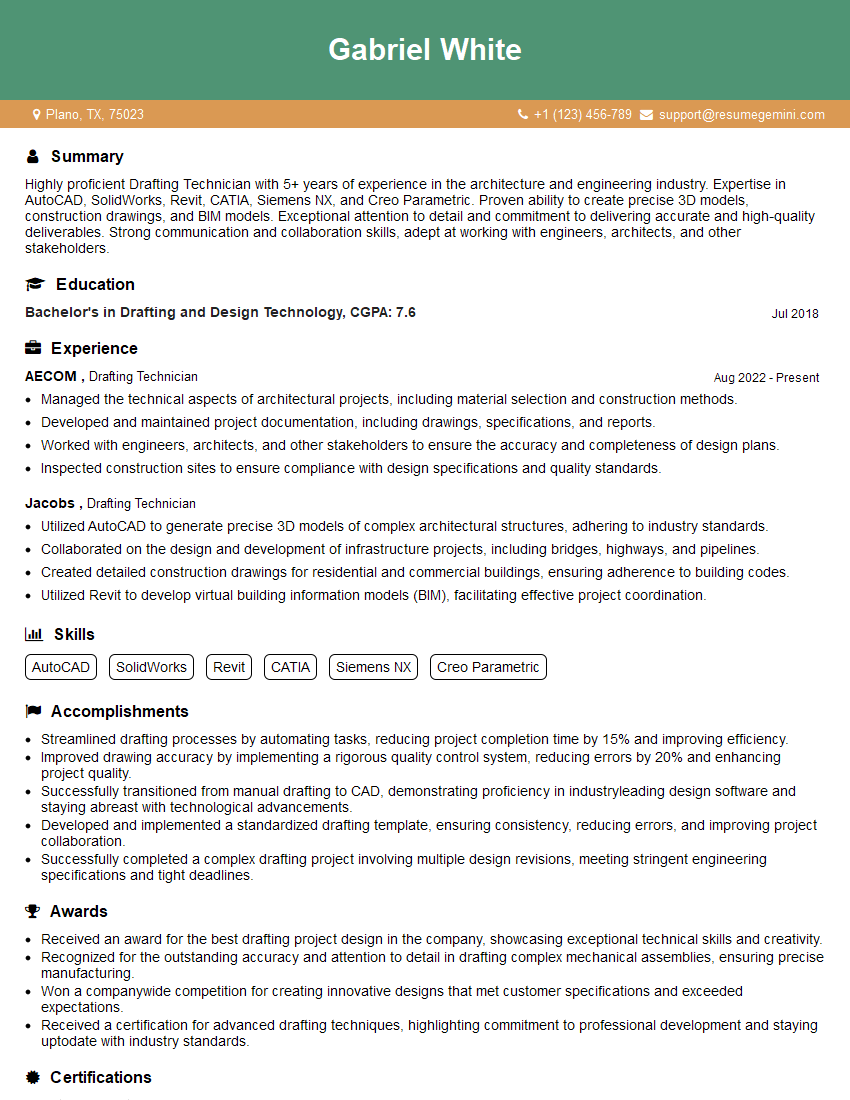
Drafting Technician Resume Sample
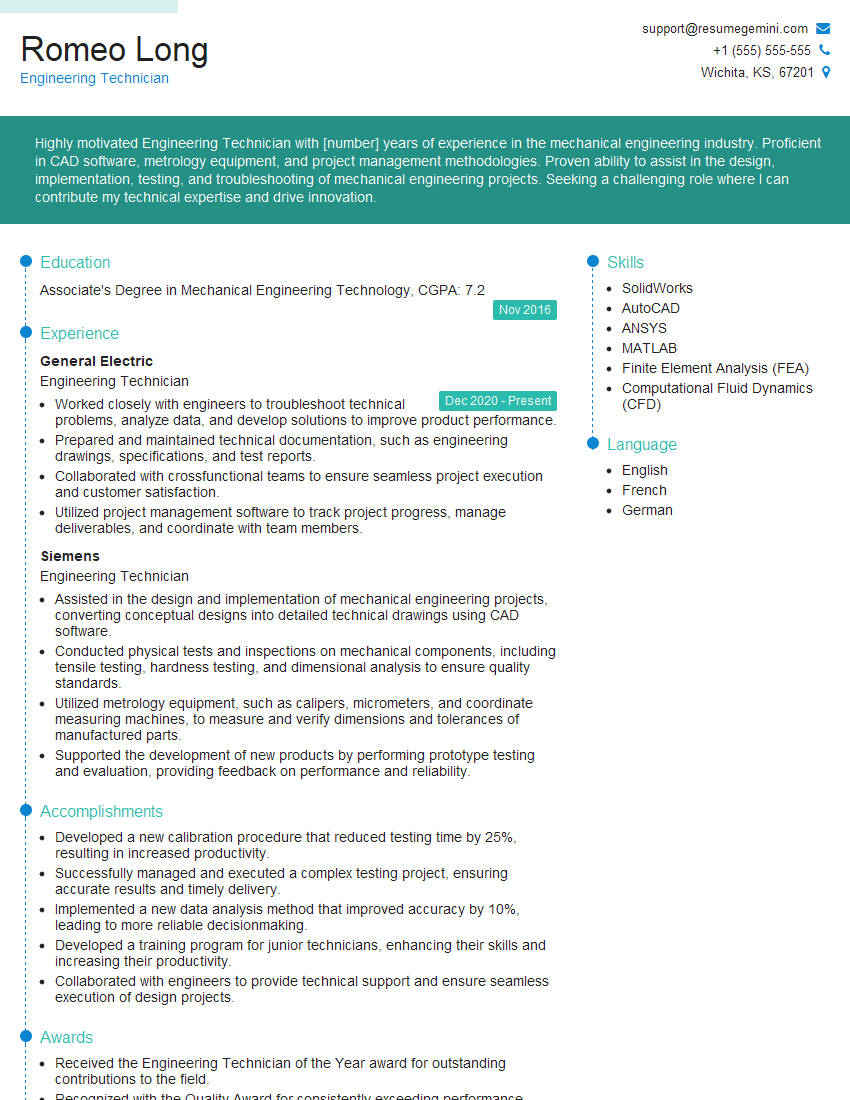
Engineering Technician Resume Sample
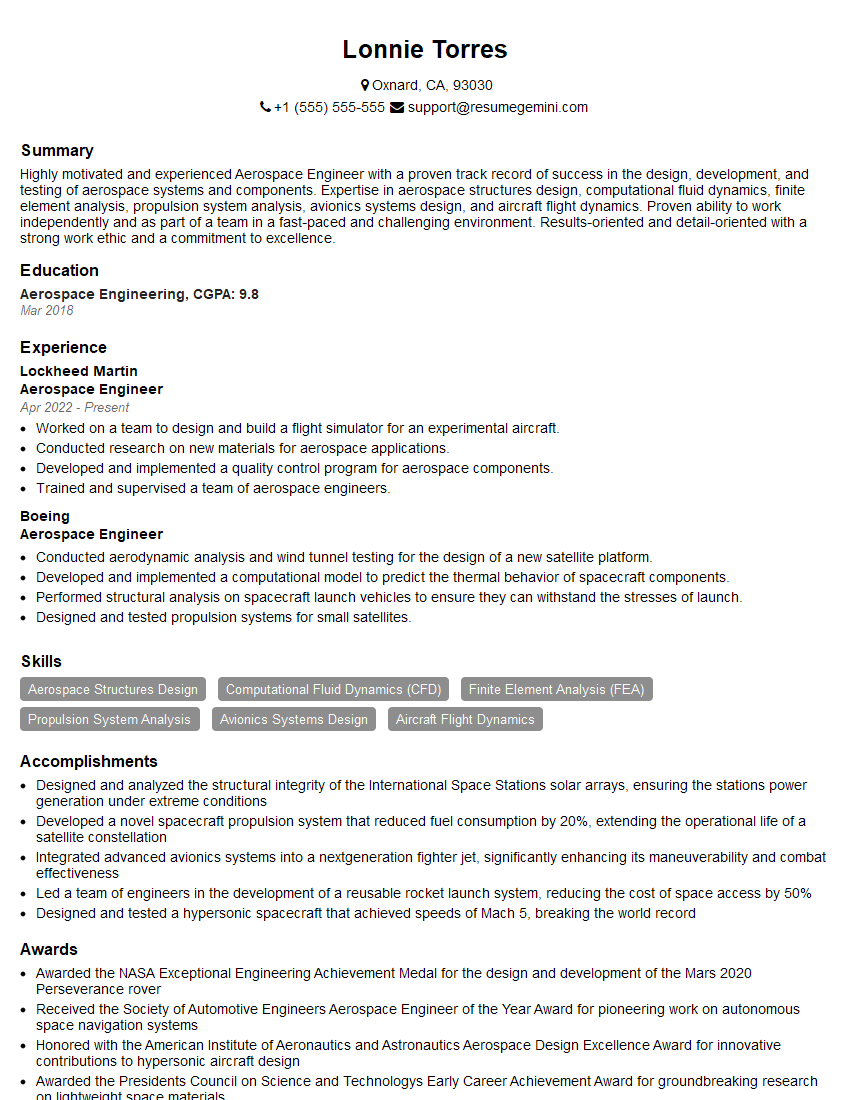
Aerospace Engineer Resume Sample

Manufacturing Engineer Resume Sample
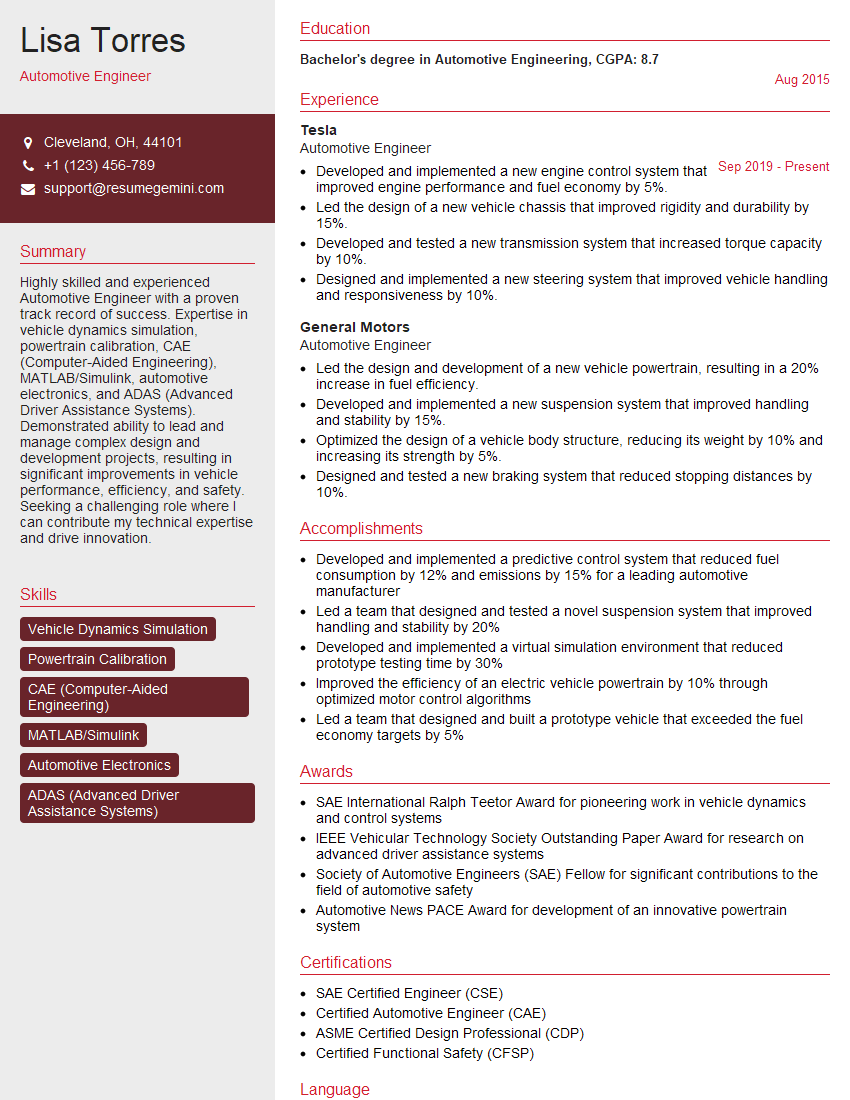
Automotive Engineer Resume Sample
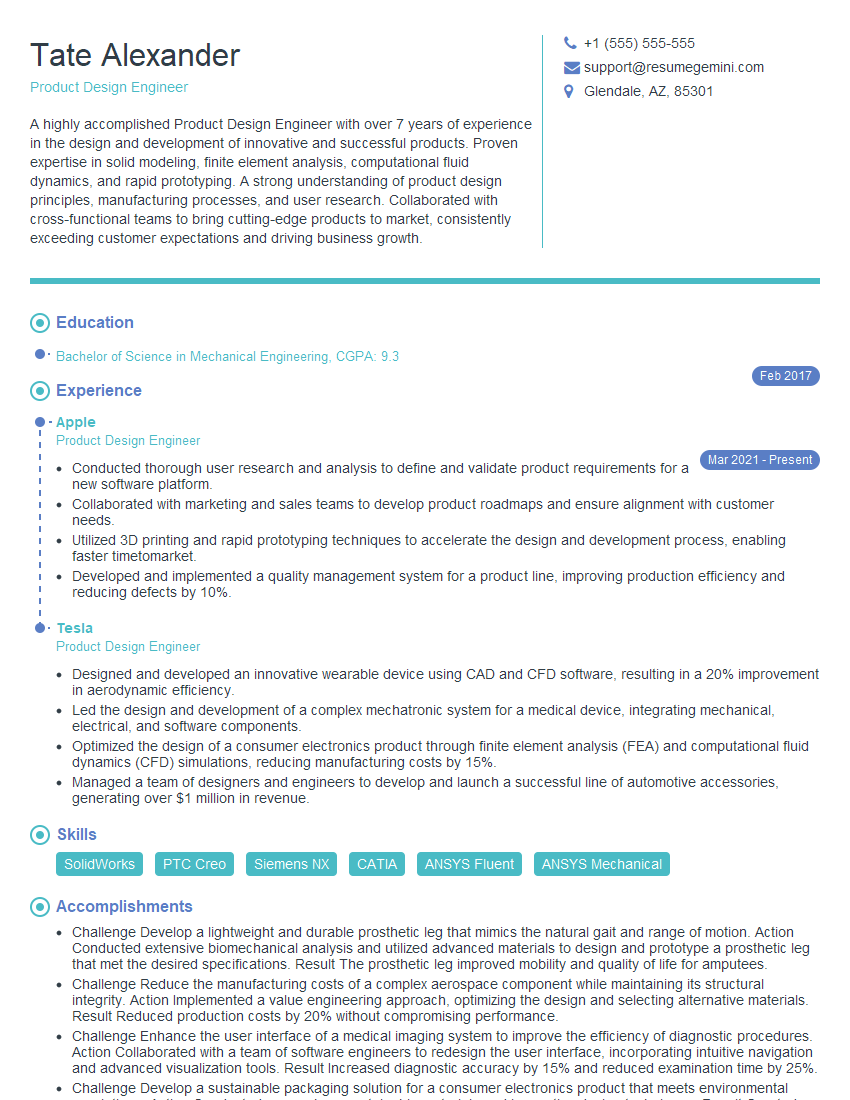
Product Design Engineer Resume Sample

Robotics Engineer Resume Sample
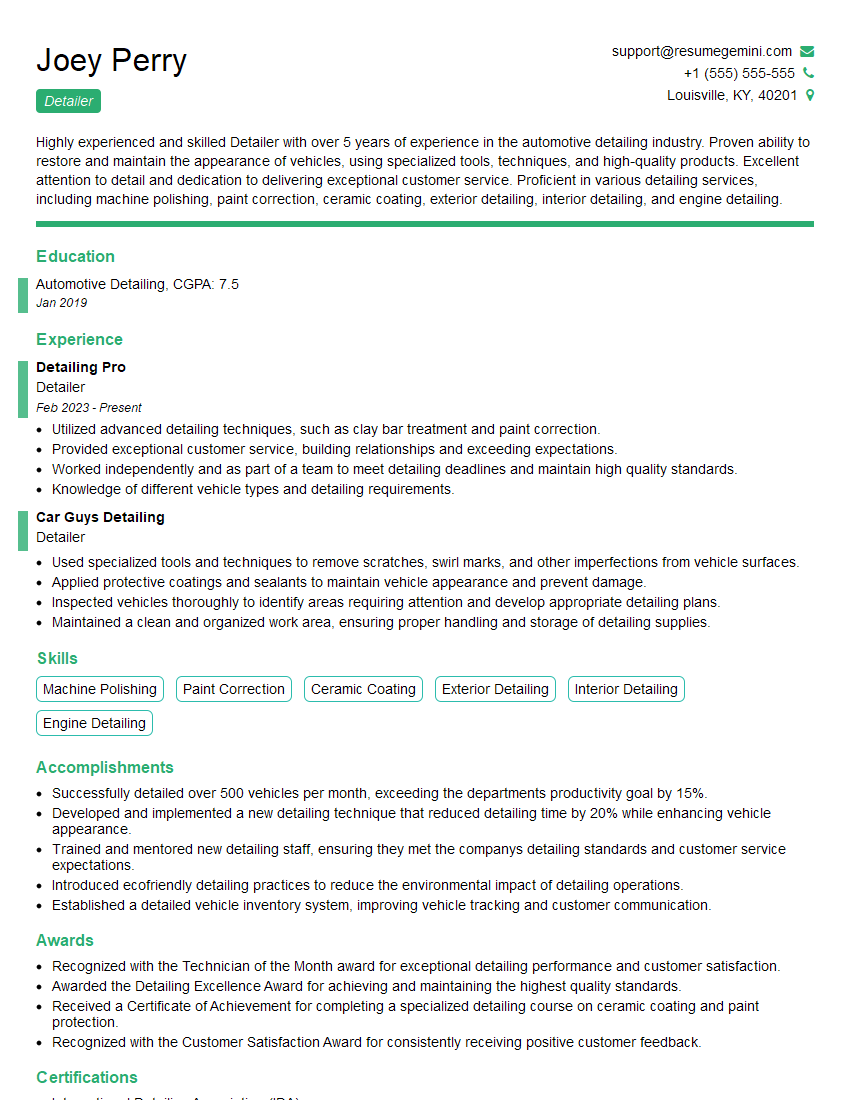
Detailer Resume Sample
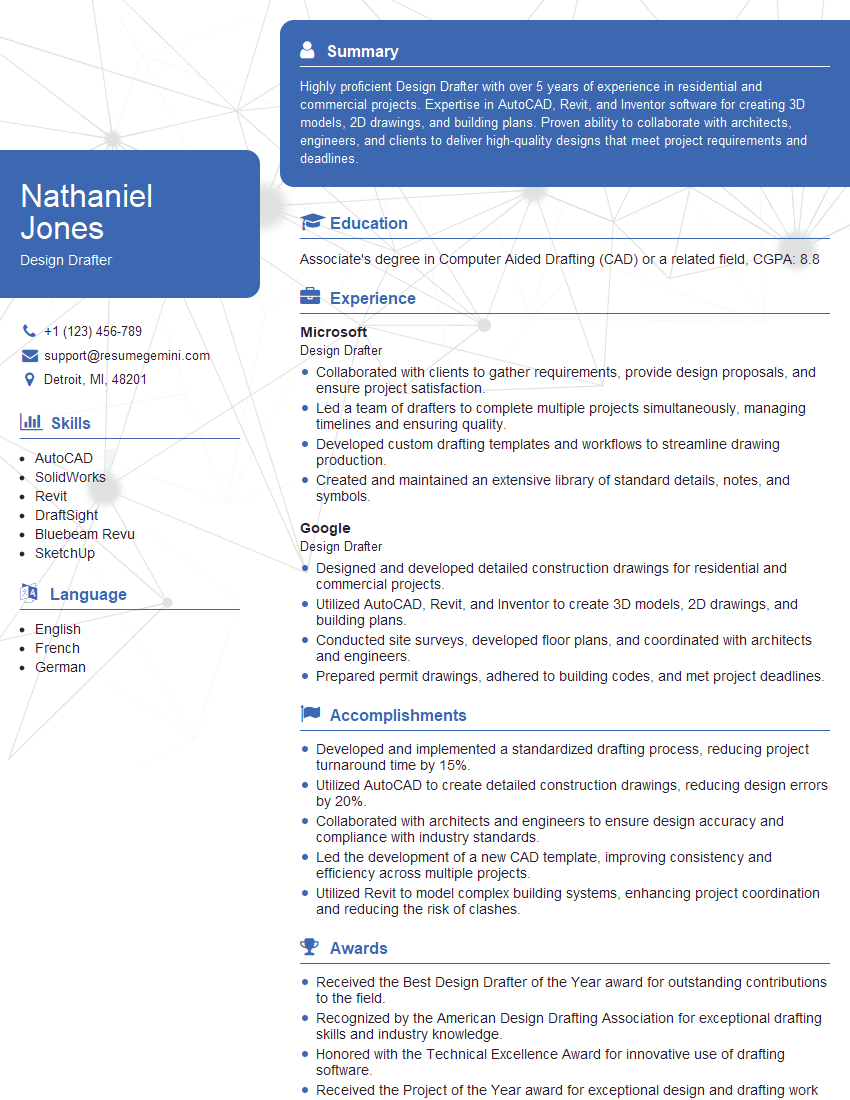
Design Drafter Resume Sample
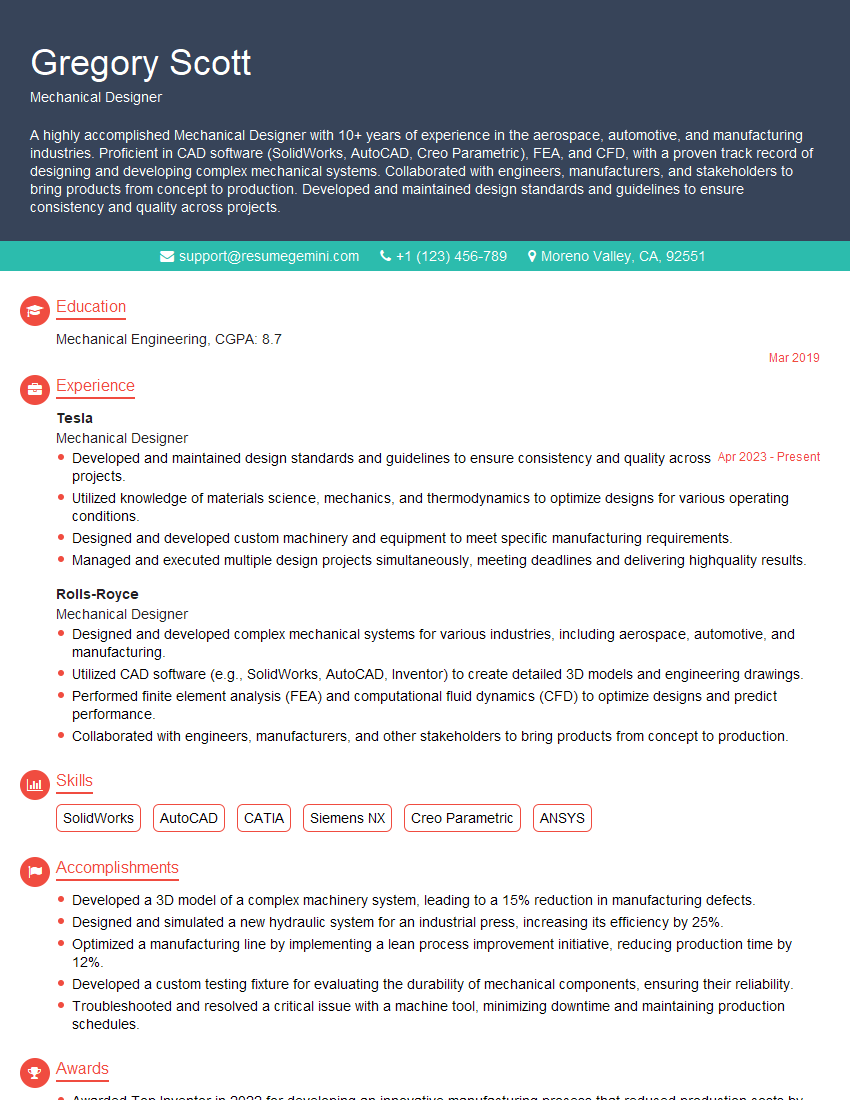
Mechanical Designer Resume Sample

Technical Illustrator Resume Sample
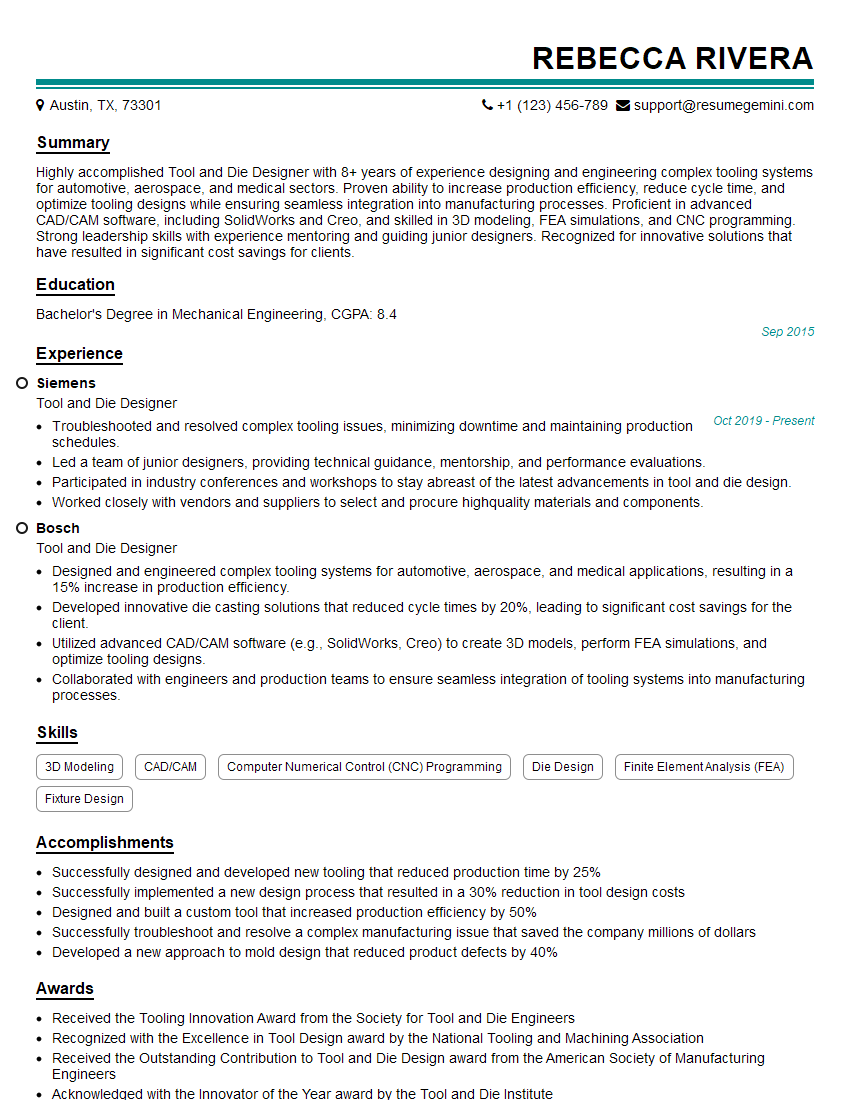
Tool and Die Designer Resume Sample
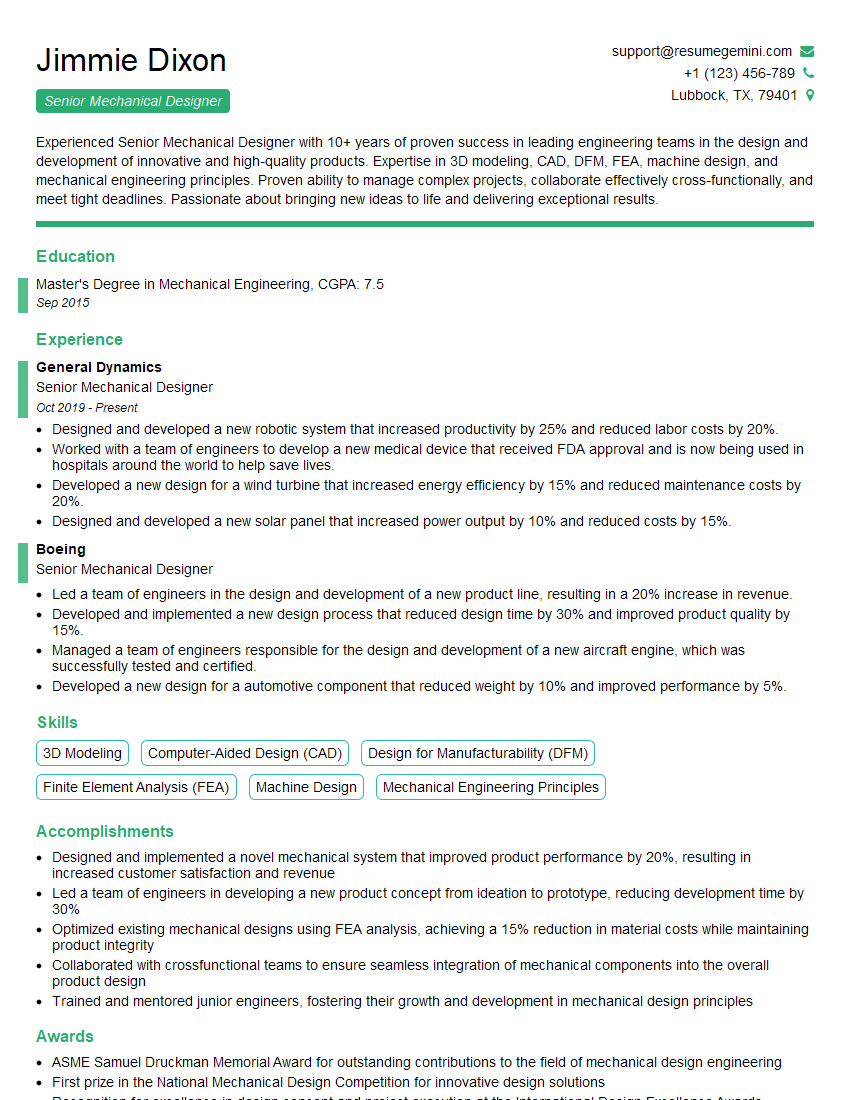
Senior Mechanical Designer Resume Sample

3D Modeler Resume Sample
- Project Engineer
- Automation Engineer
- Design Engineer
- Drafting Technician
- Engineering Technician
- Aerospace Engineer
- Manufacturing Engineer
- Automotive Engineer
- Product Design Engineer
- Robotics Engineer
- Detailer
- Design Drafter
- Mechanical Designer
- Technical Illustrator
- Tool and Die Designer
- Senior Mechanical Designer
- 3D Modeler
Explore more articles
Users Rating of Our Blogs
Share Your Experience
We value your feedback! Please rate our content and share your thoughts (optional).
What Readers Say About Our Blog
Very informative content, great job.
good