The thought of an interview can be nerve-wracking, but the right preparation can make all the difference. Explore this comprehensive guide to Negative Space and Depth interview questions and gain the confidence you need to showcase your abilities and secure the role.
Questions Asked in Negative Space and Depth Interview
Q 1. Explain the concept of negative space in design.
Negative space, also known as white space, is the area around and between the elements of a design. It’s not empty; rather, it’s the space that allows the positive elements (your text, images, logos, etc.) to breathe and be seen. Think of it as the background or the ‘rest’ of the design. Effective use of negative space is crucial for creating a clean, uncluttered, and visually appealing design.
It’s often overlooked, but mastering negative space is a hallmark of skilled designers. It’s not simply about leaving empty space; it’s about strategically placing elements to maximize the impact of both the positive and negative areas.
Q 2. How does negative space contribute to visual hierarchy?
Negative space plays a vital role in establishing visual hierarchy, which is the order in which the eye perceives information in a design. By strategically placing elements and using varying amounts of negative space, you can guide the viewer’s eye to the most important elements first. For example, a large amount of white space around a headline makes it stand out immediately, establishing it as the focal point. Conversely, elements grouped closely together with minimal negative space will be perceived as related.
Imagine a website layout: a headline with ample surrounding space draws the eye first. Then, a well-spaced paragraph below leads the viewer to read the supporting information. Finally, smaller calls to action (buttons) are subtly grouped to indicate interaction points. This hierarchical flow is directly controlled by the manipulation of negative space.
Q 3. Describe how you would use negative space to create emphasis in a design.
Creating emphasis through negative space involves isolating a key element by giving it plenty of breathing room. This creates a visual contrast that naturally draws the eye. The more space you place around an element, the more attention it will receive. This technique is particularly effective for headlines, logos, and calls to action. Conversely, grouping less important elements together with little space between them can subtly de-emphasize them.
For instance, consider a minimalist logo design. A small, perfectly crafted logo placed in the center of a large, clean canvas will stand out dramatically. The expanse of negative space around the logo emphasizes its simplicity and elegance.
Q 4. How does negative space impact readability and user experience?
Negative space is directly correlated with readability and user experience. Sufficient white space between lines of text, paragraphs, and columns improves readability significantly, preventing text from feeling cramped and overwhelming. It creates visual breathing room, making the content easier to scan and process. Poor use of negative space can lead to cluttered layouts, eye strain, and overall frustration for the user.
Furthermore, proper spacing between interactive elements like buttons and links ensures that users don’t accidentally click the wrong thing. Adequate margins and padding around elements improve the overall aesthetic appeal and usability of the design, contributing to a positive user experience.
Q 5. Give an example of effective use of negative space in a well-known design.
The FedEx logo is a classic example of effective negative space usage. The negative space between the ‘E’ and ‘x’ cleverly forms an arrow, subtly conveying speed and delivery – core elements of their brand. This clever use of negative space is both memorable and impactful, demonstrating the power of strategic spacing.
Many other minimalist logos successfully utilize this principle. Think about the Apple logo; its simplicity and the space surrounding the apple are key to its memorability and impact.
Q 6. Explain the concept of depth in a 2D design context.
Depth in a 2D design is the illusion of three-dimensionality created on a flat surface. It’s about making a two-dimensional image appear to have depth, volume, and perspective. While it’s not true three-dimensional space, the effect is crucial for engaging the viewer and creating a more realistic or impactful design.
This is achieved through various visual cues that mimic how we perceive depth in the real world. Understanding these principles allows designers to create designs that are not only visually appealing but also communicate effectively in a 2D space.
Q 7. How can you create a sense of depth using only visual elements?
Creating a sense of depth in 2D design relies on several visual techniques:
- Overlapping: Placing elements on top of each other creates a sense of layering and depth. Elements in front appear closer, while those behind appear further away.
- Perspective: Using linear perspective, where parallel lines converge towards a vanishing point, creates a realistic sense of depth. Objects closer to the vanishing point appear further away.
- Size Variation: Making objects smaller as they recede into the background suggests depth. Larger objects are perceived as closer, while smaller objects seem further away.
- Color and Value: Using lighter values and colors for objects further in the background, and darker values for those in the foreground, creates atmospheric perspective. This mimics the effects of atmospheric haze.
- Shadowing: Adding shadows to objects helps define their form and position in space, enhancing the illusion of depth. Careful shadow placement can greatly impact the perceived depth and realism.
- Texture: Using textures with varying levels of detail can suggest depth. More detailed textures appear closer, while less detailed textures recede into the background.
These techniques, used individually or in combination, provide powerful ways to create a compelling sense of depth in a 2D design. The key is to use these elements harmoniously to create a believable and engaging visual experience.
Q 8. What are some techniques for creating depth in a website design?
Creating depth in website design is crucial for guiding the user’s eye and enhancing the overall visual experience. Think of it like creating a sense of distance and layers on a flat screen. We achieve this through several techniques:
Layering: Placing elements on top of each other, using opacity or blending modes to create a sense of foreground and background. Imagine a website with a hero image slightly blurred in the background, with text and buttons sharply in focus in the foreground. This clearly defines layers.
Perspective: Using size and position to mimic how objects appear in real life. Objects farther away appear smaller. Consider a gallery showcasing products: larger, high-resolution images are in the foreground, while smaller, lower-resolution thumbnails are in the background, creating a sense of depth.
Shadows and Highlights: Adding realistic shadows and highlights to elements gives them a three-dimensional appearance. This is particularly effective in creating a sense of depth for text and buttons. A subtle drop shadow below a call to action button can significantly enhance its prominence and perceived depth.
Parallax Scrolling: This technique involves moving background elements at a slower rate than foreground elements as the user scrolls. This creates a realistic sense of depth and motion, like looking out a car window. A website showcasing travel destinations could use this technique to create a powerful visual experience.
Z-index: Using CSS
z-indexproperty helps to control the stacking order of elements. Higherz-indexvalues bring elements to the front, while lower values push them to the back, further defining depth.
Q 9. How can you use color to create depth in a design?
Color plays a vital role in establishing depth in design. It’s not just about aesthetics; color creates visual weight and distance. Here’s how:
Atmospheric Perspective: This is a technique where colors become less saturated and lighter as they recede into the background. Think of a landscape painting where mountains in the distance are a hazy blue, while those closer are more vibrant and detailed. You can mimic this on a website using subtle color variations.
Warm vs. Cool Colors: Warm colors (reds, oranges, yellows) tend to advance, appearing closer to the viewer, while cool colors (blues, greens, purples) recede, creating a sense of distance. Strategically using warm colors in the foreground and cool colors in the background establishes depth.
Color Intensity: Bright, saturated colors tend to stand out, suggesting proximity, while muted, desaturated colors often fade into the background. Consider using a high-intensity color for a call-to-action button to make it more visually prominent.
Contrast: Using contrasting colors between foreground and background elements can help separate elements and create a sense of visual hierarchy, which contributes to the perception of depth. A dark background with brightly colored text is a classic example.
Q 10. Explain the relationship between negative space and depth perception.
Negative space, also known as white space, is the area surrounding the positive space (the main design elements). It plays a crucial role in creating depth perception. Think of it as the ‘air’ around an object, allowing it to breathe and stand out. By strategically using negative space, we can:
Isolate Elements: Surrounding elements with ample negative space makes them more prominent and gives the eye a clear path to focus, thus enhancing the sense of depth. Elements separated from one another appear naturally layered.
Create Visual Hierarchy: The strategic use of negative space helps establish visual order. More negative space around a key element emphasizes its importance, moving it toward the ‘foreground’ in the viewer’s perception.
Establish Depth Through Proximity: Elements grouped closely together in positive space and separated from other elements by a larger negative space appear in layers. The greater negative space suggests more distance.
Improve Readability and Clarity: Appropriate negative space enhances readability by preventing elements from feeling cramped and crowded, which is critical for establishing visual order and perception of depth.
Q 11. Describe how you would create depth in a logo design.
Creating depth in a logo design, even though it’s a two-dimensional image, is about suggesting three-dimensionality. We can do this by:
Layering and Overlap: Overlapping elements create a sense of foreground and background. Think of a logo with a layered text element in front of a simple icon. The text appears closer to the viewer.
Shadows and Highlights: Subtle shadows and highlights can add dimension to a logo. A slight shadow beneath a text element can give it a three-dimensional feel, pushing it forward in the perceptual space.
Perspective: While limited, subtle perspective can be used. A slightly angled element might suggest depth. This is effective for logos using geometric shapes, where a slight distortion adds a sense of three-dimensionality.
Gradients: Carefully used gradients can simulate curves and shading, helping to portray depth even within simple shapes.
The key is subtlety. Overdoing these effects can make a logo look cluttered, defeating the purpose of depth.
Q 12. How do you balance negative space and positive space in your designs?
Balancing positive and negative space is essential for effective design. It’s a delicate dance; too much of either can be detrimental. The optimal balance depends heavily on the design’s purpose and style.
Purpose-Driven Approach: Consider the design’s primary message. If the focus is on a single element, more negative space enhances that element’s prominence. For designs with multiple elements, a more balanced approach is preferred.
Visual Weight: Consider the visual weight of your positive elements. Large, bold elements require more negative space to prevent them from feeling overwhelming. Smaller, simpler elements may benefit from less.
Testing and Iteration: Experiment with different ratios of positive and negative space. Gather feedback to determine what best communicates the intended message and feels balanced to the viewer.
Consider the Context: The appropriate balance often varies by context. A minimalist design might heavily rely on negative space, whereas a complex infographic may require a more even balance.
There’s no hard and fast rule, but the goal is to achieve a feeling of visual harmony and clarity.
Q 13. What are the common mistakes designers make when using negative space?
Common mistakes designers make with negative space include:
Insufficient White Space: Cramming too many elements into a small area makes the design cluttered and overwhelming, hindering readability and diminishing the visual impact. This is a frequent error, particularly in designs with a large amount of information.
Inconsistent White Space: Using uneven spacing around elements creates a visually unbalanced composition, making the design feel amateurish. Consistency in spacing is key to a professional look.
Ignoring the Importance of Margins: Neglecting proper margins around the content area can make the design feel cramped and unprofessional. Margins give breathing room and enhance visual organization.
Overusing Negative Space: While negative space is essential, too much can make the design feel empty and lack focus. The right balance needs to be carefully considered.
Not Considering the Medium: Failing to adapt negative space usage for different mediums (print vs. digital) can lead to poor results. Digital designs often require slightly less negative space due to screen resolution limitations.
Q 14. How does negative space affect the overall mood or feeling of a design?
Negative space significantly influences the overall mood and feeling of a design. It’s more than just empty space; it actively contributes to the emotional impact. Here’s how:
Minimalist and Clean Feel: Abundant negative space creates a sense of calm, order, and sophistication. It’s often associated with minimalism and modern aesthetics.
Emphasizing Simplicity and Clarity: Ample negative space around key elements enhances their prominence, leading to better comprehension and creating a clean, uncluttered experience.
Creating a Sense of Airiness and Spaciousness: Negative space visually expands the design, making it feel less confined. This can be very beneficial for websites or applications intended to convey a feeling of freedom or openness.
Increasing the Perceived Value: Strategically used negative space can elevate the perceived value of a product or brand, associating it with luxury and refinement.
Contrast and Tension: Less negative space can create a feeling of energy, dynamism, and perhaps even tension. It’s particularly effective when used to contrast with a calmer, more negative space-focused section.
Q 15. Discuss the importance of considering cultural factors when using negative space.
Negative space, or white space, is crucial, but its effectiveness is deeply intertwined with cultural context. What’s considered elegant minimalism in one culture might be perceived as unfinished or unprofessional in another. For example, a design heavy on negative space, highly valued in minimalist Scandinavian design, might be interpreted as lacking in detail or information in a culture that prefers visually rich and busy layouts.
Understanding these cultural nuances is paramount. Before embarking on a design project, thorough research into the target audience’s cultural background is essential. This includes understanding their visual preferences, their interpretation of symbols and imagery, and even the level of detail they expect in a design. Ignoring cultural factors can lead to miscommunication, negative user experience, and ultimately, a failed design.
For instance, a website designed for a Japanese audience might benefit from a more restrained use of negative space, reflecting the cultural emphasis on simplicity and harmony. Conversely, a design targeted at a Latin American audience might incorporate more visual elements and less negative space, reflecting a preference for vibrant and detailed aesthetics.
Career Expert Tips:
- Ace those interviews! Prepare effectively by reviewing the Top 50 Most Common Interview Questions on ResumeGemini.
- Navigate your job search with confidence! Explore a wide range of Career Tips on ResumeGemini. Learn about common challenges and recommendations to overcome them.
- Craft the perfect resume! Master the Art of Resume Writing with ResumeGemini’s guide. Showcase your unique qualifications and achievements effectively.
- Don’t miss out on holiday savings! Build your dream resume with ResumeGemini’s ATS optimized templates.
Q 16. Explain how you approach creating depth in a mobile app interface.
Creating depth in a mobile app interface, given its limited screen real estate, requires a strategic approach. We can’t rely solely on perspective like in large-scale designs. Instead, we employ a multi-pronged strategy combining visual hierarchy, layering, and subtle effects.
- Layering: Overlapping elements create a sense of depth. Placing elements on top of others, using slight shadows or transparency, establishes a clear visual hierarchy. Buttons that slightly overlap the background create a sense of being ‘on top’.
- Visual Hierarchy: Prioritizing key information through size, color, and contrast helps draw the eye to crucial elements, creating a sense of depth by focusing attention and guiding the user’s gaze. Important elements should be larger and more prominently placed.
- Shadows and Highlights: Subtle use of shadows and highlights can convincingly mimic three-dimensional form, even on flat surfaces, and add depth to individual elements. A subtle drop-shadow can make a button or icon appear to ‘float’ above the background.
- Parallax Scrolling: For more complex apps, parallax scrolling—where background elements move at a slower rate than foreground elements—can create a convincing sense of depth and immersion as the user scrolls.
It’s crucial to maintain simplicity and avoid cluttering the interface. Depth should enhance usability, not hinder it.
Q 17. How would you handle a design brief that requires minimal negative space?
A design brief demanding minimal negative space requires careful consideration. While maximizing visual density, we must avoid creating visual clutter and maintain usability. The key is strategic arrangement and careful selection of design elements.
- Grid System: A well-defined grid system is crucial for organizing elements effectively and preventing chaos. This structure provides a framework for placement, ensuring visual balance even with a high element density.
- Typography: Clean and legible typography is paramount. Choosing appropriate fonts and line spacing is crucial to maintain readability in a space-constrained design. Overusing visual weight can be very detrimental.
- Color Palette: A well-chosen color palette can contribute to visual harmony. Using a limited palette with well-defined contrasts can prevent elements from blending together, even in densely packed layouts.
- Visual Hierarchy: Even with minimal space, a clear visual hierarchy is crucial. Prioritizing elements through careful placement, size, and contrast ensures important information remains accessible.
In such scenarios, micro-interactions and subtle animations can help guide the user through the interface without adding visual clutter.
Q 18. How can you use perspective to enhance depth in a design?
Perspective is a powerful tool for creating depth in design. It mimics how we perceive the three-dimensional world, creating a sense of distance and scale.
- Linear Perspective: Parallel lines converging towards a vanishing point create a sense of depth, making distant objects appear smaller. This technique is often used in architectural renderings and illustrations.
- Atmospheric Perspective: This creates depth by simulating how the atmosphere affects our vision. Distant objects appear fainter and less detailed than nearby objects due to atmospheric scattering. We can achieve this by reducing contrast and saturation in more distant elements.
- Size and Scale: Smaller objects placed further away, and larger objects closer, establish a natural sense of depth and scale. This principle works in conjunction with linear and atmospheric perspective.
However, applying perspective requires careful consideration. Overuse can make a design feel forced or unrealistic, especially in digital interfaces where perspective isn’t always natural or necessary. We should always consider its appropriateness to the design’s style and purpose.
Q 19. What are the benefits of using a lot of negative space in a design?
Ample negative space offers several key benefits:
- Improved Readability and Clarity: It prevents visual clutter and enhances the readability of text and graphics. The “breathing room” makes information easier to digest and understand.
- Enhanced Visual Hierarchy: Negative space helps to highlight key elements by providing visual contrast. This strategic emphasis directs the user’s attention to the most important aspects of the design.
- Modern and Professional Aesthetic: Designs with substantial negative space often project a clean, sophisticated, and modern feel. It is synonymous with minimalism and high-end design.
- Reduced Cognitive Load: Less visual stimuli lead to a more relaxed user experience. This is especially beneficial for interfaces requiring focused attention or concentration.
- Increased Perceived Value: Ironically, less often means more. Using negative space effectively can elevate the perceived value and sophistication of a design. It suggests quality and restraint.
Q 20. How do you ensure that negative space doesn’t make the design feel empty?
The challenge lies not in using negative space, but in using it *effectively*. A design with too much empty space can indeed feel barren and unfinished. To prevent this, we focus on:
- Strategic Placement: Negative space isn’t just about blank areas; it’s about carefully placing elements to maximize their impact. The strategic use of margins and padding is vital.
- Visual Balance: Ensure a visually balanced composition. Negative space should be distributed thoughtfully, preventing any area from feeling overly empty or crowded.
- Focal Point: A clear focal point helps to anchor the design, drawing the eye to the most important elements, and preventing the design from appearing empty. The negative space frames this focal point effectively.
- Content-Driven Layout: The amount of negative space should be dictated by the content and its requirements. More information may necessitate less negative space, but that shouldn’t come at the cost of readability.
Ultimately, the goal is to achieve a harmonious balance between the elements and the space surrounding them. It’s a delicate dance of visual weight and strategic emptiness.
Q 21. Describe a time you had to adjust the negative space in a design due to client feedback.
During a redesign for a finance app, the initial design heavily emphasized negative space, reflecting a modern, minimalist aesthetic. However, the client, after user testing, felt it appeared too sparse and lacked enough visual cues to guide users. Their feedback was valuable as it pointed to a usability issue I hadn’t anticipated.
My approach involved iterative adjustments. We didn’t completely abandon negative space; instead, we strategically introduced subtle visual elements and reorganized sections. We used micro-interactions to draw attention to key features without sacrificing the overall clean design. For instance, we subtly animated sections when a user hovered over them, providing more guidance. We also slightly increased the text size in some areas, and added a few visual separators to break up dense blocks of text.
The revised design maintained a clean aesthetic while significantly improving user experience and addressing the client’s concerns. This experience reinforced the importance of continuous user feedback and the willingness to adapt the design based on real-world observations.
Q 22. How would you explain the concept of negative space to a non-designer?
Negative space, also known as white space, isn’t the absence of design; it’s a powerful design element. Think of it as the space around and between the visual elements in a design. It’s the breathing room that allows your key elements to stand out and prevents a cluttered, overwhelming look. Just like a painter uses the empty canvas around their subject to create focus and context, a designer uses negative space to guide the viewer’s eye and enhance the overall impact of their design.
For example, imagine a simple logo. A powerful logo often uses a lot of negative space. The negative space itself becomes part of the image, creating a silhouette or shape that is just as important as the positive space (the filled-in part of the logo).
Q 23. How do you incorporate user feedback to refine the use of negative space in a design?
User feedback is crucial for refining negative space. I use a combination of methods to gather this feedback: A/B testing different versions with varying amounts of negative space, usability testing where I observe users interacting with the design and ask targeted questions about their experience, and surveys to gather quantitative data on user preferences.
For instance, if user testing reveals that users are struggling to find a key call-to-action button because it’s too close to other elements, I would increase the negative space around that button in subsequent iterations. Analyzing survey data on aesthetic preferences helps me understand how users perceive the overall balance and visual clarity of the design, informing adjustments to negative space.
Q 24. Compare and contrast the use of negative space in print design versus digital design.
While the core principle of negative space remains consistent across print and digital design – providing visual breathing room and enhancing readability – their applications differ. In print design, you’re often working with a fixed physical space and need to meticulously plan the layout to ensure sufficient negative space for balance and legibility, considering factors like bleed and margins.
Digital design offers more flexibility. Responsive design requires negative space to adapt to various screen sizes. While print relies more on static white space, digital design can use interactive elements and animations to manipulate the perceived negative space, such as expanding or collapsing sections to reveal more content only when needed. However, in both cases, judicious use is crucial to prevent clutter and aid visual hierarchy.
Q 25. What tools or software do you use to effectively manage and utilize negative space?
My toolkit for managing negative space includes both design software and fundamental design principles. I primarily use Adobe Photoshop and Illustrator, utilizing their grid and guide tools to precisely control spacing. Figma is another excellent tool for this, especially for collaborative projects and responsive designs. Beyond software, I rely heavily on understanding visual hierarchy, Gestalt principles (like proximity and alignment), and the rule of thirds to guide my decision-making about where and how to implement negative space. These principles, combined with the precise control of software, allow for creating clean and well-balanced designs.
Q 26. Describe your process for evaluating the effectiveness of negative space in a completed design.
Evaluating the effectiveness of negative space involves a multi-faceted approach. Firstly, I conduct a visual review, checking for a balanced and uncluttered appearance. Is the content easily scannable? Do elements feel appropriately spaced? Next, I analyze user feedback, focusing on areas where users expressed confusion or difficulty interacting with the design. Lastly, I might use heatmaps to understand user gaze patterns – do users focus where intended, or do they get lost in areas with insufficient or excessive negative space? A combination of these methods gives a holistic view of the design’s success in utilizing negative space effectively.
Q 27. How do you ensure accessibility is considered when utilizing negative space and depth cues?
Accessibility is paramount. When employing negative space and depth cues, I ensure sufficient contrast between text and background to aid readability for users with visual impairments. I adhere to WCAG guidelines for font sizes, spacing, and color contrast. For depth cues, I avoid relying solely on subtle shading or gradients; instead, I use clear visual separators and structural elements to create hierarchy and improve navigation for users with various disabilities. Over-reliance on subtle depth cues can exclude users with certain visual impairments, so providing multiple methods for communicating hierarchy is key.
Q 28. How would you create a sense of depth using typography and layering?
Creating a sense of depth using typography and layering involves strategically manipulating size, weight, color, and positioning. Larger, bolder fonts can appear closer to the viewer, while smaller, lighter fonts recede. Overlapping text elements can create a sense of depth, with the overlapping text appearing closer. Color can also play a role; brighter colors tend to advance, while darker colors recede. For example, a headline in a bold, large font could be layered over a slightly translucent background color, creating a sense that it is emerging from the background. Subheadings, in a smaller, lighter font, might be placed behind this element, further enhancing the depth perception.
Key Topics to Learn for Negative Space and Depth Interview
- Understanding Negative Space: Explore the definition, purpose, and effective utilization of negative space in design. Consider its role in visual hierarchy and emphasis.
- Depth Perception Techniques: Learn various methods to create depth in a design, including layering, perspective, shading, and color gradients. Analyze how these techniques contribute to visual storytelling.
- Practical Applications: Discuss real-world examples where negative space and depth are crucial. Analyze case studies in graphic design, UI/UX, and other relevant fields.
- Balancing Elements: Understand how to skillfully balance positive and negative space to achieve visual harmony and avoid clutter. Practice identifying successful and unsuccessful examples.
- Problem-Solving with Negative Space and Depth: Explore how to use negative space and depth to solve design challenges, such as improving readability, guiding the user’s eye, or enhancing a brand’s identity.
- Technical Considerations: Depending on your role, understand the technical aspects related to implementing depth and negative space in your chosen software or environment (e.g., CSS, Adobe Illustrator).
- Analyzing Existing Designs: Practice critiquing existing designs, identifying effective and ineffective uses of negative space and depth. Be prepared to articulate your reasoning.
Next Steps
Mastering Negative Space and Depth is crucial for showcasing your design sensibilities and problem-solving skills, significantly enhancing your career prospects in creative fields. A strong resume is your first impression; make it count! Creating an ATS-friendly resume is vital for getting your application noticed. To build a professional and impactful resume tailored to highlight your expertise in Negative Space and Depth, leverage the power of ResumeGemini. ResumeGemini provides the tools and resources to craft a compelling document. Examples of resumes tailored to showcase expertise in Negative Space and Depth are available to help guide you.

Art Director Resume Sample

Creative Director Resume Sample

Information Architect Resume Sample

Web Designer Resume Sample

Game Designer Resume Sample
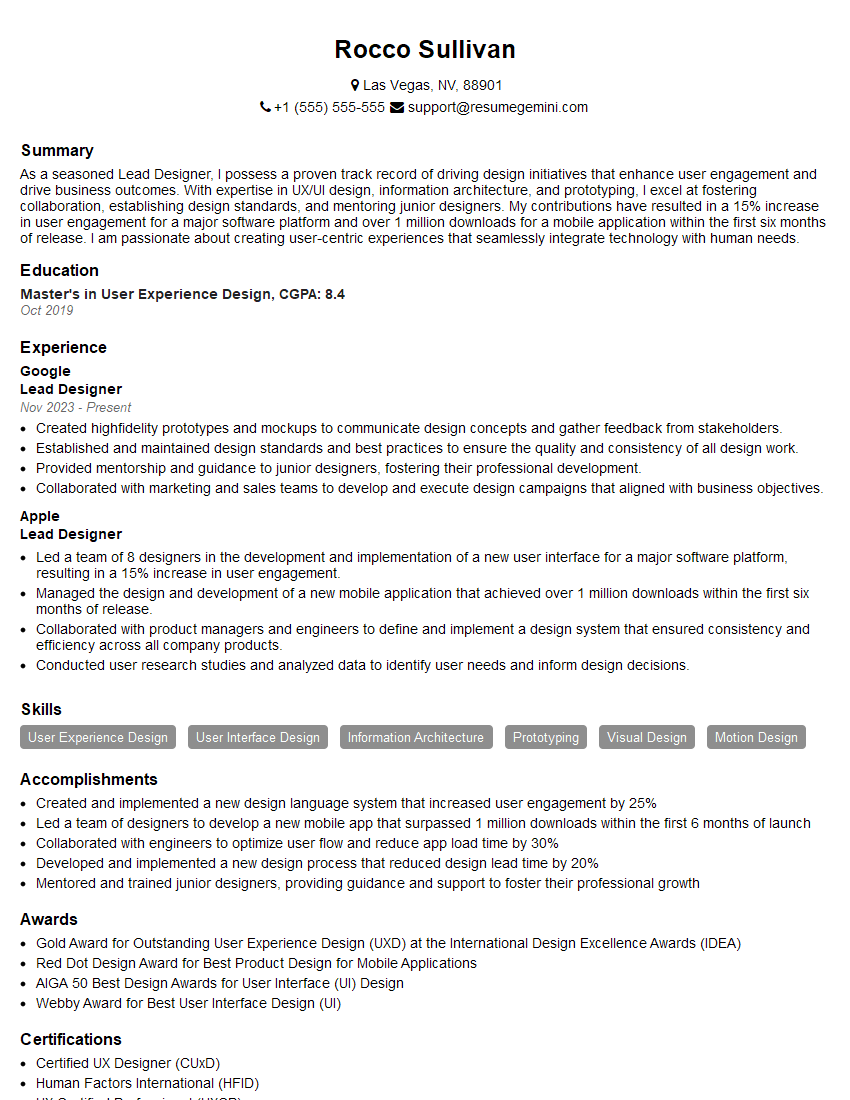
Lead Designer Resume Sample
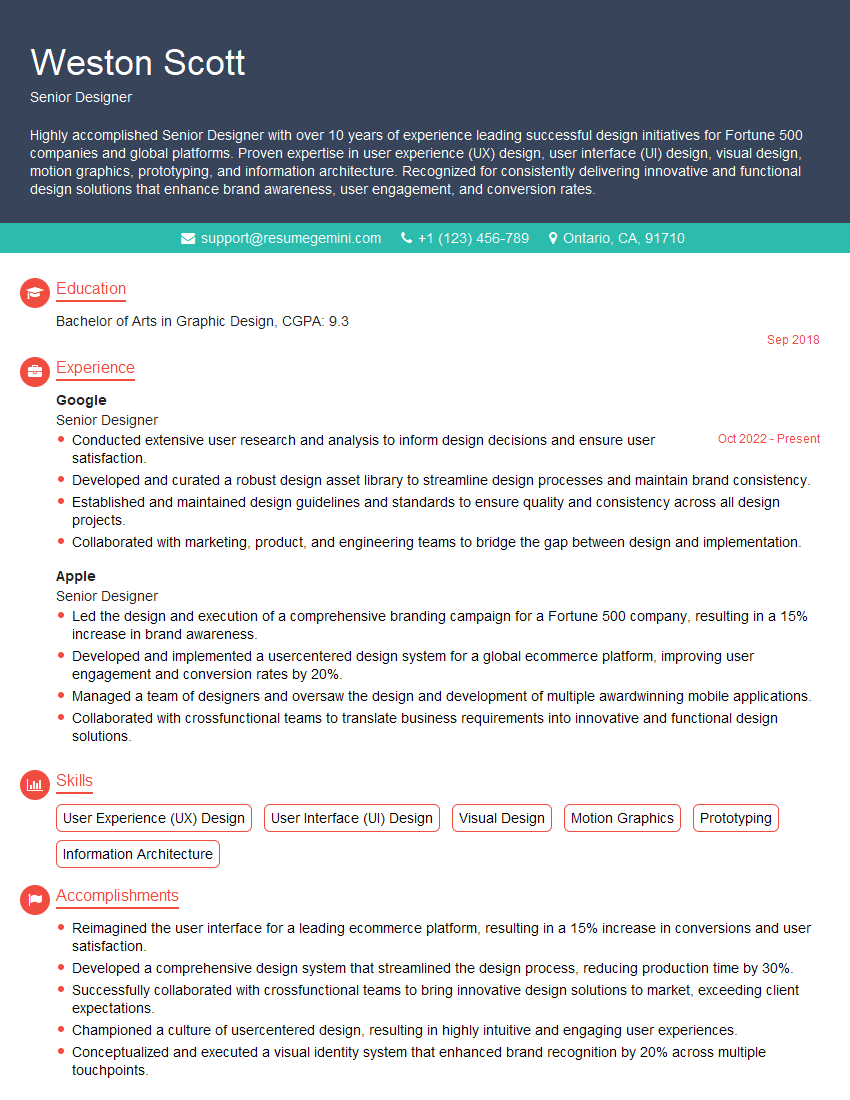
Senior Designer Resume Sample

Technical Designer Resume Sample

Product Designer Resume Sample
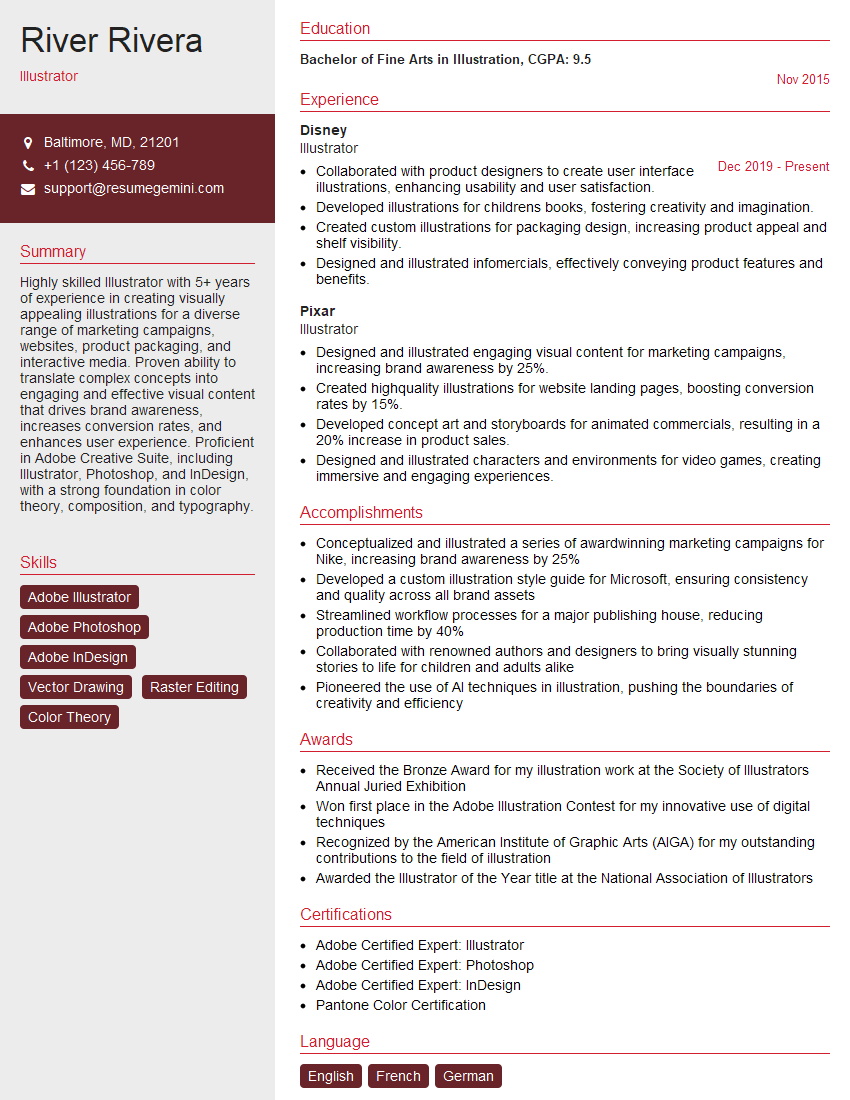
Illustrator Resume Sample

3D Modeler Resume Sample

Graphic Designer Resume Sample

Packaging Designer Resume Sample
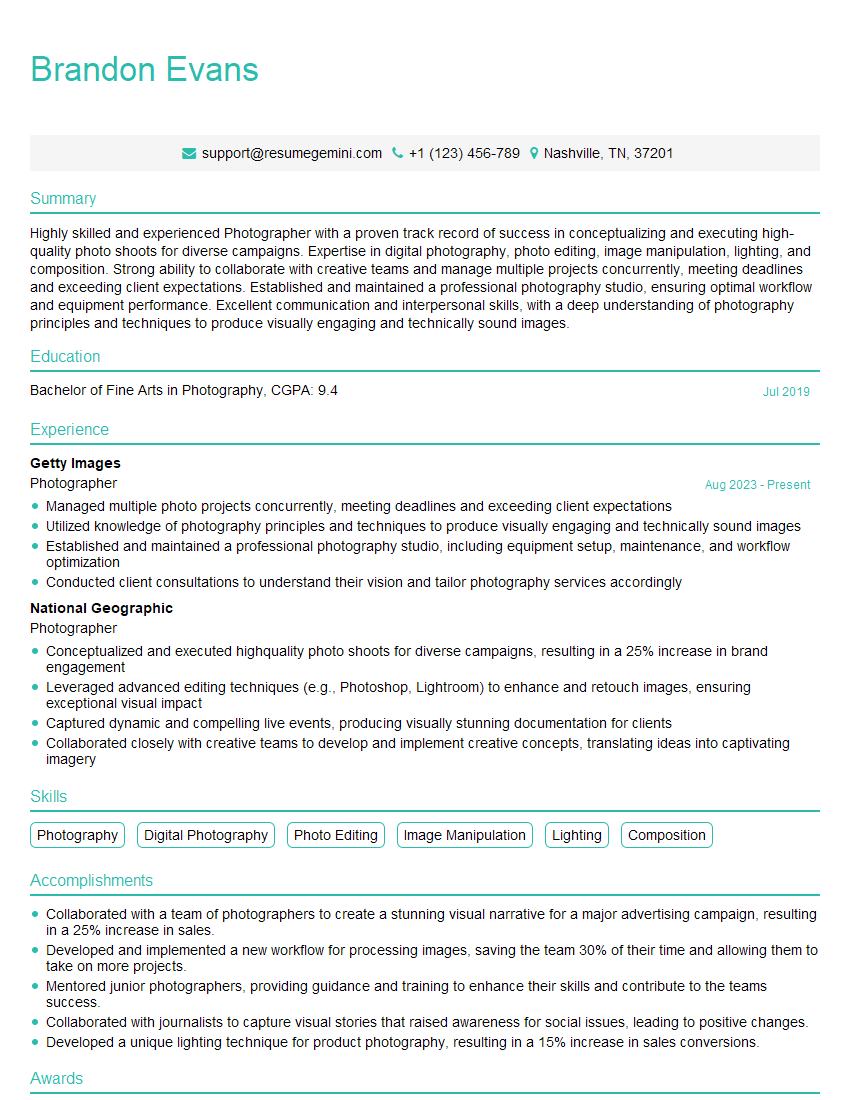
Photographer Resume Sample

UX Designer Resume Sample
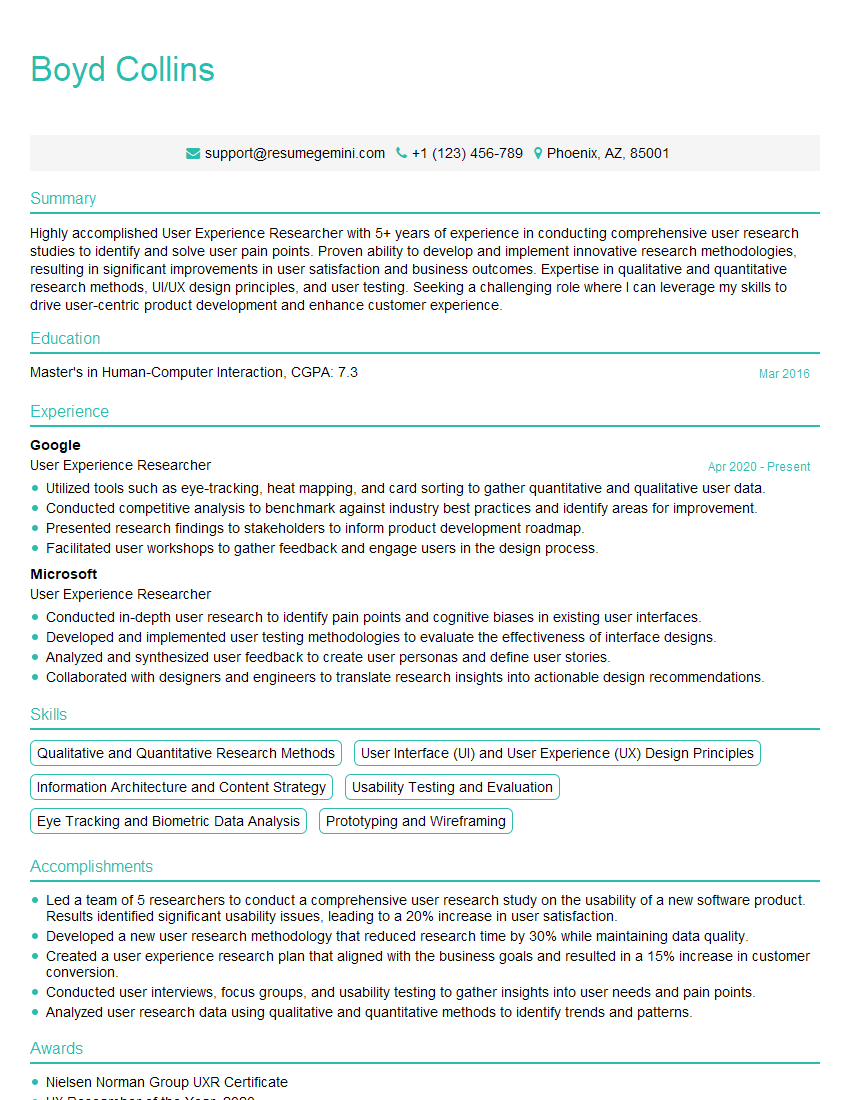
User Experience Researcher Resume Sample
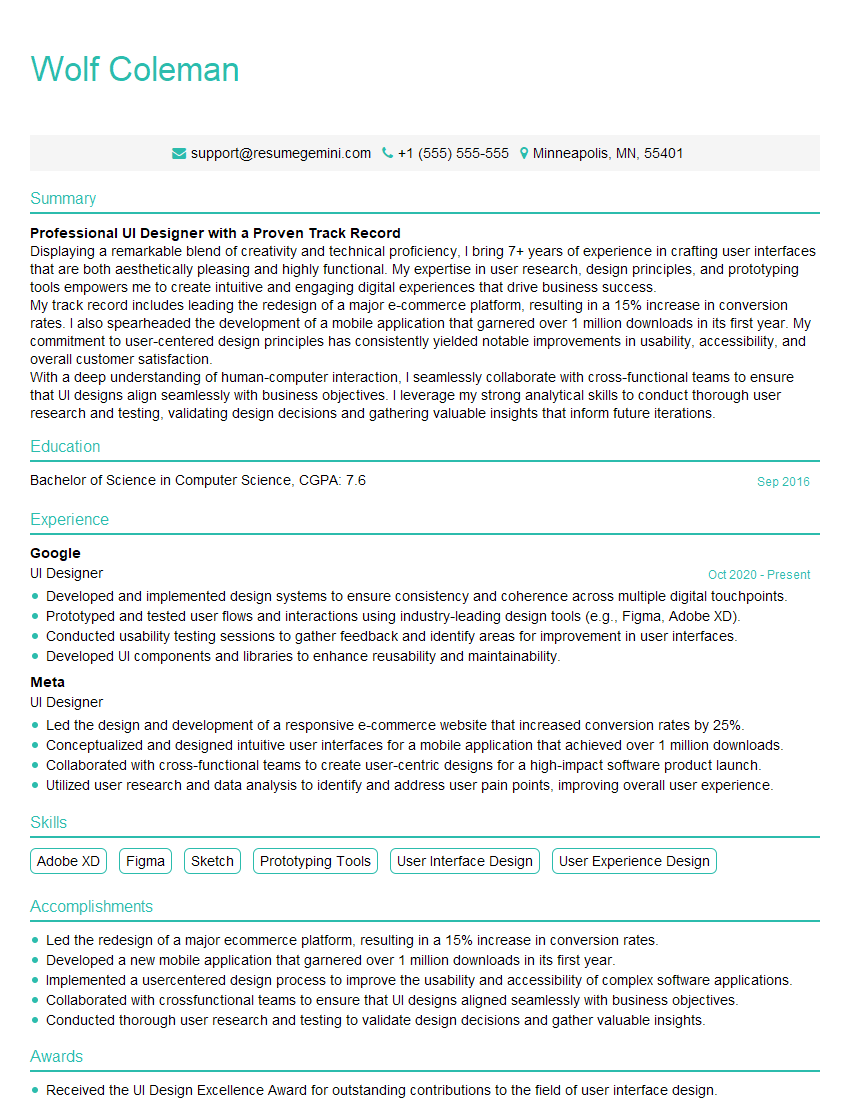
UI Designer Resume Sample
Explore more articles
Users Rating of Our Blogs
Share Your Experience
We value your feedback! Please rate our content and share your thoughts (optional).
What Readers Say About Our Blog
Very informative content, great job.
good