Every successful interview starts with knowing what to expect. In this blog, we’ll take you through the top Net Maintenance and Repair interview questions, breaking them down with expert tips to help you deliver impactful answers. Step into your next interview fully prepared and ready to succeed.
Questions Asked in Net Maintenance and Repair Interview
Q 1. Explain the OSI model and its layers.
The OSI (Open Systems Interconnection) model is a conceptual framework that standardizes the functions of a telecommunication or computing system without regard to its underlying internal structure and technology. Think of it like a layered cake, each layer having a specific role in ensuring data transmission.
- Layer 1: Physical Layer: Deals with the physical transmission of data, like cables, connectors, and signals. Imagine this as the actual wires carrying the data.
- Layer 2: Data Link Layer: Handles data framing, error detection, and media access control (MAC addresses). It’s like the postal service, ensuring data packets reach the right destination within a local network.
- Layer 3: Network Layer: Handles logical addressing (IP addresses) and routing data between networks. This is like the global postal service, directing packages to different cities and countries.
- Layer 4: Transport Layer: Provides reliable data transfer, error correction, and segmentation. It’s the courier service, making sure the package arrives in one piece and on time.
- Layer 5: Session Layer: Manages connections between applications. This is like the agreement between the sender and receiver on how to communicate.
- Layer 6: Presentation Layer: Handles data formatting and encryption. This is like translating the language of the package so the receiver can understand.
- Layer 7: Application Layer: Provides network services to applications (e.g., HTTP, FTP, SMTP). This is the final delivery, where the package is unpacked and used.
Understanding the OSI model is crucial for troubleshooting network issues as it helps pinpoint the layer where the problem originates.
Q 2. Describe your experience with TCP/IP networking.
TCP/IP (Transmission Control Protocol/Internet Protocol) is the foundation of the internet. My experience encompasses configuring, managing, and troubleshooting networks using TCP/IP. I’ve worked extensively with IP addressing (IPv4 and IPv6), subnet masks, routing protocols (RIP, OSPF), and DNS. For instance, I once resolved a connectivity issue in a large office network by carefully analyzing the IP address scheme and discovering a routing conflict. I addressed this by implementing a more efficient subnetting plan and configuring static routes where necessary. Another experience involved troubleshooting a slow network connection that ultimately turned out to be caused by a misconfigured TCP window size. Adjusting this setting significantly improved network performance.
I’m also proficient in using tools like ping, traceroute, and netstat to diagnose TCP/IP related problems. These commands provide crucial information about network connectivity and packet flow, enabling efficient troubleshooting.
Q 3. How do you troubleshoot network connectivity issues?
Troubleshooting network connectivity issues follows a systematic approach. I begin by identifying the scope of the problem: Is it affecting a single device, a group of devices, or the entire network?
- Gather Information: I start by asking simple questions: When did the problem start? What has changed recently? Which devices are affected?
- Check the Obvious: Ensure physical connections are secure, devices are powered on, and cables are not damaged. A simple unplugged cable is often the culprit!
- Test Connectivity: Use tools like
pingto check basic connectivity,tracerouteto identify network path issues, andnslookupto verify DNS resolution. I would also examine cable signal strength using the appropriate tools like an OTDR (Optical Time-Domain Reflectometer). - Examine Network Devices: Check router, switch, and firewall logs for errors or unusual activity. This often provides crucial clues.
- Isolate the Problem: Through systematic testing, I try to narrow down the area where the fault lies.
- Consult Documentation: If needed, I refer to relevant network documentation or manufacturer specifications.
My experience allows me to quickly identify the source of the problem, whether it’s a simple configuration error or a more complex hardware fault. I approach every scenario methodically, ensuring minimal downtime.
Q 4. What are common network protocols and their uses?
Many network protocols govern data transmission. Here are a few common ones:
- TCP (Transmission Control Protocol): Provides reliable, ordered, and error-checked delivery of data. It’s like sending a registered letter – you know it arrived safely and completely. Used for web browsing (HTTP), email (SMTP), and file transfer (FTP).
- UDP (User Datagram Protocol): Provides a connectionless, unreliable data delivery service. It’s like sending a postcard – it might arrive, it might not, and there’s no guarantee of order. Used for streaming (video, audio), online gaming, and DNS.
- IP (Internet Protocol): Responsible for addressing and routing data packets across networks. It’s like the address on the envelope, directing the data to the right destination.
- HTTP (Hypertext Transfer Protocol): The protocol used for communication between web browsers and web servers. This is what allows you to browse the internet.
- FTP (File Transfer Protocol): Used for transferring files between computers over a network.
- SMTP (Simple Mail Transfer Protocol): Used for sending emails.
Understanding the strengths and weaknesses of different protocols is crucial for network design and troubleshooting. For instance, choosing between TCP and UDP depends on the application’s requirements for reliability and speed.
Q 5. Explain the difference between routers and switches.
Routers and switches are essential components of networks, but they have distinct functions:
- Switch: Operates at Layer 2 (Data Link Layer) of the OSI model. It forwards data packets within a local network based on MAC addresses. Think of it as a traffic controller within a city, directing traffic between different streets.
- Router: Operates at Layer 3 (Network Layer). It forwards data packets between different networks based on IP addresses. Think of it as an air traffic controller, directing planes between different airports.
The key difference is their scope. Switches handle local network traffic, while routers connect different networks. A network might have multiple switches but only one or a few routers depending on its size and complexity.
Q 6. How do you diagnose and resolve DNS problems?
Diagnosing and resolving DNS problems involves a systematic approach. DNS (Domain Name System) translates domain names (like google.com) into IP addresses that computers understand. When DNS fails, websites won’t load.
- Check Local DNS Settings: Make sure your device’s DNS settings are correct. You can often find these in your network settings.
- Use
nslookupordig: These command-line tools allow you to query DNS servers directly. Try resolving a known domain name (e.g.,nslookup google.com). If it fails, the issue might lie with DNS. - Check DNS Server Status: Verify that your DNS server (provided by your ISP or configured manually) is running and accessible. You might need to contact your ISP for assistance.
- Examine DNS Records: If you manage your own DNS server, you should check the zone files for errors in the DNS records. Incorrect configurations are a common source of DNS problems.
- Flush DNS Cache: Clearing your computer’s DNS cache can resolve temporary problems. The method varies depending on your operating system.
- Use a Public DNS Server: Temporarily use a public DNS server (like Google Public DNS or Cloudflare DNS) to test if the problem is with your local DNS configuration.
By following these steps, you can effectively diagnose and often resolve DNS-related issues. Remember to document your steps and any changes made for future reference.
Q 7. Describe your experience with network monitoring tools.
My experience includes working with several network monitoring tools. These tools provide real-time insights into network performance and help proactively identify potential problems.
- PRTG Network Monitor: A comprehensive tool for monitoring various aspects of a network, from bandwidth usage to device uptime. It offers customizable dashboards and alerting features.
- Nagios: A powerful open-source monitoring system that allows for flexible configuration and extensive customization. It’s commonly used for large networks and infrastructure.
- SolarWinds Network Performance Monitor: A commercial tool that provides in-depth analysis of network performance, identifying bottlenecks and potential issues. It offers features like capacity planning and performance baselines.
- Wireshark: A packet capture and analysis tool that allows for a deep dive into network traffic. It’s extremely useful for diagnosing difficult network problems but requires experience in packet analysis.
The choice of monitoring tool depends on the size and complexity of the network and the specific monitoring requirements. I’m comfortable using a range of tools and adapt my approach based on the situation. For example, for smaller networks, PRTG’s ease of use is a significant advantage, while for larger, complex environments, Nagios’ flexibility and scalability are more important.
Q 8. What are your experiences with network security best practices?
Network security is paramount. My experience encompasses implementing and maintaining a multi-layered security approach, focusing on preventative measures and proactive threat detection. This includes firewalls, intrusion detection/prevention systems (IDS/IPS), access control lists (ACLs), virtual private networks (VPNs), and regular security audits and vulnerability scanning.
For example, in a previous role, I implemented a robust security policy that included mandatory password complexity rules, multi-factor authentication (MFA) for all remote access, and regular penetration testing to identify and address vulnerabilities before they could be exploited. We also implemented a Security Information and Event Management (SIEM) system to monitor network activity for suspicious patterns. This proactive approach significantly reduced our risk profile.
- Implementing strong authentication mechanisms.
- Regularly updating and patching network devices.
- Utilizing intrusion detection and prevention systems.
- Implementing network segmentation through VLANs.
- Employing robust access control lists (ACLs).
- Conducting regular security audits and vulnerability assessments.
Q 9. How do you handle network outages and prioritize repairs?
Handling network outages requires a systematic approach. My process begins with immediate identification of the outage’s scope and impact. I utilize network monitoring tools to pinpoint the problem’s location. Prioritization depends on the criticality of affected systems; mission-critical services receive immediate attention.
For instance, during a recent incident where a core router failed, I immediately switched to our redundant router, minimizing downtime. Then, I initiated a detailed troubleshooting process involving checking cable connections, device configurations, and analyzing logs to identify the root cause of the router failure. Once the cause was identified (a faulty power supply), I replaced the component and thoroughly tested the system before restoring full operation.
My approach uses a tiered system:
- Immediate Response: Activate backup systems and notify relevant personnel.
- Diagnosis: Utilize monitoring tools and logs to pinpoint the problem area.
- Resolution: Implement the appropriate fix (hardware replacement, software update, configuration change).
- Verification: Test the repaired system to ensure full functionality.
- Documentation: Record the event, its cause, and the solution implemented for future reference.
Q 10. What is your experience with VLANs and subnetting?
VLANs (Virtual LANs) and subnetting are fundamental for network segmentation and efficient IP address management. VLANs logically segment a physical network into multiple broadcast domains, improving security and performance. Subnetting divides a larger IP network into smaller subnetworks, allowing for more efficient use of IP addresses and improved network organization.
I have extensive experience designing and implementing both. For example, I recently designed a VLAN configuration for a large office building, separating the guest Wi-Fi network, employee network, and server network into distinct VLANs. This enhanced security by restricting access and improving network performance by reducing broadcast traffic within each VLAN. Subnetting was used to allocate IP address space appropriately to each VLAN, optimizing address usage and simplifying network administration.
Consider this example: A /24 network (255.255.255.0) can be subnetted into smaller networks like /26 (62 hosts per subnet) or /27 (30 hosts per subnet), depending on the need. Each subnet will have its own subnet mask, allowing efficient and organised addressing.
Q 11. Explain your understanding of firewalls and their configuration.
Firewalls are essential network security devices that control network traffic based on predefined rules. They act as a barrier between trusted and untrusted networks. My experience covers configuring various firewall types, including stateful inspection firewalls and next-generation firewalls (NGFWs).
In a past project, I configured a firewall to enforce strict security policies, including blocking unauthorized inbound traffic, filtering malicious traffic based on signatures, and inspecting application-level traffic. This involved creating and managing firewall rules, setting up access control lists (ACLs), and configuring various features such as intrusion prevention, deep packet inspection (DPI), and VPN passthrough. I regularly monitor firewall logs to identify and address potential security breaches or unauthorized access attempts. For instance, setting up rules to allow only specific ports (like port 80 for HTTP and 443 for HTTPS) to pass through, while blocking all other ports by default.
Q 12. Describe your experience with VPNs and remote access solutions.
VPNs (Virtual Private Networks) create secure connections over untrusted networks, allowing remote access to private networks. I’ve worked with various VPN technologies, including site-to-site VPNs (connecting two networks) and remote access VPNs (allowing individual users to connect remotely). I have experience with both hardware-based and software-based VPN solutions.
In one instance, I configured a site-to-site VPN connection between our main office and a branch office, ensuring secure communication and data transfer between the two locations. For remote access, I implemented a robust VPN solution using strong authentication protocols and encryption, securing employee access to the company network from anywhere.
Key aspects of my VPN experience include: choosing the appropriate encryption protocols (like IPsec or OpenVPN), managing VPN concentrators, and implementing robust authentication mechanisms. Security and performance are key considerations when setting up VPN solutions.
Q 13. How do you perform network performance analysis and optimization?
Network performance analysis and optimization are crucial for maintaining a healthy and efficient network. My approach involves using a combination of network monitoring tools, performance analysis techniques, and troubleshooting methods.
I use tools like SolarWinds, PRTG, or Wireshark to capture network traffic, analyze bandwidth usage, identify bottlenecks, and monitor latency. Based on this data, I can identify areas for improvement, such as upgrading network infrastructure, optimizing routing protocols, and implementing Quality of Service (QoS) policies.
For example, if I observed consistently high latency on a specific link, I would investigate the underlying cause—whether it’s congestion, faulty hardware, or inefficient routing. My actions might range from upgrading the link’s bandwidth to optimizing routing tables to resolve the issue.
Q 14. What is your experience with network cabling (fiber, copper)?
I have extensive experience with both fiber optic and copper cabling, encompassing installation, troubleshooting, and maintenance. Fiber optic cabling provides higher bandwidth and longer distances than copper, making it ideal for high-speed networks and long-haul connections. Copper cabling, while slower, remains widely used in local area networks (LANs).
My experience includes working with various types of fiber optic cables (single-mode and multi-mode) and copper cables (Cat5e, Cat6, Cat6a). I understand the importance of proper termination and testing techniques to ensure reliable network connectivity. For instance, I’ve diagnosed and resolved network issues caused by faulty cable terminations or crimping errors using tools like OTDRs (Optical Time-Domain Reflectometers) for fiber and cable testers for copper. Understanding the limitations of different cable types and choosing the right cable for the specific application is vital.
Q 15. Explain your experience with wireless networking (WiFi, 802.11 standards).
My experience with wireless networking spans several years and encompasses various 802.11 standards, from the older 802.11b/g/n to the current high-speed 802.11ac and 802.11ax (Wi-Fi 6/6E). I’m proficient in troubleshooting connectivity issues, optimizing network performance, and securing wireless networks. This includes understanding channel selection, signal strength analysis, and the impact of interference sources like microwaves and other wireless devices. For example, I once resolved a significant performance bottleneck in a large office by identifying channel overlap between multiple access points and strategically reconfiguring them to utilize non-overlapping channels, resulting in a 30% increase in throughput. I also have experience configuring different authentication methods, such as WPA2/3 Enterprise and WPA2/3 Personal, to ensure network security.
My practical experience also includes deploying and managing wireless mesh networks in challenging environments, such as large warehouses or outdoor areas with limited line-of-sight. This involves careful site surveys to determine optimal access point placement and power levels, ensuring robust and reliable coverage throughout the area. I’m also adept at utilizing network monitoring tools to identify and resolve wireless performance issues proactively.
Career Expert Tips:
- Ace those interviews! Prepare effectively by reviewing the Top 50 Most Common Interview Questions on ResumeGemini.
- Navigate your job search with confidence! Explore a wide range of Career Tips on ResumeGemini. Learn about common challenges and recommendations to overcome them.
- Craft the perfect resume! Master the Art of Resume Writing with ResumeGemini’s guide. Showcase your unique qualifications and achievements effectively.
- Don’t miss out on holiday savings! Build your dream resume with ResumeGemini’s ATS optimized templates.
Q 16. Describe your experience with network documentation and diagrams.
Network documentation is crucial for maintaining a healthy and manageable network infrastructure. I’ve consistently used various methods to document networks, from simple Visio diagrams illustrating network topology to more complex documentation using tools like Lucidchart. My documentation includes detailed descriptions of network devices (switches, routers, firewalls, etc.), their configurations, IP addressing schemes, cabling diagrams, and user account information. I’ve found that well-maintained documentation is invaluable for troubleshooting, onboarding new team members, and planning future network upgrades or expansions.
For example, when I joined a previous company, the network documentation was severely lacking. I took the initiative to create comprehensive documentation, which not only improved troubleshooting efficiency but also streamlined the process of adding new network devices and services. This resulted in significant time savings and reduced operational costs.
Q 17. How do you manage network user accounts and permissions?
Managing network user accounts and permissions is a critical security function. My experience includes creating and managing user accounts within various operating systems and directory services, such as Active Directory and LDAP. I use role-based access control (RBAC) to assign permissions based on user roles and responsibilities, ensuring that only authorized personnel have access to sensitive data and resources. This includes setting up granular permissions for file shares, network devices, and applications.
I also implement regular audits of user accounts to identify and remove inactive or unnecessary accounts, reducing security risks and improving overall network efficiency. Password policies are enforced to ensure strong and unique passwords, further enhancing network security. For instance, I implemented a multi-factor authentication (MFA) system for all users, significantly reducing the risk of unauthorized access to sensitive company information.
Q 18. What is your experience with network backup and recovery procedures?
Network backup and recovery procedures are essential to ensure business continuity. My experience includes implementing and managing both on-site and off-site backup solutions using various technologies, such as tape backups, NAS devices, and cloud-based backup services like AWS S3 or Azure Blob Storage. I’m proficient in developing and testing recovery procedures to ensure data can be restored quickly and efficiently in the event of a system failure or disaster. This includes regular testing of backups to verify data integrity and recoverability.
I understand the importance of the 3-2-1 backup rule (3 copies of data, on 2 different media, with 1 offsite copy) and I strive to incorporate that best practice into my backup strategies. A significant project involved migrating a client’s entire network backup infrastructure to the cloud, improving both security and disaster recovery capabilities.
Q 19. How familiar are you with scripting languages (Python, PowerShell)?
I have experience with both Python and PowerShell scripting languages, utilizing them for network automation and administration. In Python, I frequently use libraries such as paramiko for SSH automation and requests for interacting with network APIs. I’ve developed scripts to automate tasks such as network device configuration, monitoring network performance, and generating reports. PowerShell is my go-to scripting language for managing Windows-based networks, automating tasks like user account management, Active Directory administration, and troubleshooting network issues.
For example, I created a Python script that automatically checks the status of all network devices in our infrastructure and sends alerts via email if any devices are offline or experiencing performance issues. This proactive monitoring reduced downtime and improved network reliability. Another example is using PowerShell to create and manage user accounts within Active Directory, ensuring consistency and reducing manual workload.
#Example PowerShell snippet: Get-ADUser -Filter * | Where-Object {$_.Enabled -eq $false} | Remove-ADObjectQ 20. Describe your experience with cloud networking (AWS, Azure, GCP).
My experience with cloud networking encompasses AWS, Azure, and GCP. I’m proficient in configuring virtual networks (VPCs), subnets, routing tables, and security groups in each of these cloud platforms. I’ve designed and implemented hybrid cloud solutions, integrating on-premises networks with cloud-based resources. I understand the various cloud networking services offered, such as load balancing, VPNs, and firewalls, and I can leverage these services to create secure and scalable network infrastructures.
I’ve worked on projects involving migrating on-premises applications and services to the cloud, optimizing network performance and security in the process. For example, I designed and implemented a highly available and scalable web application architecture on AWS, utilizing services such as EC2, S3, and Route 53 to ensure high availability and fault tolerance. My experience also includes cost optimization strategies for cloud networking resources.
Q 21. What is your experience with network automation tools?
Network automation tools are essential for efficient and reliable network management. I’m experienced with tools such as Ansible, Puppet, and Chef for automating network configurations, provisioning, and monitoring. I understand the benefits of Infrastructure as Code (IaC) and its role in improving consistency, reducing errors, and increasing speed of deployment. I can use these tools to manage configurations across multiple network devices, ensuring consistency and reducing the risk of human error.
For example, I used Ansible to automate the configuration of hundreds of network switches across multiple data centers, dramatically reducing the time required for these tasks. This automation ensured consistency in configurations and simplified the process of making changes across the entire network. I also utilize monitoring tools like Nagios and Zabbix, integrated with automation tools, to provide proactive alerts and enable automated responses to network issues.
Q 22. How do you handle escalated network issues?
Handling escalated network issues requires a systematic approach focused on rapid resolution and minimizing downtime. My process begins with a thorough understanding of the problem. This involves carefully reviewing existing documentation, logs, and tickets to identify the root cause. I then prioritize the issue based on its impact – a complete network outage, for example, takes precedence over a single user’s connectivity problem.
Next, I employ a structured troubleshooting methodology. This often involves isolating the problem to a specific segment of the network (e.g., a particular switch, VLAN, or even a specific device). I use network monitoring tools like SolarWinds or PRTG to gain real-time visibility and identify bottlenecks or performance issues. I’ll leverage diagnostic commands such as ping, traceroute, and nslookup to pinpoint the exact location of the fault.
Communication is key. I keep affected users and management informed throughout the process, providing regular updates on progress and estimated resolution times. Once the problem is resolved, I document the solution and any preventative measures that can be implemented to prevent recurrence. This meticulous record-keeping is crucial for future troubleshooting and capacity planning.
For instance, I once handled an escalated issue where intermittent connectivity across multiple departments was causing significant disruption. By analyzing network logs and using packet capture tools (Wireshark), I identified a faulty network switch causing packet loss. Replacing the switch quickly resolved the problem. The incident report I filed subsequently prompted a review of our switch replacement schedule.
Q 23. Explain your approach to preventative network maintenance.
Preventative network maintenance is proactive, aiming to identify and address potential issues before they impact users. My approach is based on a layered strategy combining regular monitoring, scheduled tasks, and capacity planning.
- Regular Monitoring: I leverage network monitoring tools to constantly track key performance indicators (KPIs) like bandwidth utilization, CPU and memory usage on network devices, and latency. This allows for early detection of potential issues, like a slowly failing hard drive in a server or increasing bandwidth demand exceeding current capacity.
- Scheduled Tasks: This includes regular software updates and patching of network devices (routers, switches, firewalls) to address security vulnerabilities and improve performance. We also perform regular backups of critical network configurations and data. We might schedule routine hardware checks, such as checking cable connections and cleaning network equipment.
- Capacity Planning: This involves analyzing historical data and projecting future needs to ensure the network can handle anticipated growth and traffic demands. This helps to prevent bottlenecks and performance degradation.
Imagine a scenario where a server’s disk space is consistently nearing its limit. Through preventative maintenance – regularly monitoring disk space usage and setting up alerts – we can proactively add more storage before the server crashes or slows down. This minimizes downtime and prevents potential data loss. Automated alerts, coupled with scheduled backups, further minimize the risk.
Q 24. Describe your experience with network hardware troubleshooting.
My experience with network hardware troubleshooting is extensive, encompassing various devices such as routers, switches, firewalls, and servers. I use a methodical approach, combining practical skills with a deep understanding of network protocols and technologies.
My troubleshooting process typically begins with identifying the symptoms and gathering information. This may involve checking device logs, reviewing network diagrams, and interviewing users. Then, I move to isolating the problem by using diagnostic tools and commands. This might involve checking cable connections, testing power supplies, and verifying configurations. I might use tools like packet sniffers (Wireshark) to analyze network traffic or utilize vendor-specific diagnostic utilities to check the status and health of the devices.
For example, I once encountered an issue where a specific VLAN was unavailable. Through systematic troubleshooting, which included checking switch port configurations, cabling, and VLAN configuration on the router, I discovered a misconfiguration in the VLAN settings on the router. Correcting this setting resolved the issue. I always document the entire troubleshooting process, including the root cause, steps taken, and the final solution. This helps in future troubleshooting and improves the overall efficiency of network management.
Q 25. How do you stay current with network technologies and best practices?
Staying current in the rapidly evolving field of network technologies is critical. I employ a multi-pronged approach to ensure I remain up-to-date with the latest advancements and best practices.
- Professional Certifications: I actively pursue industry-recognized certifications like CCNA, CCNP, or equivalent, to demonstrate my expertise and keep my skills sharp.
- Online Courses and Webinars: I regularly take advantage of online learning platforms offering courses and webinars on emerging network technologies, security protocols, and best practices. Platforms like Coursera, Udemy, and LinkedIn Learning offer excellent resources.
- Industry Publications and Blogs: I subscribe to industry publications and regularly read blogs and articles from leading experts to stay informed about the latest trends and innovations.
- Conferences and Workshops: Attending industry conferences and workshops allows me to network with peers and learn directly from experts.
- Hands-on Experience: I actively seek opportunities to work with new technologies and implement best practices in real-world projects. This practical application is crucial for strengthening understanding and adapting to new technologies.
This continuous learning ensures I’m always equipped to address emerging challenges and leverage the latest advancements in network technologies to provide the best possible network solutions.
Q 26. Explain your experience working with ticketing systems.
I have extensive experience working with various ticketing systems, including ServiceNow, Jira, and Zendesk. My experience spans all aspects of the ticketing lifecycle, from creating and assigning tickets to managing and resolving them.
My approach to using ticketing systems emphasizes clarity, efficiency, and effective communication. When creating a ticket, I ensure that I provide a detailed description of the issue, including relevant context, error messages, and steps taken for initial troubleshooting. I prioritize tickets based on impact and urgency, ensuring that critical issues are addressed promptly. I use the ticketing system to track progress, escalate issues when necessary, and provide updates to both users and management. Finally, I meticulously document the resolution and any preventative measures taken, to improve future response times and reduce recurrence of similar issues.
For instance, in a previous role, we used ServiceNow for incident management. The system allowed us to streamline the entire process, from initial reporting to final resolution. This improved efficiency and allowed for better tracking and analysis of incidents, leading to continuous improvement of our network infrastructure and support processes.
Q 27. What is your experience with network capacity planning?
Network capacity planning is a crucial aspect of network management, focused on ensuring the network has the resources to meet current and future demands. My approach involves a combination of data analysis, forecasting, and strategic planning.
I begin by gathering historical data on network usage, including bandwidth consumption, server utilization, and application performance. This data helps to establish baseline metrics and identify trends. I then use this data to create predictive models, forecasting future needs based on factors like business growth, new applications, and anticipated changes in user behavior. This process often involves the use of specialized capacity planning tools.
Based on the forecast, I develop recommendations for upgrades or modifications to the network infrastructure. This could involve increasing bandwidth, upgrading network devices, adding servers, or implementing network optimization techniques. Regular monitoring and analysis are key to validating the capacity plan and making adjustments as needed. Failing to properly plan for network capacity can result in performance bottlenecks, application slowdowns, and ultimately, a negative impact on productivity and user experience.
For example, in a previous project, we used capacity planning to anticipate the impact of a new business application on our network. Our analysis predicted a significant increase in bandwidth consumption, prompting us to upgrade our network infrastructure proactively. This ensured seamless operation of the new application without any negative effects on other network services.
Key Topics to Learn for Net Maintenance and Repair Interview
- Network Topologies: Understanding different network architectures (star, bus, ring, mesh) and their advantages/disadvantages. Practical application: Troubleshooting connectivity issues based on topology understanding.
- Troubleshooting Network Connectivity: Mastering techniques like ping, traceroute, ipconfig/ifconfig, and using network monitoring tools. Practical application: Diagnosing and resolving network outages, slowdowns, and connectivity problems.
- Network Protocols: A solid grasp of TCP/IP, DNS, DHCP, and other common protocols. Practical application: Explaining how data flows across a network and identifying protocol-related issues.
- Network Security: Understanding basic security concepts like firewalls, intrusion detection systems, and common vulnerabilities. Practical application: Implementing basic security measures and identifying potential security risks.
- Hardware Components: Familiarity with routers, switches, hubs, cables, and other network hardware. Practical application: Identifying faulty hardware components and performing basic replacements or repairs.
- Network Cabling and Wiring: Understanding different cabling standards (e.g., Cat5e, Cat6) and proper termination techniques. Practical application: Installing and maintaining network cabling infrastructure.
- Remote Access and VPNs: Knowledge of setting up and troubleshooting remote access solutions, including VPNs. Practical application: Providing secure remote access to network resources.
- Wireless Networks (Wi-Fi): Understanding wireless standards (802.11a/b/g/n/ac/ax), security protocols (WPA2/3), and troubleshooting wireless connectivity issues. Practical application: Configuring and optimizing wireless networks for optimal performance and security.
- Network Documentation: Importance of maintaining accurate and up-to-date network documentation. Practical application: Creating and utilizing network diagrams, configuration files, and troubleshooting logs.
- Problem-Solving and Analytical Skills: Demonstrating a systematic approach to diagnosing and resolving complex network issues. Practical application: Articulating your thought process when troubleshooting a network problem.
Next Steps
Mastering Net Maintenance and Repair opens doors to a rewarding career with excellent growth potential. As the demand for skilled network technicians continues to rise, showcasing your expertise through a well-crafted resume is crucial. An ATS-friendly resume significantly increases your chances of getting your application noticed by recruiters. We highly recommend using ResumeGemini to build a professional and impactful resume that highlights your skills and experience effectively. ResumeGemini provides examples of resumes tailored to Net Maintenance and Repair to help you create a compelling application.

Network Administrator Resume Sample

Network Engineer Resume Sample

Network Security Engineer Resume Sample

System Administrator Resume Sample

Network Analyst Resume Sample
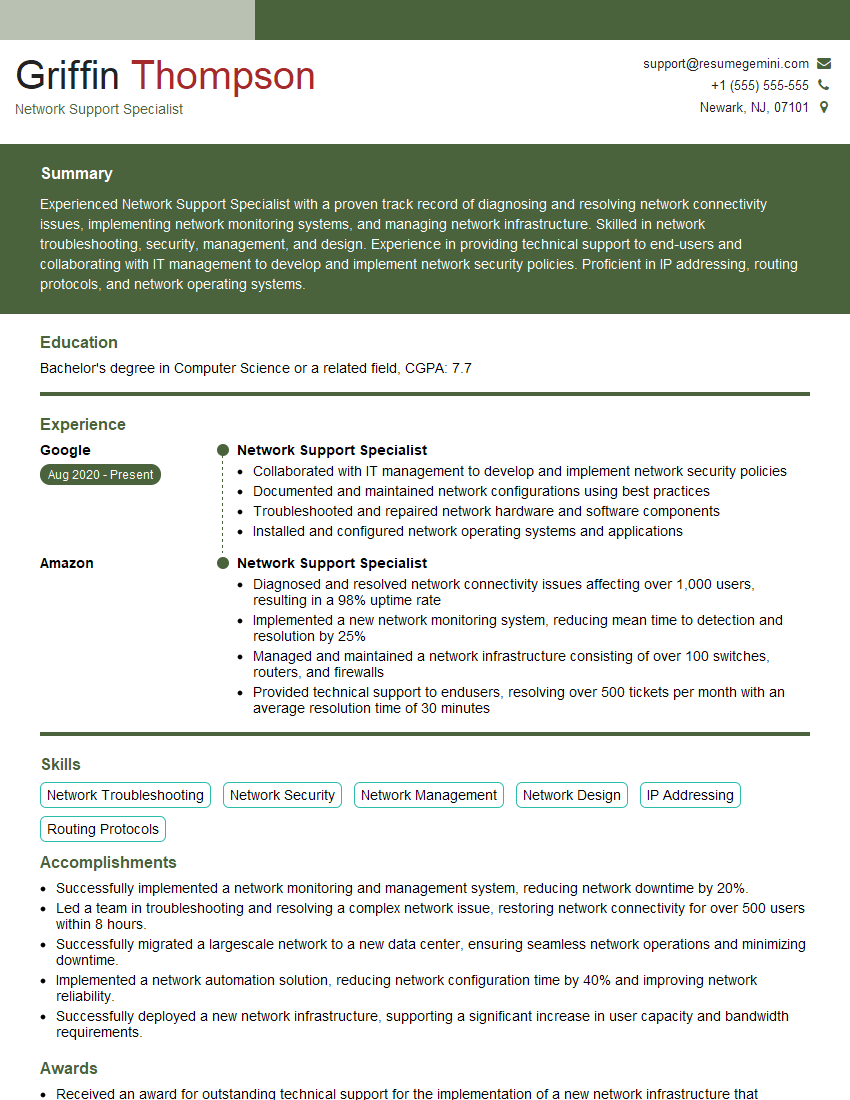
Network Support Specialist Resume Sample

Network Architect Resume Sample

Network Consultant Resume Sample

Help Desk Analyst Resume Sample

IT Manager Resume Sample
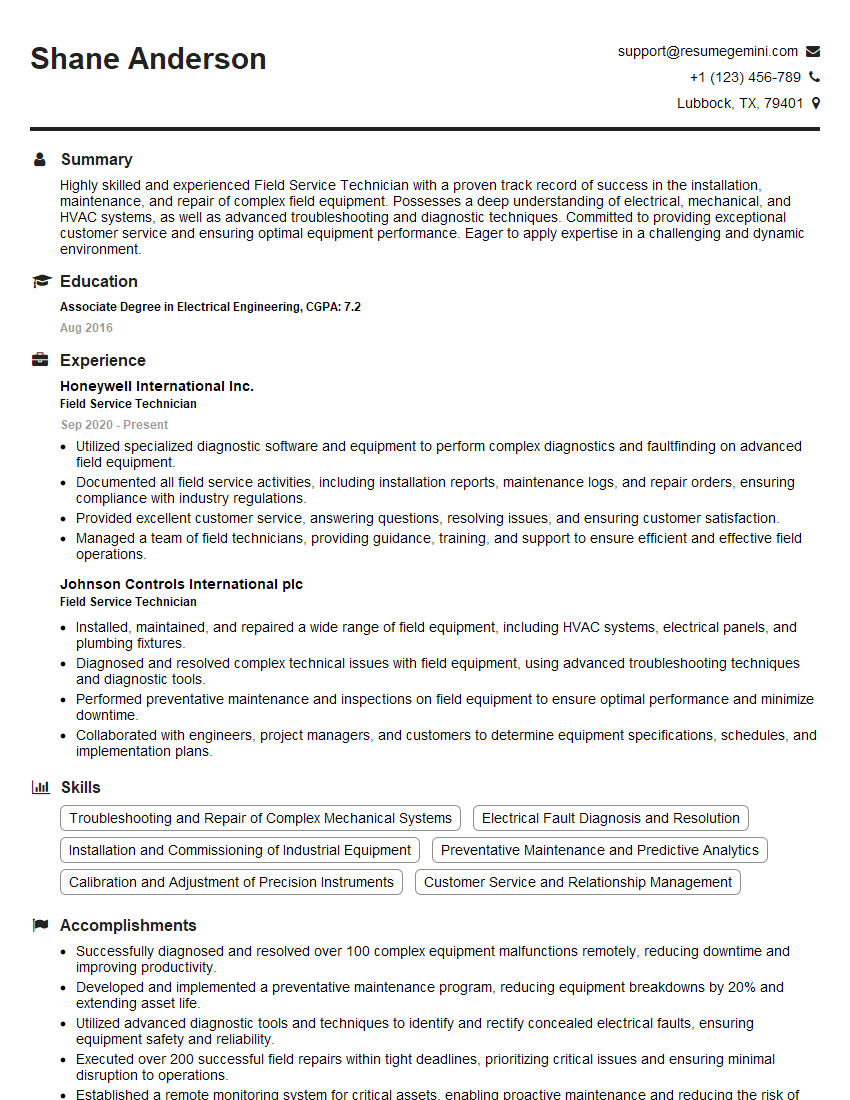
Field Service Technician Resume Sample
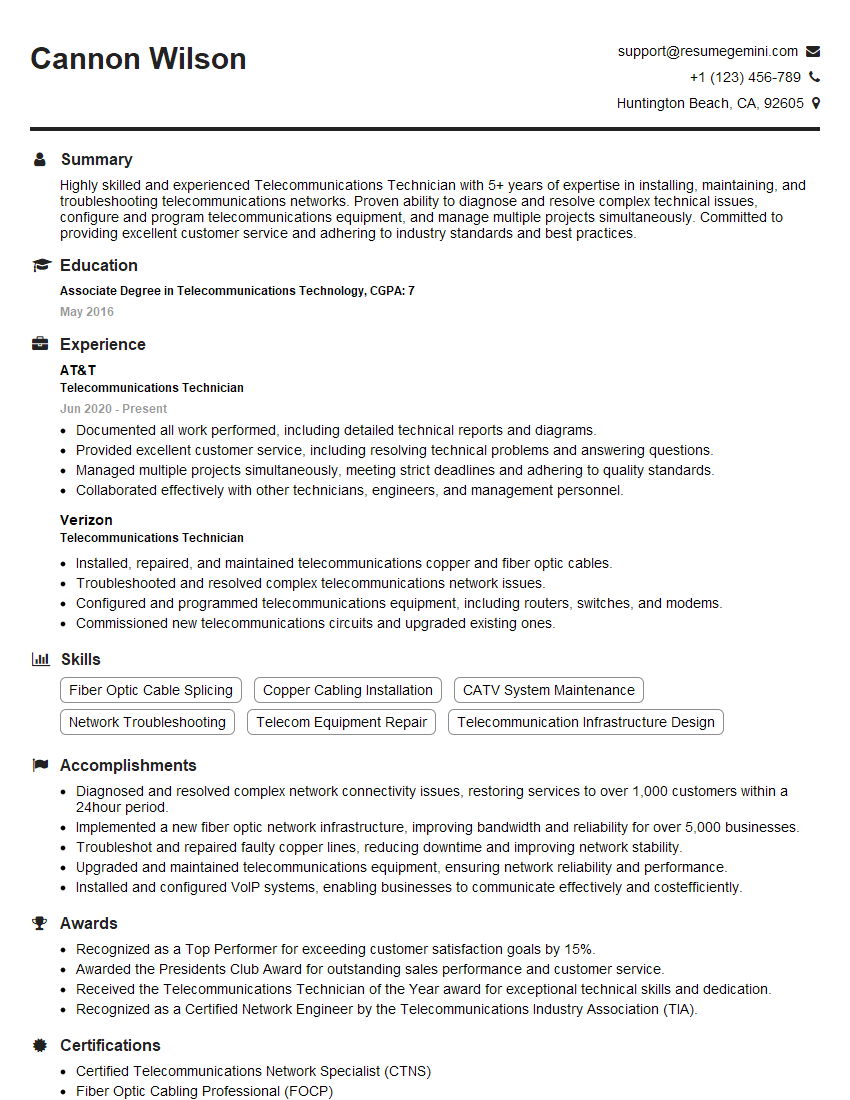
Telecommunications Technician Resume Sample

Cybersecurity Analyst Resume Sample
Explore more articles
Users Rating of Our Blogs
Share Your Experience
We value your feedback! Please rate our content and share your thoughts (optional).
What Readers Say About Our Blog
Very informative content, great job.
good