The right preparation can turn an interview into an opportunity to showcase your expertise. This guide to Operating and Monitoring interview questions is your ultimate resource, providing key insights and tips to help you ace your responses and stand out as a top candidate.
Questions Asked in Operating and Monitoring Interview
Q 1. Explain the difference between monitoring and alerting.
Monitoring and alerting are closely related but distinct aspects of system operations. Think of monitoring as constantly observing your system’s health and performance, collecting data like CPU usage, memory consumption, and request latency. Alerting, on the other hand, is the mechanism that notifies you when something goes wrong – a predefined threshold is breached, triggering an action. Monitoring provides the data; alerting acts upon significant deviations from the norm.
For example, you might monitor the CPU usage of your web server every minute. If the CPU usage consistently exceeds 90% for 5 minutes, your alerting system would notify the on-call engineer via email, PagerDuty, or other means.
Q 2. Describe your experience with various monitoring tools (e.g., Prometheus, Grafana, Datadog, Nagios).
I’ve had extensive experience with a variety of monitoring tools, each with its own strengths and weaknesses. Prometheus and Grafana are a powerful combination; Prometheus is a time-series database excellent for collecting metrics, and Grafana provides beautiful and interactive dashboards for visualizing that data. I’ve used them extensively to monitor application performance, infrastructure metrics, and even custom business metrics.
Datadog offers a more all-in-one solution, simplifying the management and integration of various monitoring needs – logs, metrics, traces, and more. It’s a more user-friendly approach but potentially more expensive than building a custom solution with Prometheus and Grafana. Finally, I have experience with Nagios, a more traditional monitoring system heavily reliant on plugins. While it’s reliable and widely used, it can be less scalable and more complex to configure than the more modern tools.
In practice, my choice of tool depends on the project’s scale, budget, and specific needs. For smaller projects, Datadog’s ease of use can be a big advantage. For larger, more complex projects, the flexibility and cost-effectiveness of Prometheus and Grafana often win out.
Q 3. How do you handle high-priority alerts during off-hours?
Handling high-priority alerts outside of business hours requires a robust escalation policy and on-call rotation. Simply receiving an alert isn’t enough; effective action is crucial. My approach involves a layered system:
- Automated responses: Where possible, I automate responses. A simple alert might trigger a restart of a failing service. For example, a script could automatically check the health of a web server and restart it if needed, logging the event.
- On-call rotation with clear responsibilities: A well-defined on-call schedule ensures someone is always responsible for responding. Communication tools like Slack are crucial for real-time updates and collaboration.
- Escalation tiers: If an on-call engineer can’t resolve the issue, a clear escalation path to a senior engineer or team lead is essential.
- Thorough documentation: Clear documentation and runbooks are critical. This ensures that even if I’m not on-call, anyone can quickly understand the situation and take appropriate action.
- Post-incident reviews: Following any significant incident, a post-mortem review is vital for identifying root causes and preventing future occurrences. This might involve improving monitoring, updating automation scripts, or refining the escalation process.
My experience emphasizes proactive problem-solving, prioritizing automation, and effective team collaboration to ensure swift and efficient responses, minimizing downtime.
Q 4. What metrics are most important to monitor for application performance?
The most important metrics for application performance monitoring vary depending on the application’s nature, but some key indicators are consistently relevant:
- Response time/Latency: How long does it take for the application to respond to a request? High latency indicates performance problems.
- Throughput/Requests per second (RPS): How many requests can the application handle per second? Low throughput suggests bottlenecks.
- Error rate: What percentage of requests result in errors? A high error rate indicates critical issues requiring immediate attention.
- CPU utilization: Is the application’s server CPU overloaded? High CPU usage might point to inefficiencies or resource limitations.
- Memory utilization: Is the application consuming excessive memory? Memory leaks or inefficient code can lead to performance degradation.
- Disk I/O: How much disk I/O is the application generating? Slow disk I/O can be a major bottleneck.
- Database performance: If the application uses a database, metrics such as query execution time and connection pool size are vital.
Monitoring these metrics proactively helps in identifying performance bottlenecks before they impact users significantly.
Q 5. How do you troubleshoot performance bottlenecks?
Troubleshooting performance bottlenecks is a systematic process. I usually follow these steps:
- Identify the bottleneck: Start by analyzing the monitoring metrics. Which metrics show consistently high values or unusual patterns? This helps pinpoint the area of the problem.
- Gather more data: Use profiling tools (e.g.,
perfon Linux) or application-specific performance monitoring tools to collect more detailed data about the bottleneck. - Isolate the root cause: This step may involve analyzing logs, reviewing code, or inspecting the application’s configuration. Understanding *why* a metric is high is crucial.
- Implement a solution: Solutions can range from simple code optimizations to hardware upgrades or infrastructure changes. Sometimes, it’s as straightforward as adding more memory or adjusting database settings. Other times, a code rewrite or database schema optimization might be necessary.
- Verify the solution: After implementing a solution, carefully monitor the relevant metrics to ensure that the bottleneck has been resolved and that the performance improvements are sustained.
For example, if high CPU utilization is the bottleneck, the cause could be inefficient code. Profiling tools can help identify specific code sections consuming excessive CPU time, allowing for targeted optimizations.
Q 6. Explain your experience with capacity planning and forecasting.
Capacity planning and forecasting are crucial for ensuring system reliability and scalability. My approach combines historical data analysis with predictive modeling. I start by collecting historical data on resource usage (CPU, memory, disk I/O, network traffic, etc.). This data forms the basis for forecasting future resource needs. I use statistical methods or machine learning algorithms to extrapolate from this historical data and project future demand.
Forecasting involves considering factors like seasonal trends, growth patterns, and anticipated traffic spikes (e.g., during promotional periods or major events). The goal is to predict future resource needs accurately, allowing for proactive capacity scaling to prevent performance degradation and ensure a smooth user experience. This might involve provisioning additional servers, upgrading hardware, or optimizing existing infrastructure.
Regular capacity reviews and adjustments are crucial to adapt to changing demands. I often use tools that allow for automated scaling based on predefined thresholds or predicted demand to ensure optimal resource utilization and cost efficiency.
Q 7. Describe your approach to incident management and resolution.
My approach to incident management is guided by the principles of swift resolution, root cause analysis, and continuous improvement. I typically follow these steps:
- Incident detection and acknowledgement: Upon detection of an incident (via alerts or user reports), I acknowledge the issue and start gathering information.
- Impact assessment: Determining the severity and scope of the impact is critical. How many users are affected? What functionality is down?
- Initial response and containment: The immediate goal is to contain the incident and prevent further damage. This might involve temporary workarounds or deploying rollback procedures.
- Diagnosis and root cause analysis: This is a crucial step, requiring careful analysis of logs, metrics, and other relevant data to identify the root cause of the problem.
- Resolution and recovery: Once the root cause is identified, implement the necessary corrective actions to resolve the issue and restore full functionality.
- Post-incident review and documentation: After resolving the incident, a post-mortem review is critical to identify areas for improvement in the system design, monitoring, and incident response procedures. The outcome of this review is documented and shared with the relevant team to improve future responses.
My experience emphasizes clear communication, collaboration, and a focus on continuous improvement to enhance system resilience and minimize the impact of future incidents.
Q 8. How do you ensure the security of monitoring systems?
Securing monitoring systems is paramount. It’s like guarding the castle’s gate – if that’s compromised, the entire kingdom is at risk. We need a multi-layered approach.
- Access Control: Restrict access to monitoring tools and dashboards using role-based access control (RBAC). Only authorized personnel should have access to sensitive data and configurations. For instance, a junior engineer might only view system metrics, while a senior engineer can modify alert thresholds.
- Network Security: The monitoring systems themselves need strong network security. This includes firewalls, intrusion detection/prevention systems (IDS/IPS), and regular security audits. We’d ensure the monitoring servers are in a secure network segment, ideally isolated from the production environment.
- Data Encryption: All sensitive data transmitted and stored by the monitoring system should be encrypted, both in transit (using HTTPS) and at rest (using disk encryption). This protects against unauthorized access even if the system is compromised.
- Regular Security Updates and Patching: Keeping the monitoring tools and their underlying infrastructure up-to-date with the latest security patches is crucial. Automated patching systems are essential to prevent vulnerabilities from being exploited.
- Auditing and Logging: Comprehensive logging is essential. We need to track all access attempts, configuration changes, and alerts. Regular security audits help identify any potential weaknesses.
Failing to secure these systems can lead to data breaches, system disruptions, and even complete loss of visibility into operational health.
Q 9. What is your experience with log management and analysis?
Log management and analysis are fundamental to effective operations and troubleshooting. Think of logs as a system’s diary – they record every significant event. My experience encompasses the entire lifecycle, from collection and storage to analysis and visualization.
- Centralized Log Management: I’ve used tools like Splunk, ELK stack (Elasticsearch, Logstash, Kibana), and Graylog to collect and index logs from diverse sources – servers, applications, network devices, and cloud platforms. This allows for efficient searching and correlation of log data.
- Log Parsing and Filtering: I’m proficient in writing regular expressions and using log management tools’ query languages to parse complex log entries and filter relevant information. This is crucial for finding the needle in the haystack when troubleshooting performance issues or security incidents. For example, I can easily extract error messages related to a specific application from millions of log entries.
- Alerting and Monitoring: I configure alerts based on log patterns indicating critical errors or security threats. This enables proactive identification and response to issues, preventing major outages.
- Log Analysis and Reporting: I analyze log data to identify trends, pinpoint bottlenecks, and generate reports on system performance, security incidents, and error rates. This allows for data-driven decision-making to optimize system efficiency and security.
For instance, in a past role, I used the ELK stack to build a custom dashboard that visualized system performance metrics and correlated log data with application errors, allowing us to quickly identify the root cause of a performance dip during peak hours.
Q 10. How do you handle conflicting priorities among multiple teams?
Prioritization is a critical skill in a fast-paced environment. Conflicting priorities are inevitable, but effective management is key. I typically use a structured approach.
- Clearly Define Priorities: The first step is to understand the business impact of each task and prioritize based on urgency and importance. A simple matrix helps visualize this – ranking tasks by urgency (high/low) and importance (high/low).
- Collaboration and Communication: Open communication with all stakeholders – including development, operations, and security teams – is vital. This includes transparently explaining trade-offs and reaching consensus on prioritization.
- Data-Driven Decisions: Using metrics and data to support prioritization discussions is invaluable. For example, if two projects require similar effort but one significantly improves user experience (measured by a key metric), that one takes priority.
- Agile Methodology: Adopting an agile framework, with regular sprint planning and review sessions, allows for flexibility and adaptation based on changing priorities and feedback.
- Escalation Path: Having a clear escalation path for resolving conflicts is critical. This ensures timely decisions, even with conflicting opinions.
Imagine a scenario where the development team requests immediate deployment of a new feature, while the operations team needs time to implement necessary infrastructure changes. Open communication and a clear prioritization matrix based on risk and business value will help navigate this situation smoothly.
Q 11. Explain your experience with automation in operating and monitoring.
Automation is the backbone of efficient operations and monitoring. It’s about eliminating repetitive manual tasks and enabling proactive problem-solving.
- Infrastructure Automation: I’ve extensive experience using tools like Ansible, Chef, and Puppet to automate infrastructure provisioning, configuration management, and deployment. This ensures consistency, reduces human error, and speeds up deployment cycles.
- Monitoring Automation: I’ve used scripting languages like Python and tools like Nagios, Zabbix, and Prometheus to automate monitoring tasks, including alert generation, metric collection, and dashboard creation.
- Incident Response Automation: I’ve implemented automated incident response workflows using tools like PagerDuty and Opsgenie. This ensures timely notification and escalation of critical events, minimizing downtime.
- CI/CD Pipelines: I’ve contributed to building and maintaining CI/CD pipelines (using tools such as Jenkins, GitLab CI, or Azure DevOps) that automate code integration, testing, and deployment, improving software release frequency and quality.
For example, I automated the deployment of a new web application using Ansible playbooks, which reduced the deployment time from several hours to just minutes, while significantly reducing the risk of human error.
Q 12. Describe your experience with Infrastructure as Code (IaC).
Infrastructure as Code (IaC) is the practice of managing and provisioning infrastructure through code rather than manual processes. It’s like having a blueprint for your infrastructure, allowing for repeatable and reliable deployments.
- Terraform: I have extensive experience with Terraform, using it to define and manage infrastructure across various cloud providers (AWS, Azure, GCP). This allows for consistent and repeatable infrastructure deployments across different environments.
- CloudFormation (AWS): I’ve used AWS CloudFormation to define and manage AWS resources. This simplifies the creation and management of complex AWS deployments.
- Version Control: All IaC code is managed using Git, enabling collaboration, tracking changes, and facilitating rollback in case of errors. This improves maintainability and reduces risk.
- Testing and Validation: I incorporate automated testing into the IaC workflow, validating infrastructure configurations before deployment. This ensures infrastructure is correctly provisioned and configured.
In a previous project, I used Terraform to automate the creation of a highly available database cluster across multiple availability zones in AWS. This approach drastically reduced deployment time and improved resilience.
Q 13. What are some common challenges in operating and monitoring large-scale systems?
Operating and monitoring large-scale systems present unique challenges. Think of it like managing a sprawling city – you need sophisticated tools and strategies.
- Complexity: The sheer scale and complexity of large systems make troubleshooting and identifying root causes difficult. It’s like finding a specific apartment in a massive city.
- Scalability: Ensuring the systems can handle fluctuating loads and growth is a constant challenge. This needs careful capacity planning and flexible architecture.
- Monitoring Data Volume: The massive amount of monitoring data generated needs efficient storage, processing, and analysis. Think of managing the city’s traffic data – you need powerful tools.
- Dependency Management: Large systems have numerous interdependencies, making it challenging to isolate issues and avoid cascading failures. Similar to city services depending on power and water.
- Alert Fatigue: The volume of alerts can overwhelm operations teams, leading to missed critical alerts. Intelligent alerting and filtering strategies are crucial.
Effective strategies include using distributed monitoring systems, implementing automated alerting, and employing robust logging and analysis tools.
Q 14. How do you ensure high availability and redundancy in your systems?
High availability and redundancy are crucial for ensuring continuous operation. It’s like having a backup plan for everything.
- Redundant Hardware: Using redundant servers, network devices, and storage ensures that if one component fails, another can take over seamlessly.
- Load Balancing: Distributing traffic across multiple servers prevents overload and ensures consistent performance. This is like having multiple roads to reduce traffic congestion.
- Geographic Redundancy: Deploying systems across multiple geographic locations protects against regional outages. This is like having backups in separate cities.
- Database Replication: Replicating databases across multiple servers ensures data availability even if a primary database fails.
- Automated Failover: Implementing automated failover mechanisms ensures quick and seamless recovery from failures, minimizing downtime.
For instance, we might use a geographically redundant setup with load balancers and database replication to ensure our application remains available even during a regional power outage.
Q 15. Describe your experience with disaster recovery planning and execution.
Disaster recovery planning is crucial for business continuity. It involves creating a strategy to minimize downtime and data loss in case of unforeseen events like natural disasters, cyberattacks, or hardware failures. My experience encompasses the entire lifecycle, from initial risk assessment and recovery objective definition (RTO and RPO) to plan development, testing, and post-incident analysis.
For instance, in a previous role, we implemented a robust disaster recovery plan for a large e-commerce platform. This involved creating a geographically redundant infrastructure, regularly backing up critical data to an offsite location, and performing regular disaster recovery drills. We used a phased approach, starting with a detailed business impact analysis to identify critical systems and applications, followed by defining recovery time and recovery point objectives. We then designed a comprehensive plan detailing procedures for data recovery, system restoration, and application failover. Regular testing ensured the plan’s effectiveness and allowed us to identify and address any weaknesses before a real disaster struck. Post-incident analysis after a simulated failure allowed for process improvement and enhanced resilience.
This wasn’t just about technology; it involved close collaboration with various departments—IT, operations, legal, and business—to ensure everyone understood their roles and responsibilities. This collaborative approach and thorough testing were key to successfully recovering operations within our defined RTO and RPO.
Career Expert Tips:
- Ace those interviews! Prepare effectively by reviewing the Top 50 Most Common Interview Questions on ResumeGemini.
- Navigate your job search with confidence! Explore a wide range of Career Tips on ResumeGemini. Learn about common challenges and recommendations to overcome them.
- Craft the perfect resume! Master the Art of Resume Writing with ResumeGemini’s guide. Showcase your unique qualifications and achievements effectively.
- Don’t miss out on holiday savings! Build your dream resume with ResumeGemini’s ATS optimized templates.
Q 16. What are your preferred methods for performance optimization?
Performance optimization is a continuous process aimed at improving system responsiveness, resource utilization, and overall efficiency. My approach is multifaceted and data-driven. I start by identifying bottlenecks using monitoring tools and performance analysis techniques.
- Profiling and Tracing: I leverage profiling tools to identify performance hotspots within applications, pinpoint slow database queries, or detect inefficient code segments. For example, using tools like Java VisualVM or Python’s cProfile helps pinpoint the most resource-intensive parts of the codebase.
- Caching Strategies: Implementing appropriate caching mechanisms at various layers (e.g., database caching, CDN caching, application caching) significantly reduces latency and improves response times. Understanding the trade-offs between cache size, hit ratio, and invalidation strategies is essential.
- Database Optimization: Database tuning is crucial. This includes optimizing queries, indexing effectively, and ensuring adequate resources (CPU, memory, I/O) are allocated to the database server. This frequently involves query analysis using tools like EXPLAIN PLAN in Oracle or similar query analyzers in other database systems.
- Load Balancing and Scaling: Distributing the workload across multiple servers through load balancers ensures even resource utilization and prevents overload. Vertical and horizontal scaling strategies are employed based on needs and cost considerations.
- Code Optimization: Identifying and eliminating inefficient code, using optimized algorithms and data structures, and leveraging asynchronous operations can drastically improve performance.
The key is to use a combination of these methods in a systematic manner, always validated through rigorous testing and monitoring. I always prioritize finding the root cause, not just treating symptoms.
Q 17. How do you stay up-to-date with the latest technologies in operating and monitoring?
Staying current in the ever-evolving field of operating and monitoring requires a proactive and multi-pronged approach.
- Industry Conferences and Webinars: Attending conferences like AWS re:Invent, KubeCon + CloudNativeCon, and relevant industry-specific events provides valuable insights and networking opportunities.
- Online Courses and Certifications: Platforms like Coursera, edX, and A Cloud Guru offer in-depth courses and certifications on various aspects of operating systems, cloud technologies, and monitoring solutions. I actively pursue relevant certifications to demonstrate and improve my expertise.
- Technical Blogs and Publications: Regularly reading technical blogs, articles, and industry publications keeps me abreast of the latest trends and best practices. Following key influencers and companies in the field is also critical.
- Open Source Contributions: Engaging with open-source projects allows hands-on experience with the latest technologies and fosters collaboration with other developers and experts.
- Community Engagement: Participating in online forums, communities (like Stack Overflow, Reddit’s r/sysadmin), and local tech meetups enables knowledge sharing and problem-solving with peers.
I treat continuous learning as a core component of my professional development, ensuring that I remain adaptable and effective in this rapidly changing technological landscape.
Q 18. Describe your experience with containerization (e.g., Docker, Kubernetes).
Containerization technologies like Docker and Kubernetes have revolutionized application deployment and management. My experience spans both the use of Docker for building and deploying individual containers and utilizing Kubernetes for orchestrating and managing containerized applications at scale.
I’ve used Docker extensively for creating and managing containerized applications, automating the build process with Dockerfiles and leveraging Docker Compose for multi-container applications. This allowed for consistent and reproducible deployments across different environments. For example, I used Docker to package a complex microservice application, ensuring consistency between development, testing, and production.
My experience with Kubernetes includes designing and deploying highly available and scalable containerized applications. This involved defining deployments, services, and ingress controllers, leveraging Kubernetes’ features like rolling updates and autoscaling to manage resource utilization effectively. I’ve also worked with Kubernetes’ networking model, including configuring services and ingress controllers for exposing applications to external clients. Managing persistent storage and setting up monitoring and logging within the Kubernetes ecosystem are also key parts of my experience.
Understanding and utilizing concepts like pods, deployments, services, and namespaces are critical to ensuring proper resource management and operational efficiency.
Q 19. How do you use monitoring data to improve operational efficiency?
Monitoring data is the lifeblood of operational efficiency. I use monitoring data in a variety of ways to improve operational efficiency, from proactive problem detection to capacity planning.
- Proactive Problem Detection: Monitoring tools provide real-time insights into system performance, allowing me to identify issues before they impact users. For example, setting up alerts for high CPU utilization, slow response times, or memory leaks allows for prompt intervention and prevents significant outages.
- Capacity Planning: Analyzing historical performance data helps predict future resource needs, enabling proactive capacity planning to prevent performance bottlenecks. This might involve identifying trends in traffic patterns or resource consumption to anticipate future growth and plan upgrades or scaling appropriately.
- Performance Optimization: Monitoring tools help pinpoint performance bottlenecks. By analyzing metrics such as CPU utilization, I/O wait times, and network latency, I can identify areas for optimization and improve overall system performance.
- Root Cause Analysis: When incidents occur, monitoring data provides vital clues for root cause analysis. Correlating different metrics helps identify the underlying cause of the problem and implement appropriate corrective measures.
- Automation: Integrating monitoring data with automation tools enables automated responses to various events. For example, automatically scaling up resources in response to increased demand or triggering automated rollbacks in case of application failures.
Essentially, monitoring data empowers data-driven decision making, allowing for efficient resource management and proactive issue resolution.
Q 20. What is your experience with cloud-based monitoring solutions (e.g., AWS CloudWatch, Azure Monitor, GCP Cloud Monitoring)?
I have extensive experience with various cloud-based monitoring solutions including AWS CloudWatch, Azure Monitor, and GCP Cloud Monitoring. My experience extends beyond simply using the tools; it includes designing effective monitoring strategies, implementing custom dashboards, and setting up alerts based on specific needs.
AWS CloudWatch: I’ve used CloudWatch to monitor EC2 instances, Lambda functions, databases (RDS), and other AWS services. I’ve created custom dashboards to visualize key performance indicators (KPIs) and configured alerts to notify me of potential issues. I’m familiar with CloudWatch Logs and CloudWatch Metrics, utilizing them for both application and infrastructure monitoring.
Azure Monitor: Similar to CloudWatch, I’ve used Azure Monitor to monitor virtual machines, Azure App Services, and databases. I’ve configured alerts and dashboards to provide comprehensive visibility into the Azure environment. I have experience using Log Analytics and Application Insights for in-depth diagnostics and performance analysis.
GCP Cloud Monitoring: My experience with GCP Cloud Monitoring involves monitoring Compute Engine instances, Cloud SQL databases, and other GCP services. I’ve used the Metrics Explorer and created custom dashboards for visualizing key performance indicators. I have familiarity with setting up alerts and integrating Cloud Monitoring with other GCP services.
In each case, my approach emphasizes choosing the right tool for the specific task, creating comprehensive monitoring strategies tailored to each environment’s unique requirements, and leveraging the tools’ capabilities for proactive monitoring and efficient incident response.
Q 21. Describe your experience with different operating systems (e.g., Linux, Windows).
I have extensive experience with both Linux and Windows operating systems. My skills encompass system administration, troubleshooting, security hardening, and performance optimization for both.
Linux: My Linux experience includes various distributions like Red Hat Enterprise Linux (RHEL), CentOS, Ubuntu, and Debian. I am proficient in command-line interfaces (CLI), scripting (Bash, Python), and system administration tasks such as user management, network configuration, and package management (using yum, apt, or dpkg). I have experience with managing Linux servers in both on-premises and cloud environments. Security is a crucial aspect; I have experience with implementing security best practices, configuring firewalls, and implementing intrusion detection systems.
Windows: My Windows experience focuses on server operating systems (Windows Server). I am skilled in managing Active Directory, configuring Group Policy, and deploying and managing applications in a Windows Server environment. I’m familiar with PowerShell scripting and have experience troubleshooting various Windows-specific issues. Similar to Linux, security hardening and implementing security best practices are crucial aspects of my Windows administration skills.
My experience is not limited to simply using these operating systems. I understand their underlying architectures and how to efficiently manage and optimize them to meet specific needs. I frequently adapt my approach based on the specific requirements of the application or environment.
Q 22. Explain your experience with scripting languages (e.g., Python, Bash).
Scripting languages are fundamental to my operational and monitoring work. I’m proficient in both Python and Bash, leveraging them for automation, data analysis, and system administration tasks. Python’s versatility shines in complex data processing and creating sophisticated monitoring tools. For instance, I’ve used Python to build a system that automatically analyzes log files from multiple servers, identifying potential issues before they escalate into outages. This involved using libraries like pandas for data manipulation and matplotlib for visualization. Bash, on the other hand, is invaluable for quick system administration tasks, scripting repetitive commands, and interacting with the operating system directly. A common example is automating the deployment of new configurations across a cluster of servers using a single Bash script, minimizing human error and ensuring consistency.
Beyond these two, I also have working knowledge of other languages like Perl and PowerShell, choosing the best tool for the specific job at hand. This adaptability ensures efficient workflow and effective problem-solving.
Q 23. How do you ensure data integrity in your monitoring systems?
Data integrity in monitoring systems is paramount. I employ a multi-layered approach to ensure accuracy and reliability. This begins with robust data collection methods, using established APIs and secure protocols to minimize data corruption during transit. At the storage level, data is often checksummed and stored redundantly to protect against hardware failure. Data validation is crucial; I implement checks at each stage to ensure data consistency and identify potential anomalies. This includes plausibility checks (e.g., ensuring CPU usage doesn’t exceed 100%) and comparison with historical trends. For example, if a server’s memory usage suddenly spikes significantly above its usual baseline, it triggers an alert for investigation. Finally, regular audits and backups are scheduled to provide version control and recovery mechanisms. Think of it like a bank’s meticulous accounting – multiple layers of security and verification ensure accuracy and prevent loss.
Q 24. Describe a time you had to deal with a major outage. What did you learn from it?
During my time at [Previous Company Name], we experienced a major outage impacting our core e-commerce platform. The root cause was a poorly configured load balancer that failed to distribute traffic effectively, leading to server overload and a complete website crash. My role involved coordinating the incident response, analyzing logs to pinpoint the problem, and communicating updates to stakeholders. We implemented a series of immediate fixes, including reconfiguring the load balancer and deploying additional servers. However, the post-mortem analysis revealed critical gaps in our monitoring and alerting system. Specifically, we lacked sufficient real-time visibility into load balancer performance metrics. We learned the importance of comprehensive monitoring, including proactive capacity planning and robust alerting that triggers based on multiple metrics, not just a single one. We subsequently overhauled our monitoring infrastructure, incorporated synthetic monitoring, and improved our incident response plan significantly. This experience profoundly impacted my approach to system design and resilience.
Q 25. How do you balance proactive monitoring with reactive troubleshooting?
The balance between proactive and reactive monitoring is a constant juggle, like a tightrope walk. Proactive monitoring is about preventing problems before they occur. This involves setting up comprehensive monitoring dashboards, establishing baselines for key metrics, and proactively analyzing trends to identify potential issues. For example, if disk space usage consistently increases on a server, we can proactively address this before it leads to an outage. Reactive troubleshooting, on the other hand, involves responding to alerts and resolving immediate problems. This requires well-defined escalation procedures and tools to quickly diagnose and fix issues. The key is to have a robust proactive system that minimizes the need for reactive work while still having the processes in place to effectively deal with the inevitable unexpected events. It’s about prevention and preparedness.
Q 26. What are your preferred methods for documenting operational procedures?
Clear and concise documentation is critical for effective operations. My preferred methods combine a wiki-based system for central knowledge management with detailed runbooks for specific procedures. The wiki provides a centralized repository for general operational knowledge, system architectures, and standard operating procedures (SOPs). We use a system that allows version control and collaborative editing. Runbooks, on the other hand, provide step-by-step instructions for resolving specific issues or performing tasks, such as handling database backups or deploying software updates. These are often formatted in a checklist-style to ensure consistency and completeness. Think of the wiki as a comprehensive textbook, and the runbooks as detailed cookbooks – each serving a distinct purpose in ensuring operational efficiency and maintainability.
Q 27. Explain your experience with different monitoring methodologies (e.g., push vs. pull).
I have extensive experience with both push and pull monitoring methodologies. Push monitoring involves agents residing on monitored systems that actively send data to a central monitoring server. This approach is advantageous for real-time data collection and low latency, often used for metrics requiring immediate attention, like CPU usage or memory consumption. However, it can increase the load on monitored systems and requires agents to be installed and configured. Pull monitoring, conversely, involves the monitoring server periodically querying monitored systems for data. It’s often less intrusive than push monitoring but can introduce latency and might miss transient events. In practice, I often use a hybrid approach, combining both techniques. Critical metrics might be monitored using push, while less time-sensitive data is collected via pull mechanisms. The choice depends entirely on the specific requirements of the monitored system and the nature of the data being collected.
Q 28. How do you handle alert fatigue and ensure that alerts are actionable?
Alert fatigue is a significant problem. My strategy focuses on alert reduction and improved alert actionability. Firstly, we implement rigorous alert thresholds, ensuring they trigger only under genuinely critical conditions, and we utilize intelligent alerting systems that correlate multiple metrics to eliminate false positives. We also employ techniques like deduplication and intelligent grouping to reduce alert volume. Secondly, each alert includes all relevant context, including severity, affected system, and suggested remediation steps. This helps engineers quickly understand the issue and take appropriate action. We also categorize alerts by severity, ensuring that critical alerts receive immediate attention. Finally, regular reviews of alert configurations are conducted to ensure they remain relevant and effective. It’s all about optimizing the signal-to-noise ratio, ensuring only genuinely important alerts reach the team. The goal is not to eliminate alerts entirely, but to ensure that the alerts we receive are truly actionable and helpful, rather than just noise.
Key Topics to Learn for Operating and Monitoring Interview
- System Administration Fundamentals: Understanding operating systems (Linux, Windows), networking concepts (TCP/IP, DNS), and basic command-line proficiency. Practical application: Troubleshooting network connectivity issues, managing user accounts, and performing basic system maintenance.
- Monitoring Tools and Technologies: Familiarity with monitoring tools like Nagios, Prometheus, Grafana, or similar. Practical application: Setting up alerts for critical system metrics, analyzing performance data to identify bottlenecks, and creating dashboards to visualize system health.
- Log Management and Analysis: Understanding log file structures, using log aggregation tools (e.g., ELK stack), and analyzing logs to troubleshoot issues. Practical application: Identifying the root cause of application errors, security breaches, or performance degradations using log data.
- Cloud-Based Monitoring: Experience with cloud monitoring platforms (AWS CloudWatch, Azure Monitor, Google Cloud Monitoring). Practical application: Monitoring the performance and health of cloud-based applications and infrastructure, scaling resources based on demand, and optimizing cloud costs.
- Incident Management and Response: Understanding incident management processes, troubleshooting techniques, and communication protocols. Practical application: Effectively responding to system failures, escalating issues as needed, and documenting resolution steps.
- Automation and Scripting: Proficiency in scripting languages (Bash, Python) for automating tasks and monitoring processes. Practical application: Automating repetitive system administration tasks, creating custom monitoring scripts, and streamlining operational workflows.
- Security Best Practices: Understanding security concepts related to operating systems and monitoring tools, including access control, vulnerability management, and security auditing. Practical application: Implementing security measures to protect systems from unauthorized access and data breaches.
Next Steps
Mastering Operating and Monitoring skills is crucial for a successful and rewarding career in IT. These skills are highly sought after, opening doors to diverse and challenging roles with significant growth potential. To maximize your job prospects, create a compelling and ATS-friendly resume that effectively highlights your experience and expertise. ResumeGemini is a trusted resource to help you build a professional resume that stands out. We provide examples of resumes tailored to Operating and Monitoring roles to help you get started. Invest the time in crafting a strong resume; it’s your first impression and a critical step in landing your dream job.

Operations Manager Resume Sample

Systems Analyst Resume Sample

Network Administrator Resume Sample

Network Engineer Resume Sample
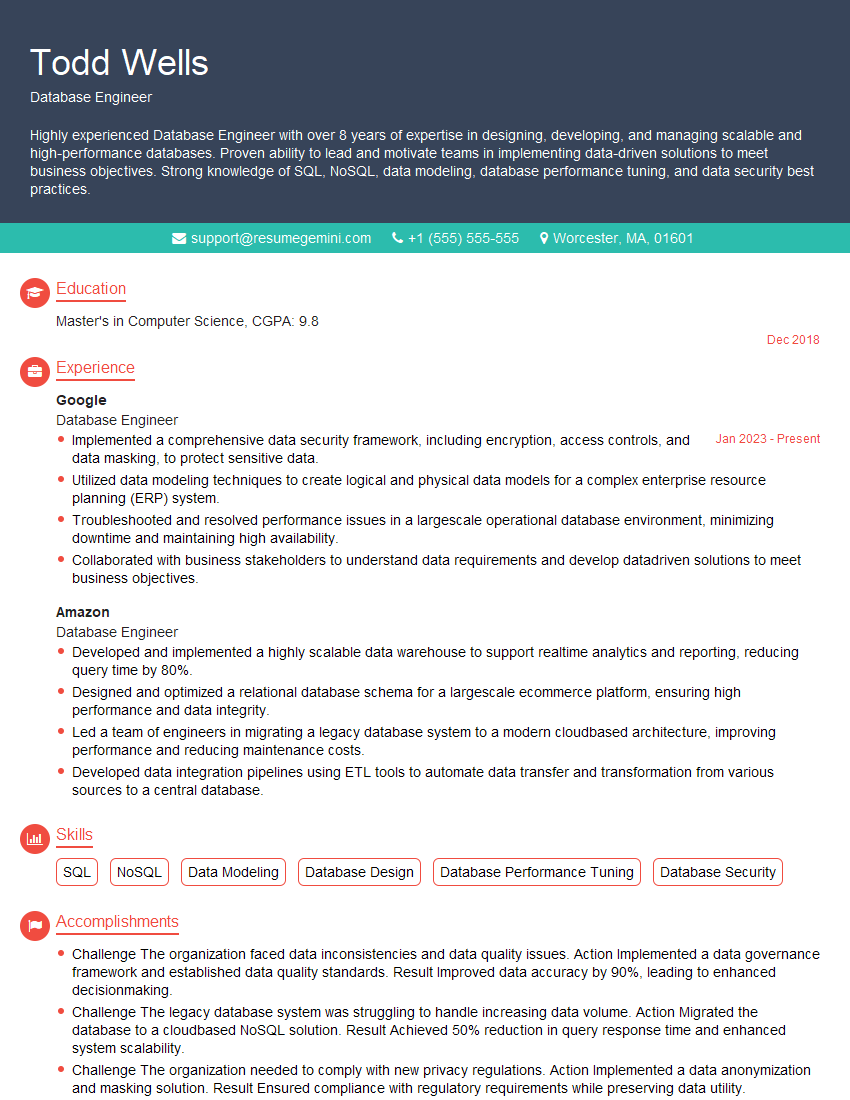
Database Engineer Resume Sample

Infrastructure Engineer Resume Sample
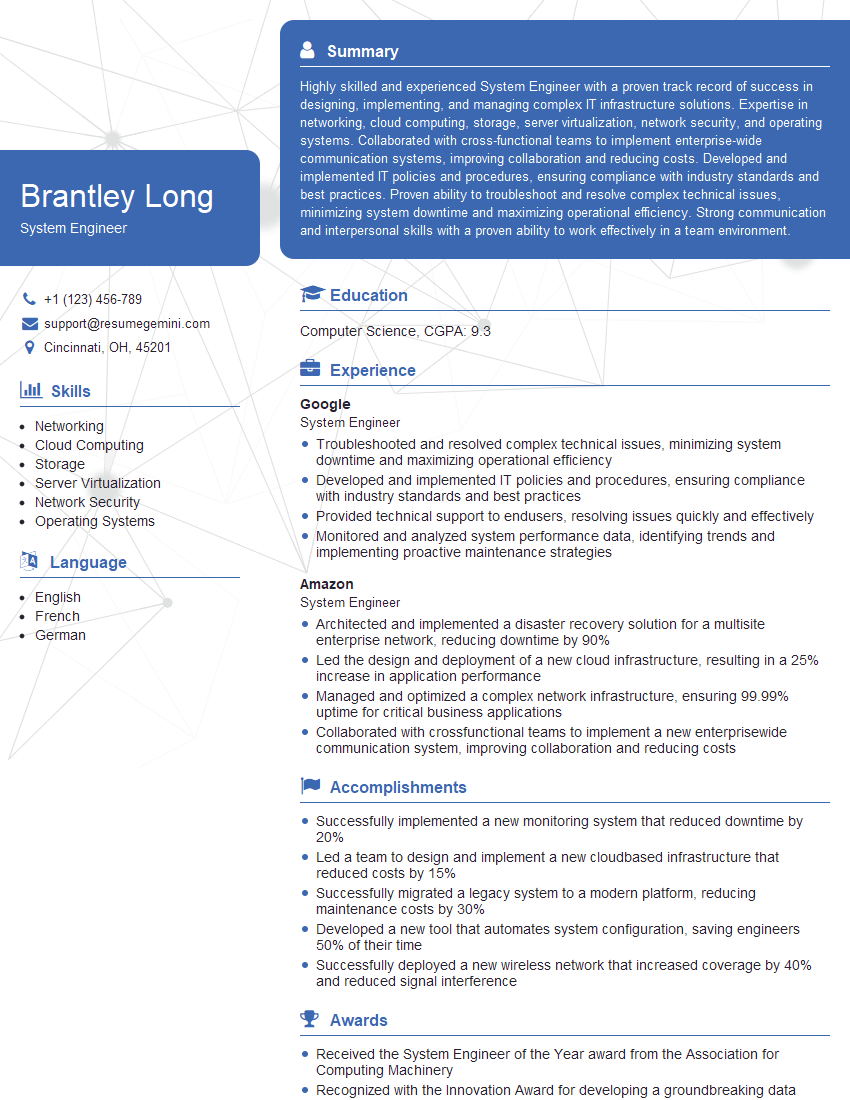
System Engineer Resume Sample
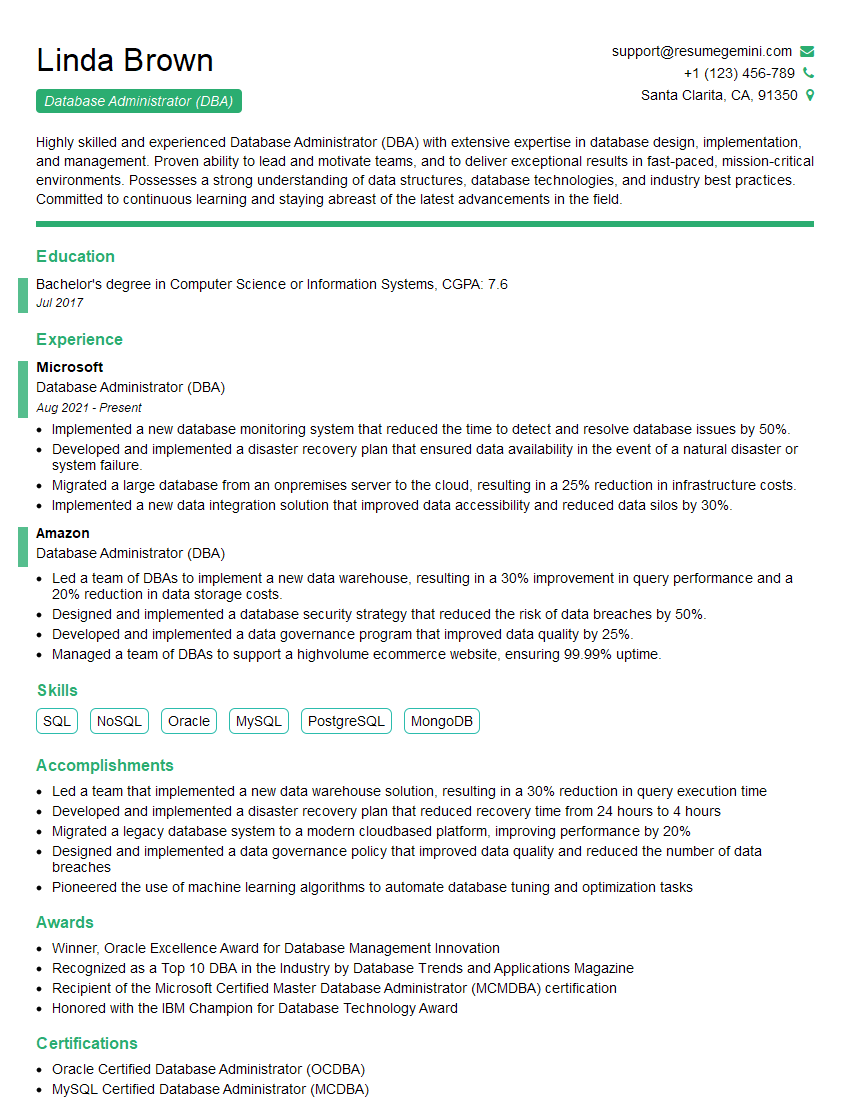
Database Administrator (DBA) Resume Sample

System Administrator Resume Sample

Help Desk Analyst Resume Sample

IT Manager Resume Sample

Release Manager Resume Sample
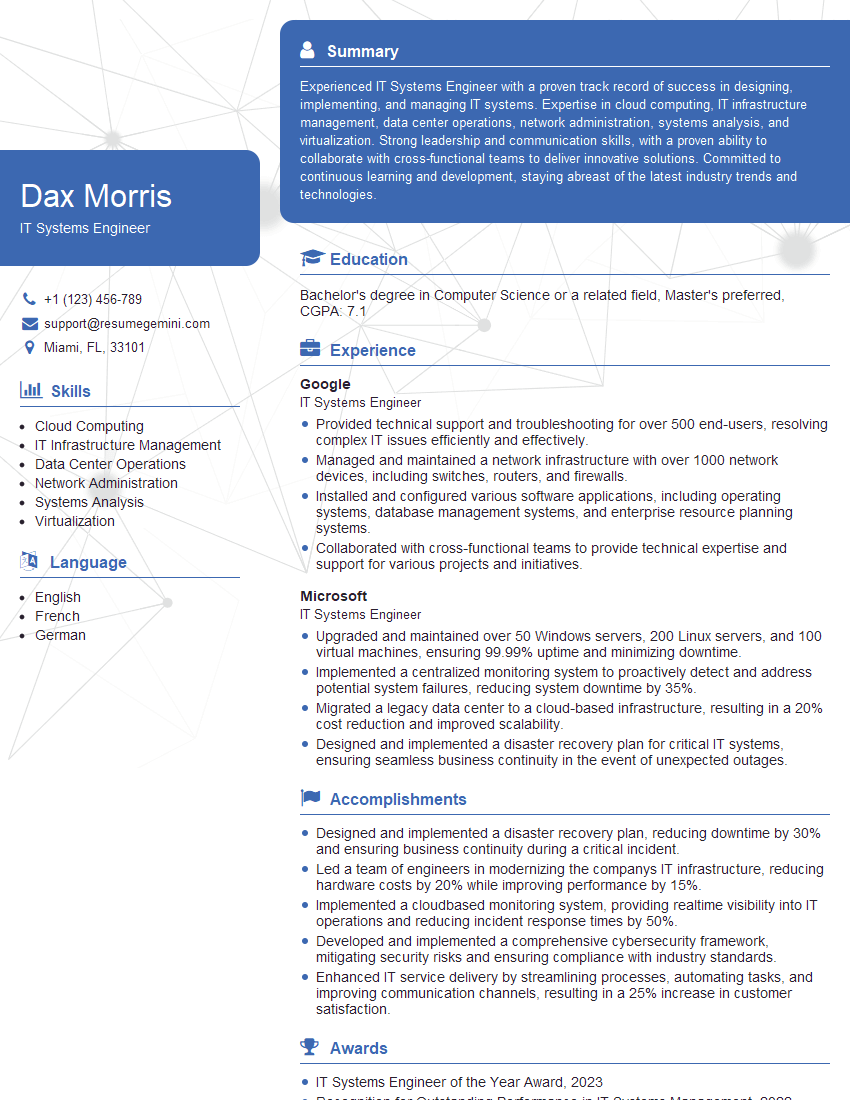
IT Systems Engineer Resume Sample

IT Support Specialist Resume Sample

DevOps Engineer Resume Sample
Explore more articles
Users Rating of Our Blogs
Share Your Experience
We value your feedback! Please rate our content and share your thoughts (optional).
What Readers Say About Our Blog
Very informative content, great job.
good