Cracking a skill-specific interview, like one for Passion for typography and design, requires understanding the nuances of the role. In this blog, we present the questions you’re most likely to encounter, along with insights into how to answer them effectively. Let’s ensure you’re ready to make a strong impression.
Questions Asked in Passion for typography and design Interview
Q 1. Explain the difference between serif and sans-serif typefaces.
Serif and sans-serif typefaces are differentiated primarily by the presence or absence of serifs – small decorative strokes at the ends of letterforms. Serif typefaces, like Times New Roman or Garamond, possess these serifs, which historically aided readability in printed materials by guiding the eye along lines of text. They often evoke a sense of tradition and formality. Sans-serif typefaces, such as Arial or Helvetica, lack these serifs and generally appear cleaner, more modern, and often bolder. The choice between them often depends on the desired tone and context; serifs are often preferred for body text due to their increased readability, while sans-serif fonts are frequently used for headlines and displays where impact and clarity are key.
- Serif Example: Times New Roman, Garamond, Georgia
- Sans-serif Example: Arial, Helvetica, Calibri
Q 2. Describe the principles of kerning and tracking.
Kerning and tracking both relate to the spacing between letters, but they operate at different scales. Kerning adjusts the space between individual letter pairs. Think of it as fine-tuning; it addresses specific pairings where the default spacing looks visually awkward, such as the space between ‘A’ and ‘V’ needing to be smaller than the space between ‘A’ and ‘W’. This is usually adjusted manually by a designer. Tracking, on the other hand, refers to the overall spacing between all letters in a block of text – it’s a global adjustment, affecting the tightness or looseness of a whole word or line. Think of tracking as a broad stroke adjustment to improve the visual rhythm of a paragraph. Mastering both is essential for creating balanced and aesthetically pleasing typography.
Q 3. What are leading and its impact on readability?
Leading (pronounced ‘ledding’) is the vertical space between lines of text. It’s measured from the baseline of one line to the baseline of the next. Insufficient leading can result in cramped text that is difficult to read, making it feel dense and visually overwhelming. Too much leading, conversely, can make the text appear sparse and disconnected. The optimal leading is determined by factors like the typeface, font size, and the length of the lines. A common guideline is to use a leading value that’s slightly larger than the font size (e.g., a font size of 12 points might pair well with a leading of 14-16 points). This creates comfortable spacing, improving readability and eye comfort, especially for larger blocks of text.
Q 4. Discuss the importance of hierarchy in typography.
Typographic hierarchy is the visual organization of text to guide the reader’s eye and convey importance. It’s like a visual roadmap through the content. We achieve hierarchy through variations in font size, weight (boldness), style (italics, capitalization), and color. Headings are typically larger and bolder than body text, subheadings are smaller than headings but larger than body text, and so on. This creates a clear order of importance, making it easy for the reader to understand the structure and flow of information. Consider a magazine layout – the article title is largest and most prominent, followed by section headings, and finally, the smaller body text. Without this hierarchy, a page would seem chaotic and unreadable.
Q 5. Explain the concept of x-height and its significance.
The x-height is the height of the lowercase letter ‘x’ in a particular typeface. It’s a significant measure because it reflects the overall size and readability of the lowercase letters. A larger x-height generally results in more readable text, especially for body copy, as the lowercase letters are more prominent and easier to distinguish. In contrast, a smaller x-height can make the text feel cramped and dense. When selecting a typeface, considering the x-height alongside other factors like weight and contrast is crucial for optimal readability.
Q 6. How do you choose the appropriate typeface for a specific project?
Choosing the right typeface for a project involves considering several factors. First, define the purpose and audience. A playful typeface might suit a children’s book, while a serious and sophisticated one is more appropriate for a legal document. Then, consider the overall tone and style you want to achieve. A modern sans-serif font might communicate innovation, while a classic serif typeface might convey tradition. Next, evaluate the readability – particularly important for body text. Finally, ensure the font is available and licensed for your intended use. It’s often useful to create several mock-ups with different typefaces to see how they work within the design. This iterative process leads to a more informed and suitable typeface selection.
Q 7. What are some common typography mistakes to avoid?
Several common typography mistakes can hinder readability and visual appeal. Using too many different typefaces in one design can create a chaotic and confusing look. Insufficient contrast between text and background makes the text hard to read. Ignoring proper kerning and tracking results in uneven spacing. Using overly decorative or unusual fonts for large amounts of text impacts readability. Poor leading choices lead to cramped or overly spaced text. Inconsistency in capitalization and styling undermines visual hierarchy. Avoid these pitfalls to create clean, professional, and highly accessible typography.
Q 8. Describe your workflow when designing a logo.
My logo design workflow is a meticulous process, blending creativity with strategic thinking. It begins with a deep understanding of the client’s brand identity, values, and target audience. I start by conducting thorough research, analyzing their competitors, and defining their unique selling proposition (USP). This informs the visual direction. Next, I generate a series of initial sketches and concepts, exploring various typographic styles and imagery. This brainstorming phase is crucial for finding the core visual idea. I then refine the most promising concepts digitally, experimenting with different typefaces, color palettes, and arrangements. This involves iterative refinement based on client feedback and my own critical evaluation. Finally, I deliver the logo in various formats (vector, raster) and provide brand guidelines to ensure consistent usage.
For example, when designing a logo for a sustainable coffee company, I’d explore earthy color palettes, possibly incorporating leaf imagery or a stylized coffee bean, paired with a typeface that evokes both nature and sophistication.
Q 9. How do you ensure your designs are accessible?
Accessibility in design is paramount. It’s about ensuring that everyone, regardless of ability, can understand and interact with my designs. This includes considerations for visual impairments, motor skill limitations, and cognitive differences. For example, I use sufficient color contrast to ensure readability for individuals with low vision. I avoid relying solely on color to convey information; instead, I use clear text labels and alternative text descriptions for images. I ensure sufficient spacing between elements to improve usability for individuals with motor impairments or cognitive challenges. Furthermore, I adhere to WCAG (Web Content Accessibility Guidelines) standards to maintain design inclusivity.
In practice, this means using tools to check color contrast ratios, offering keyboard navigation, and thoughtfully designing interactive elements.
Q 10. Explain your experience with Adobe Creative Suite (or other design software).
I’m highly proficient in Adobe Creative Suite, particularly Illustrator, Photoshop, and InDesign. Illustrator is my go-to for logo creation and vector graphics, allowing me to create scalable, high-resolution artwork. Photoshop is indispensable for image manipulation and retouching, crucial for creating high-quality visuals. InDesign is my workhorse for layout and typesetting, enabling the creation of polished brochures, posters, and other print materials. My expertise extends beyond the basic functionalities; I’m comfortable using advanced features like vector masking, layer styles, and advanced typography controls. I also leverage the power of plugins and extensions to optimize my workflow.
For instance, I recently used Illustrator’s pen tool to create a complex logo requiring intricate curves and details, and then used Photoshop’s adjustment layers to refine the color and lighting.
Q 11. Describe your process for creating a responsive design.
Responsive design ensures that websites and applications adapt seamlessly to various screen sizes and devices (desktops, tablets, smartphones). My process starts with understanding the target audience’s browsing habits and device preferences. Then, I utilize a flexible grid-based layout system, usually employing CSS frameworks like Bootstrap or Tailwind CSS. This allows elements to rearrange and resize appropriately based on screen size. I also optimize images for different resolutions to avoid slow loading times. Media queries are essential for applying style rules based on screen width and other factors. Testing across different devices and browsers is an integral part of this process, ensuring a consistent user experience across platforms.
I think of responsive design as building with Lego blocks; each block (element) can adapt its size and position without breaking the overall structure.
Q 12. How do you handle design critiques and feedback?
I embrace constructive criticism as an opportunity for growth. When receiving feedback, I listen actively, clarifying any points I don’t understand. I approach critiques objectively, separating subjective opinions from valid design concerns. I then analyze the feedback, evaluating whether the suggestions improve the overall design’s effectiveness, usability, and aesthetics. I document all changes and iterations made, transparently communicating the rationale behind each decision to the client. My goal is to use feedback to refine and elevate the final product, making it the best possible version.
Recently, a client suggested a bolder typeface for their logo. Initially, I was hesitant, but after exploring their suggestion, I realized it significantly enhanced the logo’s impact, proving the value of open collaboration.
Q 13. What are your favorite typefaces and why?
My typeface preferences are diverse, reflecting the versatility required in design. I adore the elegance and readability of Garamond for body text, its classic serifs providing a timeless feel. For headlines, I frequently choose Futura, appreciating its clean, geometric forms and modern aesthetic. I also have a fondness for Playfair Display for its sophisticated elegance, suitable for titles and headings that need a touch of grandeur. The choice ultimately depends on the project’s context and desired mood. For example, Garamond might work well for a literary magazine, while Futura could be perfect for a tech company.
Typefaces aren’t just about aesthetics; they convey emotion and personality. The choice of typeface significantly impacts the overall message and feel of a design.
Q 14. Explain your understanding of color theory and its application in design.
Color theory is the foundation of effective visual communication. Understanding color relationships is crucial for creating harmonious and impactful designs. This involves knowing the color wheel, including primary, secondary, and tertiary colors. I utilize color harmonies, such as complementary (opposite colors on the wheel) or analogous (colors adjacent to each other), to create visually appealing combinations. I consider the psychological impact of colors; for example, blue often evokes trust and calmness, while red can convey energy and excitement. I also consider cultural context as colors can hold different meanings across cultures. Color palettes are carefully selected to align with the brand’s personality and the project’s goals.
When designing a website for a spa, I’d lean towards calming blues and greens to create a serene atmosphere, while a sports brand might benefit from bolder, more energetic colors like red and orange.
Q 15. How do you stay up-to-date with current design trends?
Staying current in the ever-evolving world of design requires a multi-pronged approach. It’s not just about passively absorbing information; it’s about actively seeking out diverse perspectives and engaging with the design community.
- Design Publications and Blogs: I regularly read publications like AIGA Eye on Design, It’s Nice That, and Design Week, alongside numerous specialized blogs focusing on typography and branding. These offer insightful articles, case studies, and interviews with leading designers.
- Social Media: Platforms like Behance, Dribbble, and Instagram are invaluable for discovering new talent, seeing emerging trends, and participating in design discussions. Following key influencers and relevant hashtags helps me stay abreast of the latest innovations.
- Industry Events and Conferences: Attending conferences like TypeCon or local design meetups allows for direct interaction with designers, offering opportunities for networking, learning, and gaining fresh perspectives. The conversations and presentations often reveal trends before they become mainstream.
- Experimentation and Personal Projects: I actively experiment with new tools, techniques, and styles in my personal projects. This hands-on experience allows me to understand the practical implications of design trends and helps me develop a critical eye for what works and what doesn’t.
This holistic approach ensures I’m not just aware of trends, but I understand their context, their evolution, and their potential impact on future projects.
Career Expert Tips:
- Ace those interviews! Prepare effectively by reviewing the Top 50 Most Common Interview Questions on ResumeGemini.
- Navigate your job search with confidence! Explore a wide range of Career Tips on ResumeGemini. Learn about common challenges and recommendations to overcome them.
- Craft the perfect resume! Master the Art of Resume Writing with ResumeGemini’s guide. Showcase your unique qualifications and achievements effectively.
- Don’t miss out on holiday savings! Build your dream resume with ResumeGemini’s ATS optimized templates.
Q 16. Describe a time you had to solve a complex design problem.
One particularly challenging project involved designing a typeface for a high-end watchmaker. The brief demanded a font that was both elegant and highly legible, even at very small sizes – a common challenge in watch design. The complexity lay in balancing the aesthetic requirements of luxury branding with the functional needs of legibility in a constrained space.
My initial approach involved extensive research into historical watch typefaces and contemporary trends in luxury branding. I then created numerous sketches and digital iterations, testing various x-heights, stroke weights, and letterforms. The biggest hurdle was achieving both elegance and clarity at small point sizes. For example, the serifs had to be refined to the point where they were elegant without being too delicate and thus illegible.
The solution involved a highly iterative process. I used kerning pairs extensively to optimize spacing, and refined the contrast between thick and thin strokes to enhance readability. I utilized optical adjustments, subtly altering certain letterforms to compensate for the limitations of small-scale reproduction. This involved countless revisions and feedback sessions with the client until we achieved a balance between aesthetic appeal and functional excellence. The final product was a typeface perfectly suited to the client’s brand identity and the technical constraints of their watches.
Q 17. How do you collaborate effectively with other designers and developers?
Effective collaboration is paramount in design. I believe in open communication, clear expectations, and a shared understanding of project goals. My approach is built on:
- Regular Communication: Frequent check-ins, whether through daily stand-ups or weekly progress meetings, ensure everyone is aligned. Utilizing project management tools like Jira or Asana helps maintain transparency and track progress.
- Constructive Feedback: I provide and receive feedback openly and respectfully, focusing on solutions rather than criticisms. I encourage a culture of mutual learning and improvement.
- Shared Design Language: Establishing a common vocabulary and understanding of design principles ensures consistency across the project. This might involve creating a style guide or design system.
- Version Control: Using software like Adobe Creative Cloud Libraries or Git allows for seamless collaboration and version tracking, preventing confusion and conflicts.
- Empathy and Understanding: I prioritize understanding the perspectives of developers, ensuring the designs are technically feasible and the workflow is efficient. This includes considering technical constraints and limitations early in the design process.
By fostering open communication and mutual respect, I facilitate a collaborative environment where everyone feels valued and empowered to contribute their unique expertise.
Q 18. What is your experience with user research and its impact on design?
User research is an indispensable part of the design process. It bridges the gap between assumptions and reality, ensuring that our designs meet the needs of the intended users. My experience involves using various research methods to gather data and inform my design decisions.
- User Interviews: Conducting one-on-one interviews allows me to understand the users’ perspectives, motivations, and pain points directly. This qualitative data provides valuable insights into user behaviour and needs.
- Surveys: Surveys help collect quantitative data on a larger scale, allowing me to identify trends and preferences. The data gathered allows for a broader understanding of user opinions and preferences.
- Usability Testing: Observing users interacting with prototypes reveals usability issues and areas for improvement. This iterative process informs design modifications based on real-world user interactions.
- A/B Testing: Comparing different design iterations through A/B testing helps determine which designs are more effective in achieving specific goals.
The impact of user research on my designs is significant. It helps me avoid assumptions, create user-centered solutions, and ultimately increase the effectiveness and usability of my work. For example, in a recent project, user research revealed an unexpected user preference that significantly altered the design layout and improved user satisfaction.
Q 19. Explain your knowledge of grid systems in design.
Grid systems are the fundamental structure of many successful designs. They provide order, consistency, and readability by organizing content in a structured way. Think of it as the invisible framework underpinning a design, much like the skeleton supports a body.
I’m proficient in various grid systems, from simple column-based layouts to more complex modular grids. Understanding the underlying mathematics and principles allows me to create visually appealing and functional designs. For instance, a 12-column grid allows for flexible and scalable layouts, easily adapting to different screen sizes and content variations.
Using grid systems promotes visual hierarchy and consistency. The alignment of elements across a grid creates a sense of visual harmony and improves readability. Furthermore, responsive design hinges on effective grid systems to ensure that layouts adapt seamlessly to different devices and screen resolutions. Knowing how to choose and implement an appropriate grid system is crucial for creating flexible and scalable designs.
Q 20. Describe your understanding of white space and its use in design.
White space, or negative space, is the often-overlooked element that can significantly enhance the visual impact and usability of a design. It’s the area surrounding the elements of a design—the empty space that isn’t actively filled with content or graphics.
White space isn’t merely the absence of something; it’s a powerful design tool that functions in several key ways:
- Improved Readability: Adequate white space between lines of text and paragraphs improves readability and reduces eye strain. Think of it as giving your text room to breathe.
- Visual Hierarchy: Strategically using white space helps establish visual hierarchy, guiding the viewer’s eye to important elements first. More whitespace around key elements emphasizes their importance.
- Enhanced Aesthetics: White space can create a sense of spaciousness, elegance, and sophistication. It can make a design feel cleaner, less cluttered, and more professional.
- Emphasize key elements: Strategic use of white space is used to highlight crucial content, guiding the user’s eye to call-to-actions or important information. This principle utilizes contrast to improve the effectiveness of design.
Mastering the use of white space is a crucial skill for any designer. It’s about understanding how to strategically utilize empty space to create a more effective and aesthetically pleasing design. It’s the art of knowing when to use space, as well as when not to use it.
Q 21. How do you balance aesthetics with functionality in your designs?
Balancing aesthetics and functionality is a core principle of effective design. A beautiful design is useless if it’s not functional, and a highly functional design can be ineffective if it lacks aesthetic appeal. The key lies in finding a harmonious synergy between the two.
My approach involves a user-centered design process. I start by understanding user needs and functionalities required, then translate that into a visual language that aligns with the brand identity and user expectations. This involves iterative testing and refinement. For example, the choice of typography significantly impacts both aesthetics and readability. An elegant typeface might enhance the visual appeal, but if it’s difficult to read, it compromises functionality.
I constantly evaluate the design throughout the process, questioning whether each element contributes to both the aesthetic and functional goals. This iterative process involves asking questions such as: Does this color scheme enhance readability and brand identity? Is this layout intuitive and user-friendly? Is this button design both attractive and easy to interact with? Through constant evaluation and refinement, a design that effectively balances form and function can be created.
Q 22. What are your strengths and weaknesses as a designer?
My greatest strength lies in my meticulous attention to detail, particularly in typography. I’m passionate about crafting legible and aesthetically pleasing typefaces, understanding the nuances of kerning, tracking, and leading to create a harmonious visual experience. I also possess a strong conceptual understanding of design principles, enabling me to translate client needs into effective visual solutions. However, a weakness I’m actively working on is time management when faced with multiple projects with tight deadlines. To mitigate this, I’m implementing project management tools and refining my prioritization skills. I believe in continuous self-improvement and actively seek feedback to refine my process.
Q 23. Describe your approach to designing for different screen sizes.
My approach to designing for different screen sizes centers around responsive design principles. I leverage flexible layouts and utilize CSS media queries to adjust content and styling based on screen dimensions. For example, I might use a fluid grid system where column widths adjust proportionally to the screen size, ensuring optimal readability and visual appeal across various devices. For smaller screens, I prioritize content hierarchy, using clear visual cues and concise language. I extensively test on different devices and browsers to ensure consistency and functionality. I avoid fixed-width designs which would break responsiveness, opting for percentage-based or viewport-relative units instead. A key part of my process includes considering the user experience; a design that works flawlessly on a desktop might be cumbersome on a mobile phone, so I always start with a mobile-first approach.
Q 24. Explain your experience with design systems and style guides.
I have extensive experience working with design systems and style guides, finding them crucial for maintaining consistency and efficiency across large projects or within a team. I’ve been involved in both creating and implementing these systems, documenting typography, color palettes, spacing, and component guidelines. For example, in a recent project, I created a comprehensive style guide that included detailed specifications for buttons, forms, and typography, which improved consistency and reduced design rework. A well-defined design system allows designers to work more efficiently, ensures brand consistency across all platforms, and speeds up the overall design and development process. It also facilitates onboarding for new team members.
Q 25. How do you measure the success of your design work?
Measuring the success of my design work involves a multi-faceted approach. I start by defining clear Key Performance Indicators (KPIs) at the beginning of a project, aligning them with the client’s business goals. This might include metrics like user engagement (e.g., click-through rates, time on page), conversion rates, or user satisfaction (through surveys or feedback). For instance, if designing a landing page, a successful design would have a high conversion rate, demonstrating effective user guidance and call-to-action placement. Qualitative feedback from users is also crucial, providing insights into their experience and identifying areas for improvement. A/B testing allows me to compare different design iterations and determine which is more effective.
Q 26. What are your career goals in design?
My career goals are centered around continuous growth and contributing to impactful design projects. I aim to deepen my expertise in UX/UI design, specifically focusing on motion graphics and micro-interactions to enhance user experience. I’m interested in eventually leading a design team, mentoring junior designers, and sharing my knowledge. I envision myself contributing to the design of innovative and user-centric products that make a positive difference in people’s lives. My long-term aspiration involves becoming a design leader known for fostering creativity and delivering high-quality, impactful designs. I’m particularly interested in combining my typography skills with emerging technologies like AR/VR.
Q 27. What is your process for creating a mood board?
My mood board creation process is iterative and begins with thorough research. First, I identify the project’s key themes, target audience, and desired mood. Then, I gather visual inspiration from various sources: websites, magazines, photography, art, and even nature. I collect images, colors, textures, and typography samples, arranging them digitally on a board. The arrangement itself is important; I organize visually related items together, exploring different layouts until I find a coherent visual narrative. The mood board serves as a visual reference point throughout the design process, guiding my stylistic choices and ensuring consistency. It’s not a static document, I often revisit and refine it as the project evolves.
Q 28. How do you handle conflicting design requirements?
Handling conflicting design requirements necessitates open communication and collaboration. I start by actively listening to all stakeholders, understanding their individual needs and concerns. I then facilitate a discussion, identifying the root cause of the conflict. Sometimes, compromise is needed. This might involve prioritizing certain requirements based on their impact or exploring alternative solutions that meet most of the needs. For instance, I might present several design options, each emphasizing different requirements, allowing stakeholders to evaluate the trade-offs. Prioritizing user experience is crucial, striving for a balance between business needs and user satisfaction. Documenting all decisions and rationales throughout the process helps ensure transparency and avoids future misunderstandings.
Key Topics to Learn for a Passion for Typography and Design Interview
- Typography Fundamentals: Understanding typefaces (serif, sans-serif, script, etc.), kerning, tracking, leading, and their impact on readability and visual hierarchy.
- Design Principles: Applying principles like contrast, balance, proximity, repetition, alignment, and white space to create effective and aesthetically pleasing designs.
- Color Theory: Knowledge of color palettes, harmonies (complementary, analogous, etc.), and their emotional impact on design communication.
- Practical Application: Demonstrate your understanding through examples of how you’ve applied these principles in past projects. Be prepared to discuss your design process and decision-making.
- Software Proficiency: Showcase your skills in relevant design software (Adobe Creative Suite, Figma, Sketch, etc.). Be ready to discuss your experience level and preferred tools.
- Design Thinking & Problem-Solving: Articulate your approach to understanding design briefs, identifying user needs, and developing creative solutions. Explain your iterative design process.
- Visual Communication: Discuss your understanding of how typography and design contribute to effective communication of a message or idea.
- Accessibility & Inclusivity: Demonstrate awareness of accessibility guidelines and how to create designs that are inclusive and usable for a wide audience.
- Design Trends & Innovation: Stay updated on current design trends and demonstrate an interest in exploring innovative approaches to typography and design.
Next Steps
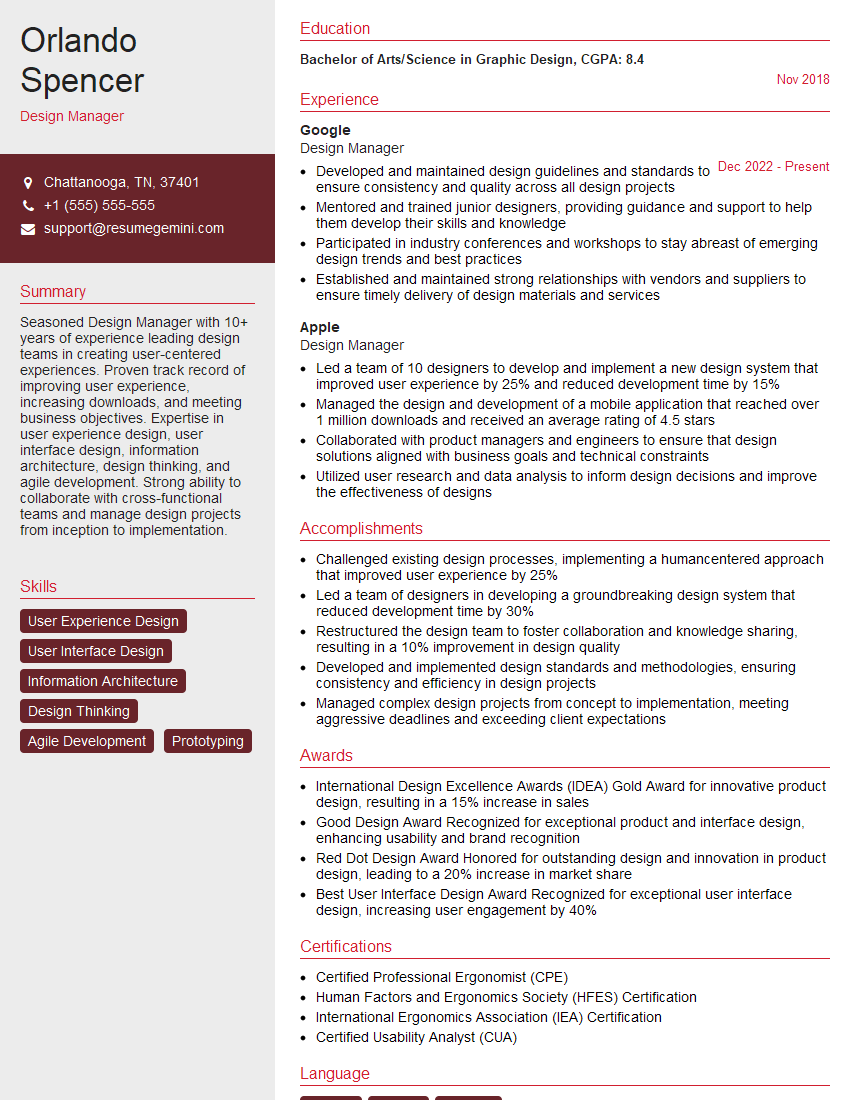
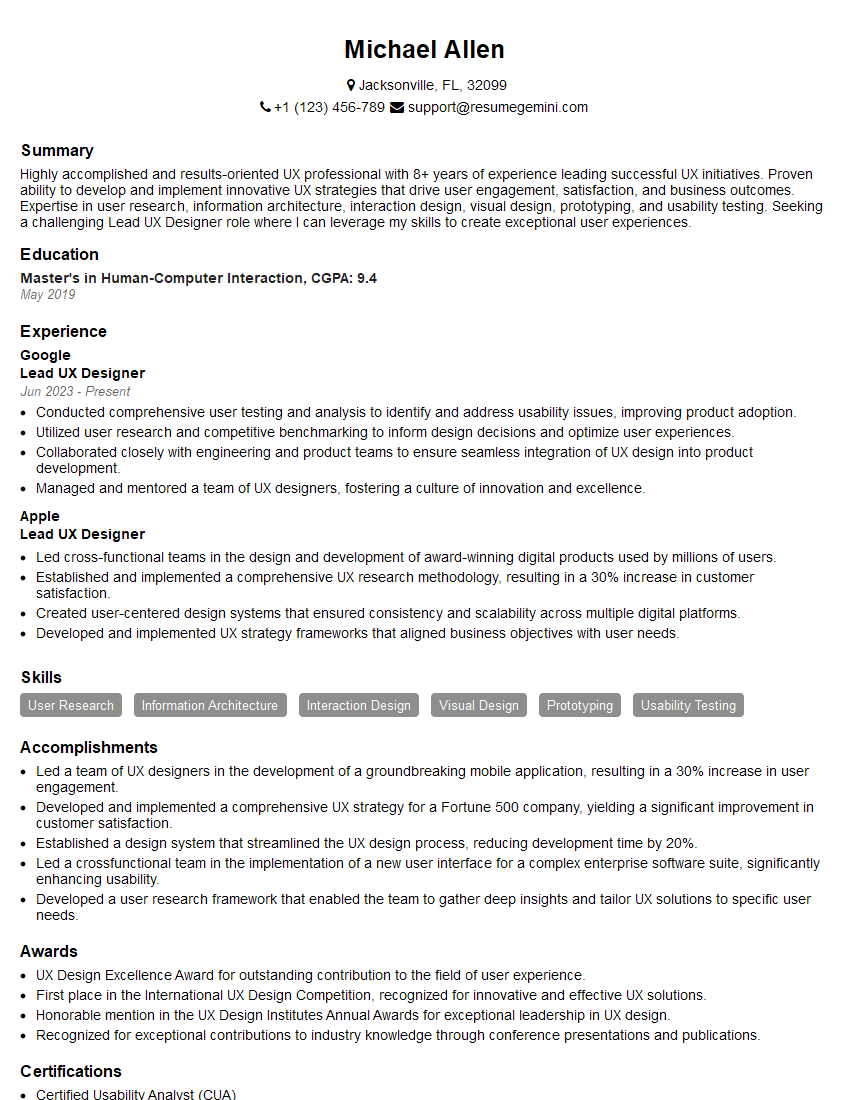
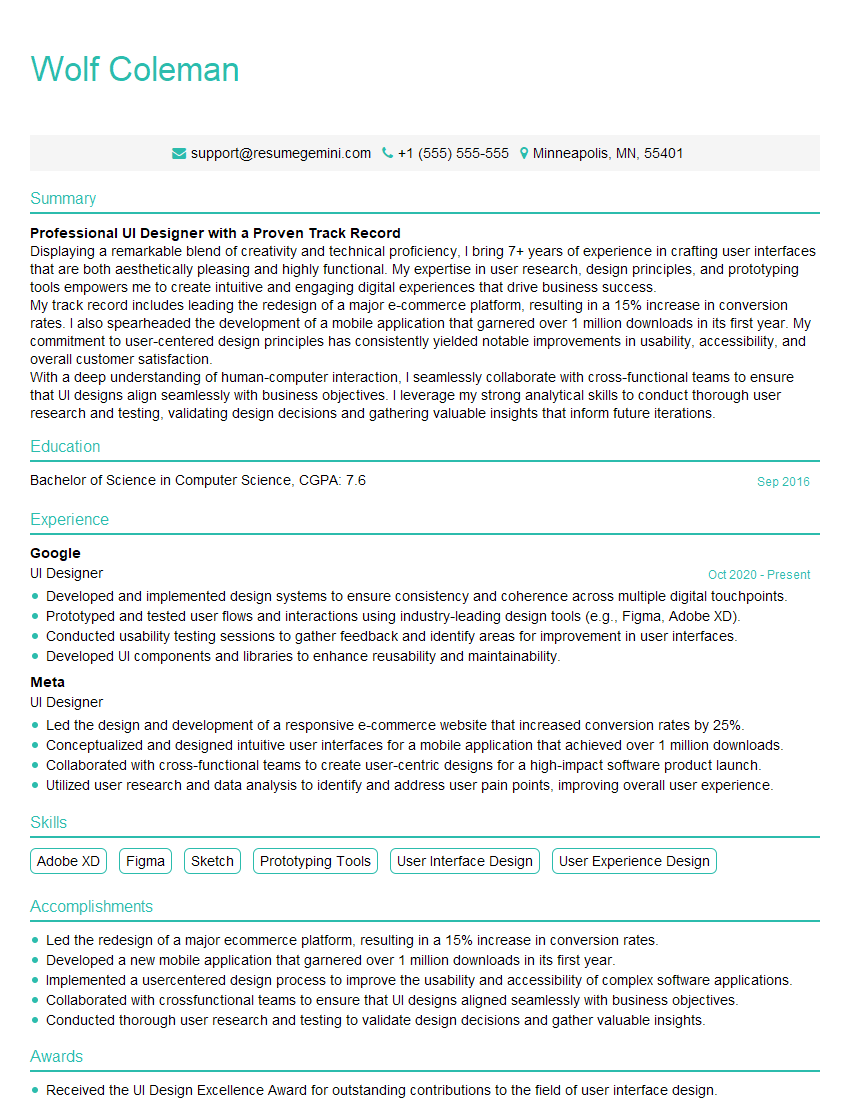
Mastering typography and design is crucial for career advancement in this dynamic field. A strong portfolio is essential, but a well-crafted resume is your first impression. Creating an ATS-friendly resume significantly increases your chances of landing an interview. We highly recommend using ResumeGemini to build a professional and impactful resume that highlights your skills and experience effectively. ResumeGemini offers examples of resumes tailored to the typography and design field, providing valuable guidance to help you stand out from the competition.






Explore more articles
Users Rating of Our Blogs
Share Your Experience
We value your feedback! Please rate our content and share your thoughts (optional).
What Readers Say About Our Blog
Very informative content, great job.
good