Unlock your full potential by mastering the most common PLC Ladder Logic Programming interview questions. This blog offers a deep dive into the critical topics, ensuring you’re not only prepared to answer but to excel. With these insights, you’ll approach your interview with clarity and confidence.
Questions Asked in PLC Ladder Logic Programming Interview
Q 1. Explain the difference between a timer and a counter in PLC Ladder Logic.
Timers and counters are both crucial elements in PLC ladder logic, used for timing events and counting occurrences, respectively, but they function quite differently. Think of a timer as a stopwatch and a counter as a tally counter.
A timer measures elapsed time. It starts counting when enabled and stops when a preset time is reached. Common types include:
- ON-delay timer: The output turns ON after a preset time delay *after* the input turns ON.
- OFF-delay timer: The output remains ON for a preset time *after* the input turns OFF.
- Retentive timer (discussed further in the next question): Remembers its accumulated time even after power loss.
A counter counts the number of times an input signal transitions from OFF to ON (or vice versa, depending on the configuration). Once it reaches a preset count, its output turns ON. Counters are perfect for tracking production cycles, parts counted, or any discrete event.
Example: Imagine a conveyor belt. A timer might control how long a product stays on a specific section, while a counter might track the number of products that have passed a certain point.
Q 2. Describe the function of a retentive timer.
A retentive timer, also known as a persistent timer, is a special type of timer that retains its accumulated time even after power loss or PLC reset. This is critical for applications where tracking elapsed time needs to continue uninterrupted. Imagine a process that takes several hours – you wouldn’t want to start over every time the power flickers!
Its functionality is identical to a standard timer in terms of how it operates when it’s enabled, except its accumulated time is stored in non-volatile memory. This memory maintains data even without power, ensuring the timer continues from where it left off when power is restored. Many PLCs offer retentive timer functions as a built-in instruction.
Example: In a batch process, a retentive timer could track the total time a reaction has been running, even if the PLC experiences a power outage during the process. This avoids the need to restart the process from scratch.
Q 3. How do you handle analog inputs and outputs in PLC Ladder Logic?
Analog I/O handles continuous values, unlike the discrete ON/OFF signals of digital I/O. In PLC ladder logic, analog inputs and outputs require specific instructions to convert the analog signals (typically voltage or current) into digital values that the PLC can understand and process. This conversion is often handled through:
- Analog Input Modules: These modules convert analog signals to digital values. The PLC then reads these digital values as integers or floating-point numbers.
- Analog Output Modules: These modules convert digital values from the PLC back into analog signals (voltage or current) to control analog devices like valves or actuators.
Ladder Logic Example (Illustrative): You might use a compare instruction to check if an analog temperature input exceeds a threshold. If it does, the PLC might activate an analog output module to adjust a valve and regulate the temperature.
// Simplified example. Actual implementation depends on the PLC brand and model.IF (AnalogInput > Threshold) THEN AnalogOutput := Setpoint;END_IF;
Often, scaling is needed to convert the raw analog input value (e.g., 0-10V) into engineering units (e.g., 0-100°C). This involves applying a linear transformation based on the input module’s specifications.
Q 4. What are the different types of addressing modes used in PLCs?
PLCs use different addressing modes to specify memory locations. The specific modes depend on the PLC manufacturer and model, but common ones include:
- Symbolic Addressing: This uses meaningful names (e.g.,
TemperatureSensor,Motor_Start) to refer to I/O points or internal memory locations. This makes the program much more readable and maintainable.TemperatureSensor := AnalogInput(1); - Numeric Addressing: This uses numbers to directly reference memory addresses (e.g.,
I:1.0for input 1, bit 0). This is usually less intuitive than symbolic addressing but sometimes necessary for low-level programming or interacting with specific hardware addresses. - Data Table Addressing: This allows access to data within structured arrays or tables, simplifying management of large datasets.
Example: A program might use symbolic addressing for user-defined variables (e.g., SetPoint) while using numeric addressing for direct interaction with specific input/output modules.
Q 5. Explain the purpose of a master control relay (MCR).
A Master Control Relay (MCR) acts like a sectioned switch in your ladder logic program. It allows you to selectively enable or disable a portion of the program. This is incredibly useful for simplifying complex logic and improving readability. Think of it as a switch controlling a large part of your circuitry.
When the MCR is enabled (ON), all logic within the MCR section is active. When the MCR is disabled (OFF), the logic within that section is completely ignored, regardless of the states of other parts of the ladder diagram. This prevents unintended actions from that section of the program.
Example: An MCR might control the logic for an automated machine’s emergency stop function. When the emergency stop button is pressed (MCR OFF), the entire process controlled by that MCR section is immediately deactivated for safety, regardless of the state of other parts of the PLC program.
Q 6. How do you implement a PID control loop in a PLC?
Implementing a PID control loop in a PLC involves using the PID algorithm to adjust an output based on the difference between a desired setpoint and the actual process variable. The algorithm consists of three components: Proportional (P), Integral (I), and Derivative (D).
1. Proportional (P): This term responds to the current error (difference between setpoint and process variable). A larger error results in a larger corrective output. The proportional gain (Kp) determines the strength of this response.
2. Integral (I): This term addresses accumulated error over time. It helps eliminate steady-state error, ensuring the process eventually reaches the setpoint. The integral gain (Ki) determines how strongly the accumulated error affects the output.
3. Derivative (D): This term anticipates future error based on the rate of change of the error. It helps dampen oscillations and speed up the response time. The derivative gain (Kd) determines the strength of this anticipatory action.
PLC Implementation: Most PLCs provide built-in PID control functions. You’d typically configure the setpoint, process variable input, output, and the three gains (Kp, Ki, Kd). The PLC handles the calculations internally, automatically adjusting the output to maintain the desired setpoint.
Example: Controlling the temperature of an oven. The process variable is the oven’s temperature measured by a sensor. The setpoint is the desired temperature. The PID loop constantly adjusts the heating element’s power (output) to keep the oven temperature close to the setpoint.
Q 7. What are the different types of data types used in PLC programming?
PLCs support a range of data types, tailored to handle various kinds of information. The specific data types available depend on the PLC brand and model, but common ones include:
- BOOL (Boolean): Represents a binary value (TRUE/FALSE or ON/OFF).
- INT (Integer): Represents whole numbers.
- REAL (Floating-Point): Represents numbers with decimal points, crucial for handling analog values.
- DWORD (Double Word): Represents 32-bit unsigned integers.
- STRING: Represents text characters.
- Timers and Counters: Specialized data types for timing and counting.
Example: You might use a BOOL variable to represent a limit switch status, an INT to count parts, a REAL to store a temperature reading, and a STRING to display an error message.
Choosing the appropriate data type is important for efficient memory usage and program accuracy. Using the wrong type can lead to errors or unexpected behavior.
Q 8. Explain the concept of self-holding contacts (seal-in).
Self-holding contacts, also known as seal-in circuits, are a fundamental concept in PLC ladder logic programming. They allow a coil to remain energized even after the initial input that triggered it is removed. Imagine a light switch; normally, you need to hold the switch down to keep the light on. A self-holding circuit lets you flip the switch once, and the light stays on until you intentionally turn it off with another switch.
This is achieved by using one normally open (NO) contact in parallel with the input that initially energizes the coil. The coil’s output then feeds back to this normally open contact, creating a closed loop. Let’s illustrate with an example:
--| |---[ ]---( )---// Coil (Output) | ^ | | | | +----------+In this example, the input (represented by the | |) energizes the coil when activated. Once the coil is energized, it closes the normally open contact (represented by [ ]), creating a self-sustaining loop. Even if the initial input is removed, the coil remains energized because the self-holding contact maintains the circuit. To de-energize the coil, you need another input, often a normally closed (NC) contact that breaks the loop.
This technique is crucial for maintaining states or processes, such as keeping a motor running after an initial start command or controlling a solenoid valve until a specific condition is met. It’s a very efficient and commonly used method in automation.
Q 9. How do you troubleshoot a PLC program?
Troubleshooting a PLC program can be approached systematically. Think of it like detective work! My process usually involves these steps:
- Gather Information: Start by understanding the problem thoroughly. What’s malfunctioning? When did it start? Have there been any recent changes to the program or hardware?
- Inspect the Ladder Logic: Carefully review the program, paying close attention to the logic flow. Look for obvious errors like incorrect contact configurations, missing rungs, or mismatched data types.
- Monitor I/O: Use the PLC’s diagnostic tools to monitor input and output signals. Check if sensors and actuators are working correctly and if their signals are correctly reflected in the PLC’s I/O table. This can help isolate problems related to hardware or physical connections.
- Use PLC Simulation: Simulate sections of the code to test individual functions and identify the source of the malfunction. This is a safe way to experiment and check the logic without causing issues in a live system.
- Check for Timer/Counter Issues: Verify the correct operation of timers and counters. Incorrectly configured timers or counters can often lead to unexpected behavior.
- Utilize Force Functions: Forcibly set bits or variables to specific values to isolate the effect of certain parts of the program, narrowing down the area of fault.
- Check Program Documentation: Good documentation is essential. Refer to comments, diagrams, and any existing notes regarding the program’s design.
- Consult Technical Manuals: Don’t hesitate to consult the manufacturer’s technical documentation for specific troubleshooting tips or error codes.
Remember to always follow proper safety procedures when troubleshooting a live PLC system. Never make changes to the running program unless you understand the potential consequences and have backup copies of the code.
Q 10. Describe your experience with different PLC manufacturers (e.g., Allen-Bradley, Siemens).
I have extensive experience with both Allen-Bradley (Rockwell Automation) and Siemens PLCs. I’ve worked on projects using various models, from the compact Logix 500 series to the advanced ControlLogix platforms of Allen-Bradley and from Siemens’ S7-300 to S7-1500 series. Each manufacturer has its own programming environment and unique features, but the underlying principles of ladder logic remain consistent.
Allen-Bradley‘s programming software, RSLogix 5000 (now Studio 5000), is known for its user-friendly interface and extensive libraries. I’ve used it extensively for applications ranging from simple machine control to complex process automation systems. I’m comfortable with its data structures, communication protocols (e.g., Ethernet/IP), and troubleshooting tools.
Siemens‘ TIA Portal is also a powerful and widely used environment. It’s characterized by its sophisticated functionality and capabilities for complex automation tasks. I appreciate its structured approach to programming and its strong support for advanced features like motion control and process visualization. I’m proficient in using its programming language, STEP 7 (and its more recent iterations).
My experience extends to configuring hardware, troubleshooting issues, and collaborating with other engineers to ensure optimal system performance.
Q 11. Explain the importance of safety protocols in PLC programming.
Safety protocols are paramount in PLC programming, especially in industrial settings where malfunctioning systems can have serious consequences. The safety of personnel and equipment must be a top priority. Neglecting safety can lead to accidents, equipment damage, and even fatalities.
Here are some crucial aspects:
- Emergency Stop (E-Stop) Circuits: Implementing reliable E-Stop circuits is vital. These circuits should override all other control signals and immediately shut down dangerous operations.
- Safety Relays: Using safety relays, which provide independent safety-related control, adds redundancy and improves the reliability of safety functions.
- Interlocks and Light Curtains: Employing physical and electronic interlocks, along with light curtains to detect the presence of personnel, prevents access to hazardous areas during operation.
- Redundancy and Fail-Safe Design: Designing systems with built-in redundancy and fail-safe mechanisms ensures that even if one component fails, the system remains safe. This might include using dual PLCs or employing self-diagnostic features.
- Functional Safety Standards: Adhering to relevant safety standards (e.g., IEC 61131-3, IEC 61508, etc.) provides a framework for designing and implementing safe PLC systems.
- Regular Testing and Maintenance: A critical aspect of safety is regular testing and maintenance of PLC programs and hardware to ensure their continued safe operation. This includes preventative maintenance checks and functional safety tests.
I’ve worked on numerous projects where safety was paramount. For instance, in one project involving robotic arms in a manufacturing plant, we implemented a three-level E-Stop system, redundant safety relays, and light curtains to guarantee the safety of workers in the vicinity.
Q 12. What are some common programming errors in PLC Ladder Logic?
Common programming errors in PLC ladder logic often stem from simple oversights or misunderstandings of Boolean algebra:
- Incorrect Logic Sequencing: Improper arrangement of contacts and coils can lead to incorrect logic. This is especially problematic when dealing with complex conditional statements.
- Parallel vs. Series Circuits: Confusion between parallel and series circuits can lead to unintended outcomes. Parallel branches operate independently, while series branches require all contacts to be closed for the coil to energize.
- Use of Implicit vs. Explicit Boolean Functions: While often concise, relying too much on implicit operations without clear documentation can lead to code that is difficult to understand and maintain.
- Incorrect Data Type Handling: Using incorrect data types for variables or I/O points can lead to unexpected values and system errors.
- Improper Timer/Counter Usage: Inaccurate settings or failure to consider the time base of timers/counters can cause delays or unexpected behavior.
- Lack of Comments and Documentation: Code lacking adequate comments is difficult to maintain and troubleshoot. Clear and concise comments are essential for understanding the code’s purpose and logic.
- Unintended Self-Holding Circuits: Accidentally creating self-holding circuits where they aren’t needed, leading to difficult to trace and manage lock-ups.
To avoid these errors, careful planning, thorough testing, and clear documentation are crucial. Following structured programming techniques and using well-defined functions helps in writing easily understandable and maintainable code.
Q 13. How do you handle interrupts in a PLC program?
PLCs handle interrupts in a manner similar to other computer systems, but with considerations specific to the real-time nature of industrial control. Interrupts are used to respond to high-priority events that require immediate attention. The exact mechanism varies across PLC platforms but generally involves a signal (either hardware or software) triggering a pre-defined interrupt service routine (ISR).
Hardware Interrupts: These are often triggered by external events such as an emergency stop button or a sensor detecting a critical condition. When the interrupt is triggered, the PLC suspends its normal execution, executes the ISR to handle the event, and then resumes its normal operation.
Software Interrupts: These are triggered by specific events or conditions within the PLC program, such as a timer expiring or a variable reaching a certain value. Similar to hardware interrupts, these cause the PLC to execute the ISR and then resume normal execution.
Implementing Interrupts: The process of implementing interrupts involves configuring interrupt sources, writing the ISR code, and setting interrupt priorities. The ISR should be concise and efficient to minimize the time the PLC spends handling the interrupt, ensuring the timely execution of the main control program.
Example (Conceptual): An example would be an emergency stop button generating a hardware interrupt. The ISR for this interrupt would immediately stop all outputs and put the system into a safe state.
The specific implementation details will depend on the PLC manufacturer and model. However, the general principles of interrupt handling remain consistent across different platforms.
Q 14. How do you implement data logging in a PLC?
Data logging in a PLC involves capturing and storing process variables over time. This data is crucial for monitoring system performance, identifying trends, diagnosing issues, and improving overall efficiency. There are several ways to implement data logging, each with its strengths and weaknesses.
- Internal PLC Memory: Some PLCs have built-in memory for data logging. This approach is simple but has limited storage capacity. Data is often overwritten once the memory is full.
- Data Storage on an External Device: This is a more common and versatile method. Data is written to an external device, such as a Compact Flash card, SD card, or a network-connected server. This method offers greater storage capacity and allows for longer data retention.
- PLC Communication with a SCADA System: Supervisory Control and Data Acquisition (SCADA) systems provide sophisticated data logging features. PLCs can communicate with SCADA systems to transfer data, which is then logged and analyzed by the SCADA software.
- Database Systems: For large-scale data logging, integrating the PLC with a database system (e.g., SQL Server, MySQL) is an efficient approach. This allows for advanced data analysis and reporting.
Implementation Considerations: When implementing data logging, consider factors such as:
- Data Frequency: How often should data be logged (e.g., every second, every minute)?
- Data Retention: How long should data be stored?
- Storage Capacity: Ensure sufficient storage capacity to accommodate the required data retention period.
- Data Security: Protect the logged data from unauthorized access.
Proper data logging allows for effective analysis, ultimately contributing to better decision-making and system optimization. I’ve implemented various data logging solutions across different PLC platforms, always tailoring the approach to meet the specific requirements of the project.
Q 15. Explain the difference between one-shot and normally open contacts.
Both one-shot and normally open contacts are used in ladder logic to control the flow of logic, but they behave differently. Think of a light switch: a normally open contact is like a light switch that’s off until you flip it; a one-shot is like a momentary push-button that only triggers an action once per activation, even if held down.
A normally open (NO) contact closes (completes the circuit) only when its associated input is energized (TRUE). If the input is false, the circuit remains open. This is the most fundamental element in ladder logic and is depicted by two lines separated by a gap, closing when the input is activated.
--[Input]--
A one-shot contact, also known as a pulse output, operates differently. It provides a single pulse of output when its associated input transitions from FALSE to TRUE, regardless of how long the input remains TRUE. This is very useful for initializing actions or preventing repeated executions of a certain part of a program. Subsequent TRUE states of the input will not trigger another pulse until it returns to FALSE and then back to TRUE again. Many PLCs use a special instruction for this; some represent it graphically with a small circle inside the contact.
--(Input)---(One-Shot Contact)--
In essence: NO contacts maintain the signal as long as the input is true, whereas one-shot contacts only provide a single pulse on the rising edge of the input signal.
Real-world example: Imagine a conveyor belt system. A normally open contact might be used to start the belt when a sensor detects a product. A one-shot contact could be used to initiate a counter to track the number of products passing along the belt, preventing the counter from incrementing multiple times if the product blocks the sensor for an extended duration.
Career Expert Tips:
- Ace those interviews! Prepare effectively by reviewing the Top 50 Most Common Interview Questions on ResumeGemini.
- Navigate your job search with confidence! Explore a wide range of Career Tips on ResumeGemini. Learn about common challenges and recommendations to overcome them.
- Craft the perfect resume! Master the Art of Resume Writing with ResumeGemini’s guide. Showcase your unique qualifications and achievements effectively.
- Don’t miss out on holiday savings! Build your dream resume with ResumeGemini’s ATS optimized templates.
Q 16. Describe your experience with HMI programming and integration.
I have extensive experience in HMI (Human-Machine Interface) programming and integration, primarily using industrial-grade software packages like Siemens WinCC, Rockwell FactoryTalk View SE, and Schneider Electric Vijeo Designer. My work has spanned various applications, from simple monitoring screens to complex SCADA (Supervisory Control and Data Acquisition) systems.
My experience includes designing intuitive user interfaces for operators, integrating real-time data from PLCs, creating alarm management systems, and implementing advanced visualization features such as trend charts and historical data logging. I’m proficient in configuring communication between PLCs and HMIs using various protocols, like Ethernet/IP, Modbus TCP, and OPC UA.
For example, in a recent project involving a bottling plant, I designed an HMI that allowed operators to monitor the filling levels of tanks, adjust production speeds, view real-time production statistics, and receive immediate alerts on low material levels. The HMI was seamlessly integrated with multiple PLCs controlling different aspects of the bottling process, improving efficiency and minimizing downtime.
Q 17. How do you debug a PLC program using online monitoring tools?
Debugging PLC programs using online monitoring tools is crucial for efficient troubleshooting. My approach involves a systematic process:
- Identify the Problem: First, pinpoint the issue—is the output incorrect, is a safety system not triggering properly, or is the system timing off?
- Utilize Online Monitoring: Access online monitoring capabilities of the PLC programming software. This allows you to observe the status of I/O points (inputs and outputs), internal variables, and the execution of the program in real-time.
- Force Inputs/Outputs: Many PLCs allow for the forcing of inputs and outputs during online monitoring. This enables you to test different scenarios and isolate the faulty part of the system. It’s critical to remember to unforce I/O points after testing to avoid unexpected behavior.
- Watch Variables: Carefully track the values of variables and timers to identify where the expected and actual values diverge. Step through the program observing intermediate results.
- Utilize Breakpoints (if available): Some PLC programming environments allow for the setting of breakpoints, halting the program’s execution at specified points, facilitating a more detailed analysis of the program’s flow.
- Program Logic Review: Once the point of failure is identified, carefully review the relevant section of the ladder logic for errors in logic, incorrect addressing, or unintended timing behaviors.
Example: If a conveyor system fails to stop when an emergency stop button is pressed, I would first monitor the emergency stop input. If it’s not registering, I would check the wiring. If it’s registering but the PLC isn’t responding, I would investigate the logic using online monitoring and step-through capabilities to see if there are other interfering program conditions.
Q 18. Explain your experience with different communication protocols (e.g., Ethernet/IP, Profibus).
I have practical experience with various communication protocols, including Ethernet/IP, Profibus, Modbus TCP, and Profinet. Each protocol has its strengths and weaknesses, making the choice dependent on the specific application.
Ethernet/IP is a widely used industrial Ethernet protocol known for its robust capabilities and relatively simple configuration, particularly within Allen-Bradley PLC systems. I’ve used it extensively for high-speed data transfer and complex network configurations involving multiple PLCs and HMIs.
Profibus is another prevalent protocol, often employed in large industrial networks, which I’ve encountered primarily in European automation projects. It offers good performance and reliability in demanding environments.
Modbus TCP is a popular choice for its open-source nature, ease of implementation, and compatibility with various vendor hardware. I frequently utilize it for integrating third-party devices into automation systems.
My experience extends beyond merely using these protocols to understanding their intricacies, including addressing schemes, data type mapping, and error handling. This knowledge is vital for diagnosing communication problems and maintaining a reliable industrial network.
Q 19. How do you implement a sequence control program in PLC Ladder Logic?
Sequence control in PLC ladder logic typically involves using timers, counters, and control bits to manage the order of operations. One common approach is to utilize a state machine. A state machine uses a variable (often an integer) to represent the current step in the sequence.
Example: Let’s say we need to control a three-step process: 1. Start motor, 2. Wait for sensor, 3. Stop motor.
We can represent this using a state variable (e.g., ‘State’). Each value of ‘State’ represents a different step in the sequence.
--[State = 0]--[Start Button]-->(Set State to 1)
--[State = 1]--[Motor Start Output]
--[State = 1]--[Sensor]-->(Set State to 2)
--[State = 2]--[Timer(Timeout = 5s)]--(Set State to 3)
--[State = 3]--[Motor Stop Output]
--[State = 3]--[Reset Button]-->(Set State to 0)
This code uses a counter and timers to monitor the states and transition through the process. The state variable controls the progression through the sequence, ensuring the steps are executed in the correct order.
More complex sequences might use multiple timers, counters, and interlocks to handle various conditions and potential errors.
Q 20. How do you handle multiple tasks or processes in a PLC?
Handling multiple tasks or processes in a PLC depends heavily on the PLC’s capabilities. Different PLCs have different methods for managing multitasking, ranging from simple cyclical scanning to sophisticated real-time operating systems (RTOS).
Cyclic Scanning: Many PLCs operate through a cyclical scanning process. The PLC repeatedly scans the entire program from top to bottom, processing the logic in each scan cycle. The speed of the scan cycle and the order of tasks are critical considerations when using this method. It’s essential to arrange time-critical tasks earlier in the program to minimize potential delays.
Structured Programming: Using structured programming techniques, including functions, function blocks, and subroutines, can greatly enhance the organization and efficiency of handling multiple processes. These elements allow you to break down complex tasks into smaller, more manageable modules.
Multitasking with RTOS (Real-Time Operating Systems): Higher-end PLCs often employ RTOS. This allows for true multitasking, with different tasks running concurrently and managed by a scheduler. Tasks are assigned priorities, and the RTOS manages the execution of tasks based on their priorities and resource requirements.
Example: In a complex machine, you might have one task controlling the motor speeds, another managing safety systems, and yet another handling data logging. The approach for handling these tasks is determined by the capabilities of the PLC and the complexities of the interactions between the various processes. RTOS enables more efficient management of multiple independent actions; cyclical scanning requires careful task arrangement.
Q 21. What are the advantages and disadvantages of using different PLC programming languages?
PLCs support various programming languages, each with its own strengths and weaknesses. The choice of language depends on factors such as project complexity, programmer familiarity, and the PLC’s capabilities.
- Ladder Logic (LD): Widely used for its intuitive graphical representation, closely resembling electrical relay logic. It’s easy to learn and understand, particularly for those with electrical engineering backgrounds. However, it can become less manageable for very complex programs.
- Structured Text (ST): A high-level language similar to Pascal or C, offering powerful programming constructs for complex algorithms and data manipulation. It’s more efficient for complex logic but requires programming skills beyond the basics of ladder logic.
- Function Block Diagram (FBD): Another graphical language, representing logic using function blocks that perform specific operations. It’s suitable for modular programming and can improve code readability.
- Sequential Function Chart (SFC): Well-suited for sequential control applications, allowing for easy visualization and management of state transitions. This is particularly useful for processes with a series of steps, offering a higher level of abstraction than ladder logic.
Advantages and Disadvantages Summary:
- Ladder Logic (LD): Advantages: Easy to learn and understand; Disadvantages: Can become cumbersome for large, complex projects.
- Structured Text (ST): Advantages: Powerful, efficient for complex logic; Disadvantages: Steeper learning curve.
- Function Block Diagram (FBD): Advantages: Modular programming, improved readability; Disadvantages: Can be less intuitive than LD for simple tasks.
- Sequential Function Chart (SFC): Advantages: Excellent for sequential control; Disadvantages: Might be overkill for simple applications.
Ultimately, the best language is the one that best suits the project’s requirements and the programmer’s skills. In many cases, a combination of languages might be used to leverage the strengths of each.
Q 22. Explain your experience with PLC hardware configuration and setup.
PLC hardware configuration and setup involves selecting the appropriate PLC model based on I/O requirements, configuring communication networks, and wiring the I/O modules. It’s like building the foundation of a house – you need the right materials and plan to ensure a sturdy structure.
My experience includes working with various PLC brands such as Allen-Bradley (Logix platform), Siemens (TIA Portal), and Schneider Electric (Unity Pro). I’m proficient in selecting suitable CPUs, input/output modules (analog, digital, specialized modules like temperature sensors), and power supplies. For example, in a recent project involving a high-speed packaging line, we used Allen-Bradley CompactLogix PLCs with high-speed counters and EtherNet/IP communication for seamless integration with other automation equipment. The process involved carefully determining the necessary I/O points, selecting modules with sufficient capacity, and meticulously wiring them according to the PLC’s specifications and safety regulations.
Beyond the hardware selection, I’m adept at configuring communication networks like Ethernet/IP, Profinet, and Modbus TCP/RTU. This includes setting IP addresses, subnet masks, and configuring communication parameters to ensure reliable data transmission. I also have experience with configuring safety PLCs and implementing safety features like E-stops and light curtains, making sure the system operates safely.
Q 23. Describe a challenging PLC programming project and how you overcame it.
One challenging project involved synchronizing three independent conveyor belts in a warehouse automation system. Each belt operated at different speeds and needed precise control to avoid collisions and maintain a smooth material flow. The challenge was integrating different communication protocols – one belt used Modbus RTU, another Profibus, and the third EtherNet/IP.
To overcome this, I developed a master PLC program that acted as a central controller. This program translated data between the different communication protocols, ensuring seamless synchronization. I utilized function blocks to manage each conveyor independently, allowing for flexible adjustments to speed and position. A crucial aspect was implementing a robust error handling system, which included detecting and recovering from communication failures and preventing system crashes.
Example (pseudo-code): // Master PLC reads data from each conveyor using respective communication drivers. // Master PLC performs calculations to determine speeds and positions for synchronized operation. // Master PLC sends commands to each conveyor based on the calculated values. // Error handling implemented with timers and status flags for each conveyor
The solution improved efficiency by 15% and eliminated product jams, showcasing the power of careful planning and robust error handling.
Q 24. How do you ensure the safety and reliability of your PLC programs?
Ensuring safety and reliability is paramount in PLC programming. It’s not just about the code; it’s about a mindset of proactive risk mitigation.
My approach involves several key strategies: First, I use structured programming techniques, ensuring clear and well-documented code that’s easy to understand and maintain. This reduces the likelihood of errors. Second, I incorporate extensive error handling mechanisms, including watchdog timers, plausibility checks, and alarm systems, which detect and respond to faults swiftly, minimizing downtime and preventing potentially hazardous situations. For example, a watchdog timer monitors the PLC’s operation and triggers a safety shutdown if the program fails to respond within a certain time frame.
Third, I always adhere to relevant safety standards (e.g., IEC 61131-3, ANSI/ISA-84.01) and best practices. This involves utilizing safety-related PLCs and I/O modules, implementing safety functions (e.g., emergency stops, light curtains), and rigorous testing procedures. Fourth, regular backups of the PLC program are crucial, ensuring rapid recovery from unforeseen events. This is comparable to regular cloud backups for your personal data.
Finally, thorough testing is indispensable. This includes simulations, factory acceptance tests (FATs), and site acceptance tests (SATs) to identify and resolve potential issues before the system goes live. In essence, it’s about building a robust and resilient system that can withstand the inevitable unexpected events in industrial environments.
Q 25. Explain your experience with version control systems for PLC programs.
Version control is critical for managing PLC programs, especially in collaborative projects. It’s similar to using Google Docs for collaborative writing – everyone works on the same document but retains the history of changes.
I have experience using Git, and I also utilize vendor-specific version control systems integrated into PLC programming software. This ensures that I can track changes, revert to previous versions if needed, and manage different iterations of the PLC program efficiently. This includes commenting code effectively to describe logic and purpose and utilizing a detailed change log within the version control system to describe each version’s updates.
For example, in a recent project, using Git allowed multiple programmers to work simultaneously on different parts of the system. The ability to merge changes, resolve conflicts, and review the history of modifications streamlined the development process and prevented issues stemming from code clashes or overwriting functional code.
Q 26. How do you document your PLC programs?
Documentation is essential for the long-term success and maintainability of any PLC program. It’s like providing an instruction manual for the system.
My documentation approach involves creating comprehensive documentation that includes:
- Program description: A high-level overview of the system’s functionality and purpose.
- I/O list: A detailed list of all input and output signals, their descriptions, and assigned addresses.
- Ladder logic diagrams: Well-organized and commented ladder logic code with descriptive variable names.
- Data structures: Descriptions of data types, arrays, and other data structures used in the program.
- Function block descriptions: Detailed explanations of custom function blocks or user-defined functions.
- Network diagrams: Diagrams showing the communication network and connections between PLCs and other devices.
- Wiring diagrams: If applicable, detailed diagrams of the wiring between the PLC and I/O devices.
This comprehensive documentation ensures that others, including myself in the future, can easily understand and maintain the system. I also use comments liberally within the code itself to clarify the logic and the purpose of each section.
Q 27. Describe your understanding of industrial communication networks.
Industrial communication networks are the backbone of modern automation systems, allowing PLCs and other devices to communicate and exchange data. It’s like the nervous system of a factory, transmitting signals and information.
My understanding encompasses various network technologies, including:
- Ethernet/IP: A common industrial Ethernet protocol widely used in Allen-Bradley systems. It offers high speed and flexibility for complex automation systems.
- Profinet: A high-performance Ethernet-based industrial communication protocol primarily used with Siemens PLCs.
- Modbus TCP/RTU: A widely adopted serial communication protocol known for its simplicity and versatility. Modbus TCP uses Ethernet, while RTU uses serial communication.
- Profibus: A fieldbus system commonly used for process automation and factory automation.
- CANopen: A communication protocol often used in applications demanding real-time control, for example, robotics.
I’m proficient in configuring these networks, troubleshooting communication issues, and selecting the appropriate network topology (e.g., star, ring, bus) based on the application requirements. For instance, in applications demanding high reliability and redundancy, I might choose a ring topology with redundant network cards. Understanding network protocols and topologies is crucial for designing robust and efficient automation systems.
Key Topics to Learn for PLC Ladder Logic Programming Interview
- Basic Ladder Logic Fundamentals: Understanding the structure of a ladder diagram, including inputs, outputs, and internal relays. Practical application: Designing a simple control circuit for a motor starter.
- Timers and Counters: Mastering the various timer and counter functions (ON-delay, OFF-delay, retentive timers, up/down counters). Practical application: Implementing time-based control sequences in automated systems.
- Data Handling: Working with various data types (integers, floats, strings) and using data manipulation instructions (MOV, ADD, SUB, etc.). Practical application: Managing and processing sensor data for process control.
- Analog Input/Output: Understanding how to interface with analog sensors and actuators, including scaling and linearization. Practical application: Controlling temperature or pressure using analog signals.
- Networking and Communication: Familiarizing yourself with common industrial communication protocols (e.g., Ethernet/IP, Profibus). Practical application: Integrating PLCs into larger automation systems.
- Troubleshooting and Debugging: Developing effective strategies for identifying and resolving issues in PLC programs. Practical application: Using PLC diagnostics tools to locate and fix programming errors.
- Safety Considerations: Understanding safety standards and implementing safety functions within PLC programs (e.g., emergency stops, safety relays). Practical application: Designing safe and reliable automation systems.
- Programming Best Practices: Adhering to coding standards for readability, maintainability, and efficiency. Practical application: Creating well-documented and easily understood PLC programs.
Next Steps
Mastering PLC Ladder Logic Programming opens doors to exciting and rewarding careers in automation and industrial control. To maximize your job prospects, creating a compelling and ATS-friendly resume is crucial. ResumeGemini is a trusted resource that can help you build a professional resume that highlights your skills and experience effectively. Examples of resumes tailored to PLC Ladder Logic Programming are available through ResumeGemini, helping you present your qualifications in the best possible light. Take the next step in your career journey and invest in a resume that truly showcases your expertise.

Automation Engineer Resume Sample
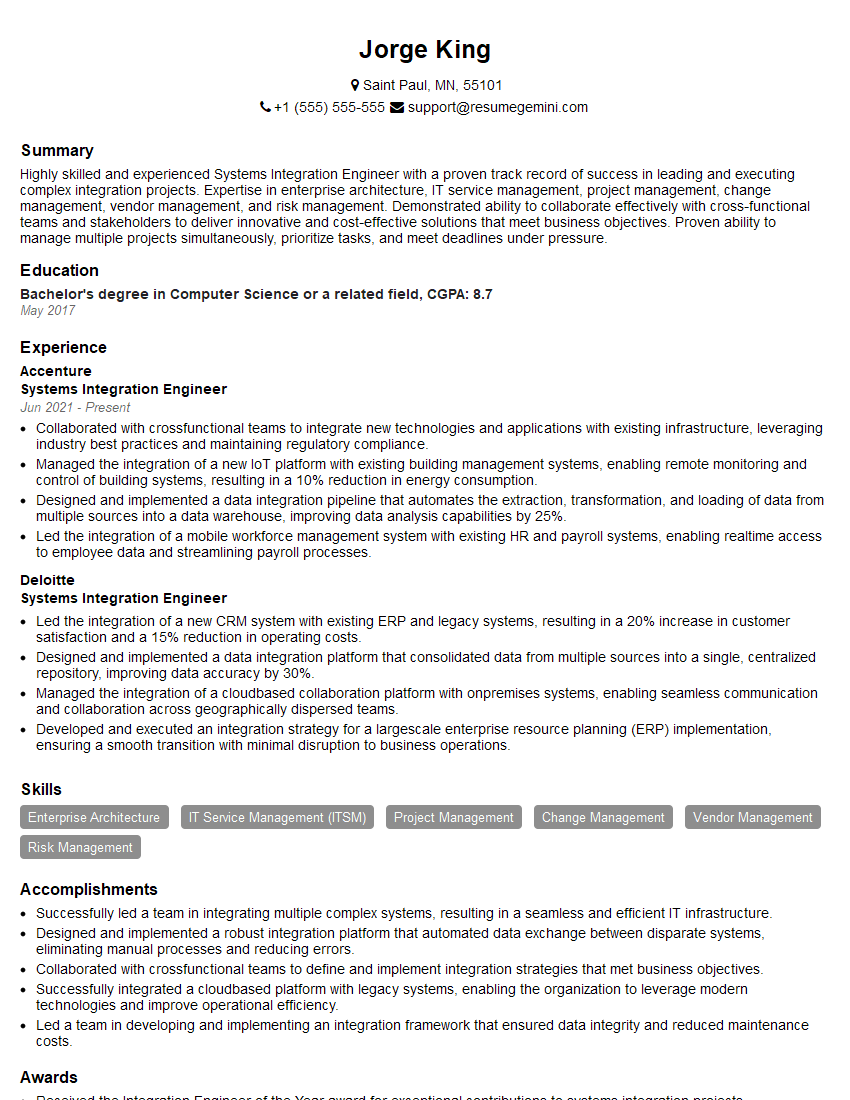
Systems Integration Engineer Resume Sample

Maintenance Technician Resume Sample

Field Service Engineer Resume Sample
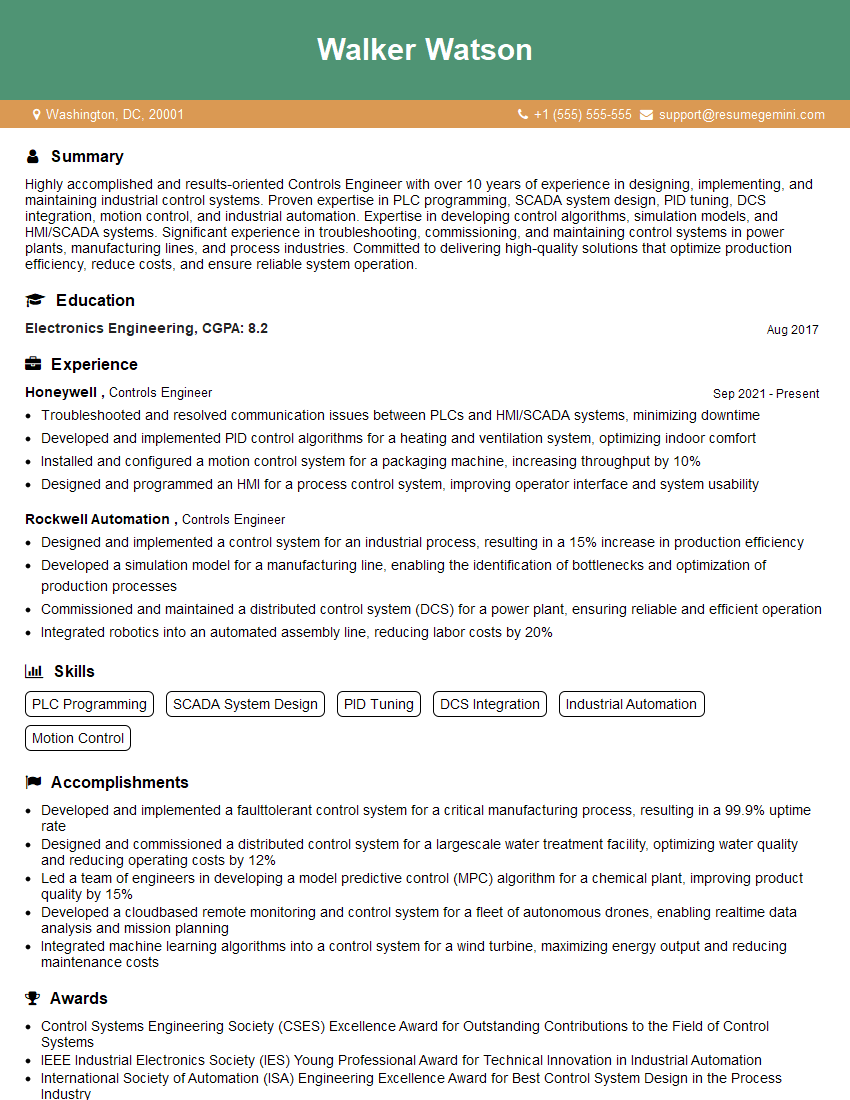
Controls Engineer Resume Sample

Electrical Engineer Resume Sample
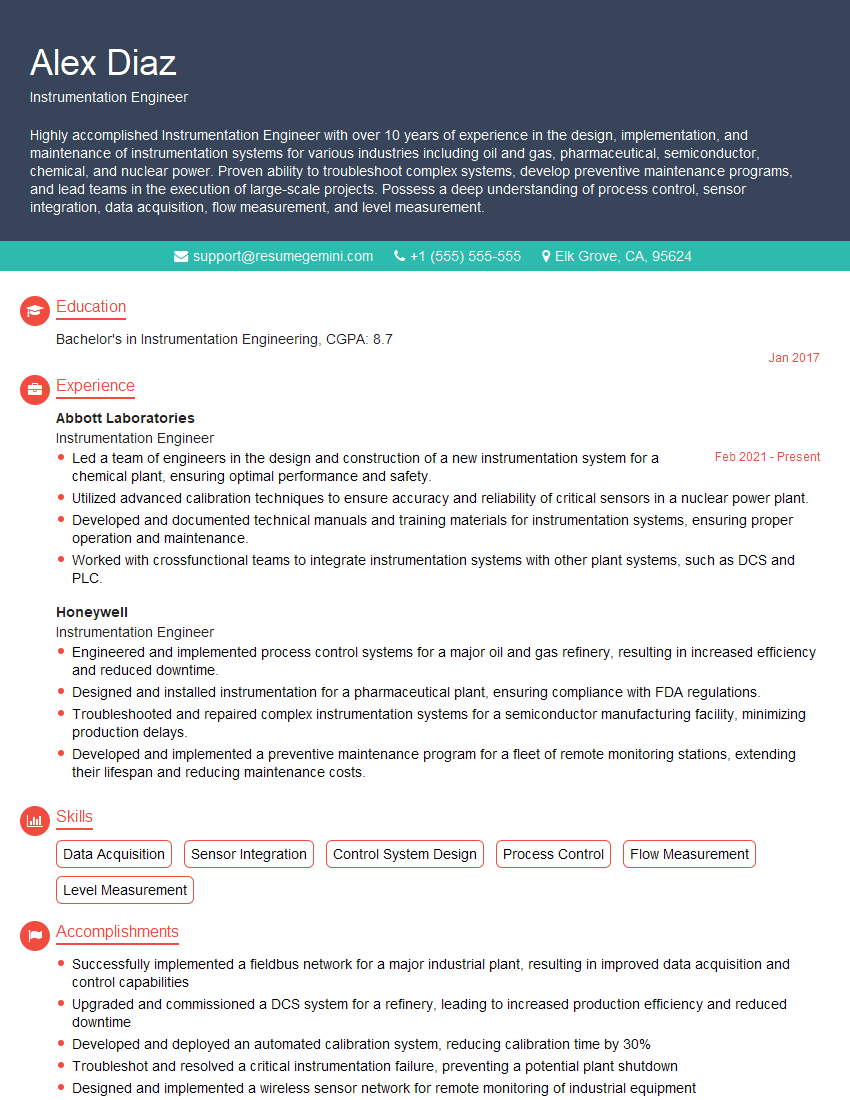
Instrumentation Engineer Resume Sample

Manufacturing Engineer Resume Sample

Automation Specialist Resume Sample

Robotics Engineer Resume Sample

Robotics Technician Resume Sample
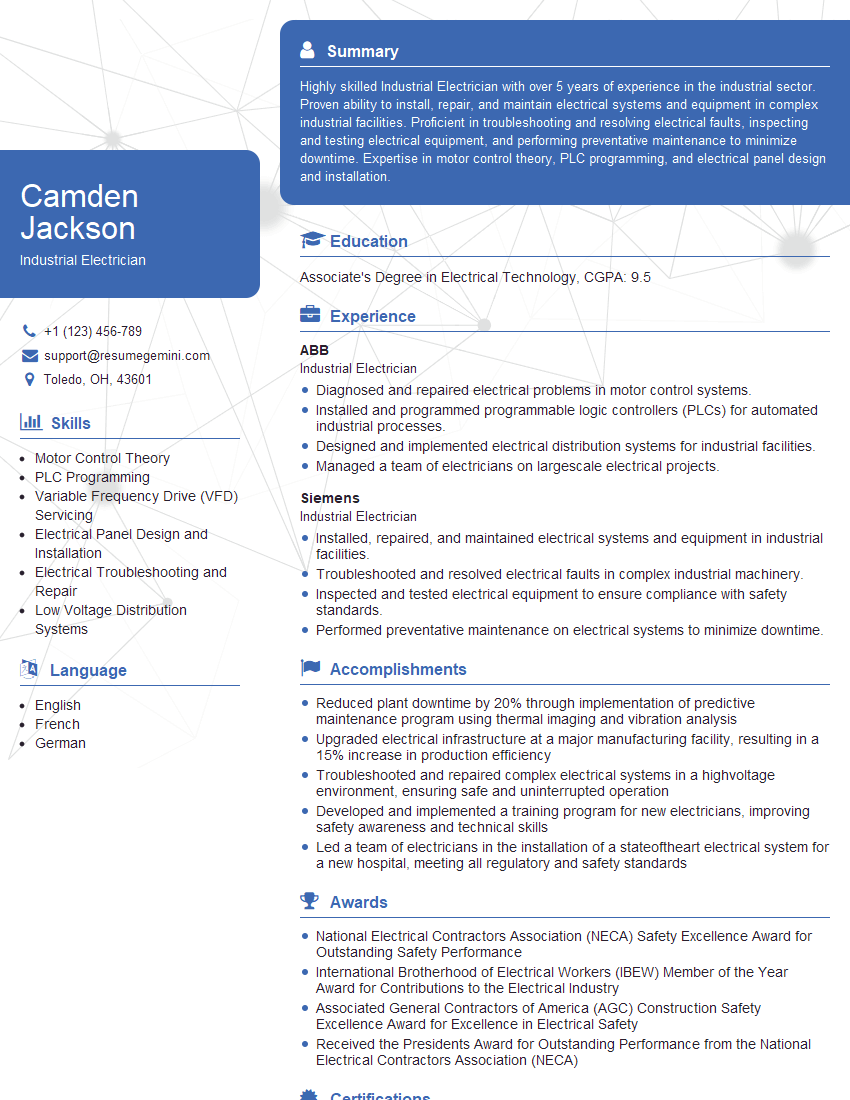
Industrial Electrician Resume Sample
Explore more articles
Users Rating of Our Blogs
Share Your Experience
We value your feedback! Please rate our content and share your thoughts (optional).
What Readers Say About Our Blog
Hello,
we currently offer a complimentary backlink and URL indexing test for search engine optimization professionals.
You can get complimentary indexing credits to test how link discovery works in practice.
No credit card is required and there is no recurring fee.
You can find details here:
https://wikipedia-backlinks.com/indexing/
Regards
NICE RESPONSE TO Q & A
hi
The aim of this message is regarding an unclaimed deposit of a deceased nationale that bears the same name as you. You are not relate to him as there are millions of people answering the names across around the world. But i will use my position to influence the release of the deposit to you for our mutual benefit.
Respond for full details and how to claim the deposit. This is 100% risk free. Send hello to my email id: [email protected]
Luka Chachibaialuka
Hey interviewgemini.com, just wanted to follow up on my last email.
We just launched Call the Monster, an parenting app that lets you summon friendly ‘monsters’ kids actually listen to.
We’re also running a giveaway for everyone who downloads the app. Since it’s brand new, there aren’t many users yet, which means you’ve got a much better chance of winning some great prizes.
You can check it out here: https://bit.ly/callamonsterapp
Or follow us on Instagram: https://www.instagram.com/callamonsterapp
Thanks,
Ryan
CEO – Call the Monster App
Hey interviewgemini.com, I saw your website and love your approach.
I just want this to look like spam email, but want to share something important to you. We just launched Call the Monster, a parenting app that lets you summon friendly ‘monsters’ kids actually listen to.
Parents are loving it for calming chaos before bedtime. Thought you might want to try it: https://bit.ly/callamonsterapp or just follow our fun monster lore on Instagram: https://www.instagram.com/callamonsterapp
Thanks,
Ryan
CEO – Call A Monster APP
To the interviewgemini.com Owner.
Dear interviewgemini.com Webmaster!
Hi interviewgemini.com Webmaster!
Dear interviewgemini.com Webmaster!
excellent
Hello,
We found issues with your domain’s email setup that may be sending your messages to spam or blocking them completely. InboxShield Mini shows you how to fix it in minutes — no tech skills required.
Scan your domain now for details: https://inboxshield-mini.com/
— Adam @ InboxShield Mini
Reply STOP to unsubscribe
Hi, are you owner of interviewgemini.com? What if I told you I could help you find extra time in your schedule, reconnect with leads you didn’t even realize you missed, and bring in more “I want to work with you” conversations, without increasing your ad spend or hiring a full-time employee?
All with a flexible, budget-friendly service that could easily pay for itself. Sounds good?
Would it be nice to jump on a quick 10-minute call so I can show you exactly how we make this work?
Best,
Hapei
Marketing Director
Hey, I know you’re the owner of interviewgemini.com. I’ll be quick.
Fundraising for your business is tough and time-consuming. We make it easier by guaranteeing two private investor meetings each month, for six months. No demos, no pitch events – just direct introductions to active investors matched to your startup.
If youR17;re raising, this could help you build real momentum. Want me to send more info?
Hi, I represent an SEO company that specialises in getting you AI citations and higher rankings on Google. I’d like to offer you a 100% free SEO audit for your website. Would you be interested?
Hi, I represent an SEO company that specialises in getting you AI citations and higher rankings on Google. I’d like to offer you a 100% free SEO audit for your website. Would you be interested?
good