Interviews are opportunities to demonstrate your expertise, and this guide is here to help you shine. Explore the essential Product Sketching interview questions that employers frequently ask, paired with strategies for crafting responses that set you apart from the competition.
Questions Asked in Product Sketching Interview
Q 1. Explain your process for sketching a user flow.
Sketching a user flow starts with understanding the user’s journey. I begin by defining the key tasks a user wants to accomplish within the product. Then, I break down each task into smaller, manageable steps. I visualize this sequence using a combination of boxes and arrows. Each box represents a screen or step in the process, and arrows indicate the user’s navigation path. For instance, if I’m designing an e-commerce app, a user flow might start with ‘View Product Catalog’, proceed to ‘Select Item’, then ‘Add to Cart’, ‘Proceed to Checkout’, and finally ‘Order Confirmation’. I prefer to use sticky notes initially, allowing for easy rearrangement and exploration of different pathways. Once a preliminary flow is established, I refine it, adding annotations to clarify actions, decisions, and potential pain points. This helps identify areas needing improvement or alternative designs.
Example: A simple user flow for logging into an app might look like this: 1. App Launch → 2. Login Screen → 3. Enter Credentials → 4. Authentication → 5. Dashboard. This visual representation quickly highlights potential problems, like overly complex authentication processes.
Q 2. How do you translate user research into sketches?
User research is the bedrock of effective product sketching. I begin by analyzing data from user interviews, surveys, usability testing, and competitor analysis. This research reveals user needs, pain points, and preferences, which directly inform my sketches. For example, if user research shows that users struggle with a specific feature, I’ll focus my sketches on simplifying that feature. I might create multiple sketches exploring different design approaches to address the problem. If user feedback indicates a preference for a specific visual style, I’ll incorporate that aesthetic into my sketches. Essentially, I translate qualitative and quantitative data into visual representations that explore potential solutions to identified problems. The goal is to create designs directly addressing user needs and behaviors, making the product intuitive and user-friendly.
Example: If user research shows users struggle to find the ‘Add to Cart’ button, I’d sketch several options: a larger button, a button with clearer visual cues, or a button positioned more prominently on the page. I would then test these different approaches.
Q 3. Describe your preferred sketching tools and why.
My preferred sketching tools are simple and readily available. I primarily use a combination of pencils (various grades for different levels of detail), a good quality eraser, and marker pens (for emphasis and quick prototyping). I often use different colored markers to distinguish various elements or user actions. I also find sticky notes invaluable for brainstorming and quickly generating multiple design iterations. The simplicity of these tools allows for fluidity and speed, which is critical in the initial stages of design. While digital tools have their merits, the tactile nature of pencil and paper promotes faster ideation and allows me to quickly experiment with different layouts without the constraints of software interfaces.
I occasionally use a tablet with a stylus for sketching on digital canvases, for scenarios where sharing and iteration are prioritized.
Q 4. How do you handle feedback on your sketches?
Feedback is crucial to the sketching process. I actively solicit feedback from various stakeholders, including designers, engineers, and most importantly, potential users. I organize feedback sessions, allowing for open discussions and constructive criticism. I carefully listen to all points of view, documenting feedback and noting any recurring themes. I don’t take feedback personally but view it as an opportunity to improve my designs. I use a simple matrix to categorize feedback: ‘Must-fix,’ ‘Should-fix,’ and ‘Could-fix’ helps prioritize adjustments. After receiving feedback, I create revised sketches, incorporating relevant suggestions where appropriate. This iterative process ensures that the final design reflects a collaborative effort, optimizing usability and addressing concerns effectively.
Q 5. What techniques do you use to quickly iterate on sketches?
Quick iteration is key in sketching. My approach involves several techniques. First, I start with low-fidelity sketches; these are rough, quick sketches focused on layout and functionality. This allows for rapid experimentation with different ideas without getting bogged down in details. I then refine these low-fidelity sketches into higher-fidelity sketches, gradually adding details such as typography and color palettes. I utilize sticky notes extensively, allowing for quick rearrangements and the exploration of several alternative layouts. Finally, digital tools can assist in rapid iteration, particularly for exploring different UI elements.
Example: I might start with 3-4 low-fidelity sketches exploring different layouts for a product page. After choosing one, I’d then create a higher-fidelity sketch adding UI details like buttons, icons, and text. Digital tools enable rapid variations of fonts, colors, and imagery within the selected layout.
Q 6. How do you incorporate user feedback into your sketching process?
Incorporating user feedback is an ongoing process. As mentioned earlier, I actively seek feedback throughout the sketching process. I use user feedback to identify areas needing improvement or areas where the design isn’t intuitive. I might create new sketches specifically addressing these concerns. For instance, if users find a navigation element confusing, I’ll create variations of that element, exploring different visual cues and placements. This ensures that the final designs reflect the needs and preferences of the target audience, resulting in a more user-friendly and successful product.
Q 7. How do you balance speed and detail in your sketches?
Balancing speed and detail is a crucial aspect of effective sketching. In the early stages, speed is paramount. I focus on generating multiple ideas quickly, prioritizing layout and functionality. Low-fidelity sketches enable this. As the design evolves, I gradually increase the detail, refining elements and adding visual nuances. This approach avoids getting bogged down in details too early, allowing for greater exploration of different design directions. The key is to focus on conveying the core concept effectively, rather than achieving photorealistic detail at each stage. A rough sketch illustrating the key elements is often more valuable than a highly detailed sketch lacking core design clarity. I employ this iterative process, adding detail only where necessary and to enhance understanding and communication.
Q 8. Explain your approach to creating low-fidelity vs. high-fidelity sketches.
My approach to sketching hinges on the fidelity required at each stage of the design process. Low-fidelity sketches are quick, rough explorations focused on capturing the core concept and functionality. They’re like brainstorming on paper – quick gestures and stick figures suffice. High-fidelity sketches, on the other hand, are more detailed and refined, aiming for visual accuracy and a near-final look. They represent a more polished version of the design, closer to what the final product might resemble.
For low-fidelity, I use minimal detail, focusing on overall layout, user flow, and key interactions. Think rough boxes for elements, simple lines for connections, and minimal text. I might even use a napkin or the back of an envelope! This allows for rapid iteration and exploration of multiple ideas without getting bogged down in the minutiae. I typically use a pencil to quickly jot down ideas, making changes freely.
High-fidelity sketches, conversely, require more precision. I might use finer-point pens or markers to add details like realistic shadows, textures, and typography. I’ll pay attention to proportions, spacing, and overall visual appeal. This stage is about conveying the design’s visual identity and exploring subtle nuances in layout and interaction details. This might involve using a ruler to ensure precise alignment and shading to add depth and visual interest.
The shift between low and high fidelity is gradual, often involving several iterations. I’ll start with a low-fidelity sketch, iterate on it several times, gradually increasing the detail until it reaches the desired level of fidelity.
Q 9. How do you use sketches to communicate ideas to stakeholders?
Sketching is a powerful communication tool. I use it to convey design ideas to stakeholders through a combination of visual representation and verbal explanation. I find that a well-executed sketch can bridge the gap between abstract concepts and tangible design solutions. It’s easier for stakeholders to grasp a visual representation compared to detailed technical specifications.
My approach involves:
- Visual storytelling: I use sketches to illustrate user flows, highlighting key interactions and navigational paths. A series of sketches showing a user journey is far more engaging than a lengthy written document.
- Annotated sketches: I add notes and annotations directly onto the sketches, explaining design decisions, functionality, and potential challenges. This provides context and ensures everyone understands the ‘why’ behind the design choices.
- Interactive sessions: I often conduct workshops where I use sketching as a collaborative tool. Stakeholders can provide real-time feedback, directly influencing the design process as it unfolds on the page.
- Presentation-ready sketches: For formal presentations, I can scan and digitize my high-fidelity sketches, incorporating them into slides. This adds a personal touch and makes the presentation more visually appealing.
By combining visual and verbal communication, I ensure that stakeholders fully comprehend the design, fostering a shared understanding and minimizing misunderstandings.
Q 10. How do you handle conflicting design requirements during sketching?
Conflicting design requirements are inevitable. My approach is to use sketching as a tool for exploring and resolving these conflicts. I don’t view conflicting requirements as roadblocks but as opportunities for creative problem-solving.
My process typically involves:
- Visualizing the conflicts: I create multiple sketches, each representing a different perspective or requirement. This allows me to visually compare and contrast the conflicting ideas.
- Identifying common ground: I look for areas of overlap between the different sketches, identifying shared goals or elements that can be incorporated into a unified solution.
- Prioritization and compromise: I work with stakeholders to prioritize requirements based on user needs and business goals. Sometimes, compromises need to be made, which I visually represent in updated sketches.
- Iterative sketching: I use a series of sketches to explore different approaches to resolving the conflicts. Each iteration refines the design, moving closer to a solution that addresses all major requirements.
- Prototype testing: In some cases, I create rough prototypes based on the sketches to test out different solutions with users, gaining insights and further refining the design.
Sketching allows me to visually test different solutions, making the process of compromise and prioritization transparent and collaborative.
Q 11. Describe a time you had to quickly sketch a solution to a problem.
During a client meeting, we faced a critical usability issue with the navigation of their mobile app. The existing design was convoluted and difficult to use. The client needed a solution immediately. I grabbed a napkin and quickly sketched out a simplified navigation structure. I used simple icons and clear labels, minimizing unnecessary elements. I then explained my proposed solution verbally, illustrating how it addressed the key usability challenges and improved the overall user experience. The client was immediately impressed by the simplicity and clarity of the solution, and we moved forward with further iteration based on that initial napkin sketch. This experience showed me the power of quick, intuitive sketching to solve problems effectively under pressure.
Q 12. What are some common mistakes to avoid when sketching for product design?
Several common mistakes can hinder the effectiveness of product design sketches:
- Lack of clarity and focus: Overly complex sketches can be confusing. It’s important to focus on core concepts and avoid unnecessary details.
- Ignoring user flows: Sketches should represent how users will interact with the product. Failure to show this can lead to usability issues.
- Inconsistent scale and proportion: Inconsistencies can create a disjointed and unprofessional look, making it difficult to assess the design.
- Neglecting accessibility: Design sketches should consider users with disabilities. Failure to do so can result in an inaccessible product.
- Too much detail too early: Low-fidelity sketches should remain rough. Too much detail too early can hinder exploration and iterative design.
- Not annotating: Annotations are crucial for explaining design decisions and functionality. Without them, sketches remain visually appealing but lack crucial context.
By avoiding these common mistakes, designers can create effective sketches that clearly communicate design ideas and facilitate effective collaboration.
Q 13. How do you ensure accessibility considerations are reflected in your sketches?
Accessibility is paramount. I ensure accessibility considerations are integrated into my sketches from the very beginning. This involves considering various aspects of accessibility, including:
- Visual clarity: I use clear and distinct visual elements, ensuring sufficient contrast between text and background. I avoid using overly complex visuals that might be difficult for users with visual impairments to understand.
- Keyboard navigation: In my sketches, I indicate the order of focus for keyboard navigation, ensuring that users who cannot use a mouse can still navigate the interface effectively.
- Alternative text: I add annotations describing the purpose and function of non-textual elements like icons, ensuring they’re accessible to screen reader users.
- Sufficient space and size: I make sure that interactive elements are large enough to be easily selected, considering users with motor impairments.
- Color blindness considerations: I test my color choices to ensure they’re understandable to people with various types of color blindness. I might even use a color blindness simulator tool while sketching to assess this.
By considering these factors during the sketching phase, I can create designs that are inclusive and accessible to everyone.
Q 14. How do you maintain consistency in your sketching style?
Maintaining consistency in sketching style is important for creating a professional and cohesive look. I achieve consistency through several methods:
- Consistent tools: I use a limited set of tools – pens, pencils, markers – that I’m comfortable with. This limits visual variation and helps maintain a uniform style.
- Developing a personal style: Over time, I’ve developed a recognizable sketching style that incorporates my preferences for line weight, shading techniques, and level of detail. This is an evolution that comes from practice.
- Reference materials: I occasionally refer back to previous sketches to remind myself of my usual style and techniques. This is particularly helpful when working on large projects requiring consistency across multiple sketches.
- Digital sketching tools: For more complex projects or presentations, I utilize digital sketching software which allows for a controlled environment to help maintain consistency. Many features can assist in creating consistent line weights, shadows and text.
- Templates and guidelines: For large teams, creating a shared style guide or template can ensure consistency across multiple designers’ work.
Consistency is not about rigid adherence to a single style, but rather about creating a recognizable and cohesive set of sketches that clearly communicate design ideas.
Q 15. How do you use sketches to prototype and test user interactions?
Sketching is invaluable for prototyping and testing user interactions because it allows for quick iteration and exploration of different flows. Instead of jumping straight into high-fidelity prototypes, I use sketches to visualize how a user might navigate a product. For example, if I’m designing a mobile app, I might sketch different screen layouts and then roughly map out the transitions between them, indicating potential tappable areas and the resulting actions. This process allows me to identify potential usability issues early on, such as awkward navigation or unclear call-to-actions, before investing significant time in digital prototyping.
I often use annotations directly on my sketches to denote actions (e.g., ‘Tap to expand’, ‘Swipe to delete’) and even jot down notes about user feedback I anticipate or have already received during quick usability testing with colleagues or even informal user testing with friends and family.
Imagine designing a new e-commerce checkout process. Instead of building a complex digital prototype, I’d start with sketches to rapidly experiment with different layouts, button placements, and information hierarchy. Then, I can test these different sketched variations by showing them to colleagues or potential users and gather immediate feedback on what feels intuitive and what is confusing.
Career Expert Tips:
- Ace those interviews! Prepare effectively by reviewing the Top 50 Most Common Interview Questions on ResumeGemini.
- Navigate your job search with confidence! Explore a wide range of Career Tips on ResumeGemini. Learn about common challenges and recommendations to overcome them.
- Craft the perfect resume! Master the Art of Resume Writing with ResumeGemini’s guide. Showcase your unique qualifications and achievements effectively.
- Don’t miss out on holiday savings! Build your dream resume with ResumeGemini’s ATS optimized templates.
Q 16. How do you integrate sketches into your overall design process?
Sketching is deeply integrated into my design process, acting as the foundation for all subsequent stages. It’s my primary tool for idea generation and early-stage exploration. I typically begin with freehand sketching to brainstorm various concepts without the constraints of digital tools. This allows for rapid ideation and helps me quickly explore a wide range of possibilities. Once I’ve identified some promising concepts, I refine those sketches, adding more detail and focusing on the user flow and key interactions.
Following sketching, I move into wireframing, which provides a more structured and organized representation of the user interface. Wireframes then inform the creation of mockups and prototypes, which are tested and iterated upon based on user feedback. Throughout this entire process, sketches act as a visual record of my thought process, capturing the evolution of the design and informing decision-making.
Think of it as building a house: sketching is the initial blueprint, full of rough ideas; wireframing is the architect’s more detailed plan; and the final product is the completed house itself. Each step builds on the previous one, with sketches providing the crucial initial framework.
Q 17. How do you use sketching to explore different design solutions?
Sketching is my primary method for exploring multiple design solutions. The fluidity of pen and paper allows me to quickly generate a variety of options without the time commitment or technical limitations of digital design. I often employ brainstorming techniques, such as mind mapping or sketching multiple variations of the same design element (like a button or navigation menu) simultaneously on a single page. This helps me break free from initial biases and consider a wider range of approaches.
For instance, if I’m designing a new dashboard, I might sketch several variations focusing on different information hierarchies, layout styles (grid vs. freeform), and visual representations of data. These sketches allow for a swift comparative analysis, helping me to identify the most effective and aesthetically pleasing design.
I find it useful to dedicate a separate sketchbook for each project, allowing for a visual timeline and repository of all explored solutions. This provides valuable context during later design stages and can even be a helpful resource for future projects.
Q 18. What are your strategies for improving your sketching skills?
Improving my sketching skills is an ongoing process requiring consistent practice and deliberate effort. I regularly dedicate time to sketching exercises, focusing on improving my hand-eye coordination, line quality, and understanding of perspective and form. I use a variety of resources, including online tutorials, books on sketching techniques, and workshops focusing on specific aspects such as figure drawing or shading techniques.
I also actively seek out opportunities to sketch from real-world objects. This helps me develop observational skills and understand how light and shadow affect forms. Furthermore, I regularly review the work of other designers and illustrators, studying their techniques and styles to inspire my own approach.
Beyond technical skills, I work on improving my visual thinking and conceptualization skills. I practice quickly sketching out ideas, focusing on communicating core concepts rather than achieving photorealistic detail. This helps me to generate a wider range of design solutions efficiently.
Q 19. How do you handle critique of your sketches?
I view critique of my sketches as an invaluable opportunity for growth and improvement. I actively seek feedback from colleagues, mentors, and even potential users. I approach critique with an open mind, understanding that constructive criticism is essential for refining my designs and improving my understanding of user needs.
I find it helpful to prepare for critique sessions by clearly articulating my design rationale and the goals I’m trying to achieve. This allows for a more focused and productive discussion. During the critique, I actively listen, ask clarifying questions, and avoid becoming defensive. I treat every piece of feedback as a chance to learn and improve, not as a personal attack.
After the critique, I take time to reflect on the feedback received and identify actionable steps to improve my sketches. This might involve revisiting specific design elements, experimenting with alternative approaches, or further refining the user flow.
Q 20. Explain your understanding of the relationship between sketching and wireframing.
Sketching and wireframing are closely related yet distinct stages in the design process. Sketching is a more freeform, exploratory phase focused on rapid ideation and initial concept development. It’s characterized by loose, quick drawings that primarily emphasize the overall layout and functionality. Wireframes, on the other hand, are more structured and detailed representations of the user interface. They typically utilize standardized symbols and notations to represent elements such as buttons, text fields, and navigation components.
Think of sketching as the brainstorming phase, where you quickly jot down ideas. Wireframing then takes the best ideas and refines them into a more organized and detailed plan that can be easily shared and understood by others. Sketches provide the initial inspiration, while wireframes provide the structure and blueprint for the final design.
In my workflow, sketches inform the creation of wireframes. The most promising sketch concepts are translated into a more structured and detailed wireframe, serving as a bridge between the initial brainstorming and the later stages of design.
Q 21. Describe your experience using digital sketching tools (e.g., Figma, Sketch, Adobe XD).
I have extensive experience using digital sketching tools, primarily Figma, Sketch, and Adobe XD. Each tool offers unique strengths and weaknesses, and my choice depends on the specific project requirements. Figma’s collaborative features are invaluable for team projects, allowing multiple designers to work on the same file simultaneously. Sketch, with its focus on UI design, excels in creating high-fidelity mockups. Adobe XD offers a strong prototyping capability, making it ideal for creating interactive prototypes.
While I appreciate the precision and ease of iteration offered by digital tools, I find that freehand sketching remains crucial for the initial stages of design, where rapid ideation and exploration are paramount. Digital tools are best utilized later in the process, once the core design concepts have been solidified through sketching and wireframing.
For instance, I might use Figma to quickly sketch out basic interactions using vector shapes and then move to Sketch to create more detailed mockups incorporating high-fidelity visuals. Adobe XD would be useful for creating the interactive prototype and testing the user flow in a more realistic environment.
Q 22. How do you effectively communicate design constraints through sketches?
Communicating design constraints effectively in sketches is crucial for preventing misunderstandings and ensuring a feasible final product. I achieve this by visually representing limitations within the sketch itself. For instance, if there’s a size restriction, I might draw a bounding box with dimensions clearly indicated. If there are material limitations (e.g., only using recyclable materials), I’ll annotate the sketch with notes like “Recycled Plastic” next to the relevant components. Similarly, budget constraints can be hinted at by simplifying certain design elements – less detailed sketches often imply a need for cost-effectiveness. Using cross-hatching or a different line weight to depict areas with specific limitations is another effective technique. For example, denser hatching could represent areas with stronger structural requirements.
Essentially, I aim to make the constraints as visually apparent as possible, thereby making the sketch a complete communication tool rather than just a visual representation of the idea.
Q 23. How do you use annotations to clarify your sketches?
Annotations are essential for clarifying sketches and conveying the designer’s intent. I use them to explain functionality, dimensions, materials, and any other relevant information that might not be immediately obvious from the drawing. For example, I might use arrows and labels to indicate interactive elements in a UI sketch: <button>Login</button> might be annotated with “Tap to access account.” Dimensions are crucial; I frequently add measurements directly onto the sketch using standard notation (e.g., “10cm x 5cm”). Material specifications are noted using text like “Cast Aluminum” or “Woven Fabric.” I also leverage different annotation styles, such as callouts for detailed explanations and numbered steps for sequential actions. Color-coding annotations can enhance clarity, separating different types of information.
The goal is to create a self-explanatory sketch, reducing the need for separate documentation and making the design easily understandable to anyone viewing it.
Q 24. Explain your process for creating a mood board using sketches.
Creating a mood board with sketches is a powerful way to establish the visual direction of a project. My process begins with brainstorming and sketching a range of ideas, from abstract concepts to more detailed depictions. I then select sketches that best represent the desired aesthetic, user experience, and overall feel of the product. I arrange these sketches alongside other visual aids – color palettes, typography samples, images of similar products, and even fabric swatches if it’s a physical product. The arrangement is iterative; I might move sketches around until they create a visually cohesive and emotionally resonant narrative. I might use digital tools to create a digital mood board, or a physical one on a corkboard for tactile exploration of the design ideas.
This iterative process allows for exploration of different styles and facilitates clear communication of the design vision to the team or client.
Q 25. How do you prioritize features in your sketches based on user needs?
Prioritizing features in sketches based on user needs requires a deep understanding of user research and user stories. I start by analyzing user data, identifying key pain points and desired functionalities. This might involve reviewing user surveys, conducting interviews, and analyzing competitor products. Then, I use a prioritization matrix (such as MoSCoW – Must have, Should have, Could have, Won’t have) to categorize features. Sketches reflecting “Must-have” features are given prominence in the design, often larger and more detailed, while “Should have” features are included but with less emphasis. “Could have” features might be included as optional elements, and “Won’t have” features are excluded altogether. I ensure that the sketches clearly communicate the hierarchy of features, visually emphasizing what’s most important to the user.
This method ensures that the design focuses on core user needs and avoids unnecessary complexity.
Q 26. How would you sketch a user interface for a mobile application?
Sketching a mobile UI involves understanding the constraints of the platform – screen size, common UI elements, and user interaction patterns. I typically start with low-fidelity sketches, focusing on the overall layout and information architecture. I use simple shapes to represent UI elements like buttons, text fields, and images. I then add annotations to describe the functionality of each element. For navigation, I sketch the key screens and the flow between them, mapping out the user journey. I pay attention to the thumb zone, ensuring that important elements are easily accessible. As the design progresses, I might refine my sketches with higher fidelity, adding more details to the UI elements. I might also create different screen sizes to account for varied device displays. Creating multiple sketches – focusing on different user flows – is crucial for a holistic representation.
The goal is to create a visually engaging and intuitive interface that aligns with mobile design best practices.
Q 27. How would you present your sketches to a client or team?
Presenting sketches effectively to a client or team involves more than just showing the drawings. I start by setting the context – outlining the project goals, target audience, and design challenges. Then, I present the sketches in a logical order, starting with low-fidelity sketches to show the initial concepts and gradually progressing to more refined versions. I use clear and concise language, explaining the design decisions behind each sketch and highlighting key features. I encourage interactive discussions, actively listening to feedback and addressing any concerns. In addition to physical sketches, I might create a digital presentation that includes annotated sketches, mood boards, and user flow diagrams. For physical presentations, I might create a well-organized portfolio showcasing selected sketches, providing better context and cohesion.
The goal is to foster collaboration and ensure that the design is well-understood and aligned with the client’s or team’s expectations.
Q 28. Describe a situation where your sketching skills helped solve a design problem.
During the design of a new smart home hub, we faced a challenge: how to seamlessly integrate multiple control features (lighting, temperature, security) without overwhelming the user interface. Initial wireframes felt cluttered and confusing. I decided to step away from the computer and start sketching. By using different colored markers to represent different functions and physically arranging the elements on paper, I quickly identified a more intuitive layout. The simple act of physically manipulating the elements helped me discover a hierarchical organization that prioritized critical functions while keeping the overall design clean and user-friendly. The sketches served as a clear visual communication tool during the team meeting, ultimately leading to a significantly improved user experience. It also revealed the importance of visual grouping and clear visual hierarchy to simplify the user experience.
This experience reinforced the value of quick, iterative sketching as a powerful problem-solving technique.
Key Topics to Learn for Product Sketching Interview
- User-Centered Design Principles: Understanding and applying principles like user research, empathy maps, and persona development to inform your sketching process.
- Sketching Techniques and Tools: Mastering various sketching methods (low-fidelity, mid-fidelity), and proficiency with tools like pen and paper, digital tablets, and sketching software.
- Wireframing and Prototyping: Transitioning from initial sketches to wireframes and low-fidelity prototypes to communicate interaction and functionality.
- Information Architecture and Interaction Design: Organizing information effectively and designing intuitive user flows to enhance user experience.
- Visual Communication and Storytelling: Clearly communicating ideas through visual representations and crafting compelling narratives around product designs.
- Iterative Design Process: Understanding and applying iterative design principles, incorporating feedback, and refining sketches based on user testing and feedback.
- Accessibility Considerations: Designing inclusive products by considering accessibility guidelines and ensuring usability for diverse users.
- Presentation and Communication of Designs: Effectively presenting your sketches and design rationale to stakeholders, clearly articulating design decisions.
Next Steps
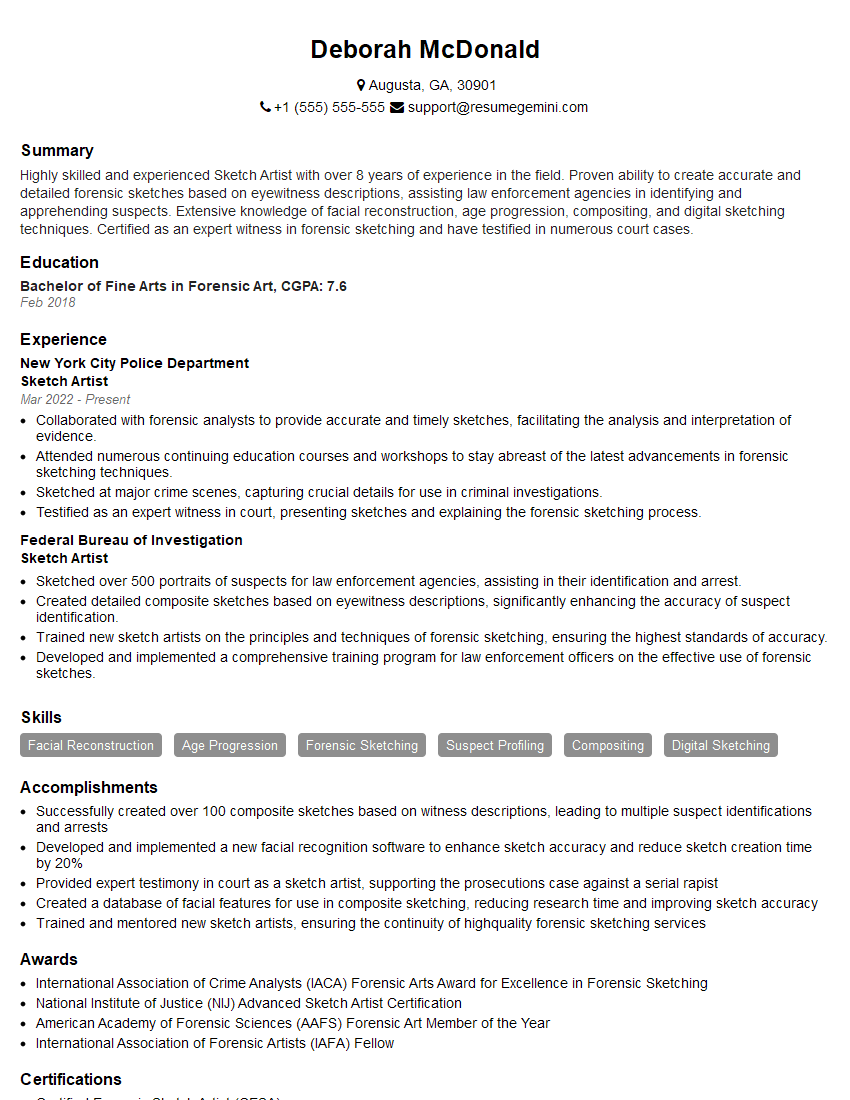
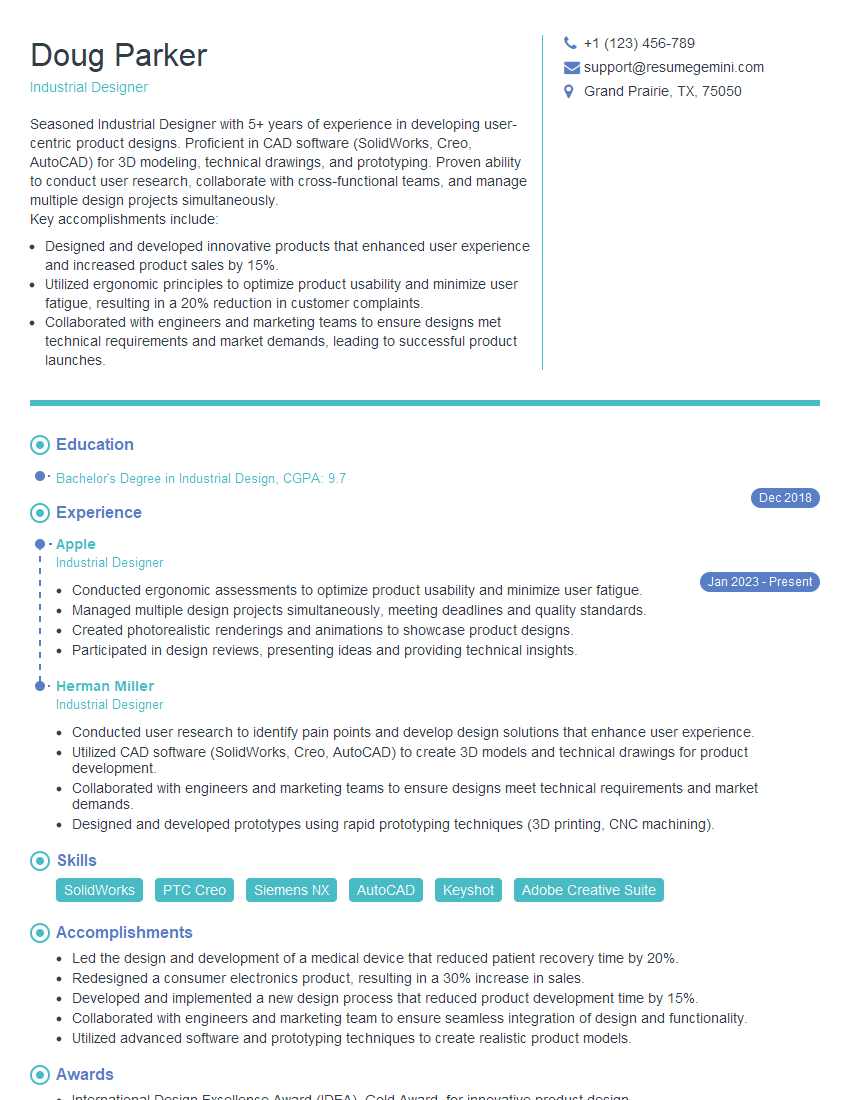
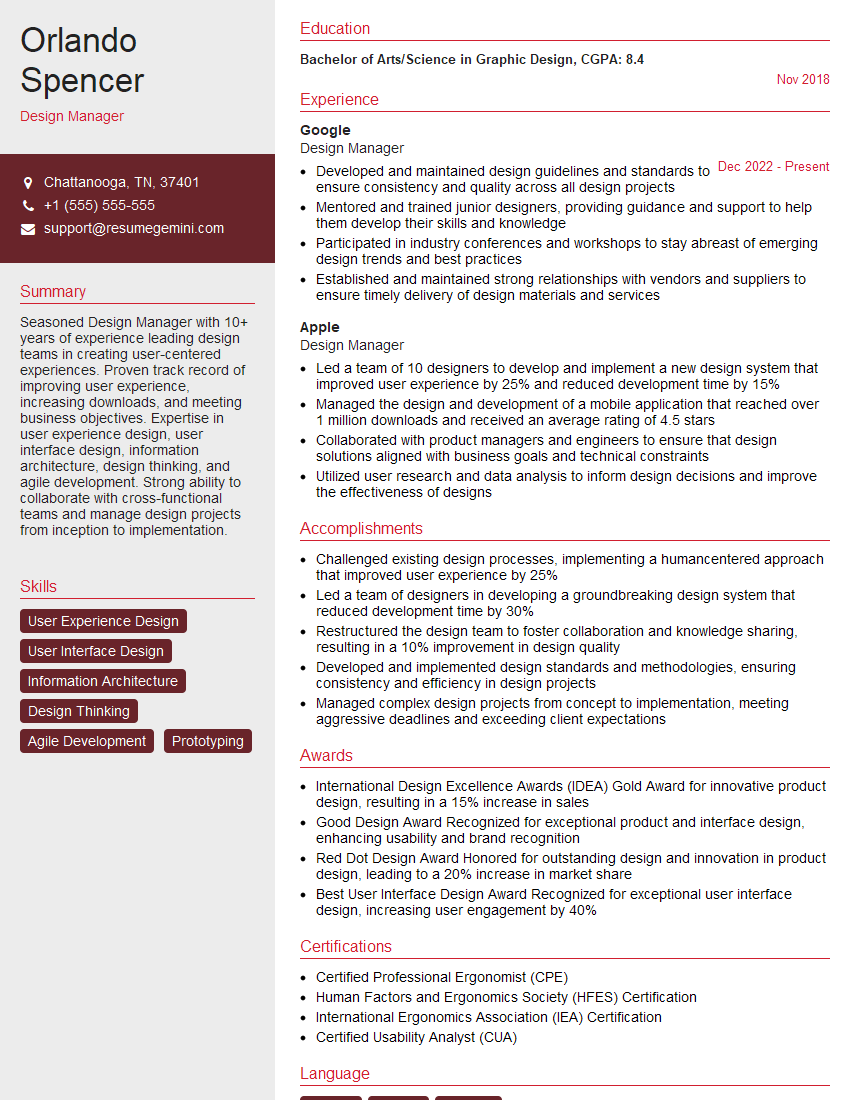
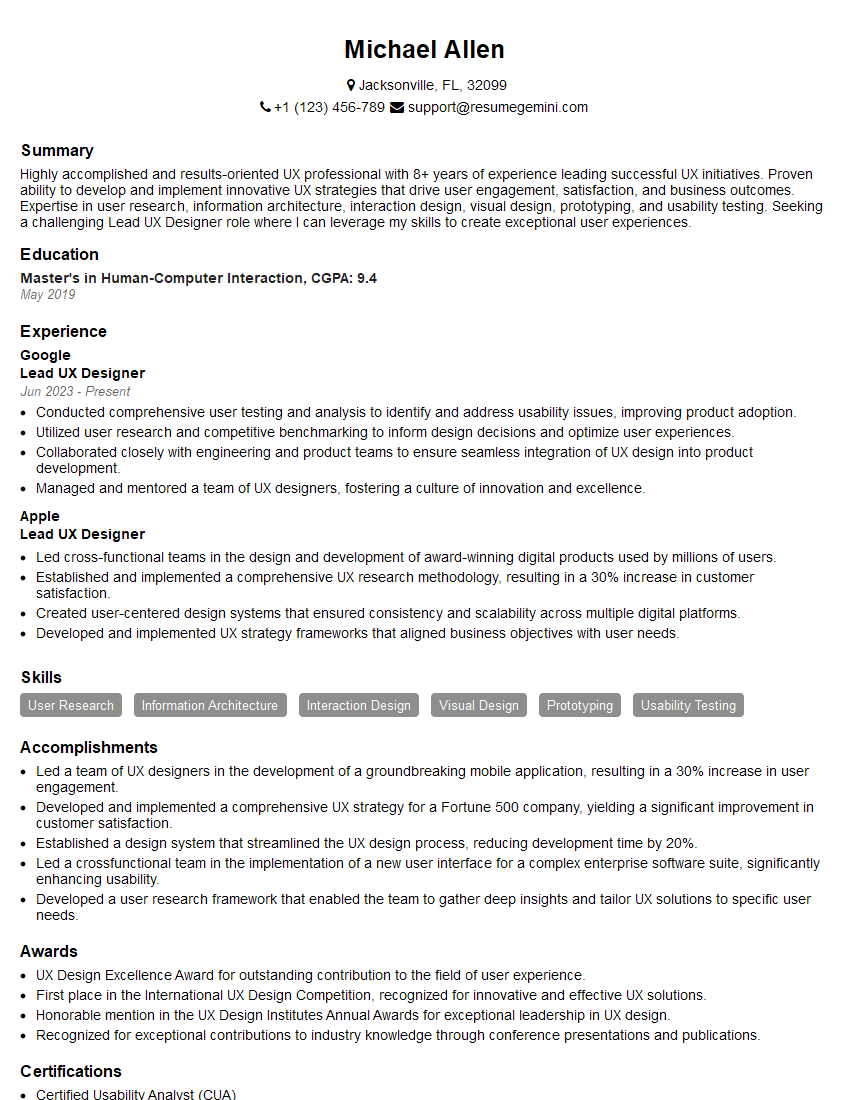
Mastering product sketching is crucial for a successful career in UX/UI design and related fields. It’s a highly sought-after skill that demonstrates your ability to think creatively, solve problems visually, and communicate effectively. To significantly boost your job prospects, creating a strong, ATS-friendly resume is essential. ResumeGemini can help you craft a compelling resume that highlights your product sketching skills and experience, ensuring your application stands out. Explore our examples of resumes tailored to Product Sketching roles for inspiration and guidance.




Explore more articles
Users Rating of Our Blogs
Share Your Experience
We value your feedback! Please rate our content and share your thoughts (optional).
What Readers Say About Our Blog
Very informative content, great job.
good