Interviews are opportunities to demonstrate your expertise, and this guide is here to help you shine. Explore the essential Proficiency in Broadcast Software interview questions that employers frequently ask, paired with strategies for crafting responses that set you apart from the competition.
Questions Asked in Proficiency in Broadcast Software Interview
Q 1. Explain your experience with [Specific Broadcast Software, e.g., Avid Media Composer].
My experience with Avid Media Composer spans over eight years, encompassing a wide range of projects from short-form corporate videos to feature-length documentaries. I’ve become highly proficient in all aspects of the software, from ingest and logging to advanced color correction and effects. I’m comfortable working with various formats, resolutions, and frame rates. For instance, on a recent documentary project, I utilized Media Composer’s powerful bin organization and timeline features to manage over 100 hours of footage, efficiently assembling a compelling narrative. My expertise extends to using third-party plugins and integrating with other post-production tools like DaVinci Resolve for advanced color grading.
Q 2. Describe your workflow for editing a typical broadcast segment.
My typical workflow for editing a broadcast segment begins with meticulous logging and organizing of the source material. This involves reviewing all footage, creating descriptive metadata, and organizing clips into relevant bins within Media Composer. Next, I build a rough assembly, focusing on the narrative flow and pacing. This is followed by a more refined edit, incorporating visual effects, transitions, and audio enhancements. Then comes a detailed sound mix, often involving dialogue cleanup, sound design, and music integration. The final step involves color correction and final mastering for broadcast output, ensuring it meets the required technical specifications.
- Ingest and Logging: Organizing all source media into Avid bins.
- Rough Cut: Assembling the footage in a chronological order.
- Fine Cut: Refining the edit with transitions and effects.
- Sound Mix: Adding and mixing audio elements.
- Color Correction: Adjusting color balance and grading.
- Mastering: Preparing the final output for broadcast.
Q 3. How do you troubleshoot audio/video synchronization issues?
Audio/video synchronization issues are a common problem in post-production. My troubleshooting approach is systematic:
- Visual Inspection: First, I visually examine the timeline to identify any obvious discrepancies – are there noticeable jumps or delays?
- Audio Waveform Analysis: I scrutinize the audio waveforms in Media Composer, looking for inconsistencies or gaps that might indicate sync problems.
- Timecode Check: I verify the timecode embedded in both the audio and video streams to ensure accurate alignment. Any discrepancies might point to a problem during acquisition.
- External Hardware/Software: If the problem persists, I consider hardware or software issues with recording equipment or capture cards. A faulty device could be the culprit.
- Re-sync (if possible): In some cases, if the original source material is available, I might try resyncing the audio and video using software tools or manual adjustments. This is often more involved for complex projects.
Essentially, I treat the problem like a detective, methodically eliminating possibilities until I find the root cause.
Q 4. What are your preferred methods for color correction?
My preferred method for color correction involves a combination of techniques, often utilizing the built-in tools within Avid Media Composer and sometimes leveraging DaVinci Resolve for more complex grading. I start with a primary correction, adjusting exposure, white balance, and contrast to establish a solid foundation. Then, I move on to secondary corrections, targeting specific areas or color ranges within the image, using tools like color wheels and curves to fine-tune the look. For more stylistic choices, I might use LUTs (Look Up Tables) to apply pre-defined color schemes or create custom LUTs to achieve specific moods or aesthetics. For example, in a recent project focusing on warm tones, I carefully used color wheels and curves to desaturate some blues and slightly boost oranges and yellows, creating a consistent and inviting atmosphere throughout the piece.
Q 5. Explain your experience with different video codecs and their applications.
I have extensive experience with various video codecs, each with its own strengths and weaknesses. For broadcast, I frequently work with codecs like ProRes (various flavors depending on project requirements) for its high quality and editing efficiency. For online distribution, H.264 and H.265 are often preferred for their smaller file sizes, balancing quality with data rate. I understand the trade-offs between compression, quality, and file size, and I select the most appropriate codec based on the project’s needs and intended distribution platform. For archive purposes, uncompressed formats might be used to preserve the highest possible quality.
- ProRes: High-quality, efficient for editing, but large file sizes.
- H.264/H.265: Smaller file sizes, good quality, suitable for online distribution.
- Uncompressed: Highest quality, largest file sizes, typically for archiving.
Q 6. How familiar are you with broadcast standards (e.g., SD, HD, 4K)?
I’m highly familiar with broadcast standards, including SD (Standard Definition), HD (High Definition), and 4K (Ultra High Definition). I understand the resolution, aspect ratios, and frame rates associated with each standard and can tailor my workflow accordingly. I am adept at conforming projects to different broadcast specifications, ensuring compatibility with various platforms and devices. For example, I’ve worked on projects requiring deliverables in 1080i, 720p, and 4K UHD, understanding the technical requirements and nuances of each format, such as interlaced vs. progressive scanning.
Q 7. Describe your experience with non-linear editing systems.
My entire professional career has centered around non-linear editing systems (NLEs). This allows for flexible editing, where I can easily rearrange clips, add effects, and make changes without being constrained by the sequential nature of linear editing. My experience encompasses a wide variety of NLEs, not just Avid Media Composer. Understanding the unique features and workflows of different systems allows me to adapt efficiently to various production environments and client preferences. The flexibility of NLEs is crucial for efficient and creative storytelling in broadcast productions.
Q 8. How do you manage large media files and projects efficiently?
Managing large media files and projects efficiently requires a multi-pronged approach focusing on organization, storage, and workflow optimization. Think of it like organizing a large library – you wouldn’t just throw all the books on the floor!
- Organized File Structure: I employ a hierarchical file system using descriptive folders and consistent naming conventions (e.g., YYYYMMDD_ProjectName_ClipName.mov). This ensures quick and easy retrieval of assets.
- High-Performance Storage: Utilizing a network-attached storage (NAS) system or cloud storage solutions like AWS S3 or Azure Blob Storage provides ample space and rapid access speeds, crucial for large projects. RAID configurations are essential for data redundancy and protection against failure.
- Efficient Editing Software: I leverage tools that support proxy workflows. This means creating smaller, lower-resolution versions of high-resolution footage for editing. Once the edit is locked, high-res files are brought in for final rendering.
- Media Asset Management (MAM) Systems: For extremely large and complex projects, a dedicated MAM system is invaluable. These systems provide metadata management, search capabilities, and collaborative workflows, allowing multiple editors to work seamlessly on the same project.
- Regular Backups: I adhere to a rigorous backup schedule, employing a 3-2-1 backup strategy (3 copies of data, on 2 different media types, with 1 copy offsite). This protects against data loss due to hardware failure or disaster.
For example, on a recent documentary project, we used a NAS system with a RAID 10 configuration for storage and Avid Media Composer with its proxy workflow to efficiently manage terabytes of footage.
Q 9. Explain your understanding of audio mixing and mastering techniques.
Audio mixing and mastering are distinct yet interconnected processes. Mixing is like assembling the different musical instruments in an orchestra, adjusting their volume and effects to create a balanced and harmonious sound. Mastering is the final polish, ensuring the mix translates well across different playback systems.
- Mixing: This involves adjusting levels, EQ (equalization), compression, reverb, delay, and other effects on individual audio tracks to create a cohesive soundscape. A good mix ensures clarity, proper balance between instruments and vocals, and an engaging listening experience. I use techniques like panning (placing sounds in the stereo field) and automation to dynamically adjust elements throughout a track.
- Mastering: Mastering focuses on optimizing the overall loudness, dynamic range, and frequency balance of the final mix. It’s about preparing the audio for broadcast and various listening environments. Mastering often involves using specialized mastering plugins and paying close attention to details like peak levels and loudness standards (like LUFS).
Consider a music video: Mixing would focus on making the vocals clear, bass strong, and guitars crisp. Mastering would then ensure the final track sounds great on car radios, home speakers, and headphones, without any clipping or distortion.
Q 10. What is your experience with graphics packages used in broadcast?
My experience with broadcast graphics packages is extensive, encompassing both 2D and 3D software. I’m proficient in Adobe After Effects for motion graphics and compositing, Cinema 4D for 3D modeling and animation, and Adobe Photoshop for image editing and graphic design. I also have experience with lower-thirds and full-screen graphic creation within broadcast automation systems.
- Adobe After Effects: This is my go-to for creating motion graphics, lower thirds, animated logos, and visual effects. I’m adept at keyframing, masking, and utilizing plugins to achieve complex visual effects.
- Cinema 4D: I use Cinema 4D for creating more complex 3D elements, such as animated logos, virtual sets, and 3D environments for broadcast.
- Adobe Photoshop: Essential for image manipulation, logo design, and preparing graphic assets for use in video editing and broadcast applications.
For instance, I recently designed and animated a series of lower thirds for a live news program, using After Effects to ensure consistency with the overall brand aesthetic and seamless integration with the program’s automation system.
Q 11. How do you ensure the quality control of your work?
Quality control is paramount in broadcast. My approach involves a multi-step process that begins early in the production and continues through to final delivery.
- Regular Checks During Production: I frequently review my work throughout the editing process, catching errors early and preventing major problems later.
- Test Playback on Various Platforms: I test my work on a variety of devices and platforms (different TVs, computers, mobile devices) to ensure consistent quality and compatibility.
- Technical Monitoring: I use waveform monitors and vectorscopes to check audio levels, color balance, and other technical aspects of the video.
- Peer Reviews: I collaborate with colleagues for review sessions, allowing for fresh perspectives and identification of potential issues.
- Final Quality Assurance: A comprehensive final check includes review of the entire project, focusing on audio, video, graphics, and overall presentation. This often involves utilizing quality control software to automatically identify potential issues.
Think of it as a chef tasting their dish repeatedly during preparation and before serving. It’s about constant vigilance in ensuring the highest standard is maintained.
Q 12. Describe your experience with file-based workflows.
File-based workflows have revolutionized broadcast, offering flexibility and collaboration. My experience spans various file-based formats and systems, primarily working with industry-standard codecs like ProRes and DNxHD.
- Understanding File Formats and Codecs: I have a deep understanding of various codecs and their implications on file size, quality, and editing performance. Choosing the right codec for a project depends on the project’s requirements for quality, storage space, and editing speed.
- Networked Storage and Collaboration: I’m comfortable working within networked environments, utilizing shared storage systems to facilitate collaboration among editors, graphic designers, and other members of the production team.
- Metadata Management: I utilize metadata to organize and manage media assets, ensuring efficient searches and retrieval. This is particularly important when working with large numbers of files.
- Media Asset Management (MAM) Systems: As mentioned previously, my experience extends to MAM systems for larger projects, which streamlines the file-based workflow considerably.
For instance, in a recent project, the entire editing team worked remotely using a cloud-based storage system. This was only possible thanks to the efficient file-based workflow and our understanding of the different codecs involved.
Q 13. How familiar are you with automation systems in broadcast?
My familiarity with broadcast automation systems is extensive. I’ve worked with various systems, including those from Grass Valley, EVS, and Ross Video. These systems allow for automated playout of content, streamlining broadcast operations and ensuring efficiency.
- Automated Playout: I’m proficient in scheduling and executing automated playout of content, including commercials, news segments, and other programming.
- System Integration: I understand how automation systems integrate with other broadcast equipment, such as character generators, video servers, and routers.
- Scripting and Customization: While not a programmer, I possess a working knowledge of scripting languages used to customize automation systems and automate repetitive tasks, such as playlist generation.
- Troubleshooting and Maintenance: I’m capable of troubleshooting common issues within automation systems and performing basic maintenance to ensure smooth operation.
During my time at [Previous Company Name], I was responsible for programming the daily broadcast schedule using the Grass Valley Ignite system, ensuring seamless transitions between programs and accurate scheduling of commercials.
Q 14. Explain your experience working with character generators.
Character generators (CGs) are crucial for on-screen graphics in broadcast. My experience involves using CGs integrated within various automation systems and as standalone applications.
- Creating and Editing Graphics: I’m proficient in creating and editing text-based graphics, including lower thirds, news crawls, and other on-screen information. I can adjust font styles, colors, animations, and other visual parameters to match branding and visual styles.
- Integration with Automation Systems: I understand how to seamlessly integrate CGs into automation systems to create dynamic, real-time graphics updates.
- Different CG Software: I’ve used various CG software packages integrated within automation systems and standalone applications, ensuring flexibility across different production environments.
- Data Integration: I have experience integrating data feeds into CGs to create dynamic graphics that update automatically, like live scores or stock tickers.
For example, in a live sports broadcast, I used the integrated CG within our automation system to display real-time scores and player statistics, ensuring viewers had up-to-the-minute information.
Q 15. What are your skills in using teleprompters?
Teleprompters are essential tools for smooth and professional broadcasts. My proficiency extends beyond simply reading from a screen; I understand pacing, inflection, and how to seamlessly integrate the prompter’s text with natural delivery. I’m comfortable using various teleprompter software and hardware, including those with features like scrolling speed adjustment, text highlighting, and remote control. For instance, during a recent live interview, I utilized a prompter with a ‘curser’ function which allowed me to effortlessly skip ahead or rewind specific segments to adapt to the flow of the conversation. This flexibility prevented any disruption to the interview’s natural rhythm.
I’m also adept at adjusting my reading speed to match the visual elements and maintain a natural conversational style. My experience encompasses various styles of prompter usage, from news broadcasts requiring concise delivery to more conversational interview formats that demand a flexible and adaptable approach.
Career Expert Tips:
- Ace those interviews! Prepare effectively by reviewing the Top 50 Most Common Interview Questions on ResumeGemini.
- Navigate your job search with confidence! Explore a wide range of Career Tips on ResumeGemini. Learn about common challenges and recommendations to overcome them.
- Craft the perfect resume! Master the Art of Resume Writing with ResumeGemini’s guide. Showcase your unique qualifications and achievements effectively.
- Don’t miss out on holiday savings! Build your dream resume with ResumeGemini’s ATS optimized templates.
Q 16. How do you handle unexpected technical difficulties during a live broadcast?
Unexpected technical issues are inevitable in live broadcasting. My approach is proactive and systematic. First, I assess the problem quickly and calmly. This involves identifying the source (is it audio, video, or a software glitch?) Then, I utilize my knowledge of backup systems and contingency plans. For example, if the primary audio feed fails, I immediately switch to the backup. If it’s a software crash, I know how to quickly reboot and recover previous settings, minimizing downtime.
Communication is crucial. I immediately inform the director and other relevant team members, keeping them updated on my progress. Depending on the issue’s severity, we might need to improvise – perhaps by switching to a pre-recorded segment, or if the issue is minor, I might smoothly transition the broadcast by using a filler phrase or by seamlessly incorporating the interruption into the narrative. The key is to remain calm, decisive, and transparent with the team to ensure a professional outcome. During a live music performance, a sudden audio drop was rectified by switching instantly to a pre-recorded backing track, effectively masking the technical glitch.
Q 17. Describe your experience with different video formats and their compatibility.
Understanding video formats and their compatibility is fundamental in broadcast. My experience includes working with various formats like H.264, H.265 (HEVC), ProRes, and MPEG-2. I’m familiar with their respective strengths and weaknesses, including resolution, compression efficiency, and compatibility with different editing software and hardware. For example, ProRes offers high-quality editing but larger file sizes, while H.264 provides better compression for distribution.
I can assess compatibility issues quickly. I know which codecs work seamlessly with our broadcast equipment and which ones might require conversion or transcoding. I also understand the importance of color spaces (like Rec.709 for HDTV) and aspect ratios. Choosing the appropriate format depends on the broadcast’s needs—high-quality archival needs a different format than quick online streaming. This knowledge ensures a smooth workflow and avoids last-minute technical problems during transmission.
Q 18. Explain your knowledge of IP-based broadcast systems.
IP-based broadcast systems are transforming the industry. I’m proficient in using them, understanding the advantages they provide in terms of flexibility, scalability, and cost-effectiveness. I’m familiar with various IP protocols like SMPTE ST 2110, which defines how audio and video are transported over IP networks.
My experience includes setting up and managing IP-based workflows, including configuring network infrastructure, troubleshooting network issues, and integrating various IP-based devices like cameras, encoders, and decoders. I understand the importance of network bandwidth, latency, and quality of service (QoS) to ensure a reliable and high-quality broadcast. For example, I recently worked on a project that used NDI (Network Device Interface) for live streaming multiple camera feeds across a local area network, ensuring seamless switching and control from a central location. This flexible system improved efficiency and reduced the overall costs compared to a traditional SDI setup.
Q 19. How familiar are you with cloud-based broadcast solutions?
Cloud-based broadcast solutions offer numerous advantages, and I’m well-versed in several platforms. My experience includes using cloud services for storage, processing, and distribution of broadcast content. I understand the benefits of scalability, accessibility, and reduced infrastructure costs offered by cloud solutions.
I’m familiar with concepts like cloud-based playout systems, live streaming platforms, and cloud-based editing workflows. I understand the implications of security, latency, and bandwidth when utilizing cloud services for live broadcasts. For instance, I’ve worked with platforms that leverage cloud encoding to generate multiple output formats and resolutions simultaneously for various distribution channels, thus saving on local hardware and processing power.
Q 20. What is your experience with remote production workflows?
Remote production workflows are becoming increasingly important, and I’ve extensive experience managing them. This involves coordinating teams, equipment, and workflows across geographically dispersed locations. My expertise encompasses using various tools and technologies to enable remote control of cameras, audio mixers, and other broadcast equipment.
I’m familiar with various protocols and technologies used in remote production, such as secure IP connections, remote control software, and cloud-based collaboration platforms. I can manage multiple remote contributors effectively, ensuring high-quality audio and video. For instance, I was part of a team that successfully produced a live international news program using remote contributors across three continents, coordinating various technical requirements, communication channels, and time zones.
Q 21. Describe your understanding of broadcast signal flow.
Understanding broadcast signal flow is critical for troubleshooting and efficient production. The signal flow outlines the path a signal takes from its source (camera, microphone) to its final destination (transmitter, recorder). This involves understanding how different components—cameras, mixers, switchers, encoders, decoders, and transmitters—interact and process the signal.
My understanding includes recognizing potential points of failure and implementing quality checks at each stage to ensure signal integrity. I can trace the signal path, identify bottlenecks, and solve problems effectively. A thorough understanding allows for proactive problem-solving—for example, by identifying potential issues before they impact the broadcast and implementing preemptive solutions. Imagine a signal flowing like water through pipes – understanding the flow lets you quickly locate leaks and blockages and fix them before the entire system is affected.
Q 22. How do you maintain and organize your media assets?
Maintaining and organizing media assets is crucial for efficient workflow and project success in broadcasting. My approach is multifaceted and relies on a combination of robust file naming conventions, a well-structured storage system, and the use of a digital asset management (DAM) system.
File Naming Conventions: I employ a consistent system using keywords, dates, and project identifiers (e.g., News_20241027_Interview_01.mov). This allows for quick searching and retrieval.
Storage System: I utilize a hierarchical folder structure organized by project, date, and media type (video, audio, graphics). This system mirrors the project’s organizational flow, making navigation intuitive. Cloud-based storage provides backups and collaborative access.
DAM System: I leverage a DAM system to metadata tag assets, simplifying keyword searches. This ensures every asset is easily discoverable, no matter how large the archive becomes. Think of it like a sophisticated library catalog for your media files. Features such as version control and collaborative workflows further enhance efficiency.
Q 23. Explain your experience with different audio input/output devices.
My experience encompasses a wide range of audio I/O devices, from professional-grade consoles to USB microphones and interfaces. I’m proficient with both analog and digital setups.
Analog Devices: I’ve worked extensively with broadcast consoles like those from Yamaha and SSL, understanding gain staging, equalization, and compression techniques crucial for clean audio capture and mixing. I’m familiar with troubleshooting issues involving phantom power, balanced connections (XLR), and signal flow.
Digital Devices: I have experience with numerous audio interfaces (Focusrite, PreSonus, RME), USB microphones (Blue Yeti, Shure MV7), and digital audio workstations (DAWs like Pro Tools and Logic Pro X). This enables seamless integration of diverse audio sources into a broadcast.
Examples: In a recent project, we used a combination of a high-end microphone connected to a dedicated audio interface for studio interviews and wireless lavalier microphones for field recordings. The signal routing and processing were handled on the audio console and fine-tuned in the DAW.
Q 24. How do you collaborate with other team members in a broadcast environment?
Collaboration is the cornerstone of successful broadcasting. In my experience, effective teamwork relies on clear communication, defined roles, and the utilization of collaborative tools.
Communication: We utilize a combination of instant messaging (Slack), project management software (Asana, Trello), and regular team meetings to maintain constant communication, track progress, and address any challenges promptly.
Defined Roles: Each team member has clearly defined responsibilities, minimizing overlap and ensuring accountability. This includes roles such as producer, director, technical director, audio engineer, and graphics operator.
Collaborative Tools: We leverage cloud-based platforms for sharing scripts, storyboards, and media assets, ensuring everyone has access to the latest versions. This eliminates the need for time-consuming email chains and version conflicts.
Example: During a live event, constant communication with the director through headsets was crucial for ensuring seamless transitions and maintaining program flow according to the run-down.
Q 25. Describe your experience with video effects and transitions.
Video effects and transitions are essential elements that enhance the visual appeal and storytelling in broadcasting. My experience encompasses a wide variety of effects, from simple cuts and dissolves to complex keying, color correction, and motion graphics.
Software Proficiency: I’m proficient in using broadcast graphics software such as Adobe After Effects, and video editing software like Avid Media Composer and Final Cut Pro.
Effects and Transitions: I understand how to effectively utilize wipes, cross dissolves, cuts, and other transitions to create the desired pacing and mood. I can also apply various color correction techniques, keying effects (chroma key, luma key), and motion graphics to add visual interest and enhance clarity.
Example: In a recent news package, I used a fast-paced montage of clips with quick cuts and energetic music to create a sense of urgency. In contrast, a slower-paced interview segment utilized smoother transitions and subtle color grading to maintain a calm atmosphere.
Q 26. What is your understanding of broadcast regulations and compliance?
Understanding and adhering to broadcast regulations and compliance is paramount. This encompasses aspects such as copyright laws, defamation laws, obscenity restrictions, and technical standards (like closed captioning and accessibility guidelines).
Copyright: I am well-versed in securing proper licenses for music, graphics, and other copyrighted material. This includes understanding fair use principles and obtaining necessary permissions to avoid legal issues.
Defamation and Obscenity: I am mindful of the potential for legal repercussions related to libelous or obscene content and take precautions to ensure compliance. This includes fact-checking and implementing appropriate content filters.
Technical Standards: I am familiar with technical standards set by regulatory bodies (like the FCC in the US) relating to audio levels, video quality, and closed captioning requirements. Ensuring adherence to these standards guarantees the broadcast is accessible and meets regulatory requirements.
Q 27. How do you stay up-to-date with the latest technologies in broadcast?
Staying current in the rapidly evolving broadcast technology landscape requires a proactive approach.
Professional Development: I regularly attend industry conferences and workshops to learn about the latest advancements in hardware and software. I also engage in online learning platforms and subscribe to industry publications.
Industry Networking: I actively participate in industry networks and online communities to engage with other professionals, sharing experiences and staying updated on emerging trends.
Hands-on Experience: I actively seek opportunities to experiment with new technologies, ensuring a practical understanding of their capabilities and limitations in real-world applications. This involves working with new hardware and software as it becomes available.
Q 28. Describe a time you had to solve a complex technical problem in a broadcast setting.
During a live news broadcast, our primary graphics server experienced a sudden failure just moments before a critical segment. This created a high-pressure situation, as the segment relied heavily on real-time graphics.
Problem-Solving Approach: My immediate action was to assess the situation and determine the root cause of the failure. Fortunately, we had a backup server in place, but it required a quick switch over. This involved coordinating with the technical director and ensuring a seamless transition without interrupting the program.
Solution: We quickly switched to the backup server, utilizing a pre-planned emergency protocol. While the graphics were slightly delayed, the transition was smooth enough that the audience didn’t notice.
Lessons Learned: This experience highlighted the importance of robust backup systems, well-defined emergency protocols, and clear communication under pressure. Following the incident, we implemented additional redundancy measures to further reduce the risk of such failures.
Key Topics to Learn for Proficiency in Broadcast Software Interview
- Studio Control Systems: Understanding the operational workflow of various broadcast control systems, including routing, mixing, and monitoring. Consider practical applications like live event production or studio news broadcasts.
- Video Editing Software Proficiency: Demonstrate expertise in professional video editing suites (e.g., Avid Media Composer, Adobe Premiere Pro, Final Cut Pro). Focus on practical skills like assembling sequences, color correction, audio mixing, and effects application.
- Graphics and Character Generation (CG): Familiarize yourself with the operation and integration of graphics systems, including creating and integrating lower thirds, titles, and animations within broadcast workflows.
- Audio Mixing and Processing: Master the techniques of audio mixing, including equalization, compression, and effects processing, within a broadcast environment. Highlight your understanding of audio routing and monitoring.
- File Formats and Workflow: Showcase your knowledge of common broadcast file formats (e.g., MXF, ProRes, XDCAM) and efficient workflows for ingest, editing, and delivery.
- Live Production Techniques: Demonstrate understanding of live studio production techniques, including switching, camera operation, and communication within a broadcast team.
- Troubleshooting and Problem Solving: Be prepared to discuss your approach to resolving technical issues that may arise during a broadcast, emphasizing efficient and practical solutions.
- Broadcast Standards and Best Practices: Show familiarity with industry standards and best practices relating to audio and video quality, ensuring compliance and professional output.
Next Steps
Mastering proficiency in broadcast software is crucial for career advancement in the dynamic media industry. It opens doors to exciting roles with higher responsibilities and earning potential. To maximize your job prospects, create an ATS-friendly resume that highlights your skills and experience effectively. ResumeGemini is a trusted resource to help you build a professional resume that stands out. Examples of resumes tailored to Proficiency in Broadcast Software are available to help guide you. Invest the time to craft a compelling resume—it’s your first impression on potential employers.

Technical Director Resume Sample
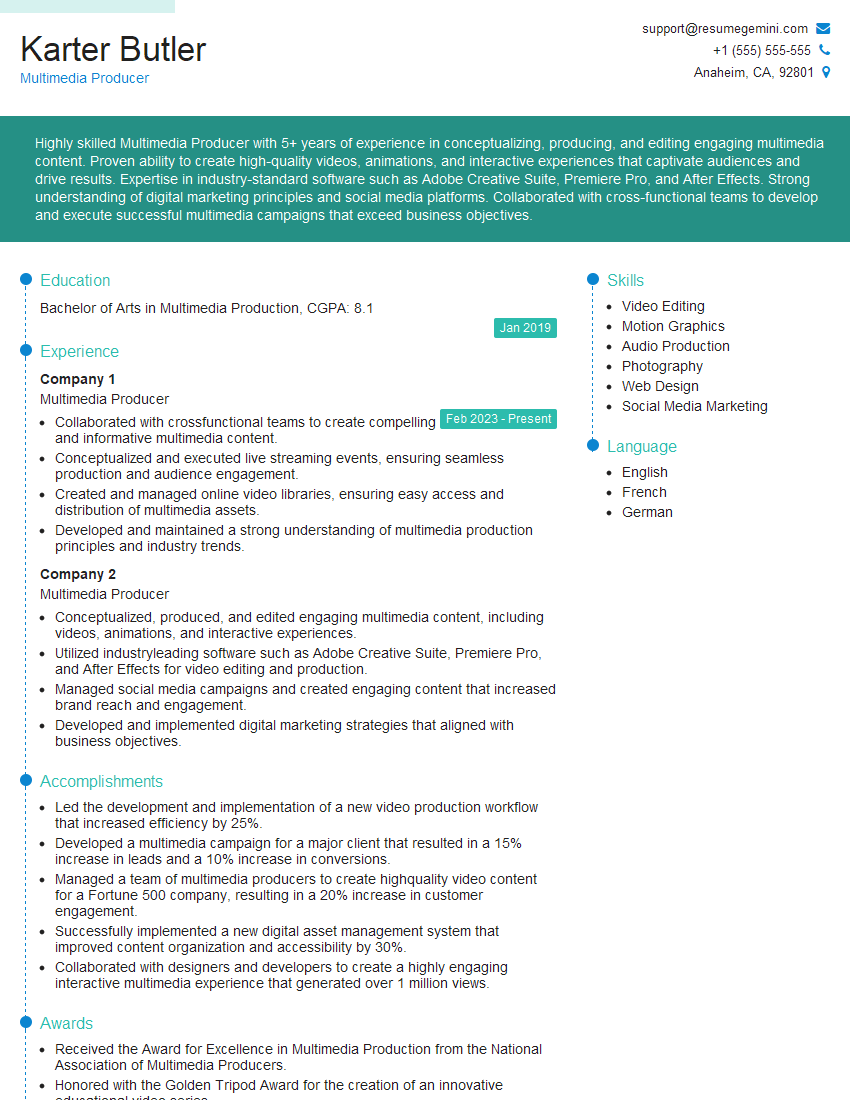
Multimedia Producer Resume Sample
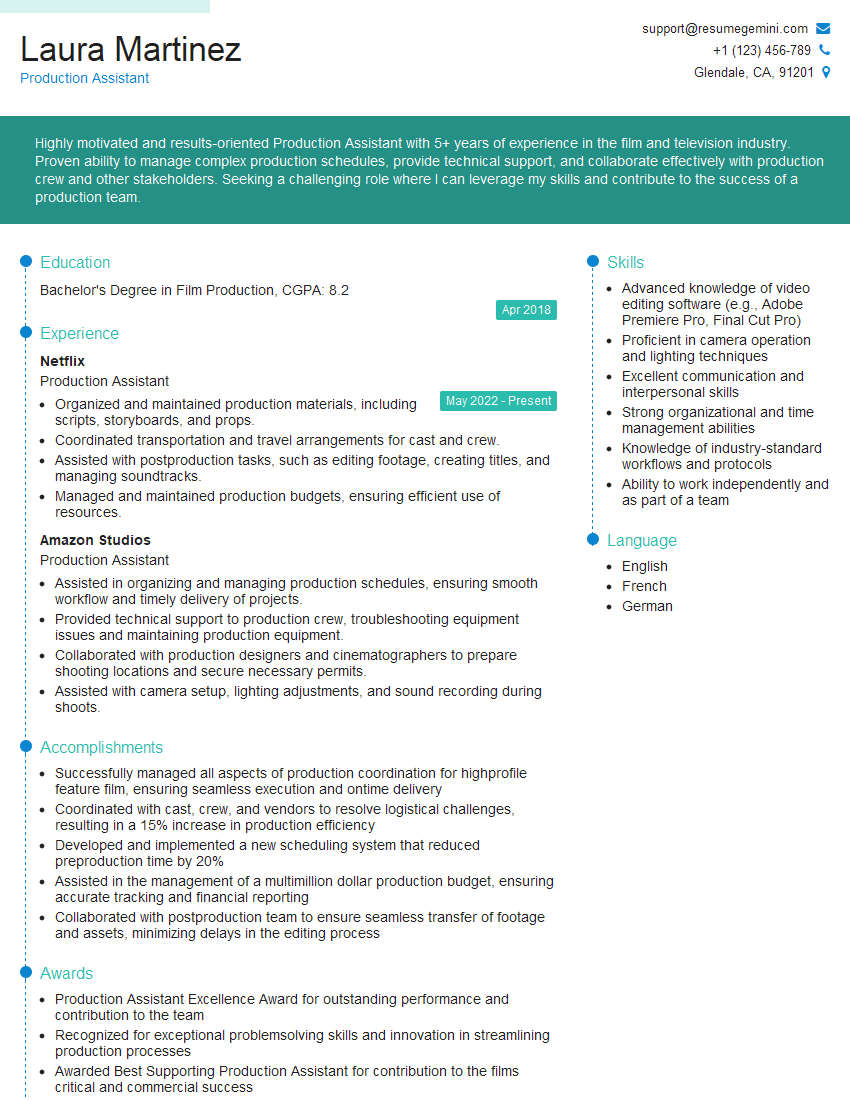
Production Assistant Resume Sample

Broadcast Engineer Resume Sample
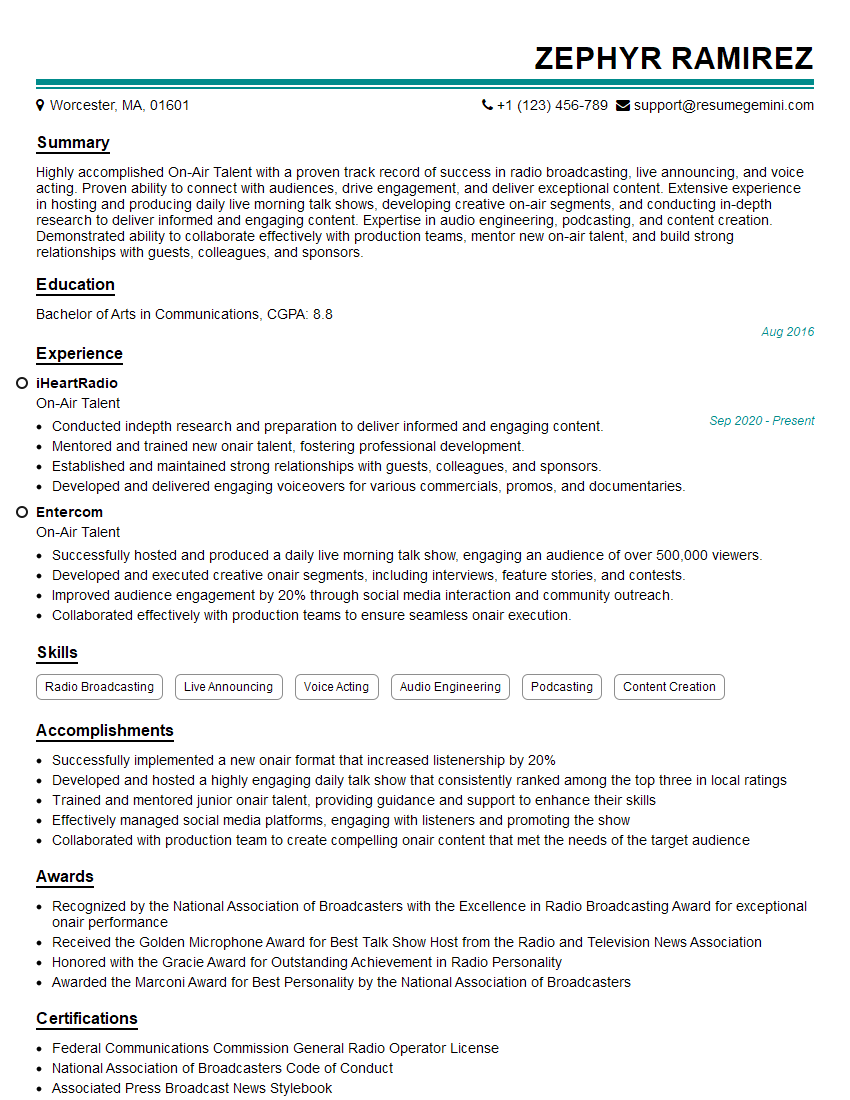
On-Air Talent Resume Sample
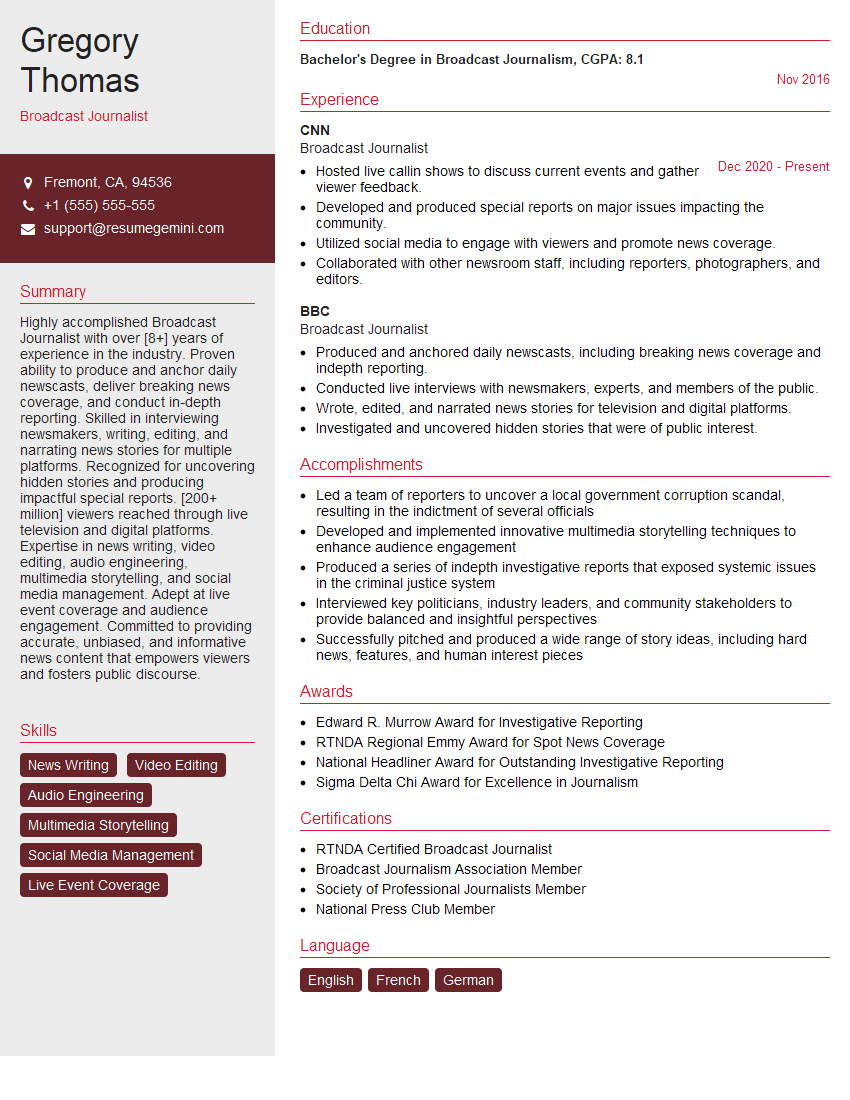
Broadcast Journalist Resume Sample
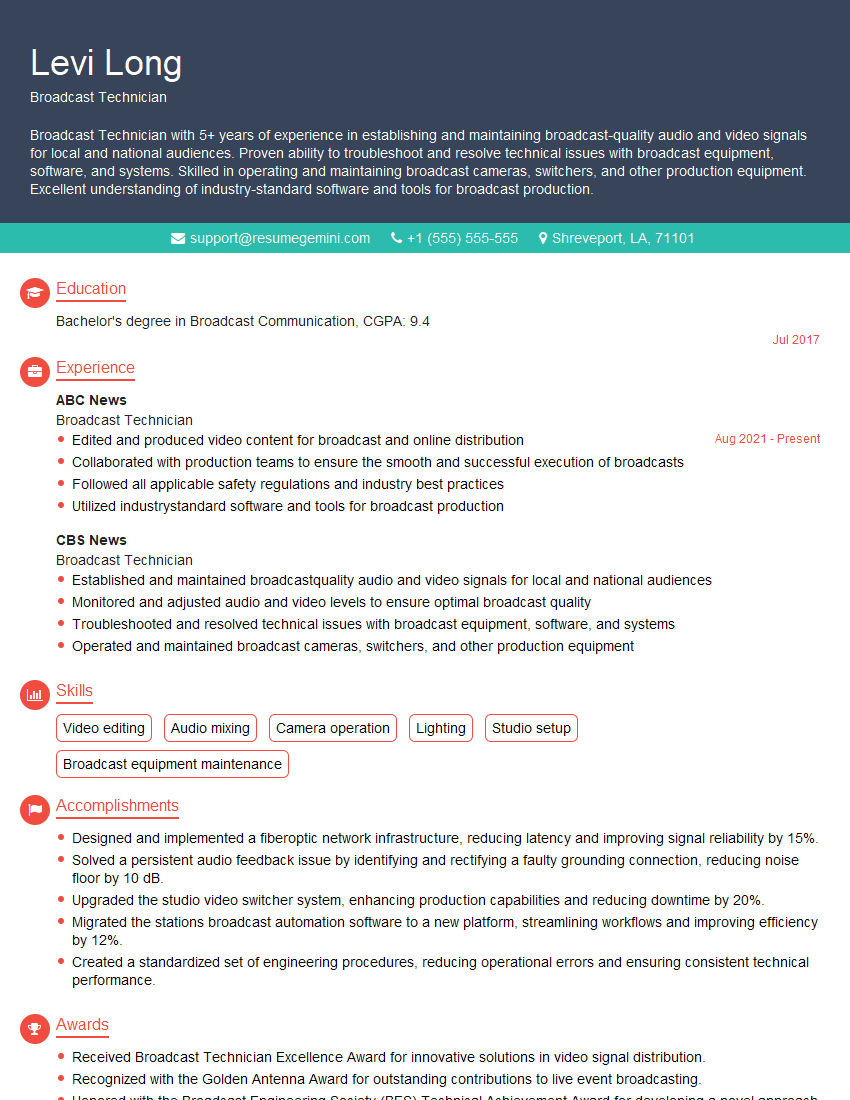
Broadcast Technician Resume Sample

Video Editor Resume Sample

Audio Engineer Resume Sample
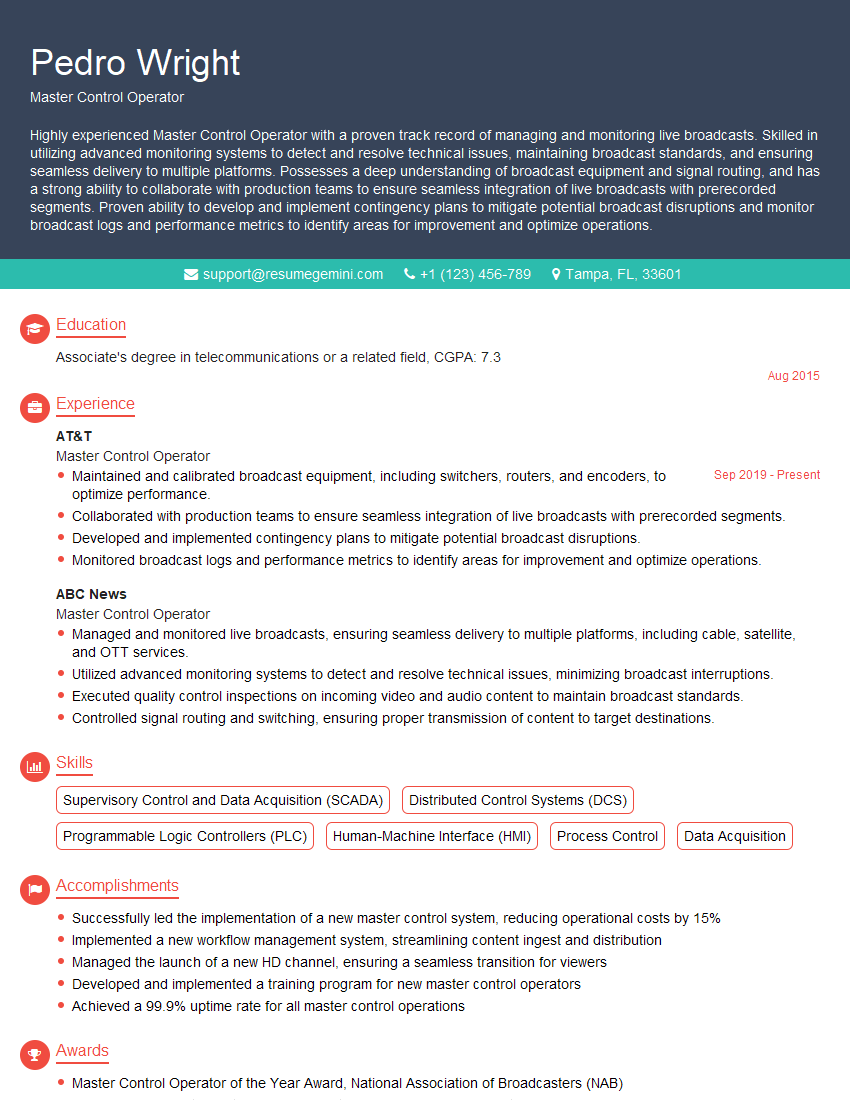
Master Control Operator Resume Sample
Explore more articles
Users Rating of Our Blogs
Share Your Experience
We value your feedback! Please rate our content and share your thoughts (optional).
What Readers Say About Our Blog
Very informative content, great job.
good