Unlock your full potential by mastering the most common Proficiency in using digital audio workstations (DAWs) interview questions. This blog offers a deep dive into the critical topics, ensuring you’re not only prepared to answer but to excel. With these insights, you’ll approach your interview with clarity and confidence.
Questions Asked in Proficiency in using digital audio workstations (DAWs) Interview
Q 1. Explain the difference between destructive and non-destructive editing in a DAW.
The core difference between destructive and non-destructive editing in a DAW lies in how changes affect the original audio file. Destructive editing permanently alters the original audio file, while non-destructive editing creates modifications without changing the source material. Think of it like editing a photo: destructively editing would be cropping and saving the cropped version, losing the original image. Non-destructively, you’d create a layer for cropping, leaving the original photo intact.
- Destructive Editing: Examples include normalizing audio (permanently changing its amplitude), trimming audio (removing sections irretrievably), or applying certain effects directly to the audio file. Once you save, the original is lost. This saves hard drive space but is risky.
- Non-destructive Editing: This involves using automation, plugins as effects inserts, or editing within a DAW’s clip editor with undo functionality. The original audio remains untouched. You can always revert changes or adjust parameters later. Most modern DAWs are designed to encourage this method for maximum flexibility.
For instance, applying compression non-destructively allows you to easily adjust the compression settings later, whereas applying it destructively makes those changes permanent. Non-destructive editing is generally the preferred method in professional audio production because it offers greater flexibility and allows for experimentation without the fear of losing your original audio.
Q 2. Describe your experience with various audio plugins (e.g., EQ, compression, reverb).
I have extensive experience using a wide range of audio plugins, focusing primarily on those used in mixing and mastering. My go-to plugins often include EQs, compressors, reverbs, and more specialized tools. Let’s look at some examples:
- EQ (Equalization): I’m proficient with both parametric and graphic EQs. I use them for sculpting frequency responses, boosting certain frequencies for presence, cutting muddiness, and shaping the overall tone of instruments and vocals. I frequently use surgical EQs to pinpoint and address specific frequencies causing problems.
- Compression: I use compressors to control dynamics, ensuring a balanced mix without excessive peaks or quiet sections. Different compressors offer varied characteristics; I frequently choose between optical, FET, and VCA compressors depending on the sound I’m aiming for. I often use multiband compressors for precise control over different frequency ranges.
- Reverb: I have a deep understanding of reverb types (plate, hall, room, etc.) and their application. I use reverb to create space and depth in the mix, mimicking real-world acoustic environments or adding creative effects. I’m careful to avoid excessive reverb which can make the mix sound muddy.
- Other Plugins: My experience also extends to other essential plugins, such as saturation plugins for adding harmonic richness, limiters for maximizing loudness (carefully applied!), delay plugins for adding rhythmic interest, and de-essers for managing harsh sibilance in vocals.
My plugin selection often depends on the project’s genre and artistic vision. I always prioritize plugins known for their transparent sound quality and ease of use, focusing on getting the desired effect with minimal artifacts.
Q 3. How do you manage large audio projects and prevent file corruption?
Managing large audio projects requires a structured approach to prevent file corruption and maintain workflow efficiency. Here are some key strategies I employ:
- Organized File Structure: I use a hierarchical folder structure to organize sessions, tracks, samples, and plugins. This makes navigating large projects much easier and prevents accidental overwriting of files.
- Regular Backups: I regularly back up my projects to multiple external hard drives or cloud storage. This safeguards against data loss from hard drive failure or software errors. I aim for a minimum of three backups.
- Consolidated Sessions: Whenever possible, I avoid bouncing or rendering audio unnecessarily. This keeps the original, unprocessed audio available for later editing. If I do need to render, I always keep the original audio files separately.
- Session Consolidation (when necessary): For very large projects, I might consolidate audio files into stems—groups of tracks combined into single audio files—once editing is finalized, reducing the number of individual files the DAW needs to manage. This doesn’t affect original audio files.
- DAW-Specific Best Practices: I also follow best practices specific to my DAW (e.g., Pro Tools, Logic Pro X, Ableton Live) for project management, including regular saving and utilizing autosave features.
- Error Checking: Before starting each session, I check hard drive space and ensure all necessary drivers and software are up to date.
By combining a robust file management system with a solid backup strategy, I significantly minimize the risk of file corruption and data loss in even the most complex projects.
Q 4. What are your preferred methods for noise reduction and audio restoration?
Noise reduction and audio restoration are crucial for achieving a clean and polished final product. My approach combines both spectral editing and dedicated plugins.
- Spectral Editing: For targeted noise reduction, I utilize spectral editing tools within my DAW. These tools allow me to visually identify and remove noise frequencies, such as hums, buzzes, or clicks, with pinpoint accuracy. This is extremely effective for removing artifacts that don’t have a consistent temporal pattern.
- Noise Reduction Plugins: I rely on dedicated noise reduction plugins like iZotope RX or Waves X-Noise for more complex noise reduction tasks. These plugins often utilize sophisticated algorithms to identify and reduce noise while preserving the integrity of the original audio. Before applying a plugin, it’s essential to create a noise print—a sample of the noise itself—to provide the plugin with a reference for what to remove.
- Click and Crackle Removal: I also use plugins or dedicated tools specifically designed to identify and remove clicks, pops, and other transient noise artifacts from recordings. These are often found in older vinyl or tape recordings.
- Declickers and Decracklers: These specialized plugins can automatically detect and remove clicks and crackles while minimizing the impact on the surrounding audio.
The approach I use depends heavily on the type and severity of the noise. For subtle noise, spectral editing may suffice. For more severe issues, a combination of spectral editing and noise reduction plugins is typically required. The key is a careful and iterative process, always listening critically to avoid unwanted artifacts or audio degradation.
Q 5. Explain your workflow for mixing a song from start to finish.
My mixing workflow is iterative and involves several key stages:
- Preparation: I begin by organizing the tracks and making sure all audio is properly edited and prepared. This includes setting up my template with appropriate plugins.
- Gain Staging: I carefully adjust the gain levels of each track to achieve a balanced starting point. This prevents clipping and ensures a healthy dynamic range.
- EQ: Next, I tackle equalization, addressing frequency clashes and shaping the tonal balance of each instrument and vocal. I often start with broad EQ adjustments and then refine with more targeted adjustments.
- Compression: I then use compression to control dynamics and glue together different elements of the mix. I choose compressors based on the specific instrument or vocal and try to avoid overcompressing, which can lead to a lifeless sound.
- Reverb and Delay: After EQ and compression, I add reverb and delay to create space and depth, enhancing the overall ambience of the track. I’m careful to use these effects sparingly and appropriately.
- Automation: I use automation to dynamically shape the sound throughout the song. This might include adjusting EQ, compression, or volume over time.
- Stereo Imaging: I pay attention to stereo width, positioning instruments and vocals appropriately in the stereo field to achieve a well-balanced and spacious mix.
- Panning: Panning is crucial for balancing the stereo image, spreading the instruments across the left and right channels appropriately.
- Mastering Considerations: Throughout the mixing process, I keep the mastering stage in mind. I avoid excessive peaking and try to maintain a healthy dynamic range to give the mastering engineer ample headroom.
- Mixing Review and Revisions: I take breaks throughout the process and revisit the mix with fresh ears. This helps me to identify areas that need further refinement.
This workflow isn’t set in stone; I adapt it based on the specific project and musical style. The key is careful attention to detail, critical listening, and an iterative process of refinement.
Q 6. How do you handle latency issues when recording and monitoring?
Latency—the delay between playing an instrument and hearing it through the monitors—is a common issue in audio recording. Here’s how I address it:
- Low Buffer Size: I generally use a low buffer size in my audio interface settings. However, a lower buffer size can cause audio glitches or dropouts. I find a balance, testing different buffer sizes until I find the smallest size that is stable on my system.
- Hardware Monitoring: Many audio interfaces offer hardware monitoring, which bypasses the computer’s processing entirely. This eliminates almost all latency, allowing for a smooth and natural feel when recording.
- Driver Updates: Ensuring my audio interface drivers are up-to-date is essential for minimizing latency. Outdated drivers can often introduce additional latency.
- System Optimization: Having a powerful computer with ample RAM and a fast processor helps significantly in reducing latency. Background applications should be closed during recording sessions to free up system resources.
- Latency Compensation: Most DAWs have latency compensation features. This automatically adjusts the delay to ensure that all tracks are synchronized correctly. It’s important to make sure this feature is correctly enabled.
- Plugin Selection: Some plugins are notoriously heavy on processing and can add considerable latency. I choose plugins judiciously, opting for lightweight alternatives when possible, particularly for monitoring during recording.
I always prioritize the best monitoring experience to ensure the artist feels comfortable and natural while recording. The goal is to minimize the negative effects of latency as much as possible without compromising audio quality or system stability.
Q 7. What are your preferred techniques for creating virtual instruments and synthesizers?
Creating sounds using virtual instruments (VIs) and synthesizers is a creative process that combines technical knowledge with artistic intuition. My approach is multifaceted:
- Understanding Synthesis: I have a solid understanding of subtractive, additive, FM, wavetable, and granular synthesis techniques. This allows me to manipulate parameters effectively to achieve the desired sound. I often start with a basic waveform and then sculpt it using filters, oscillators, envelopes, LFOs, etc.
- Sound Design Software: I utilize various sound design software programs in conjunction with my DAW. These allow for deeper manipulation of synthesis parameters and often provide more intuitive interfaces for creating complex sounds.
- Sampling and Processing: I also frequently incorporate sampling techniques. This might involve recording and processing acoustic sounds or using pre-existing sample libraries. I use plugins to edit, manipulate, and layer sampled sounds to add character and texture.
- Effects Processing: Once I have synthesized or sampled a sound, I often employ effects processing (EQ, compression, reverb, distortion, etc.) to further refine and shape its tone and character.
- Layering and Combining: I frequently layer and combine sounds to create complex and evolving textures. This is a crucial step for creating unique and interesting sonic landscapes.
The process is iterative. I continually experiment with different synthesis techniques, parameters, and effects to find sounds that fit the project’s musical style and emotional context. It’s often a blend of intuition and systematic exploration of sonic possibilities.
Q 8. What DAWs are you proficient in, and which is your favorite? Why?
I’m proficient in several DAWs, including Ableton Live, Logic Pro X, Pro Tools, and Cubase. While I appreciate the strengths of each, my favorite is Ableton Live. This preference stems from its intuitive workflow, particularly its session view which is excellent for live performance and improvisational composition. The ease of arrangement and clip-based workflow makes it incredibly efficient for me, especially when working with electronic music and sound design. Logic Pro X comes in a close second due to its extensive virtual instrument collection and powerful MIDI editing capabilities. The choice often depends on the specific project; for example, Pro Tools is the industry standard for film scoring and post-production, and I use it whenever that precision is required.
Q 9. Describe your experience with MIDI editing and sequencing.
MIDI editing and sequencing are fundamental to my workflow. I’m comfortable using MIDI to control virtually any aspect of sound creation and manipulation within the DAW. This includes programming drum patterns, creating melodic lines, automating parameters of virtual instruments (VSTs), and controlling external hardware synthesizers. My experience encompasses creating complex MIDI sequences, editing velocity and articulation, using quantize and groove functions, and working with MIDI controllers to add expressive nuances to performances. For example, I recently used MIDI to create a complex, evolving arpeggiated bassline in Ableton, using automation to subtly adjust the note values over time, creating a hypnotic feel. I’m also proficient in using piano roll editors to visually adjust notes and create melodies, and I often use step sequencers for programming rhythmic parts.
Q 10. How do you approach automation in your DAW?
My approach to automation is highly project-dependent but always strives for efficiency and musicality. I start by identifying the parameters I want to control, whether it’s volume, panning, effects sends, or filter cutoff. I prefer using automation clips in Ableton Live, which provide visual and intuitive control, letting me draw in automation curves precisely. In other DAWs, I utilize the traditional automation lane approach. I avoid over-automation, focusing on creating meaningful changes that enhance the musicality and dynamics of the track. For example, I might automate a reverb send to create a sense of space that builds gradually throughout a song, or I might automate a filter cutoff to add movement to a synth line. A simple example would be automating the volume of a vocal track to create a crescendo.
Q 11. Explain your understanding of audio routing and signal flow.
Understanding audio routing and signal flow is critical for achieving a clean and professional mix. This involves understanding how audio signals travel from inputs (microphones, instruments, etc.) through processing units (equalizers, compressors, effects), and finally to outputs (speakers, audio interface). In my workflow, I meticulously plan my signal chain, ensuring that each effect serves a purpose and that the routing is efficient and avoids unnecessary signal degradation. A common example would be routing a drum kit through multiple busses: a dedicated snare bus with compression, a tom bus with EQ, and an overhead bus for ambience. This allows for individual track manipulation without affecting the overall mix, which promotes organization and efficiency.
Q 12. How do you troubleshoot common audio problems, such as clipping and hum?
Troubleshooting audio problems is a regular part of the production process. Clipping, which occurs when the audio signal exceeds the maximum amplitude, is addressed by lowering gain stages (reducing the input signal level), applying compression, or using a limiter. A visual check on the waveform in the DAW will immediately identify clipping (distorted peaks). Hum, often caused by ground loops or interference, is tackled by checking cable connections, using balanced cables, and potentially employing a ground lift adapter. If the hum persists, isolation transformers might be necessary. More complex issues often involve methodical process of elimination, starting from the source, and checking each component in the signal chain.
Q 13. Describe your experience with different audio file formats (WAV, AIFF, MP3).
I’m experienced with various audio file formats, each suited for different purposes. WAV (Waveform Audio File Format) and AIFF (Audio Interchange File Format) are lossless formats, preserving the original audio quality. These are generally used during recording, mixing, and mastering stages to maintain the highest fidelity. MP3 (MPEG Audio Layer III) is a lossy compressed format, resulting in smaller file sizes but at the cost of some audio quality. MP3 is typically used for distribution and sharing, where file size and compatibility are prioritized. The choice of format depends on the intended use and balance between quality and file size. For example, I would use WAV for the master mix, and then export an MP3 for online distribution.
Q 14. How familiar are you with different sampling rates and bit depths?
Sampling rate refers to how many audio samples are taken per second, and bit depth refers to the resolution of each sample. Higher sampling rates (e.g., 48kHz, 96kHz, 192kHz) and bit depths (e.g., 16-bit, 24-bit) provide better audio fidelity, capturing more detail in the audio signal. However, higher resolutions result in larger file sizes. While 44.1kHz/16-bit is the standard for CD quality, many professionals prefer working at higher resolutions (e.g., 48kHz/24-bit) for increased headroom and dynamic range during mixing and mastering. The choice depends on the project requirements and available resources. Understanding these concepts is crucial for avoiding aliasing (sampling artifacts) and achieving the best possible sound quality.
Q 15. What are your preferred methods for mastering audio?
Mastering is the final stage of audio production, where we polish the mix to achieve optimal loudness, clarity, and dynamic range across various playback systems. My preferred method involves a multi-stage approach. First, I gain-stage the mix, ensuring no clipping and a healthy headroom. Then, I use a combination of dynamic processors like compressors and limiters to control the overall level and dynamics. I carefully use EQ to address any frequency imbalances, focusing on subtle adjustments to create a cohesive and balanced sound. I may use specialized mastering plugins such as a multiband compressor to refine the frequency response further. Finally, I always check the master across various playback systems, such as studio monitors, headphones, and car stereos, making subtle adjustments based on what I hear in each environment. I also use metering plugins like LUFS meters to ensure the master adheres to industry standards for loudness. Think of it like a sculptor refining a nearly finished piece – subtle adjustments make a huge difference in the final product. This iterative process ensures a polished and professional-sounding final output, one that translates well across different listening environments.
Career Expert Tips:
- Ace those interviews! Prepare effectively by reviewing the Top 50 Most Common Interview Questions on ResumeGemini.
- Navigate your job search with confidence! Explore a wide range of Career Tips on ResumeGemini. Learn about common challenges and recommendations to overcome them.
- Craft the perfect resume! Master the Art of Resume Writing with ResumeGemini’s guide. Showcase your unique qualifications and achievements effectively.
- Don’t miss out on holiday savings! Build your dream resume with ResumeGemini’s ATS optimized templates.
Q 16. How do you collaborate with other musicians or engineers on a project?
Collaboration is key in music production. My approach involves clear communication and a well-defined workflow. I utilize cloud-based collaboration platforms like Dropbox, Google Drive, or shared network drives to easily share projects files. For real-time collaboration, I often employ tools like Source-Connect or Zoom for video conferencing and audio streaming, allowing us to communicate and edit simultaneously. This allows everyone to hear changes made in real time and speeds up the process significantly. For example, when working with a vocalist remotely, we’d use Source-Connect to get a high quality recording with minimal latency and then work together on the editing/processing. Before starting any project, I make sure all team members understand their roles and deadlines, preventing any confusion or delays later on. Consistent communication through project management tools and regular check-ins is essential for smooth collaboration. It’s like a well-oiled machine – every part plays its role to get the best results.
Q 17. Describe your experience with session setup and organization.
A well-organized session is crucial for efficiency and ease of workflow. I begin by creating a clear folder structure within my DAW, organizing tracks by instrument or category. I consistently use descriptive track names, making it easier to find specific audio elements later. Color-coding tracks can enhance visual organization within the DAW. I employ extensive use of busses and aux tracks to group related audio elements and apply processing effects efficiently. This method reduces clutter and streamlines mixing and mastering processes. For example, all drums might be on one bus allowing for overall processing while individual drum tracks remain independent for specific adjustments. Proper organization saves invaluable time and ensures clarity throughout the project. It’s like having a tidy workspace – you can find everything you need quickly and focus on creativity rather than searching through a mess.
Q 18. How do you back up and archive your projects?
Data loss is a serious concern, so I employ a robust backup strategy. I use a RAID system (Redundant Array of Independent Disks) for my primary storage, providing redundancy in case of hard drive failure. In addition, I create regular backups to an external hard drive, using software that performs incremental backups to save space. Cloud storage services like Backblaze provide an additional layer of offsite backup, safeguarding against catastrophic events like fire or theft. For older projects, I archive them to a separate, dedicated hard drive, keeping them organized and easily accessible. This multi-layered approach guarantees the safety and longevity of my project data. It’s like having multiple safety nets, ensuring my work is protected against any kind of failure.
Q 19. What is your process for quality control and audio analysis?
Quality control is an ongoing process, not just a final step. Throughout the project, I regularly check for clipping, phase issues, and other audio artifacts. I use spectrum analyzers and oscilloscopes to visually inspect the audio waveforms and frequency content. Listening critically on different playback systems is essential to identify any potential problems across different environments. I’ll check the loudness with metering plugins. In the mixing stage, A/B comparisons between different mixes and versions help make informed decisions. During mastering, I carefully evaluate the overall balance, clarity, and dynamic range. This meticulous attention to detail ensures a high-quality final product. It’s like meticulously proofreading a document before sending it; you catch the small errors that can make a big difference.
Q 20. How do you use plugins to achieve specific creative effects?
Plugins are essential for achieving specific creative effects. For example, to add warmth and saturation to a vocal track, I might use a tube-style plugin like Waves Kramer Master Tape. To create a wider stereo image, I can employ an M/S (Mid-Side) stereo enhancer. To shape the low-end frequencies of a bass guitar, I would use a parametric equalizer, carefully cutting or boosting specific frequencies. For creative effects like distortion, I use plugins offering various saturation and drive settings, letting me sculpt the sound precisely. Delay and reverb plugins are fundamental for creating space and atmosphere; I use them to add depth and dimension to the mix. The choice of plugin depends entirely on the specific sound I want to achieve; it’s a bit like choosing from a palette of colors to paint a musical picture.
Q 21. Describe your experience with using external hardware with a DAW.
Integrating external hardware with my DAW is a regular part of my workflow. I regularly use high-quality AD/DA converters (Analog-to-Digital and Digital-to-Analog converters) for superior audio quality during recording and playback. I incorporate hardware compressors, EQs, and other effects units, sometimes using them as inserts in my DAW, other times for parallel processing. This allows me to use the best components and get the most optimal sound. For example, I might use an outboard compressor on a drum bus, which adds a unique flavor and punch to my sound. The integration process typically involves setting up the hardware correctly, configuring sample rates, and ensuring correct routing within the DAW. Proper routing ensures the signals flow correctly to the desired channels. It’s akin to connecting different instruments in an orchestra – each needs to be connected correctly for the performance to sound its best.
Q 22. Explain the concept of phase cancellation and how to avoid it.
Phase cancellation is a phenomenon where two or more sound waves with the same frequency but opposite polarity (180 degrees out of phase) combine, resulting in a reduction or complete elimination of the sound. Imagine two identical waves – one a positive peak and the other a negative peak – overlapping; they effectively cancel each other out.
This often occurs when recording the same sound source with multiple microphones, particularly if they’re too close together. The slight variations in distance lead to differing arrival times, causing phase issues. It can also happen with improperly processed stereo tracks.
Avoiding phase cancellation involves careful microphone placement and signal processing. Here’s how:
- Precise Microphone Placement: Use the ‘3:1 rule’ – maintain at least three times the distance between microphones as the distance from each mic to the sound source. This minimizes phase discrepancies.
- Mono Compatibility: When mixing stereo tracks, ensure the stereo image folds to mono without significant loss of volume or clarity. This indicates there isn’t severe phase cancellation. Listen in mono to check for any dips in frequency response.
- Phase Alignment Tools: Most DAWs offer phase alignment tools and plugins that can visually represent phase relationships and offer correction. These tools can identify and correct phase problems in existing recordings.
- Careful EQ: Subtle EQ adjustments can sometimes help reduce phase issues, but this should be used judiciously, as it can negatively impact the overall sound if overdone.
- Use a single microphone where possible: For many sound sources, it’s always simpler to just use one microphone to begin with. This will avoid a potential phase issue completely.
Example: If you’re recording a guitar amp with two microphones, placing them too close together can result in a thin, weak sound due to phase cancellation in the low frequencies. Moving one microphone several inches away can significantly improve the overall fullness of the recorded sound.
Q 23. What is your experience with surround sound mixing?
I have extensive experience in surround sound mixing, primarily using 5.1 and 7.1 configurations. My work has encompassed various genres, including film scoring, video game audio, and immersive music experiences. I’m proficient in using panning tools, implementing surround techniques like LFE (low-frequency effects) for impactful bass, and creating a spatial soundscape that engages listeners.
I understand the importance of creating a coherent sonic image across all speakers, avoiding phase issues, and ensuring the mix translates well across different playback systems. I’m familiar with various mixing workflows, including using dedicated surround panning plugins and working within specific speaker layouts (e.g., Dolby Atmos).
One project I’m particularly proud of involved creating a 7.1 surround mix for an indie video game. The challenge was to use audio effectively to enhance gameplay, building a captivating soundscape that helped players feel deeply immersed in the game’s virtual world.
Q 24. What are your strengths and weaknesses when using a DAW?
Strengths: My strengths lie in my proficiency with various DAWs, including Pro Tools, Logic Pro X, and Ableton Live. I am particularly adept at audio editing, mixing, and mastering, including advanced techniques like dynamic processing and spectral editing. I am also skilled in working with a wide range of plugins and virtual instruments. I’m a fast learner and able to quickly adapt to new software and hardware.
Weaknesses: One area I’m continually working on is further developing my skills in algorithmic composition and incorporating AI tools into my workflow. While I’m familiar with these tools, I’d like to gain a deeper understanding of their application in creative musical processes. Another area for improvement is expanding my expertise in more specialized surround sound formats like Dolby Atmos and immersive audio.
Q 25. Describe a time you had to troubleshoot a complex audio problem.
During a recent project involving a complex orchestral recording, we encountered significant low-frequency rumble that was obscuring the bass instruments. Initial troubleshooting focused on checking microphone placement and grounding, but the problem persisted. The rumble was consistent and seemed unrelated to specific instruments or mics.
We systematically investigated the problem using a combination of spectral analysis, identifying the offending frequencies and their timing in the recording. We eventually discovered the source was a faulty power supply in our pre-amps. This was traced by comparing the problem to our control room, and observing that the problem was more severe in the control room itself. After replacing the faulty power supply, the rumble disappeared, and the mix recovered its clarity.
This experience reinforced the importance of methodical troubleshooting, focusing on each element of the signal chain. It also showed how even a seemingly minor problem could dramatically affect the overall quality of a recording.
Q 26. How familiar are you with different audio interfaces and their functionalities?
I’m very familiar with a wide range of audio interfaces, from entry-level models to high-end professional units. My experience encompasses interfaces from manufacturers like Focusrite, Universal Audio, RME, and Apogee. I understand the importance of factors like A/D and D/A conversion quality, input/output count, latency, and clocking accuracy.
I can choose an interface based on the specific needs of a project. For example, when recording a large ensemble, I would opt for an interface with numerous high-quality preamps and ample I/O. For mobile recording, a portable and compact interface with low latency would be preferred. I’m also knowledgeable about Thunderbolt, USB, and ADAT connectivity options and their relative advantages.
Q 27. How do you stay updated on the latest technologies and trends in the field?
Staying updated in this rapidly evolving field is crucial. I utilize several strategies to maintain my knowledge:
- Professional Publications: I regularly read industry magazines such as Sound on Sound and Mix Magazine.
- Online Resources: I follow key industry blogs, websites, and online forums.
- Workshops and Conferences: I attend workshops and conferences to network with peers and learn about the latest advancements.
- Online Courses: I regularly engage with online tutorials and training courses from recognized institutions and professionals.
- Hands-on Experience: I actively experiment with new plugins, software, and hardware. I consider this exploration a critical element in keeping pace with technical changes.
This multi-faceted approach ensures that I stay abreast of both technological advancements and evolving production workflows.
Q 28. What are your salary expectations?
My salary expectations are commensurate with my experience and skillset. Given my proficiency in DAWs, surround sound mixing, and extensive project portfolio, I am seeking a competitive salary within the industry standard for a professional with my qualifications. I’m open to discussing a specific range after learning more about the details of the position and company benefits.
Key Topics to Learn for Proficiency in using digital audio workstations (DAWs) Interview
- Audio Editing Fundamentals: Understanding waveforms, editing techniques (cutting, copy/pasting, trimming), and applying fades.
- Mixing and Mastering Concepts: Practical application of EQ, compression, reverb, delay, and other effects to achieve a polished sound. Understanding the differences between mixing and mastering processes.
- MIDI Sequencing and Editing: Working with MIDI instruments, creating and editing MIDI tracks, quantizing, and using MIDI controllers.
- Routing and Signal Flow: Understanding how audio signals travel within the DAW, utilizing aux sends and returns, and creating complex routing configurations.
- Automation: Creating automation clips to control parameters over time, such as volume, panning, effects, and instrument parameters.
- DAW-Specific Features: Familiarization with the unique features and workflows of popular DAWs like Pro Tools, Logic Pro X, Ableton Live, Cubase, or others relevant to your target roles. Focus on efficiency and advanced features.
- Plugin Management and Integration: Understanding how to install, manage, and utilize various audio plugins (VST, AU, AAX) for different purposes.
- Audio File Formats and Conversions: Understanding different audio file formats (WAV, AIFF, MP3) and their applications, as well as the process of converting between formats.
- Troubleshooting and Problem Solving: Demonstrating the ability to identify and resolve common audio issues such as latency, clicks, pops, and other technical problems.
- Workflow and Efficiency: Showcase your ability to work efficiently within the DAW, using keyboard shortcuts and advanced techniques to streamline your workflow.
Next Steps
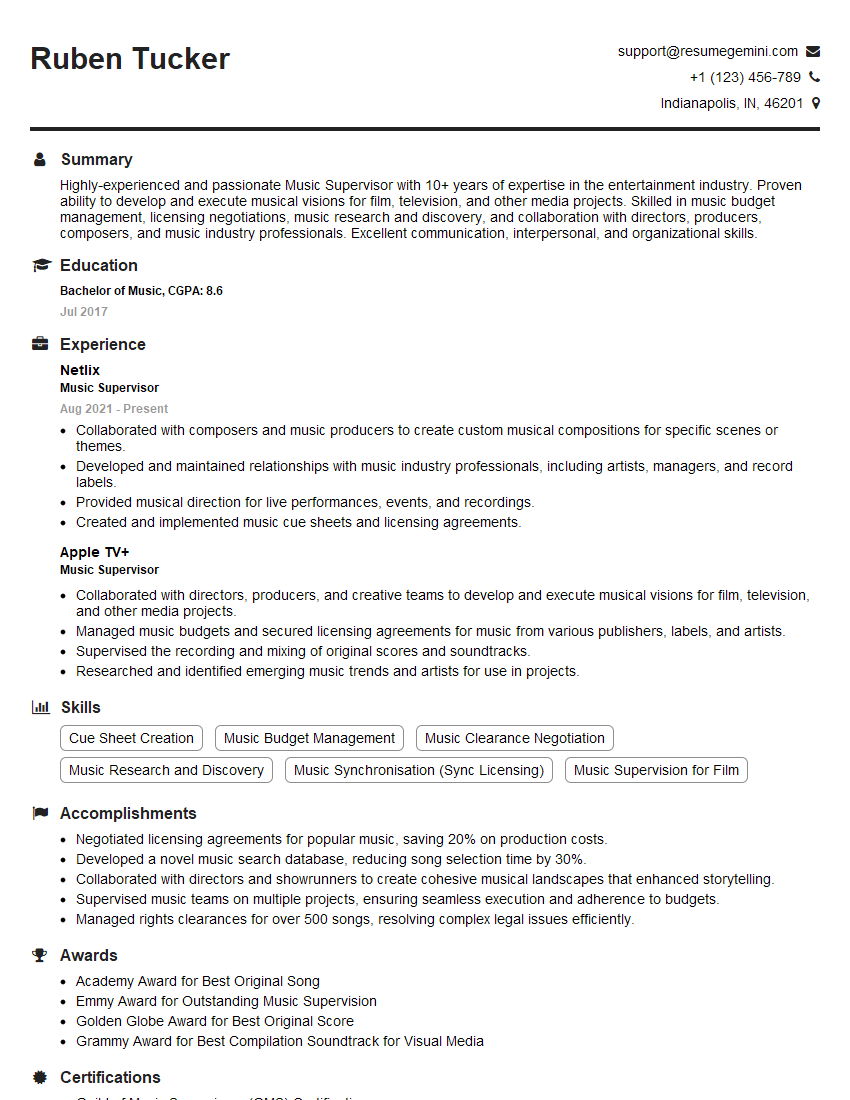
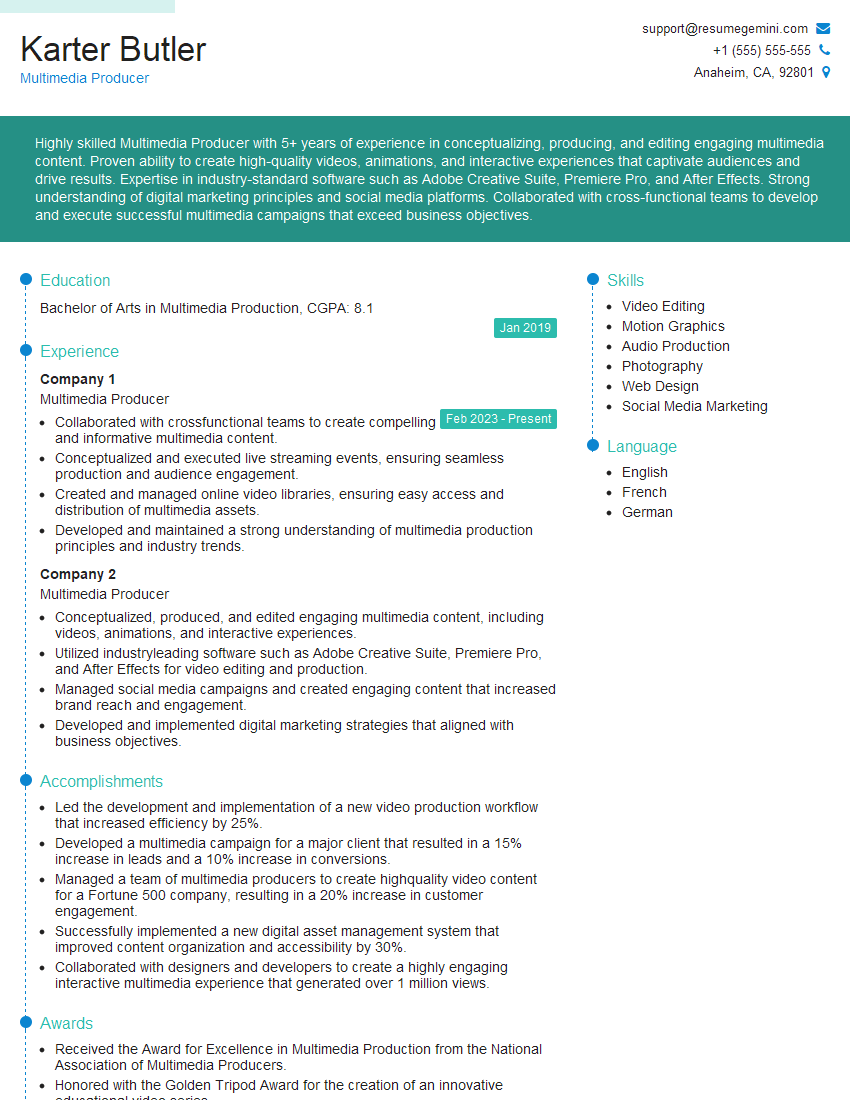
Mastering digital audio workstations is crucial for career advancement in audio engineering, music production, sound design, and related fields. A strong understanding of DAWs opens doors to exciting opportunities and higher earning potential. To maximize your job prospects, create an ATS-friendly resume that highlights your skills and experience effectively. ResumeGemini is a trusted resource that can help you build a professional and impactful resume. Examples of resumes tailored to showcasing proficiency in using digital audio workstations are available to help guide your process.





Explore more articles
Users Rating of Our Blogs
Share Your Experience
We value your feedback! Please rate our content and share your thoughts (optional).
What Readers Say About Our Blog
Very informative content, great job.
good